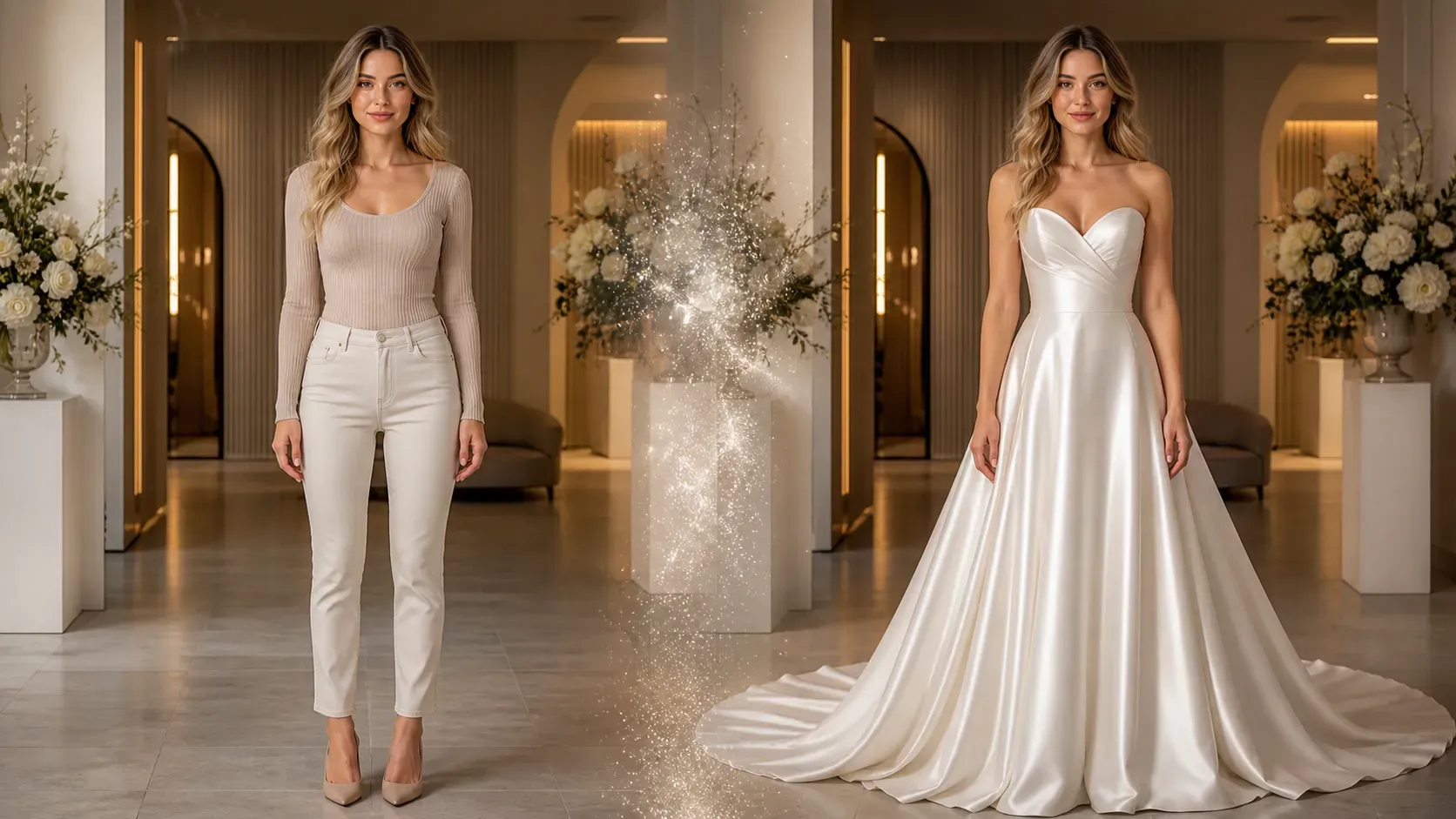
Kan jag använda AI för att prova en brudslöja virtuellt på ett foto?
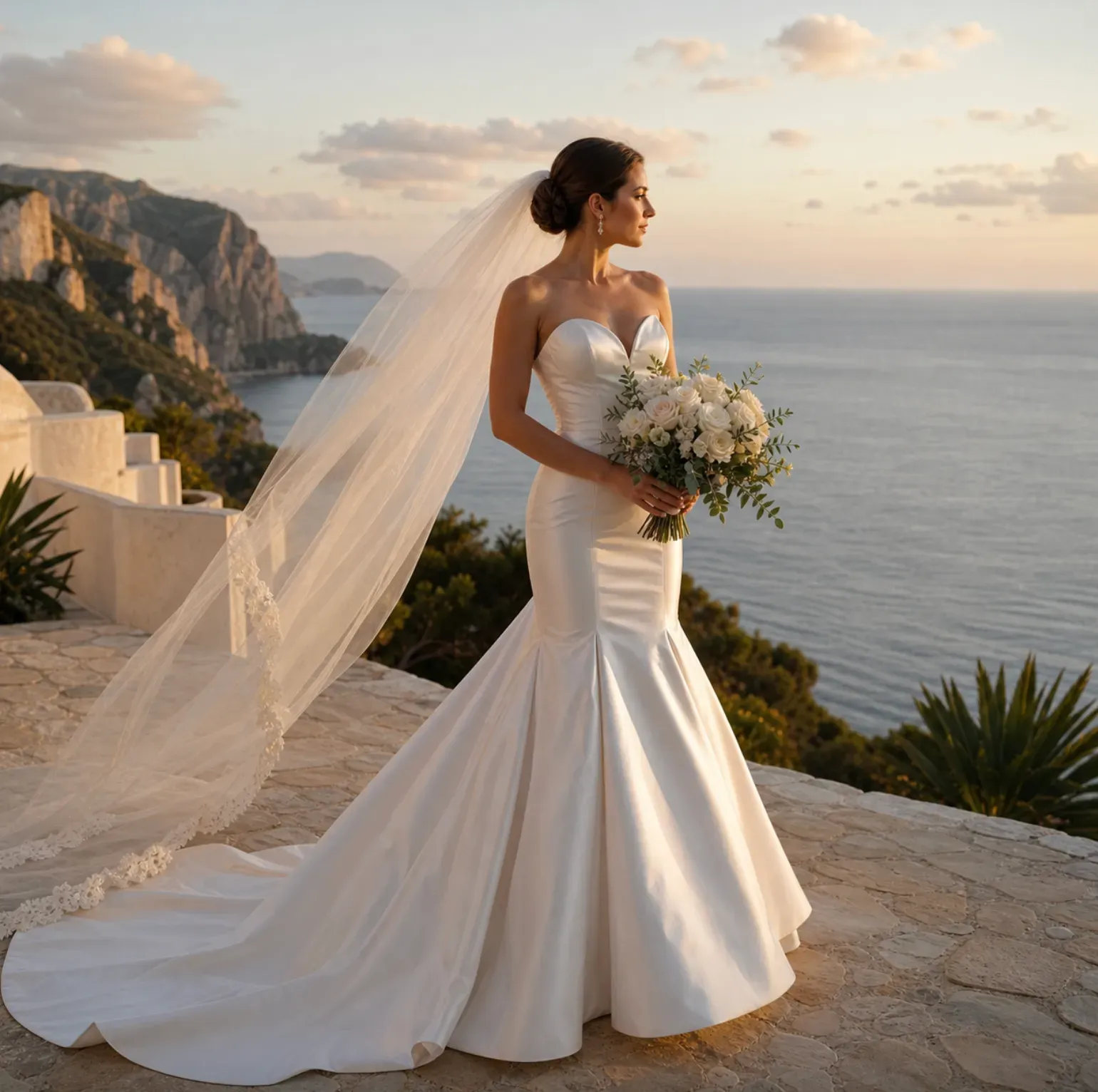
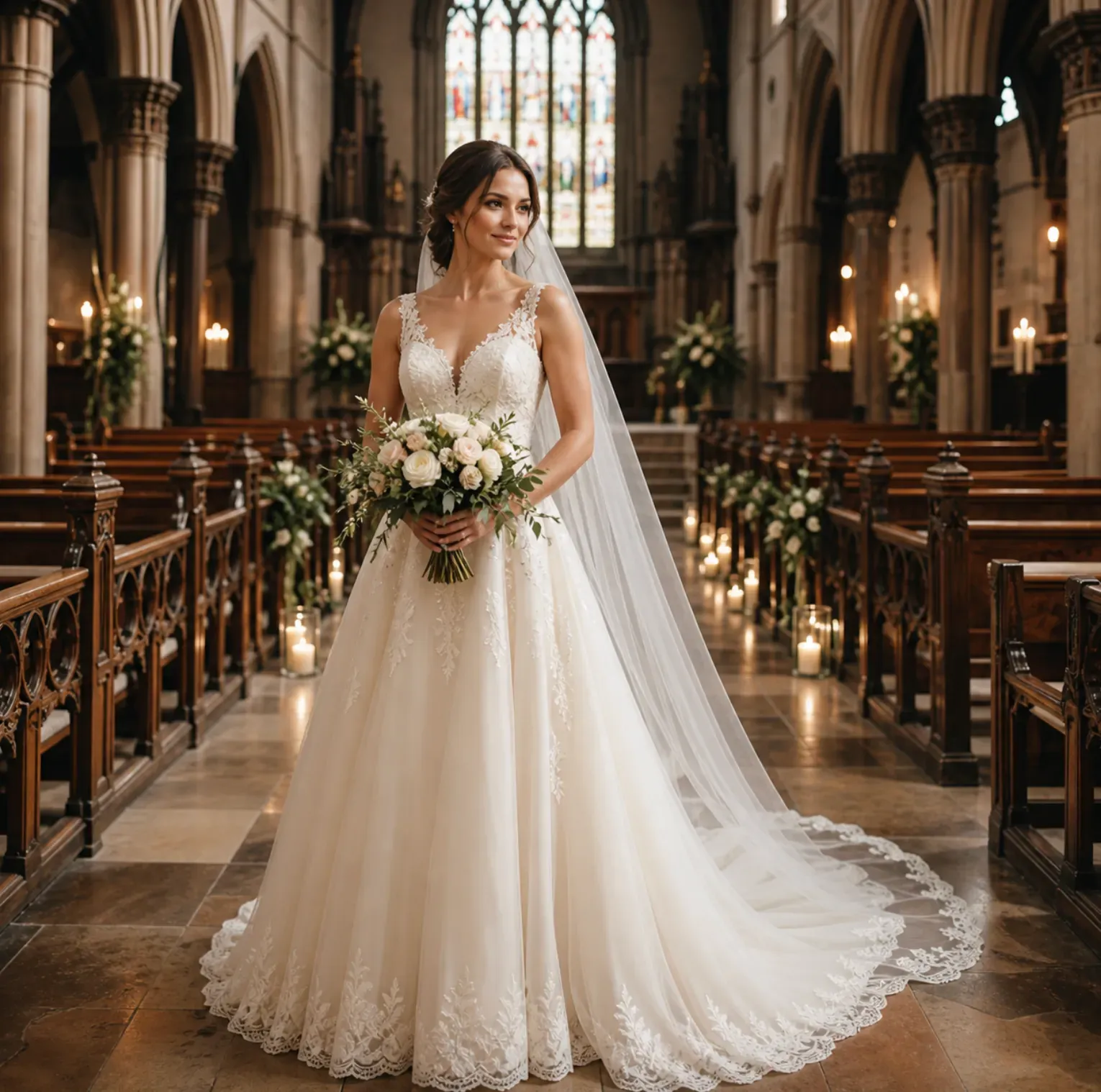
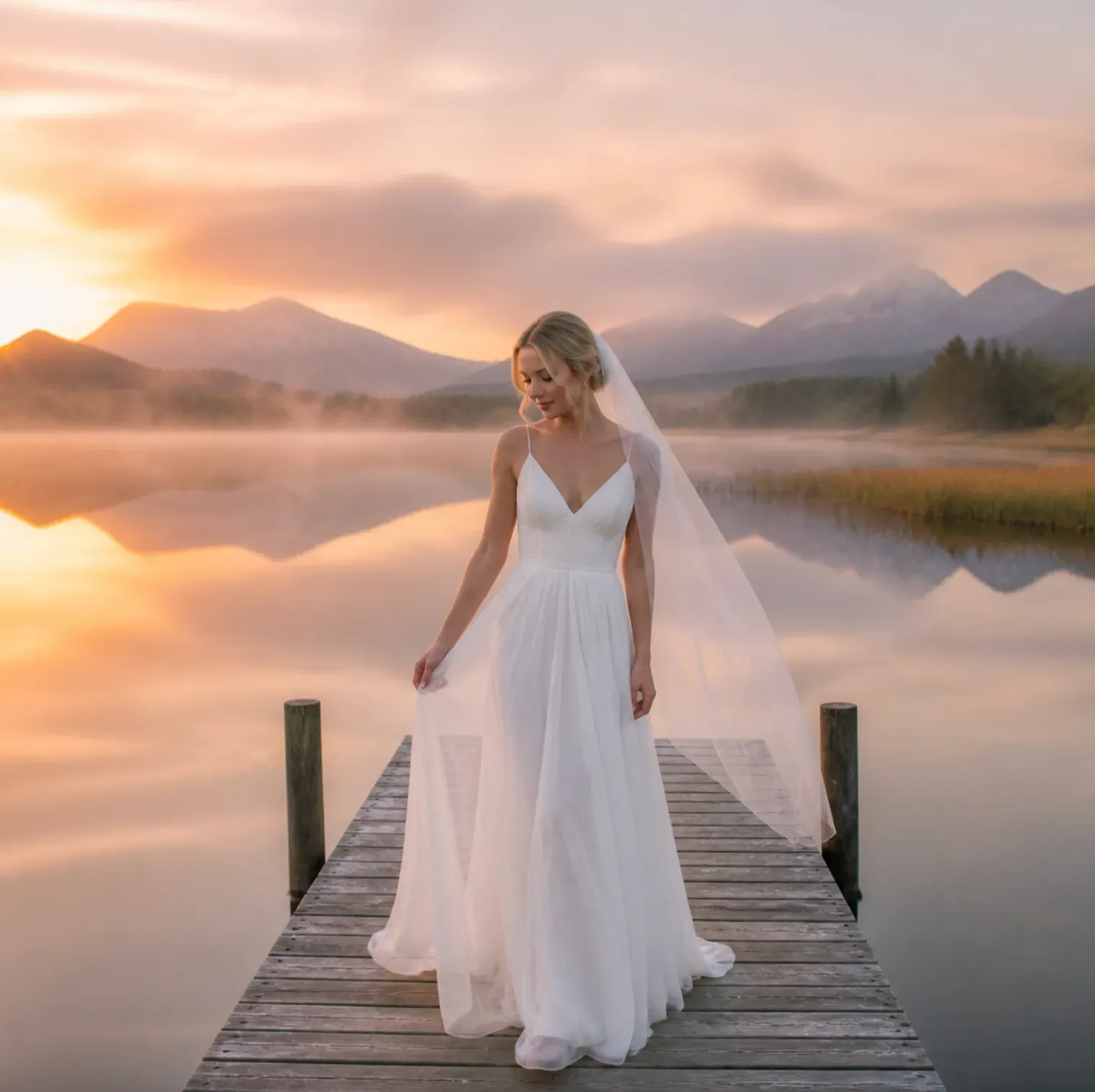
Ja. Ladda upp ett tydligt porträtt eller helkroppsfoto och beskriv slöjans stil, till exempel katedral slöja, fingertoppsslöja, pärlslöja, spetskantsslöja eller burksslöja. Ett foto på huvud och axlar fungerar bra för förhandsvisning av ansiktsramande slöjor, medan ett helkroppsfoto är bättre för långa slöjor och tåg på klänningen.
Kan AI visa mig i en brudklänning innan jag köper den?
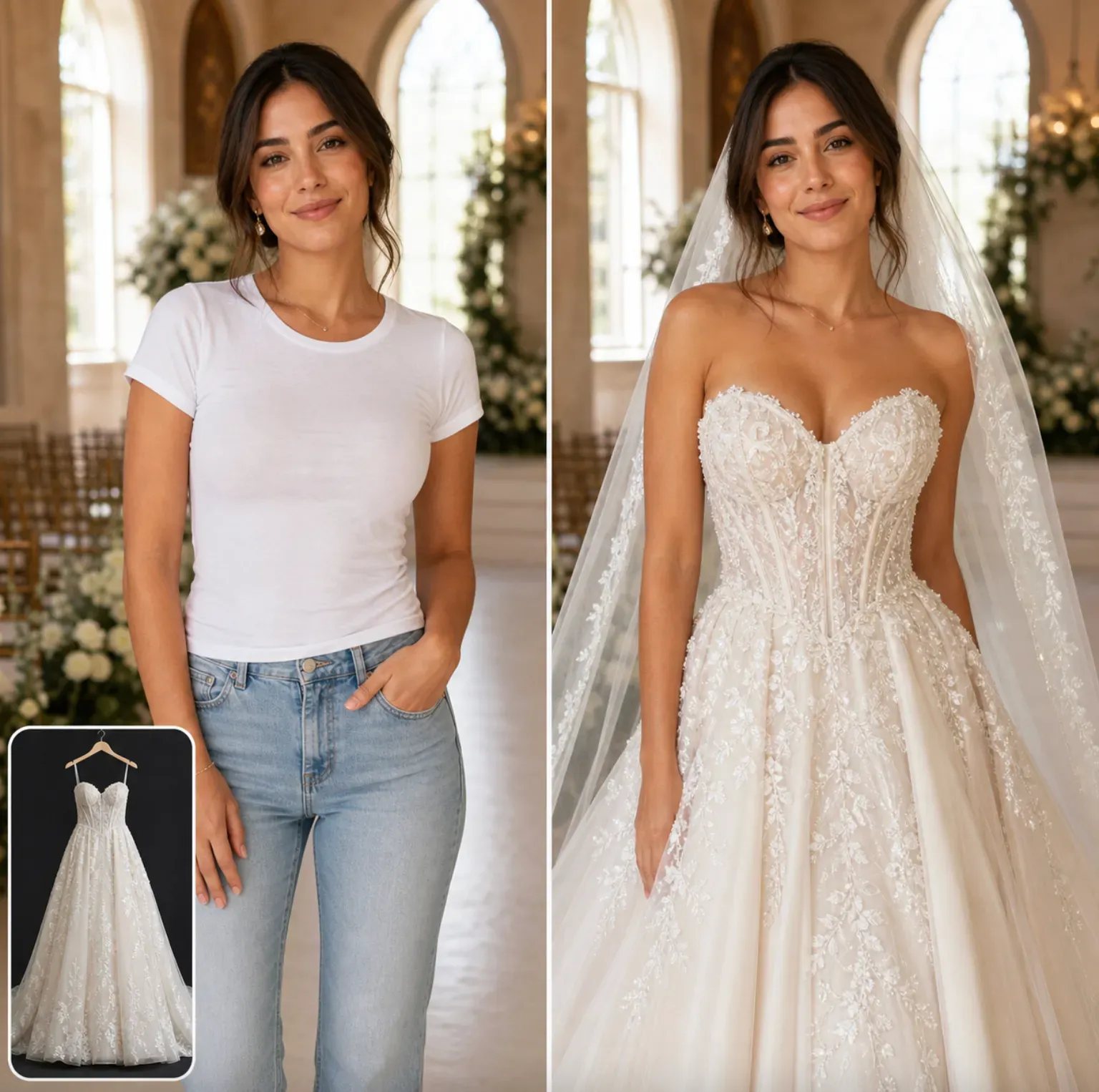
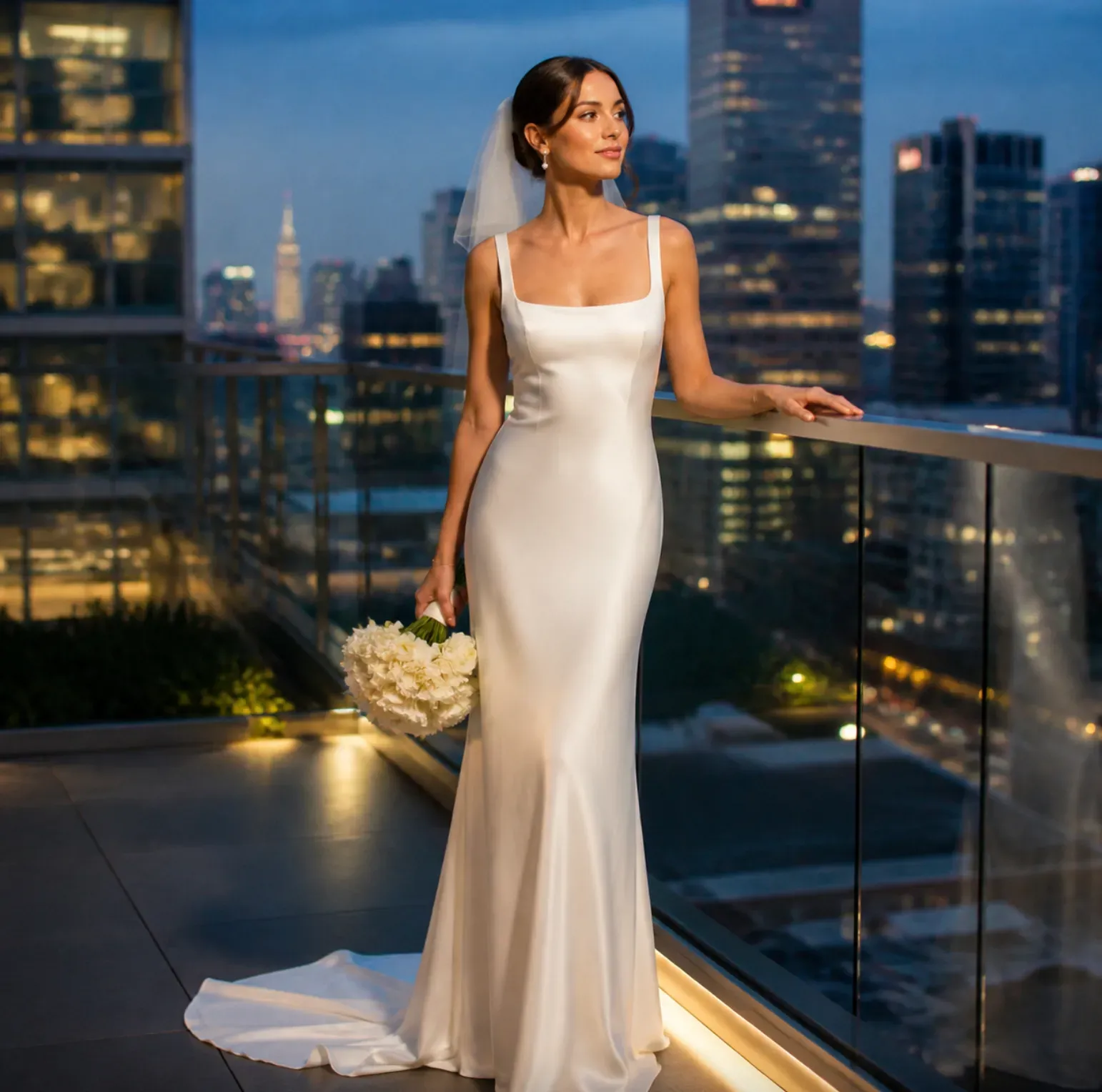
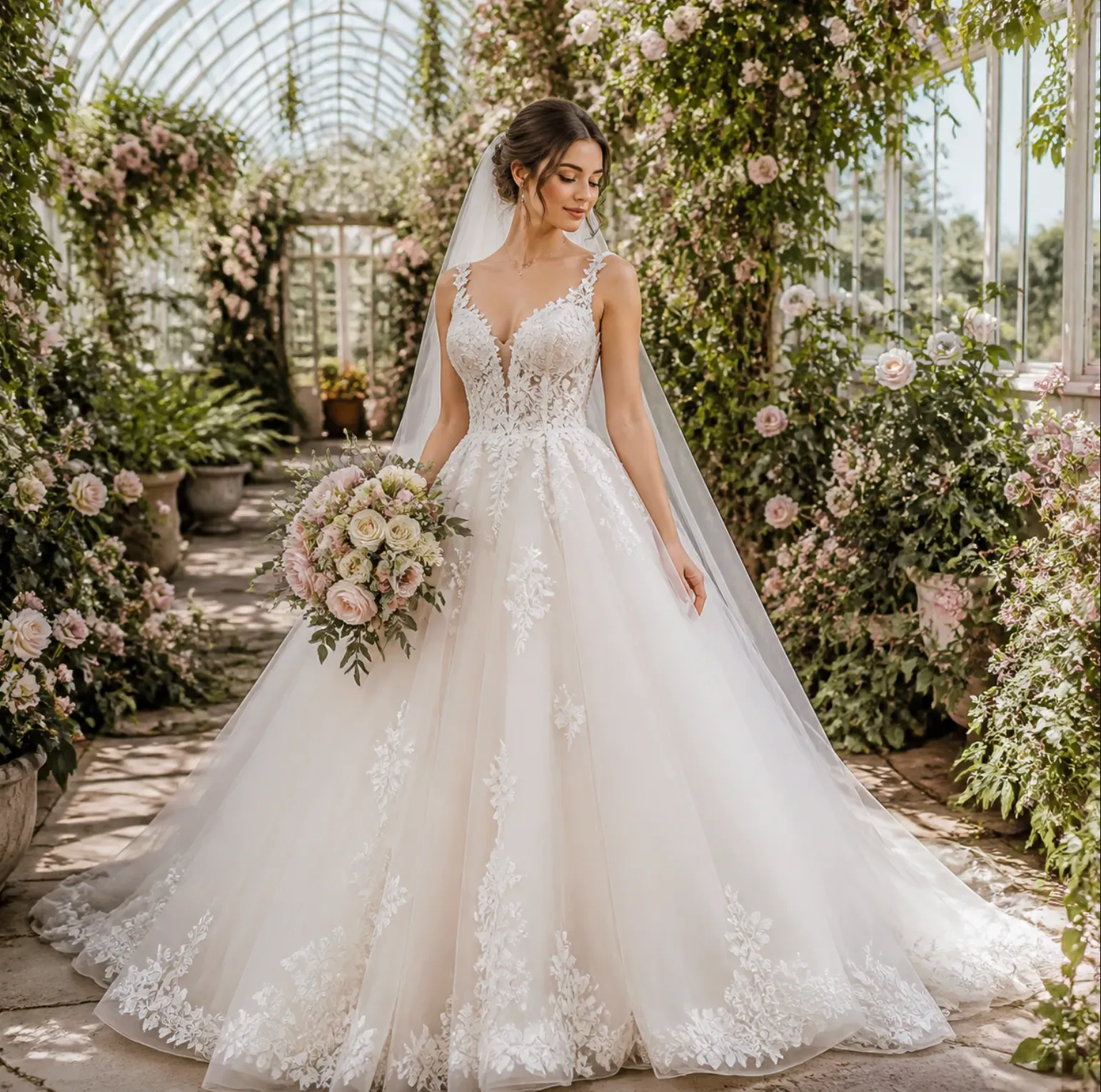
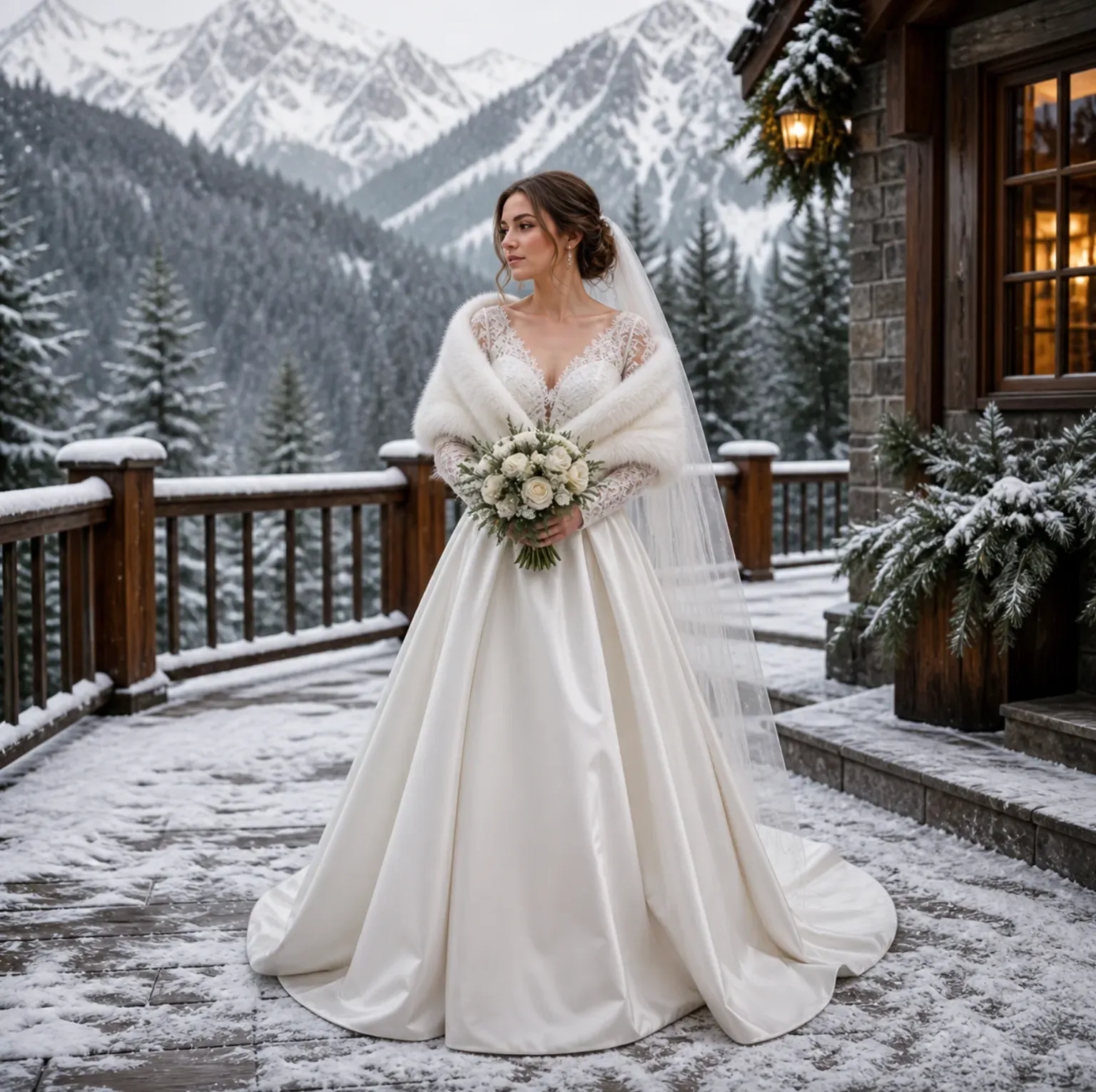
AI kan skapa en visuell förhandsvisning av hur en brudklänningsstil kan se ut på ditt foto. Använd den för att jämföra silhuetter, halslinjer, ärmar, tyger och slöj alternativ, men bekräfta storlek, skräddarsyddhet, tyngd på tyg och konstruktion med säljaren eller brudbutiken.
Vilket foto fungerar bäst för att prova brudklänning?
Ett tydligt, välbelyst helkroppsfoto framtill eller i trekvart fungerar bäst. Ansikte, axlar, midja, armar och underkropp ska vara synliga om du vill ha en klänningsförhandsvisning med kjolform, tåglängd och kroppsproportioner.
Kan jag prova olika brudklänningsstilar på samma foto?
Ja. Du kan skapa flera versioner från samma ingångsfoto, till exempel A-linje-klänning, mermaidklänning, balklänning, sheathklänning, satin slip-klänning, spetsklänning eller brudklänning i te-längd. Att behålla samma ingångsfoto gör jämförelsen enklare.
Fungerar det för brudtillbehör förutom slöjor?
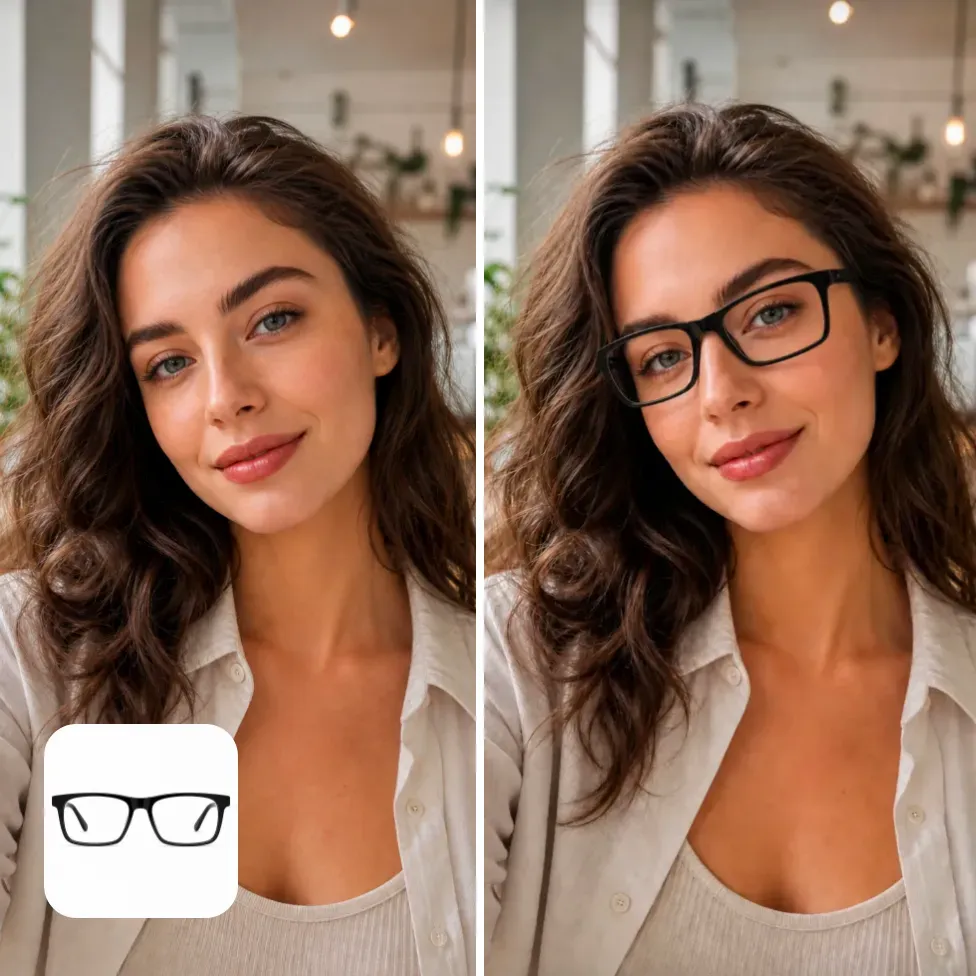
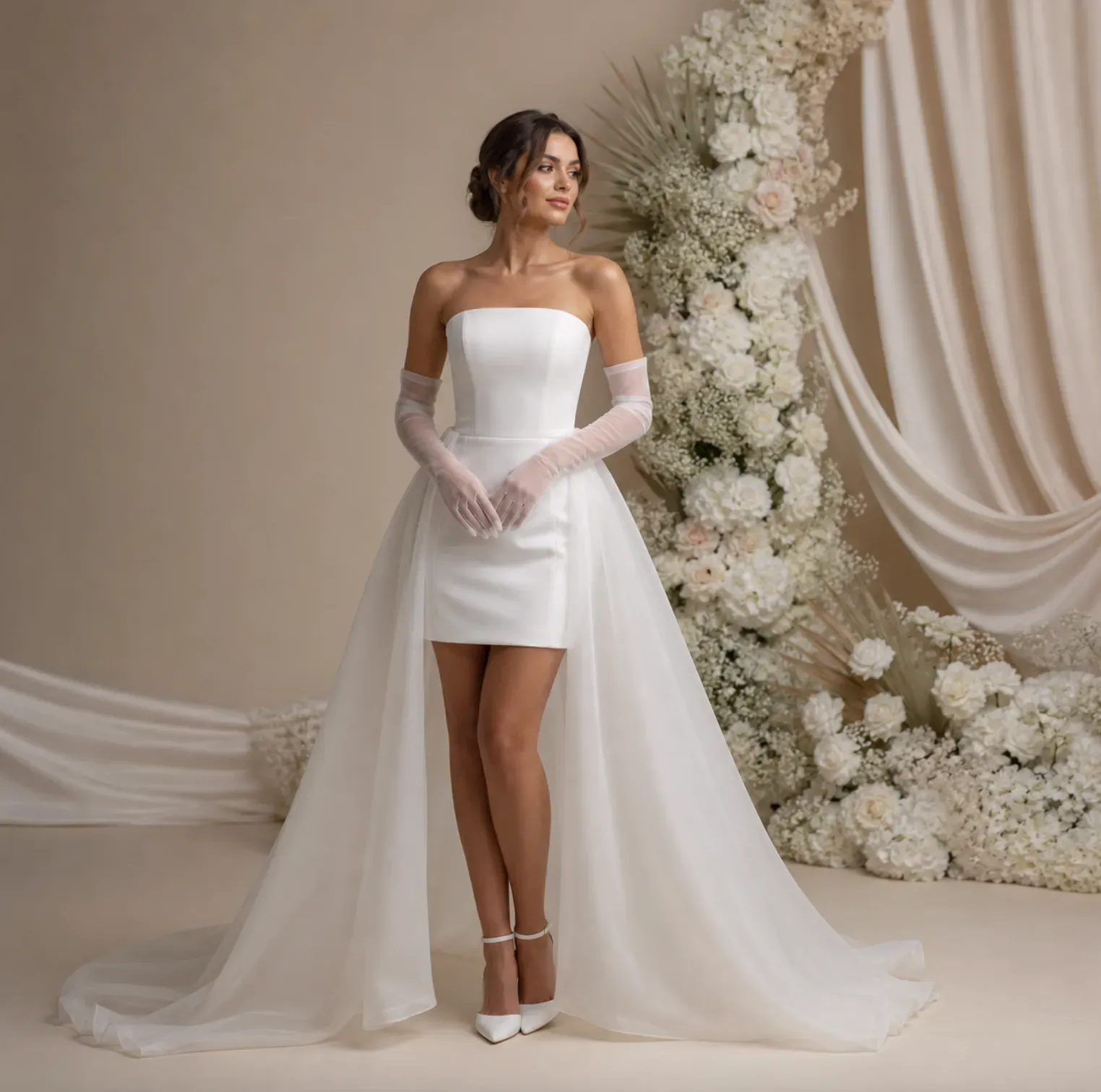
Det kan stödja tillbehörsidéer som handskar, tiaror, hårrosetter, örhängen, halsband, brudbälten, kappor, avtagbara ärmar och buketter. Små eller reflekterande tillbehör kan behöva extra granskning eftersom små detaljer kan förändras under genereringen.
Kan brudbutiker använda AI-genererade bröllopsprovsbilder?
Brudbutiker kan använda AI-förhandsvisningar för stilkonsultationsutkast, sociala mediekoncept, innehållsplanering och stämningsbilder. För slutgiltiga produktlistor eller annonser, kontrollera om bilden korrekt representerar den verkliga klänningen, tyget, utsmyckningarna och varumärkets krav.
Kommer AI-förhandsvisningen av bröllopsklänningen att matcha den verkliga klänningen exakt?
Nej. Förhandsvisningen är en genererad stilbild, inte en garanterad kopia av en specifik designers klänning. Exakta spetsmönster, pärlarbeten, sömmar, tygets vikt, nyans och skräddardetaljer bör kontrolleras mot verkliga produktbilder eller prover.
Kan jag använda en selfie för AI-provning av bröllopsklänning?
En selfie kan fungera för idéer om slöja, frisyr, halslinje eller överkropp för brud. För en fullständig bröllopsklänning, använd en bild på hela kroppen eftersom AI:n behöver underkroppens struktur för att generera kjolvolym, tåglängd, fåll och klänningens proportioner.
Varför ser min slöja otydlig ut eller blandas in i bakgrunden?
Slöjor är genomskinliga, så de är svårare att återge när källbilden har en rörig bakgrund, mörkt hår mot mörk miljö, låg upplösning eller hårda skuggor. Prova en renare bild, starkare belysning eller en mer specifik prompt som "mjuk slöja i elfenbenstyll med synlig spetskant".
Kan jag använda AI-genererade brudprovningsbilder för Pinterest eller sociala inlägg?
Du kan använda genererade brudförhandsvisningar för inspirationstavlor, socialt innehåll och planeringsinlägg, men granska resultatet innan publicering. Kontrollera ansiktskonsekvens, händer, tygartefakter, orealistiska accessoarer samt eventuella varumärkes- eller upphovsrättsliga frågor om bilden används kommersiellt.
Är AI-brudklänning-provning användbart för tärnor eller bröllopsgäster?
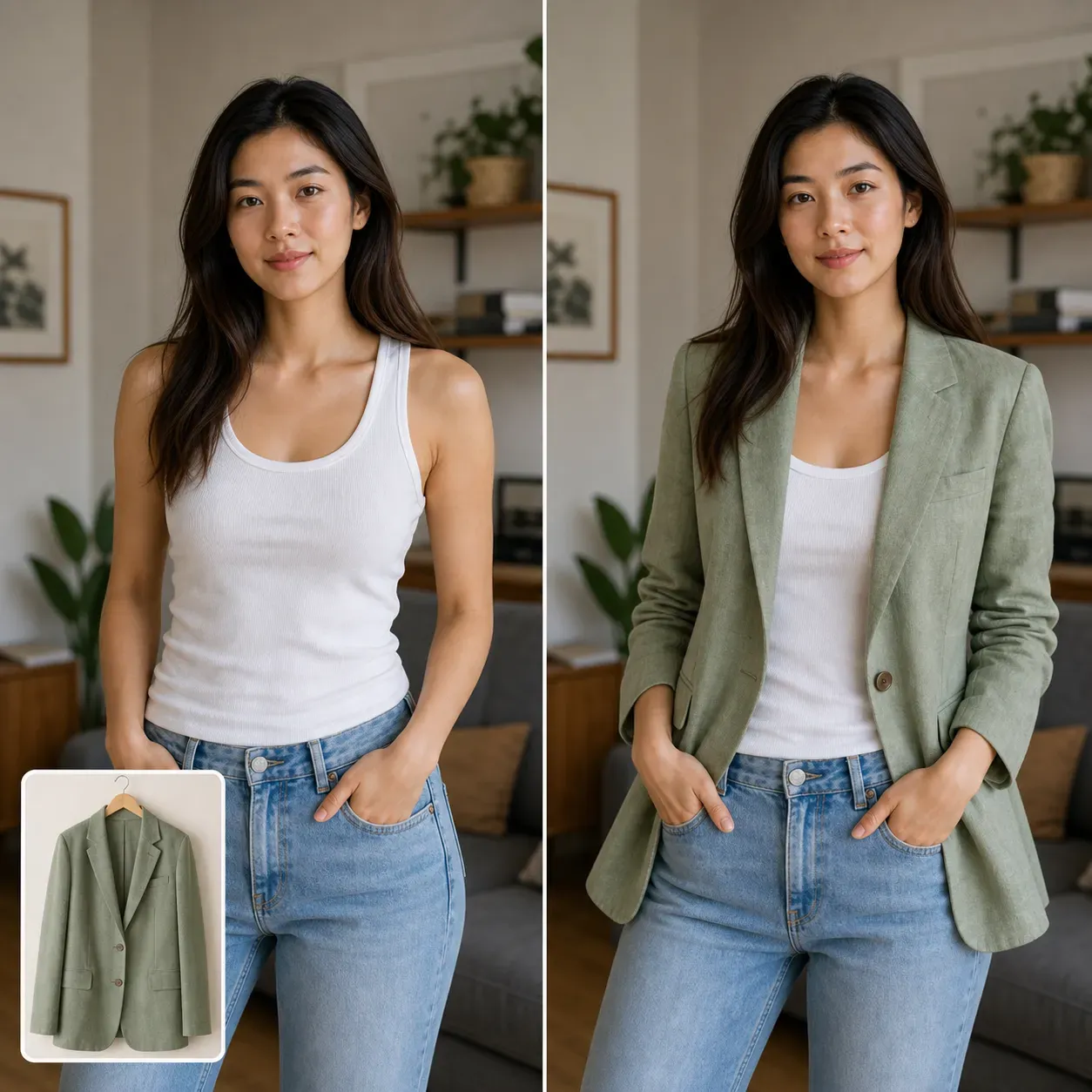
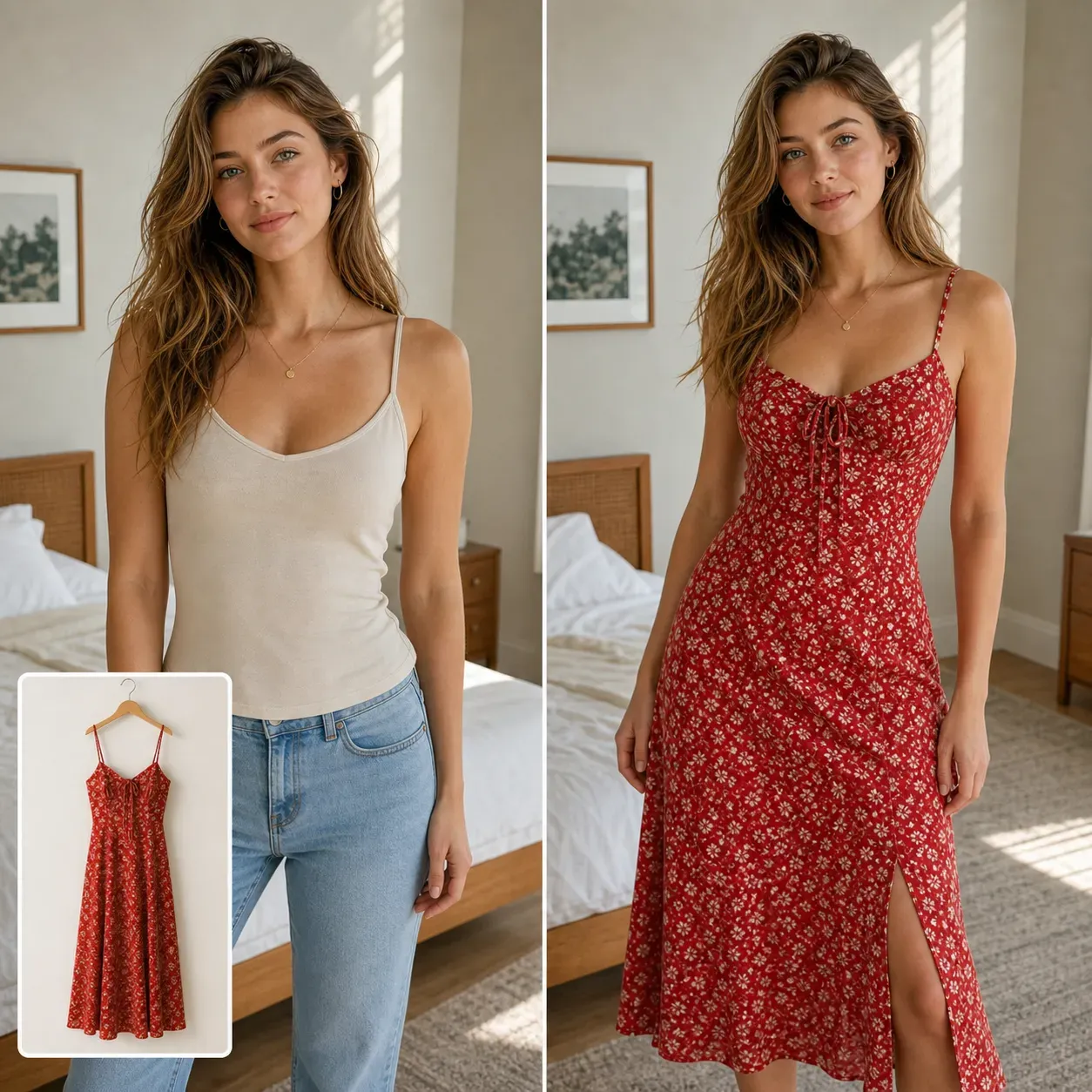
Ja. Samma arbetsflöde kan förhandsgranska tärnklänningar, brudmors kläder, repetitionmiddagsklänningar, engagemangsfotograferings-lookar och bröllopsgästkläder. För bredare klädplanering utöver brudlookar, använd AI Virtual Try-On.
Kan jag förhandsgranska brudkläder för en andra look?
Ja. AI-provning är användbart för mottagningsklänningar, brudminiklänningar, efterfestkläder, jumpsuits, repetitionmiddag-lookar och engagemangssession-kläder. Det hjälper att jämföra formell ceremoni-styling med en lättare fest- eller resvänlig look.