
Free AI Logo Generator: Create Professional Logos Online in Seconds (2026 Guide)
 By Vivi/1 min read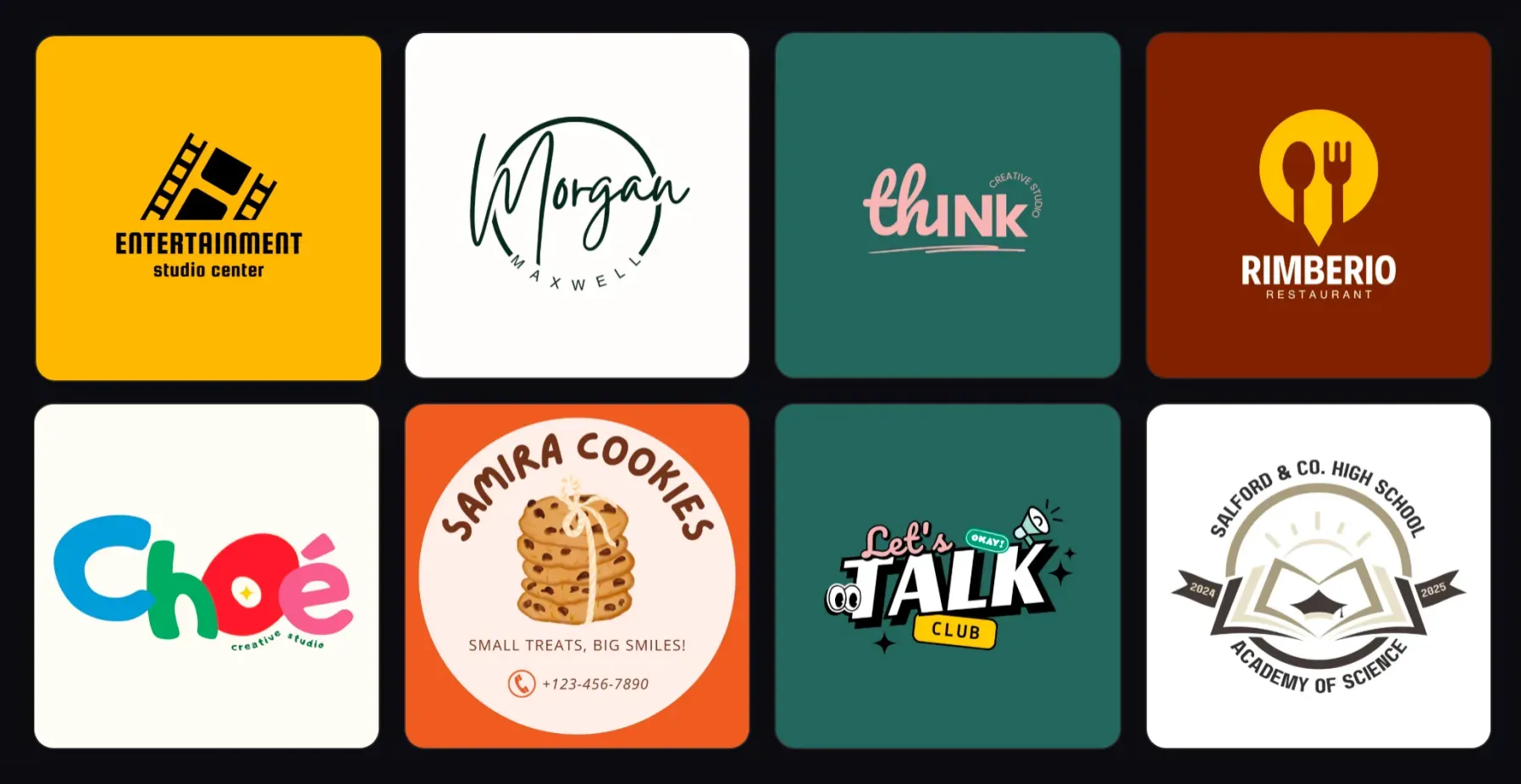
Use a free AI logo generator to create professional logos online in seconds. This guide explains how to design logos with AI prompts, remix templates, and build brand identities using Vidoly.
A logo is the visual foundation of any brand. Whether you're launching a startup, building a personal brand, running an online store, or creating a YouTube channel, a recognizable logo helps people remember your business instantly.
Traditionally, creating a logo required hiring a designer or learning complex design software. Today, AI-powered tools make logo creation dramatically faster and easier.
If you want a quick and professional solution, you can try the AI Logo Generator by Vidoly, which allows anyone to generate unique logos online using simple text prompts.
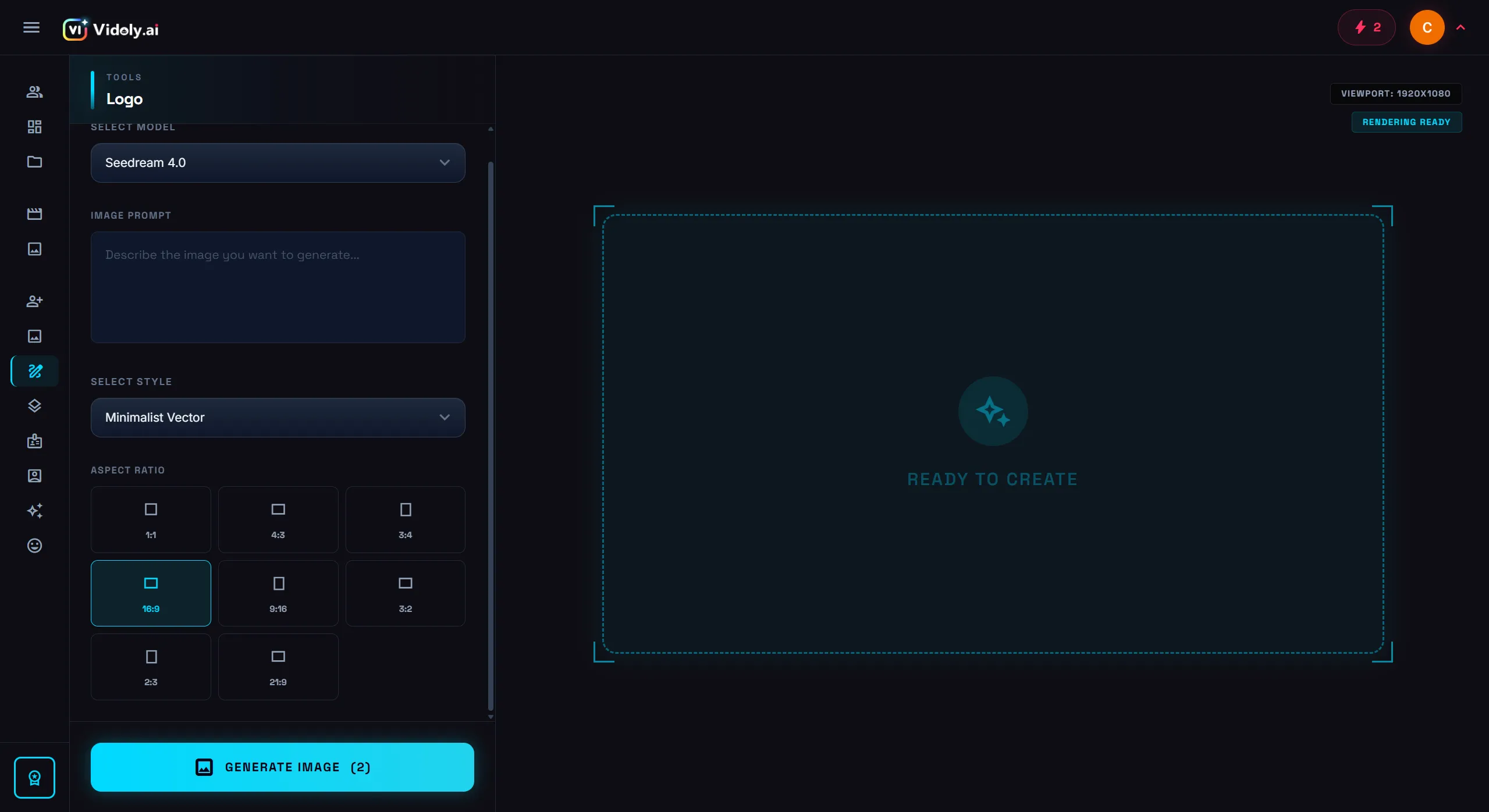
The Vidoly AI logo generator allows users to create professional logos online using simple prompts.
In this guide, you'll learn:
• How AI logo generators work
• How to create a logo with AI step-by-step
• Examples of effective AI logo prompts
• Tips to generate better logos
• Answers to common questions about AI logo design
What Is an AI Logo Generator?
An AI logo generator is an intelligent design tool that creates logos automatically based on text prompts, brand names, or style descriptions.
Instead of manually designing shapes, colors, and typography, AI analyzes your input and generates multiple logo concepts instantly.
Modern AI logo makers can generate:
• Minimalist logos
• Mascot logos
• Tech startup logos
• Gaming logos
• Brand identity icons
• Typography-based logos
The biggest advantage is speed. What used to take hours or days can now be done in seconds.
Tools like the AI logo generator allow users to create logos online directly in the browser without installing any software.
How to Create a Logo with AI (Step-by-Step)
Creating a logo with AI is surprisingly simple. Follow these steps to generate your first logo in minutes.
Step 1 — Open the AI logo generator
Go to the Vidoly AI Logo Generator in your browser. No installation or design software is required.
Step 2 — Enter your brand name
Add the name of your brand, company, or project.
Example: NovaTech, PixelForge Studio, Luna Coffee
Step 3 — Describe the logo style
Write a short prompt describing your desired design style.
Example: Minimalist tech logo, geometric symbol, blue and black color palette, modern sans-serif typography
Step 4 — Generate AI logos
Click generate and the AI will create multiple logo variations. You can regenerate or refine your prompt until you find the style you like.
Step 5 — Download and use your logo
Once you choose the best design, download it and start using it on websites, social media, business cards, and branding materials.
You can try generating your own logo instantly with the AI logo creator from Vidoly.
Create Logos Faster with AI Logo Templates (Community Remix Feature)
While AI prompts allow flexible logo creation, many users prefer starting from existing logo templates. Templates provide inspiration and help users generate high-quality logos faster.
The Vidoly AI Logo Template Library contains hundreds of AI-generated logo designs created by the community. Users can instantly remix any template and generate a new logo based on the same visual style.
Browse templates here: AI Logo Maker Templates
Step 1: Browse the AI Logo Template Library
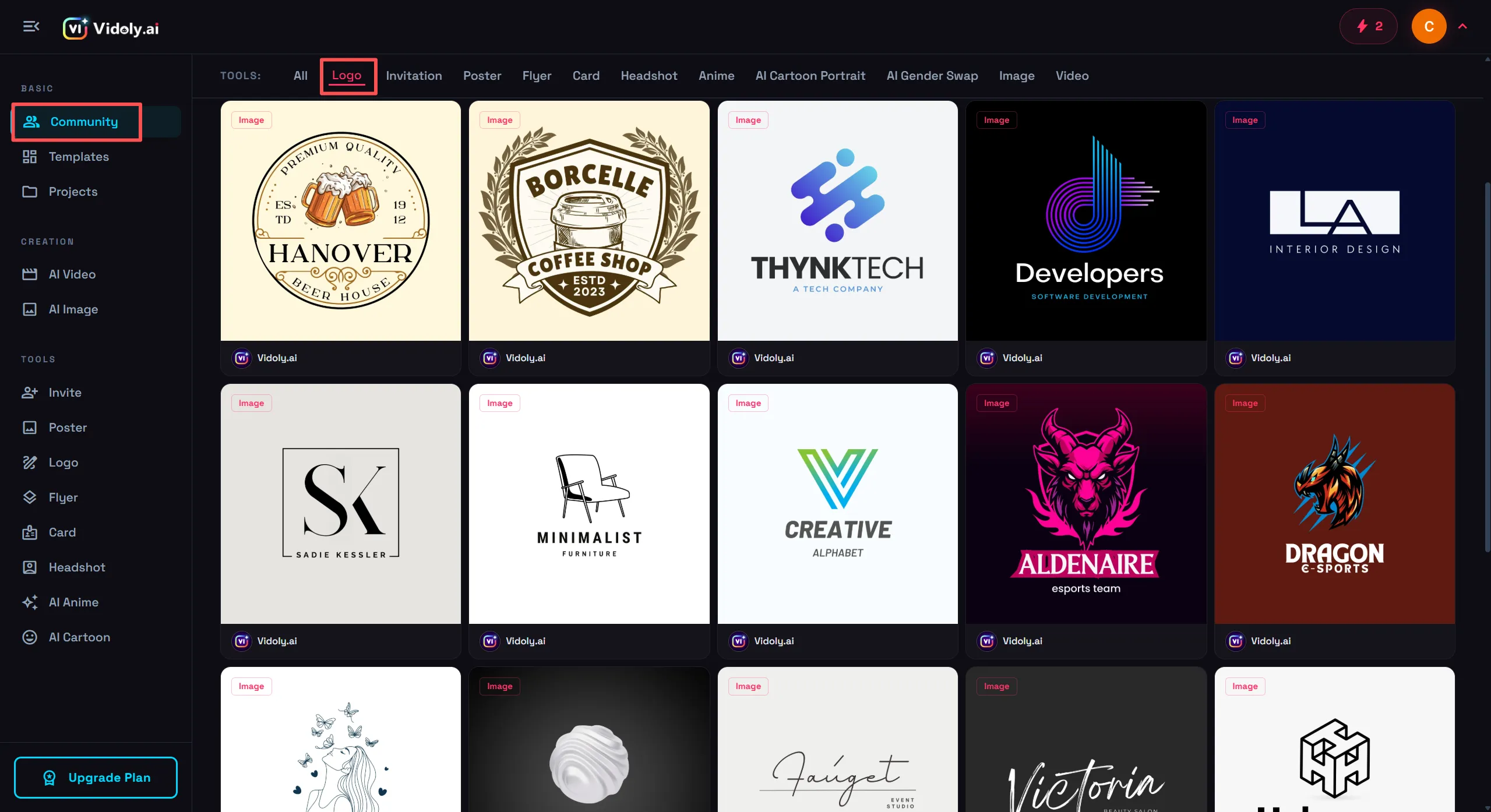
Users can browse the Vidoly AI logo template library to find inspiration and remix existing logo designs.
The template gallery includes a wide range of professional logo styles, such as coffee shop logos, gaming esports logos, tech startup branding, minimalist business logos, and fashion brand logos.
Each template showcases a finished AI-generated logo along with its creative prompt. These templates act as both design inspiration and prompt foundations, helping users understand how different prompts produce different logo styles.
Step 2: Click "Remix This Work"
When you find a template you like, click the "Remix This Work" button. This will automatically open the Vidoly AI Logo Editor. The original prompt used to generate the template will be automatically loaded into the editor, allowing you to build on the same design concept.
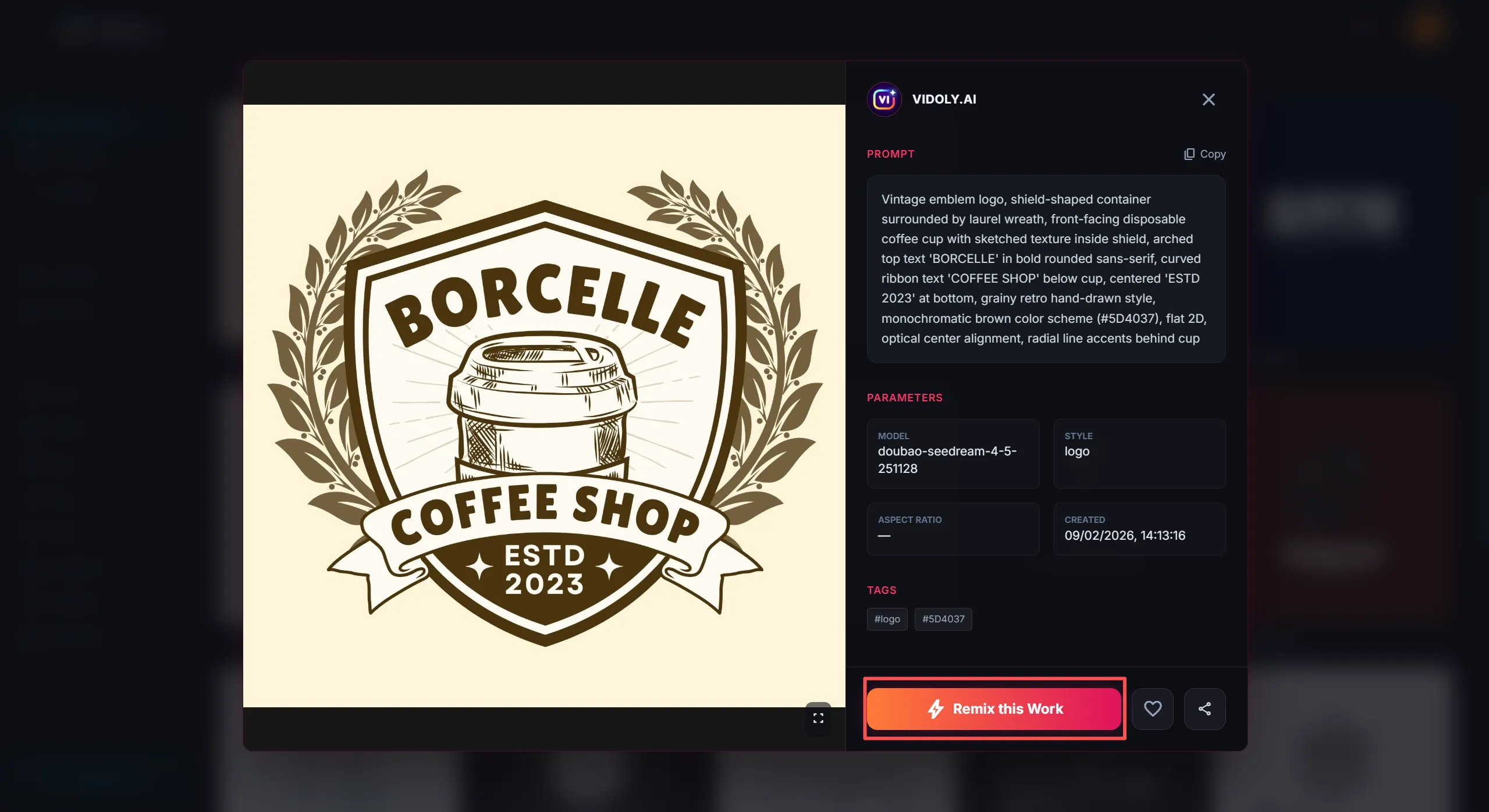
Each template displays the original prompt and allows users to remix the design in the logo editor.
Step 3: Customize the Logo Settings
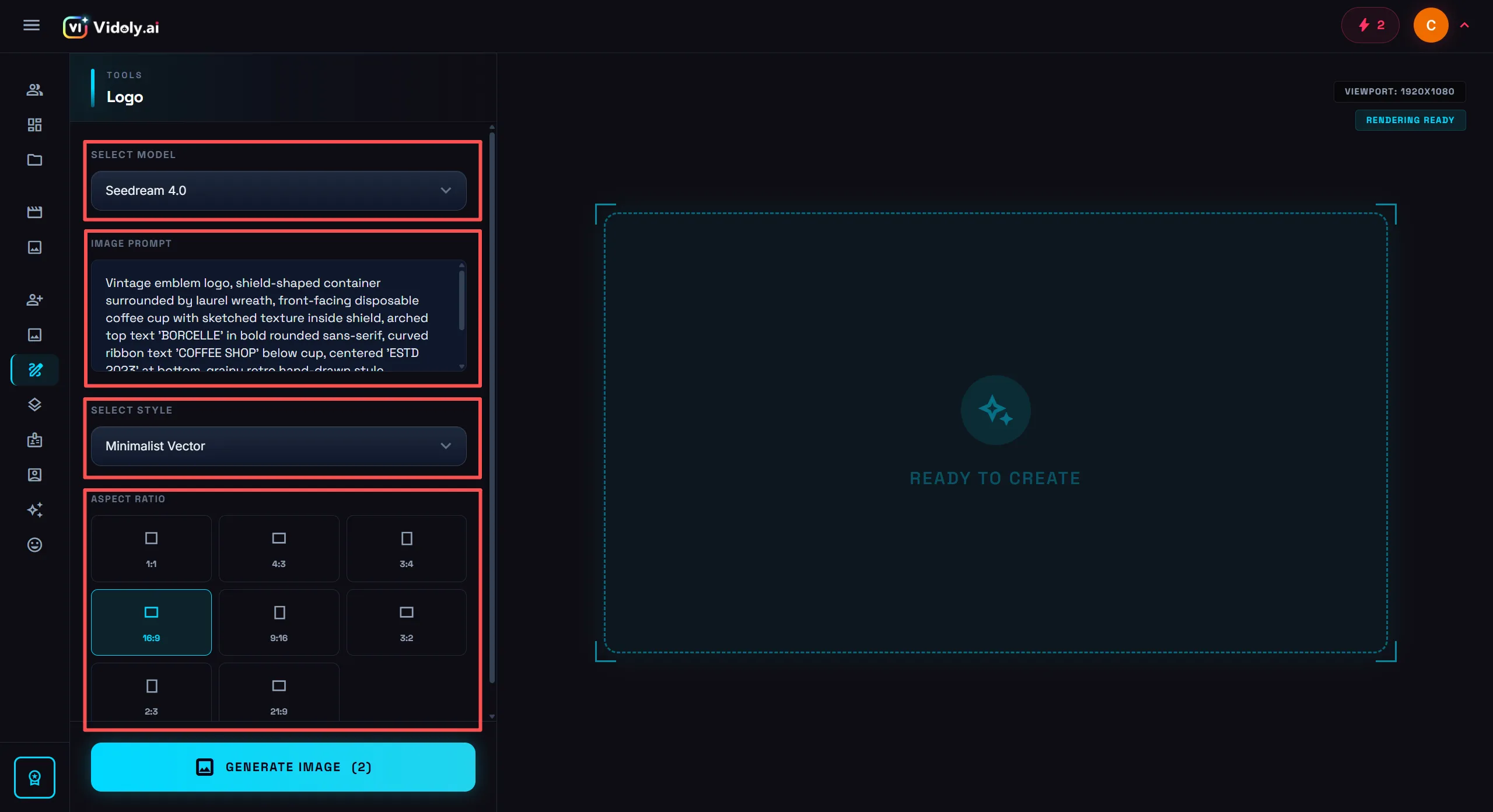
Users can customize the prompt, model, style, and image ratio before generating a new AI logo.
Inside the editor, you can modify several parameters to adapt the logo to your brand:
• Brand name
• Prompt description
• Model selection
• Design style
• Image ratio
For example: Original template prompt — Vintage coffee shop logo with shield badge and retro typography. Modified prompt example — Minimalist coffee brand logo with modern typography and coffee bean icon.
Adjusting the prompt helps the AI generate a logo tailored specifically to your brand identity.
Step 4: Click "Generate Image"
Once your settings are ready, click the "Generate Image" button. The AI will create a new logo based on the selected template style, your modified prompt, and the chosen model and design settings.
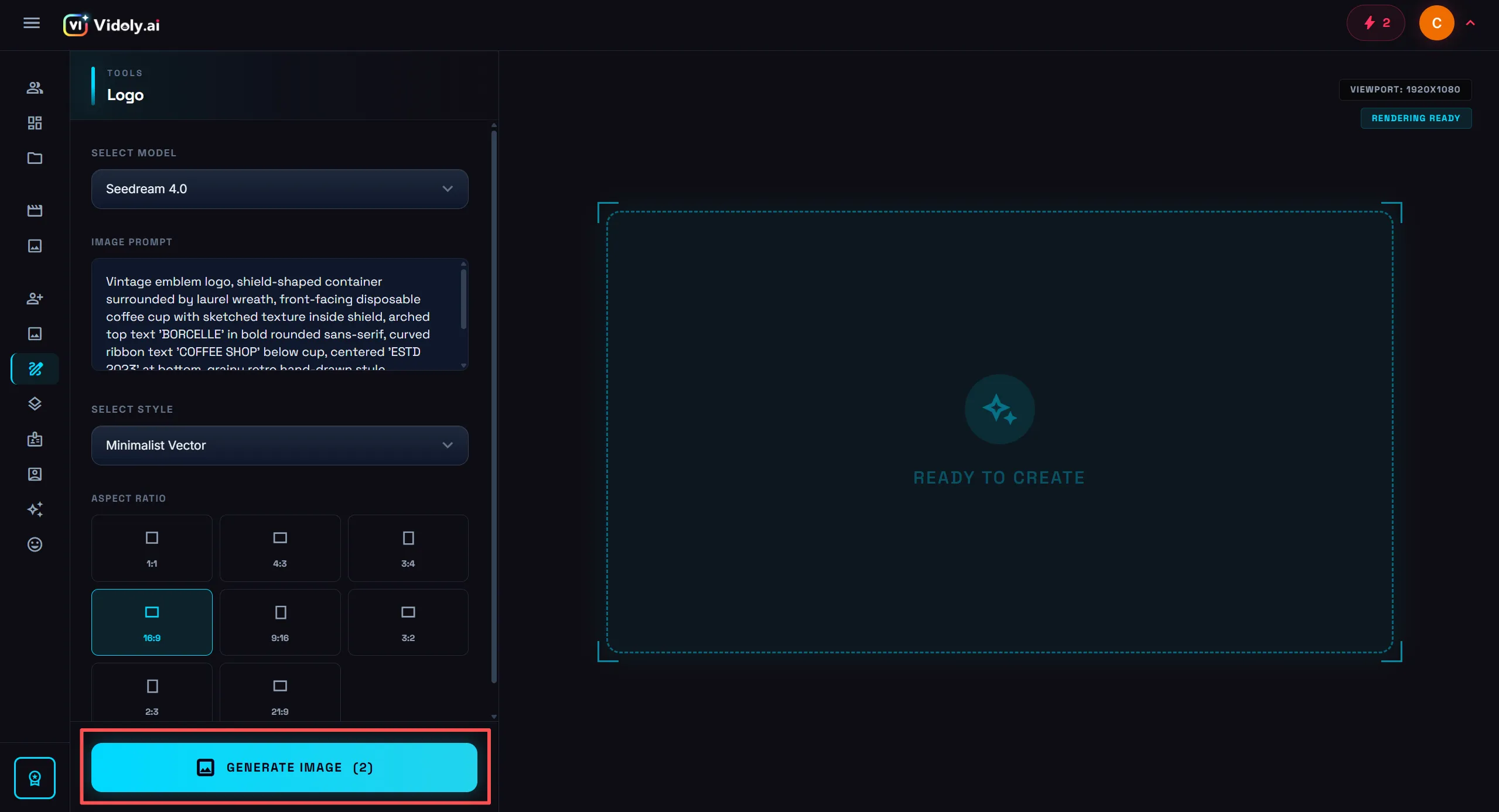
After clicking Generate Image, the AI produces new logos based on the selected template style.
Within seconds, you'll get a new AI-generated logo inspired by the original template but customized for your brand. This workflow allows users to quickly experiment with different branding directions without starting from scratch.
AI Logo Prompt Examples (Highly Effective Prompts)
Well-written prompts can dramatically improve logo quality. Here are some examples used by designers and startups.
Minimalist brand logo — Minimalist geometric logo, modern sans-serif typography, black and white color palette, clean vector style
Tech startup logo — Futuristic tech logo, glowing blue symbol, abstract digital circuit style, dark background
Gaming team logo — Esports mascot logo, aggressive animal character, neon colors, bold typography
Coffee shop logo — Vintage coffee shop logo, hand-drawn style, warm brown palette, retro badge design
Creative studio logo — Creative studio logo, abstract colorful icon, modern typography, vibrant gradient design
You can test these prompts inside the AI logo generator tool to instantly create multiple logo variations.
AI Logo Ideas for Different Industries
When creating a logo with AI, choosing the right design direction is just as important as writing a good prompt. Different industries tend to follow different visual styles, colors, and typography.
Below are some popular logo ideas that work well with AI logo generators.
Tech Startup Logo Ideas
Tech startups usually prefer modern and futuristic branding styles.
Common design elements include:
• geometric icons
• abstract technology symbols
• blue or purple gradients
• minimalist typography
Example AI prompt: Modern tech startup logo, abstract geometric icon, blue gradient color palette, clean sans-serif typography.
You can generate similar designs instantly using the AI Logo Generator by Vidoly.
Coffee Shop Logo Ideas
Coffee brands often use warm and welcoming visual styles.
Typical design features include:
• coffee bean icons
• vintage badges
• brown and cream color palettes
• hand-drawn typography
Example AI prompt: Vintage coffee shop logo, warm brown palette, hand-drawn coffee bean icon, retro badge style.
Gaming and Esports Logo Ideas
Gaming logos are usually bold, energetic, and visually aggressive.
Common elements include:
• mascot characters
• neon lighting effects
• futuristic fonts
• strong contrast colors
Example AI prompt: Cyberpunk esports logo, aggressive animal mascot, neon lighting, futuristic gaming typography.
Fashion Brand Logo Ideas
Fashion logos tend to focus on elegance and minimalism.
Typical design elements include:
• black and gold color schemes
• serif typography
• luxury minimalist layouts
Example AI prompt: Luxury fashion brand logo, black and gold palette, elegant serif typography, minimalist premium aesthetic.
YouTube Channel Logo Ideas
YouTube creators often prefer playful and memorable logos that work well as profile icons.
Popular design styles include:
• colorful icons
• bold typography
• simple circular layouts
Example AI prompt: Playful YouTube channel logo, colorful modern icon, friendly rounded typography.
Best Practices for Generating Better AI Logos
To get better results from AI logo generators, consider the following tips.
Use clear design descriptions
Instead of writing "cool logo", describe the design style precisely. Example: Minimalist geometric tech logo with gradient blue tones.
Specify color palettes
Mention colors you want the logo to include. Example: black and gold luxury branding logo.
Include typography style
Fonts strongly influence brand perception. Examples: modern sans-serif, bold gaming typography, elegant serif font.
Keep prompts concise
Short prompts usually generate cleaner designs. You can experiment with different prompts inside the AI logo maker from Vidoly until you find the perfect result.
AI Logo Generator vs Traditional Logo Design
Feature | AI Logo Generator | Traditional Designer |
|---|---|---|
Speed | Seconds | Days or weeks |
Cost | Free or low cost | $100–$2000+ |
Skill Required | None | Design expertise |
Iterations | Unlimited | Limited |
Accessibility | Anyone can use | Requires hiring |
For startups, creators, and small businesses, AI tools like the online logo maker from Vidoly provide an efficient way to launch a brand quickly.
Why Many Creators Choose Vidoly AI Logo Generator
The Vidoly AI Logo Generator is designed for creators, startups, and digital entrepreneurs who want fast and professional logo creation.
Key advantages include:
• AI-powered logo generation in seconds
• Simple prompt-based interface
• No design skills required
• Browser-based design tool
• Fast experimentation with multiple styles
This makes it a practical choice for entrepreneurs who need a logo quickly without hiring designers.
FAQ
What is the best AI logo generator?
The best AI logo generator should create high-quality logos instantly, support customization, and allow export in professional formats. Tools like the Vidoly AI Logo Generator are widely used because they generate unique logos from text prompts.
Can AI really create professional logos?
Yes. Modern AI systems use advanced machine learning models trained on design datasets to generate professional-level branding assets.
Is AI logo generation free?
Many platforms offer free logo generation with optional paid features for high-resolution downloads or commercial usage.
How fast can AI generate a logo?
Most AI logo generators can produce multiple logo concepts in under 30 seconds.
Do I need design experience to use AI logo tools?
No. AI logo generators are designed for beginners and professionals alike. You only need to describe your idea.
Can AI-generated logos be used commercially?
Yes, depending on platform licensing. Many tools allow commercial use for business branding, marketing, and product design.
Final Thoughts
Artificial intelligence has made logo design faster, easier, and more accessible than ever before.
Whether you're launching a startup, building a brand, or experimenting with creative ideas, AI logo generators allow you to produce professional logos within seconds.
Instead of spending hours learning design software or hiring expensive designers, you can generate and test logo ideas instantly using tools like the Vidoly AI logo maker.
Try creating your own logo today and explore how AI can accelerate your brand creation process.