What is an Amazon Listing product image generator?
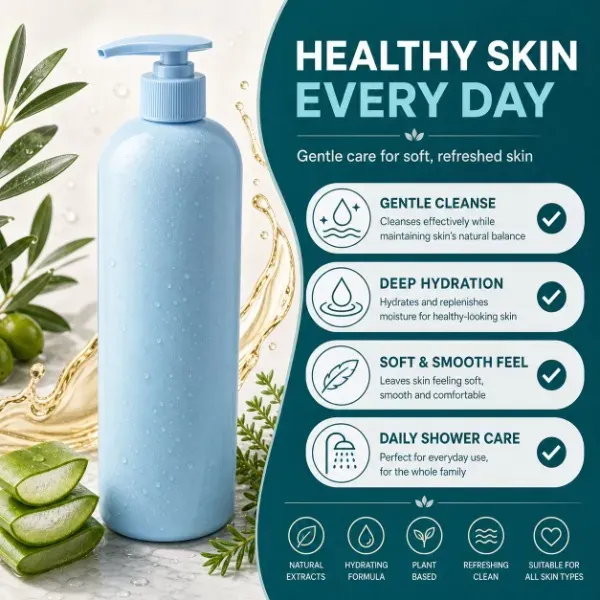
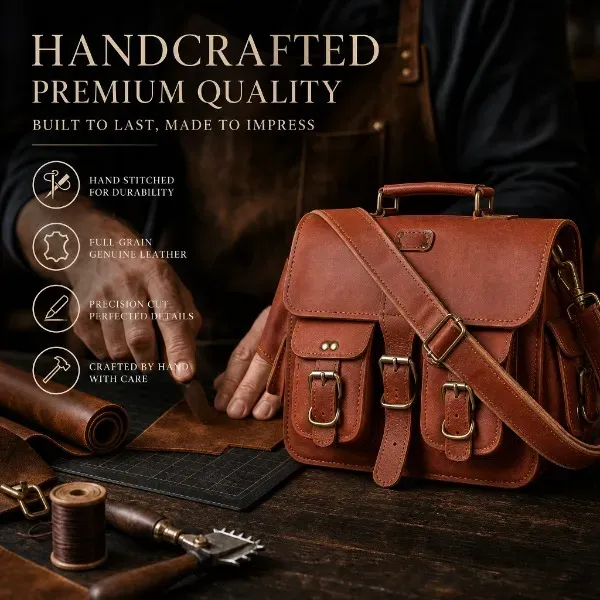
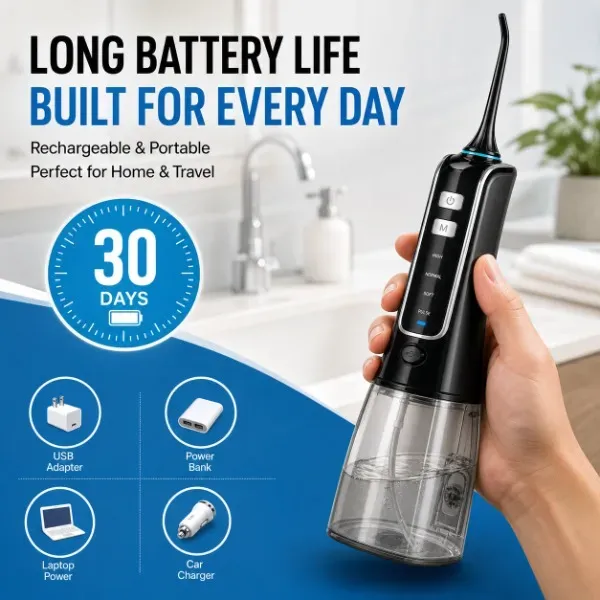
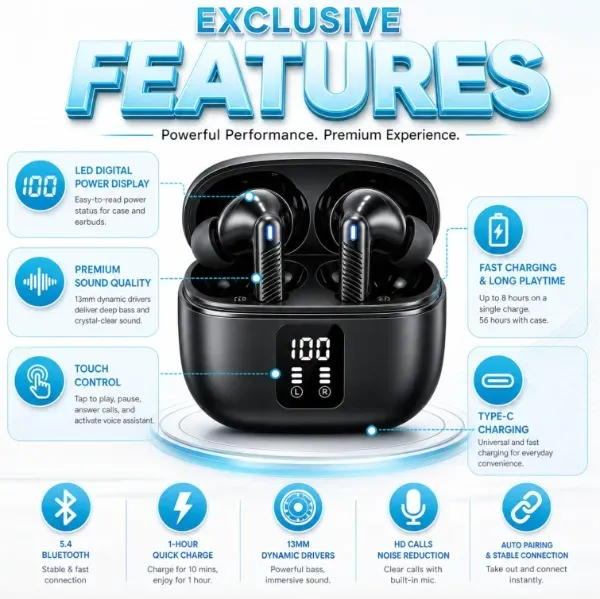
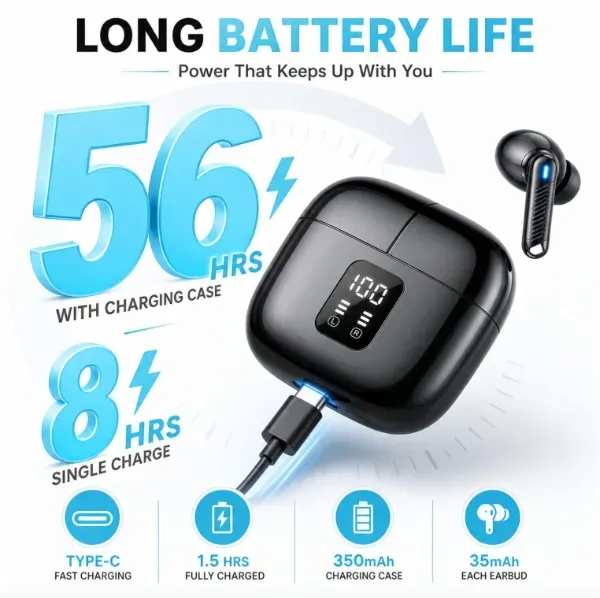
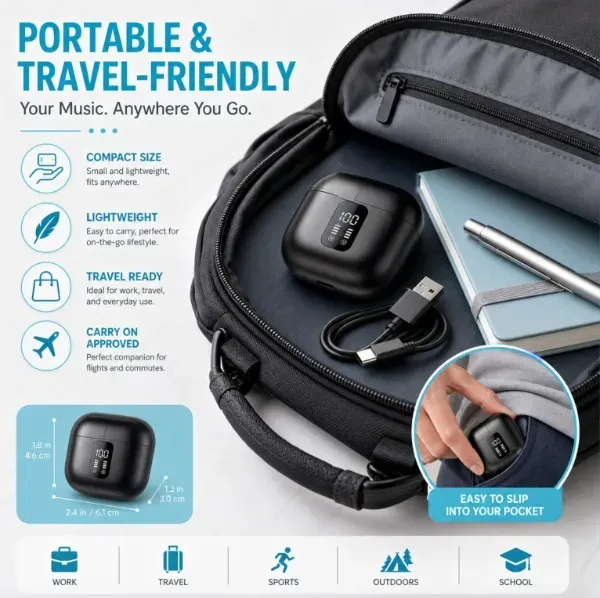
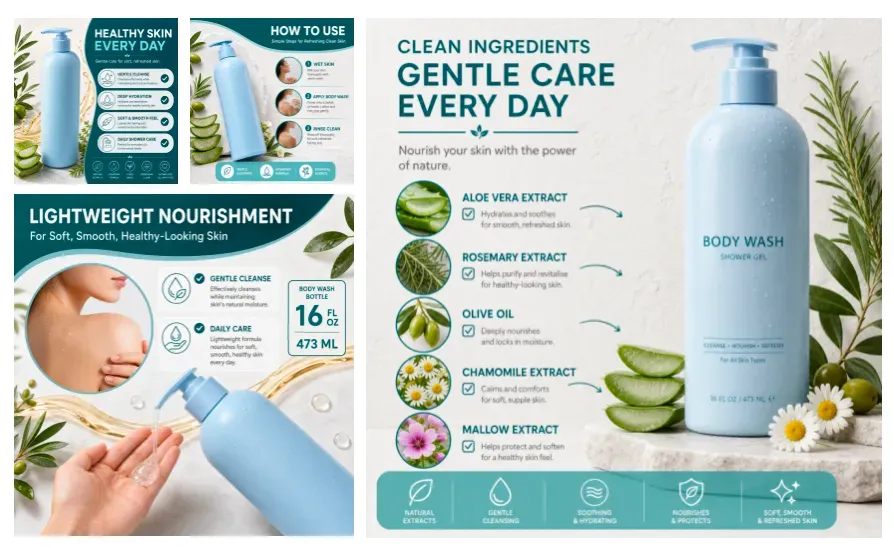
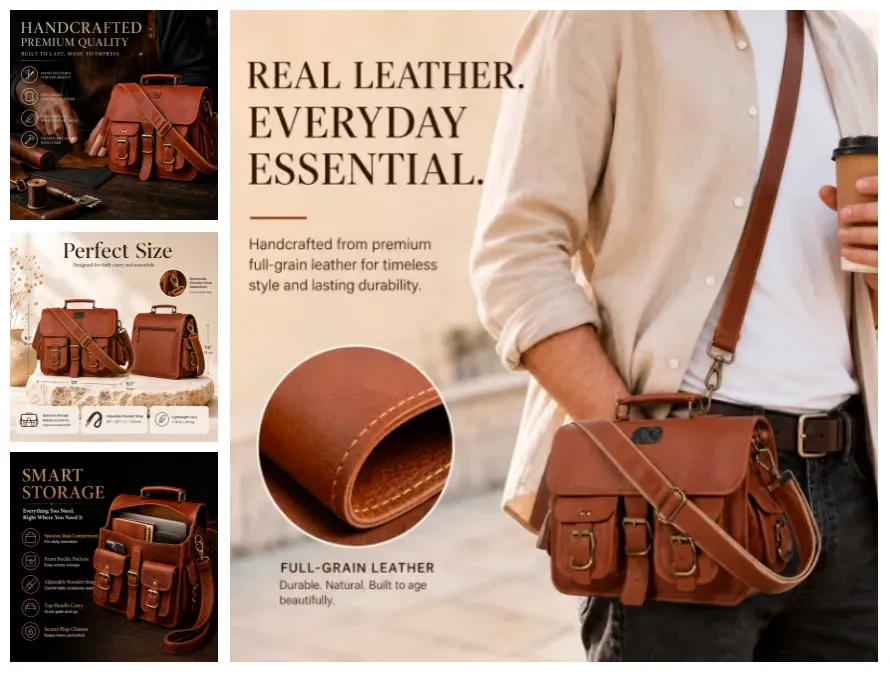
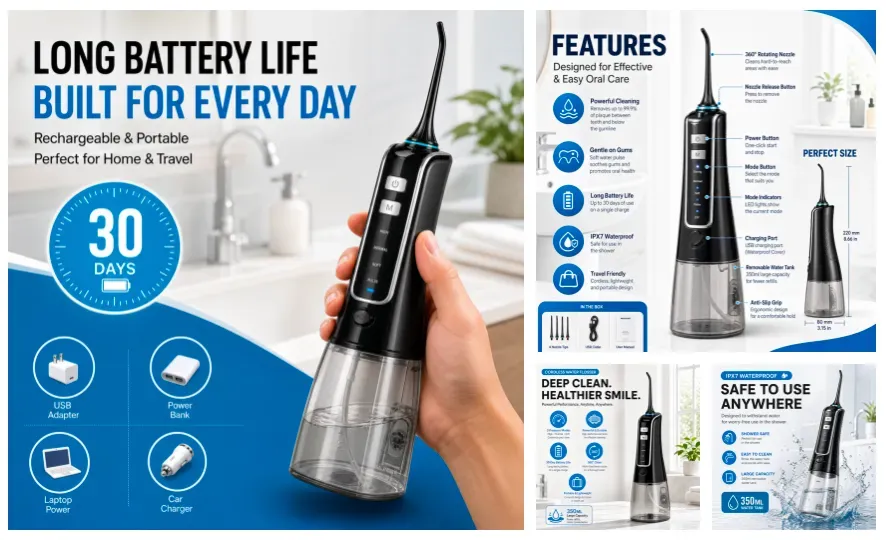
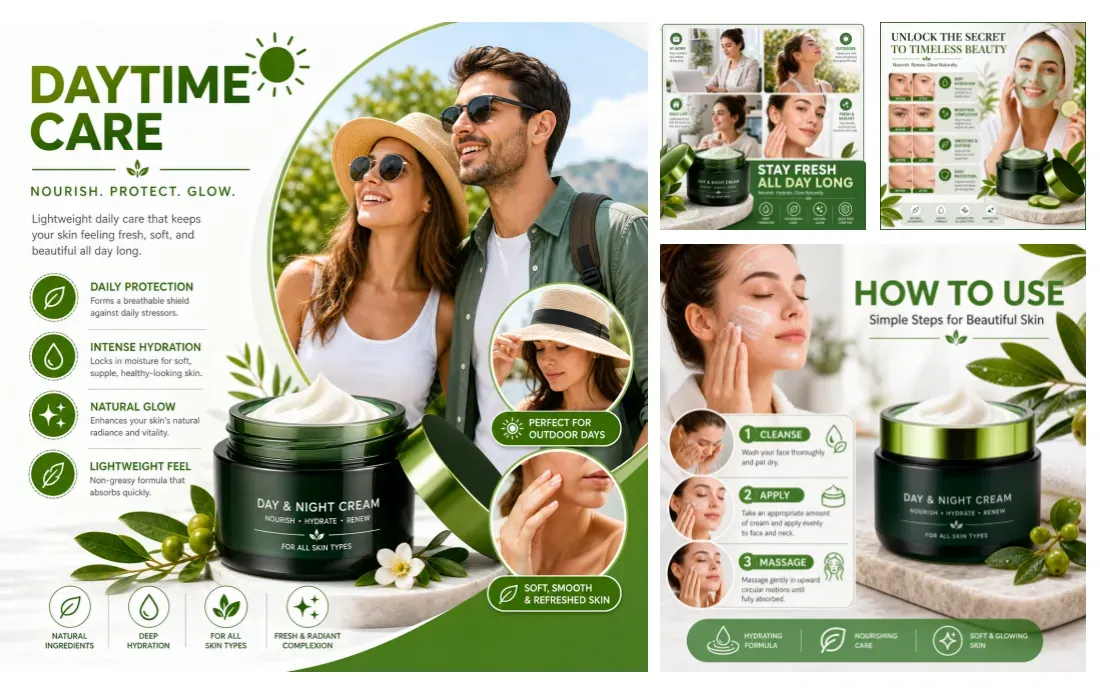
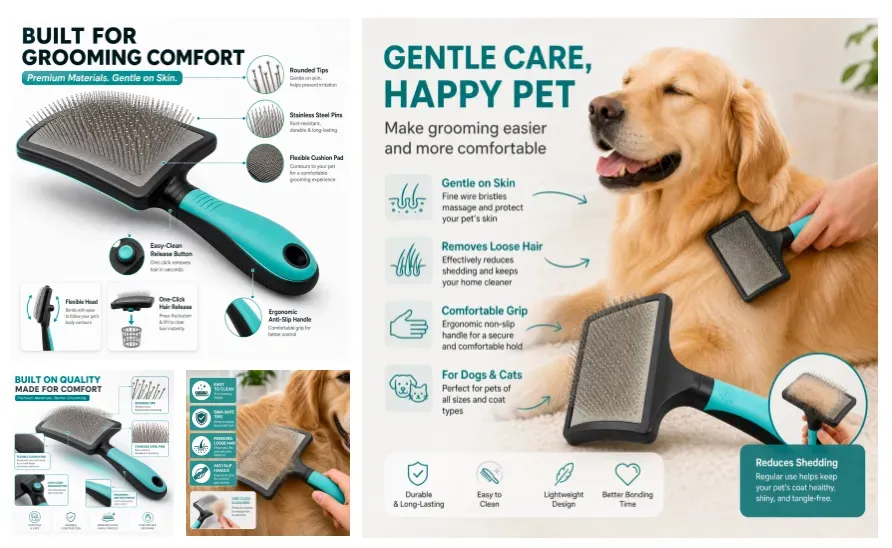
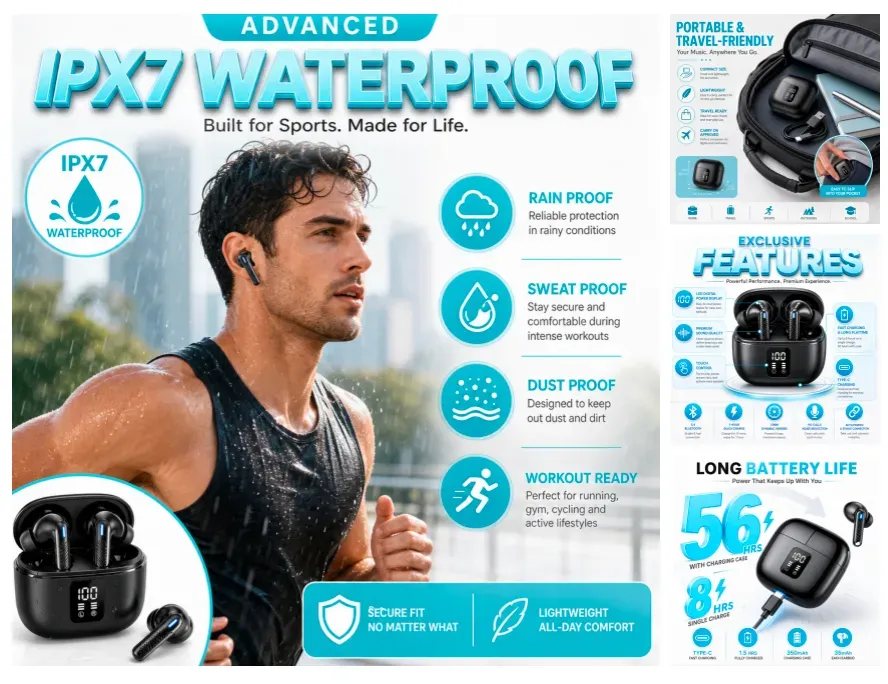
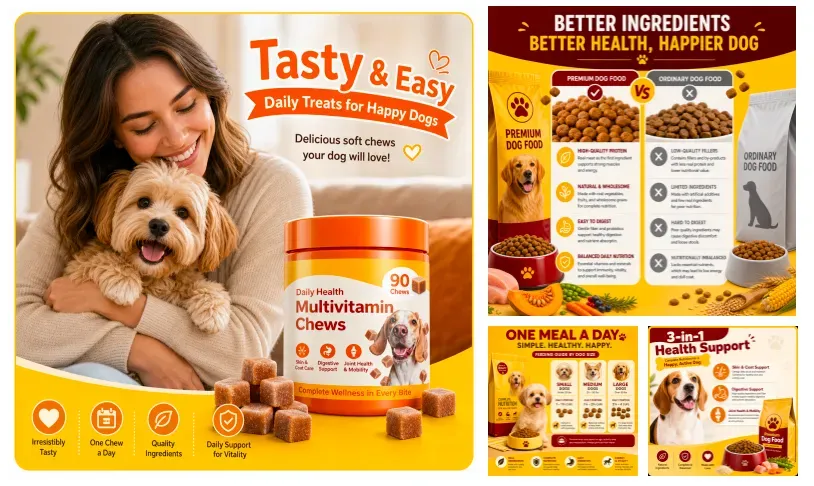
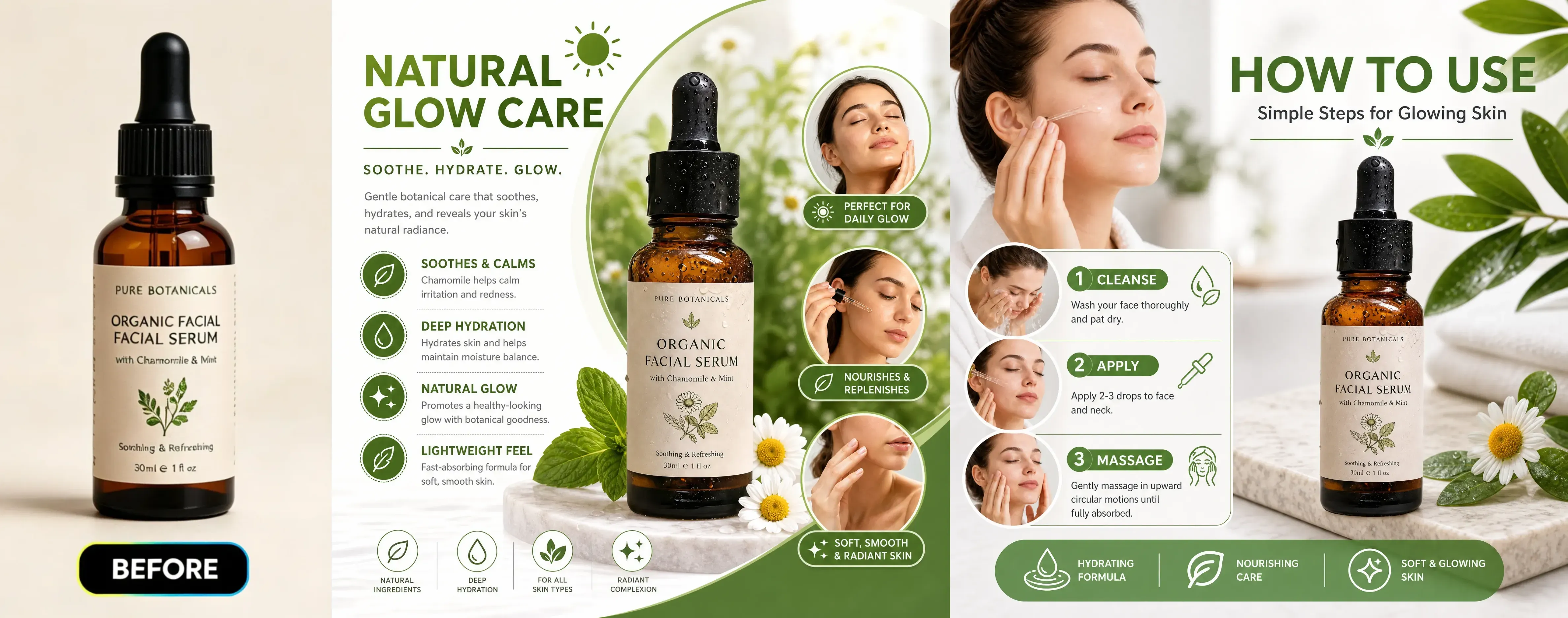
It is an AI tool for creating product images for Amazon Listings. It helps generate main images, white-background images, feature images, comparison images, and product gallery materials.
Can I use these images directly on Amazon?
Before uploading, you need to check each generated image against Amazon's current image rules and category requirements. AI can generate images, but final compliance is the seller's responsibility.
Is this different from Amazon lifestyle product image generators?
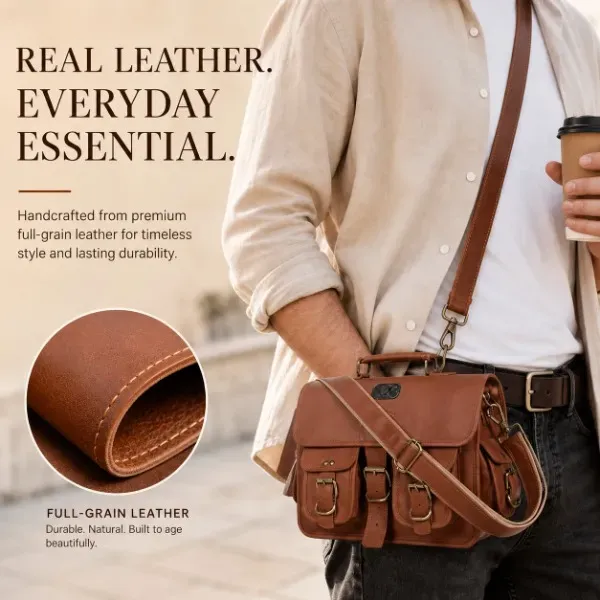
Yes. Lifestyle product image generators focus on placing products in real scenarios. The Amazon Listing product image generator covers a wider range of Listing image types, including main images, white-background images, feature infographics, comparison images, and gallery materials.
Can it generate Amazon main images?
It helps generate high-quality main image-style images, but sellers need to check Amazon's latest requirements. Main images usually require the product to be clearly visible, with minimal distractions, and compliant with category specifications.
What products is it best for?
Pre-packaged goods, beauty products, electronic products, home goods, kitchen supplies, pet supplies, accessories, tools, and small home appliances usually work well. Products with sharp edges and visible details generate better results.
Can it add feature highlights?
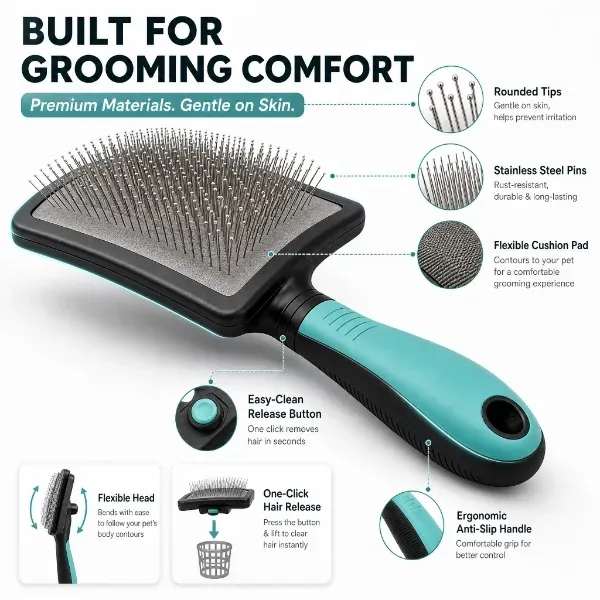
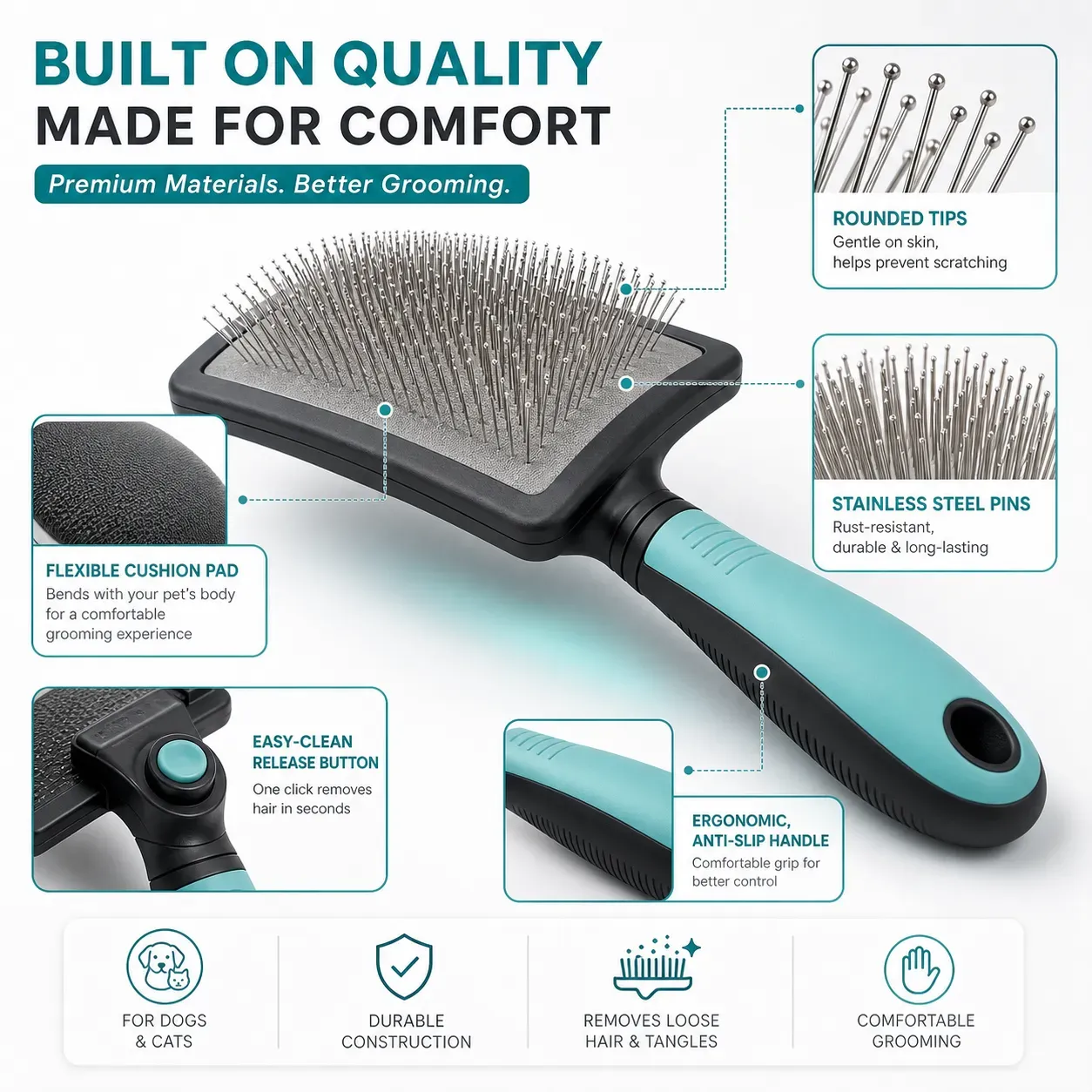
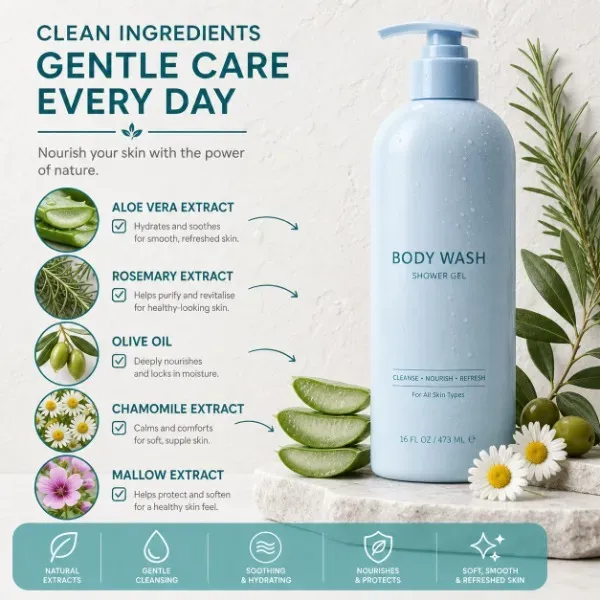
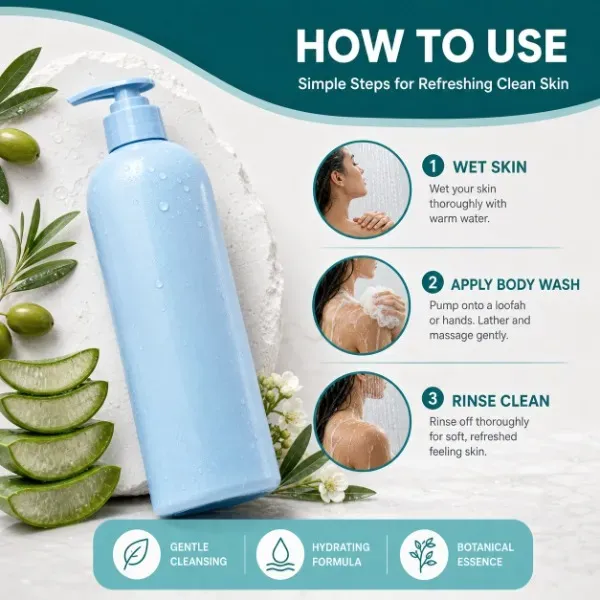
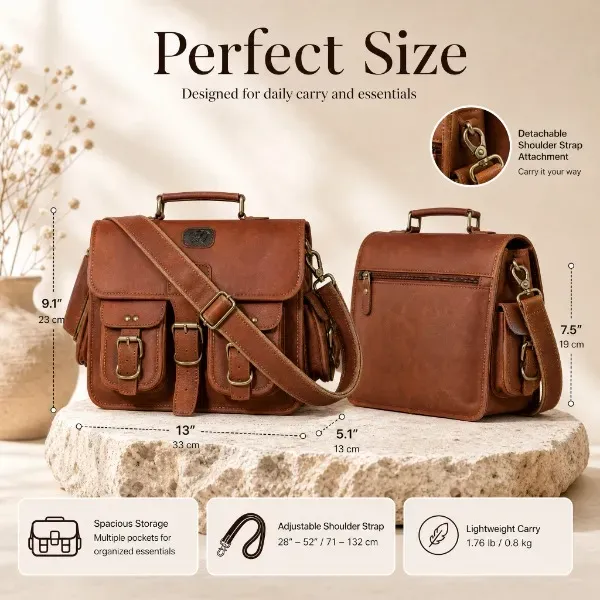
Yes. You can generate infographic-style images highlighting product features, materials, sizes, fixed accessories, or usage scenarios. Ensure promotional content is accurate and avoid unsubstantiated claims.
Can it generate white-background product images?
Yes. The tool helps generate clean white-background or simple-background product images for e-commerce. Final compliance depends on platform rules, image quality, and category...
Will AI retain my product labels?
AI will try to retain visible labels and packaging, but small text may change. Before publishing, always check logos, slogans, ingredient lists, warning labels, and legal-related text.
What is the best quality requirement for input images?
Use high-resolution, well-lit images that fully display the product. Avoid blurry images, strong shadows, cropped packaging, reflections, and cluttered backgrounds.
Can agencies use it to create Listing images for clients?
Yes. Agencies can use it to create Listing image concepts, product gallery variants, feature images, and event materials for multiple e-commerce clients. Each final material still needs brand and compliance review.
Will AI replace professional product photography?
AI is best for creating Listing image drafts, gallery concepts, and category-specific visual templates. When precise product accuracy, compliant promotional content, model authorization, or final catalog precision are needed, professional photography is still the better choice.
Why do generated products sometimes look different?
AI may change edges, materials, labels, proportions, or small details when generating new compositions. Differences are more likely if the uploaded image is low-resolution, cropped, reflective, or visually complex.
Does the 4-image generator just repeat 4 images with the same background?
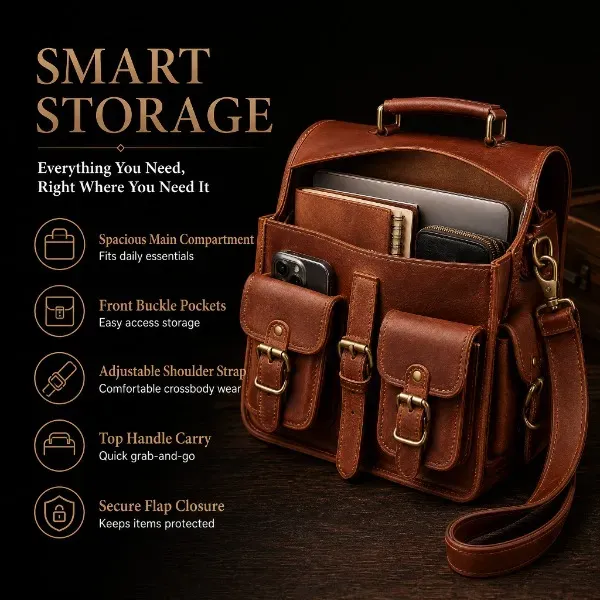
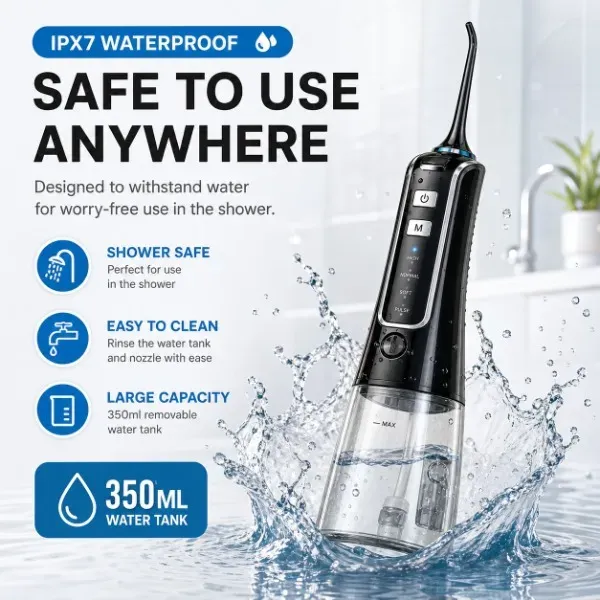
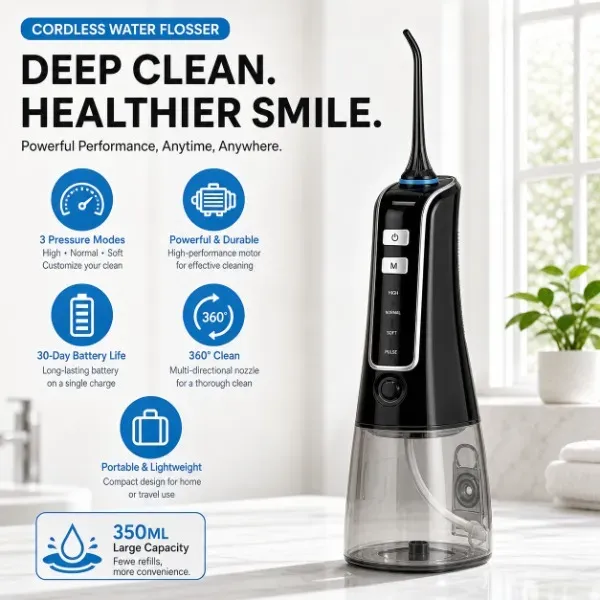
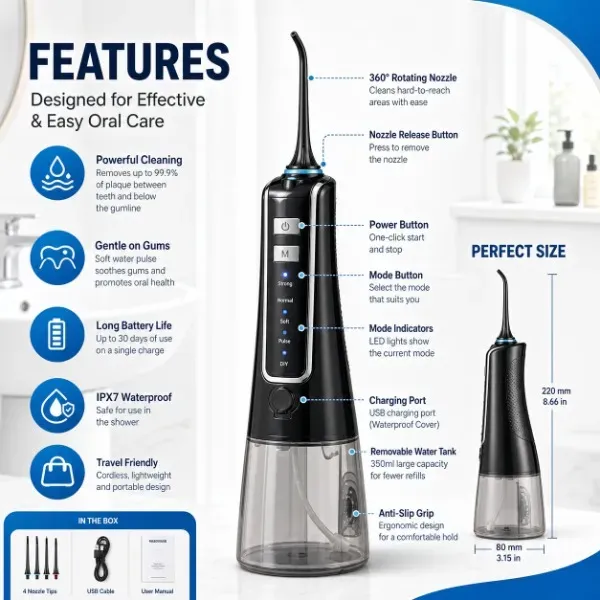
Absolutely not. Vidoly's category matrix is pre-trained on high-converting Amazon image stacks. When selecting series images, AI treats your single product photo as a 3D master asset and generates 4 completely different layouts: one clean platform display image, one macro detail/specification image, one size-labeled layout, and one scenario-based lifestyle image.