Shopify Product Image Generator

STYLES

Generate Product Images for Your Shopify Store

Shopify stores need more than one product photo. A strong product page may need a featured image, gallery images, detail shots, lifestyle scenes, variant images, collection thumbnails, and campaign visuals. Vidoly AI analyzes your uploaded product, preserves its shape, color, material, packaging, and visible details, then generates ecommerce-ready images for different Shopify selling scenarios.

What Is a Shopify Product Image Generator?

Vidoly Shopify Product Image Generator is an AI tool that creates product visuals for Shopify stores. It can turn a simple product photo into cleaner ecommerce images, lifestyle product scenes, product page gallery images, collection visuals, variant images, and promotional graphics. The goal is to help merchants create consistent product visuals without arranging a full photoshoot for every image.

Create Product Page Images That Help Shoppers Decide

Shopify product pages usually need several image types: a clear featured image, close-up detail shots, lifestyle images, scale references, and gallery visuals that explain the product from different angles. Vidoly AI can generate product- focused images that show the item clearly and support buyer decisions with better visual context.

Generate Shopify Lifestyle Product Photos

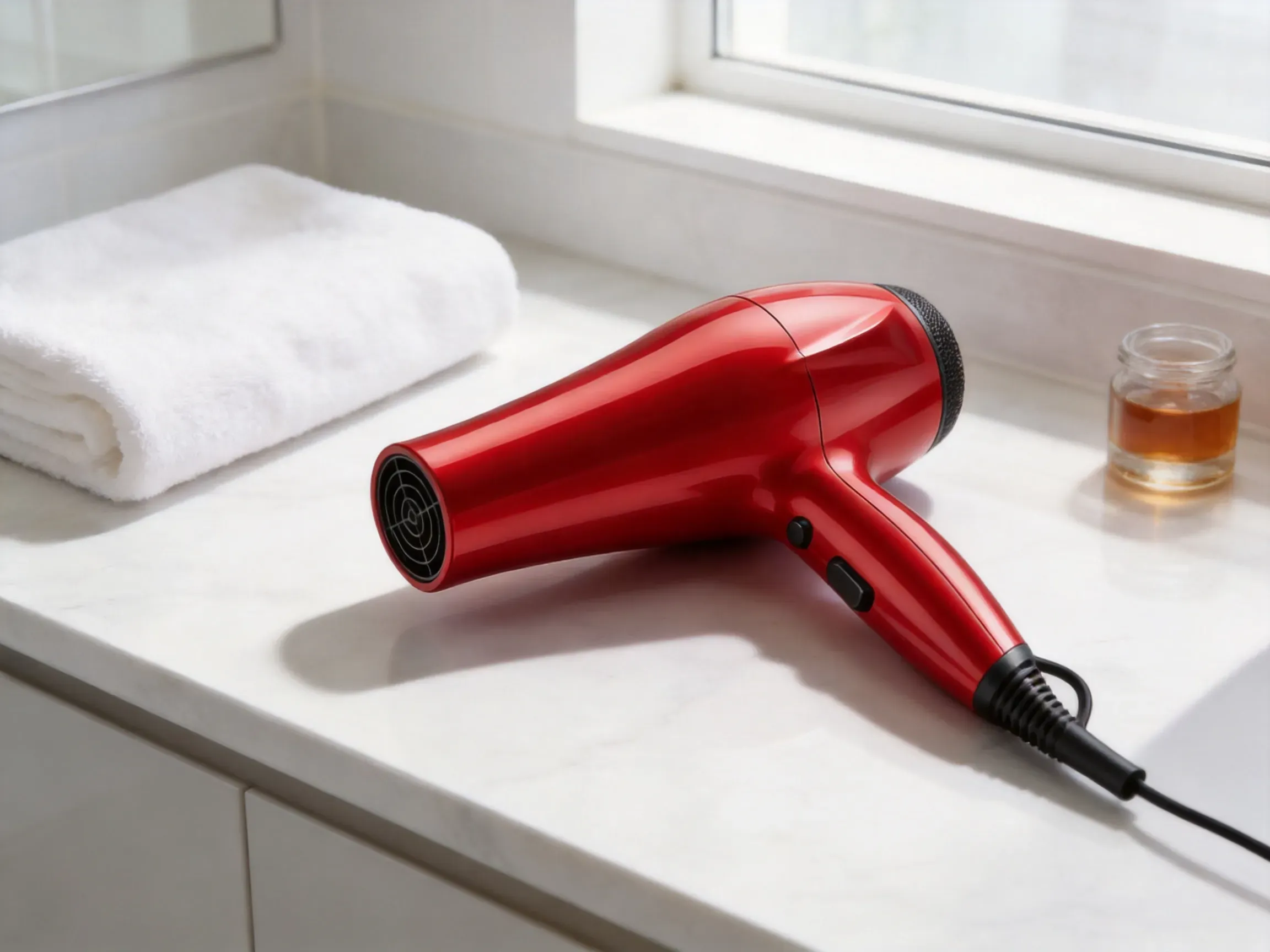
Lifestyle product images show the product in a real-world setting, such as skincare on a bathroom counter, shoes in a streetwear scene, a mug on a desk, or home decor in a living room. These images help shoppers imagine how the product fits into daily life and are useful for product pages, homepage sections, ads, and social media posts.

Make Collection and Featured Product Images

Shopify collection pages need clean, consistent visuals so shoppers can scan products quickly. Vidoly AI can help create square or consistent-ratio product images, featured product visuals, and collection cover images that match your store’s visual style. This is useful when your original product photos have different backgrounds, lighting, or framing.

Create Product Variant Images

If your Shopify product has multiple colors, materials, sizes, or styles, variant images help shoppers compare options before buying. AI-generated variant visuals can present each version clearly while keeping the same camera angle, background, lighting, and product framing. This helps product pages look more consistent and easier to browse.

Generate Product Images for Ads and Campaigns

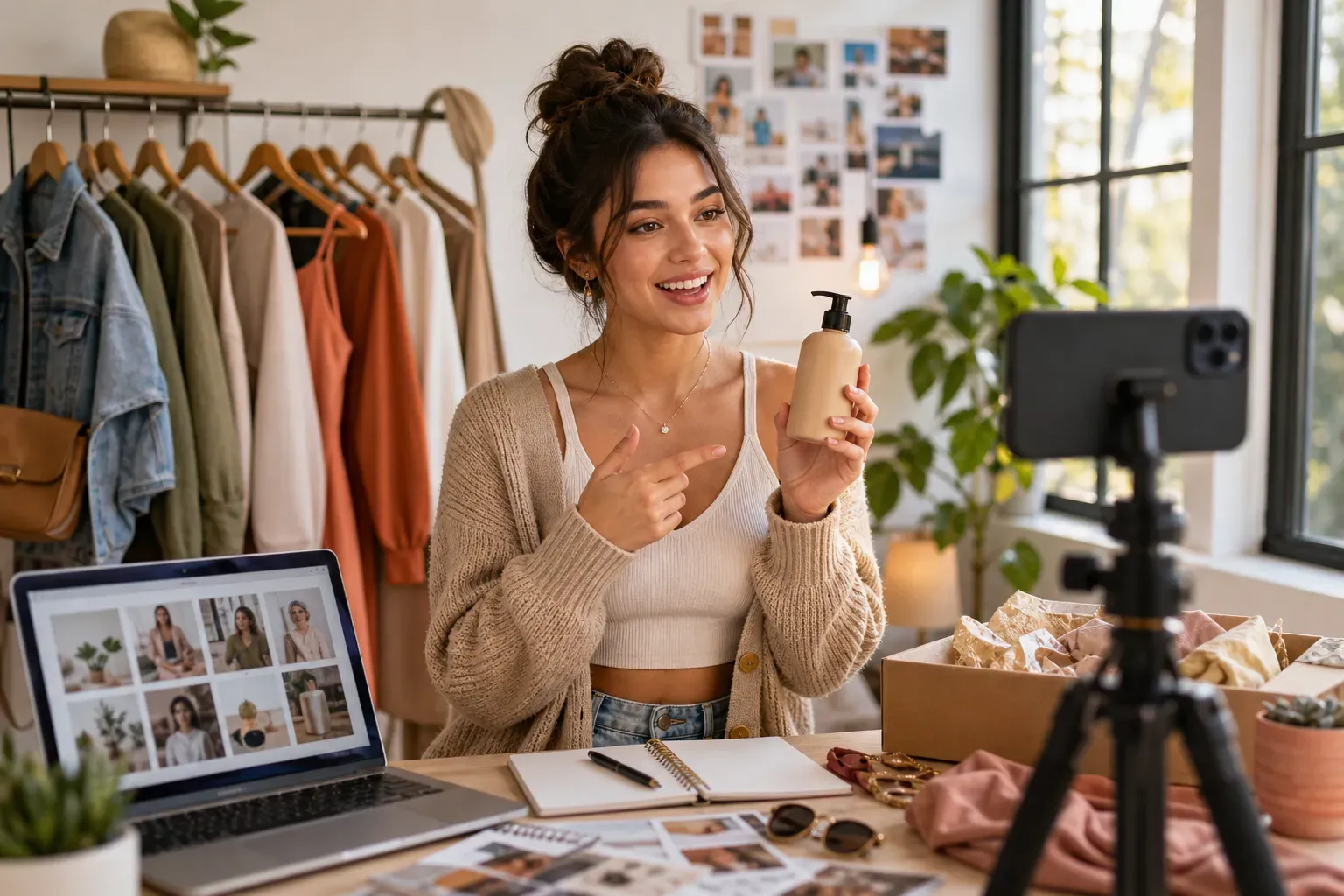
Shopify merchants often need images beyond the product page, including Meta ads, TikTok Shop creatives, Google Shopping visuals, seasonal campaign images, landing page hero images, and email promotion graphics. Vidoly AI can turn one product photo into multiple campaign-ready visuals with different backgrounds, props, and ecommerce compositions.

Best Product Photos to Upload

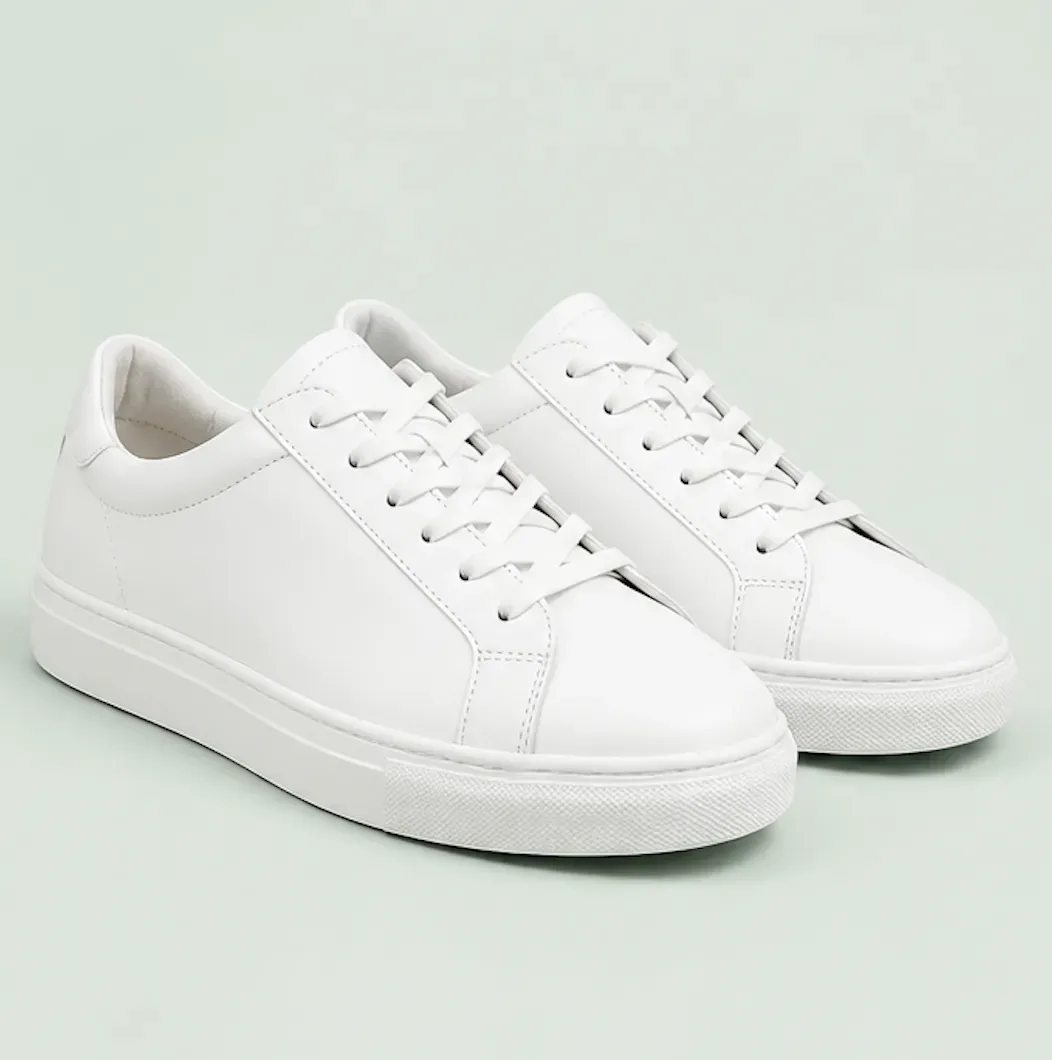
For better results, upload a sharp product photo where the full item is visible. The AI works best when product edges, color, packaging, logo placement, material texture, and important details are clear. Avoid blurry images, cropped products, heavy reflections, harsh shadows, low-resolution screenshots, or cluttered backgrounds that hide the product shape.

Shopify Product Images vs Manual Product Photography

Manual photography gives the highest control over exact lighting, product accuracy, and brand direction. AI product image generation is faster for creating visual drafts, background variations, lifestyle scenes, ad creatives, and consistent gallery images. A practical workflow is to use AI for fast image production, then review the final image for product accuracy, brand consistency, and store quality.

How To Use

1

Upload Your Product Photo

Choose a clear product image with visible shape, color, material, packaging, and important product details.

2

Choose the Image Type

Generate a product page image, lifestyle scene, collection image, variant image, product banner, ad creative, or clean ecommerce product shot.

3

Let AI Create the Shopify Visual

Vidoly AI builds a polished ecommerce image while keeping the uploaded product as the main subject.

4

Review Product Accuracy

Check the generated image for correct product shape, label placement, color, scale, texture, and any visible details that must stay accurate.

5

Download and Use in Shopify

Export the image and use it in your Shopify product page, collection page, homepage section, ad campaign, email promotion, or social media post.

FAQs

Can I use AI-generated images on my Shopify store?

Yes, you can use AI-generated images on your Shopify store, but you should review them before publishing. Make sure the product shape, color, packaging, logo, label text, and important details are accurate.

What image types can I create for Shopify?

You can create product page images, featured product images, collection images, lifestyle product photos, variant images, product banners, ad creatives, and social media visuals. Different image types serve different parts of the Shopify shopping journey.

Does this work for Shopify collection images?

Yes. You can generate consistent product visuals for collection grids or create collection cover images for product categories. This is useful when your original product photos have inconsistent backgrounds or lighting.

Can I generate Shopify lifestyle product images?

Yes. Upload your product photo and create a lifestyle image that places the product in a realistic scene. This works well for beauty products, fashion, home decor, kitchen items, pet products, electronics, accessories, and gifts.

Can it create product variant images?

Yes. The tool can help create visually consistent images for product variants such as colors, materials, patterns, sizes, or bundles. Final results should be checked to ensure each variant accurately represents the real product.

What product photos work best?

Use high-resolution photos with the full product visible, clear edges, accurate lighting, and minimal obstruction. Product cutouts, studio photos, packaging shots, and clean front-facing images usually work best.

Can I create Shopify ad images?

Yes. You can generate product images for Meta ads, TikTok creatives, Google Shopping campaigns, landing pages, email promotions, and seasonal campaigns. Use the generated image as a campaign visual and check that it matches your brand style.

Does AI replace product photography?

Not completely. AI is useful for fast visual production, background changes, lifestyle concepts, and marketing variations. Professional photography is still better when exact product accuracy, regulated claims, or final catalog precision is required.

Will the AI preserve my product label?

The AI can try to preserve visible labels, logos, and packaging details, but small text may change. Always review product labels, legal claims, ingredients, warnings, and brand marks before publishing.

Can I use it for different product categories?

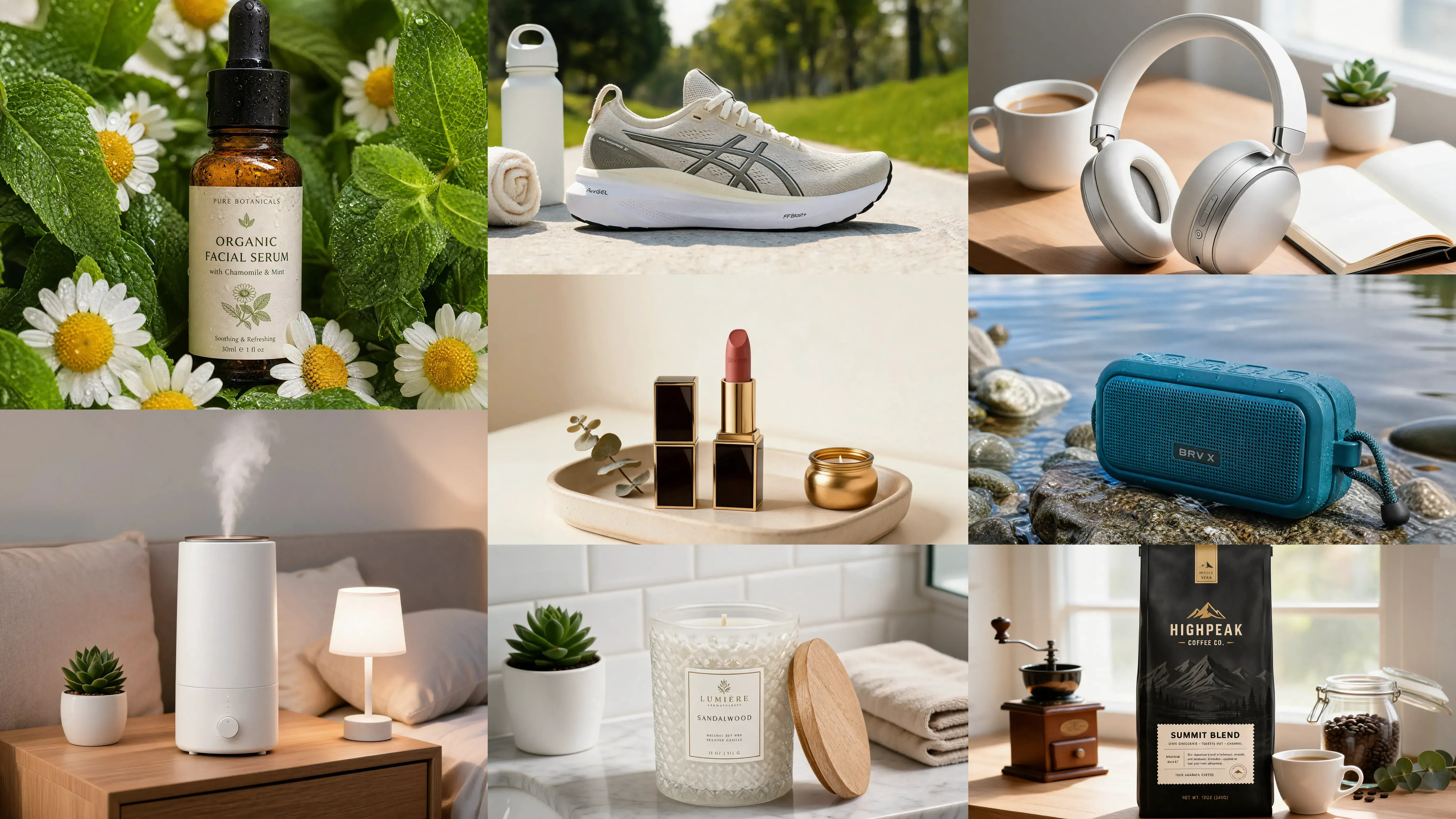
Yes. It can support fashion, beauty, skincare, jewelry, furniture, home decor, pet products, electronics, food, supplements, bags, shoes, kitchen products, and more. Results depend on the quality of the uploaded product photo.

What should I check before uploading images to Shopify?

Check product accuracy, image clarity, background quality, cropping, file size, text readability, and consistency with your store’s brand style. Also make sure the image does not misrepresent the product or include unsupported claims.