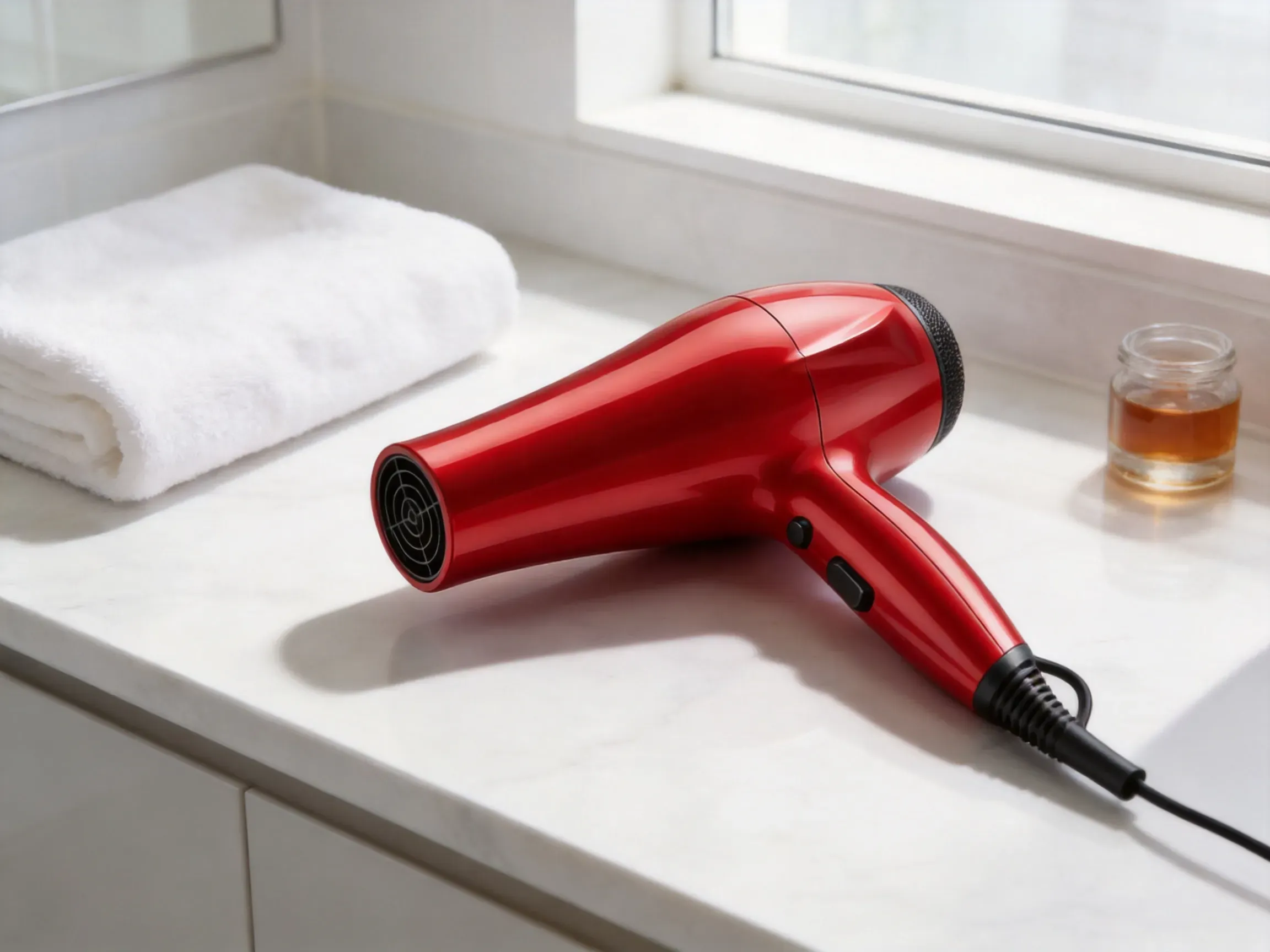
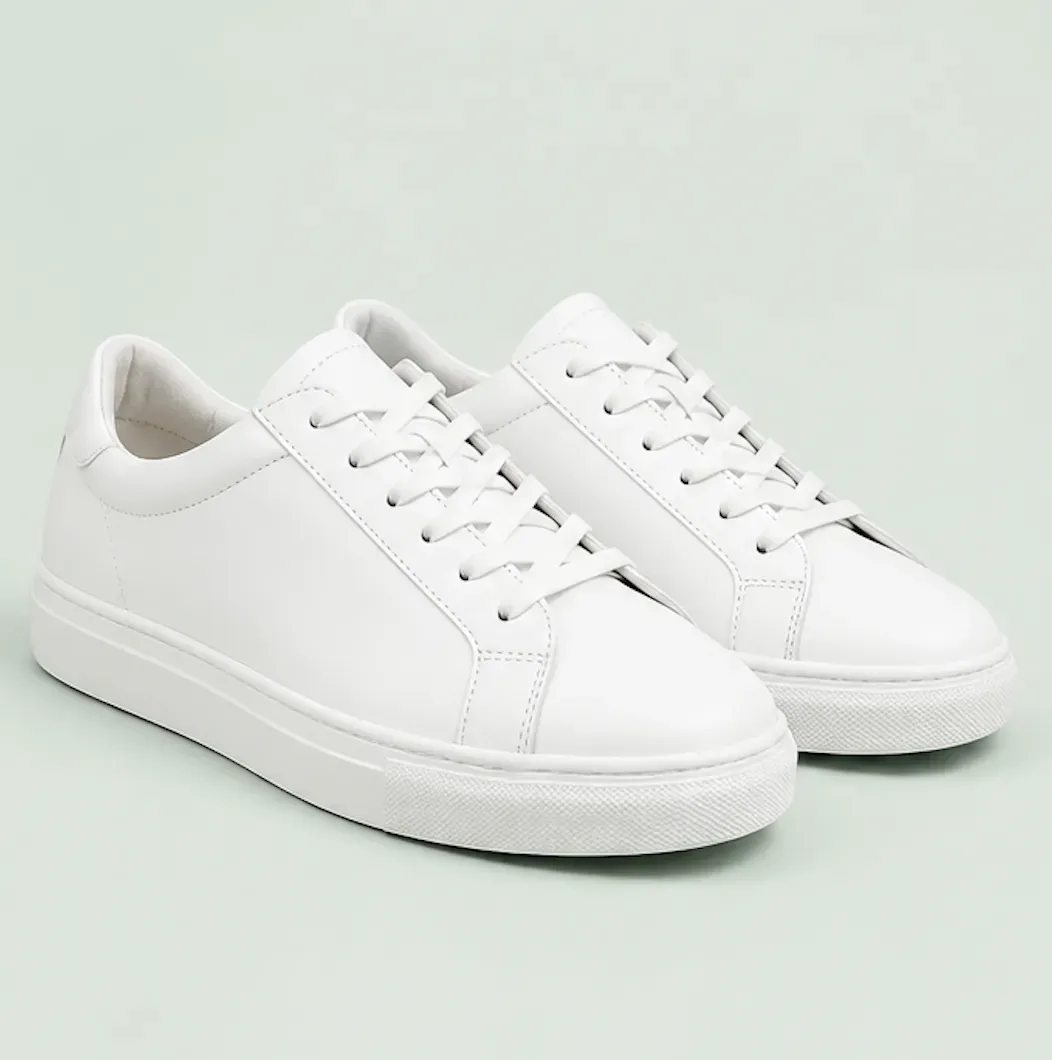
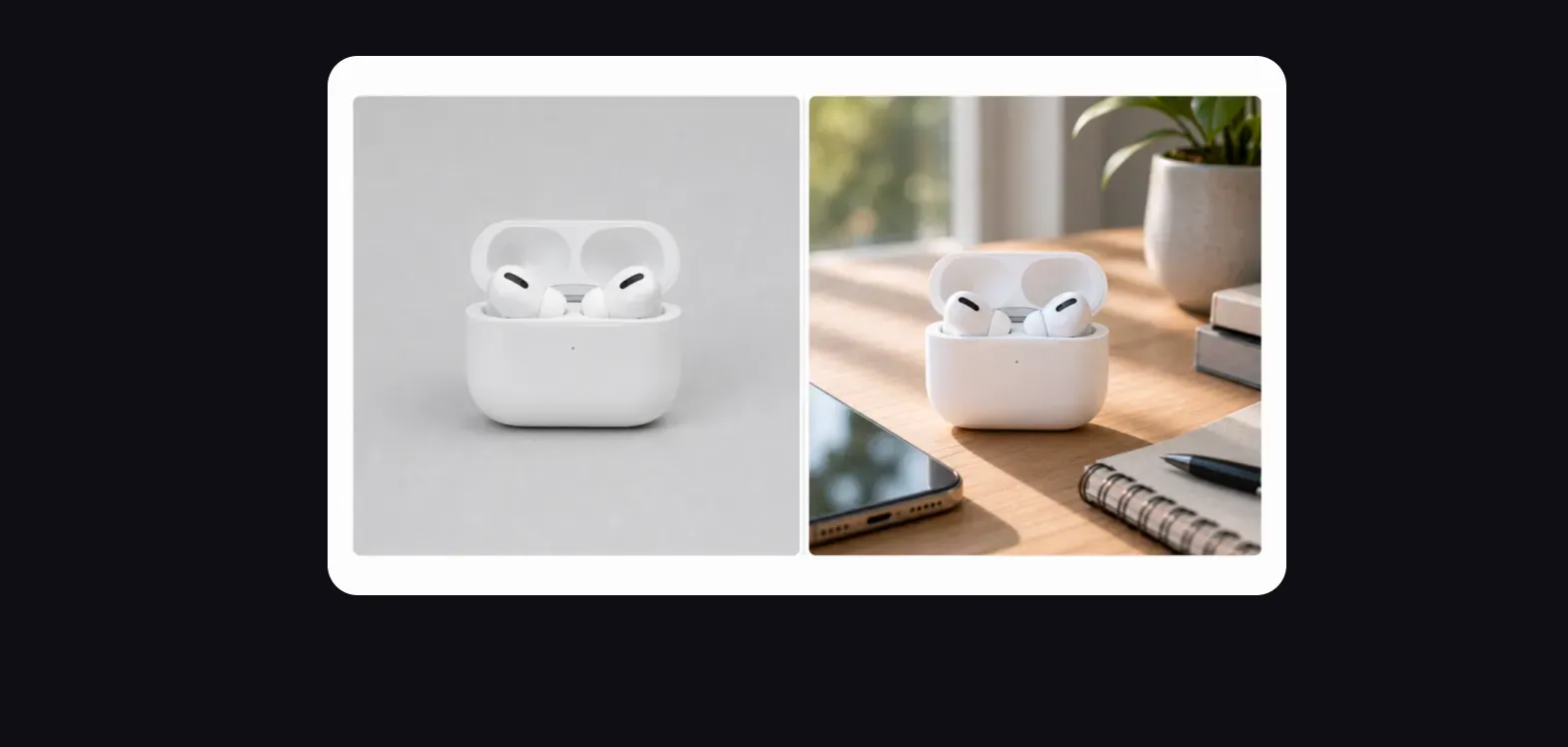
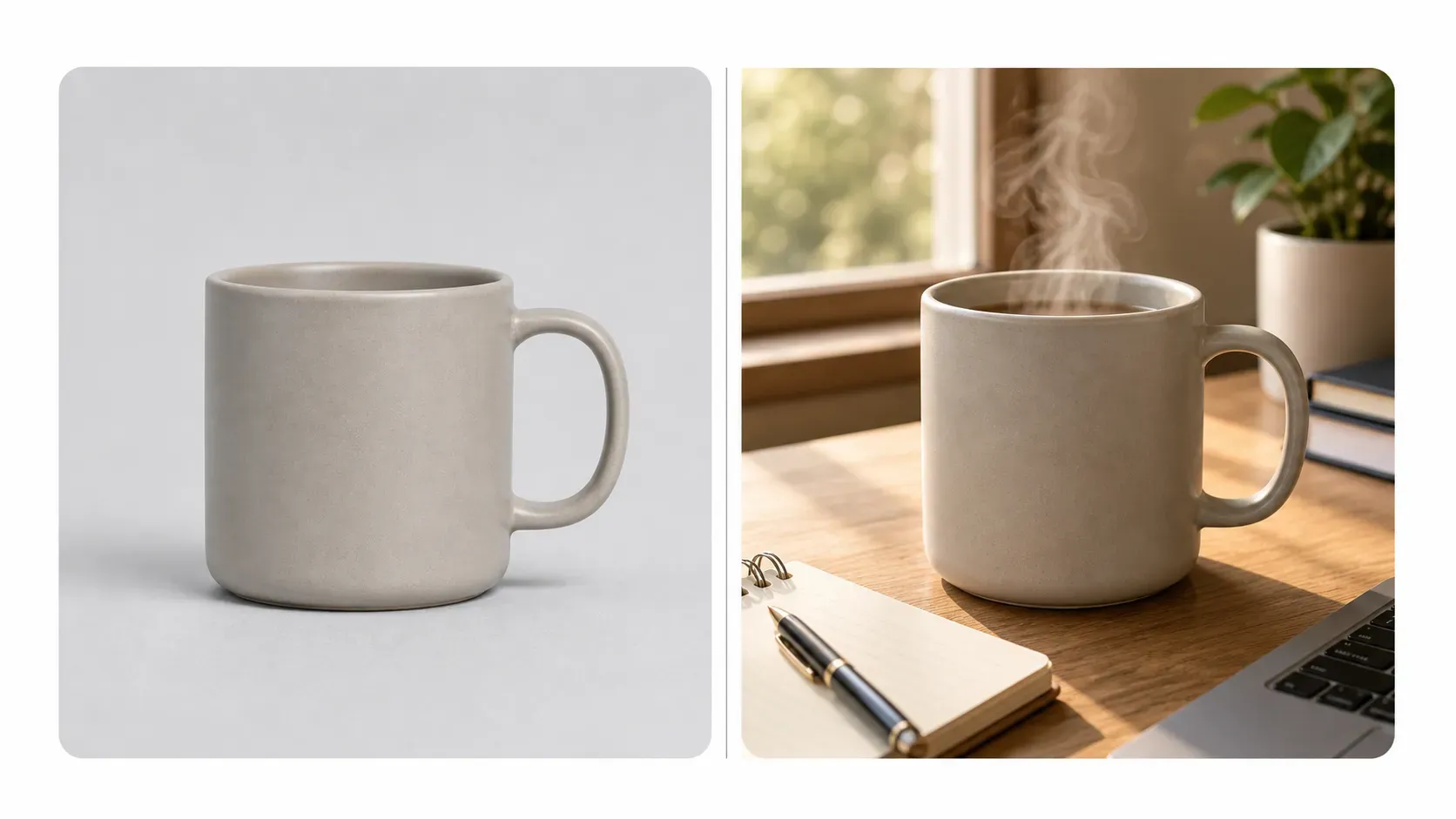
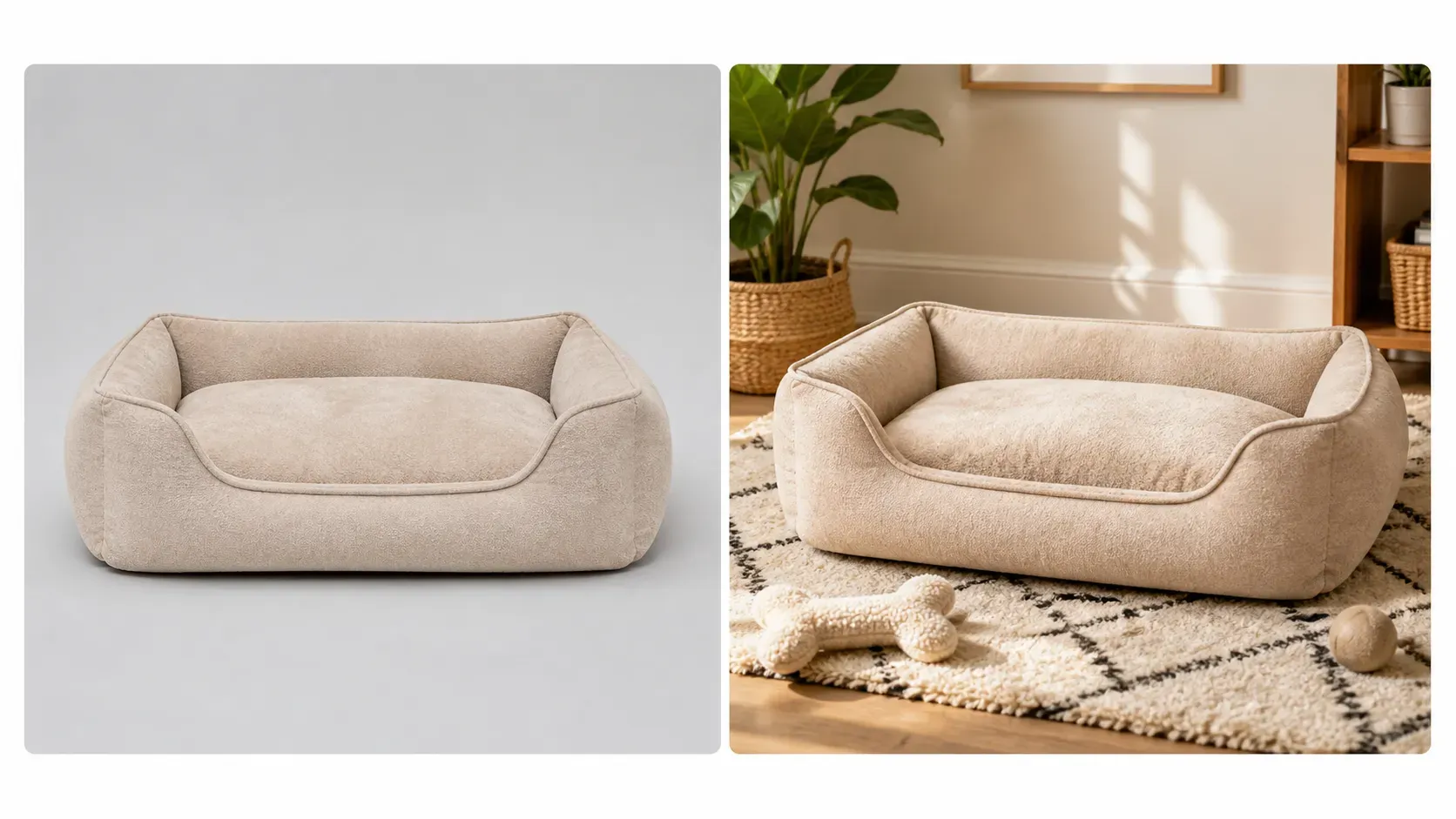
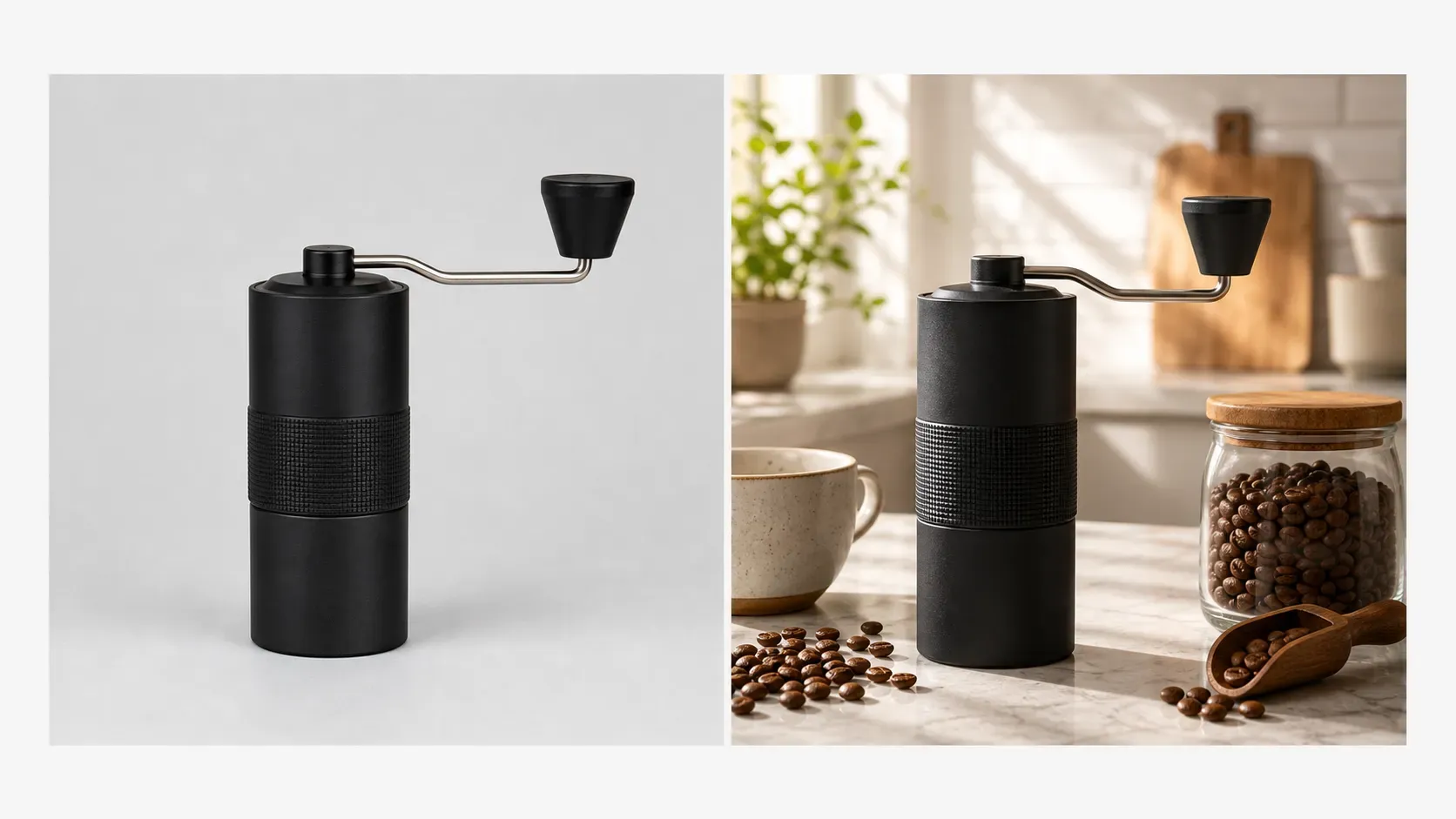
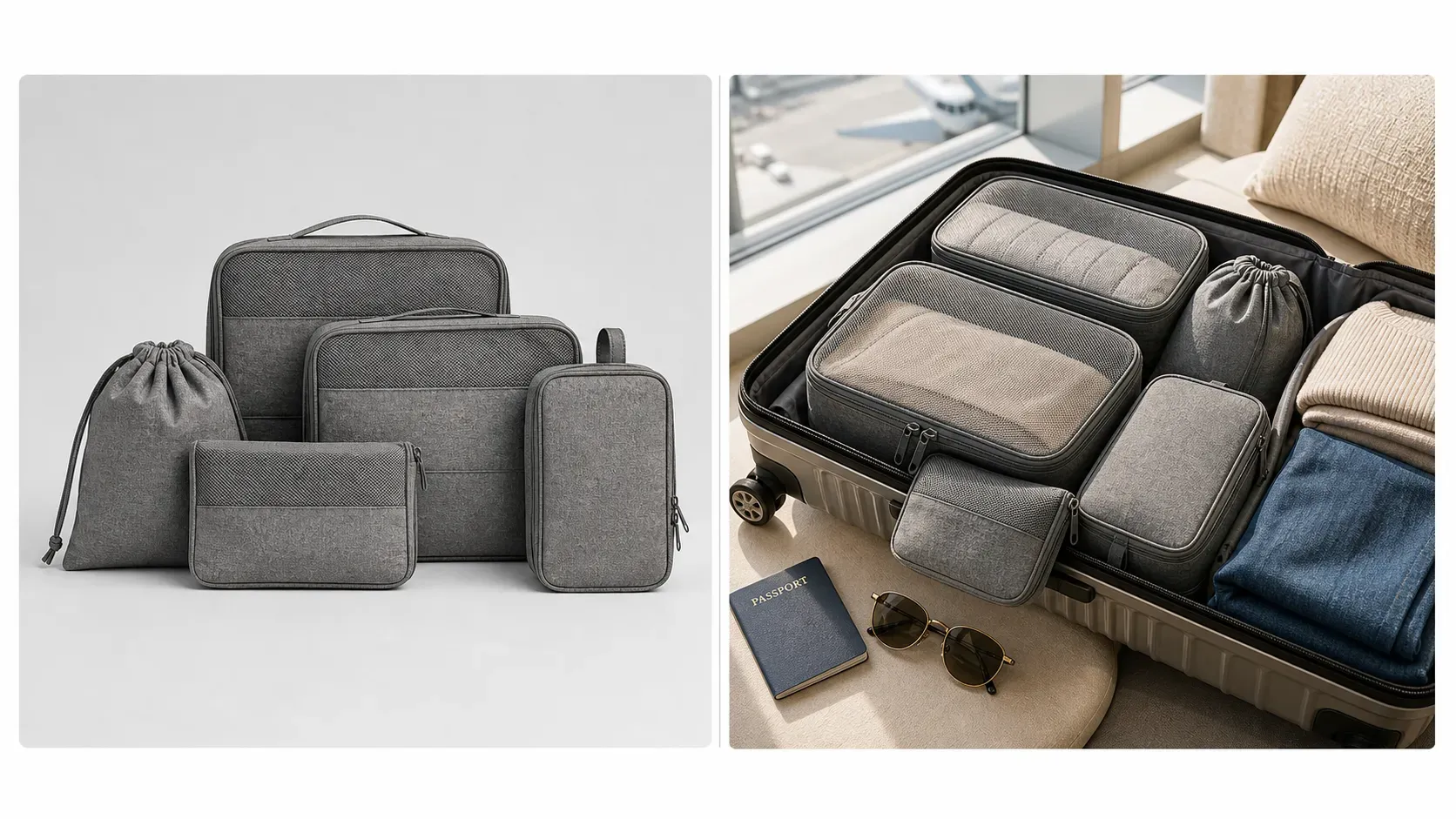
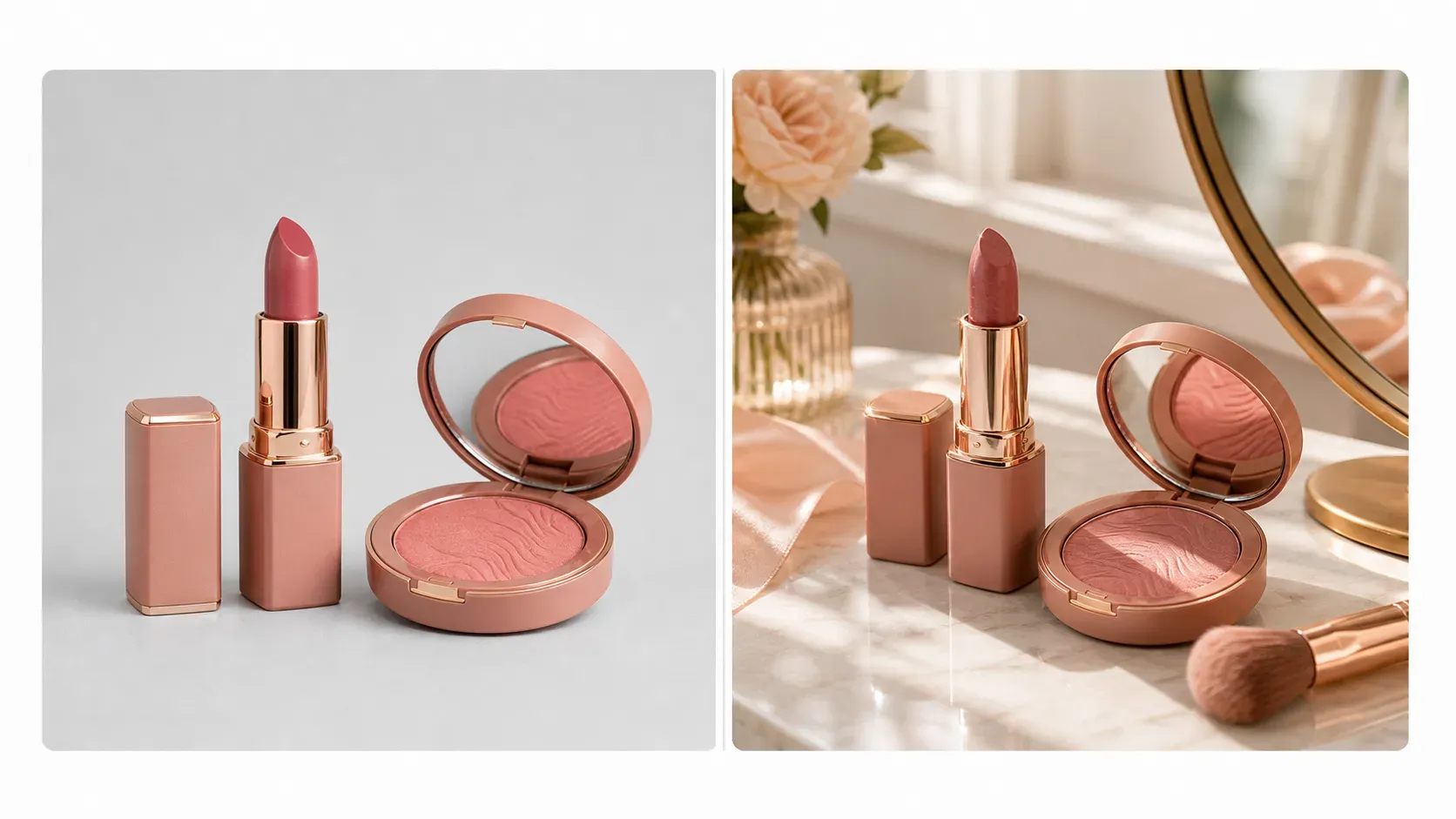
Shopify Lifestyle Product Image

Shopify Lifestyle Product Image

TECHNICAL SPECS

SECTION

Shopify Product Image Generator

MODULE

image_to_image

SKILL ID

shopify_lifestyle_product_image_generator

Upload Image
photo_camera

Upload Image

TEMPLATE PROMPT
Commercial usage license included
MORE IN Shopify Product Image Generator
#shopify_product_image_generator
Generate 4:3 Lifestyle Product Images for Shopify

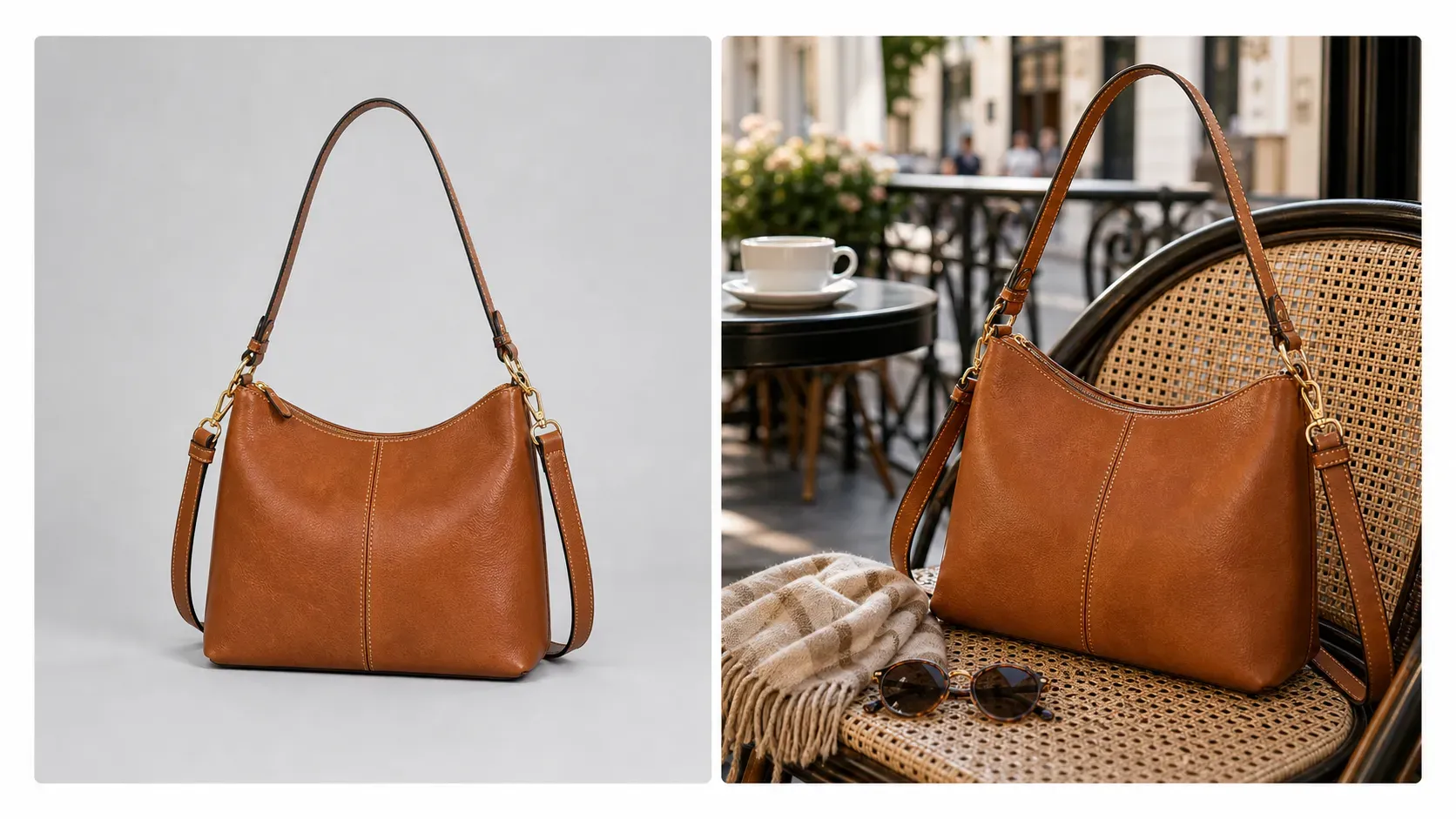
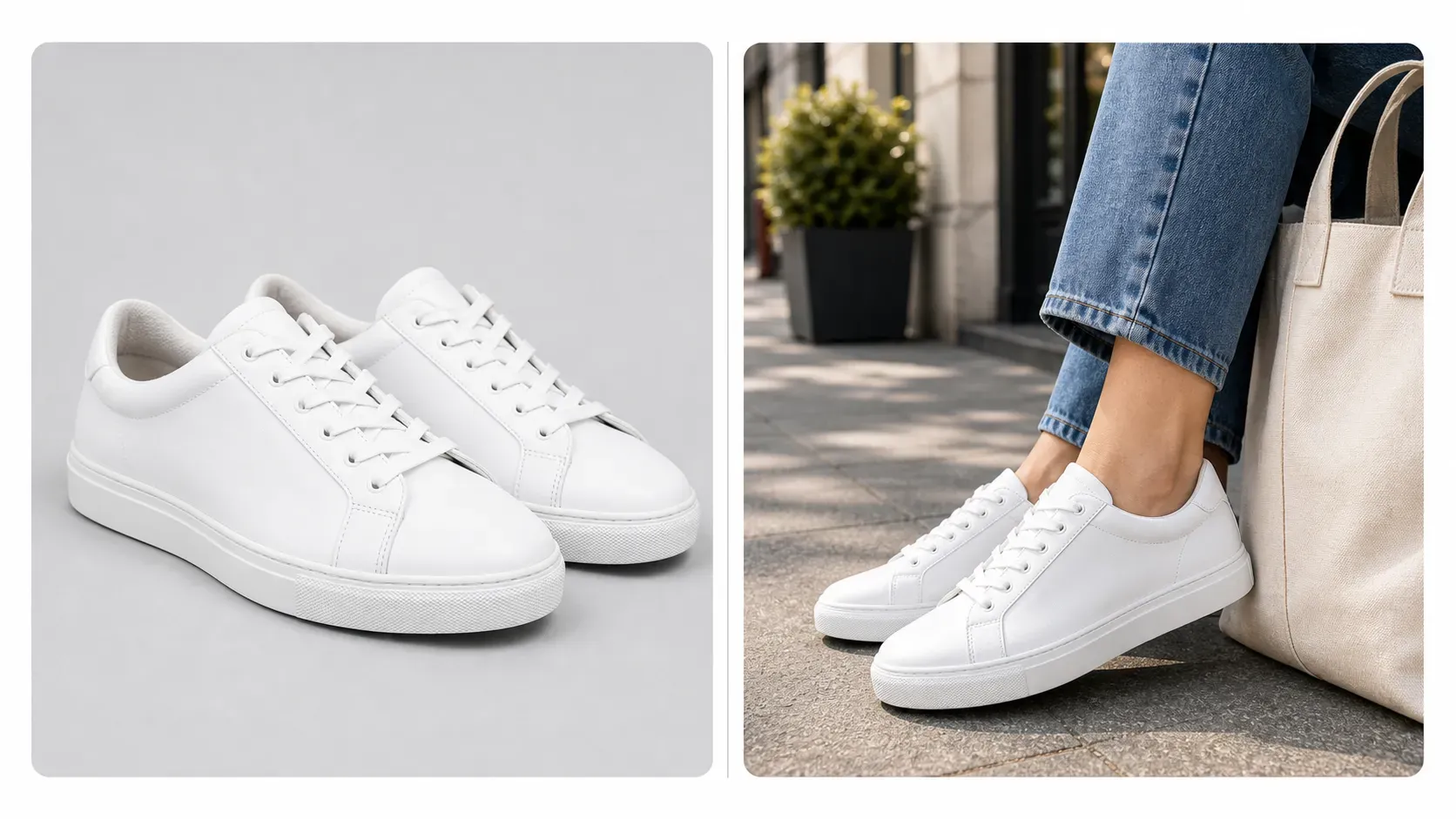
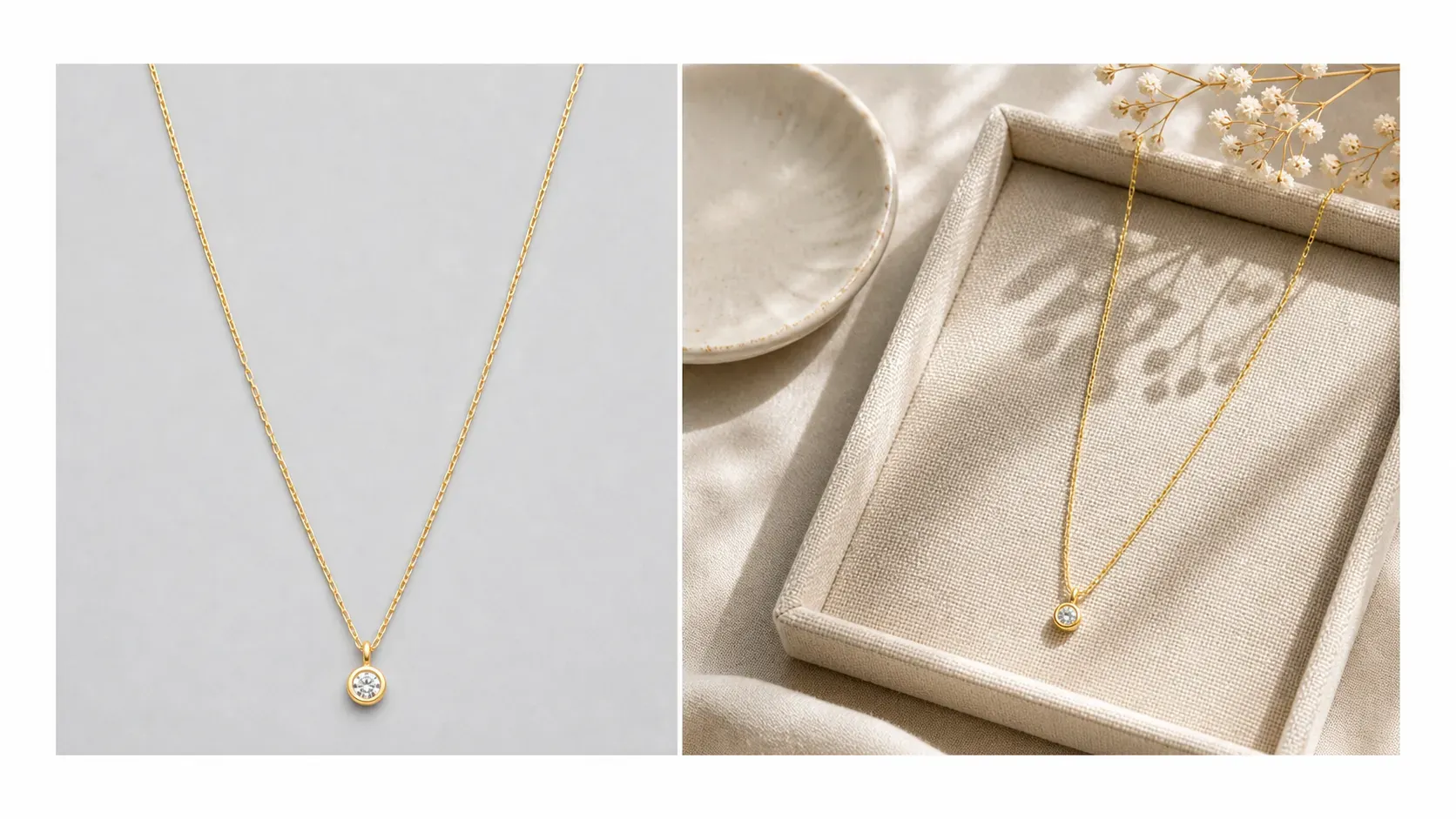
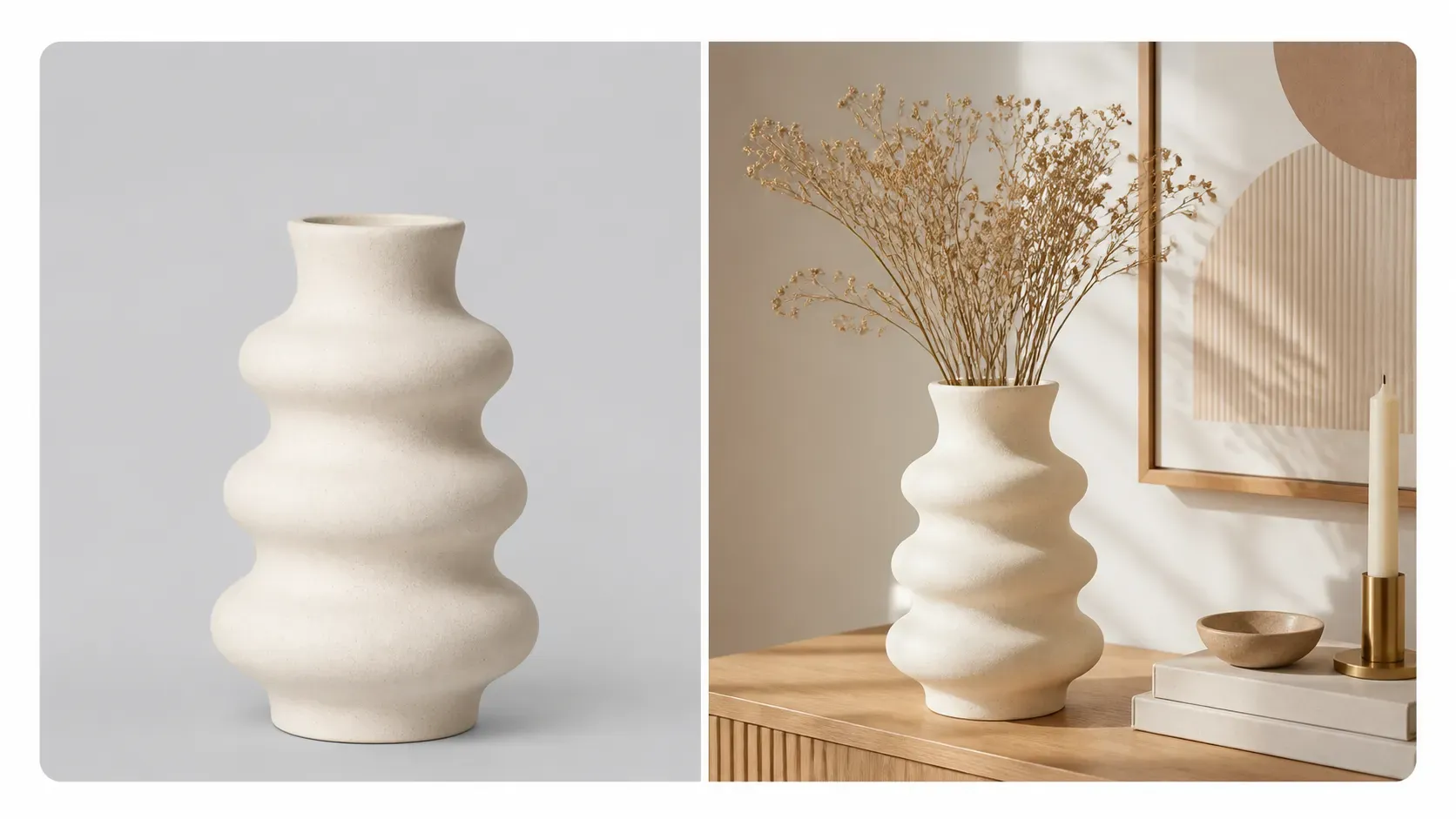
Shopify lifestyle product images help shoppers imagine how a product fits into real life. Vidoly AI analyzes your uploaded product, preserves its shape, color, material, packaging, and visible details, then places it into a realistic 4:3 scene that matches the product category and brand style. Use it to create bathroom counter scenes for skincare, desk setups for mugs and tech accessories, living room scenes for home decor, travel scenes for bags, and seasonal visuals for campaigns.

Generate Lifestyle Images for Shopify
What Is a Shopify Lifestyle Product Image Generator?

Vidoly Shopify Lifestyle Product Image Generator is an AI tool that turns product photos into realistic lifestyle scenes for an independent online store. Instead of showing only a plain product cutout, it places the product in a natural use-case environment. The default 4:3 format gives enough space for the product, props, and background context without turning the image into a wide banner.

Turn Plain Product Photos into Branded Product Scenes

A plain product photo can show what an item looks like, but a lifestyle image shows how it feels in context. Vidoly AI can place a product into a scene that matches its likely use case, such as a candle on a coffee table, jewelry on a vanity tray, a water bottle at the gym, pet supplies in a home corner, or kitchen tools on a countertop. This helps Shopify stores create a more complete brand experience.

Create Product Page Images That Support Conversion

Shopify product pages often need more than one clean product image. Lifestyle images can show scale, use case, material texture, mood, and audience fit. A 4:3 lifestyle image works well for product page galleries because it has room for both the product and environment while still keeping the product clearly visible.

Generate Shopify Homepage and Collection Visuals

Lifestyle product images can also support homepage sections, featured product blocks, collection covers, and seasonal landing pages. Instead of using generic stock photos, merchants can generate scenes around their own products. For collection grids, merchants may also create 1:1 square images; for homepage hero banners, 16:9 is often a better fit.

Make Product Images for Ads and Social Media

Shopify merchants often need campaign images for Meta ads, TikTok creatives, Pinterest posts, email promotions, and product launch announcements. AI-generated lifestyle product images can create multiple visual directions from one uploaded product photo, such as minimalist studio, luxury home, outdoor adventure, holiday gift, or social-media-ready flat lay. For mobile ads, 4:5, 3:4, 2:3, or 9:16 vertical formats may work better than the default 4:3.

Choose the Right Shopify Image Ratio

Vidoly uses 4:3 as the default ratio for Shopify lifestyle images because it balances product visibility and scene context. Merchants can also choose 1:1 for collection grids, 3:2 for editorial product scenes, 16:9 for homepage banners, or vertical formats for mobile ads and social posts. If needed, users can also match the uploaded product image ratio, but fixed output ratios usually create more consistent store visuals.

Best Products for Lifestyle Scene Generation

Lifestyle generation works well for beauty products, skincare, candles, mugs, bags, shoes, jewelry, home decor, kitchen items, pet products, supplements, electronics, fitness gear, and travel accessories. Products with clear edges, visible packaging, accurate color, and recognizable shape usually produce stronger results. Very reflective, transparent, cropped, or low-resolution products may need extra review.

Shopify Lifestyle Images vs Plain Product Photos

Plain product photos are useful for showing shape, color, and product details clearly. Lifestyle product images are better for showing use case, mood, brand positioning, and visual context. A Shopify store usually benefits from both: clean product images for clarity and lifestyle images for storytelling and conversion.

Common Limitations of AI Lifestyle Product Images

AI can generate realistic scenes quickly, but every result should be reviewed before publishing. Check whether the product shape, scale, color, logo placement, label text, and material details remain accurate. Results may be weaker when the uploaded product is blurry, partially cropped, heavily reflective, transparent, or visually complex.

How To Use Vidoly Shopify Lifestyle Product Image Generator?

1

Upload Your Product Photo

Choose a clear product image where the full item, edges, color, packaging, and important details are visible.

2

Choose or Describe a Lifestyle Scene

Select a scene style or enter a prompt, such as “minimal bathroom counter,” “cozy living room,” “modern desk setup,” “outdoor travel scene,” or “holiday gift display.”

3

Select an Image Ratio

Use the default 4:3 format for Shopify lifestyle product scenes, or choose 1:1 for collection grids, 16:9 for banners, and vertical ratios for mobile ads or social media.

4

Let AI Build the Shopify Scene

Vidoly AI places the product into a realistic lifestyle environment with matching lighting, props, background, and composition.

5

Review Product Accuracy

Check the generated image for product shape, color, label placement, logo accuracy, scale, shadows, and whether the product is physically believable in the scene.

6

Download for Your Shopify Store

Use the final image on product pages, collection sections, homepage banners, landing pages, email promotions, ads, or social media posts.

FAQs

How is this different from a normal Shopify product image?

A normal product image often focuses on a clean view of the item. A lifestyle image adds context, mood, props, lighting, and environment so the product feels connected to a real use case or brand story.

What is the default image ratio?

The default ratio is 4:3 because it gives enough space for both the product and the surrounding lifestyle scene. It works well for Shopify product page galleries, feature sections, and general branded product visuals.

Can I choose other image sizes?

Yes. You can use 1:1 for collection grids, 3:2 for editorial scenes, 16:9 for homepage banners, and vertical ratios such as 4:5, 3:4, 2:3, or 9:16 for mobile ads and social media.

Should I match the uploaded product image ratio?

Matching the uploaded image ratio can help when you want to preserve the original composition. For most Shopify lifestyle images, fixed ratios such as 4:3, 1:1, or 16:9 create more consistent store visuals.

Can I use AI-generated lifestyle images on my Shopify store?

Yes, but you should review the final image before publishing. Make sure the product still looks accurate and that the scene does not misrepresent the item, its size, material, features, or intended use.

What products work best?

Skincare, beauty products, candles, mugs, bags, shoes, jewelry, home decor, kitchen products, pet products, electronics, supplements, fitness gear, and travel accessories usually work well. Clear product photos with visible edges and accurate color give better results.

Can it generate scenes for my brand style?

Yes. You can describe a brand direction such as minimalist, luxury, natural, playful, modern, seasonal, outdoor, cozy, or studio-style. The AI can generate a scene that supports your store’s visual identity.

Can I create Shopify homepage banner images?

Yes. Use 16:9 when you need a homepage hero, landing page banner, or wide promotional section. Leave enough negative space if you plan to add text or buttons in your Shopify theme.

Can I create lifestyle images for ads?

Yes. Shopify merchants can use lifestyle images for Meta ads, TikTok creatives, Pinterest posts, email campaigns, and product launch promotions. For mobile-first ads, vertical ratios such as 4:5 or 9:16 often work better.

Will the AI preserve my product logo and label?

The AI can try to preserve visible logos, labels, and packaging details, but small text may change. Review all labels, claims, ingredient lists, warnings, and brand marks before using the image commercially.

Does this replace product photography?

It can reduce the need for extra scene shoots and help create fast campaign visuals, but it does not fully replace professional photography when exact product accuracy, regulated claims, or high-end catalog precision is required.

Why does the generated product sometimes look different?

AI may adjust edges, reflections, scale, shadows, labels, or small details while placing the product into a new environment. This is more likely when the uploaded photo is low-resolution, cropped, reflective, transparent, or poorly lit.