Tools

Kling V2.1 Image

Kling V2.1 - AI Image Generator

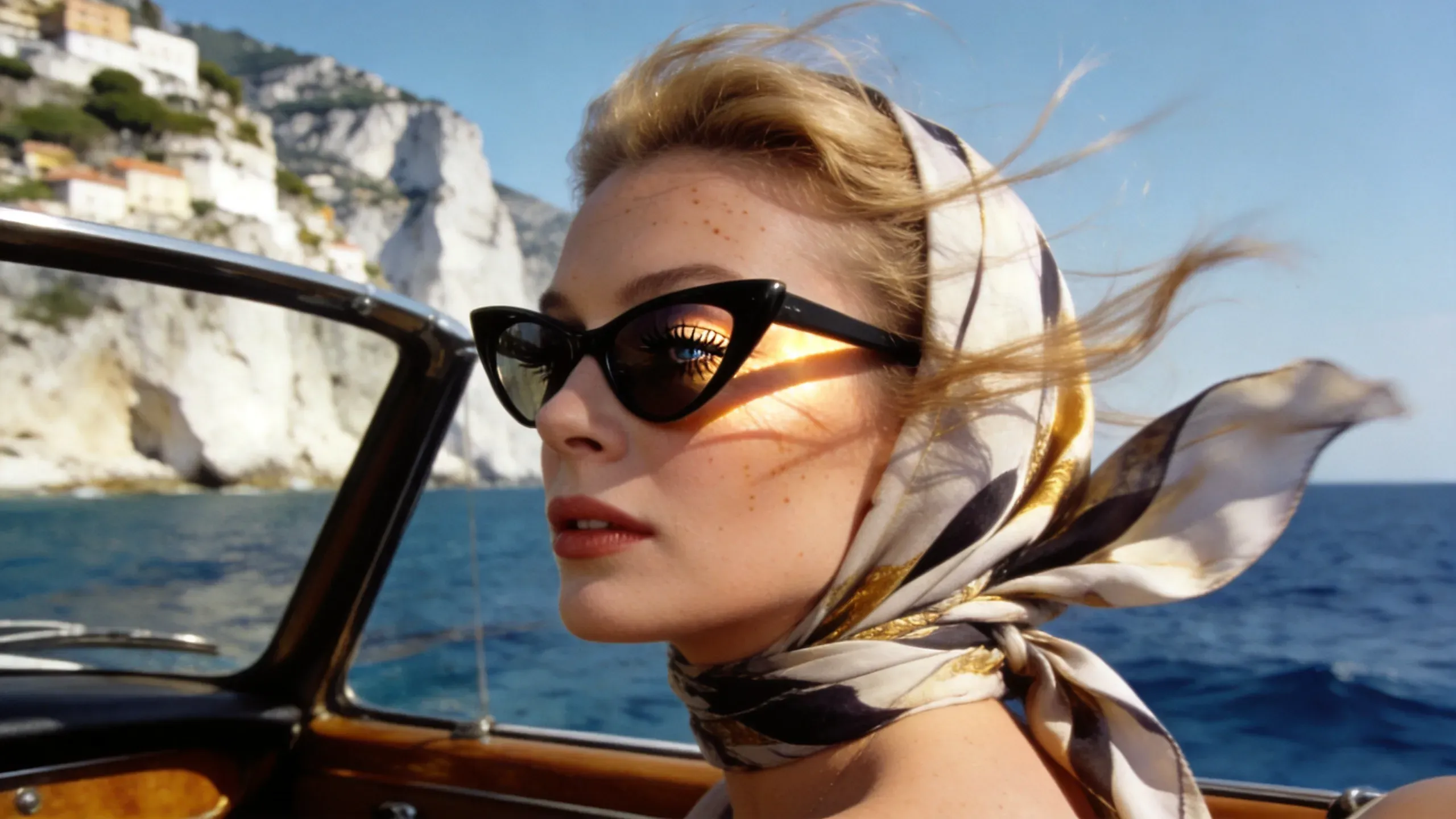
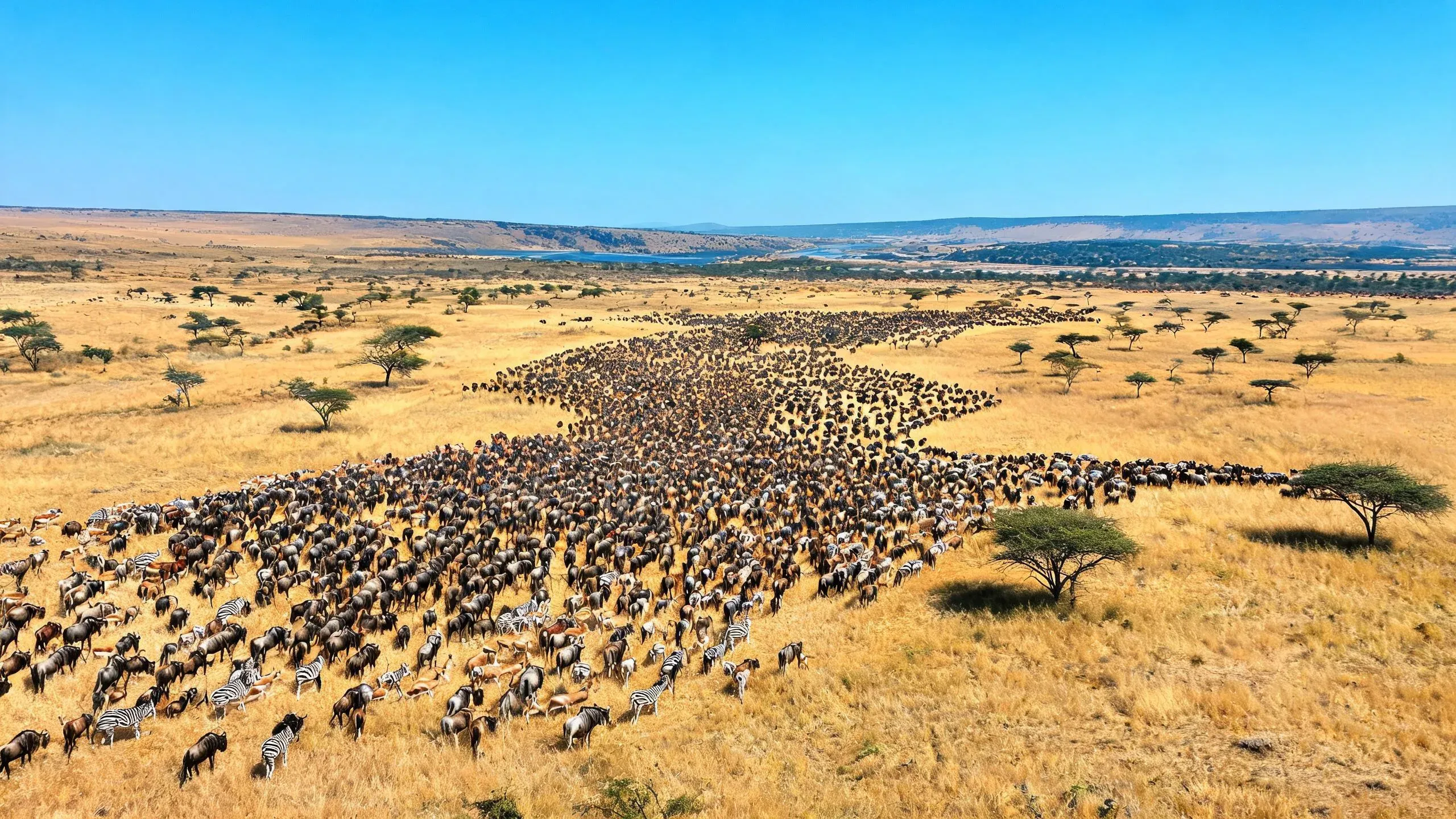
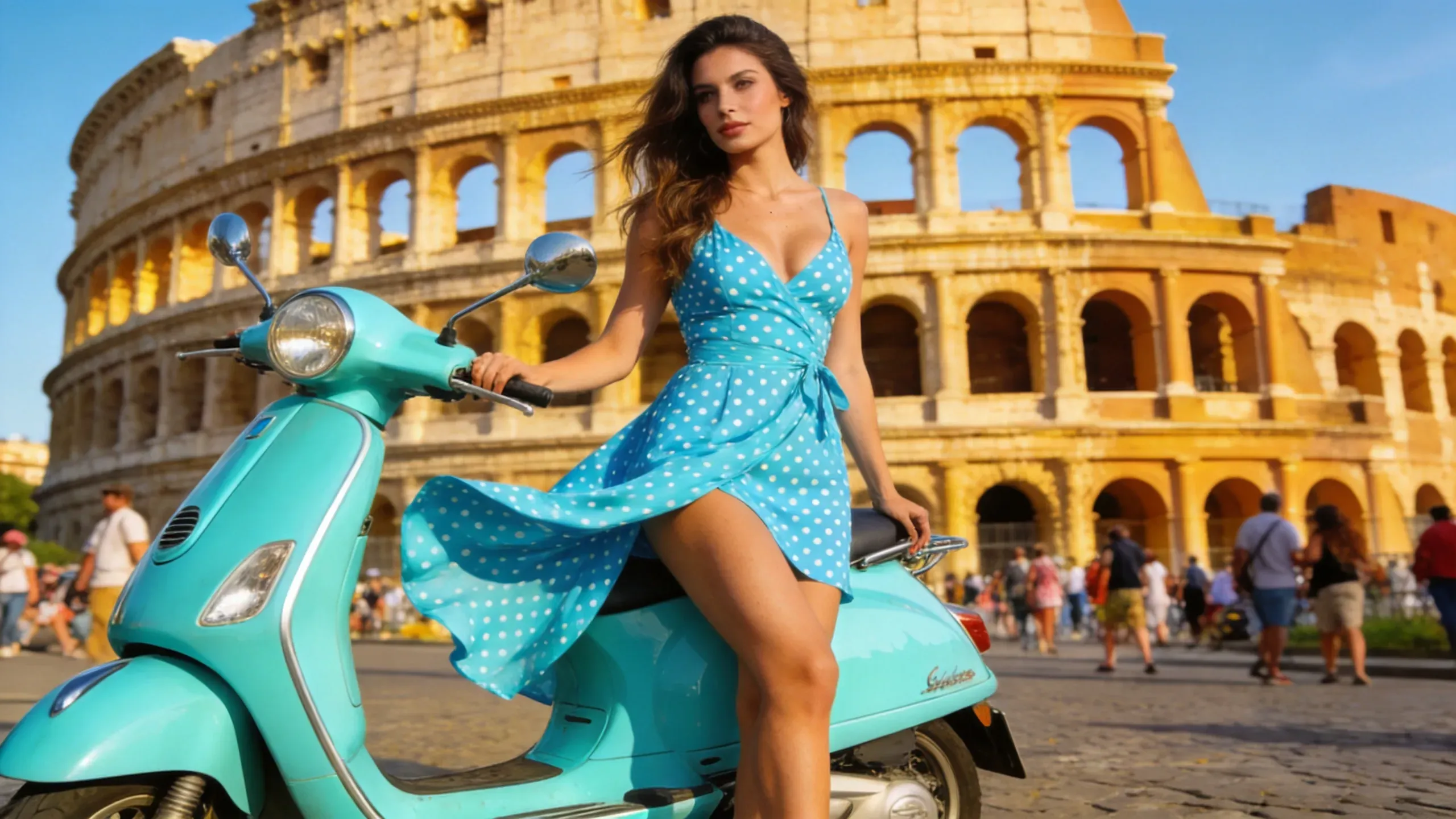
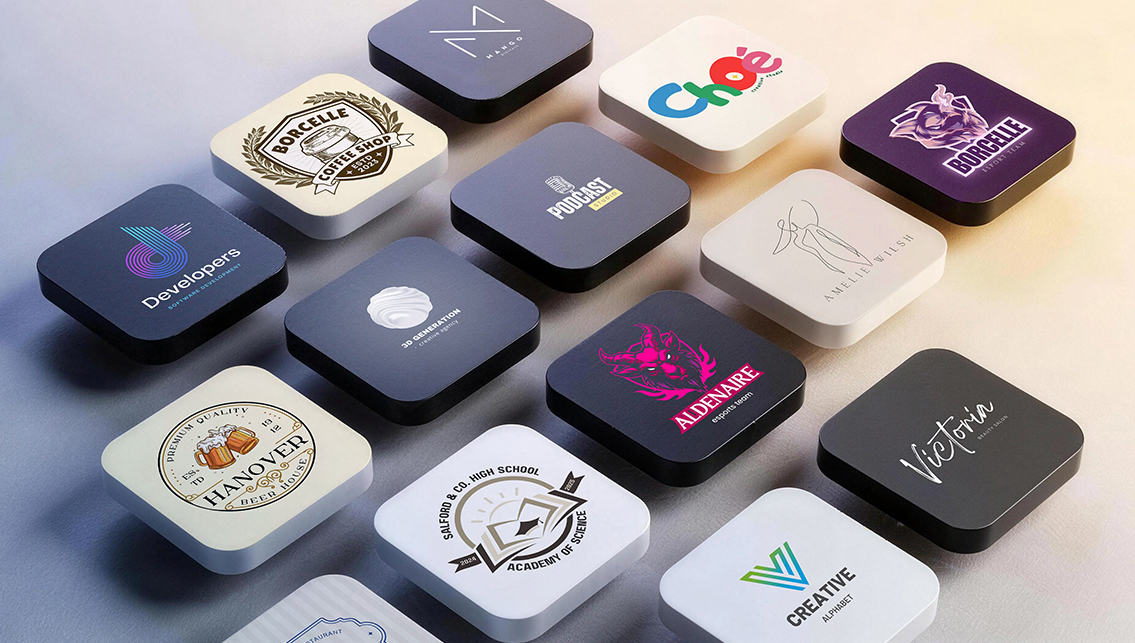
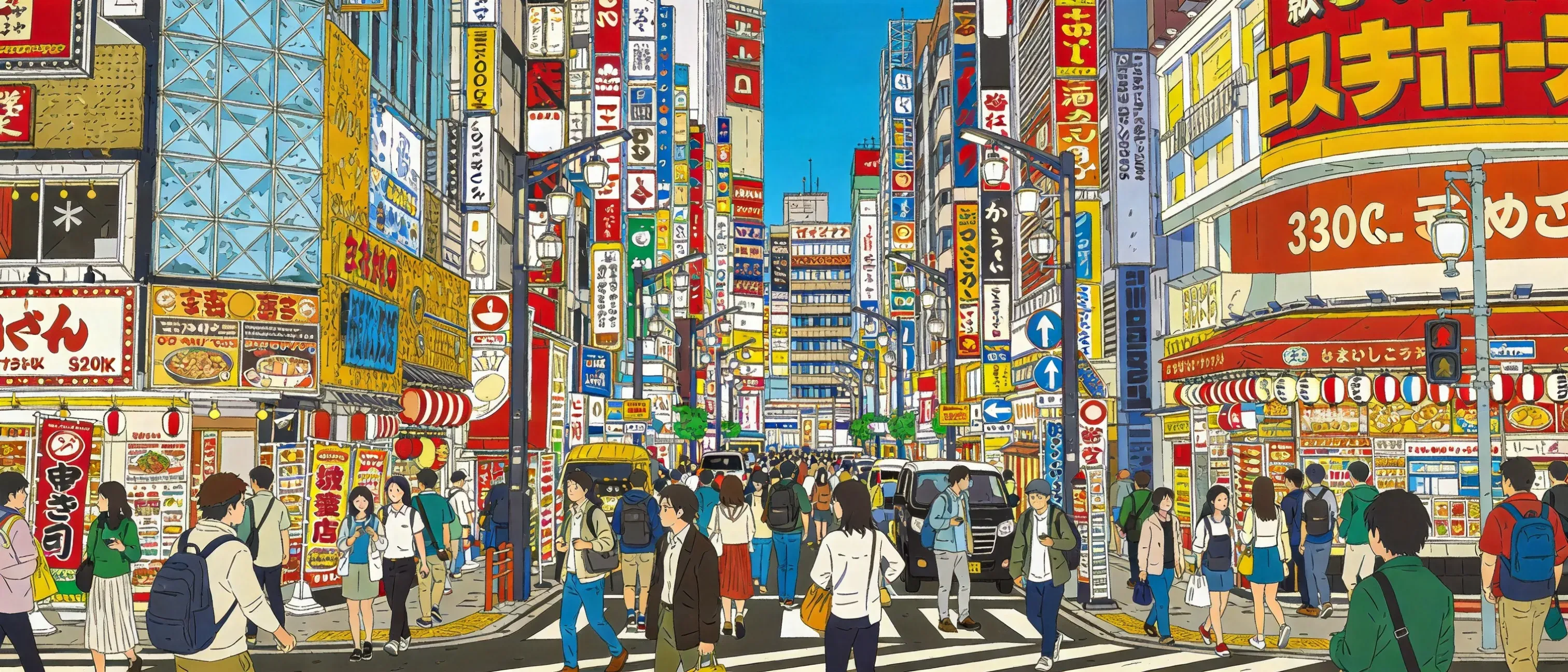
AI generator example
Use Kling 2.1 for Dynamic Visual Creation Across Image and Motion Workflows

Use Kling 2.1 for Dynamic Visual Creation Across Image and Motion Workflows

Kling v2.1 is a visual generation model developed by Kuaishou and publicly introduced in May 2025 as an upgrade following Kling 2.0. Within the broader Kling family of creator-focused generation tools, this version is known for improved semantic responsiveness, more realistic physical behavior, stronger motion-related performance, and a workflow positioning that connects image generation with a wider image-and-video creation ecosystem.

Turn Your Idea To Creative With Kling 2.1 Now
Prompt Following and Text Rendering

Prompt Following and Text Rendering

Performance: Strong Kling 2.1 Official statements focus more on semantics and visual generation quality than on dense-text design output, so it looks solid but less explicitly typography-focused than Seedream 4.5.

Try Kling 2.1 To Generate Image Now
Reference Consistency and Editing Control

Reference Consistency and Editing Control

Moderate to strong Comment: Kling’s official language is centered more on semantic responsiveness, physical realism, and creator workflows. Its product surface includes image generation, but the clearest official differentiation remains broader visual generation rather than still-image editing leadership.

Use Kling 2.1 For Image Generation
Production Style, Realism, and Commercial Asset Readiness

Production Style, Realism, and Commercial Asset Readiness

Performance: Strong for cinematic creator workflows Kling’s official positioning is strongest around creator efficiency, semantic responsiveness, and realism within a broader image-plus-video ecosystem, making it compelling when image ideation must connect to motion content later.

Make Your Idea Come True With Kling 2.1

How To Use Kling v2.1 AI Model

1

Write a motion-aware visual prompt?

Even for still images, it helps to describe subject action, spatial logic, camera energy, and physical behavior. Kling v2.1 is positioned around semantic responsiveness and realism in a broader creator workflow, so prompts that imply motion or cinematic scene logic can be especially effective.

2

Upload an image if you want continuity or adaptation

Upload a reference image when you want a still visual that can later extend into a broader content workflow. A clean reference helps preserve style and subject continuity across related outputs.

3

Generate the AI result

Generate the image and check whether the scene feels responsive, physically believable, and visually dynamic. If the result feels flat, rewrite the prompt to clarify action, perspective, environment, and the intended cinematic mood.

FAQs

What is Kling v2.1 known for?

Kuaishou highlights stronger semantic responsiveness, improved physical realism, and better content generation efficiency in the 2.1 series.

Is Kling v2.1 only a video model?

No. The public product surface positions Kling across both image and video generation, even though its ecosystem is strongly associated with creator motion workflows.

Does Kling v2.1 make sense for still-image prompting?

Yes. It can still be valuable for image generation, especially when the scene needs dynamic energy or cinematic structure.

What type of prompt is strongest for Kling v2.1?

Prompts that define action, environment, angle, timing, and physical behavior usually fit its positioning better than static object-only prompts.

Is Kling v2.1 better for cinematic scenes than layout-heavy design graphics?

Yes. Its official strengths are more naturally aligned with realism, responsiveness, and creator-oriented scene generation than typography-heavy graphic design.

Can Kling v2.1 fit creators who want both image and video workflows?

Yes. That broader ecosystem link is one of its most distinctive advantages.

Should I use Kling v2.1 for poster text and dense layout work?

It may not be the first choice for that. Seedream 4.5 is more explicitly positioned for typography and controlled still-image design tasks.

Is Kling v2.1 suitable for realistic scene generation?

Yes. Improved realism and physical response are central to how Kuaishou describes the 2.1 upgrade.

Can a still image generated in Kling v2.1 support a later motion concept?

That is one of the most logical reasons to use it, because Kling belongs to a creator stack that naturally extends beyond still images.

When should I choose Kling v2.1 over Grok Imagine?

Choose Kling v2.1 when your work benefits from cinematic energy and a path into broader creator workflows, rather than pure photorealistic brand-asset generation.