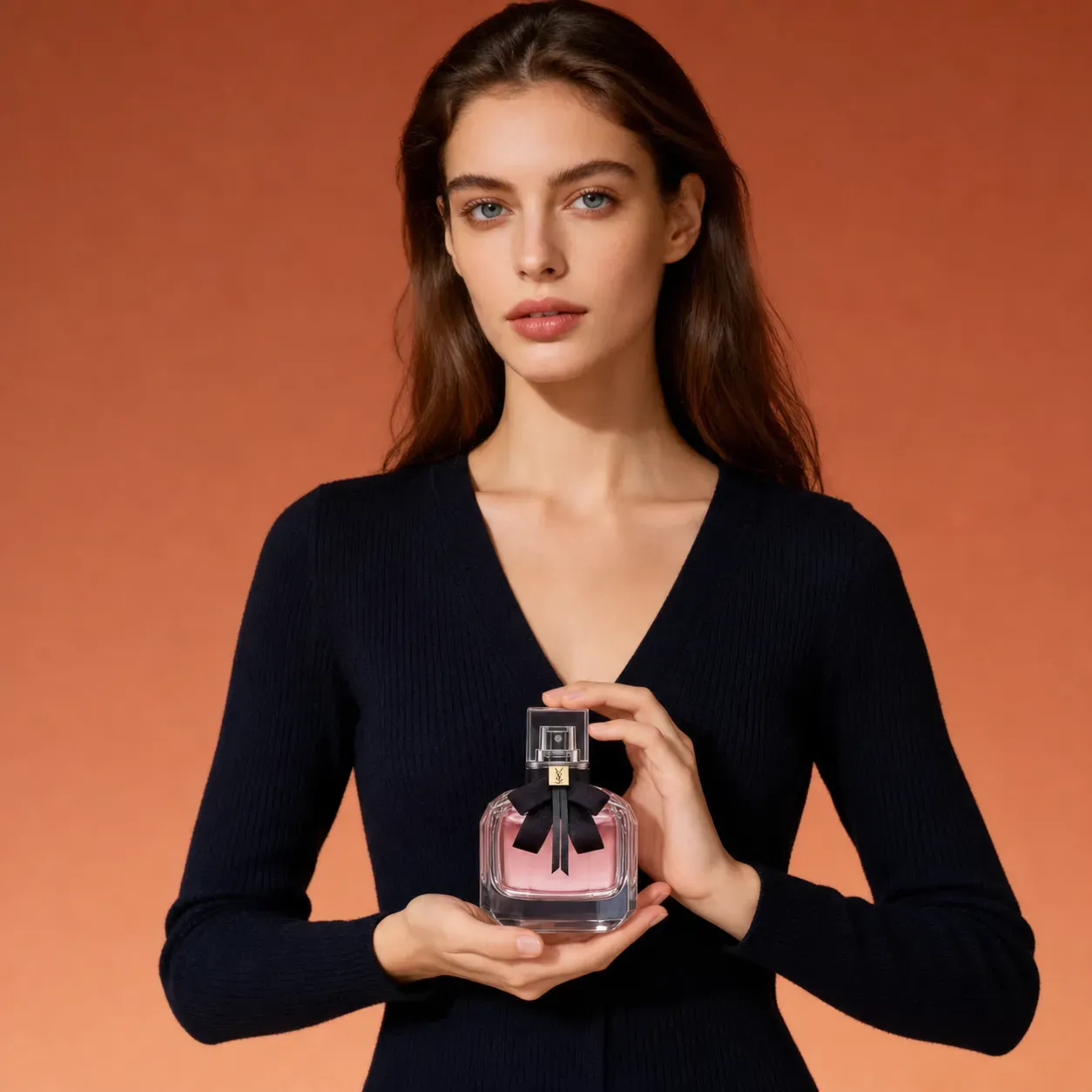
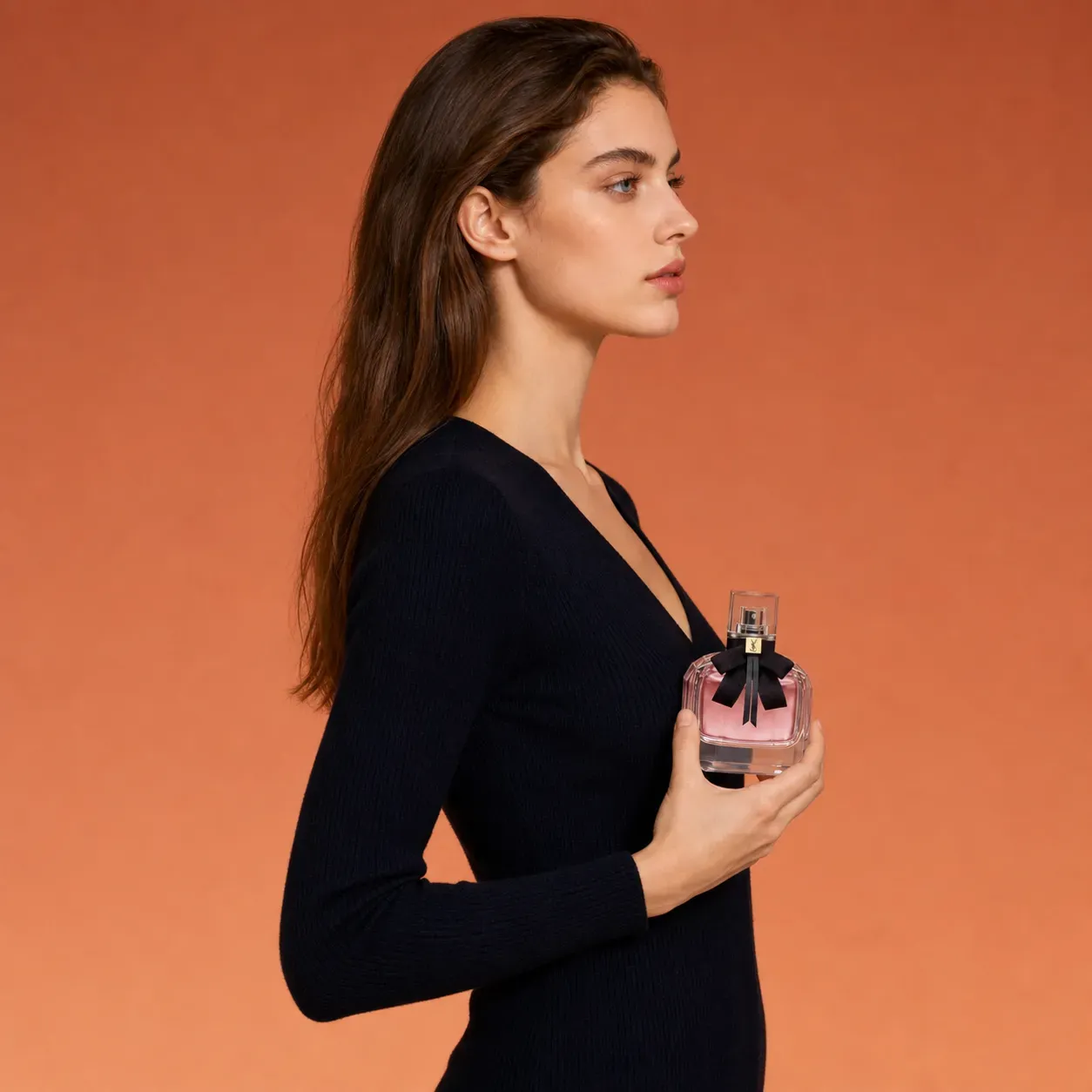
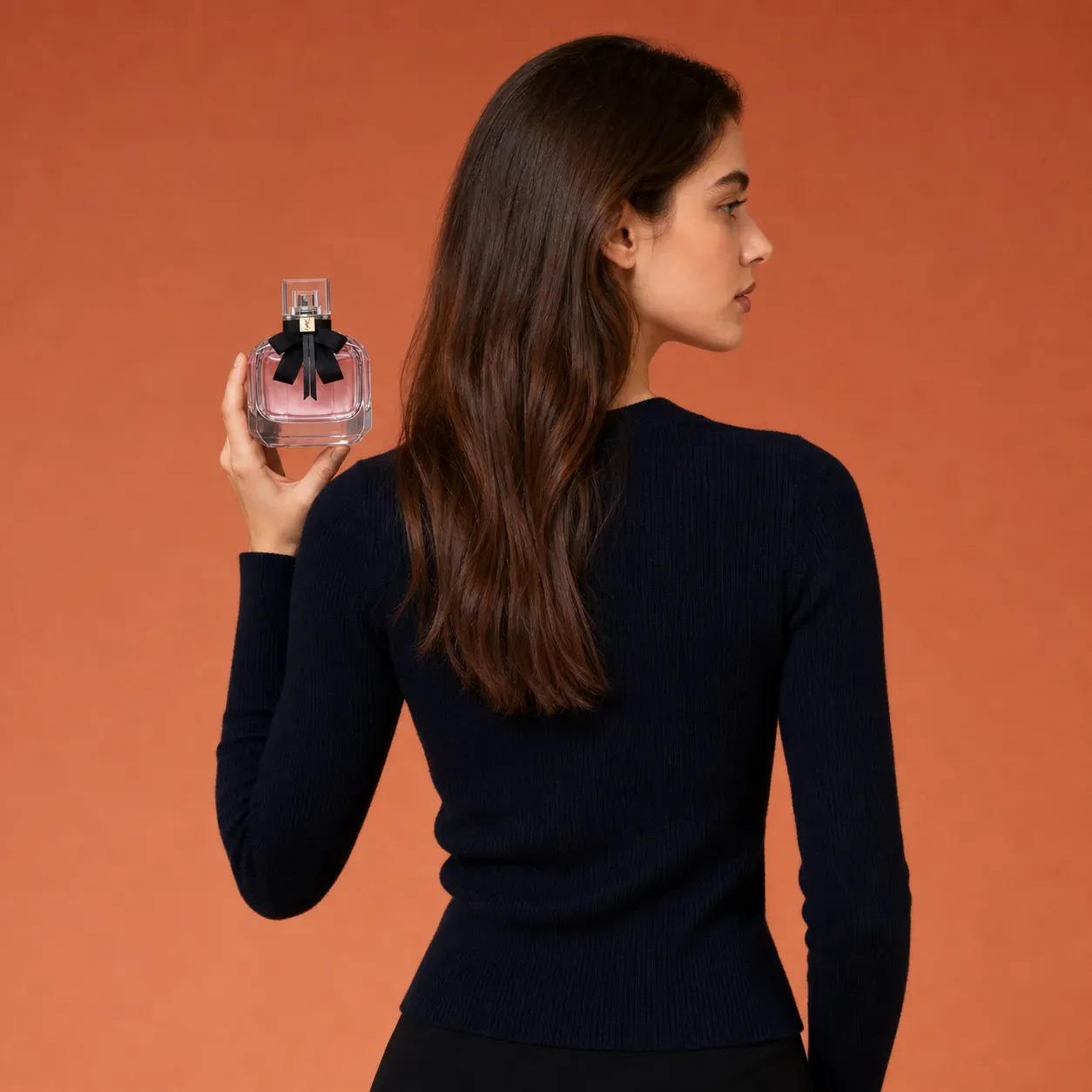
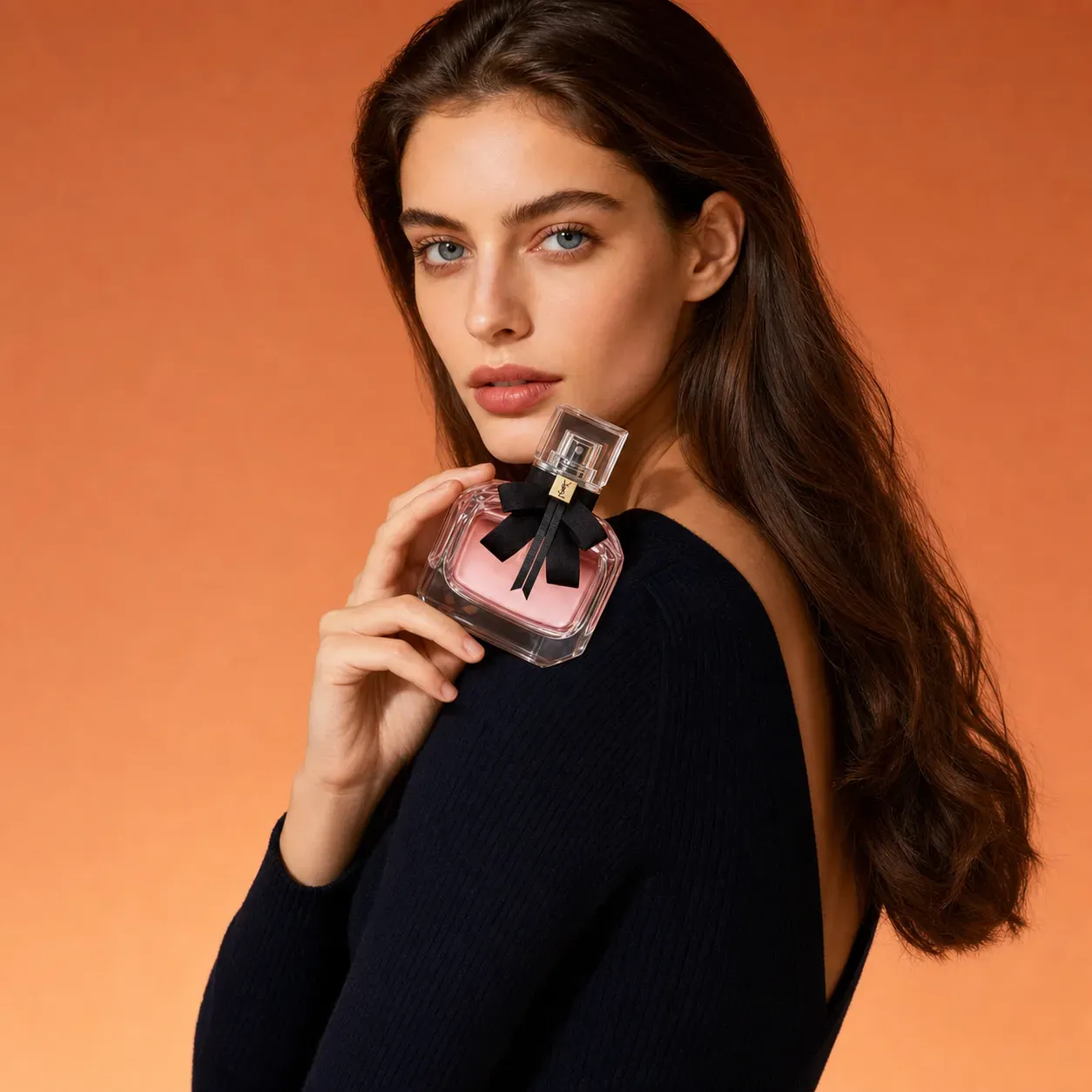
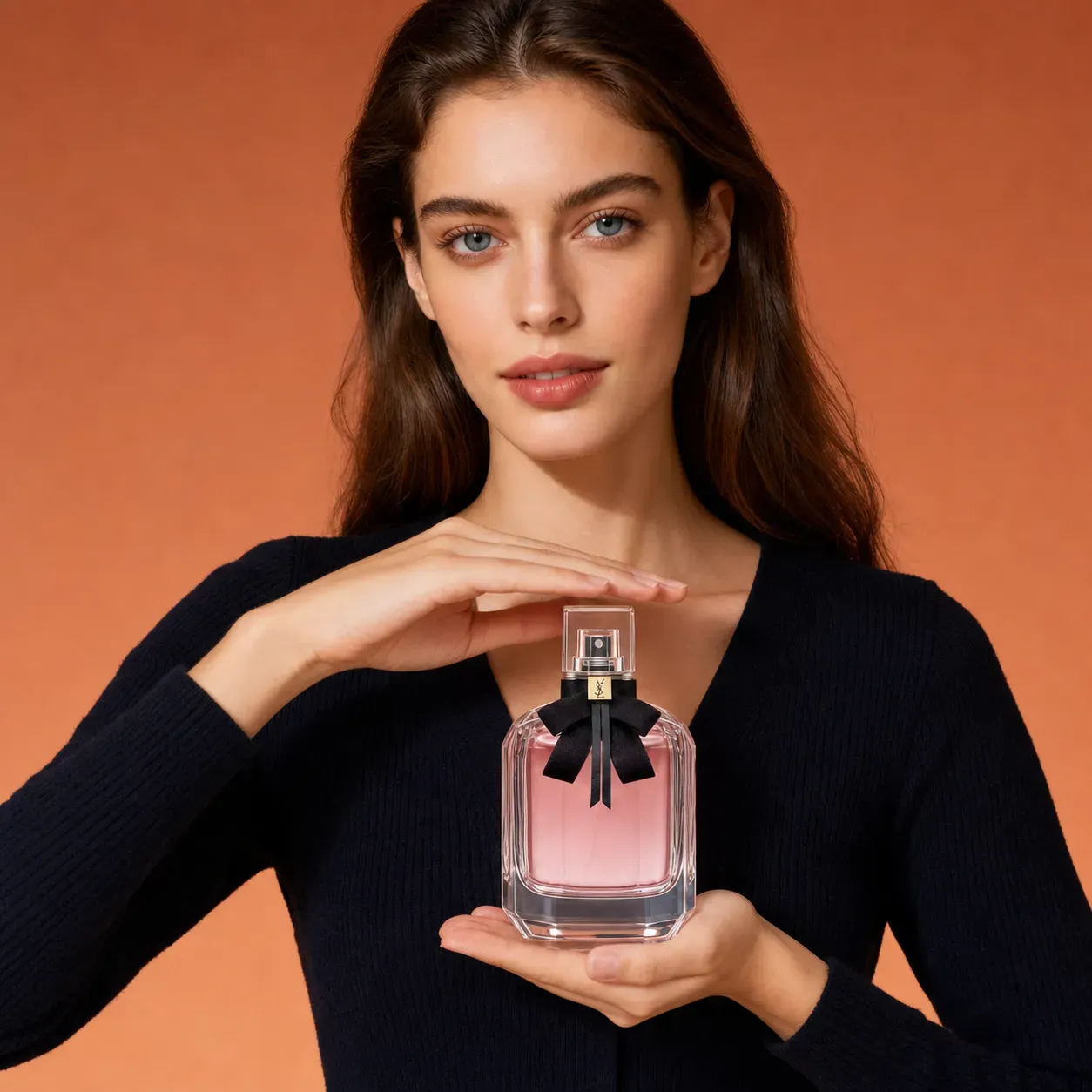
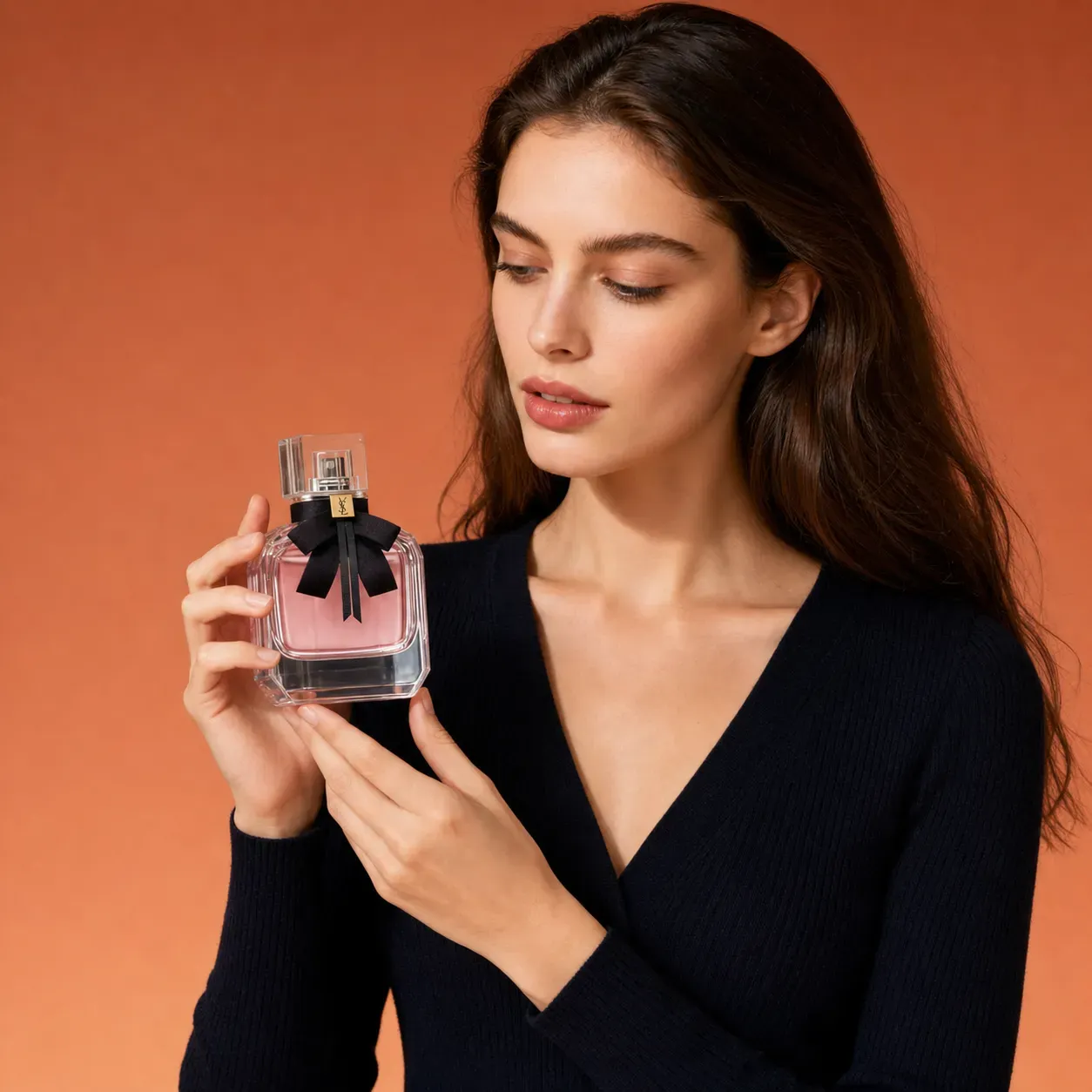
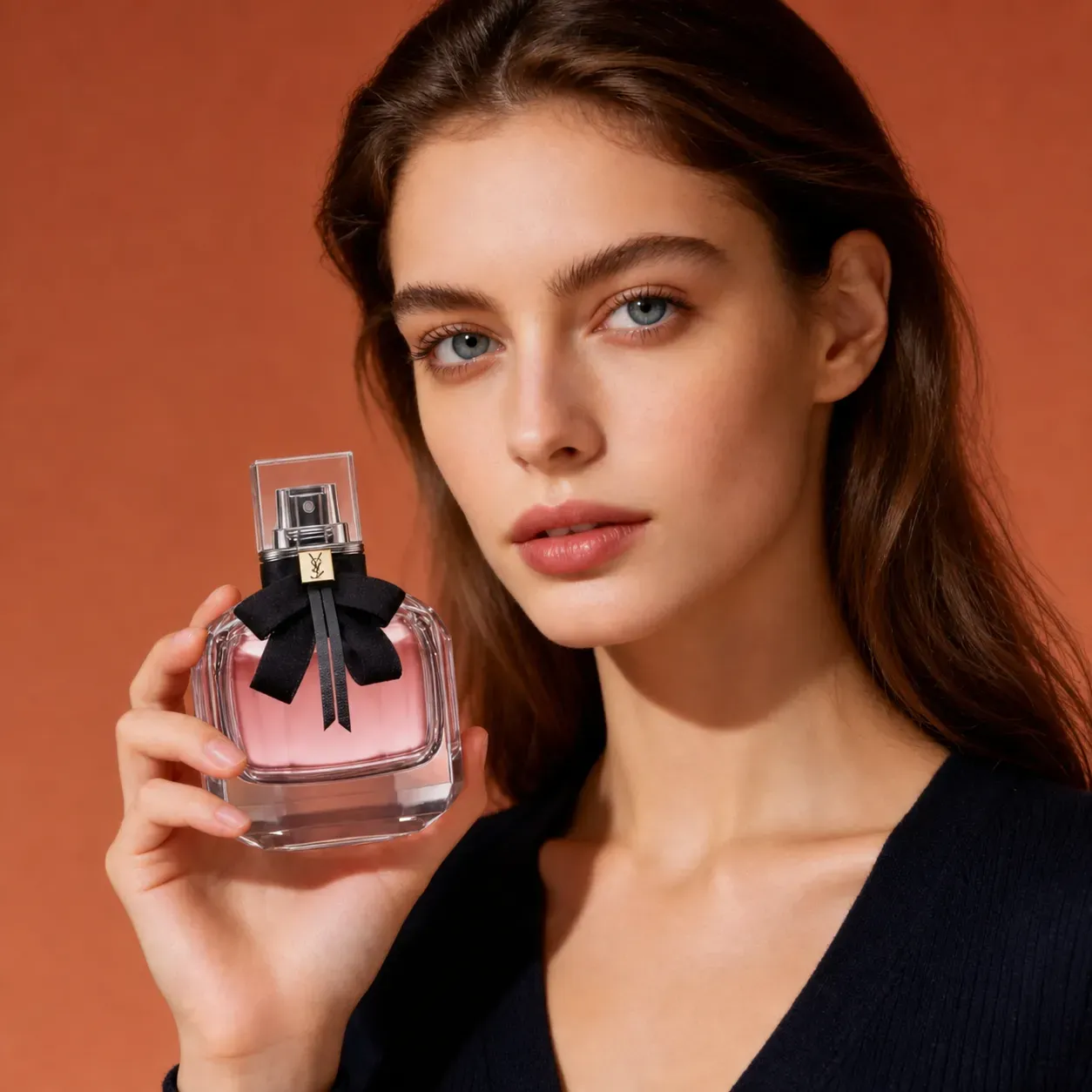
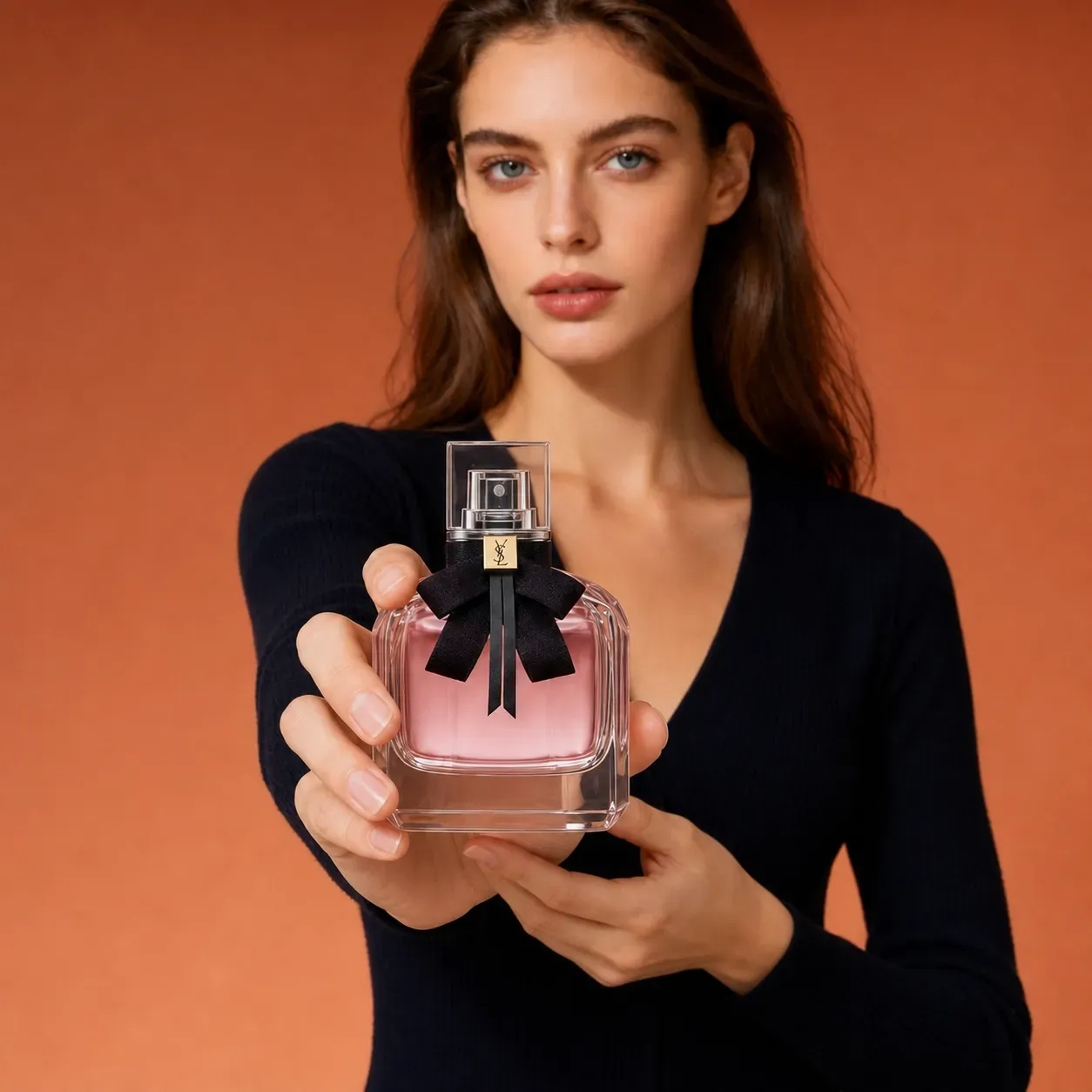
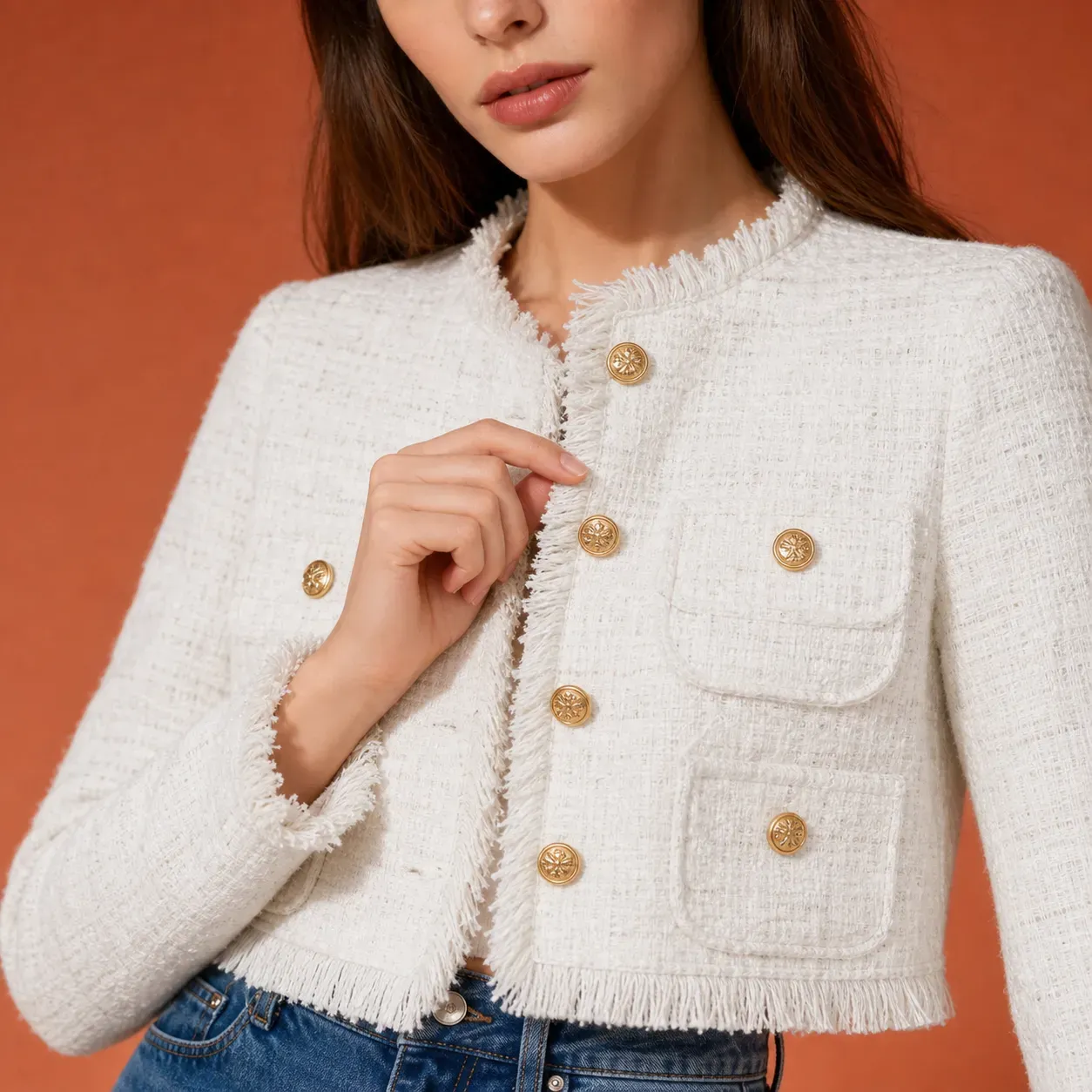
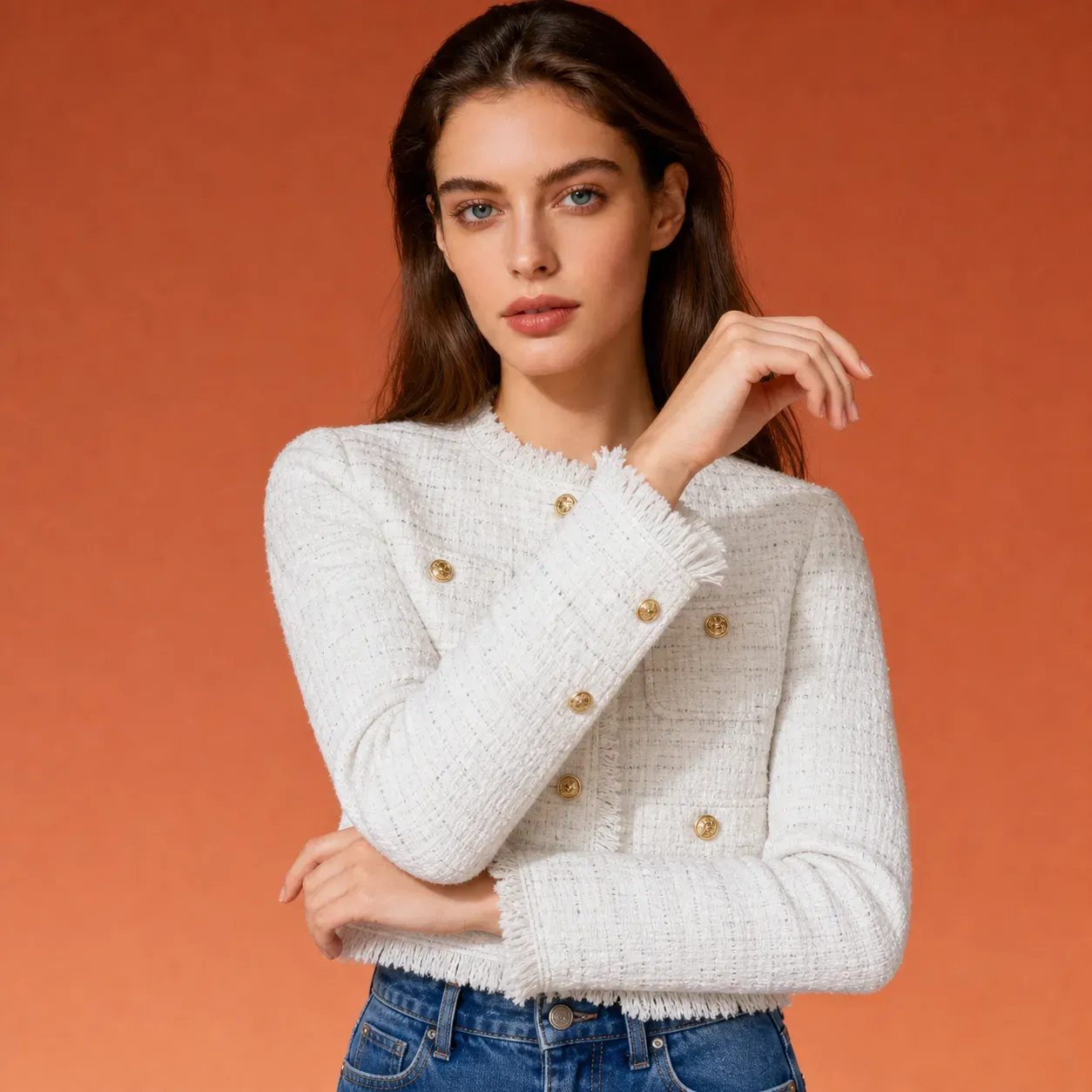
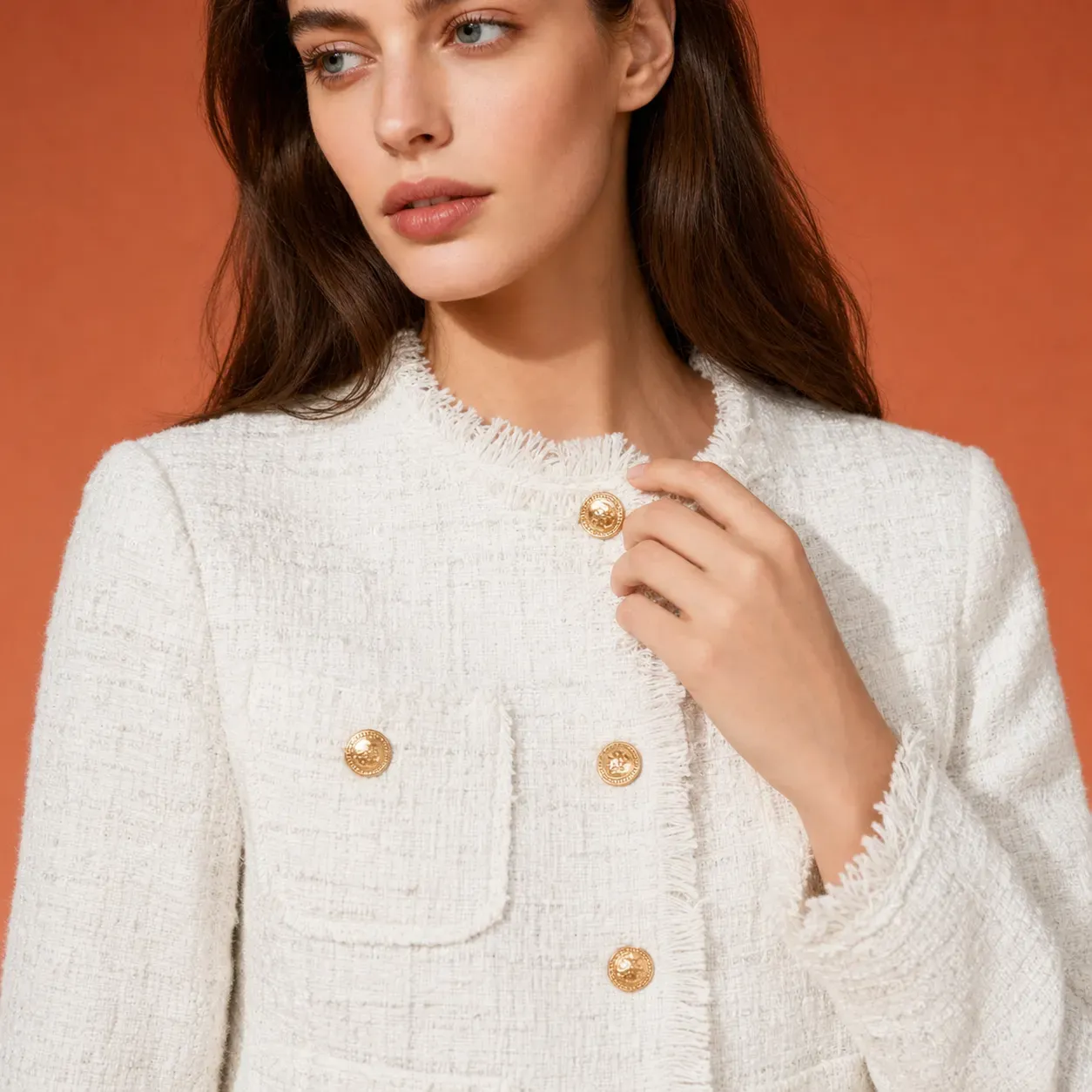
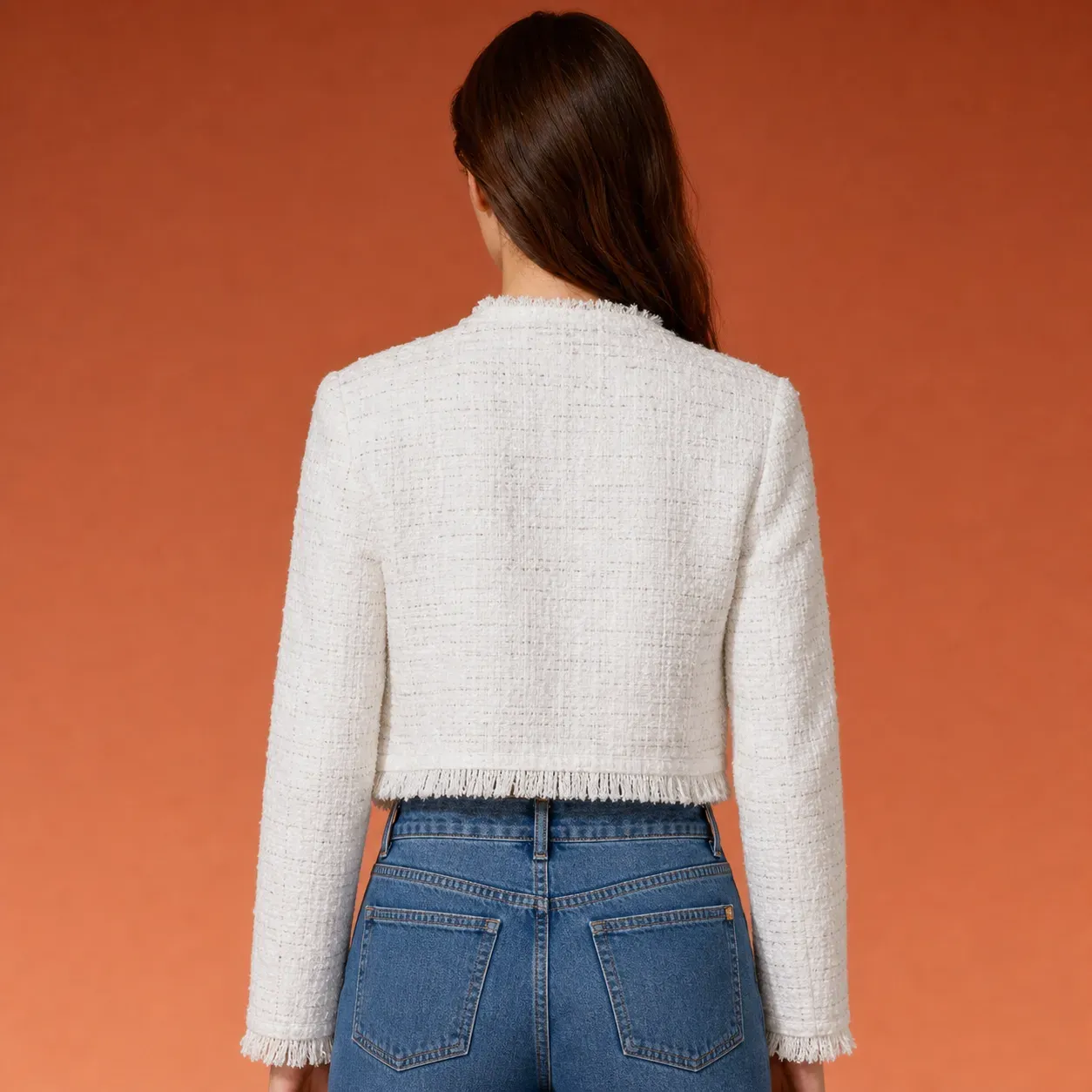
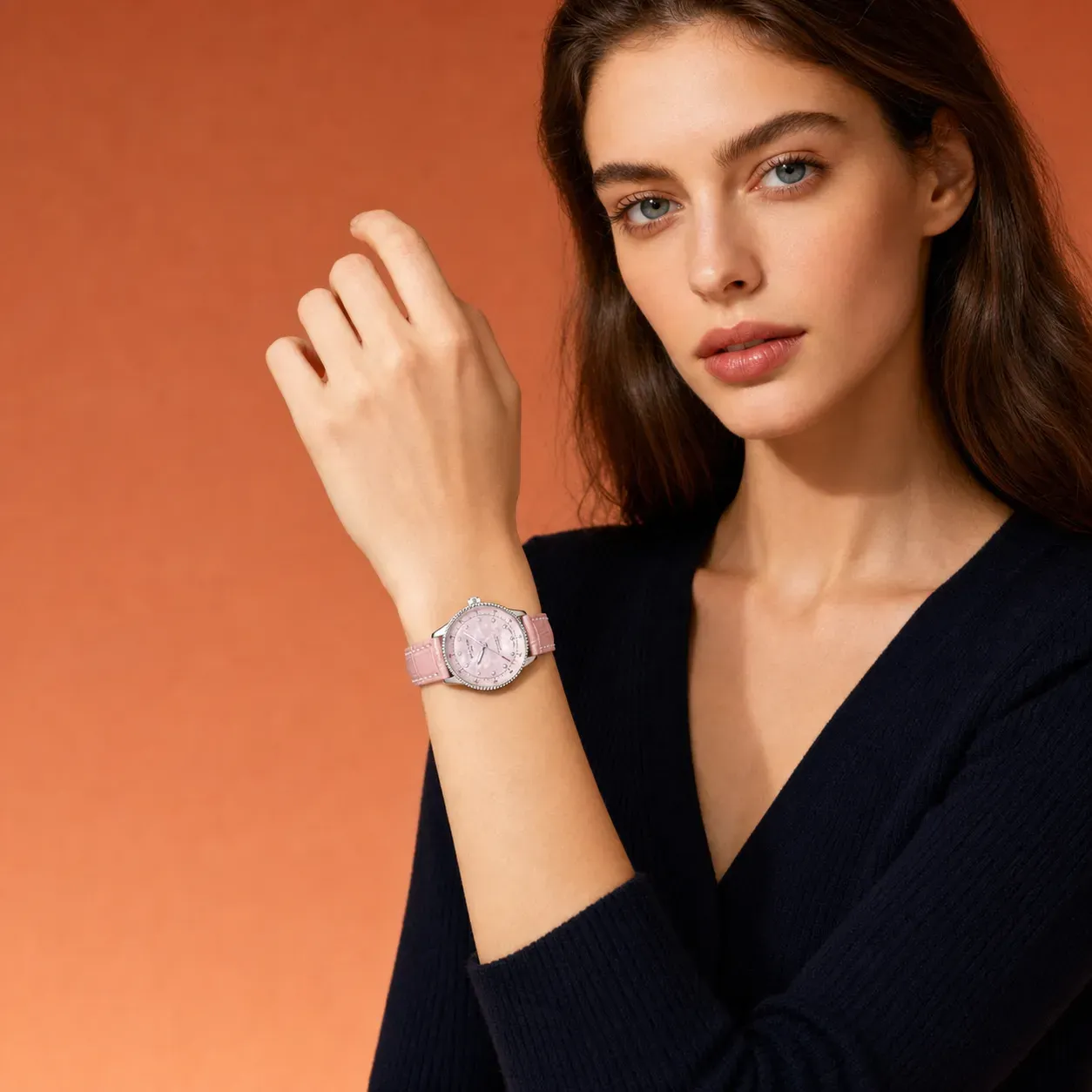
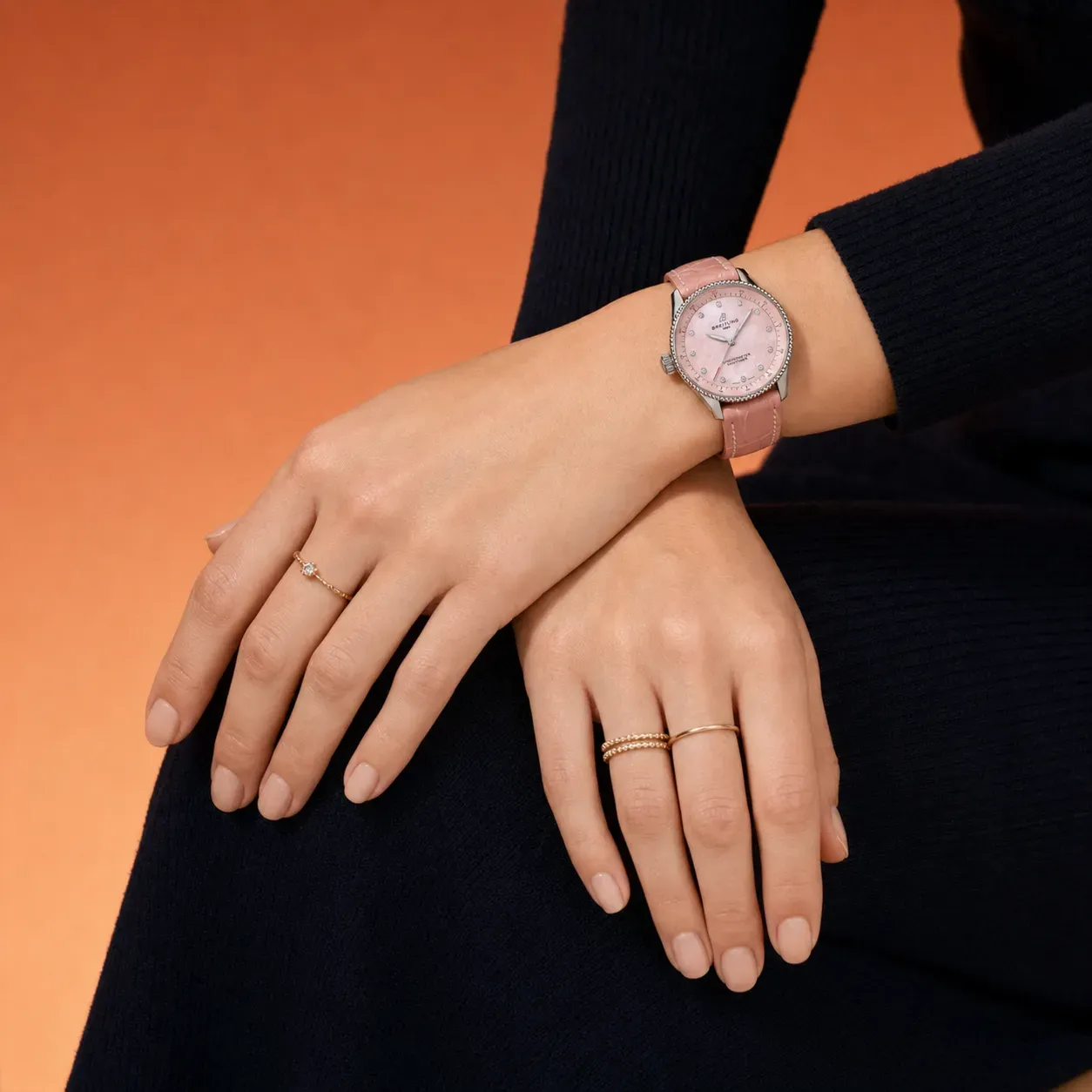
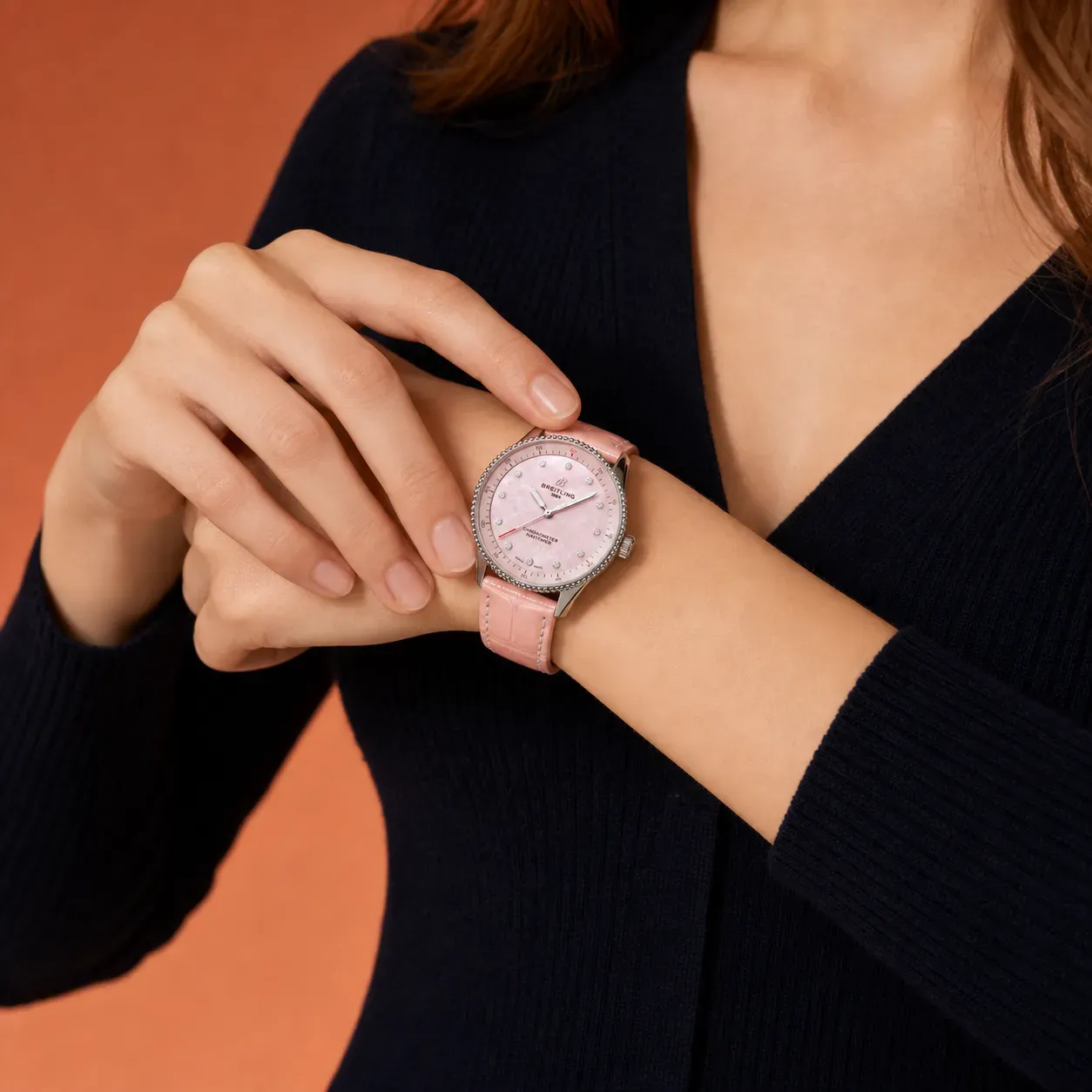
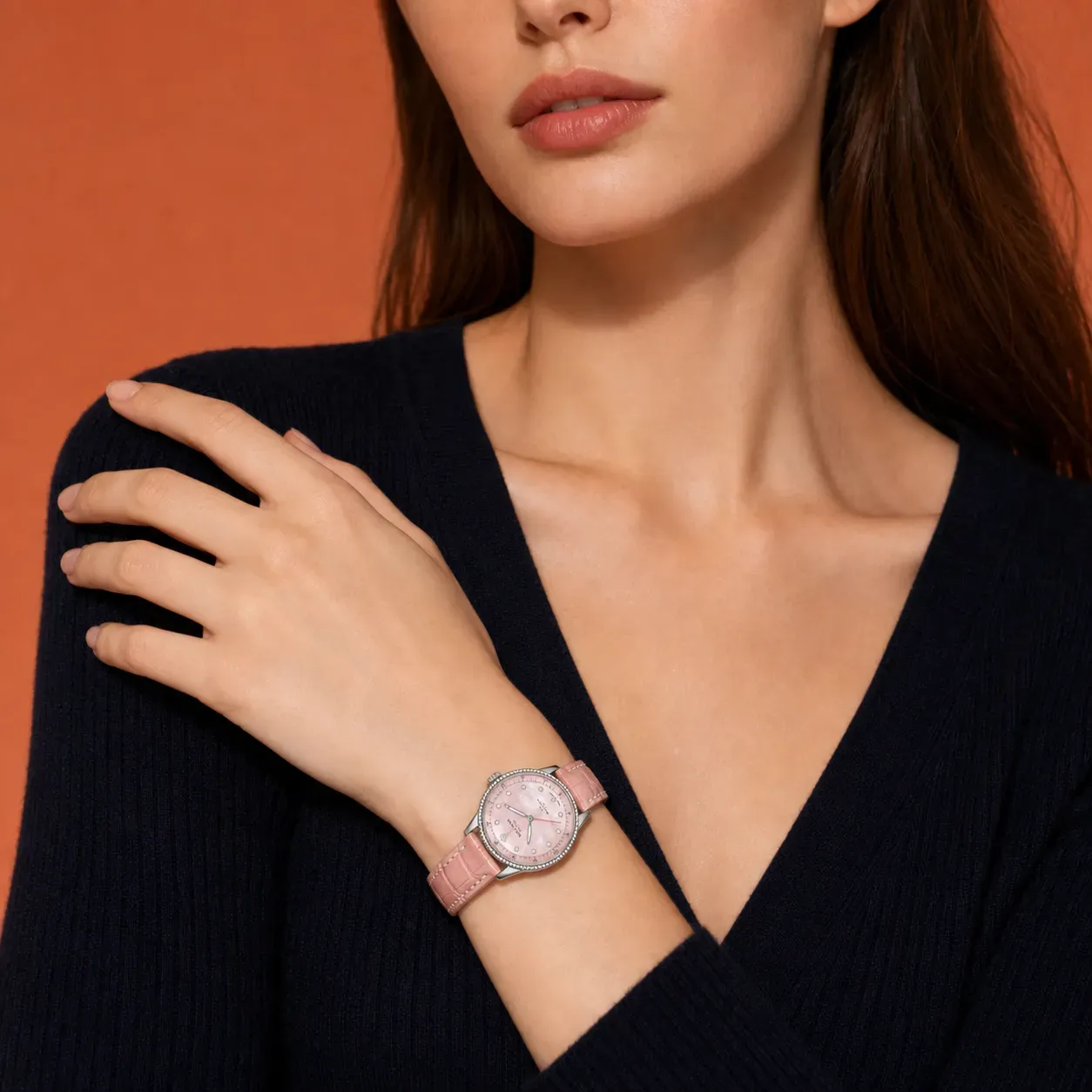
What is the Vidoly AI Product Marketing Image Generator?
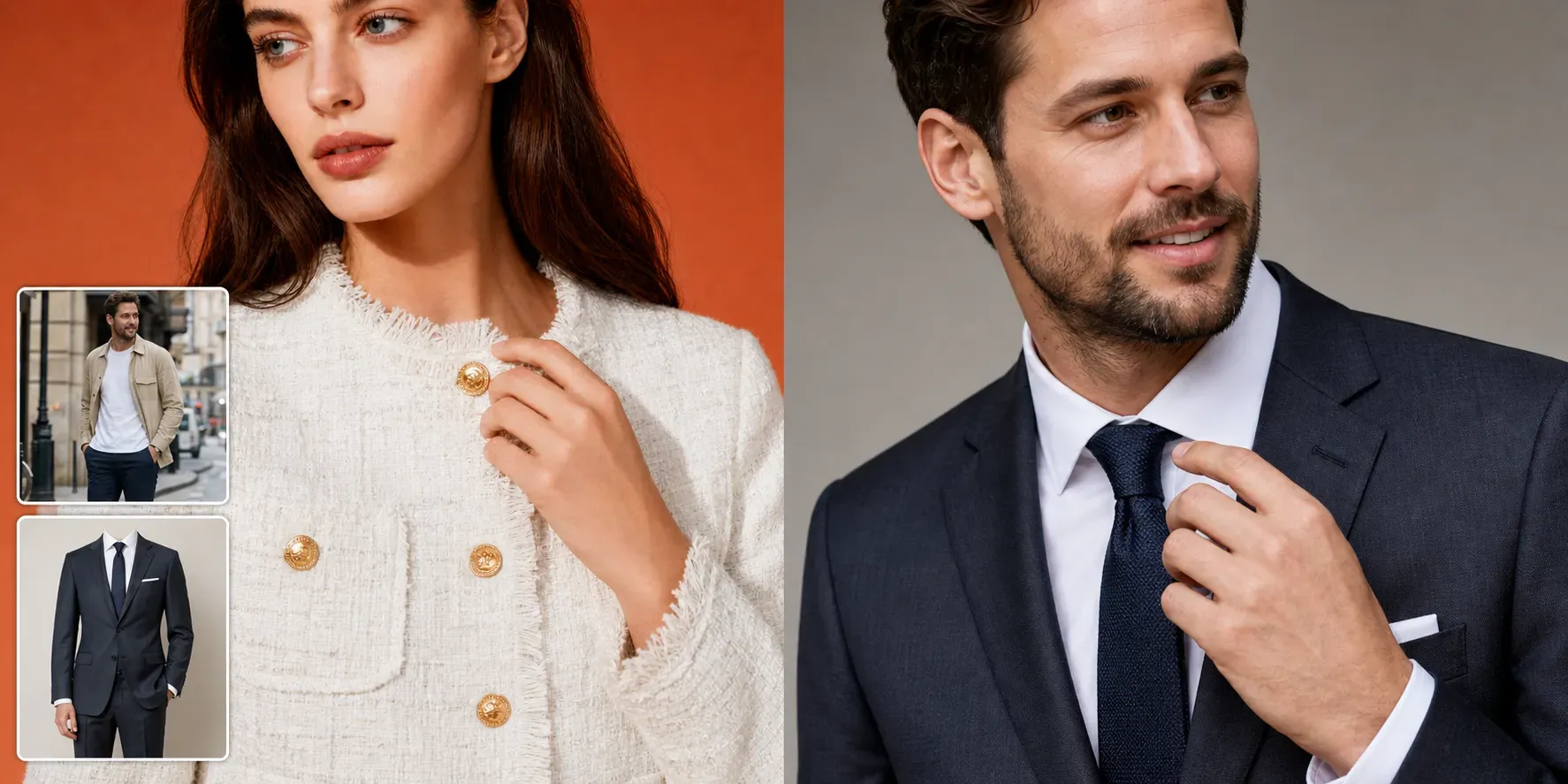
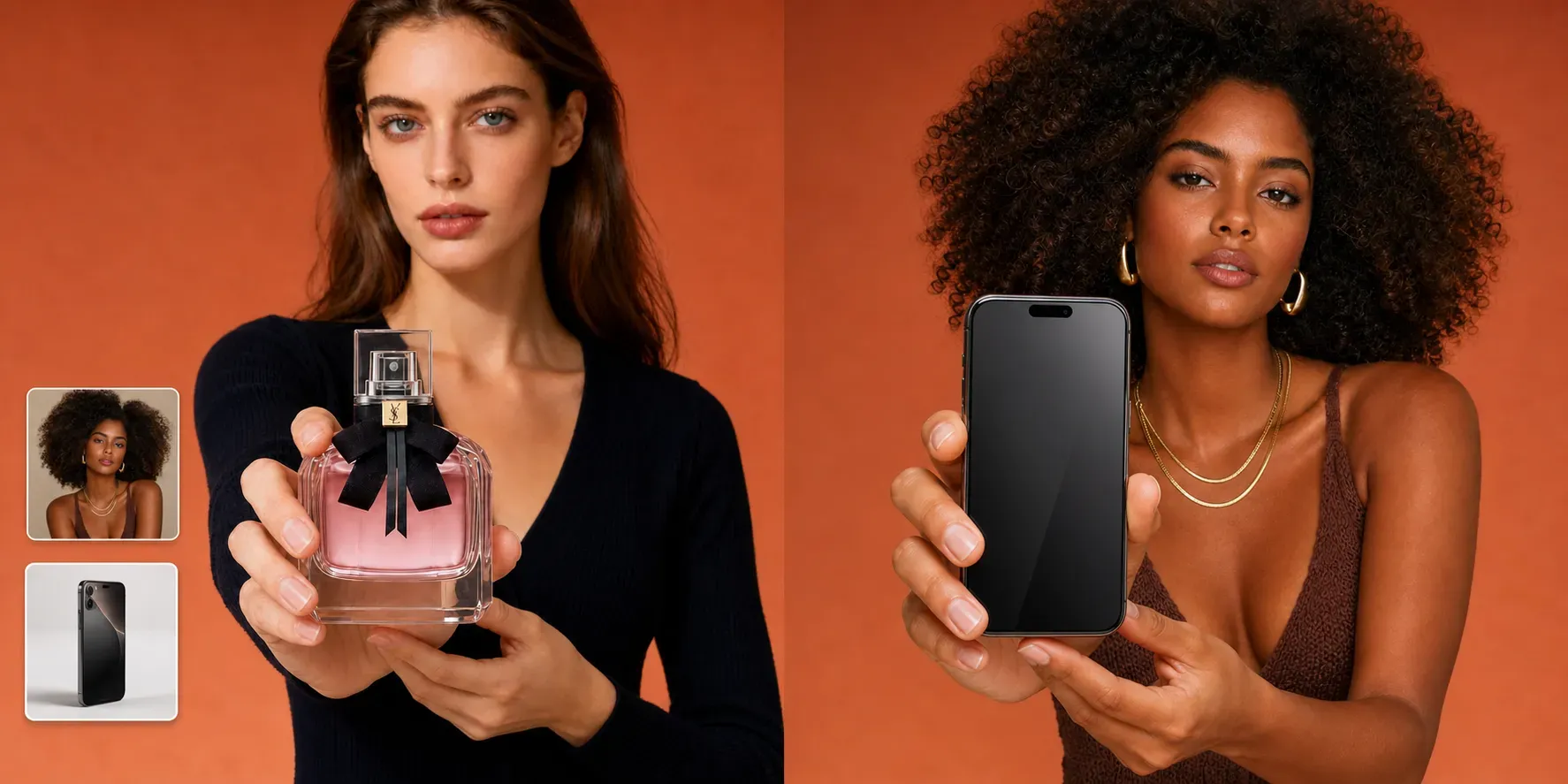
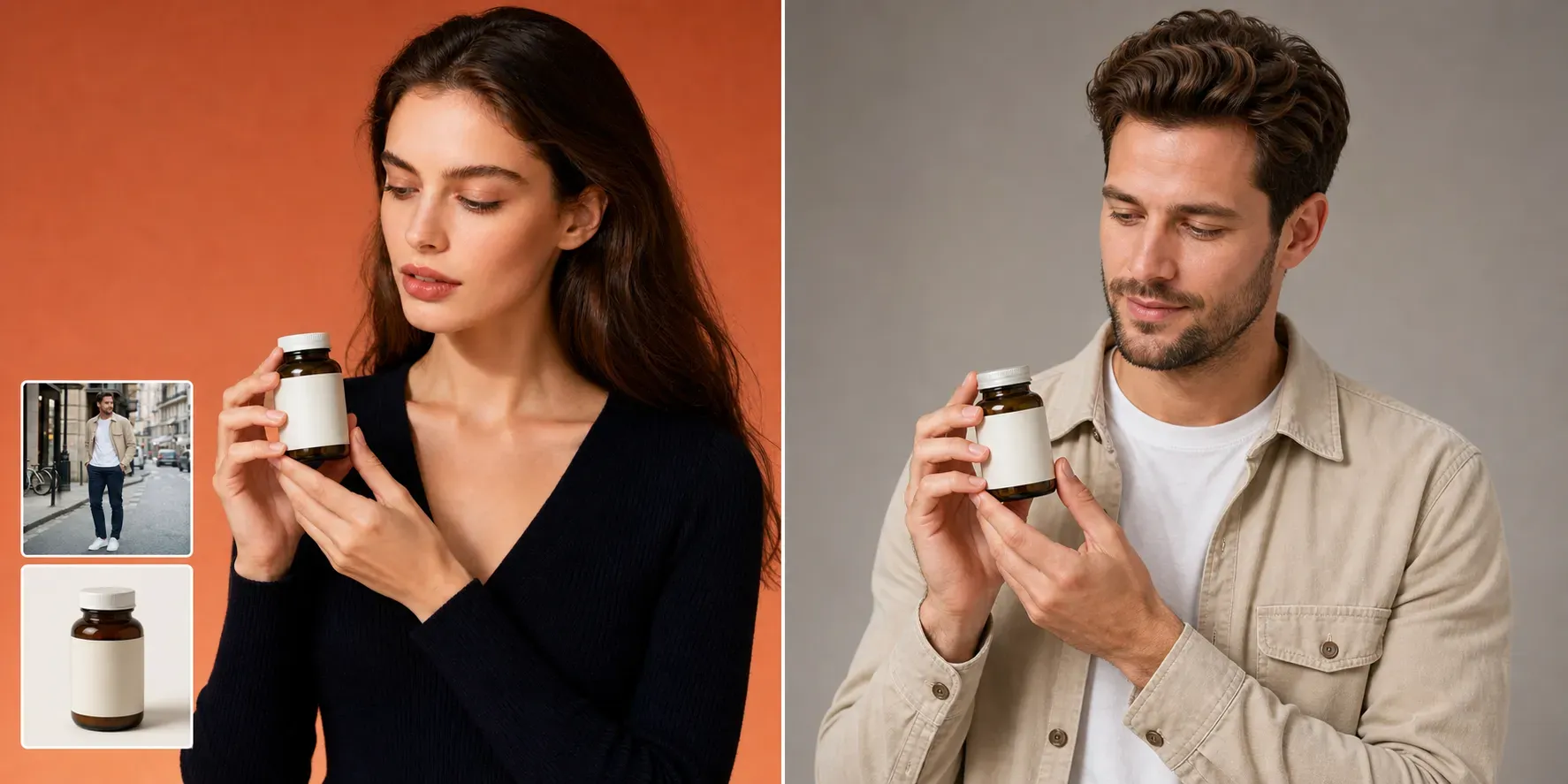
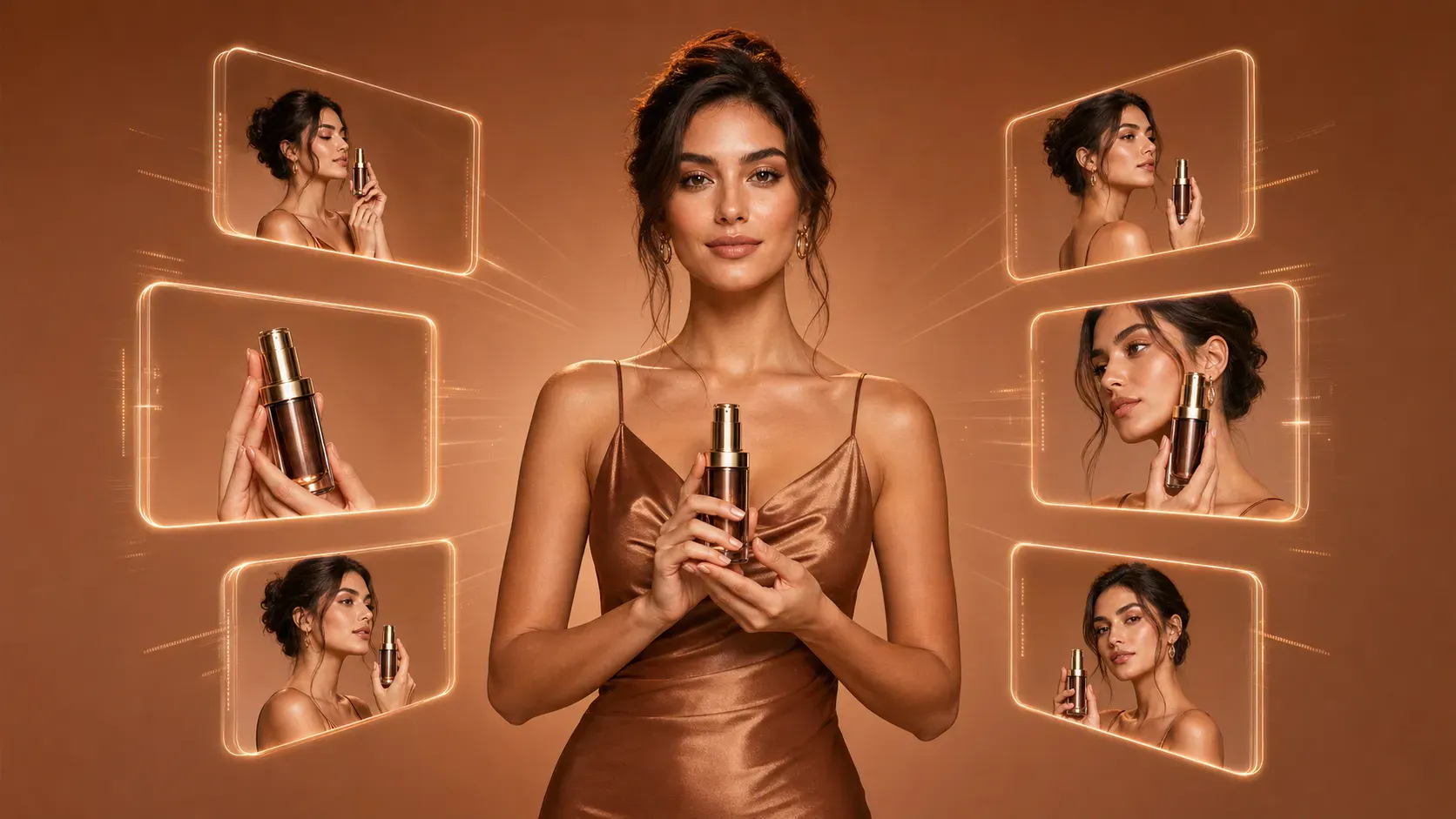
Vidoly AI Product Marketing Image Generator is an online tool that creates promotional product images from model photos, product photos, and pose references. It helps users generate ecommerce visuals where the uploaded model presents the uploaded product in a selected pose or product placement style.
Can I upload both a model photo and a product photo?
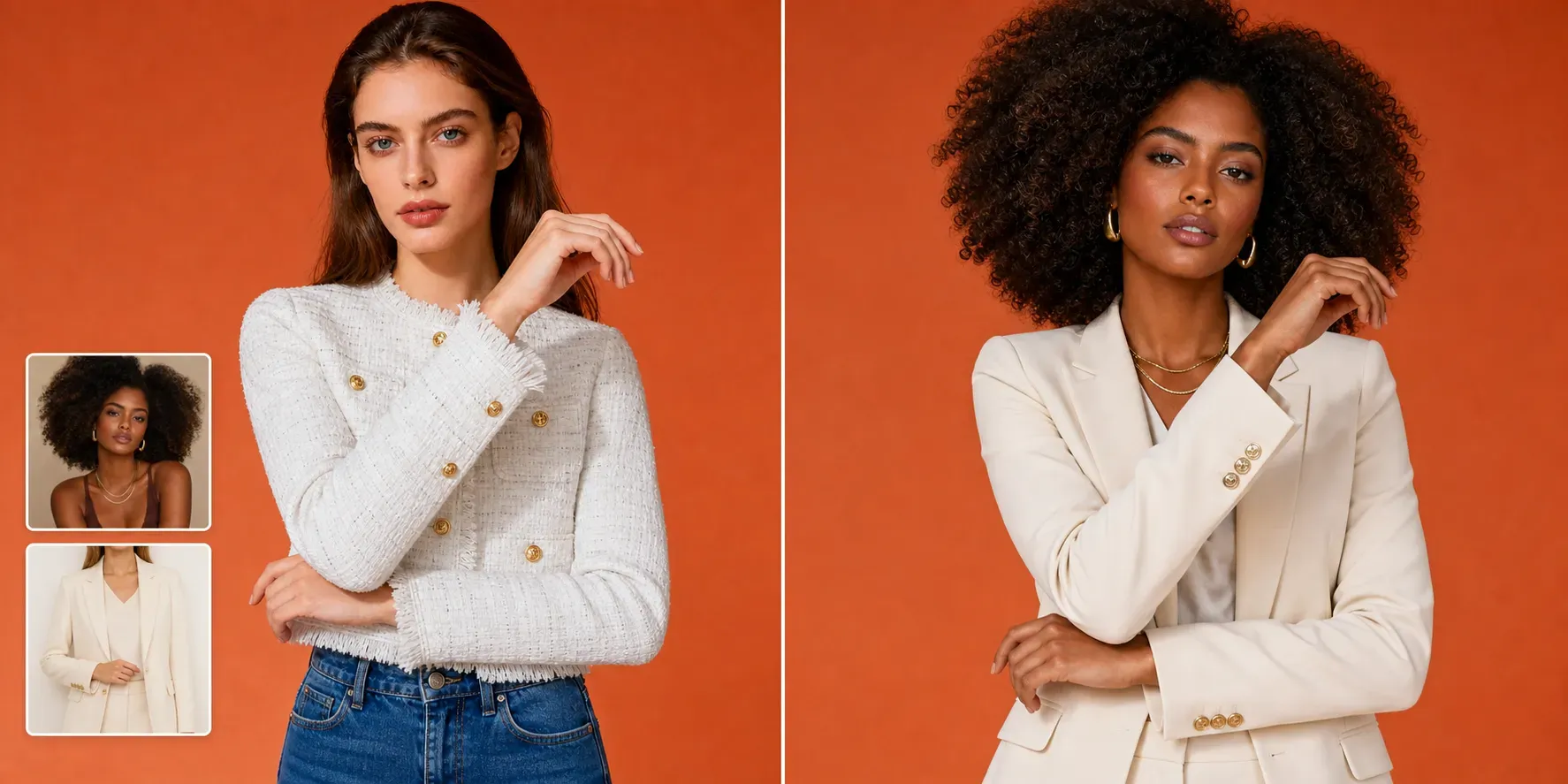
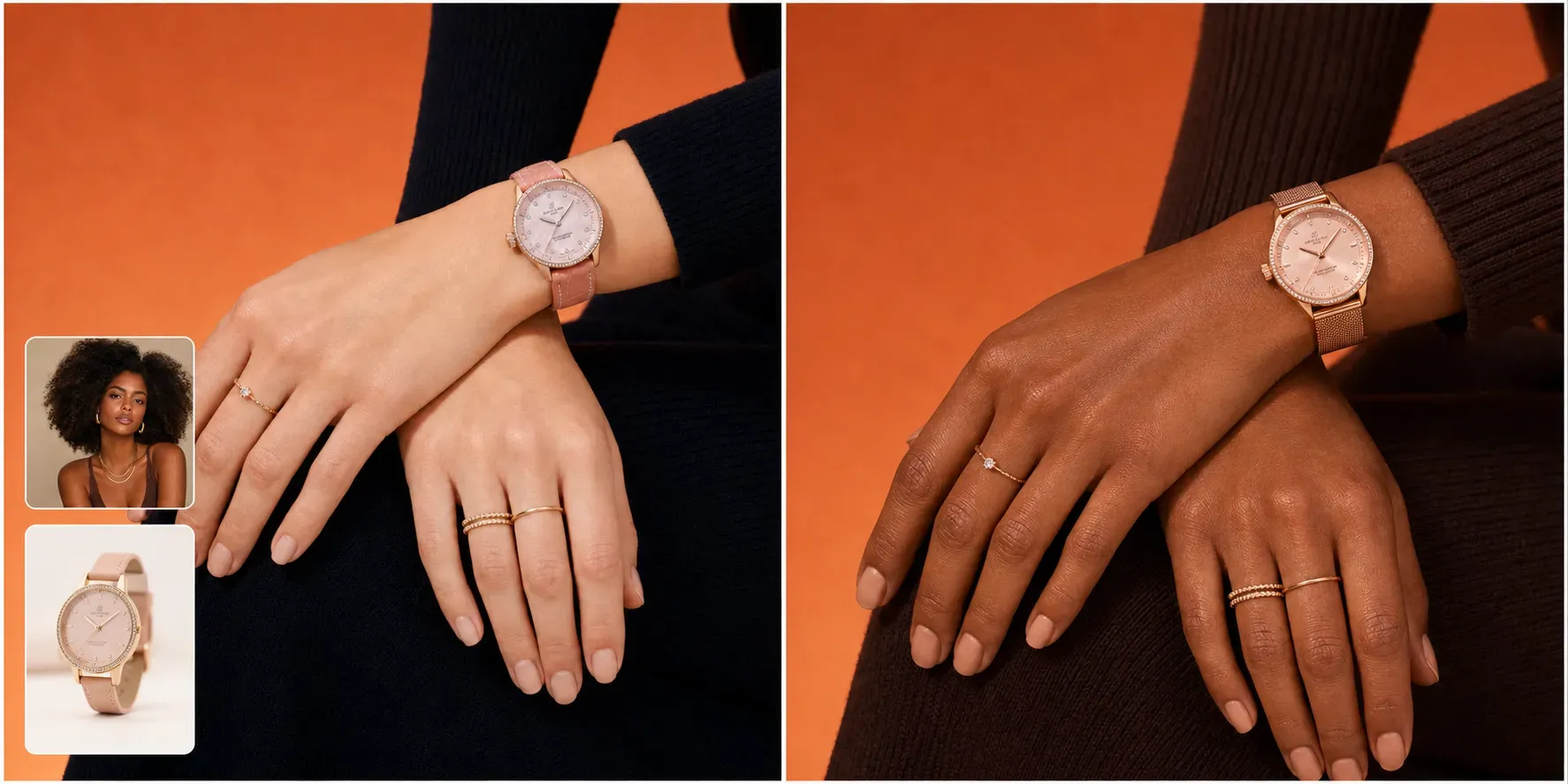
Yes. The upgraded workflow supports model image upload and product image upload. The model image controls the final person and background style, while the product image controls the item shown in the final marketing visual.
What is a product pose reference?
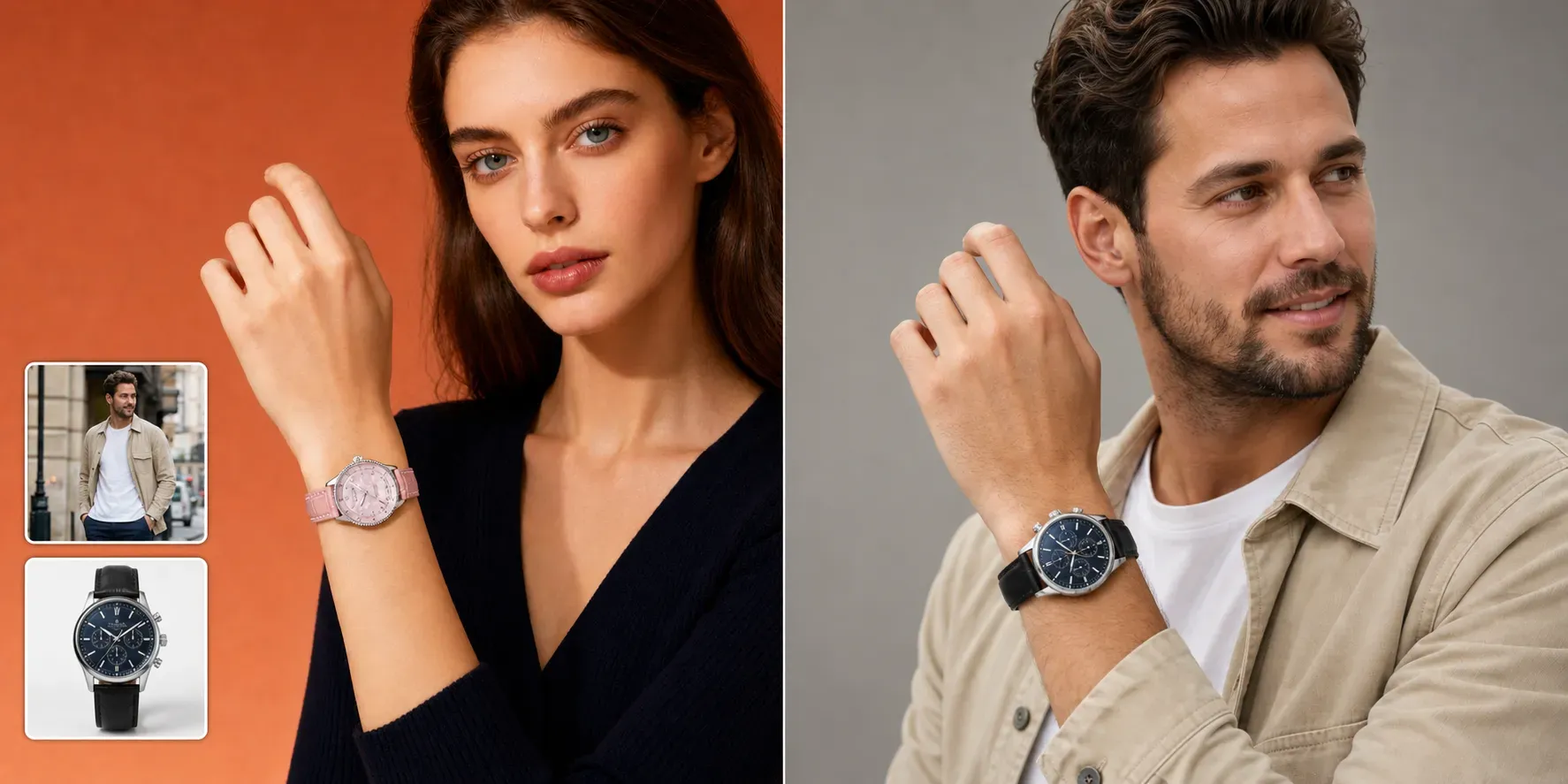
A product pose reference is an image that shows how the product should be held, worn, adjusted, displayed, or positioned. Vidoly AI uses it as a guide for pose, hand placement, crop, camera angle, and product location.
Can I generate watch or jewelry marketing images?
Yes. You can upload a watch, bracelet, ring, necklace, or accessory image and choose a reference pose such as wrist showcase, hand close-up, adjusting watch, or jewelry detail shot.
Can I create clothing detail images?
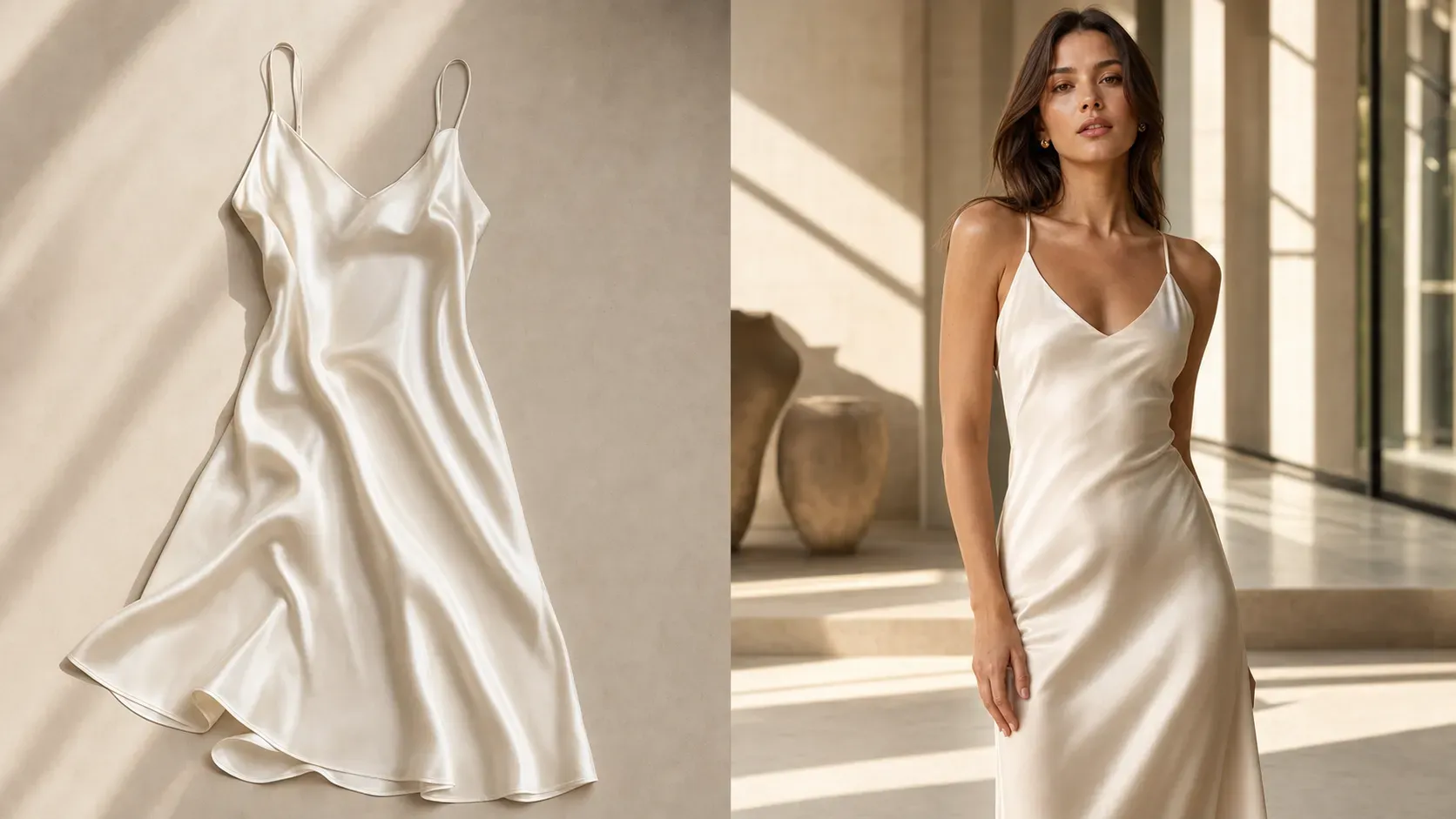
Yes. You can upload clothing and generate model-worn detail images such as fabric detail, sleeve detail, collar detail, back view, pocket detail, and waist fit.
Does the AI copy the reference image?
No. The reference image should only guide the pose, composition, hand gesture, and product placement. The final model comes from your uploaded model image, and the final product comes from your uploaded product image.
What products can I use?
You can use beauty products, perfume, skincare, drinks, supplements, watches, jewelry, fashion accessories, clothing, gadgets, bags, and packaged goods.
How can I get more accurate product results?
Use a sharp, well-lit product image with clear edges, accurate color, visible labels, and no cropped key details. For watches or jewelry, make sure the product photo clearly shows the dial, strap, case, stones, chain, or metal finish.
Can I use the images for ecommerce ads?
Yes, the generated images can support ad creatives, social posts, product pages, landing pages, and campaign testing. Always review product accuracy before using them in paid ads or marketplace listings.
What should I check before publishing?
Check product shape, product scale, label text, logo placement, color, material, hand anatomy, wrist size, clothing fit, and whether the image could misrepresent the real product.
What Should I Write in the Prompt?
Mostly, we don't need to change any prompt by default, since Vidoly has ready written the prompts for you and makes the prompts to meet your requirement.