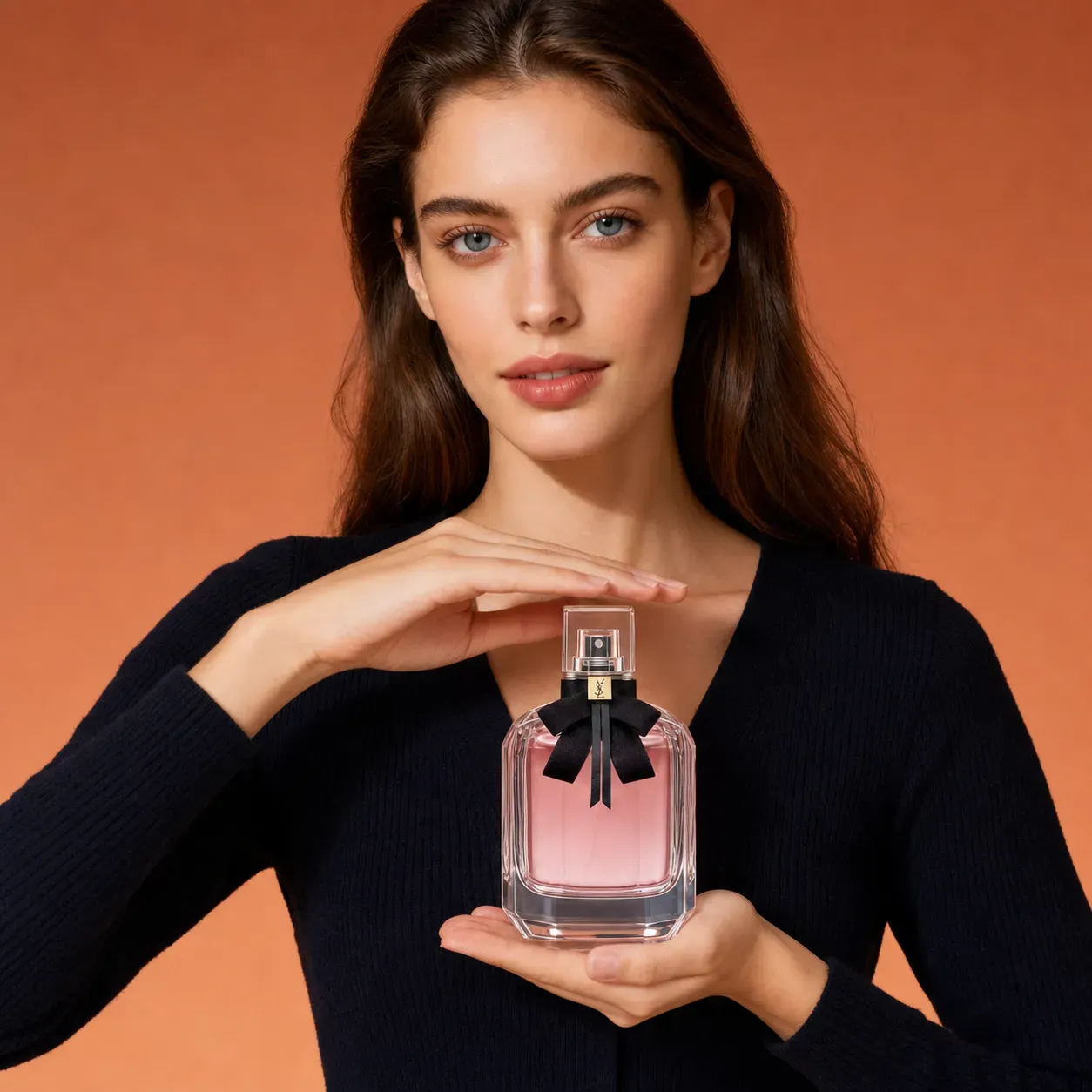
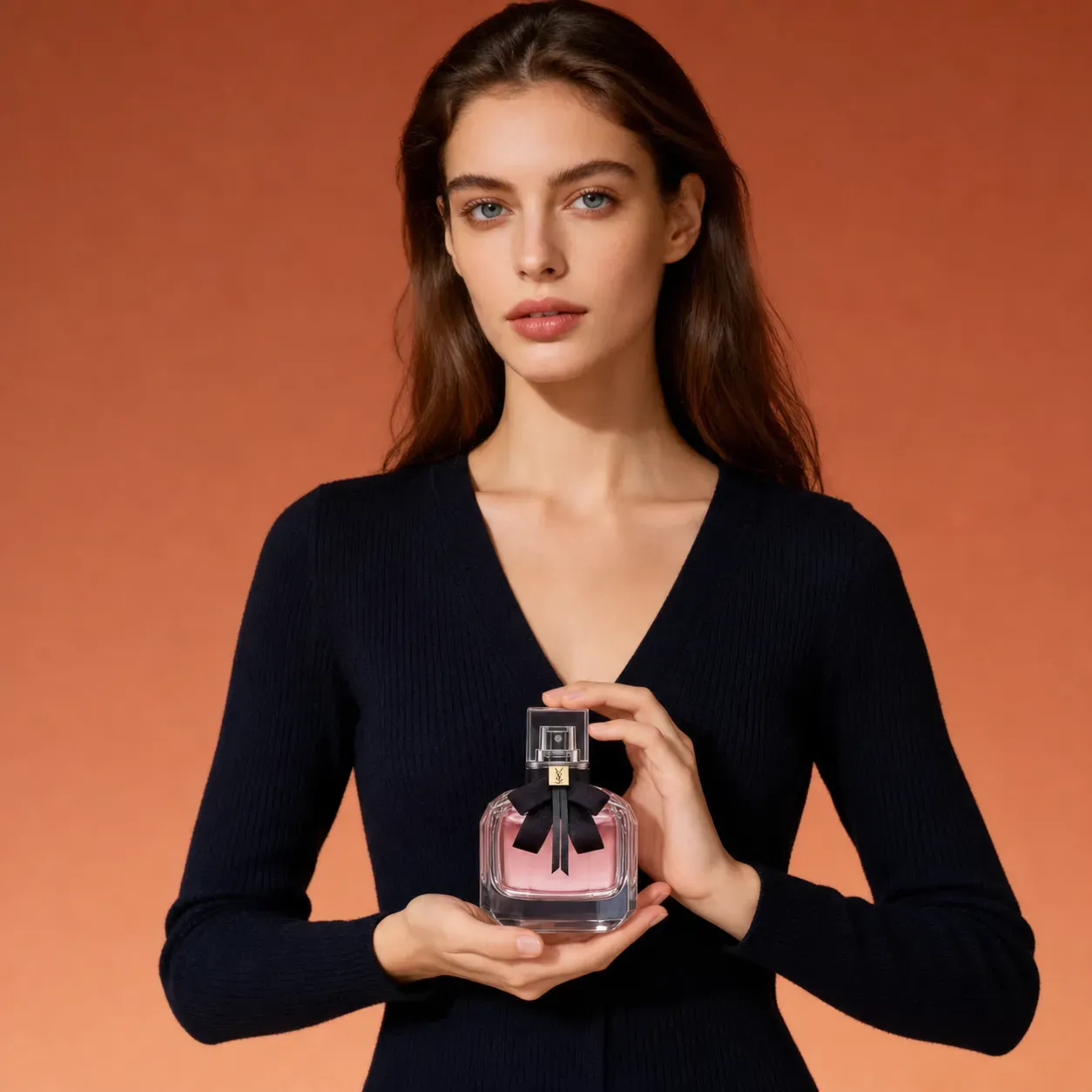
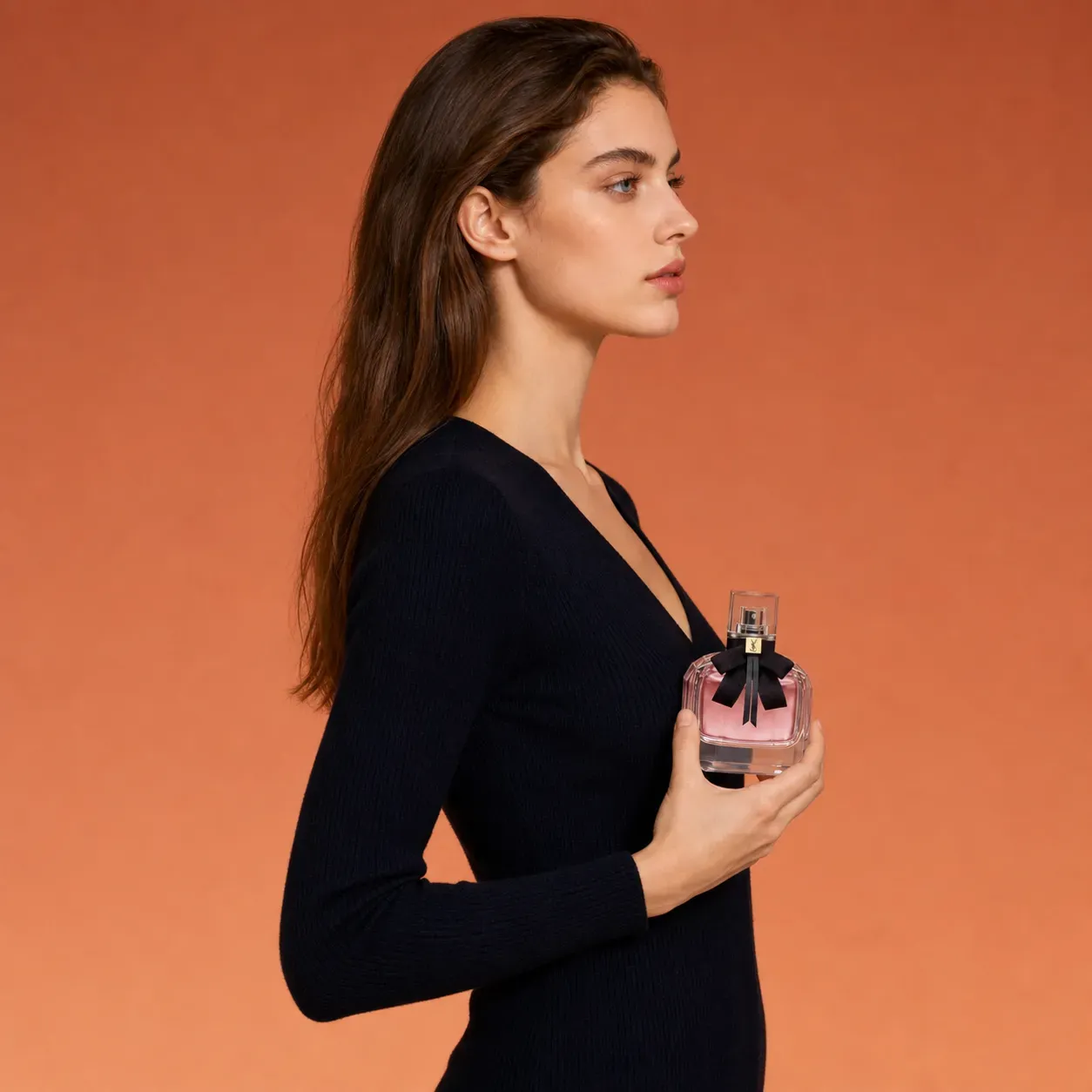
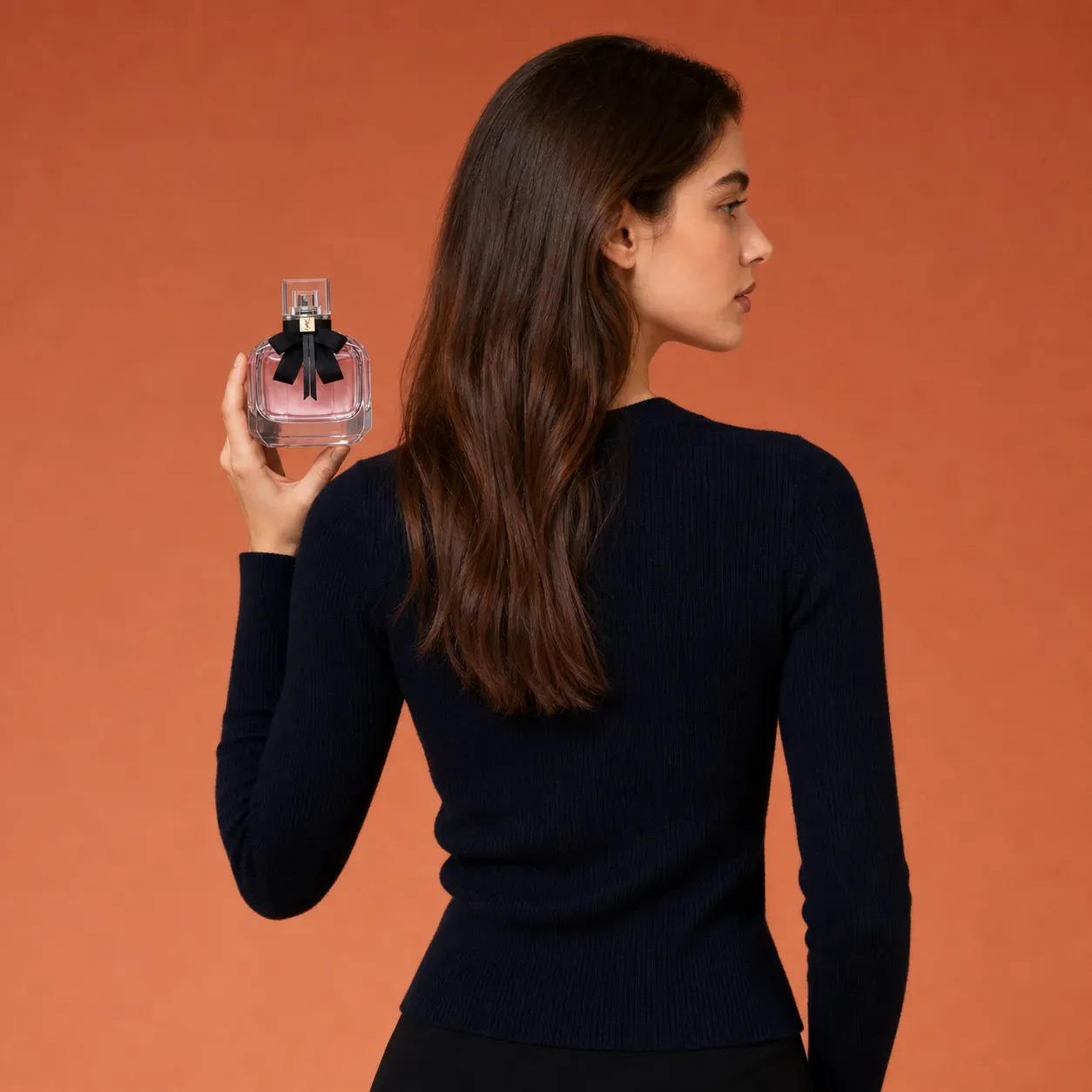
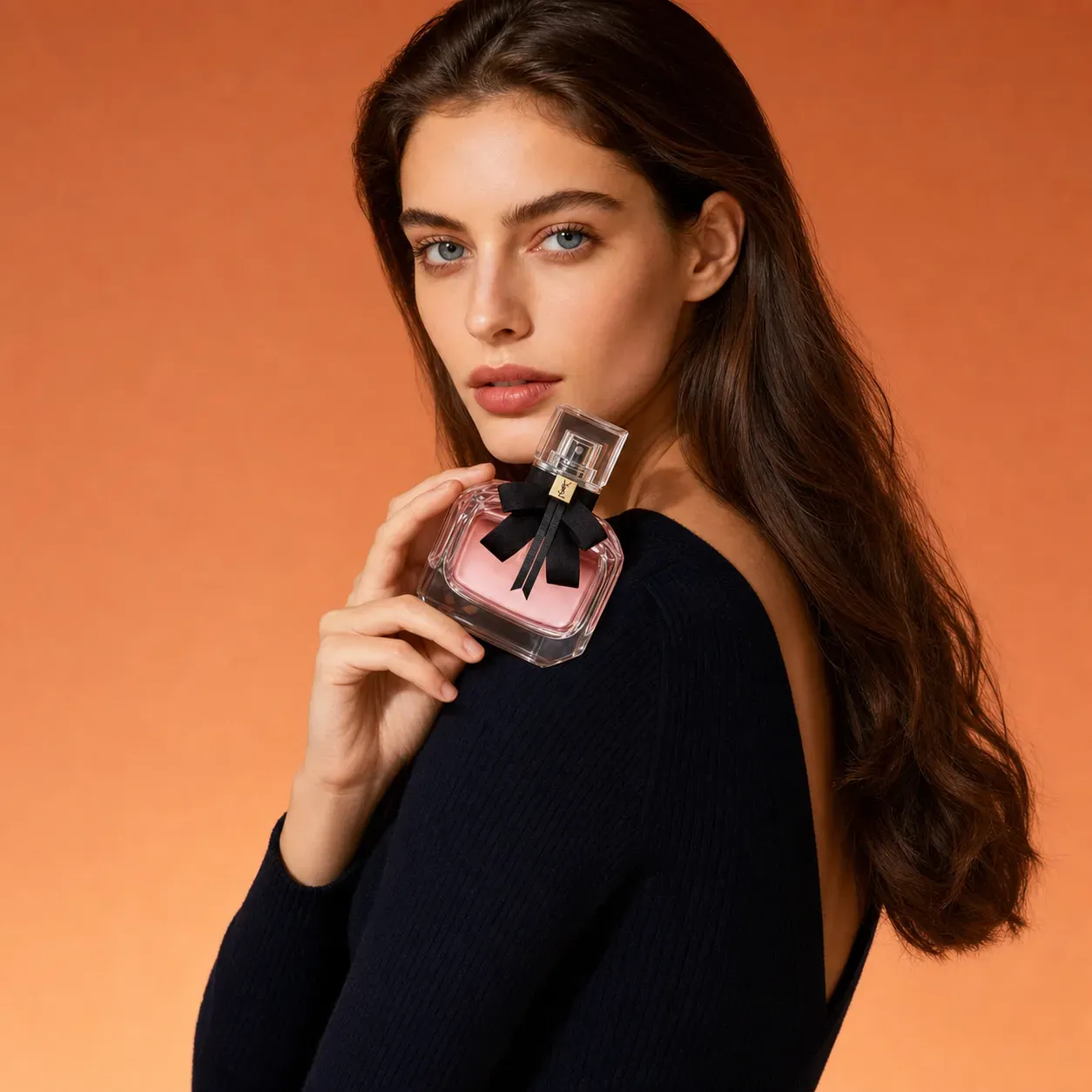
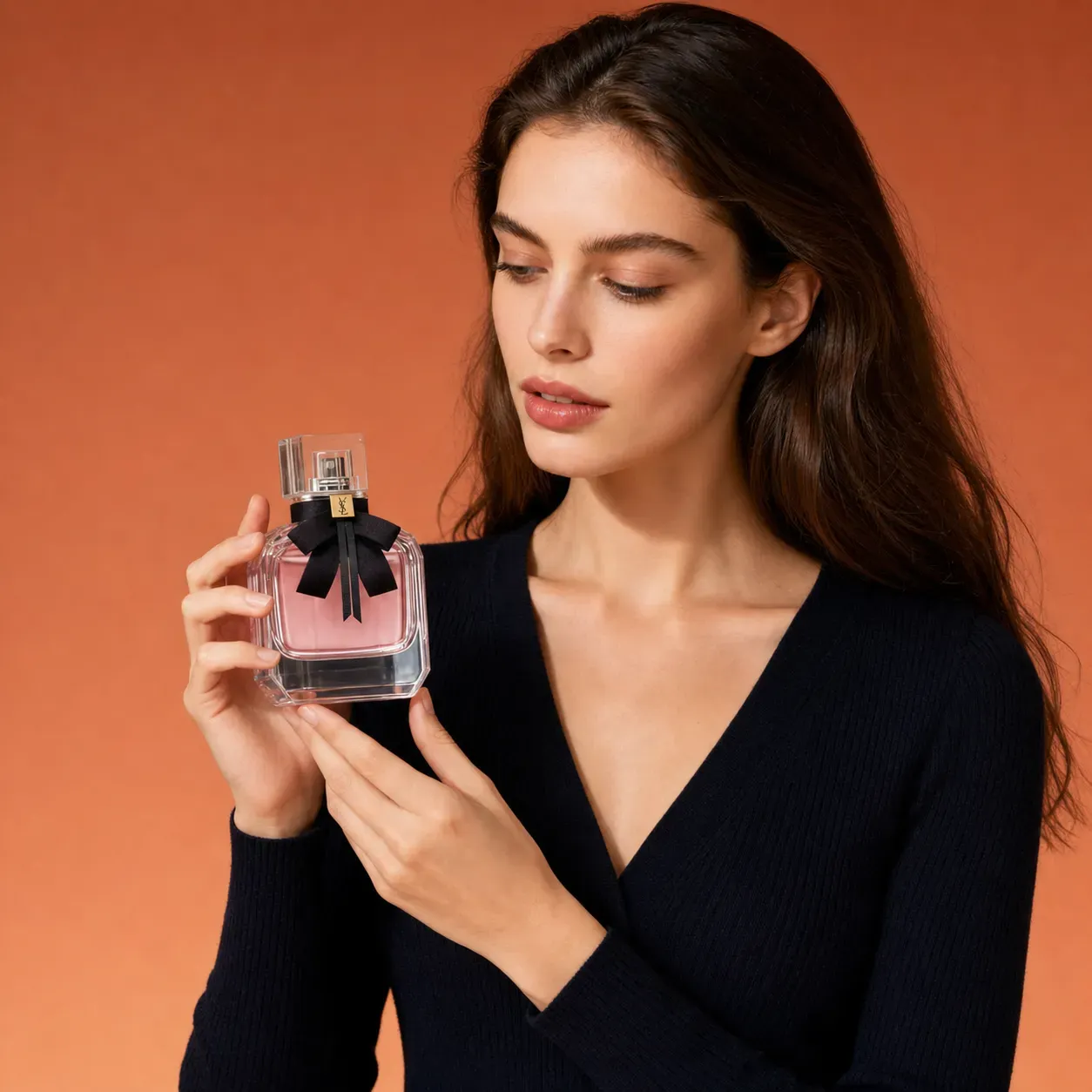
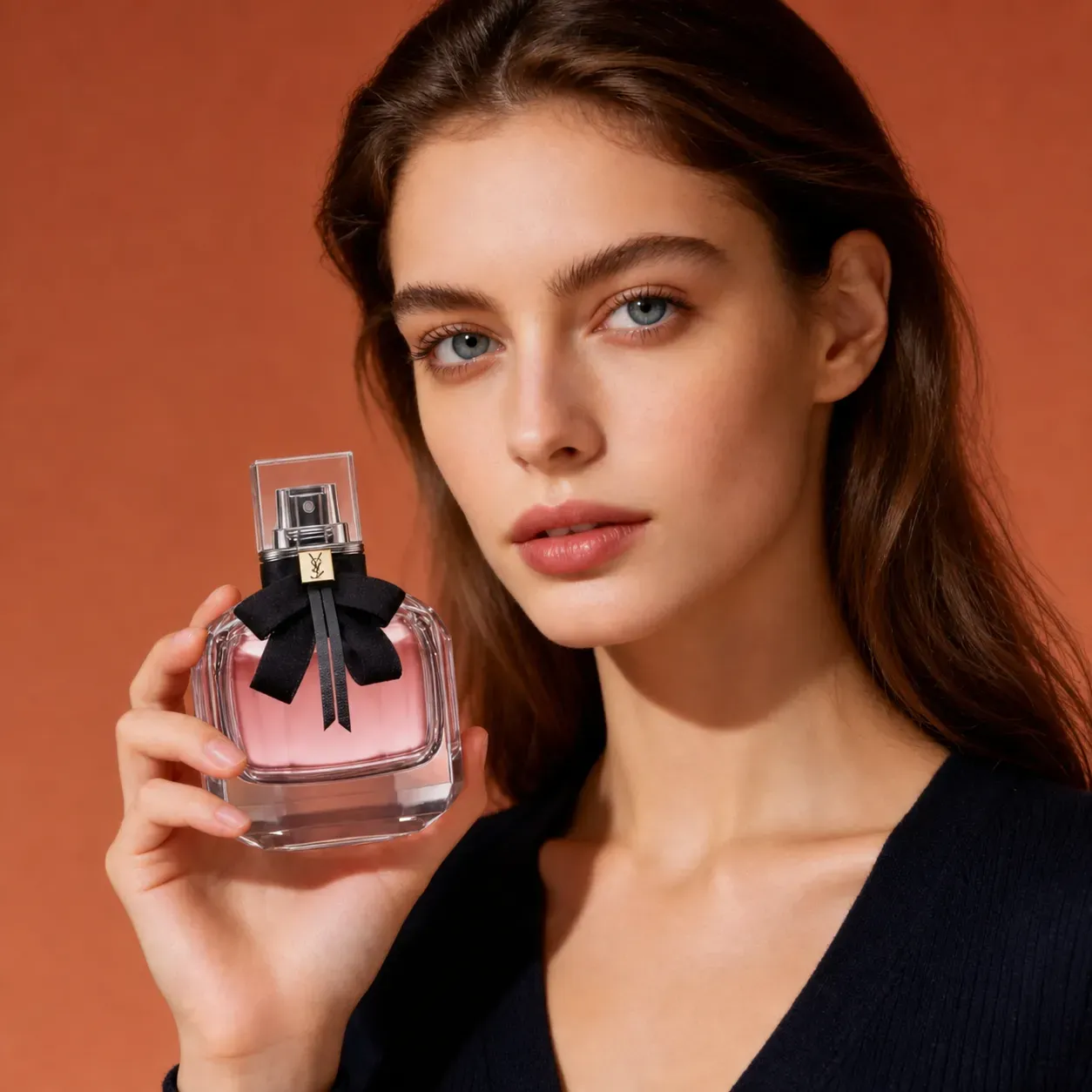
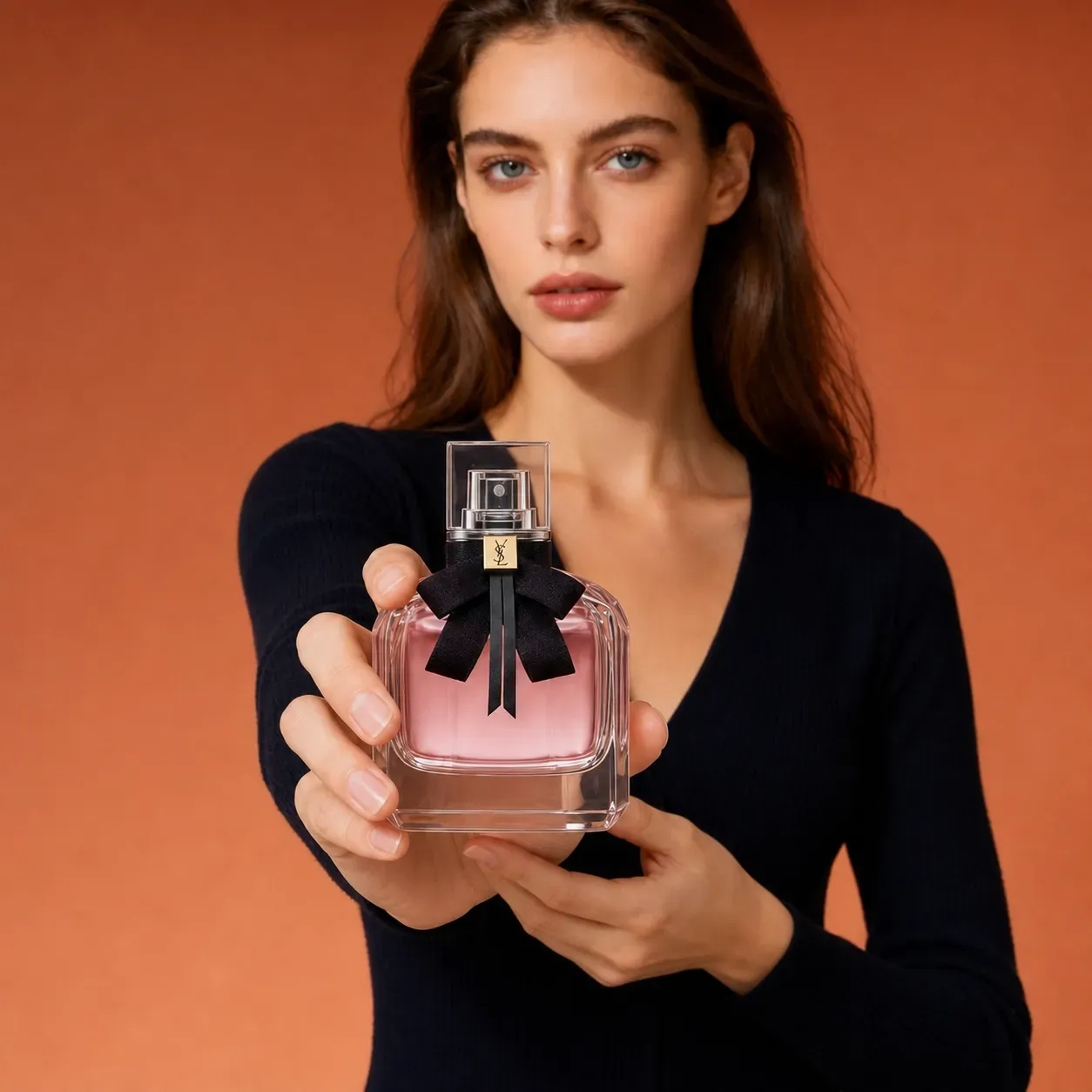
Product Series - Close Up Front Detail Style

Product Series - Close Up Front Detail Style

Upload Image
photo_camera

Person Image

photo_camera

Product Image

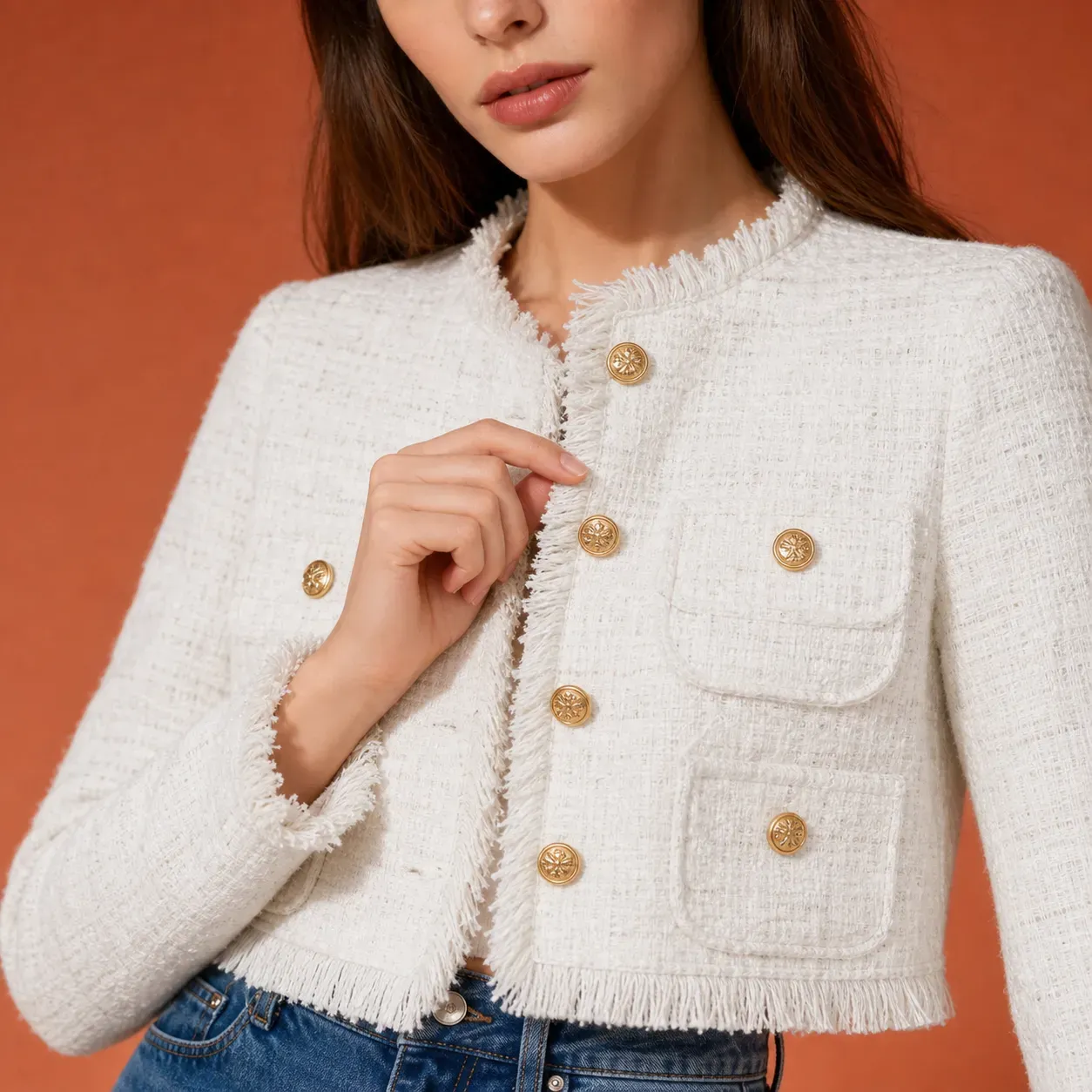
Close Up Front Detail

Template Prompt
149/2000
Commercial usage license included
More in Product Marketing Image Generator

AI Product Marketing Image Generator

Vidoly AI Product Marketing Image Generator helps ecommerce sellers, brands, and creators turn model photos and product photos into ready-to-use promotional visuals. Upload a model image, upload a product image, choose a product pose reference, and generate a new marketing image where your uploaded model presents your uploaded product in the same pose, angle, and product placement style. This upgraded workflow supports many product categories, including skincare, perfume, watches, jewelry, fashion accessories, bags, drinks, supplements, gadgets, and packaged goods. Instead of planning a full photoshoot for every product angle, users can create consistent model-product visuals for ads, product pages, social media, landing pages, and campaign testing.

Create Product Marketing Images
Generate Product Marketing Images with Model, Product, and Pose References

Generate Product Marketing Images with Model, Product, and Pose References

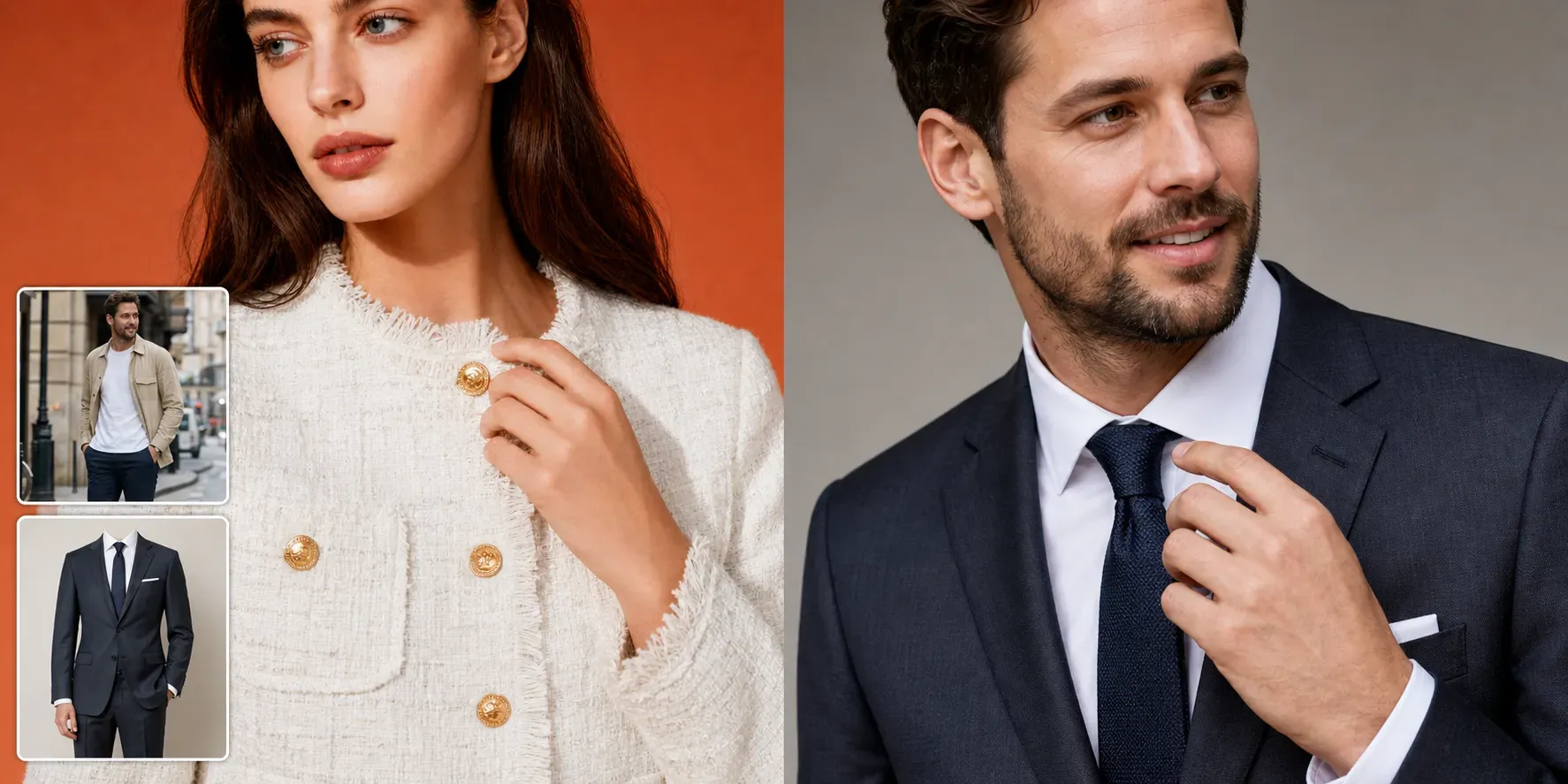
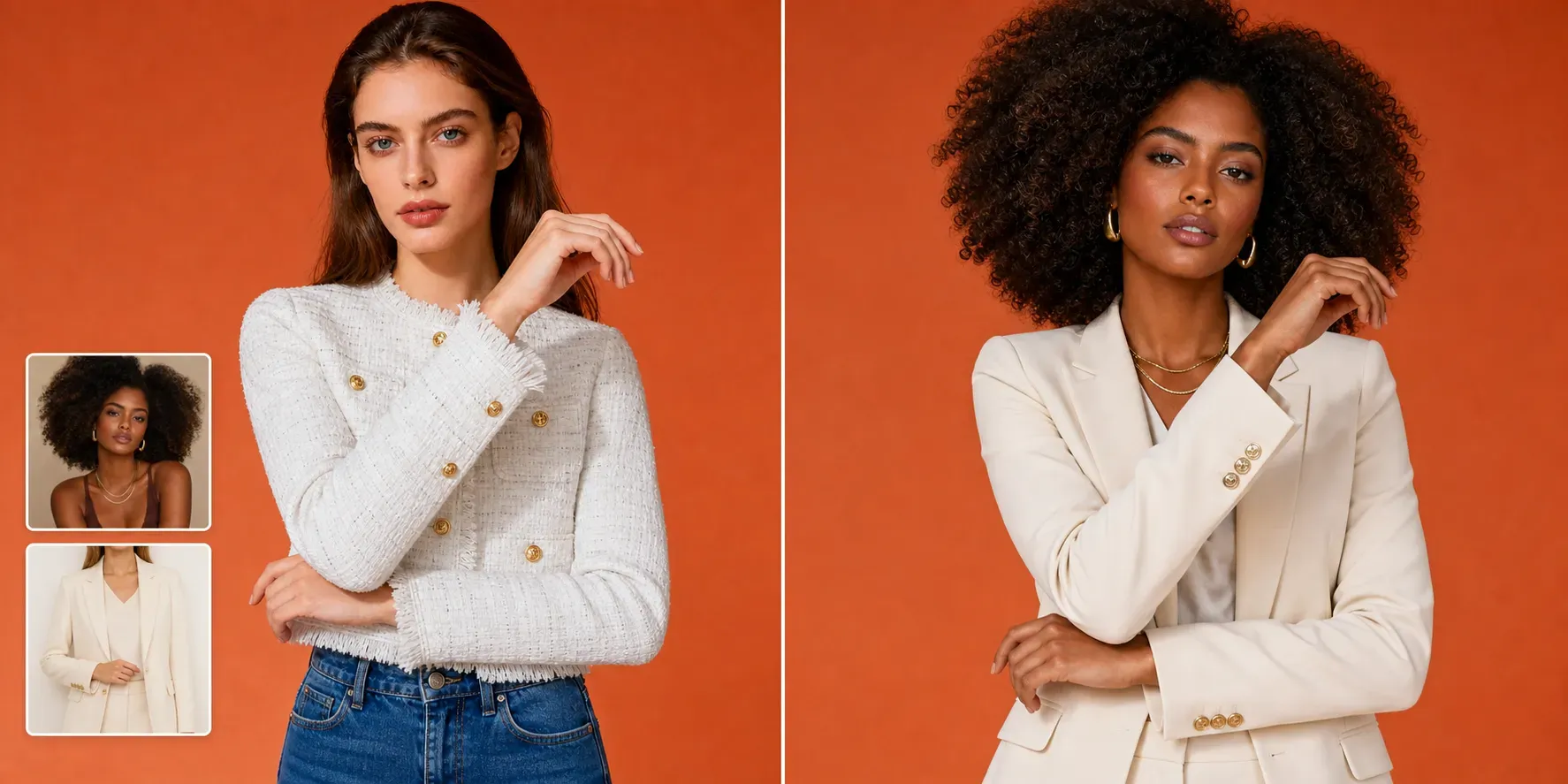
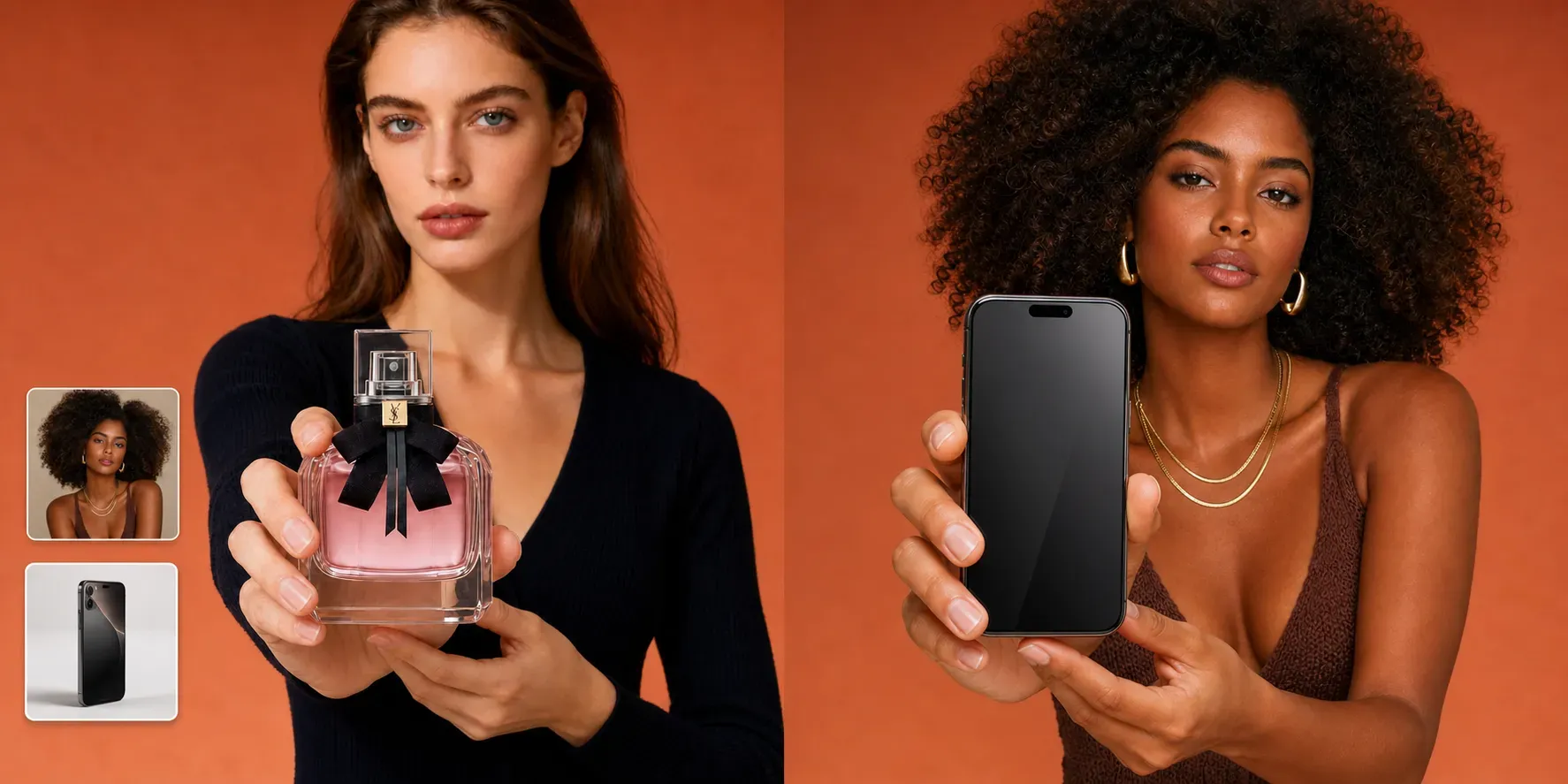
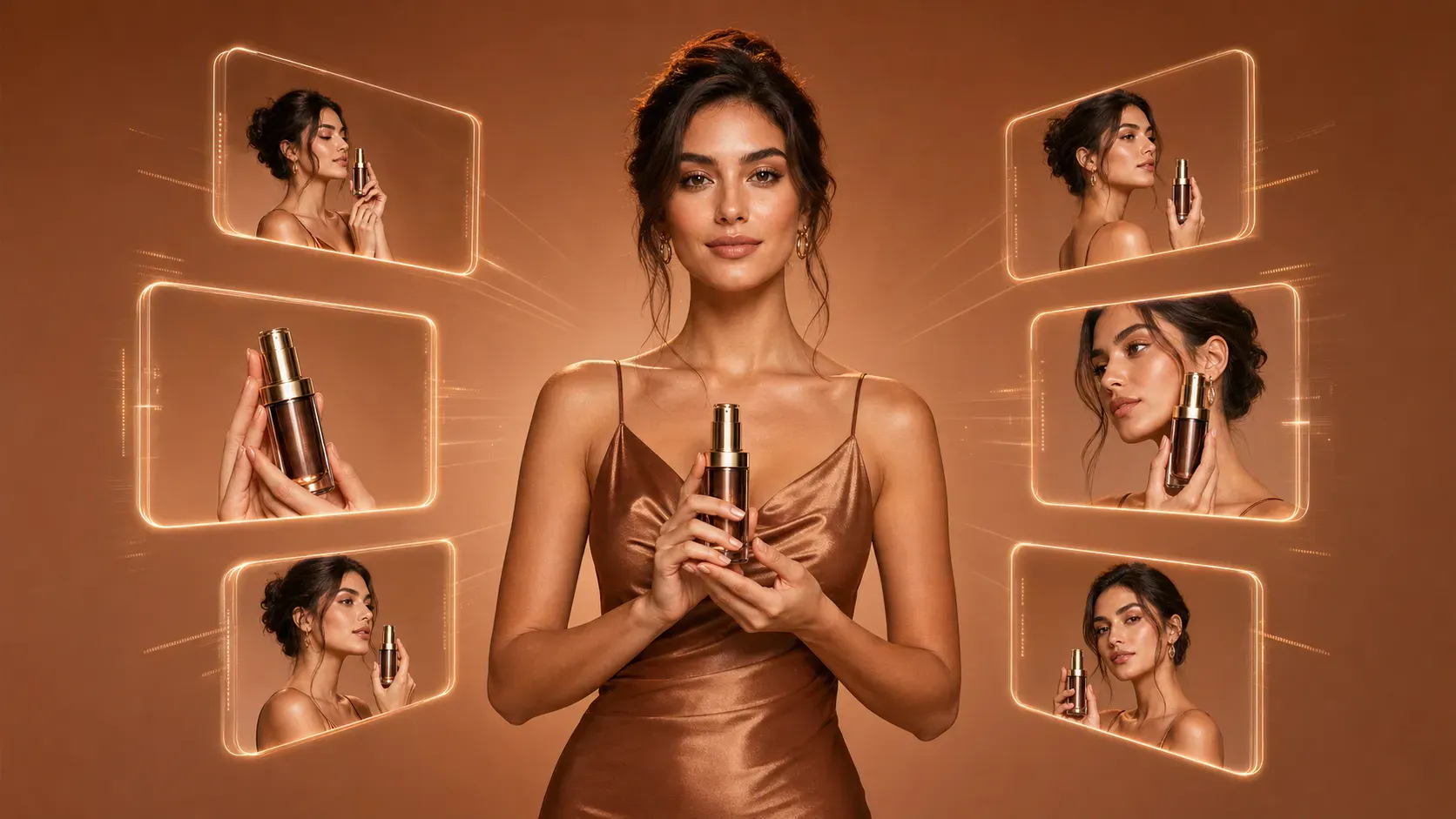
Vidoly AI uses three visual inputs to create controlled product marketing images. The model photo defines the final person, identity, body shape, hairstyle, outfit, and background style. The product photo defines the exact item, including shape, color, label, packaging, strap, dial, texture, or surface material. The pose reference defines how the product should be held, worn, displayed, adjusted, or positioned in the final image. This makes the workflow more predictable than a text-only product image generator. A skincare bottle can be placed in a front-holding pose, a perfume can be shown near the face, a watch can be displayed on the wrist, and clothing can be presented through sleeve, collar, fabric, pocket, or back-view detail shots.

How the AI Product Pose Reference Workflow Works

How the AI Product Pose Reference Workflow Works

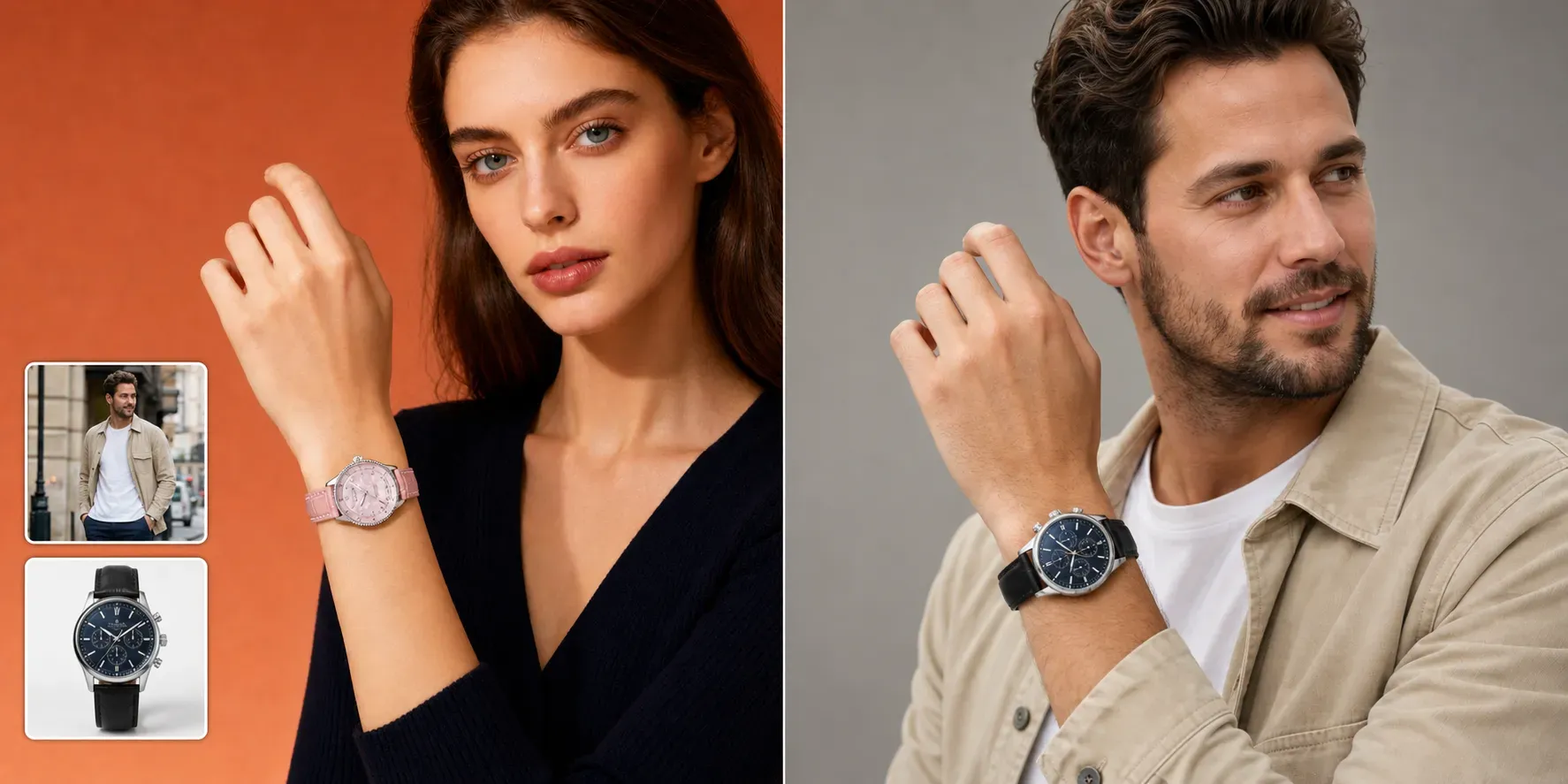
The tool analyzes the uploaded pose reference image to understand the product position, hand gesture, model action, camera crop, and composition. It then applies that structure to the uploaded model and uploaded product, creating a new image that follows the reference pose without copying the reference model or reference product. For example, if the pose reference shows a model holding a bottle in front of the body, Vidoly AI can generate the uploaded model holding the uploaded bottle in a similar front product position. If the reference shows a wrist close-up, the tool can place the uploaded watch on the uploaded model’s wrist while preserving the watch’s dial, strap, case, and scale.

Create People-Holding-Product Images for Any Product Category

Create People-Holding-Product Images for Any Product Category

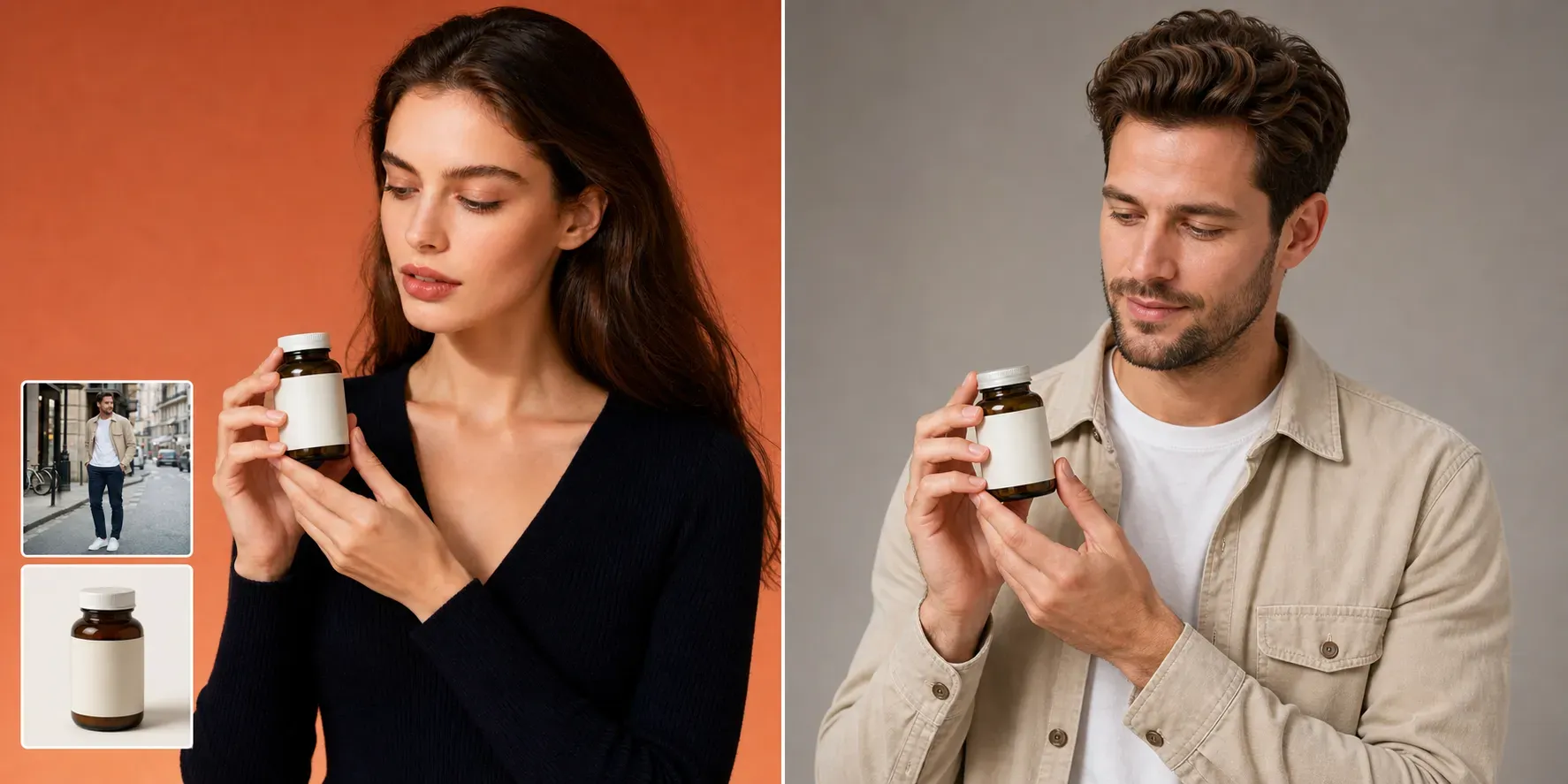
Vidoly AI can generate natural people-holding-product images for beauty products, perfume, beverages, supplements, electronics, accessories, and packaged goods. Users can choose reference poses such as front product, side view, back showcase, over-the-shoulder, product close-up, looking at product, handing product forward, or model holding product near the face. These images help shoppers understand product size, usage context, hand scale, and lifestyle fit. They are useful for ecommerce galleries, Amazon support images, Shopify product pages, TikTok Shop visuals, influencer-style posts, and ad creatives.

Create Watch, Jewelry, and Accessory Marketing Images

Create Watch, Jewelry, and Accessory Marketing Images

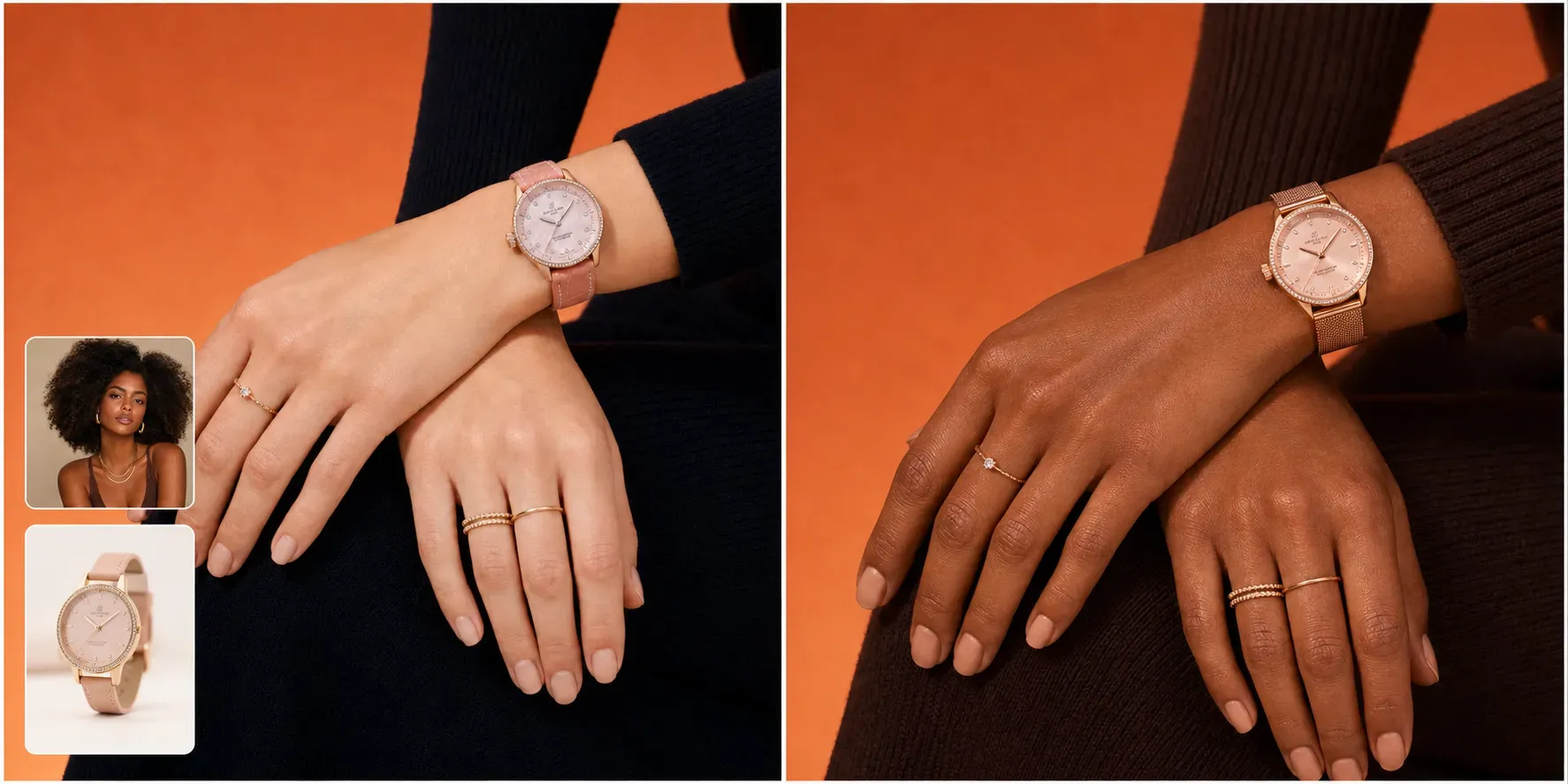
For watches, bracelets, rings, necklaces, sunglasses, handbags, and other accessories, Vidoly AI can use pose references to generate close-up product showcase images. A watch can be shown in wrist showcase, hand close-up, adjusting watch, dial close-up, or hand-near-face compositions. Jewelry can be displayed through hand poses, neck and collarbone shots, or detail- focused lifestyle images. The product reference helps preserve key visual details such as dial color, strap material, metal finish, gemstone placement, chain shape, clasp position, and product proportions. Users should still review the final image before publishing, especially when logo placement, product claims, or exact text accuracy matters.

Create Clothing Detail Images with Model Actions

Create Clothing Detail Images with Model Actions

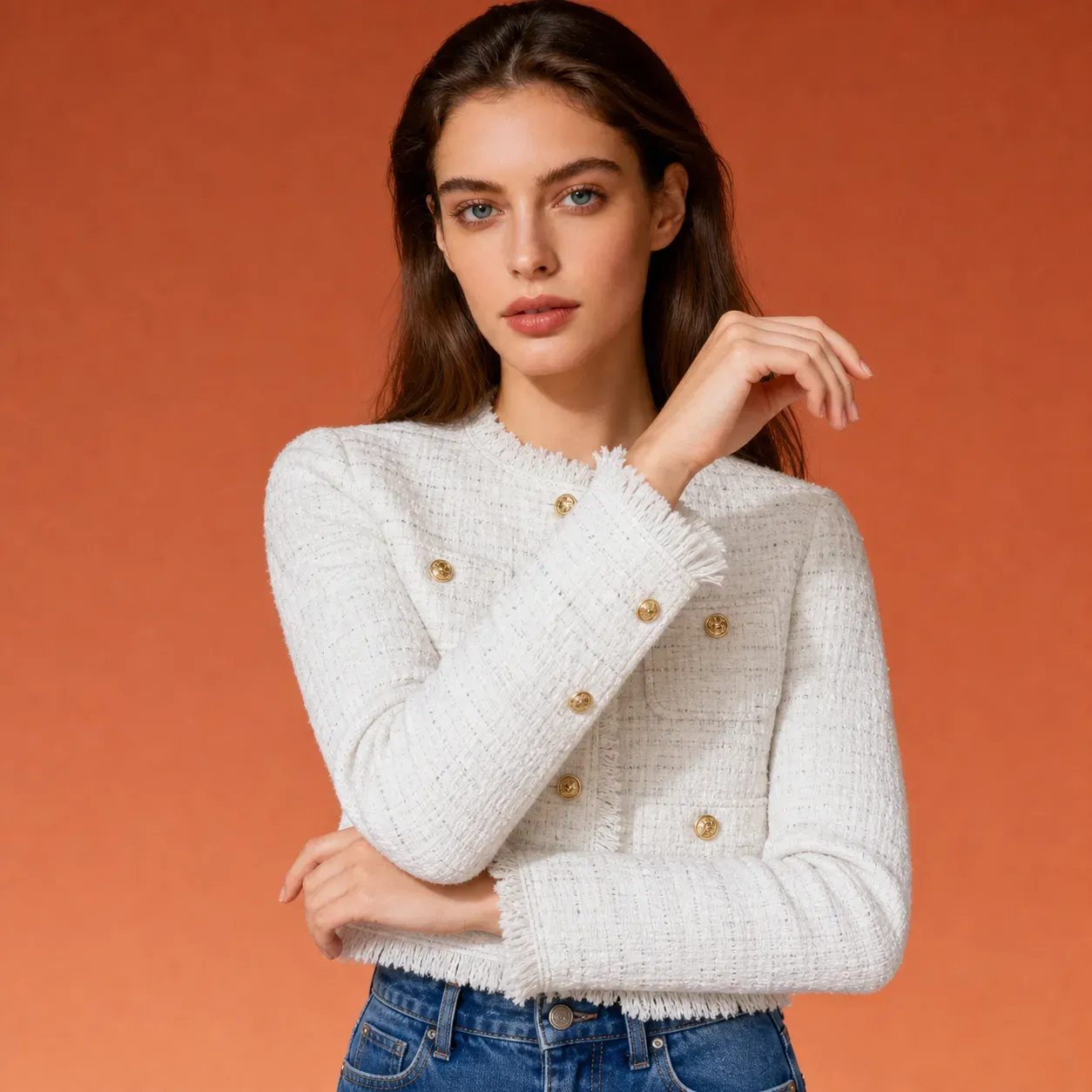
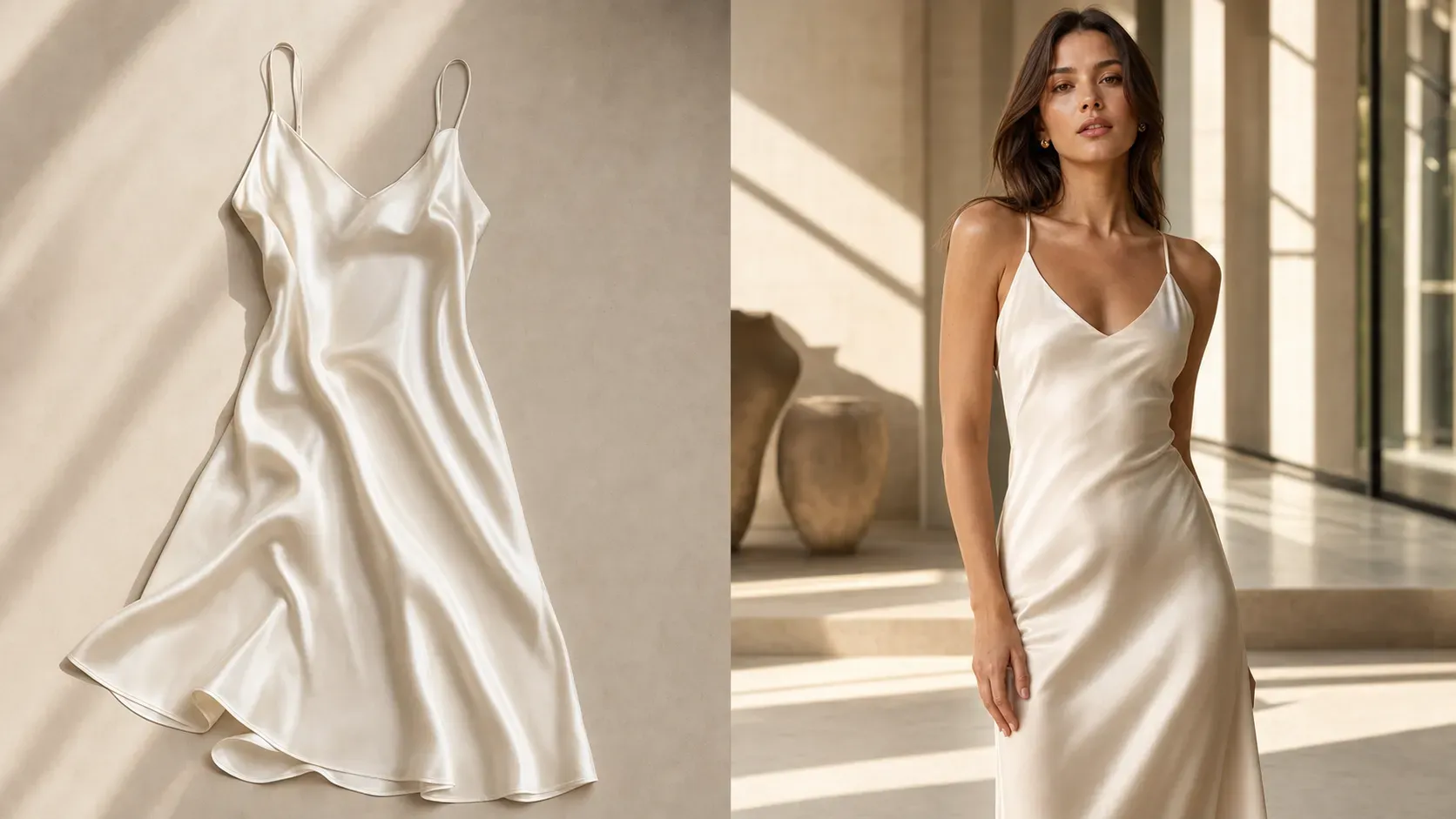
Vidoly AI can also generate fashion ecommerce detail images from a clothing image and a model image. Users can choose pose references such as fabric detail, sleeve detail, collar detail, back view, pocket detail, or waist fit. The result shows the uploaded model wearing the uploaded clothing in the selected detail pose. This is useful for clothing brands that need more than a single flat-lay image. AI-generated detail shots can highlight fabric texture, cuffs, collars, buttons, stitching, pockets, denim fit, hems, trims, and back silhouettes for product pages and catalog visuals.

What Product Photos Work Best for AI Marketing Image Generation?

What Product Photos Work Best for AI Marketing Image Generation?

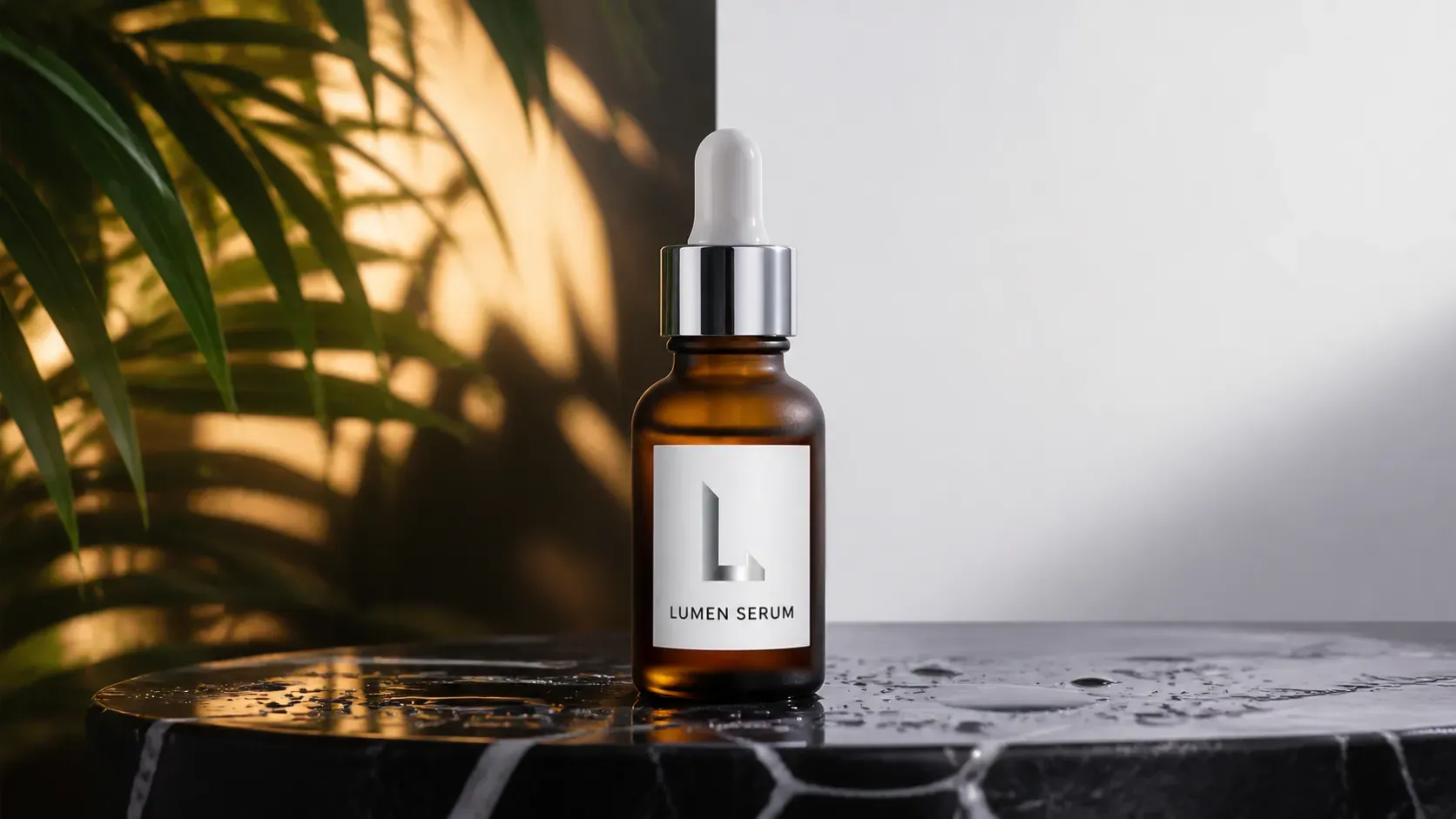
The best product photos are clear, front-facing or cleanly angled, high-resolution, and easy to separate from the background. The product should show its shape, color, label, logo, material, edges, and key details without being blocked by hands or heavy shadows. For bottles and packaged goods, use images with readable front labels and complete packaging edges. For watches and jewelry, use clean product photos that show the dial, strap, case, chain, clasp, stones, or metal finish. For clothing, use flat-lay or clean product photos that clearly show silhouette, collar, sleeves, pockets, buttons, fabric texture, and hems.

Product Pose References: Control the Action, Crop, and Placement

A product pose reference helps control the final image more precisely. Instead of only describing “a model holding my product,” users can select or upload a reference that shows the exact action: holding a perfume near the face, presenting a bottle forward, adjusting a watch, showing a sleeve cuff, displaying a collar, or turning around for a back view. The reference image controls the pose, hand position, camera crop, product placement, and composition. The final model still comes from the uploaded model photo, and the final product still comes from the uploaded product photo.

AI Product Marketing Images vs Traditional Product Photoshoots

Traditional product photoshoots are still best for final catalog accuracy, strict brand campaigns, and legally sensitive product claims. They give teams full control over lighting, styling, labels, and product handling. Vidoly AI is better for faster creative production, ad testing, marketplace support images, creator-style posts, and visual concept exploration. Sellers can test many product poses and model-product combinations before deciding which concepts deserve a real photoshoot or final manual retouching.

Common Limitations of AI Product Marketing Images

AI-generated product marketing images may be less accurate when the product photo is blurry, cropped, reflective, transparent, low-resolution, or visually complex. The AI may slightly alter text, labels, logos, proportions, straps, buttons, or small surface details if the reference image is unclear. For ecommerce and paid ads, review every final image carefully. Check product shape, color, logo, label text, size, materials, claims, hand scale, wrist scale, and body proportions before publishing.

How to Use the Vidoly AI Product Marketing Image Generator?

1

Choose a Product Pose Reference

Select a reference pose, such as front holding, wrist showcase, adjusting watch, fabric detail, collar detail, or hand close- up. The pose reference controls the action and product placement. Click and enter the generator page.

2

Upload a Model Photo

Choose a clear model image with visible face, body, outfit, and background style. This image defines the final person and overall visual identity.

3

Upload a Product Photo

Upload a clean product image that shows the item’s shape, color, label, texture, and important details.

4

Generate the Product Marketing Image

Vidoly AI creates a new promotional image using the uploaded model, uploaded product, and selected pose composition.

5

Review Product Accuracy

Check the final image for product shape, label visibility, hand anatomy, wrist scale, clothing fit, lighting, and overall commercial usability.

FAQs

What is the Vidoly AI Product Marketing Image Generator?

Vidoly AI Product Marketing Image Generator is an online tool that creates promotional product images from model photos, product photos, and pose references. It helps users generate ecommerce visuals where the uploaded model presents the uploaded product in a selected pose or product placement style.

Can I upload both a model photo and a product photo?

Yes. The upgraded workflow supports model image upload and product image upload. The model image controls the final person and background style, while the product image controls the item shown in the final marketing visual.

What is a product pose reference?

A product pose reference is an image that shows how the product should be held, worn, adjusted, displayed, or positioned. Vidoly AI uses it as a guide for pose, hand placement, crop, camera angle, and product location.

Can I generate watch or jewelry marketing images?

Yes. You can upload a watch, bracelet, ring, necklace, or accessory image and choose a reference pose such as wrist showcase, hand close-up, adjusting watch, or jewelry detail shot.

Can I create clothing detail images?

Yes. You can upload clothing and generate model-worn detail images such as fabric detail, sleeve detail, collar detail, back view, pocket detail, and waist fit.

Does the AI copy the reference image?

No. The reference image should only guide the pose, composition, hand gesture, and product placement. The final model comes from your uploaded model image, and the final product comes from your uploaded product image.

What products can I use?

You can use beauty products, perfume, skincare, drinks, supplements, watches, jewelry, fashion accessories, clothing, gadgets, bags, and packaged goods.

How can I get more accurate product results?

Use a sharp, well-lit product image with clear edges, accurate color, visible labels, and no cropped key details. For watches or jewelry, make sure the product photo clearly shows the dial, strap, case, stones, chain, or metal finish.

Can I use the images for ecommerce ads?

Yes, the generated images can support ad creatives, social posts, product pages, landing pages, and campaign testing. Always review product accuracy before using them in paid ads or marketplace listings.

What should I check before publishing?

Check product shape, product scale, label text, logo placement, color, material, hand anatomy, wrist size, clothing fit, and whether the image could misrepresent the real product.

What Should I Write in the Prompt?

Mostly, we don't need to change any prompt by default, since Vidoly has ready written the prompts for you and makes the prompts to meet your requirement.