What is the Vidoly AI Tattoo Generator?
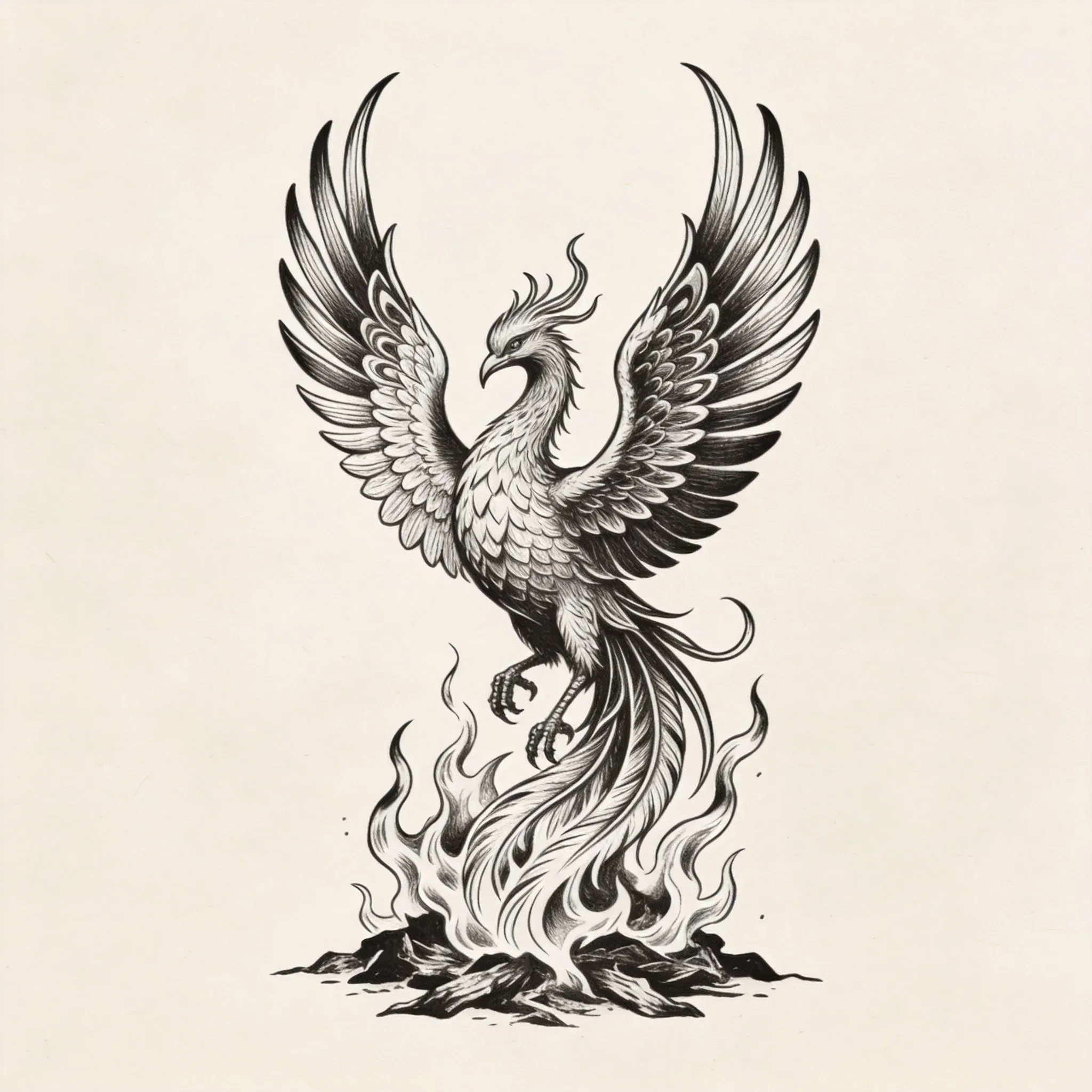
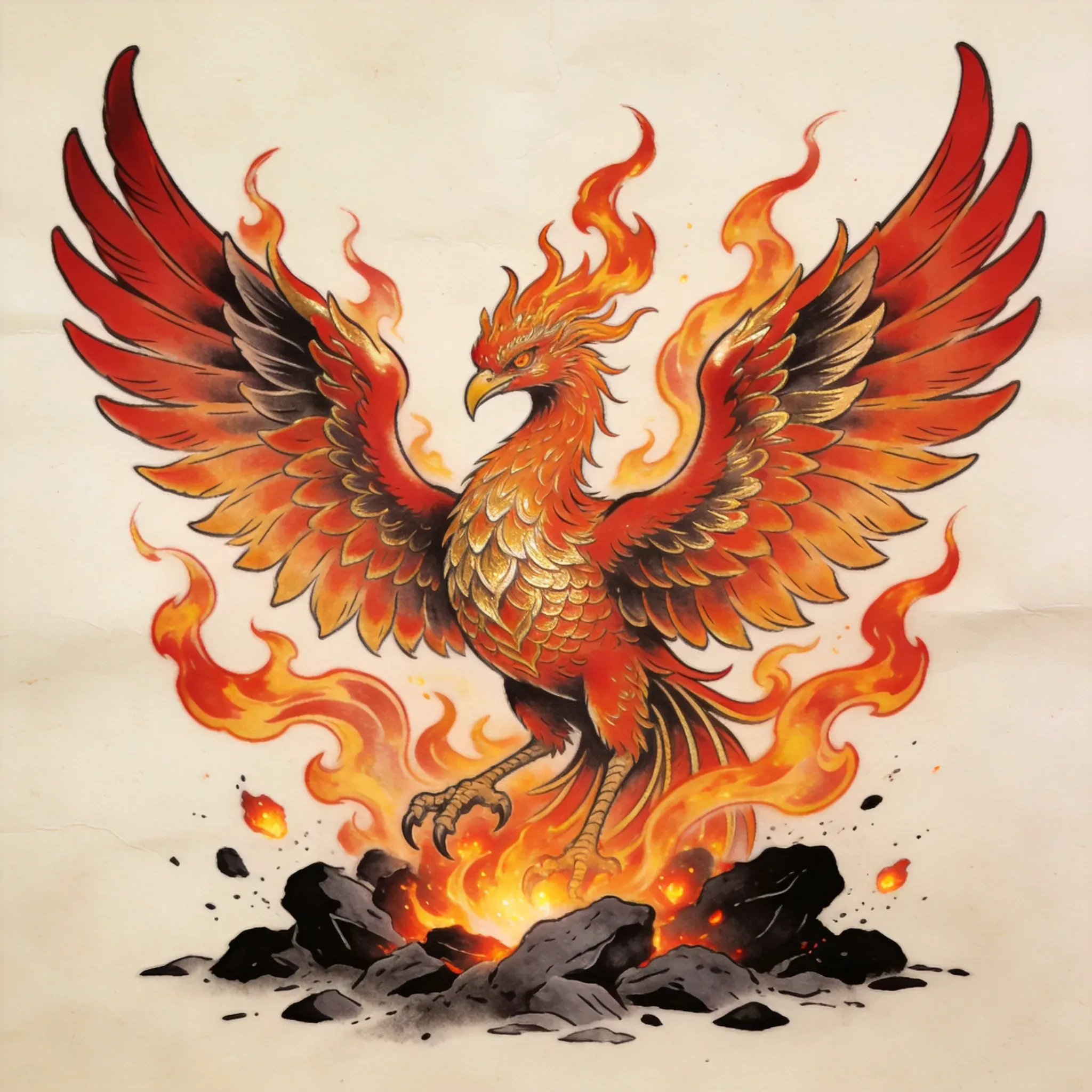
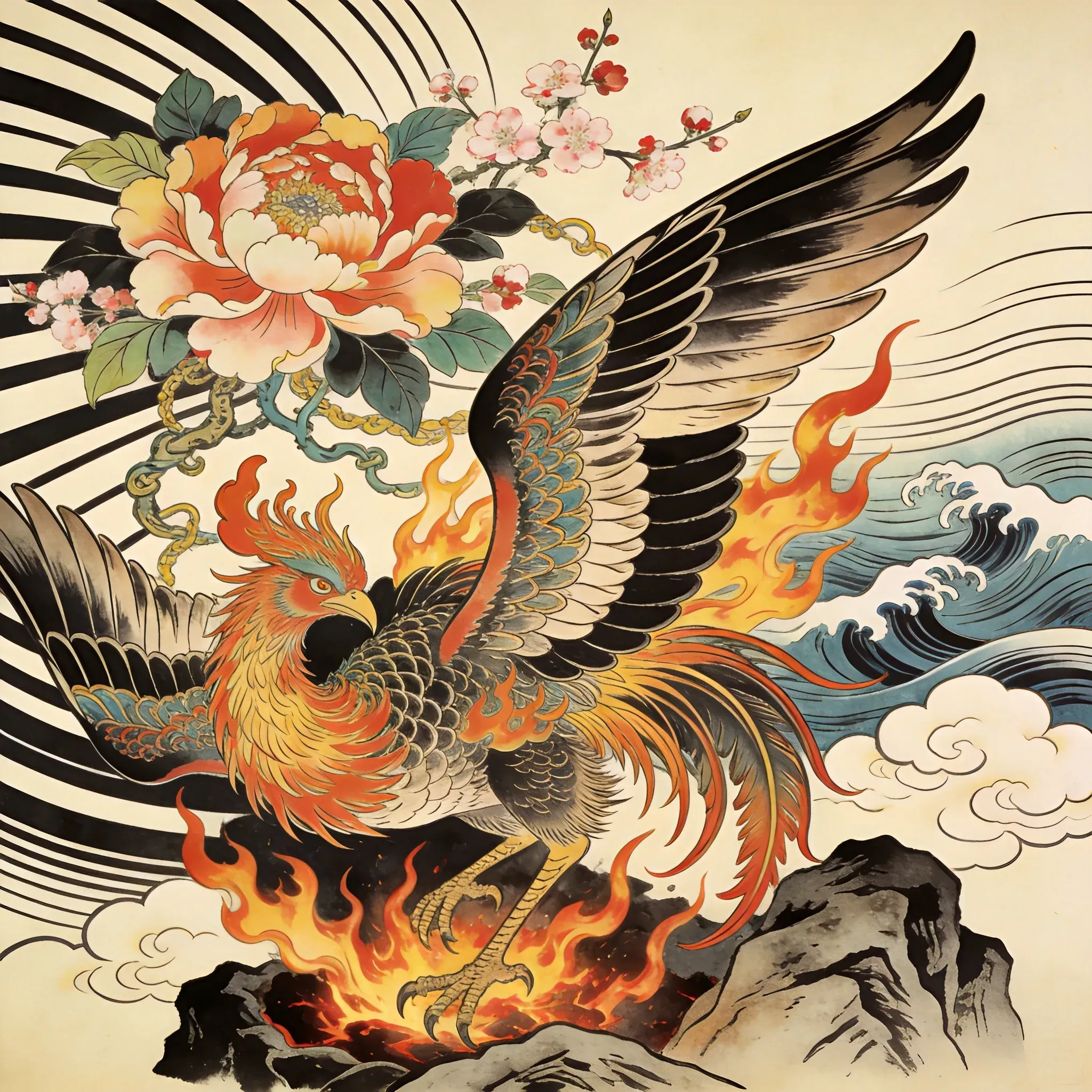
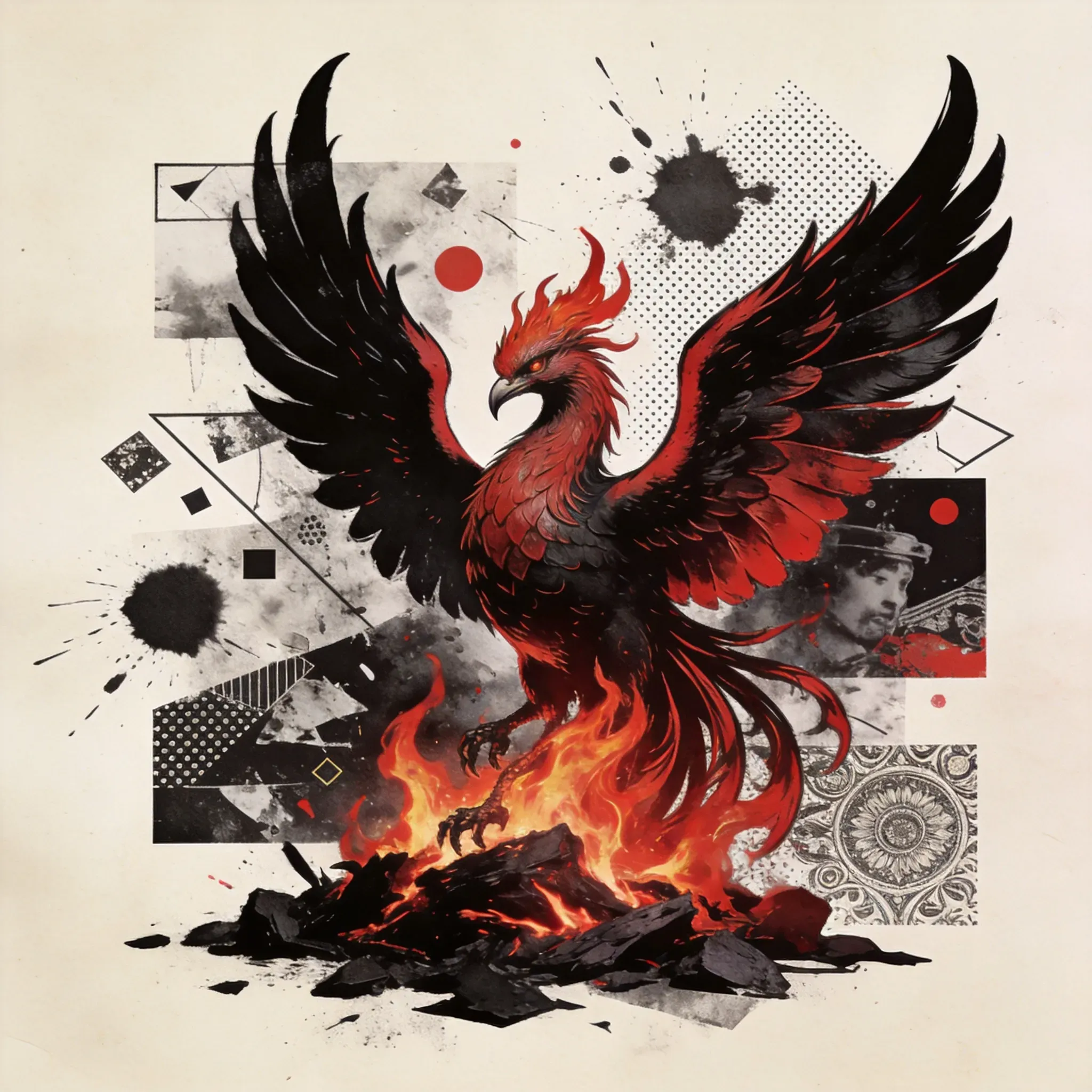
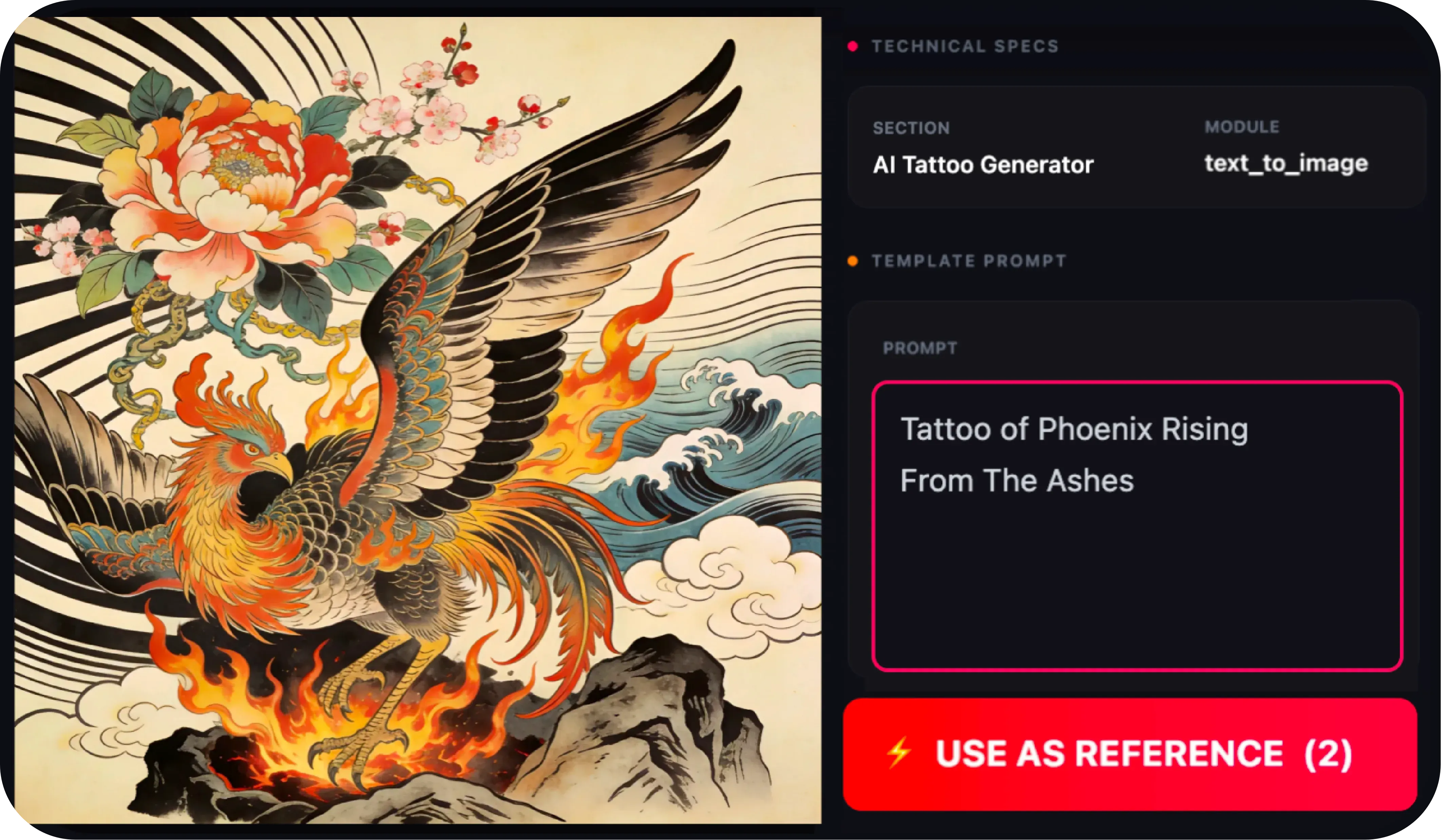
The Vidoly AI Tattoo Generator is an online tool that helps users create tattoo design drafts from reference images, selected tattoo styles, and clear motifs.
How does the AI tattoo generator work?
Start with a clear motif, choose a tattoo style, add appropriate reference images, and generate a design that lets you check placement, detail level, and readability.
Do I need to write detailed prompts?
No. The Vidoly AI Tattoo Generator is designed to reduce the need for complex prompts through a guided workflow based on style selections and simple motif inputs. Users can focus on what they want to create without repeatedly revising long prompts.
Can I use reference images for tattoo design?
Yes. Reference images help guide the visual direction, especially for portraits, animals, flowers, symbols, or specific tattoo styles. Clear, well-defined images usually produce better tattoo design drafts.
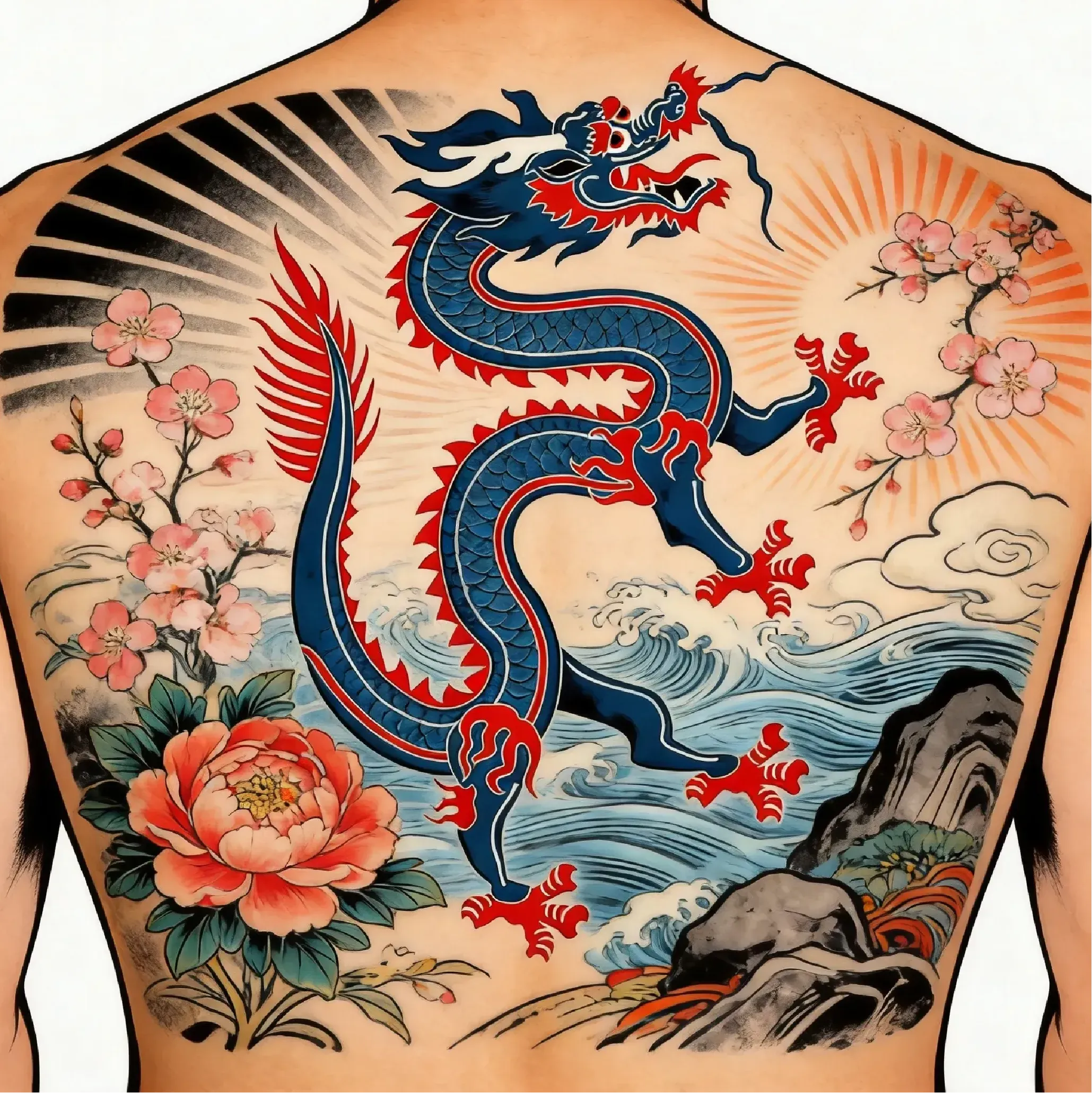
Which tattoo styles work best for AI tattoo design?
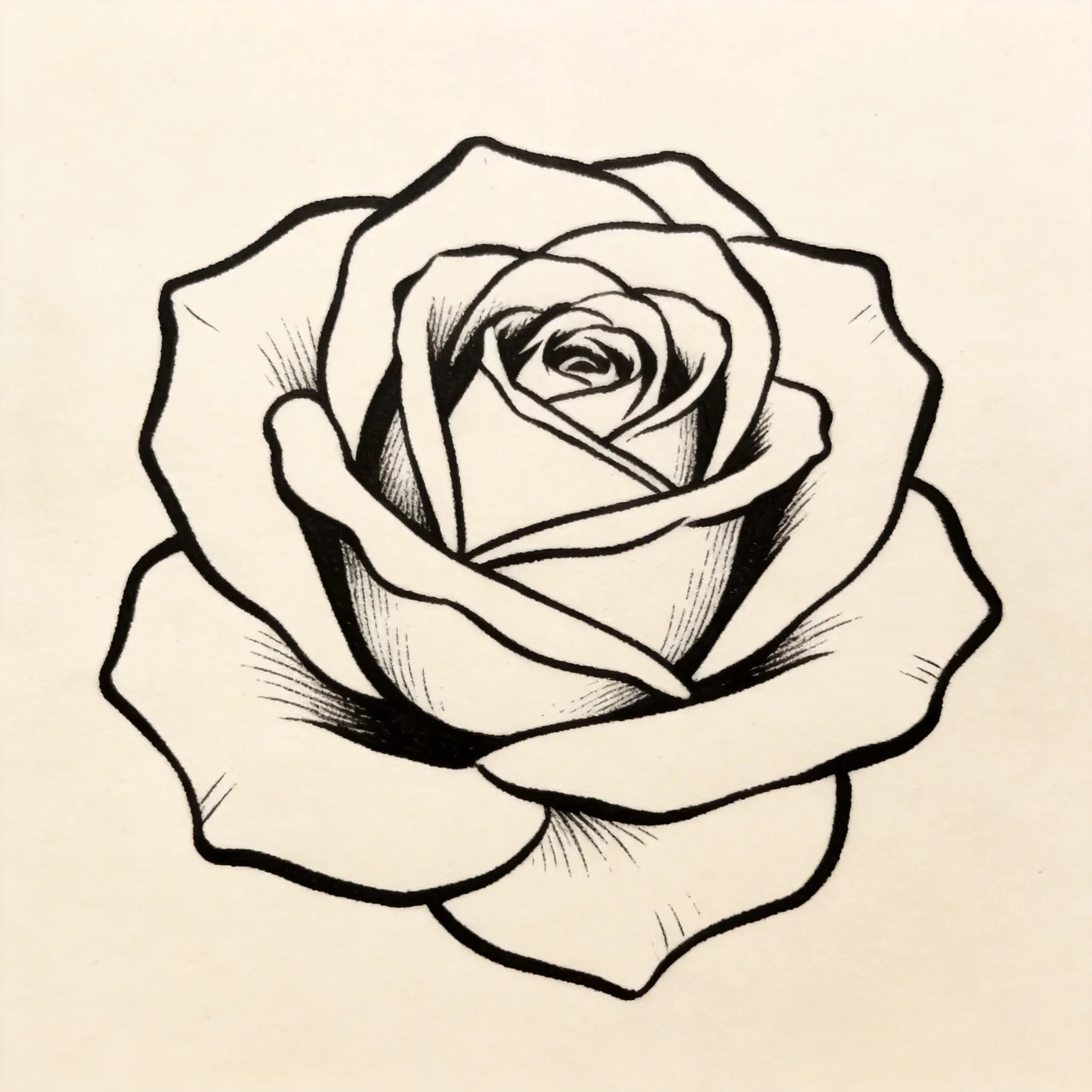
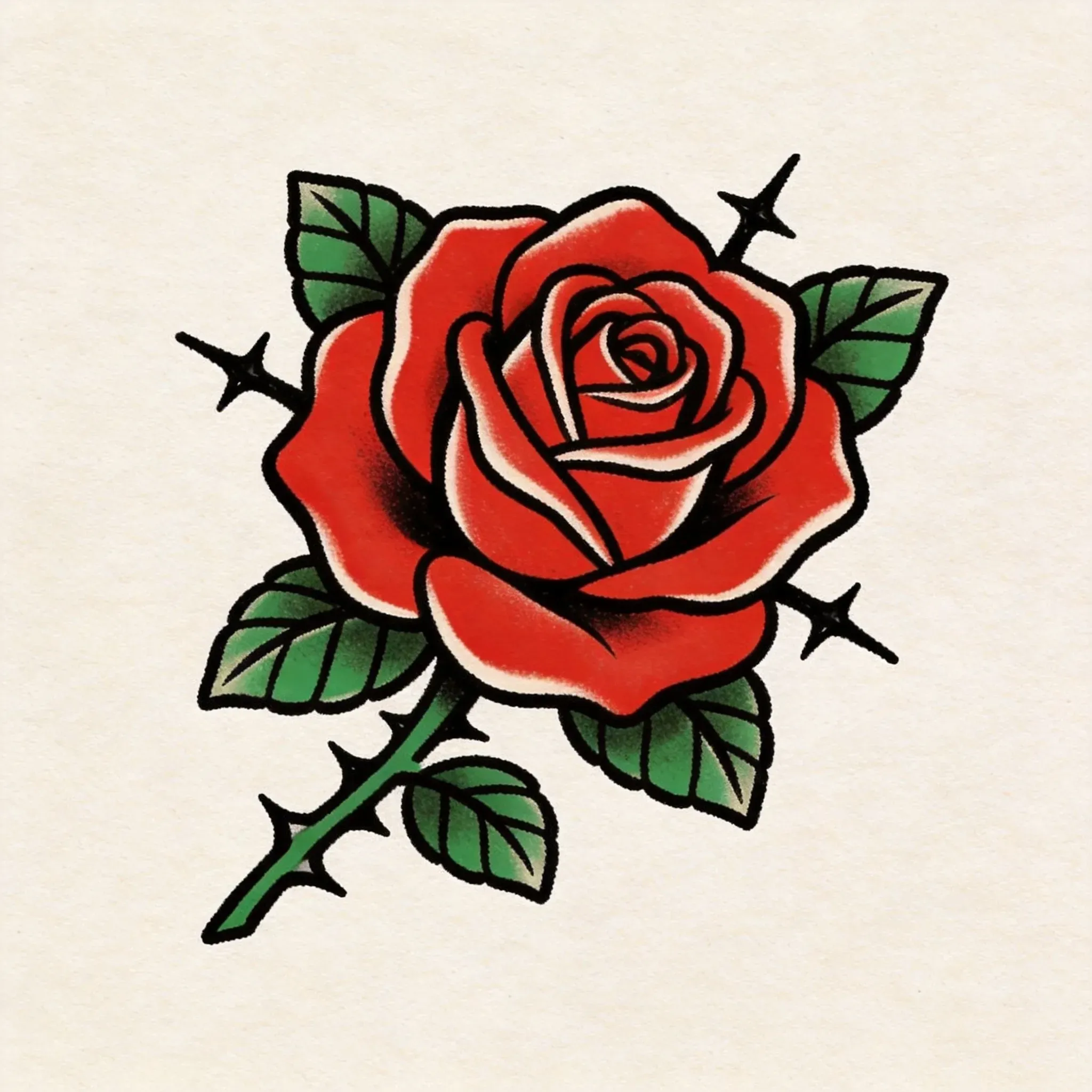
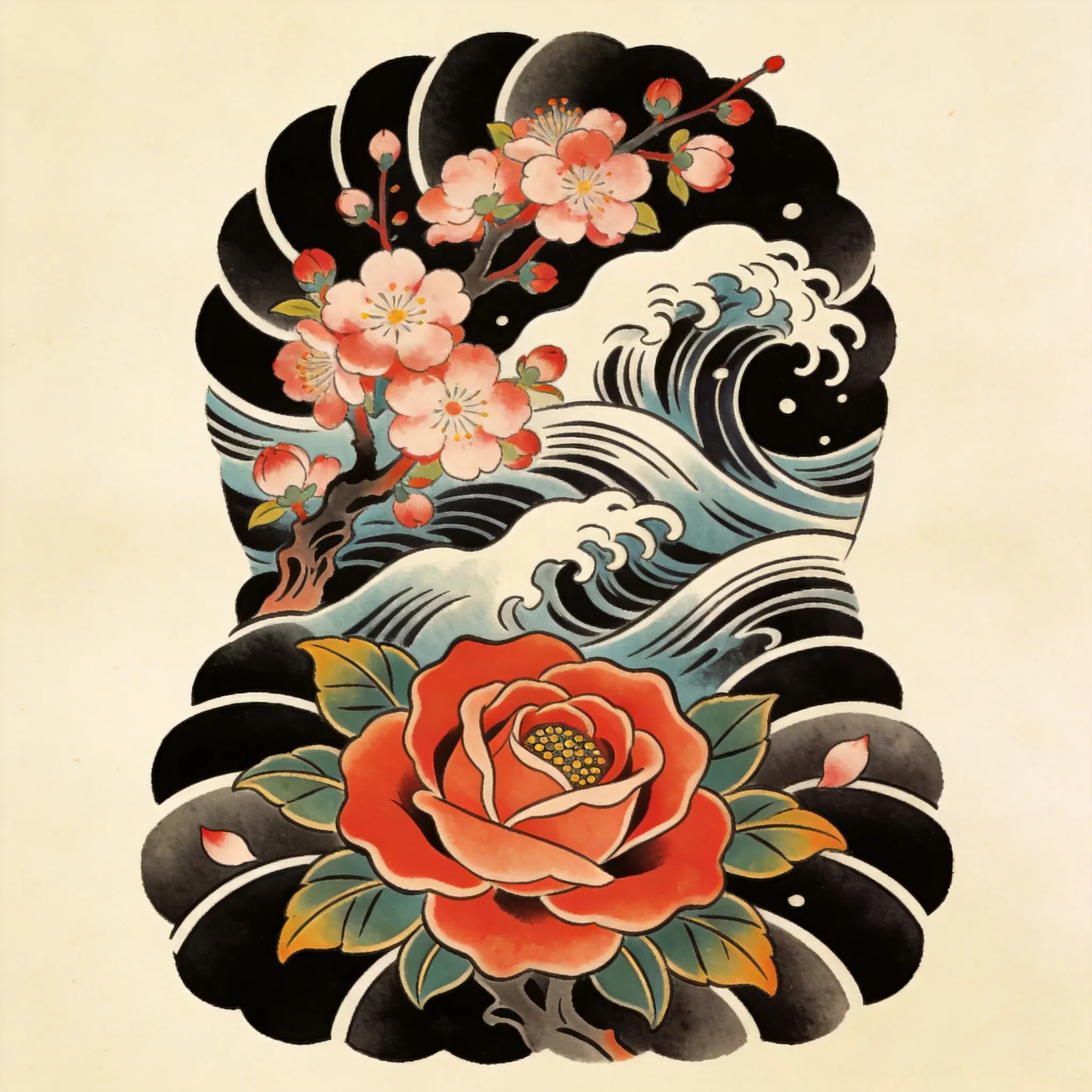
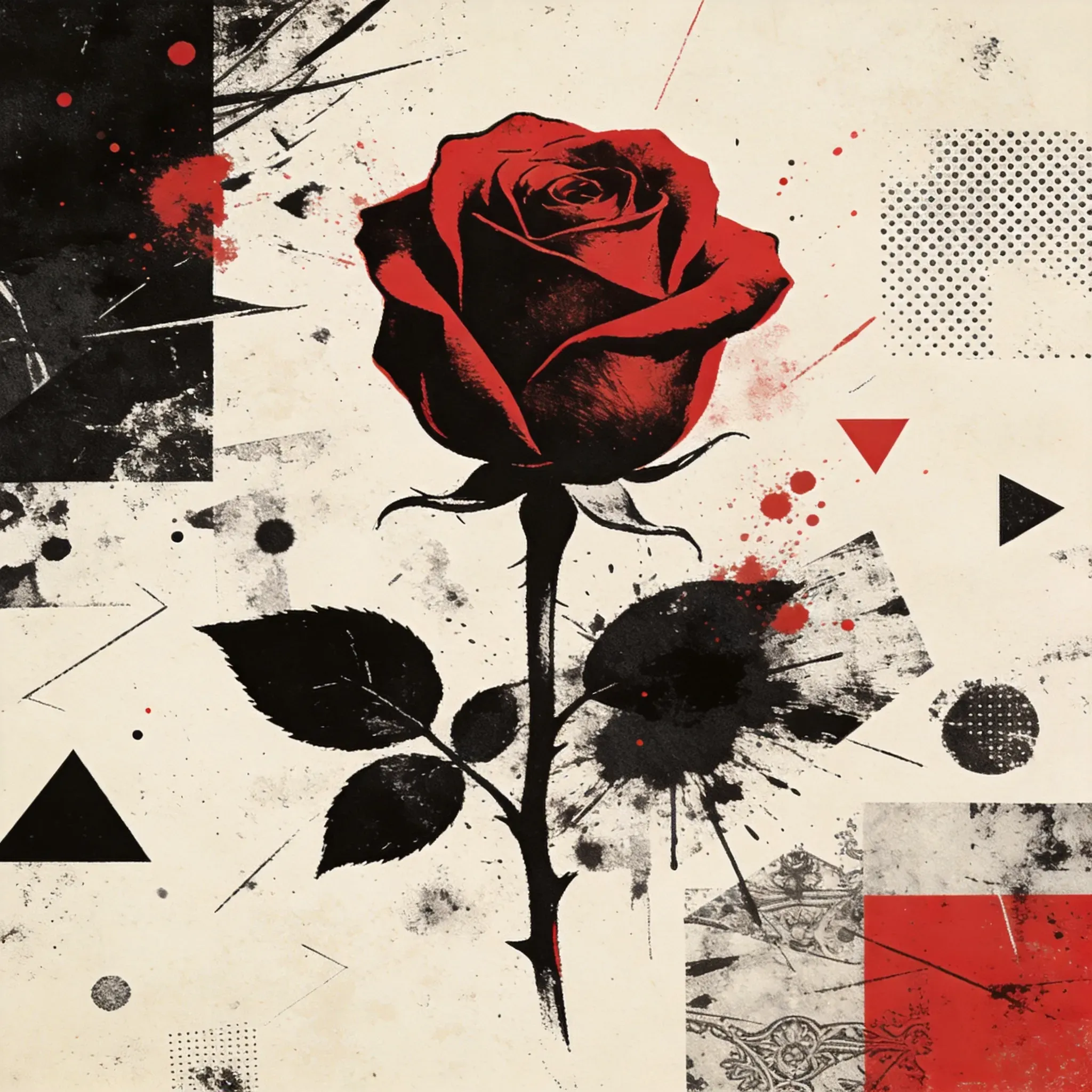
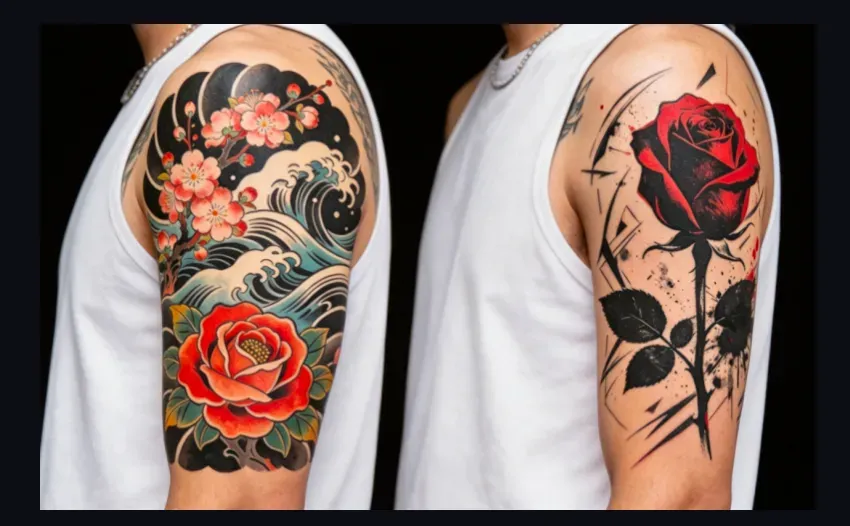
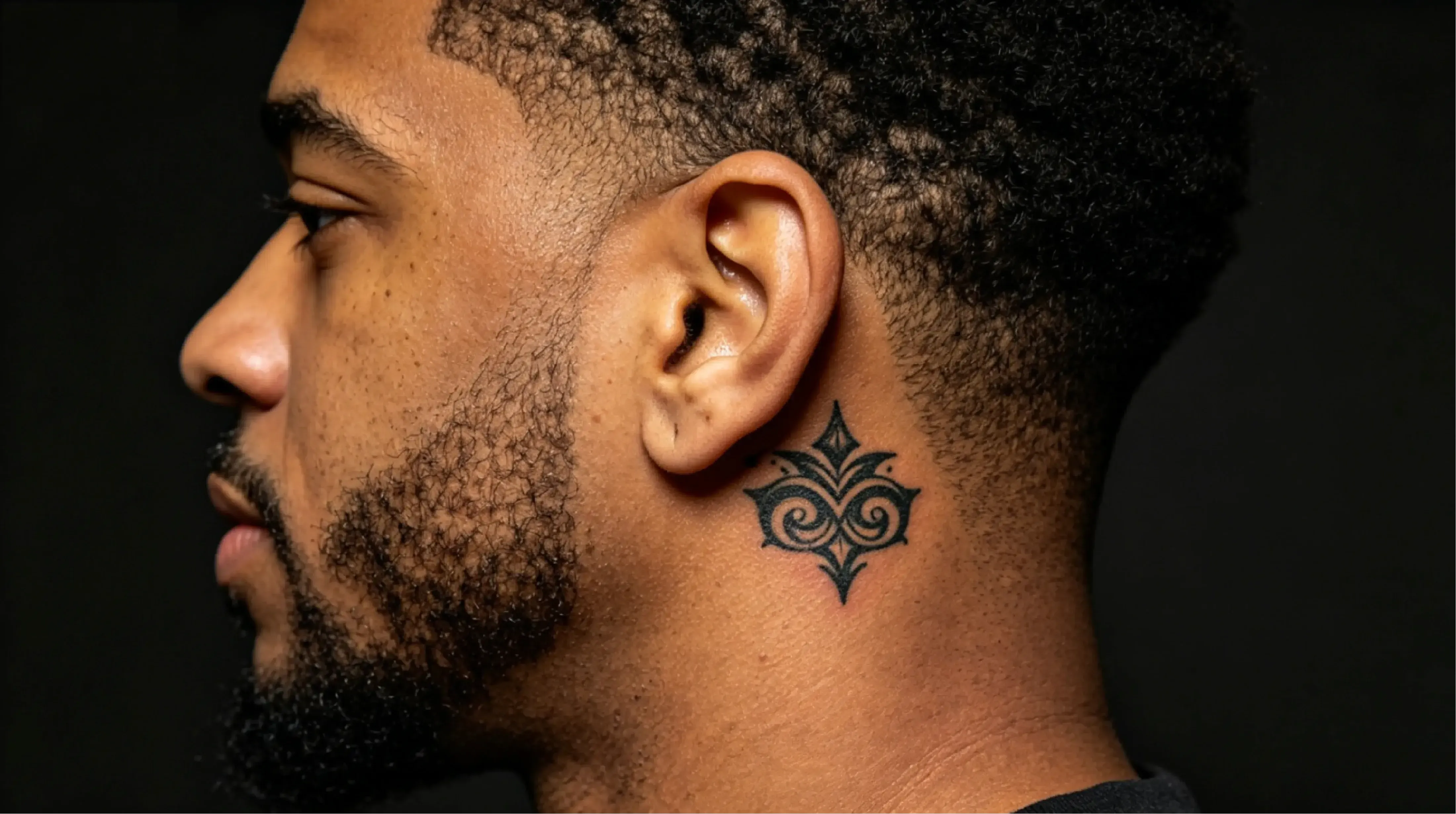
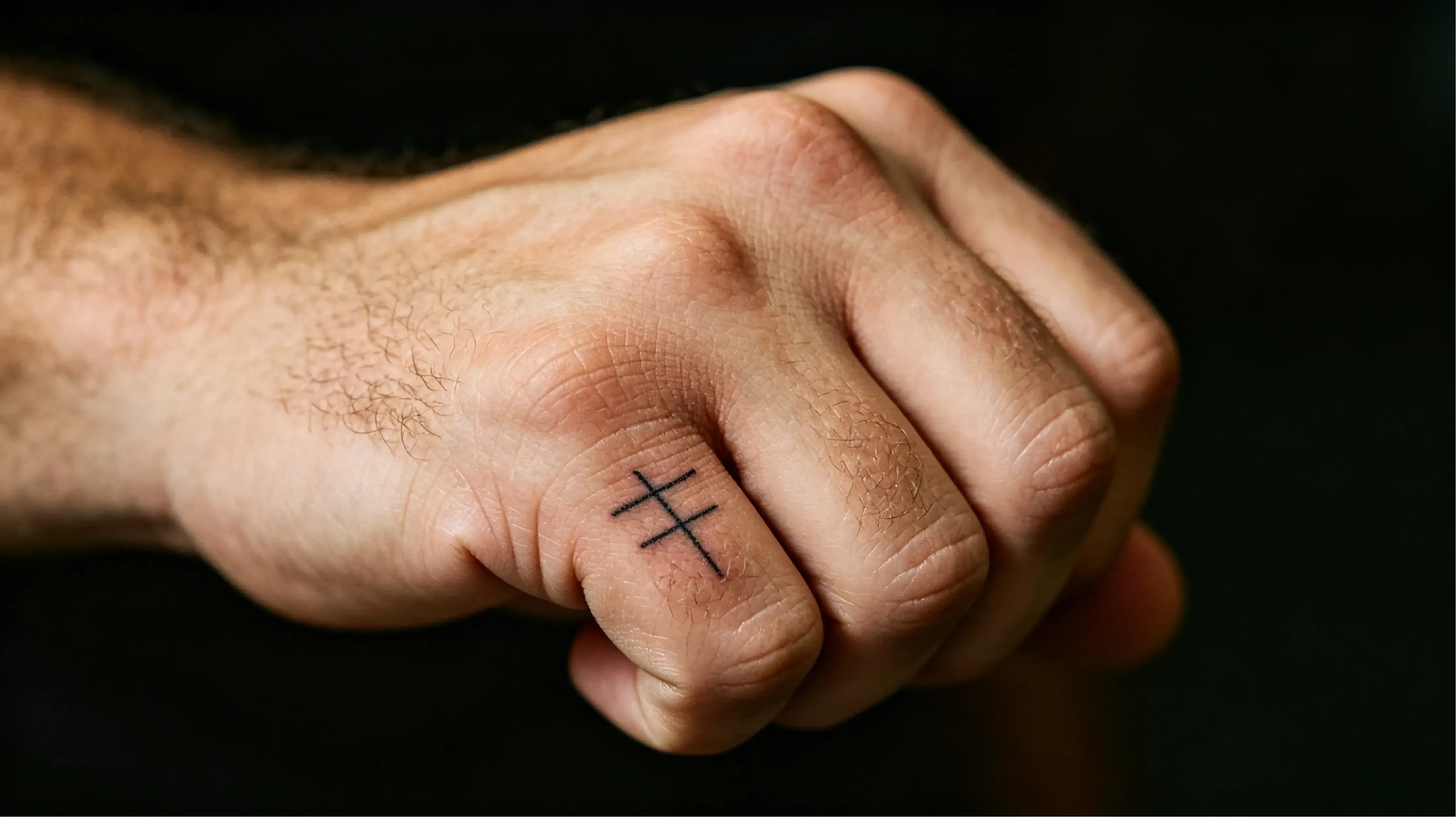
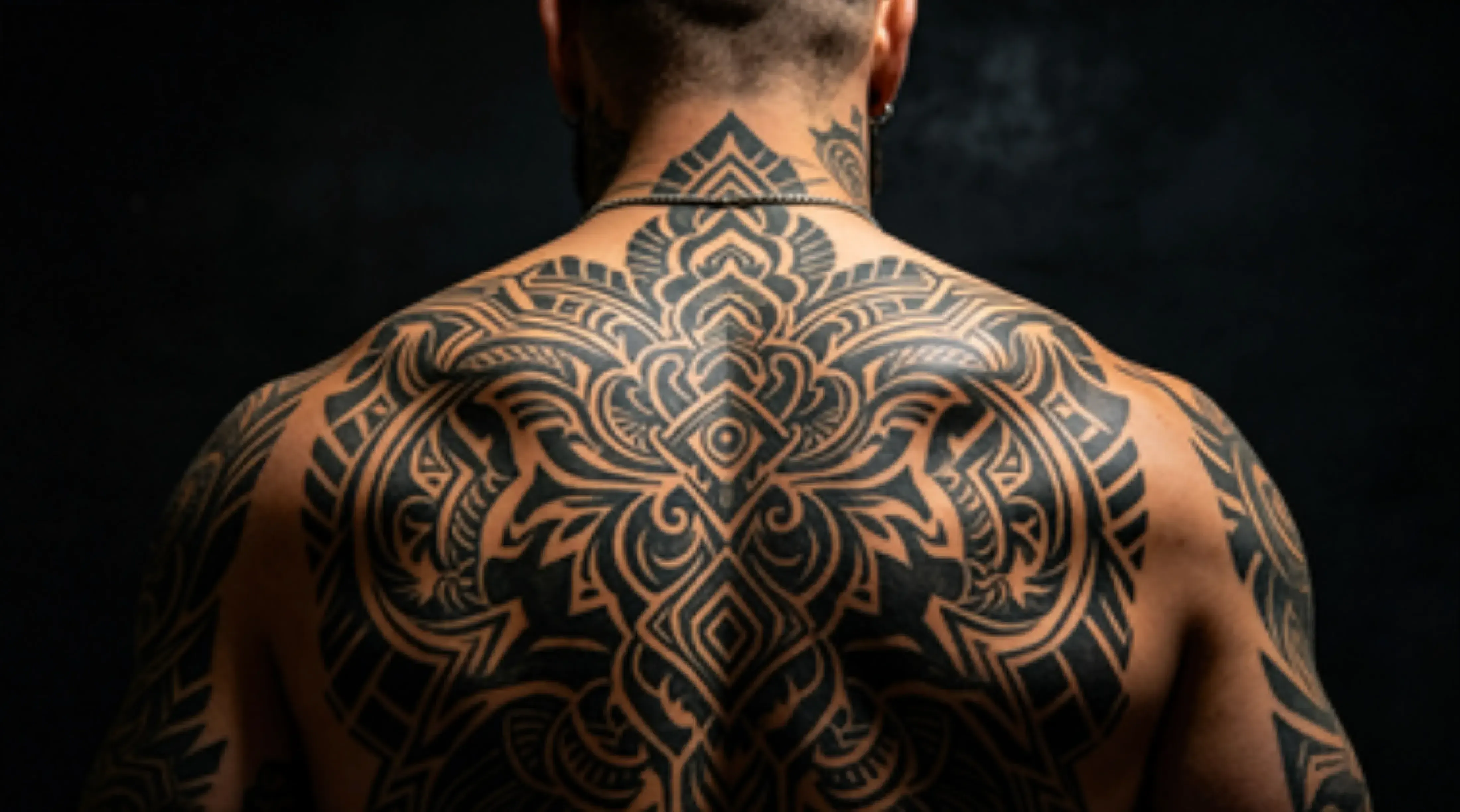
Styles like minimalist, Japanese, realism, Blackwork, floral, geometric, and illustrative usually work well for generating initial drafts.
Can AI help me design a forearm tattoo?
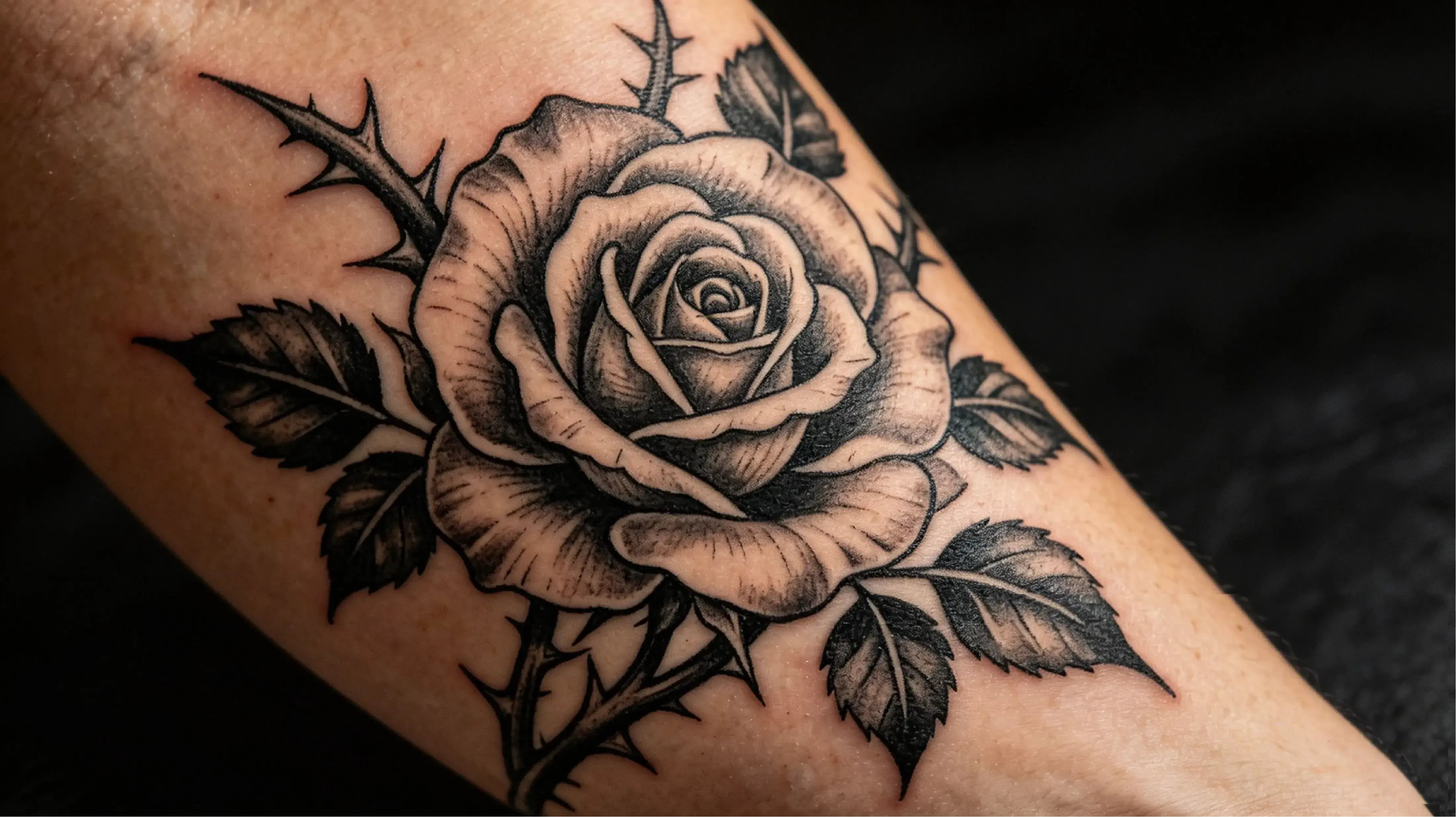
Yes. AI can help you generate forearm tattoo drafts, but the final design still needs to be checked for body flow, spacing, and long-term readability.
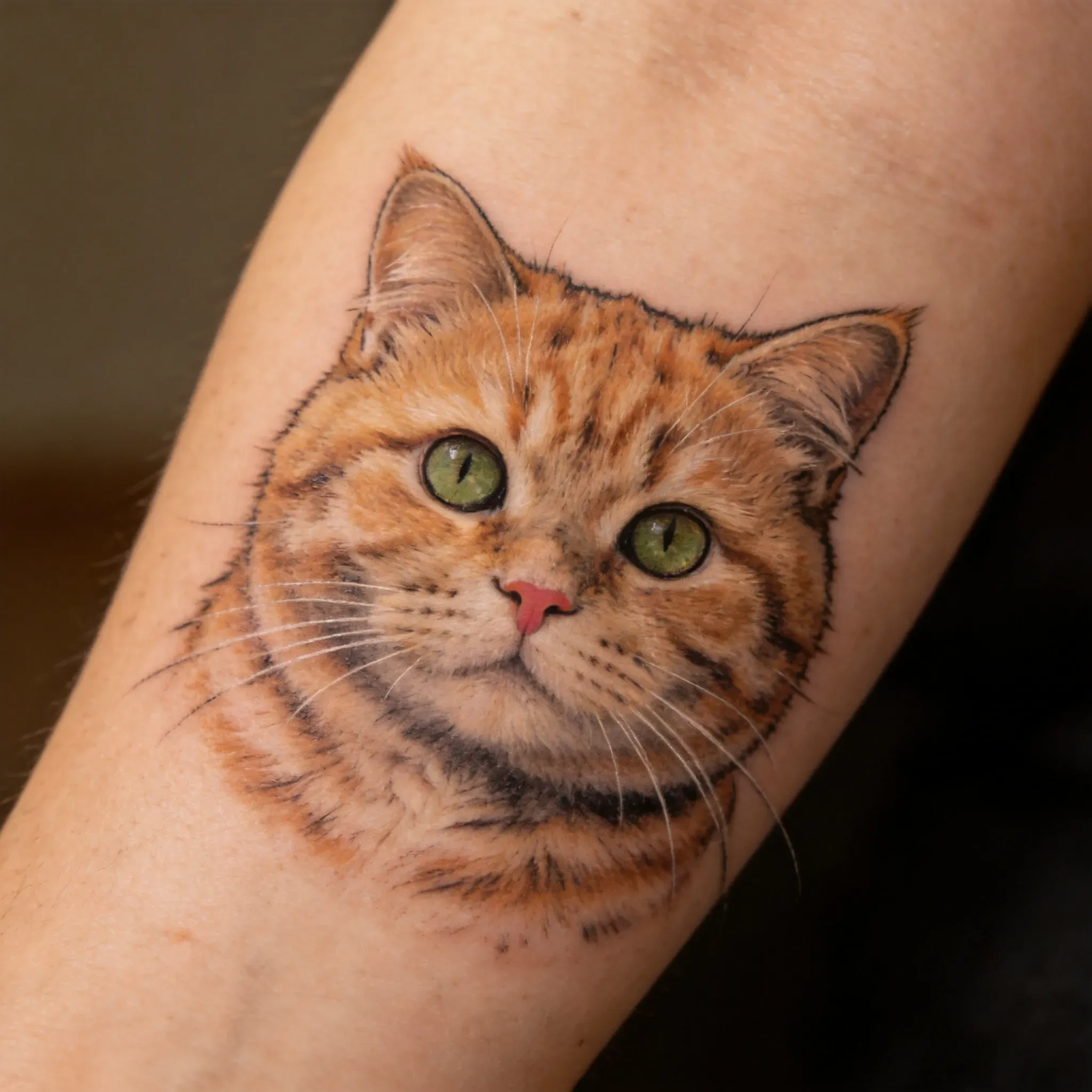
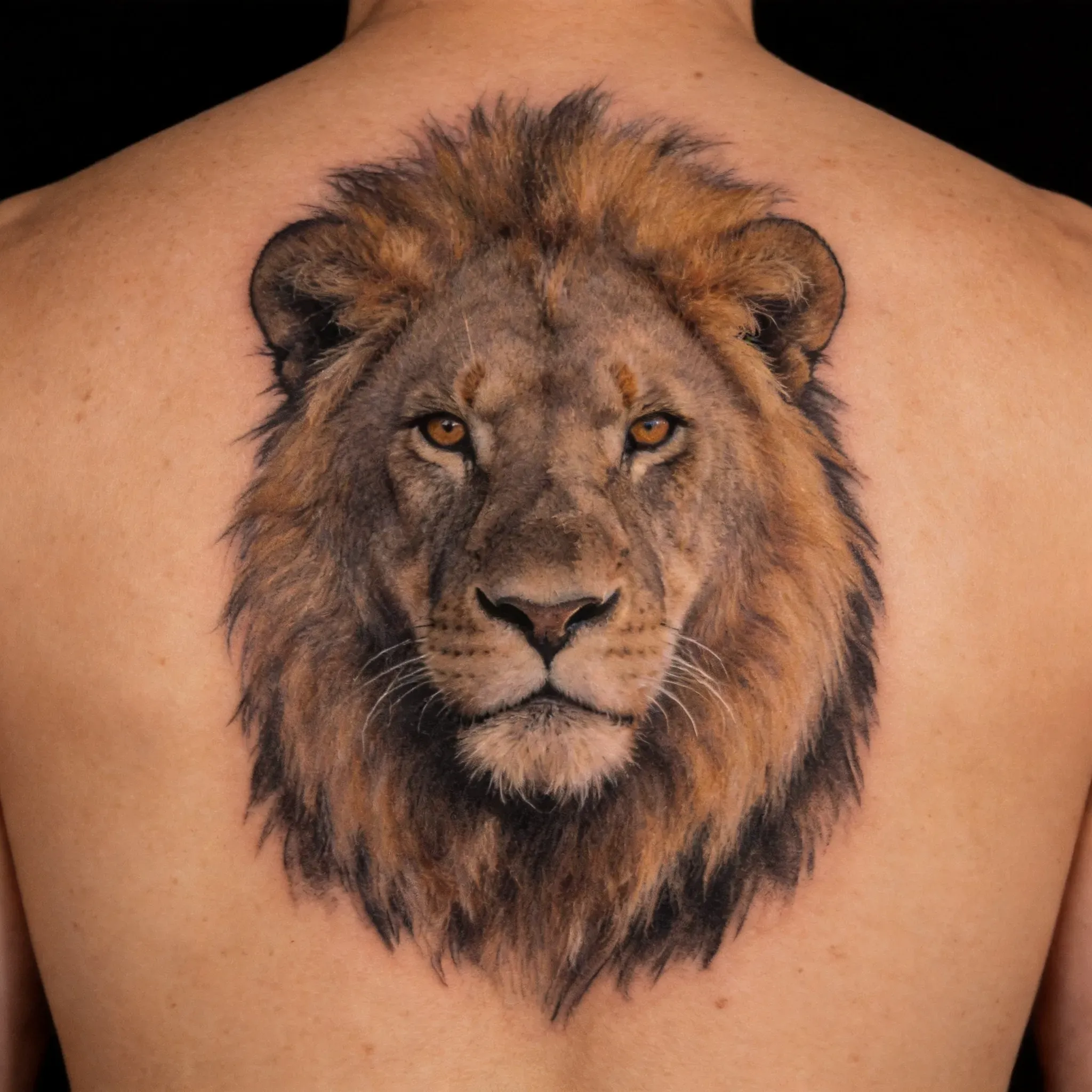
Can AI generate tattoos from animal photos?
Yes. Animal photos can serve as references for animal tattoo drafts, especially for forearm, arm, or memorial tattoos. For actual tattoos, the artist should refine the final portrait to ensure clear lines and skin adaptability.
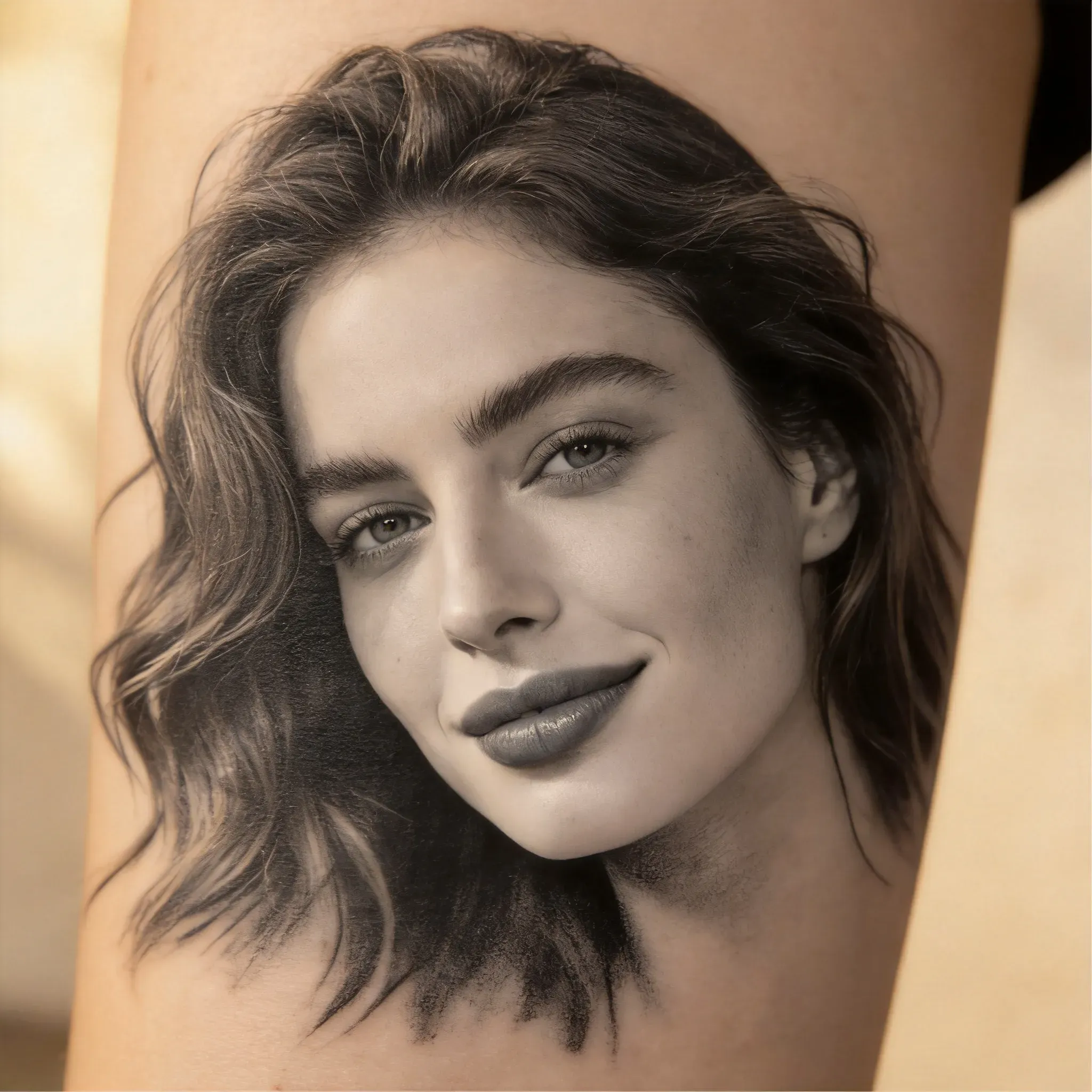
Can I use AI to generate portrait tattoo ideas?
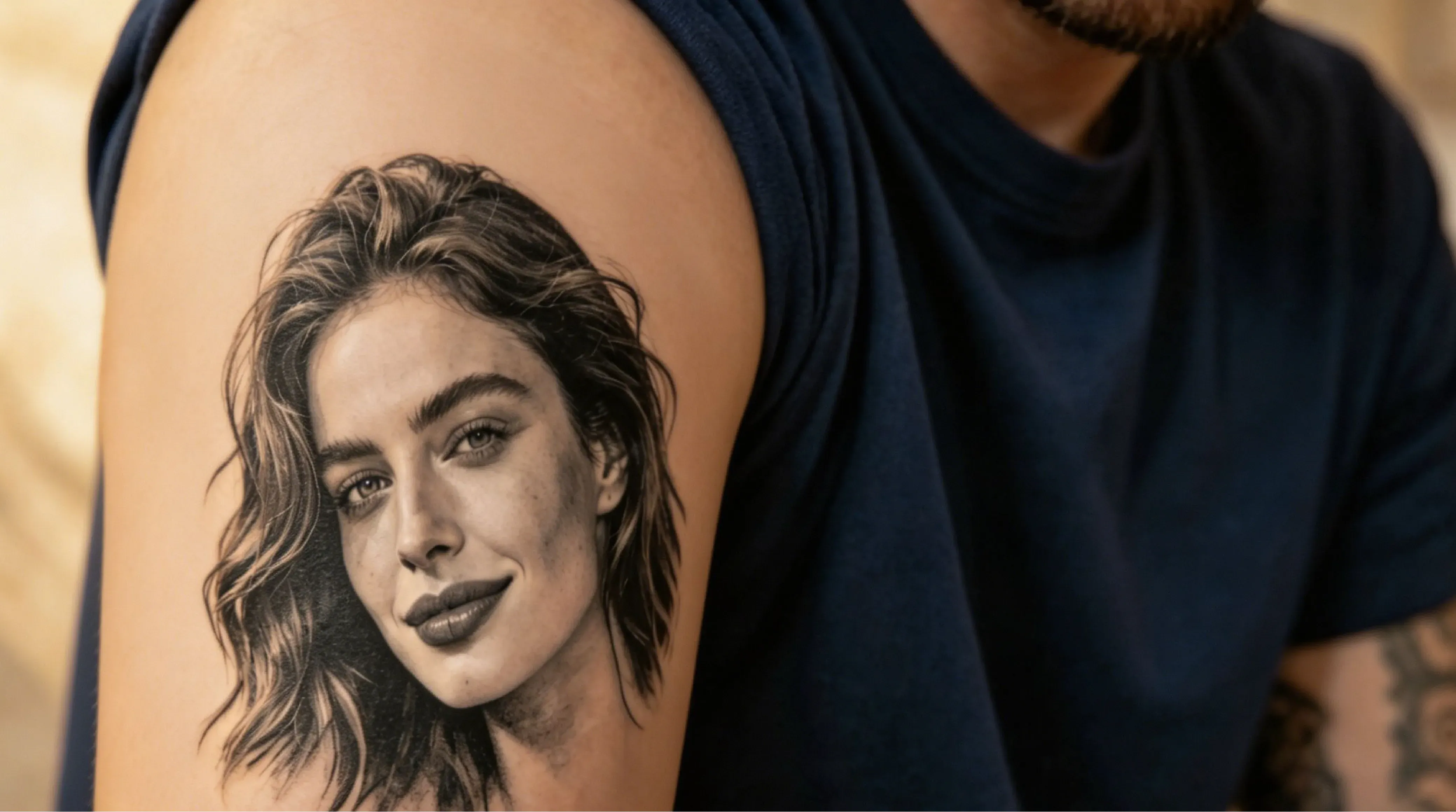
AI can help you generate portrait tattoo ideas.
No. AI-generated tattoo results should be considered conceptual art, not final template works. The generated image is a 2D visual reference, while an actual tattoo must adapt to curved skin, body movement, tattoo size, line thickness, healing, and long-term readability. After using Vidoly AI to brainstorm ideas, have a tattoo artist redraw the final template and adjust the design to your actual placement.
不可以。AI生成的纹身结果应视为概念艺术,而非最终模板作品。生成的图像是2D视觉参考,而实际纹身必须适配弯曲的皮肤、身体活动、纹身尺寸、线条粗细、愈合情况和长期可读性。使用Vidoly AI构思创意后,让纹身师重新绘制最终模板,并根据你的实际位置调整设计。
Is the AI tattoo generator useful for first-time tattoo ideas?
Yes. It helps explore different tattoo directions before finalizing a design. First-time users can compare styles, motifs, placements, and visual references, then discuss ideas with a tattoo artist.
Can AI generate tattoo templates?
AI can help generate tattoo conceptual art that serves as a starting point for preparing templates, but the results are not always directly usable as templates. Tattoo artists should simplify lines, adjust spacing, clean up edges, and prepare the final template based on body placement and tattoo size.
Why is it necessary for a tattoo artist to refine AI tattoo designs?
Tattoo artists can adjust line thickness, spacing, shading, and body flow to make the design more suitable for skin. AI-generated tattoo concepts may look visually good, but they still need professional refinement to ensure readability, durability, placement, and compatibility with tattoo techniques.
Will AI tattoo designs hold up well on skin?
They won’t automatically hold up. Designs with tiny details, extremely thin lines, low contrast, dense shading, micro-text, or unclear outlines may blur or lose readability over time. Before getting a tattoo, the artist should simplify small details, strengthen key outlines, add negative space, and adjust the design based on the body part.
Can I use the AI tattoo generator to generate cover-up tattoo ideas?
Yes. You can upload a photo of your old tattoo, or describe the shape, color, and placement of your existing tattoo, to explore cover-up directions. Cover-up designs usually need darker tones, larger shapes, stronger contrast, and clever composition to hide the old tattoo. The AI result should still be reviewed by a tattoo artist, as cover-up effectiveness largely depends on the old tattoo’s color depth, scar tissue, skin tone, and available body space.