Tools

Seedream 4.5
0/2000

Seedream 4.5 - Free AI Image Generator

Published: · Updated:
Achieve Faster AI Image Processing with Seedream 4.5

Achieve Faster AI Image Processing with Seedream 4.5

Seedream 4.5 is an image generation model developed by ByteDance's Seed Team, officially launched in 2025 as an upgrade to the fourth generation of the Seedream series. This version is positioned as an optimized upgrade for Seedream 4.0, rather than a completely new product line. Its key strengths include stronger consistency across multiple images, more reliable identity and detail retention, as well as optimized typesetting and rendered text for commercial creative production.

Try Seedream 4.5 Now to Experience Faster AI Image Generation

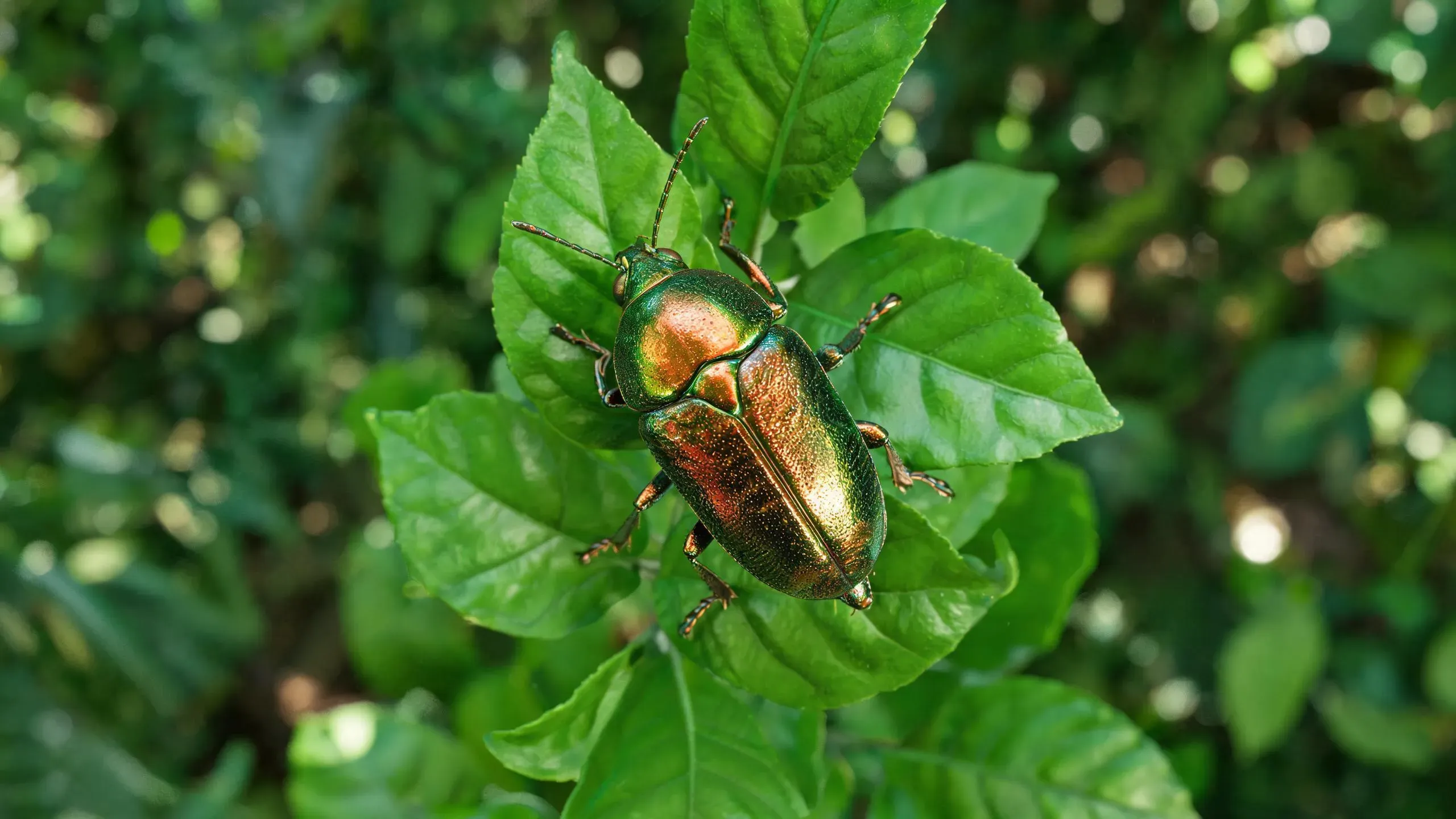
Style Design, Realism and Commercial Asset Suitability

Style Design, Realism and Commercial Asset Suitability

Performance: Suitable for High-Quality Design Outputs

Explore Seedream 4.5 Now

How to Use the Seedream 4.5 AI Model

1

Write Structured Prompts

Clearly specify the subject identity, shooting scope, lighting, material details, typesetting and layout intent. For high-quality commercial outputs, avoid vague descriptions, as Seedream 4.5 excels when prompts clearly define text positions, reference consistency and visual hierarchy.

2

Upload Reference Images

If you need stable facial features, product details, brand colors or composition consistency, upload one or more reference images. The model benefits from guidance from multiple reference images, especially for scenarios such as events, poster systems or repeated subject generation.

3

AI Processing and Target Image Generation

After image generation, check text clarity, identity retention and small design details before final export. If the result is close but not fully meeting requirements, you can regenerate it after adjusting typesetting, spacing, lighting or reference matching in the prompt.

FAQs

What scenarios is Seedream 4.5 most suitable for?

It is best suited for high-quality image generation tasks that require strong reference consistency, high-quality typesetting and clear text rendering, such as posters, advertisements and brand visual designs.

Is Seedream 4.5 better than Seedream 4.0 in prompt scenarios with high typesetting requirements?

According to ByteDance's official positioning, yes. Seedream 4.5 is specifically optimized for scenarios involving typesetting and dense text images.

Can Seedream 4.5 handle multiple reference images well?

Yes. Recognizing multiple subjects and enhancing detail retention is one of its core strengths as officially promoted.

Should short or long prompts be used when using Seedream 4.5?

For controllable commercial results, especially when text positions, subject style and composition are important, longer structured prompts are usually more appropriate.

Can Seedream 4.5 retain facial identity features well?

This is one of its prominent strengths, and it performs even better when reference images are clear and identity descriptions are detailed.

Is Seedream 4.5 better than general image models in e-commerce creative production?

In most cases, yes, as it appears to be specifically optimized for detail retention, typesetting control and commercial output quality.

Which prompt errors will reduce Seedream 4.5's generation quality?

Vague prompts that lack clear hierarchy, text positions, shooting perspectives or reference intent will weaken the model's advantages.

Can Seedream 4.5 handle the generation of posters or main visual images?

Yes. Its strengths in design clarity and typesetting make it a strong choice for main visual image and poster workflows.

When should Seedream 4.5 be chosen compared to Grok Imagine?

Choose Seedream 4.5 when typesetting accuracy, brand consistency, and generating static images via reference guidance are more important than purely realistic brand images.

Where can I find the official documentation for Seedream 4.5?

Official documentation: https://seed.bytedance.com/en/seedream4_5