Graffiti Art Generator

STYLES

AI Graffiti Art Generator: Create Street Art and Graffiti Designs Online

AI Graffiti Art Generator: Create Street Art and Graffiti Designs Online

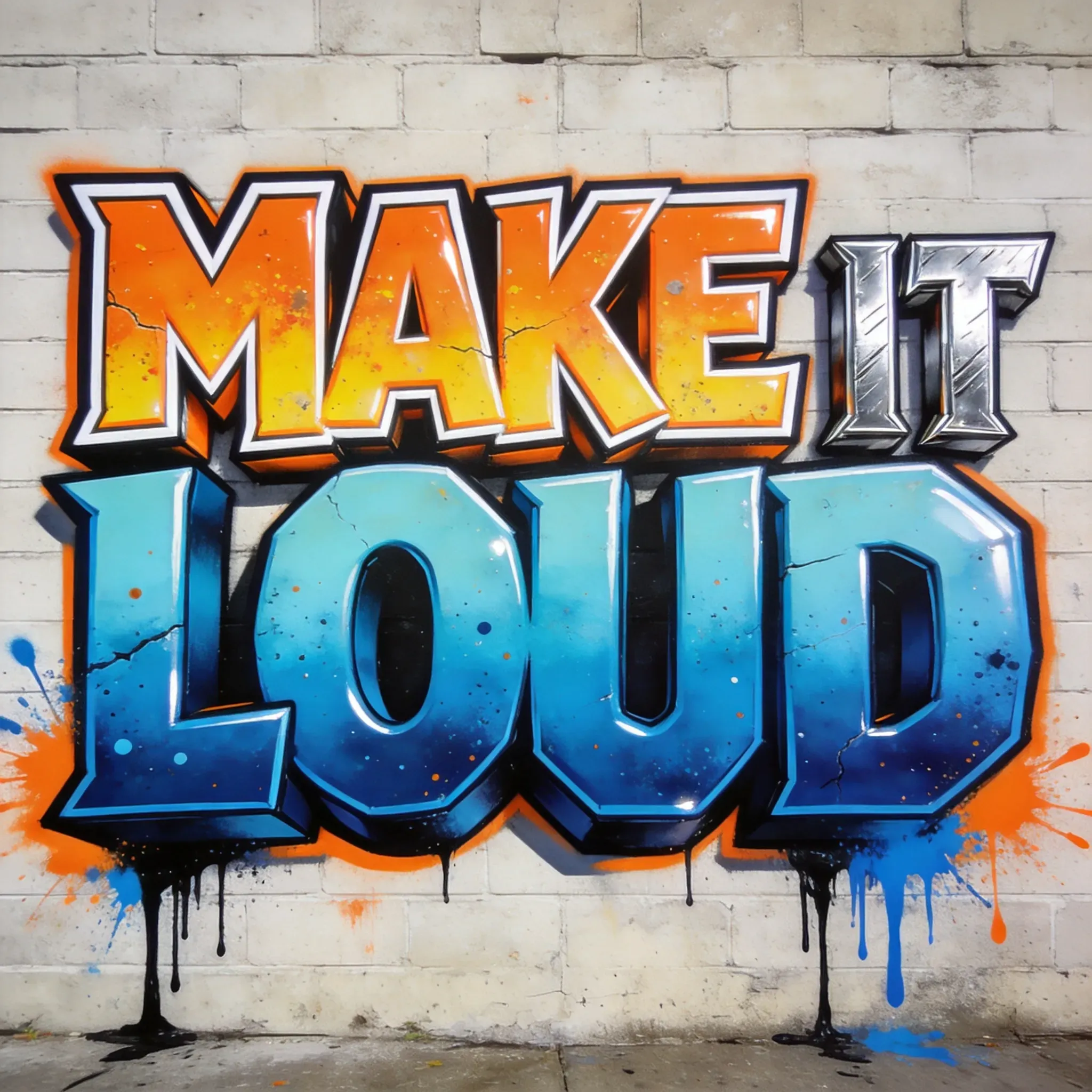
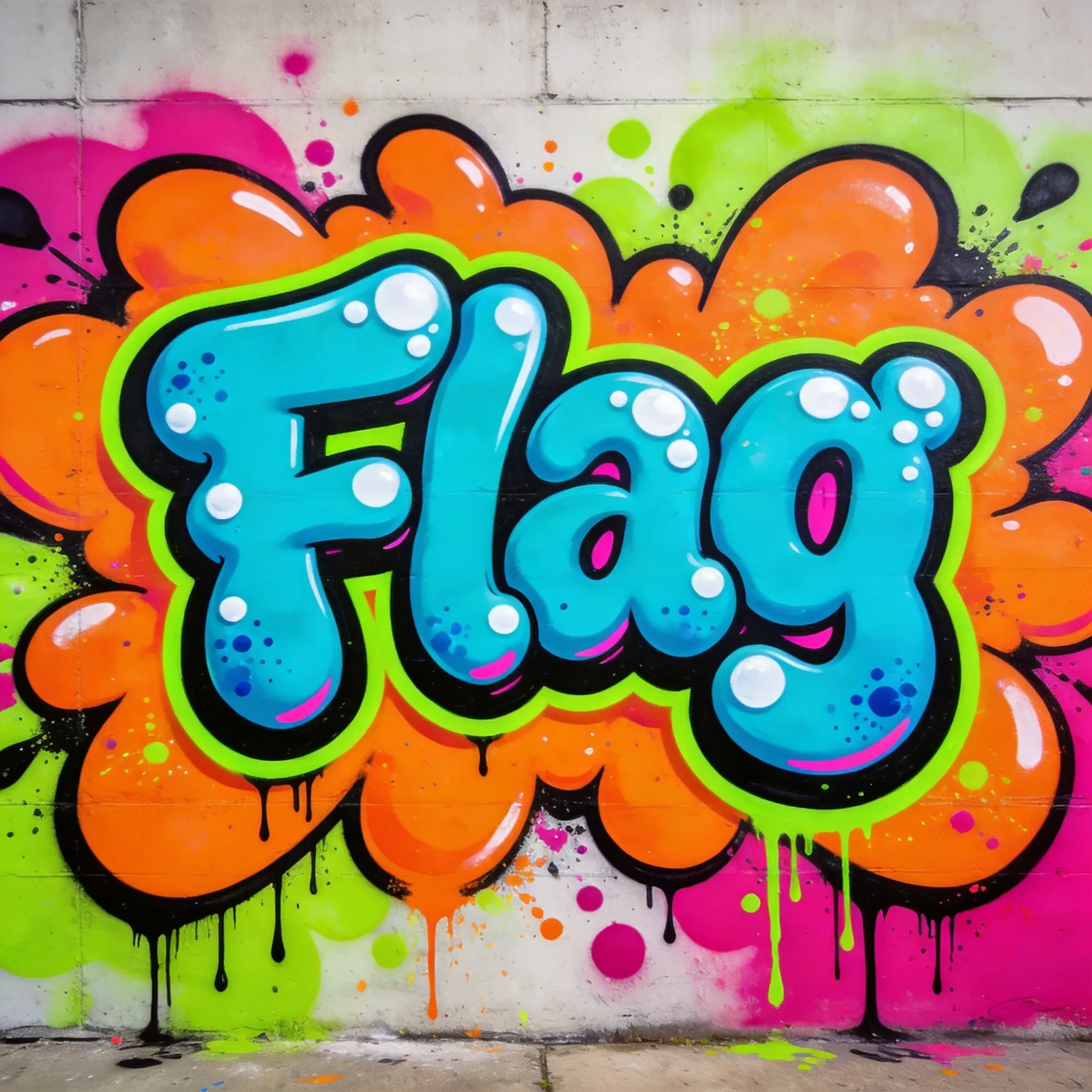
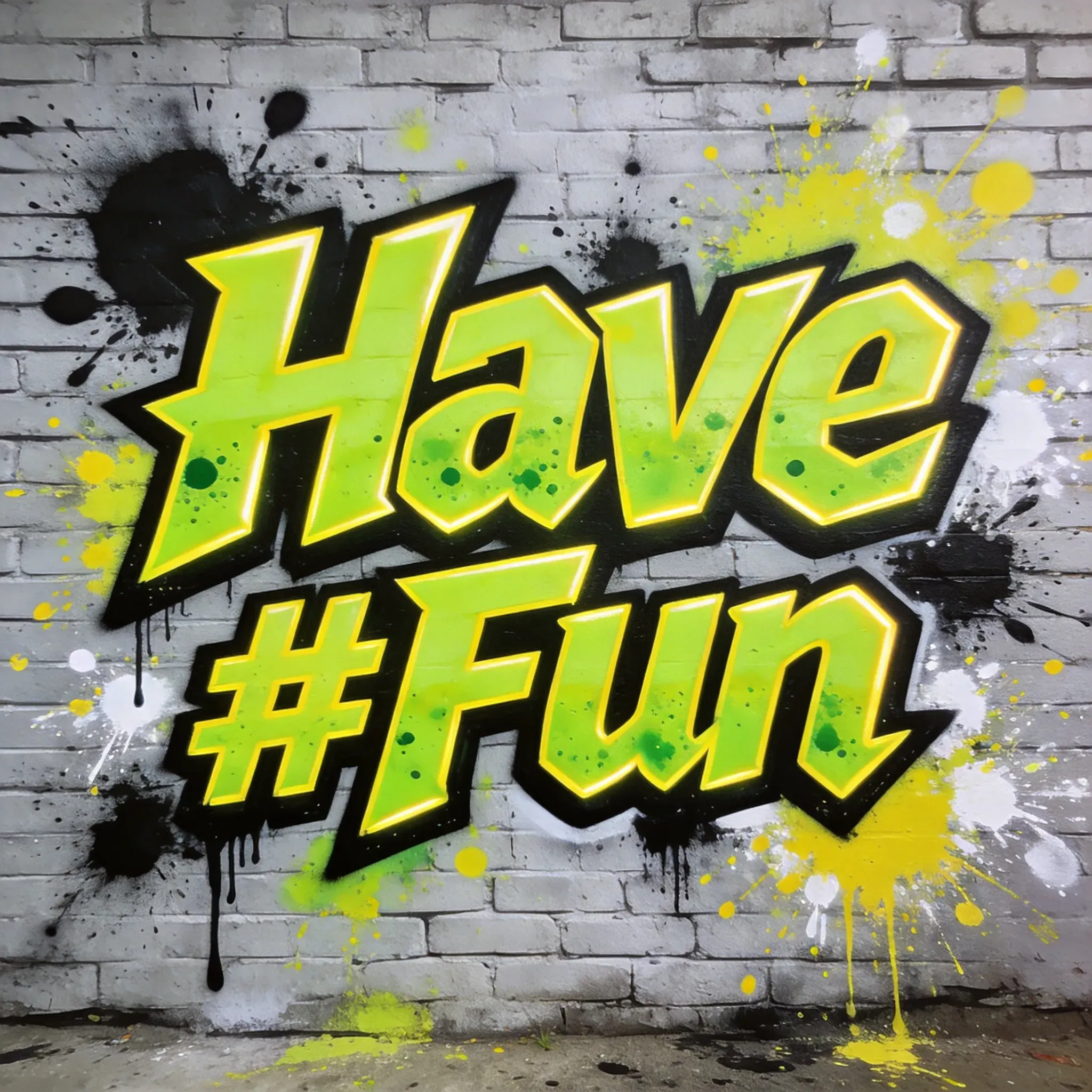
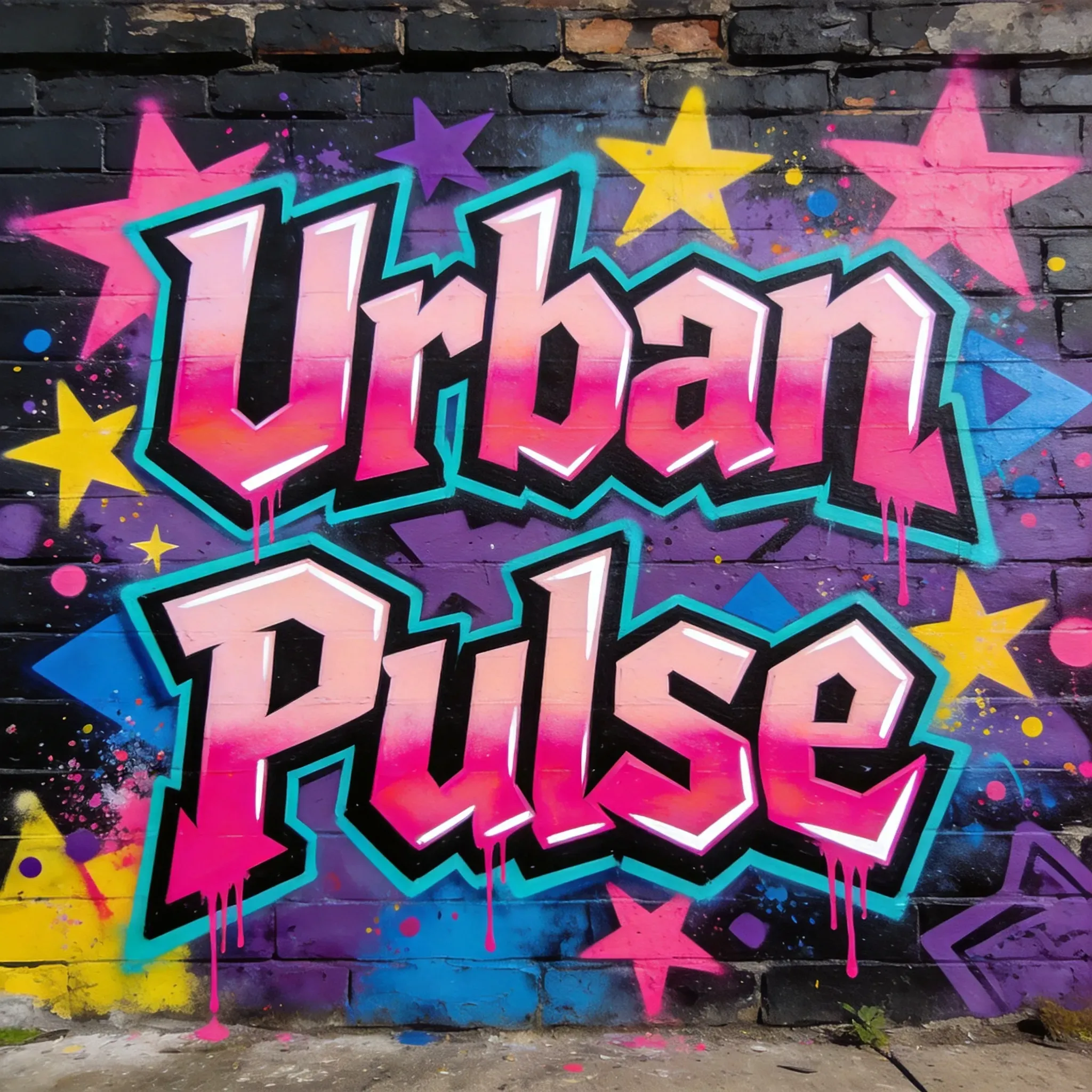
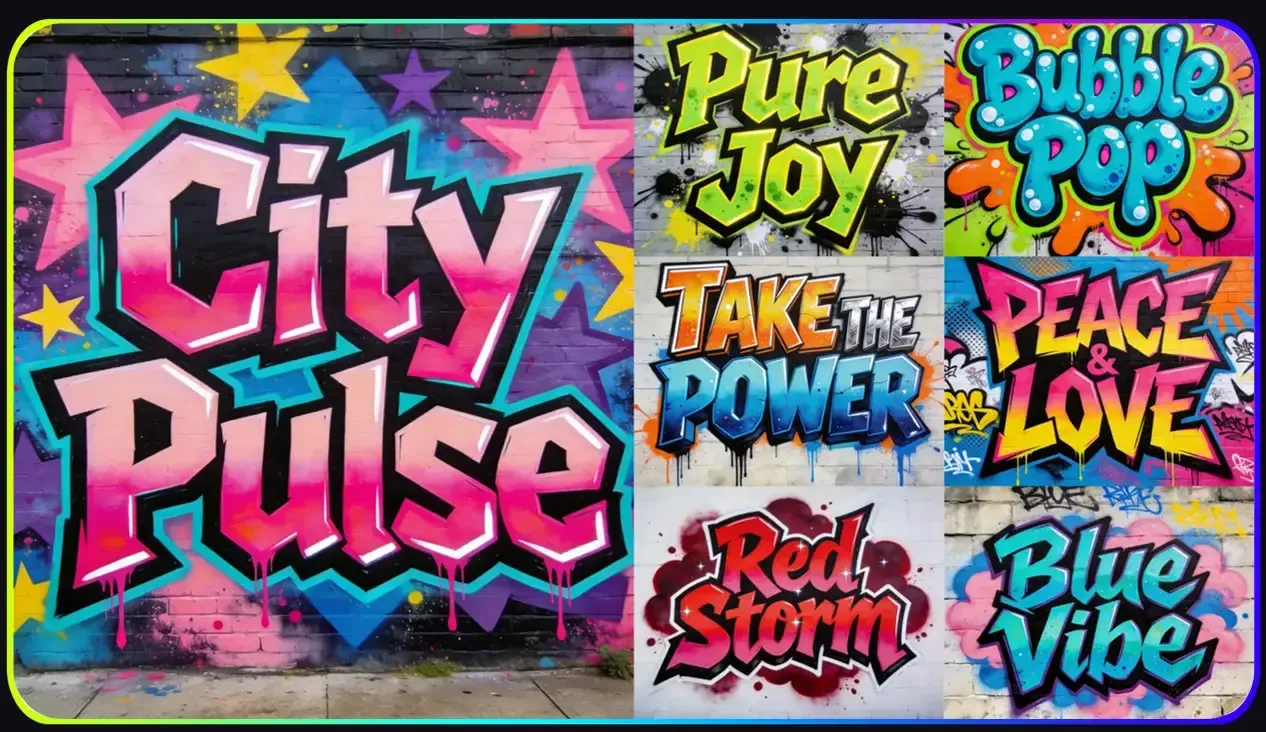
Vidoly AI Graffiti Art Generator turns short words, names, slogans, or reference images into graffiti-style artwork. Create bubble letters, wildstyle pieces, stencil posters, spray-paint tags, throw-up graffiti, and mural concepts for posters, album covers, streetwear graphics, gaming banners, and social content.

Create Graffiti Now With Vidoly
How Does an AI Graffiti Art Generator Work?

How Does an AI Graffiti Art Generator Work?

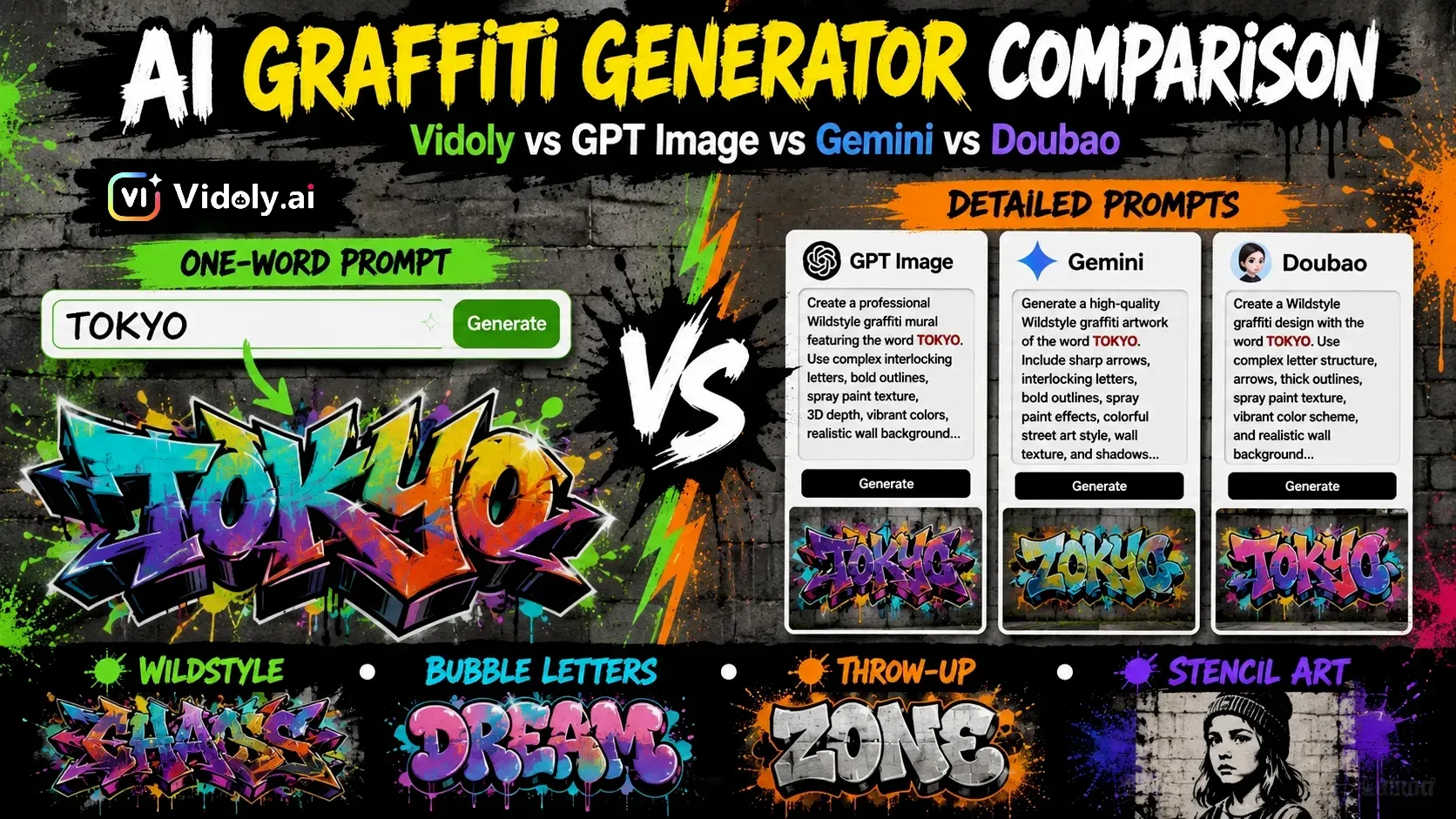
AI graffiti generator does not simply turn a text prompt into a generic image. It combines five prompt signals: the written content, graffiti style, surface, color palette, and composition. For example, the model may generate the word “VIDOLY” as bubble letters, place it on a brick wall or subway car, apply neon spray paint colors, and arrange the result as a centered mural with outlines, shadows, paint drips, and overspray. Unlike a font editor or design tool, AI does not place editable text on a canvas. It treats letters as visual shapes inside the image. This means the model is generating the look of graffiti lettering, not typesetting exact characters. That is why AI graffiti may sometimes misspell words, merge letters, distort characters, or lose readability, especially with long phrases, rare names, numbers, symbols, or complex wildstyle prompts. For clearer graffiti text, use one short word, simple spelling, and readable styles such as bubble letters, block letters, throw-up graffiti, or stencil art. Use wildstyle when you want visual energy and street-art complexity, but not when exact spelling is the top priority.

What Can You Create with an AI Graffiti Art Generator?

What Can You Create with an AI Graffiti Art Generator?

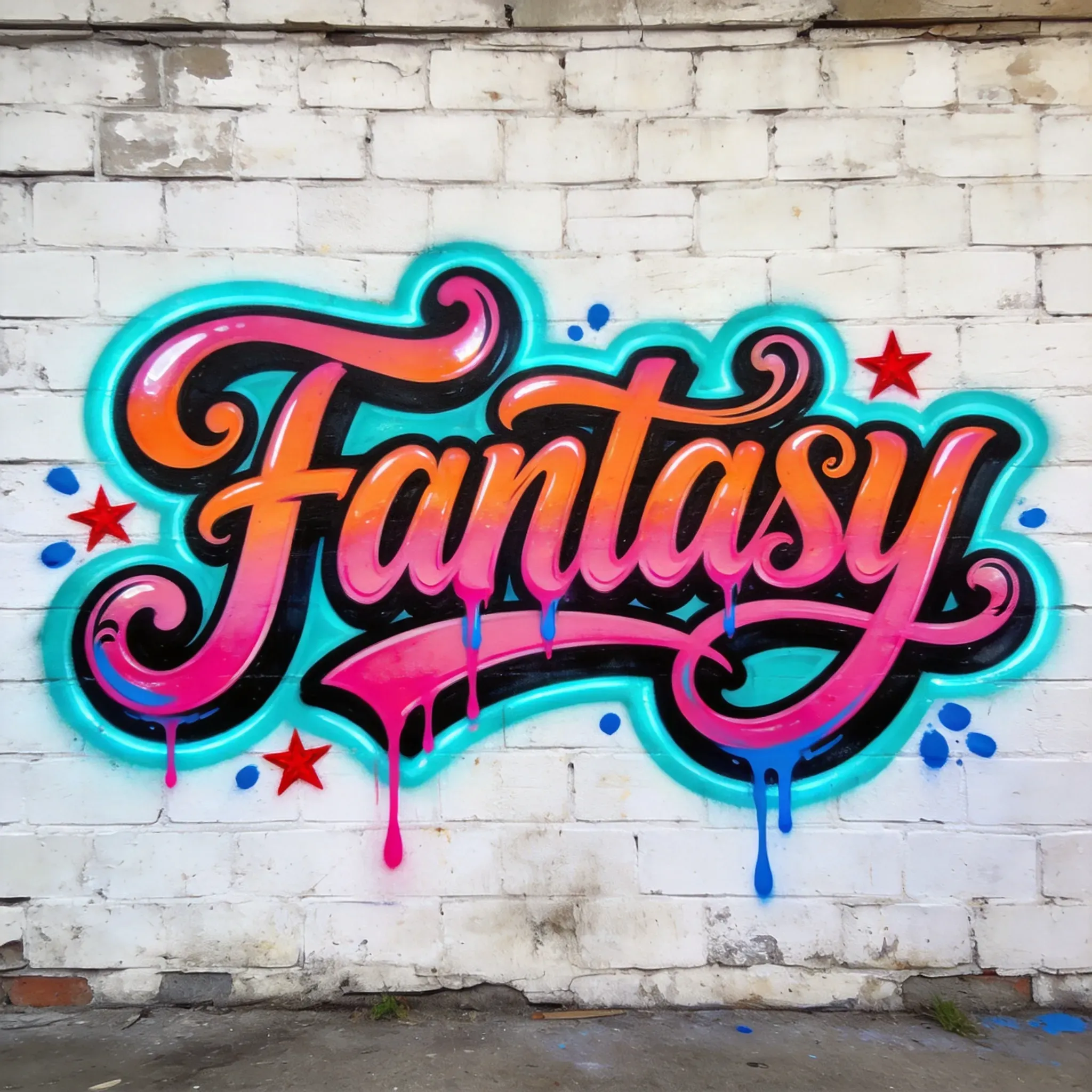
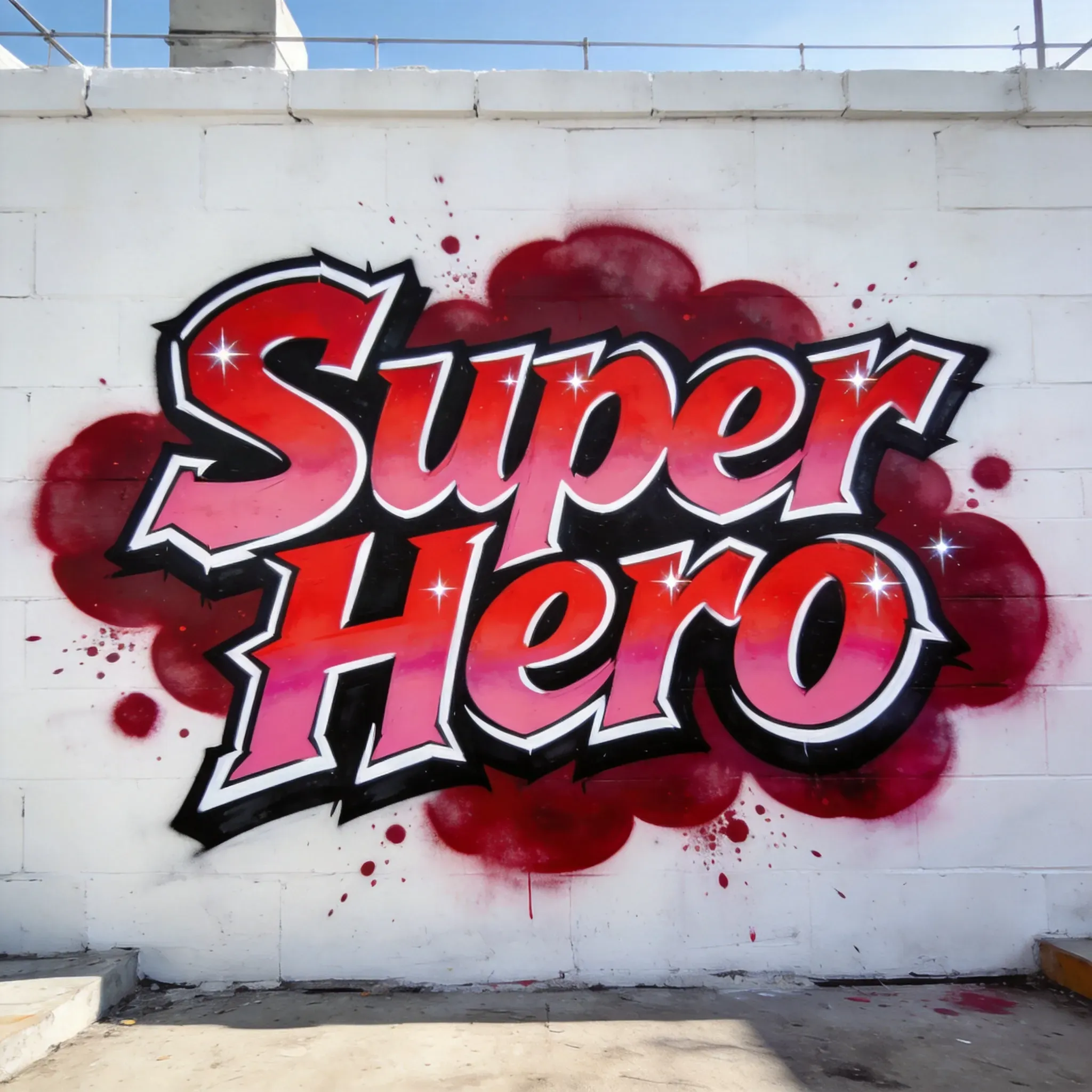
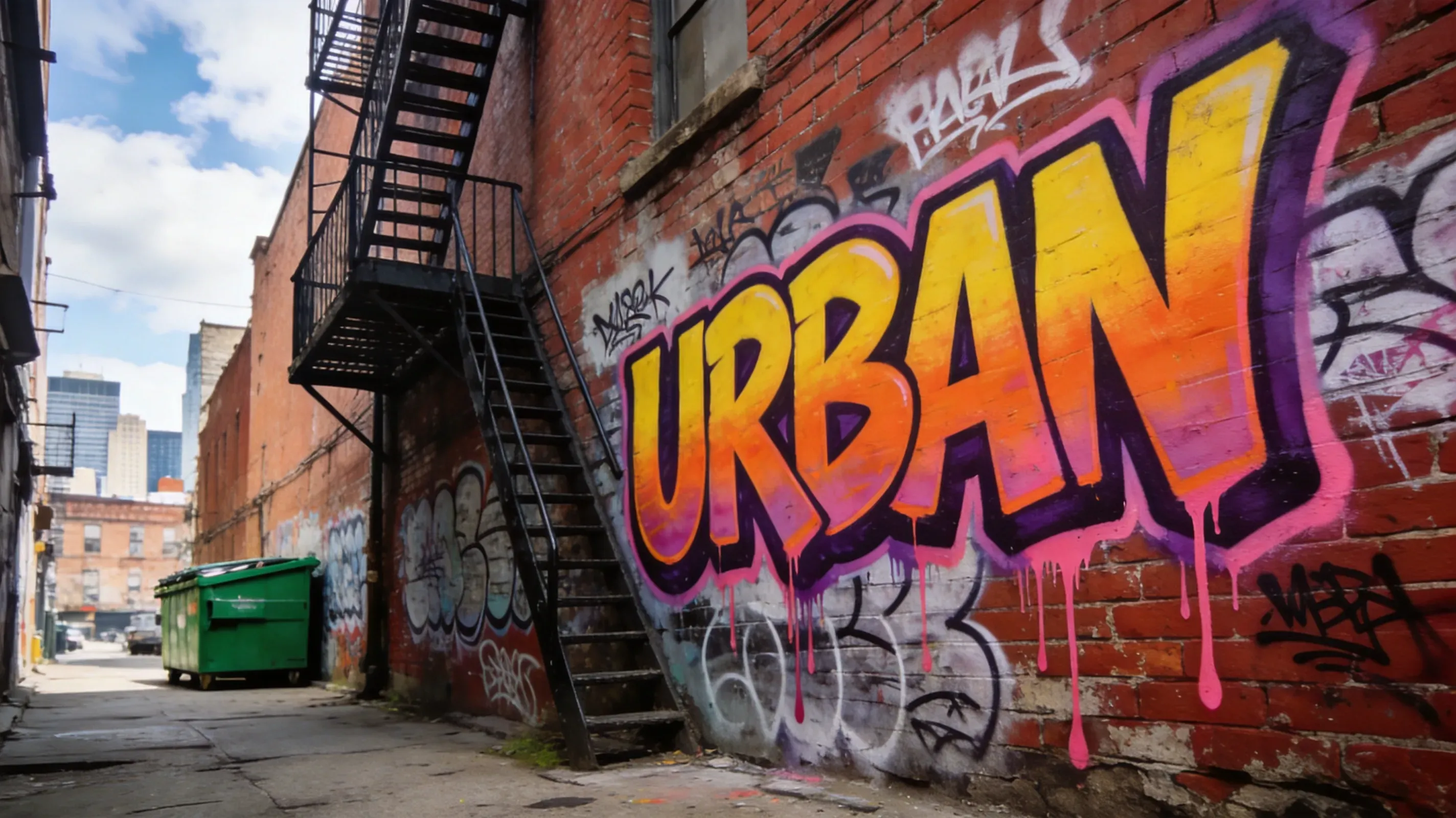
AI graffiti generator can create street murals, graffiti tags, wildstyle lettering, stencil posters, hip-hop album covers, event flyers, wall art concepts, urban social media graphics, logo-style lettering, and spray-paint inspired illustrations. Users can generate bold text effects, colorful wall backgrounds, paint splatters, dripping letters, brick-wall compositions, neon street art, or poster-style designs for digital campaigns and creative projects.

AI Graffiti Generator vs Manual Graffiti Design

AI Graffiti Generator vs Manual Graffiti Design

AI graffiti generators are faster than manual graffiti design because users do not need to sketch letters, build spray-paint textures, mask wall backgrounds, or create paint effects by hand. Traditional design tools offer more precise control for professional illustrators, but AI can quickly produce multiple graffiti concepts for posters, branding ideas, social content, and mood boards. For most creators, AI is best for rapid concept generation, while manual editing is useful for final refinements.

What Are the Limitations of AI Graffiti Art?

What Are the Limitations of AI Graffiti Art?

AI graffiti art generators can create strong street-art visuals, but results may vary when the prompt requires exact readable text, long words, complex typography, or brand-like lettering. Short words, simple names, and clear phrases usually work better than full sentences because AI image models often treat letters as visual shapes rather than editable text. Wildstyle graffiti, layered tags, overlapping outlines, and highly decorative lettering can also reduce readability. These styles are useful for energetic street-art aesthetics, but they may distort exact spelling or make individual letters harder to recognize. If readability matters, bubble letters, block letters, and stencil-style prompts usually produce clearer results. AI graffiti results may also be less consistent when the prompt combines too many elements at once, such as multiple words, characters, murals, neon colors, poster effects, and detailed wall backgrounds in one image. For better results, use a focused prompt, generate several variations, and choose the version with the clearest composition, letter shapes, and style direction.

Popular Uses for AI Graffiti Art

Popular Uses for AI Graffiti Art

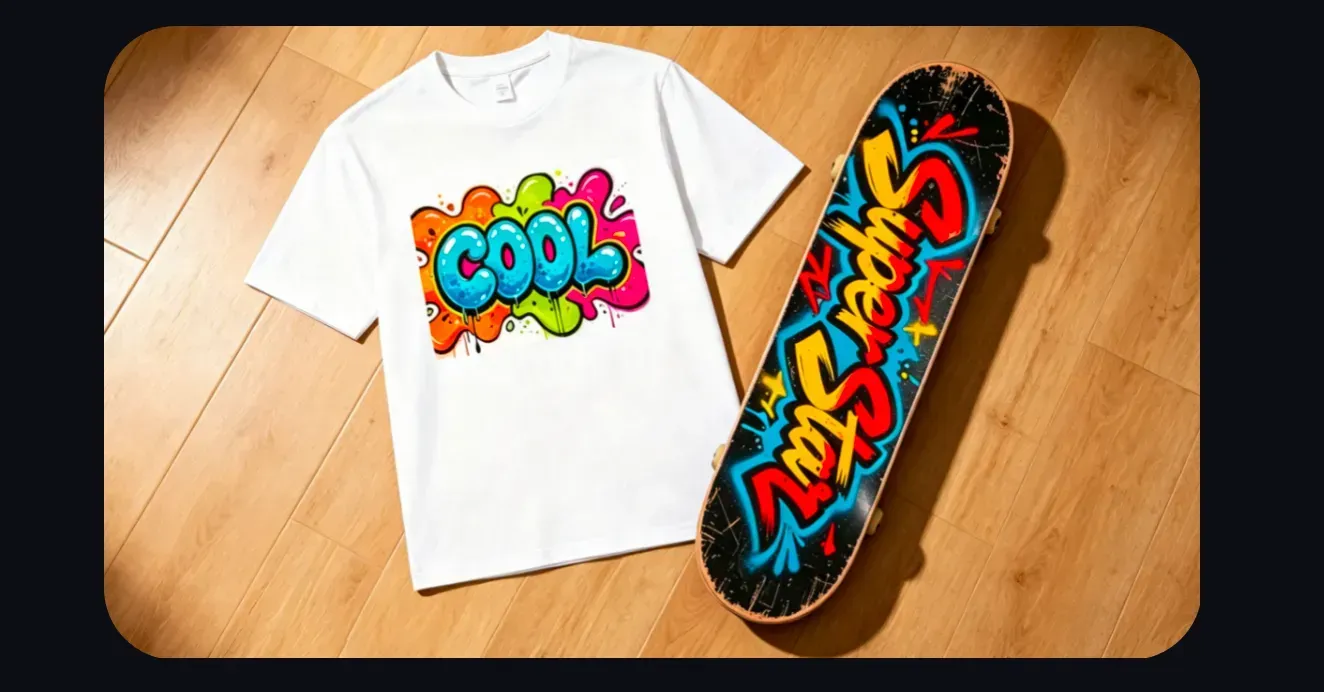
Musicians and Album Cover Creators Musicians can use AI graffiti art to create album cover concepts, single-release visuals, lyric video backgrounds, and tour poster ideas. Graffiti lettering works especially well for hip-hop, punk, EDM, and street-culture inspired music projects where the artist name or track title needs a bold visual identity. Streetwear and Clothing Brands Streetwear brands can generate graffiti-style graphics for T-shirts, hoodies, skateboards, stickers, lookbooks, and social posts. AI-generated graffiti is useful for exploring tag styles, color palettes, wall textures, and print concepts before sending the final design to a designer or production team. Event Poster and Flyer Designers Poster designers can use graffiti prompts to create visuals for concerts, pop-up shops, club nights, art shows, youth events, and urban culture campaigns. Instead of starting from a blank canvas, they can quickly test stencil art, bubble letters, neon spray paint, brick-wall backgrounds, or subway-inspired layouts. Game, Streaming, and Content Creators Game artists, streamers, and online creators can use graffiti art for channel banners, thumbnails, fictional team logos, in-game wall art concepts, profile backgrounds, and cyberpunk-style visual assets. This helps creators build a street-art mood without manually painting every outline, drip, and spray texture. Mural and Interior Concept Designers Mural artists, cafe owners, studio decorators, and interior concept designers can preview how graffiti might look on a brick wall, concrete surface, storefront shutter, skatepark wall, or studio backdrop. AI results can act as early visual references before a designer prepares a production-ready mural plan.

Best Prompts for AI Graffiti Art

Best Prompts for AI Graffiti Art

For professional users, a strong AI graffiti prompt should describe the text, graffiti style, color palette, background, and visual mood. Short words or simple phrases usually work better than long sentences because graffiti text is treated as a visual design element. For example, users can describe “bubble letter graffiti on a brick wall,” “wildstyle lettering with neon colors,” “stencil poster on a dark street wall,” or “spray paint tag with drips and high contrast.” For better results, include specific details such as wall texture, spray paint drips, paint splatter, urban night lighting, poster layout, stencil edges, or mural background. Avoid vague prompts like “cool graffiti” unless you want a broad creative result.

Popular Graffiti Styles You Can Generate with AI

Popular Graffiti Styles You Can Generate with AI

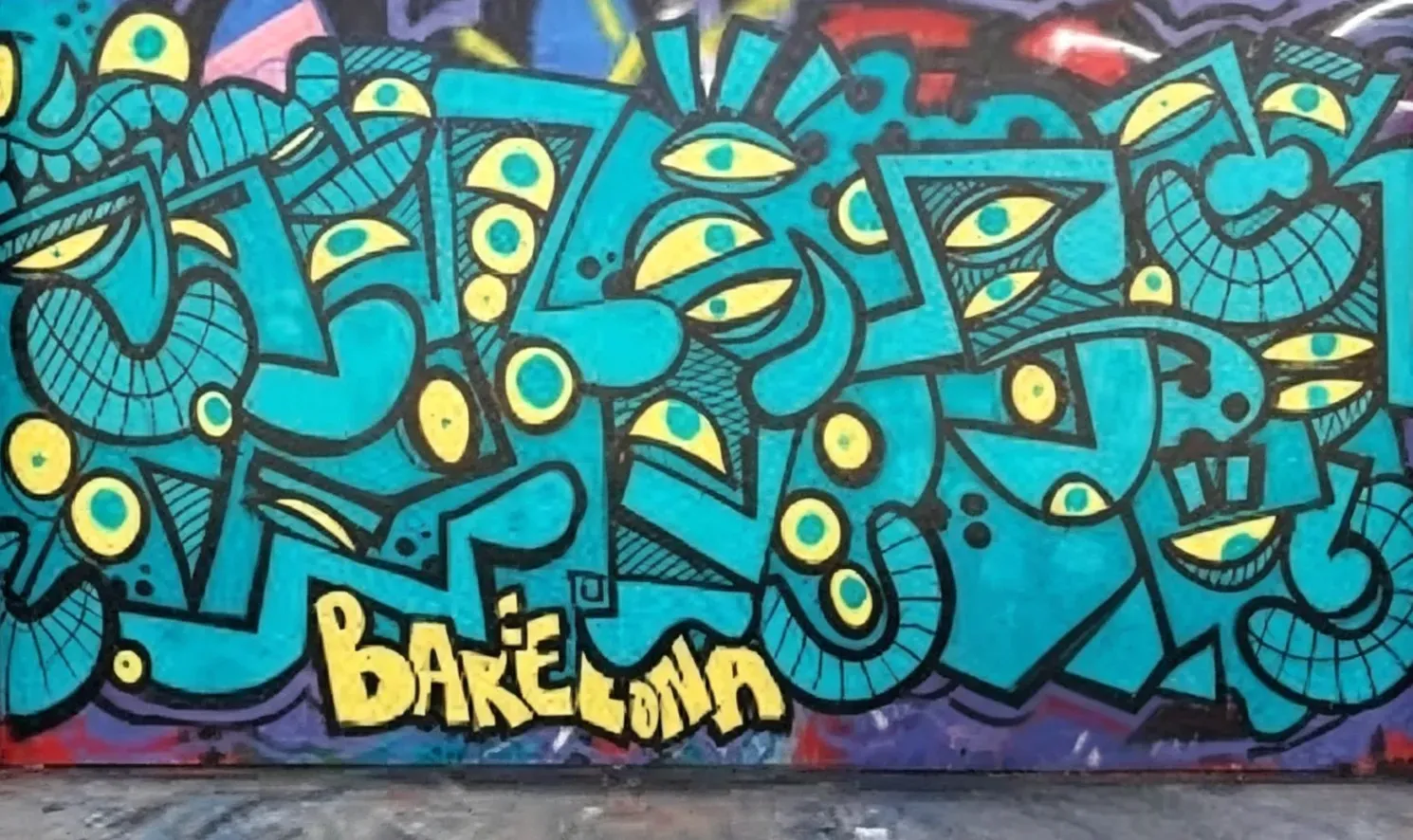
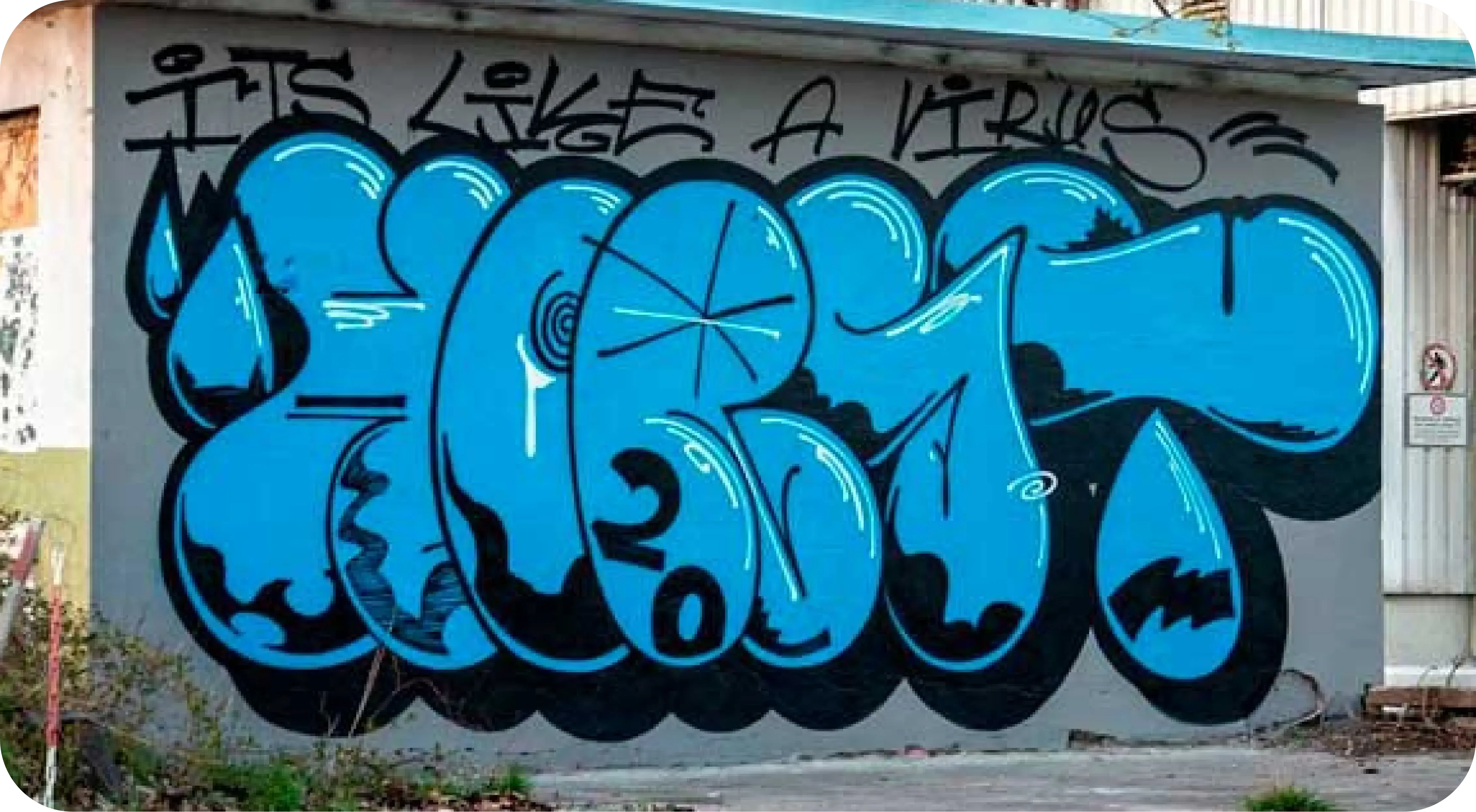
Vidoly AI Graffiti Art Generator can help users explore many graffiti-inspired styles, including bubble letters, wildstyle lettering, stencil art, street murals, spray paint tags, throw-up graffiti, grunge posters, neon graffiti, hip-hop cover art, and urban wall designs. Each style creates a different visual effect. Bubble letters are good for fun, bold, and readable text. Wildstyle graffiti creates complex interlocking letter shapes with a more energetic street-art look. Stencil art works well for poster-style visuals, while murals and wall art are better for larger compositions with backgrounds, characters, symbols, and layered spray paint effects.

Real AI Graffiti Case: Style vs. Readability Benchmark

Real AI Graffiti Case: Style vs. Readability Benchmark

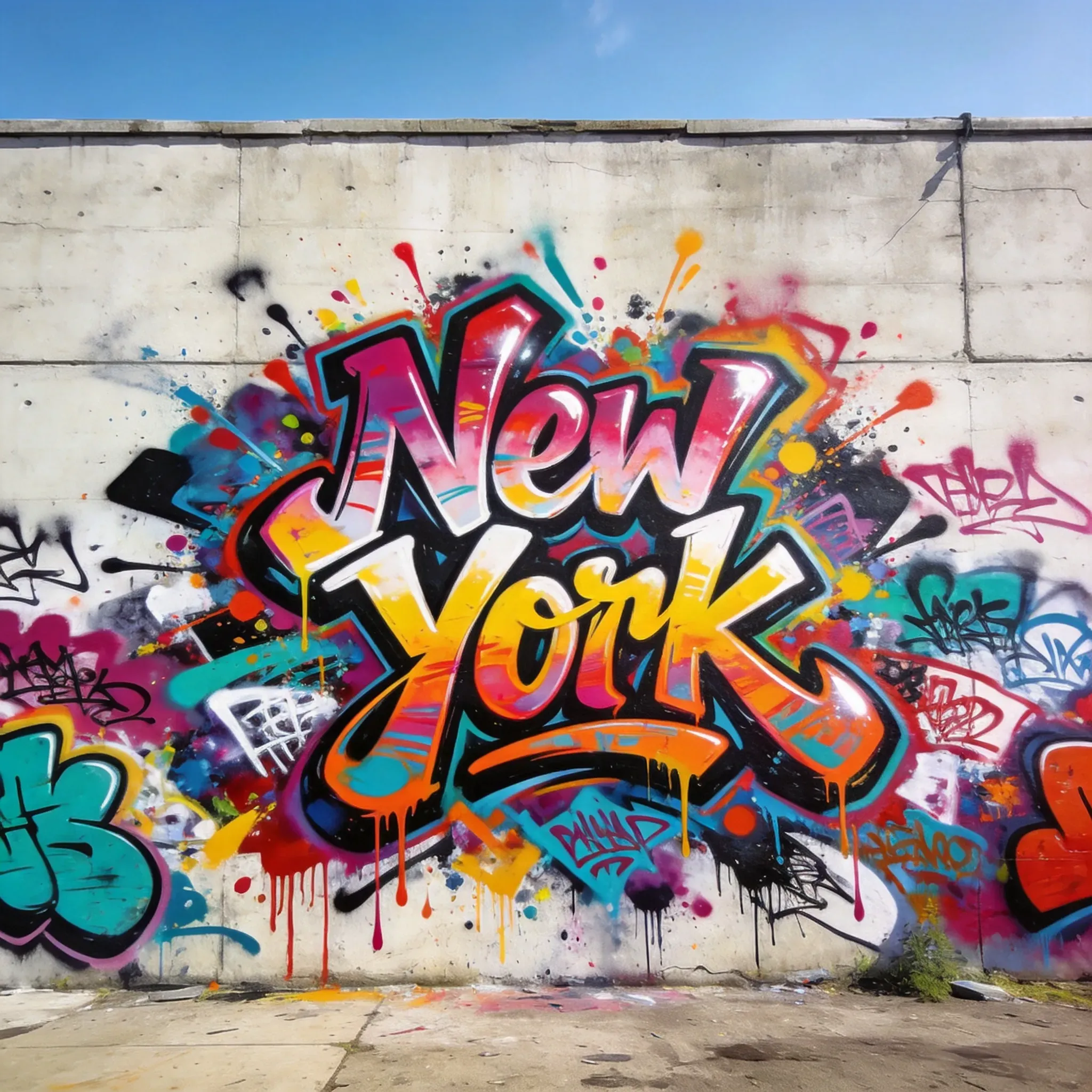
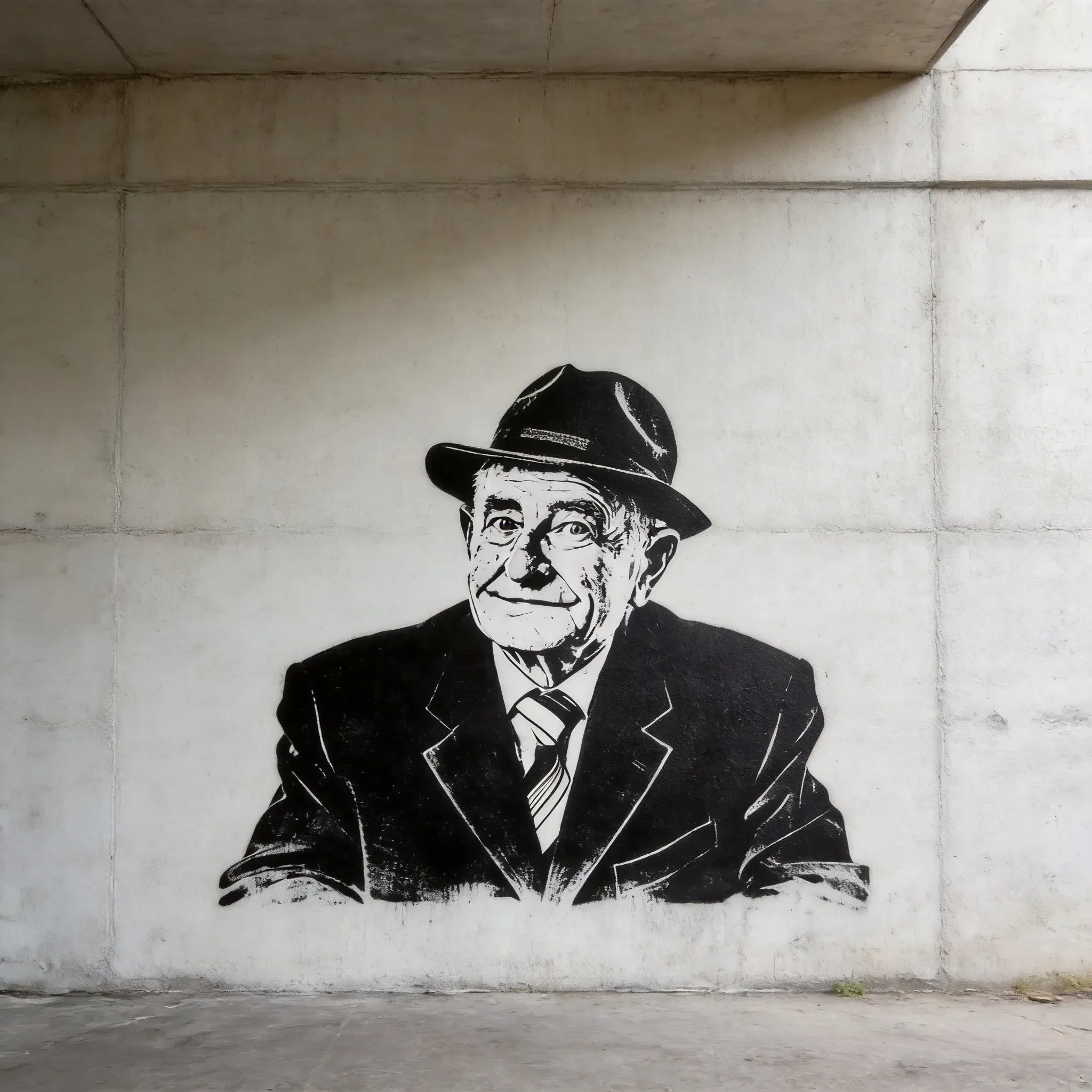
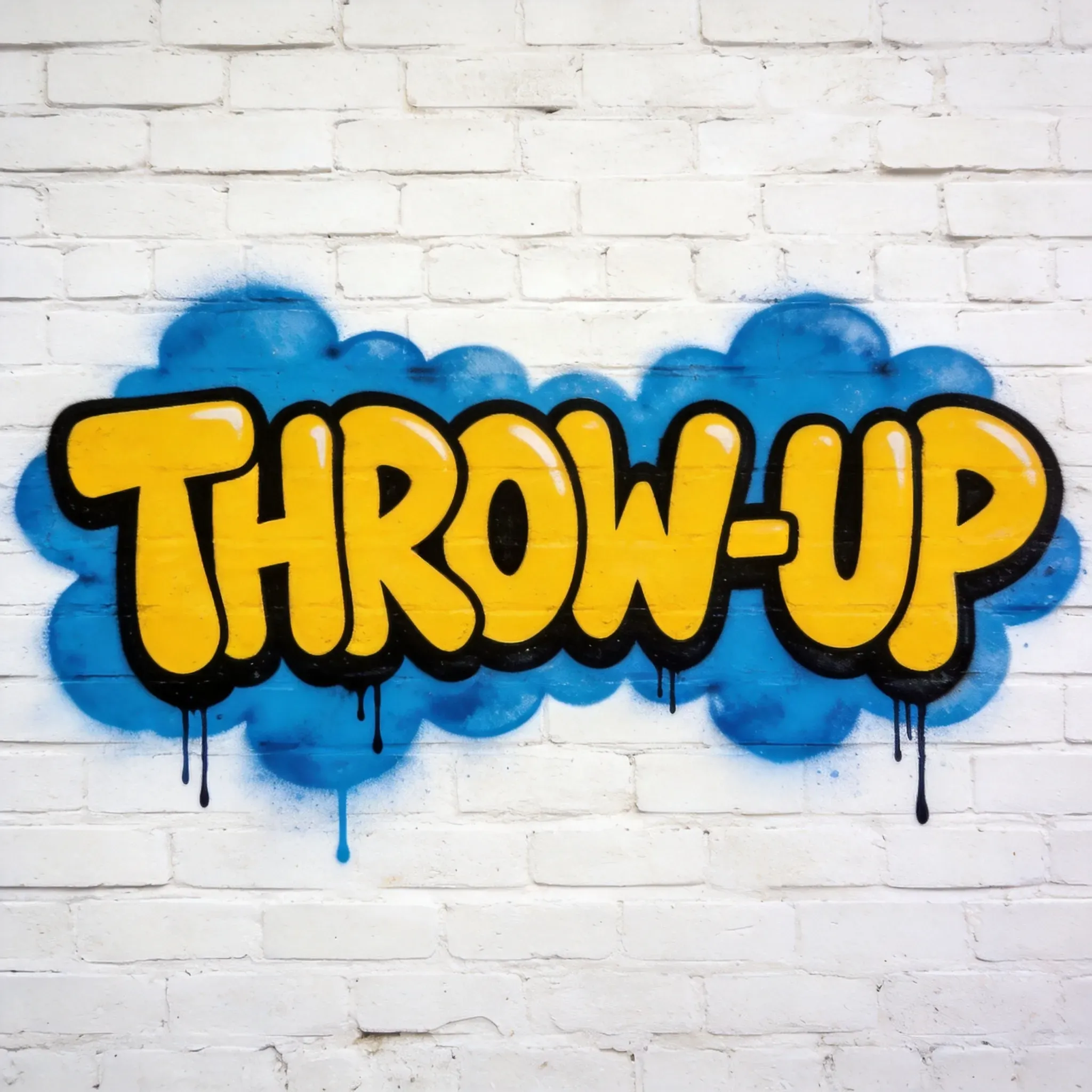
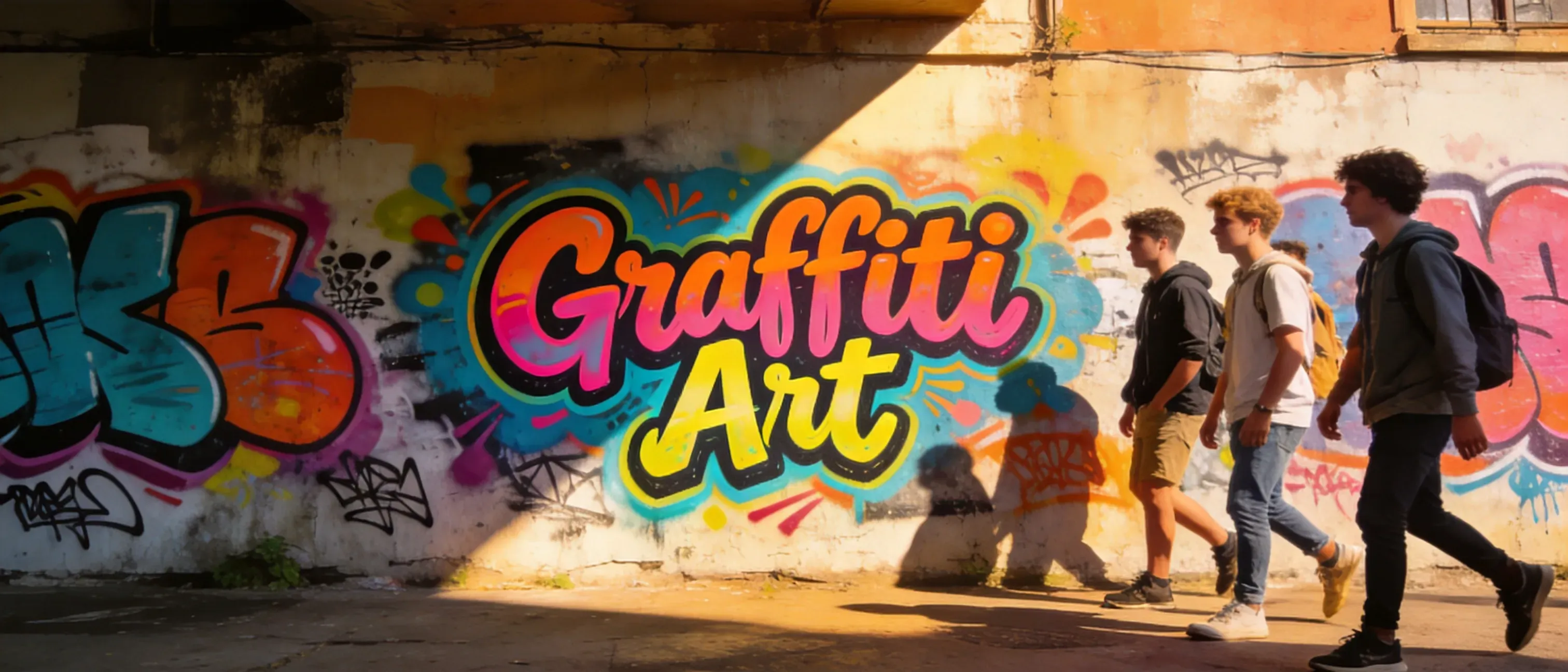
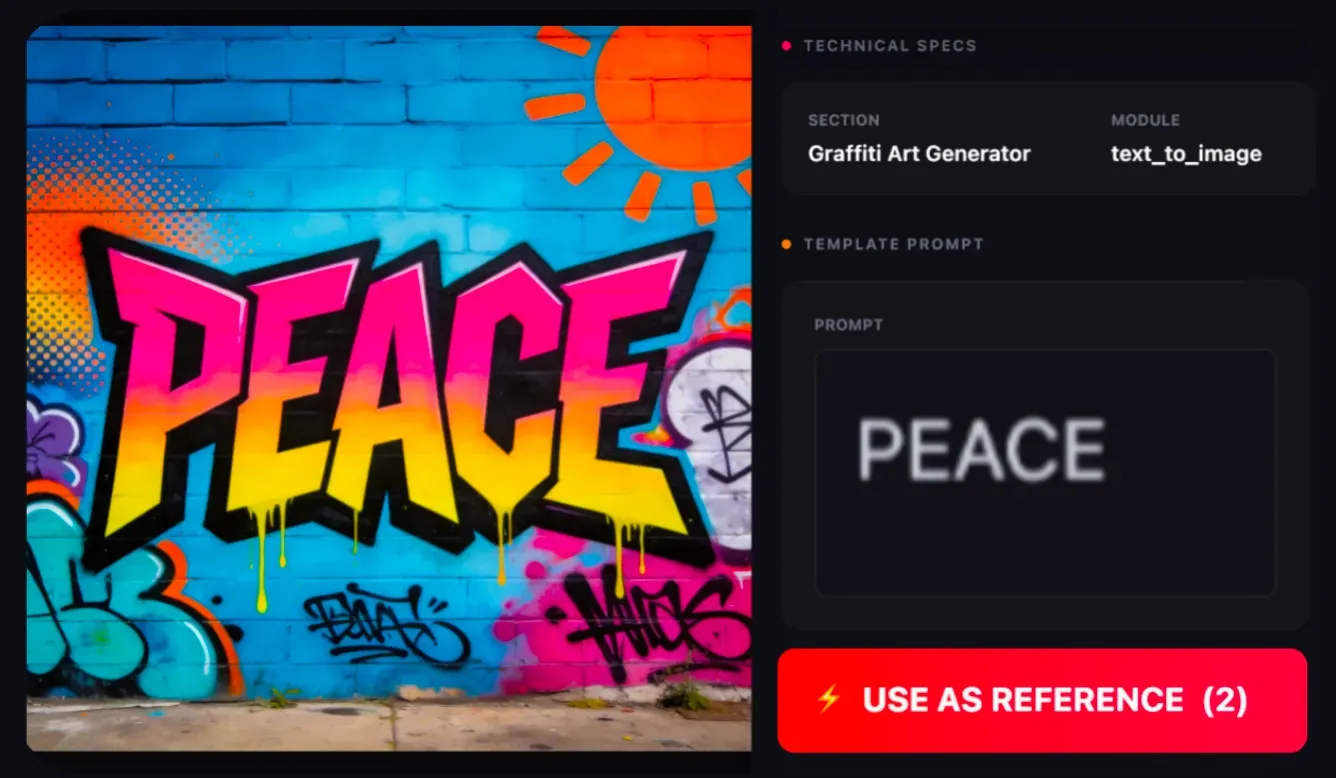
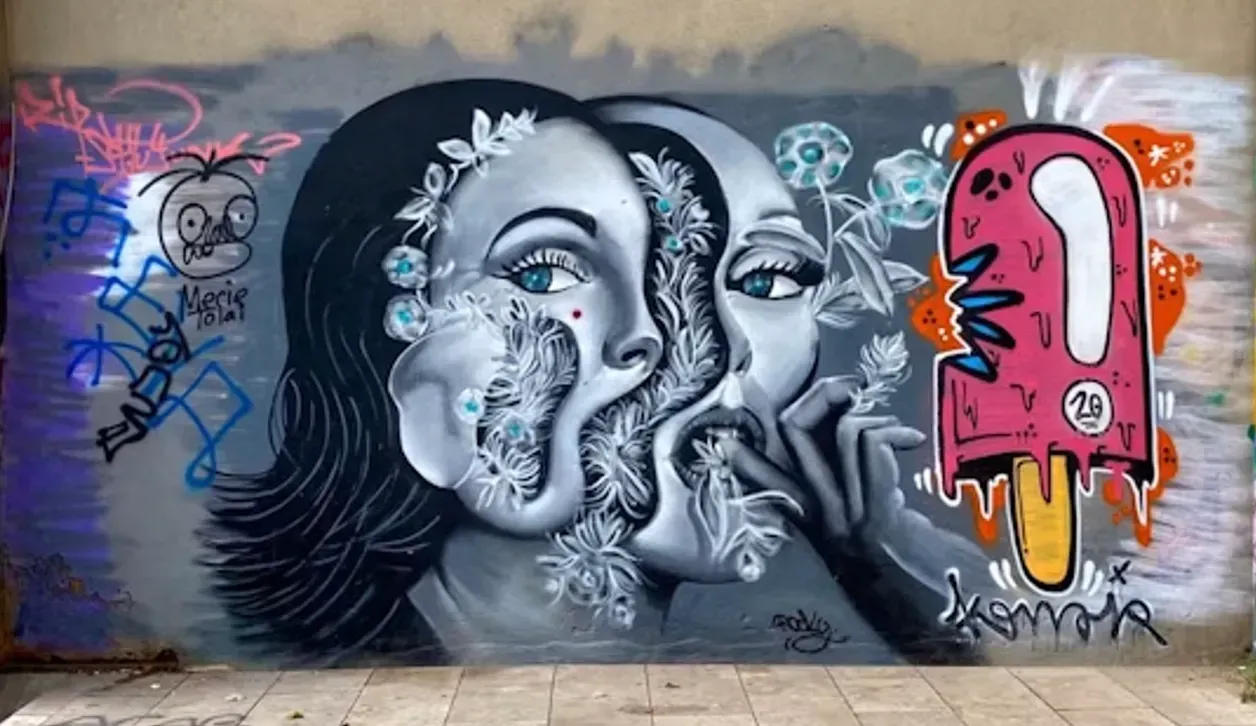
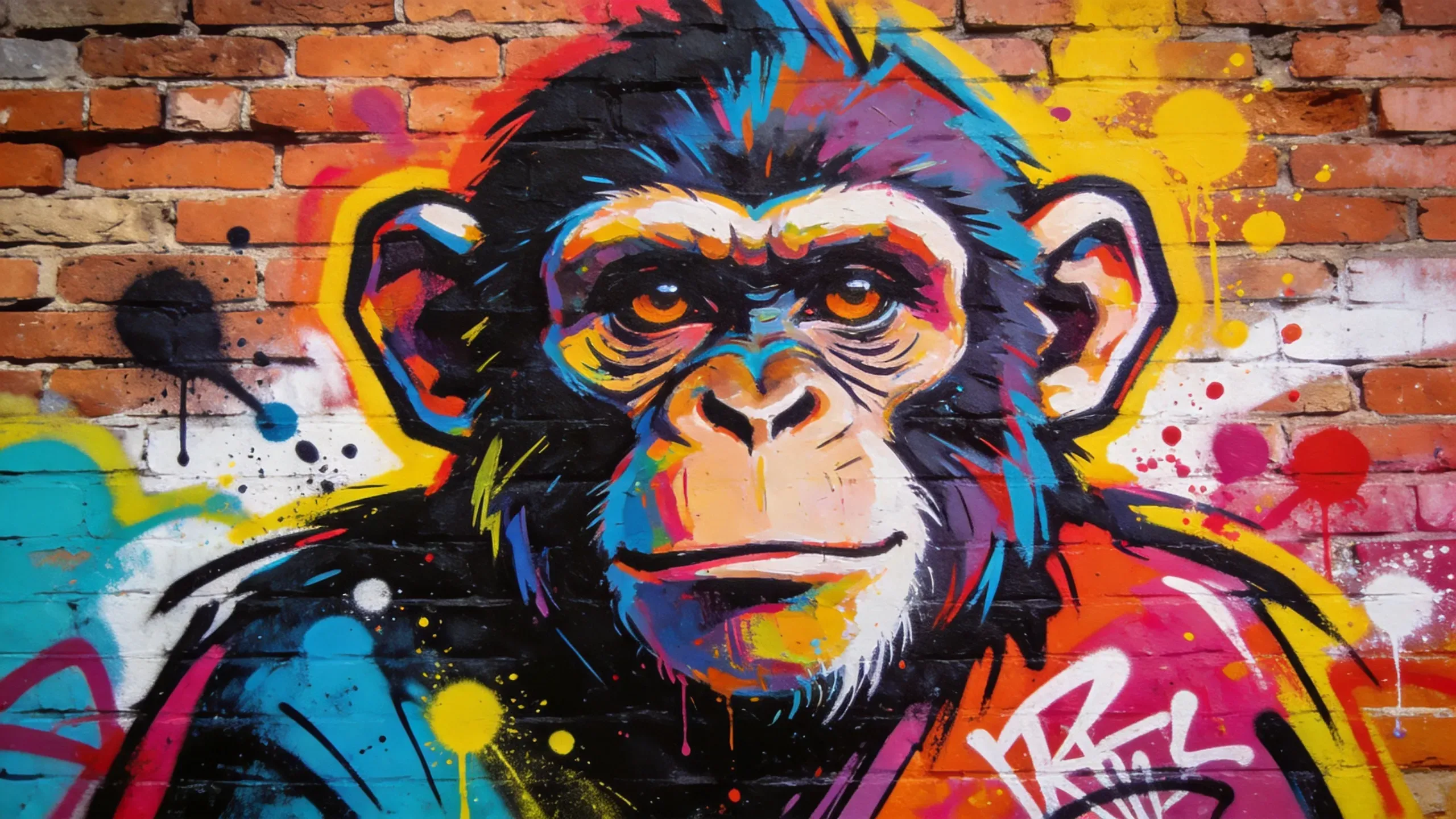
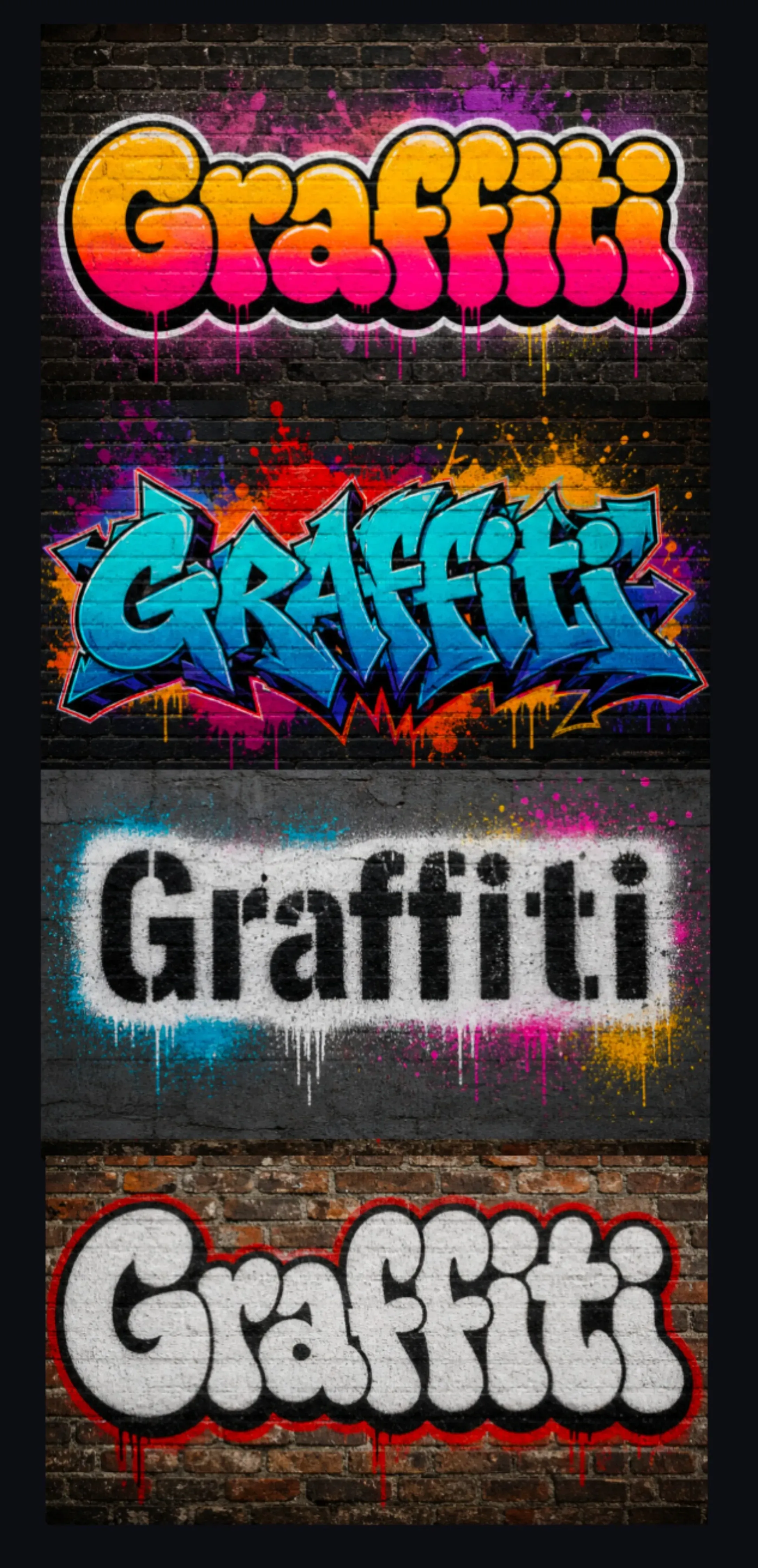
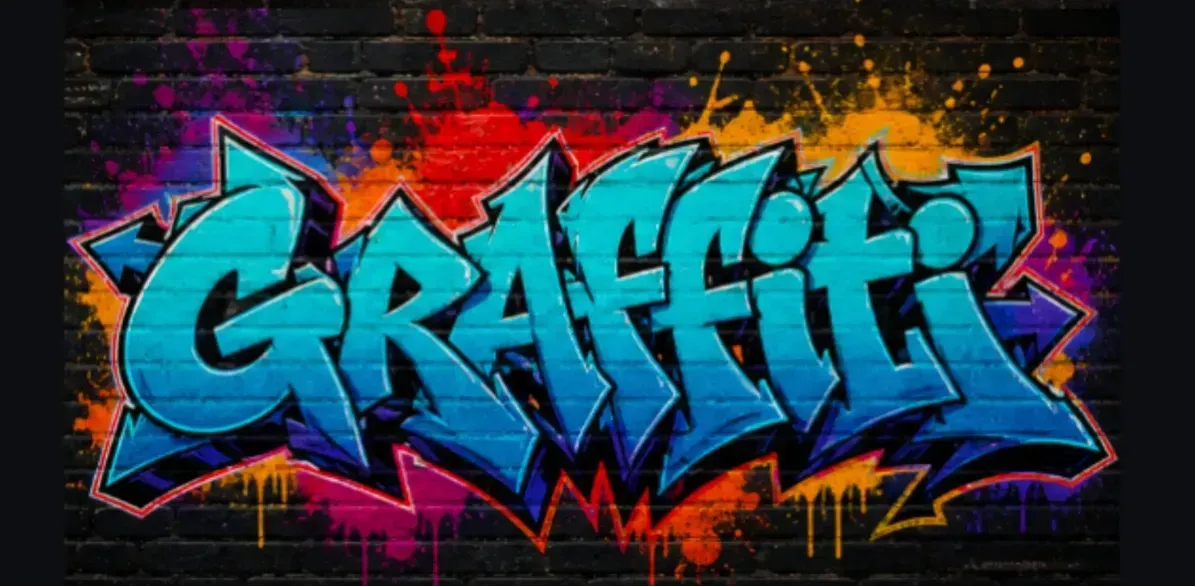
We tested the exact same seed with the word "Graffiti" across 4 different graffiti styles. Here is the visual breakdown: Style A: Bubble Letters (First Image) Readability: 10/10. Visual Weight: Heavy and Bold. Best for: Merchandise, stickers, thumbnails, and brand graphics where the word needs to be recognized quickly. Why it works: Bubble letters use rounded shapes, thick outlines, and clear spacing, so short words stay more readable even with spray texture, shadows, and paint drips. Style B: Wildstyle (Second Image) Readability: 4/10. Visual Weight: High Energy. Best for: Background murals, album visuals, event posters, and street-art concepts where the vibe matters more than exact spelling. Why it works: Wildstyle uses interlocking letters, arrows, extensions, and layered shapes. It creates strong motion and attitude, but the letters can become harder to read. Style C: Stencil Art (Third Image) Readability: 9/10. Visual Weight: Clean and Graphic. Best for: Posters, logos, social media graphics, protest-style visuals, and apparel concepts where clear text and strong contrast are important. Why it works: Stencil graffiti keeps letter shapes simple and structured. The cut-out look helps the word remain readable while still giving the image a street-art feel. Style D: Throw-Up Graffiti (Fourth Image) Readability: 8/10. Visual Weight: Fast, Bold, and Urban. Best for: Tags, usernames, creator names, streetwear mockups, and quick two-color graffiti concepts. Why it works: Throw-up graffiti usually uses simple bubble or block letter forms with thick outlines and limited colors. It is less detailed than a full piece, but easier to read than wildstyle.

Real AI Graffiti Case: Short Word vs. Long Phrase Readability

Real AI Graffiti Case: Short Word vs. Long Phrase Readability

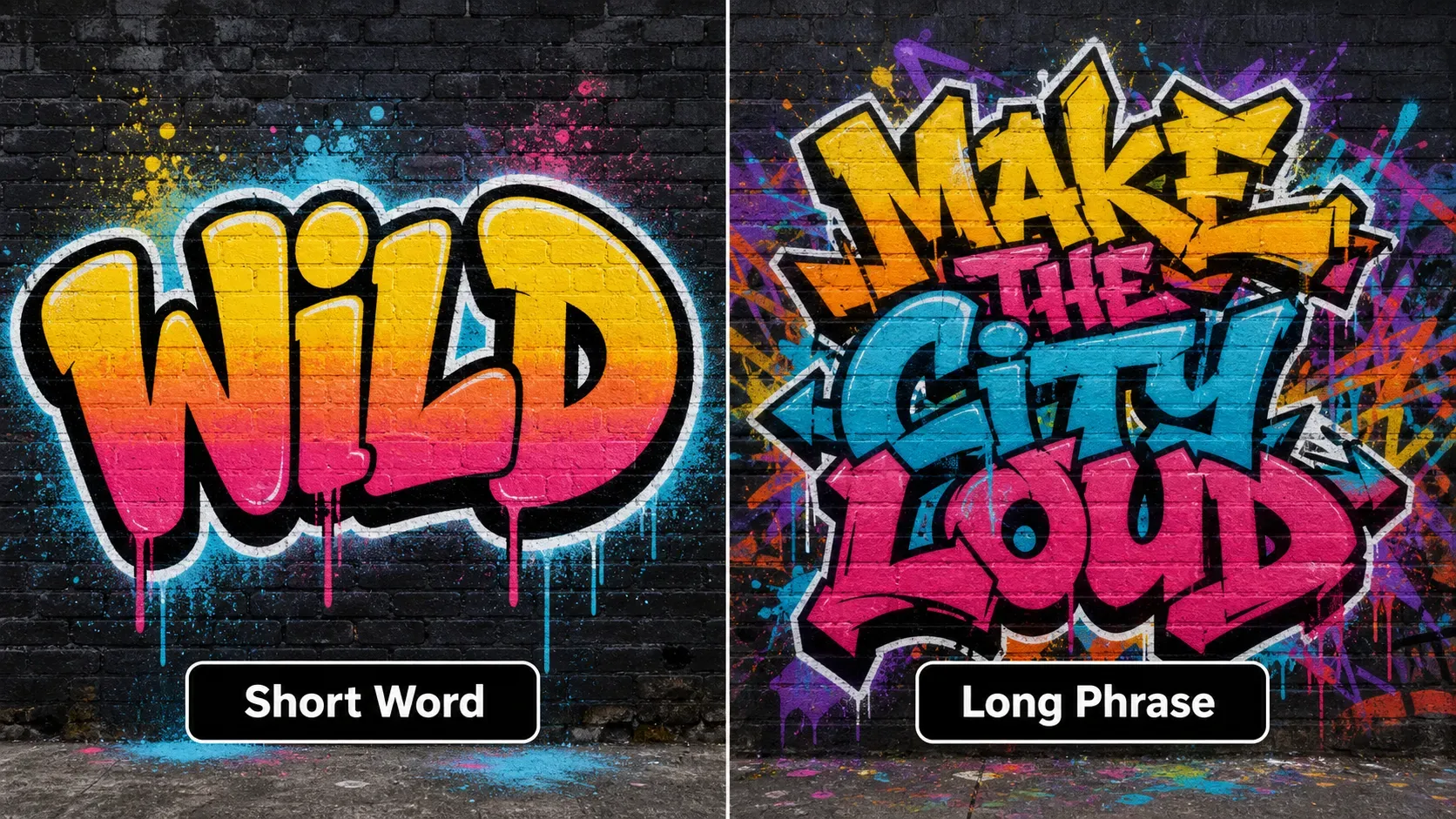
We tested graffiti text generation with a short word and a longer phrase to compare how AI handles letter spacing, outlines, and readability. Text A: Short Word “WILD” (Left Image) Readability: 9/10. Letter Control: Strong. Best for: Tags, usernames, artist names, short brand names, stickers, thumbnails, and poster titles where the word needs to stay readable. Why it works: A short word gives the AI enough space to build clear letter shapes, thick outlines, shadows, paint drips, and spray texture around each character. The model has fewer letters to arrange, so the final graffiti text is less likely to become compressed or distorted. Text B: Long Phrase “WILD STREET STYLE” (Right Image) Readability: 5/10. Letter Control: Moderate to Weak. Best for: Background art, social media visuals, mural concepts, and poster compositions where the overall graffiti mood matters more than reading every character perfectly. Why it struggles: AI image models often treat letters as visual shapes rather than editable typography. When the prompt contains many words, uncommon spellings, symbols, or tight composition requirements, the model may merge letters, skip characters, distort spacing, or compress the phrase into a texture-like graffiti shape. Practical Takeaway Use one short word or a short two-word phrase for names, tags, usernames, and poster titles. If you need exact text for a logo, apparel design, album cover, or printed product, generate several versions and check every letter manually before publishing or production.

AI Graffiti Text Generator vs Street Art Generator

AI Graffiti Text Generator vs Street Art Generator

An AI graffiti text generator focuses on creating stylized words, names, tags, or short phrases with graffiti-inspired lettering. A street art generator can create broader urban visuals, including wall murals, stencil posters, paint splatter designs, characters, symbols, and city-inspired compositions. If you want readable text, use short prompts and choose bubble, block, or stencil styles. If you want a larger visual concept, use mural, poster, or urban wall art prompts.

Best Words for AI Graffiti Text

Best Words for AI Graffiti Text

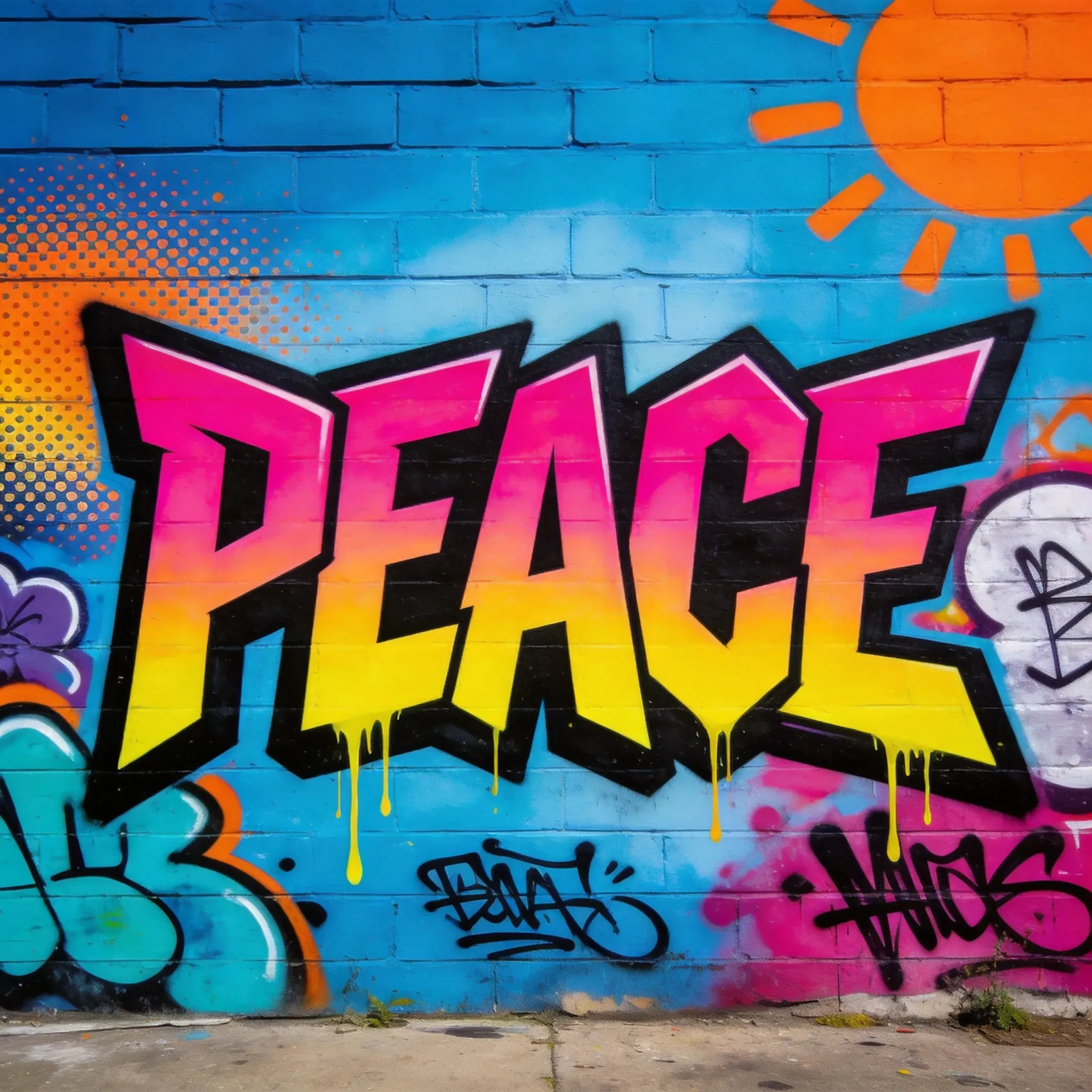
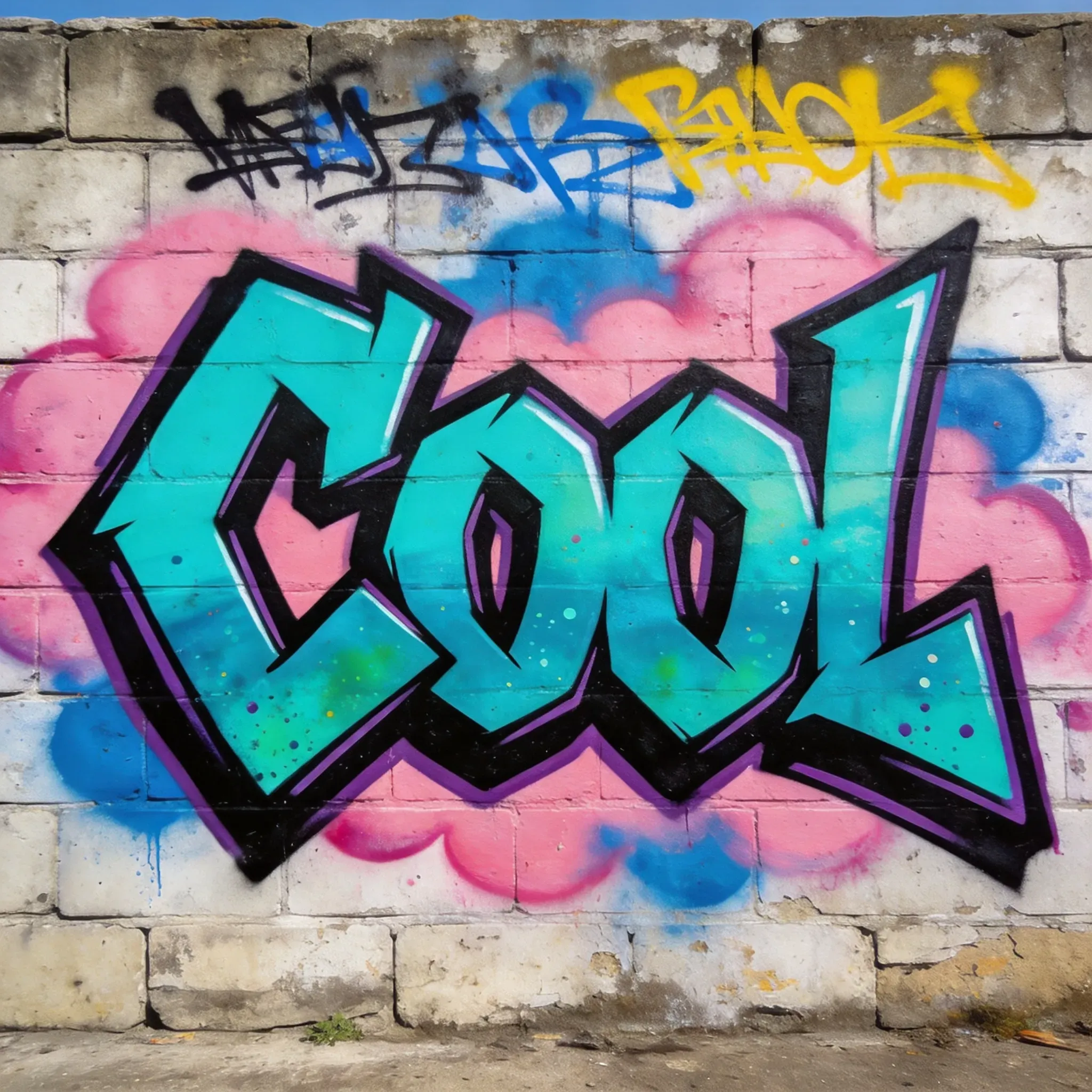
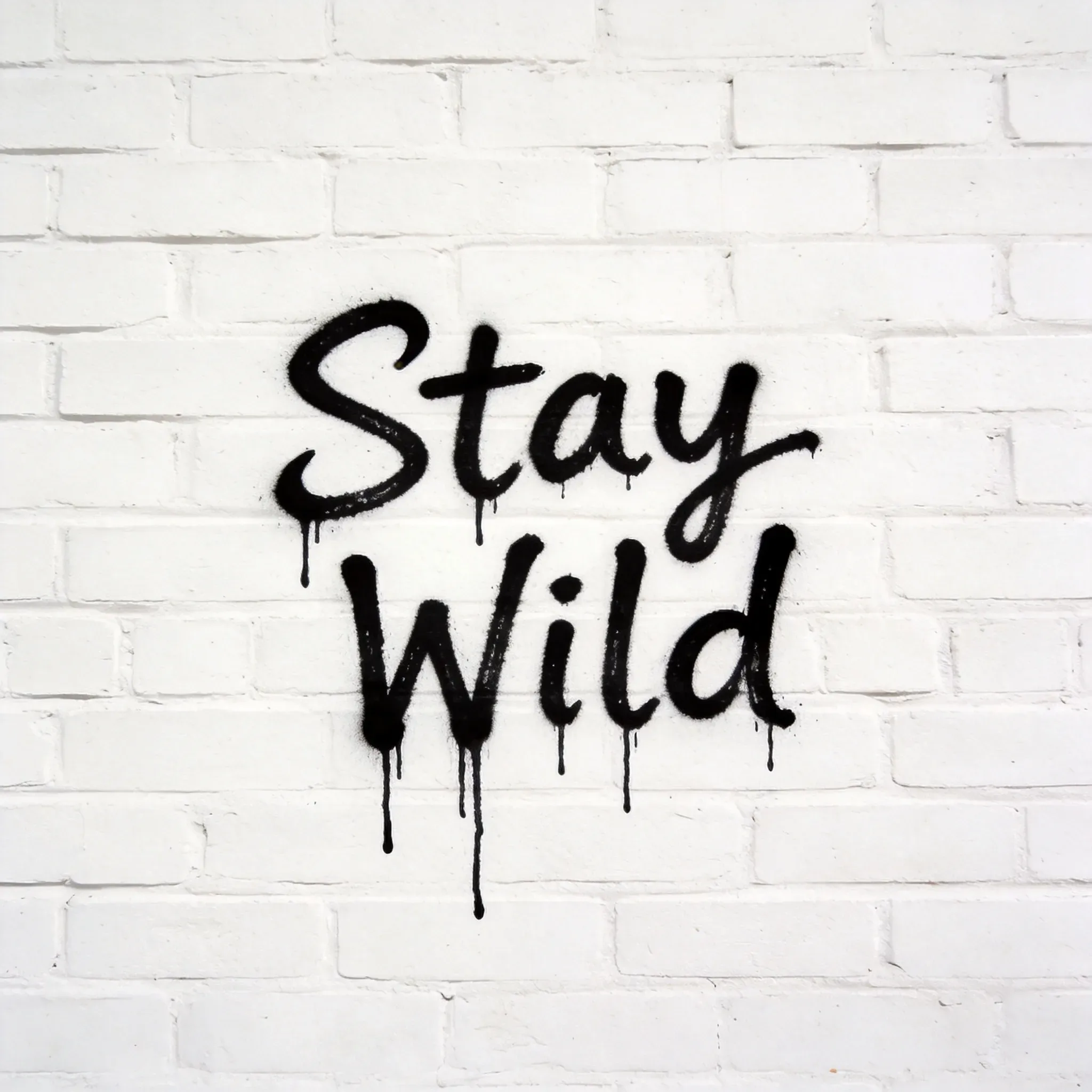
AI graffiti text usually works best with short, bold words that are easy to shape into large letters. Single words or very short phrases are more readable than long sentences because graffiti generators treat letters as visual forms. Words like Crazy, Peace, Cool, Wild, and Urban often work well for bubble letters, tags, stencil text, street posters, and mural-style designs. Here are some graffiti-friendly words and short phrases to try: | Wild | Urban| Fresh | Rebel | Dream | Fire | | Vibe | Boom| Flow | Street | Neon | Chaos | | Magic | Rise | Power | Free | Loud | Fearless | | Hope | Shine | Hype | Unity | Peace | Fun | For better readability, use one word at a time or a short two-word phrase such as Stay Wild, Dream Big, Be Free, Urban Flow, or Make Noise. Avoid long sentences, uncommon spellings, or too many symbols if you want the final graffiti text to stay recognizable.

How To Use Vidoly Graffiti Art Generator

1

Select a Graffiti Style and Generate

Start by picking the visual direction you want. You can check the various graffiti samples provides by Vidoly.

2

Enter Your Word, Phrase, or Creative Idea

Choose the text or concept you want to turn into a graffiti-style visual.

3

Review and Download the Final Result

Compare the generated graffiti output, choose the version you like best, and download it for social media, posters, or creative use.

FAQs

Why does AI graffiti sometimes misspell words?

AI graffiti models generate letters as visual shapes, not editable font text. This means the image may look like real spray-painted lettering but still distort characters, merge letters, or misspell words, especially with long phrases, rare names, numbers, symbols, or complex wildstyle prompts.

How can I make graffiti text more readable?

Use one short word, simple spelling, and a clear style such as bubble letters, block letters, throw-up graffiti, or stencil art. Avoid long sentences if exact spelling matters, and use wildstyle mainly when visual energy is more important than readability.

What is the difference between tags, throw-ups, pieces, burners, and wildstyle?

A tag is a quick stylized signature. A throw-up is usually larger, faster, and built from simple bubble or block letters. A piece is a more developed graffiti artwork with color and detail. A burner is a highly polished, standout piece. Wildstyle uses complex interlocking letters and arrows, which can look dynamic but may be harder to read.

Can I use AI graffiti art commercially?

You may be able to use AI graffiti for posters, apparel, album covers, branding mockups, or social media campaigns, but you should check the platform license terms first. Also review spelling, trademark conflicts, copyrighted references, and print quality before using the design in paid products or advertising.

Can I create a graffiti logo with AI?

Yes, AI can help generate graffiti logo concepts, especially for music projects, streetwear brands, gaming teams, and creator channels. However, final logos usually need human cleanup because AI images are not editable vector files and may not preserve exact letterforms, spacing, or brand consistency.

Can I upload a reference image for graffiti style?

If the tool supports image input, a reference image can help guide the style, surface, color mood, or composition. Avoid using copyrighted artwork or another artist’s exact style as a direct copy; use references for broad direction such as brick-wall texture, stencil look, neon palette, or mural layout.

Which graffiti style is best for clear text?

Bubble letters, block letters, throw-up graffiti, and stencil art are usually better for readability. Wildstyle, abstract tags, and highly layered mural styles are better for energy and attitude but can make exact words harder to recognize.

Can AI graffiti keep my exact brand name or phrase?

Short names are more likely to work than long phrases, but exact text is never guaranteed. If the brand name must be accurate, generate several options, choose the clearest result, and check every letter before publishing or printing.

What surfaces work best for AI graffiti prompts?

Brick walls, concrete walls, subway cars, storefront shutters, skatepark ramps, alley walls, and poster backgrounds work well because they match common graffiti contexts. Adding the surface to your prompt helps the AI blend spray texture, shadows, wall grain, and composition more naturally.

Is AI graffiti suitable for print-on-demand products?

AI graffiti can be useful for exploring T-shirt, hoodie, sticker, skateboard, and poster concepts. Before production, check the output resolution, spelling, edge clarity, licensing terms, and whether the design needs vector cleanup for sharp printing.