Tools

AI Clothes Changer

add_photo_alternateClick or drag image to upload
View All (8)
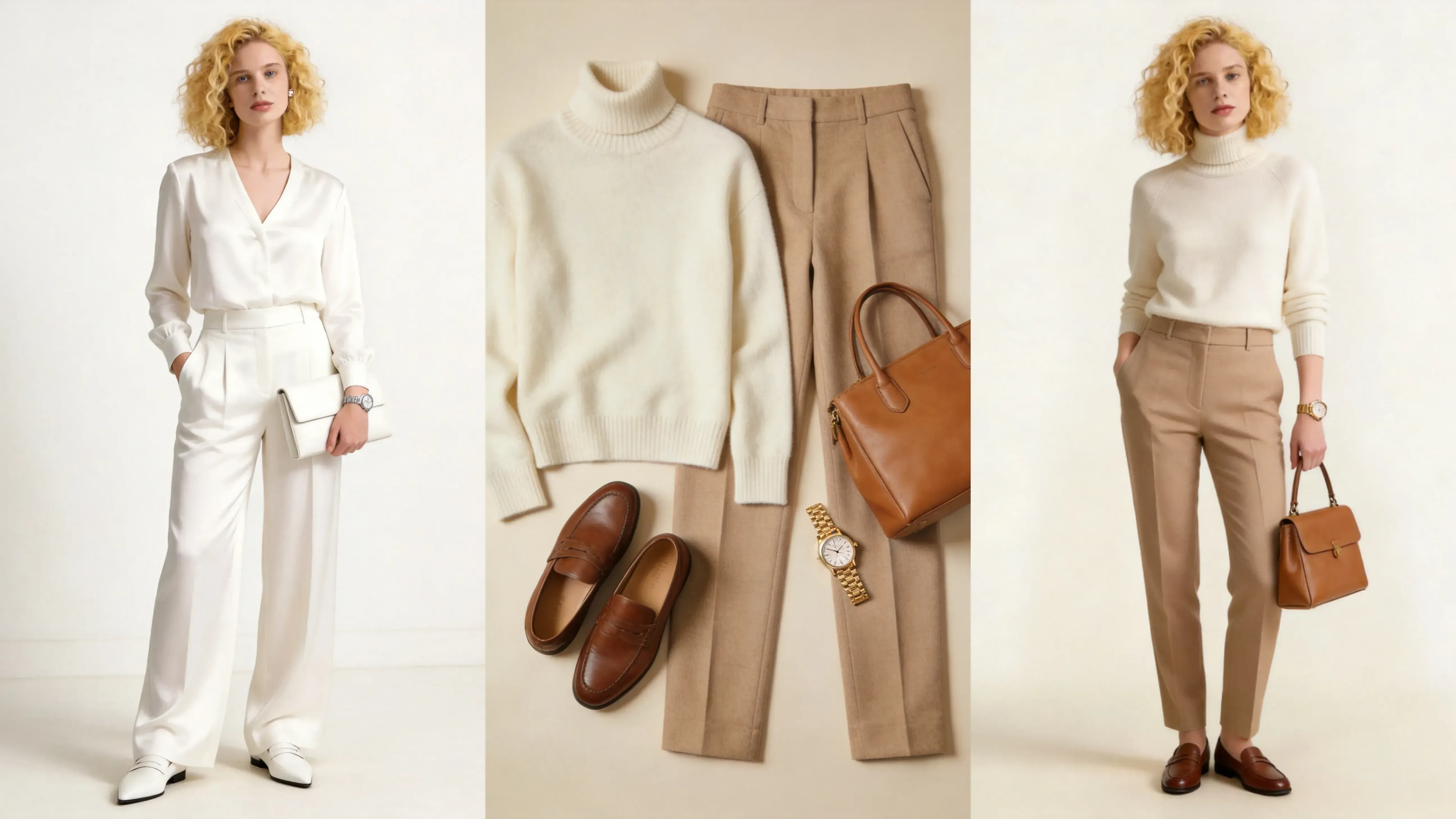
Original clothes image
AI clothes changer result

AI Fashion Try-On

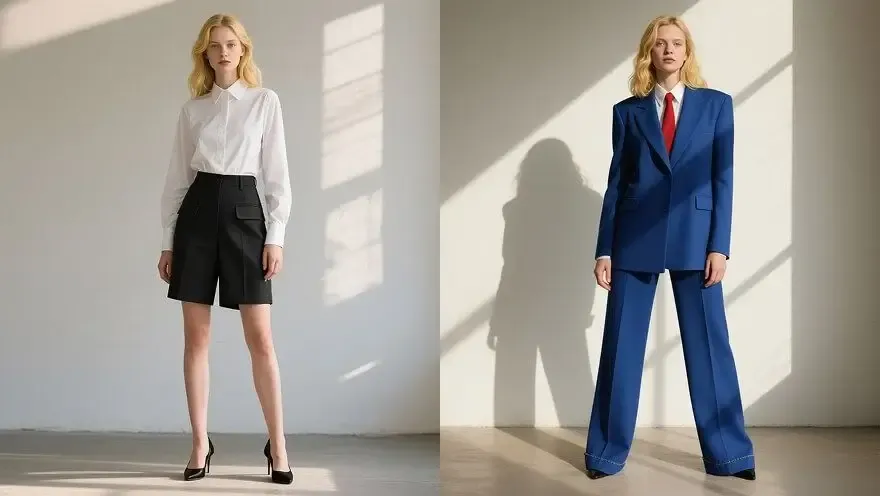
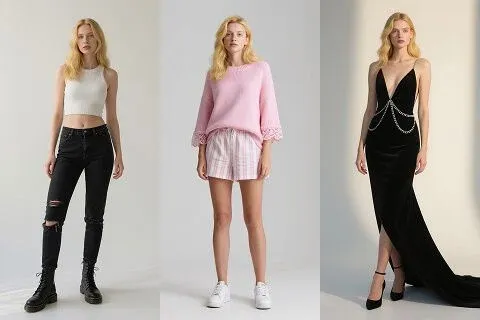
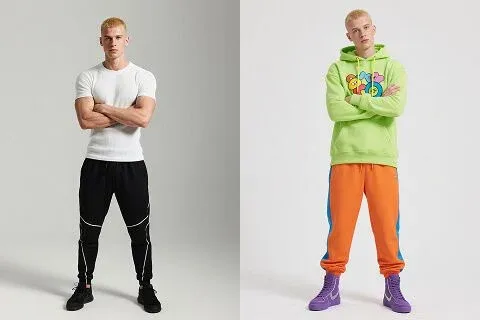
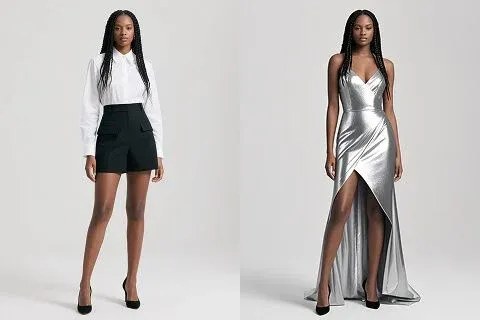
Create Virtual Try-On Images from Clothing Photos

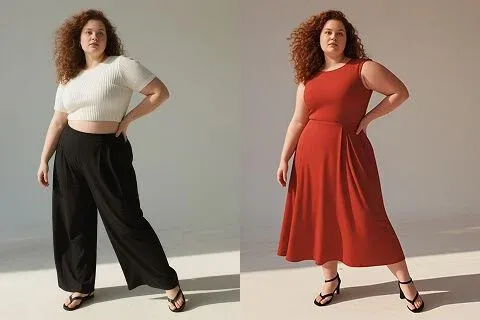
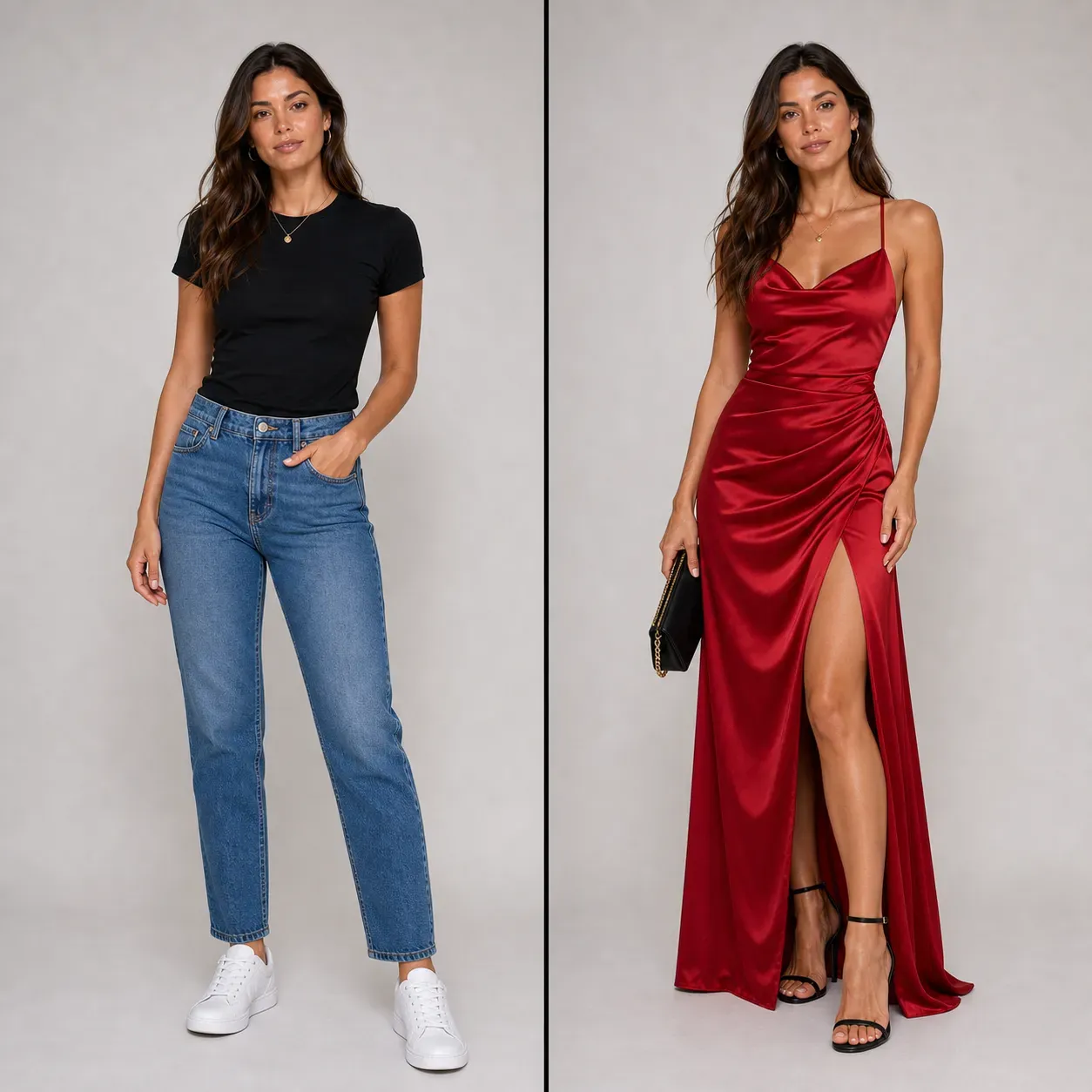
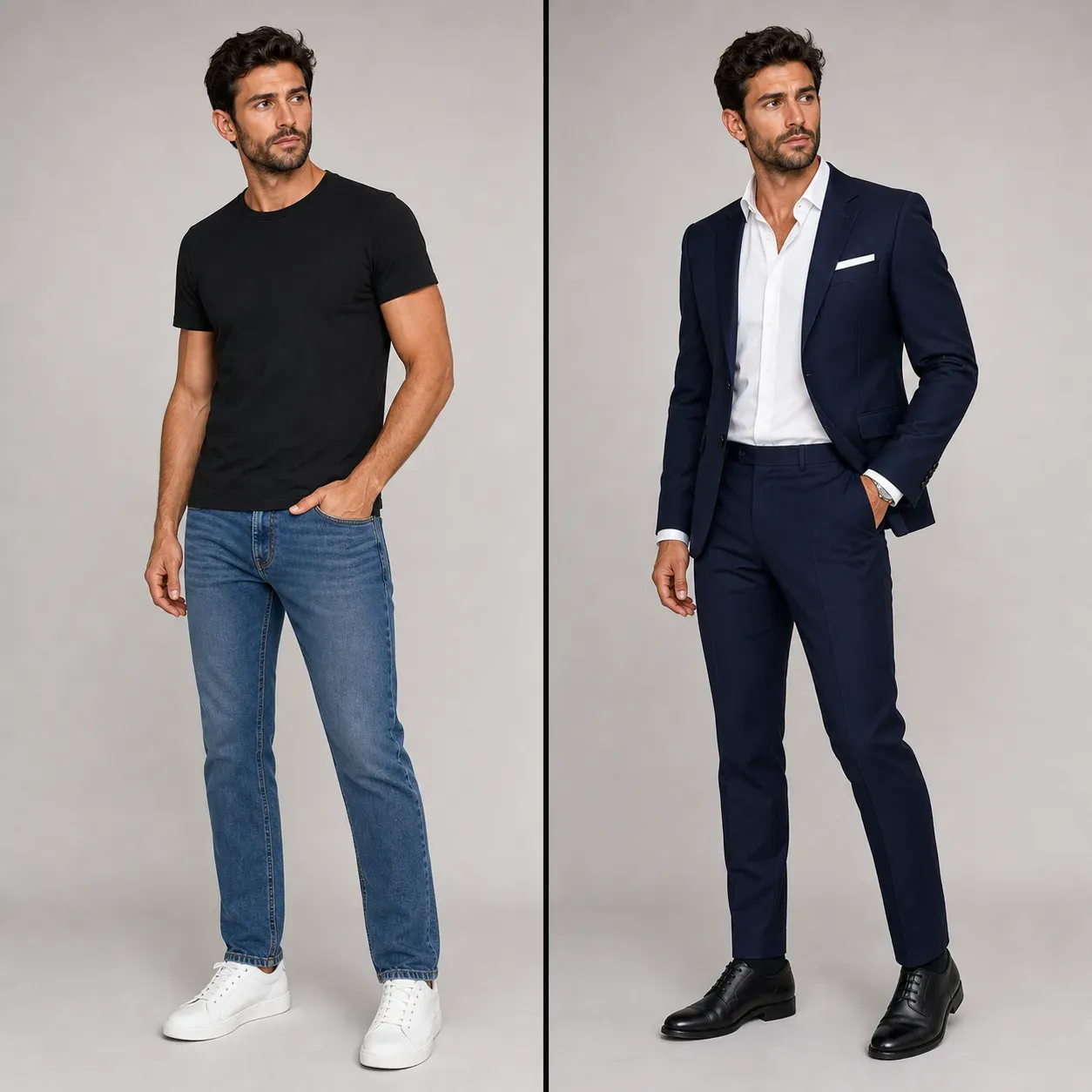
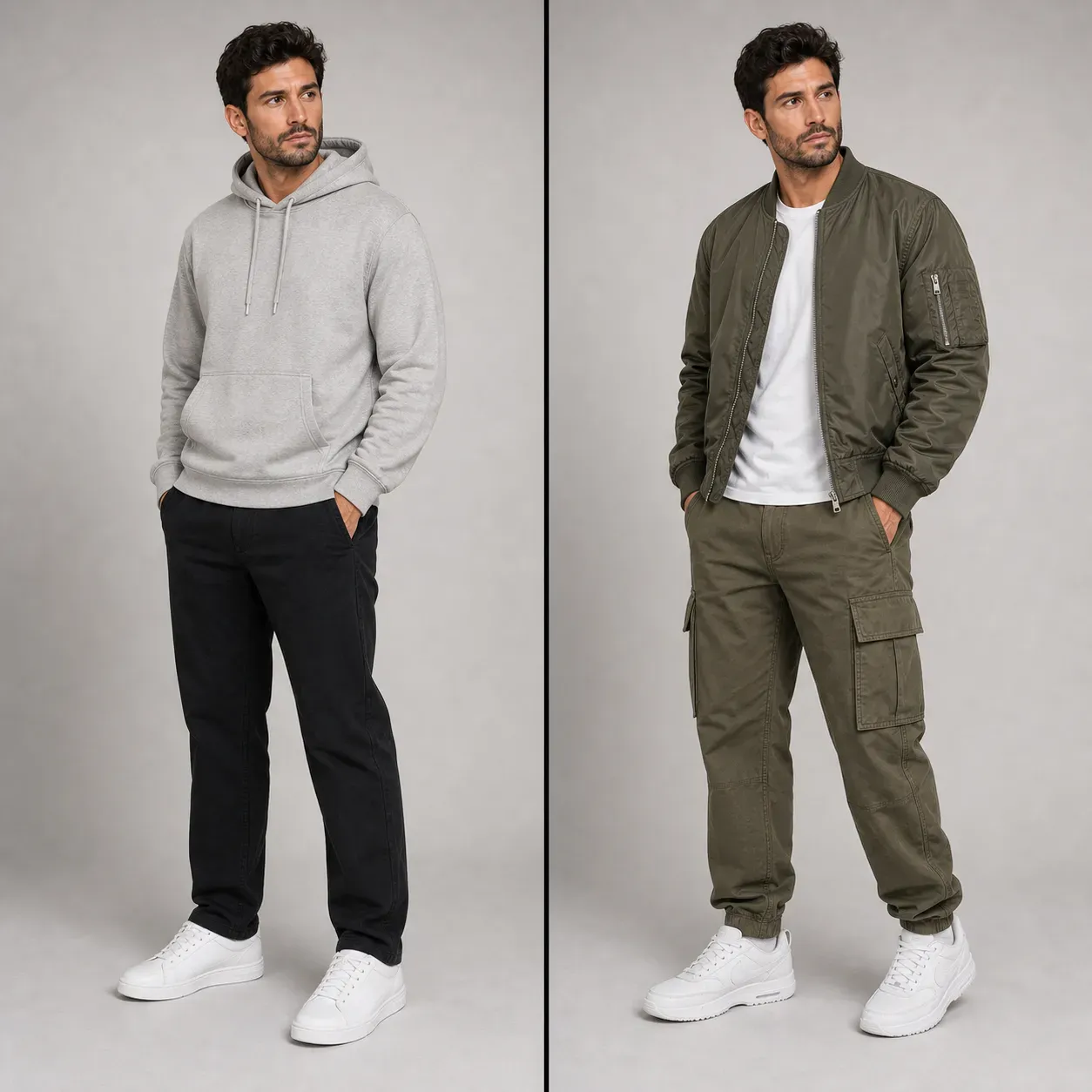
Upload clothing images, describe the scene, and create realistic outfit visuals for fashion products, model previews, social content, and ecommerce showcases.

Create AI Fashion Try-On Images from Clothing Photos

Create AI Fashion Try-On Images from Clothing Photos

Vidoly AI Clothes Changer helps users turn clothing images into realistic fashion try-on visuals. Instead of arranging a studio shoot, users can upload apparel photos, describe the desired scene or background, and generate model-style images that show how clothing may look in a real fashion context. It is useful for ecommerce sellers, fashion brands, creators, marketers, and designers who need product showcase images, outfit concepts, or social media visuals faster than traditional photography.

Try AI Clothes Changer Free
How Does an AI Clothes Changer Work?

How Does an AI Clothes Changer Work?

AI clothes changers use image generation, clothing recognition, and virtual try-on techniques to create fashion visuals from uploaded clothing images. The AI analyzes garment shape, color, texture, sleeves, neckline, silhouette, and fabric details, then generates a model-style or scene-based image that presents the clothing in a more realistic context. Background descriptions can help guide the final image toward studio photos, streetwear scenes, lifestyle shots, or ecommerce product showcases.

What Can You Create with Vidoly AI Clothes Changer?

What Can You Create with Vidoly AI Clothes Changer?

Vidoly AI Clothes Changer can create virtual try-on images, outfit previews, ecommerce apparel photos, social media fashion visuals, product showcase images, and creative campaign concepts. Users can work with dresses, jackets, shirts, hoodies, skirts, pants, streetwear, formalwear, casual outfits, and fashion accessories depending on the uploaded image and prompt direction.

What Clothing Images Work Best for AI Fashion Try-On?

What Clothing Images Work Best for AI Fashion Try-On?

AI clothes changer tools usually work best with clear clothing images that show the garment shape, color, texture, and edges. Front-facing clothing photos, clean product images, simple backgrounds, and well-lit apparel shots usually produce stronger results. Blurry images, folded garments, heavy shadows, cropped sleeves, complex patterns, or overlapping objects may reduce the accuracy of the generated fashion visual.

AI Clothes Changer vs Traditional Fashion Photography

AI Clothes Changer vs Traditional Fashion Photography

AI clothes changers are faster and more flexible than traditional fashion photography for early product visualization and content creation. A fashion shoot requires models, styling, lighting, location, retouching, and production time, while AI can quickly generate multiple visual directions from a clothing image. Traditional photography is still better for final catalog accuracy, exact fabric representation, and brand-critical campaigns, but AI is useful for concept testing, ecommerce drafts, and scalable creative production.

What Are the Limitations of AI Clothes Changing?

What Are the Limitations of AI Clothes Changing?

AI clothes changing may be less accurate when the clothing image has low resolution, unclear edges, complex folds, reflective fabric, transparent material, or heavy patterns. Results can also vary when the desired pose, model body shape, or background is too specific. For ecommerce use, generated images should be reviewed carefully to make sure garment color, fit, texture, and proportions are represented responsibly.

Popular Uses for AI Clothes Changer

Popular Uses for AI Clothes Changer

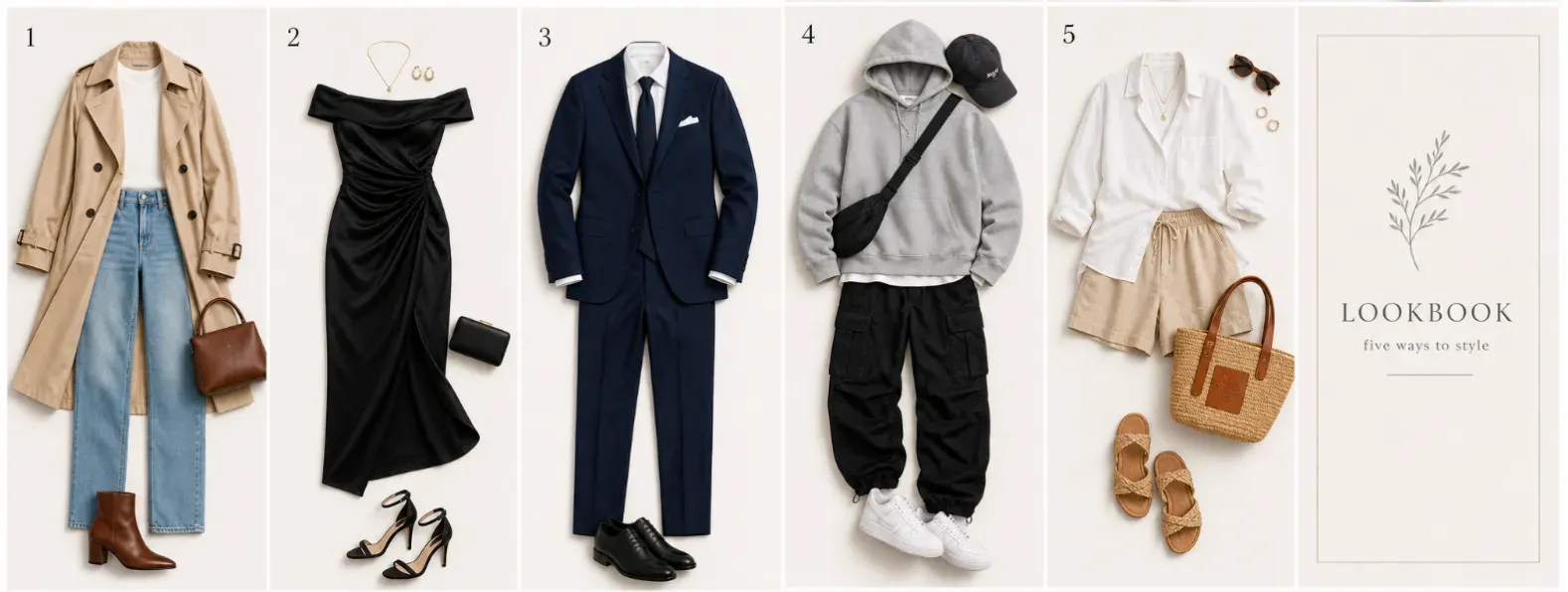
People use AI clothes changers to create ecommerce product images, social media outfit posts, fashion lookbook concepts, ad creatives, model-style apparel previews, and brand campaign drafts. Fashion sellers can test how a hoodie, dress, jacket, or shirt might appear in different scenes before investing in a full photo shoot. Creators can also use AI outfit visuals for styling ideas, mood boards, and visual storytelling.

Can I Try Clothes on My Own Photo?

Can I Try Clothes on My Own Photo?

Vidoly AI Clothes Changer can help users preview outfit ideas from clothing images and fashion prompts, but the best workflow depends on the input. If you upload a garment photo, the AI can generate model-style try-on visuals for ecommerce, social media, and campaign concepts. If you want a personal outfit preview, use a clear portrait or full-body photo and describe the clothing style, color, and scene you want to test. For personal styling, front-facing photos with visible body shape, natural lighting, and minimal obstruction usually work best. AI clothes changing is useful for visual outfit planning, but it should not be treated as an exact size or fabric-fit guarantee.

AI Clothes Changer for Personal Outfit Preview

AI Clothes Changer for Personal Outfit Preview

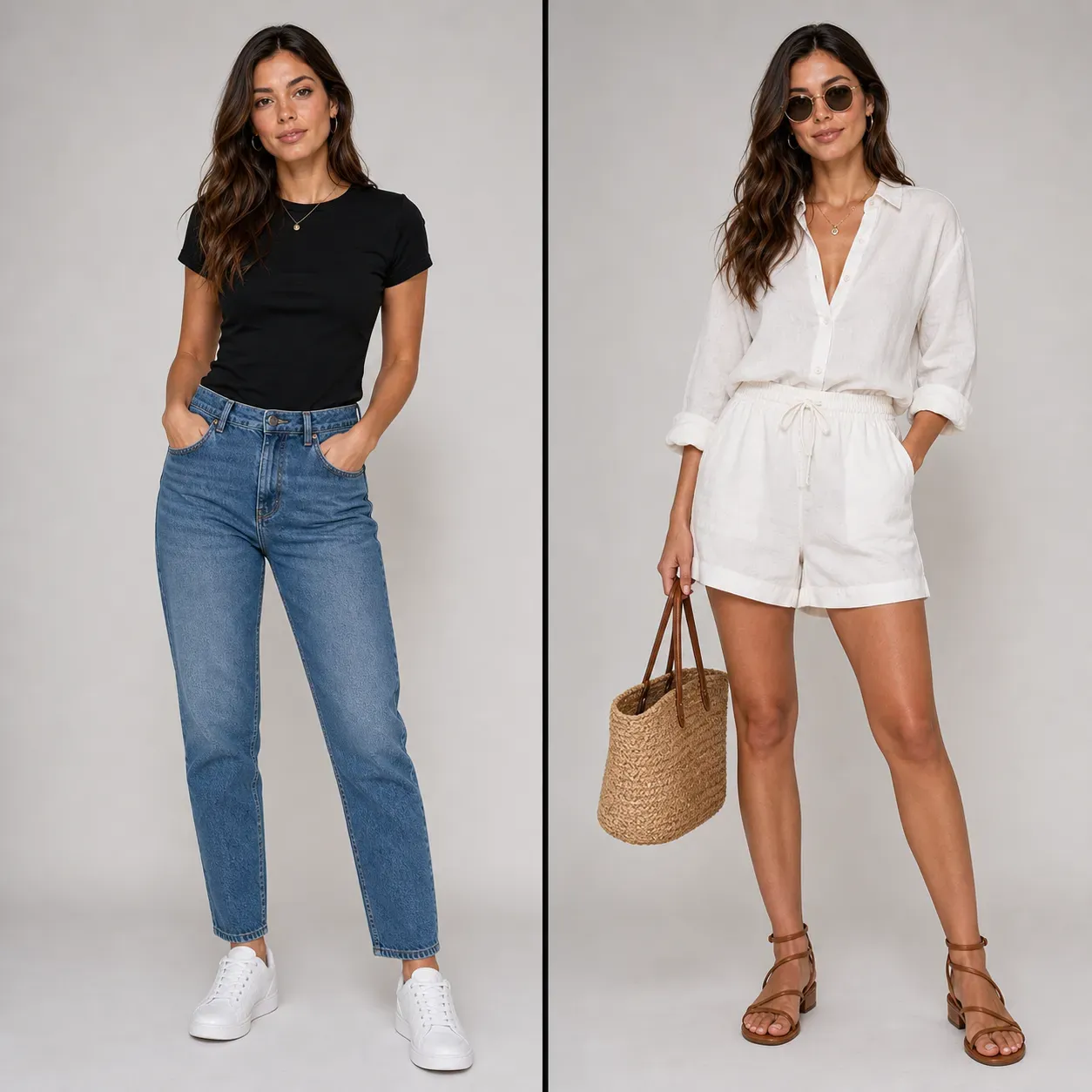
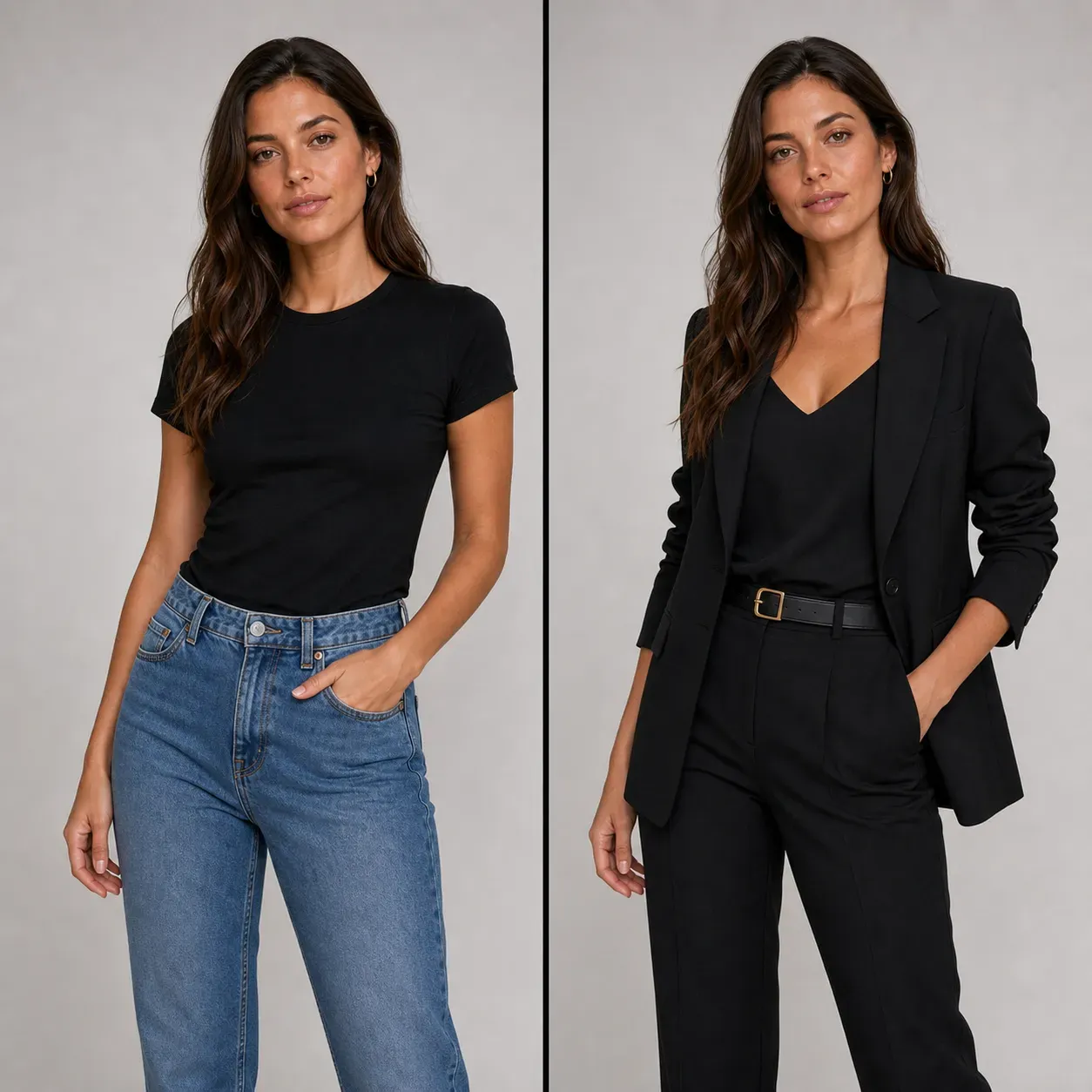
AI Clothes Changer is not only useful for ecommerce product images. It can also help individuals preview new outfits before shopping, styling, or planning a photoshoot. Users can test dresses, shirts, jackets, hoodies, suits, skirts, pants, streetwear, formalwear, vacation outfits, and seasonal looks from a photo or clothing prompt. This is helpful when you want to compare colors, silhouettes, and style directions before buying clothes online. For example, you can preview a black blazer for a profile photo, a white linen shirt for summer travel, a red dress for an event, or a streetwear hoodie for social media content.

Best Prompts for AI Clothes Changer

Best Prompts for AI Clothes Changer

A good AI clothes changer prompt should describe the garment, color, material, style, model type, and background. Specific prompts usually create more controlled fashion visuals than vague prompts. Good prompt examples: + White linen shirt with beige trousers, summer lifestyle photo, natural daylight + Black oversized blazer over a white shirt, studio fashion portrait + Red satin evening dress, luxury indoor background, elegant lighting + Denim jacket with white T-shirt, casual streetwear scene + Green summer dress, outdoor vacation background, soft sunlight + Minimalist black suit, professional model photo, clean studio background + Pink hoodie and cargo pants, urban streetwear campaign style + Beige trench coat, editorial fashion photo, neutral background Avoid prompts such as “make it stylish” or “better outfit” because they do not tell the AI what clothing details should appear.

FAQs

What is Vidoly AI Clothes Changer?

Vidoly AI Clothes Changer is an online tool that creates AI fashion try-on and apparel showcase images from uploaded clothing photos. It helps users turn garment images into model-style or scene-based fashion visuals.

How does AI Clothes Changer work?

The tool analyzes the uploaded clothing image, including garment shape, color, texture, and visible details. It then uses AI image generation to create a new fashion visual based on the clothing and the background description.

Can I use AI Clothes Changer for ecommerce product images?

Yes, it can help ecommerce sellers create product showcase concepts, apparel previews, and marketing visuals. For final product listings, review the generated image carefully to ensure the garment color, fit, and texture are accurate.

What clothing photos work best?

Clear, well-lit clothing images with visible edges and minimal background clutter usually work best. Flat product photos, front-facing apparel images, and clean garment shots are easier for AI to interpret.

Can AI Clothes Changer create model try-on images?

Yes, AI clothes changer tools can generate model-style visuals that show clothing in a fashion context. The result depends on the clarity of the clothing image and the scene or background description.

Can I change the background of the fashion image?

Yes, the background description can guide the generated result toward different scenes, such as studio photography, streetwear, outdoor lifestyle, luxury fashion, or ecommerce product display.

Does AI Clothes Changer preserve clothing color and texture?

It can preserve many visible clothing details, but exact accuracy may vary. Complex patterns, transparent fabric, reflective material, folds, or low-resolution images may change during generation.

Why does the generated outfit sometimes look different from the original clothing?

AI may reinterpret parts of the garment when the uploaded image is unclear, cropped, folded, or visually complex. Better lighting, cleaner edges, and simpler clothing images can improve consistency.

Is AI Clothes Changer better than a fashion photoshoot?

AI Clothes Changer is better for fast concept testing, scalable content ideas, and early product visualization. A professional photoshoot is still better for final catalog accuracy, exact fit, and brand-critical commercial campaigns.

What should I write in the background description?

Write a clear scene direction, such as “studio product photo with soft lighting,” “urban streetwear fashion shoot,” “luxury boutique background,” or “outdoor lifestyle campaign.” Specific descriptions usually produce more controlled results than vague prompts.

Can I try clothes on my own photo?

Yes, you can use a clear portrait or full-body photo to preview outfit ideas. The result works best when the body pose, clothing area, and lighting are easy to recognize. AI outfit preview is useful for visual styling, but it does not guarantee exact size, tailoring, or fabric fit.

Is AI Clothes Changer the same as virtual try-on?

AI Clothes Changer is related to virtual try-on, but it focuses on generating fashion visuals from clothing images, prompts, or model-style scenes. It can help with ecommerce product photos, outfit previews, social posts, and campaign concepts. Exact fit still depends on real garment measurements and fabric behavior.

Can AI Clothes Changer change only a shirt, dress, or jacket?

Yes, it can focus on a specific clothing item when the prompt is clear and the input image shows the garment area well. For better results, describe the item directly, such as “change the shirt to a white linen shirt” or “replace the dress with a black evening dress.”

Does AI Clothes Changer work with flat lay clothing photos?

Yes, flat lay clothing photos can work if the garment shape, sleeves, neckline, edges, and texture are visible. Clean backgrounds and good lighting help the AI understand the item. Folded, cropped, wrinkled, or heavily shadowed clothing images may produce less accurate try-on visuals.
Related Reading