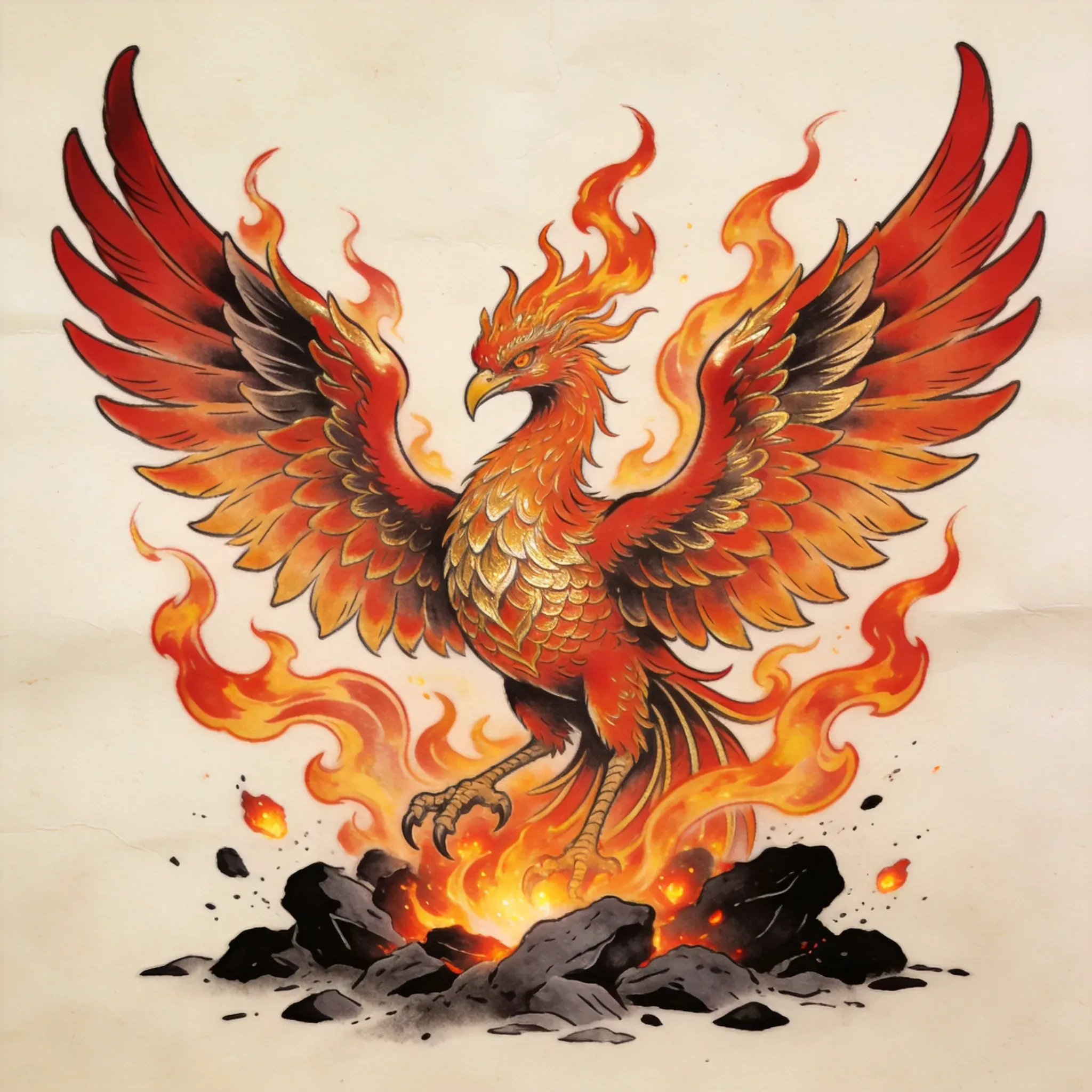
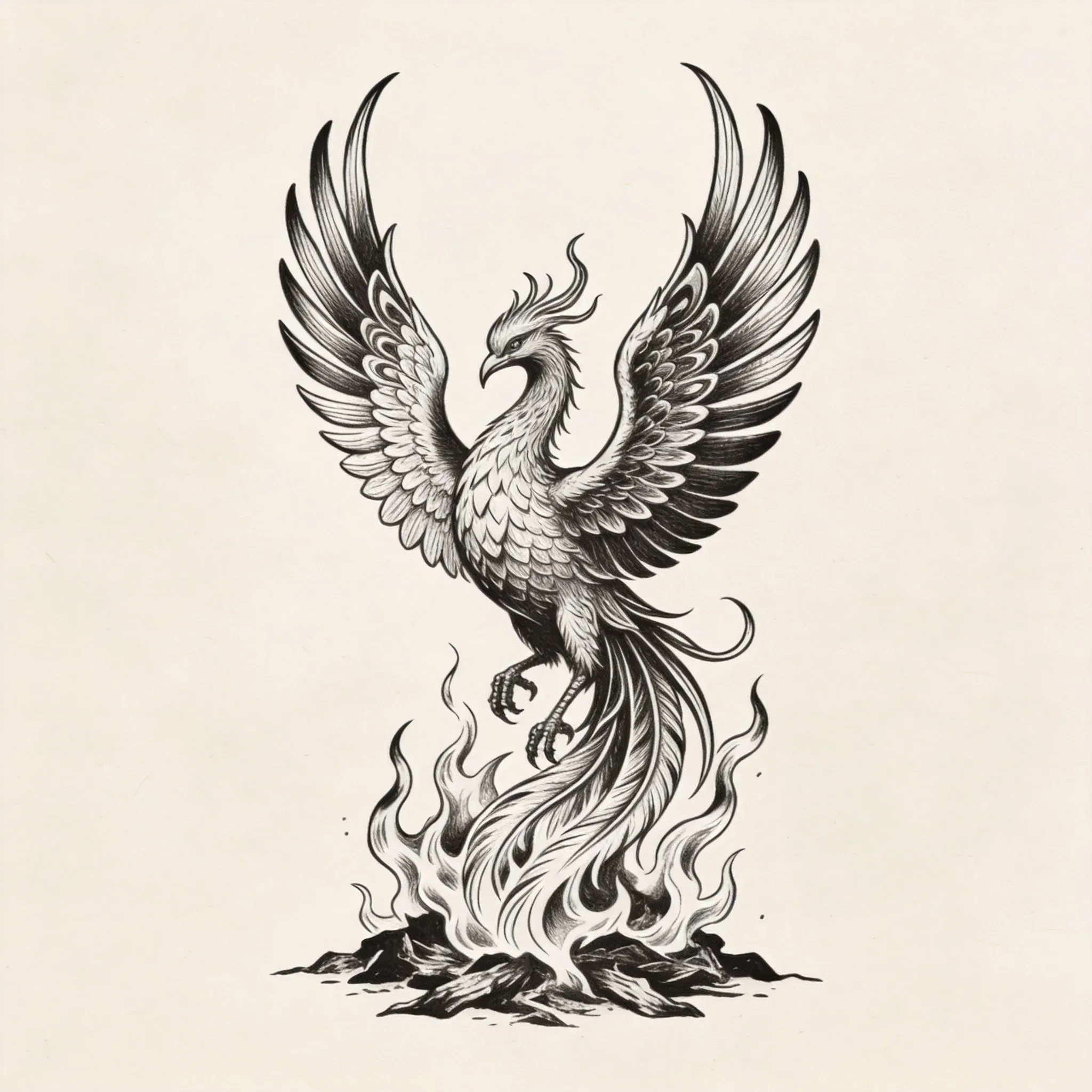
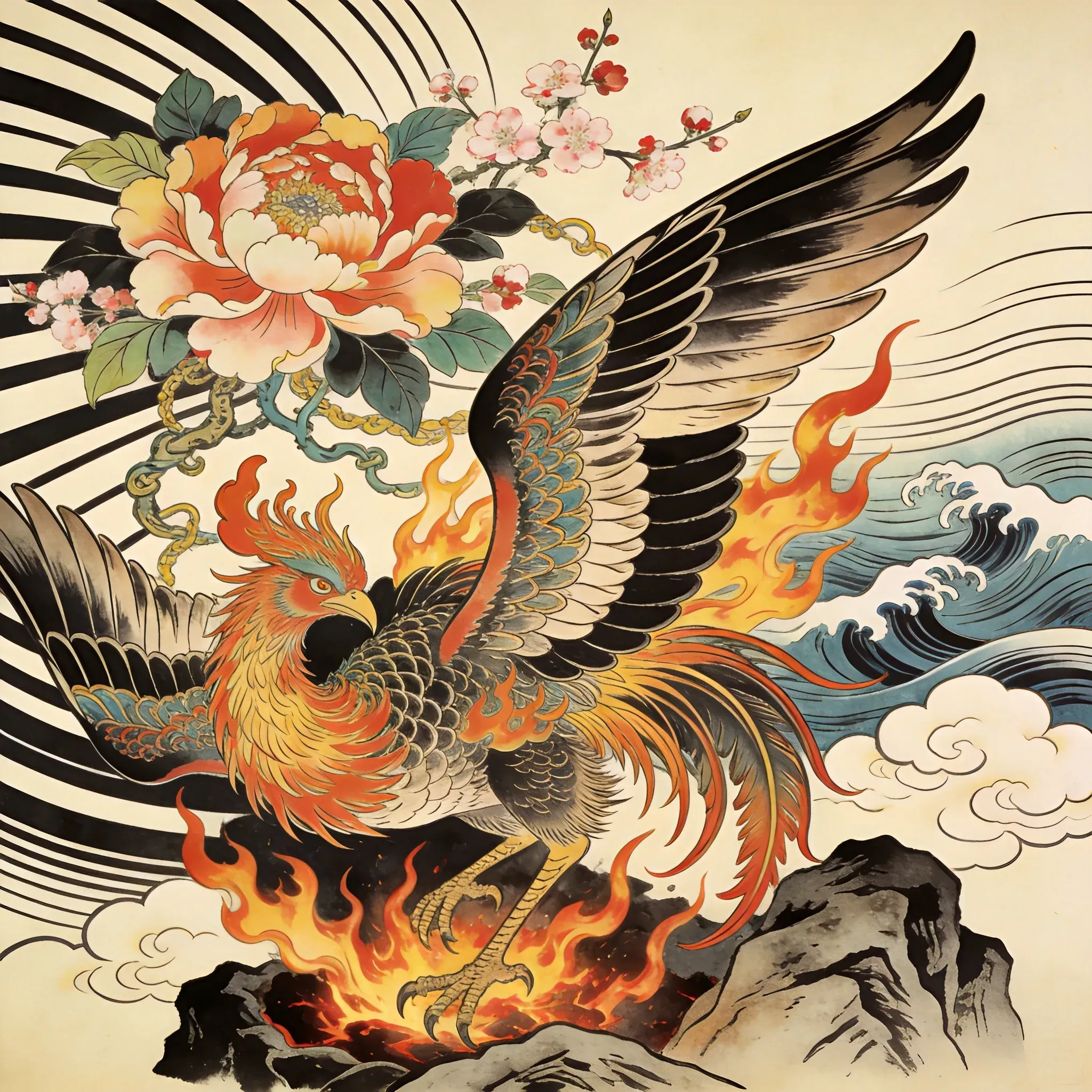
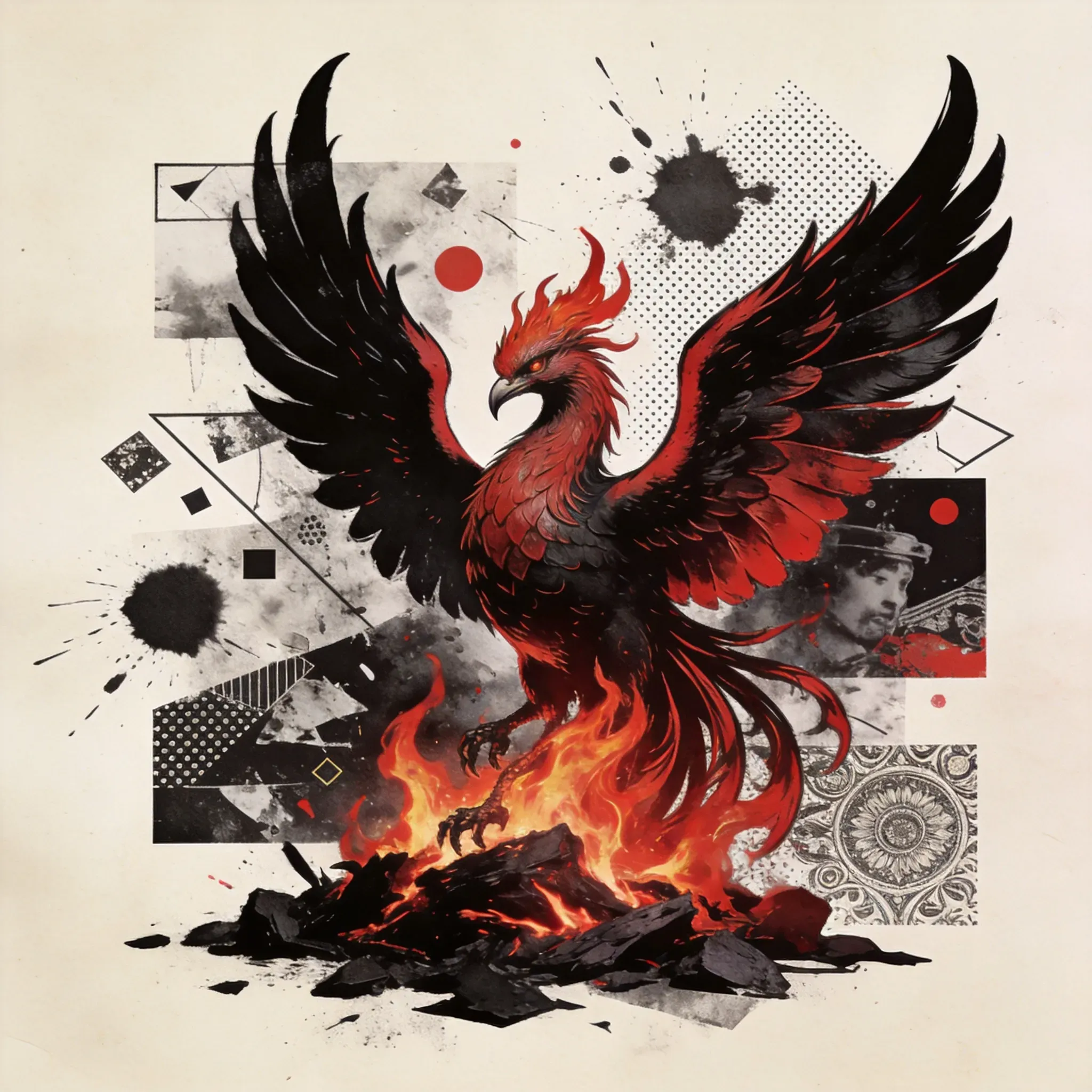
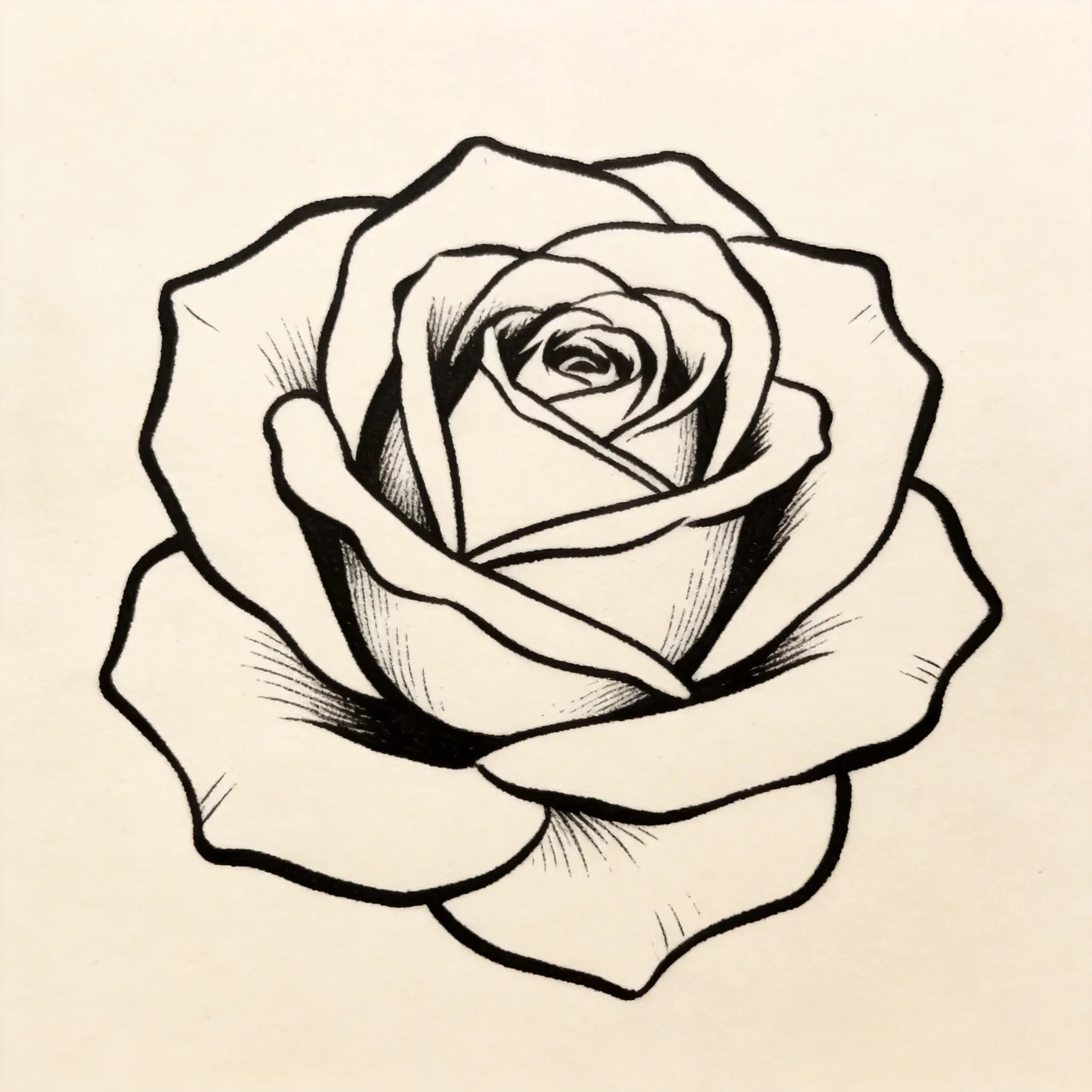
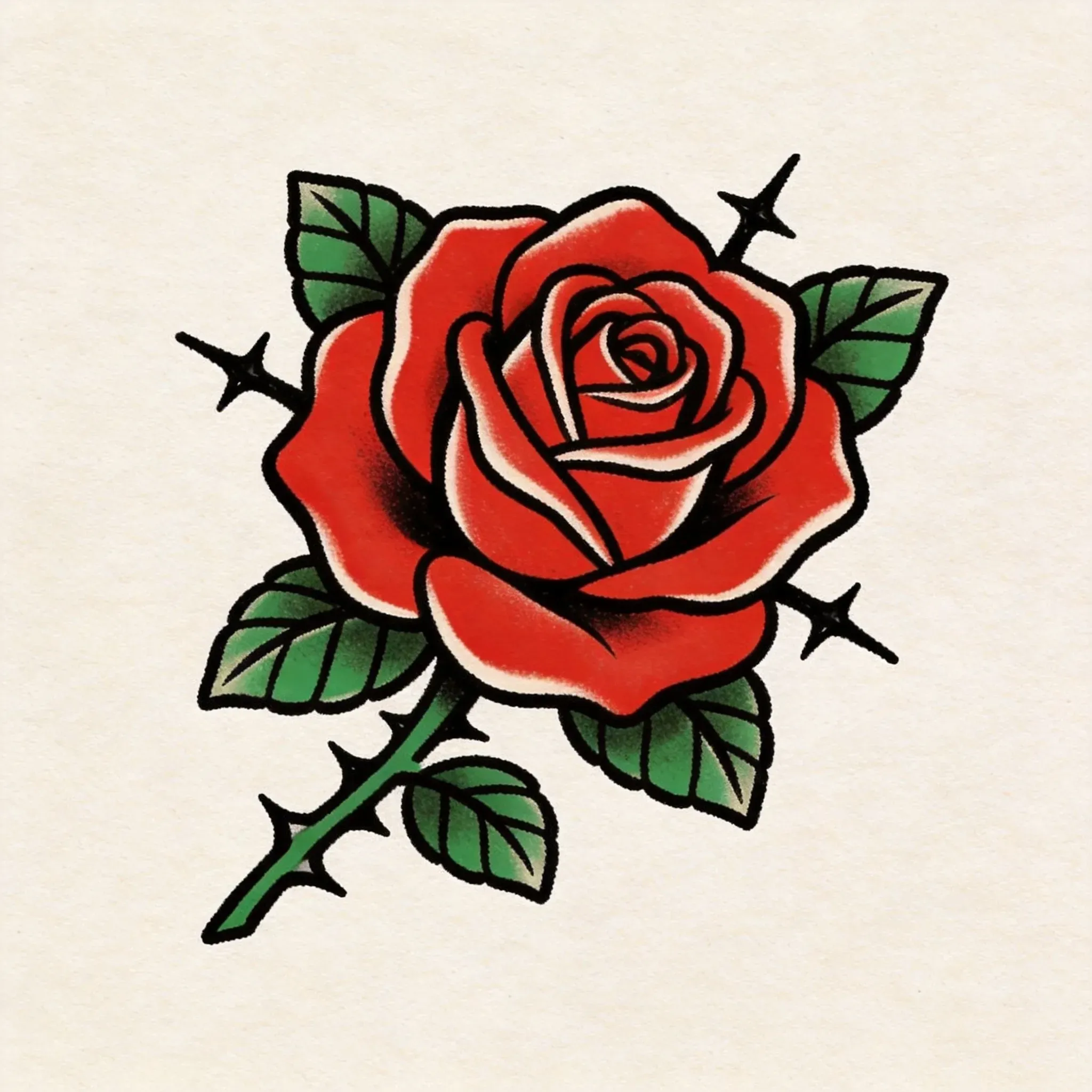
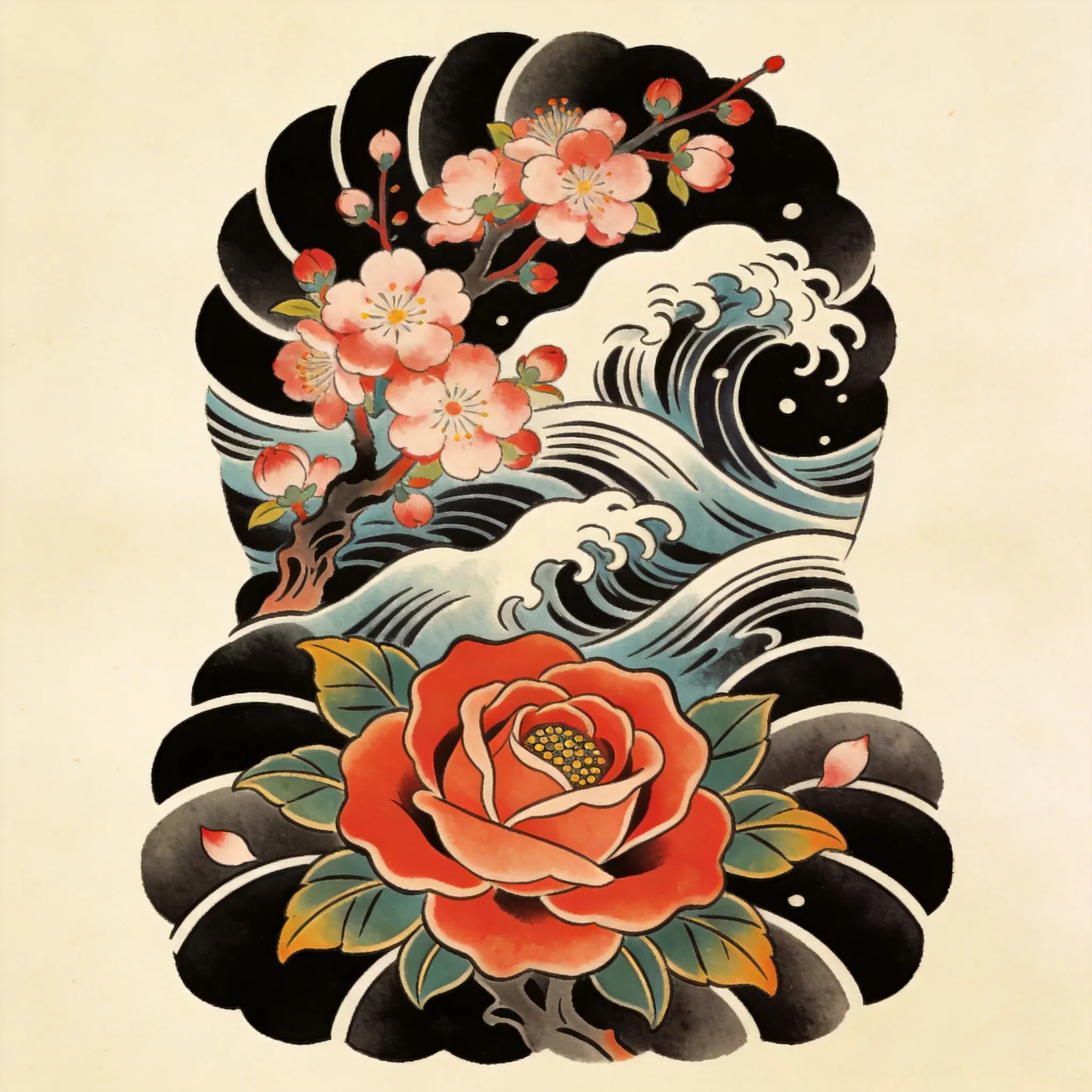
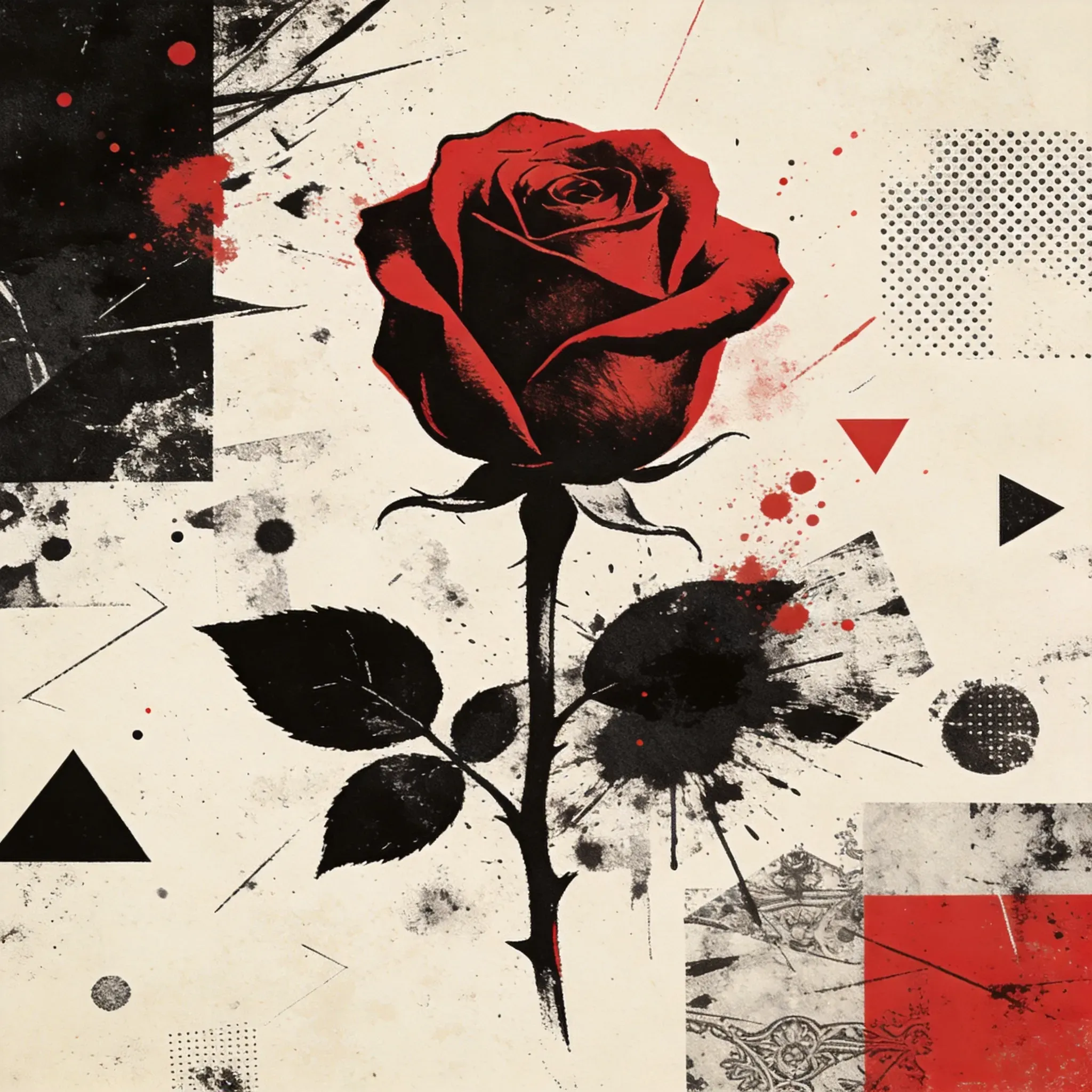
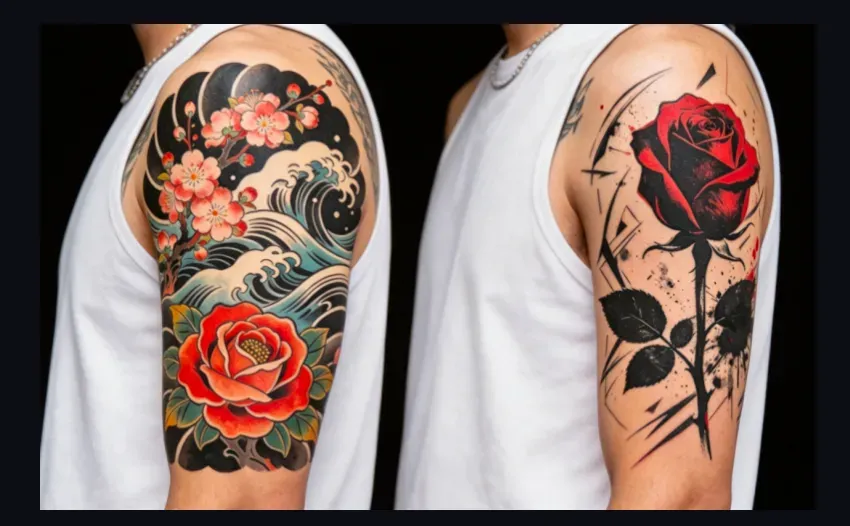
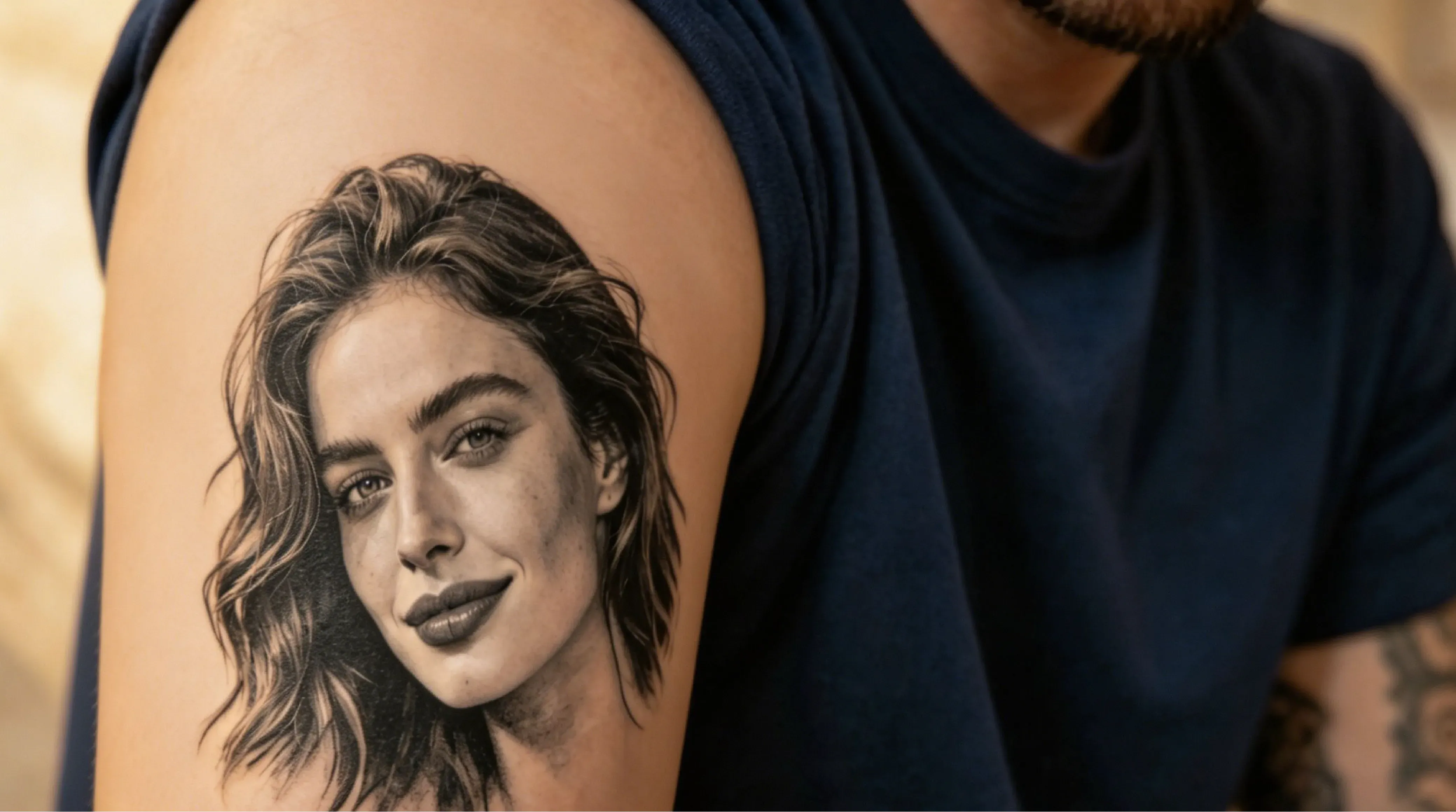
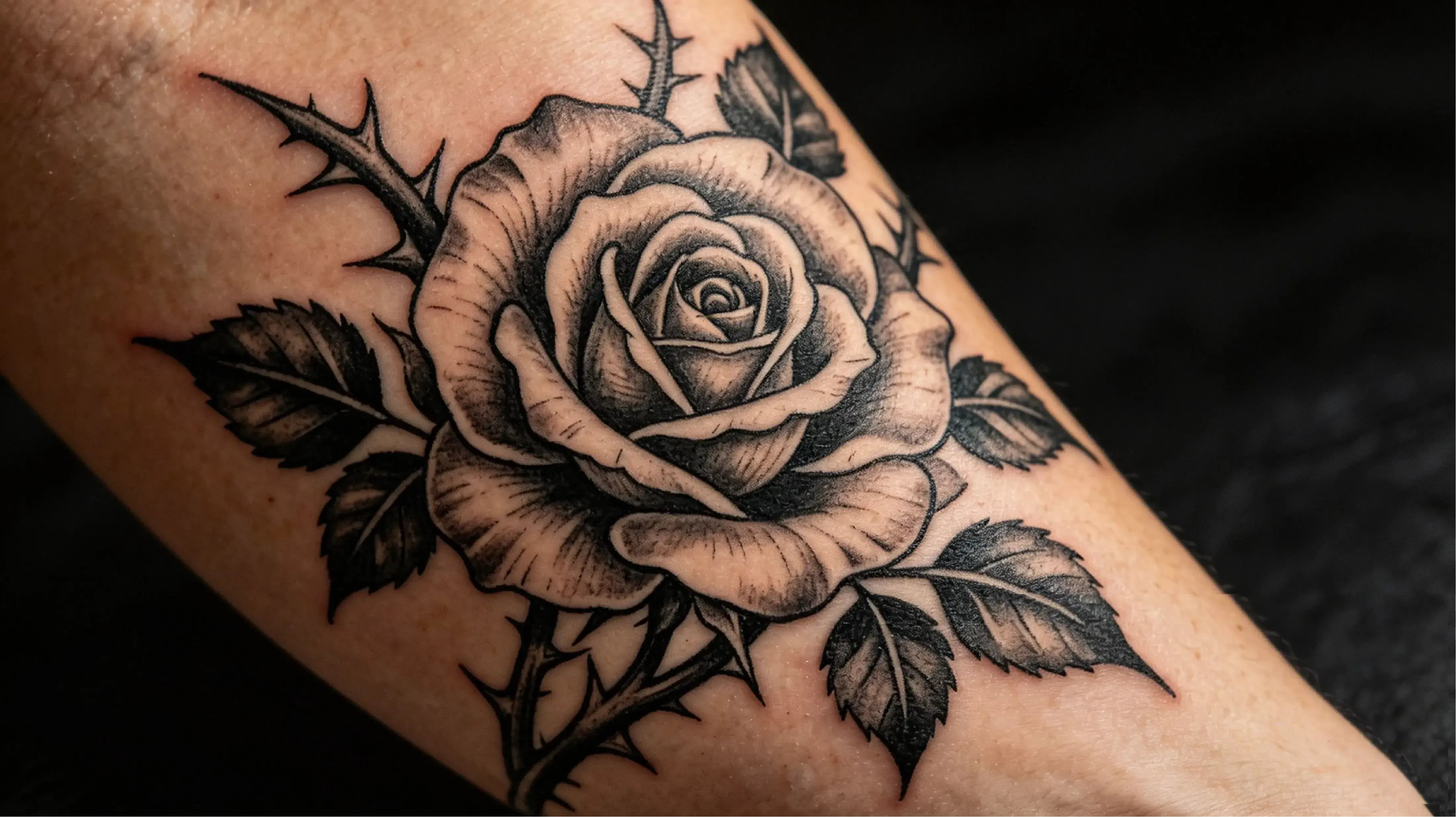
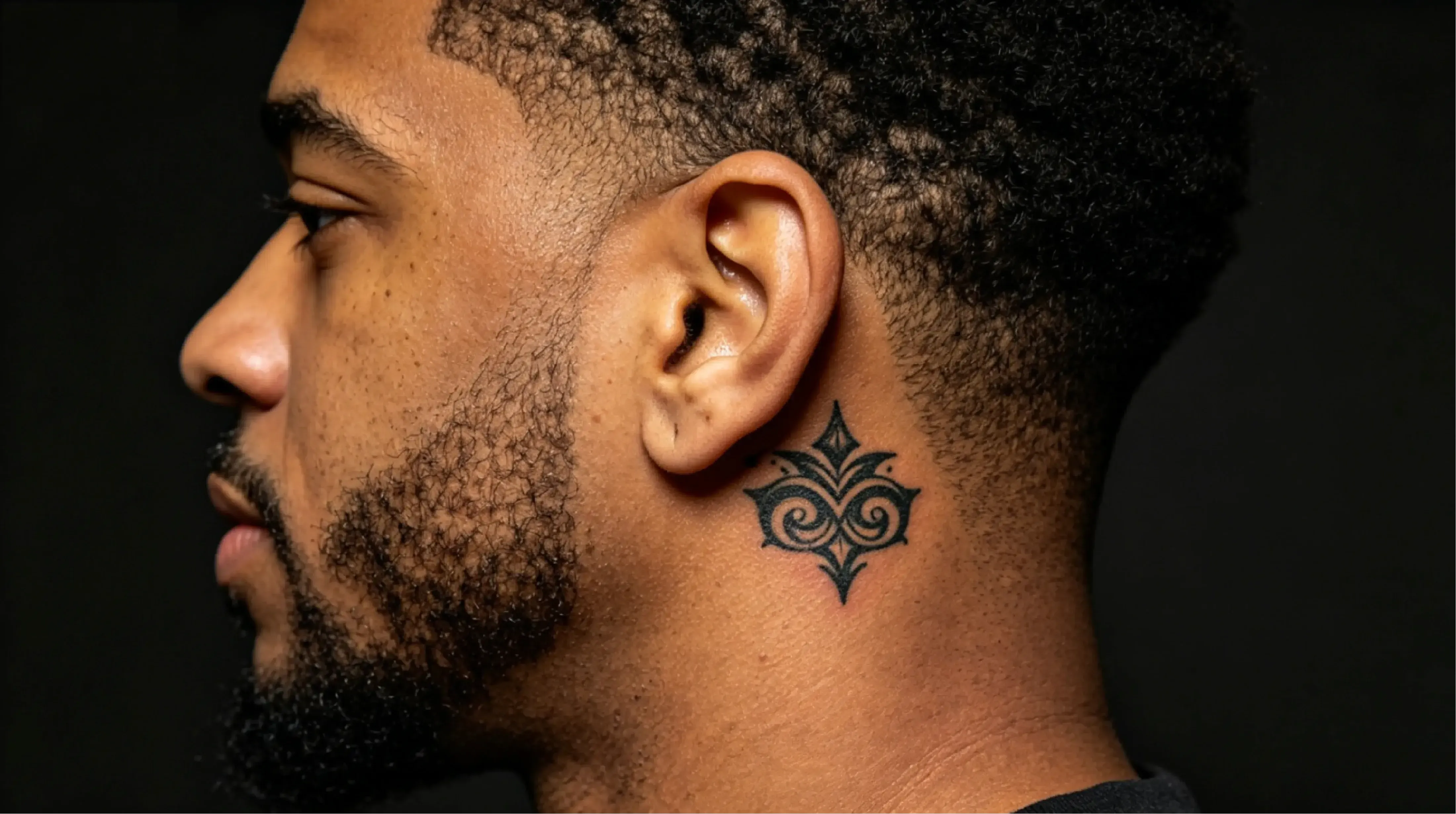
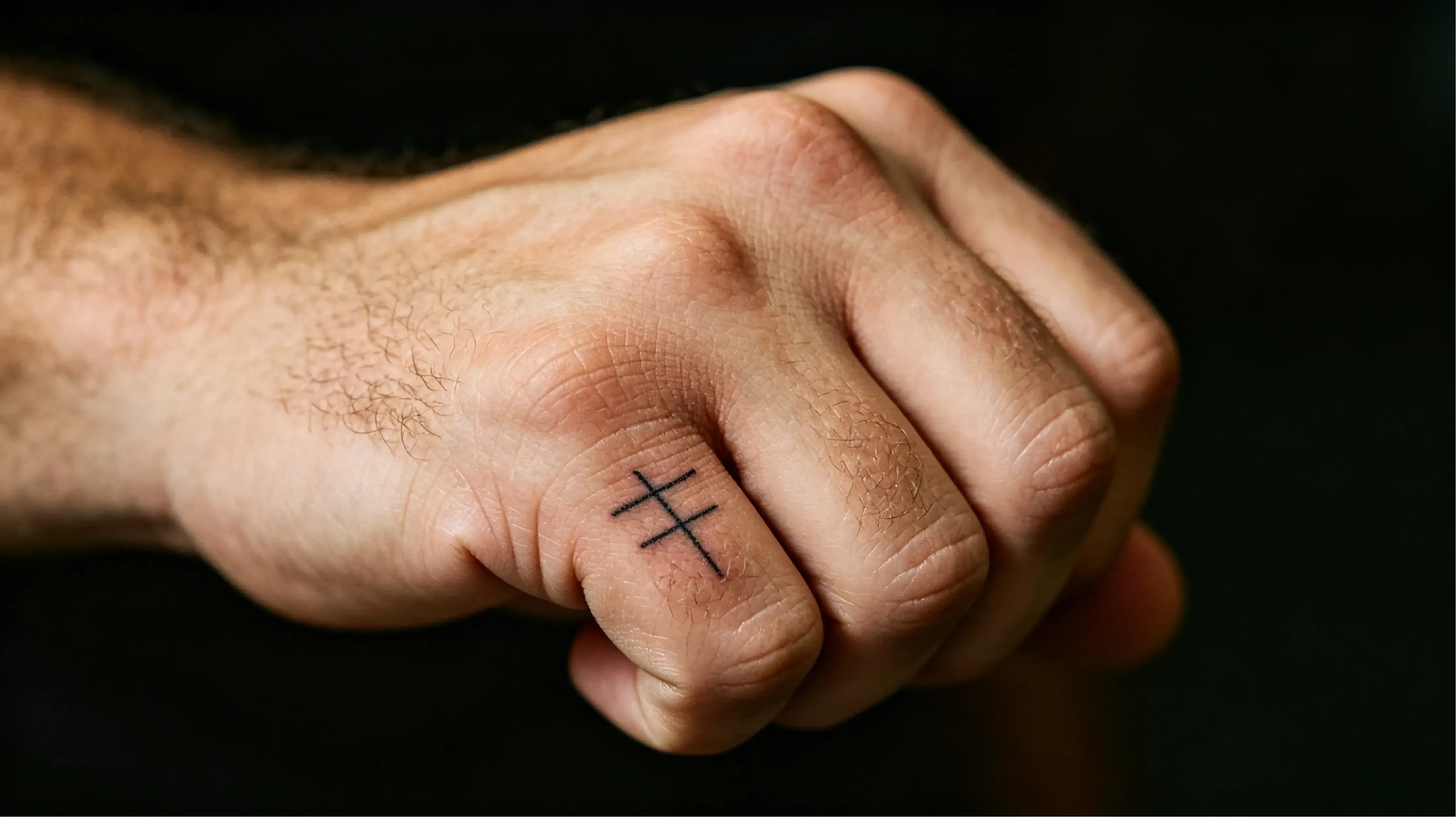
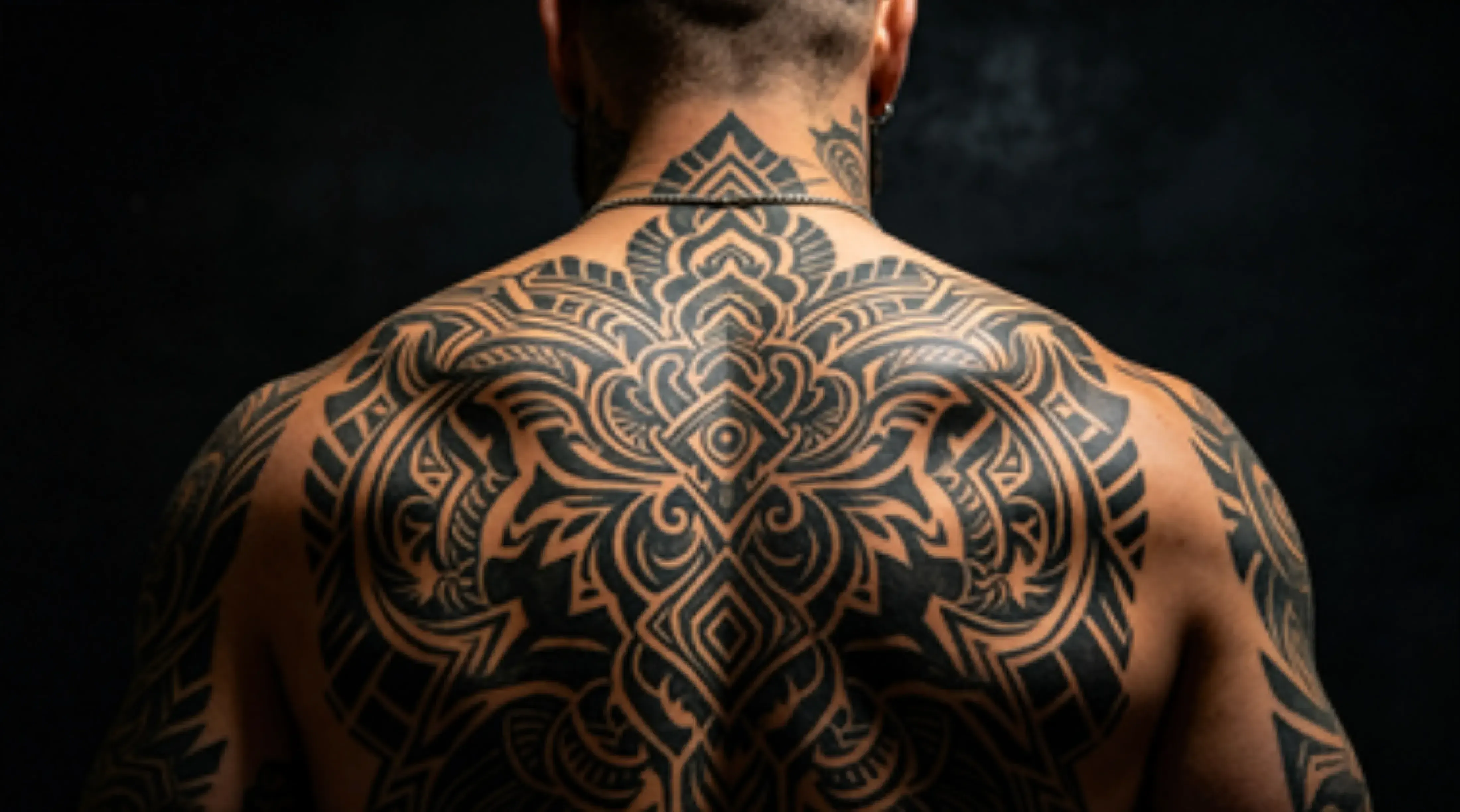
New School Style With Max Details

New School Style With Max Details

Template Prompt
39/2000
Commercial usage license included
More in AI Tattoo Generator
Wie man ein Tattoo mit KI entwirft: Stil, Platzierung und Referenzanleitung

Wie man ein Tattoo mit KI entwirft: Stil, Platzierung und Referenzanleitung

Ein gutes Tattoo-Design beginnt mit vier Entscheidungen: Motiv, Stil, Platzierung und Referenzmaterial. Wenn eine Tattoo-Idee zu vage, zu detailliert für die Größe oder nicht zum Körperbereich passt, mag sie als Konzeptkunst interessant aussehen, scheitert aber als echtes Tattoo. Der Vidoly AI Tattoo Generator hilft dir, ein Referenzbild, einen Tattoo-Stil und ein klares Motiv in ein frühes Designkonzept umzuwandeln, das du verfeinern kannst, bevor du mit einem Tätowierer zusammenarbeitest.

Erstelle jetzt dein Tattoo-Design mit Vidoly AI
Tattoo-Ideen aus Referenzen, Stilen und Motiven erstellen

Tattoo-Ideen aus Referenzen, Stilen und Motiven erstellen

Der Vidoly AI Tattoo Generator hilft Nutzern, Tattoo-Design-Ideen schneller zu erkunden. Statt von einer leeren Seite zu beginnen oder lange Prompts zu schreiben, kannst du mit einem Referenzbild starten, einen Tattoo-Stil wählen und das gewünschte Motiv eingeben – zum Beispiel eine Rose, einen Phönix, eine Schlange, einen Totenkopf, ein Haustierporträt, ein geometrisches Symbol oder ein Motiv im japanischen Stil. Dieser Workflow eignet sich für erste Tattoo-Ideen, Stilvergleiche, Konzepttests und die Erarbeitung einer klareren visuellen Richtung vor der endgültigen Verfeinerung.

Wie man ein Tattoo entwirft, das wirklich funktioniert?

Wie man ein Tattoo entwirft, das wirklich funktioniert?

Vom Bildschirm zur Haut: KI-Tattoo-Komposition und Linienhierarchie

Welche Eingaben funktionieren am besten für KI-Tattoo-Design?

Welche Eingaben funktionieren am besten für KI-Tattoo-Design?

KI-Tattoo-Design funktioniert am besten, wenn die Eingabe klar und strukturiert ist. Die besten Ergebnisse ergeben sich normalerweise aus:

Wie funktioniert der Vidoly AI Tattoo Generator?

Wie funktioniert der Vidoly AI Tattoo Generator?

Der Vidoly AI Tattoo Generator nutzt referenzgesteuerte Bildgenerierung, um Stilentscheidungen und Motiveingaben in Tattoo-Design-Konzepte umzuwandeln. Das System analysiert den ausgewählten Stil, die Motivform, den Linienkontrast, die Komposition und die visuelle Referenz, dann generiert es ein Konzept, das der gewünschten Richtung folgt. Das erleichtert den Vergleich mehrerer Tattoo-Ideen, bevor du entscheidest, was du weiter verfeinerst.

Welche Tattoo-Stile kannst du erkunden?

Welche Tattoo-Stile kannst du erkunden?

Tiefe Einblicke: Kern-KI-Tattoo-Stile und ihre Einsatzbereiche

Popular Uses for AI Tattoo Design

Popular Uses for AI Tattoo Design

People use AI tattoo design tools for many different goals, including: + planning a first tattoo + comparing multiple tattoo styles + creating pet memorial tattoo ideas + testing portrait tattoo directions + exploring floral or symbolic designs + building moodboards before visiting a tattoo artist + generating creator visuals or tattoo-inspired concept art

Limitations of AI Tattoo Design

Limitations of AI Tattoo Design

AI tattoo generators can create strong concept art, but they may not always produce tattoo-ready stencils. Fine lettering, exact symmetry, highly detailed portraits, and placement on curved body areas often require manual refinement. If you want the design tattooed, the result should be reviewed by a professional tattoo artist to improve line clarity, proportion, and body fit.

How To Use Vidoly AI Tattoo Generator?

1

Define Your Body Canvas and Motif

Choose the placement first: forearm, upper arm, back, shoulder, rib, calf, chest, wrist, or ankle. Then define one main motif, such as a pet portrait, phoenix, dragon, flower, symbol, name, skull, snake, koi fish, or cover-up idea.

2

Upload a Reference Image if Needed

Use a clear portrait, pet photo, flower, object, or old tattoo image when you want the AI to follow a specific subject.For cover-up ideas, upload the existing tattoo as a visual reference and ask for a darker, larger, or more structured redesign concept.

3

Choose a Tattoo Style

Select a clear style direction such as Japanese irezumi-inspired, trash polka, fine-line minimalist, blackwork, realism, geometric, illustrative, floral, or pet memorial tattoo.

4

Generate and Check the Structure

Review the concept for line hierarchy, negative space, subject clarity, placement flow, and long-term readability. If thedesign looks too crowded, regenerate with simpler wording and stronger contrast.

5

Refine with a Tattoo Artist

Use the AI result as a mood board or concept reference. Before tattooing, ask a professional artist to redraw the finalstencil, adjust line weight, simplify details, and fit the design to your body shape.

FAQs

What is Vidoly AI Tattoo Generator?

Vidoly AI Tattoo Generator is an online tool that helps users create tattoo design concepts from a reference image, a selected tattoo style, and a clear subject or motif.

How does AI Tattoo Generator work?

Start with one clear subject, choose a tattoo style, add a strong reference image, and generate a concept you can review for placement, detail level, and readability.

Do I need to write detailed prompts?

No. Vidoly AI Tattoo Generator is designed to reduce complex prompt writing by using a guided workflow based on style selection and simple motif input. Users can focus on what they want to create instead of repeatedly rewriting long prompts.

Can I use a reference image for tattoo design?

Yes. Reference images can help guide the visual direction, especially for portraits, pets, flowers, symbols, or specific tattoo styles. Clear images with a strong subject usually produce better tattoo concepts.

What tattoo styles work best for AI tattoo design?

Styles such as minimalist, Japanese, realism, blackwork, floral, geometric, and illustrative tattoo styles usually work well for early concept generation.

Can AI help me design a forearm tattoo?

Yes. AI can help generate forearm tattoo concepts, but the final design should still be checked for body flow, spacing, and long-term readability.

Can AI create a tattoo from a pet photo?

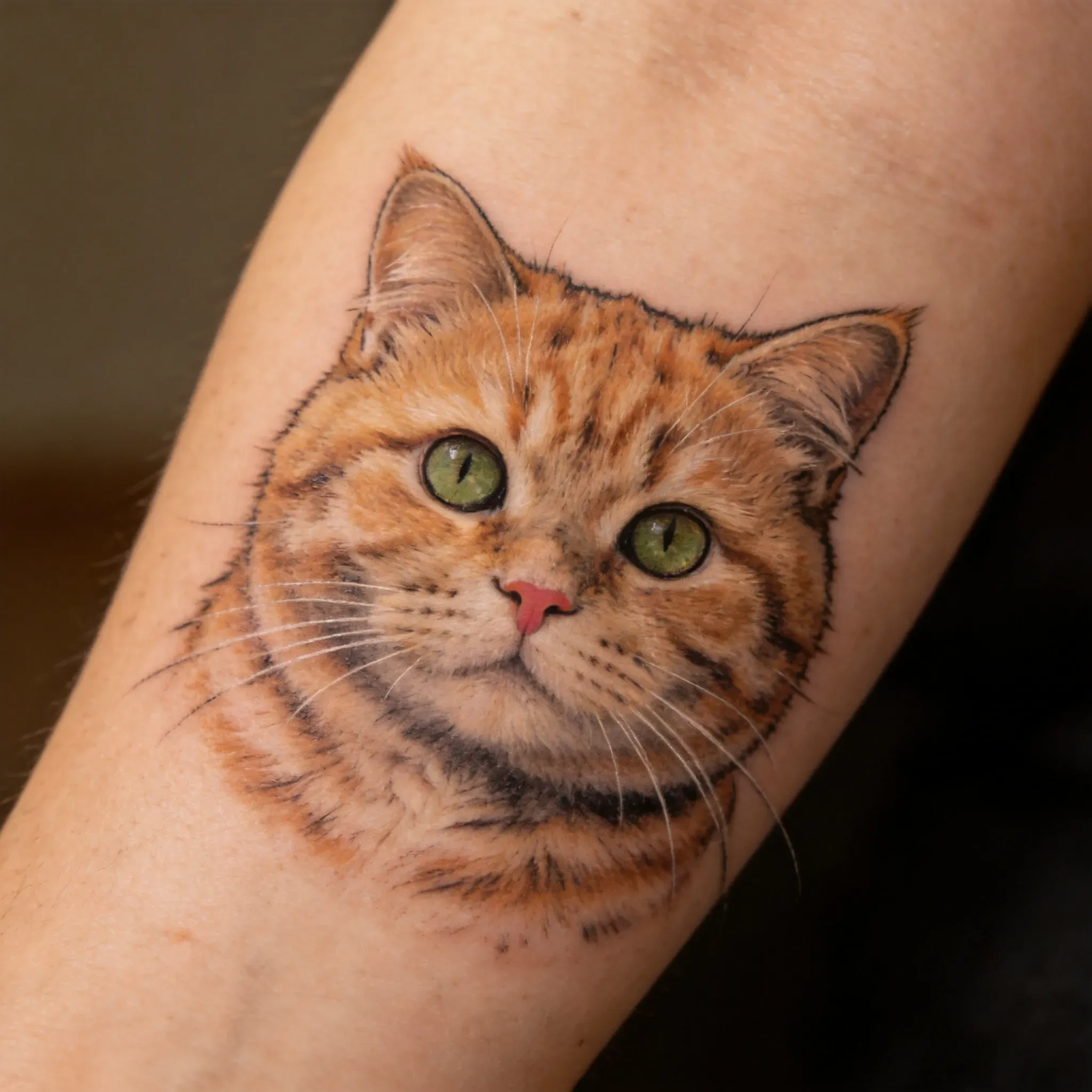
Yes. A pet photo can be used as a reference for a pet tattoo concept, especially for forearm, arm, or memorial-style designs. For a real tattoo, a tattoo artist should refine the final portrait for clean linework and skin placement.

Can AI create portrait tattoo ideas?

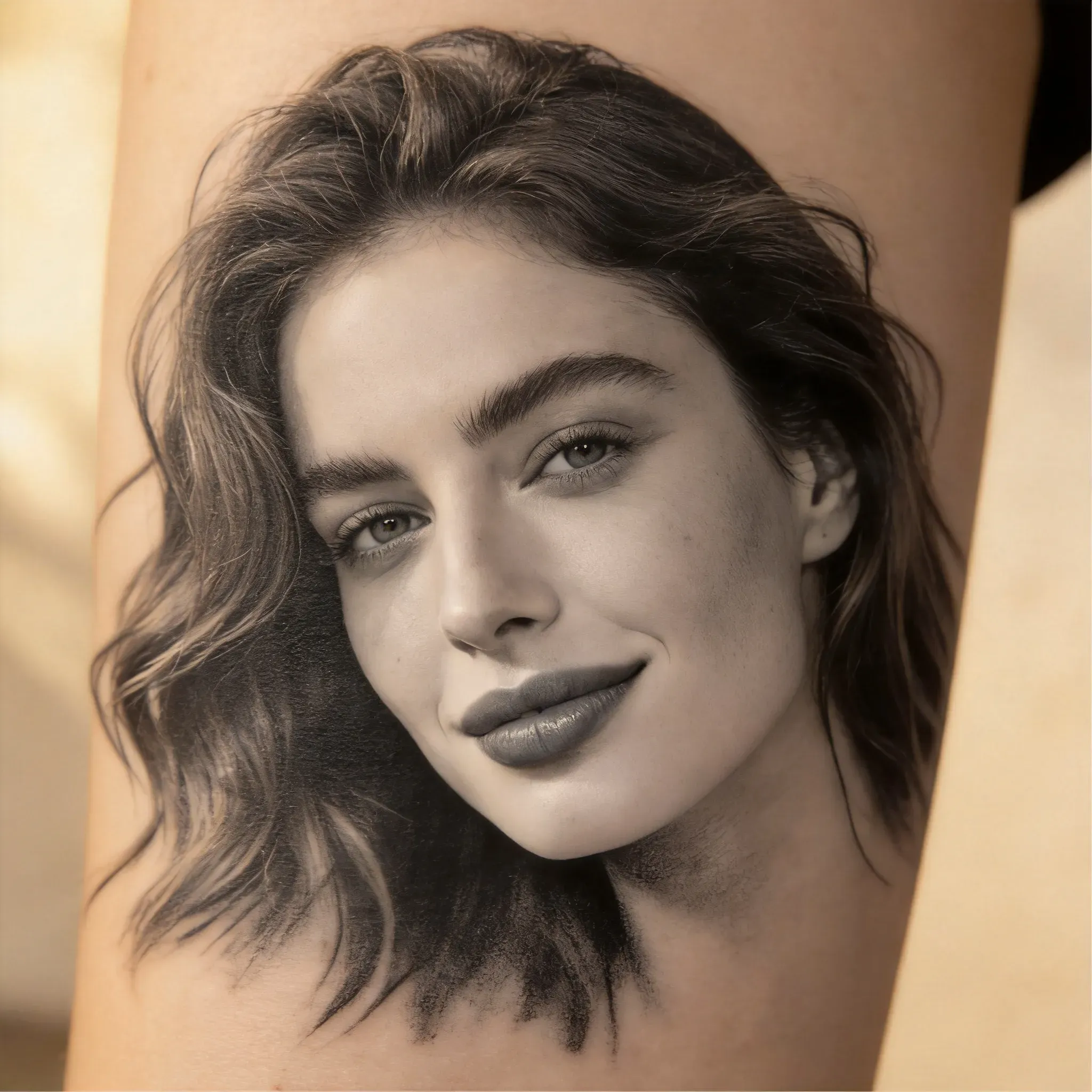
AI can help generate portrait tattoo concepts from reference images, but exact facial likeness may vary. Portrait tattoos require strong detail control, so the final design should be reviewed and refined by an experienced tattoo artist.

Are AI tattoo designs ready to tattoo immediately?

No. AI tattoo results should be treated as concept art, not final stencil artwork. A generated image is a 2D visual reference, while a real tattoo must fit curved skin, body movement, tattoo size, line weight, healing behavior, and long-term readability. Use Vidoly AI to build the idea, then let a tattoo artist redraw the final stencil and adjust the design for your actual placement.

Is AI Tattoo Generator useful for first tattoo ideas?

Yes. It is useful for exploring different tattoo directions before committing to a final design. First-time users can compare styles, motifs, placements, and visual references before discussing the idea with a tattoo artist.

Can AI create a tattoo stencil?

AI can help generate tattoo concept art that may be used as a starting point for stencil preparation, but the result is not always stencil-ready. A tattoo artist should simplify linework, adjust spacing, clean edges, and prepare the final stencil based on body placement and tattoo size.

Why should a tattoo artist refine an AI tattoo design?

A tattoo artist can adjust line weight, spacing, shading, and body flow so the design works better on skin. AI-generated tattoo concepts may look good visually, but they still need professional refinement for readability, aging, placement, and tattooing technique.

Will AI tattoo design age well on skin?

Not automatically. Designs with tiny details, very thin lines, low contrast, crowded shading, micro text, or unclear silhouettes may blur or lose readability over time. A tattoo artist should simplify small details, strengthen key outlines, increase negative space, and adapt the design to the body area before tattooing.

Can I use AI Tattoo Generator for cover-up tattoo ideas?

Yes. You can upload a photo of an old tattoo or describe the existing shape, color, and placement to explore cover-up directions. Cover-up concepts usually need darker values, larger shapes, stronger contrast, and smart composition to hide the old ink. The AI result should still be reviewed by a tattoo artist, because cover-ups depend heavily on the original tattoo’s darkness, scar tissue, skin tone, and available body space.