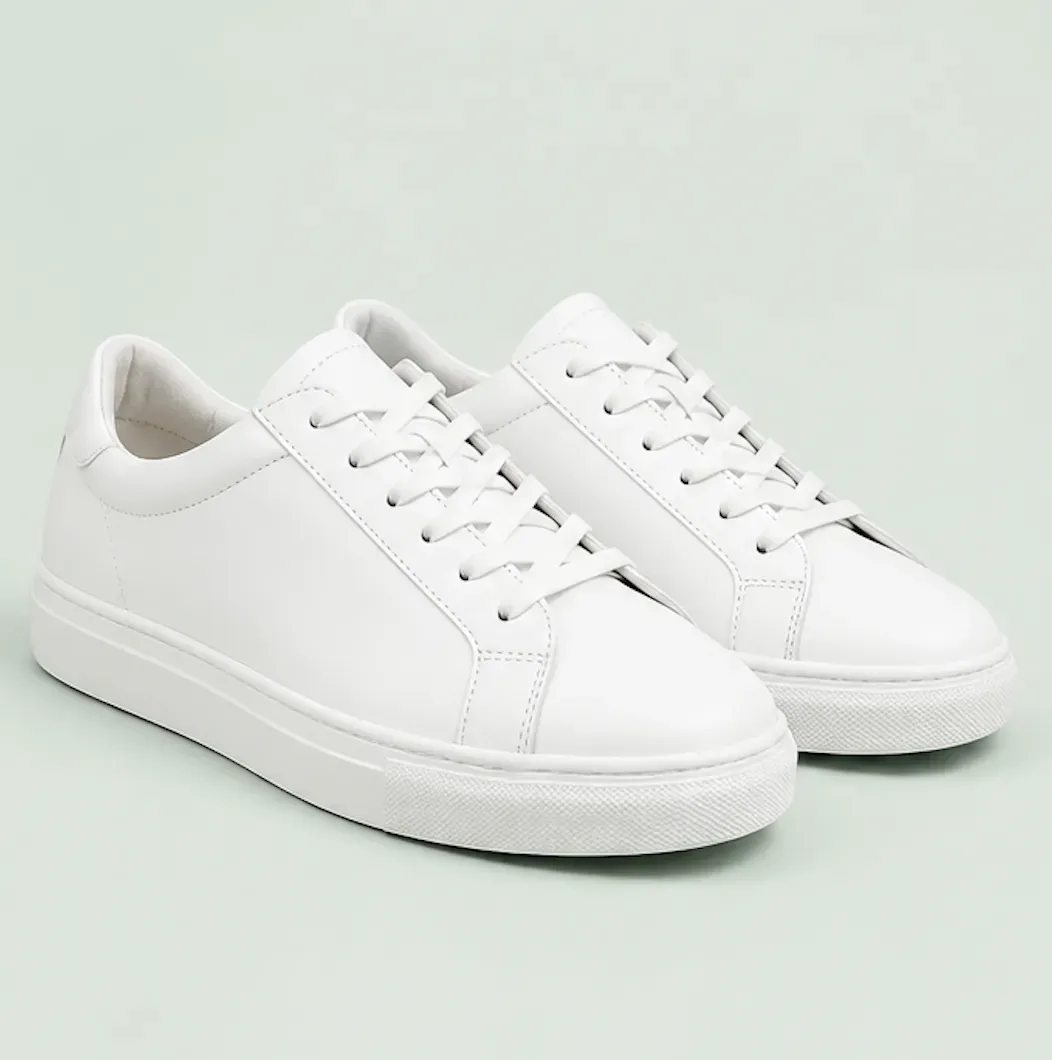
Shopify Collection Grid Image Generator

Shopify Collection Grid Image Generator

TECHNICAL SPECS

SECTION

Shopify Product Image Generator

MODULE

image_to_image

SKILL ID

shopify_collection_grid_image_generator

Upload Image
photo_camera

Upload Image

TEMPLATE PROMPT
Commercial usage license included
MORE IN Shopify Product Image Generator
#shopify_product_image_generator
Generate Consistent 1:1 Product Images for Shopify Collection Grids

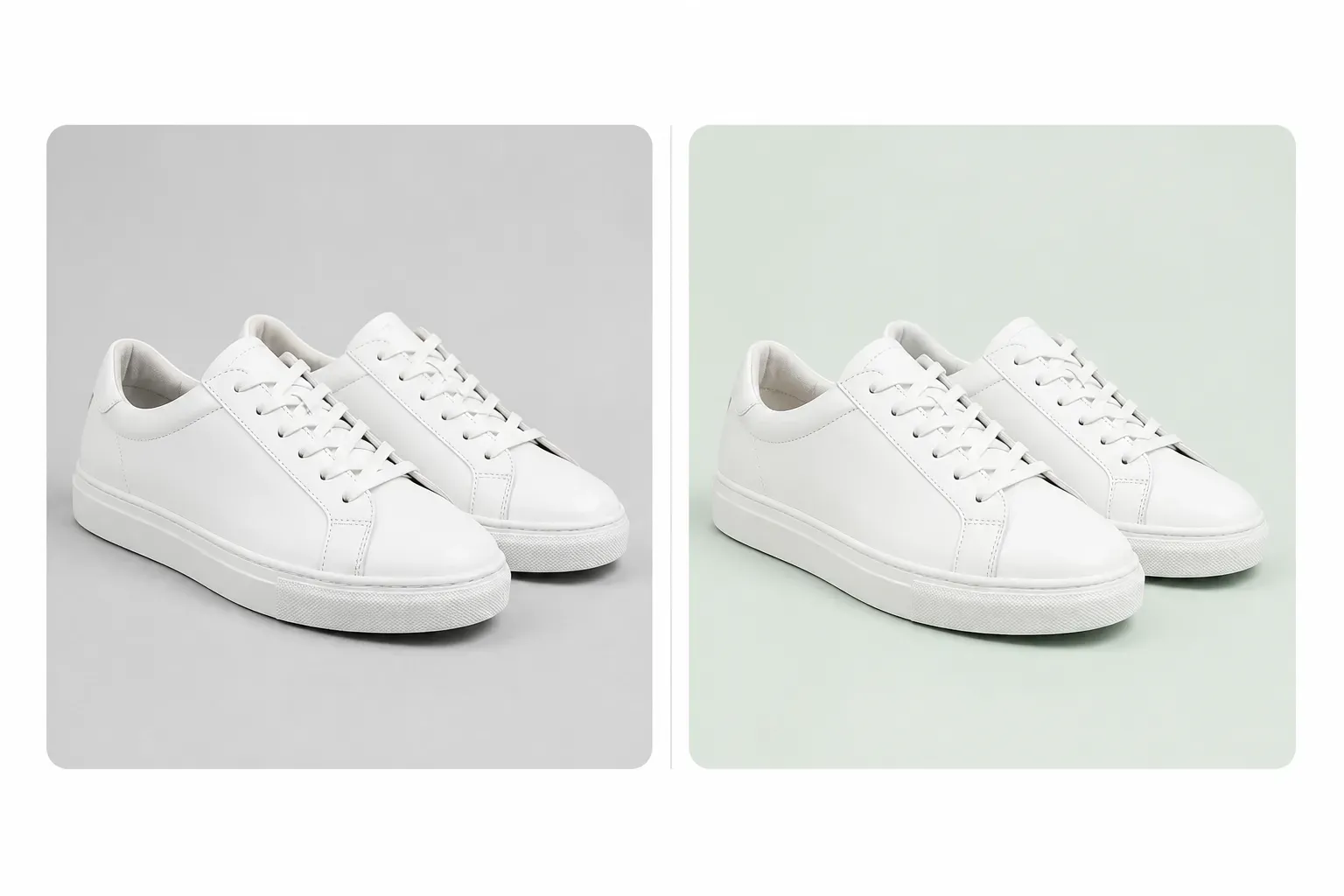
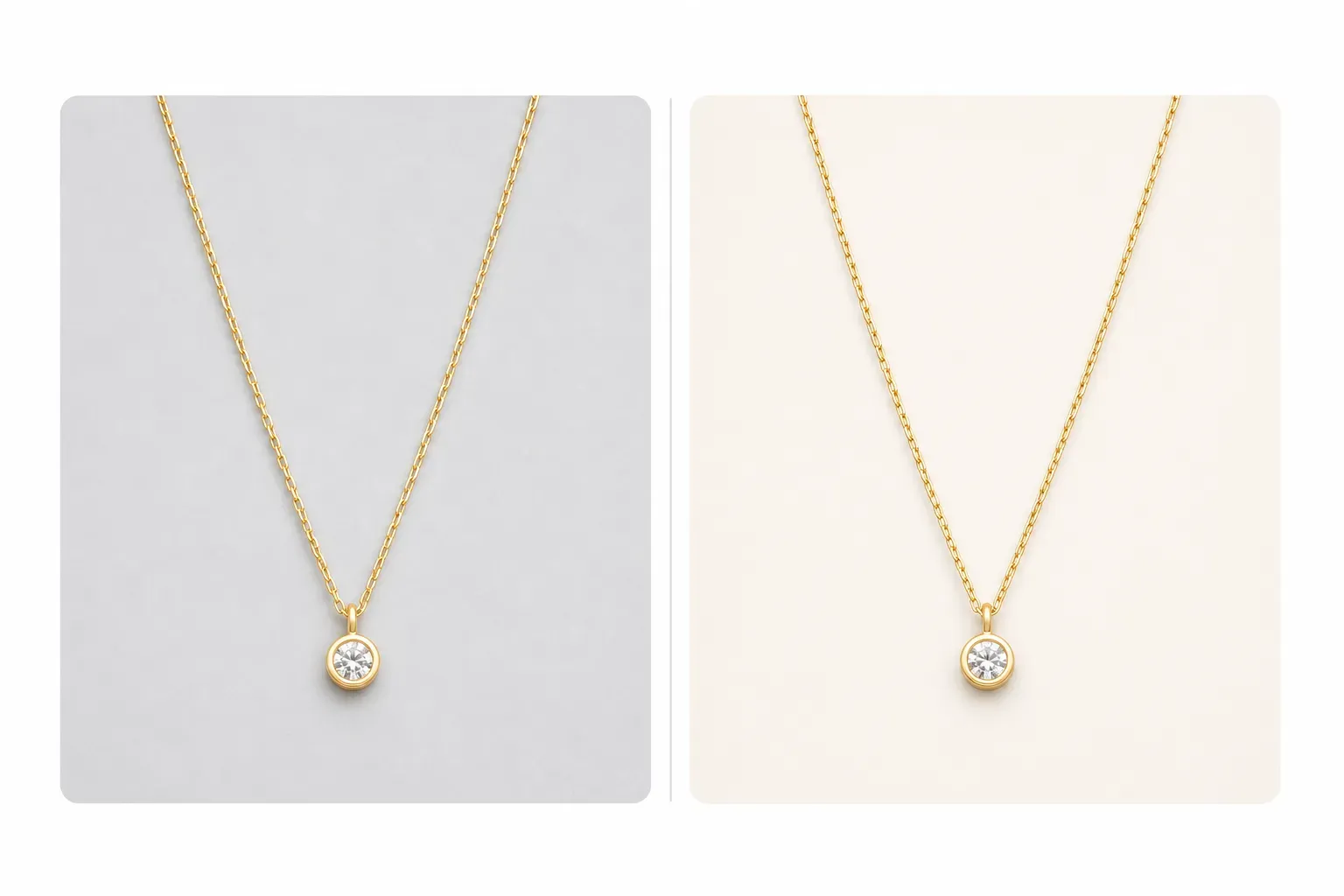
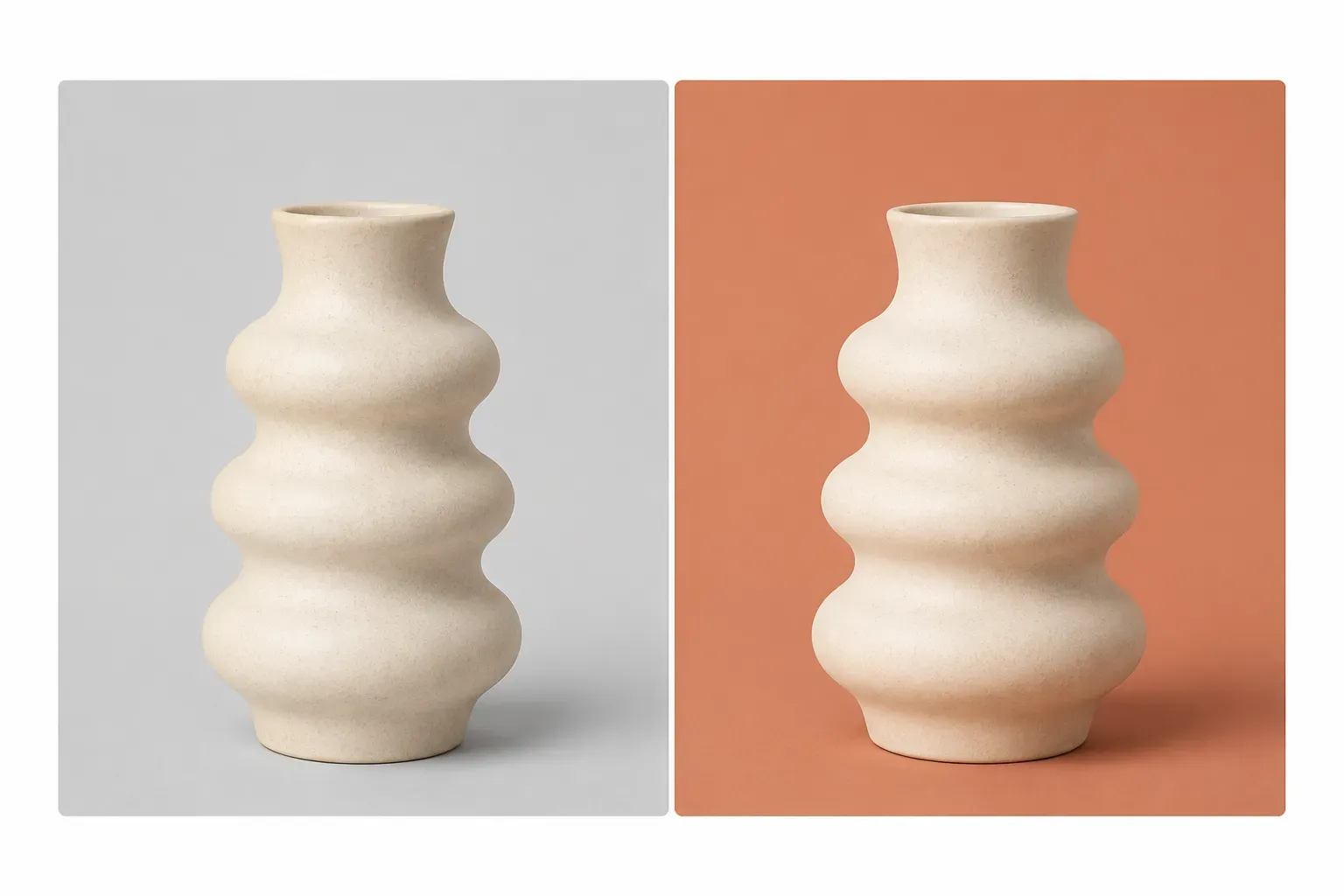
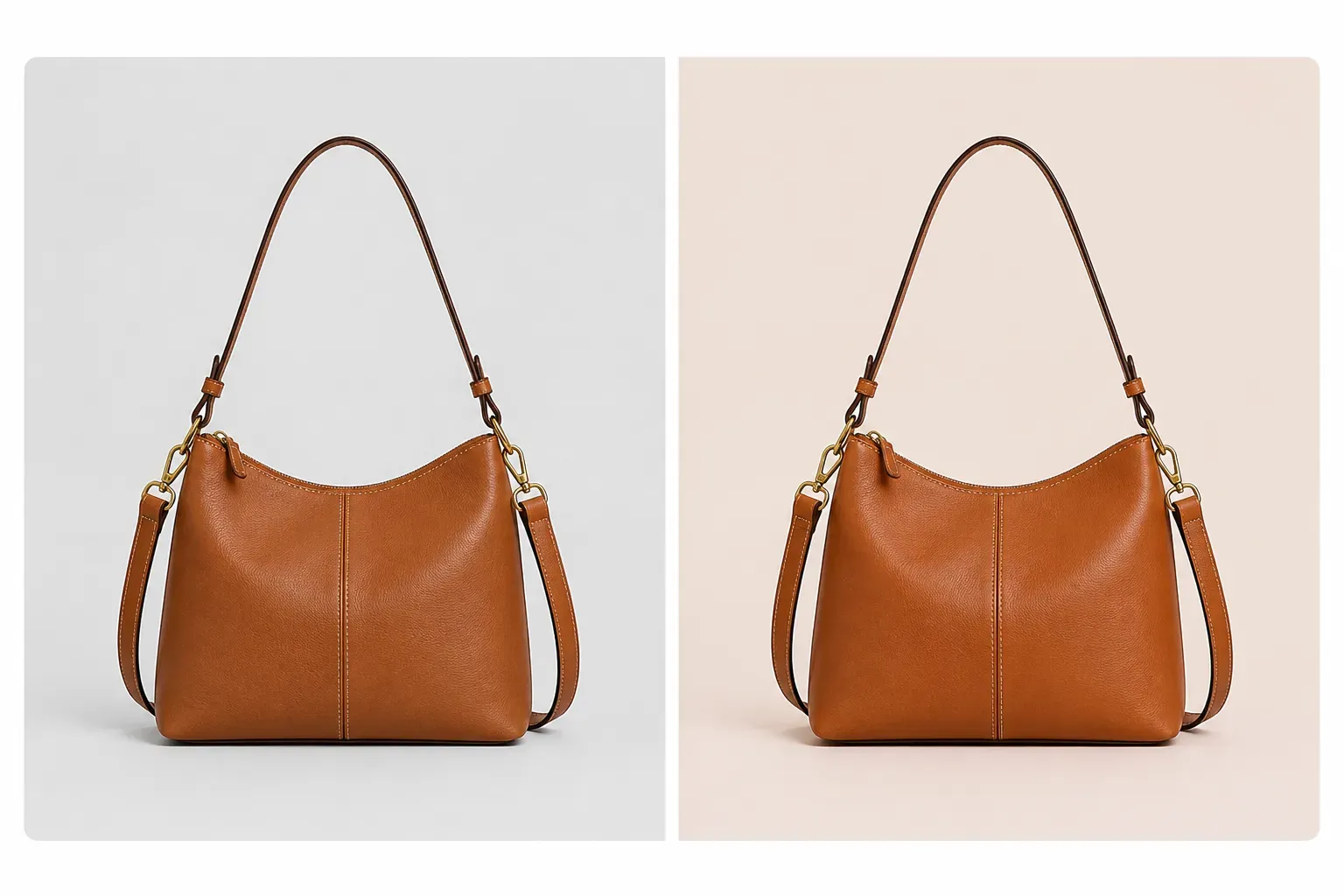
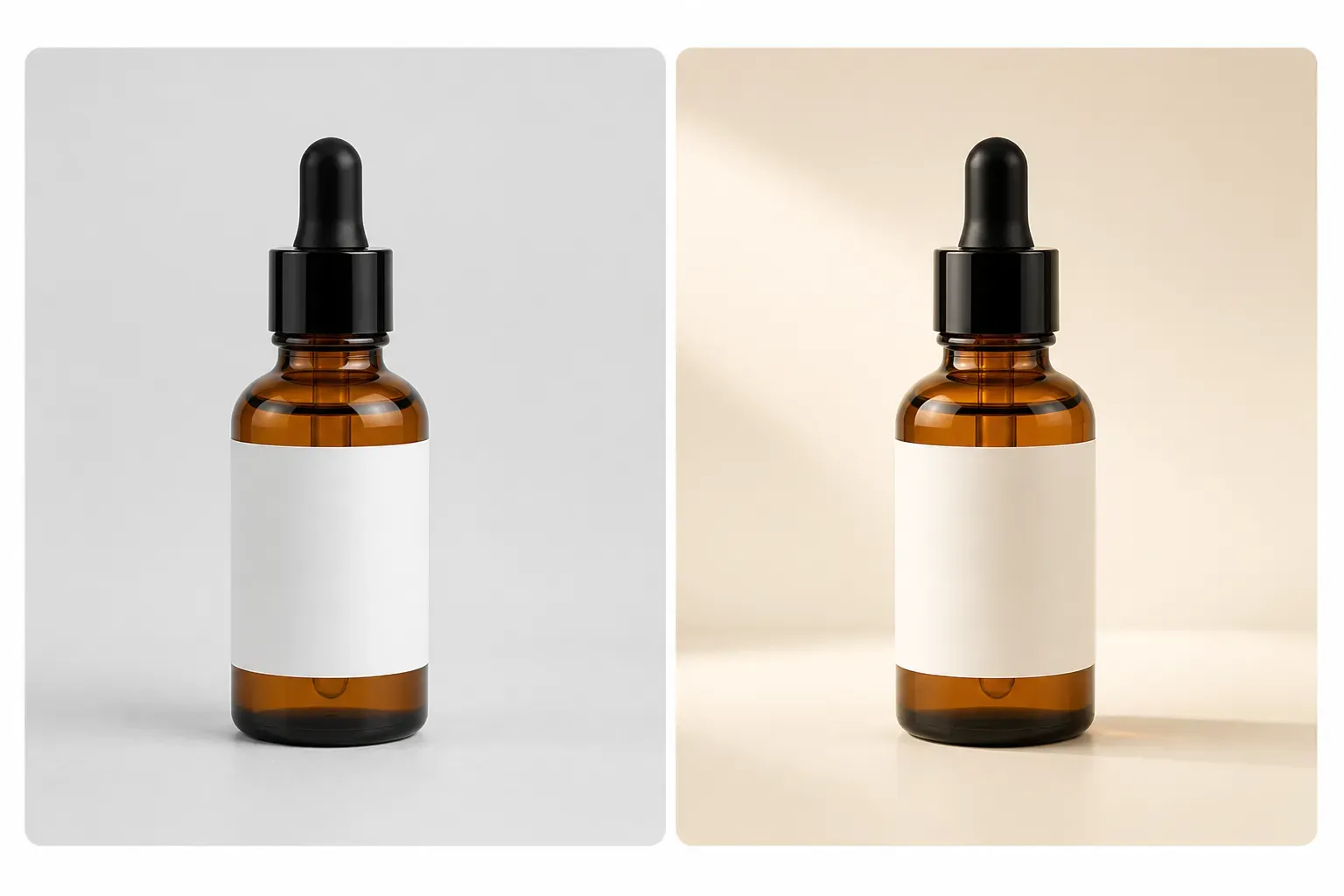
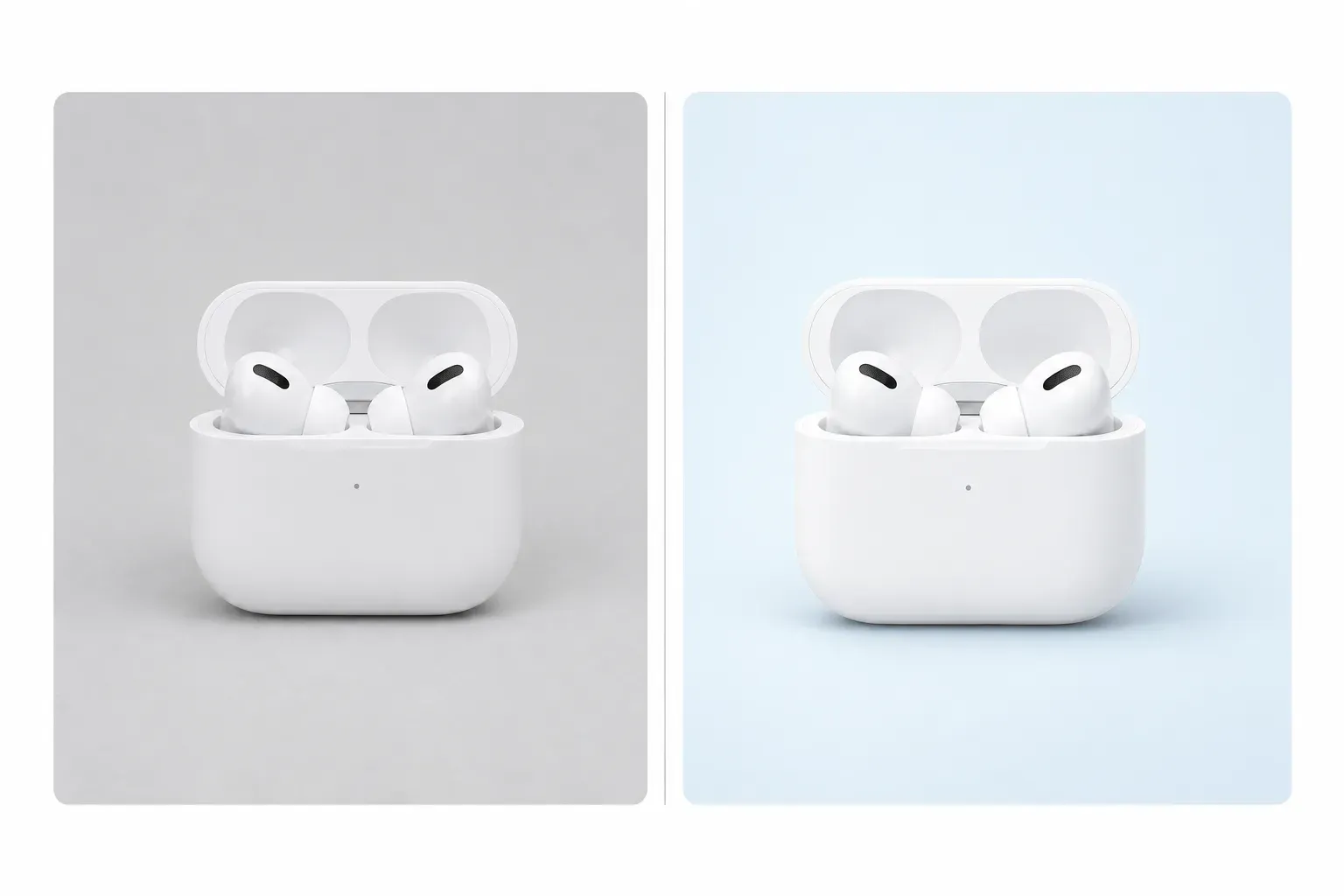
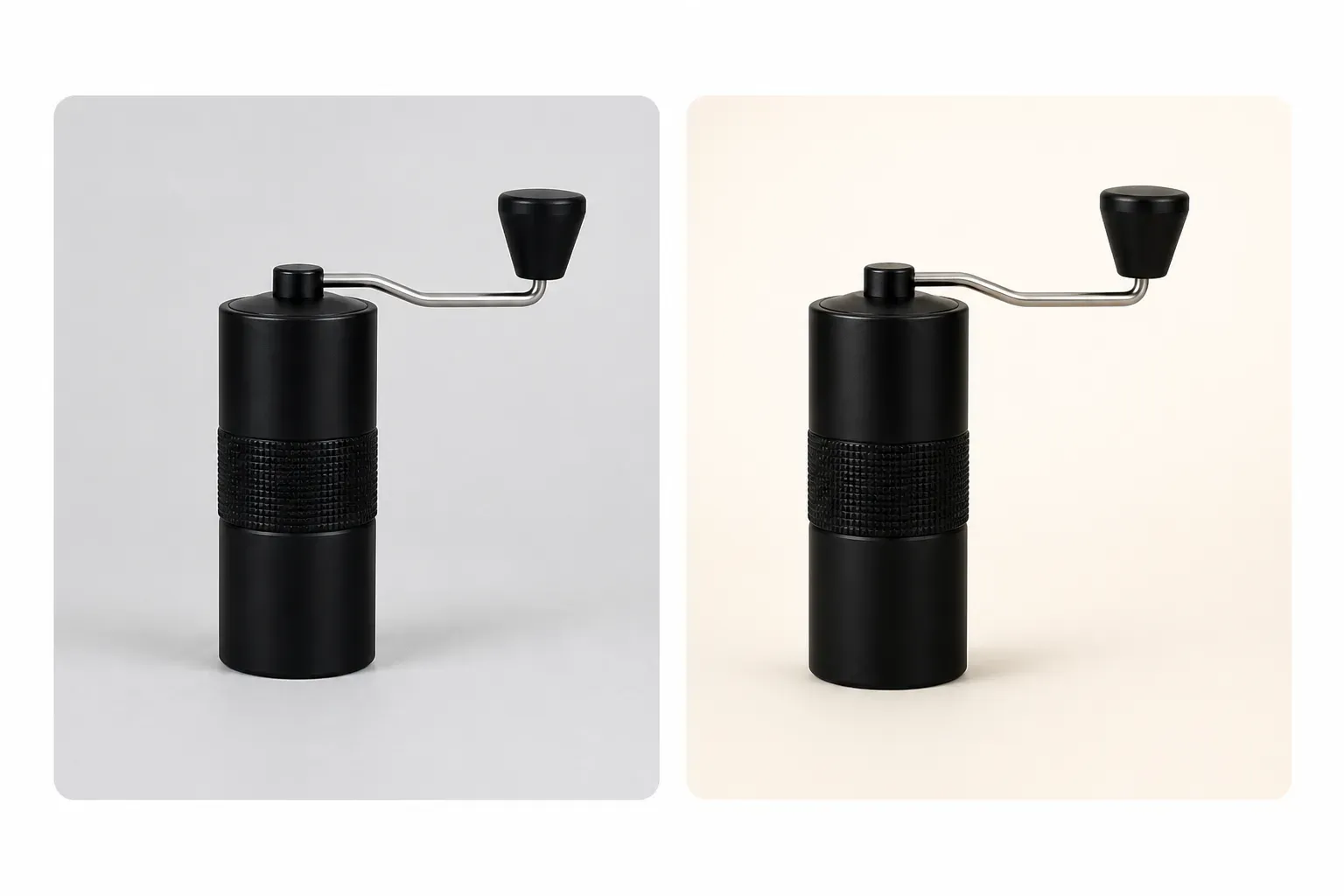
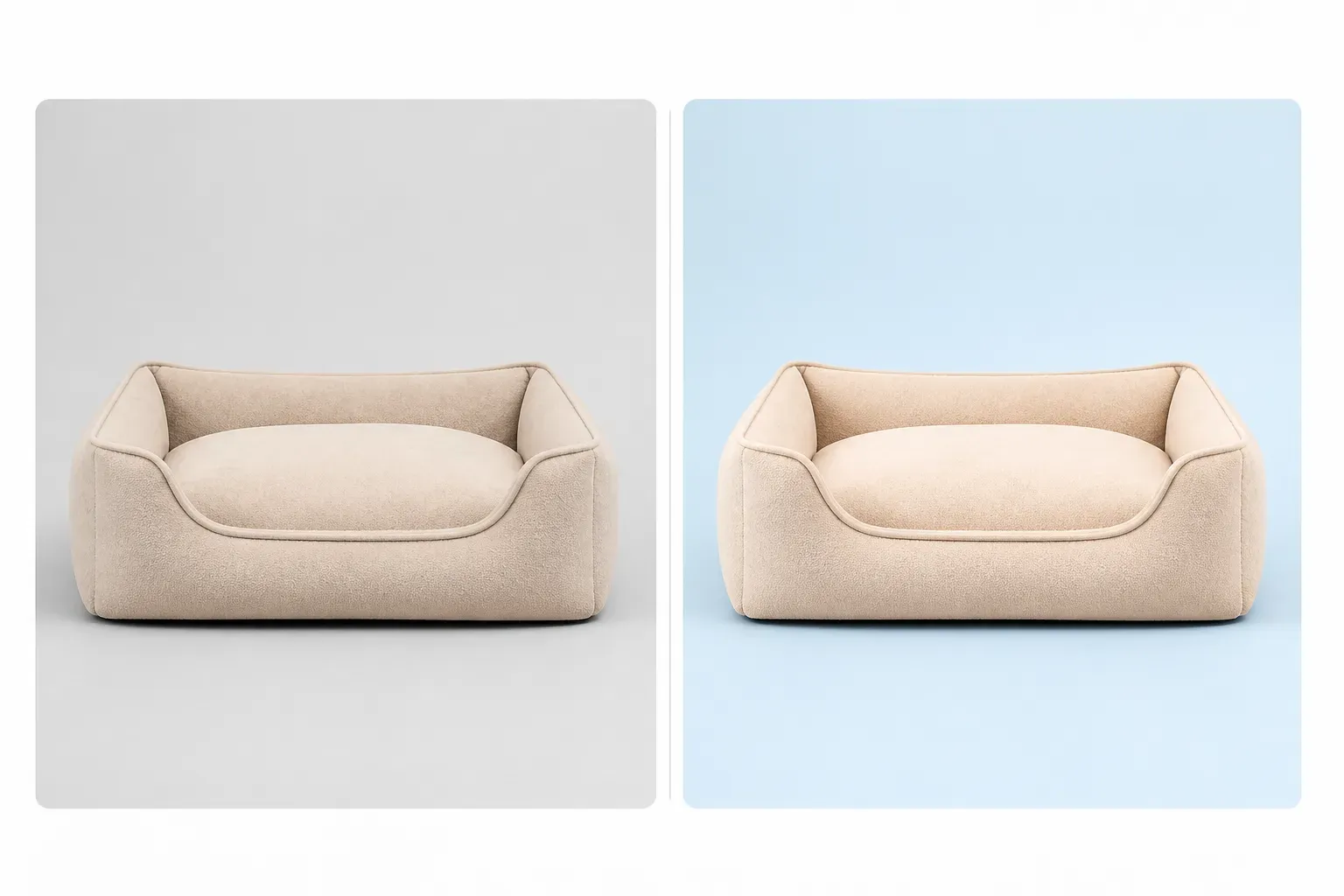
Shopify collection pages look stronger when every product card uses a consistent image style. Vidoly AI analyzes your uploaded product, preserves its real shape, color, material, packaging, and visible details, then places it into a clean 1:1 collection grid image. Use it to standardize backgrounds, lighting, framing, spacing, and shadows across product categories such as fashion, beauty, home decor, electronics, pet products, kitchen items, and accessories.

What Is a Shopify Collection Grid Image Generator?

Vidoly Shopify Collection Grid Image Generator is an AI tool that creates clean product card images for Shopify collection pages. It focuses on consistency: product position, image ratio, background style, lighting, padding, and shadow. Unlike a lifestyle image or ad creative, a collection grid image is designed to help shoppers scan products quickly in a store grid.

Create 1:1 Product Card Images for Shopify

The default output is a 1:1 square image because Shopify collection grids often display products in uniform tiles. A square product image works well for category pages, featured collection sections, product cards, and mobile browsing. Vidoly AI keeps the product centered and clearly visible while leaving enough padding around the item.

Standardize Backgrounds Across Your Store

Different supplier photos often come with inconsistent backgrounds, colors, shadows, and camera angles. Vidoly AI can place each product on a unified background style, such as: + soft neutral, + pure white, + brand color, + light gradient, + pastel, + dark premium. This helps the collection page feel intentional instead of patched together from mixed source images.

Use Shopify-Friendly Background Options

Shopify stores do not always need pure white backgrounds like marketplace listings. A soft neutral background works well by default because it keeps the product clear while adding a more branded independent-store feel. Merchants can also choose pure white for minimal stores, brand colors for stronger visual identity, light gradients for premium polish, or dark backgrounds for electronics, fragrance, and luxury products.

Keep Product Details Accurate

The tool is designed to preserve the product’s real appearance, including shape, color, material, texture, packaging, logo placement, visible buttons, straps, handles, caps, labels, and other important details. After generation, merchants should still review the image for product accuracy, especially when the item has small text, reflective surfaces, transparent materials, or complex edges.

Improve Collection Page Scanning

A collection grid should make it easy for shoppers to compare products. Consistent image framing helps users scan color, shape, size, style, and product type without visual clutter. This is useful for stores with many SKUs, mixed supplier photos, seasonal drops, color variants, or products from different photoshoots.

Shopify Collection Grid Images vs Lifestyle Images

A collection grid image is clean, centered, and consistent for product browsing. A lifestyle image places the product in a real-world scene for brand storytelling. Most Shopify stores benefit from both: collection grid images for category browsing and lifestyle images for product pages, homepage sections, ads, and campaigns.

Common Limitations of AI Product Grid Images

AI can clean up product presentation quickly, but some images need manual review. Results may be weaker when the uploaded product is blurry, cropped, low-resolution, heavily reflective, transparent, or hidden by props. Small label text, exact logos, complex patterns, and fine edges should be checked before publishing.

How To Use Vidoly Shopify Collection Grid Image Generator

1

Upload Your Product Photo

Choose a clear product image where the full item, edges, color, material, packaging, and key details are visible.

2

Choose a Background Style

Use the default soft neutral background or choose pure white, brand color, light gradient, pastel, dark premium, or transparent cutout if available.

3

Generate a 1:1 Grid Image

Vidoly AI creates a square Shopify-ready product card image with consistent product placement, padding, lighting, and shadow.

4

Review Product Accuracy

Check the product’s color, shape, label placement, texture, scale, and any important details before using the image in your store.

5

Upload to Shopify

Use the image on collection pages, featured collection sections, product cards, category pages, or store grid layouts.

FAQs

What does this generator create?

It creates clean 1:1 product card images for Shopify collection grids. The tool focuses on consistent background, lighting, product placement, padding, and shadow style.

Why is the default ratio 1:1?

A 1:1 square format works well for Shopify collection grids because it keeps product cards visually consistent across desktop and mobile layouts. It also makes product tiles easier to compare.

Should Shopify collection images use a white background?

Not always. Pure white works for minimal stores and marketplace-style product grids, but Shopify stores often benefit from soft neutral, brand color, pastel, light gradient, or dark premium backgrounds. The default recommendation is soft neutral.

What background style should I choose?

Use soft neutral for most stores, pure white for clean minimal catalogs, brand color for stronger identity, light gradient for premium presentation, pastel for lifestyle brands, and dark premium for electronics, fragrance, luxury, or black products.

Can I use my brand color as the background?

Yes. A brand color background can make a Shopify collection page feel more distinctive. Make sure the product remains clearly visible and has enough contrast from the background.

Is this the same as a lifestyle product image?

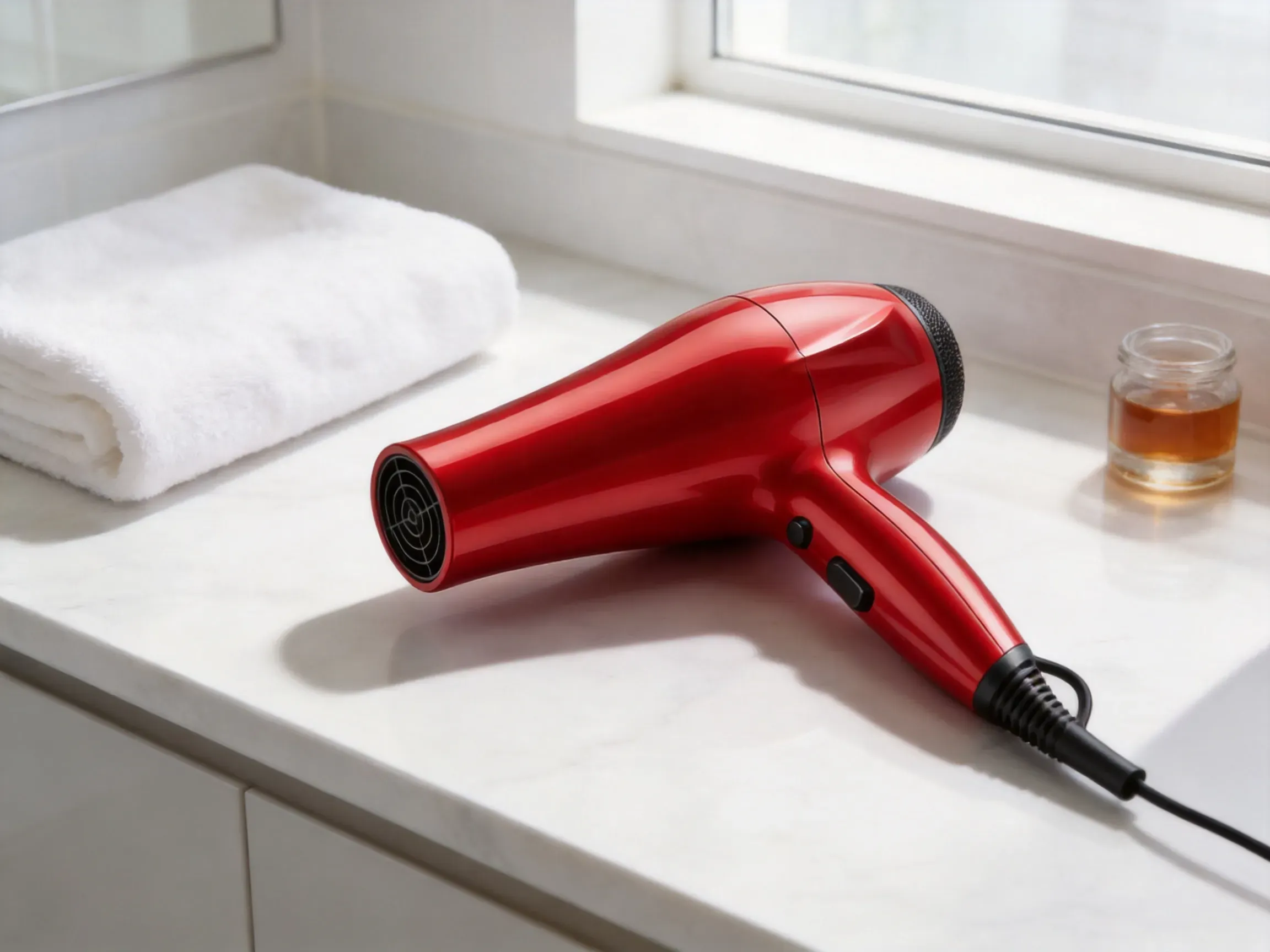
No. A collection grid image is designed for clean product browsing and comparison. A lifestyle product image places the product in a real scene, such as a desk, bathroom, kitchen, living room, or outdoor environment.

Can this fix inconsistent supplier photos?

Yes. If supplier photos have different backgrounds, lighting, or framing, this tool can help standardize them into a consistent Shopify grid style. Review the final images to make sure each product remains accurate.

What products work best?

Fashion accessories, beauty products, skincare, bags, shoes, jewelry, home decor, kitchen items, pet products, supplements, electronics, fitness gear, and travel accessories can work well. Clear product edges and high-resolution source images give better results.

Can I use this for product variants?

Yes, it can help create consistent images for color or style variants, but the variant must remain accurate. Check that each generated image matches the real product color, material, and design.

Will the AI preserve logos and labels?

The AI can try to preserve visible logos, labels, and packaging details, but small text may change. Review brand marks, legal text, ingredient lists, warnings, and product labels before publishing.

What should I check before uploading to Shopify?

Check product accuracy, cropping, background consistency, image clarity, color accuracy, label details, shadow quality, and whether the product card looks consistent with the rest of your collection page.