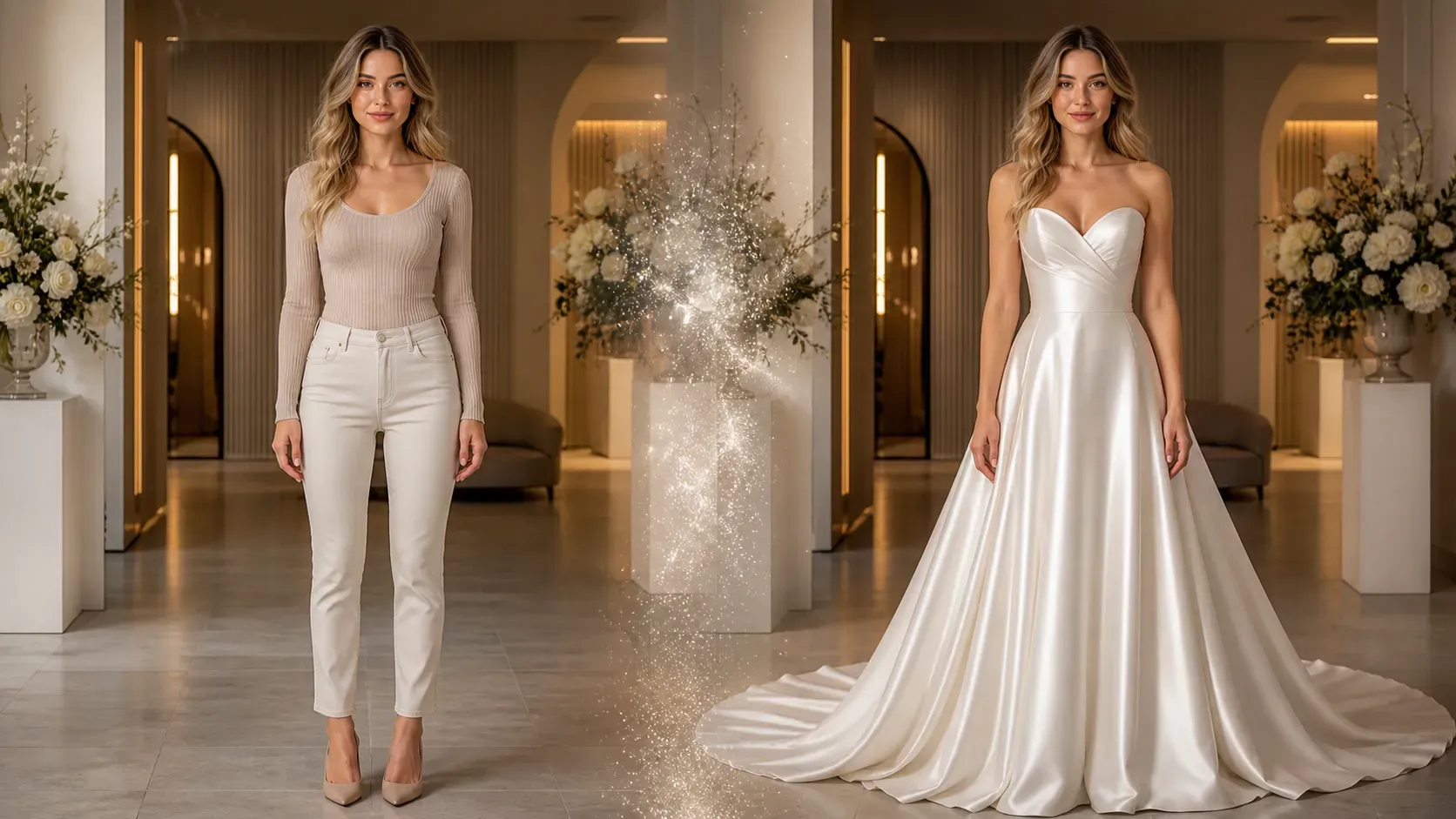
AI Wedding Dress Try On

AI Wedding Dress Try On

Published: · Updated:

Last opp bilde
photo_camera

Upload Person Image

photo_camera

Upload Dress Image

Mal-forespørsel
0/2000
Kommersiell brukslisens inkludert
Mer i AI-virtuell prøving

AI Wedding Dress Try On: Preview Wedding Dresses and Veils on Your Photo

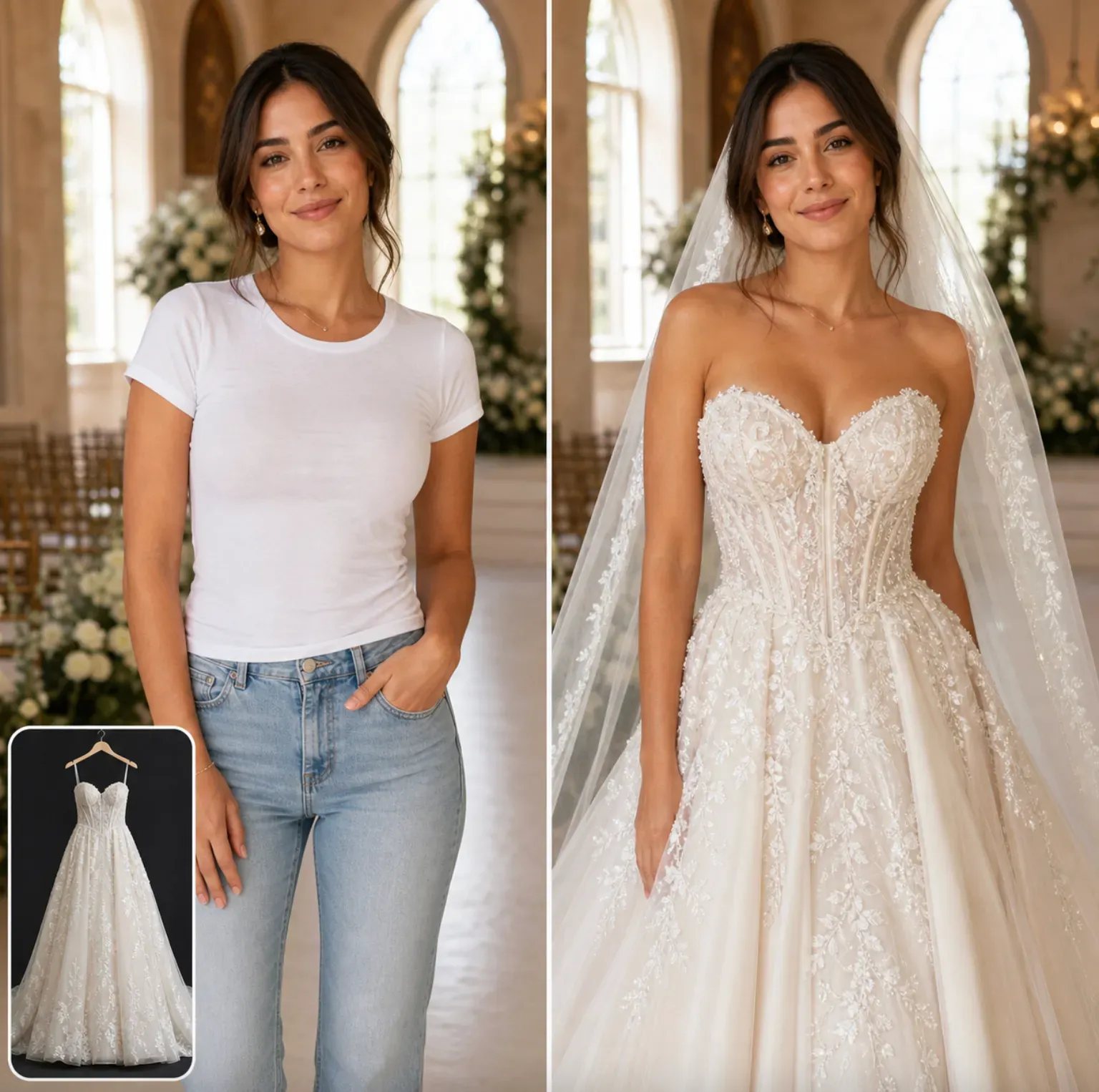
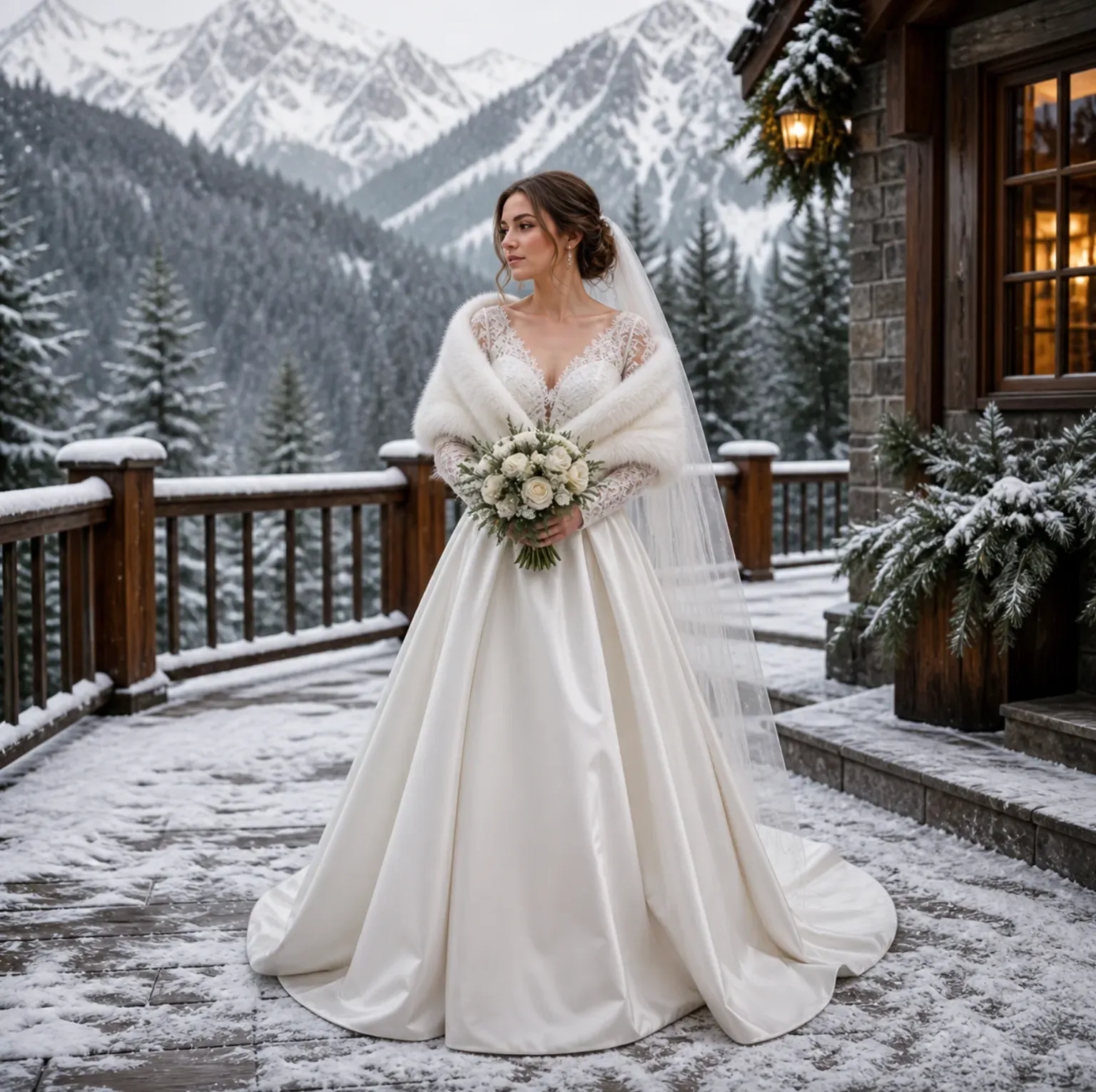
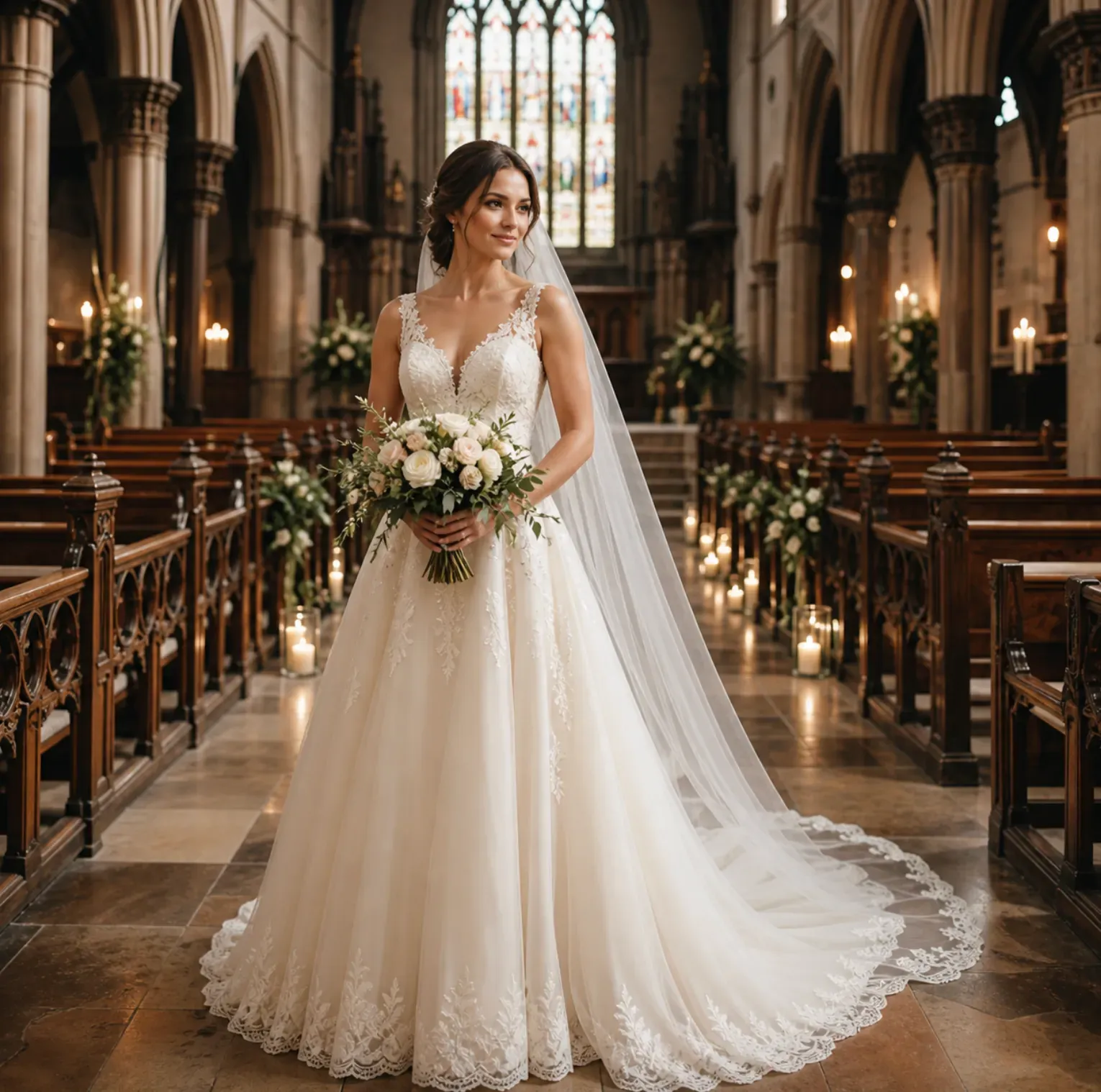
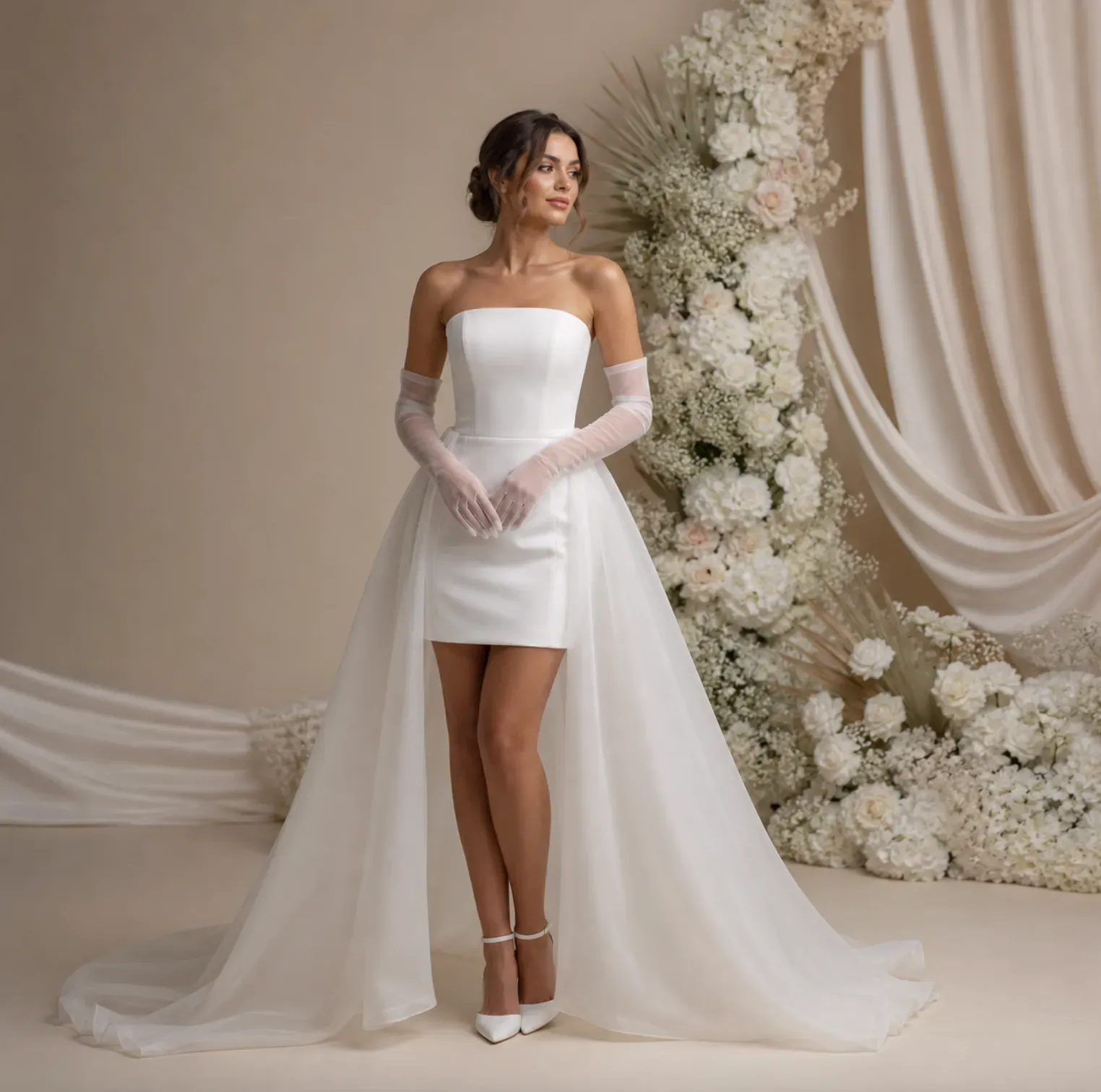
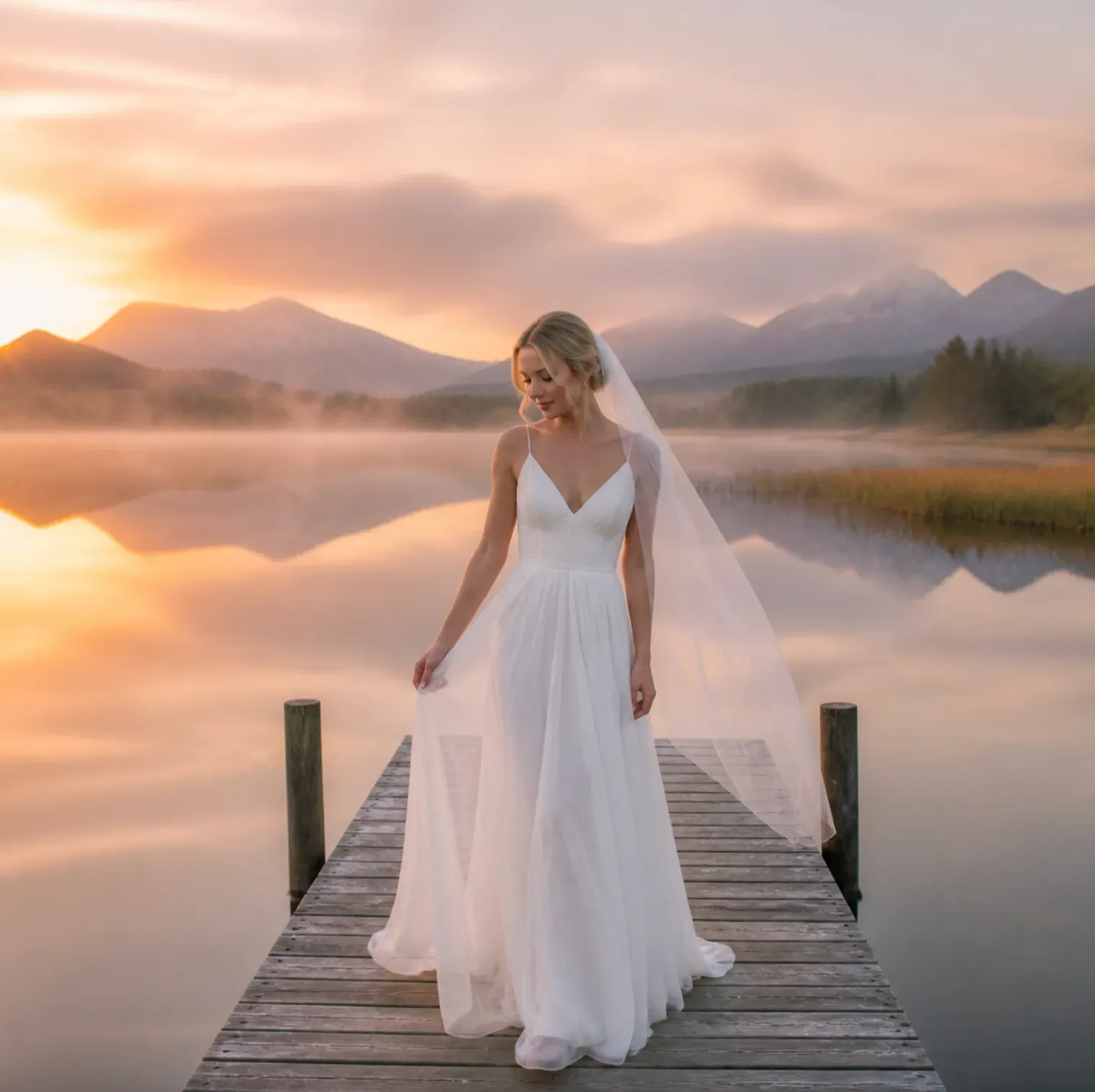
Vidoly AI Wedding Dress Try On helps you upload a portrait or full-body photo and generate a bridal outfit preview with wedding dresses, veils, gowns, sleeves, trains, lace, satin, tulle, and accessories. It is useful for searches like "ai virtual try on wedding veil photo" because the result shows how a veil and bridal outfit could look on a real person photo before a fitting, photoshoot, or shopping decision. Use it to compare a cathedral veil with a mermaid gown, a short veil with a civil ceremony dress, a lace A-line dress with off-shoulder sleeves, or a modern satin gown with minimal accessories. The output is an AI-generated visual preview for style planning, not a replacement for tailoring measurements, fabric samples, or an in-person bridal appointment.

What This Wedding Outfit Try-On Tool Does

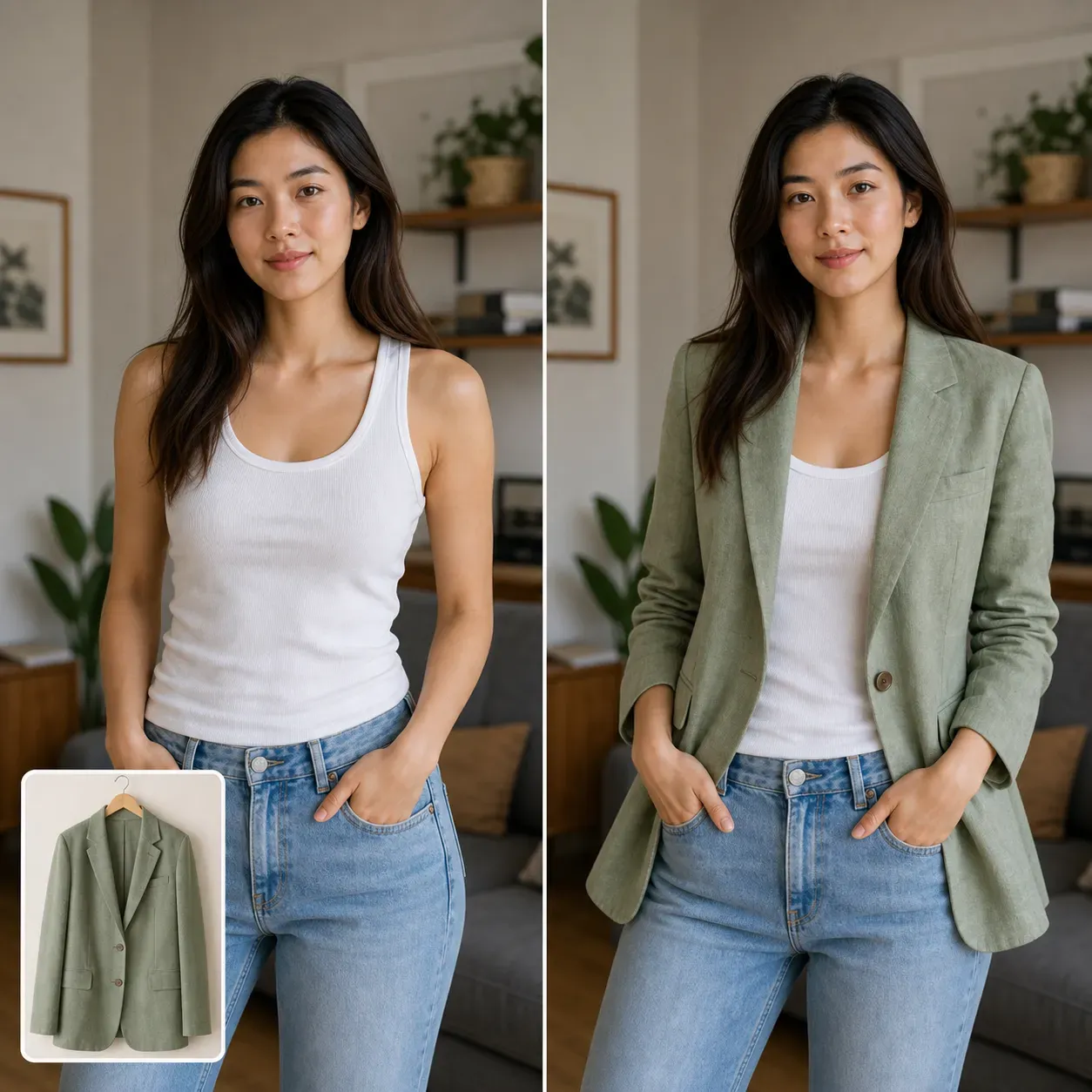
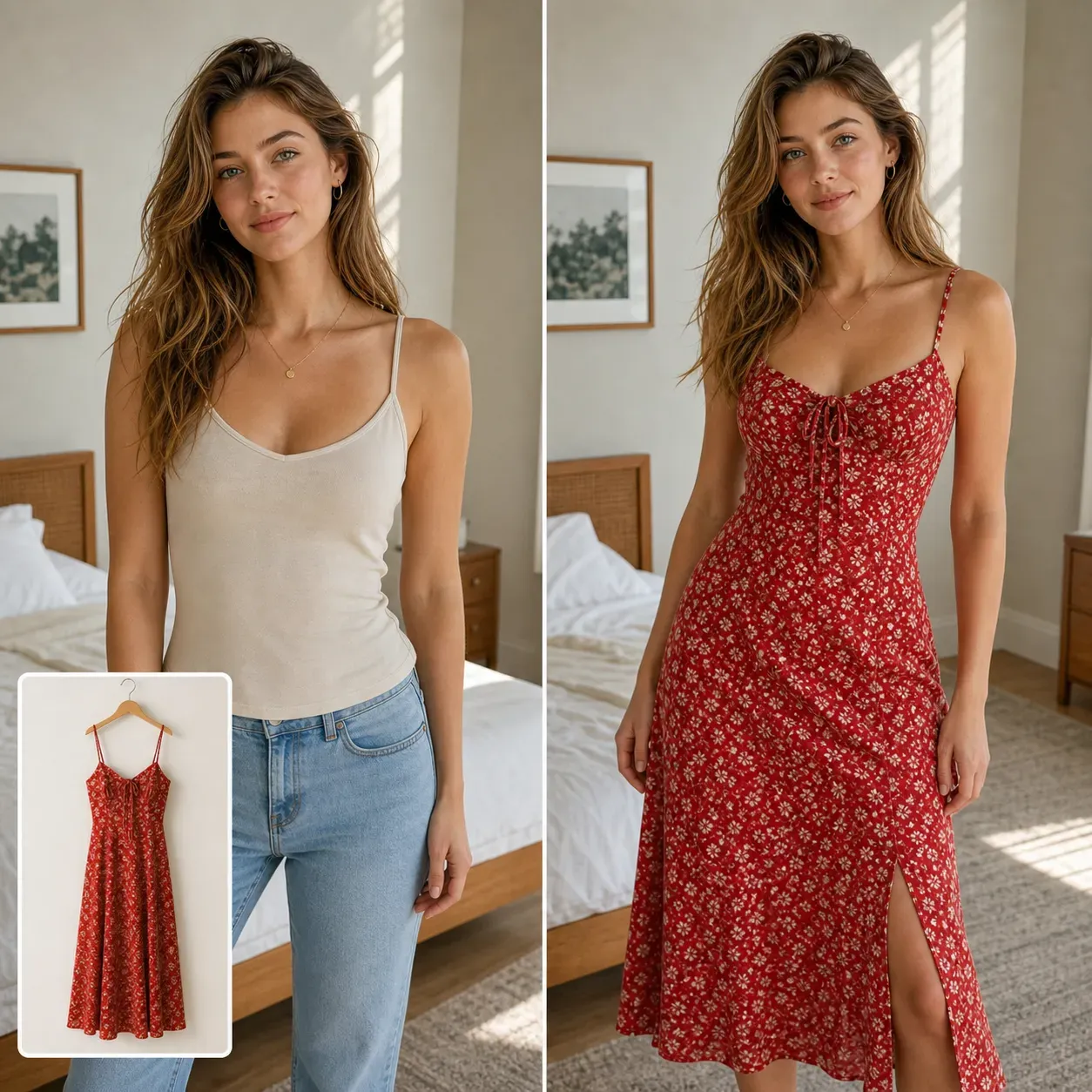
AI Wedding Dress Try On is a visual editing workflow for previewing bridal clothing on a person photo. The uploaded photo provides the face, body pose, skin tone, hairstyle, lighting direction, and background. The bridal prompt or reference style provides the gown shape, veil length, neckline, sleeve type, fabric, train, and accessory direction. The generated image can help brides, wedding stylists, bridal boutiques, photographers, and content creators test a look before producing final photos. It is especially useful when someone wants to see a wedding veil on a photo, compare dress silhouettes, or create bridal concept images for mood boards and social content.

Wedding Dress and Veil Styles You Can Preview

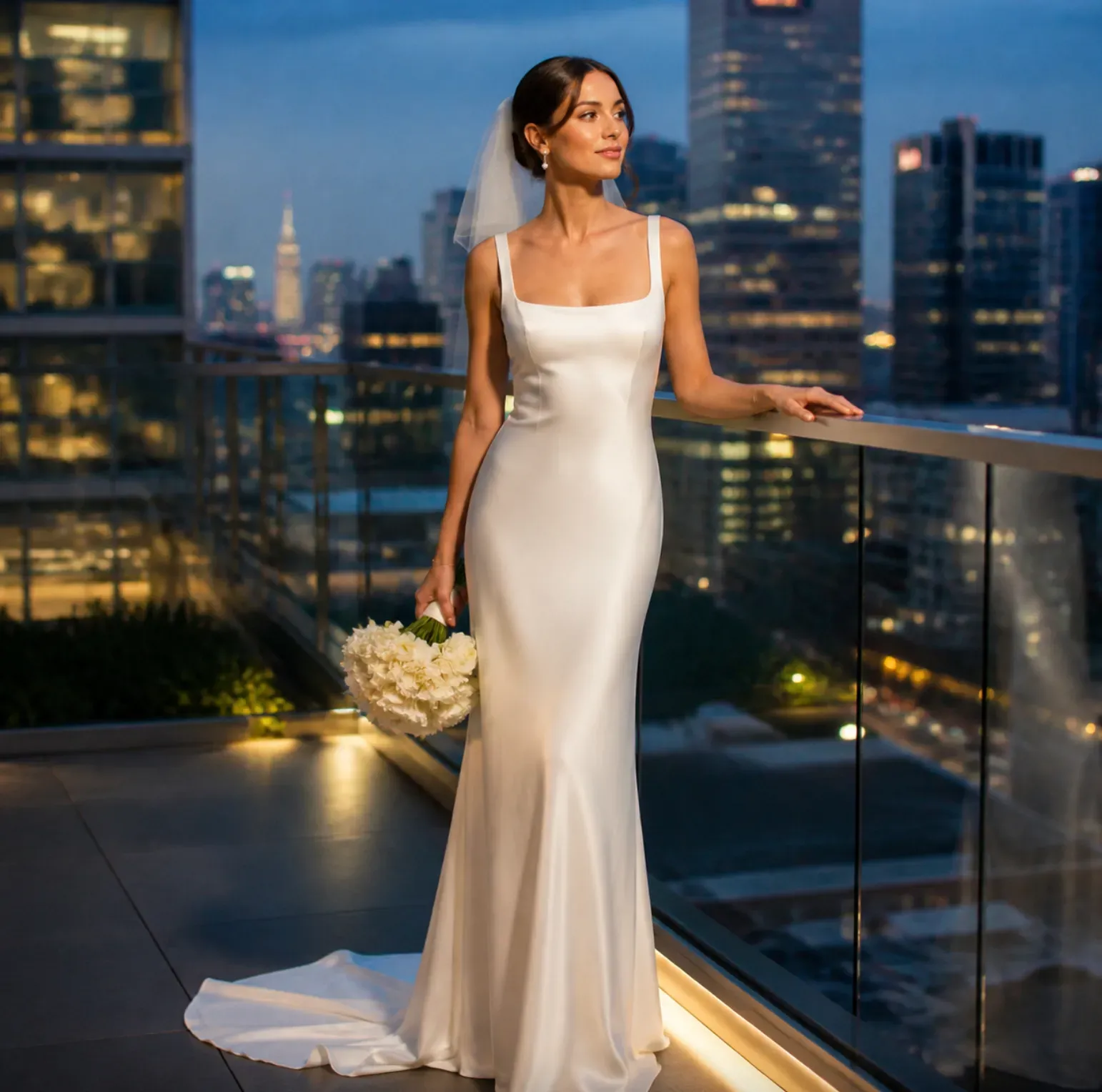
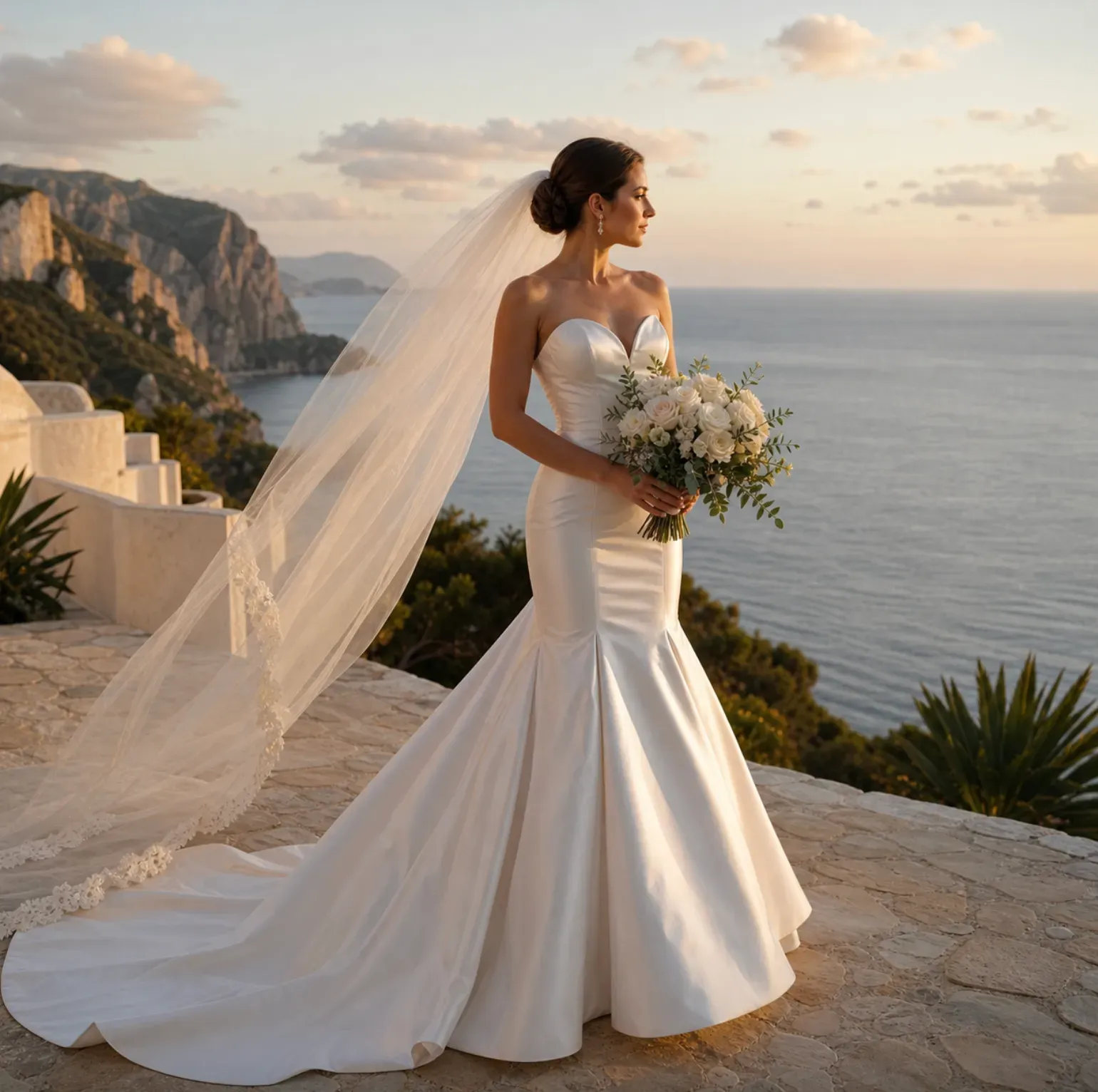
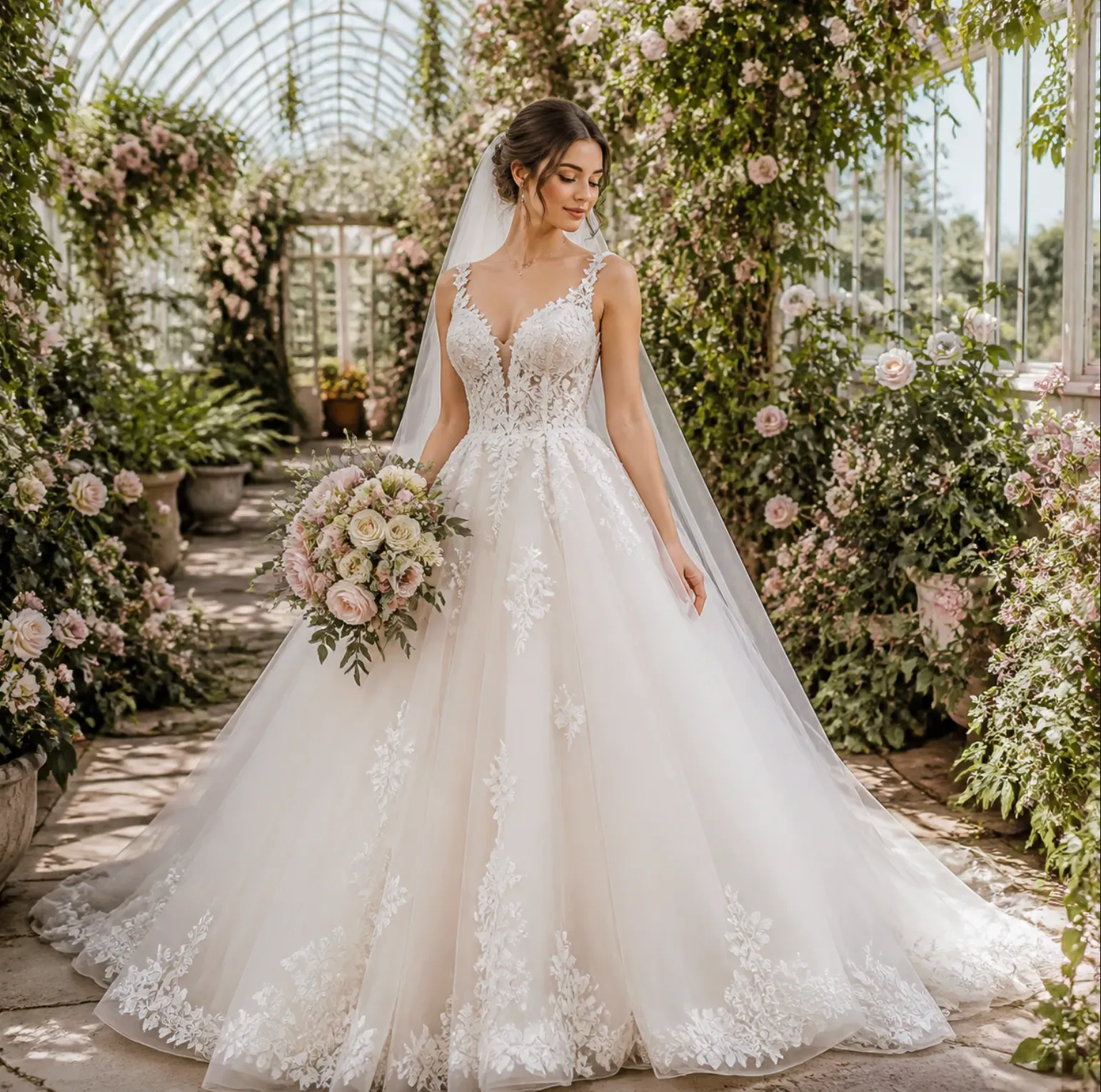
1. Wedding Veil Photo Preview: Try cathedral veils, fingertip veils, birdcage veils, blusher veils, lace-edge veils, pearl veils, and simple tulle veils on a portrait or full-body photo. 2. Bridal Gown Silhouettes: Compare A-line, ball gown, mermaid, sheath, fit-and-flare, tea-length, and slip dress shapes before narrowing down a shopping direction. 3. Necklines and Sleeves: Preview strapless, sweetheart, square neck, halter, off-shoulder, long sleeve, cap sleeve, illusion sleeve, and corset bodice designs. 4. Wedding Content Visuals: Create bridal mood board images, engagement shoot outfit ideas, bridal boutique previews, Pinterest pins, and social media try-on posts.

How AI Wedding Dress Try On Works

The workflow uses the person photo as the identity and pose anchor, then applies a bridal outfit transformation around the body region. A realistic result depends on preserving the face, skin tone, hair outline, shoulder angle, body proportions, lighting direction, and visible shadows while changing the clothing and veil area. For veils, the AI needs to handle semi-transparent tulle, lace edges, hair overlap, shoulder coverage, and background contrast. For dresses, it needs to reconstruct fabric folds, bodice seams, skirt volume, sleeves, train length, and the boundary between clothing, skin, hair, and background. A clean, well-lit input photo usually produces a more stable bridal preview than a low-resolution selfie or a photo where the body is blocked.

Best Photos for a Wedding Veil and Dress Try-On

Use a clear front-facing or three-quarter photo. A visible face, shoulders, torso, and full outfit area gives the AI enough structure for a believable bridal transformation; Choose good lighting. Soft daylight or even indoor lighting helps preserve skin tone, shadows, veil transparency, and fabric texture; Use full-body images for gowns. If you want to compare skirt shape, train length, or a ball gown silhouette, upload a photo where the legs and lower body are visible.

AI Wedding Try-On vs In-Store Bridal Fitting

AI wedding try-on is useful for early style discovery. It lets you compare dress silhouettes, veil lengths, neckline ideas, and accessory combinations before visiting a bridal boutique or ordering samples. This can reduce uncertainty when building a shortlist, planning a photoshoot, or preparing references for a stylist. An in-store fitting is still needed for real sizing, tailoring, fabric weight, movement, comfort, and construction details. AI can show a visual direction, but it cannot guarantee that a gown will fit, drape, or feel the same in real life. The best workflow is to use AI previews for visual planning, then confirm final choices with measurements, fabric photos, retailer images, and professional fitting advice.

Popular Bridal Try-On Use Cases

Bride style planning: Compare modern minimalist satin, romantic lace, princess ball gown, beach wedding chiffon, or civil ceremony short dress looks on the same photo. Veil selection: Test whether a cathedral veil, fingertip veil, short veil, birdcage veil, or pearl veil frames the face and hairstyle well. Bridal boutique content: Create concept previews for product pages, consultation visuals, appointment reminders, or social posts before arranging a model shoot. Wedding photographer planning: Draft bridal portrait concepts with different gowns, bouquets, veils, and lighting moods before the shoot day. Influencer and affiliate content: Turn dress references into try-on visuals for wedding inspiration posts, shopping roundups, Pinterest boards, and short-form video covers. Second-look outfits: Preview reception dresses, after-party mini dresses, bridal jumpsuits, rehearsal dinner outfits, and engagement shoot looks.

Common Limitations of AI Bridal Outfit Previews

Wedding veils and dresses contain fine materials that can be difficult for AI image tools. Transparent tulle, lace edges, beadwork, embroidery, mesh sleeves, pearl details, and long trains may lose precision if the source photo is blurry, cropped, dark, or visually crowded. Exact designer details, logos, fabric composition, and garment construction should be checked against real product photos. Body proportions and garment fit can also vary. A generated bridal image should be treated as a styling preview, not a size recommendation. For commercial use, review the generated image for face consistency, hand details, fabric artifacts, brand conflicts, and platform policy requirements before publishing.

How To Use AI Wedding Dress Try On

1

Upload your photo.

Choose a clear portrait or full-body image with visible face, shoulders, torso, and clothing area.

2

Describe the bridal look.

Enter the gown, veil, fabric, neckline, sleeve, color, accessory, and wedding style you want to preview.

3

Generate the try-on image.

Let Vidoly create a bridal outfit preview while keeping the person photo as the identity and pose reference.

Vanlige spørsmål

Can I use AI to virtually try on a wedding veil photo?

Yes. Upload a clear portrait or full-body photo and describe the veil style, such as cathedral veil, fingertip veil, pearl veil, lace-edge veil, or birdcage veil. A head-and-shoulders photo works for face-framing veil previews, while a full-body photo is better for long veils and dress trains.

Can AI show me in a wedding dress before I buy one?

AI can create a visual preview of how a wedding dress style may look on your photo. Use it for comparing silhouettes, necklines, sleeves, fabrics, and veil options, but confirm sizing, tailoring, fabric weight, and construction with the seller or bridal boutique.

What photo works best for wedding dress try-on?

A clear, well-lit front-facing or three-quarter full-body photo works best. The face, shoulders, waist, arms, and lower body should be visible if you want a dress preview with skirt shape, train length, and body proportions.

Can I try different wedding dress styles on the same photo?

Yes. You can generate multiple versions from the same input photo, such as A-line dress, mermaid gown, ball gown, sheath dress, satin slip dress, lace gown, or tea-length bridal dress. Keeping the same input photo makes the comparison easier.

Does it work for bridal accessories besides veils?

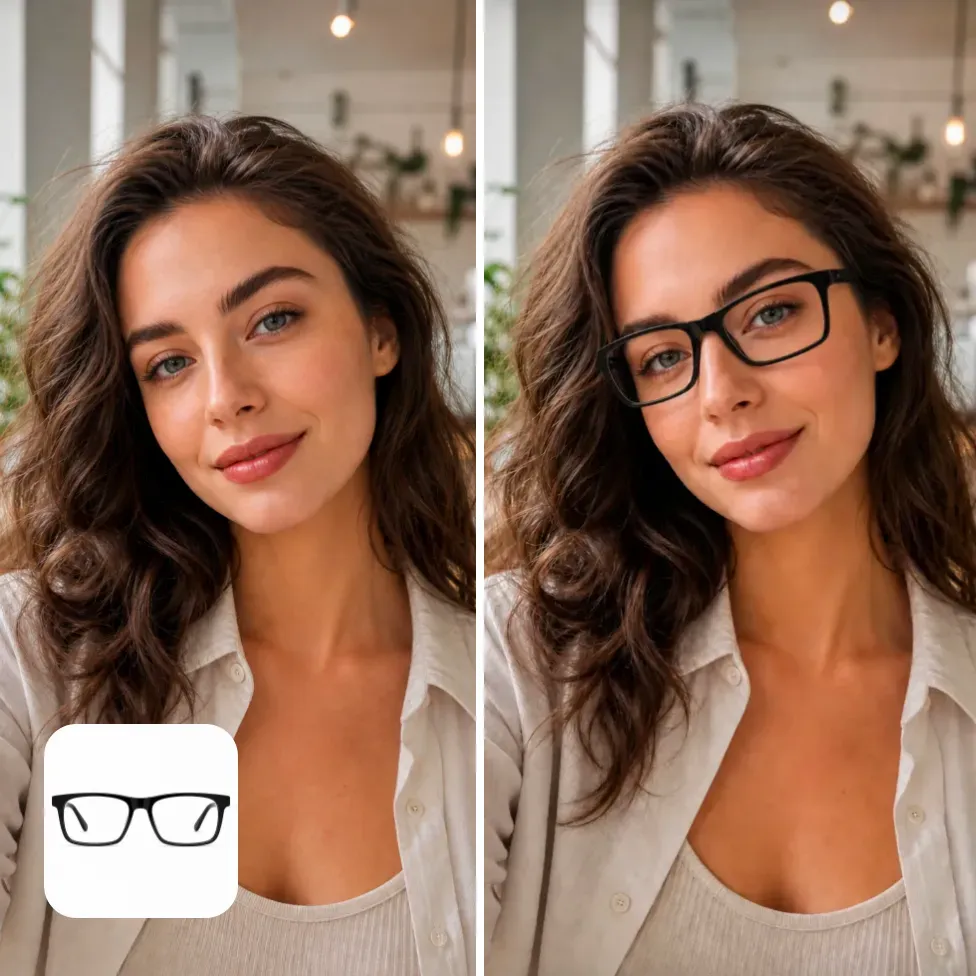
It can support accessory ideas such as gloves, tiaras, hair bows, earrings, necklaces, bridal belts, capes, detachable sleeves, and bouquets. Small or reflective accessories may need extra review because tiny details can change during generation.

Can bridal boutiques use AI wedding try-on images?

Bridal boutiques can use AI previews for style consultation drafts, social media concepts, content planning, and mood boards. For final product listings or ads, review whether the image accurately represents the real gown, fabric, embellishment, and brand requirements.

Will the AI wedding dress preview match the real dress exactly?

No. The preview is a generated styling image, not a guaranteed replica of a specific designer gown. Exact lace patterns, beadwork, seams, fabric weight, color tone, and tailoring details should be checked against real product photos or samples.

Can I use a selfie for AI wedding dress try-on?

A selfie can work for veil, hairstyle, neckline, or upper-body bridal ideas. For a full wedding dress, use a full-body image because the AI needs lower-body structure to generate skirt volume, train length, hemline, and gown proportions.

Why does my veil look unclear or blended into the background?

Veils are semi-transparent, so they are harder to render when the source photo has a busy background, dark hair against dark scenery, low resolution, or harsh shadows. Try a cleaner photo, stronger lighting, or a more specific prompt such as "soft ivory tulle veil with visible lace edge."

Can I use AI bridal try-on images for Pinterest or social posts?

You can use generated bridal previews for inspiration boards, social content, and planning posts, but review the result before publishing. Check face consistency, hands, fabric artifacts, unrealistic accessories, and any brand or copyright concerns if the image is used commercially.

Is AI wedding dress try-on useful for bridesmaids or wedding guests?

Yes. The same workflow can preview bridesmaid dresses, mother-of-the-bride outfits, rehearsal dinner dresses, engagement shoot looks, and wedding guest outfits. Use specific color and dress prompts such as "sage green satin bridesmaid dress" or "navy formal wedding guest gown."

Can I preview second-look bridal outfits?

Yes. AI try-on is useful for reception dresses, bridal mini dresses, after-party outfits, jumpsuits, rehearsal dinner looks, and engagement session outfits. It helps compare formal ceremony styling with a lighter party or travel-friendly look.