Можно ли с помощью ИИ примерить свадебную фату на фото в виртуальном режиме?
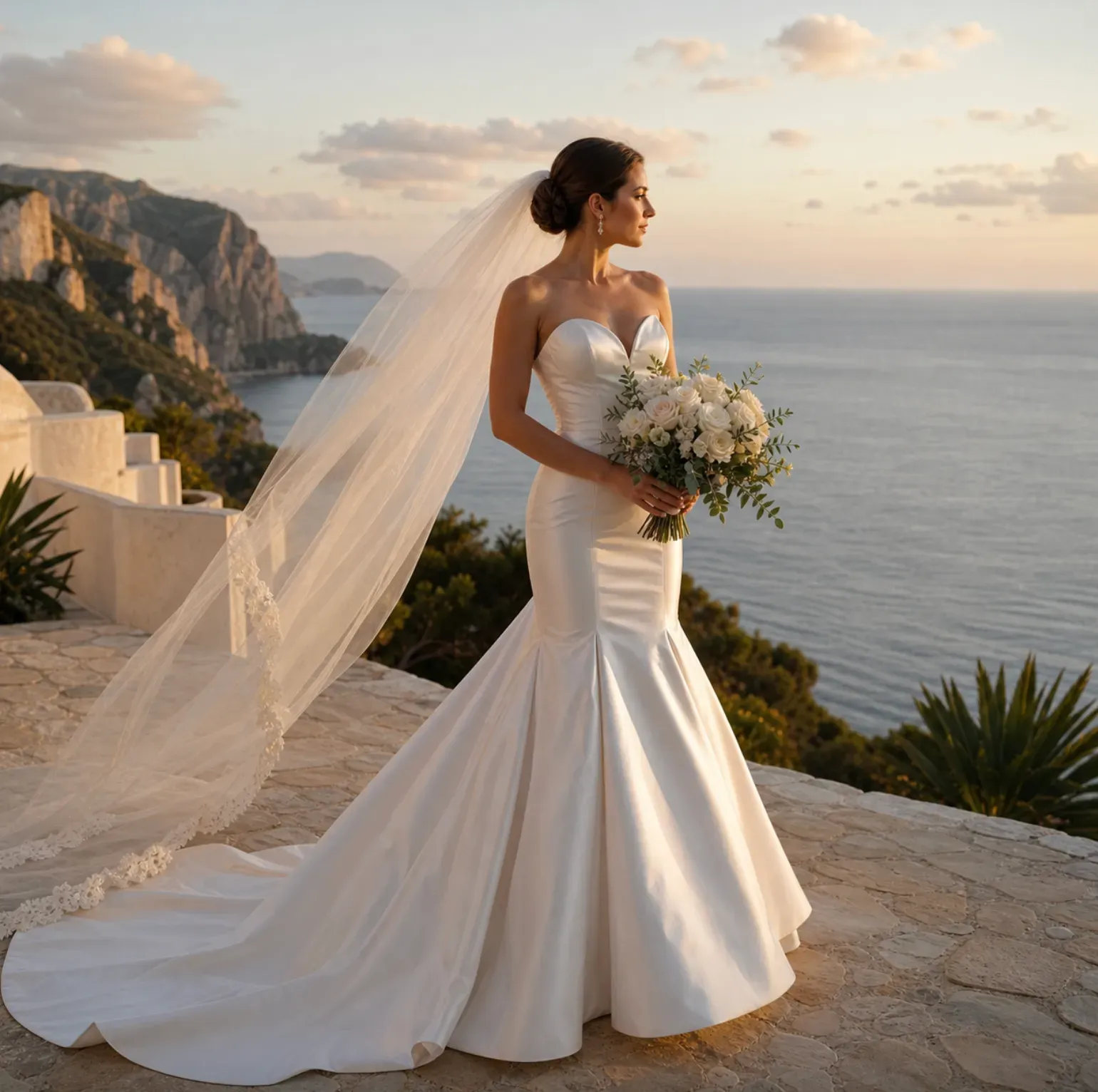
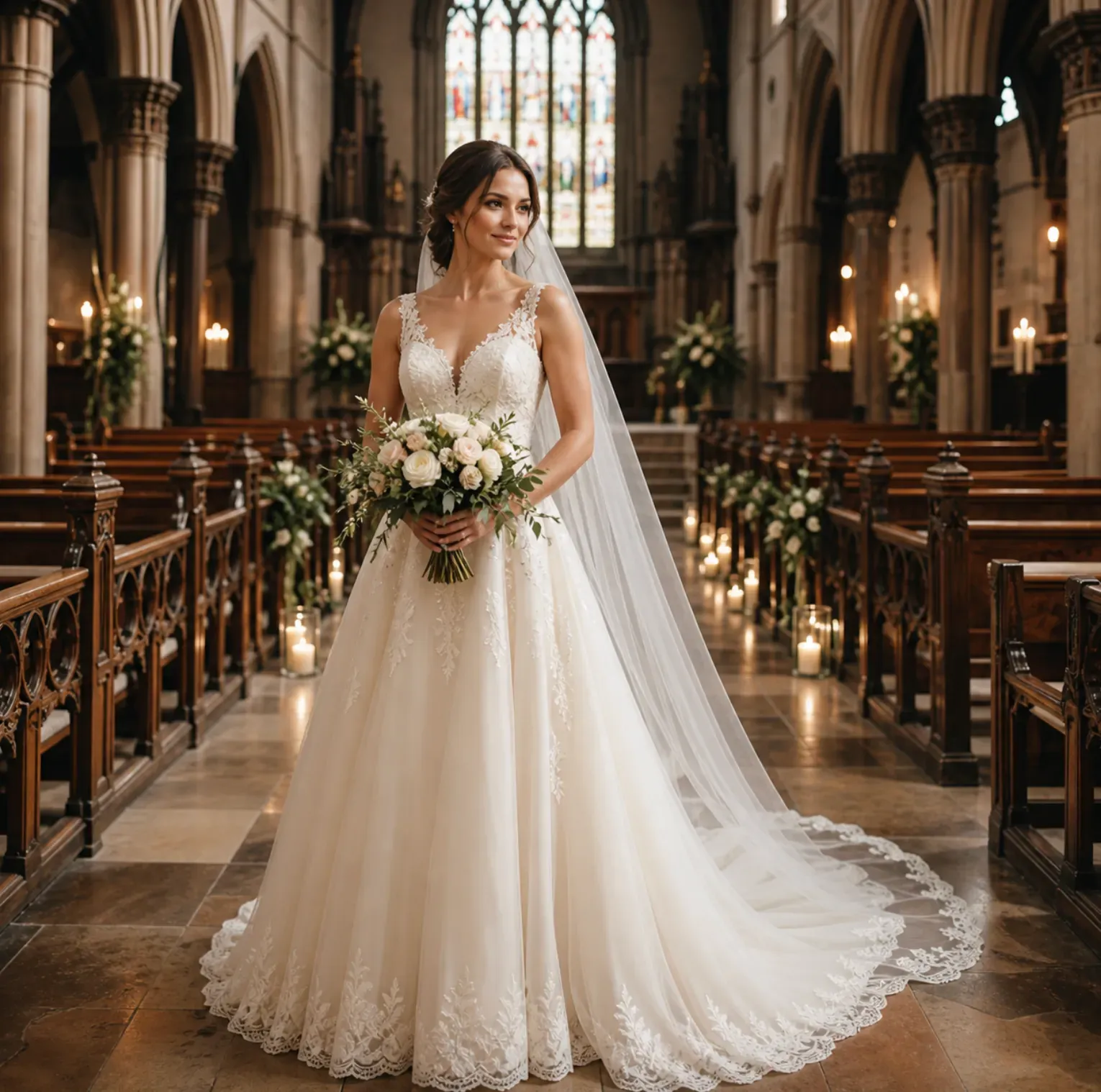
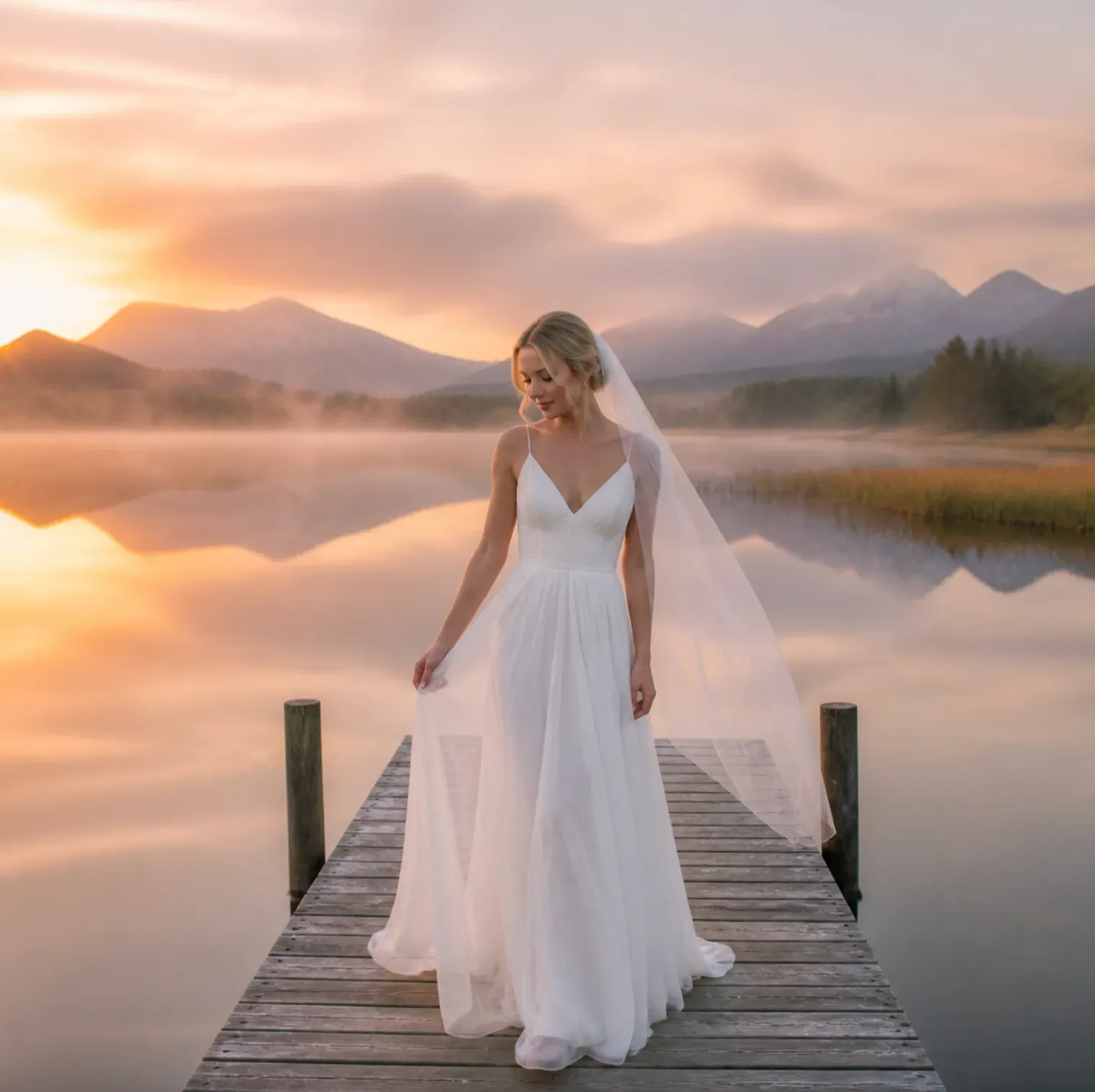
Да. Загрузите четкий портрет или фото в полный рост и опишите стиль фаты, например соборная фата, фата до кончиков пальцев, жемчужная фата, фата с кружевными краями или фата-сачок. Фото по плечи подойдет для предпросмотра фат, обрамляющих лицо, а фото в полный рост лучше подойдет для длинных фат и шлейфа платья.
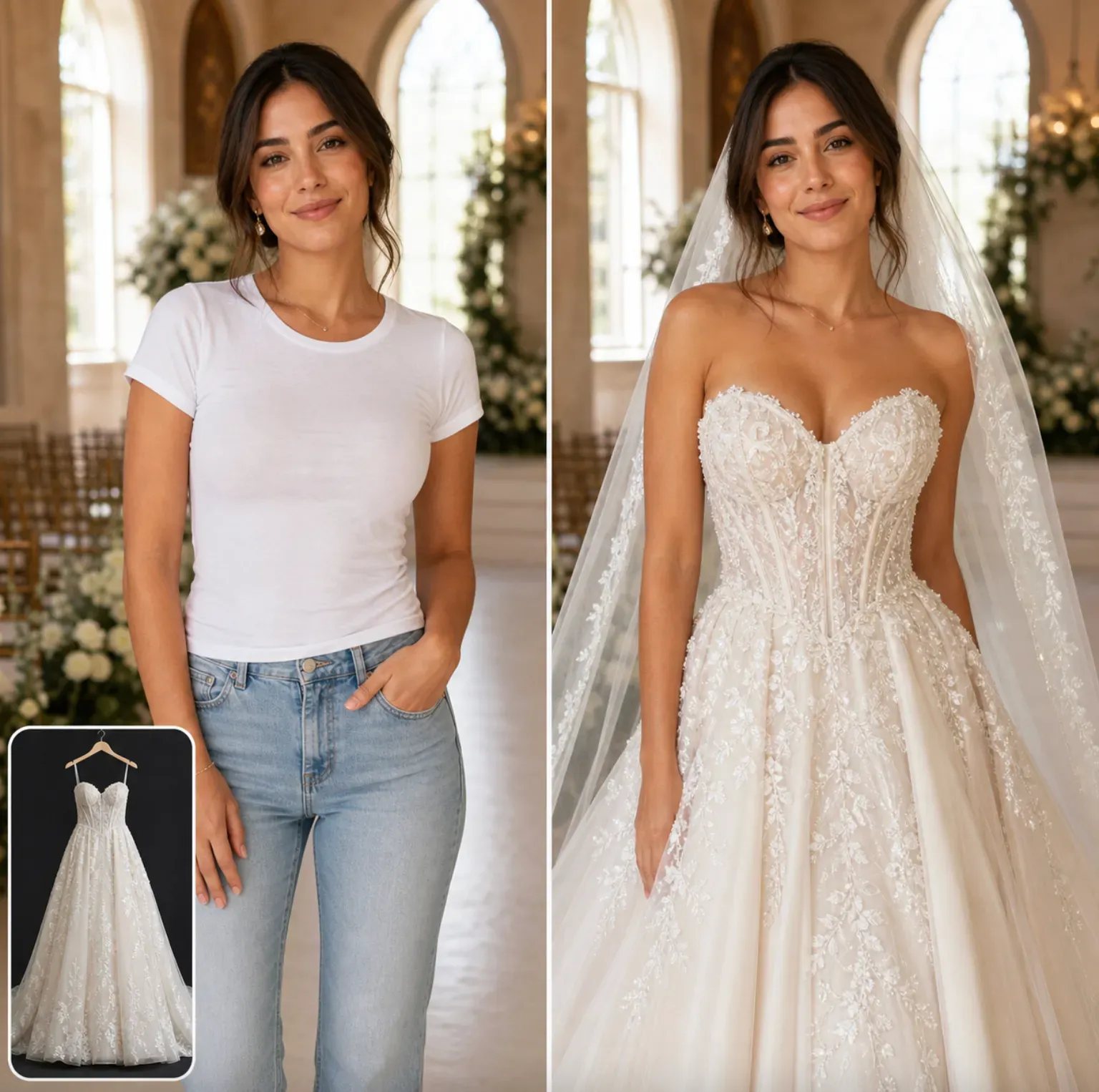
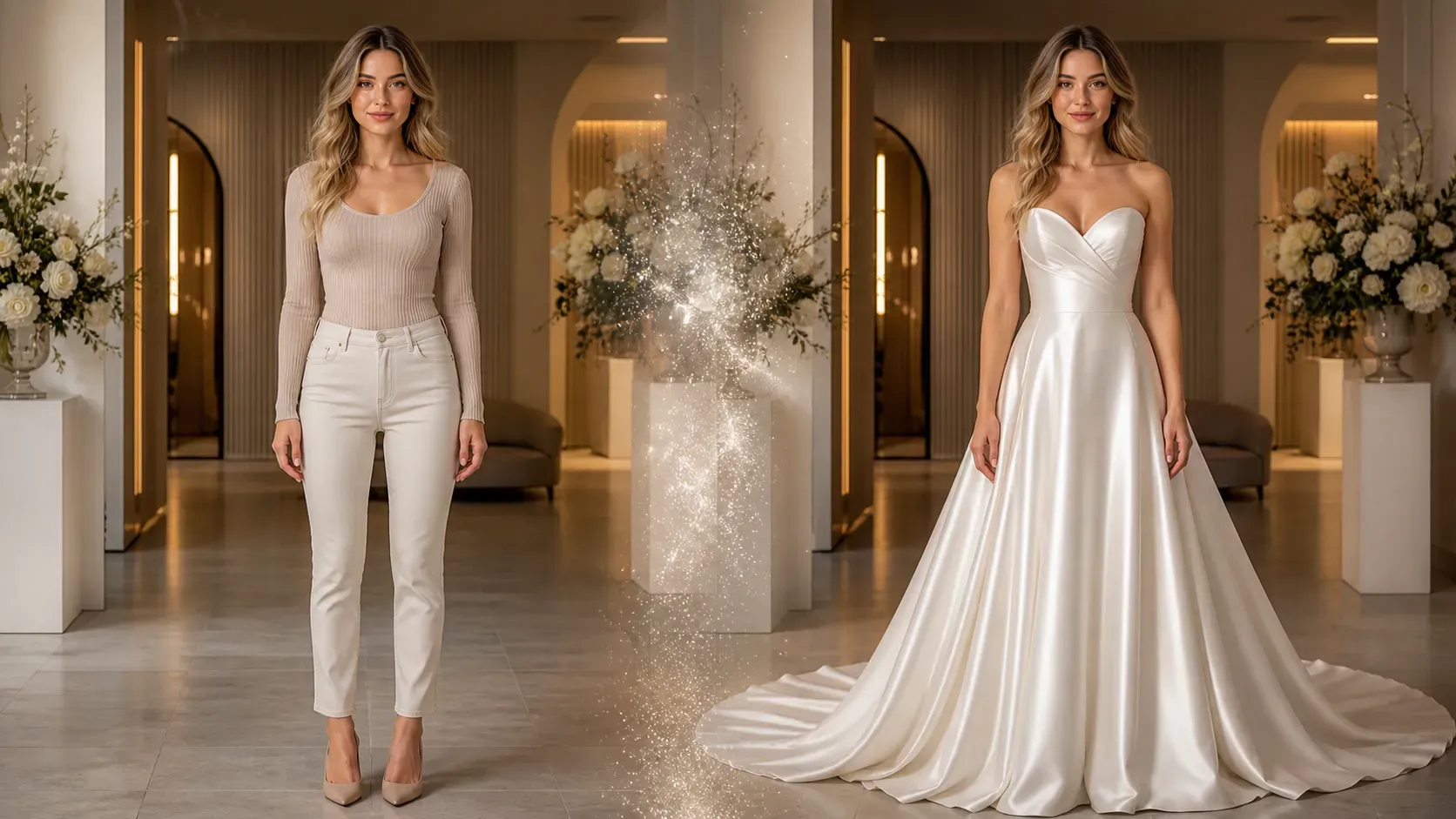
Может ли ИИ показать меня в свадебном платье до покупки?
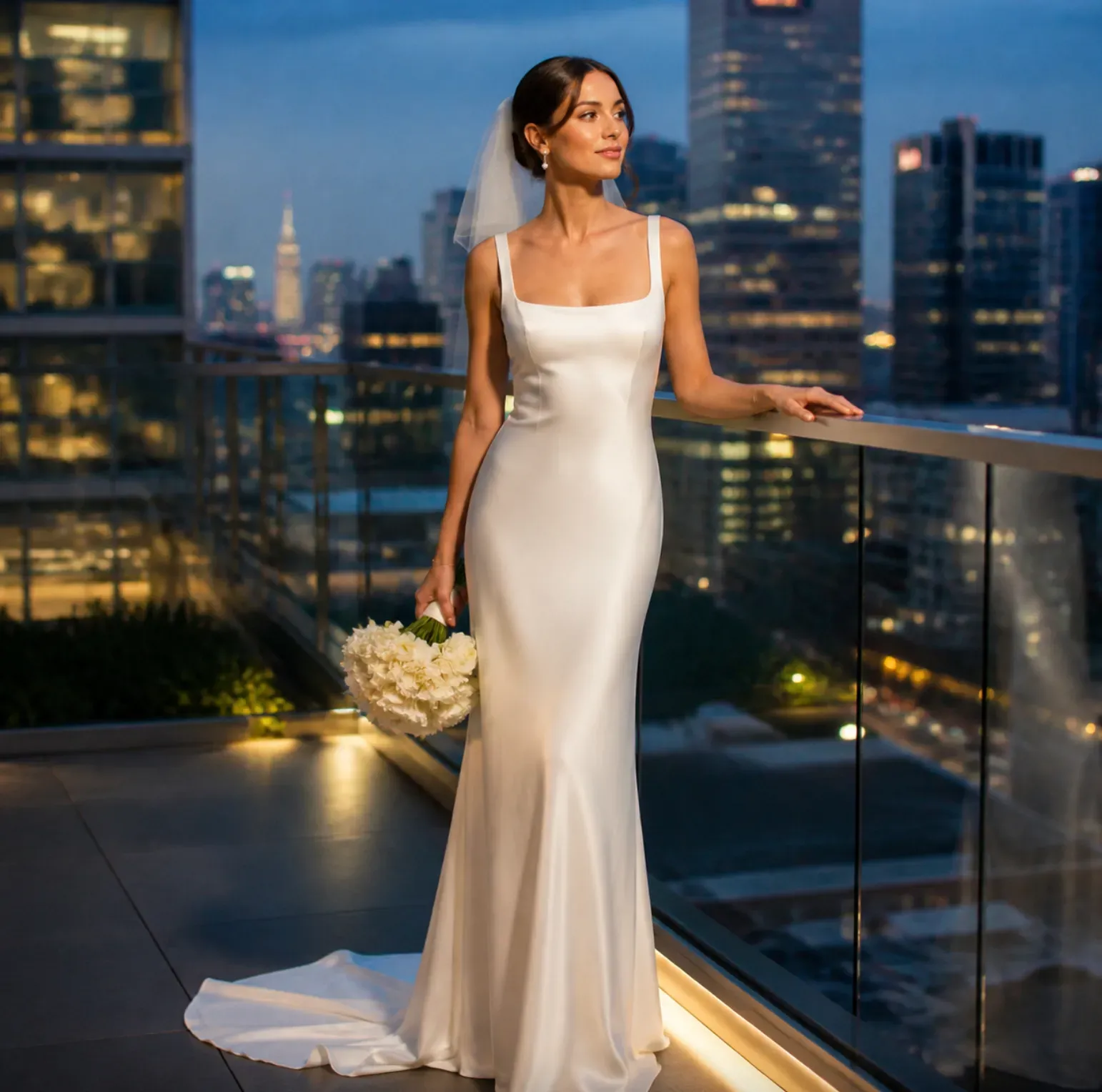
ИИ может создать визуальный предпросмотр того, как стиль свадебного платья может выглядеть на вашем фото. Используйте его для сравнения силуэтов, вырезов, рукавов, тканей и вариантов фат, но уточните размеры, крой, плотность ткани и конструкцию у продавца или свадебного бутика.
Какое фото лучше всего подходит для примерки свадебного платья?
Лучше всего подходит четкое, хорошо освещенное фото в полный рост, сделанное в анфас или в три четверти. Лицо, плечи, талия, руки и нижняя часть тела должны быть видны, если вы хотите предпросмотр платья с формой юбки, длиной шлейфа и пропорциями фигуры.
Можно ли примерить разные стили свадебных платьев на одном фото?
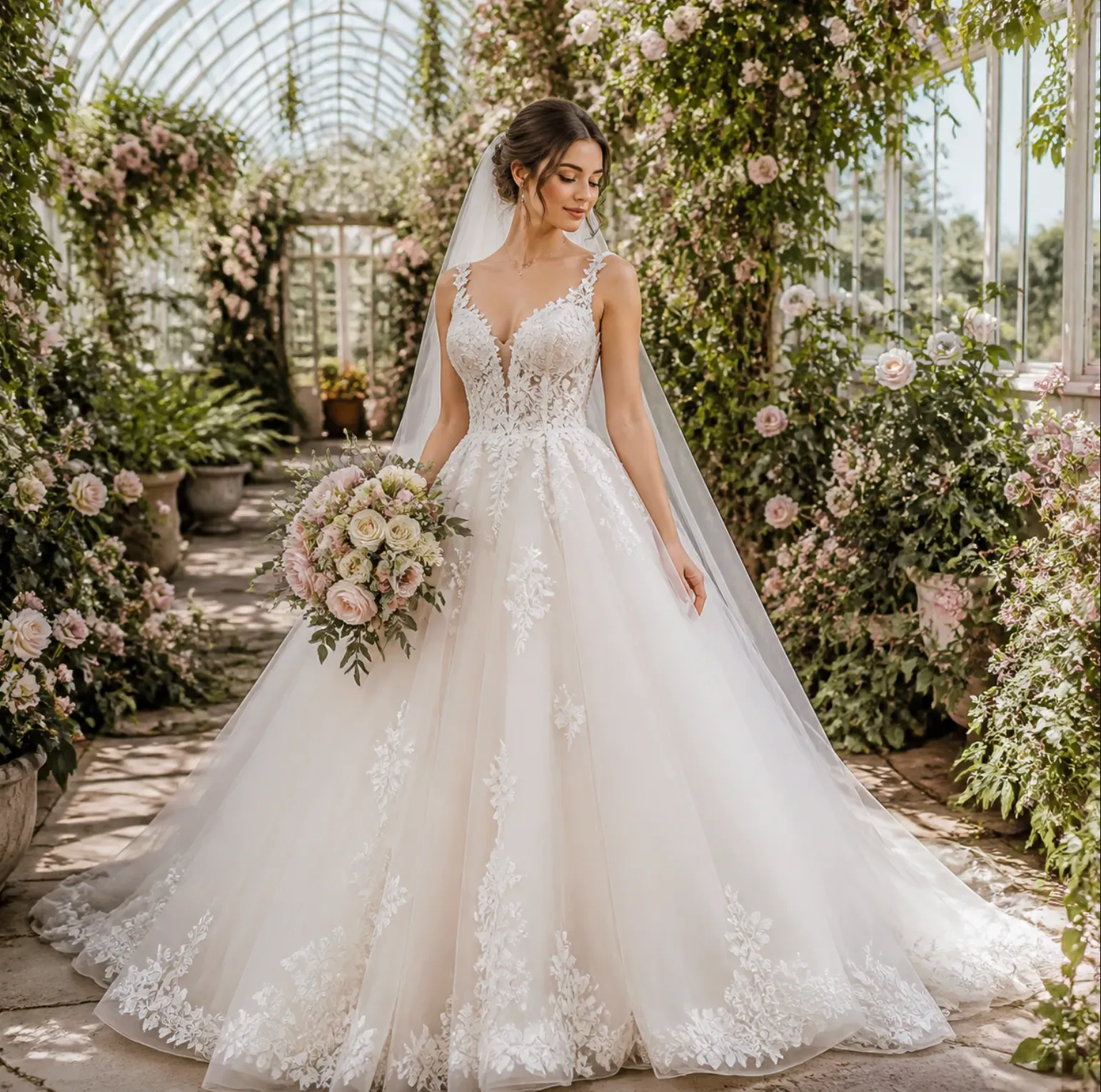
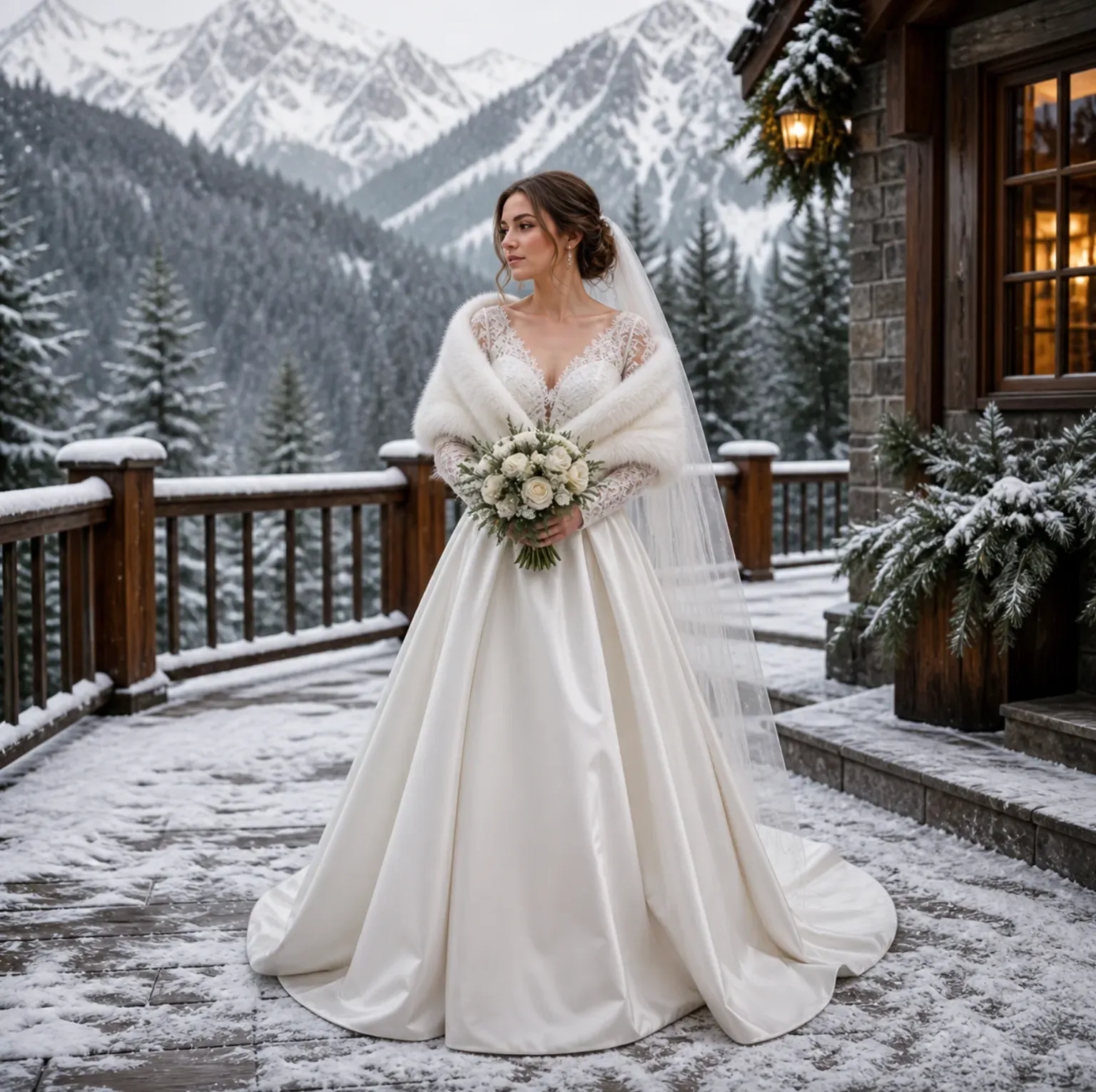
Да. Вы можете создать несколько версий из одного входного фото, например платье-колокол, рыбка, балльное платье, облегающее платье, атласное платье-слип, кружевное платье или свадебное платье до колена. Сохранение одного и того же входного фото упрощает сравнение.
Работает ли это для свадебных аксессуаров кроме фат?
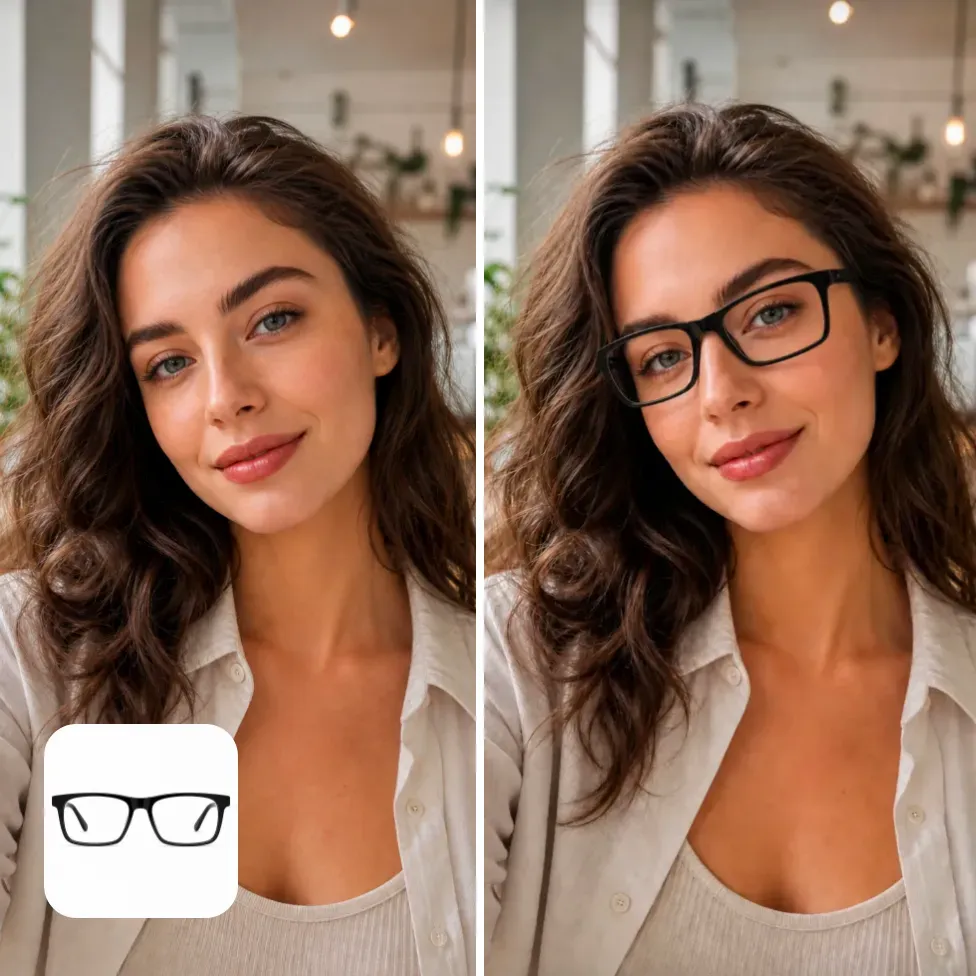
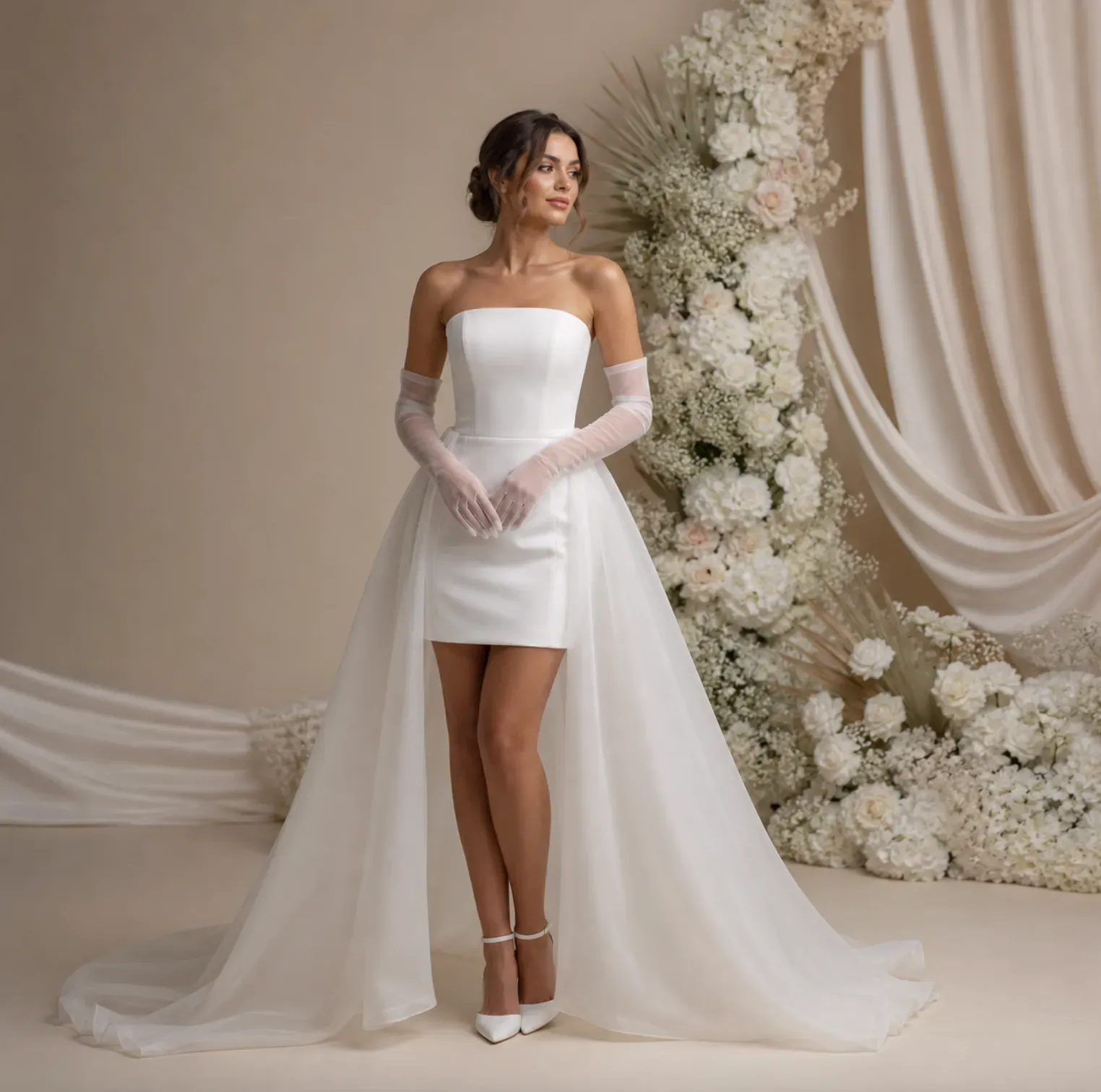
Это может поддержать идеи аксессуаров, таких как перчатки, тиары, банты для волос, серьги, ожерелья, свадебные пояса, накидки, съемные рукава и букеты. Маленькие или отражающие аксессуары могут потребовать дополнительной проверки, так как мелкие детали могут измениться во время генерации.
Могут свадебные бутики использовать изображения примерки свадебного платья с ИИ?
Свадебные бутики могут использовать ИИ-превью для эскизов консультаций по стилю, концепций для социальных сетей, планирования контента и мудбордов. Для финальных товарных карточек или рекламных объявлений проверьте, точно ли изображение отражает реальное платье, ткань, отделку и требования бренда.
Будет ли превью свадебного платья, созданное ИИ, точно соответствовать реальному платью?
Нет. Превью — это сгенерированное стилизованное изображение, а не гарантированная копия платья конкретного дизайнера. Точные узоры кружева, вышивка бисером, швы, плотность ткани, оттенок цвета и детали кроя следует проверять по реальным фотографиям товара или образцам.
Можно ли использовать селфи для примерки свадебного платья с ИИ?
Селфи подойдет для идей с фатой, прической, вырезом или верхней частью свадебного образа. Для полного свадебного платья используйте изображение в полный рост, потому что ИИ нуждается в структуре нижней части тела, чтобы сгенерировать объем юбки, длину шлейфа, подол и пропорции платья.
Почему моя фата выглядит нечеткой или сливается с фоном?
Фаты полупрозрачные, поэтому их сложнее отрендерить, если на исходном фото загруженный фон, темные волосы на темном фоне, низкое разрешение или резкие тени. Попробуйте сделать более чистое фото, использовать более яркое освещение или более конкретный запрос, например: "мягкая слоновая фата из тюли с видимым кружевным краем".
Можно ли использовать изображения примерки свадебного платья с ИИ для Pinterest или постов в социальных сетях?
Вы можете использовать сгенерированные свадебные превью для досок вдохновения, контента для социальных сетей и постов о планировании, но проверьте результат перед публикацией. Проверьте соответствие лица, состояние рук, артефакты ткани, нереалистичные аксессуары, а также любые вопросы по бренду или авторским правам, если изображение используется в коммерческих целях.
Полезно ли примерка свадебного платья с помощью ИИ для подружек невесты или гостей свадьбы?
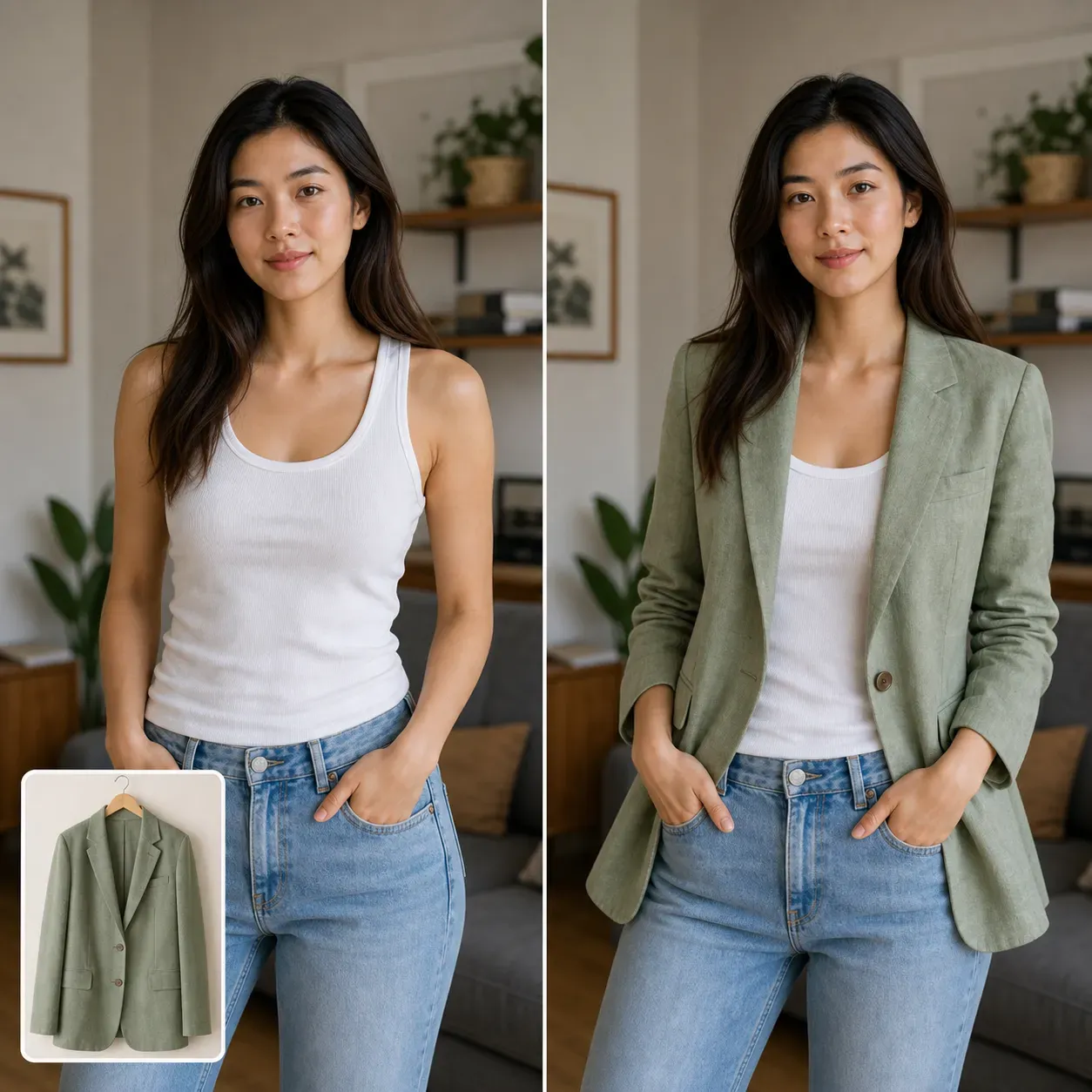
Да. Тот же процесс позволяет предварительно посмотреть платья для подружек невесты, наряды для матери невесты, платья для ужина перед свадьбой, образы для фотосессии помолвки и наряды для гостей свадьбы. Для более широкого планирования нарядов за пределами свадебных образов используйте AI Virtual Try-On.
Можно ли предварительно посмотреть наряды для второго свадебного образа?
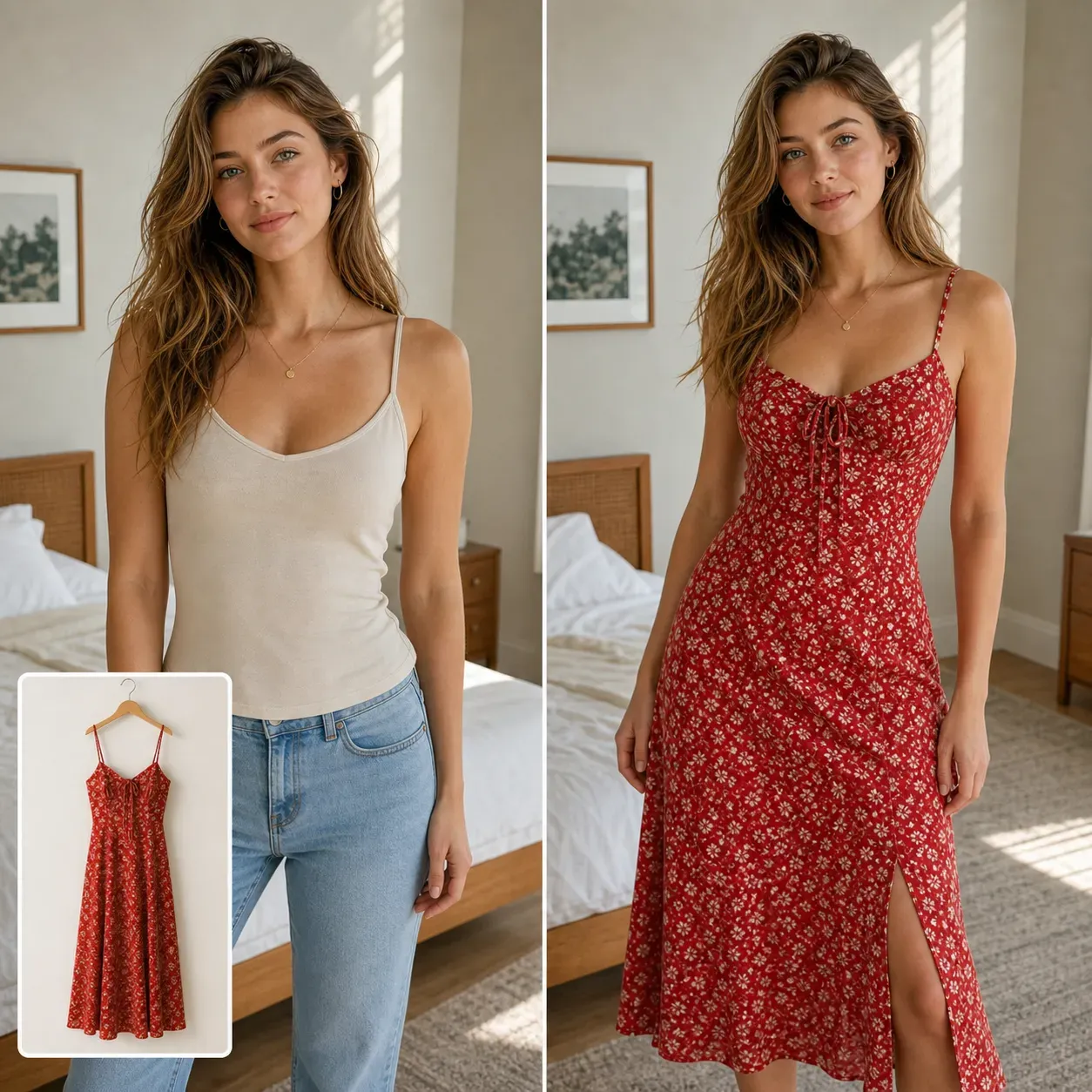
Да. Примерка с помощью ИИ подходит для платьев для банкета, мини-платьев для невесты, нарядов для вечеринки после свадьбы, джампсуитов, образов для ужина перед свадьбой и нарядов для фотосессии помолвки. Это помогает сравнить строгий образ для церемонии с более легким образом для вечеринки или удобным для путешествий.