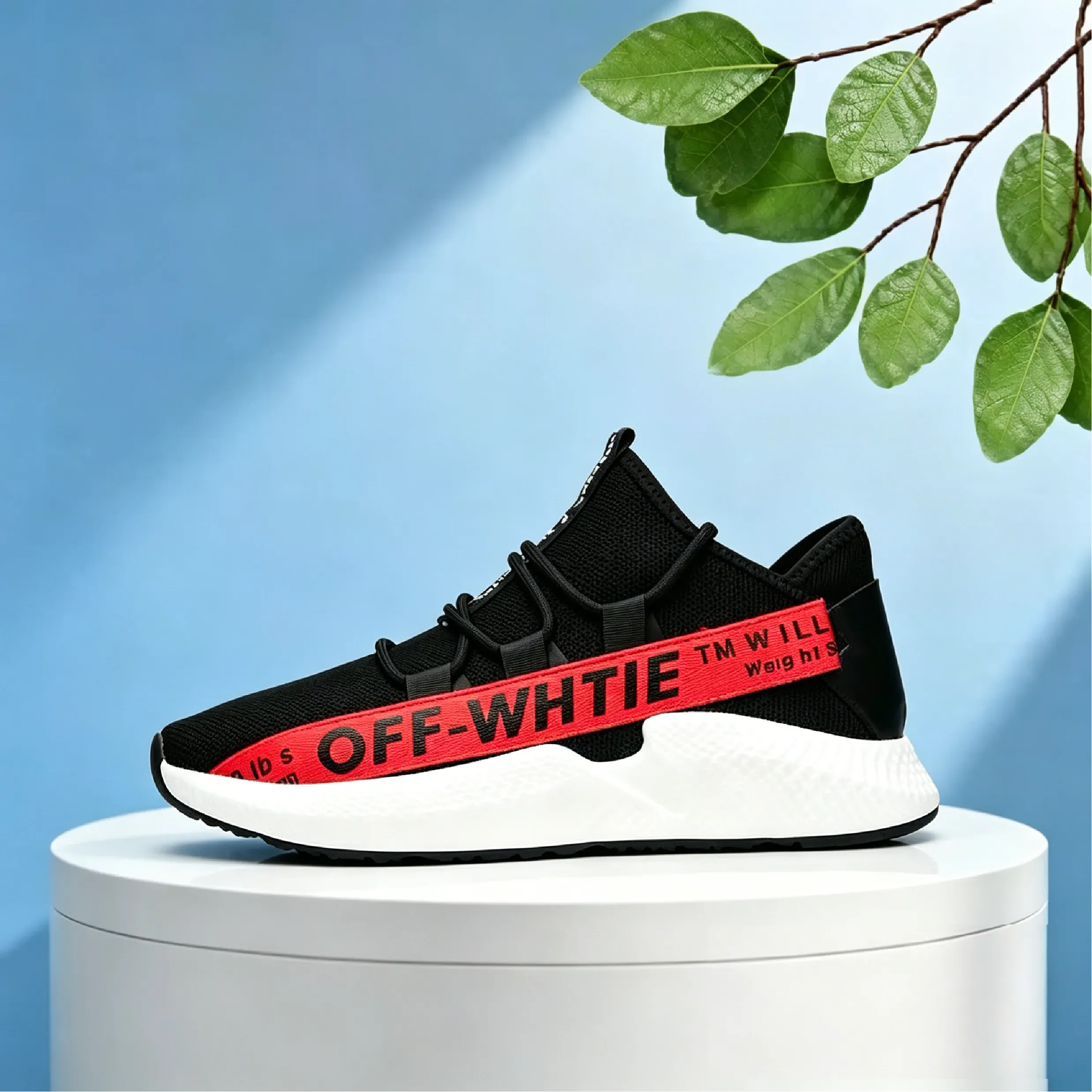
Blue Background Stage

Blue Background Stage

上传图片

Blue Stage Background

photo_camera

Upload Product

模板提示词
43/2000
包含商用授权
Product Background Generator 更多内容

Product Background Generator for Ecommerce, Ads, and Product Photos

Vidoly Product Background Generator helps sellers, brands, and creators turn a plain product photo into a polished product scene. Upload a product image, describe the background style you want, and generate studio backgrounds, lifestyle scenes, seasonal campaign visuals, or social ad images while keeping the product as the main focus.

Generate Product Backgrounds

Create Better Product Scenes from One Product Photo

A product photo does not always need a full photoshoot to look ready for ecommerce, ads, or social media. Vidoly can help place your product into clean studio scenes, home settings, beauty counters, kitchen surfaces, outdoor lifestyle scenes, gift layouts, or seasonal campaign backgrounds. This is useful for Shopify stores, Amazon sellers, Etsy shops, DTC brands, product photographers, agencies, and small businesses that need more visual variations from the same product image.

What Can You Create with Product Background Generator?

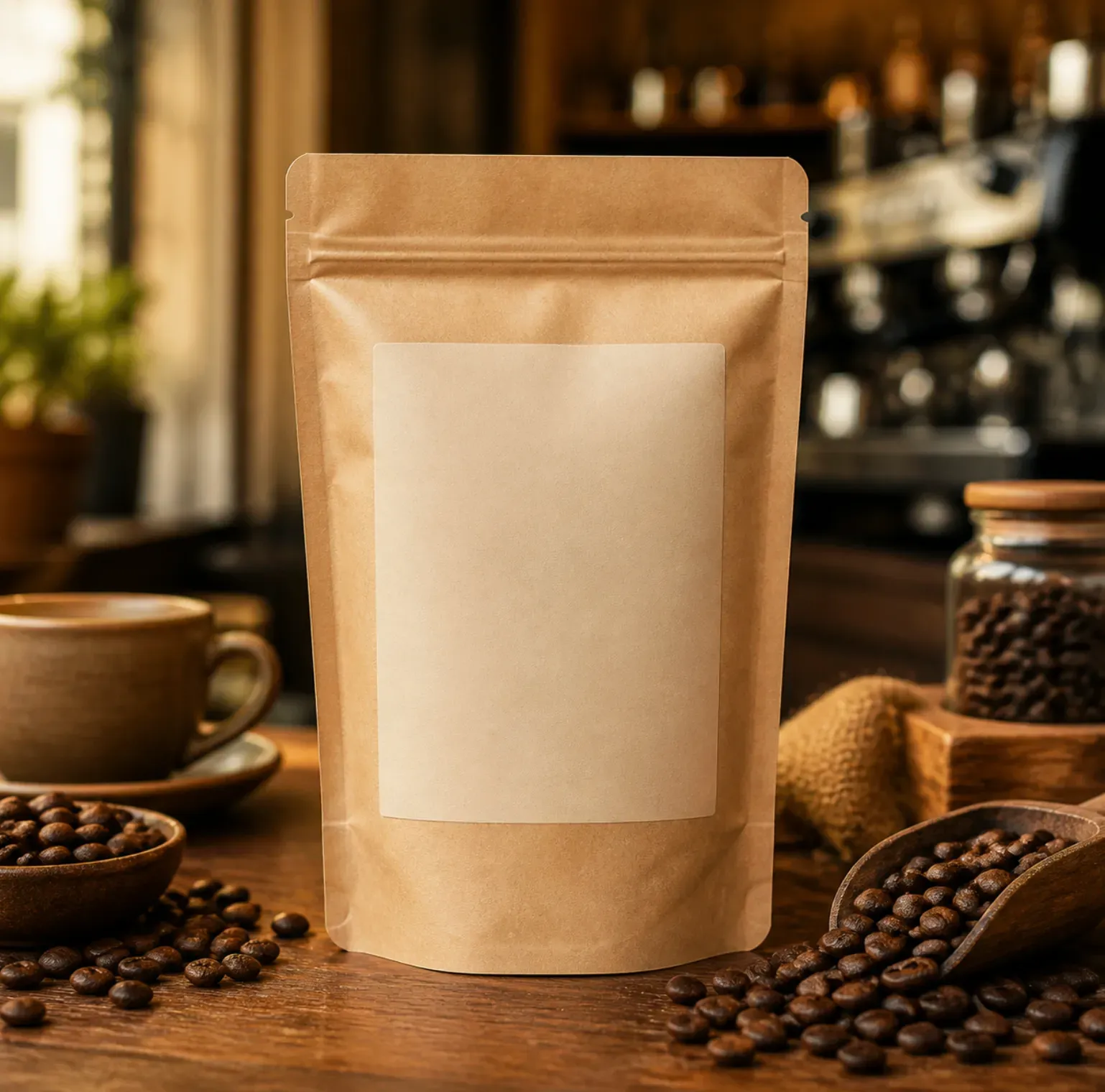
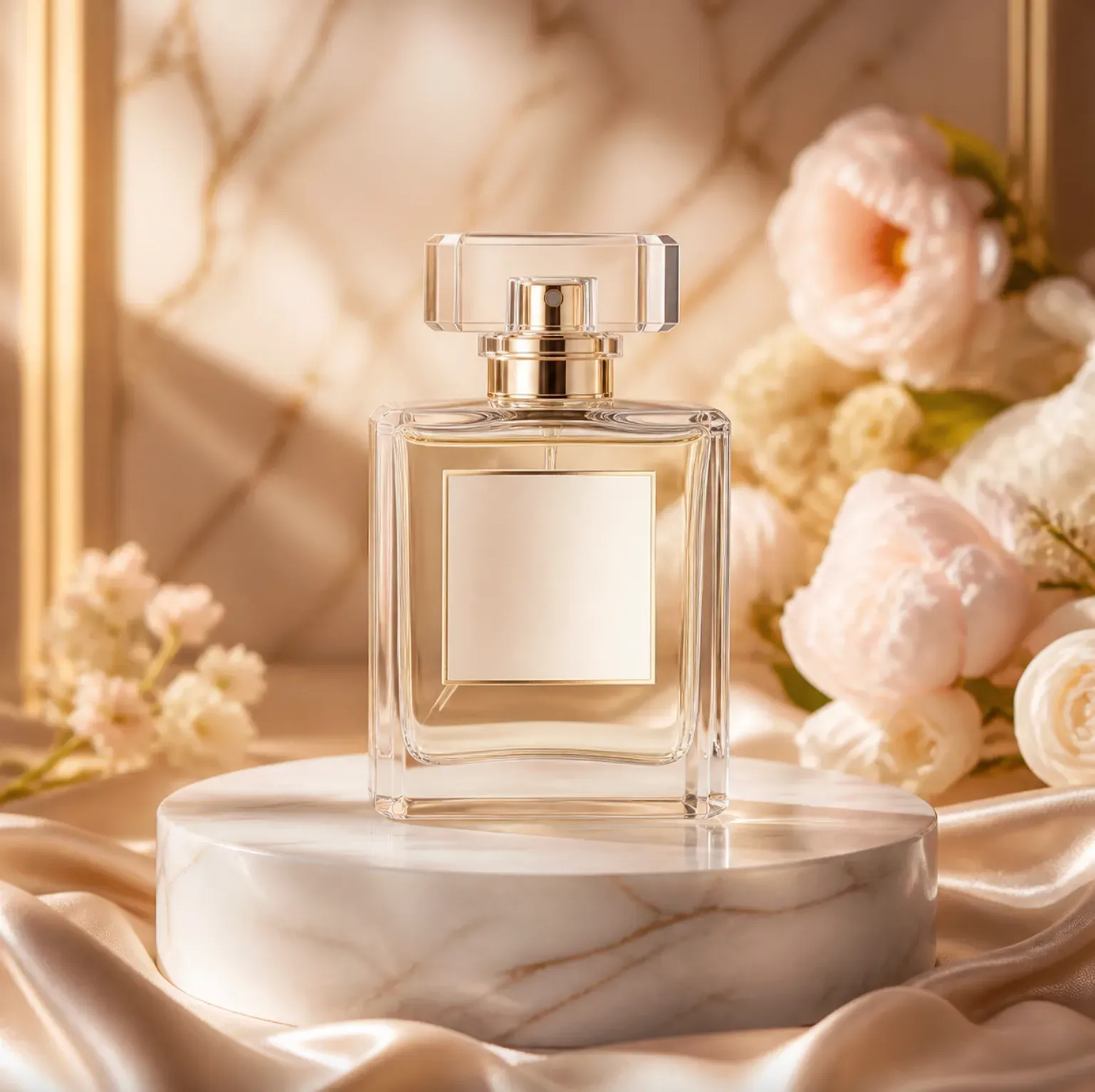
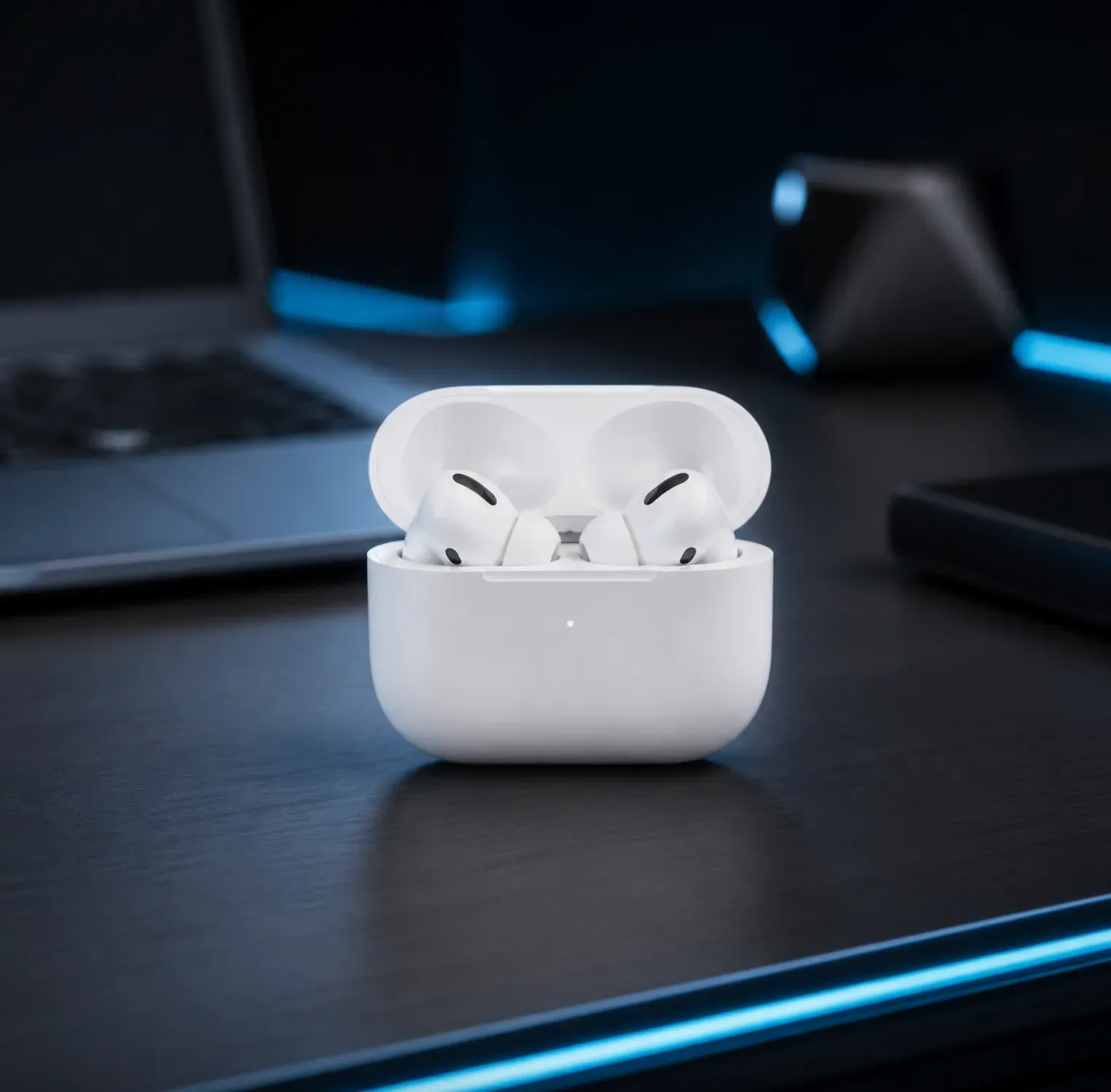
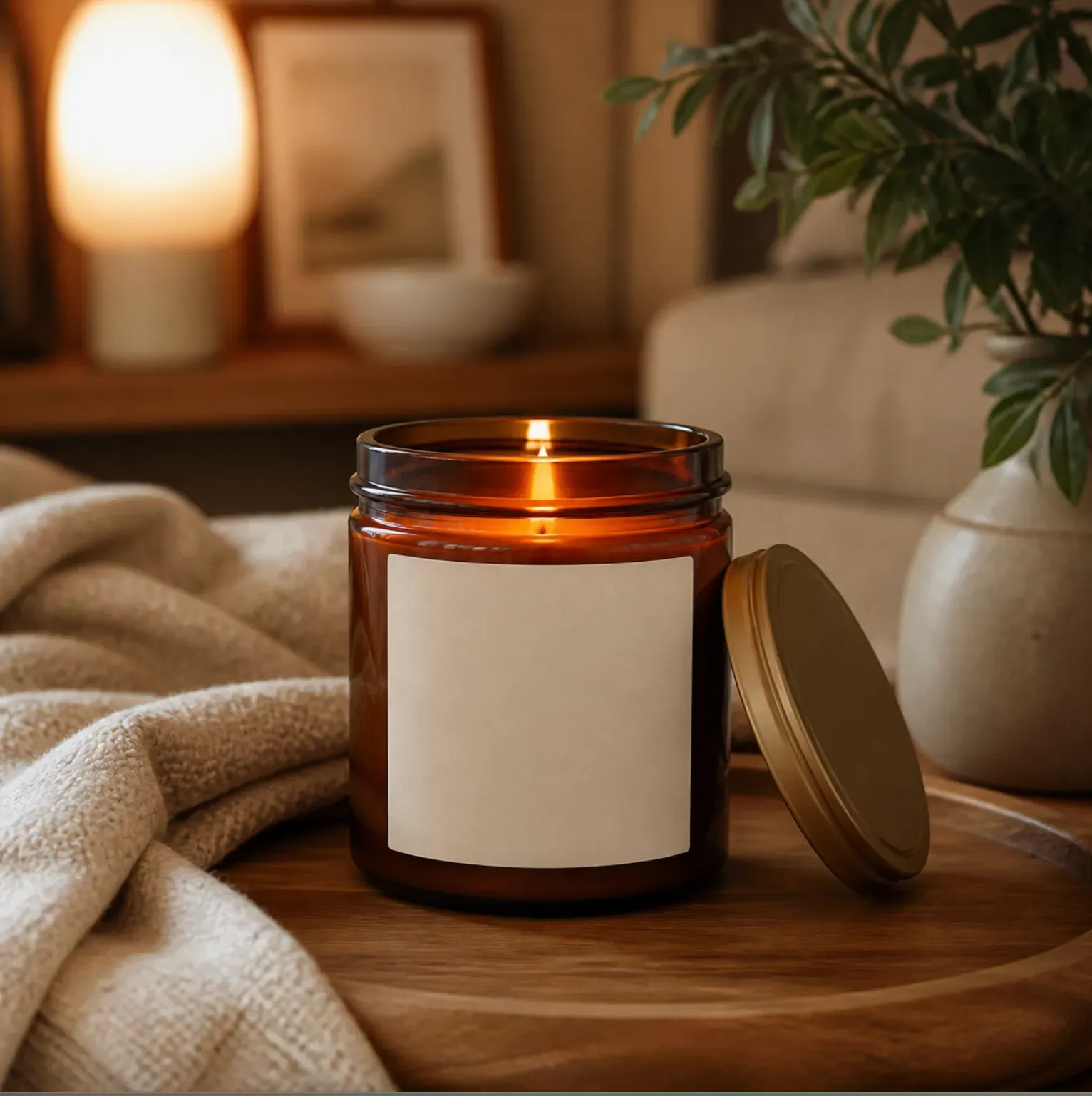
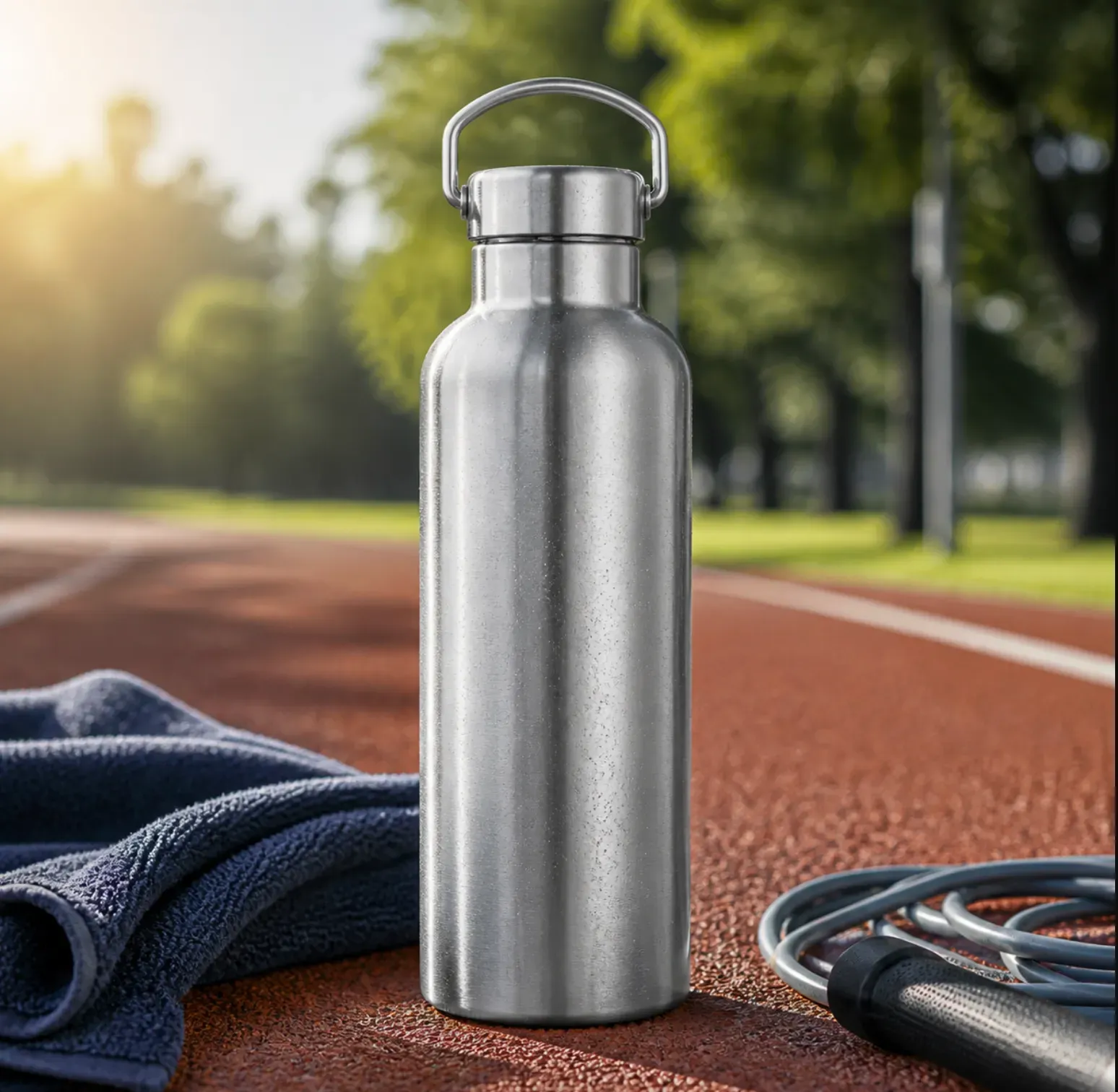
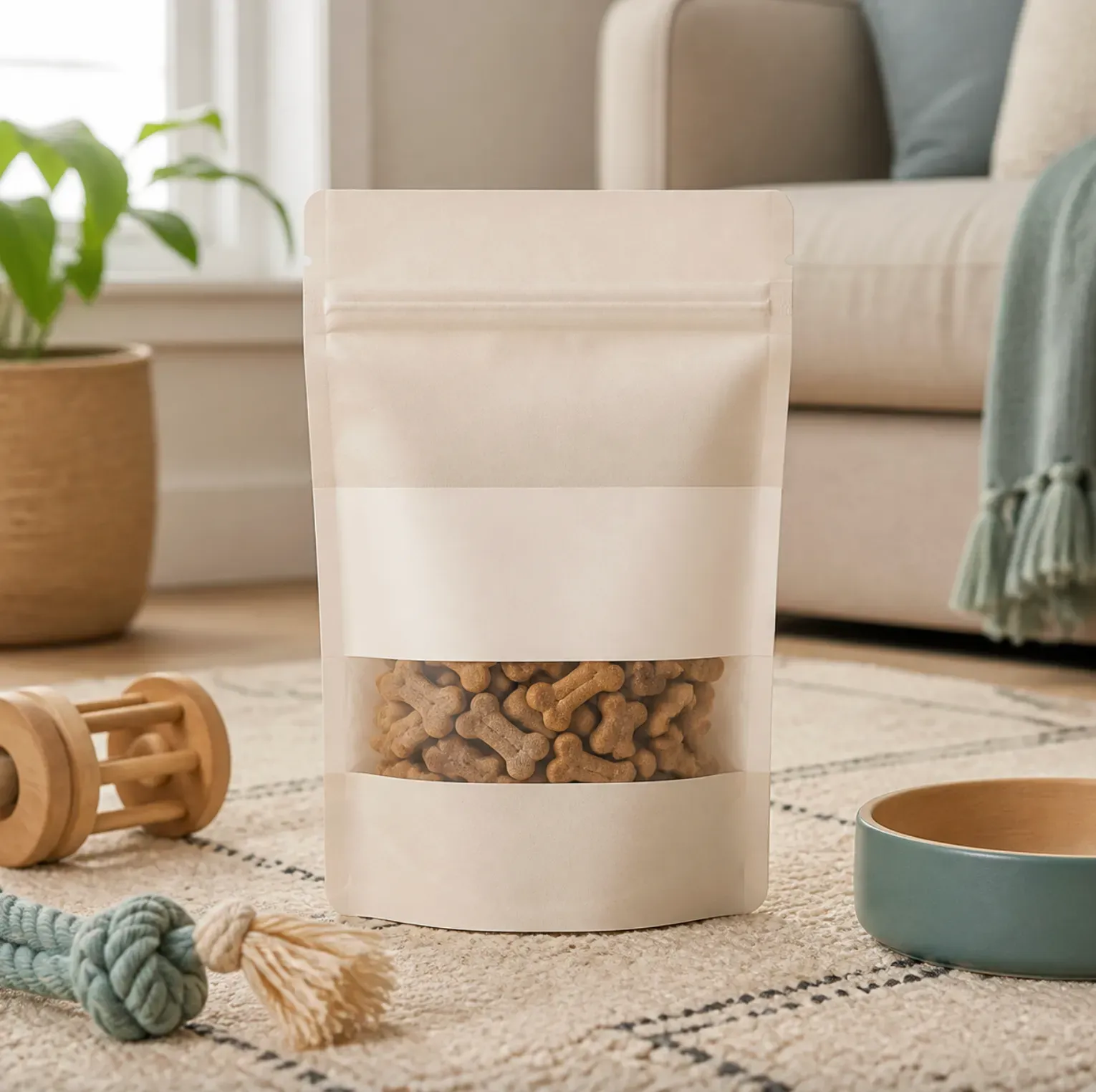
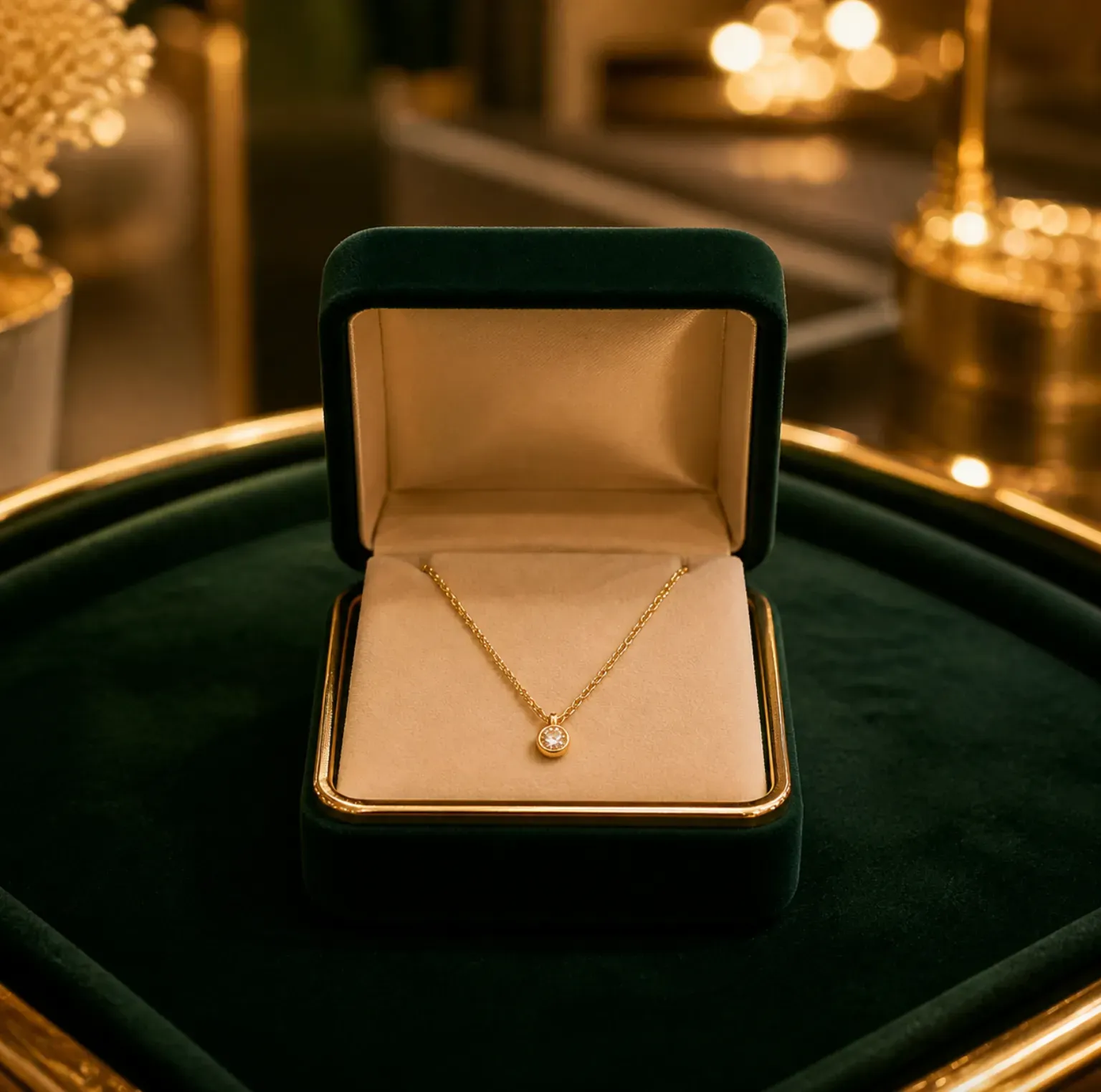
1. Clean Studio Product Backgrounds Create simple product-first backgrounds for catalogs, product pages, ads, and marketplace images. These backgrounds keep the product centered and easy to understand, using clean surfaces, soft shadows, and neutral lighting. 2. Lifestyle Product Backgrounds Place products in realistic use-case scenes. Examples include skincare on a bathroom counter, a coffee mug on a kitchen table, headphones on a desk, pet products in a living room, or a travel bottle in a gym bag. 3. Seasonal Campaign Backgrounds Generate holiday and promotion-ready product visuals for Christmas, Valentine’s Day, Mother’s Day, Black Friday, summer travel, back-to-school, and product launch campaigns. 4. Social Media and Ad Backgrounds Create product images for Instagram posts, TikTok product showcases, Facebook ads, Pinterest pins, email banners, and landing page visuals. These backgrounds can include empty negative space for later text or design overlays. 5. Premium Brand Scene Backgrounds Use marble, stone, wood, fabric, glass, bathroom tile, kitchen counters, modern desks, spa settings, or luxury gift scenes to make the product feel more aligned with a specific brand style.

How Product Background Generator Works

Vidoly uses the uploaded product photo as the main subject and generates a new background around it. The AI aims to preserve the product’s shape, color, material, packaging, label placement, and visible details while changing the surrounding scene. For stronger results, the product should be clearly visible, well-lit, and not heavily cropped. The AI can create a new setting, adjust visual context, and match the product with a more suitable ecommerce or lifestyle background, but users should still review the final result for product accuracy.

Best Product Photos to Upload

Use a sharp, high-resolution product image where the full item is visible. Clear front-facing product photos, packaging shots, bottles, boxes, accessories, home goods, beauty products, pet products, electronics, and small appliances usually work well. Avoid blurry photos, screenshots, cropped packaging, heavy shadows, strong reflections, transparent objects with unclear edges, and backgrounds that blend into the product. If the product has small label text, legal claims, measurement marks, or certification icons, check them carefully after generation.

Product Background Ideas by Category

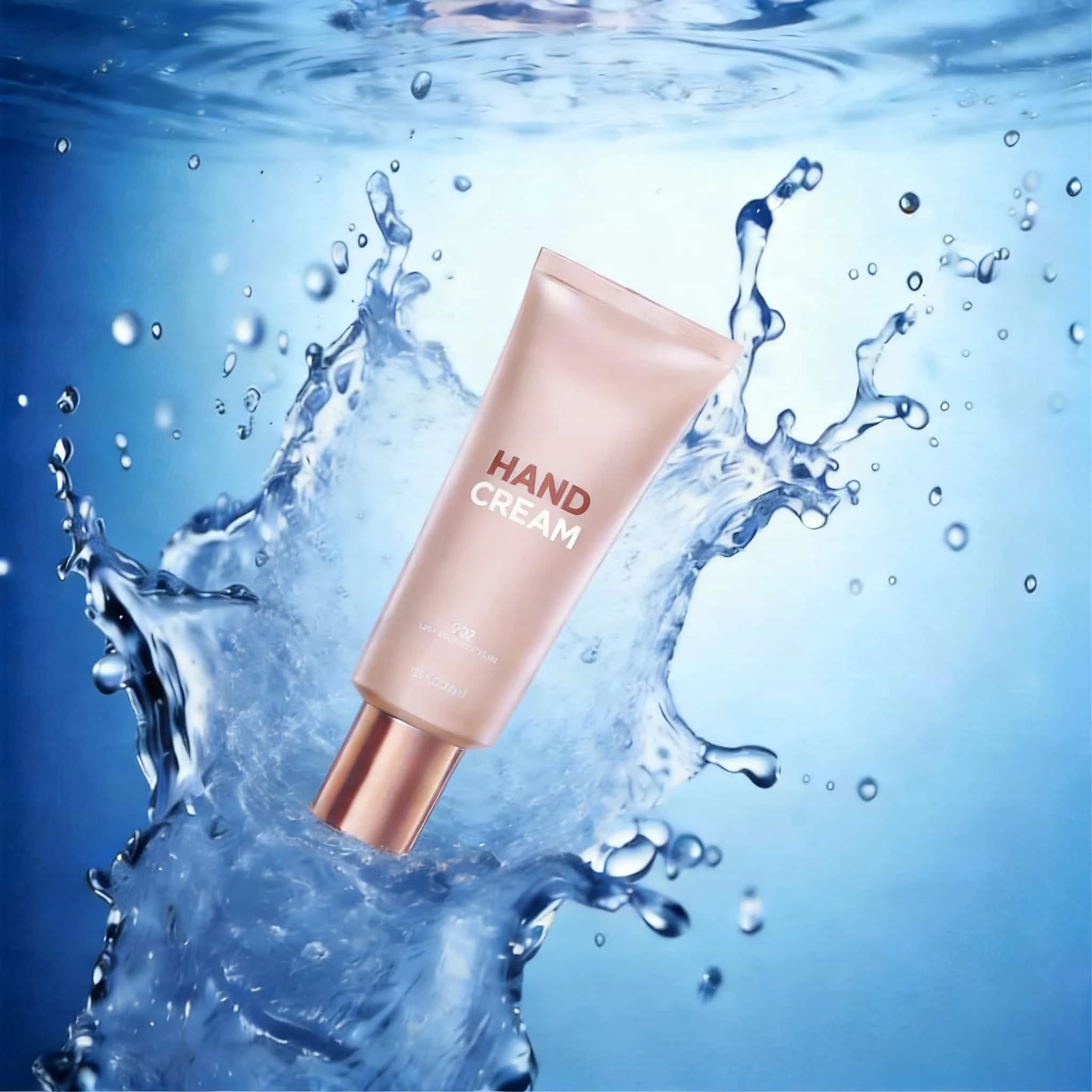
1. Beauty and Skincare Products Use bathroom counters, spa stones, water droplets, botanical leaves, soft beige surfaces, marble trays, or clean vanity scenes. These backgrounds work well for cream jars, shampoo bottles, body wash, serums, and cosmetics. 2. Food and Beverage Products Use kitchen counters, breakfast tables, picnic scenes, fresh ingredients, wooden boards, cafe surfaces, or seasonal gift layouts. These scenes help show flavor, freshness, serving context, and product scale. 3. Electronics and Accessories Use modern desks, travel bags, charging setups, gaming desks, studio lighting, or minimal tech backgrounds. These backgrounds are useful for earbuds, chargers, phone cases, keyboards, and smart devices. 4. Pet Products Use living rooms, pet beds, grooming stations, outdoor play scenes, feeding areas, or cozy home settings. These backgrounds help buyers understand daily use and product fit. 5. Home and Kitchen Products Use modern kitchens, clean countertops, laundry rooms, bathroom shelves, storage spaces, or tabletop setups. These scenes work well for tools, organizers, bottles, decor, and small appliances.

Product Background Generator vs Background Remover

A background remover deletes the original background and often creates a transparent PNG or white-background image. A product background generator goes further: it creates a new visual environment around the product, such as a studio scene, lifestyle setup, seasonal campaign, or ad-ready product image. Use Background Remover when you need a clean cutout. Use Product Background Generator when you need a new product scene for ecommerce, ads, social media, or brand visuals.

Common Limitations of AI Product Backgrounds

AI may slightly change product edges, shadows, reflections, colors, packaging details, or small text when generating a new scene. This is more likely with reflective packaging, glass bottles, transparent plastic, jewelry, complex labels, low-resolution photos, or products with fine details. Before using the image commercially, compare the result with the real product. Check product shape, label text, logo placement, color accuracy, material texture, package size, warning labels, ingredient lists, and any claims shown in the visual.

How To Use Product Background Generator?

1

Upload Your Product Photo

Choose a clear product image where the item shape, color, packaging, label, and edges are visible.

2

Describe the Background Style

Enter the scene you want, such as white studio background, bathroom counter, kitchen table, luxury marble surface, outdoor travel scene, holiday gift setup, or modern desk.

3

Generate the Product Scene

Vidoly creates a new background around your product while aiming to keep the product’s core appearance accurate.

4

Review Product Accuracy

Check the generated image for product shape, color, label text, logo placement, reflections, shadows, and scale.

5

Download for Ecommerce or Marketing

Use the final image for product pages, ads, social posts, email campaigns, storefront banners, or creative mockups.

常见问题

What is Product Background Generator?

Product Background Generator is an AI tool that creates new backgrounds for product photos. It can turn a plain product image into a studio shot, lifestyle scene, seasonal campaign image, or ecommerce product visual.

Can I use it for ecommerce product photos?

Yes. It is useful for Shopify, Etsy, Amazon-style product pages, DTC websites, social ads, product launch pages, and marketplace visuals. Always review the final image for product accuracy before publishing.

Is this the same as a background remover?

No. A background remover removes the existing background and may create a transparent or white-background image. Product Background Generator creates a new background or scene around the product.

What product photos work best?

Clear, high-resolution product photos with visible edges, accurate color, and stable lighting work best. Avoid blurry images, cropped products, heavy reflections, and backgrounds that blend into the product.

Can I create lifestyle product images?

Yes. You can generate lifestyle scenes such as bathroom shelves, kitchen counters, home offices, gym bags, outdoor travel scenes, pet care scenes, or holiday gift layouts.

Can it create white studio backgrounds?

Yes. You can prompt for clean studio backgrounds, neutral surfaces, soft shadows, and simple product-first compositions. If you need a strict white-background main image, review the final result carefully before marketplace upload.

Will the AI preserve my product label?

The AI can try to preserve visible labels and packaging, but small text may change. Always check logos, ingredient lists, claims, warning labels, measurement marks, and legal text before using the image commercially.

Can I use the generated backgrounds for ads?

Yes, generated product scenes can be used for ad concepts, social posts, landing pages, storefront banners, and campaign visuals if you have the rights to the product image and the final result accurately represents the product.

Does it work for reflective or transparent products?

It can help, but reflective metal, glass, clear plastic, glossy packaging, and jewelry need careful review. These materials can cause edge, reflection, or shadow errors.

Can I generate seasonal product backgrounds?

Yes. You can create Christmas, Valentine’s Day, Mother’s Day, Black Friday, summer travel, back-to-school, or product launch backgrounds for marketing campaigns.

Does AI product background generation replace product photography?

Not fully. AI is useful for fast background variations, ecommerce concepts, and campaign drafts. Professional photography is still better when exact product accuracy, regulated claims, model releases, or final catalog precision are required.

Why does my product look slightly different after generation?

AI may adjust product edges, shadows, colors, reflections, or small packaging details while creating the new background. This is more likely with low-quality input images, reflective materials, transparent packaging, or tiny label text