Studio publicitaire IA

progress_activity Chargement des exemples...

Vidoly Ad Studio: Create AI product ad videos with ready-made templates

Vidoly Ad Studio helps creators, e-commerce sellers, and marketing teams produce AI product ad videos using pre-made video templates. Choose a popular ad video template, replace product images and character images in the smart panel, and generate the video—selected characters in the video will naturally use, hold, display, or interact with your product.

Create Ad Video
Start with Popular Ad Video Templates

Start with Popular Ad Video Templates

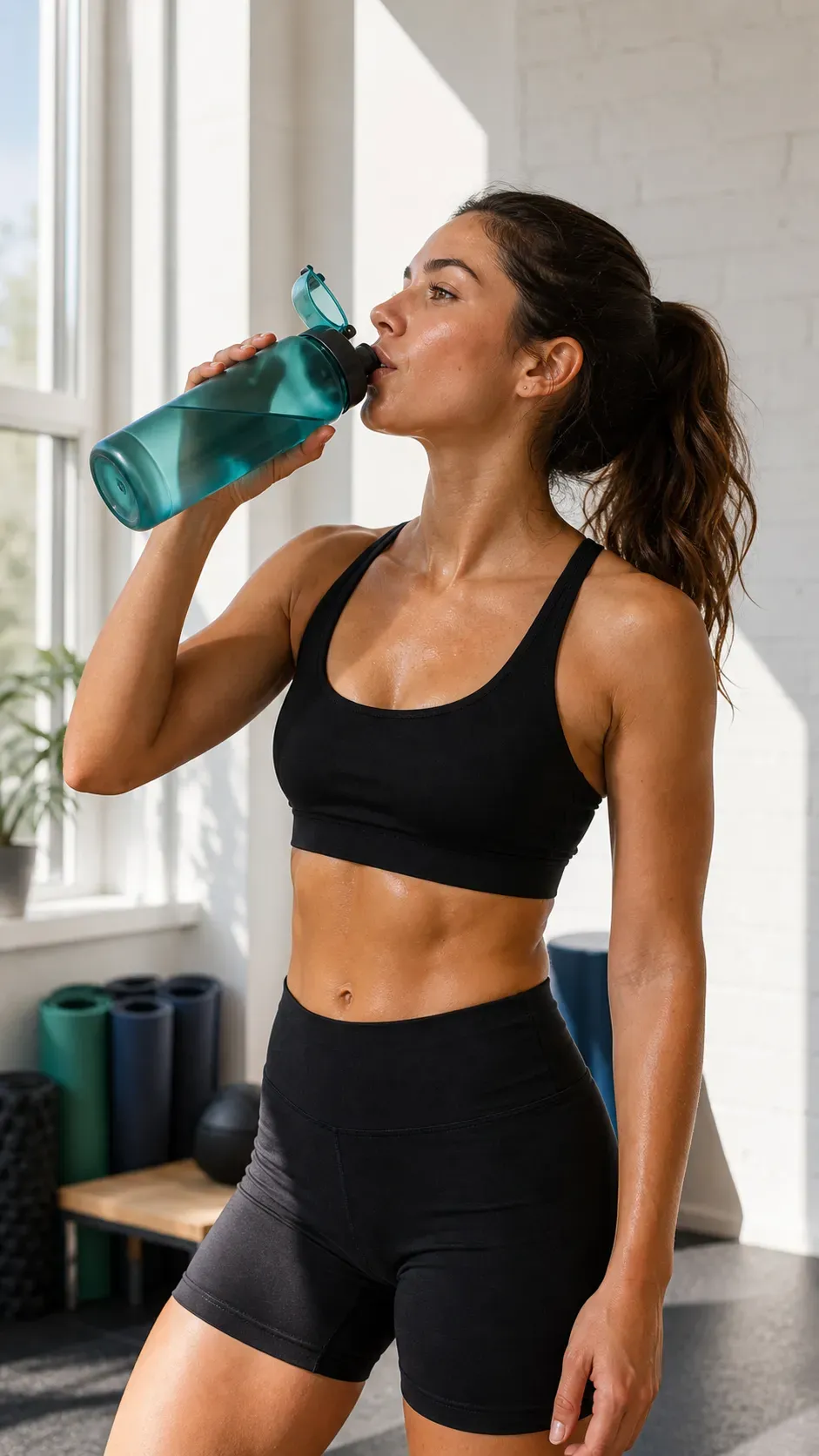
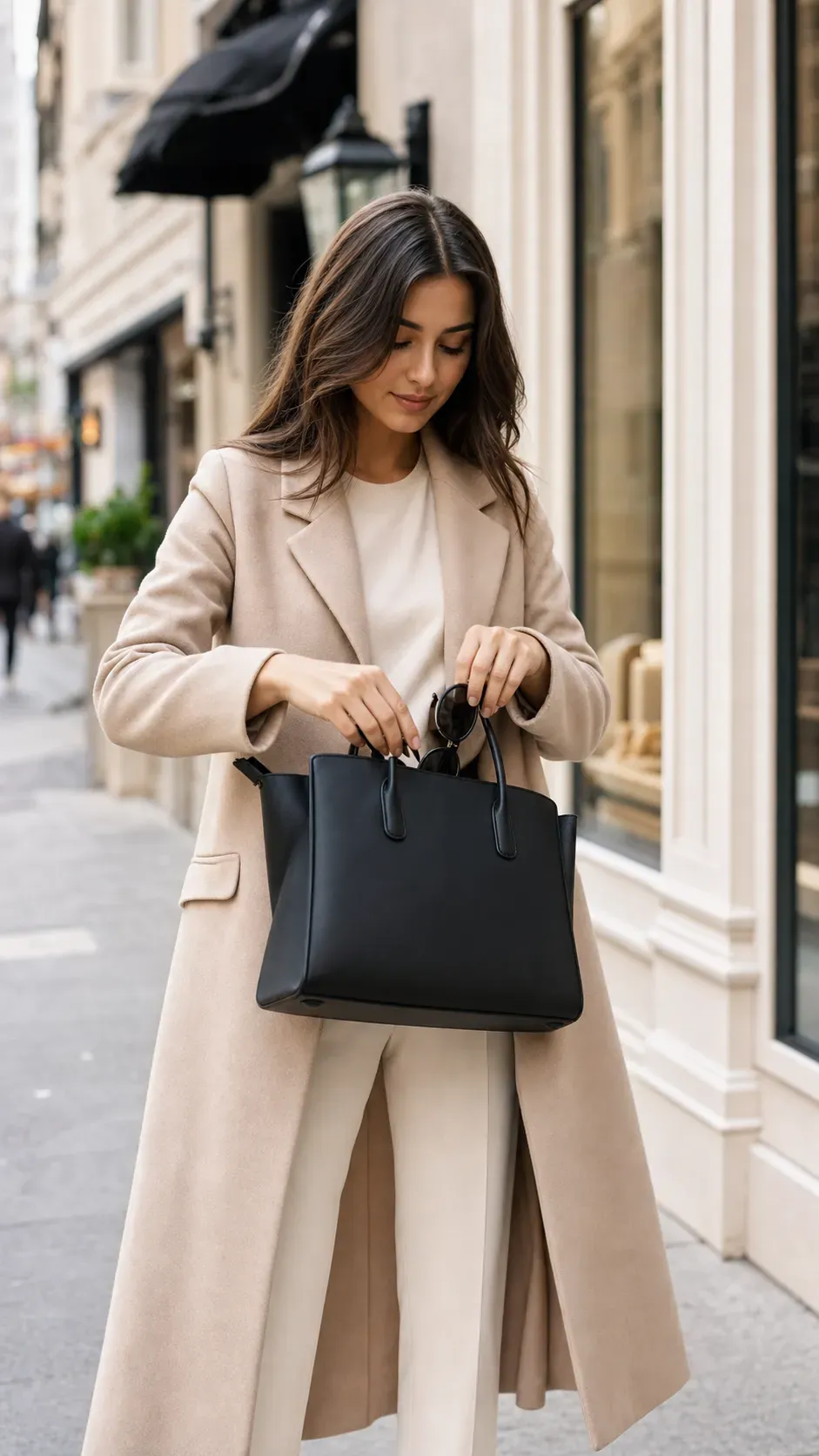
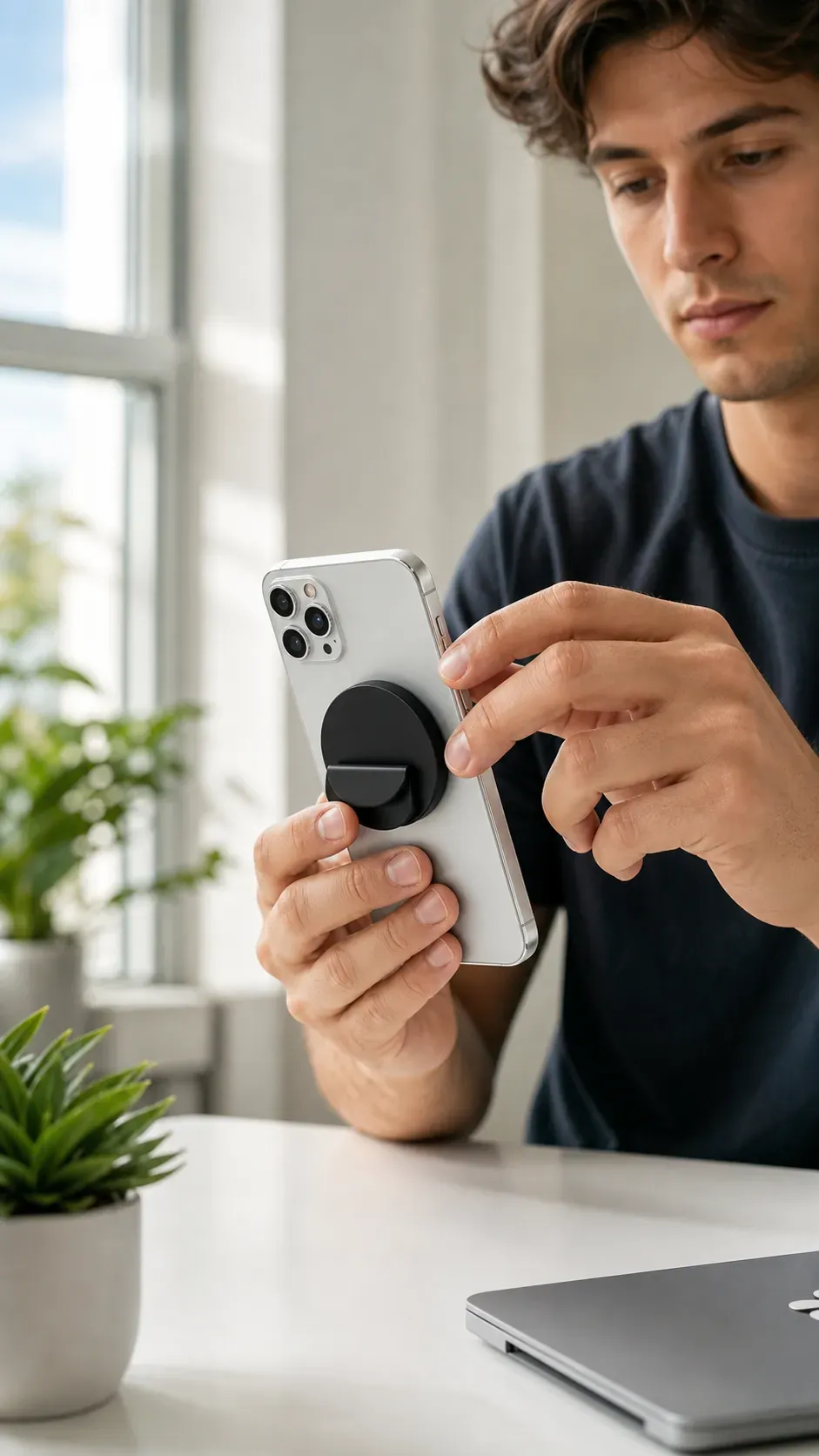
Vidoly Ad Studio offers video templates based on well-known ad formats, including product demos, creator-style product shoots, lifestyle use cases, product launch clips, beauty and fashion ads, gadget demos, and short-video social video structures. These templates let users skip starting from a blank prompt and jump straight into a reusable ad creation workflow.

Replace Product and Character Images with Smart Panel

Replace Product and Character Images with Smart Panel

When users click on a video template, Vidoly opens a smart panel with pre-prepared template prompts. Users don’t need to write full ad scripts or video storyboards manually—they only need to replace product and character images, confirm the template, and generate the ad video.

Create Product Usage Videos Without Writing Full Prompts

Create Product Usage Videos Without Writing Full Prompts

Ad Studio is designed for users who want template-driven video generation. The system retains the ad structure, scene logic, and action direction of the selected template, but adjusts the output based on the uploaded product and character. This makes it easier to create consistent product usage videos for social ads, landing pages, product launches, and influencer-style content.

Create Reusable Ad Creatives for E-commerce and Social Content

Create Reusable Ad Creatives for E-commerce and Social Content

Marketing teams can reuse the same template with different products, characters, or visual styles. This supports rapid creative testing for e-commerce ads, influencer product recommendations, TikTok-style product clips, Amazon product videos, Shopify store campaigns, and paid social variants.

How Does Vidoly Ad Studio Work?

How Does Vidoly Ad Studio Work?

Vidoly Ad Studio uses a template-based workflow. The selected template defines the video structure, camera angles, scene types, product interactions, and character behaviors. The smart panel then lets users replace core assets: product images and character images.

What Can You Create with Vidoly Ad Studio?

What Can You Create with Vidoly Ad Studio?

- UGC-style product ad videos

Best Inputs for High-Quality Ad Videos

Best Inputs for High-Quality Ad Videos

Use clear product images that fully show the product, have minimal obstructions, and include sufficient details of packaging, color, and shape. For character images, use clear portraits or full-body shots with good lighting and distinct facial features or clothing.

Vidoly Ad Studio vs. Manual Video Production

Vidoly Ad Studio vs. Manual Video Production

Traditional product ad production typically requires scriptwriting, shooting, lighting, actors, editing, and multiple revisions. Vidoly Ad Studio is better suited for rapid creative testing, template-based video generation, and creating multiple ad concepts from product and character images.

Limitations

Limitations

AI-generated ad videos may not perfectly retain every tiny product label, logo, or packaging detail. Hand-object interactions, reflections, transparent packaging, small text, and complex product shapes may require manual review.

Popular Use Cases

Popular Use Cases

1. E-commerce sellers: Use templates to create product demo videos for Shopify stores, landing pages, Amazon listings, and paid social tests.

How to Use Vidoly Ad Studio?

1

Choose a Video Template

Browse Vidoly Ad Studio’s library and select a template that fits your product category, scene, or ad format.

2

Open the Smart Panel

Click on the template to open the smart panel. The video prompt is prepped based on the selected ad structure.

3

Replace Product Image

Upload the product image that will be used to generate the product that characters in the video will use, hold, display, or interact with.

4

Replace Character Image

Upload or select the character image that will appear in the video. This character will serve as the presenter.

5

Click Create and View Video

After generating the video, check product accuracy, character consistency, action quality, and whether the ad clearly communicates the product’s message.

FAQ

What is Vidoly Ad Studio?

Vidoly Ad Studio is an AI ad video generator that uses ready-made video templates. Users select a template, replace product and character images, and generate a new product ad video.

Do I need to write the video prompt myself?

No. The smart panel includes pre-set video prompts for the selected template. Before generating, users only need to replace the product and character images.

What types of videos can I create?

You can create product demos, UGC-style ads, influencer-style recommendation videos, lifestyle product clips, beauty ads, fashion product videos, gadget demos, and e-commerce campaign variant videos.

What images do I need?

You need one product image and one character image. Clear, high-resolution images generally work better than blurry, over-cropped, or heavily filtered uploaded images.

Can I use the same template for different products?

Yes. The same template can be reused with different product and character images, which is helpful for creative testing and product catalog campaigns.

Can I create videos for e-commerce ads?

Yes. Ad Studio is suitable for e-commerce sellers, DTC brands, Shopify store sellers, Amazon sellers, influencers, and marketing teams needing product-centric video creatives.

Will product labels always be perfectly rendered?

Small text, labels, logos, and packaging details may differ in AI-generated videos. Please review the output before using it for ads, product pages, or commercial campaigns.

Can characters hold or use the product?

This depends on the selected template. When interaction is important, choose a template designed for product holding, product use, demonstrations, or presenter scenarios.

Is Vidoly Ad Studio better than manual video production?

It is better suited for rapid concept generation, creative testing, and template-based ad variants. Manual production remains superior when precise brand control, legal review, or final campaign accuracy is required.

Can I use Ad Studio for TikTok, Reels, or YouTube Shorts?

Yes. Template-based product videos are useful for short-video platforms, especially when you need to quickly create multiple ad concepts or social content variants.

À lire aussi

addProduit
addAvatar