AI Image Translator Tools

Styles

KI Image Translation Tool

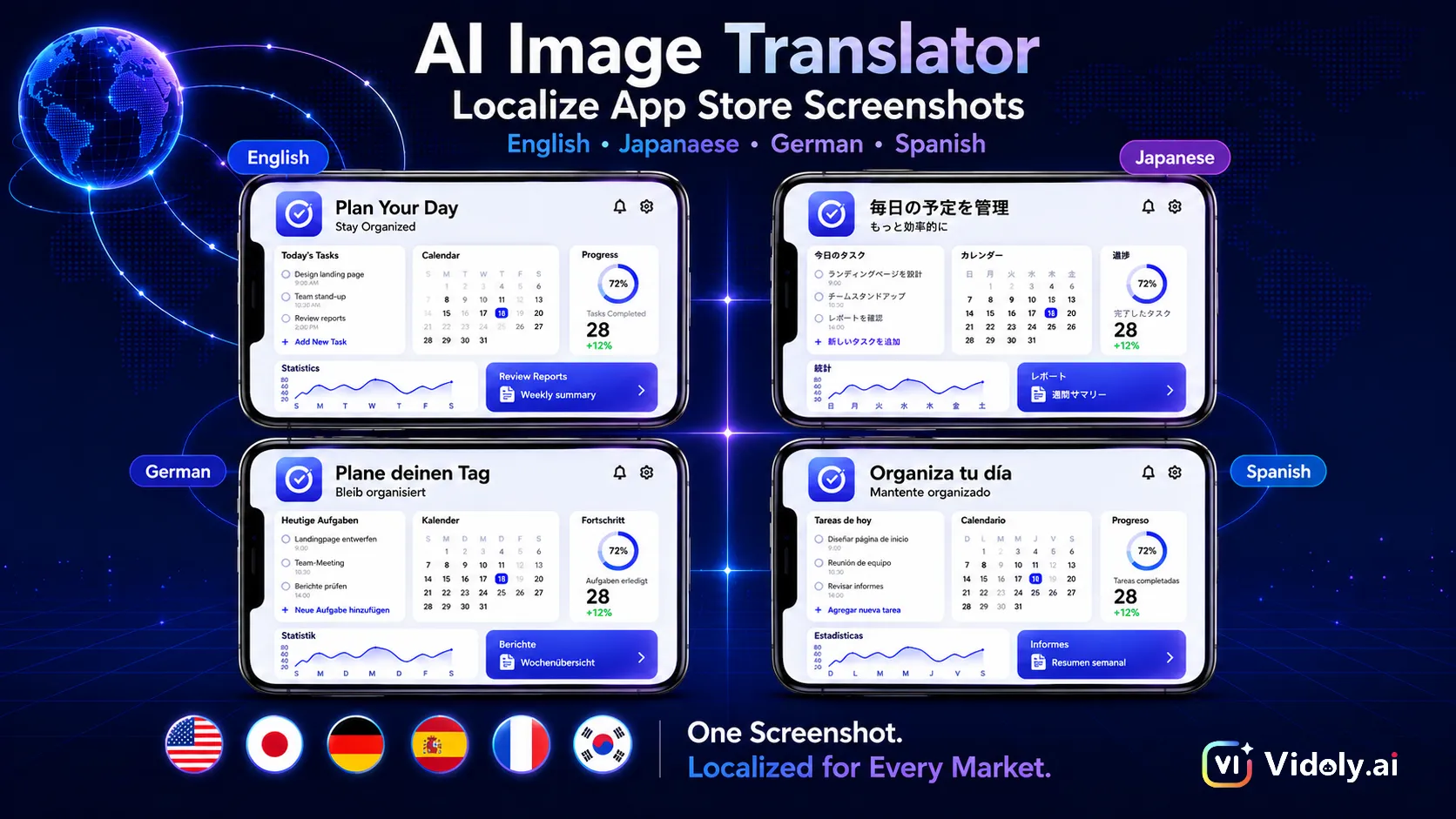
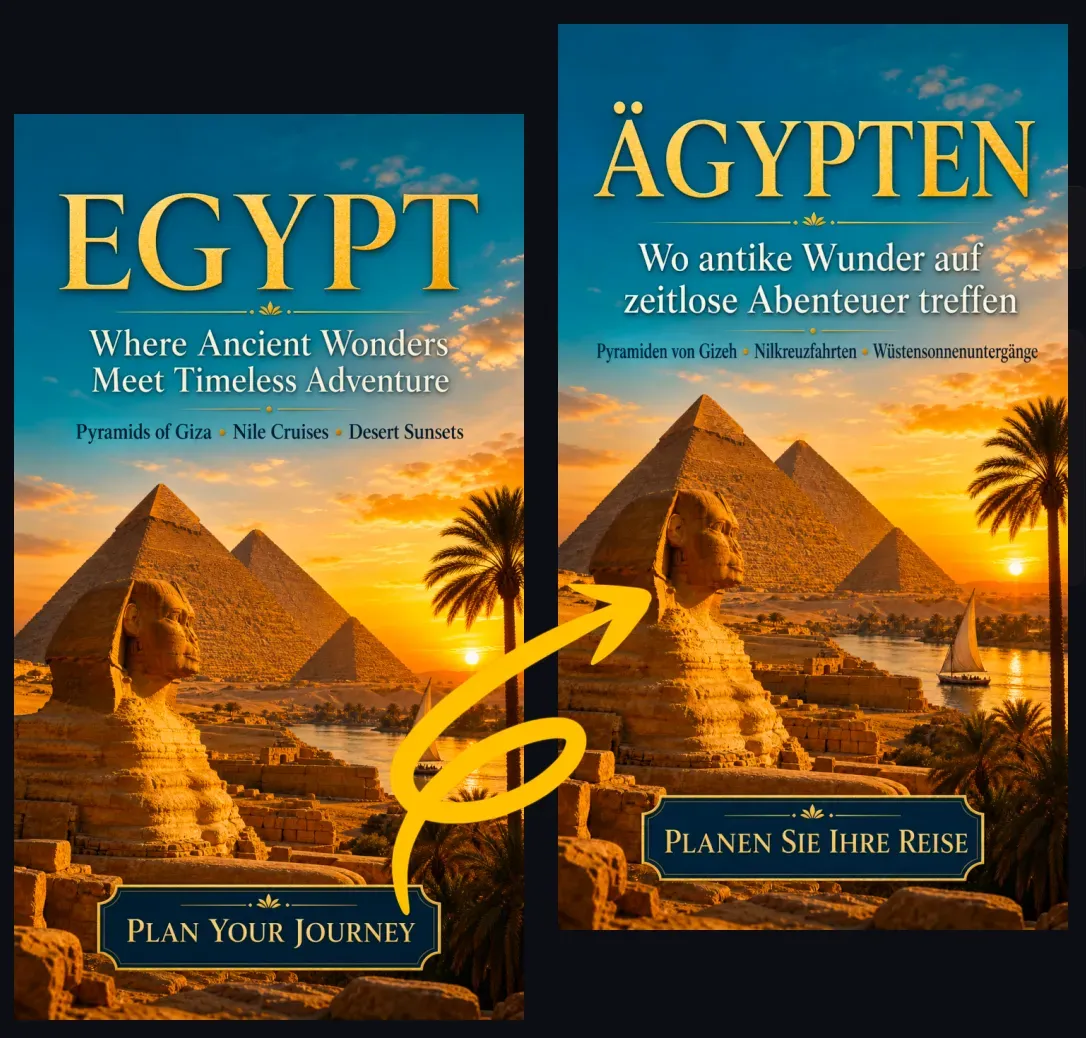
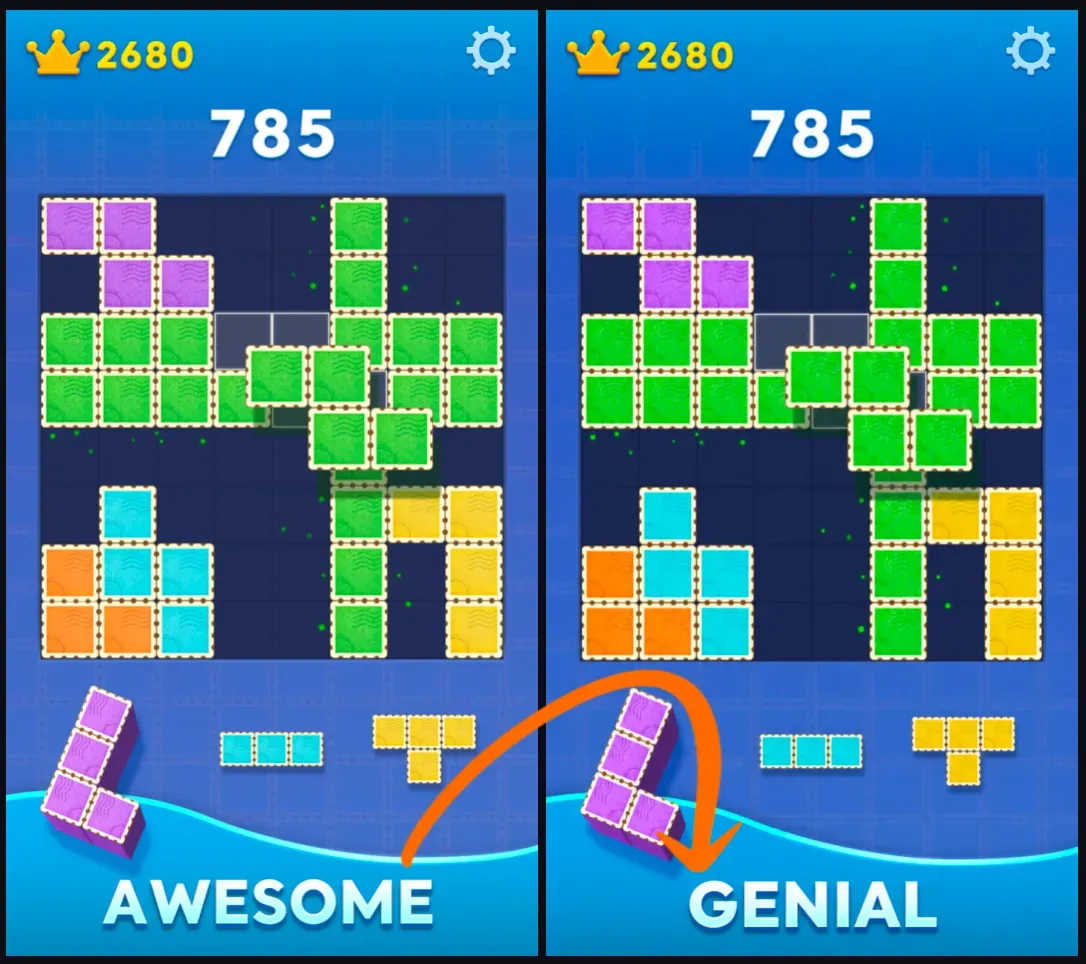
Explore AI tools designed for translating text in images. These image translation tools can recognize visible text, translate it into other languages, remove or cover the original text, generate a new image, and embed the translated text into it in the original layout.

What is an AI Image Translation Tool?

An AI image translation tool converts text in images into translatable visual content. These tools not only extract text via OCR, but also identify text areas, translate the content, clean up the original text areas, and re-embed the translated text into the image.

Featured Image Translation Tools

1. Image Text Translation

Common Limitations of Image Translation Tools

Image translation tools work best when the text is visually clear and the background can be restored. If the original text overlaps with faces, products, logos, fine textures, shadows, gradients, or transparent effects, the results may be poor.

How to Choose an Image Translation Tool?

1

1. Determine whether you need only the translated text or a complete translated image as output.

2

2. If you want to download a new image, choose a tool that preserves the layout.

3

3. Use images with clearly legible text for better results.

4

4. Select the target language, and verify names, numbers, prices, and other information.

5

5. Download the translated image and verify the content before publishing.

FAQ

What is an AI Image Translation Tool?

An AI image translation tool can recognize text in images, translate it into other languages, and generate an edited image by replacing the original text with the translated version.

Which image translation tool should I use?

For screenshots, posters, menus, and social images, general image text translation tools work well; for product images, comic panels, advertising materials, or other formats requiring more layout control, use specialized tools.

Are AI image translation tools different from OCR translation tools?

Yes. OCR translation tools typically only extract and translate text from images, while AI image translation tools can also edit images, remove the original text, and re-embed the translated text into the layout.

Can these tools translate product images?

Yes. Product image translation is useful for e-commerce sellers who need localized images for Amazon, Shopify, TikTok Shop, Etsy, advertisements, and international store pages.

Can these tools translate comic or anime images?

Yes, translating comics and anime is possible, but more challenging, as speech bubbles, vertical text, onomatopoeia, and dense panel layouts require precise text formatting.

What type of image works best?

Screenshots, product images, posters, menus, and social images with clearly legible text usually yield the best results. Blurry, extremely small, handwritten, curved, or highly stylized text is difficult to translate accurately.

Will image translation tools preserve the original design?

Tools that preserve layout aim to retain the original design by replacing text in the original areas with translated text, but they cannot guarantee an exact font match.

Can I use the translated images for commercial purposes?

You can use translated images in commercial workflows, but you must verify translation accuracy, brand terms, legal information, prices, trademarks, and platform requirements before publishing.

Do these tools support multiple languages?

Most image translation tools support major target languages including English, Spanish, French, German, Japanese, Korean, Chinese, Portuguese, Italian, Dutch, Arabic, Thai, and Vietnamese.

Why does translated text sometimes not match?

Some languages require more space than others. If the translated content is longer, the tool may need to reduce font size, adjust line breaks, or modify spacing to fit the translated text into the original text area.