Quelles sont les fonctionnalités de l'outil de traduction d'images KI ?
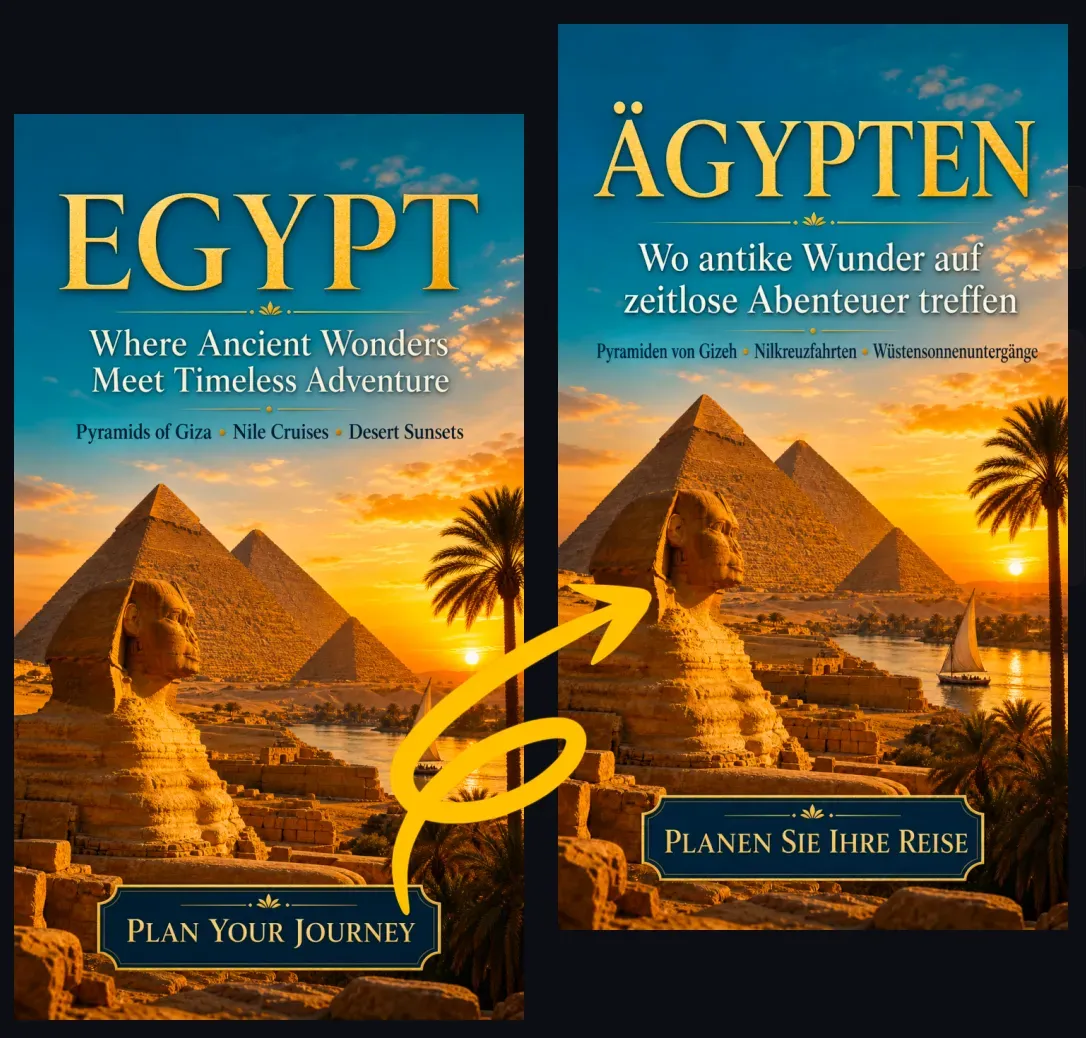
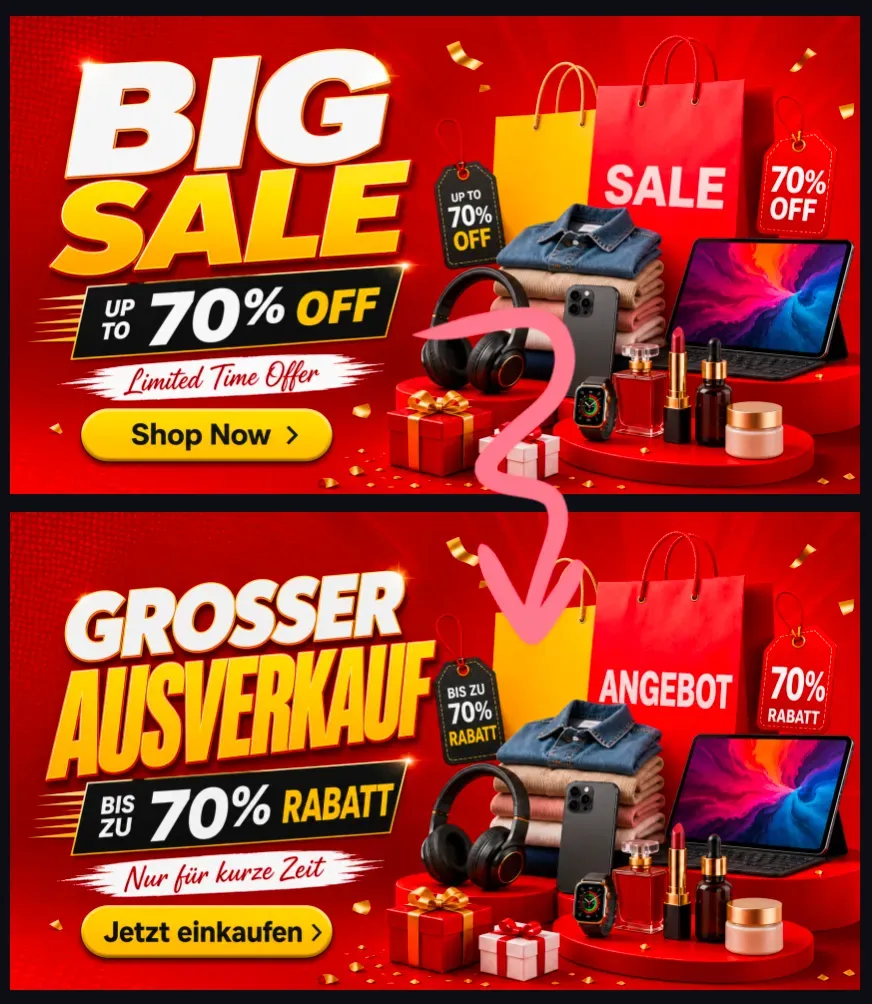
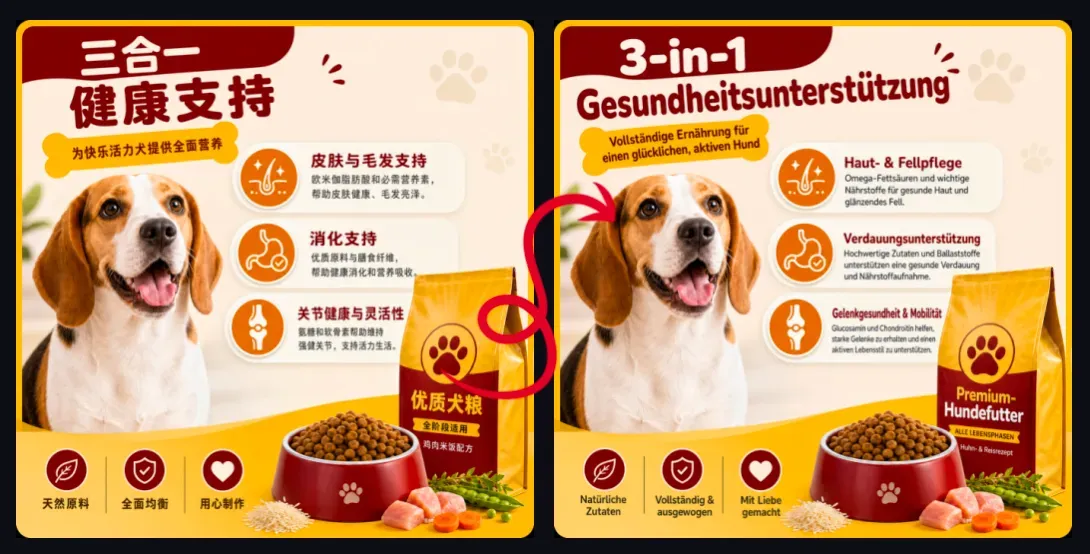
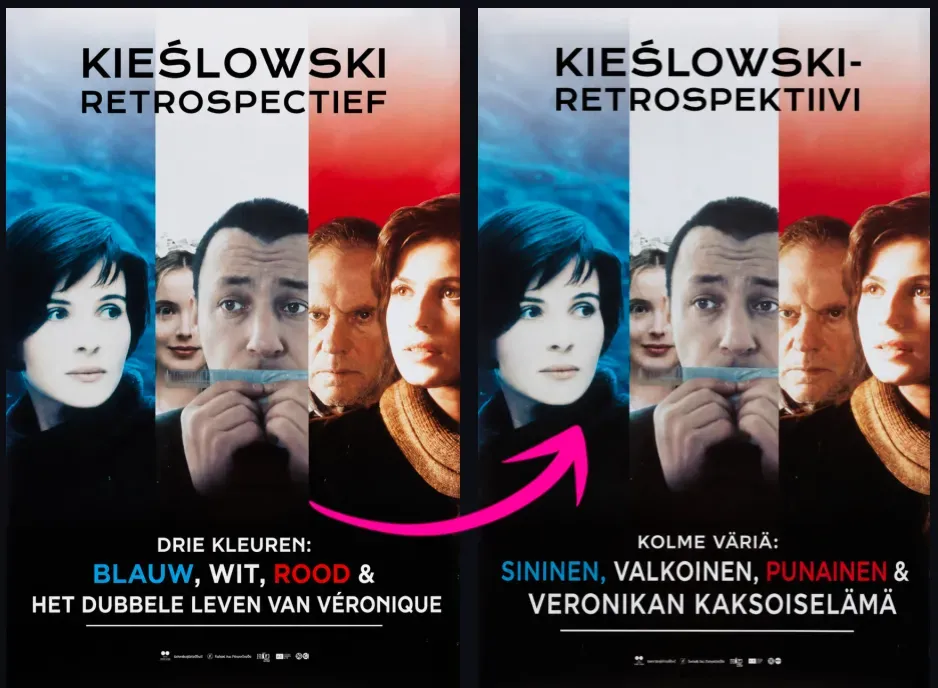
L'outil de traduction d'images KI peut reconnaître le texte dans les images, générer de nouvelles images et intégrer le texte traduit dans la mise en page d'origine. Il est conçu pour les utilisateurs qui ont besoin d'images traduites, pas seulement de traductions de texte brut.
Puis-je traduire le texte dans une image tout en conservant le design original ?
Oui. L'outil est conçu pour préserver la composition globale de l'image d'origine, en remplaçant le texte visible par le texte traduit. Bien qu'une correspondance exacte avec la police d'origine ne puisse être garantie, il maintiendra une mise en page claire et un style visuel cohérent autant que possible.
Est-ce différent des outils de traduction OCR ?
Oui. Les outils de traduction OCR se contentent d'extraire et de traduire le texte des images, tandis que l'outil de traduction d'images KI effectue un traitement d'image supplémentaire : suppression du texte d'origine et réinsertion du texte traduit dans le design visuel d'origine.
Puis-je traduire des captures d'écran ?
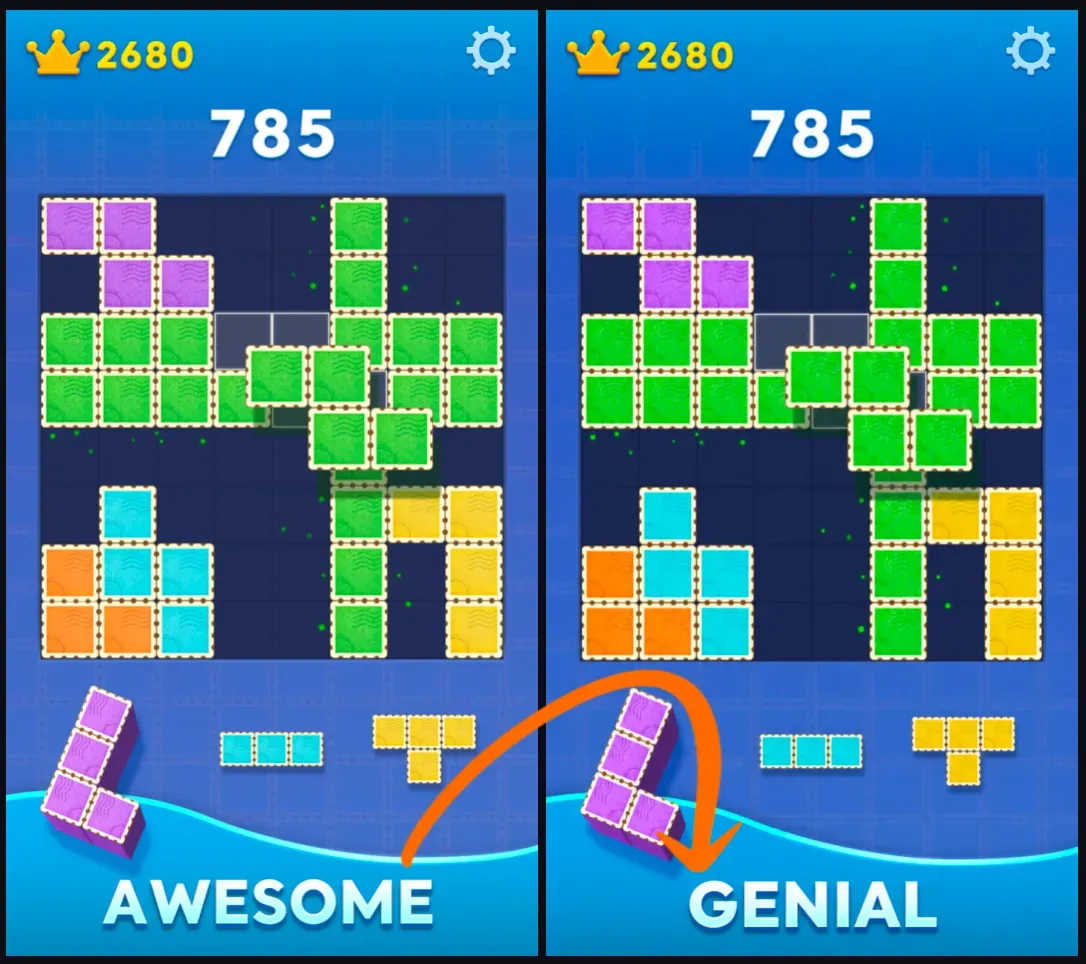
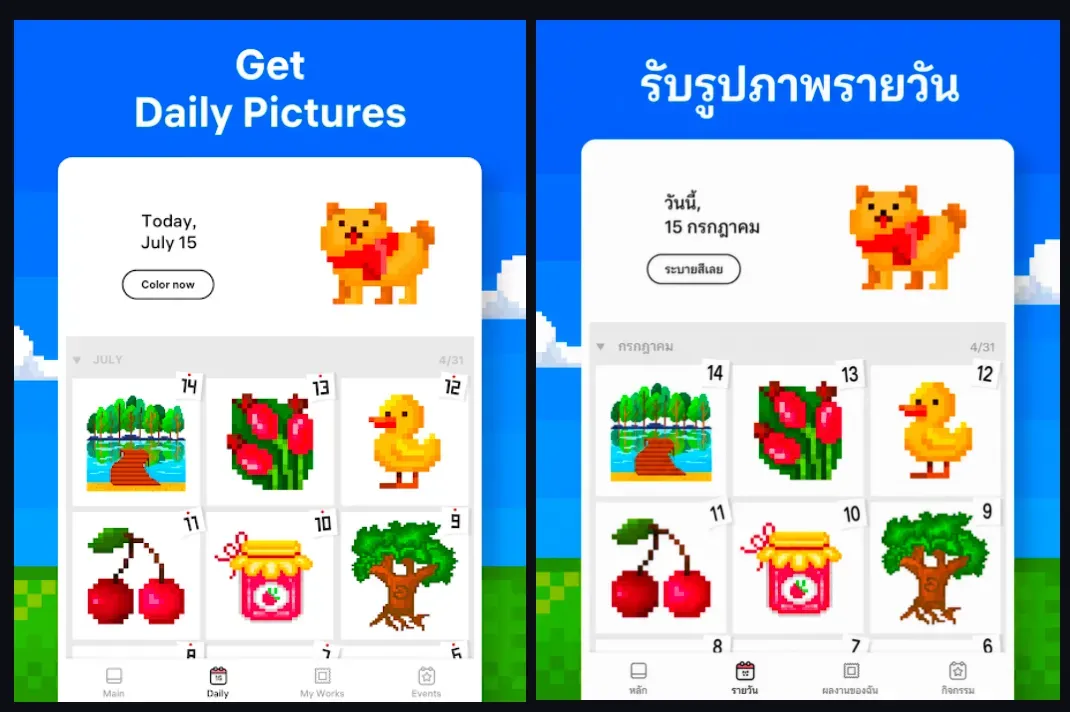
Oui. Les captures d'écran sont l'un des meilleurs cas d'utilisation de cet outil, car le texte est généralement clair et la structure de l'arrière-plan est soignée. Les captures d'écran d'applications, de sites web, de jeux et de discussions donnent généralement de bons résultats de traduction.
Puis-je traduire des images de produits ?
Oui. Les images de produits sont un cas d'usage essentiel pour les vendeurs e-commerce : parfaites pour créer des supports visuels localisés pour Amazon, Shopify, TikTok Shop, Etsy, des publicités ou des pages de destination internationales.
Puis-je traduire des bandes dessinées ou des romans graphiques ?
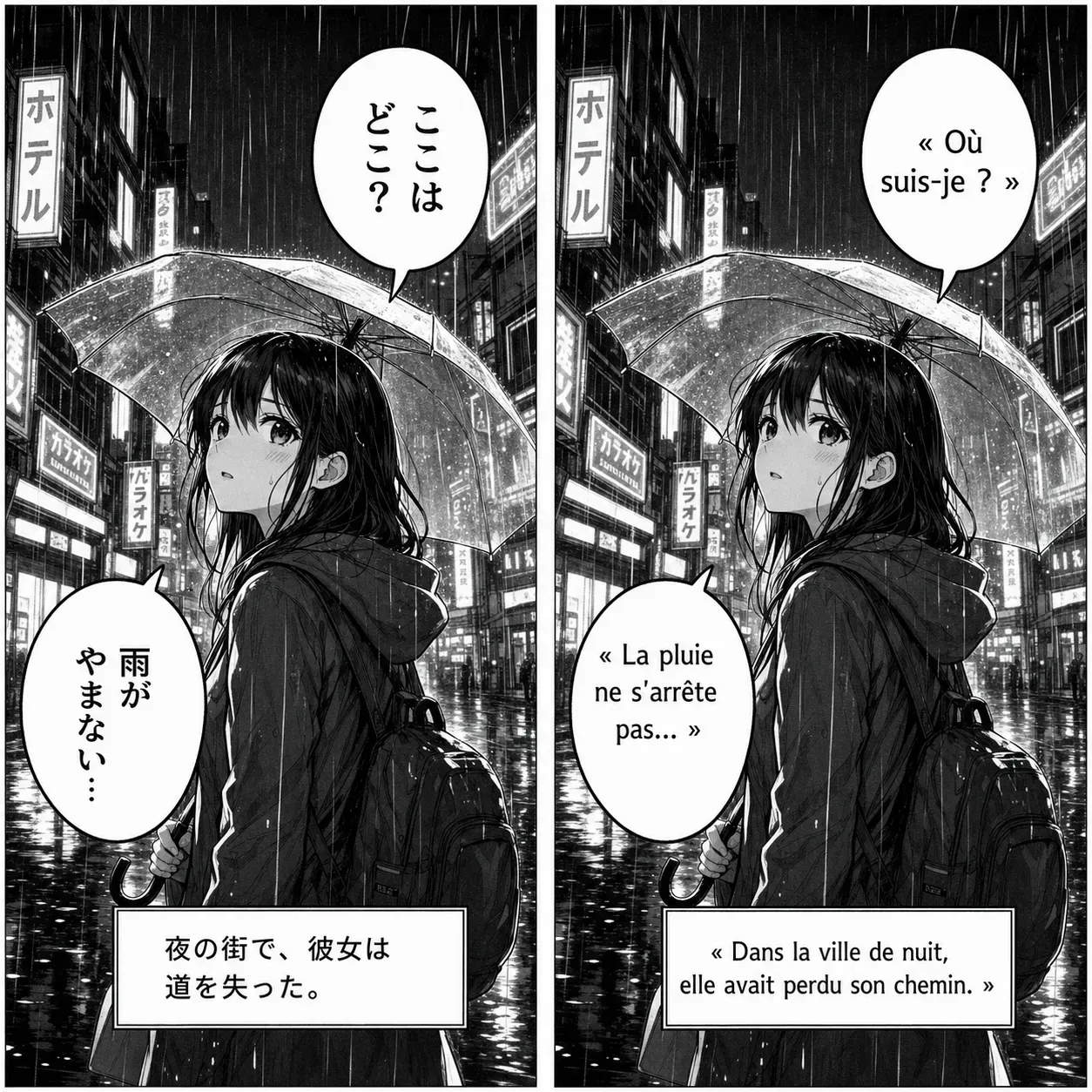
Oui. L'outil peut traduire les images de bandes dessinées et de romans graphiques, notamment les bulles de dialogue et les titres. Les mises en page complexes, le texte vertical, les onomatopées et les polices décoratives peuvent nécessiter une vérification manuelle.
L'outil va-t-il supprimer le texte original ?
L'outil tentera de supprimer, de masquer ou de retoucher la zone du texte original avant d'ajouter le contenu traduit. Le résultat dépend de l'arrière-plan, de la taille du texte, des ombres, des contours et du degré de chevauchement du texte avec les détails importants de l'image.
Conservera-t-il la police d'écriture originale ?
L'outil reproduira au maximum le style visuel du texte original, y compris la taille de la police, l'épaisseur des traits, la couleur, l'alignement et la position. Cependant, une correspondance exacte avec la police originale peut varier selon l'image et la langue cible.
Pourquoi le texte traduit est-il parfois plus petit ?
Les différentes langues nécessitent des espaces variables. Si le texte traduit est plus long, l'outil réduira la taille de la police, ajustera les sauts de ligne ou affinera l'interlettrage pour adapter le contenu traduit à la zone du texte original.
Quels types d'images donnent les meilleurs résultats ?
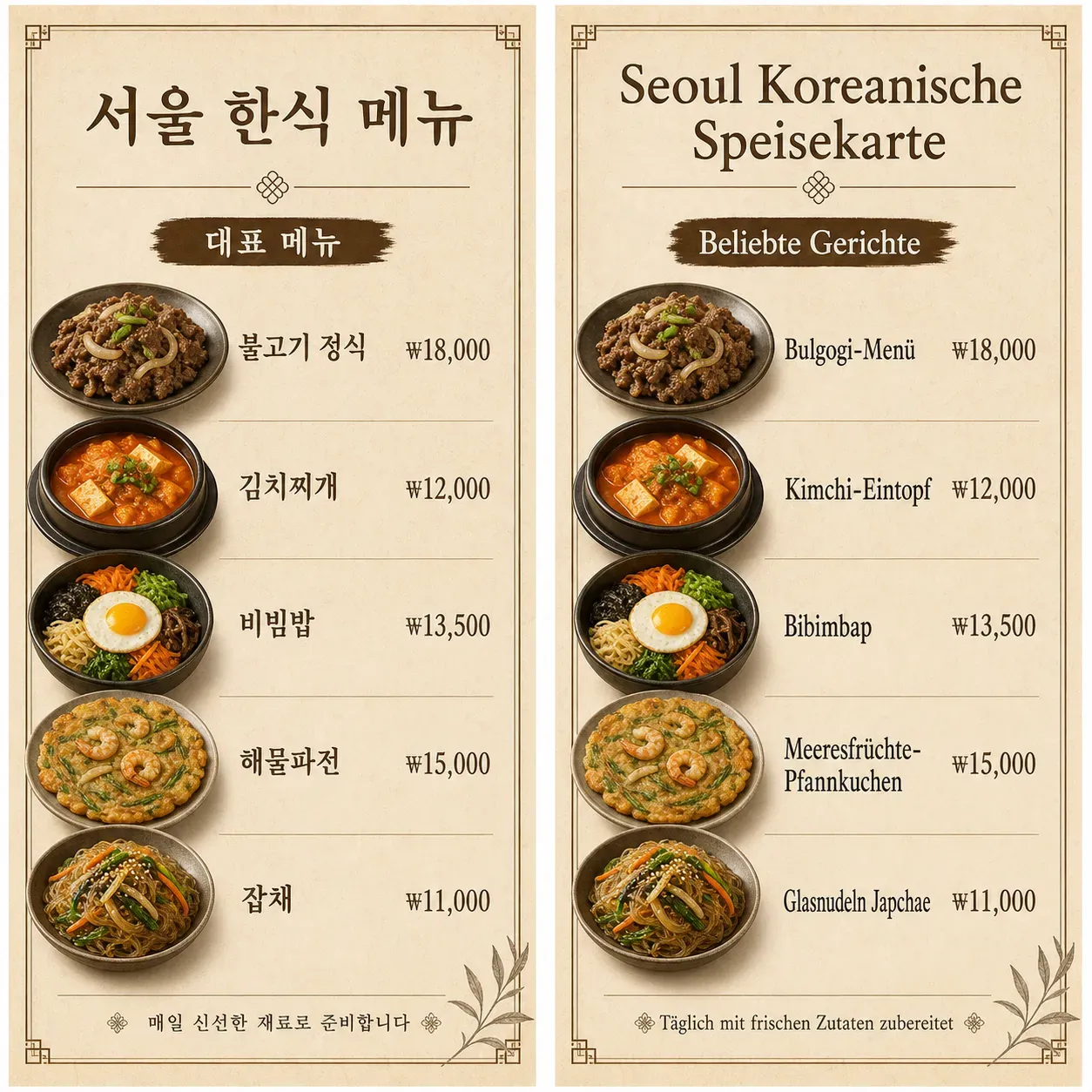
Les images haute résolution avec un texte clair et lisible donnent les meilleurs résultats. Les images de produits, les captures d'écran, les affiches, les menus et les images de réseaux sociaux offrent généralement de meilleurs résultats de traduction que les photos floues, les notes manuscrites, le petit texte ou les images avec des arrière-plans texturés complexes.
Puis-je utiliser les images traduites pour des scénarios publicitaires ou e-commerce ?
Vous pouvez utiliser des images traduites dans vos processus marketing et e-commerce, mais vous devez vérifier les résultats avant publication. Vérifiez l'exactitude de la traduction, la terminologie de la marque, les mentions légales, les prix, les clauses de non-responsabilité, les marques déposées et les règles de la plateforme.
Dans quelles langues puis-je traduire le texte des images ?
L'outil doit prendre en charge les langues cibles courantes, notamment l'anglais, l'espagnol, le français, l'allemand, le japonais et le coréen.