AI Image Expander

Styles

Extend images beyond their original borders

Extend images beyond their original borders

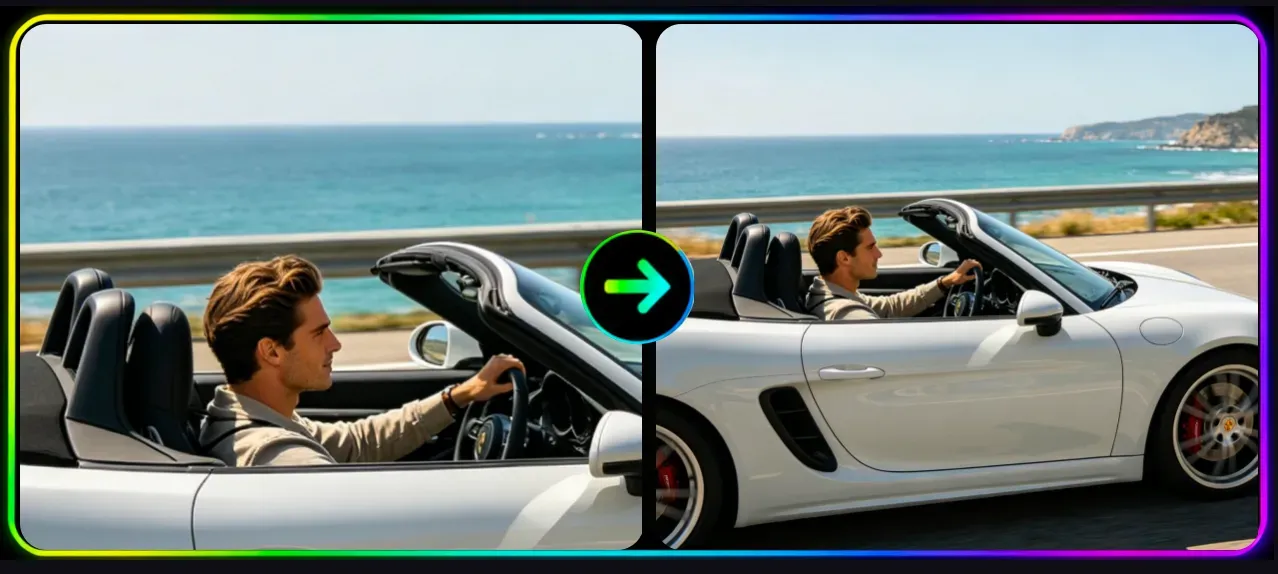
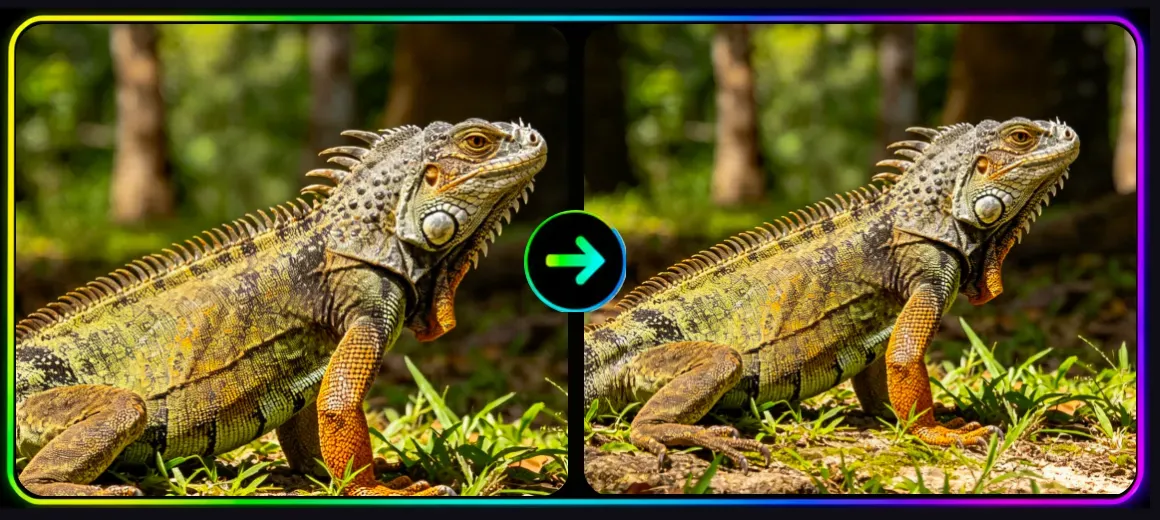
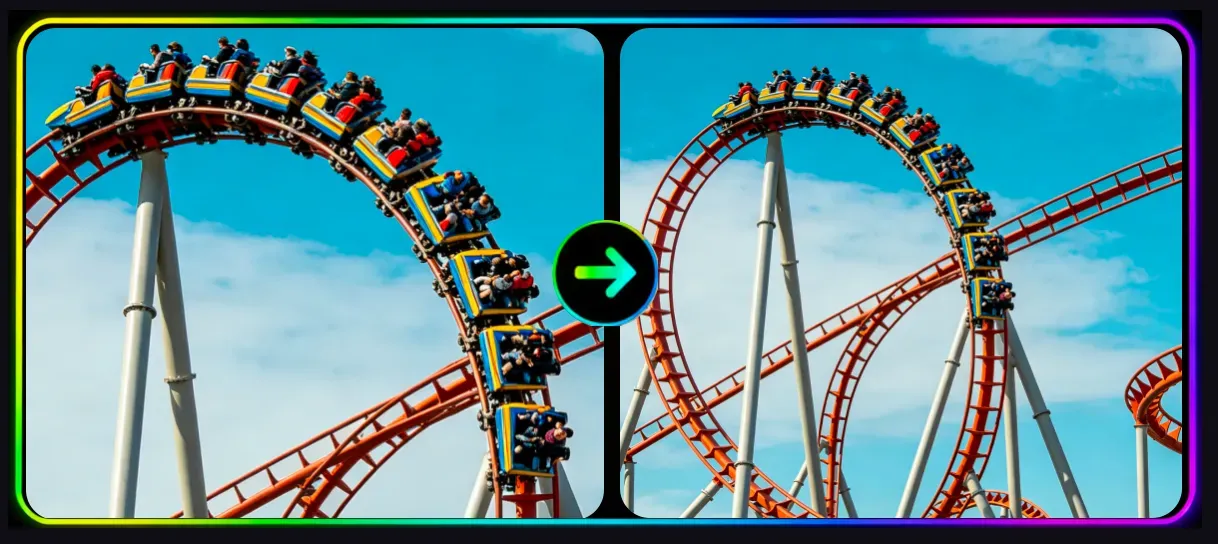
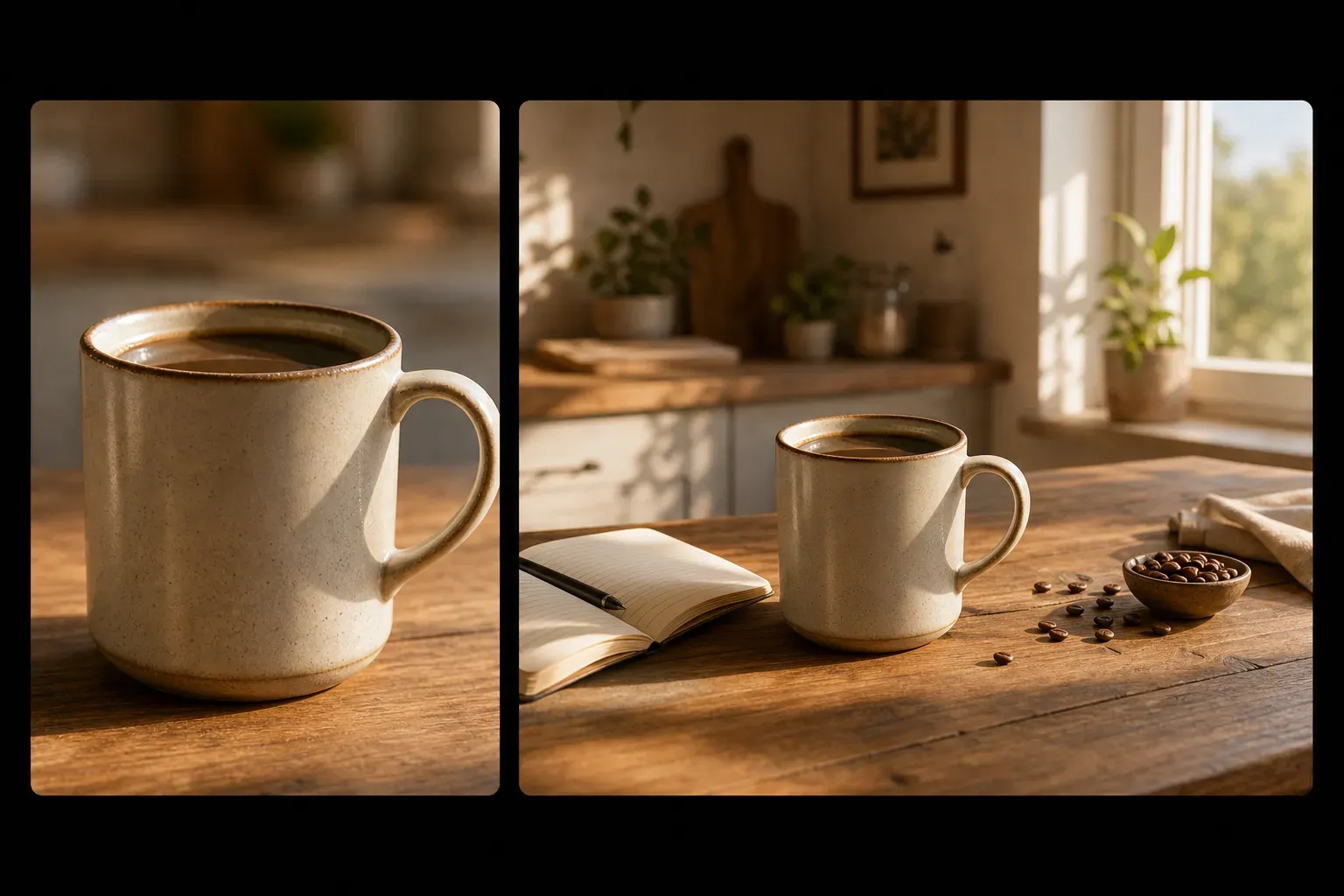

The Vidoly AI Image Expander helps users expand their image canvas by generating new visual content outside the original photo. It doesn’t just resize, stretch, or crop images—instead, the AI analyzes the image’s composition, background texture, light direction, object edges, and perspective to create matching extended areas. This tool is ideal for scenarios like social media posts, website banners, e-commerce visual materials, portraits, wallpapers, advertisements, and creative design layouts.

Extend your image
How does the AI Image Expander work?

How does the AI Image Expander work?

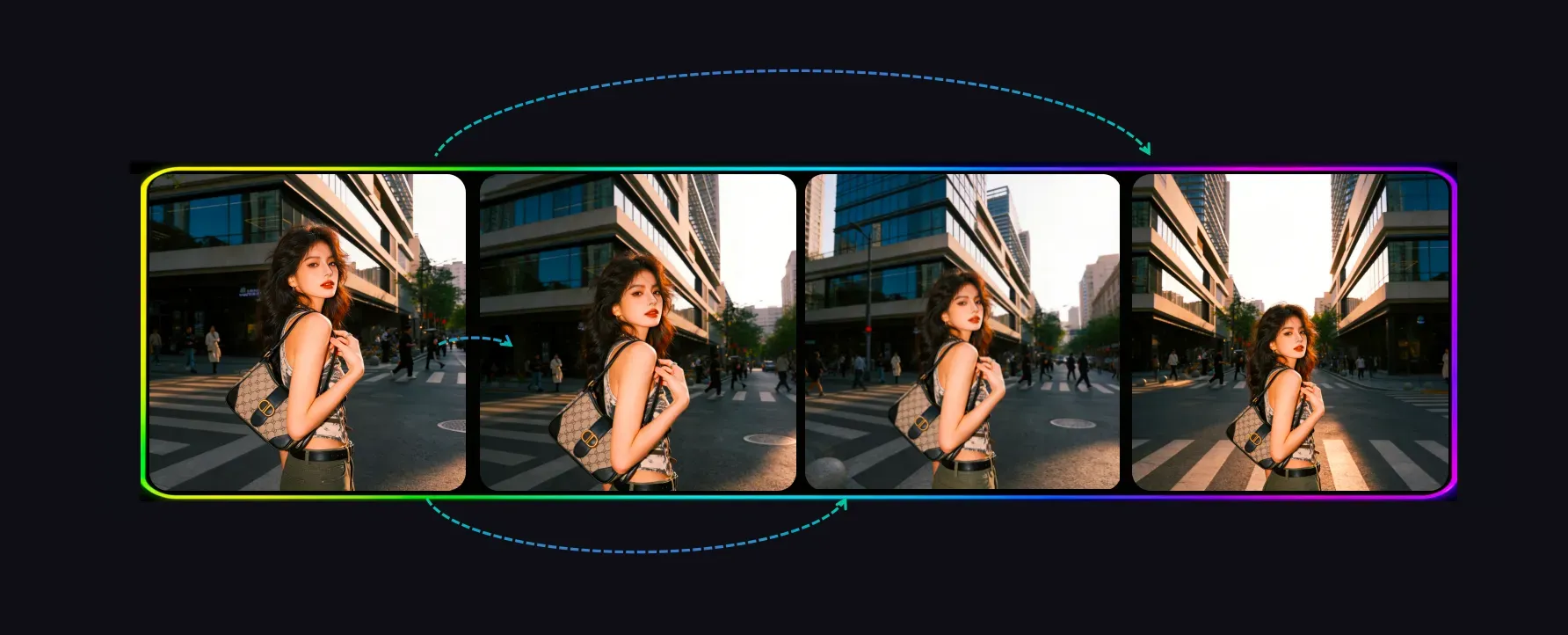
The AI Image Expander uses outpainting technology to generate new image areas around the original photo. The AI analyzes the existing scene, including background patterns, colors, shadows, depth of field, and object boundaries, then predicts what would naturally continue beyond the image edges. This is different from simple resizing, which only changes the image dimensions without generating new scene content.

Extend images for any aspect ratio

Extend images for any aspect ratio

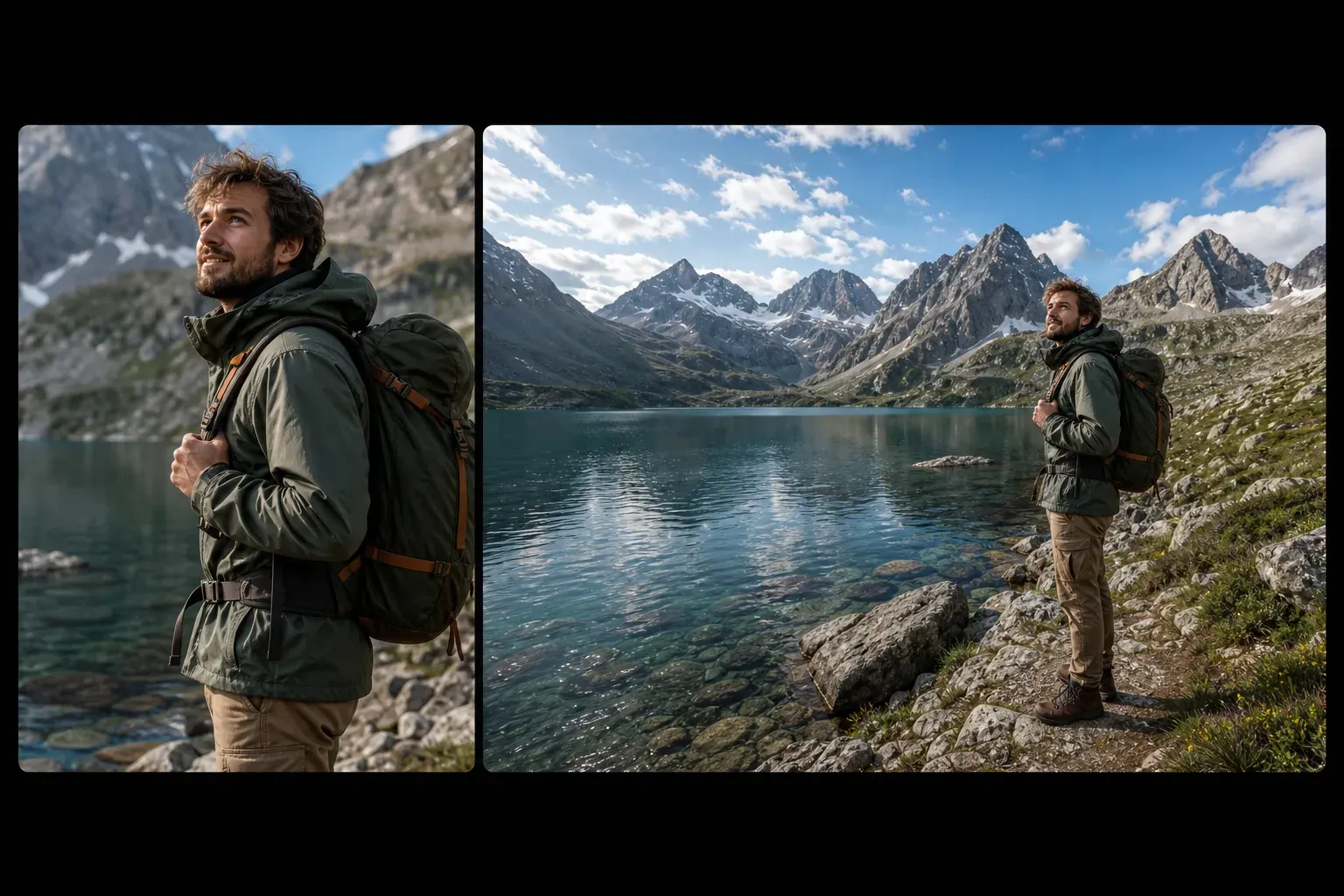
When an image doesn’t fit the required format, the AI Image Expander comes in handy. Square images can become wide banners, vertical portraits can adapt to horizontal layouts, and over-cropped images can gain more space around the subject. This helps creators prepare images for Instagram, TikTok covers, YouTube thumbnails, website hero banners, e-commerce layouts, and presentation slides.

Turn cropped photos into wider scenes

Turn cropped photos into wider scenes

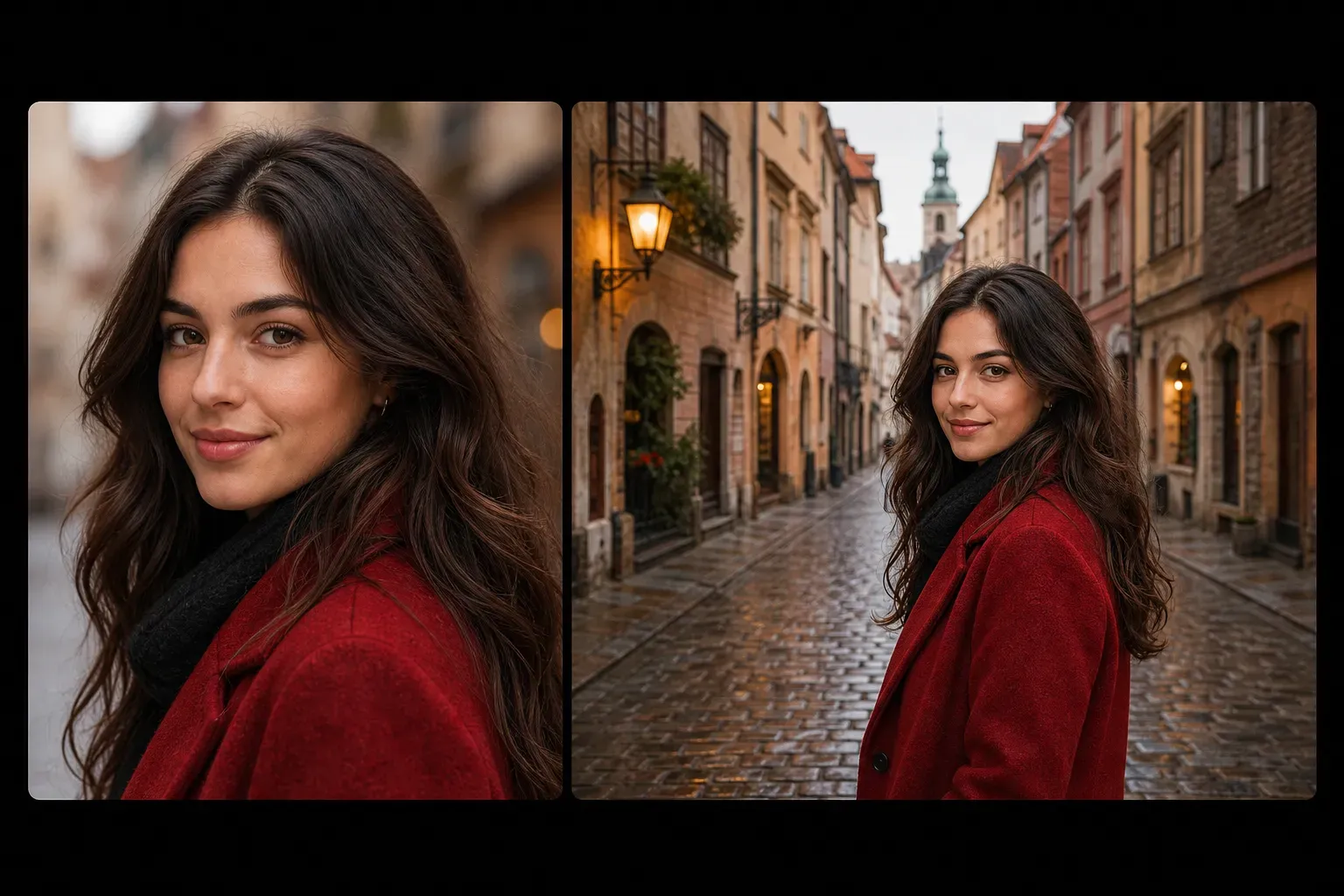
If a photo is too tightly cropped, the AI outpainting feature can add missing visual space around the subject. Portraits gain more background, product photos get cleaner layout space, and travel photos can become wider landscape images. The best results are achieved when the image background has clear enough patterns, lighting, and perspective for the AI to extend naturally.

Reserve space for text, layout, and marketing design

Reserve space for text, layout, and marketing design

Designers often need extra blank space around subjects for headlines, buttons, product copy, or ad layouts. The AI Image Expander can extend the background without stretching the subject, making it easy to create banners, social posts, landing page visuals, posters, and marketing creatives. This feature is especially useful when the original image looks great but is too narrow for the final design.

AI Image Expander vs. Resizing, Cropping, and Photoshop

AI Image Expander vs. Resizing, Cropping, and Photoshop

Cropping removes image content, resizing may distort images, and manual editing is time-consuming. The AI Image Expander creates new image content outside the original borders, making it ideal for adapting images to new aspect ratios. For complex commercial retouching, manual Photoshop editing still offers more control, but AI expansion is faster for everyday layout, social media, and creative resizing needs.

Common limitations of AI image expansion

Common limitations of AI image expansion

AI expansion may struggle when the image edges include faces, hands, text, logos, product labels, complex buildings, reflections, or fine patterns. Large expansions can also generate unrealistic objects or inconsistent perspective. For best results, expand gradually, use clear source images, and check the generated edges before using the final image for commercial design.

How to use the Vidoly AI Image Expander?

1

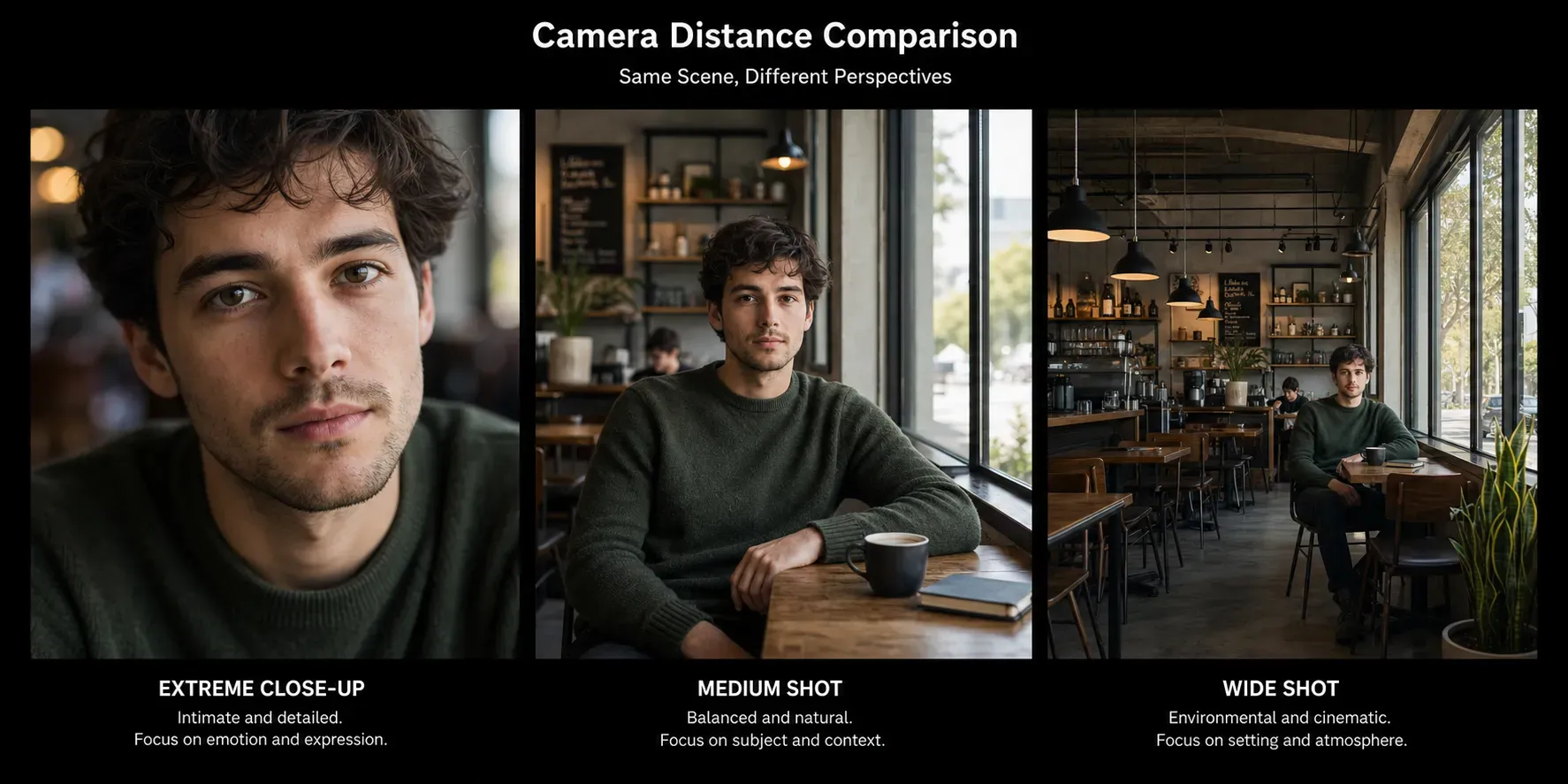
Choose shot distance or expansion style

Select the composition style you want, such as a closer crop, medium shot feel, or wider zoom composition, to let the AI generate new content around it.

2

Upload the image you want to extend

First, upload the photo you want to expand beyond its original cropped bounds.

3

View and download the expanded result

Check the new composition to confirm the expanded areas look natural, then download the final image for design, social media, or marketing.

FAQ

What is the Vidoly AI Image Expander?

The Vidoly AI Image Expander is a tool that extends images beyond their original borders. It uses AI outpainting technology to generate new background and scene details around existing photos.

What is AI outpainting?

AI outpainting is the process of generating new image content outside the original borders, commonly used to restore cropped images, extend backgrounds, and adapt photos to wider or taller aspect ratios.

Is there a difference between the AI Image Expander and resizing?

Yes. Resizing changes the size of the existing image, which may stretch or compress it. The AI Image Expander creates new visual content around the image, so the original subject remains intact while the image canvas becomes larger.

Can I use AI to restore cropped photos?

Yes. The AI Image Expander helps restore cropped photos by adding missing visual space around the original borders. It works best when the image has clear background patterns, lighting, and perspective.

Can I extend portrait photos?


Yes. Extending portrait photos adds more background around the person. It usually works better when faces and bodies are not cut off by the image edges.

Can I extend product images?

Yes. Product photos can be extended for e-commerce banners, ads, and product layouts. Note that details like product labels, logos, packaging text, and product edges may be altered by the AI.

Can I use it to adjust the size of social media images?

Yes. The AI Image Expander is suitable for adapting images to different platform formats, including square posts, vertical covers, horizontal banners, and thumbnail layouts.

What types of images work best for AI expansion?

Images with clear backgrounds, natural lighting, distinct scene context, and simple edge areas usually work best. Landscapes, portraits with background space, product photos on simple surfaces, and lifestyle images are ideal input materials.

Why do the expanded areas look strange?

Glitches occur when the AI has too little context to reference, or when the image edges include complex details. Hands, faces, text, logos, buildings, reflections, and repeating patterns are common weak points.

Is the AI Image Expander better than Photoshop?

The AI Image Expander is faster for quick outpainting and aspect ratio adaptation. Photoshop or manual editing may be more suitable when you need precise control, brand consistency, or detailed commercial retouching.