Est-ce que je peux utiliser des images générées par IA sur ma boutique Shopify ?
Oui, vous pouvez utiliser des images générées par IA sur votre boutique Shopify, mais vous devez les vérifier avant publication. Assurez-vous que la forme, la couleur, l'emballage, le logo, le texte de l'étiquette et les détails clés du produit sont tous corrects.
Quels types d'images puis-je générer pour Shopify ?
Vous pouvez générer des images de page produit, des images de produit vedette, des images de collection, des photos de style de vie produit, des images de variantes, des bannières produit, des créations publicitaires et des visuels pour les réseaux sociaux. Différents types d'images correspondent à différentes étapes du parcours d'achat sur Shopify.
Cet outil est-il adapté pour les images de collection Shopify ?
Oui. Vous pouvez créer des visuels produits cohérents pour les grilles de collection ou concevoir des couvertures de collection pour les catégories de produits. C'est très utile lorsque vos images produits originales ont des arrière-plans ou un éclairage incohérents.
Est-ce que je peux générer des photos de style de vie produit pour Shopify ?
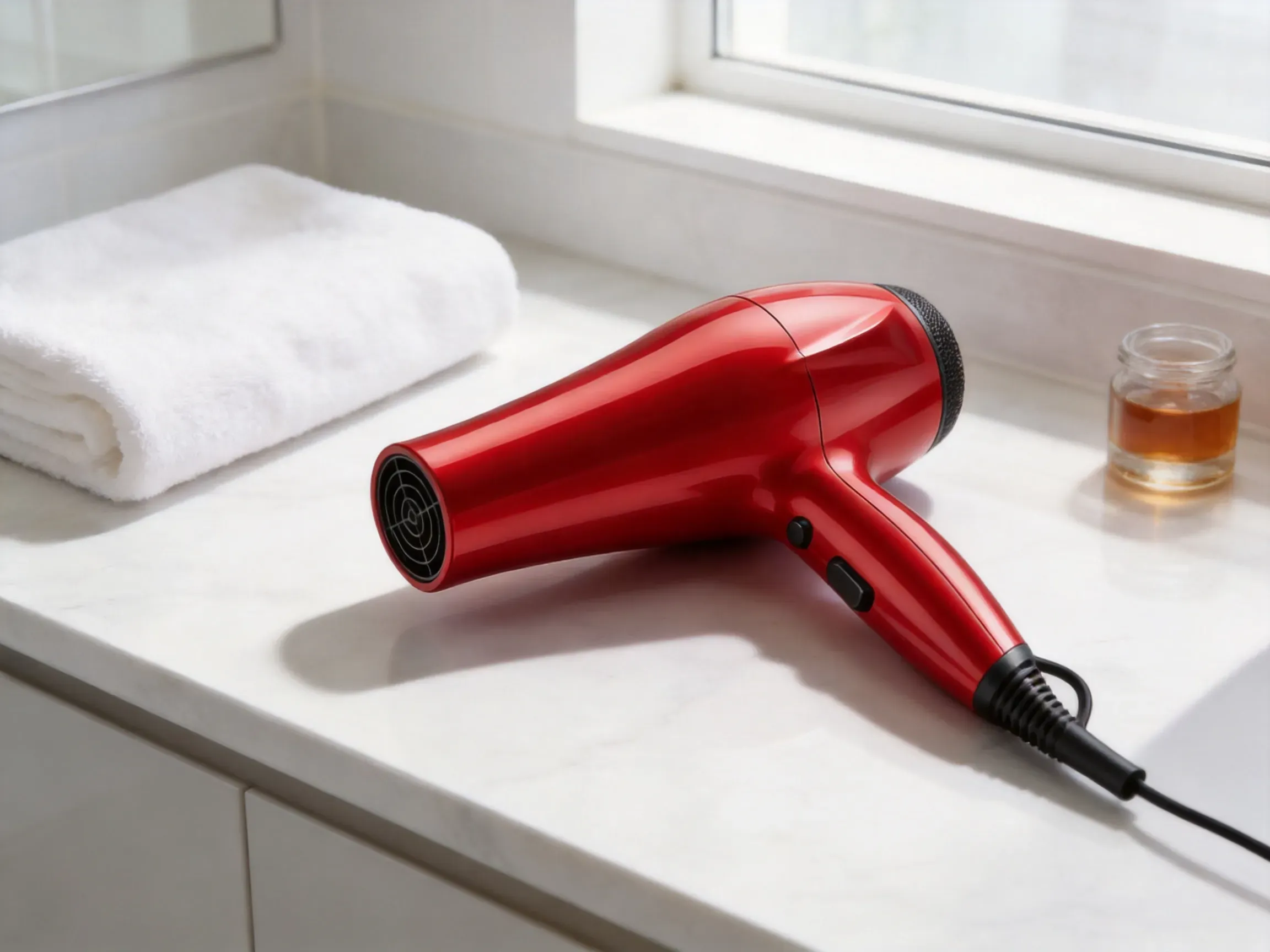
Oui. Téléchargez votre photo produit pour générer des images de style de vie qui placent le produit dans des environnements réels. Cela fonctionne pour les produits de beauté, les vêtements, la décoration intérieure, les articles de cuisine, les produits pour animaux, l'électronique, les accessoires et les cadeaux. Pour les boutiques Shopify de vêtements qui ont besoin de vêtements montrés sur un mannequin ou un portrait de style client, AI Virtual Try-On peut fournir des images d'aperçu des vêtements avant la vérification finale du produit.
Est-ce qu'il peut générer des images de variantes produit ?
Oui. Cet outil vous aide à créer des images visuellement cohérentes pour les variantes produit telles que la couleur, le matériau, le motif, la taille ou le set. Les résultats générés doivent être vérifiés pour s'assurer que chaque variante représente fidèlement le produit réel.
Quel type de photo de produit fonctionne le mieux ?
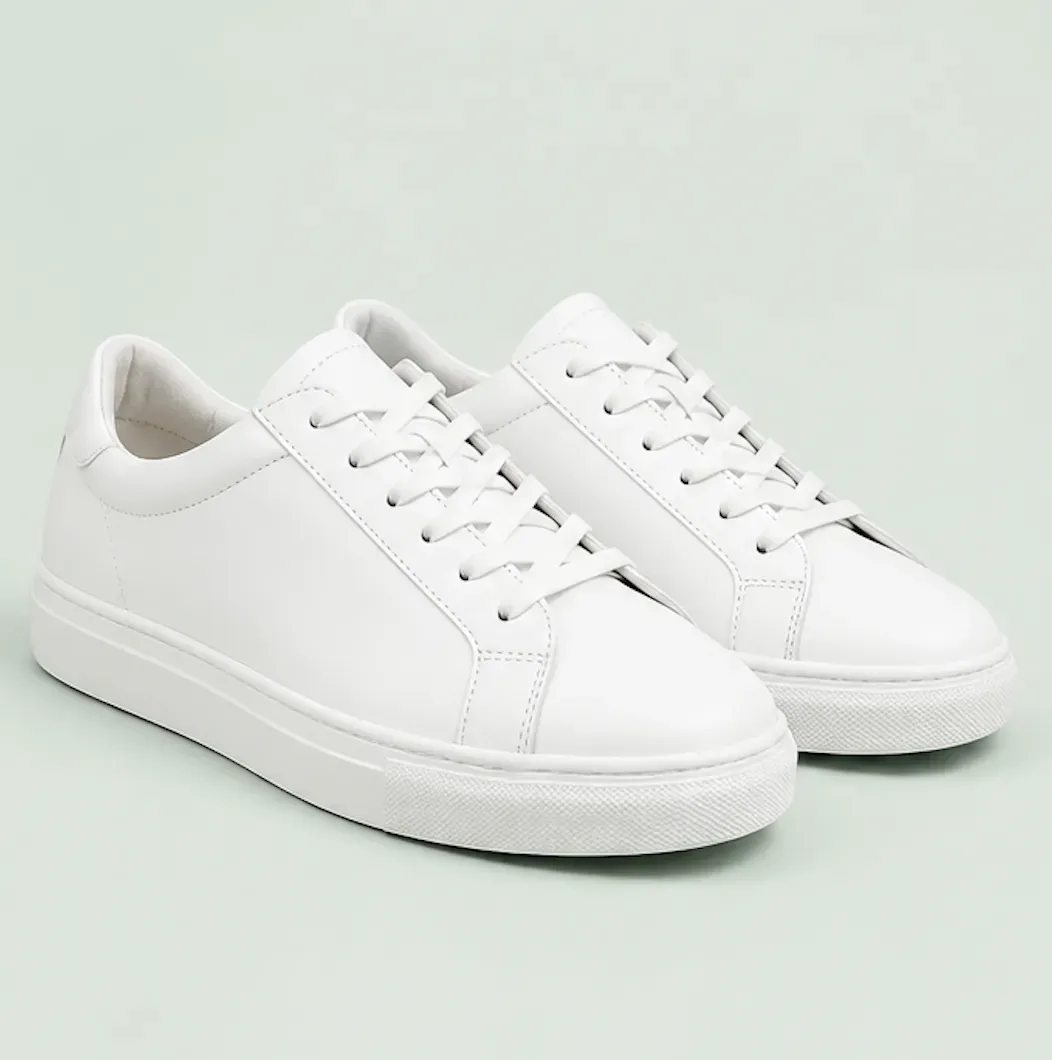
Utilisez des photos haute résolution où l’ensemble du produit est visible, les bords sont nets, l’éclairage est précis et il n’y a aucun obstacle. Évitez les produits recadrés, studio
Puis-je créer des images publicitaires Shopify ?
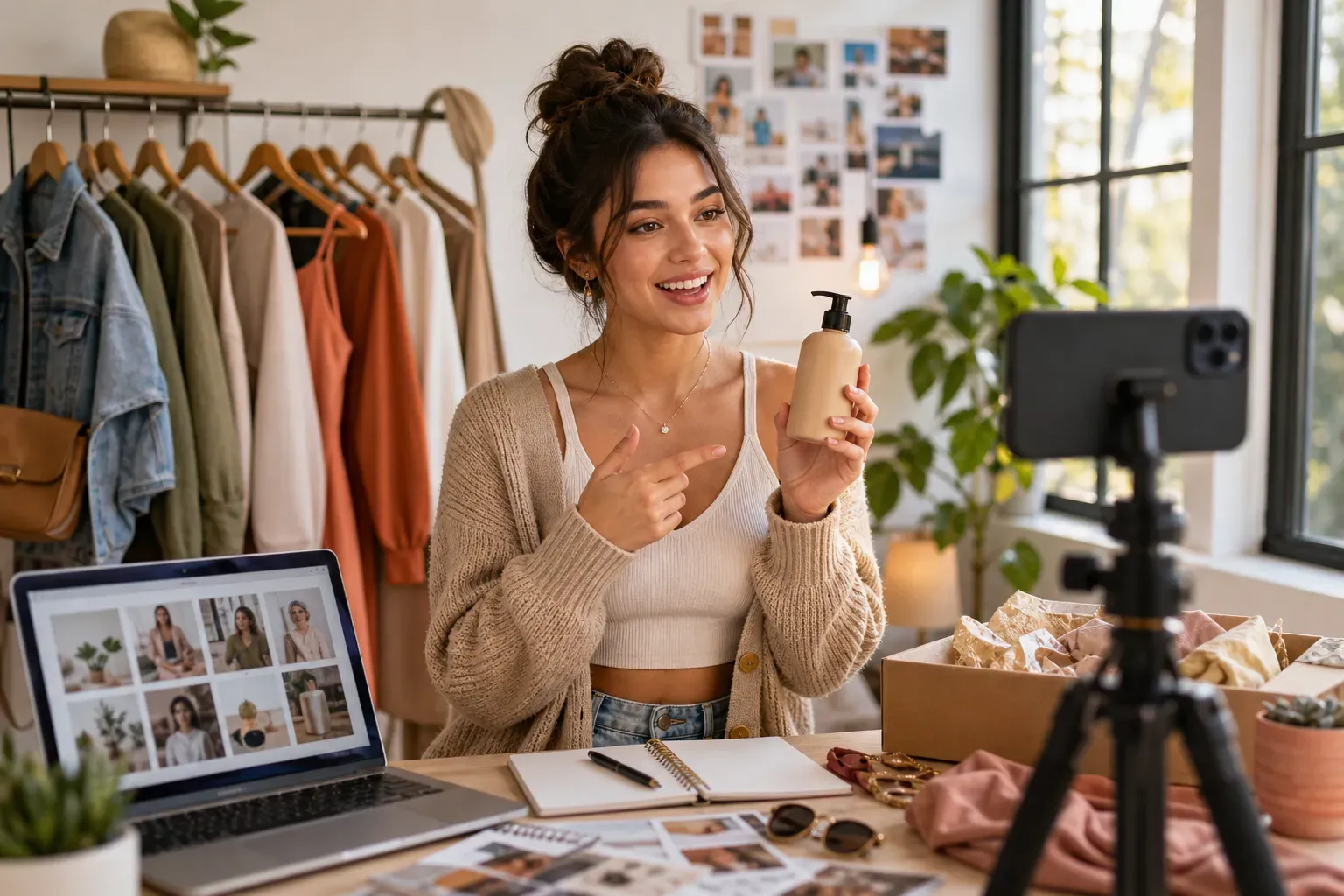
Oui. Vous pouvez générer des images de produit pour les publicités Meta, les contenus créatifs TikTok, les campagnes Google Shopping, les pages de destination, les promotions par e-mail et les événements saisonniers. Utilisez les images générées comme éléments visuels marketing et vérifiez qu’elles correspondent à votre identité de marque.
L’IA remplacera-t-elle la photographie de produit ?
Elle ne la remplacera pas complètement. L’IA est idéale pour créer rapidement des visuels, modifier des arrière-plans, concevoir des scènes de vie et réaliser des variantes marketing. Pour une précision produit, des mentions de conformité ou une qualité de catalogue finale, la photographie professionnelle reste supérieure.
L’IA conservera-t-elle les étiquettes de mes produits ?
L’IA fera tout son possible pour conserver les étiquettes, logos et détails de l’emballage visibles, mais le petit texte peut être modifié. Vérifiez toujours les étiquettes des produits, les mentions légales, les ingrédients, les avertissements et les identités de marque avant publication.
Puis-je l’utiliser pour différentes catégories de produits ?
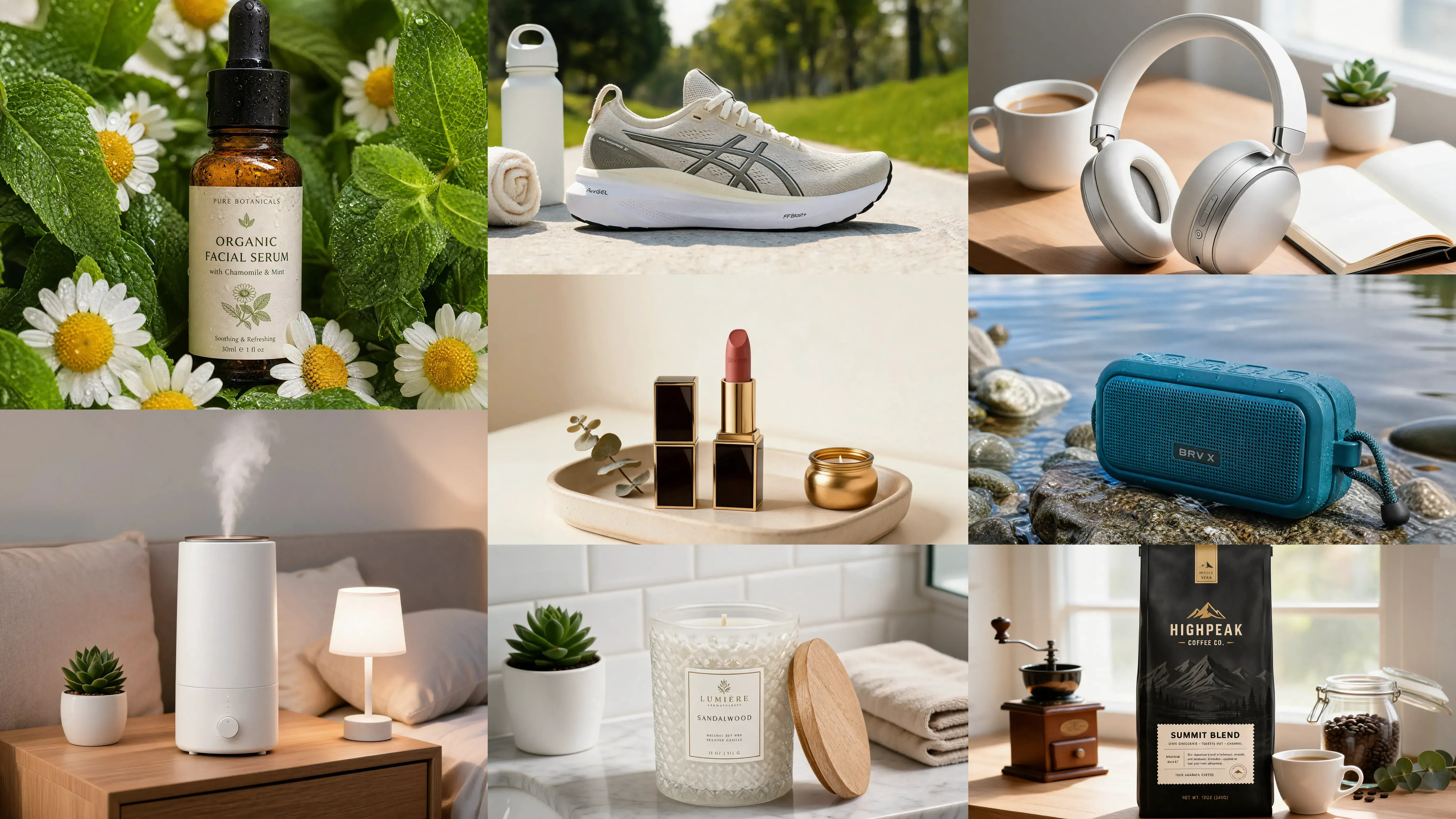
Oui. Il prend en charge les vêtements, la beauté, les soins de la peau, les bijoux, les meubles, la décoration intérieure, les produits pour animaux, l’électronique, l’alimentation, les compléments alimentaires, les sacs, les chaussures, les articles de cuisine et plus encore. Les résultats dépendent de la qualité de la photo de produit téléchargée.
Quels points dois-je vérifier avant de télécharger des images sur Shopify ?
Vérifiez l'exactitude du produit, la netteté de l'image, la qualité de l'arrière-plan, le recadrage, la taille du fichier, la lisibilité du texte et la cohérence avec l'identité de marque de votre boutique. Assurez-vous également que les images ne déforment pas le produit et ne contiennent pas de déclarations non conformes.