Générateur d'images pour grilles de collections Shopify

Générateur d'images pour grilles de collections Shopify

Importer une image
photo_camera

Importer une image

Prompt
345/2000
Licence commerciale incluse
Plus dans

Generate uniform 1:1 product images for Shopify product collection grids

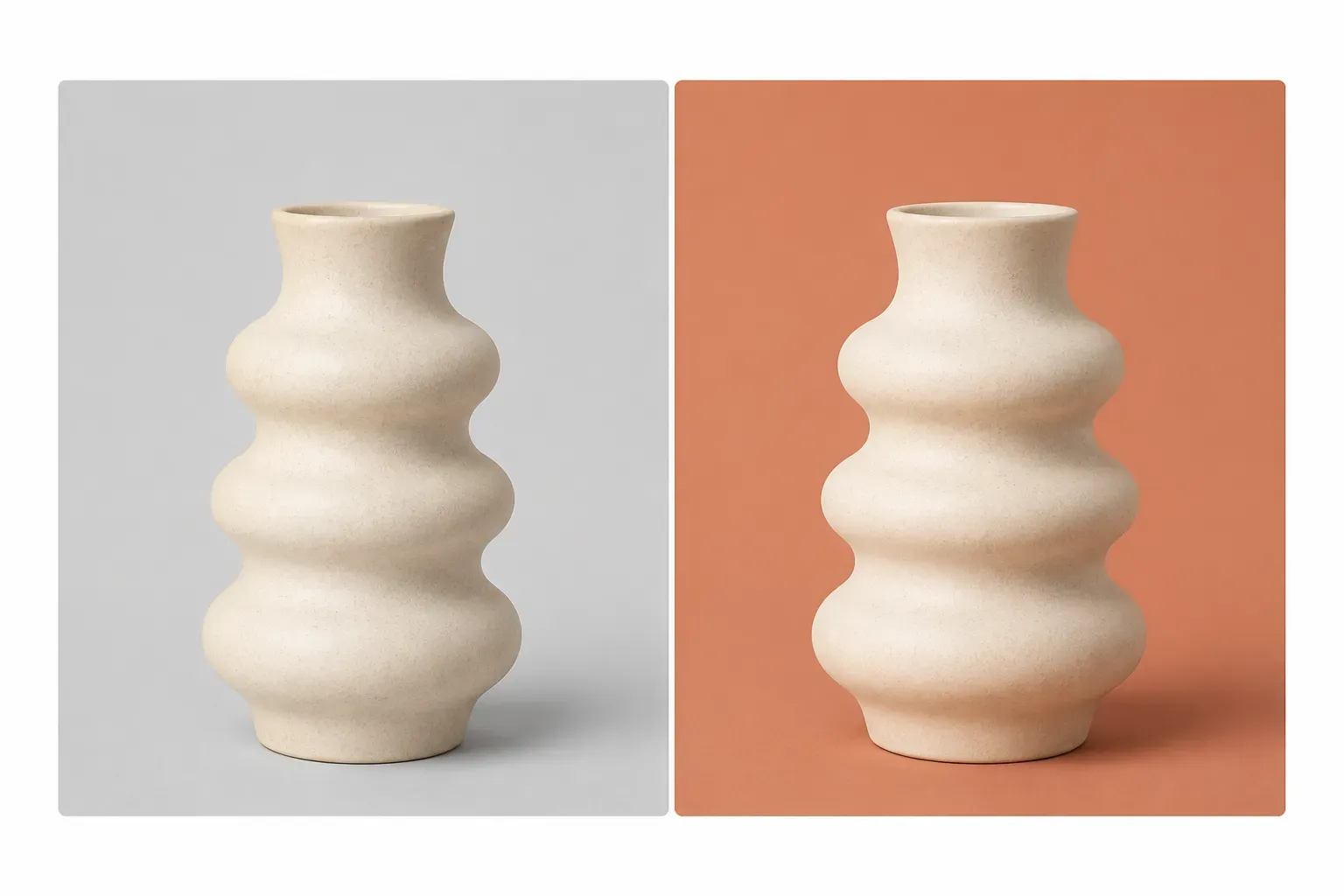
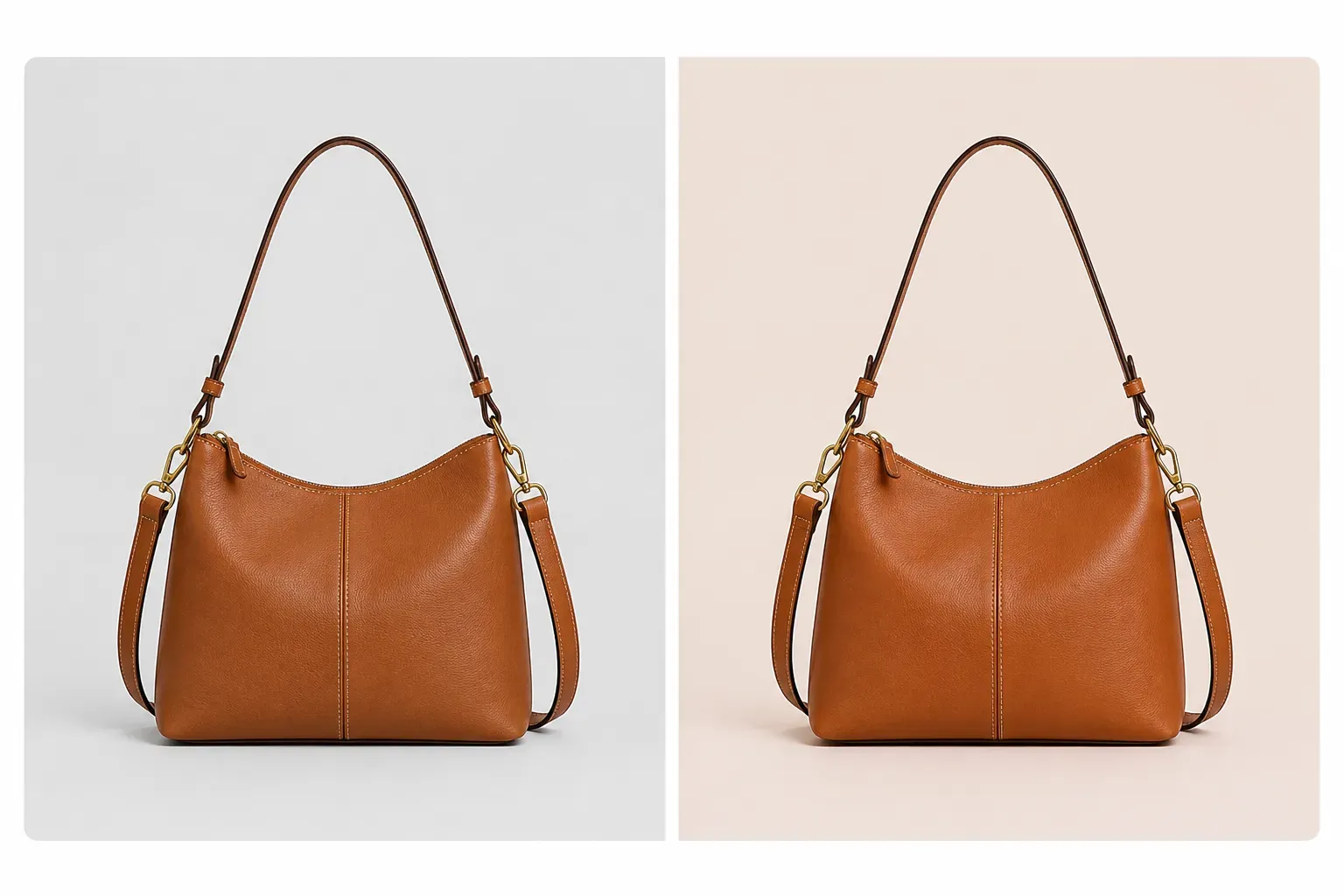
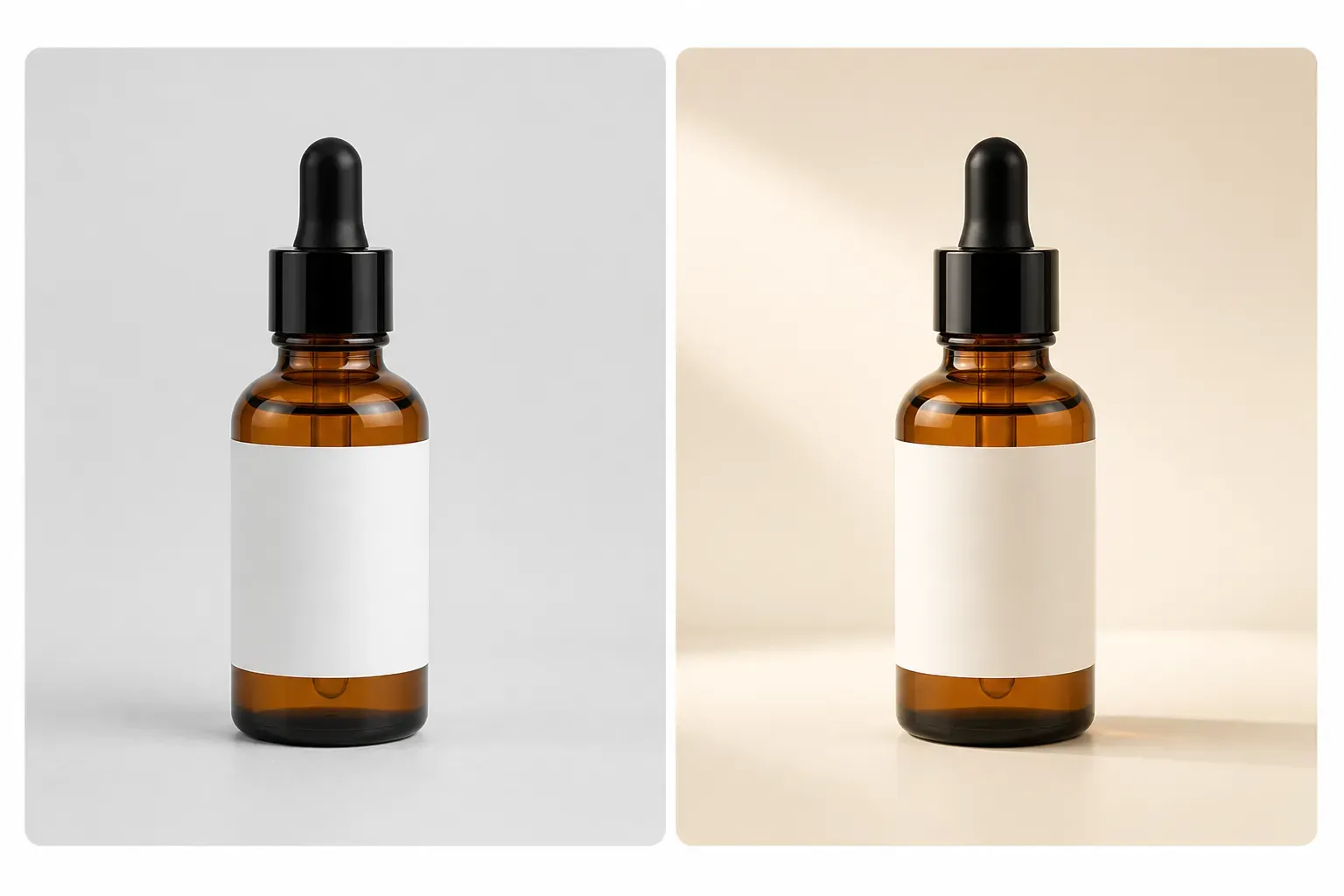
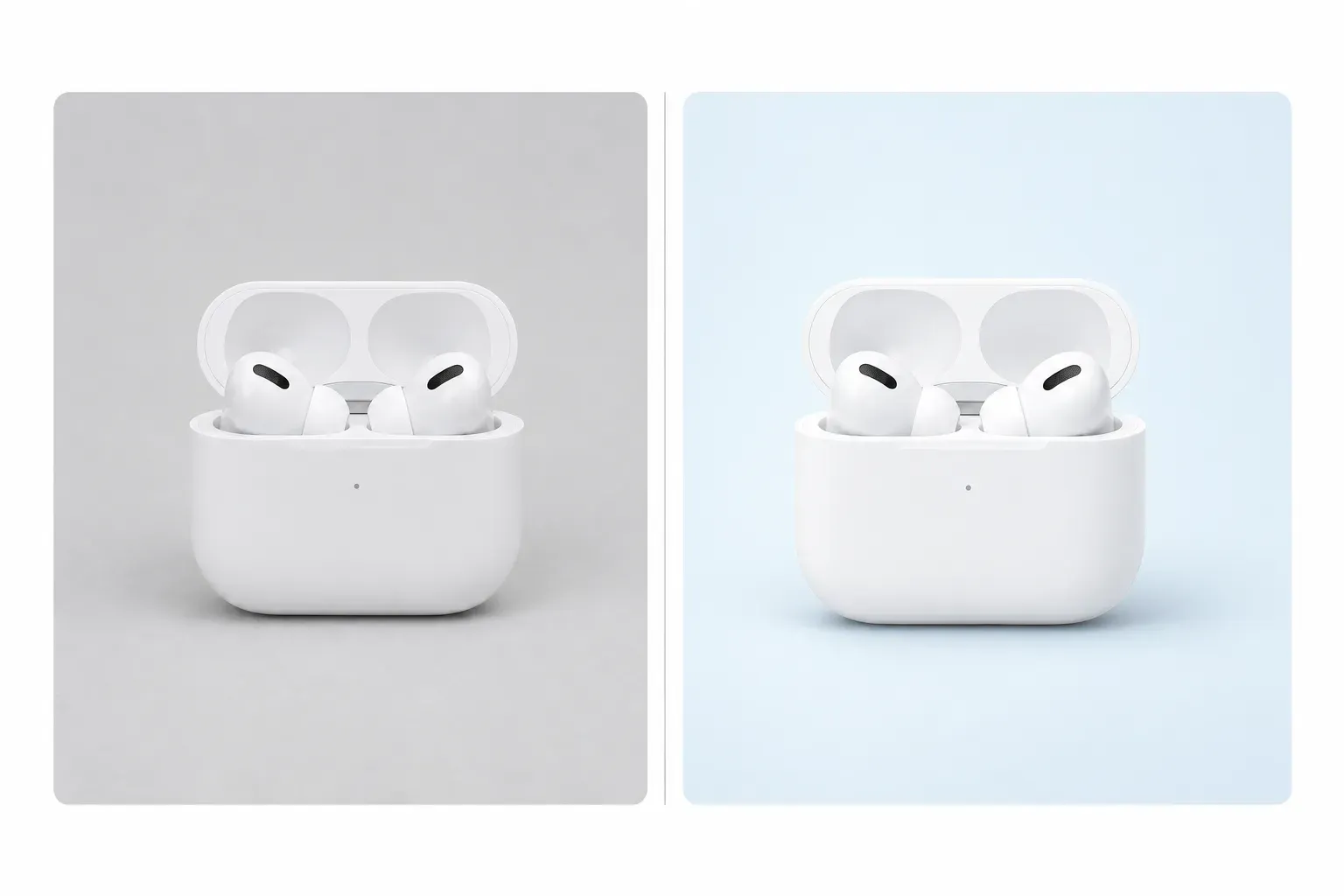
When every product card has a consistent image style, Shopify product collection pages will look more polished. Vidoly AI analyzes the products you upload, preserves their true shape, color, material, packaging, and visible details, then places them in a clean 1:1 product collection grid. You can use it to unify the background, lighting, composition, spacing, and shadow effects for all product categories, including fashion, beauty, home accessories, electronics, pet supplies, kitchenware, and more.
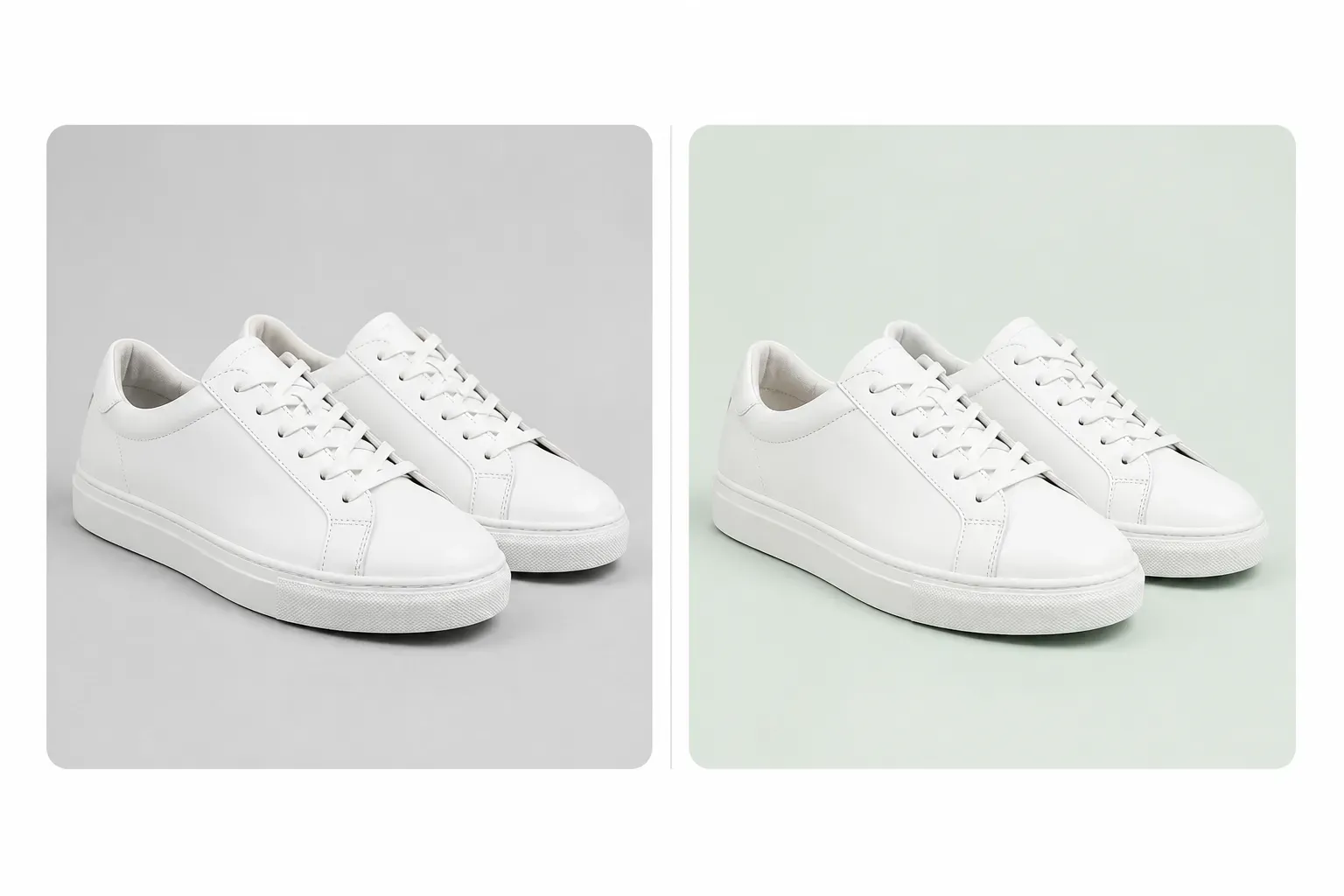
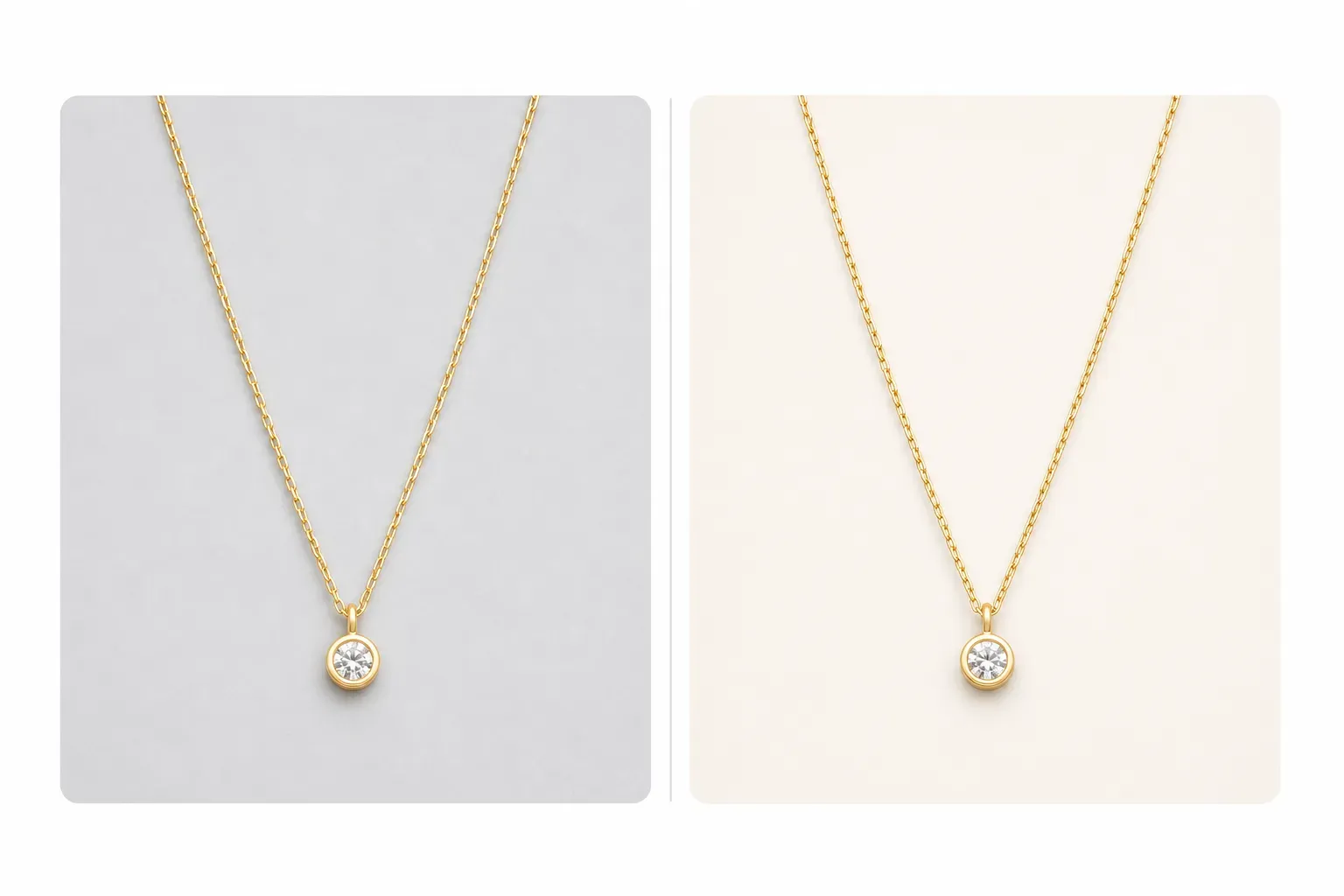
What is a Shopify Product Collection Grid Generator?

What is a Shopify Product Collection Grid Generator?

The Vidoly Shopify Product Collection Grid Generator is an AI tool for creating clean product card images for Shopify product collection pages, with consistency as its core—covering product placement, image aspect ratio, background style, lighting, padding, and shadow effects. Unlike lifestyle scene images or promotional materials, product collection grid images are designed to help buyers quickly browse products in the store’s grid layout.

Create 1:1 Product Card Images for Shopify

Create 1:1 Product Card Images for Shopify

The default output is a 1:1 square image, as Shopify product collection grids typically display products in uniform blocks. Square product images work perfectly for category pages, featured collection areas, product cards, and mobile views. Vidoly AI centers the product to ensure good visibility and leaves sufficient padding around it.

Unify Store Background Styles

Unify Store Background Styles

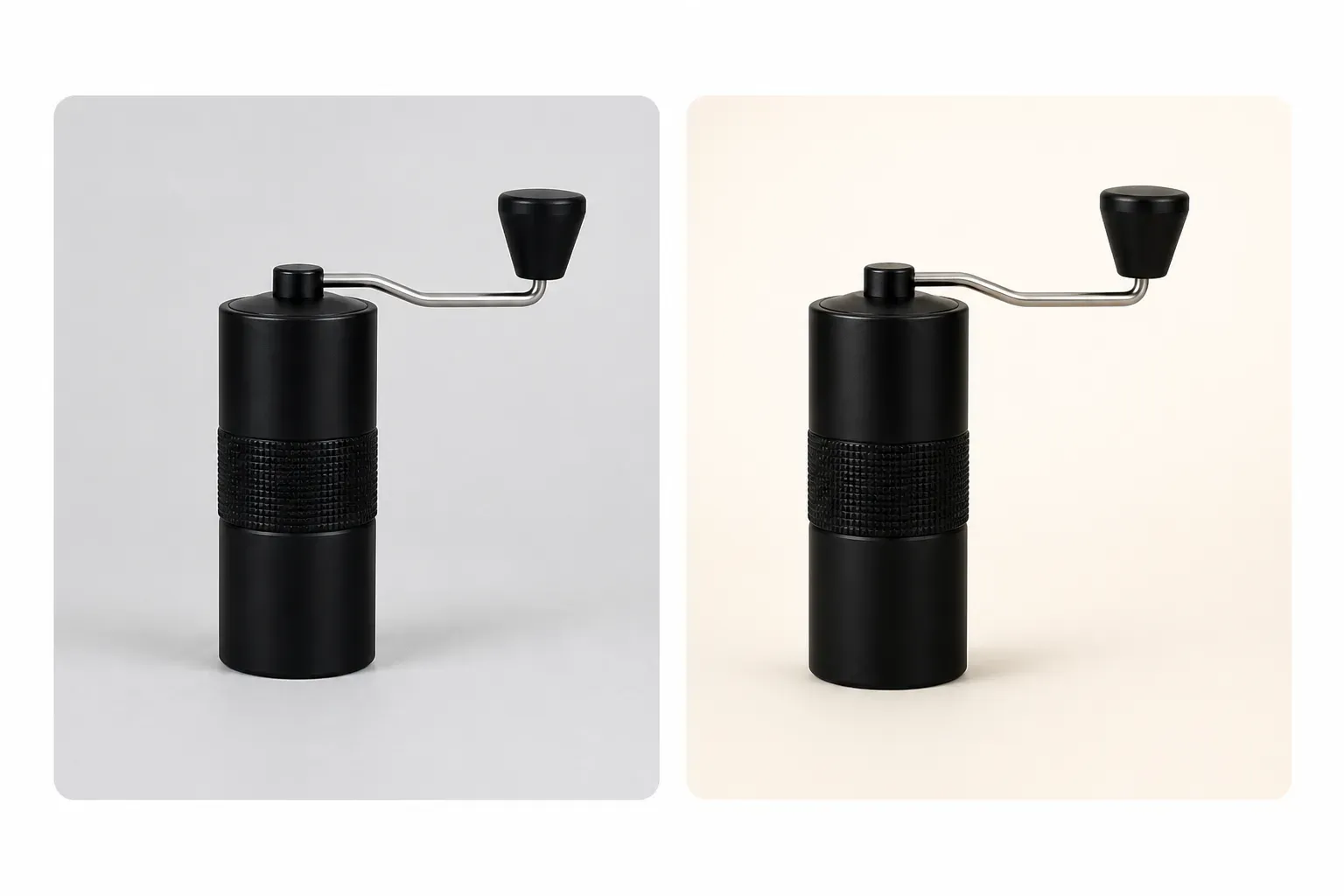
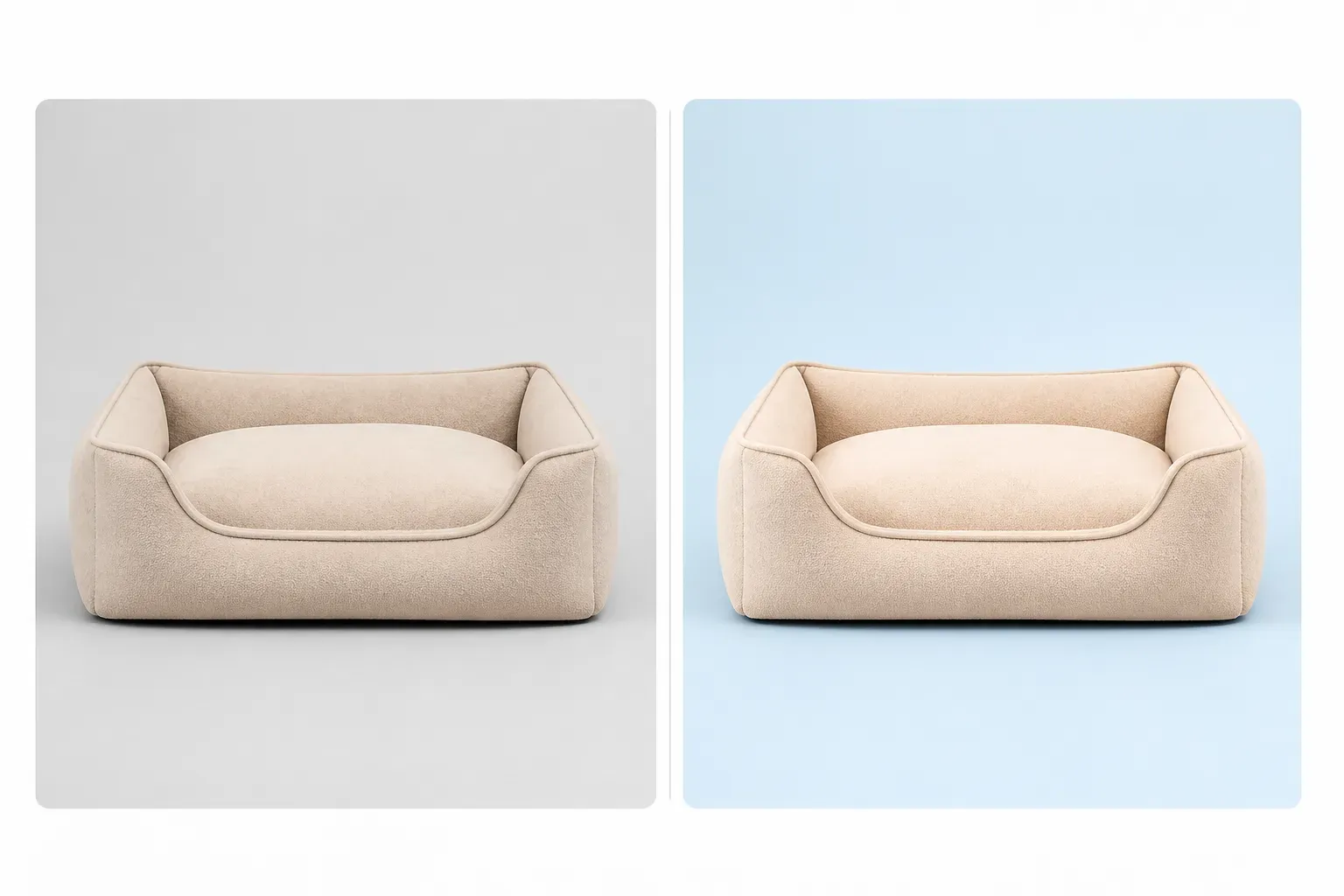
Photos from different suppliers often have inconsistencies in background, color, shadow, and shooting angle. Vidoly AI can place each product in a unified background style, for example:

Use Shopify-Friendly Background Options

Use Shopify-Friendly Background Options

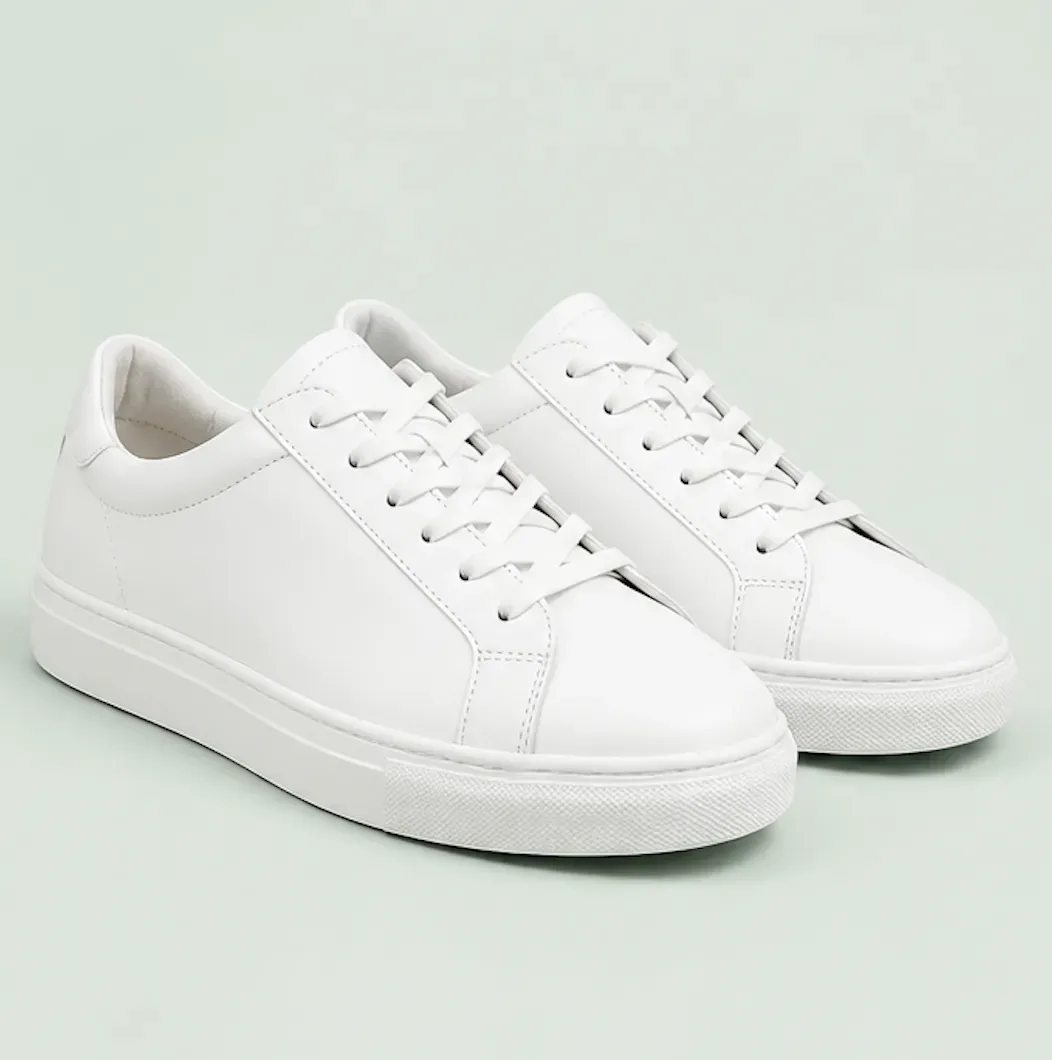
Shopify stores don’t always need pure white like market listings. Soft neutral tones are a suitable default choice—they ensure product visibility while adding brand identity to independent stores. Merchants can also choose pure white for a minimalist store style, brand colors to strengthen visual recognition, soft gradients for a premium feel, or dark backgrounds for electronics, perfumes, or luxury goods.

Ensure Product Details Are Accurate

Ensure Product Details Are Accurate

This tool is designed to preserve the product’s true appearance, including shape, color, material, texture, packaging, logo placement, visible buttons, straps, handles, caps, labels, and other important details. After generating the image, merchants should check product accuracy, especially for items with small text, reflective surfaces, transparent materials, or complex edges.

Optimize Browsing Efficiency for Product Collection Pages

Optimize Browsing Efficiency for Product Collection Pages

Product collection grids are designed to help buyers compare products. Consistent image composition lets users quickly grasp a product’s color, shape, size, style, and type without visual distractions—this is especially useful for stores with large SKUs, mixed supplier photos, seasonal new arrivals, color variants, or photos taken at different times.

Shopify Product Collection Grid Images vs. Scene Images

Shopify Product Collection Grid Images vs. Scene Images

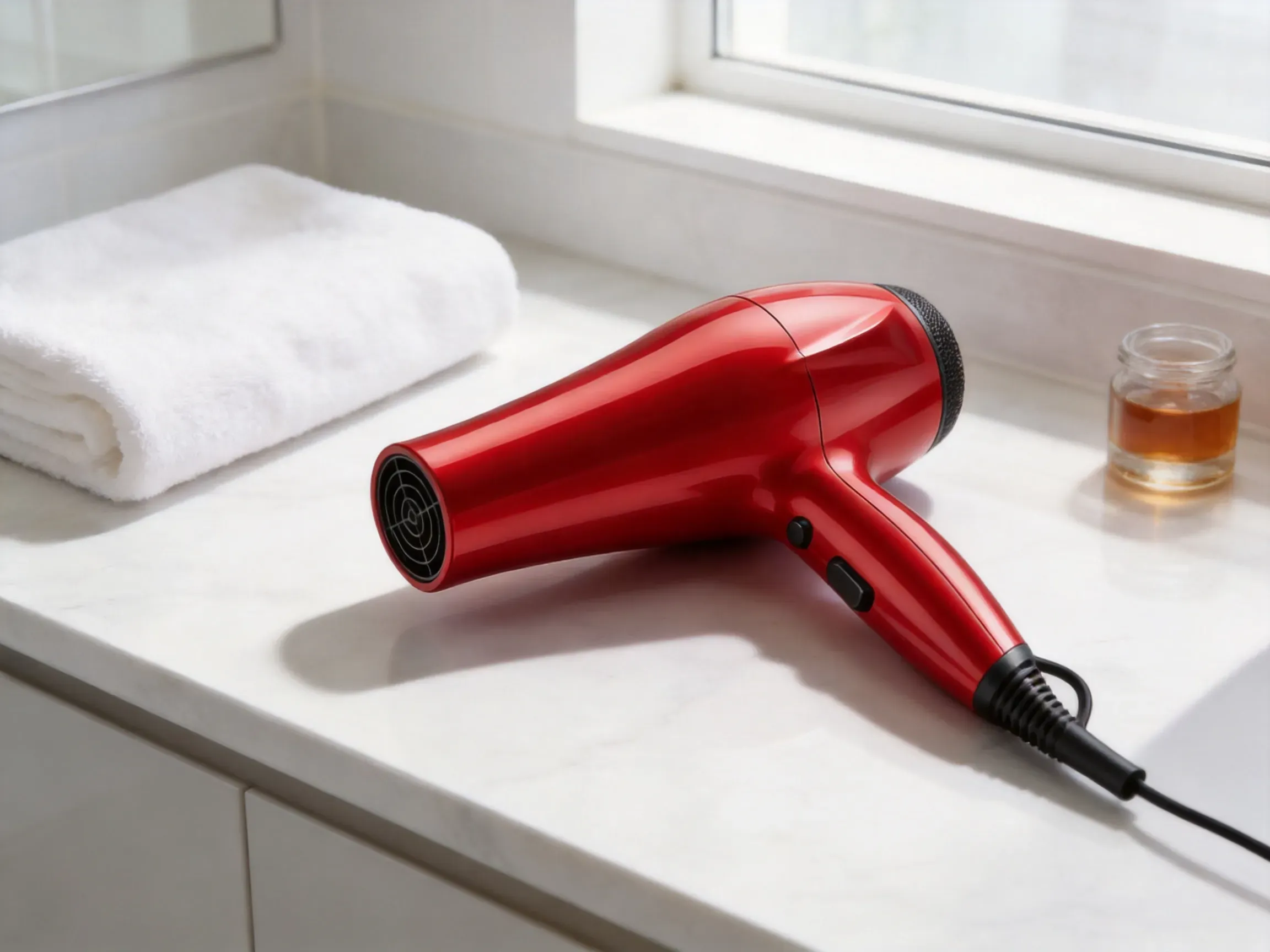
Product collection grid images are clean, centered, and uniform—for product browsing. Scene images place products in real environments—for brand storytelling. Most Shopify stores need both: product collection grid images for category searches, and scene images for product pages, homepage sections, ads, and marketing campaigns.

Common Limitations of AI Product Grid Images

Common Limitations of AI Product Grid Images

AI can quickly optimize product displays, but some images still require manual checks. For products that are blurry, cropped, low-resolution, highly reflective, transparent, or blocked by props, generation results may be poor. Before publishing, check small label text, accurate logos, complex patterns, and fine edges.

How to Use the Vidoly Shopify Product Collection Grid Generator

1

Upload Product Photos

Select a clear product image, ensuring the entire product, edges, color, material, packaging, and important details are visible.

2

Choose Background Style

Use the default soft neutral background, or select from available options: pure white, brand color, soft gradient, pastel color, dark premium background, or transparent cutout.

3

Generate 1:1 Grid Images

Vidoly AI will generate a square product card image optimized for Shopify, ensuring consistency in product placement, padding, lighting, and shadow effects.

4

Check Product Accuracy

Before using the image in your store, check the product’s color, shape, label placement, texture, proportion, and all important details.

5

Upload to Shopify

Use the image for product collection pages, featured collection areas, product cards, category pages, or store grid layouts.

FAQ

What can this generator create?

It can create clean 1:1 product card images for Shopify product collection grids, ensuring consistency in background, lighting, product placement, padding, and shadow styles.

Why is the default aspect ratio 1:1?

The 1:1 square format is ideal for Shopify product collection grids because it keeps product cards visually consistent across desktop and mobile layouts, making it easy to compare product blocks.

Should Shopify product images use white backgrounds?

Not necessarily. Pure white works for minimalist stores and market-like product grids, but for Shopify stores, soft neutrals, brand colors, pastels, soft gradients, or dark premium backgrounds are usually more suitable—soft neutrals are the recommended default.

Which background style should I choose?

Most stores choose soft neutrals; minimalist catalogs choose pure white; brand recognition-focused stores choose brand colors; premium displays use soft gradients; lifestyle brands use pastels; and electronics, perfumes, luxury goods, or black products use dark premium backgrounds.

Can I use brand colors as the background?

Yes. A brand-colored background makes Shopify product collection pages more recognizable—just ensure the product is clearly visible and has enough contrast with the background.

Is this the same as lifestyle scene product images?

No. Product collection grid images are specifically for product browsing, while scene images place products in real environments to tell brand stories—they serve different purposes.

Can this tool fix inconsistencies in supplier photos?

Yes. If supplier photos have inconsistent backgrounds, lighting, or composition, this tool can unify them into images that fit Shopify grid styles. Review the final images to ensure each product is accurate.

Which products work best?

Fashion accessories, beauty products, skincare items, bags, footwear, jewelry, home decor, kitchenware, pet supplies, nutritional supplements, electronics, fitness equipment, and travel accessories work well. Better results are achieved with products that have clear edges and high-resolution source images.

Can it be used for product variants?

Yes, it can create uniform images for color or style variants—just ensure the variants are accurate. Check each generated image to match the product’s real color, material, and design.

Will the AI preserve logos and labels?

The AI will make every effort to preserve visible logos, labels, and packaging details, but small text may change. Before publishing, check brand marks, legal text, ingredient lists, warning labels, and product tags.

What should I check before uploading to Shopify?

Check product accuracy, cropping, background consistency, image clarity, color accuracy, label details, shadow quality, and whether the product card matches the style of other sections on the product collection page.