Image de produit lifestyle Shopify

Image de produit lifestyle Shopify

Importer une image
photo_camera

Importer une image

Prompt
63/2000
Licence commerciale incluse
Plus dans
Create 4:3 lifestyle product images for Shopify

Create 4:3 lifestyle product images for Shopify

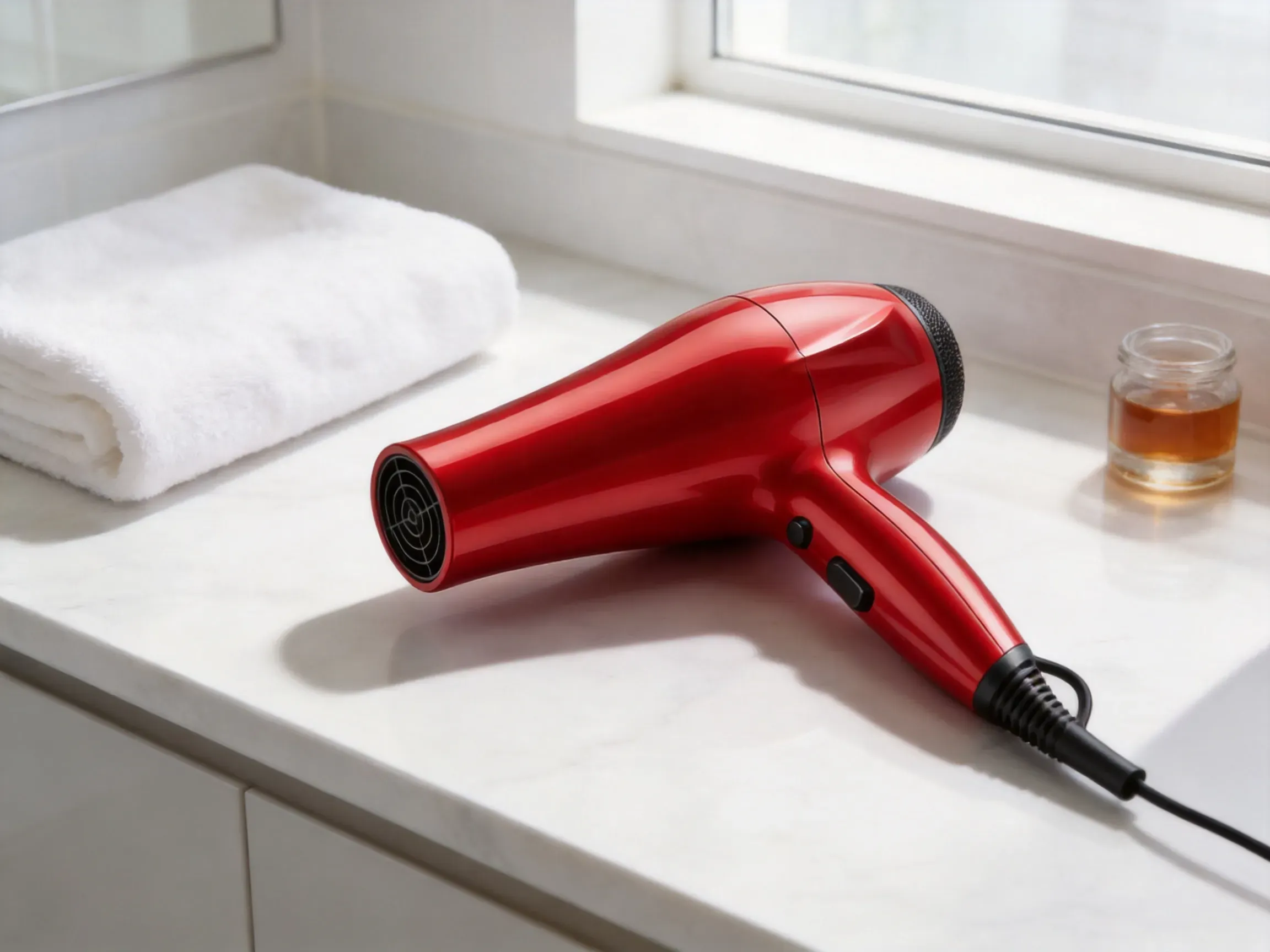
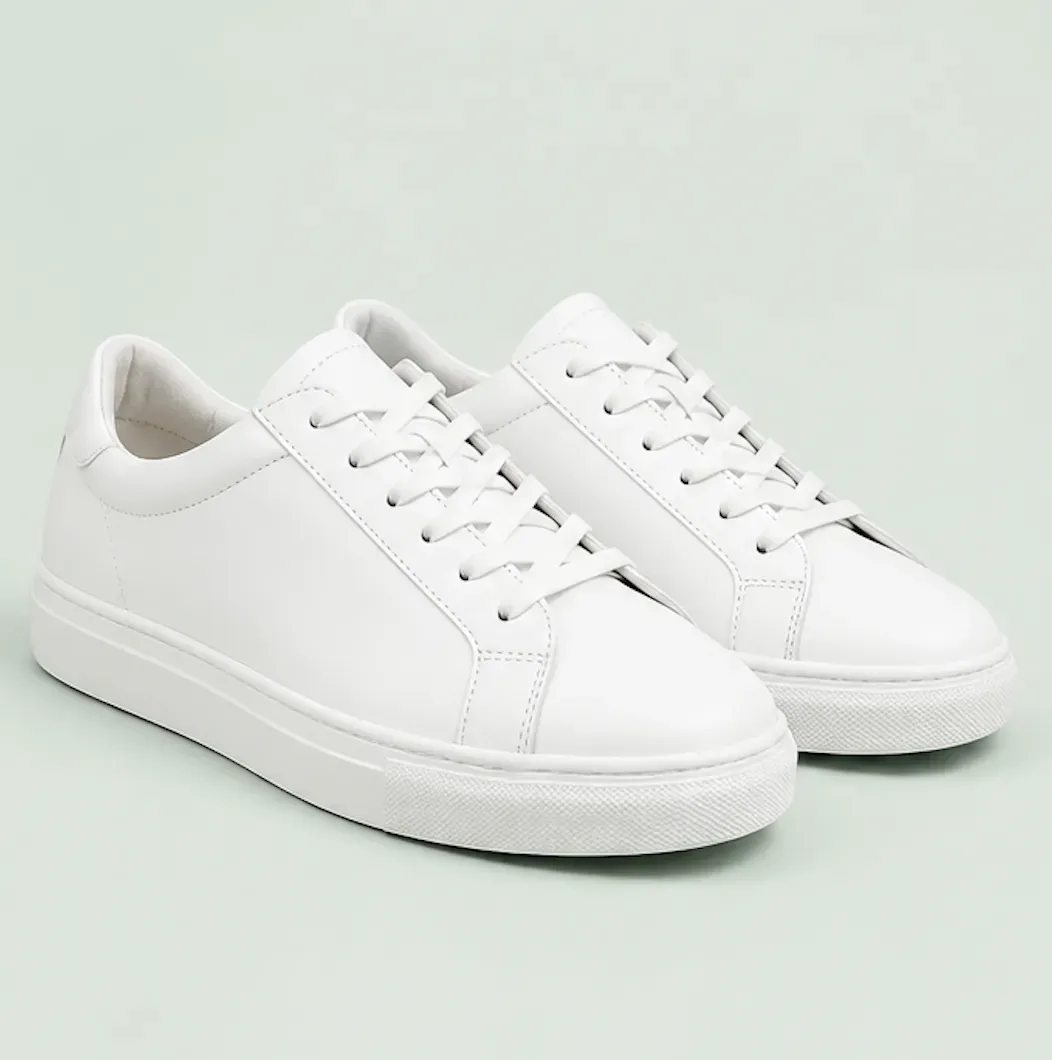
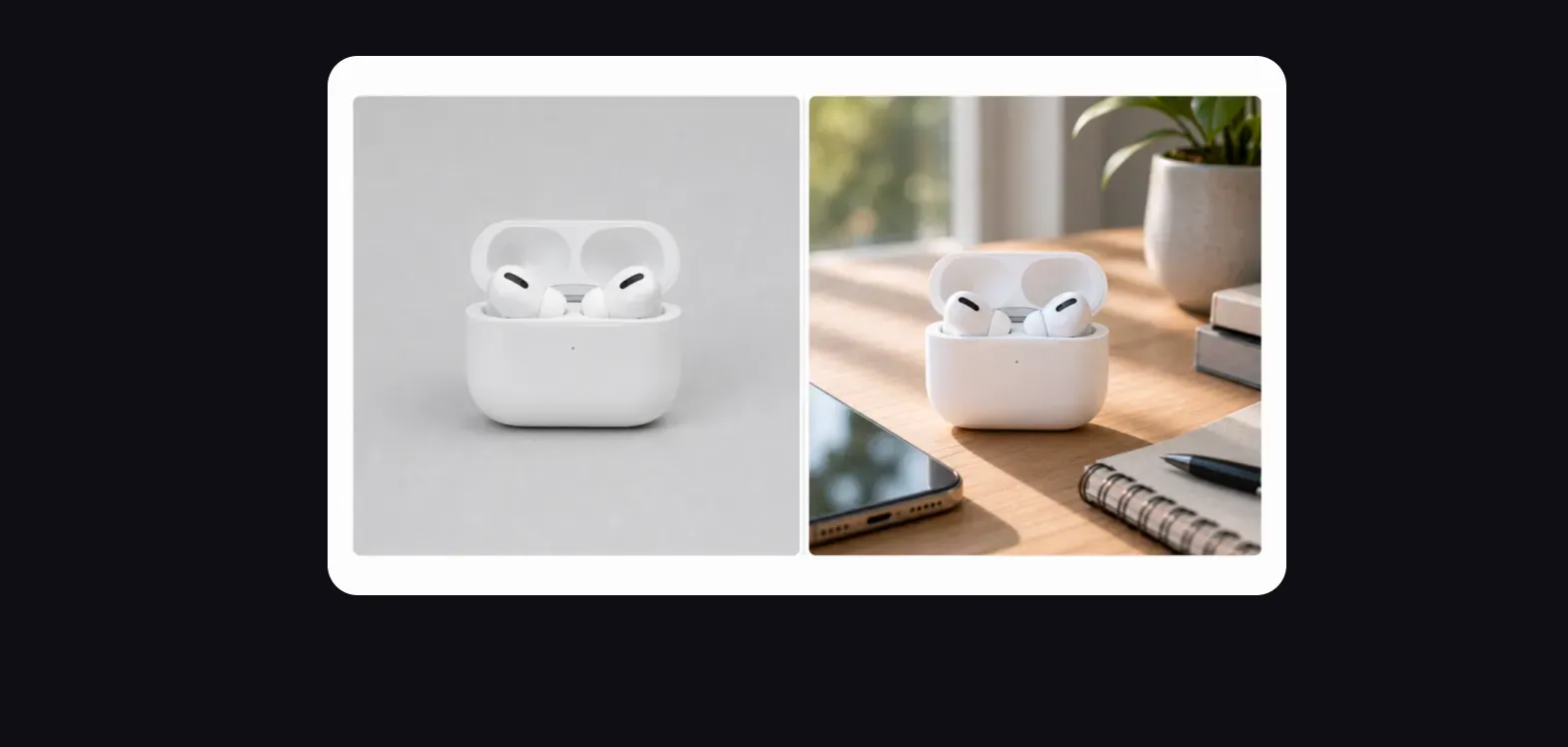
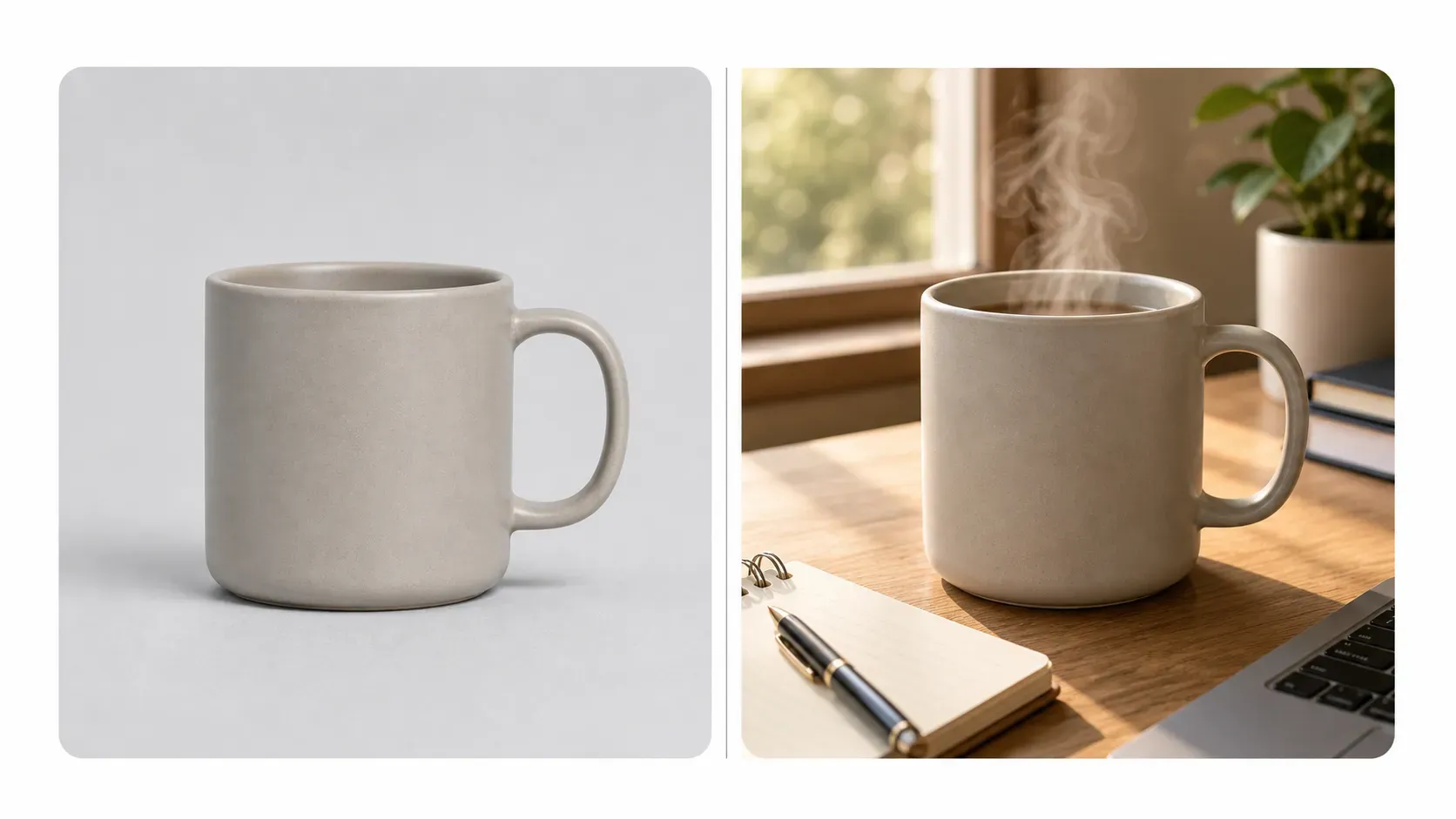
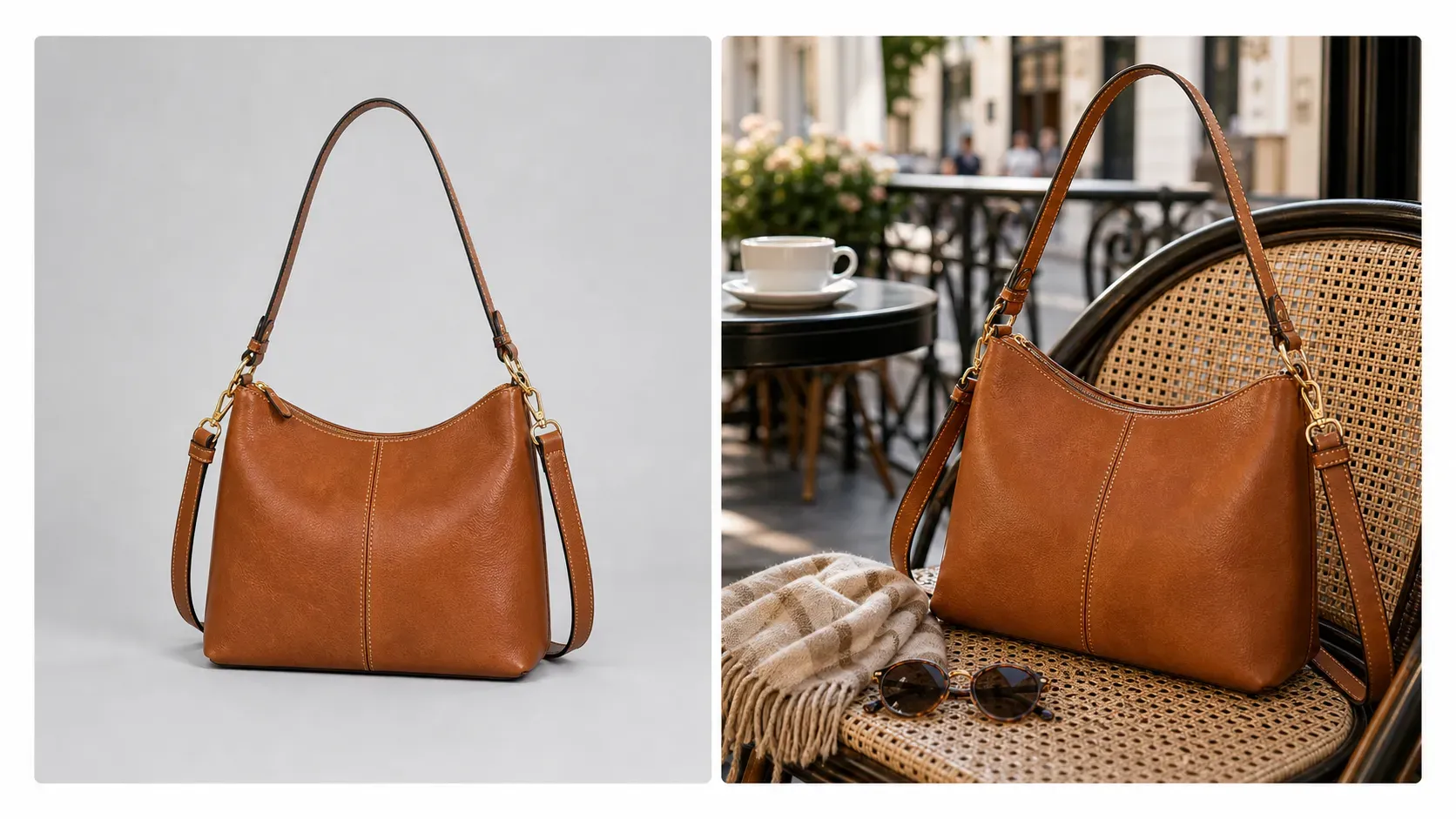
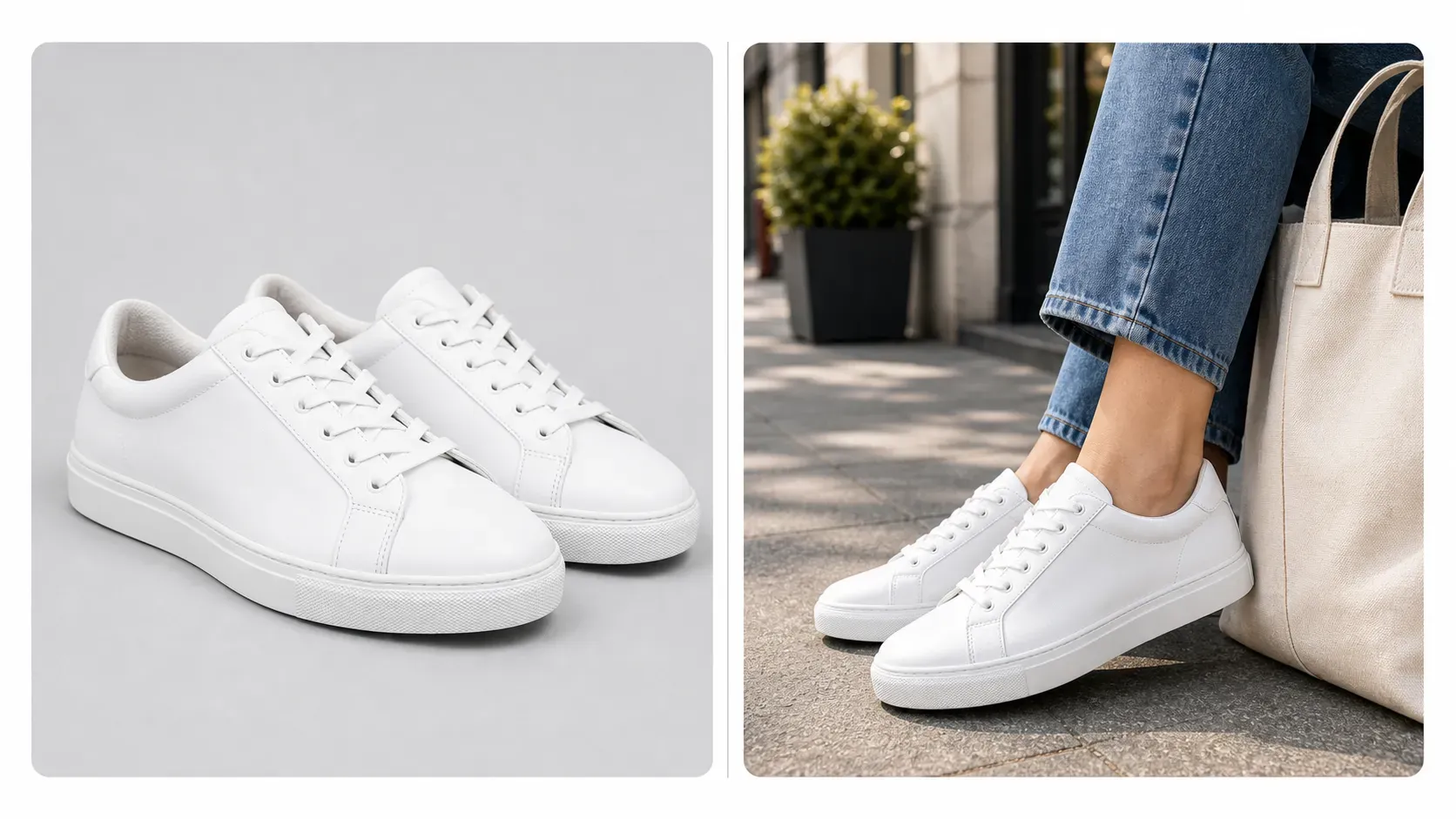
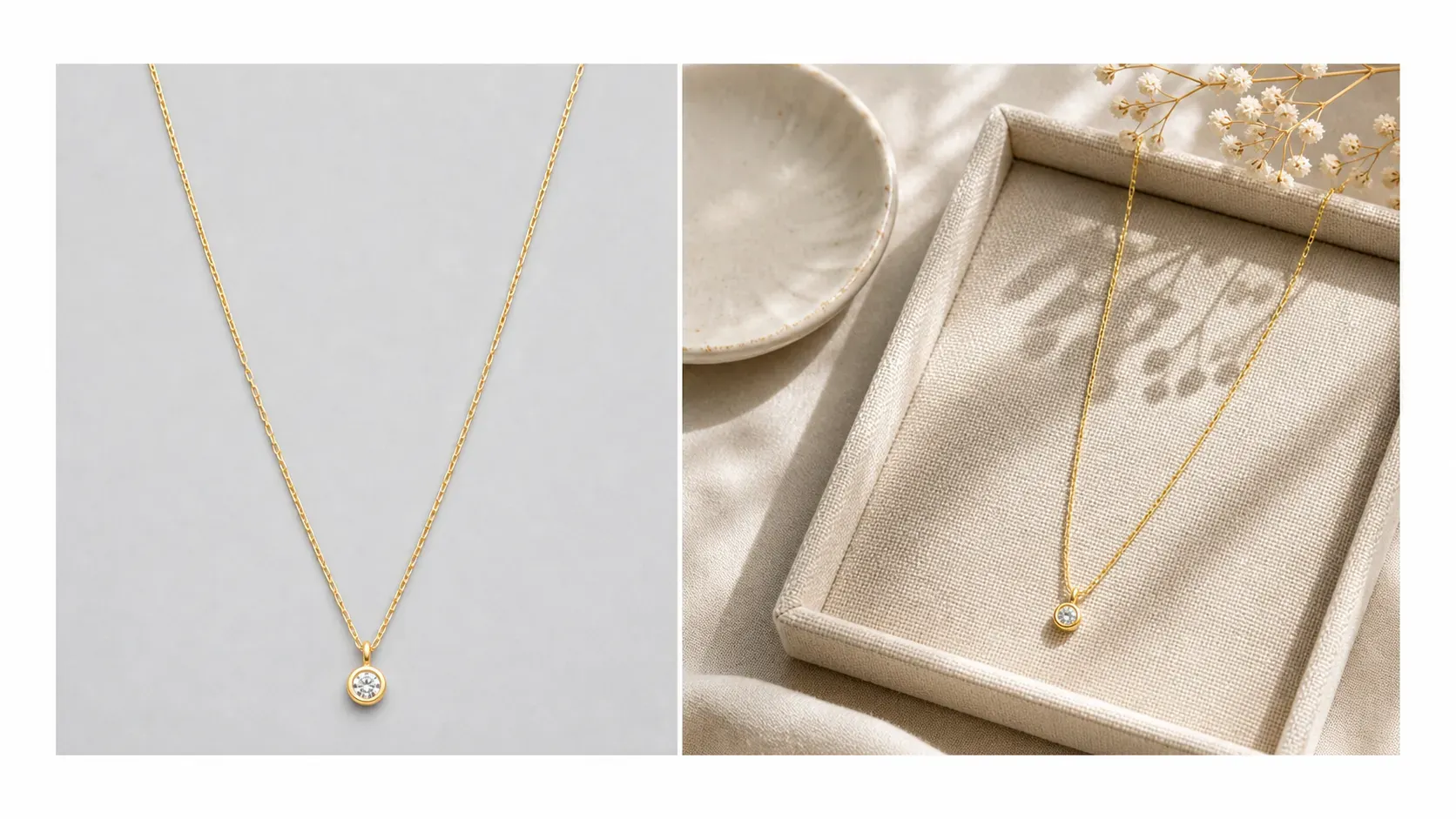
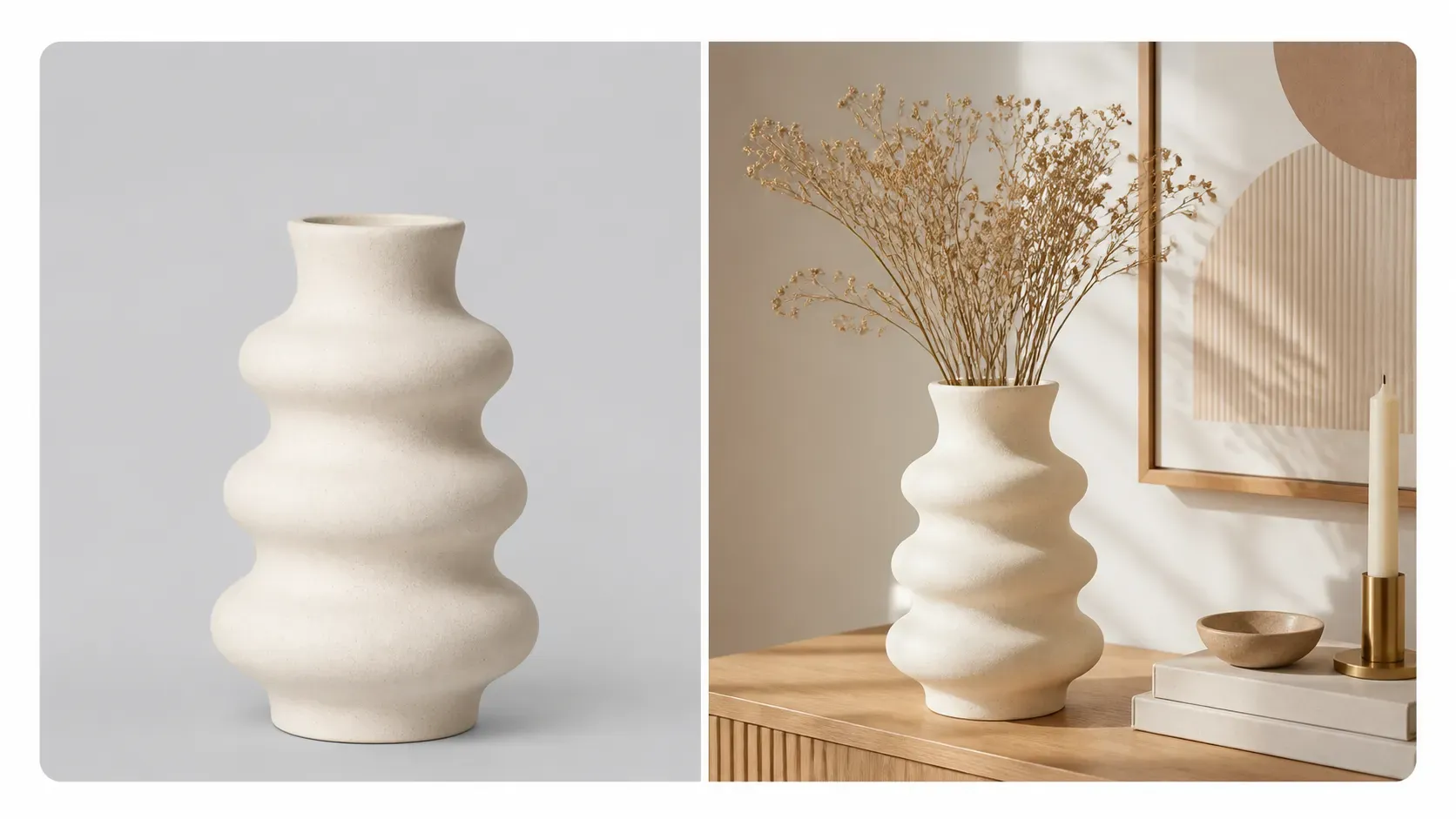
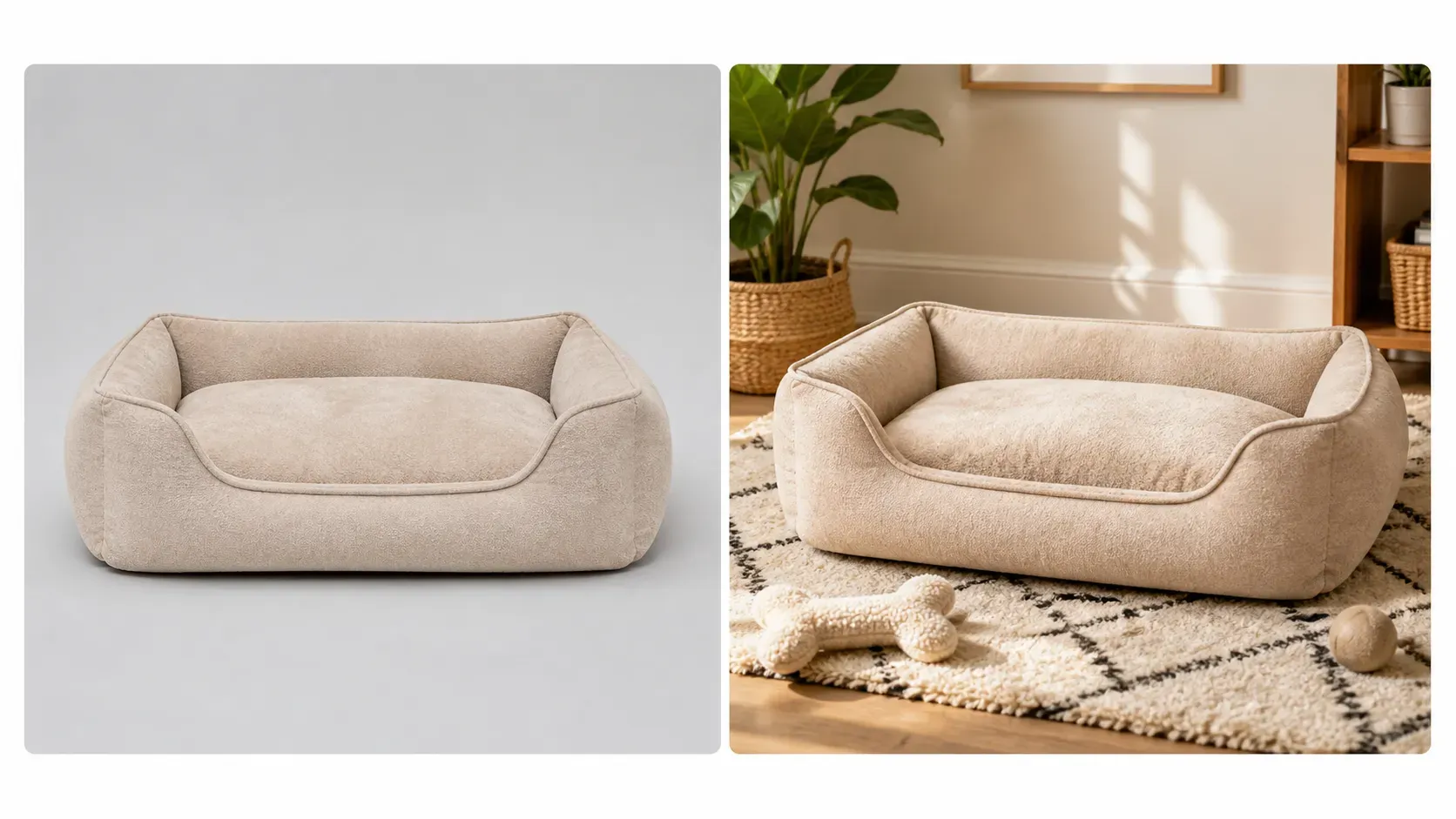
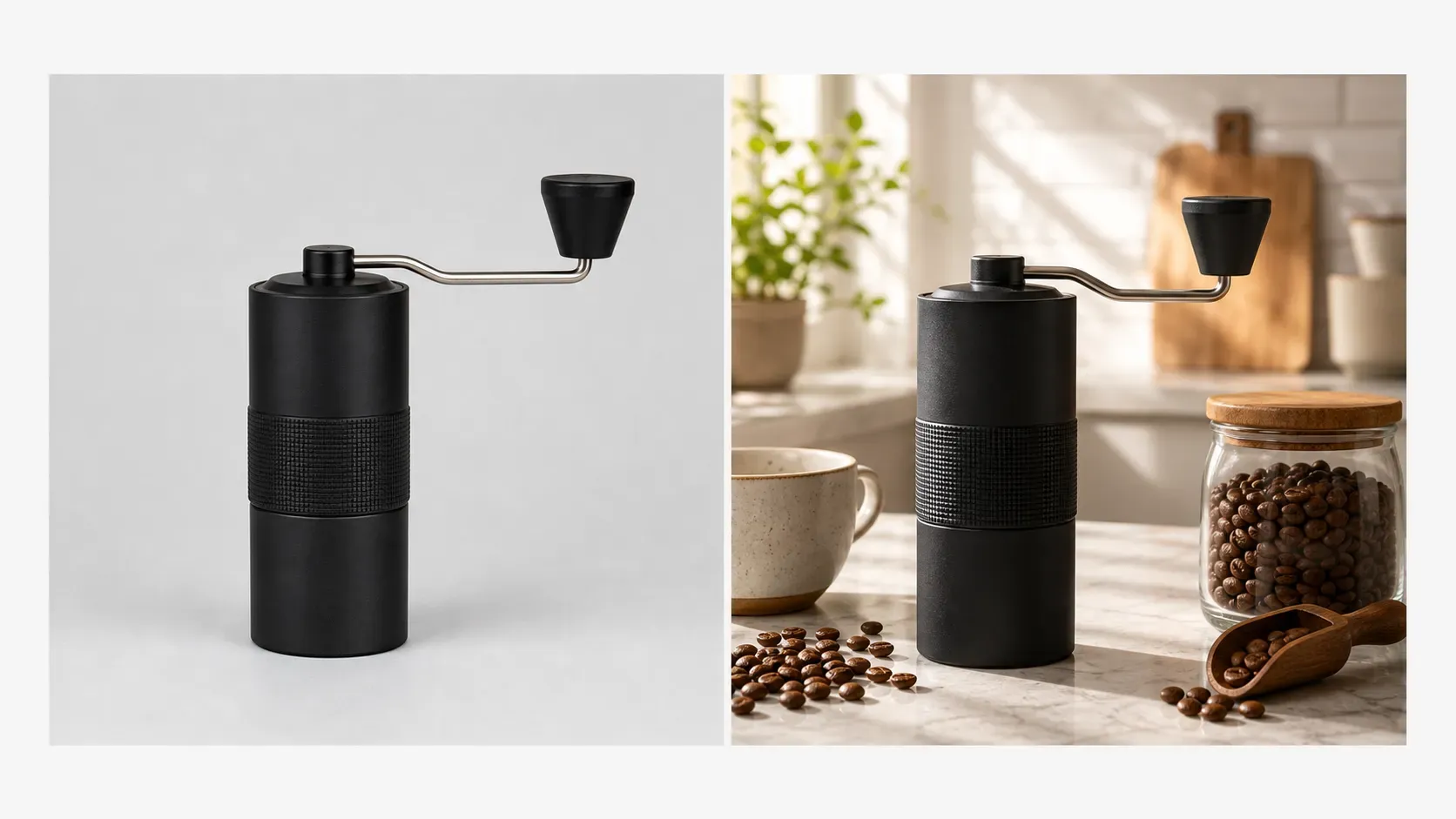
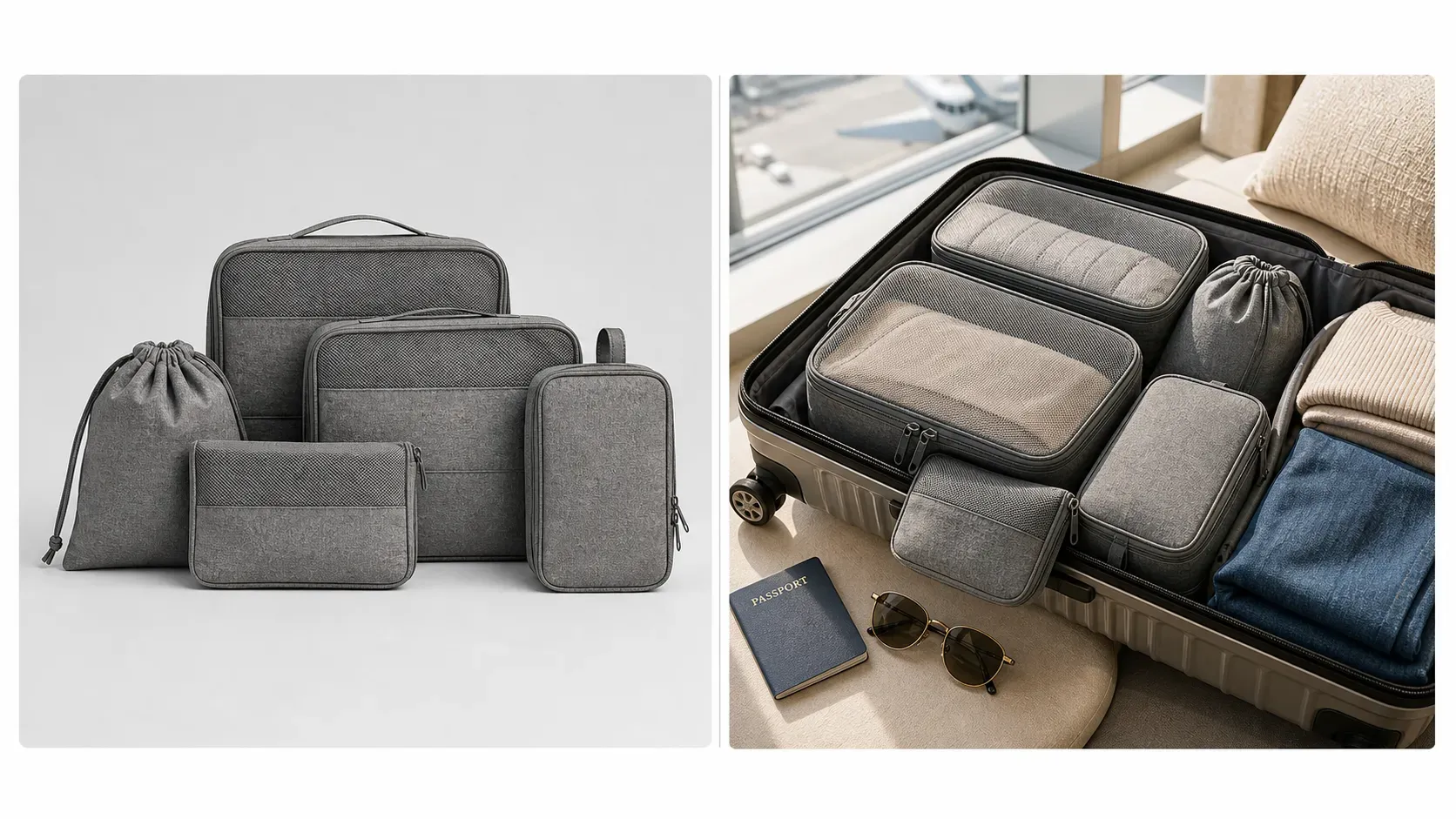
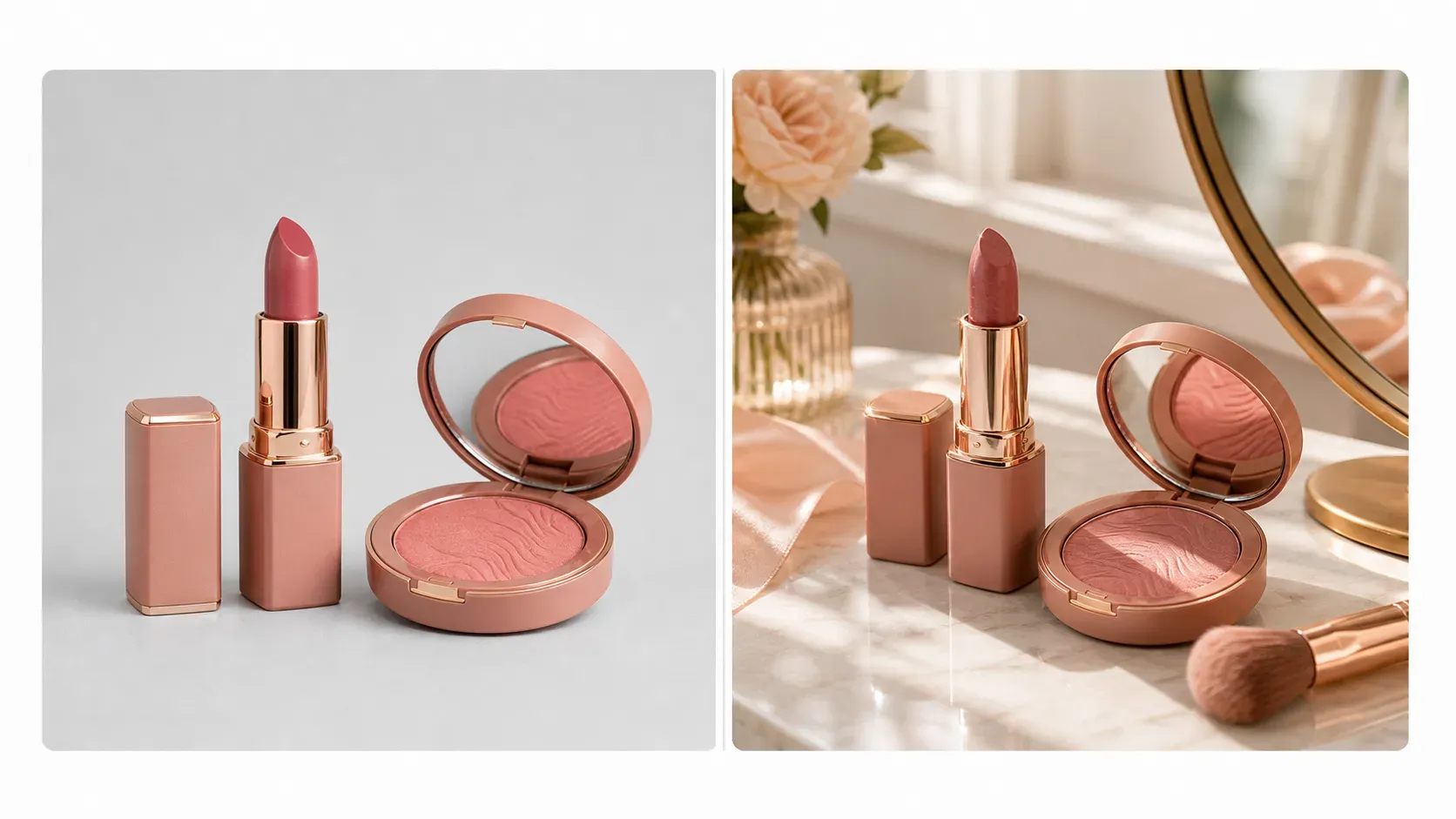
Shopify lifestyle product images help consumers visualize how products fit into real-life scenarios. Vidoly AI analyzes the products you upload, preserving their shape, color, texture, packaging, and visible details, then places them in a 4:3 realistic scene that aligns with the product category and brand style. You can use it to create bathroom counter scenes for skincare products, desk scenes for mugs and tech accessories, living room scenes for home decor, travel scenes for bags, or add seasonal effects for marketing campaigns.

Create lifestyle images for Shopify
What is the Shopify lifestyle product image generator?

What is the Shopify lifestyle product image generator?

The Vidoly Shopify lifestyle product image generator is an AI tool that converts product photos into realistic e-commerce scenarios. Instead of just showing isolated products, it places them in natural usage contexts. The standard 4:3 ratio provides ample space for products, props, and backgrounds without creating overly wide banners.

Convert ordinary product photos to brand-aligned product scenes

Convert ordinary product photos to brand-aligned product scenes

Ordinary product photos show what items look like, while lifestyle images convey the experience of using them in a setting. Vidoly AI places products in appropriate environments—for example, candles on coffee tables, jewelry on vanity trays, water bottles in gyms, pet supplies in living room corners, or kitchenware on countertops. This helps you build a more complete brand experience for your Shopify store.

Create product page images that drive conversions

Create product page images that drive conversions

Shopify product pages typically require multiple clear product images. Lifestyle images showcase product size, usage scenarios, material texture, atmosphere, and target audience fit. 4:3 ratio lifestyle images work perfectly for product page galleries, as they accommodate both the product and its environment while keeping the product clearly visible.

Create visual assets for Shopify homepages and collection pages

Create visual assets for Shopify homepages and collection pages

Lifestyle product images are also suitable for homepage sections, recommended product modules, collection covers, and seasonal landing pages. Merchants don’t need to use generic stock images—they can create scenes centered on their own products. Collection grid images usually work well with a 1:1 square ratio, while homepage hero banners are often better suited to a 16:9 ratio.

Create product images for ads and social media

Create product images for ads and social media

Shopify merchants often need campaign visuals for Meta ads, TikTok creatives, Pinterest posts, email marketing, and product launches. Using your uploaded product photos, the AI can generate lifestyle product images in different visual styles—such as minimalist studio, luxury home, outdoor adventure, seasonal gift, or flat lay styles ideal for social media. For mobile ads, vertical ratios like 4:5, 3:4, 2:3, or 9:16 are usually more suitable than the standard 4:3.

Choose the right image format for Shopify

Choose the right image format for Shopify

Vidoly sets 4:3 as the standard ratio for Shopify lifestyle images, as it balances product visibility and scene content. Merchants can also choose 1:1 for collection grids, 3:2 for editorial-style product scenes, 16:9 for homepage banners, or vertical ratios for mobile ads and social media posts. If needed, you can also keep the ratio of your uploaded product image—however, fixed output formats usually help maintain visual consistency across your store.

Products ideal for lifestyle scenes

Products ideal for lifestyle scenes

The lifestyle scene feature works well for cosmetics, skincare, candles, mugs, bags, footwear, jewelry, home decor, kitchen supplies, pet products, dietary supplements, electronics, fitness equipment, and travel accessories. Products with clear edges, visible packaging, accurate colors, and easily identifiable shapes typically produce better results. Products that are highly reflective, transparent, have cropped areas, or low resolution may require additional review.

Difference between Shopify lifestyle images and ordinary product images

Difference between Shopify lifestyle images and ordinary product images

Ordinary product images are ideal for clearly showing a product’s shape, color, and details. Lifestyle images are better for demonstrating usage scenarios, atmosphere, brand positioning, and visual context. Shopify stores usually need a combination of both: clear product images provide definitive information, while lifestyle images tell brand stories and boost conversions.

Common limitations of AI lifestyle product images

Common limitations of AI lifestyle product images

AI can quickly create realistic scenes, but all results must be reviewed before publishing. Check that the product’s shape, size, color, logo placement, label text, and material details are accurate. If the uploaded product photo is blurry, partially cropped, highly reflective, transparent, or visually complex, the generated result may be lower quality.

How to use the Vidoly Shopify lifestyle product image generator?

1

Upload your product photo

Select a clear product image that fully shows the item, its edges, color, packaging, and important details.

2

Choose or describe a lifestyle scene

Select a scene style or enter a prompt, such as "minimalist bathroom counter," "cozy living room," "modern desk setup," "outdoor travel scene," or "seasonal gift display."

3

Select image format

For Shopify lifestyle product scenes, you can use the standard 4:3 ratio, 1:1 for collection grids, 16:9 for banners, or vertical ratios for mobile ads or social media posts.

4

Let AI create the Shopify scene

Vidoly AI will place the product in a real-life environment with appropriate lighting, props, background, and composition.

5

Review product accuracy

Check that the product’s shape, color, label placement, logo accuracy, size, shadow, and placement in the scene are physically logical.

6

Download for your Shopify store

Use the final image for product pages, collection sections, homepage banners, landing pages, email marketing, ads, or social media posts.

FAQ

What’s the difference between this and ordinary Shopify product images?

Ordinary product images usually focus on clearly showing the item itself. Lifestyle images add a scene, atmosphere, props, lighting, and environment to connect the product to real usage scenarios or brand stories.

What is the standard image format?

The standard format is 4:3.

Can I choose other image sizes?

Yes. You can use 1:1 for collection grids, 3:2 for editorial-style scenes, 16:9 for homepage banners, and vertical ratios like 4:5, 3:4, 2:3, or 9:16 for mobile ads and social posts.

Should I match the ratio of my uploaded product image?

Matching the ratio of your uploaded image is helpful if you want to preserve the original composition. For most Shopify lifestyle images, fixed ratios like 4:3, 1:1, or 16:9 help maintain visual consistency across your store.

Can I use AI-generated lifestyle images on my Shopify store?

Yes, but you must review the final image before publishing. Ensure the product looks accurate and the scene does not mislead about the item, size, material, function, or purpose.

Which products work best?

Skincare, beauty products, candles, mugs, bags, footwear, jewelry, home decor, kitchen supplies, pet products, electronics, dietary supplements, fitness equipment, and travel accessories typically work well. Product photos with clear edges and accurate colors produce higher-quality results.

Can it generate scenes that match my brand style?

Yes. You can describe your brand direction, such as minimalist, luxury, natural, playful, modern, seasonal, outdoor, cozy, or studio style. The AI will generate scenes that align with your store’s visual identity.

Can I generate Shopify homepage banner images?

Yes. Use a 16:9 ratio for homepage hero images, landing page banners, or wide promotional sections. If you plan to add text or buttons to your Shopify theme, leave enough blank space.

Can I generate lifestyle images for ads?

Yes. Shopify merchants can use lifestyle images for Meta ads, TikTok creatives, Pinterest posts, email marketing, and product launches. For mobile-first ads, vertical ratios like 4:5 or 9:16

Will the AI preserve my product logo and label?

The AI can try to preserve visible logos, labels, and packaging details, but small text may change. Review all labels, claims, ingredient lists, warnings, and brand marks before using the image commercially.

Does this replace product photography?

It can reduce the need for extra scene shoots and help create fast campaign visuals, but it does not fully replace professional photography when exact product accuracy, regulated claims, or high-end catalog precision is required.

Why does the generated product sometimes look different?

AI may adjust edges, reflections, scale, shadows, labels, or small details while placing the product into a new environment. This is more likely when the uploaded photo is low-resolution, cropped, reflective, transparent, or poorly lit.