Style Roblox

Style Roblox

Importer une image
photo_camera

Importer une image

Prompt
39/2000
Licence commerciale incluse
Plus dans
Generate original AI characters from photos or creative concepts

Generate original AI characters from photos or creative concepts

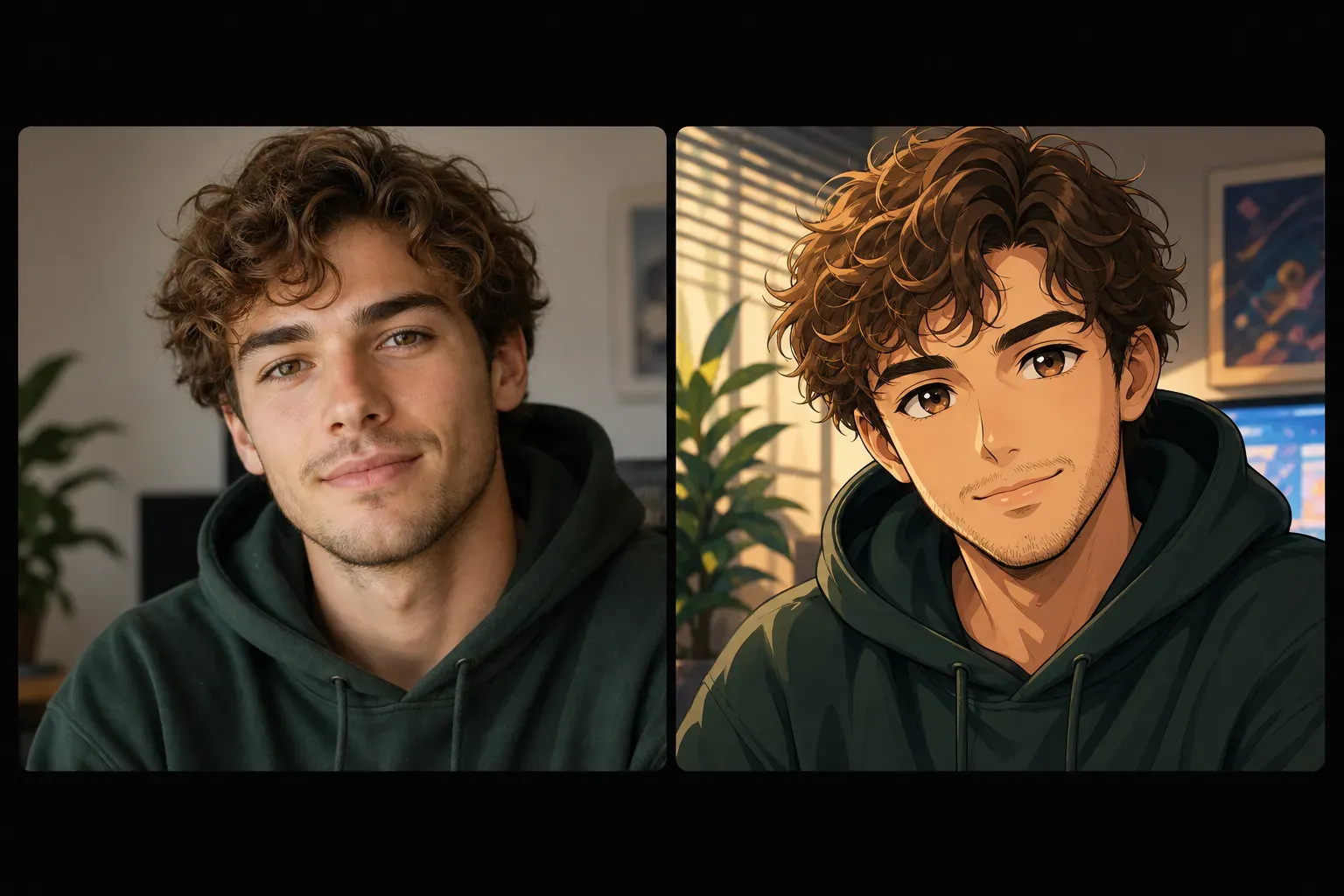
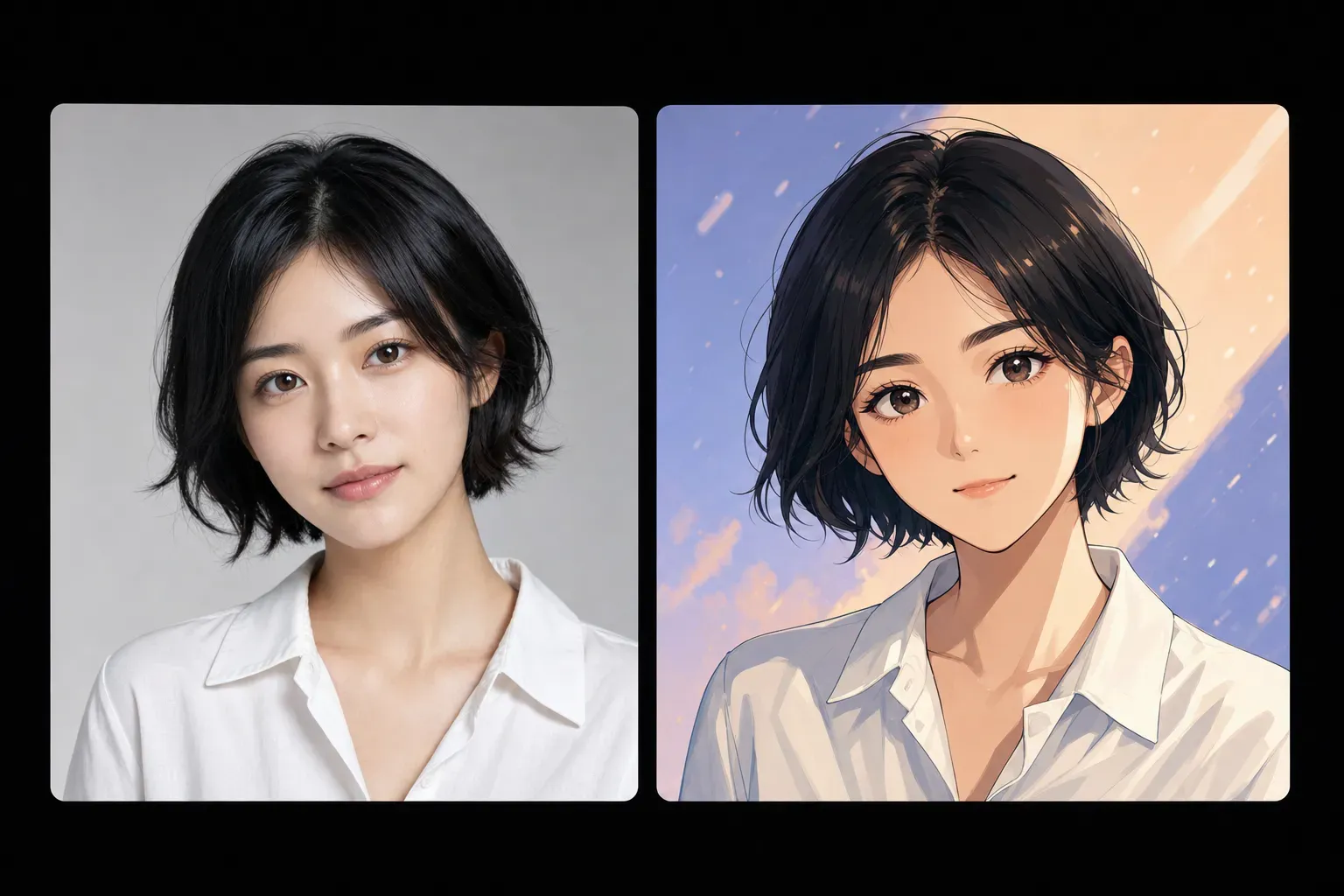
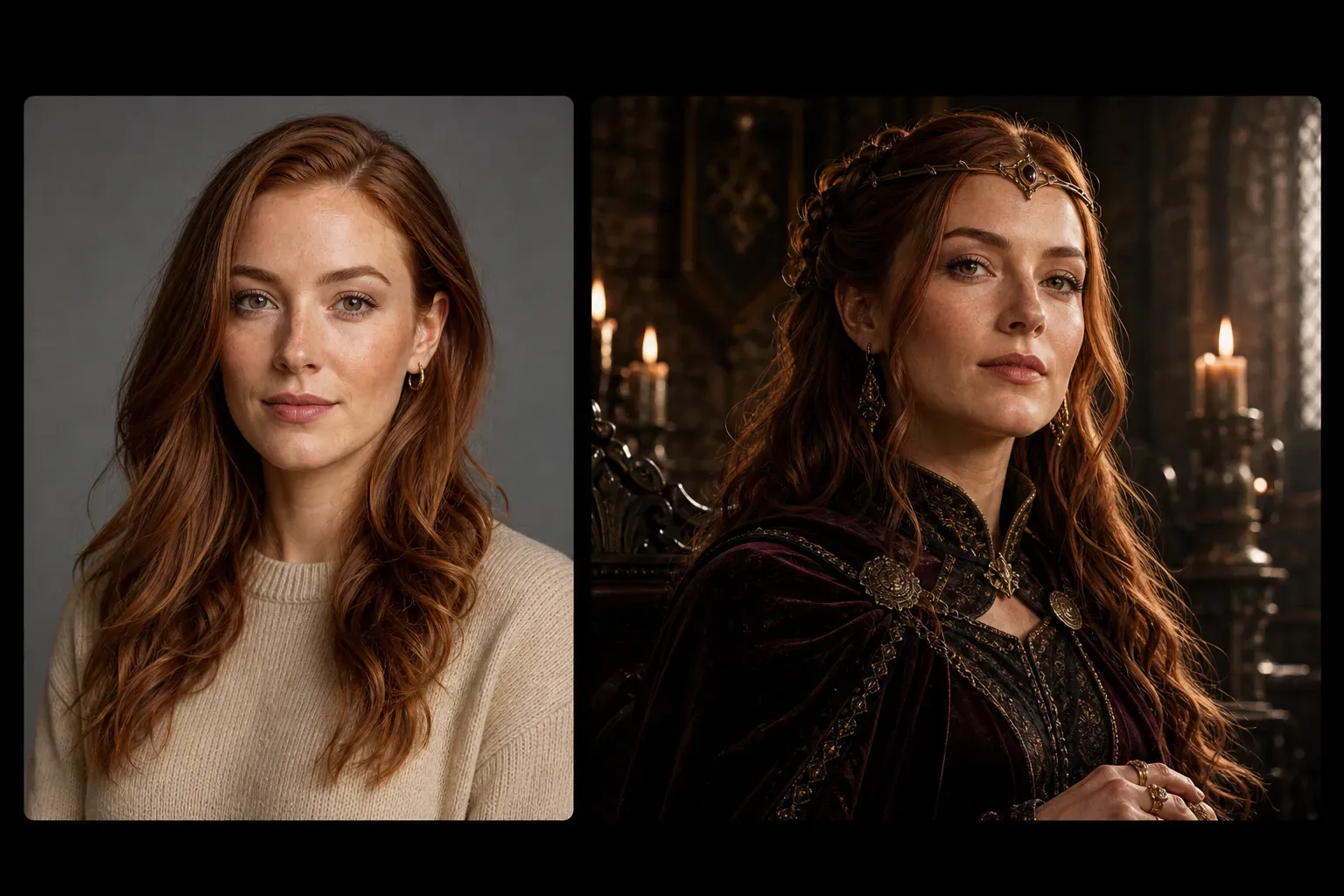
The Vidoly AI Character Generator allows users to convert uploaded photos or character ideas into stylized character works. The AI analyzes facial features, poses, clothing, emotions, and visual styles, then generates character results that match the selected appearance—such as realistic portraits, anime, cartoons, fantasy, game avatars, or social media profile styles. It is useful for creators, gamers, writers, role-playing communities, streamers, and anyone needing quick character visualization.

Generate your character
How does the AI Character Generator work?

How does the AI Character Generator work?

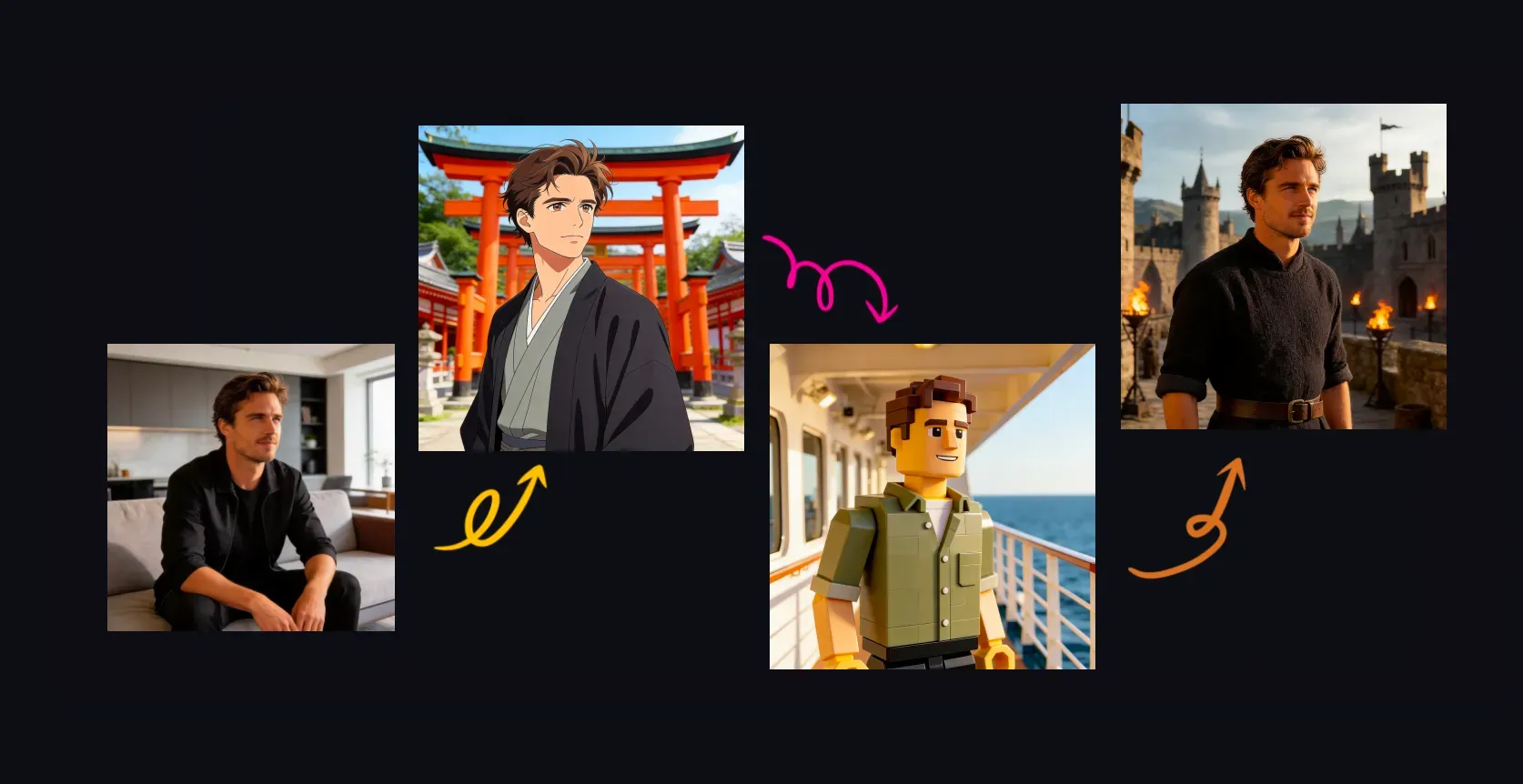
The AI Character Generator uses image generation and style transfer to create characters based on user input. If a user uploads a photo, the AI can use facial structure, hairstyle, pose, and clothing as references; if a user starts with a prompt, the AI follows details such as age, clothing, personality, background, color scheme, and art style to create original character images.

Create characters in different visual styles

Create characters in different visual styles

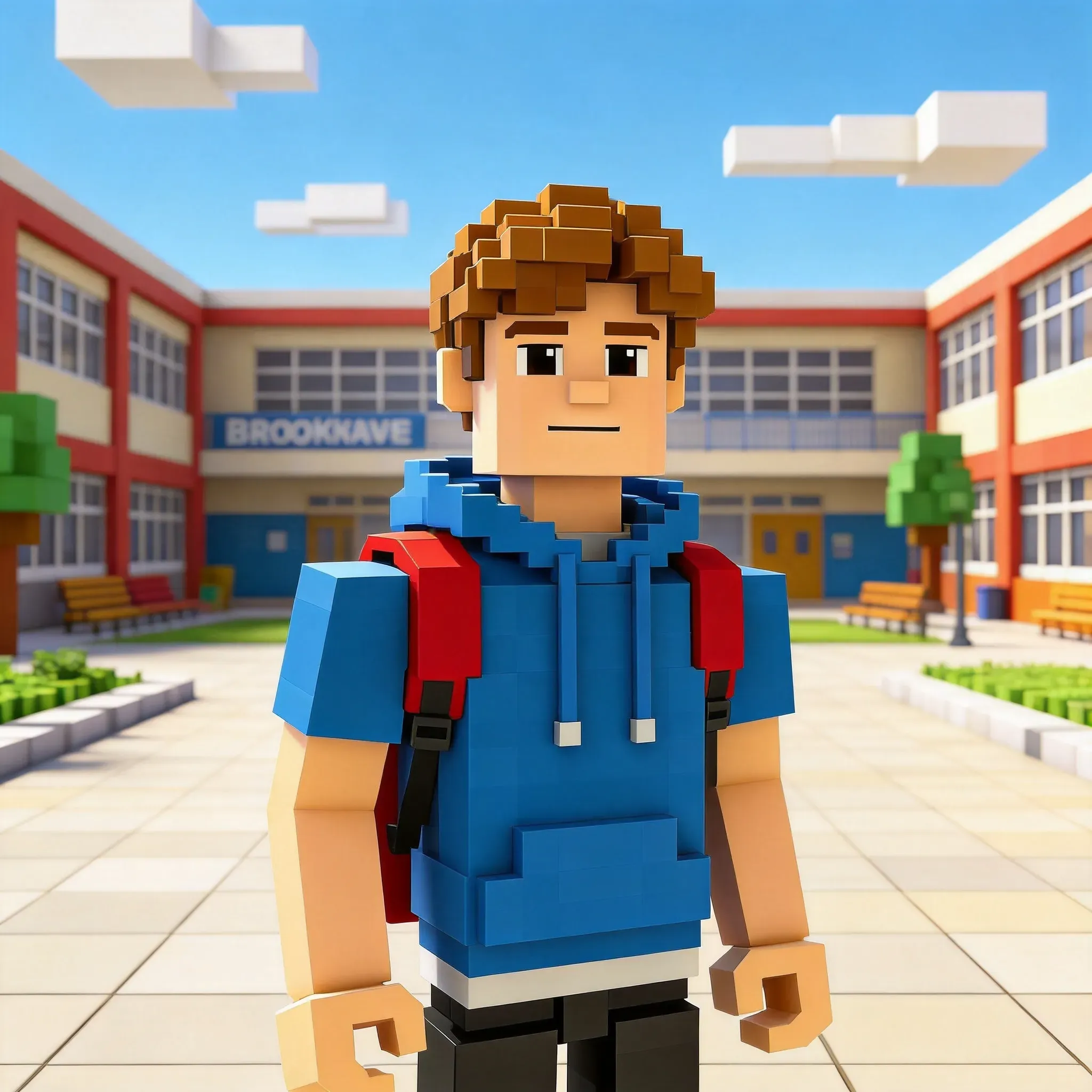
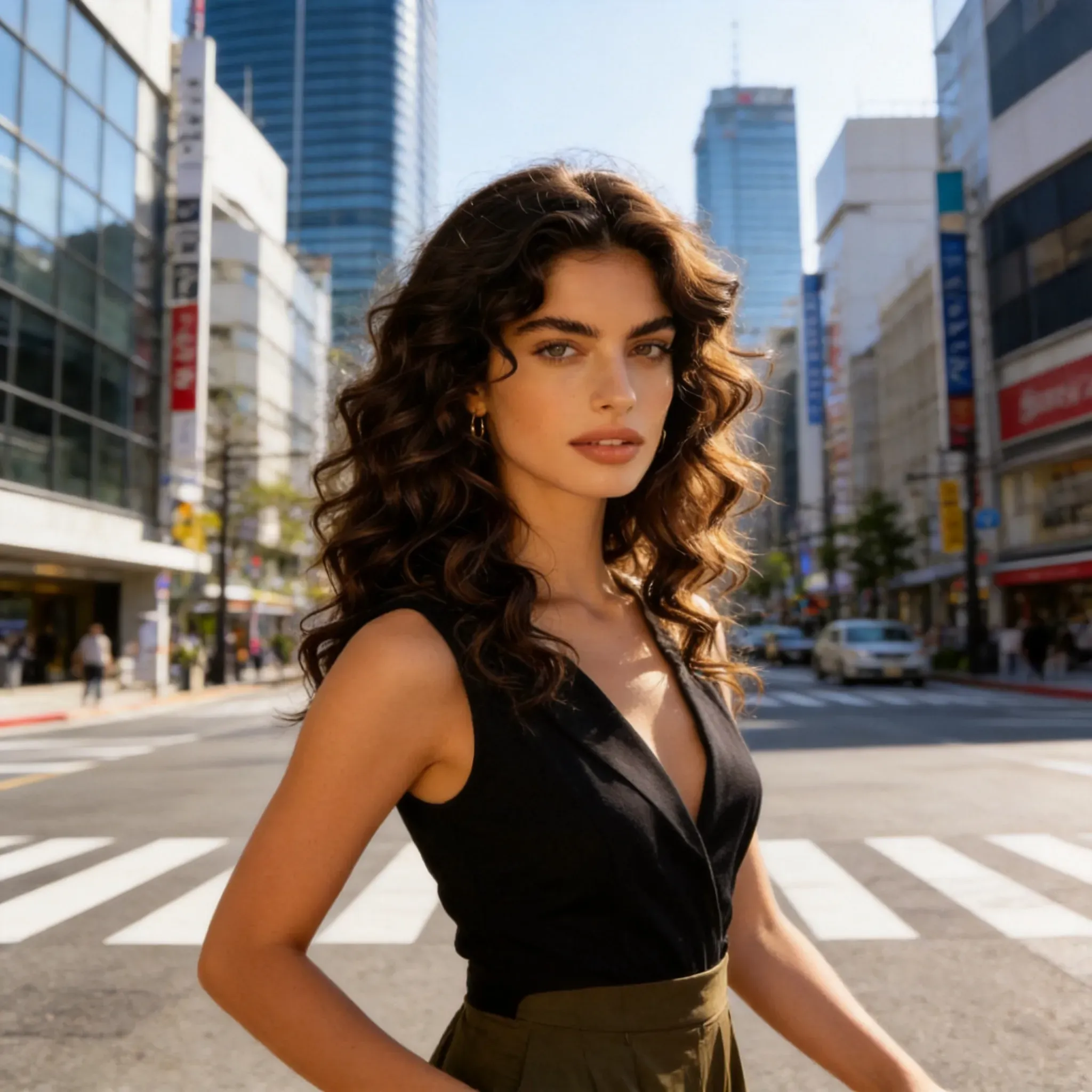
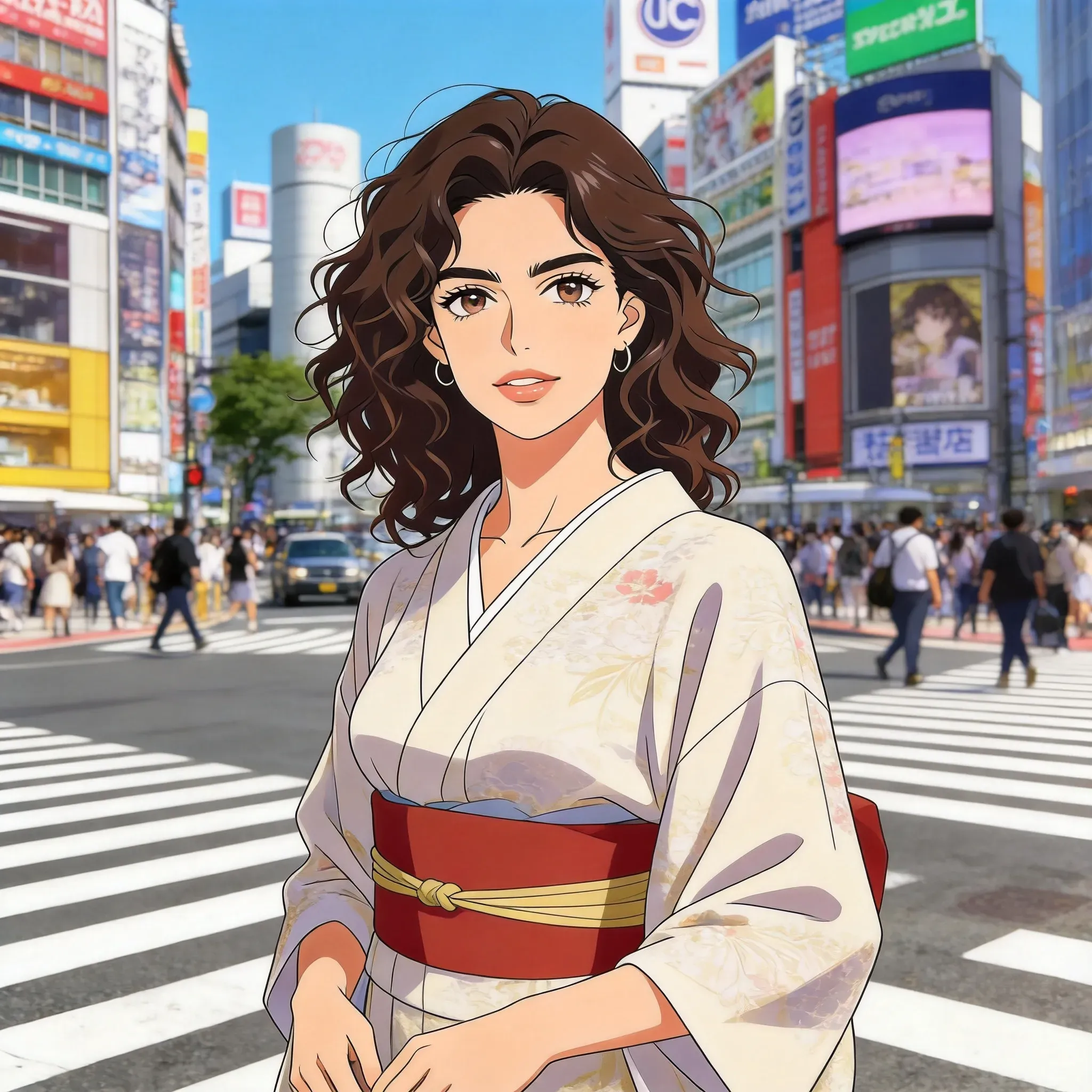
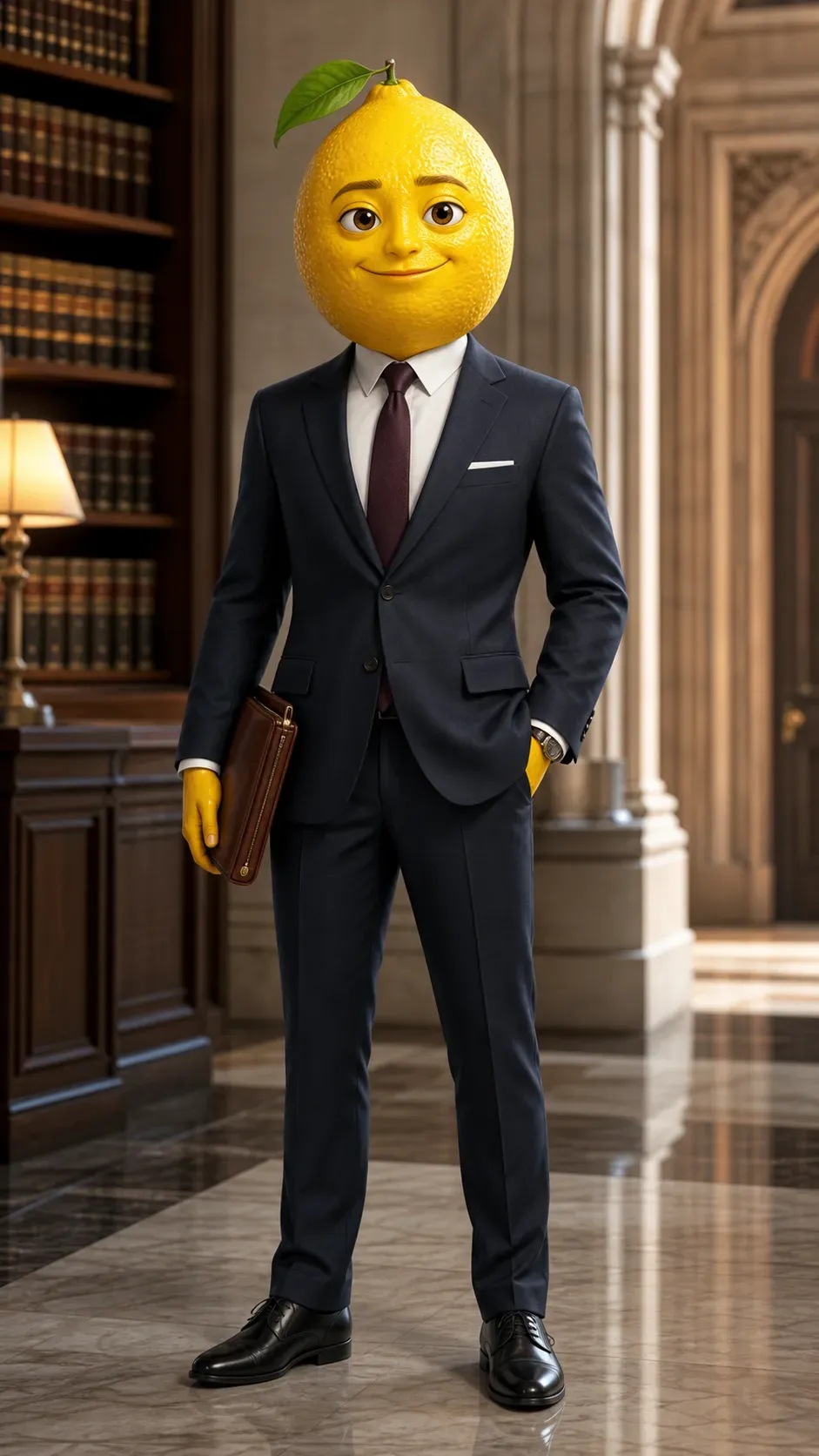
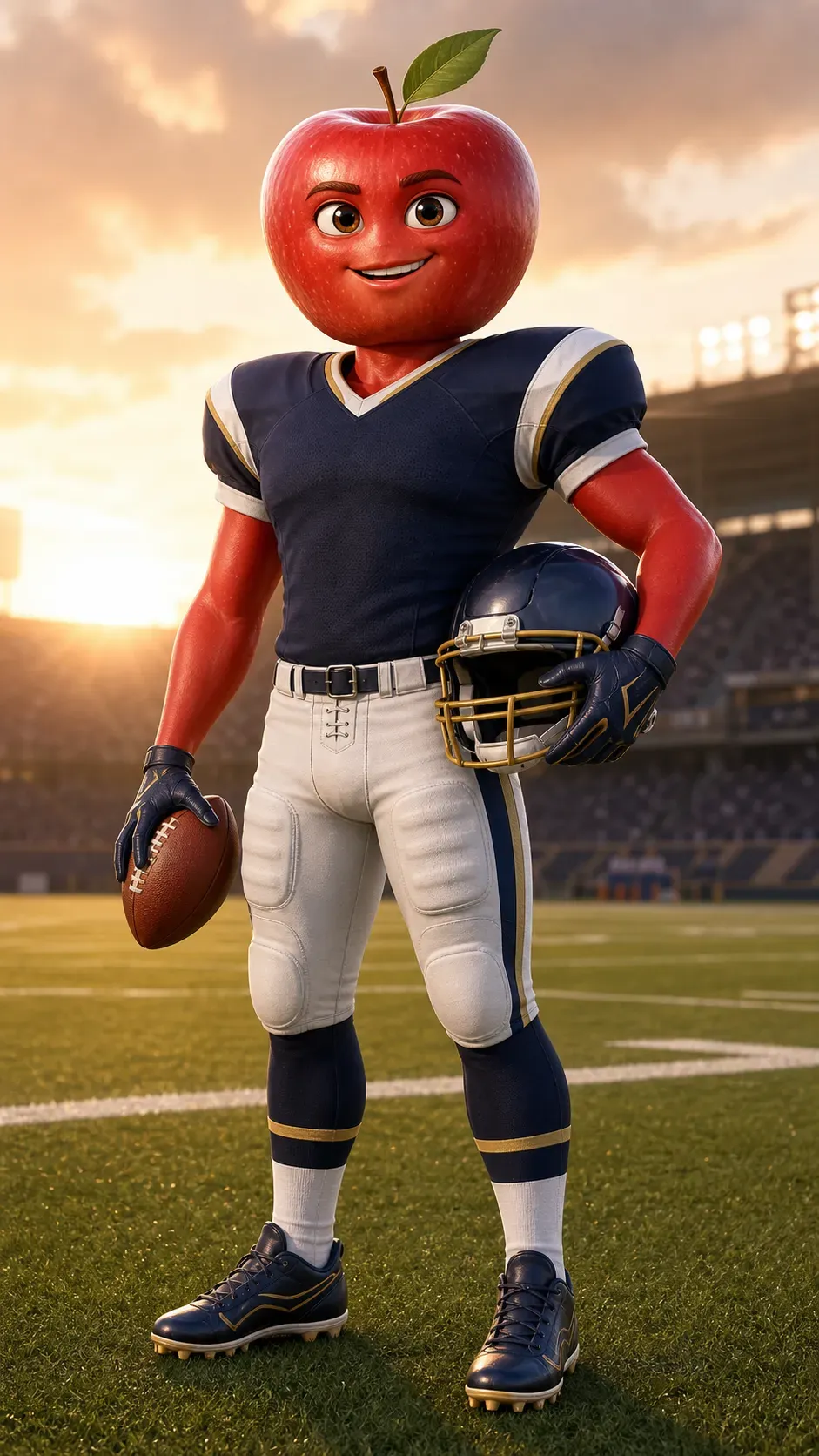
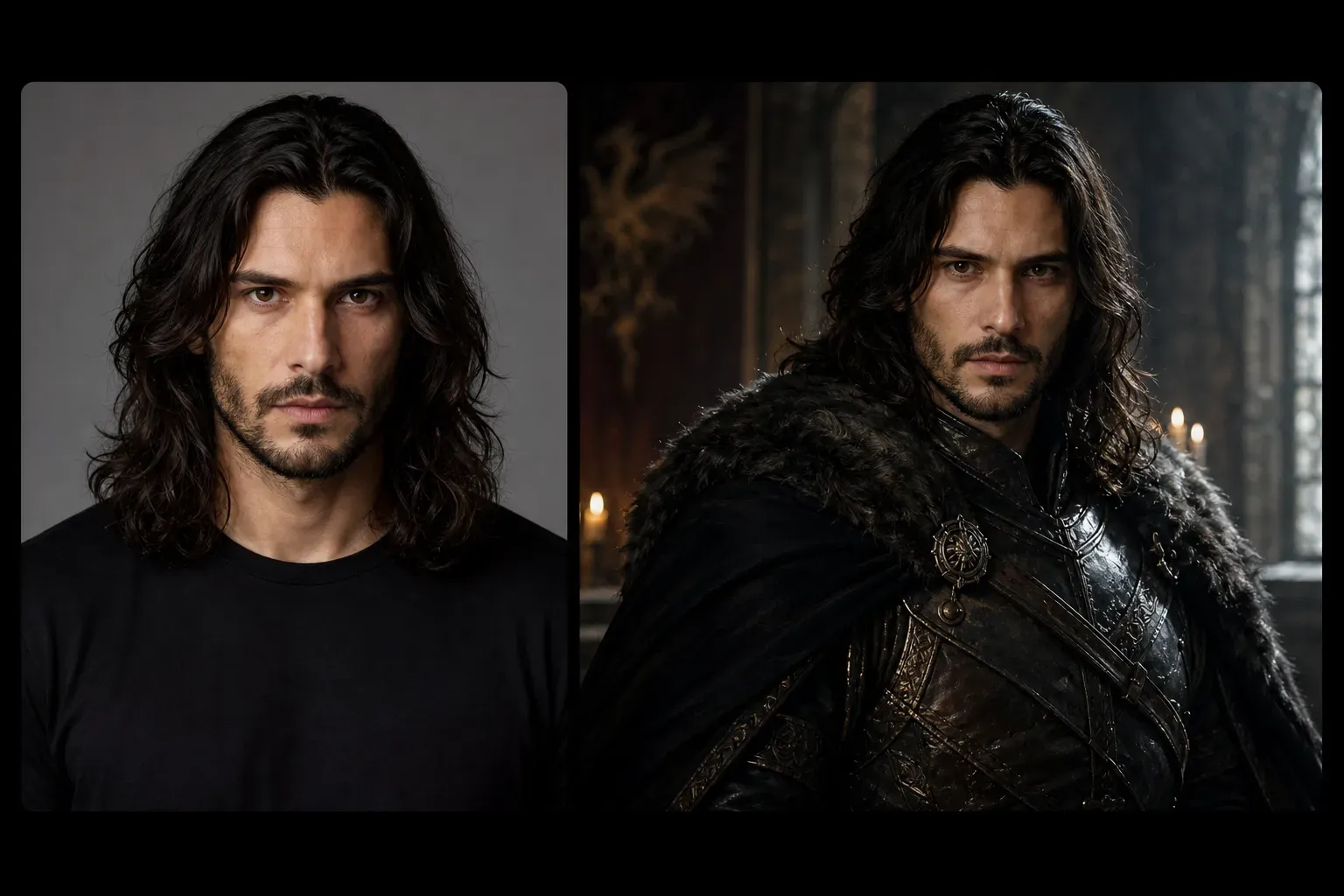
Users can explore a variety of character styles, including realistic portraits, anime characters, cartoon avatars, game-style characters, fantasy heroes, sci-fi characters, and stylized profile pictures. Each style changes how the AI handles facial details, clothing, proportions, colors, lighting, and backgrounds. This helps users compare multiple creative directions before selecting their final character design.

Generate avatars and profile pictures

Generate avatars and profile pictures

The AI Character Generator is suitable for creating profile pictures, social media avatars, game icons, creator portraits, and personal identity visual elements. A clear facial photo can be turned into a stylized character portrait, while text prompts can create new avatars from scratch. For best results, use concise prompts that include details about expressions, clothing, backgrounds, and styles.

Design original characters for stories, games, and role-playing

Design original characters for stories, games, and role-playing

Writers, game developers, and role-playing users can use AI character generation to quickly visualize original characters. Prompts can describe a character’s role, personality, clothing, background, and emotions, such as "a young fantasy healer in a green robe" or "a futuristic pilot in a silver armor." The results can serve as inspiration, concept references, or a starting point for further design work.

AI Character Generator vs. manual character design

AI Character Generator vs. manual character design

Manual character design gives artists full control over anatomy, outlines, clothing, expressions, and narrative details. The AI Character Generator, on the other hand, enables faster exploration of creativity, testing of styles, and creation of visual drafts. However, for final game assets, commercial mascots, or detailed production art, human optimization may be needed to ensure consistency and originality.

Best inputs for AI character generation

Best inputs for AI character generation

Clear portrait photos, concise character descriptions, and specific style prompts usually work best. Add details such as hairstyle, clothing, emotion, background, color scheme, and specify whether the character should be realistic, anime, cartoon, fantasy, or game-style. Avoid vague prompts like "make a cool character," as this leaves the AI without direction.

Common limitations of AI character generation

Common limitations of AI character generation

AI-generated characters may vary in facial consistency, hand details, clothing accuracy, and background coherence. Very complex clothing, multiple characters, precise logos, copyrighted characters, and very specific poses can be difficult to generate correctly. When creating original characters, avoid asking the AI to replicate protected characters or brand-specific designs.

How to use the AI Character Generator?

1

Choose a style like realistic, anime, or Roblox

Select your desired visual direction and upload a photo.

2

Upload your photo

Upload your photo to the Vidoly AI Character Generator. Tap once to generate your character.

3

Review and download your character result

Compare the generated character results, select your favorite version, then download it for avatars, social media, or creative uses.

FAQ

What is the Vidoly AI Character Generator?

The Vidoly AI Character Generator is a tool that creates character works from photos, text prompts, or selected styles. It can generate realistic portraits, anime characters, game avatars, fantasy characters, and stylized profile pictures.

Can I create a character using my own photo?

Yes. You can upload a clear photo to use as a reference for a stylized character. It usually works better if the photo has a clear face, sufficient lighting, and no severe blurriness.

Can I create a character without uploading a photo?

Yes. You can describe the character with a text prompt, including age, hairstyle, clothing, expressions, background, personality, and art style.

What character styles can I create?

You can create realistic portraits, anime characters, cartoon avatars, fantasy characters, sci-fi characters, game-style avatars, and social media profile pictures.

Is the AI Character Generator useful for avatars?

Yes. It is suitable for creating profile pictures, game avatars, creator icons, social media portraits, and role-playing character images.

Can I use the AI Character Generator for game ideas?

Yes. It helps visualize early character concepts for games, RPGs, tabletop role-playing events, and creative projects. However, for final production assets, art optimization and consistency checks may still be needed.

Why does my AI character look different every time?

AI-generated results vary because each generation interprets prompts, styles, and references differently. To improve consistency, keep prompts specific and reuse the same character details in subsequent generations.

What kind of prompt works best for character generation?

A good prompt should include the character’s role, appearance, clothing, emotion, background, color scheme, and art style. For example: "A female sci-fi researcher with short black hair, a silver jacket, a confident expression, a neon city background, cinematic portrait."

Can the AI create anime characters?

Yes. The AI Character Generator can create anime character portraits and avatars. Add details

Can the AI create realistic character portraits?

Yes. Realistic character portraits work well when the prompt or uploaded photo provides clear facial, lighting, and style information. Using high-quality reference photos yields better results.

Can I create characters based on famous fictional characters?

It is best to create original characters rather than replicating protected fictional characters. Use broad style and genre descriptions instead of asking for exact replicas of copyrighted characters.

What are the limitations of AI character generation?

The AI may struggle with hands, complex clothing, precise poses, multiple characters, logos, and detailed accessories. Check the results before using them for commercial or production projects.