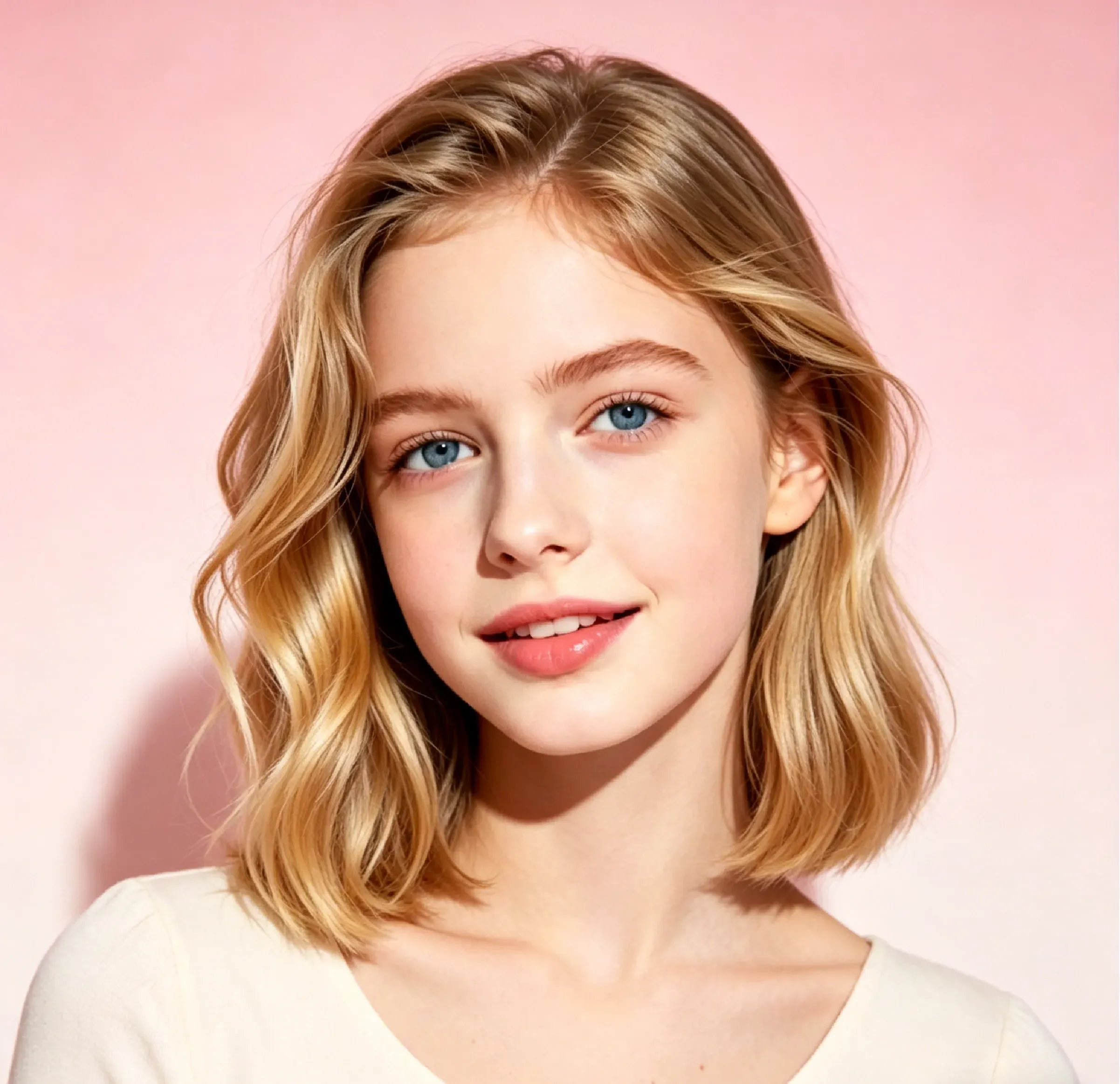
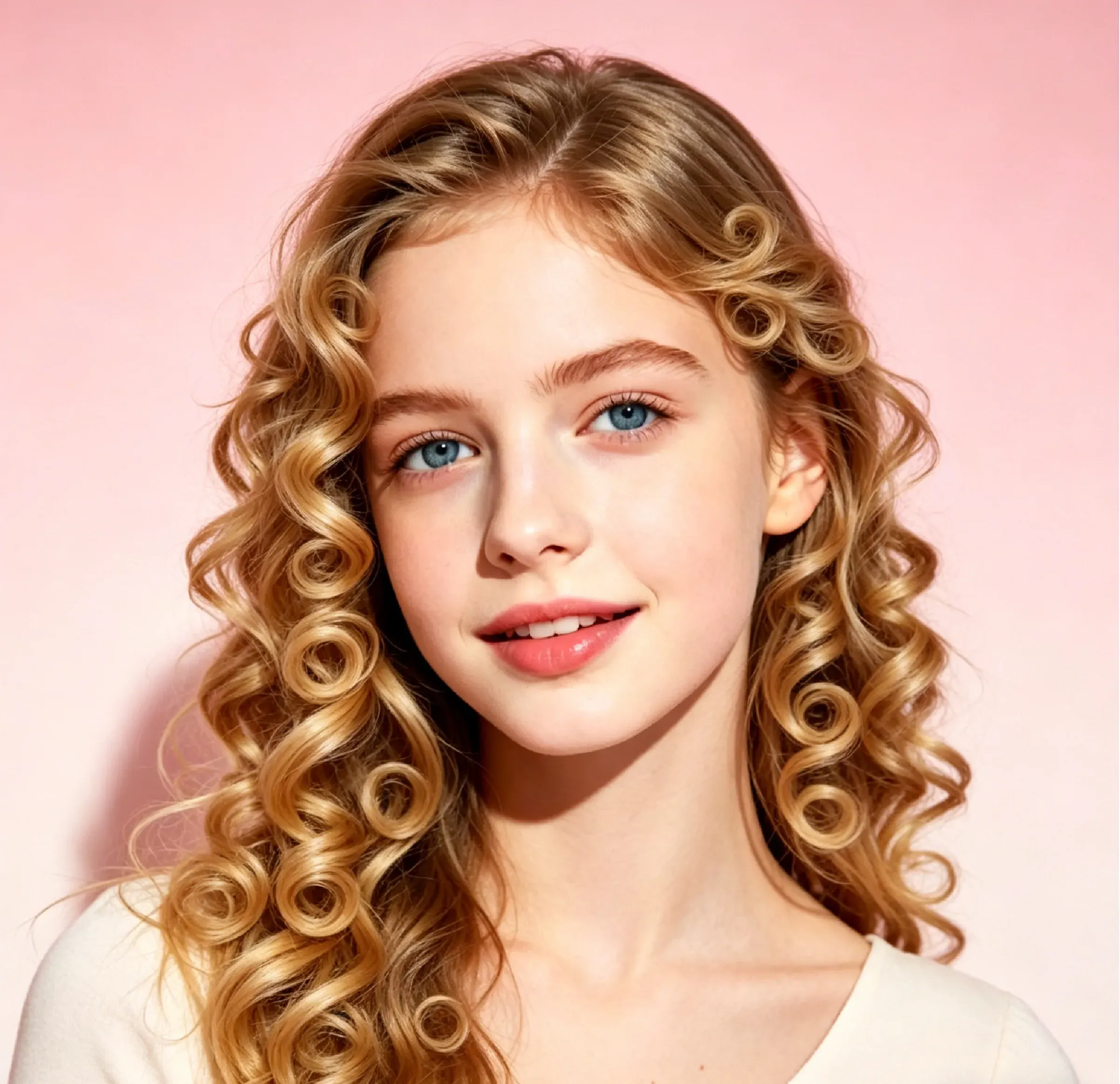
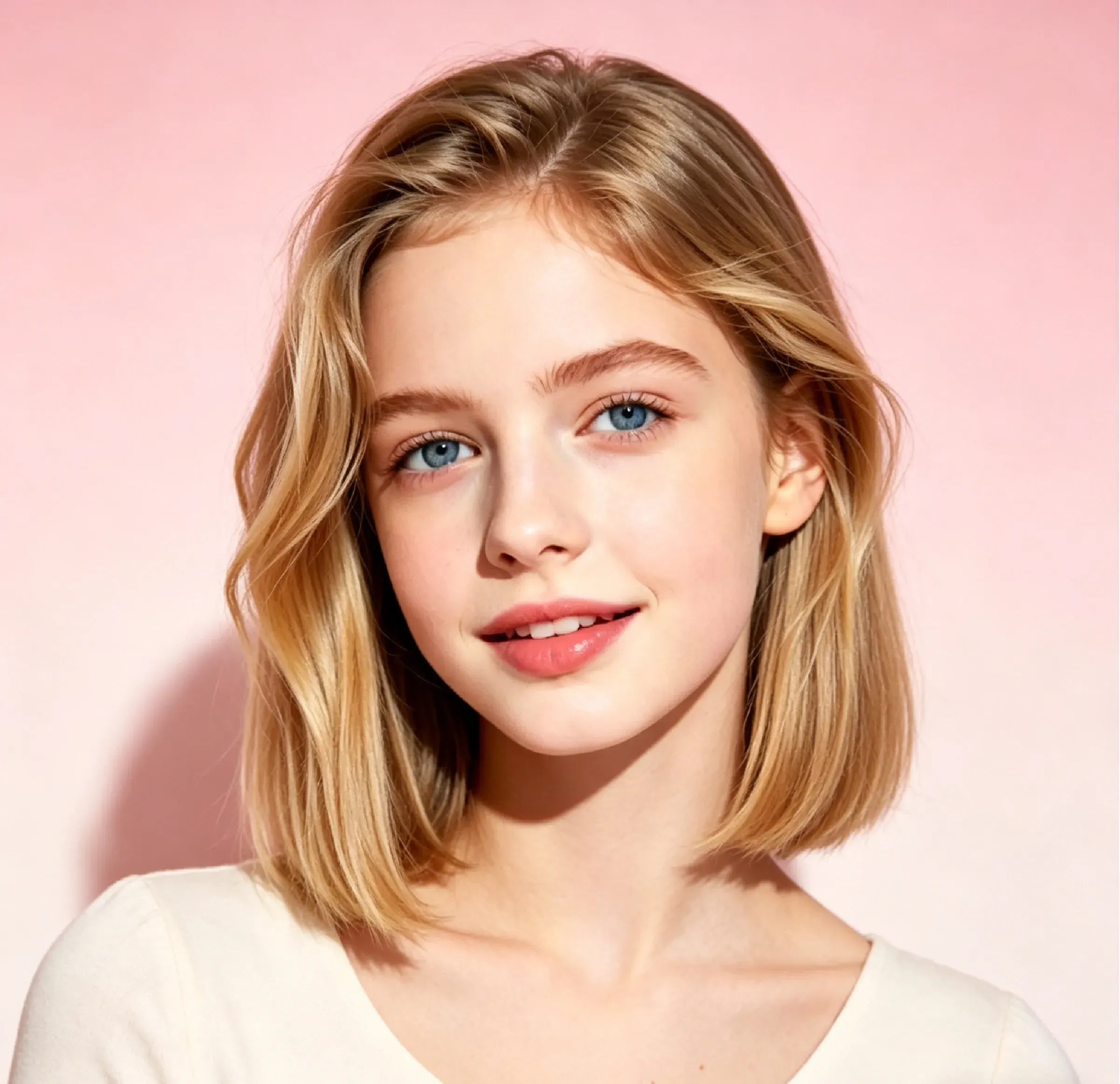
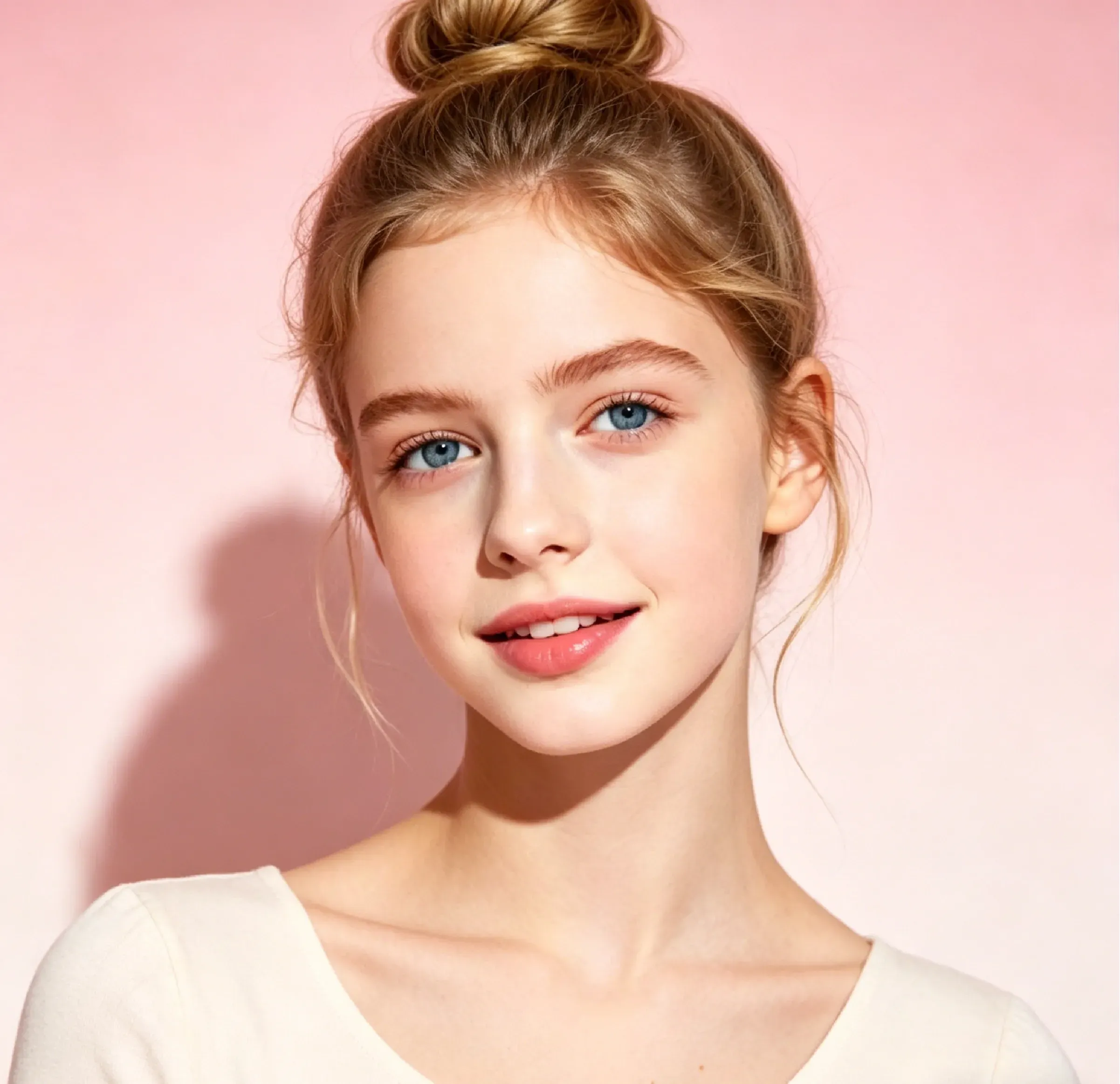
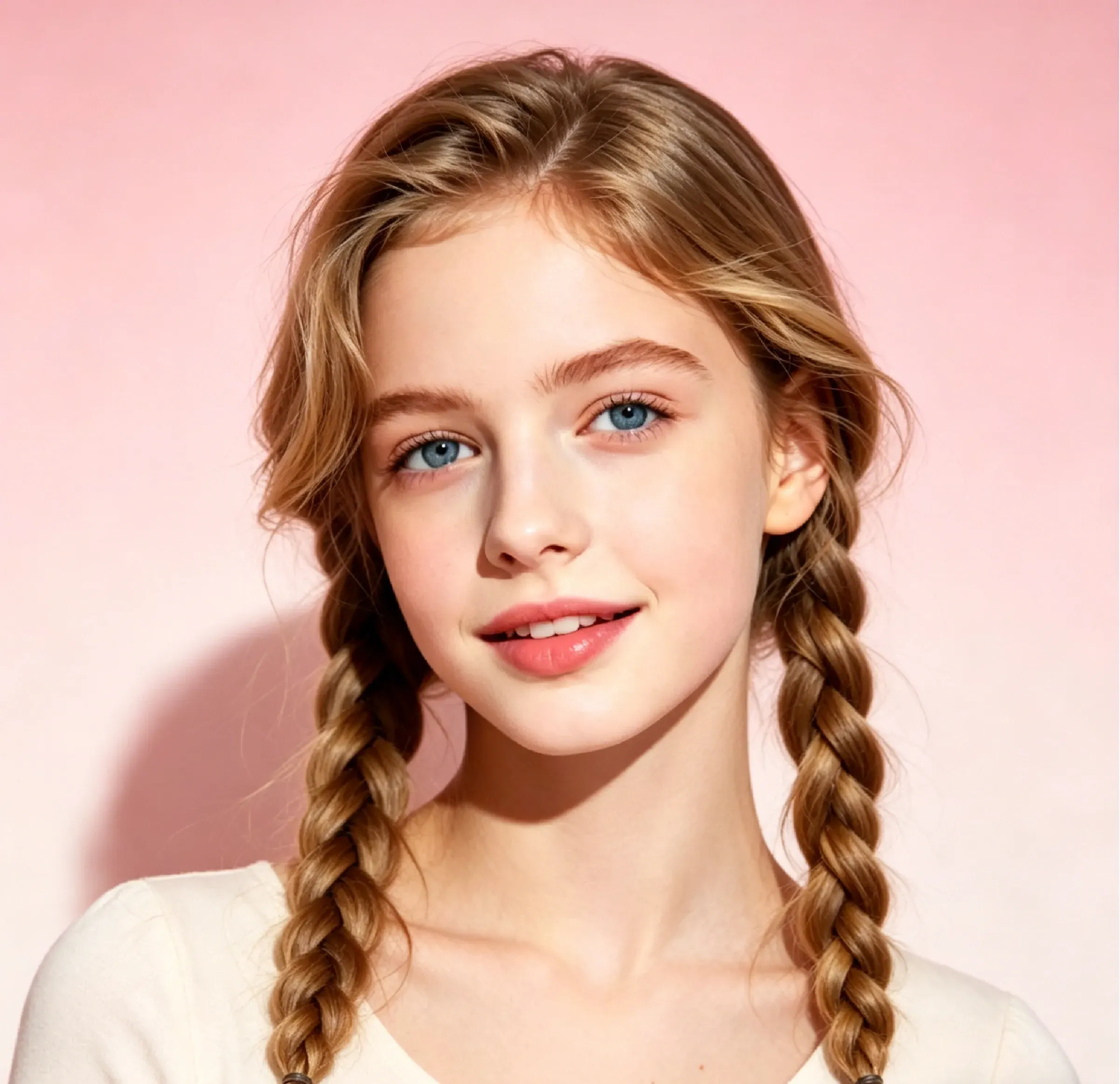
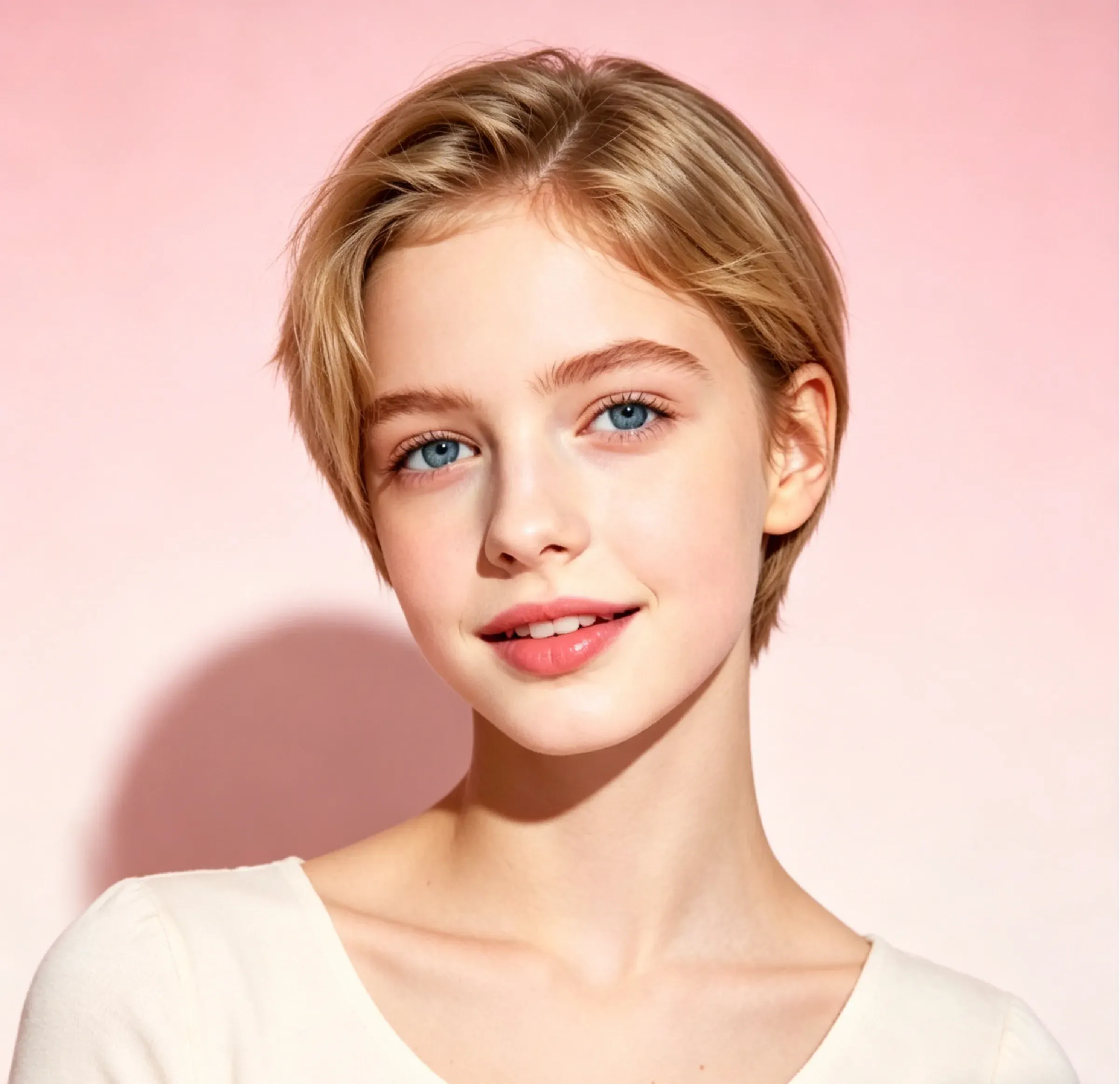
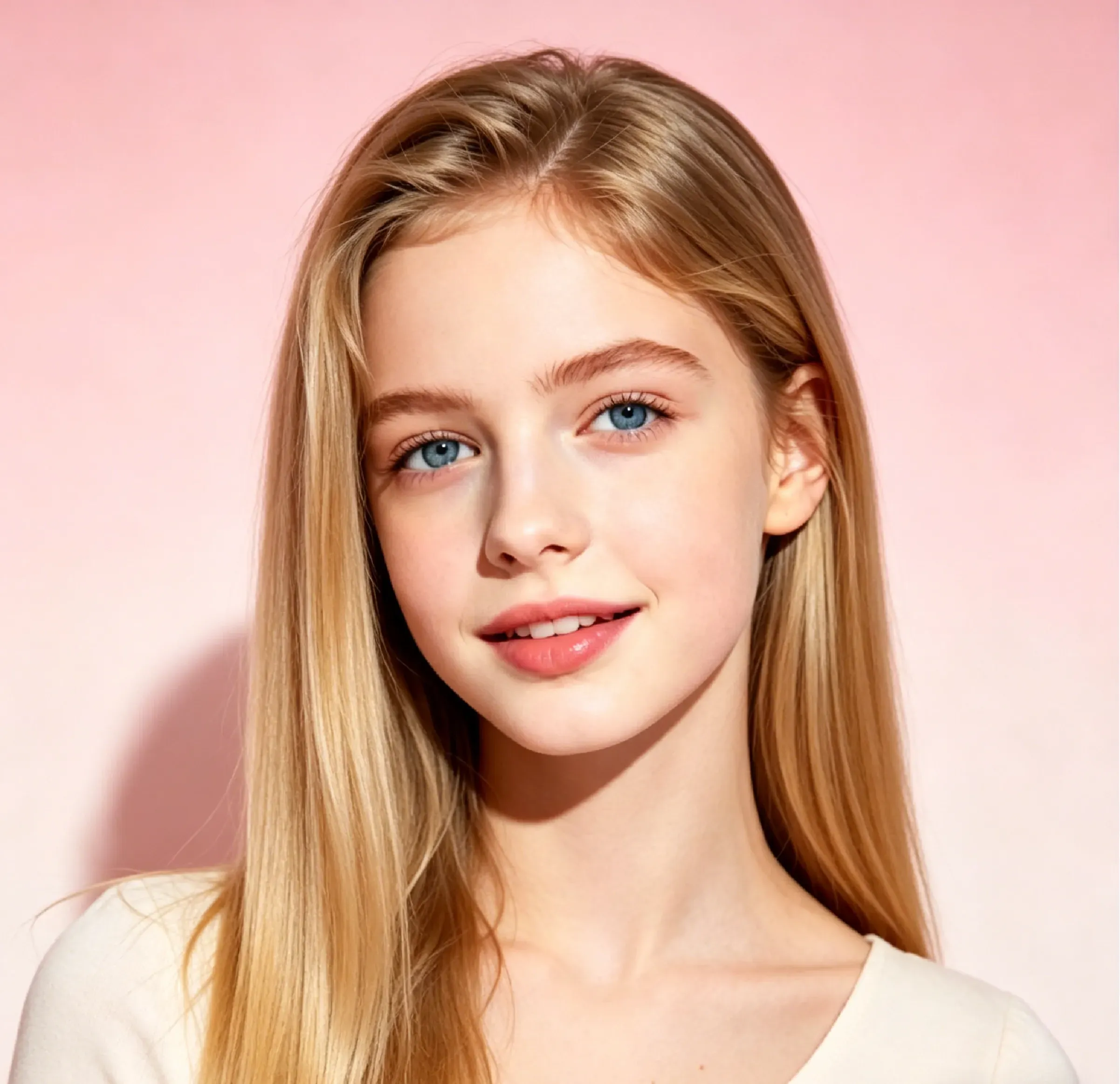
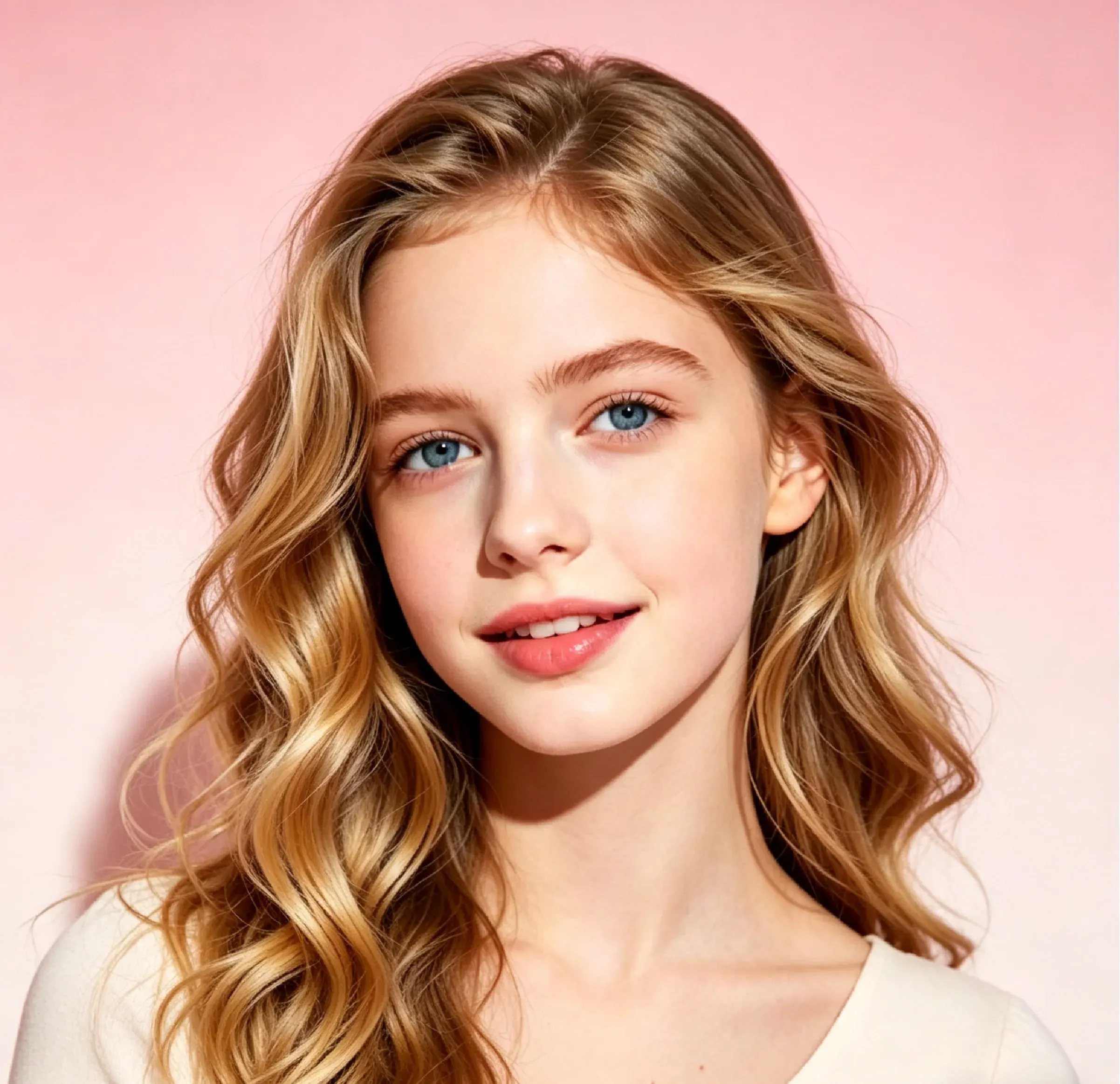
Coiffure Bob de longueur moyenne

Coiffure Bob de longueur moyenne

Importer une image
photo_camera

Importer une image

Prompt
35/2000
Licence commerciale incluse
Plus dans
Preview new hairstyles on your photos with AI

Preview new hairstyles on your photos with AI

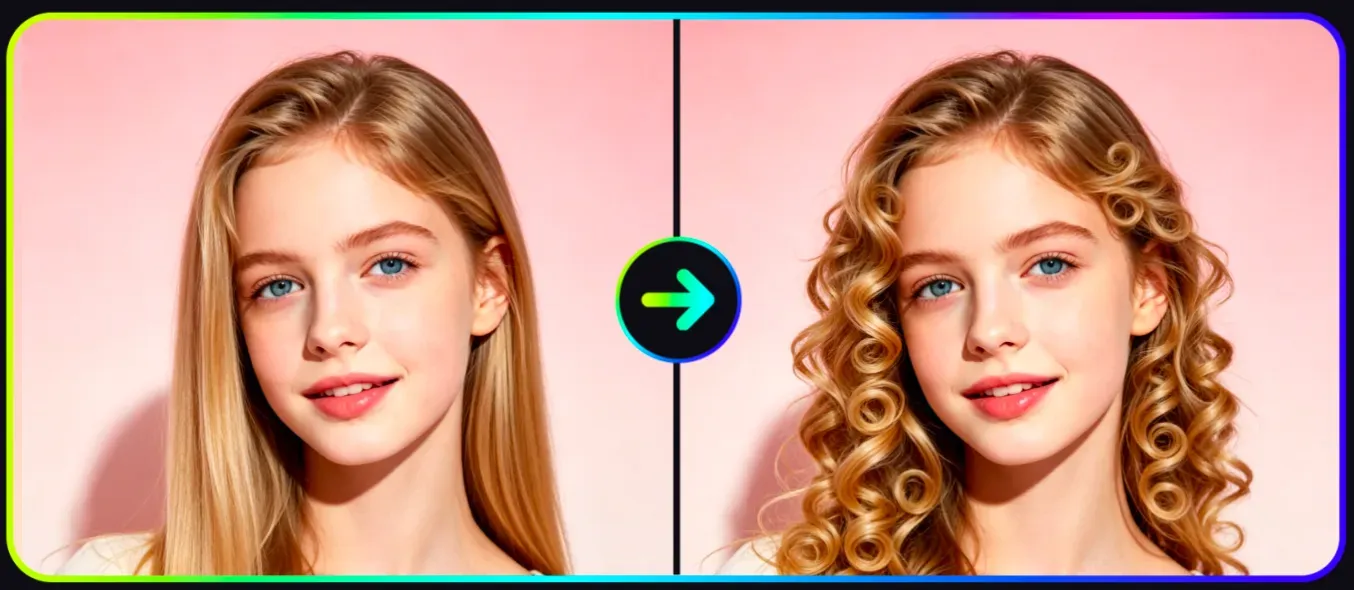
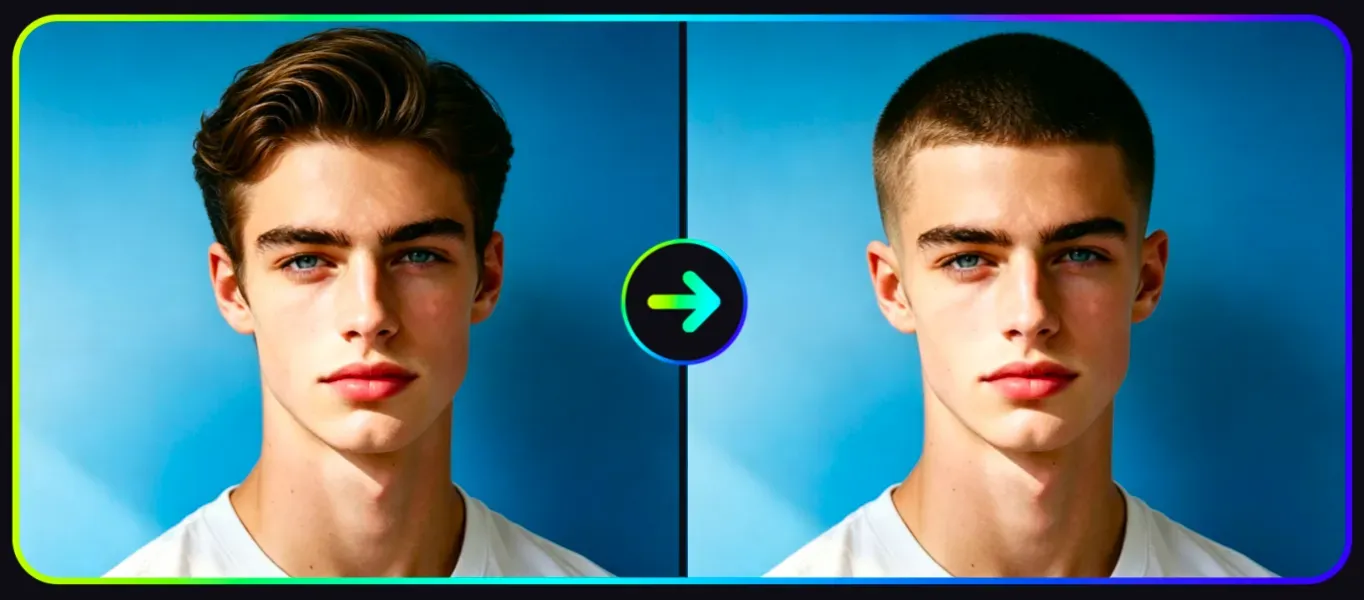
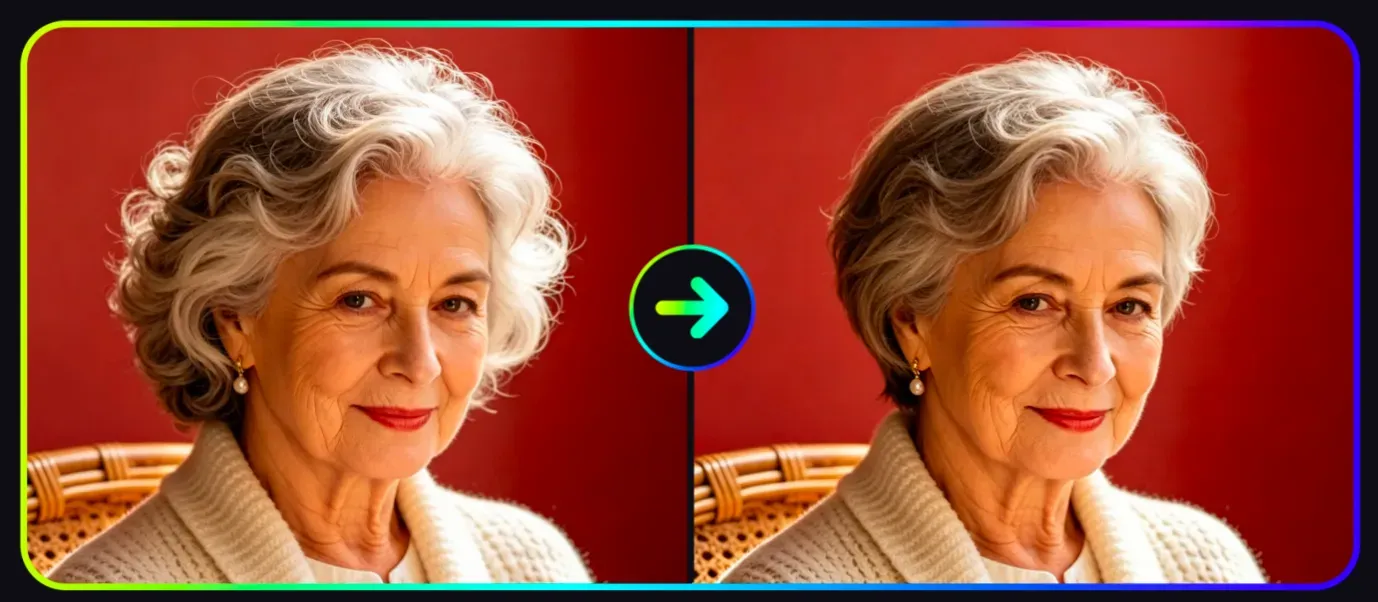
Vidoly AI Hairstyle Changer helps users try out various hairstyles in advance using portrait photos. The tool can apply a wide range of hairstyles including short hair, long hair, curly hair, wavy hair, bangs, bob cuts, braids, faded short hair, and more, while maintaining the recognizability of the face and the entire portrait. It is suitable for hairstyle planning, virtual styling transformations, beauty content creation, salon consultations, social media sharing, and anyone who wants to compare hairstyle ideas before making an actual change.

Try a new hairstyle for free now
How does the AI Hairstyle Changer work?

How does the AI Hairstyle Changer work?

The AI Hairstyle Changer uses portrait recognition, hair area analysis, and style transfer technology to apply new hairstyles to photos. The AI first analyzes the face, head position, hair outline, lighting, and visible hair areas, then generates a new style that matches the selected look. Advanced hairstyle previews adjust hair shape, length, volume, or texture while preserving facial features, skin tone, lighting direction, and portrait composition as much as possible.

What hairstyles can I try with Vidoly AI?

What hairstyles can I try with Vidoly AI?

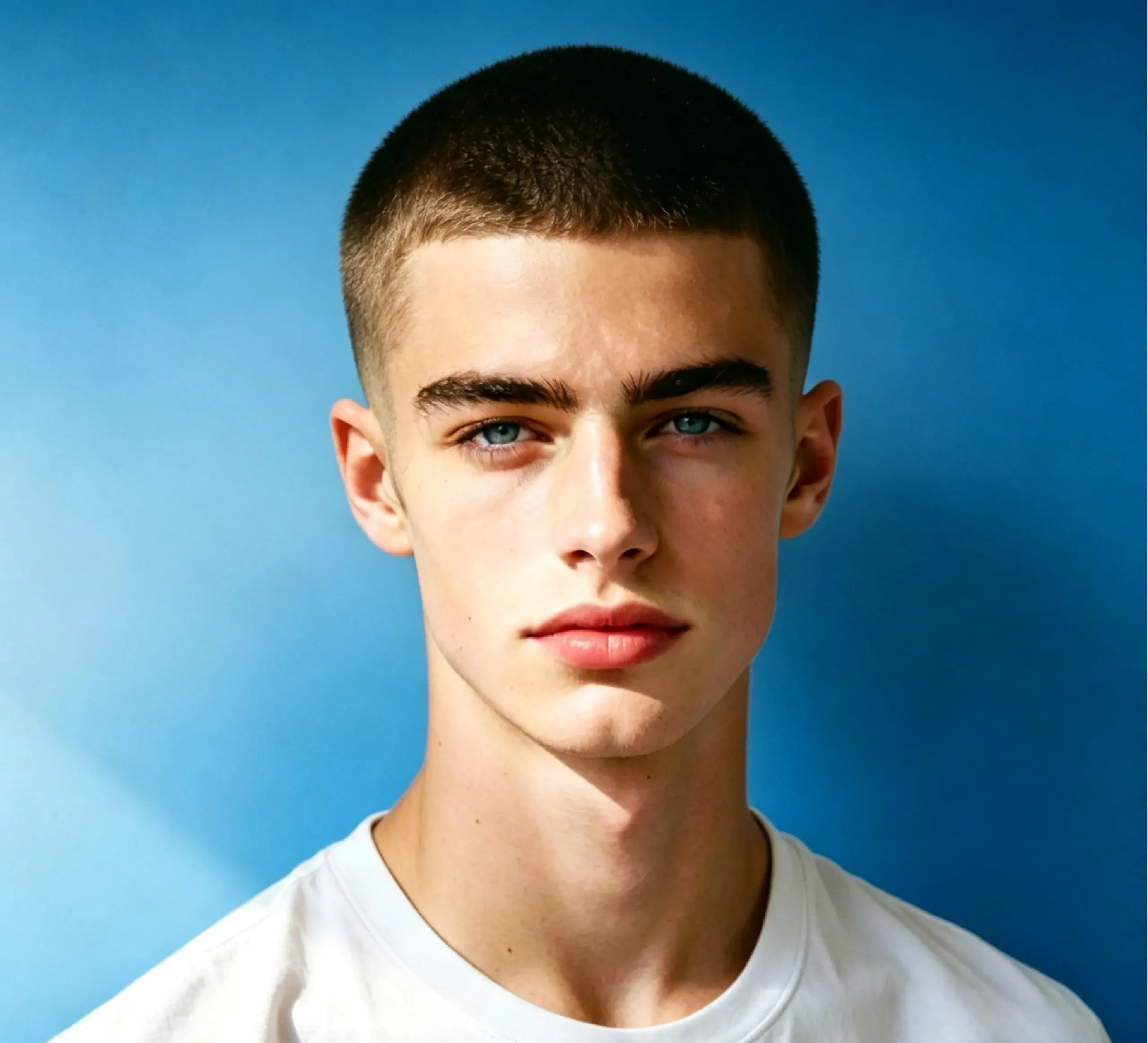
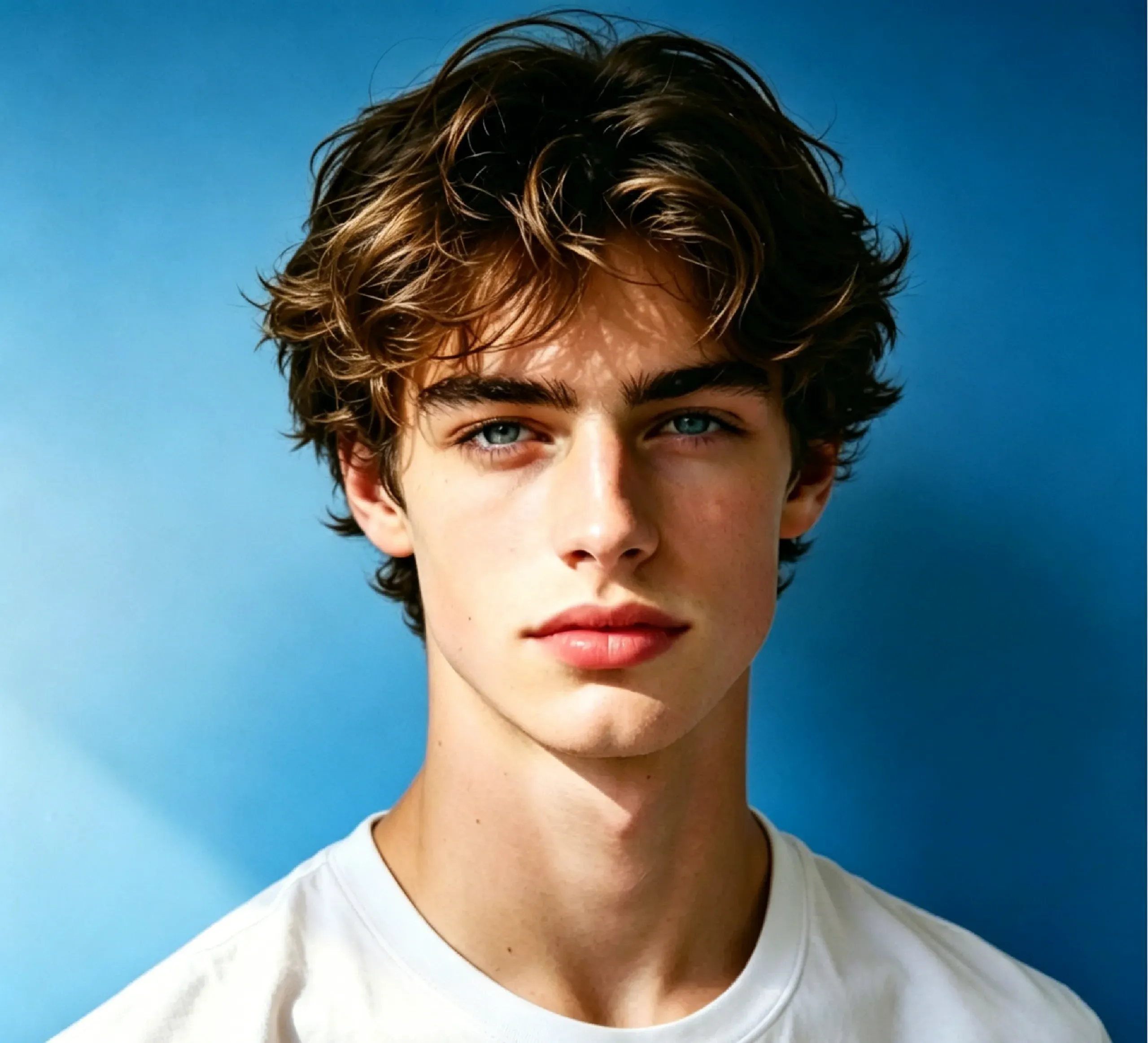
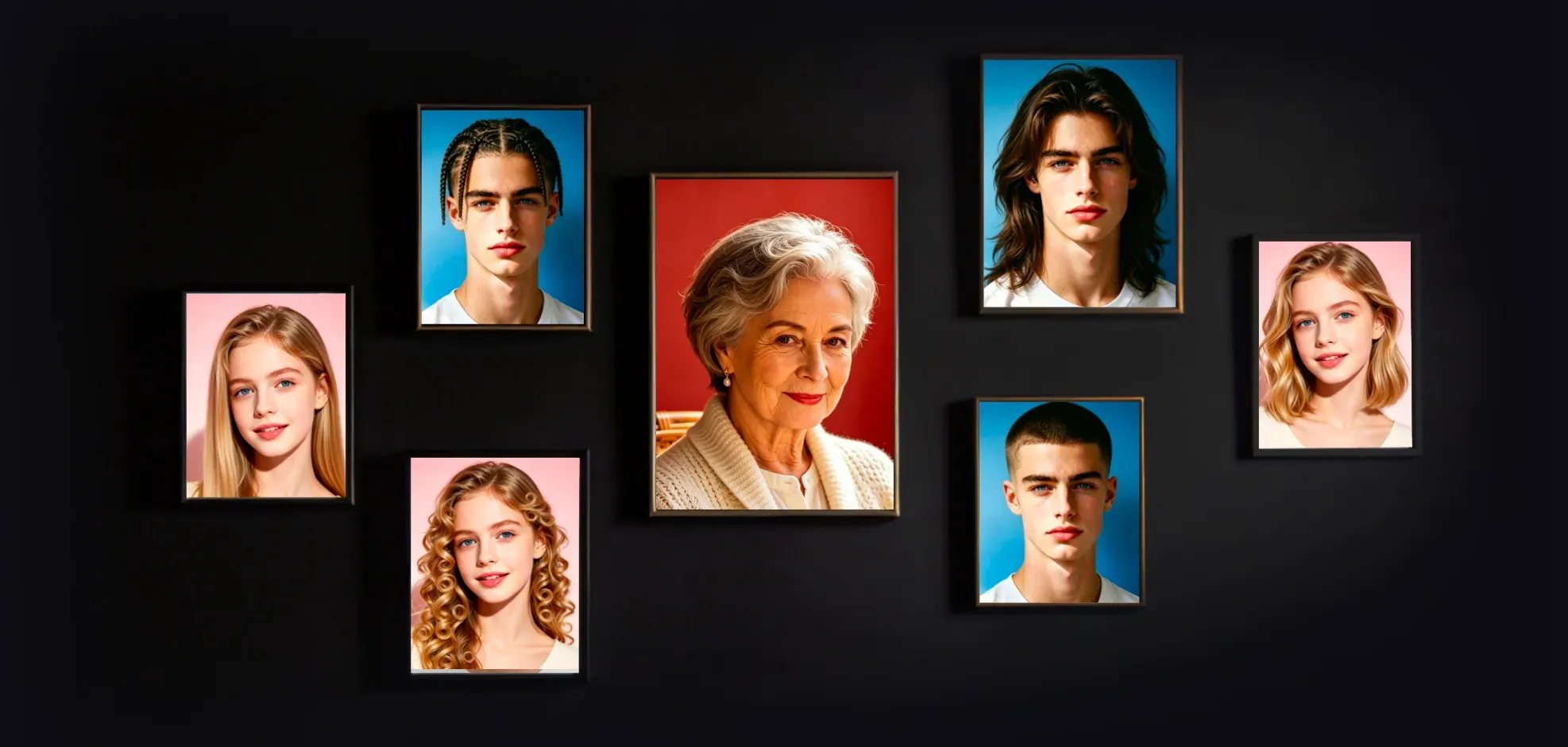
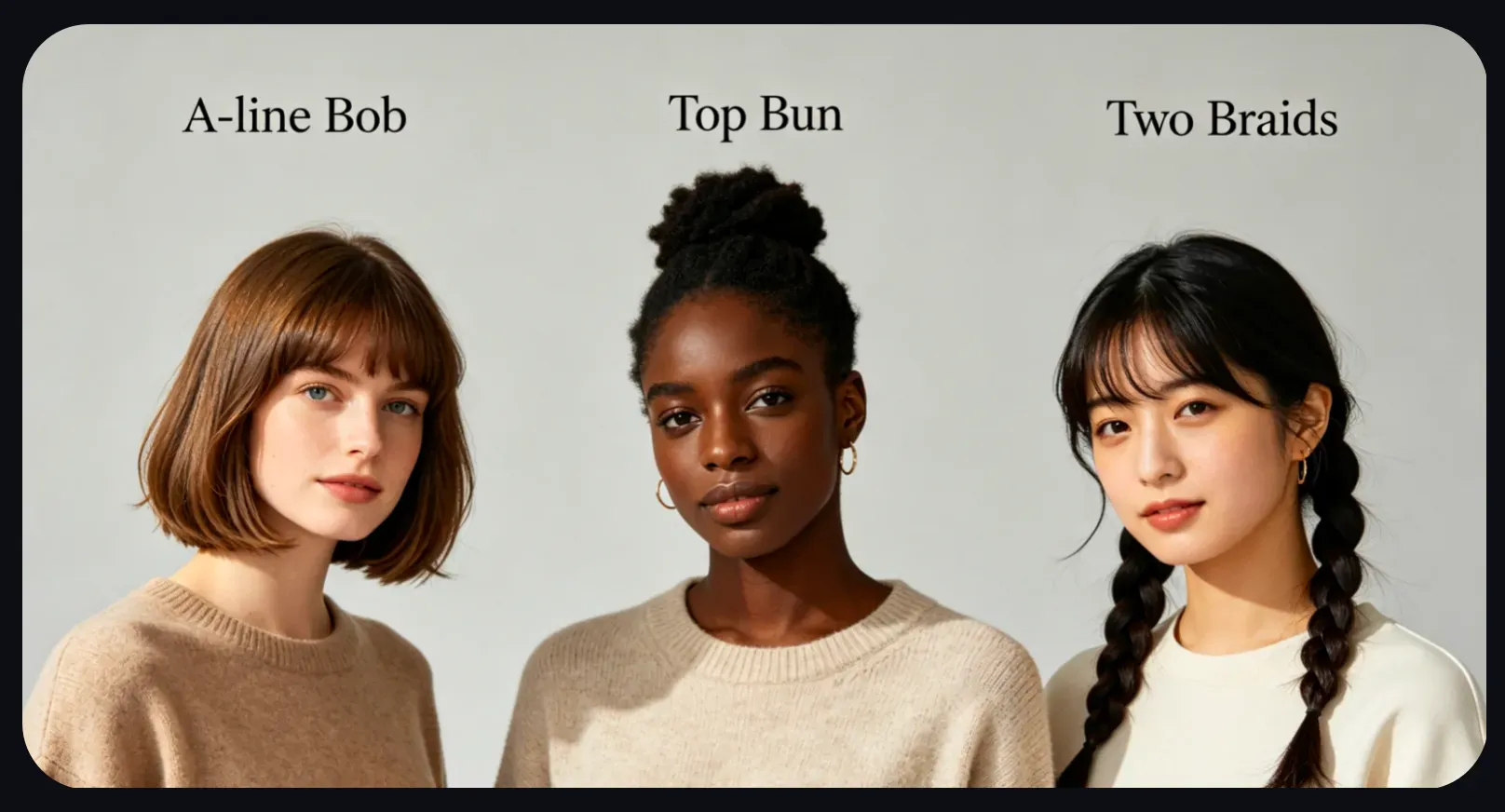
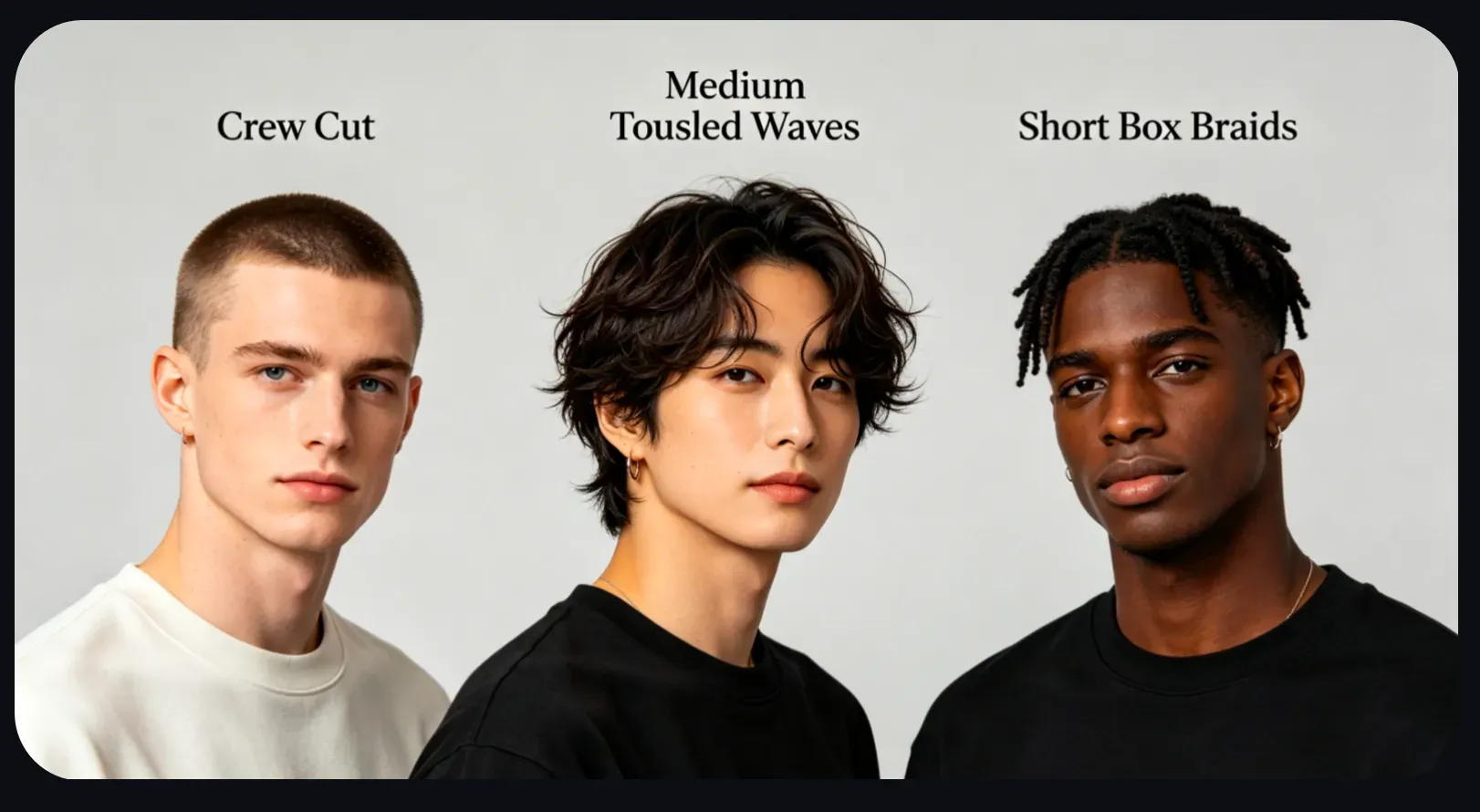
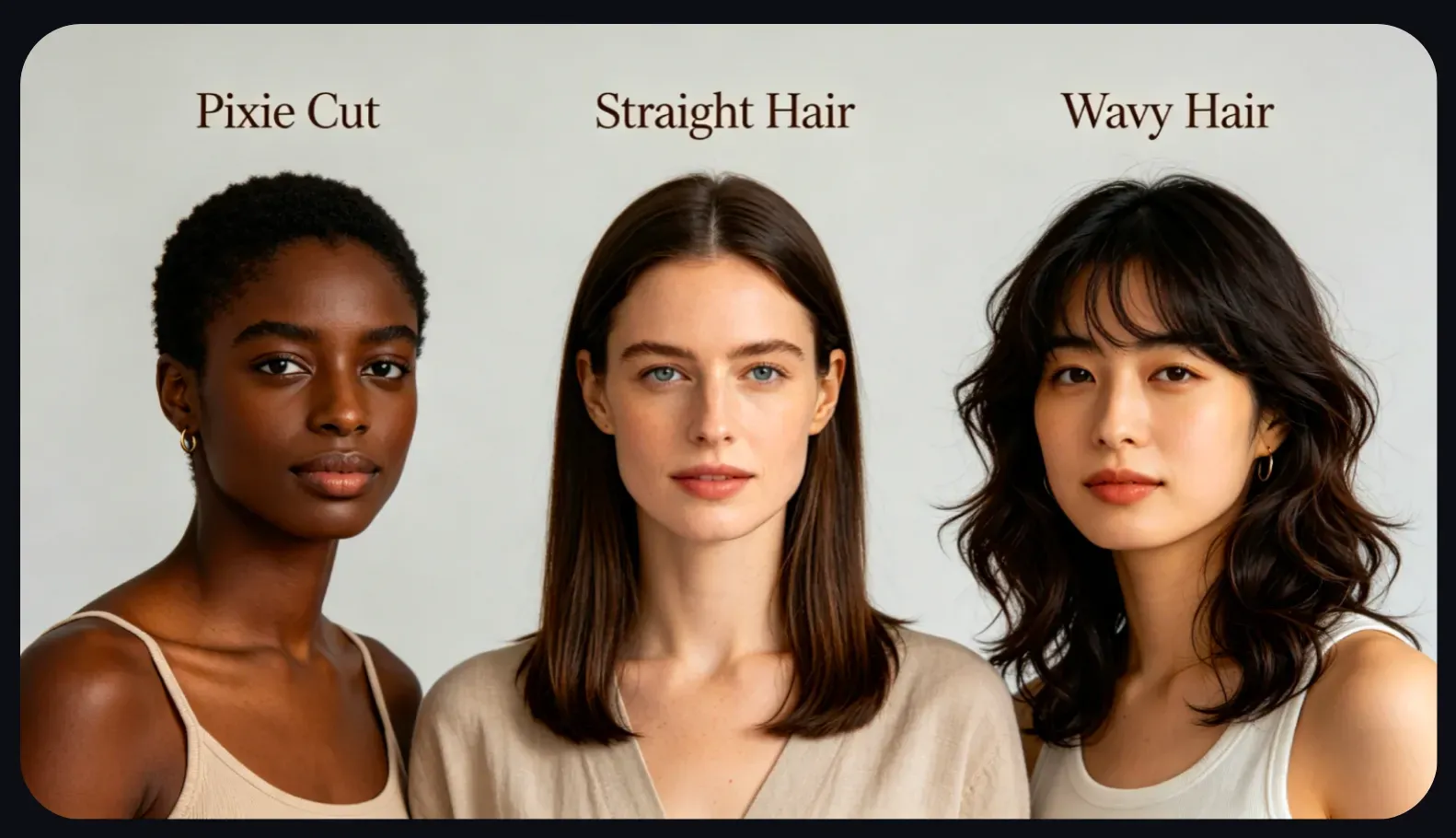
Vidoly AI Hairstyle Changer allows users to try out multiple hairstyle types in advance, including spiral curls, A-line bobs, buns, double braids, pixie cuts, straight hair, curly hair, medium bobs, buzz cuts, medium messy waves, short box braids, messy faded short hair, soft bowl cuts, Ivy League hairstyles, long hair, and bald heads. These options help users compare classic, modern, short, long, curly, straight, braided, and salon-style looks from a single photo.

What photos work best for the AI Hairstyle Changer?

What photos work best for the AI Hairstyle Changer?

AI hairstyle previews usually work best on clear portrait photos where the face and current hair are visible. Front-facing or slightly angled photos, sufficient lighting, slight motion blur, and a neat background can enhance results. Photos with hats, strong shadows, obscured hairlines, extreme side angles, or hair blending into the background may reduce the accuracy of the hairstyle change.

AI Hairstyle Changer vs. Manual Photo Editing

AI Hairstyle Changer vs. Manual Photo Editing

The AI Hairstyle Changer is faster than manual editing because users don’t need to cut out hair, draw new strands, adjust shadows, or manually add hairstyles in Photoshop. Manual photo editing gives professionals more control, especially for precise hair edge processing and commercial beauty retouching. AI hairstyle tools are more suitable for quick previews, hairstyle planning, social media content creation, and testing different looks before making actual styling decisions.

What are the limitations of AI hairstyle previews?

What are the limitations of AI hairstyle previews?

The accuracy of AI hairstyle previews may decrease if the uploaded photo has low resolution, poor lighting, motion blur, obscured hair, complex accessories, or an unclear facial angle. Very large changes, such as going from extremely short hair to long layered curls or adding complex braids, may require multiple attempts. The generated results should be considered visual previews, not guaranteed salon outcomes.

Popular use cases for the AI Hairstyle Changer

Popular use cases for the AI Hairstyle Changer

People use the AI Hairstyle Changer before getting a haircut, booking a salon appointment, for Cosplay styling, updating profile photos, creating beauty content, and in social media styling transformation posts. Users can compare pixie cuts, bobs, bangs, waves, braids, faded short hair, and long hair to decide which style suits their face shape and personal style best.

How to use Vidoly AI Hairstyle Changer?

1

Choose the hairstyle you want to try

Select a hairstyle such as a bob, pixie cut, straight hair, curly hair, waves, braids, buzz cut, bald head, long hair, or bangs.

2

Upload a clear portrait photo

Use a portrait photo where your face and hair are clearly visible. Sufficient lighting and a neat background usually help the AI generate more realistic previews.

3

Let the AI apply the new hairstyle

Vidoly AI will analyze your portrait and apply the selected hairstyle while maintaining the recognizability of your face and overall composition.

4

Compare different hairstyle options

Generate multiple styles, compare short hair, long hair, curly hair, straight hair, braided looks, or layered styles, and see which one best fits your face shape and desired appearance.

5

Download or share the result

Download your favorite hairstyle preview for inspiration, social media, beauty content, or salon planning.

FAQ

What is Vidoly AI Hairstyle Changer?

Vidoly AI Hairstyle Changer is an online tool that lets users try out various hairstyles in advance on portrait photos. It helps users test hairstyle ideas like short hair, long hair, curly hair, waves, bangs, bobs, braids, faded short hair, and more before making an actual change.

How does the AI Hairstyle Changer work?

The tool analyzes your portrait, identifies facial and hair areas, then uses AI image generation technology to apply the selected hairstyle. It preserves your facial features, lighting, and portrait structure as much as possible while changing hair shape or style.

What photos work best for the AI Hairstyle Changer?

Clear front-facing portraits usually work best. Sufficient lighting, clear hair edges, slight blur, and a neat background help the AI generate more realistic hairstyle previews.

Can I try short hair and long hair at the same time?

Yes, you can try short hair styles like pixie cuts, bobs, buzz cuts, and bald heads, as well as long hair styles like long hair, waves, curls, and layered looks in advance. Very large length changes may require multiple generations.

Can I try bangs, curls, waves, or braids?

Yes, the AI hairstyle tool can try out bangs, curls, waves, double braids, short box braids, and other textured styles in advance. Results are usually more accurate if your face and current hairline are clearly visible.

Is the AI hairstyle preview accurate enough for salon visits?

Yes, many users try hairstyle previews before visiting a salon or barber. It helps compare different haircut ideas visually before committing to a real cut or styling session.

Does AI Hair Style Changer work for different face shapes?

It can help test how different hairstyles may look on different face shapes, but results are still visual previews. For a real haircut, a stylist can give better advice based on hair texture, face shape, hair density, and maintenance needs.

Why do some hairstyle previews look less realistic?

Results may look less realistic when the photo is blurry, dark, heavily filtered, or has hair covered by hats, hands, accessories, or shadows. Complex hairstyles and extreme angle changes can also reduce accuracy.

Do I need Photoshop or photo editing skills?

No. AI Hair Style Changer applies hairstyle previews automatically, so users do not need manual masking, hair painting, or advanced retouching skills.

Can I use AI Hair Style Changer for social media?

Yes, it is useful for makeover posts, hairstyle comparisons, beauty inspiration, profile photo ideas, cosplay planning, and shareable transformation content.

Is AI Hair Style Changer the same as AI Hair Color Changer?

No. AI Hair Style Changer focuses on changing the hairstyle shape, length, volume, or texture, such as bob, pixie, curls, waves, or braids. <a href="https://www.vidoly.ai/hair-color-changer">AI Hair Color Changer</a> focuses on changing hair color, such as blonde, black, red, brown, silver, or pastel shades.

Is Vidoly AI Hair Style Changer free?

Vidoly AI offers free credits for users to try AI hairstyle previews online. Additional usage, premium models, or higher-resolution exports may depend on the selected plan.

Can men use AI Hair Style Changer?

Yes. Men can use AI Hair Style Changer to preview buzz cuts, crew cuts, fades, Ivy League cuts, long hair, messy tapered styles, soft bowl cuts, or medium tousled waves. Clear photos with visible hairlines and good lighting usually create better results.

Can AI Hair Style Changer help choose hairstyles for different face shapes?

Yes. AI Hair Style Changer can help compare how bob cuts, bangs, pixie cuts, waves, long hair, fades, or braids may look with different

Does AI Hair Style Changer work with different hair textures?

AI Hair Style Changer can preview styles on straight, wavy, curly, and textured hair, but results depend on photo clarity and visible hair edges. Highly detailed curls, coils, braids, or layered textures may need several generations for a more natural preview.