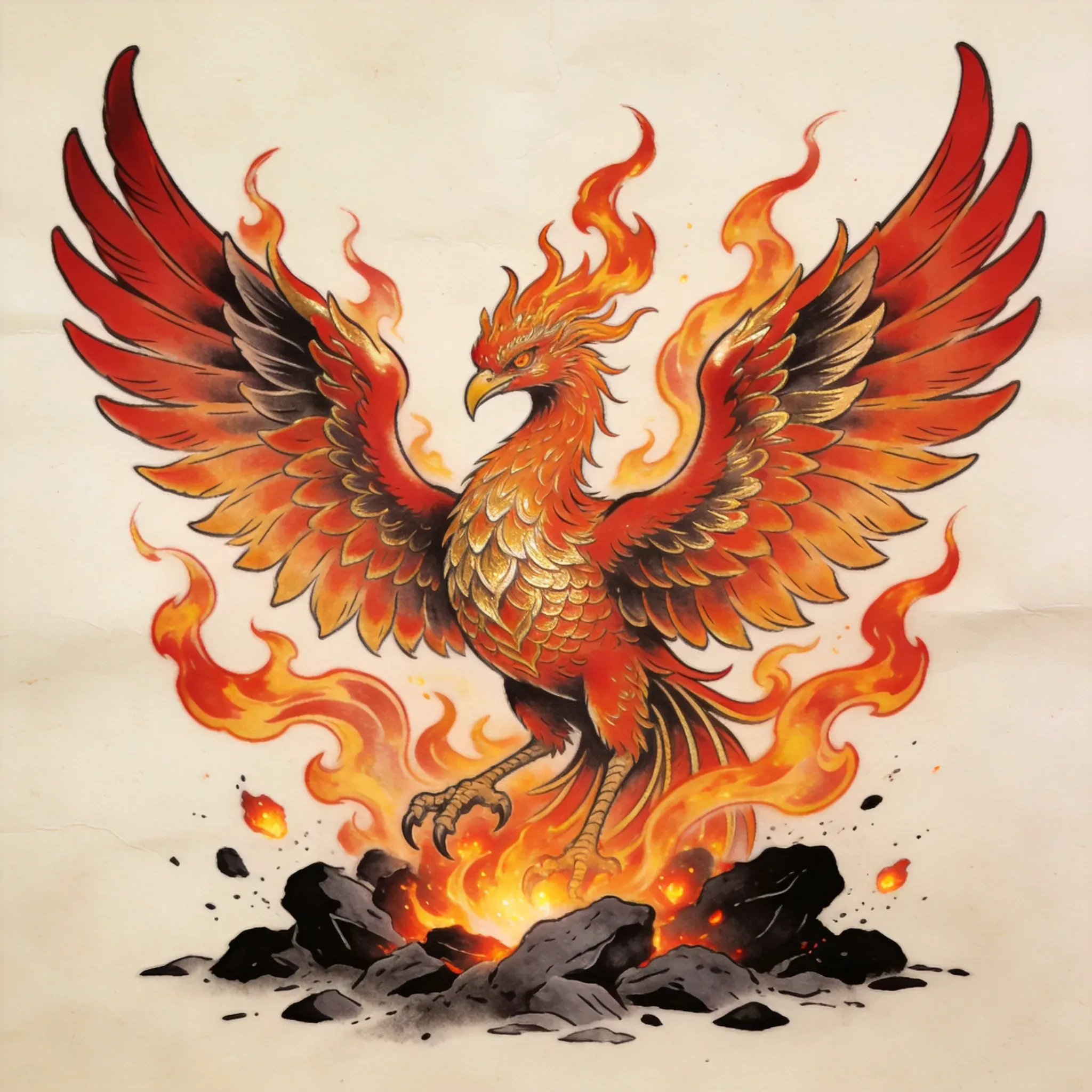
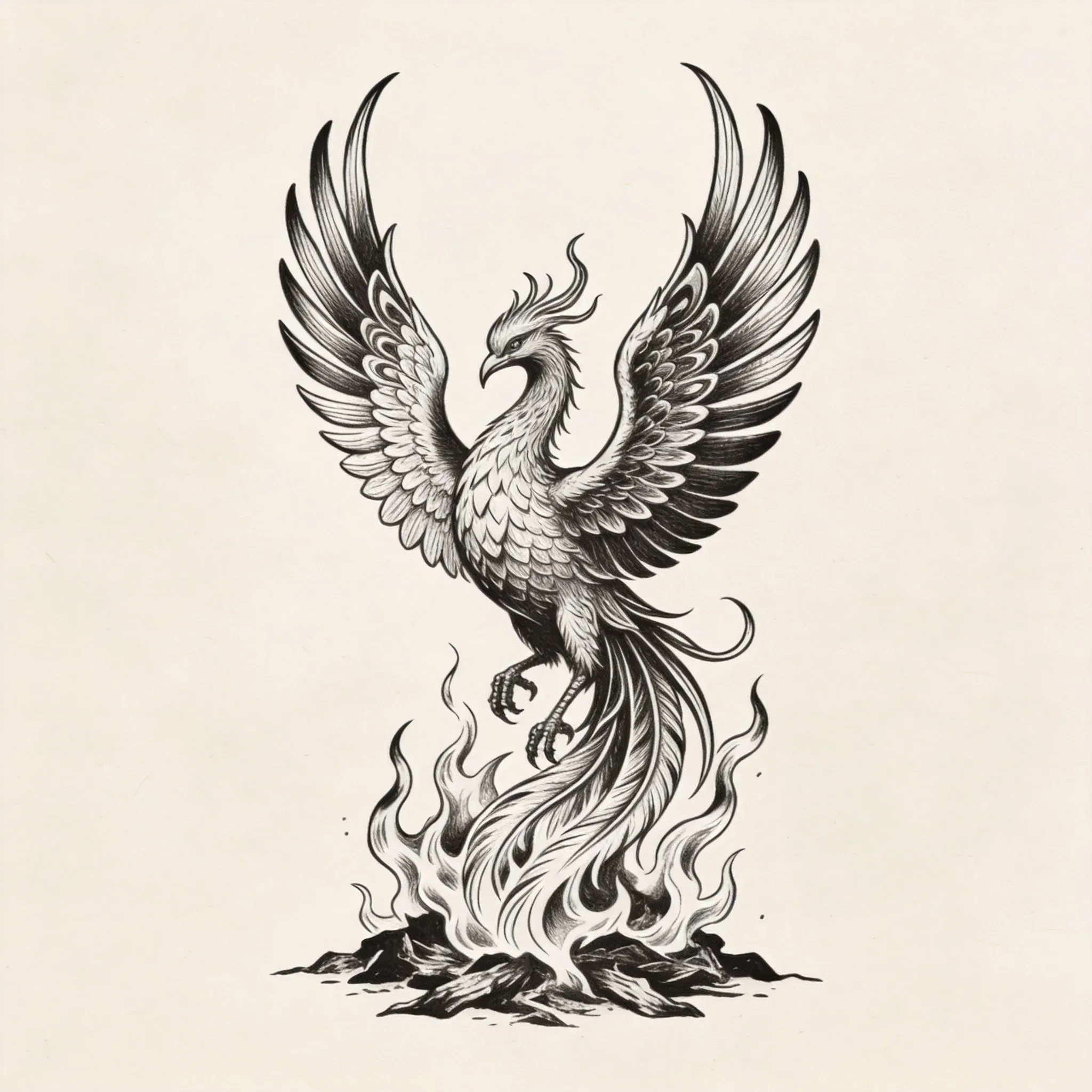
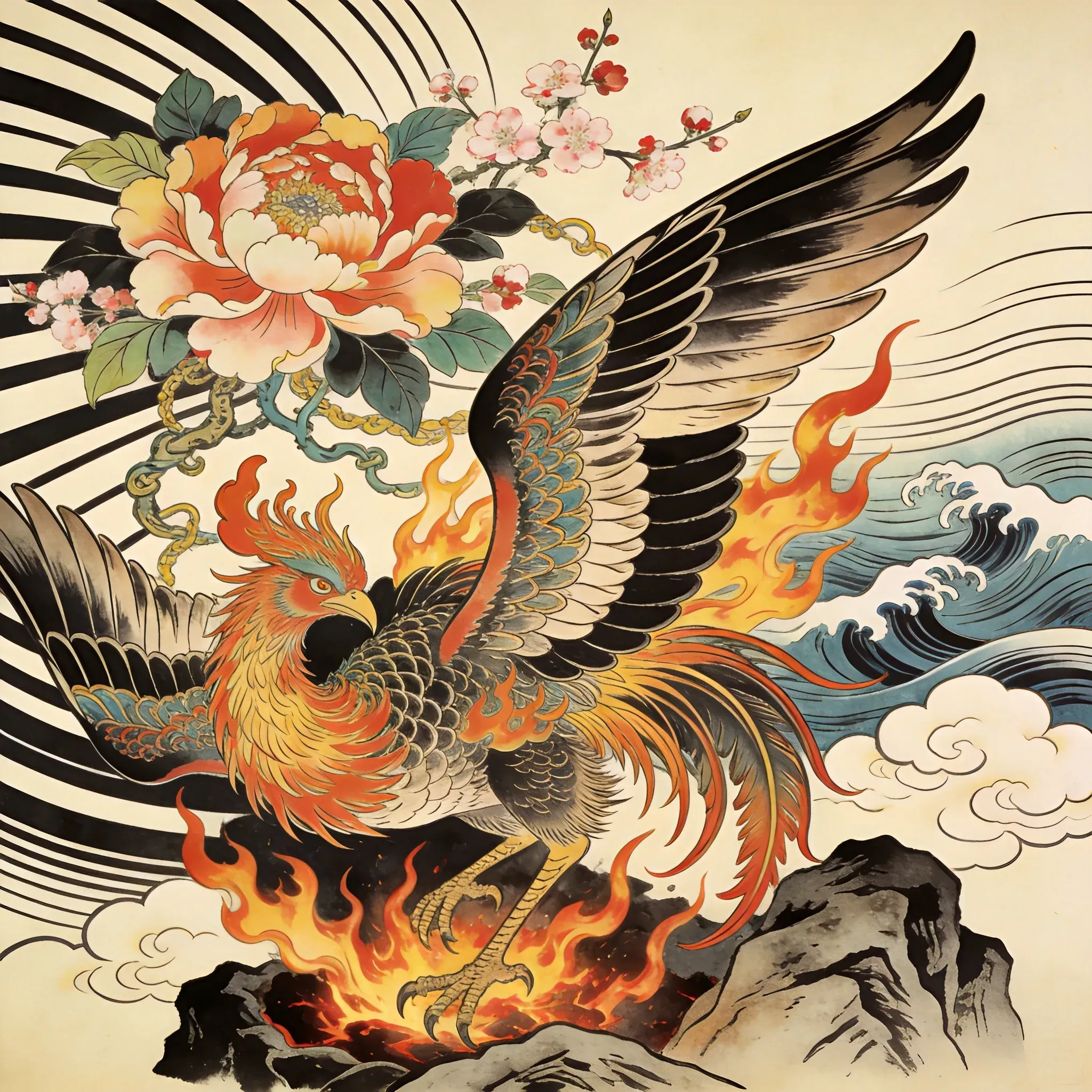
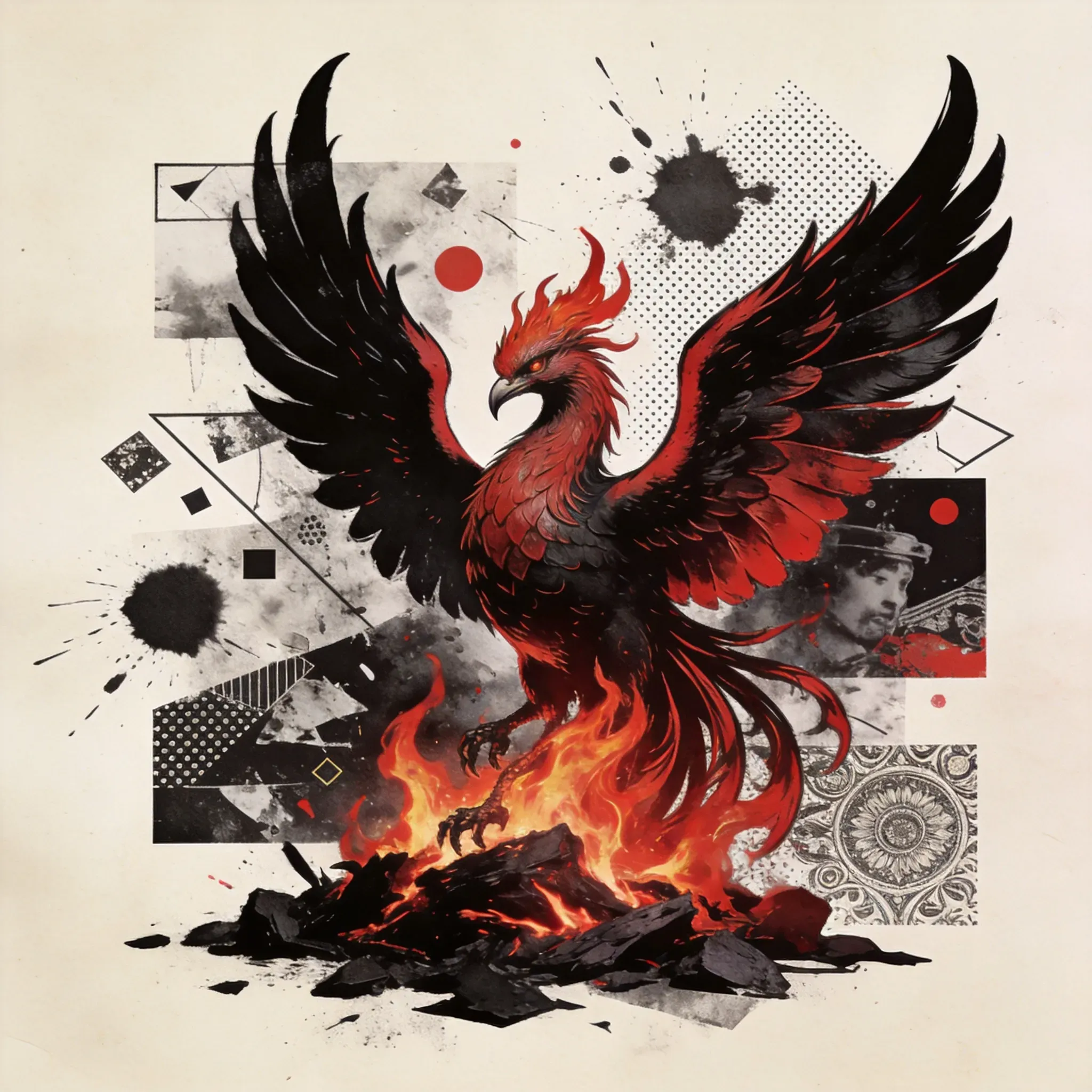
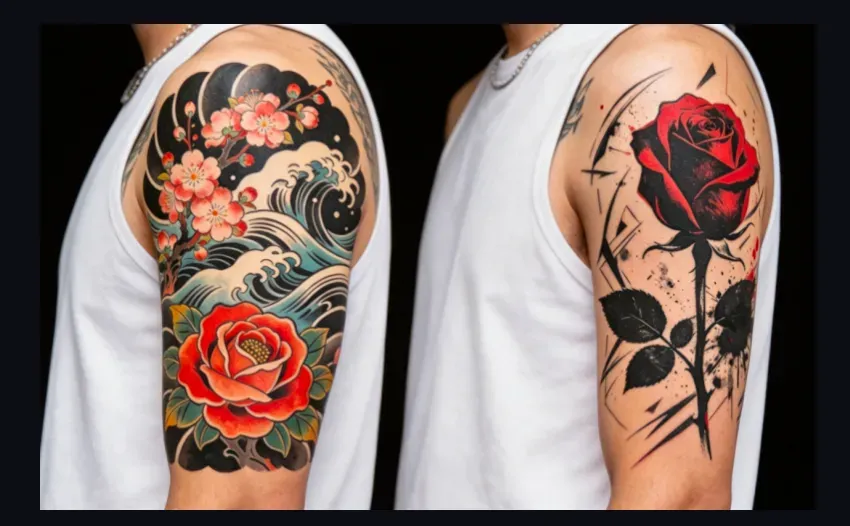
Nouveau style New School avec des détails Max

Nouveau style New School avec des détails Max

Prompt
39/2000
Licence commerciale incluse
Plus dans
How to Design Tattoos with AI: Style, Placement, and Reference Guide

How to Design Tattoos with AI: Style, Placement, and Reference Guide

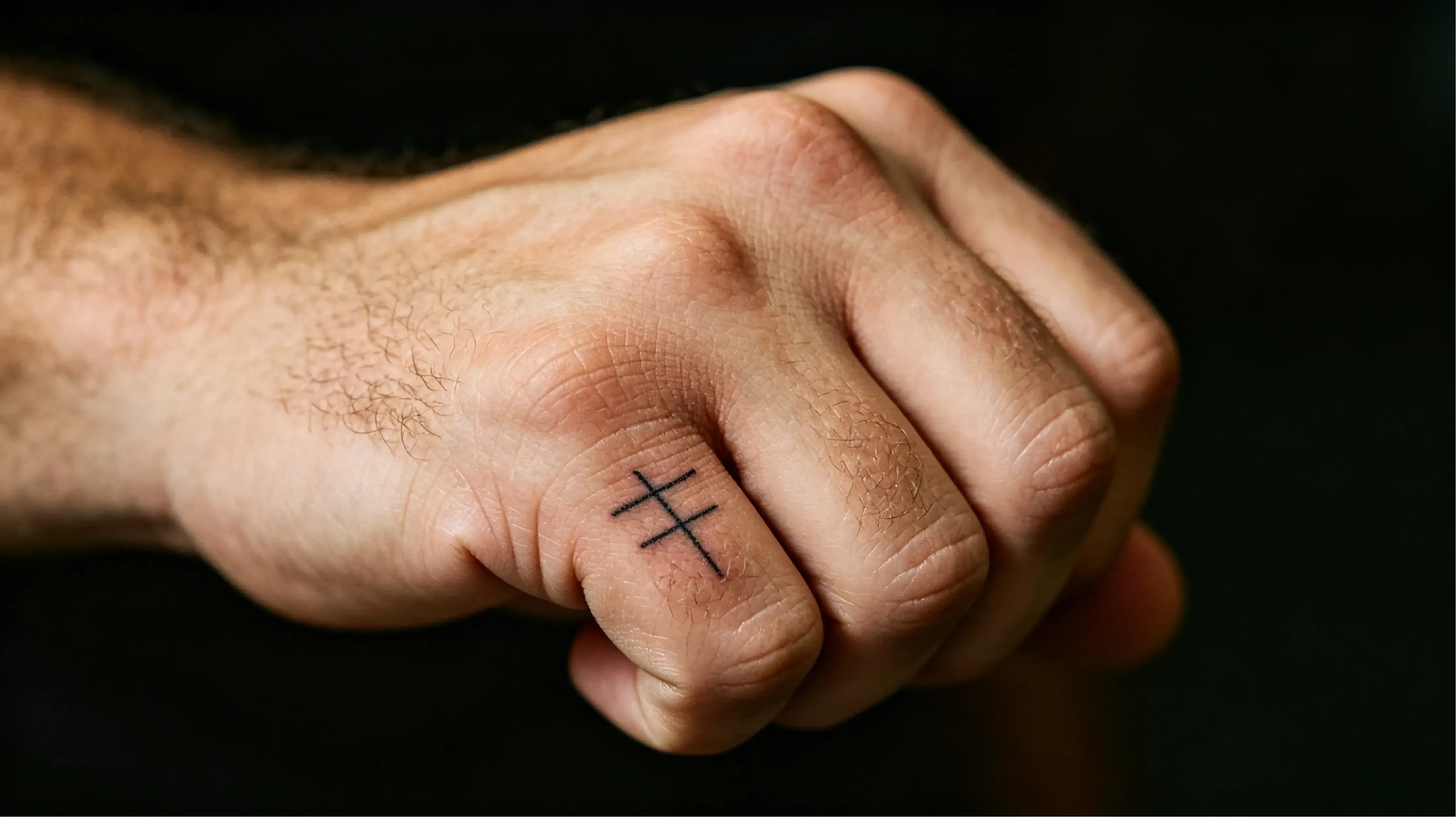
A great tattoo design starts with four key choices: motif, style, placement, and reference material. If a tattoo idea is too vague, too large or too small, or not suited to the body part, it might look interesting as conceptual art, but it will fail as a real tattoo. The Vidoly AI Tattoo Generator helps you turn reference images, tattoo styles, and clear motifs into early, refineable design drafts, which you can then work on with a tattoo artist.

Create Your Tattoo Design with Vidoly AI Now
Generate Tattoo Ideas from Reference Images, Style, and Motif

Generate Tattoo Ideas from Reference Images, Style, and Motif

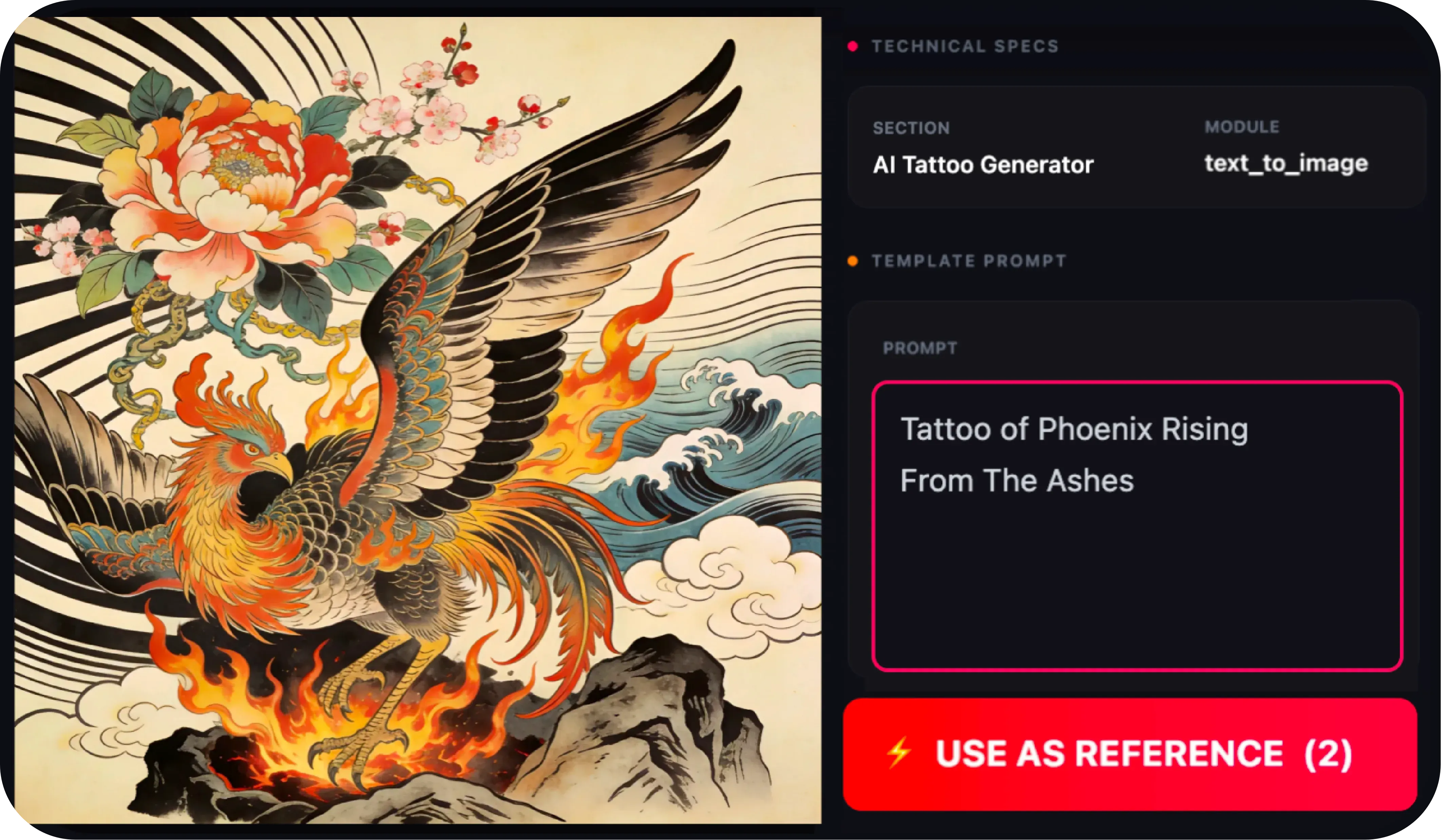
The Vidoly AI Tattoo Generator helps users explore tattoo design ideas faster. You don’t need to start from a blank page or write long prompts—just upload a reference image, choose a tattoo style, and input the motif you want, such as a rose, phoenix, snake, skull, pet portrait, geometric symbol, or Japanese-style design. This workflow works for initial tattoo concepts, style comparisons, concept testing, and clarifying the visual direction before final refinement.

How to Design a Tattoo That Truly Fits?

How to Design a Tattoo That Truly Fits?

From Screen to Skin: AI Tattoo Composition and Line Hierarchy

What Inputs Are Most Effective for AI Tattoo Design?

What Inputs Are Most Effective for AI Tattoo Design?

AI tattoo design works best when inputs are clear and structured. The inputs that usually yield the best results include:

How Does the Vidoly AI Tattoo Generator Work?

How Does the Vidoly AI Tattoo Generator Work?

The Vidoly AI Tattoo Generator uses reference-driven image generation technology to turn style selections and motif inputs into tattoo design drafts. The system analyzes the chosen style, motif shape, line contrast, composition, and visual references, then generates designs that align with your desired direction. This makes it easy to compare multiple options before deciding which tattoo concept to refine.

What Tattoo Styles Can You Explore?

What Tattoo Styles Can You Explore?

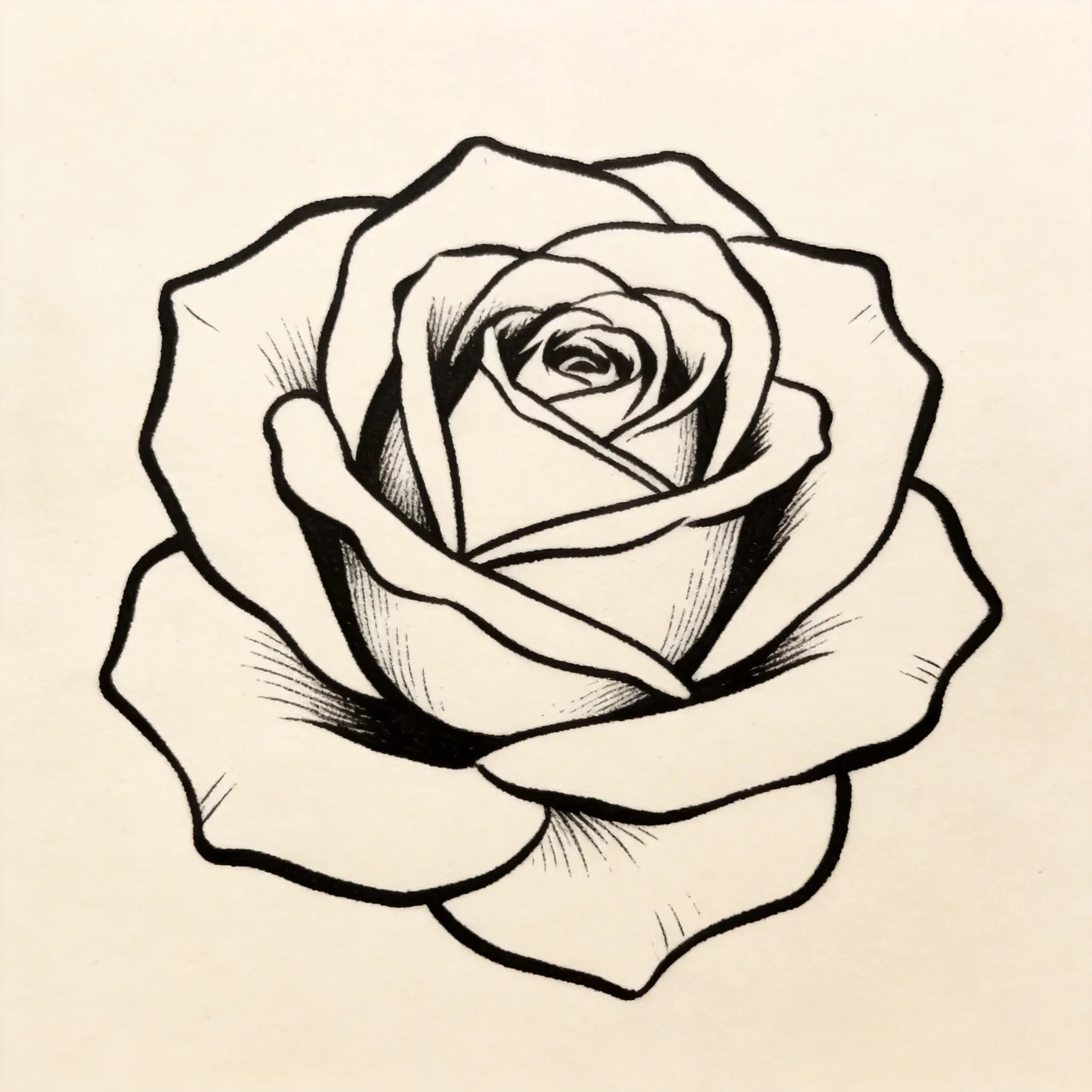
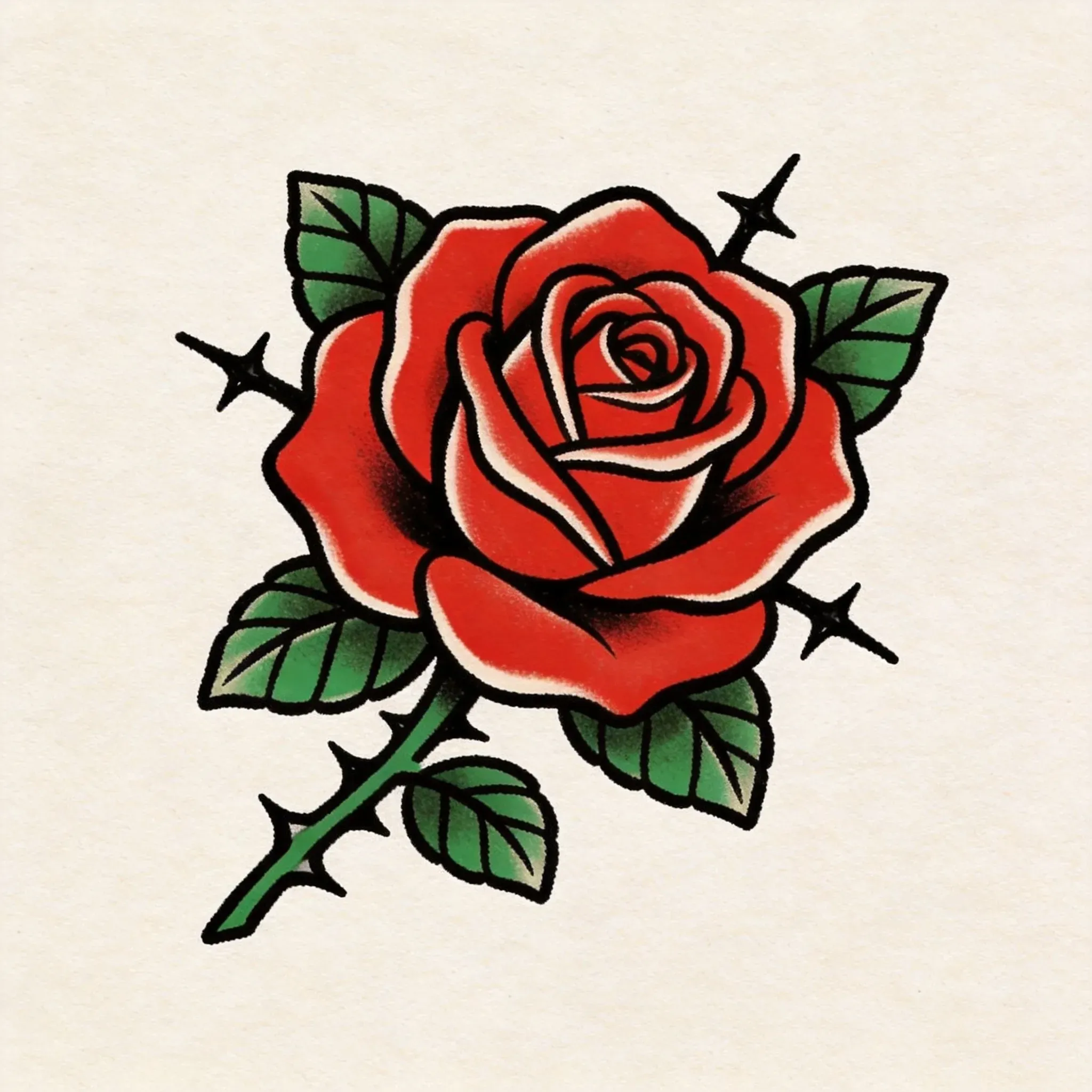
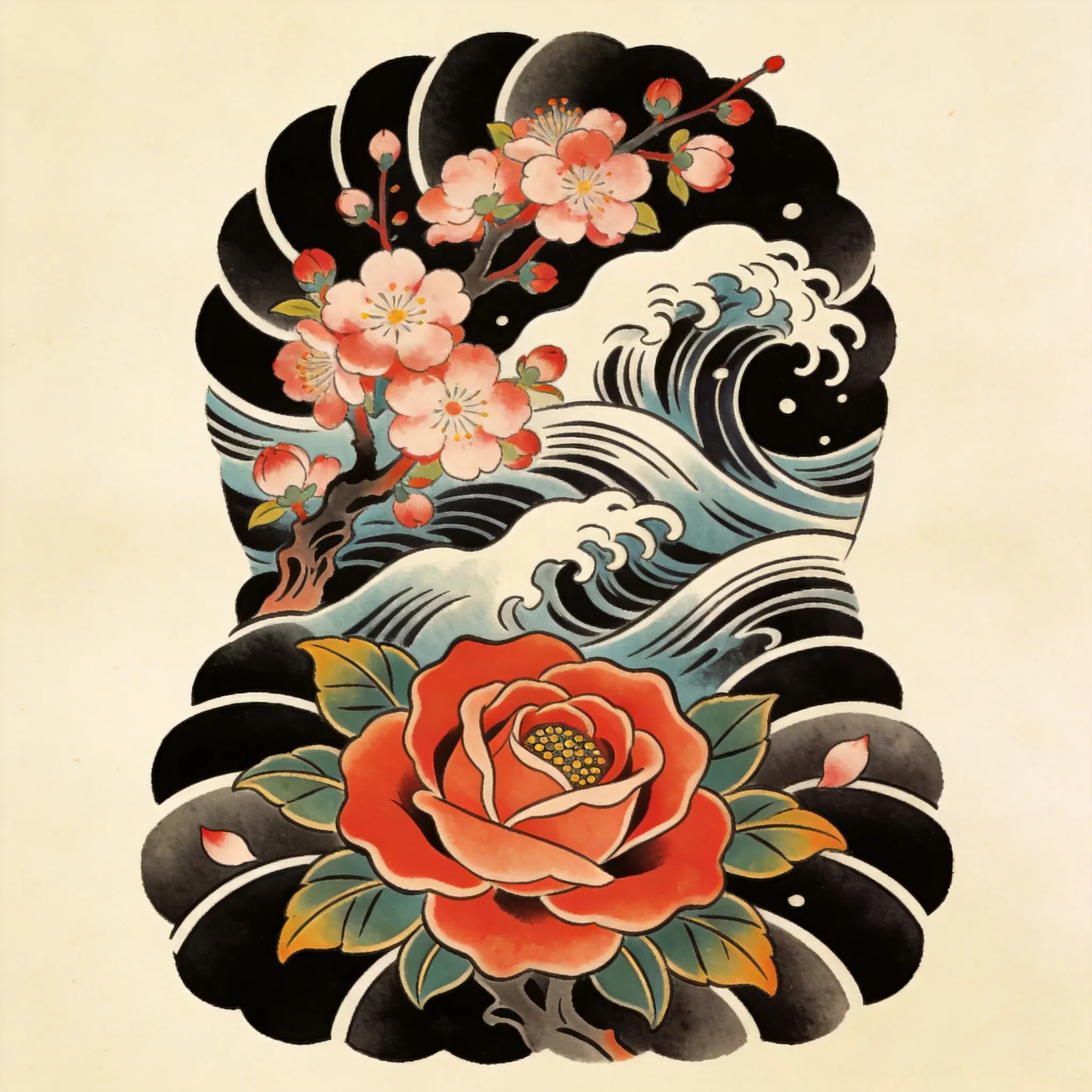
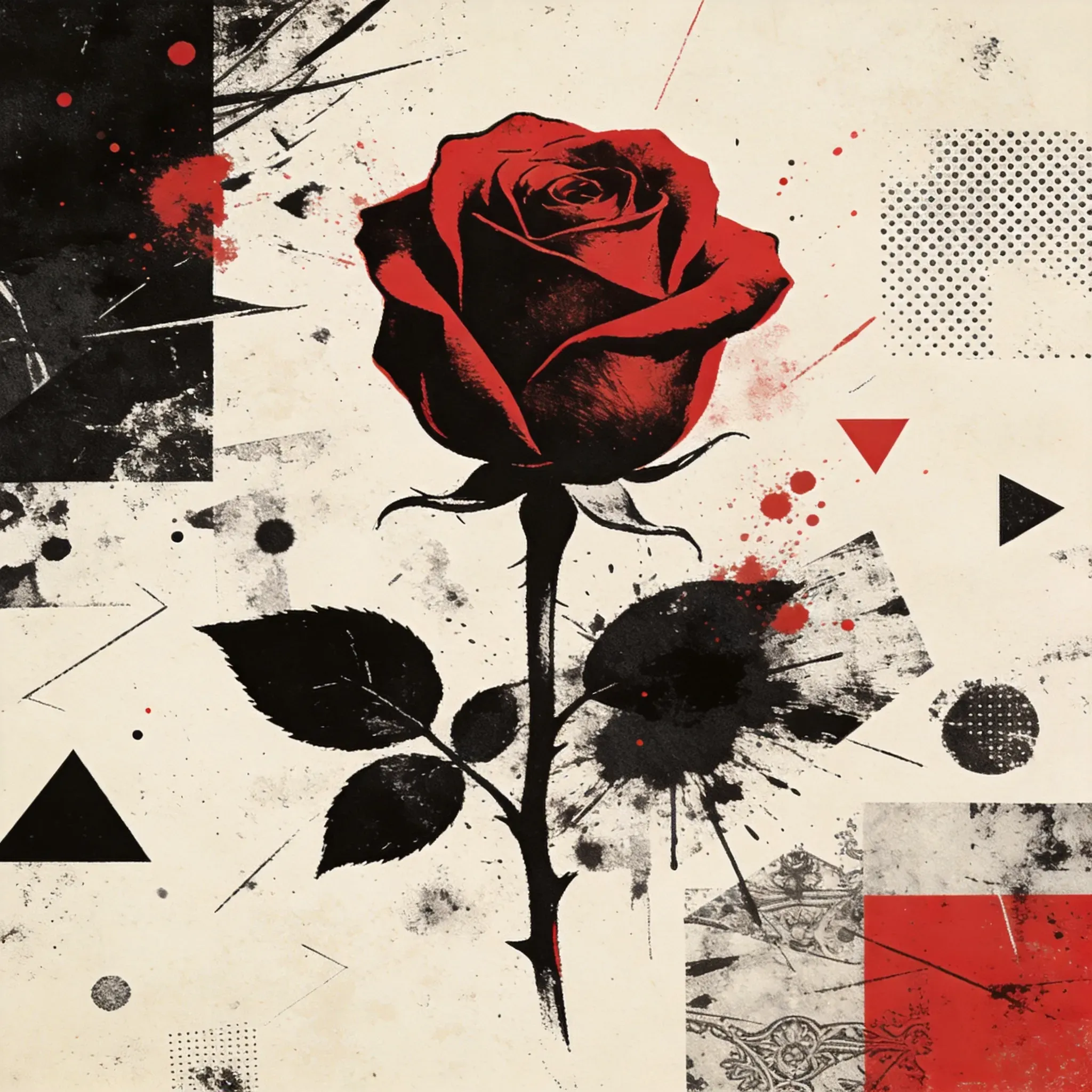
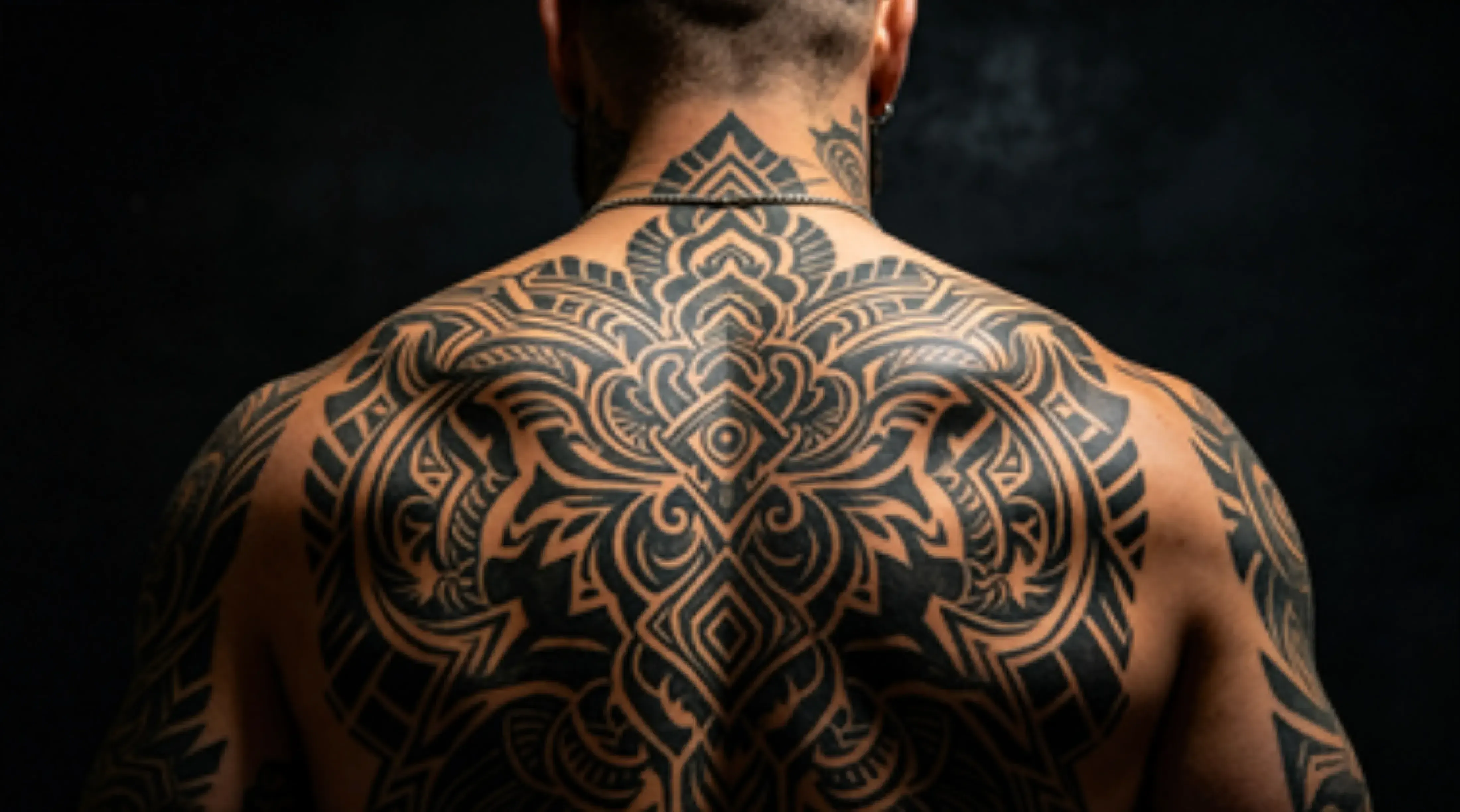
In-Depth Analysis: Core AI Tattoo Styles and Their Use Cases

Popular Use Cases for AI Tattoo Design

Popular Use Cases for AI Tattoo Design

People use AI tattoo design tools for a variety of purposes, including:

Limitations of AI Tattoo Design

Limitations of AI Tattoo Design

AI tattoo generators can produce high-quality conceptual art, but they don’t always create templates suitable for tattoos. Fine text, precise symmetry, highly detailed portraits, and placement on curved body parts often require manual refinement. If you plan to get a tattoo, the result should be reviewed by a professional tattoo artist to optimize line clarity, proportion, and body adaptability.

How to Use the Vidoly AI Tattoo Generator?

1

Determine Body Part and Motif

First, choose the placement: forearm, upper arm, back, shoulder, ribs, calf, chest, wrist, or ankle. Then decide on the main motif, such as a pet portrait, phoenix, dragon, flower, symbol, name, skull, snake, koi fish, or a cover-up tattoo idea.

2

Upload Reference Images If Needed

If you want the AI to follow a specific motif, you can use clear portraits, animal photos, flowers, objects, or old tattoo images. For cover-up tattoo ideas, upload your existing tattoo as a visual reference to generate a new design that is darker, larger, or more structured.

3

Choose a Tattoo Style

Select a clear style direction, such as Japanese Irezumi, Trash Polka, fine minimalist linework, Blackwork, realism, geometric, illustrative, floral, or animal memorial tattoos.

4

Generate and Check Structure

Check the design’s line hierarchy, negative space, motif clarity, placement flow, and long-term readability. If the design looks too cluttered, regenerate it with simpler shapes and stronger contrast.

5

Refine with a Tattoo Artist

Use the AI result as a mood board or conceptual reference. Before getting the tattoo, have a professional artist redraw the final template, adjust line thickness, simplify details, and adapt it to your body shape.

FAQ

What is the Vidoly AI Tattoo Generator?

The Vidoly AI Tattoo Generator is an online tool that helps users create tattoo design drafts from reference images, selected tattoo styles, and clear motifs.

How does the AI tattoo generator work?

Start with a clear motif, choose a tattoo style, add appropriate reference images, and generate a design that lets you check placement, detail level, and readability.

Do I need to write detailed prompts?

No. The Vidoly AI Tattoo Generator is designed to reduce the need for complex prompts through a guided workflow based on style selections and simple motif inputs. Users can focus on what they want to create without repeatedly revising long prompts.

Can I use reference images for tattoo design?

Yes. Reference images help guide the visual direction, especially for portraits, animals, flowers, symbols, or specific tattoo styles. Clear, well-defined images usually produce better tattoo design drafts.

Which tattoo styles work best for AI tattoo design?

Styles like minimalist, Japanese, realism, Blackwork, floral, geometric, and illustrative usually work well for generating initial drafts.

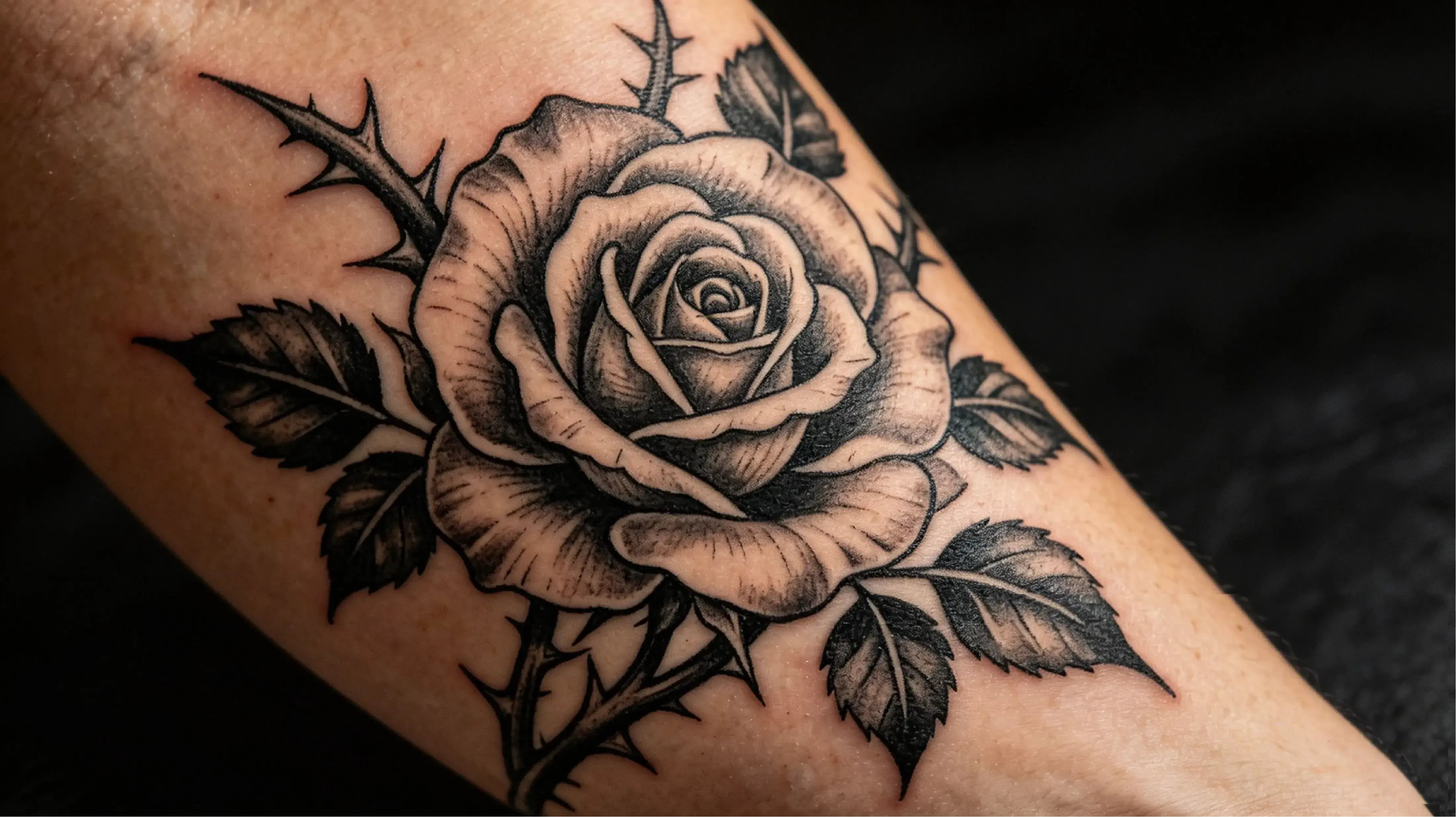
Can AI help me design a forearm tattoo?

Yes. AI can help you generate forearm tattoo drafts, but the final design still needs to be checked for body flow, spacing, and long-term readability.

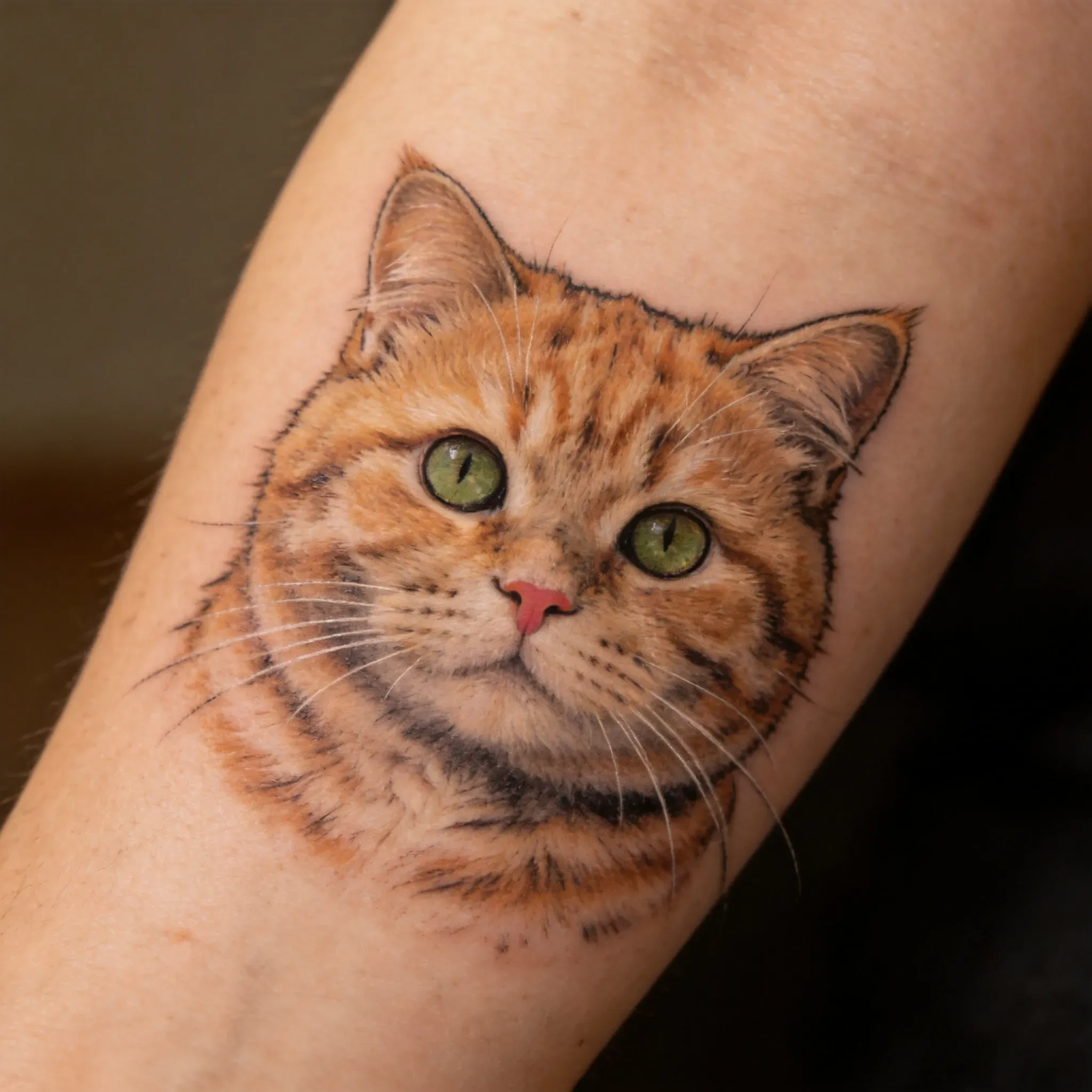
Can AI generate tattoos from animal photos?

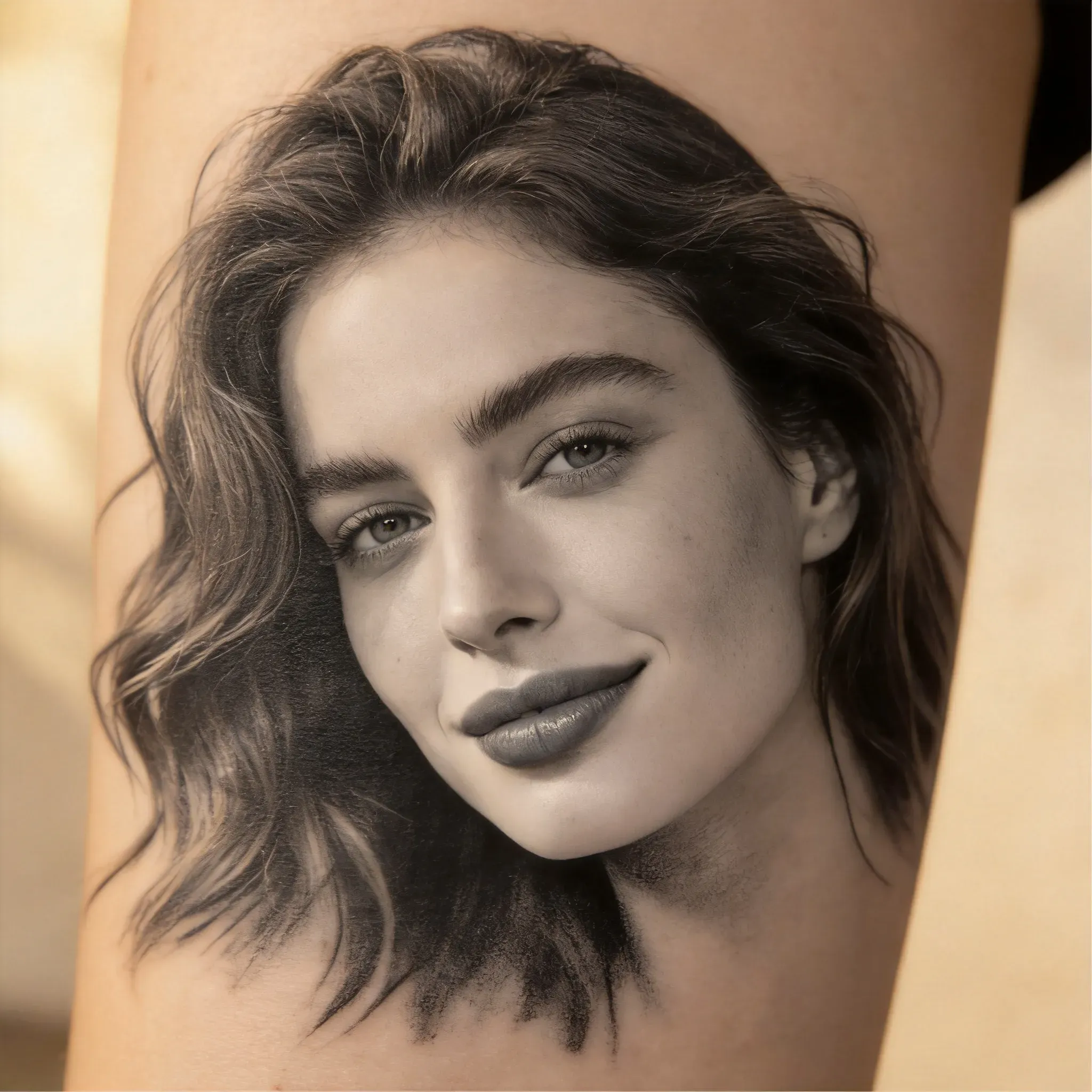
Yes. Animal photos can serve as references for animal tattoo drafts, especially for forearm, arm, or memorial tattoos. For actual tattoos, the artist should refine the final portrait to ensure clear lines and skin adaptability.

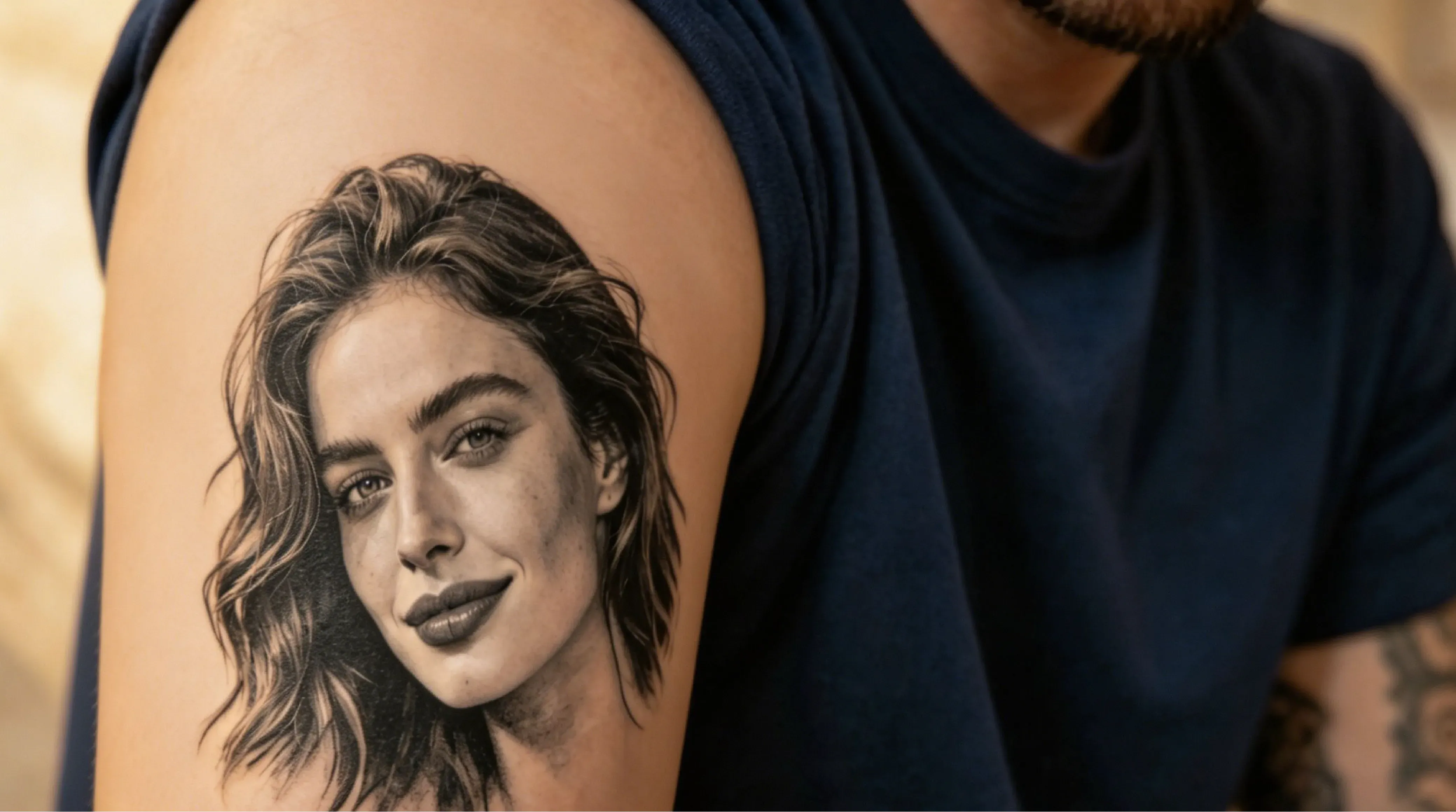
Can I use AI to generate portrait tattoo ideas?

AI can help you generate portrait tattoo ideas.

No. AI-generated tattoo results should be considered conceptual art, not final template works. The generated image is a 2D visual reference, while an actual tattoo must adapt to curved skin, body movement, tattoo size, line thickness, healing, and long-term readability. After using Vidoly AI to brainstorm ideas, have a tattoo artist redraw the final template and adjust the design to your actual placement.

不可以。AI生成的纹身结果应视为概念艺术,而非最终模板作品。生成的图像是2D视觉参考,而实际纹身必须适配弯曲的皮肤、身体活动、纹身尺寸、线条粗细、愈合情况和长期可读性。使用Vidoly AI构思创意后,让纹身师重新绘制最终模板,并根据你的实际位置调整设计。

Is the AI tattoo generator useful for first-time tattoo ideas?

Yes. It helps explore different tattoo directions before finalizing a design. First-time users can compare styles, motifs, placements, and visual references, then discuss ideas with a tattoo artist.

Can AI generate tattoo templates?

AI can help generate tattoo conceptual art that serves as a starting point for preparing templates, but the results are not always directly usable as templates. Tattoo artists should simplify lines, adjust spacing, clean up edges, and prepare the final template based on body placement and tattoo size.

Why is it necessary for a tattoo artist to refine AI tattoo designs?

Tattoo artists can adjust line thickness, spacing, shading, and body flow to make the design more suitable for skin. AI-generated tattoo concepts may look visually good, but they still need professional refinement to ensure readability, durability, placement, and compatibility with tattoo techniques.

Will AI tattoo designs hold up well on skin?

They won’t automatically hold up. Designs with tiny details, extremely thin lines, low contrast, dense shading, micro-text, or unclear outlines may blur or lose readability over time. Before getting a tattoo, the artist should simplify small details, strengthen key outlines, add negative space, and adjust the design based on the body part.

Can I use the AI tattoo generator to generate cover-up tattoo ideas?

Yes. You can upload a photo of your old tattoo, or describe the shape, color, and placement of your existing tattoo, to explore cover-up directions. Cover-up designs usually need darker tones, larger shapes, stronger contrast, and clever composition to hide the old tattoo. The AI result should still be reviewed by a tattoo artist, as cover-up effectiveness largely depends on the old tattoo’s color depth, scar tissue, skin tone, and available body space.