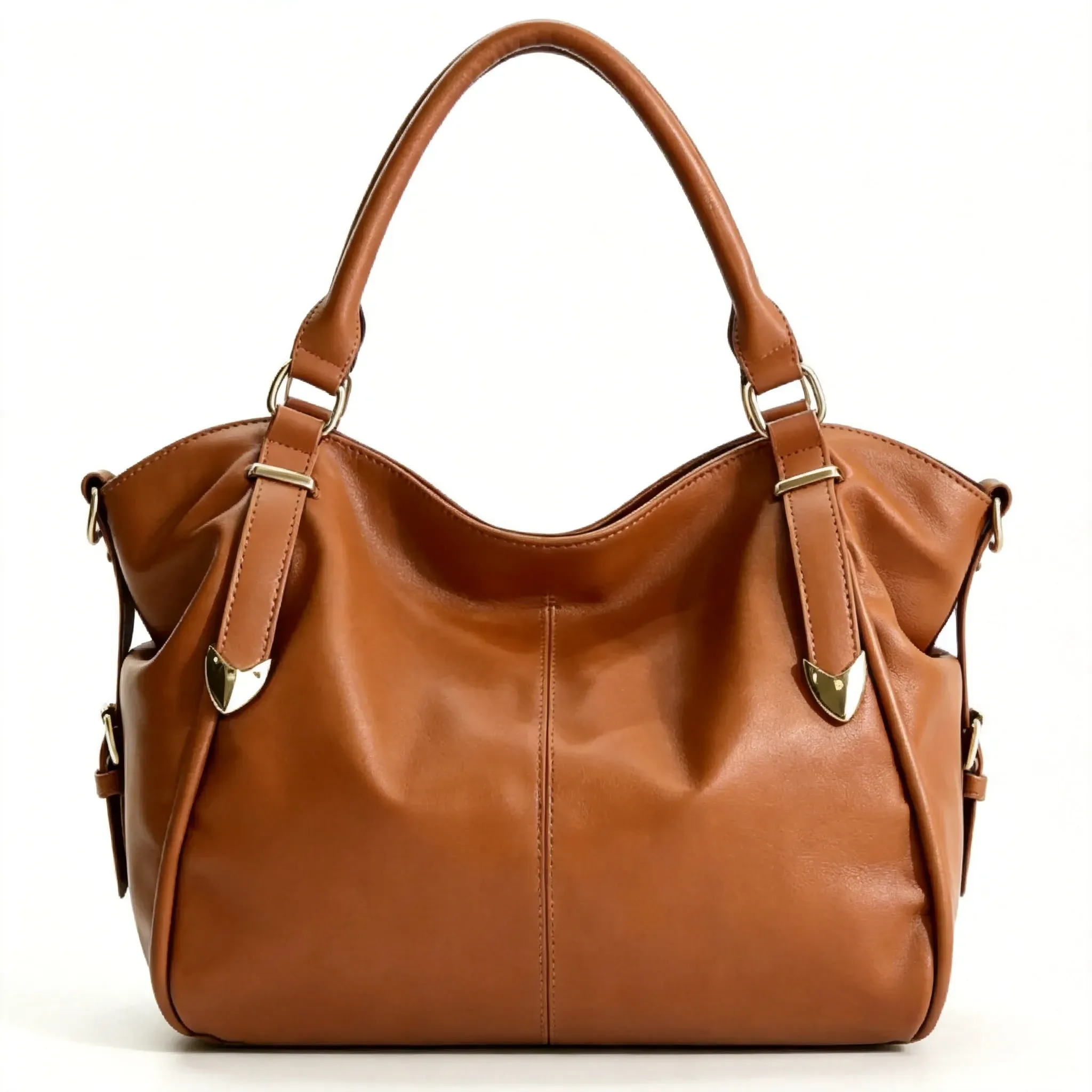
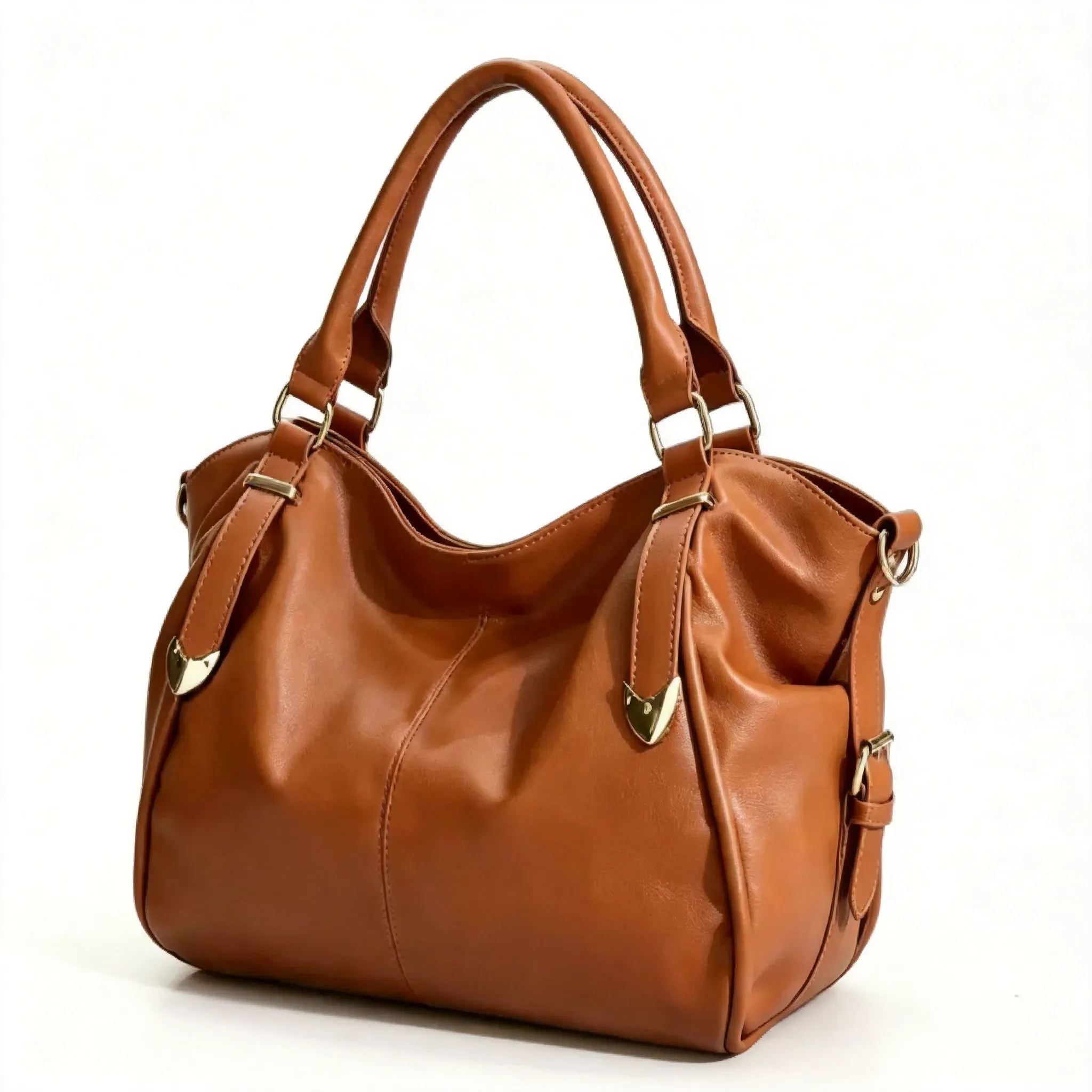
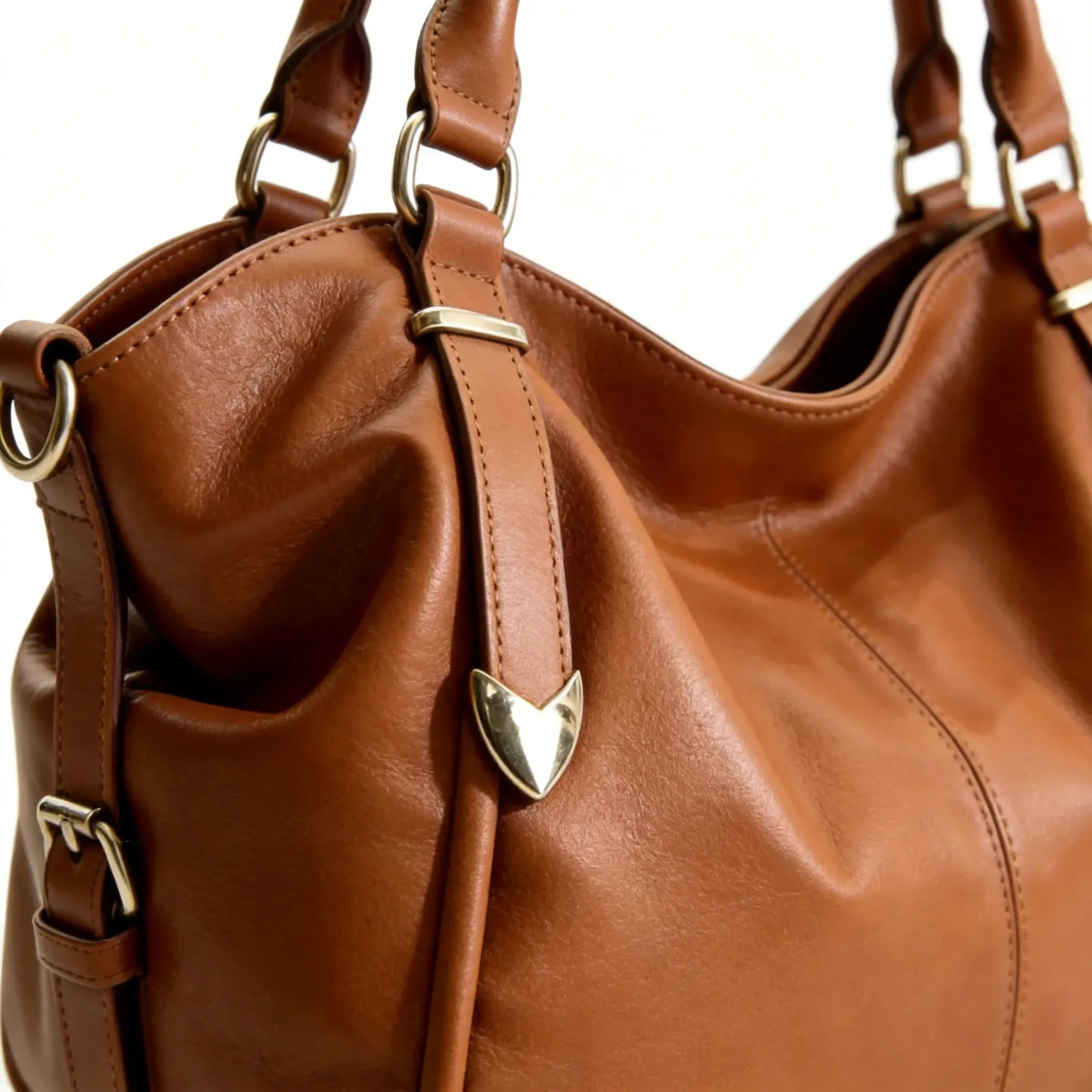
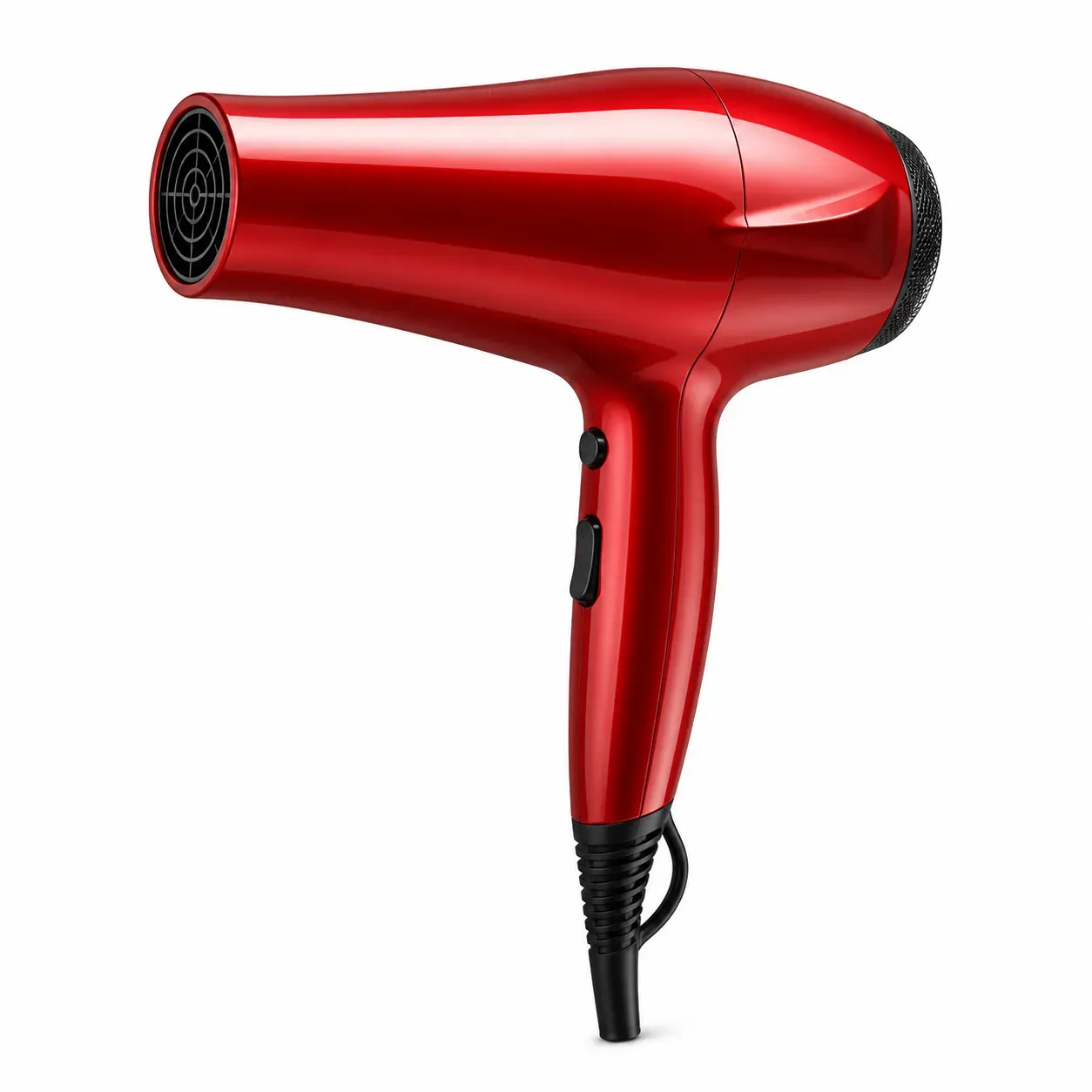
Image produit Amazon - Vue de face

Image produit Amazon - Vue de face

Importer une image
photo_camera

Importer une image

Prompt
54/2000
Licence commerciale incluse
Plus dans

Amazon product image generator for main images, lifestyle images, and Listing visual assets

The Vidoly Amazon product image generator helps sellers convert product photos into Listing visual assets that meet Amazon's requirements, including white-background main images, lifestyle images, ad creatives, and A+ Content designs. Upload a clear product photo, select the desired image type, and after generating the product visual assets, check the product shape, label accuracy, color, and Amazon category rules before publishing.

Generate Amazon product image
Create multiple Amazon Listing images from a single product photo

Create multiple Amazon Listing images from a single product photo

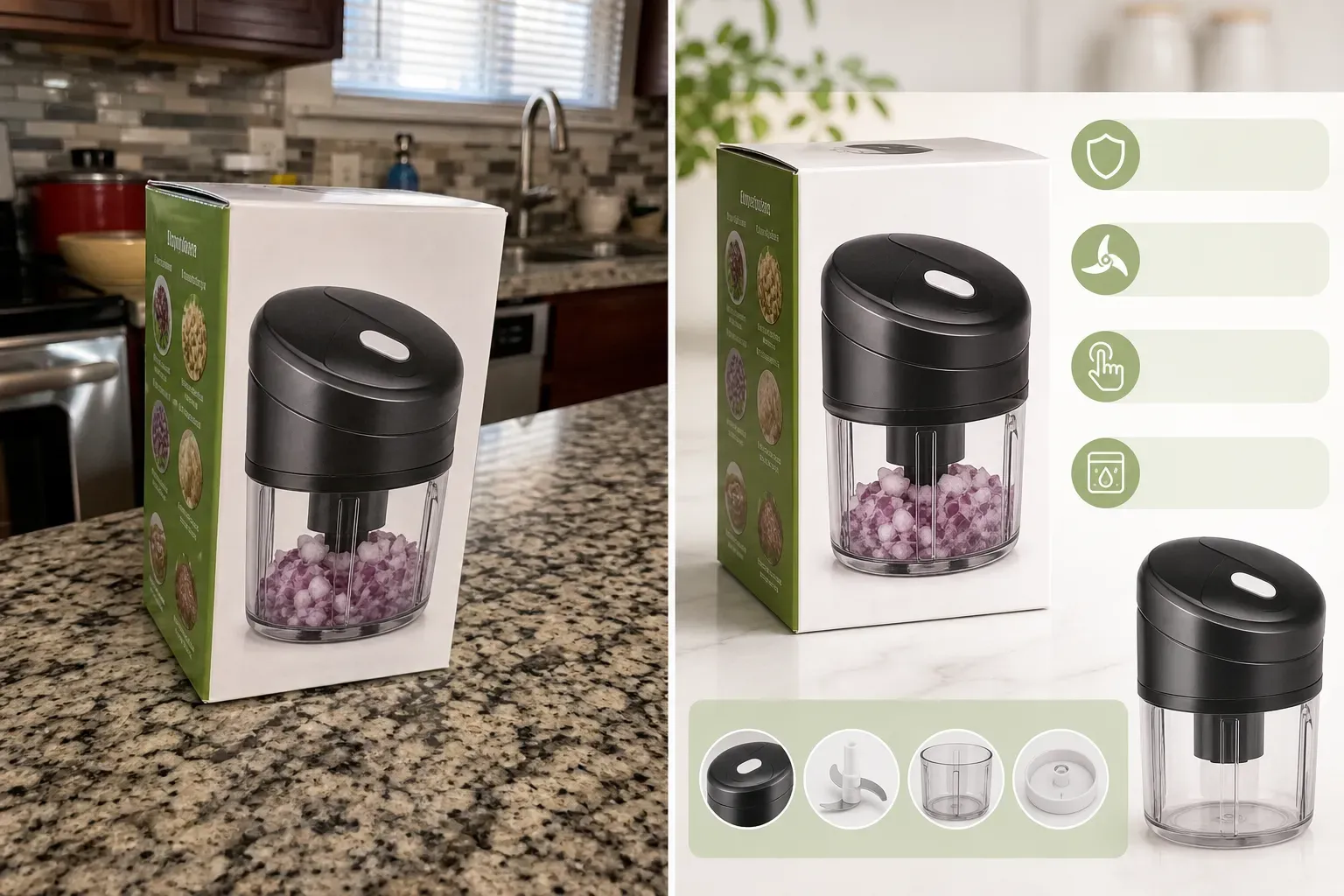
A high-quality Amazon Listing usually requires more than one product image. Sellers typically need a clean main image, a white-background version, product lifestyle images, function demonstration images, seasonal campaign visuals, and ad creatives.

Pure white-background main image generator: Compliant with Amazon Listing standards

Pure white-background main image generator: Compliant with Amazon Listing standards

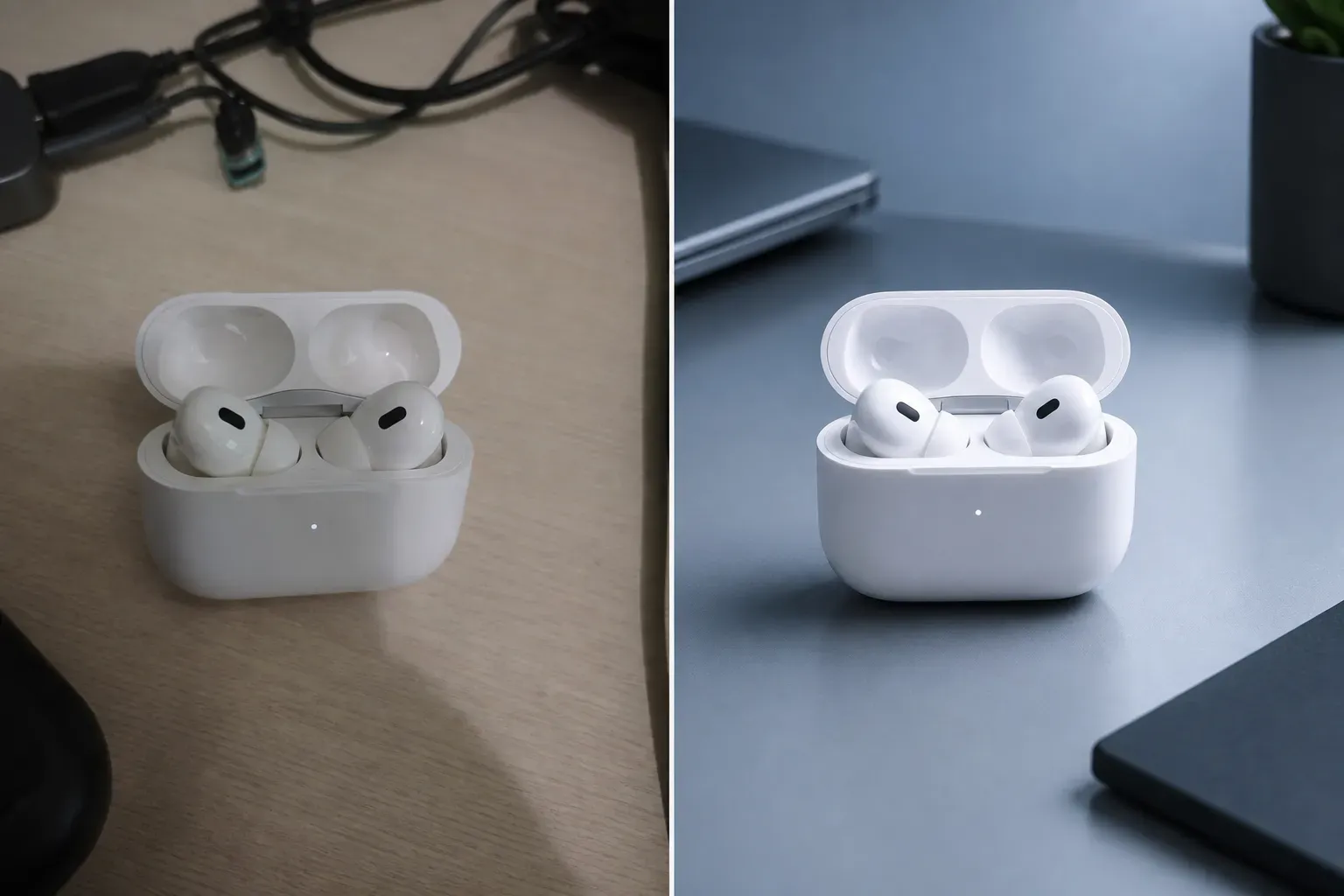
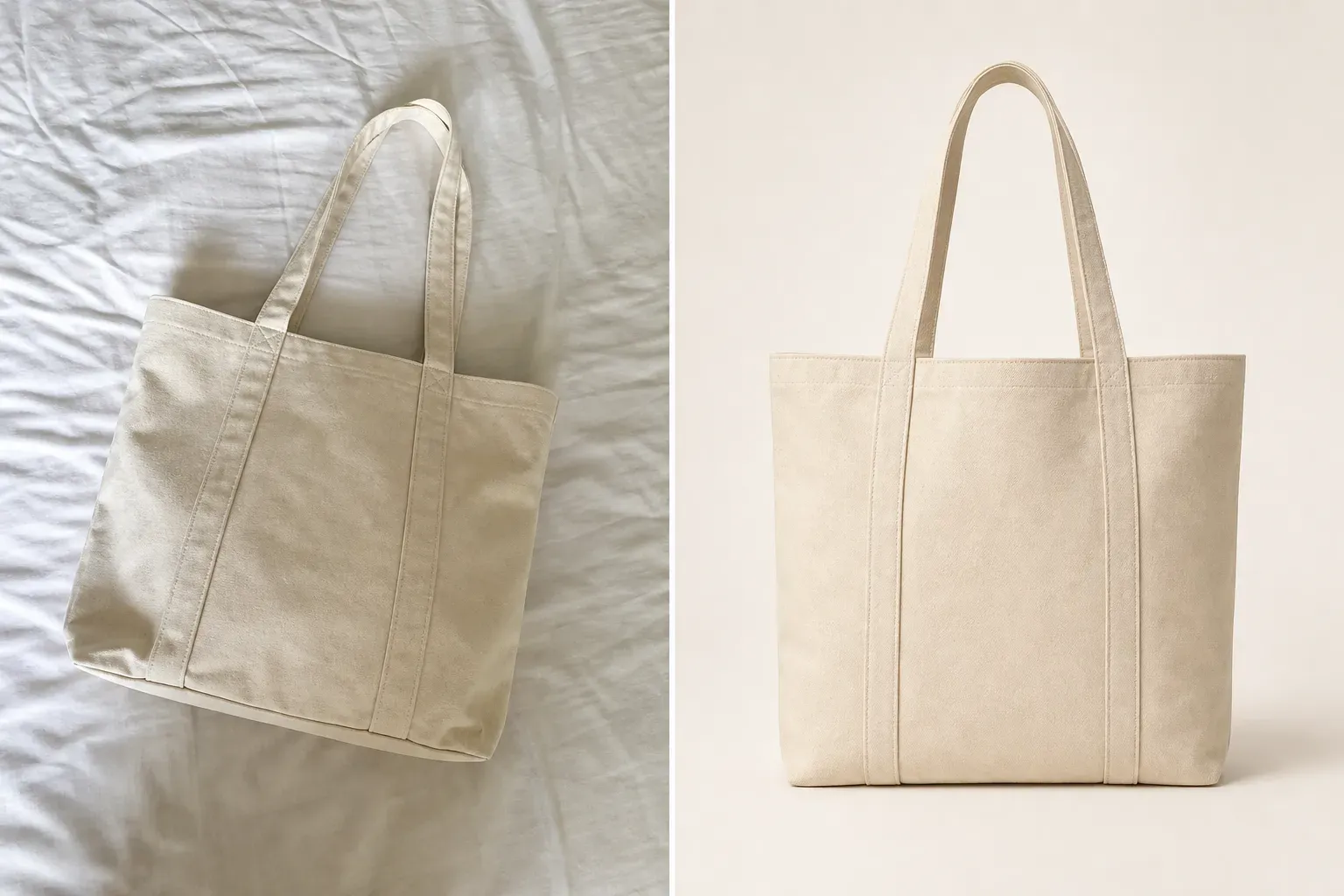
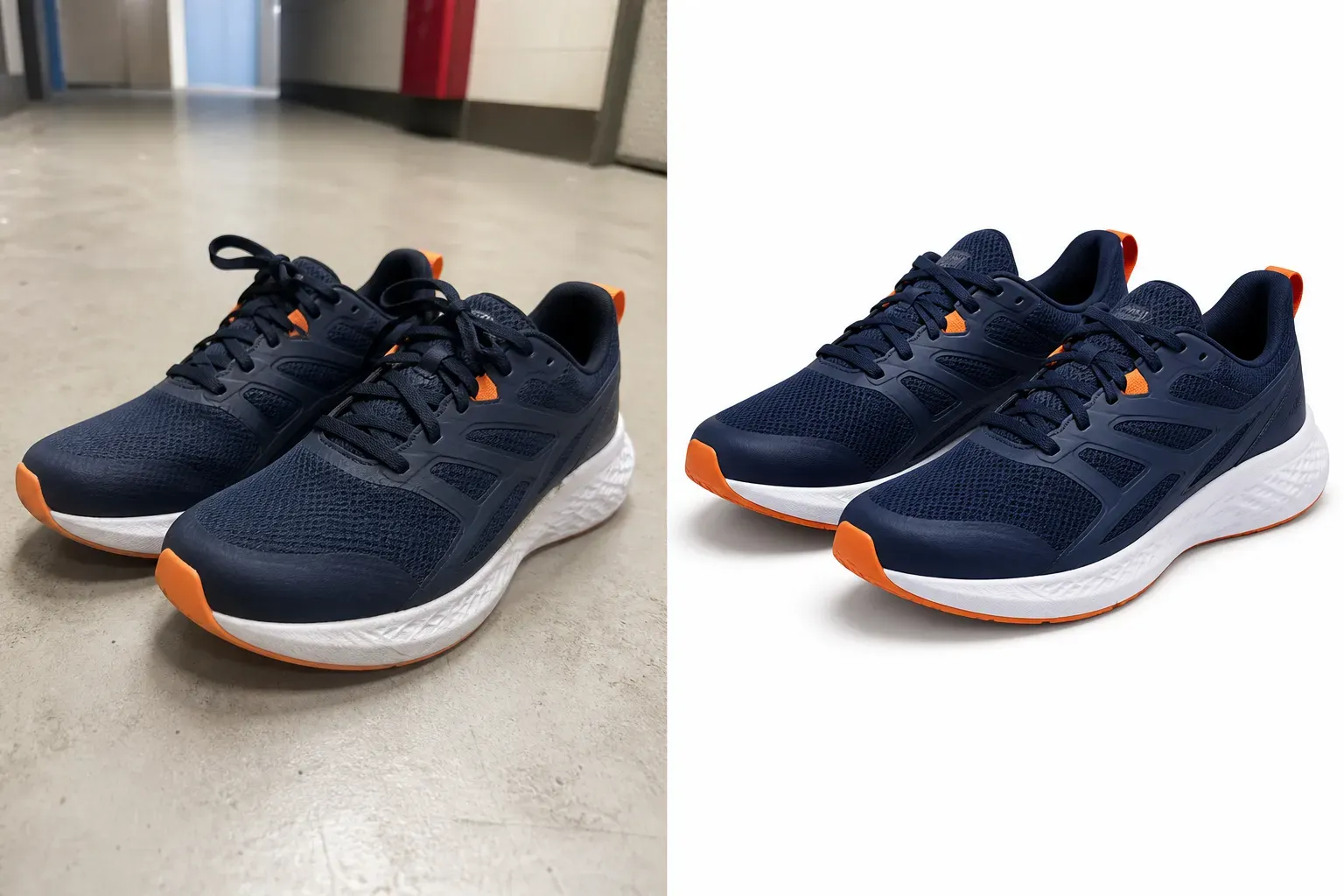
Amazon main images usually require a clean, product-focused presentation with no extra props, watermarks, badges, text overlays, or distracting background elements. For many categories, a pure white background and clear product display are the most reliable starting points for creating main images.

Professional lifestyle images adapted to Amazon product categories

Professional lifestyle images adapted to Amazon product categories

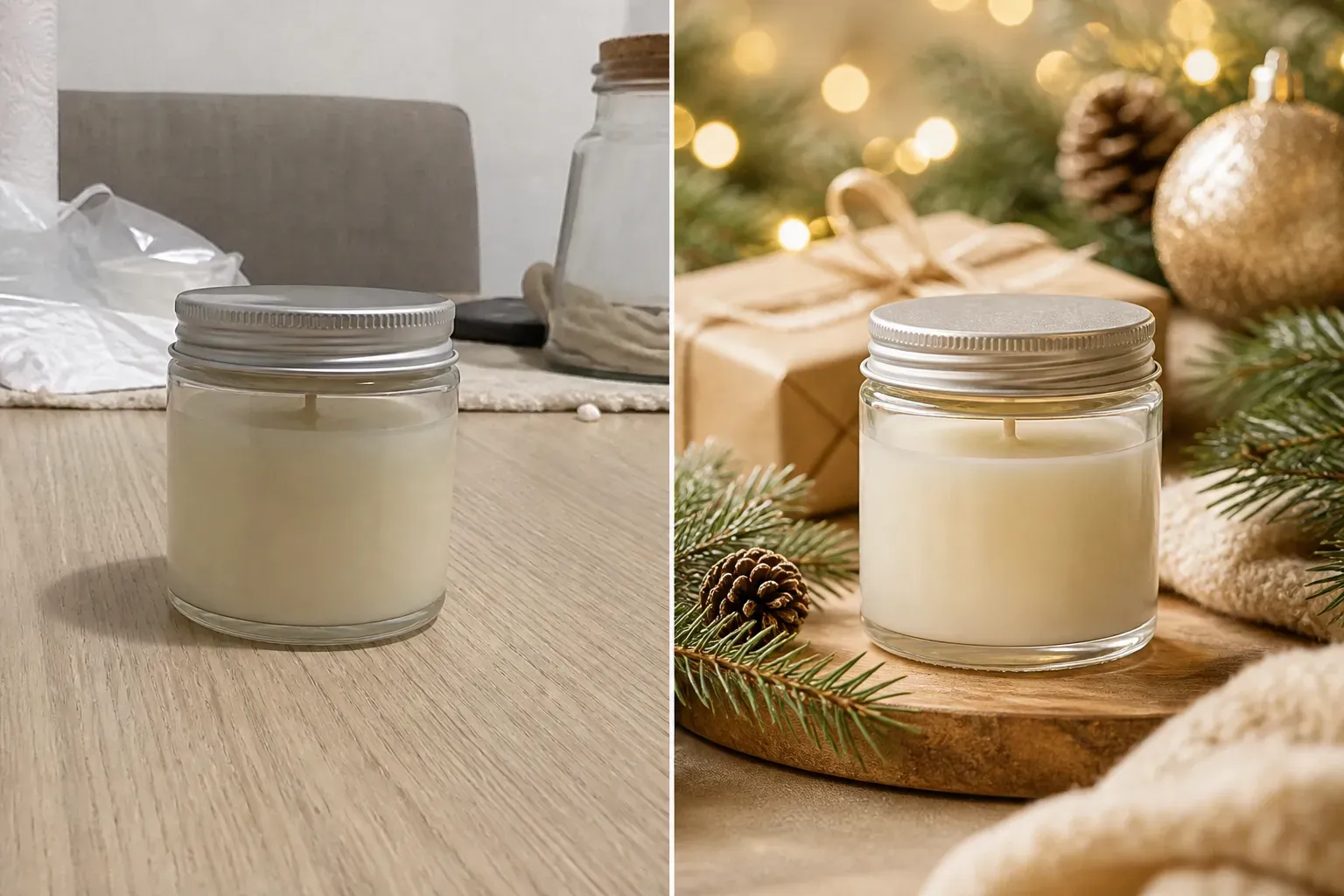
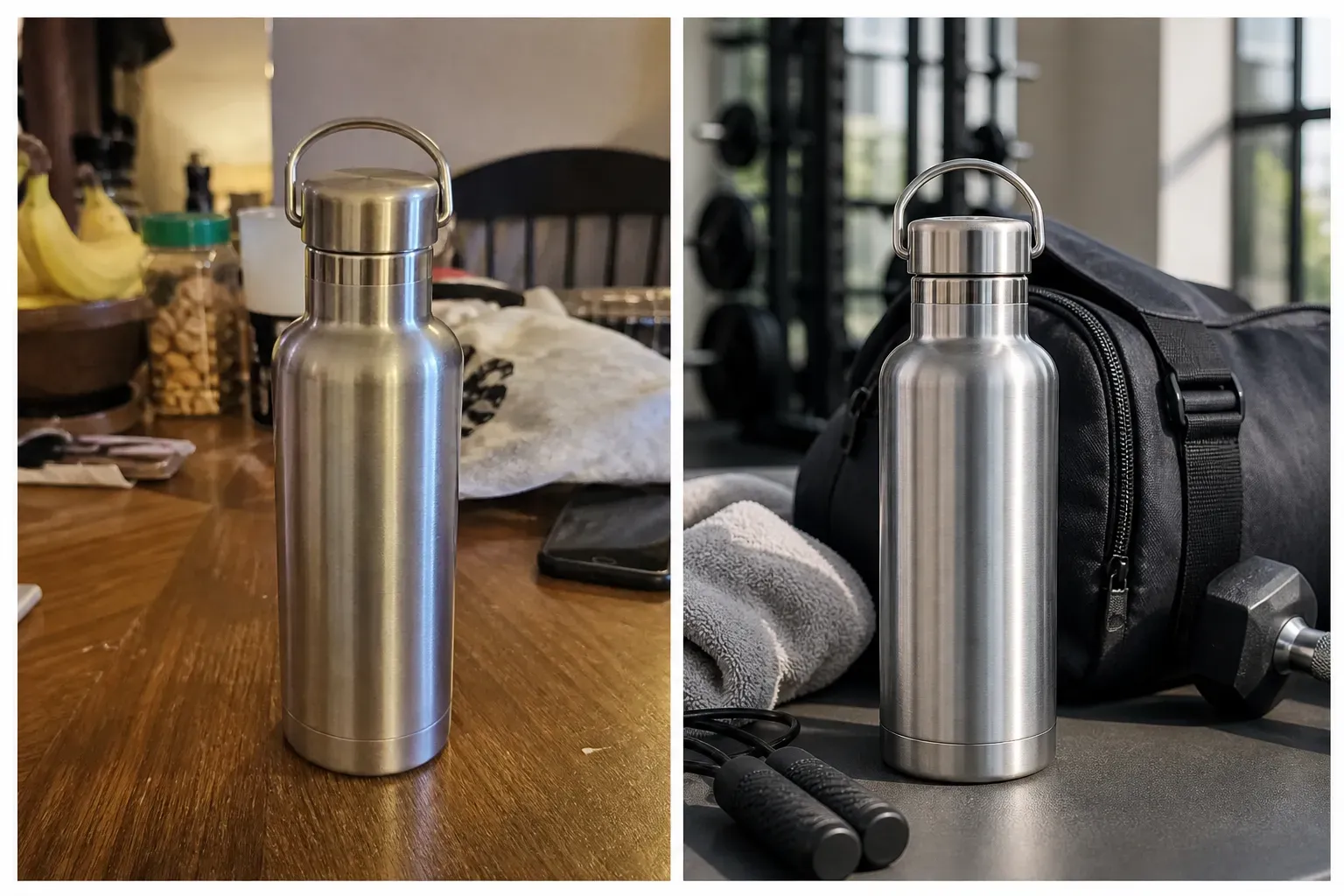
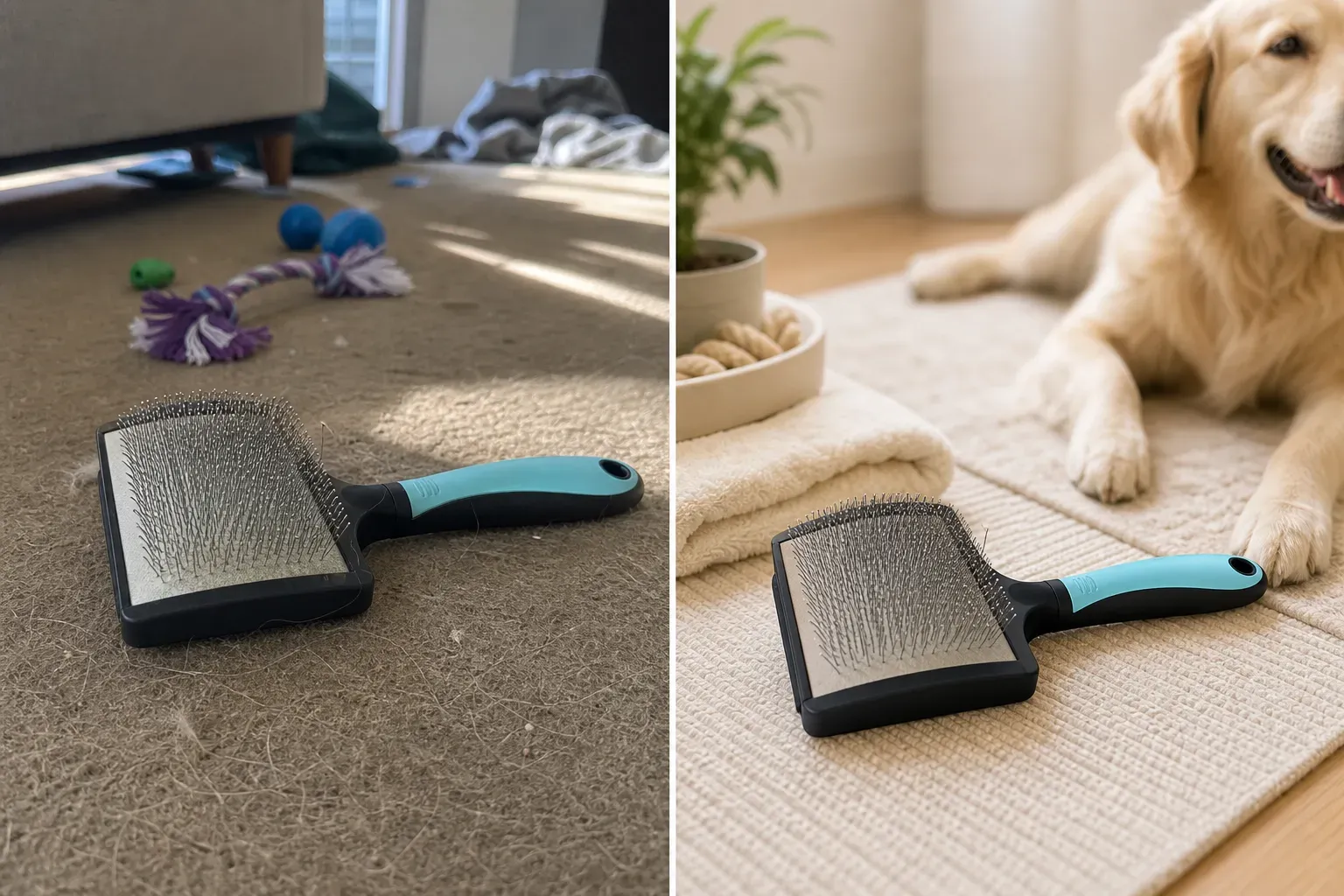
A high-quality lifestyle image should not use random backgrounds; instead, it should answer buyers' visual questions: Where is the product used? Who is it for? What is its size? What feeling does it bring? By combining product type, scene environment, lighting, props, and buyer intent, Vidoly helps sellers generate contextually relevant product lifestyle images for different Amazon categories.

High-quality product photos suitable for upload

High-quality product photos suitable for upload

Please use clear, well-lit product photos that show the entire product. The product should not be cropped, obscured by hands, covered by props, or blended with a background of similar color.

Amazon product image generator vs. manual editing

Amazon product image generator vs. manual editing

Manual editing is suitable for scenarios requiring precise control over masks, shadows, label cleanup, product retouching, and compliance design. AI generation is faster when creating multiple visual directions, such as white-background versions, lifestyle images, seasonal ad concepts, and Listing image variants.

Popular use cases for Amazon sellers and e-commerce teams

Popular use cases for Amazon sellers and e-commerce teams

FBA and private label sellers: Create product image variants for new Listings, conduct product launch tests, update catalogs, and clean up main images. Sellers can compare different visual directions before uploading and select the most appropriate image.

Common limitations of AI-generated product images

Common limitations of AI-generated product images

AI may slightly alter product edges, labels, reflections, shadows, colors, proportions, or packaging details. This is more likely to occur when the uploaded image is blurry, low-resolution, over-cropped, highly reflective, transparent, or visually complex.

How to use the Amazon product image generator?

1

Upload a clear product photo

Start with a clear image where the product's shape, edges, labels, packaging, and color are all visible.

2

Select Listing image type

Choose the type of image you need: main image, white-background image, lifestyle image, ad creative, store display visual, or A+ Content design.

3

Describe the scene or effect

For lifestyle images, describe the setting, such as a bathroom shelf, kitchen counter, home office, outdoor travel, Christmas gift scene, studio setup, or high-end product display.

4

Generate and check product accuracy

Review the generated image to confirm the accuracy of the product shape, color, logo position, label text, reflections, shadows, proportions, and packaging details.

5

Download for Listing, ads, or store

After confirming current Amazon image requirements and your category rules, you can use the image as Listing assets, ad concepts, store display visuals, or creative designs.

FAQ

What is the Vidoly Amazon product image generator?

The Vidoly Amazon product image generator is an AI tool that helps sellers create product visual assets required for Amazon Listings, including main images, white-background images, lifestyle images, ad creatives, and A+ Content designs.

Can I use AI-generated product images on Amazon?

You may use AI-generated images as part of Amazon's creative workflow, but the final uploaded images must comply with current Amazon image requirements and category-specific rules. Before publishing, check product accuracy, misleading scenes, label text, information, and required disclosures.

Can this tool create Amazon main images?

Yes. You can generate clean, product-focused visuals for main images. Main images should clearly show the product, with the product centered, usually placed on a clean or white background.

Can it create white-background product images?

Yes. AI can help remove the original background and place the product on a white or clean background. Check the final image to ensure clean edges, accurate shadows, correct color, and complete packaging details.

Can I create Amazon product lifestyle images?

Yes. You can generate images showing the product in use, such as a bathroom counter, kitchen setup, desk scene, outdoor activity, gift scene, or home decor layout.

Can I use this tool to create A+ Content images?

Yes. You can use it to create A+ Content concepts, function demonstration images, comparison scenes, and practical image designs. Exact text, icons, certifications, information, and compliance-sensitive details must be added or checked manually.

Will AI preserve my product labels and logos?

AI will attempt to preserve visible labels and logos, but the exactness of text may vary. Before using the image for an active Listing, be sure to check trademarks, ingredient lists, legal information, measurement markings, and small print on packaging.

What kind of product photo is best for upload?

Clear, high-resolution product photos with visible edges, accurate color, and stable lighting work best. Avoid blurry images, cropped products, strong reflections, harsh shadows, and backgrounds similar to the product's color.

Is it suitable for glass, jewelry, or reflective products?

It can handle such products, but requires extra checks. Glass, clear plastic, jewelry, metal packaging, and high-gloss surfaces may cause edge errors, reflection changes, or unrealistic shadows.

Does this guarantee Amazon approval?

No. No AI product image tool can guarantee Amazon approval, as final review depends on Amazon's current image requirements, category rules, product accuracy, packaging visibility, trademark rights, and automated or manual review results.

Can I use the generated images for commercial purposes?

You may use the generated images for commercial purposes if you own the product photo, have the right to use the product assets, and the final image accurately represents the product. Avoid misleading edits, unauthorized logos, false claims, or modifications that alter the product's original appearance.

Why does my generated product look slightly different?

AI may modify small visual details when reconstructing product images, especially for reflective packaging, transparent bottles, high-gloss labels, metal surfaces, curved containers, small text, or low-resolution source images. When creating cleaner backgrounds or new scenes, the model may slightly adjust shadows, edges, reflections, color, label spacing, or product proportions.

What should I do if my Amazon main image gets rejected?

If rejected, check two things: First, ensure you used Vidoly's RGB 255,255,255 White Background Mode instead of a light gray backdrop. Second, ensure no text or packaging logos on your product violate local regulatory claims (like unapproved FDA claims). Vidoly helps you instantly regenerate clean backdrops and isolate the product, but you should always cross-verify your packaging labels against Amazon's category-specific policies before re-submitting.