Arrière-plan de glace

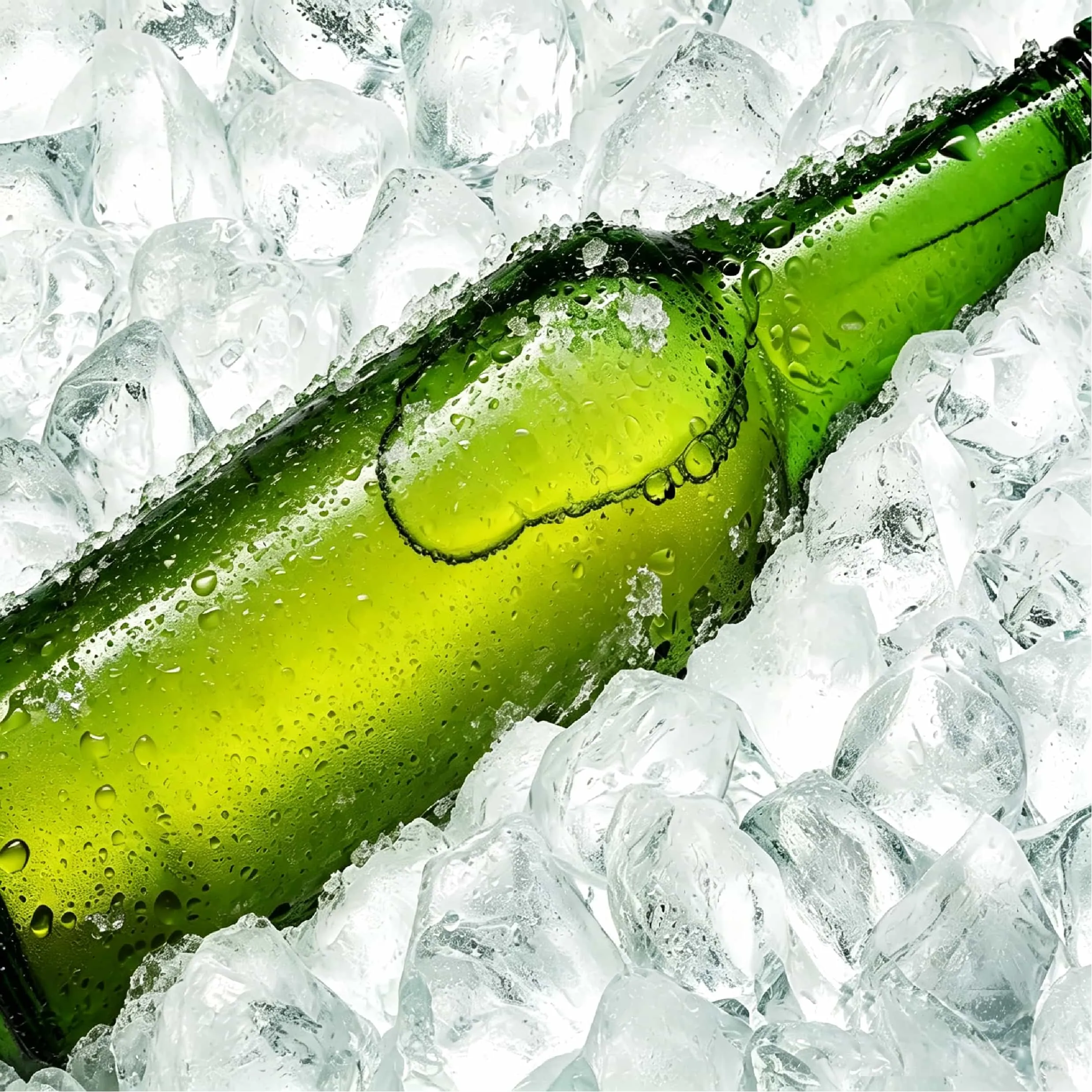
Arrière-plan de glace

Importer une image

Ice Background

photo_camera

Upload Product

Prompt
43/2000
Licence commerciale incluse
Plus dans

Product Background Generator for E-commerce, Ads, and Product Photos

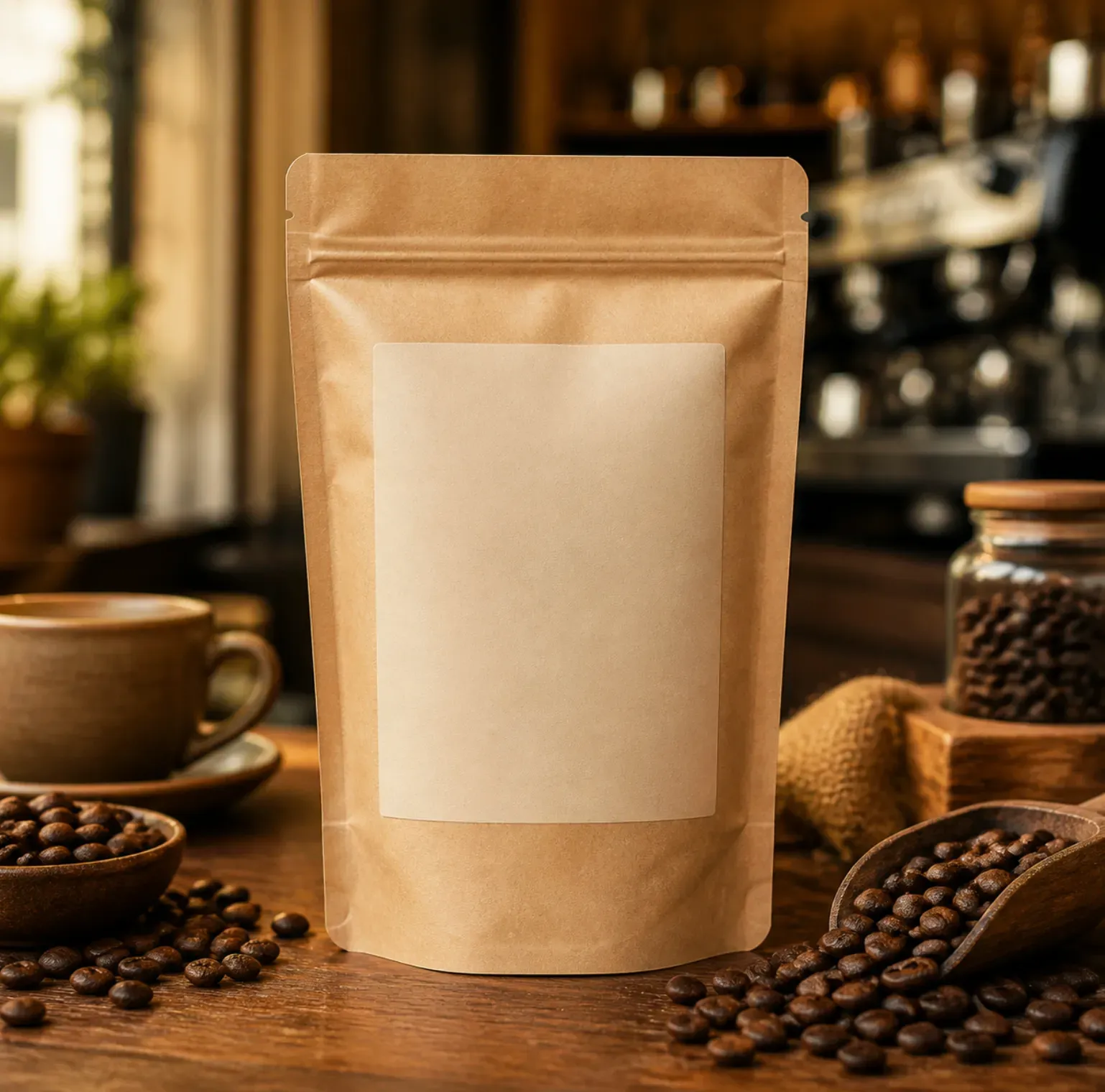
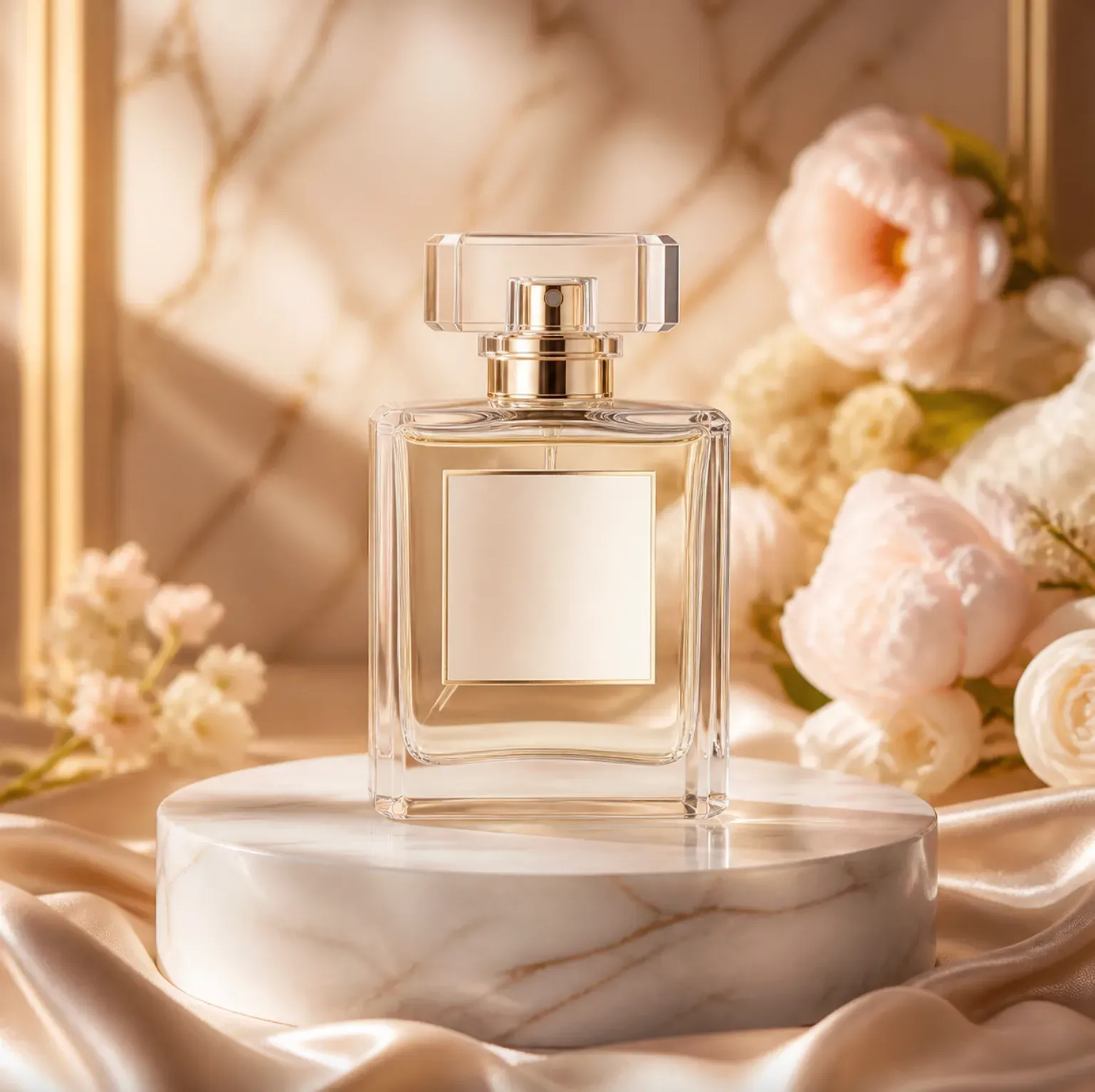
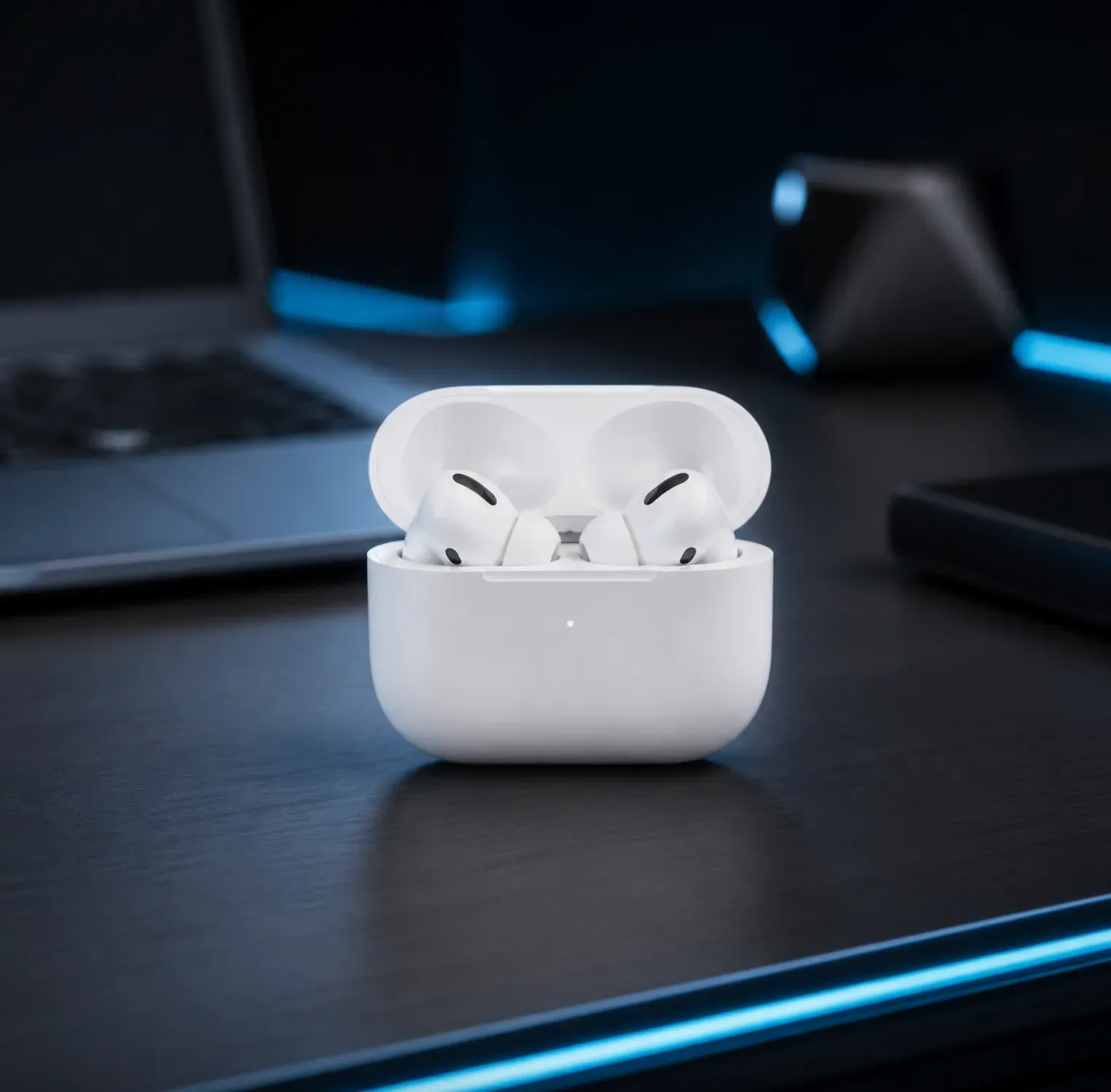
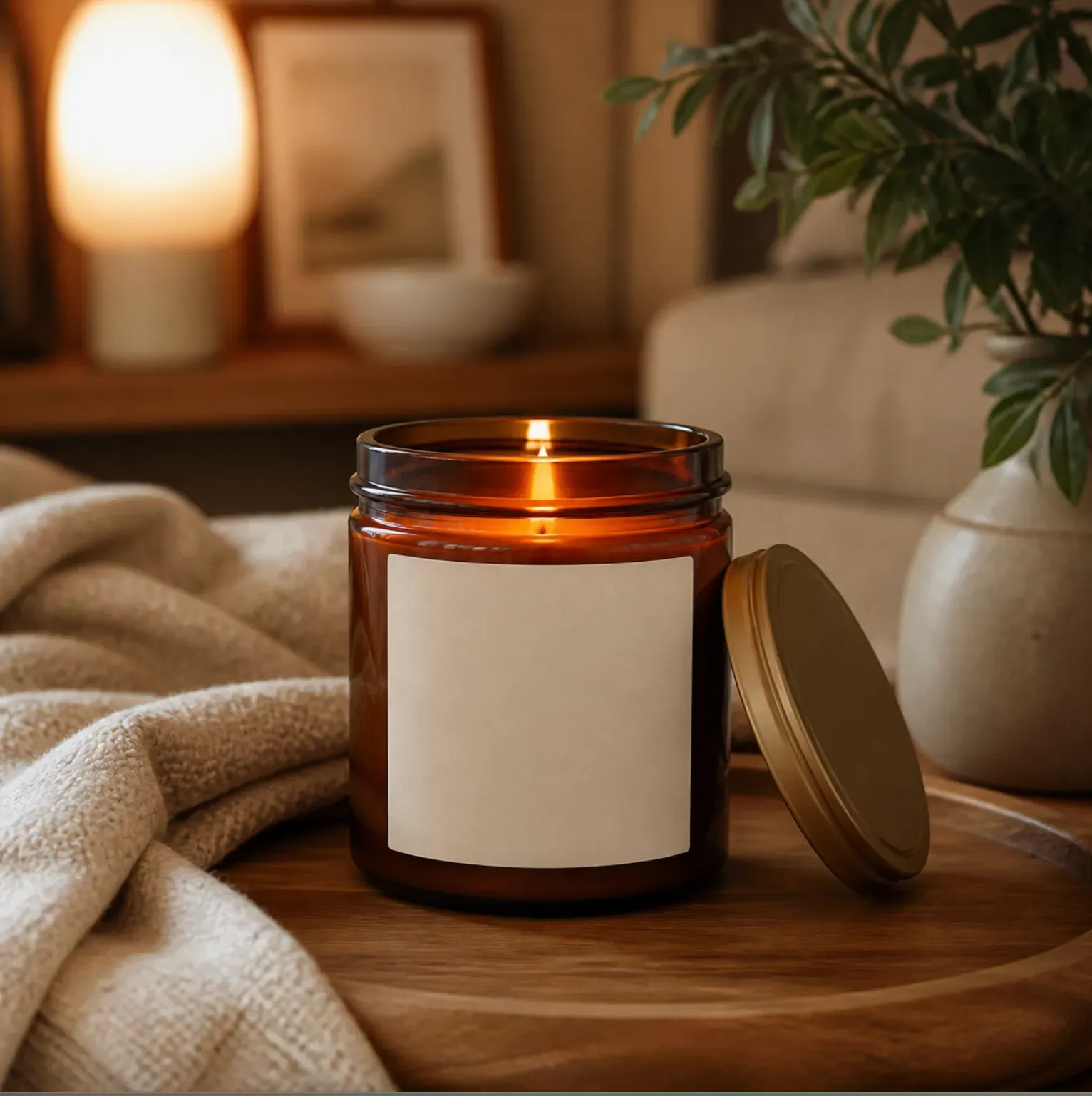
The Vidoly Product Background Generator helps sellers, brands, and creators transform ordinary product photos into polished product scenes. Upload your product image, describe your desired background style, and generate studio backdrops, lifestyle settings, seasonal promotional graphics, or social media ad visuals—all with the product at the center.

Generate Product Background

Create Higher-Quality Product Scenes from a Single Product Photo

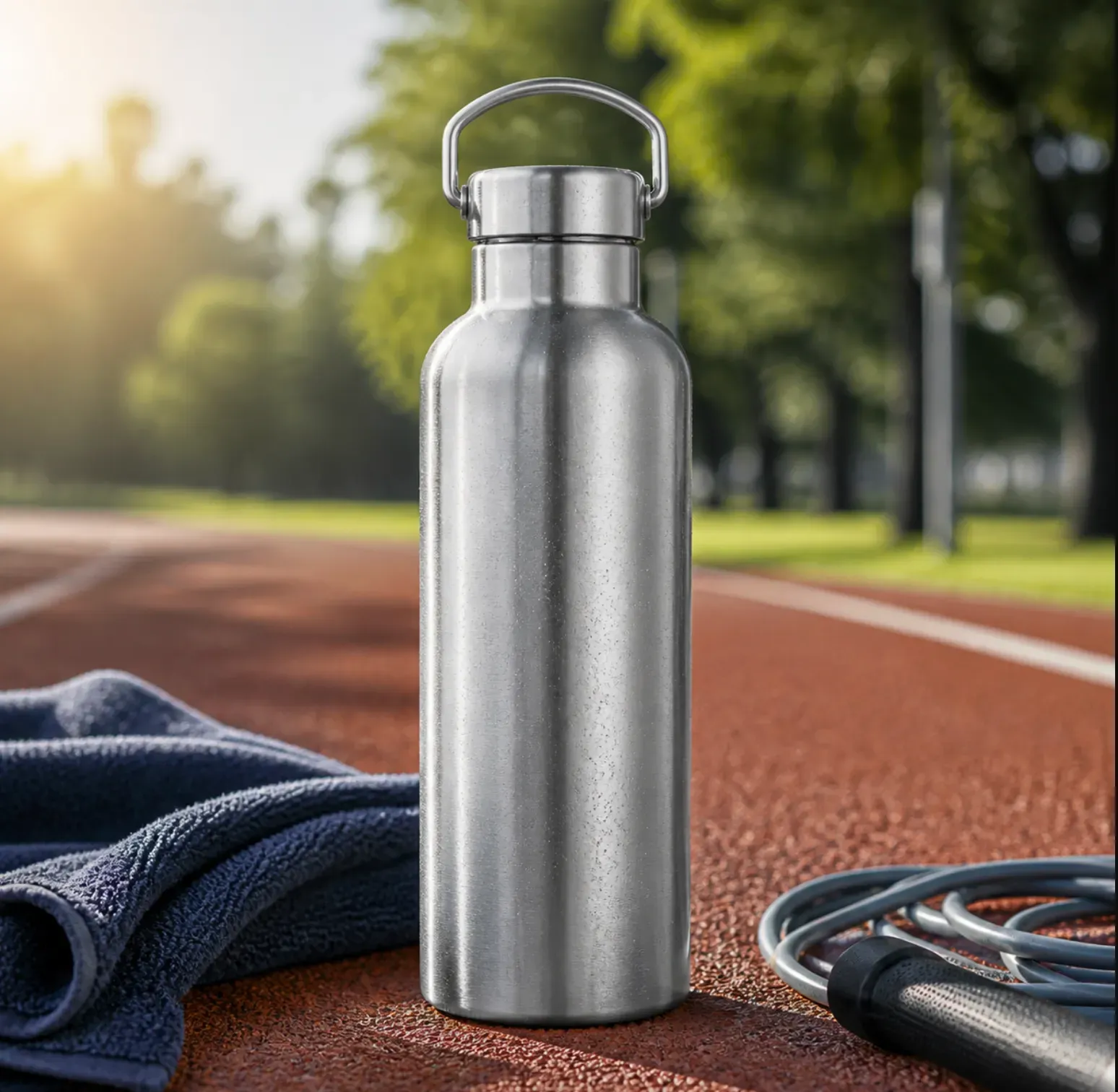
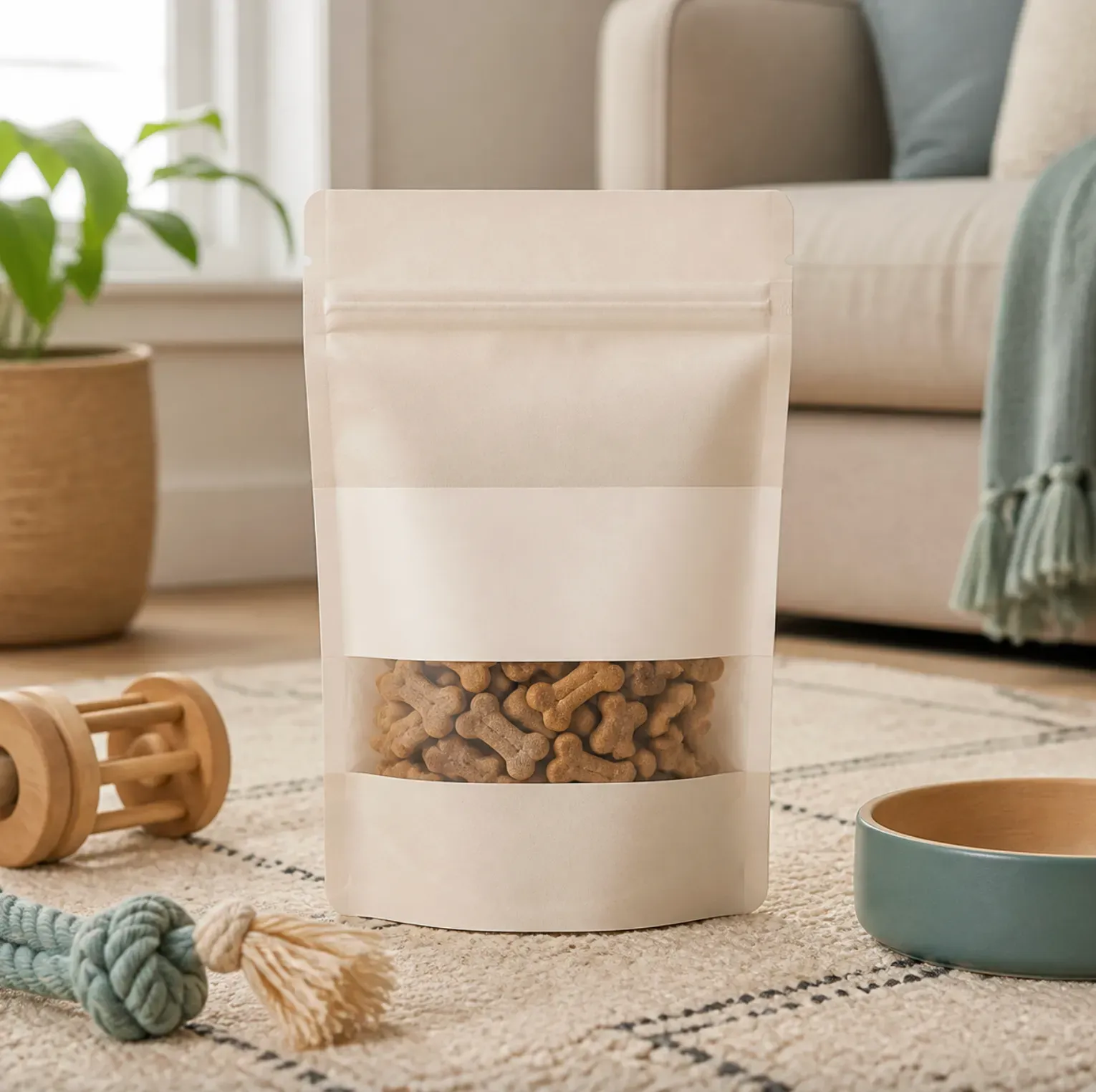
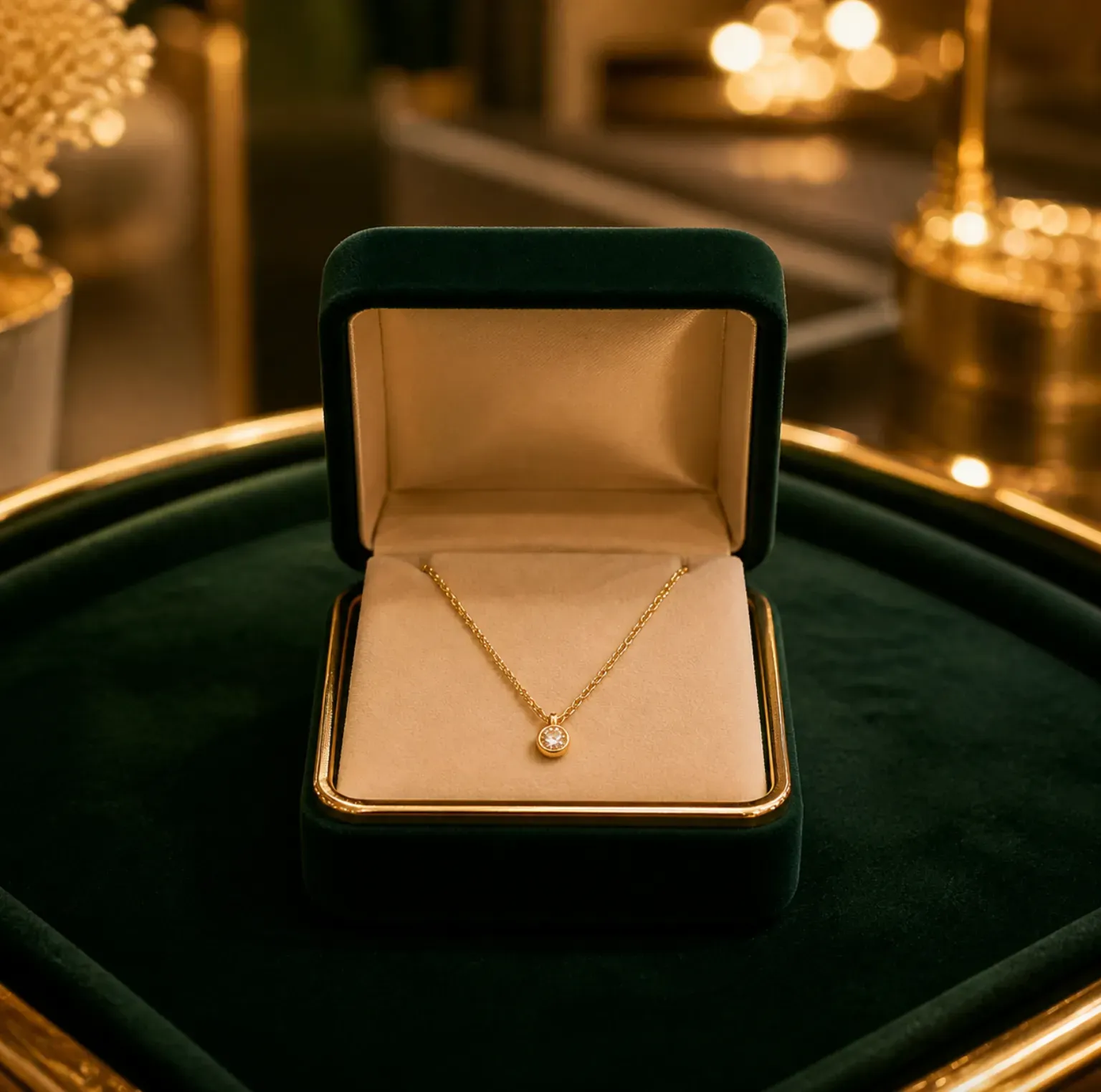
Product photos can be used for e-commerce, ads, or social media without complex shoots. Vidoly easily adapts your product to neat studio settings, home environments, beauty counters, kitchen countertops, outdoor living scenes, gift arrangements, or seasonal promotional backdrops. This is especially useful for Shopify stores, Amazon sellers, Etsy shops, DTC brands, product photographers, agencies, and small businesses that need to generate multiple visual variants from one product image.

What Can You Create with the Product Background Generator?

1. Neat Studio Product Backgrounds: Simple, product-focused backdrops ideal for product catalogs, product pages, ads, and marketplace images. These backdrops highlight the product clearly—paired with clean surfaces, soft shadows, and neutral lighting.

How Does the Product Background Generator Work?

Vidoly uses your uploaded product photo as the core and generates a new background around it. The AI is designed to preserve the product’s shape, color, material, packaging, label position, and visible details—while altering the surrounding scene. For best results, use a product that is clearly visible, well-lit, and not heavily cropped. The AI can create new environments, adjust visual backdrops, and pair the product with suitable e-commerce or lifestyle settings—but users must always verify the product accuracy of the final result.

High-Quality Product Photos Suitable for Upload

Please use clear, high-resolution images that fully show the product. Product photos with clear front views, packaging images, bottles, boxes, accessories, home goods, beauty products, pet supplies, electronics, and small home appliances usually work well. Avoid blurry photos, screenshots, cropped packaging, strong shadows, obvious reflections, transparent objects with unclear edges, and backgrounds that blend with the product. If your product has small label text, legal statements, size markings, or certification marks, please check carefully after generation.

Product Background Ideas by Category

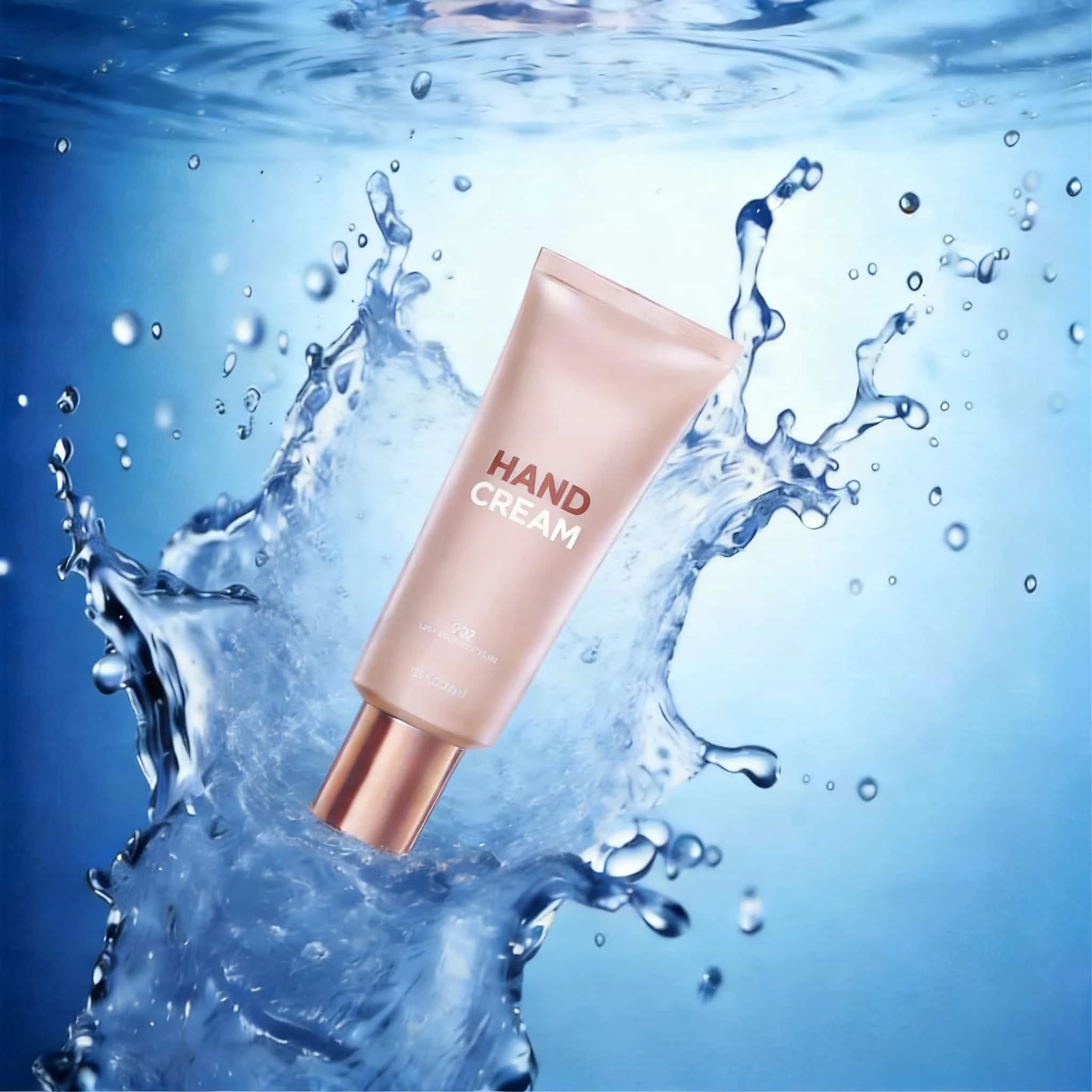
1. Beauty and Skincare Products: You can choose bathroom counters, spa stone surfaces, water droplets, plant leaves, soft beige surfaces, marble trays, or clean vanity scenes. These backdrops work well for cream jars, shampoo bottles, body wash, serums, and cosmetics.

Product Background Generator vs. Background Removal Tools

Background removal tools delete the original background, usually producing transparent PNG images or white-background images. The Product Background Generator is more powerful: it creates a completely new visual environment around the product—such as studio scenes, living spaces, seasonal promotions, or ad-ready product images. If you need clean cutouts, use a background removal tool; if you want to create new product scenes for e-commerce, ads, social media, or brand visuals, use the Product Background Generator.

Common Limitations of AI Product Background Generation

When generating new scenes, the AI may slightly alter the product’s edges, shadows, reflections, color, packaging details, or small text. This is more likely with reflective packaging, glass bottles, clear plastic, jewelry, complex labels, low-resolution photos, or products with fine details. Before using images for commercial purposes, compare the result with the physical product. Check the product’s shape, label text, logo position, color accuracy, material texture, packaging size, warning statements, ingredient lists, and all information shown in the image.

How to Use the Product Background Generator?

1

Upload Your Product Photo

Select a clear product image that shows the product’s shape, color, packaging, labels, and edges.

2

Describe the Background Style

Input your desired scene—for example, a white studio background, bathroom counter, kitchen table, luxury marble surface, outdoor travel scene, Christmas gift arrangement, or modern desk.

3

Generate the Product Scene

Vidoly will create a new background around your product, aiming to accurately preserve the product’s core features.

4

Check Product Accuracy

Verify the product’s shape and color in the generated image.

5

Download for E-commerce or Marketing

Use the final product for product pages, ads, social media posts, email marketing, storefront banners, or creative mockups.

FAQ

What is a Product Background Generator?

The Product Background Generator is an AI tool that creates new backgrounds for product photos. It turns ordinary product photos into studio shots, lifestyle scenes, seasonal promotional graphics, or e-commerce product visuals.

Can I use it to make e-commerce product photos?

Yes. It is useful for Shopify, Etsy, Amazon product pages, DTC websites, social ads, product launch pages, and marketplace visuals. Always check the product accuracy of the final result before publishing.

Is it the same as a background removal tool?

No. Background removal tools remove the existing background, usually producing transparent images or white-background images. The Product Background Generator creates a completely new background or scene around the product.

What kind of product photos work best?

Product photos that are clear, high-resolution, have visible edges, accurate colors, and stable lighting work best. Avoid blurry images, cropped products, strong reflections, and backgrounds that blend with the product.

Can I create product images for lifestyle scenes?

Yes. You can generate lifestyle scenes such as bathroom shelves, kitchen counters, home offices, gym bags, outdoor travel settings, pet care scenes, or holiday gift arrangements.

Can it generate a white studio background?

Yes. You can request a clean studio background, neutral surface, soft shadows, and a simple look.

Will the AI preserve my product labels?

The AI will try its best to preserve visible labels and packaging, but small text may change. Before using images for commercial purposes, check logos, ingredient lists, promotional content, warning labels, size markings, and legal text.

Can I use the generated backgrounds for ads?

Yes, as long as you have the right to use the product image and the final result accurately represents the product. The generated product scenes can be used for ad creatives, social posts, landing pages, store banners, and promotional visuals.

Does it work for reflective or transparent products?

It helps to some extent, but reflective metals, glass, clear plastic, glossy packaging, and jewelry require careful checks. These materials may cause errors in edges, reflections, or shadows.

Can I generate seasonal product backgrounds?

Yes. You can create backgrounds for marketing campaigns such as Christmas, Valentine’s Day, Mother’s Day, Black Friday, summer travel, back-to-school, or product launches.

Will AI product background generation replace product photography?

It will not fully replace it. AI is suitable for quickly generating background variants, e-commerce creatives, and promotional drafts. When precise product accuracy, compliant promotional content, model authorization, or final catalog precision is needed, professional photography is still better.

Why does my product look slightly different after generation?

When creating a new background, the AI may adjust the product’s edges, shadows, color, reflections, or small packaging details. This is more likely when the input image has low quality, the material is reflective, the packaging is transparent, or the label text is very small.