Outils

Seedance 2.0 Fast

0/2000
10s
5s15s

What is Seedance 2.0 Fast?

Seedance 2.0 Fast is designed for creators who are unsatisfied with the results of regular video generation. It supports team collaboration workflows—teams that need to produce multiple short video clips, test different scenarios, maintain a consistent story direction, and quickly generate usable video outputs via prompts.

Create with Seedance 2.0 Fast


How Seedance 2.0 Fast Works

How Seedance 2.0 Fast Works

Seedance 2.0 Fast analyzes users’ prompts, scenario direction, subject descriptions, and optional reference inputs to generate video clips that include actions, composition, and visual style. During creation, creators need to clearly describe the scene: characters, actions, camera movements, environment, atmosphere, duration, and purpose.

What Can You Create with Seedance 2.0 Fast?

What Can You Create with Seedance 2.0 Fast?

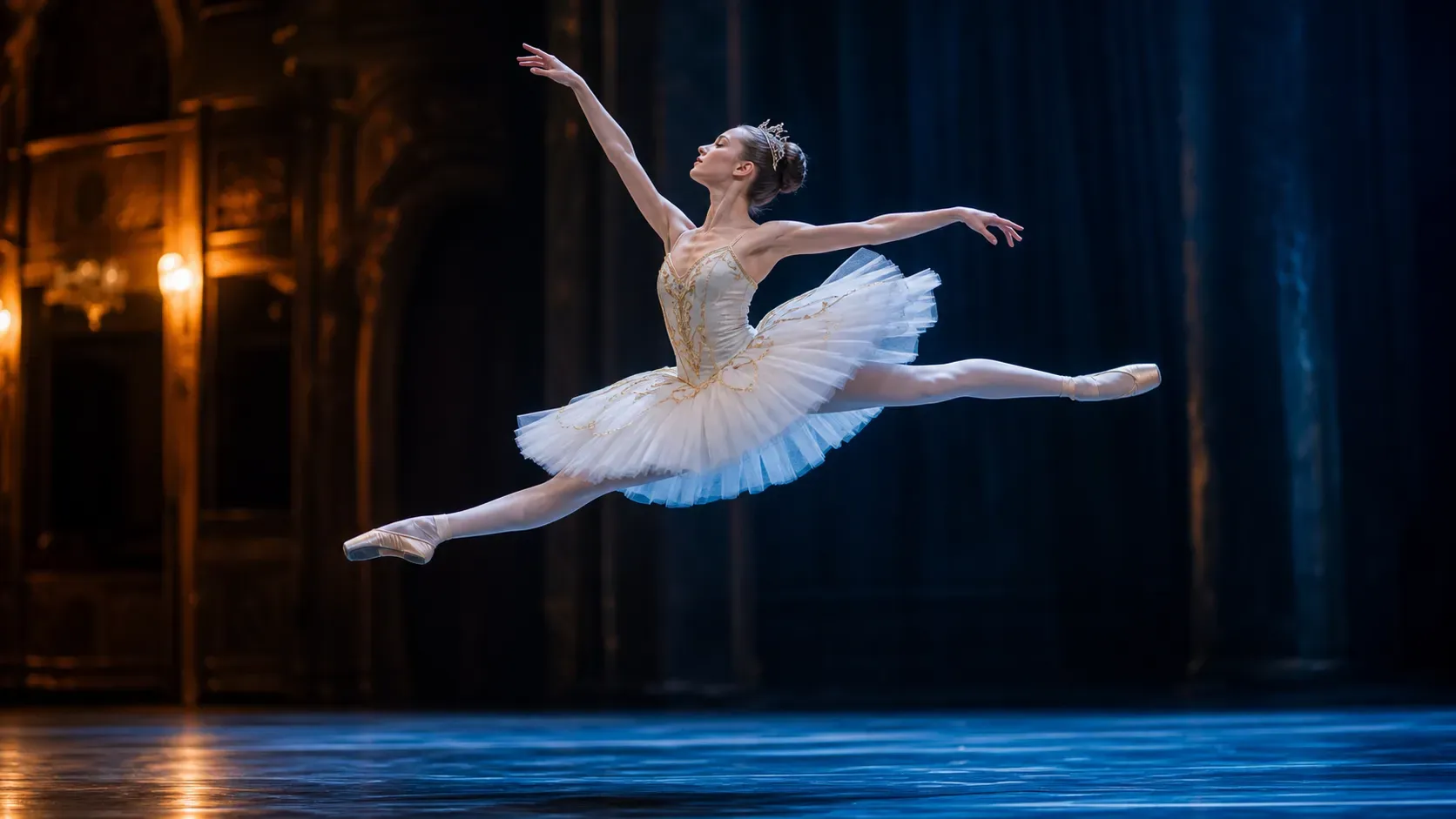
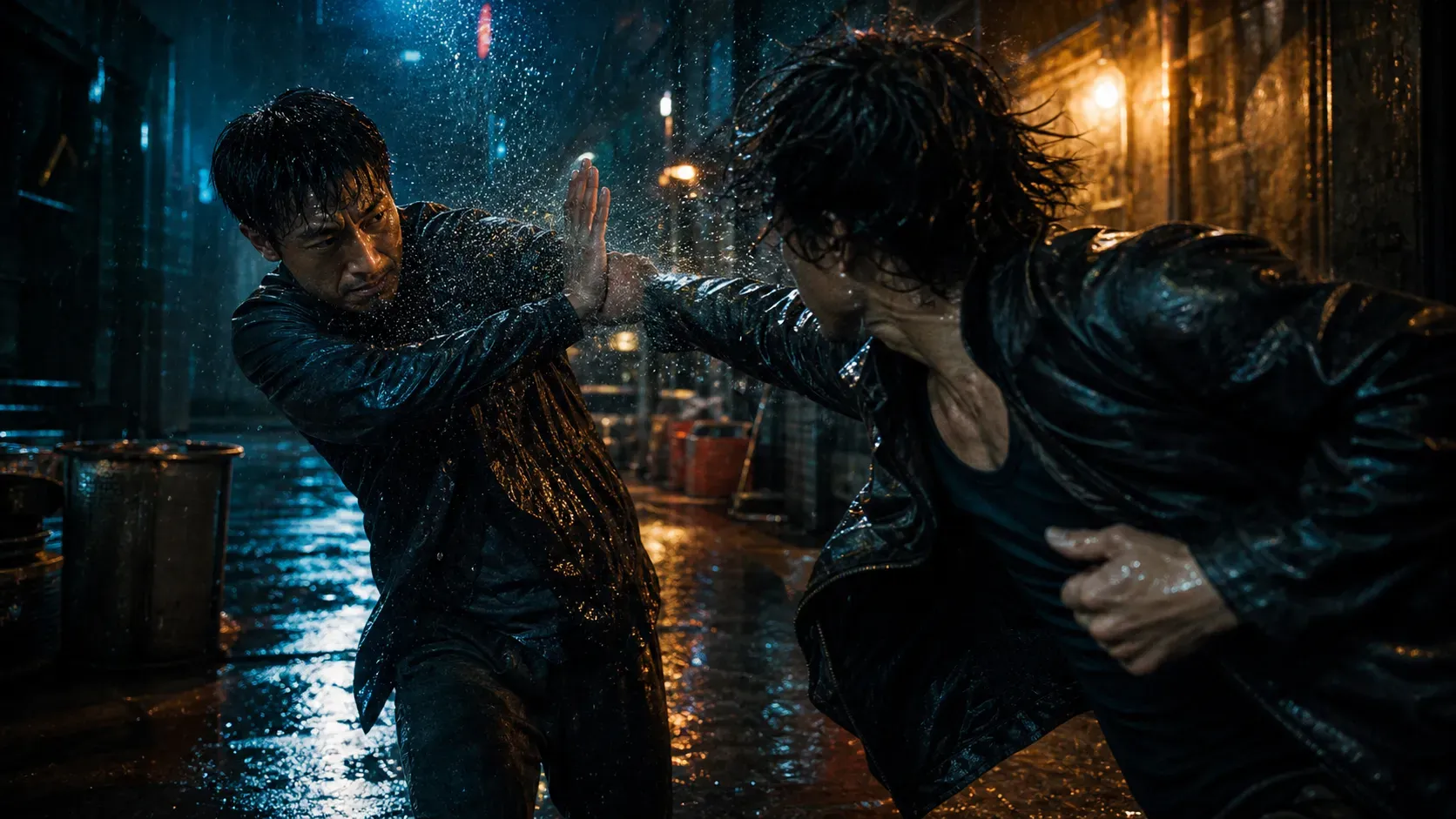
Short film scenes, drama story clips, character-specific video content, commercial product videos, brand social media clips, creator promotional materials, marketing video plans, AI-generated scene variations, product narrative videos, various short video drafts

Best Guide for Using Prompts

Best Guide for Using Prompts

To get better results from Seedance 2.0 Fast, write prompts that include clear production details:

The Difference Between Seedance 2.0 Fast and Standard Video Models

The Difference Between Seedance 2.0 Fast and Standard Video Models

Standard video models are better for impromptu experiments, low-cost drafts, and simple social media clips. Seedance 2.0 Fast is more suitable for creators who need faster outputs and a more product-oriented workflow, and works well for short films, commercial videos, and repetitive content formats.

Limitations

Limitations

Seedance 2.0 Fast can speed up production, but AI videos still require manual review. Complex hand movements, fast motions, precise text, logos, product labels, coherence of long dialogues, and consistency of characters across multiple scenes may need additional optimization.

Application Scenarios

Application Scenarios

1. Short film teams: Teams producing a series of short videos need repeatable scenes and faster generation speeds. Seedance 2.0 Fast helps them create scene drafts and variations for drama storylines.

How to Use Seedance 2.0 Fast?

1

Select Seedance 2.0 Fast

2

Write a detailed scene prompt

3

Add reference images or character details

4

Generate and compare video variations

5

Review the final clip before publishing

FAQ

What is Seedance 2.0 Fast?

Seedance 2.0 Fast is a high-quality AI video model on the Vidoly platform, designed for creators who need faster, more product-oriented video outputs. It is suitable for short films, drama scenes, brand clips, and commercial video workflows.

Who Should Use Seedance 2.0 Fast?

It is best suited for professional creators, short film teams, marketing teams, studios, and efficient content creators who need to produce multiple videos for ad campaigns, dramas, or repetitive content formats.

Why Does Seedance 2.0 Fast Require More Credits?

Seedance 2.0 Fast is positioned as a high-quality video model that meets higher production requirements. Its higher credit cost reflects its positioning as a high-quality workflow that supports fast rendering and professional video production.

Is Seedance 2.0 Fast Included in the Free Plan?

No. Seedance 2.0 Fast is a feature of paid plans. Free users can experience Vidoly’s basic generation workflow, but this high-quality video model is only available for upgraded plans.

Can I Make Short Films with Seedance 2.0 Fast?

Yes, it is especially suitable for short film scenes, drama storylines, character-specific clips, and series content workflows; creators can efficiently produce multiple scenes.

Can I Make Commercial Videos with Seedance 2.0 Fast?

It can support commercial video workflows if your plan includes the corresponding terms of use. However, creators still need to check brand, platform, and licensing requirements before using the generated videos for paid advertising.

What Kind of Prompts Work Best for Seedance 2.0 Fast?

Use prompts that include characters, actions, environment, camera movements, atmosphere, visual style, and output purpose. Clear production direction usually works better than short, vague prompts.

Can Seedance 2.0 Fast Guarantee Perfect Video Consistency?

No. AI videos may still have issues with hands, fast motions, precise text, logos, or coherence across multiple scenes. Professional users need to review and optimize outputs before publishing.

What Is the Difference Between Seedance 2.0 Fast and Standard Video Generation?

Standard models are suitable for impromptu drafts and low-cost testing. Seedance 2.0 Fast is more suitable for professional workflows that require faster outputs and stronger support for repetitive video production.

Is Seedance 2.0 Fast Friendly to Marketing Teams?

Yes, marketing teams can use it to create ad campaign plans, product narrative videos, social media clips, and brand creative drafts before final production or media testing.