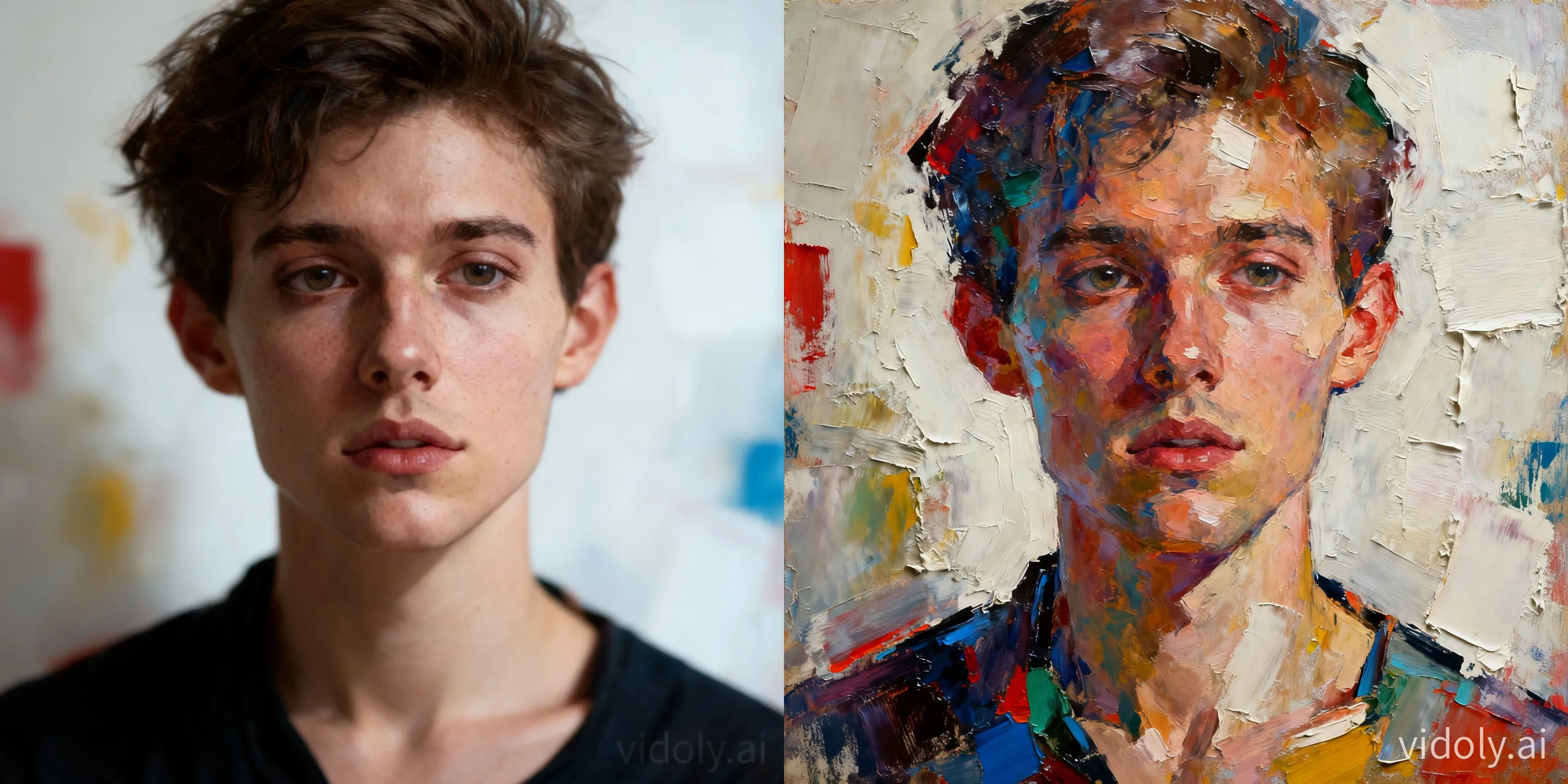
Photo To Oil Painting

Photo To Oil Painting

Importer une image
photo_camera

Importer une image

Prompt
665/2000
Licence commerciale incluse
Plus dans
Convert photos into AI oil painting style works

Convert photos into AI oil painting style works

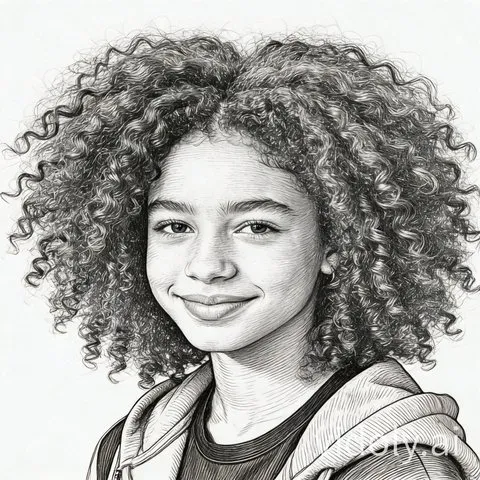
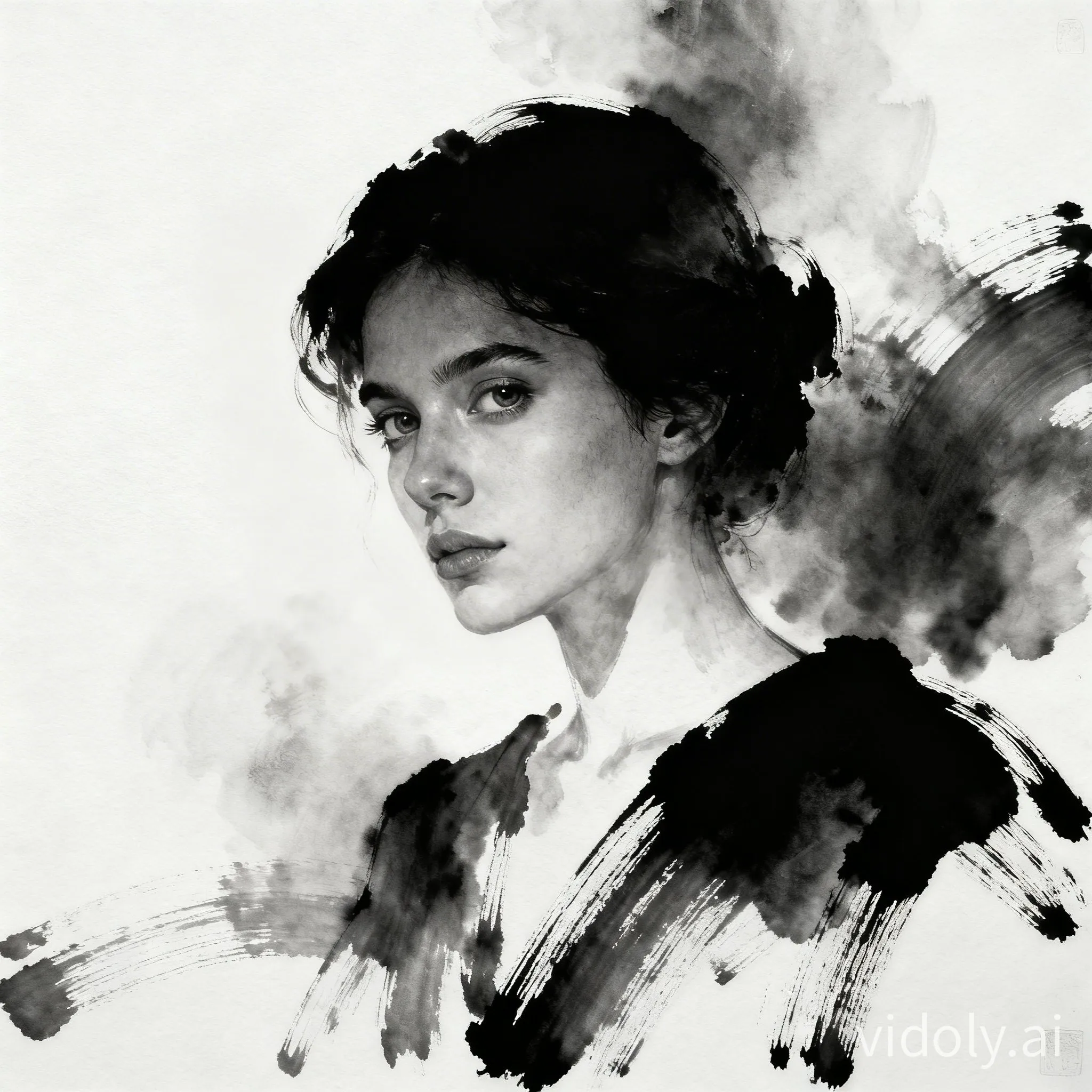
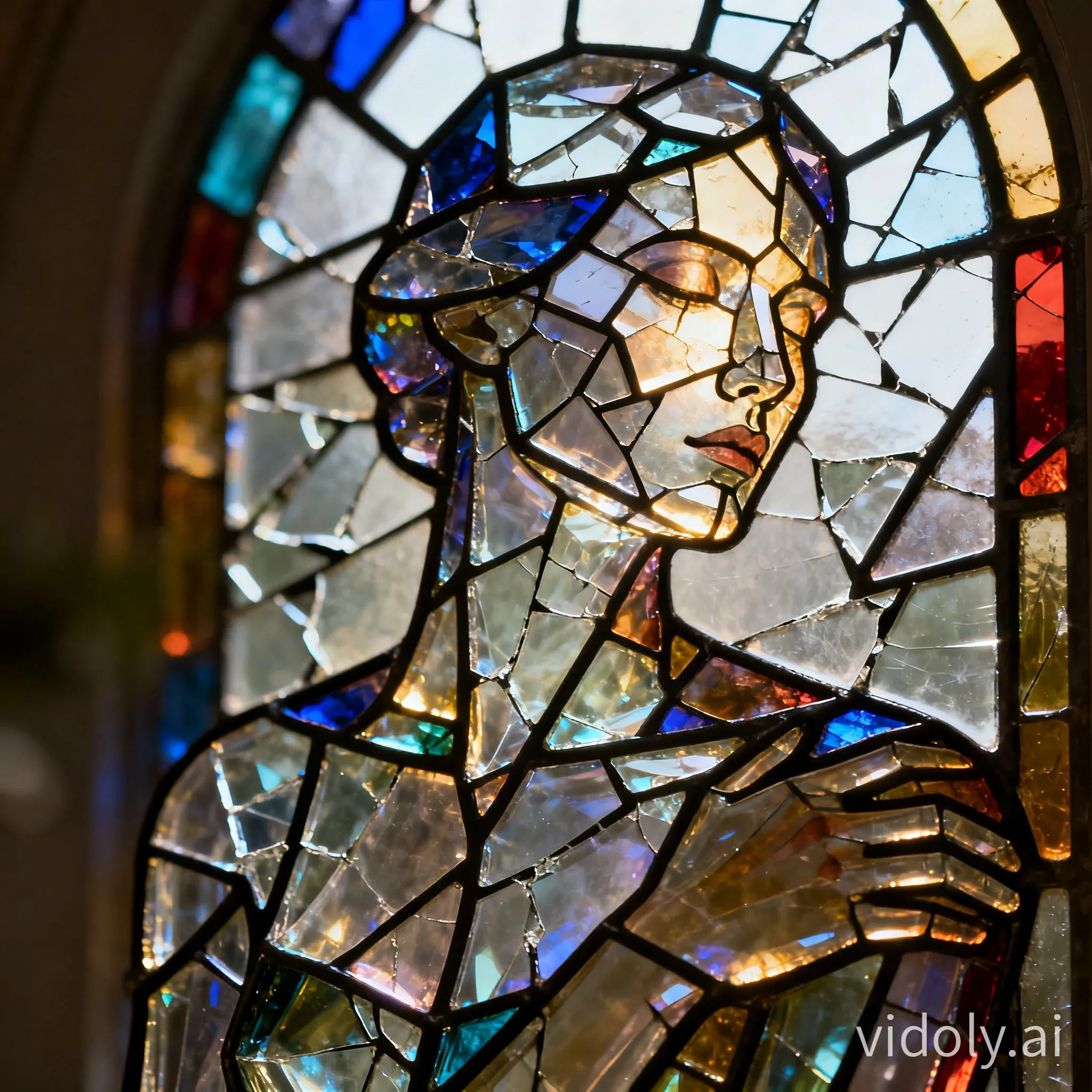
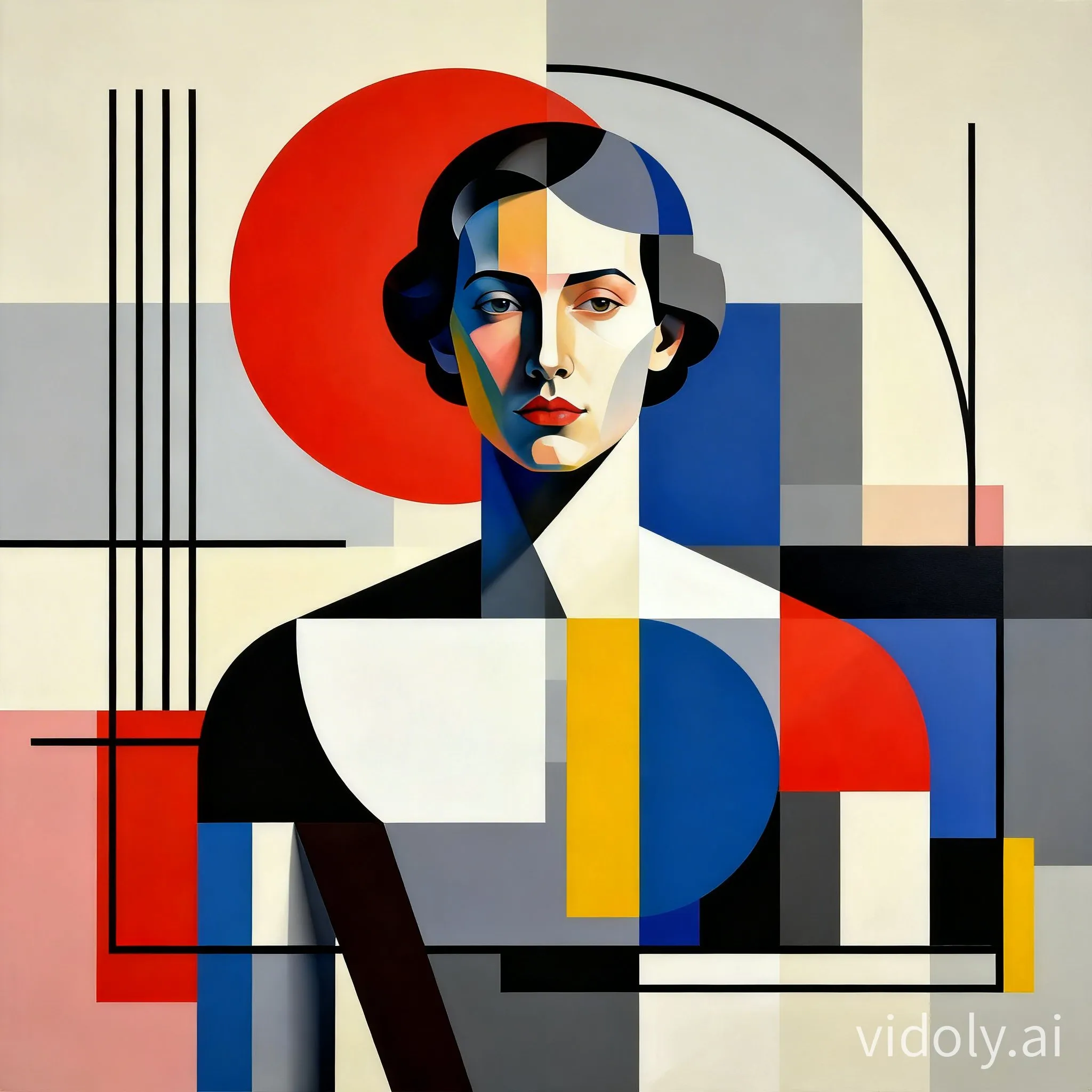
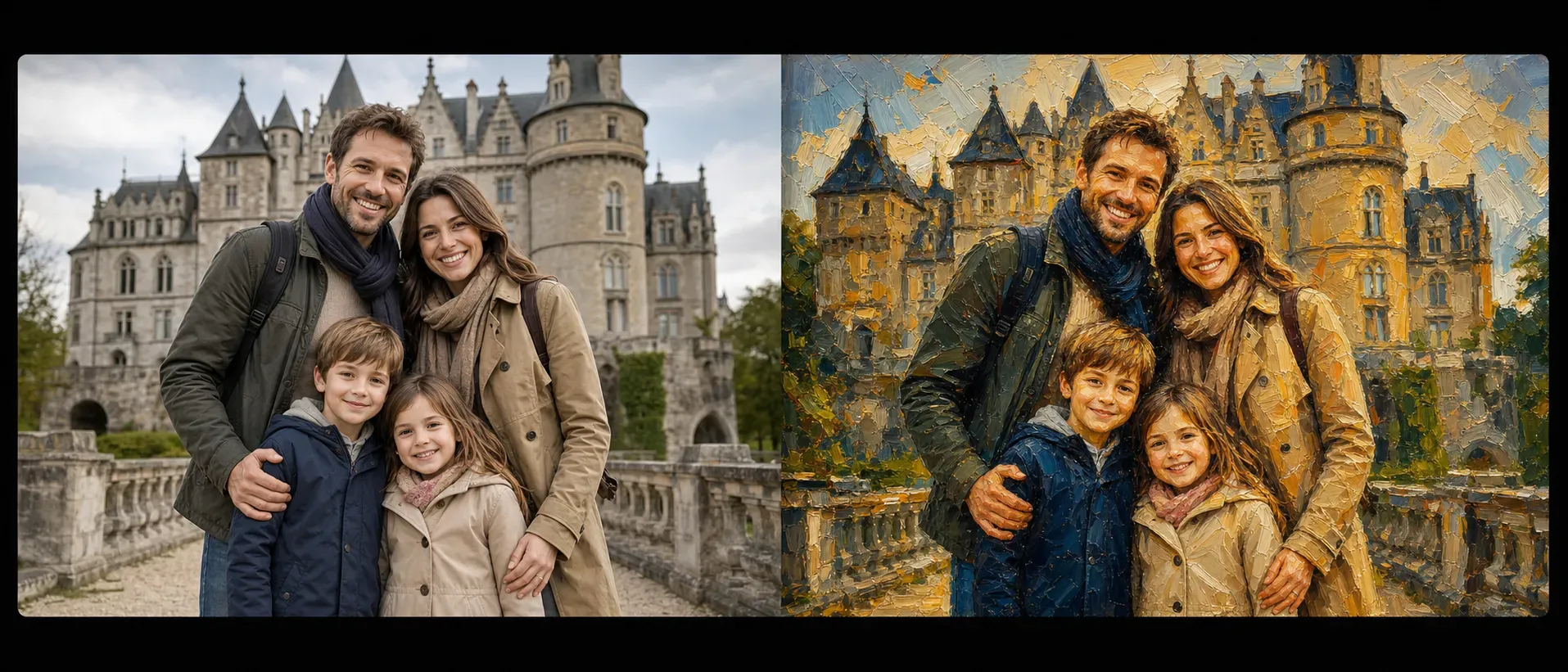
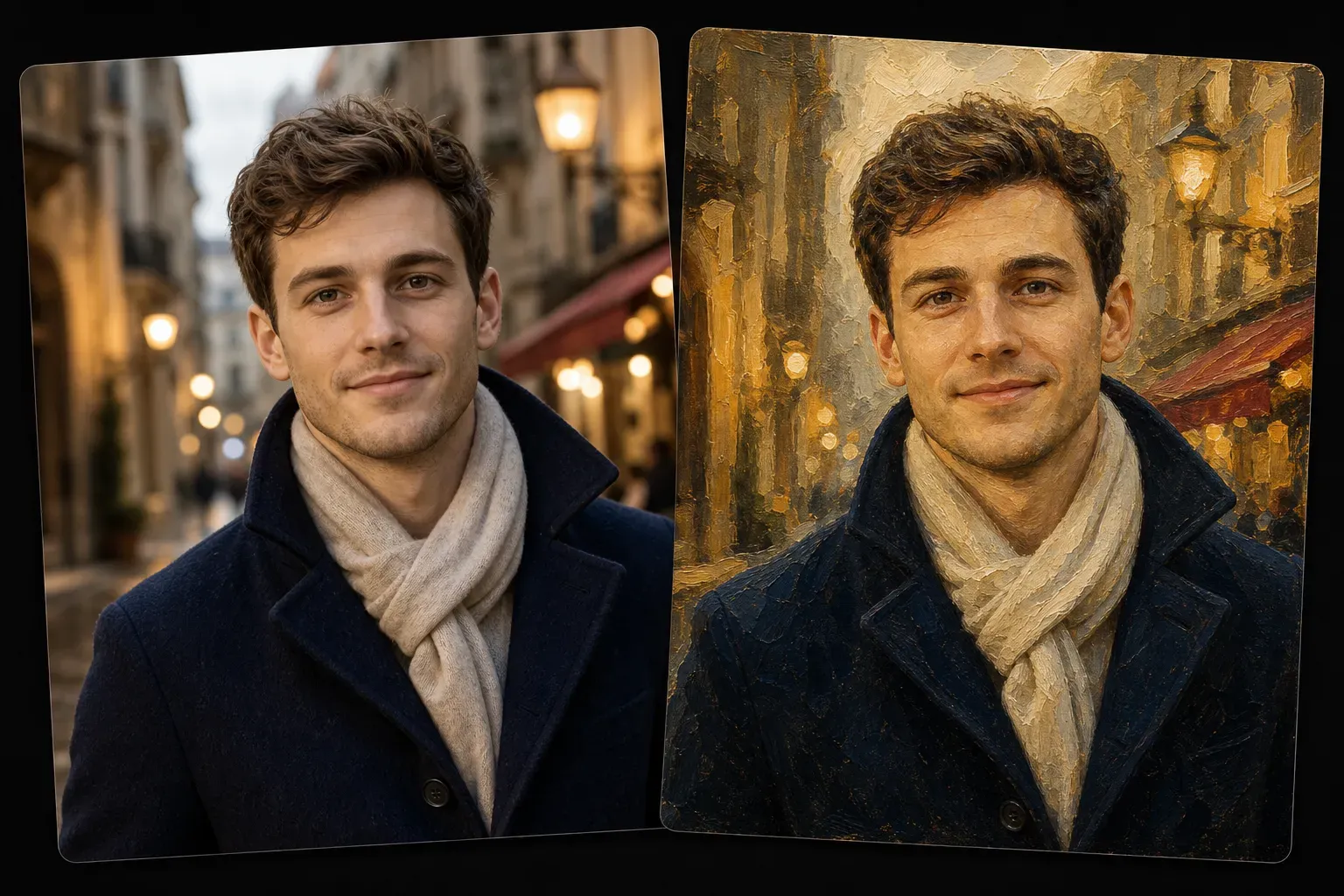
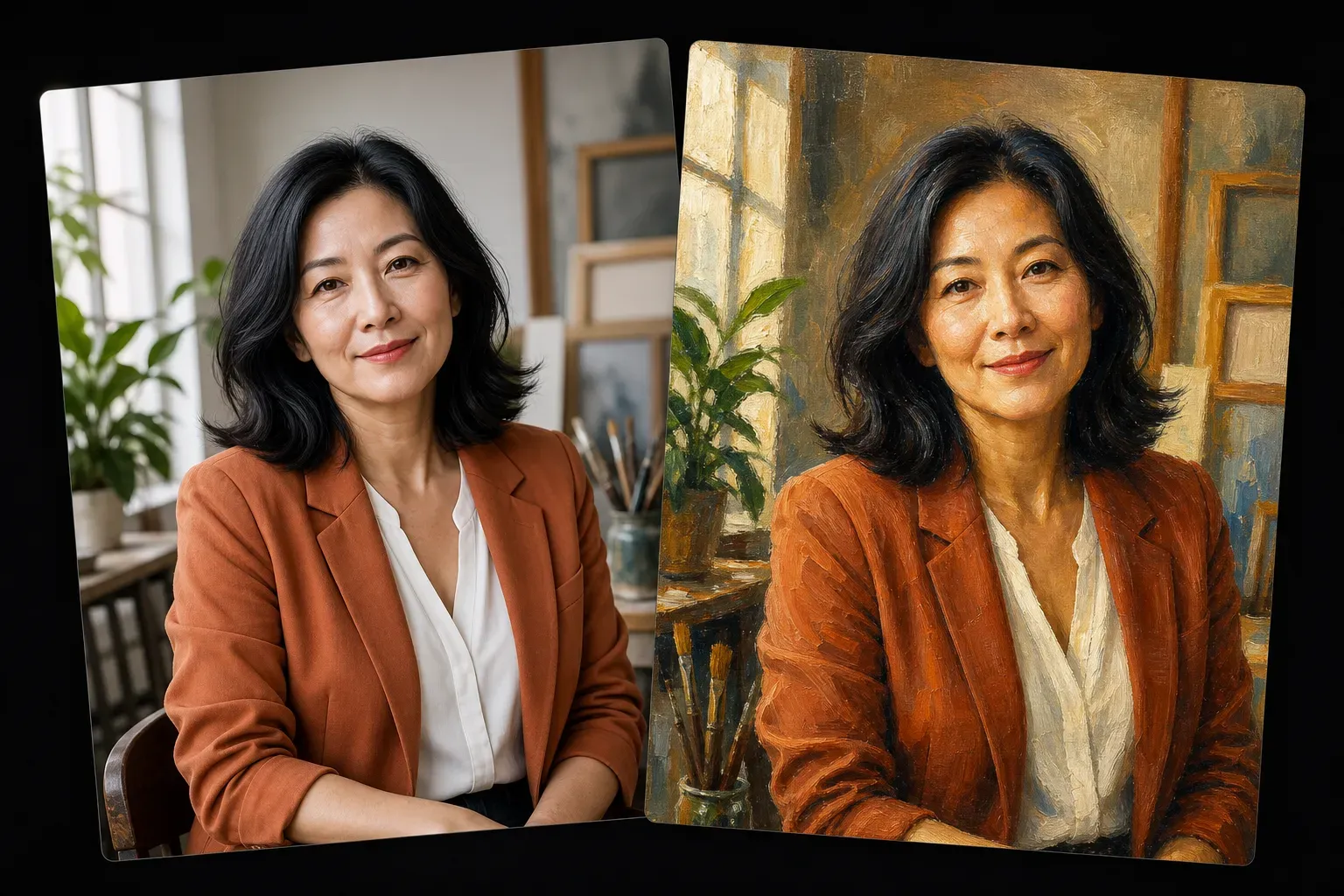
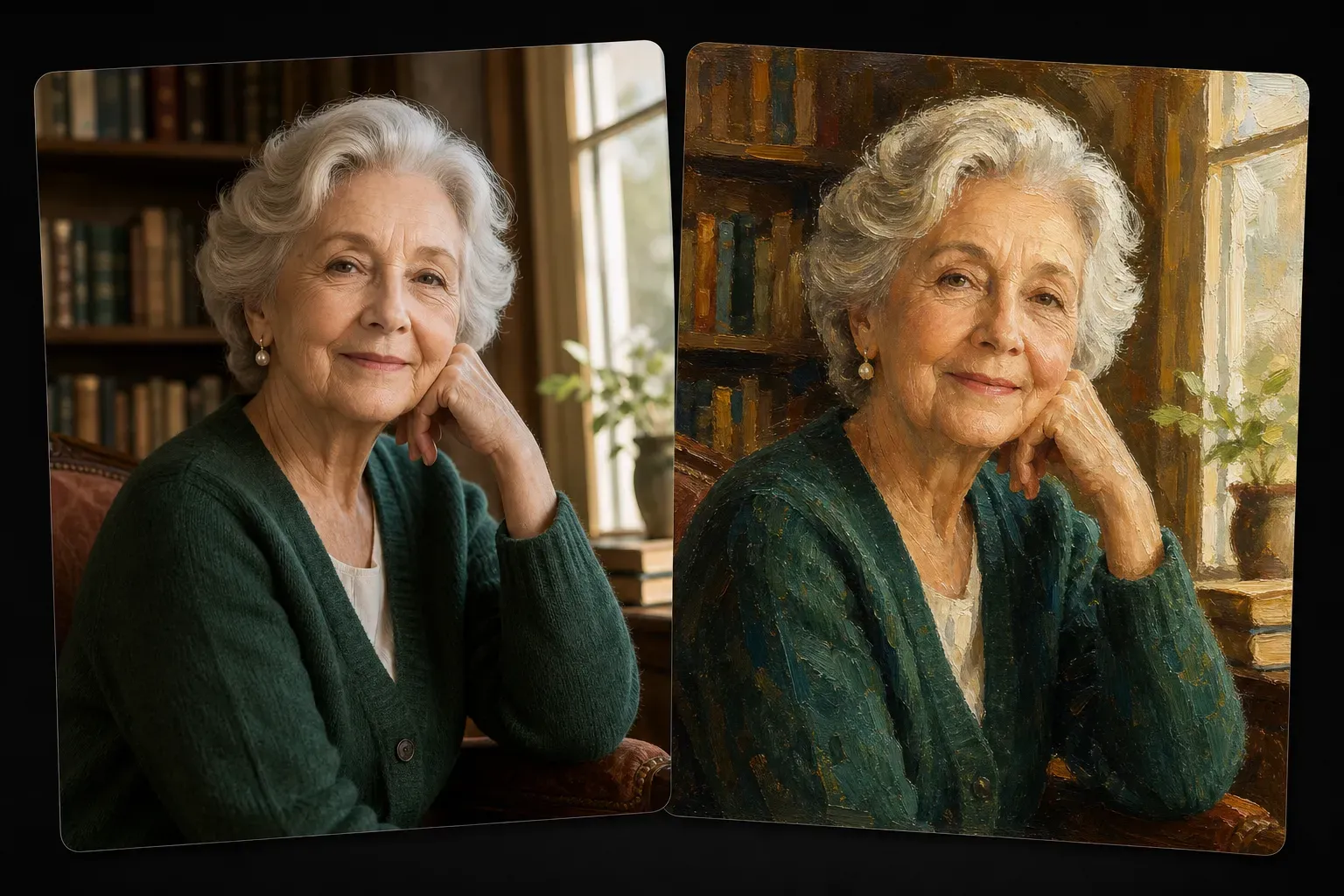
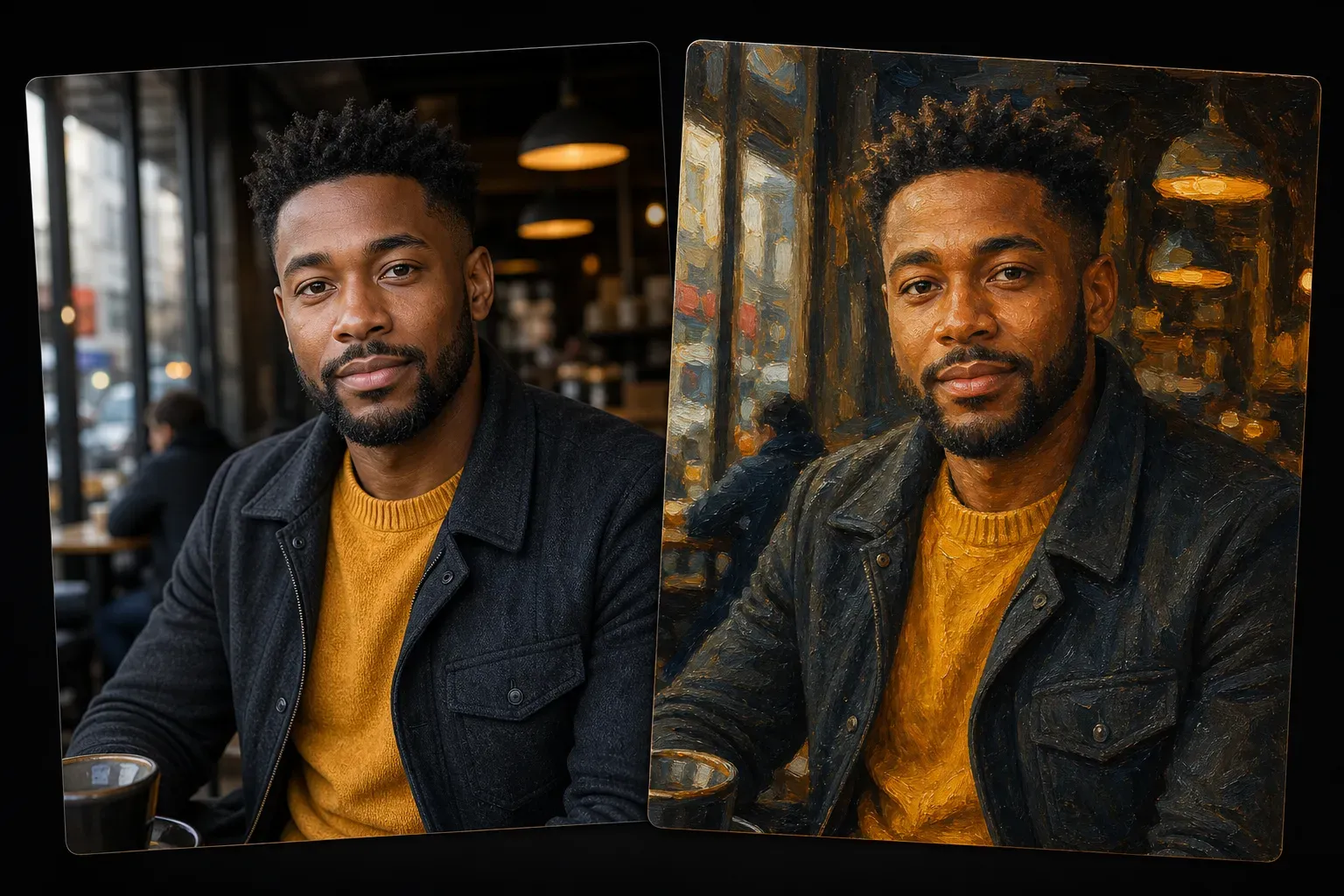
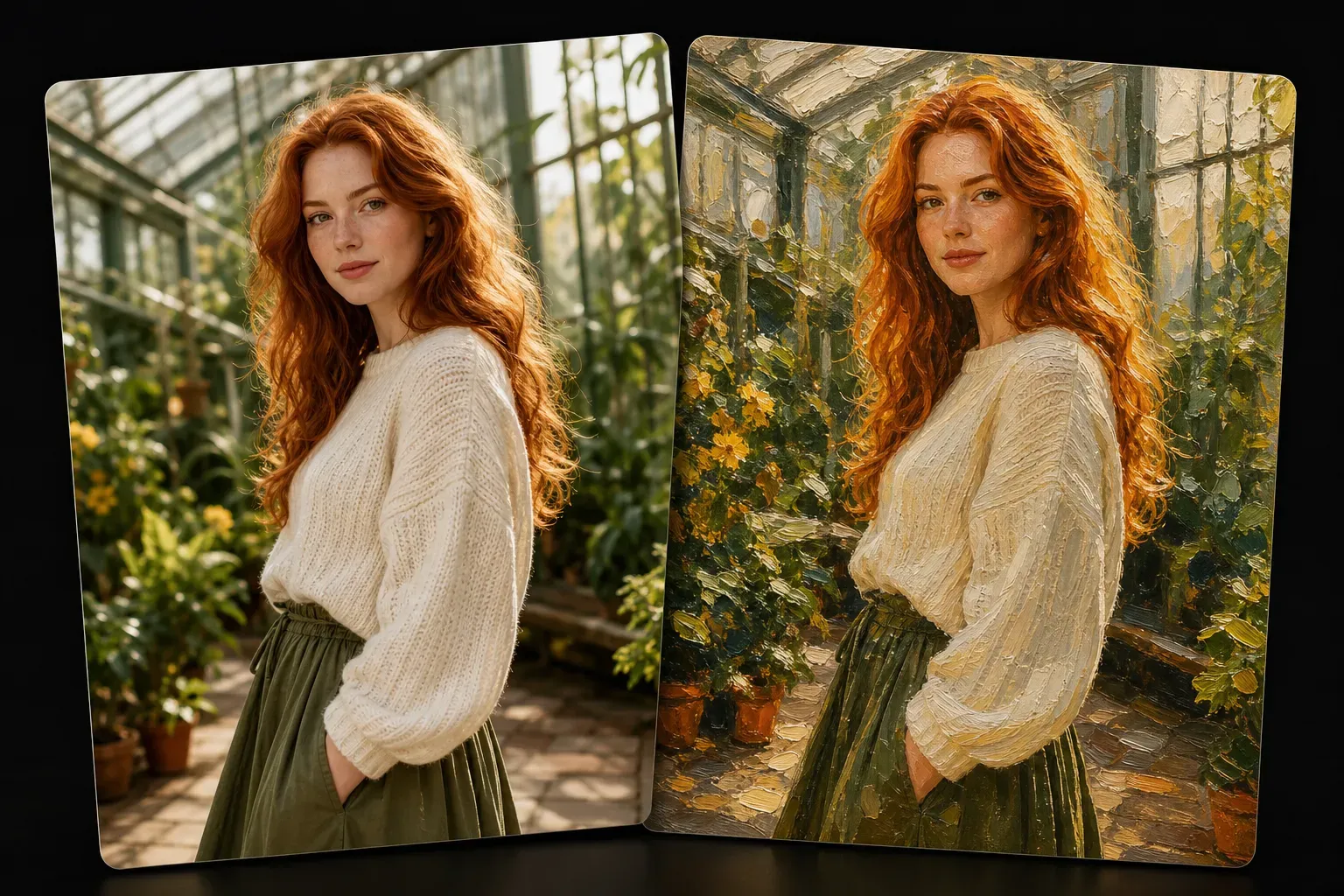
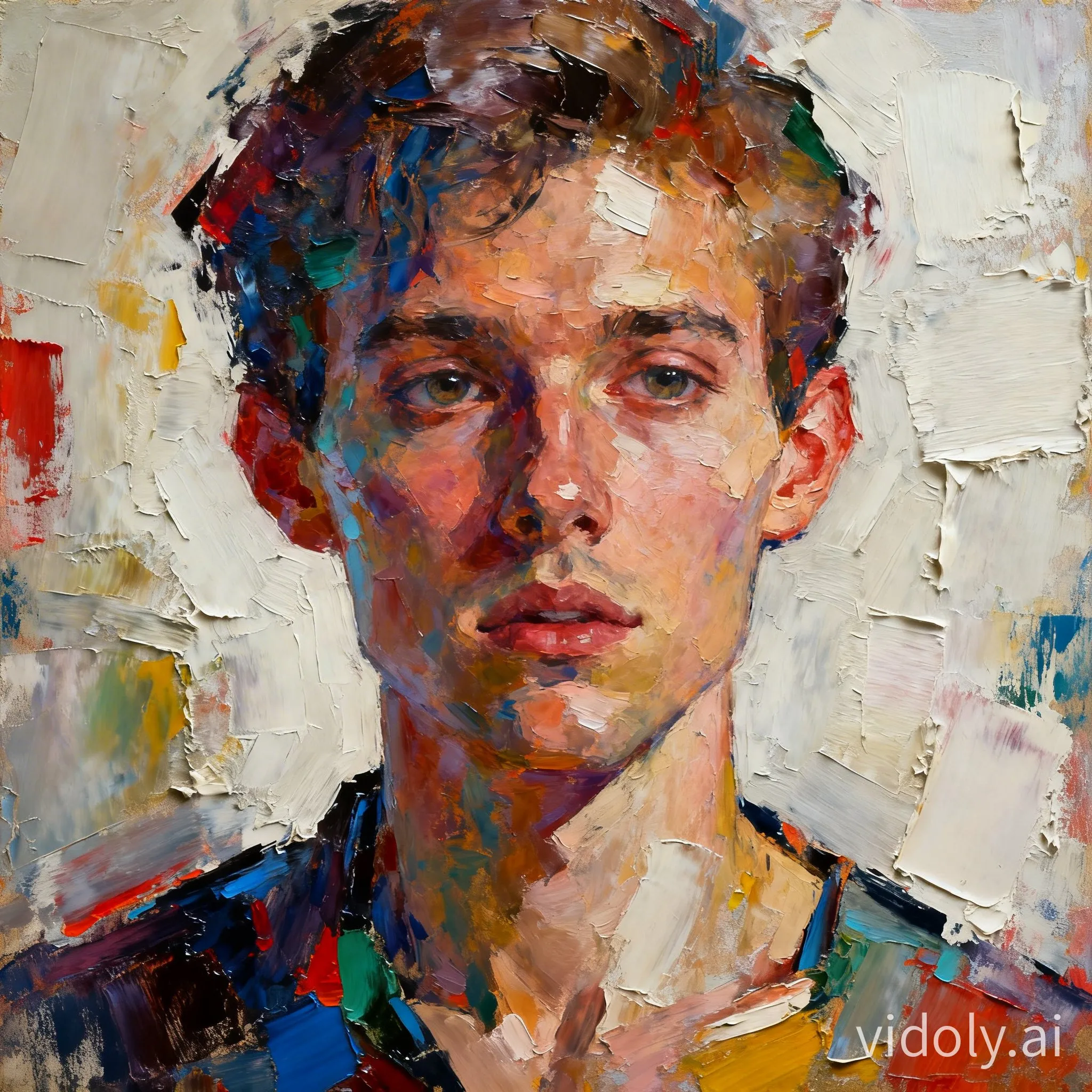
Vidoly AI Photo to Oil Painting Generator allows users to convert uploaded images into oil painting-style works. The AI analyzes the subject, lighting, color palette, facial features, background depth, and object edges, then reconstructs the photo through brushstrokes, canvas-like textures, and color gradients unique to traditional oil paintings. This tool is suitable for portraits, family photos, pets, landscapes, travel records, and personal artistic creations.

Generate Oil Painting
How does the AI photo to oil painting generator work?

How does the AI photo to oil painting generator work?

This tool converts photos into oil painting-style images by identifying the subject, background areas, color proportions, lighting, and visual depth. Instead of simple blurring or color filters, it reconstructs photos through brushstroke textures, soft edges, layered shadows, and canvas-like surface details. The final result is closer to a digital oil painting than a regular processed photo.

Which photos are best for converting to AI oil paintings?

Which photos are best for converting to AI oil paintings?

Photos with clear subjects, natural lighting, and balanced colors typically produce better oil painting results. Portrait photos require clearly visible faces, pet photos need distinct eyes and fur textures, and landscape photos need sufficient foreground and background depth. Blurry, over-dark, over-exposed, or overly compressed images may affect brushstroke details and facial restoration quality.

Convert portraits and family photos into oil paintings

Convert portraits and family photos into oil paintings

Portraits and family photos are common use cases for AI oil painting generation, as this style adds warmth, depth, and a handcrafted feel. The AI preserves faces, clothing, poses, and spatial composition while replacing photographic clarity with artistic color gradients and brushstroke textures. It is ideal for use as profile pictures, commemorative photos, gift ideas, and printable wall designs.

Create pet oil paintings from photos

Create pet oil paintings from photos

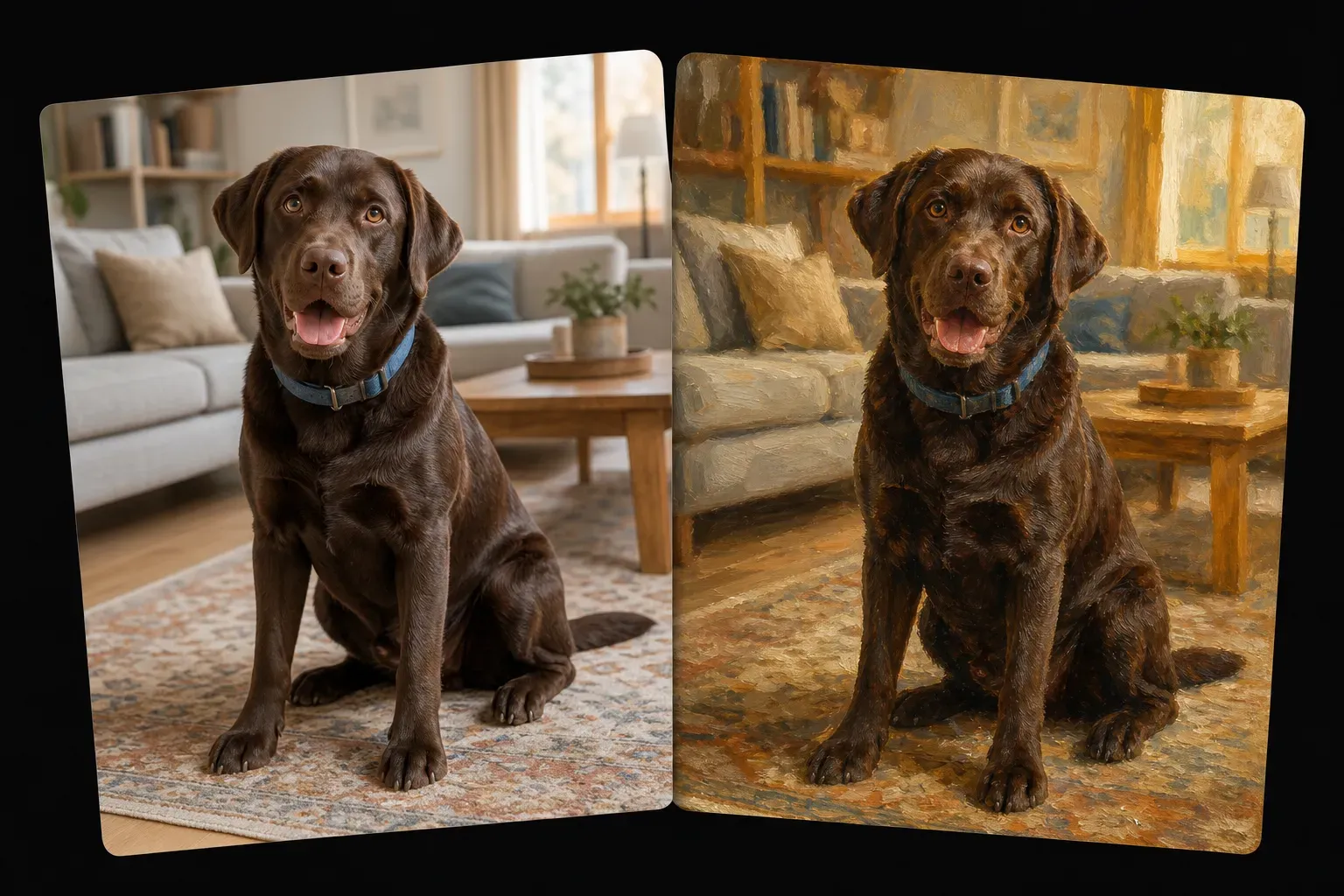
Pet photos can be converted into artistically textured portraits with distinct fur textures, vivid eyes, and soft background depth. For pets like dogs, cats, or horses, the best results are usually achieved with clear photos where the pet faces the camera. Cluttered backgrounds, motion blur, or dark fur in low-light conditions may affect the final painting's details.

The difference between AI photo to oil painting and basic photo filters

The difference between AI photo to oil painting and basic photo filters

Basic filters typically only alter an image's overall color, contrast, or clarity. In contrast, AI photo to oil painting tools go further by reinterpreting photos through artistic edges, brushstroke patterns, color gradients, and canvas-like textures. Filters are suitable for quick adjustments, while AI oil painting conversion is the better choice when users want their photos to look like artworks rather than processed images.

Common limitations of AI oil painting effects

Common limitations of AI oil painting effects

AI oil painting conversion may simplify small details such as jewelry, hair strands, glasses, fingers, text, patterns, or complex backgrounds. If the source image is blurry, low-resolution, or shot from an extreme angle, facial features may be inaccurate. For best results, use clear images with a single subject and avoid photos containing small, important details.

How to use Vidoly AI Photo to Oil Painting Generator

1

Upload your photo

Choose portraits, pet photos, family photos, landscapes, product images, or travel records—ensure they have sufficient lighting and clear details.

2

Select an oil painting style

Choose an artistically textured style such as classic oil painting portraits, textured canvas works, soft brushstrokes, vibrant colors, or vintage oil paintings.

3

Generate AI oil painting

Let the AI analyze the subject, lighting, colors, depth, and textures to convert the photo into an oil painting-style work.

4

Check the result

Verify that faces, key objects, brushstroke textures, and background details look natural. If the output is overly flat or distorted, try a different source image or style.

5

Download the artwork

Save the generated oil painting image—it can be used for social media, gift ideas, printable art, profile pictures, mood boards, or creative references.

FAQ

What is an AI photo to oil painting art generator?

An AI photo to oil painting art generator converts uploaded photos into oil painting-style works. It reconstructs images through brushstrokes, canvas textures, soft edges, and color gradients characteristic of oil paintings.

Can I convert portrait photos into oil paintings?

Yes. Portraits are one of the best use cases, as the AI preserves facial structure, expressions, clothing, and lighting while adding artistic texture. Clear portraits taken from a front or three-quarter angle usually produce better results than blurry or low-light selfies.

Is it suitable for family photos?

Yes. Family photos can be converted into oil painting-style images, especially when all individuals are clearly visible. In photos with multiple people, small faces may lose some facial details—so close-up family portraits typically work best.

Can I create pet oil paintings from photos?

Yes. Pets like dogs, cats, or horses can be converted into oil painting-style portraits. Use photos where the pet's eyes, face, and fur outline are clearly visible.

Is there a difference from oil painting filters?

Yes. Basic filters usually alter the original image's color and texture, while AI oil painting conversion reinterprets photos through brushstrokes, canvas grain, soft transitions, and artificial depth.

Which photos produce the best oil painting results?

Photos with clear subjects, balanced lighting, visible facial or object details, and good resolution work best. Avoid blurry, over-dark, over-exposed, or images with too many complex small details.

Can I convert landscape photos into oil paintings?

Yes. Landscapes, city streets, mountains, beaches, gardens, and travel photos are all suitable. Photos with foreground and background depth, sufficient lighting, and clear natural textures usually create more artistic results.

Why does my AI oil painting look distorted?

Distortion may occur when the source image is low-resolution, blurry, compressed, or visually complex. Faces, hands, glasses, small text, and patterned clothing are common areas where the AI may simplify or change details.

Can I use the result as printable wall art?

If the output has an appropriate resolution, you can use the AI oil painting result as a wall art concept or personal print. For large prints, use the clearest possible source image and check details before printing.

Is AI oil painting better than hiring a painter?

AI is faster for quick creative concepts, profile pictures, social media materials, and personal experiments. Human painters have advantages in custom style directions, precise restoration, emotional interpretation, and commissioned works requiring modifications.

Can I use old family photos?

Yes, but old photos need to be clear enough for the AI to recognize faces, clothing, and backgrounds. Scratches, blurriness, low contrast, and faded colors may affect the detail restoration of the oil painting version.

Can I create vintage oil painting styles?

Yes. Vintage oil painting styles work well for portraits, family photos, pets, and classic indoor scenes. Warm-toned lighting, soft shadows, and simple backgrounds usually help generate more traditional artistic results.

À lire aussi