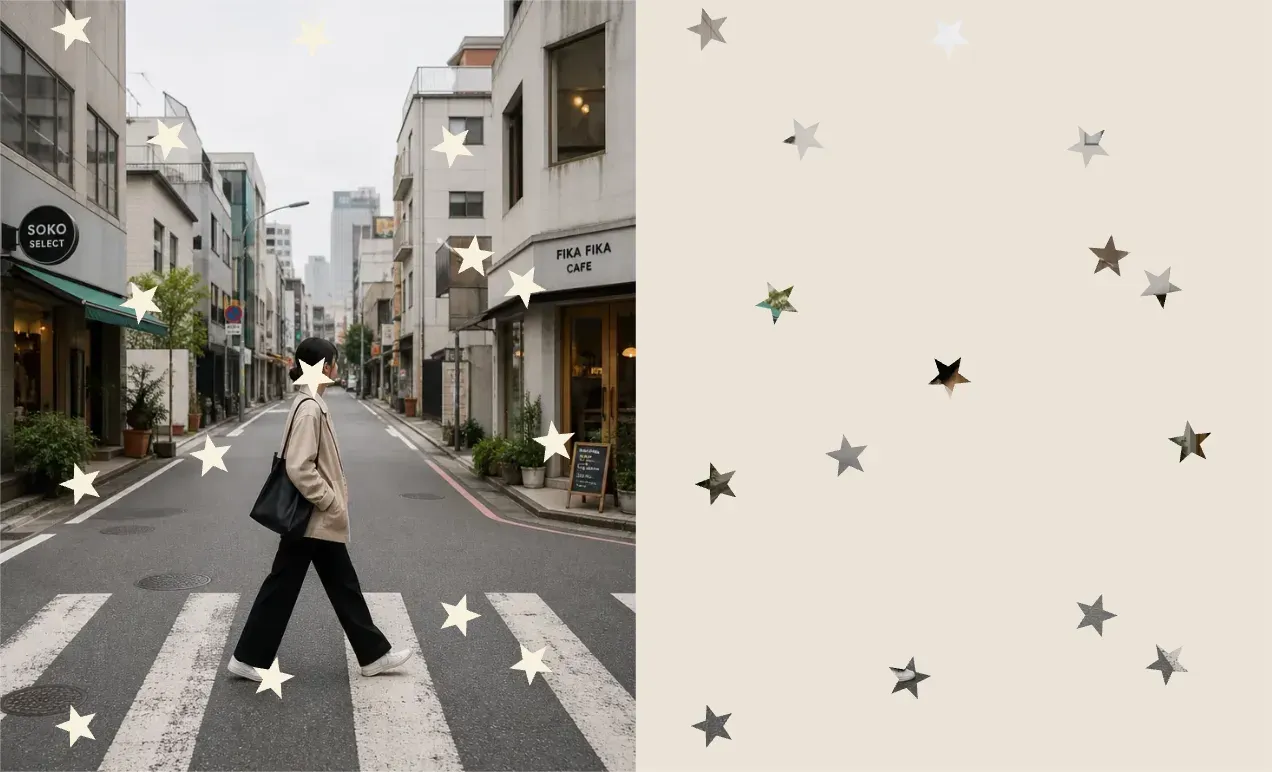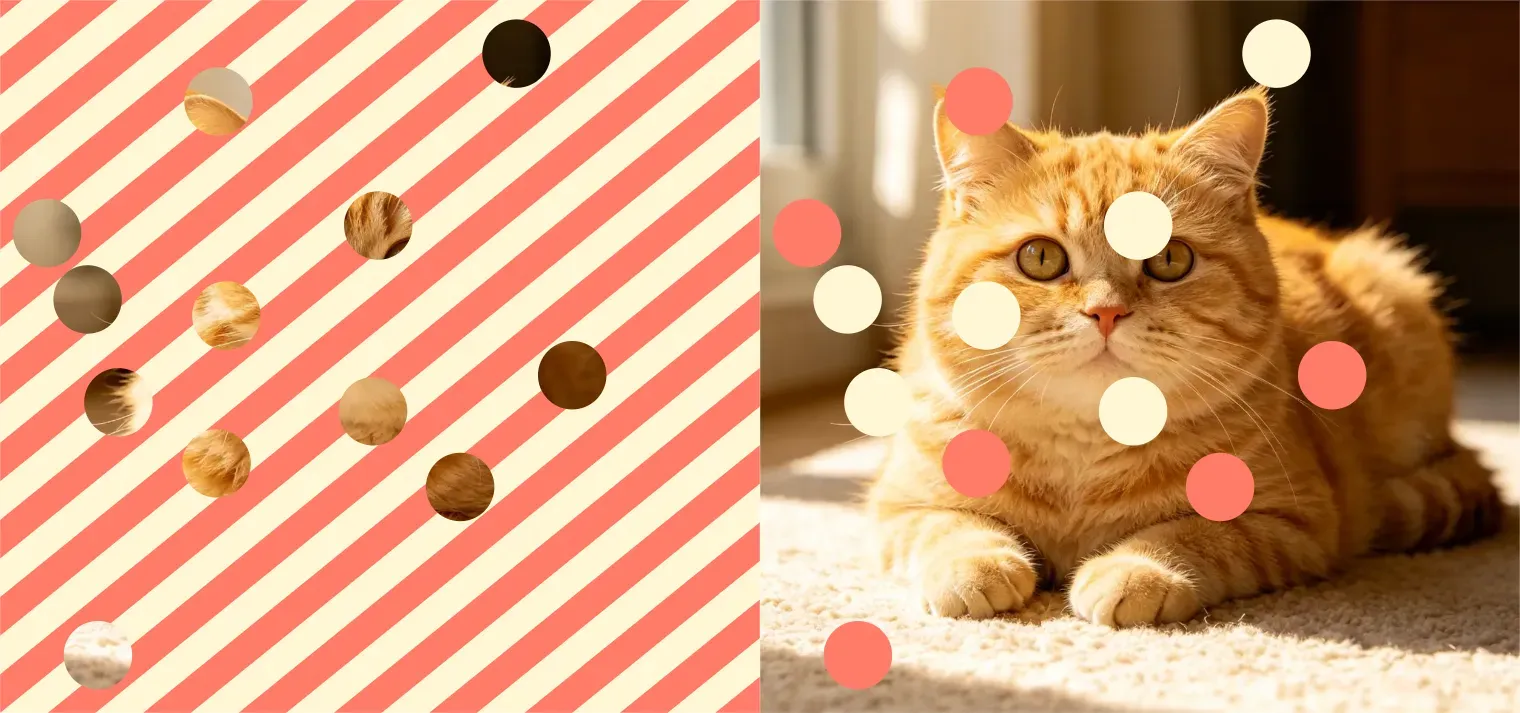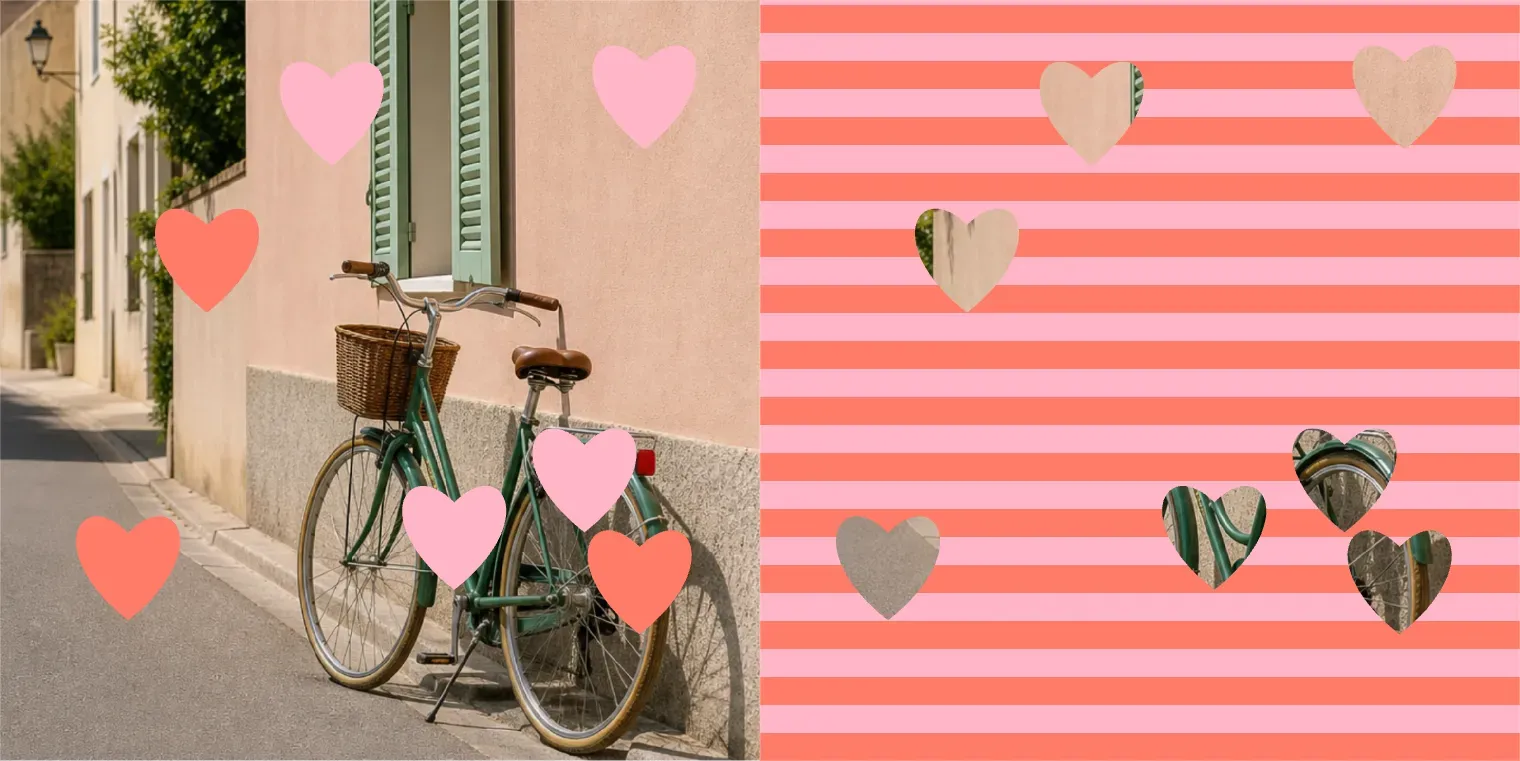
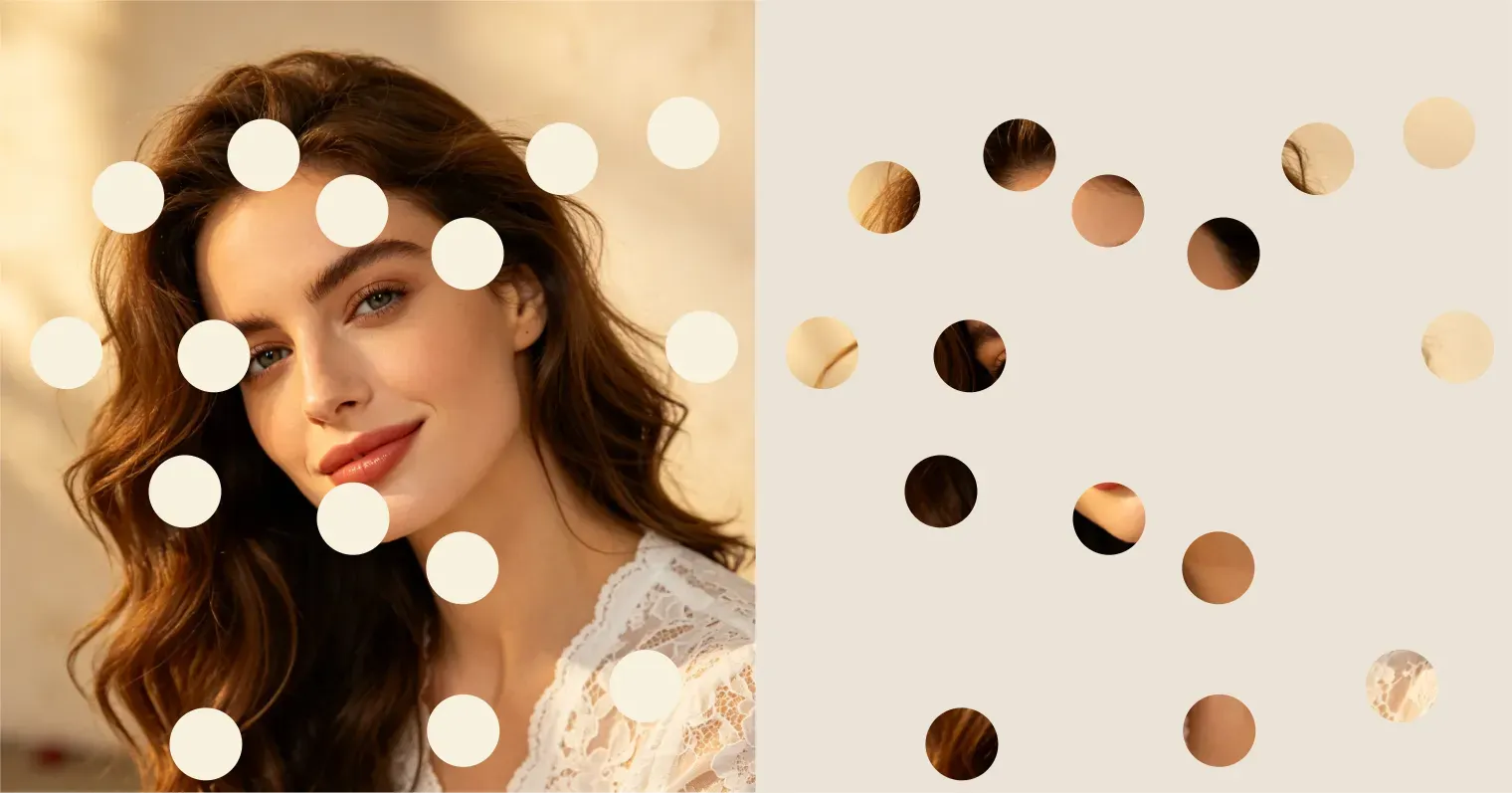
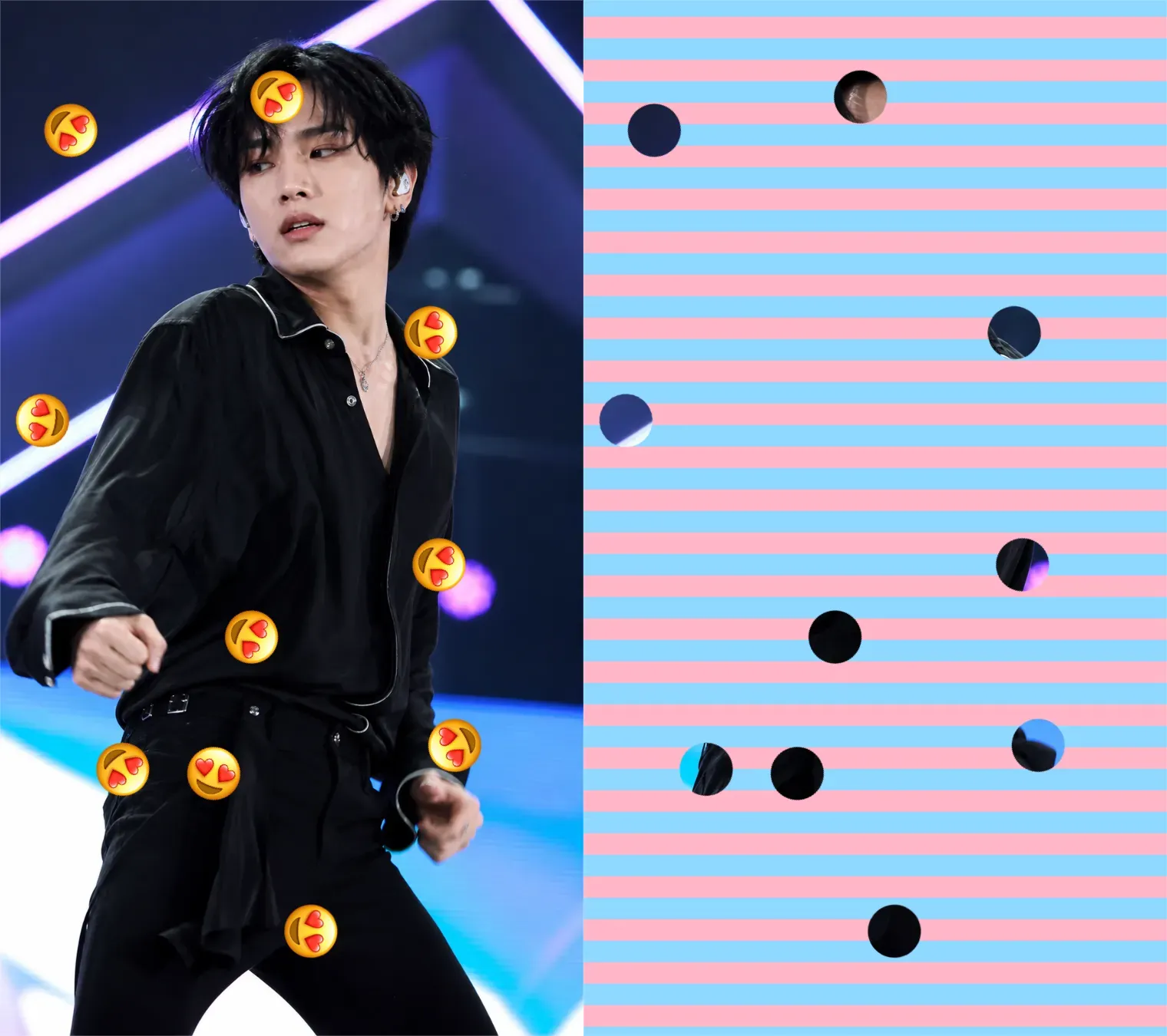
Heart Doooot Image

Heart Doooot Image

Importer une image
photo_camera

Importer une image

Contrôle des points
15/120
Licence commerciale incluse
Plus dans

Doooot Image Generator: Add Custom Dots to Photos with Simple Prompt Templates

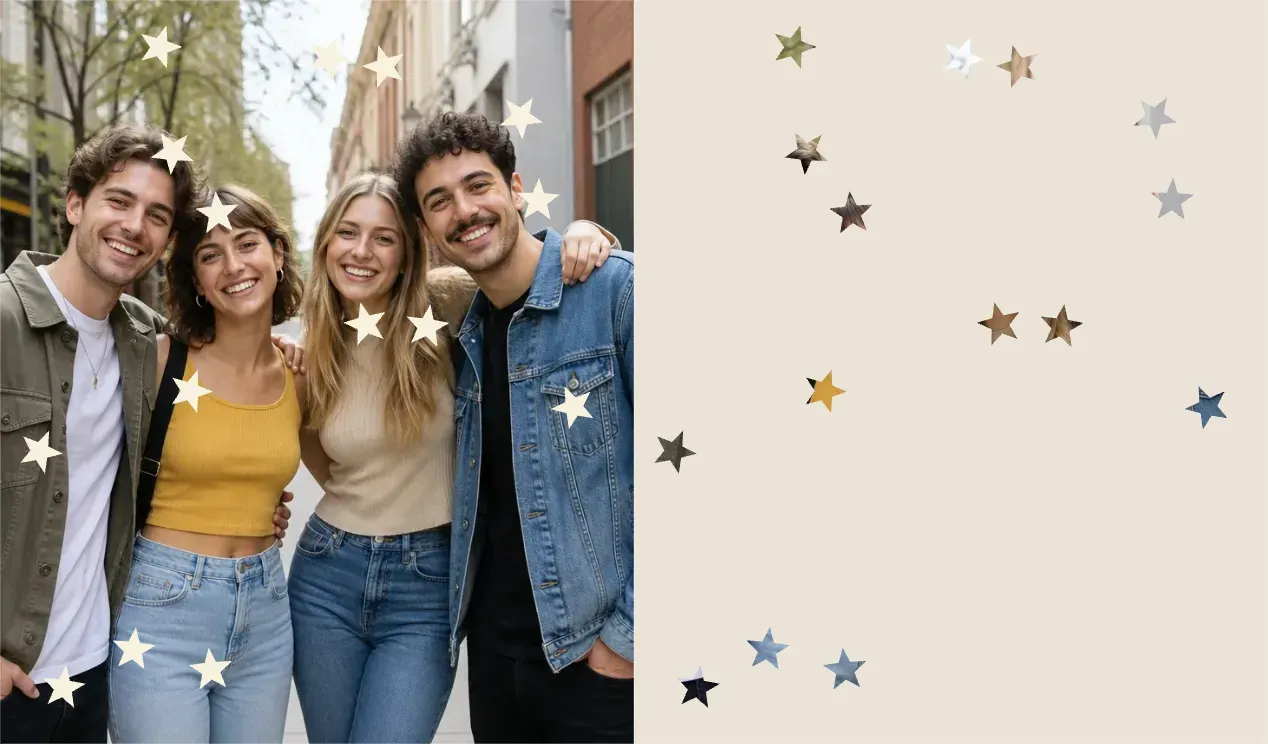
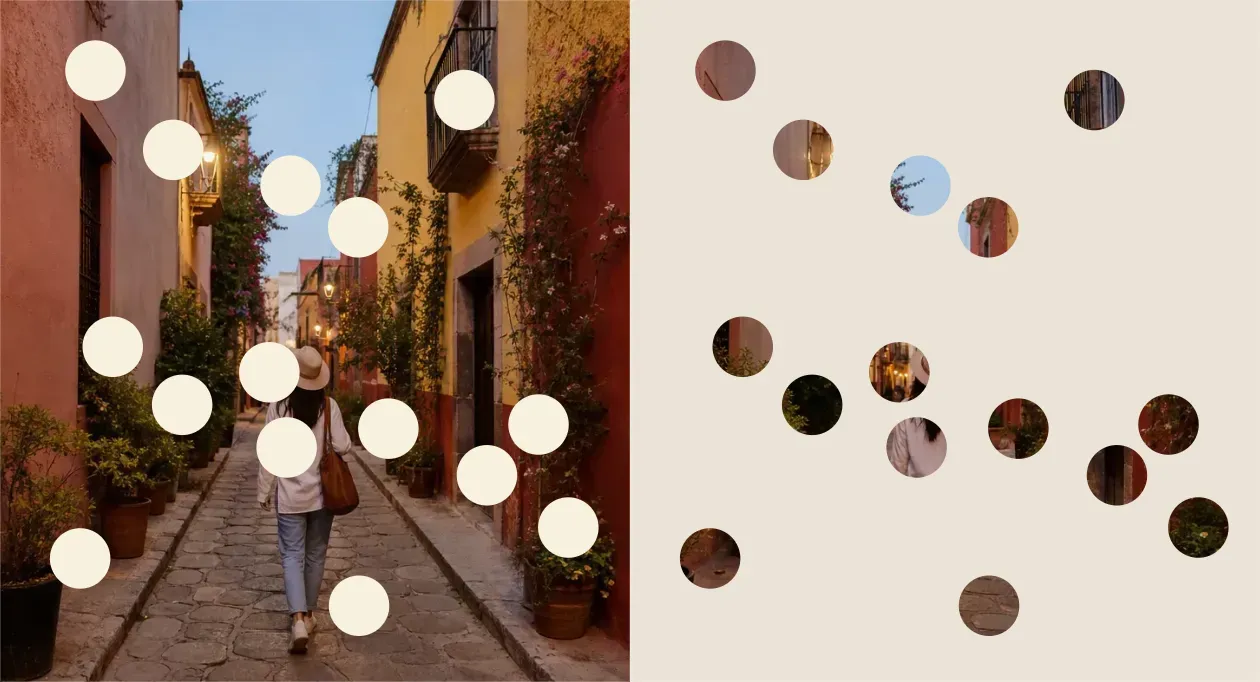
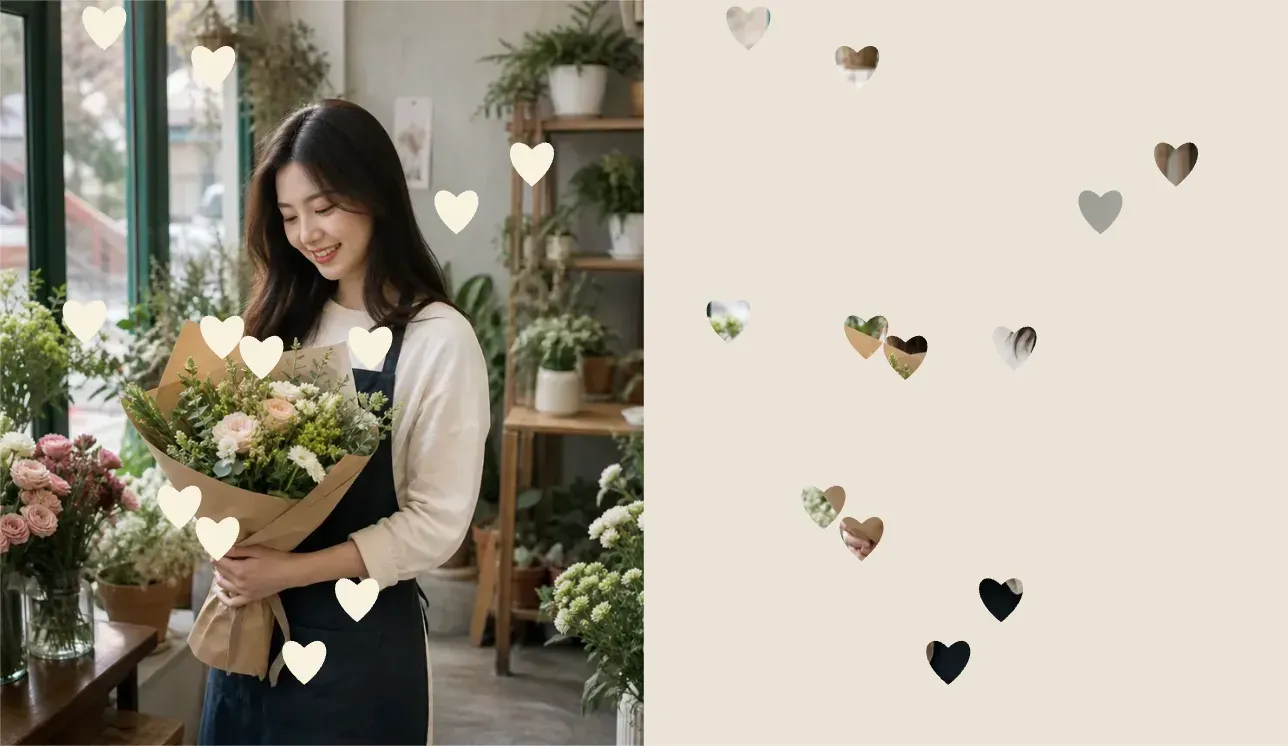
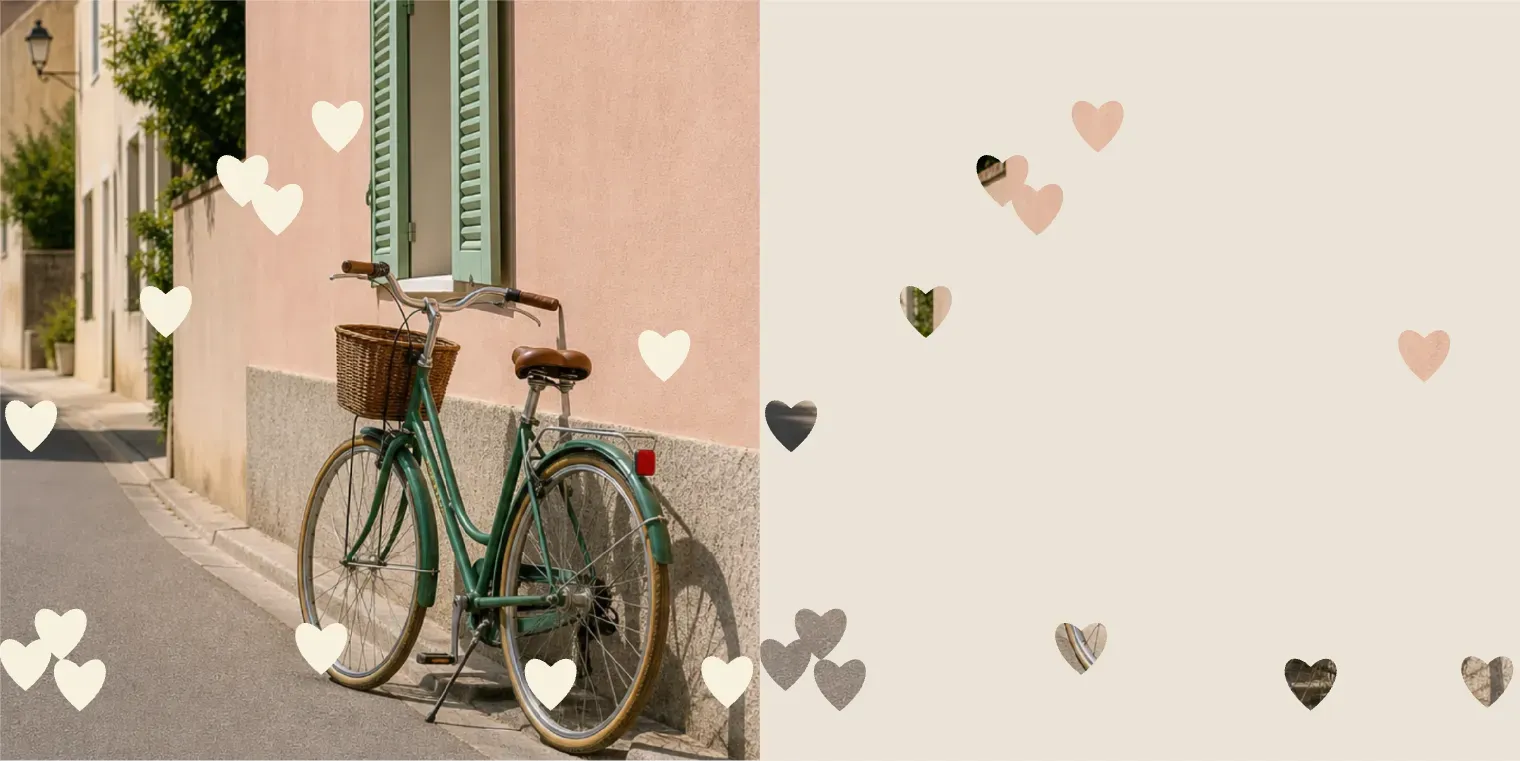
Vidoly’s Doooot Image Generator lets you upload photos and add decorative dot patterns by modifying just a few prompt variables. No need to write a full prompt from scratch—use ready-made templates to quickly adjust the number, color, and shape of dots.

Upload Photo and Generate Doooot Image
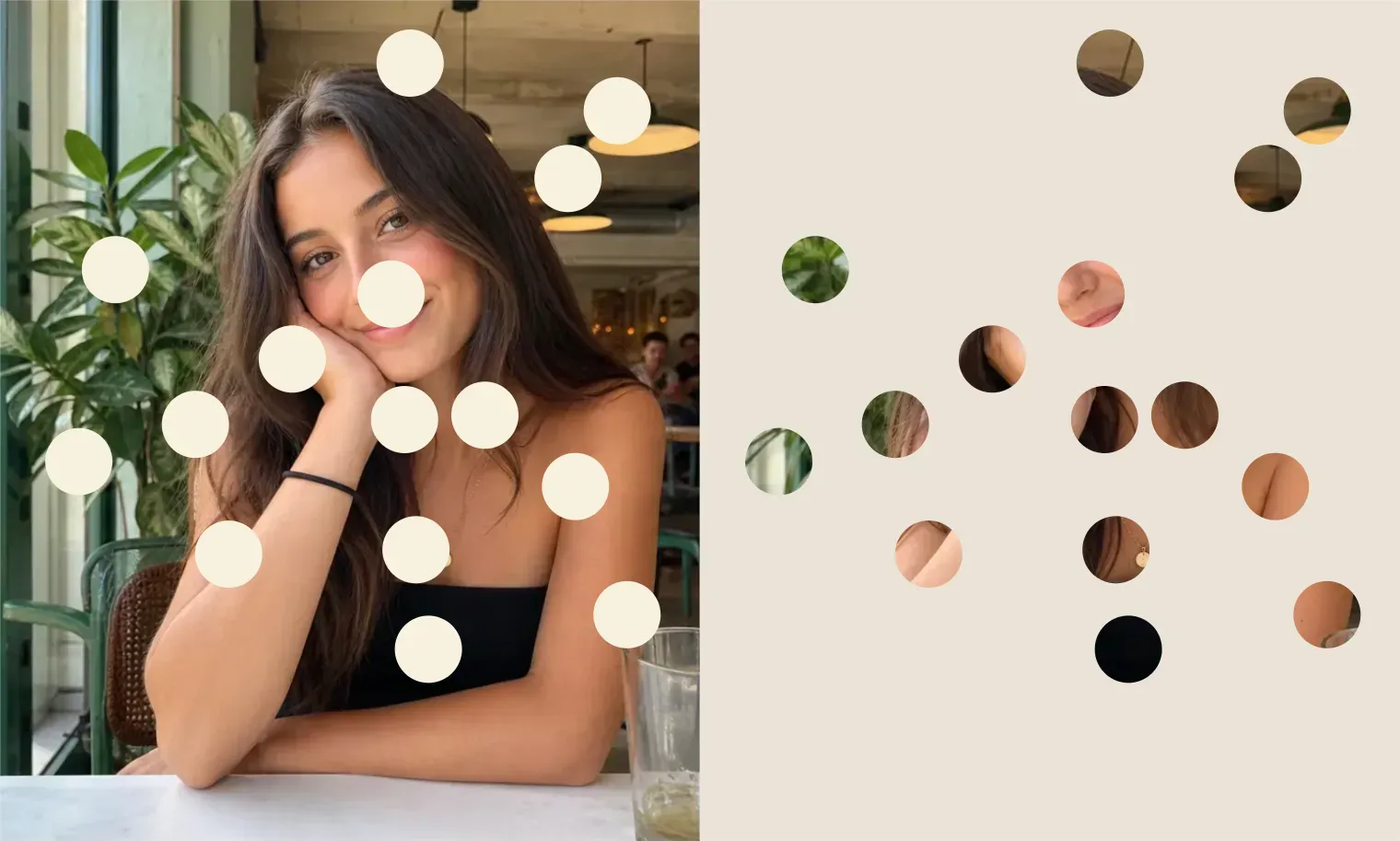
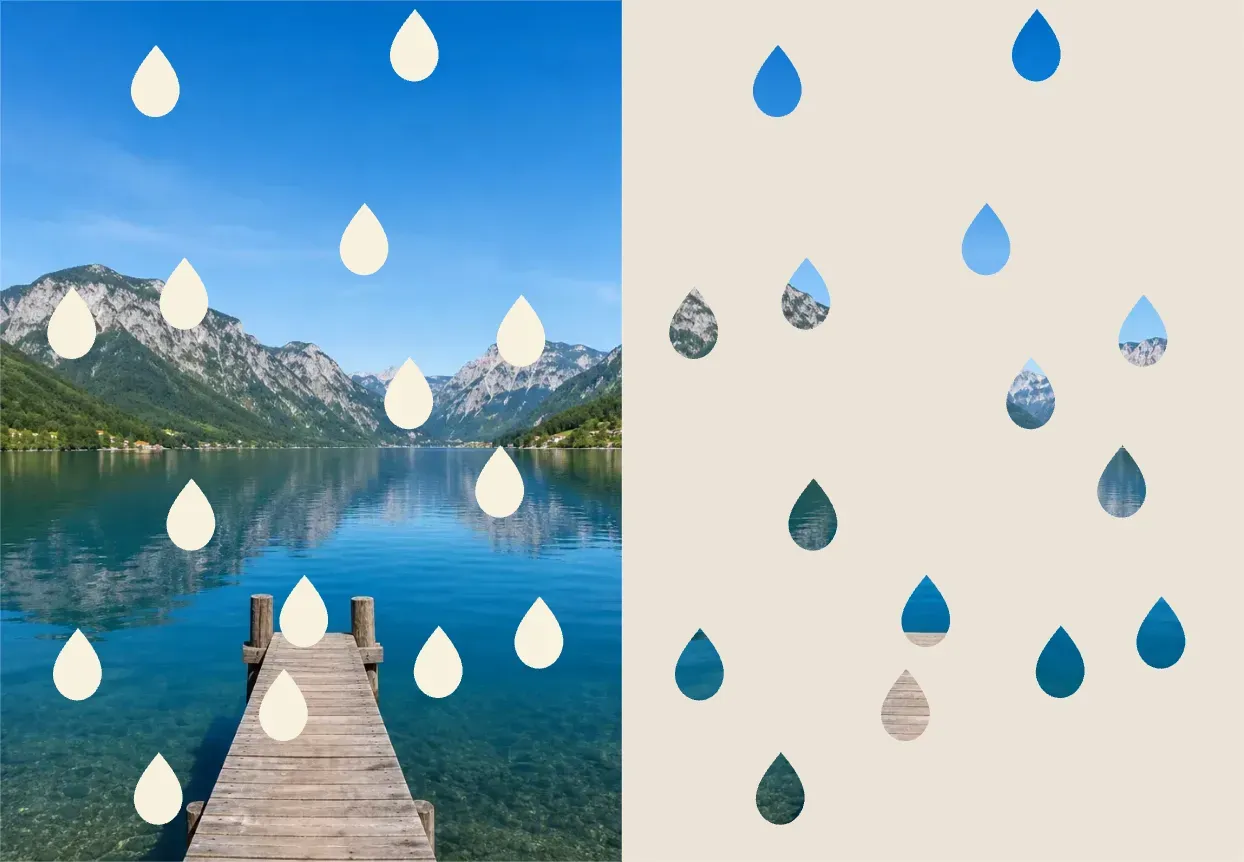
What is the Doooot Image Generator?

What is the Doooot Image Generator?

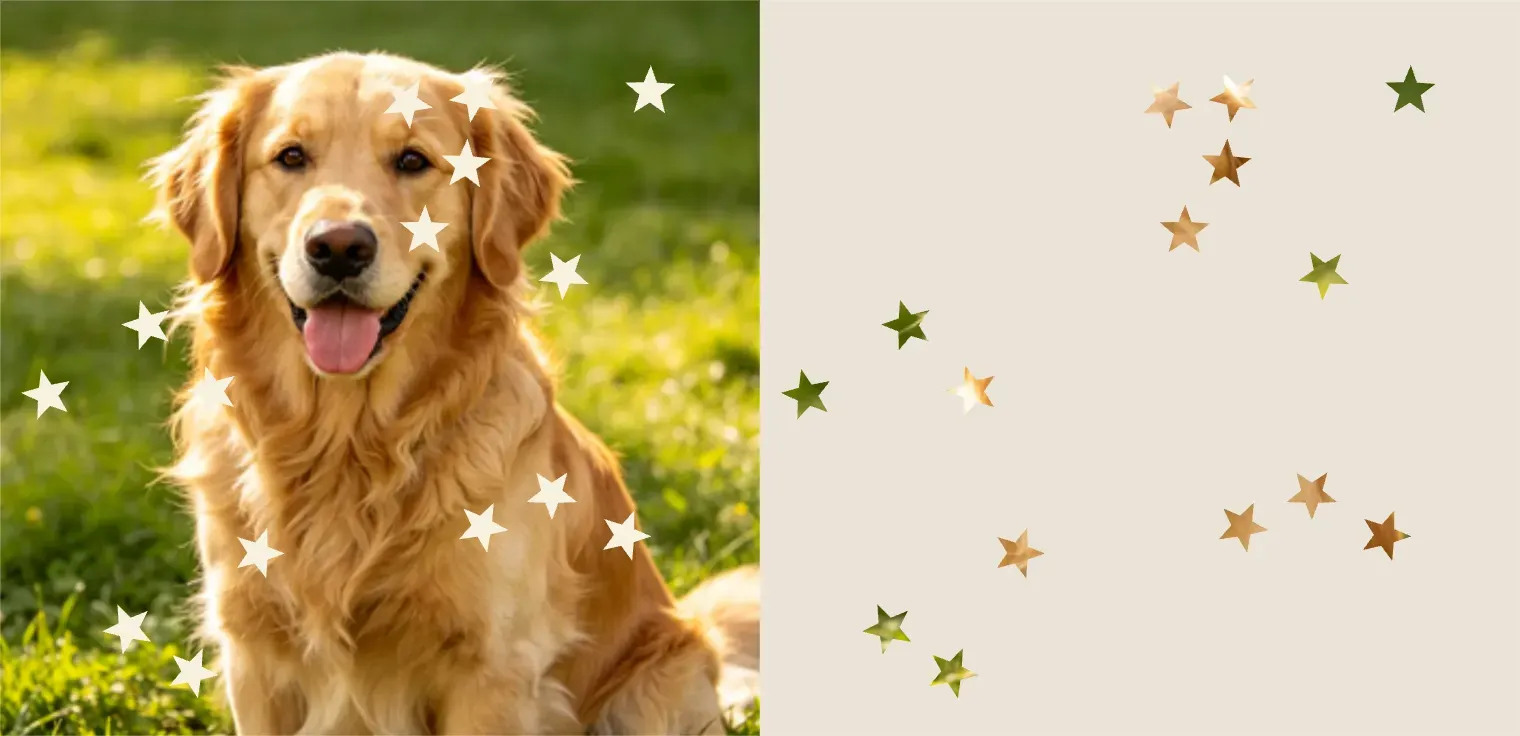
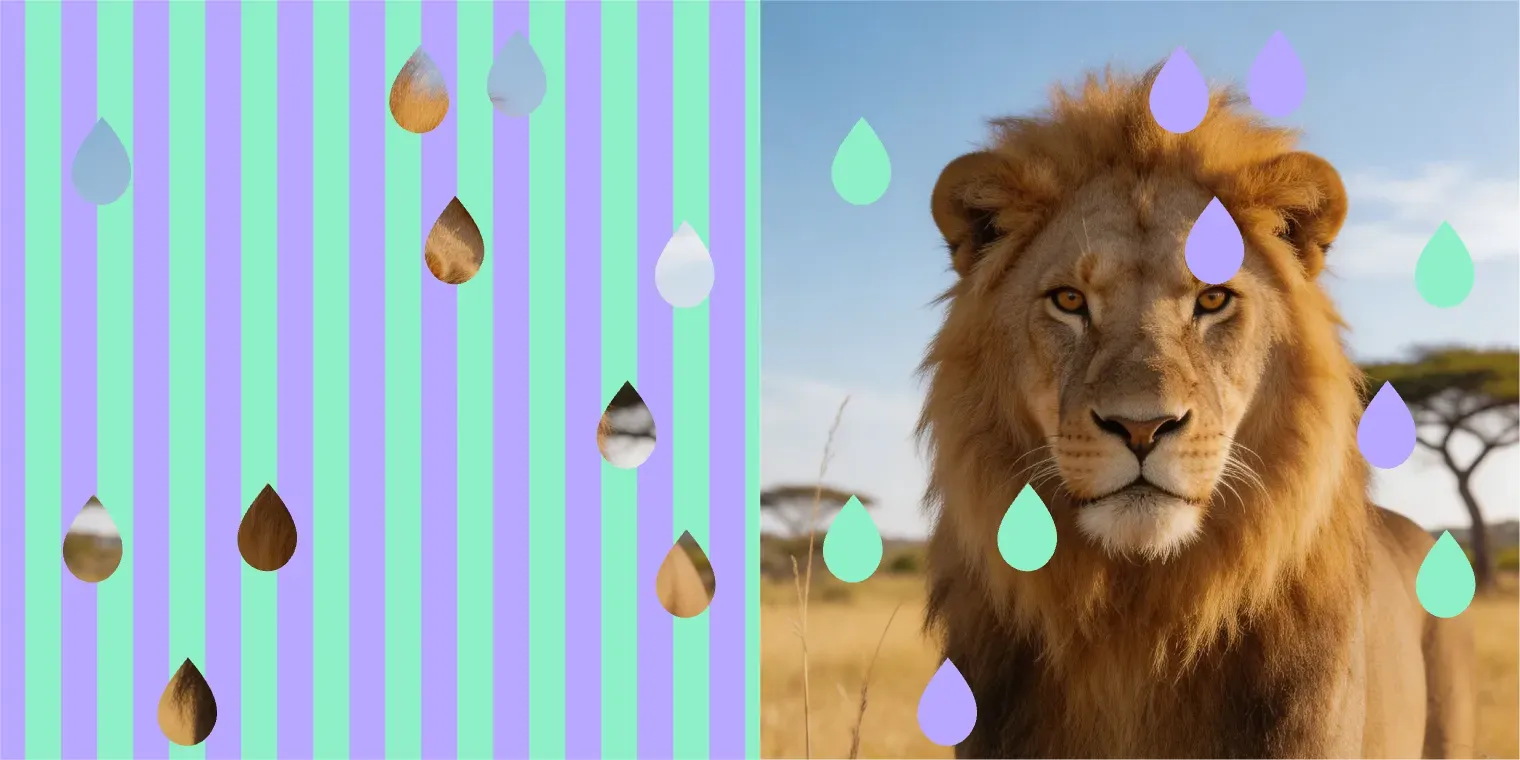
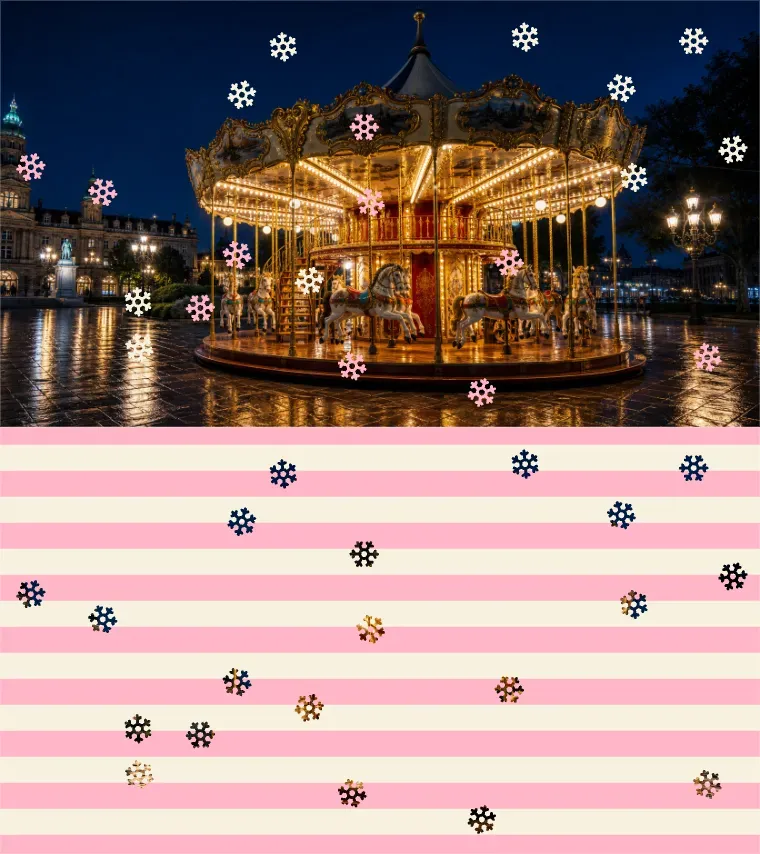
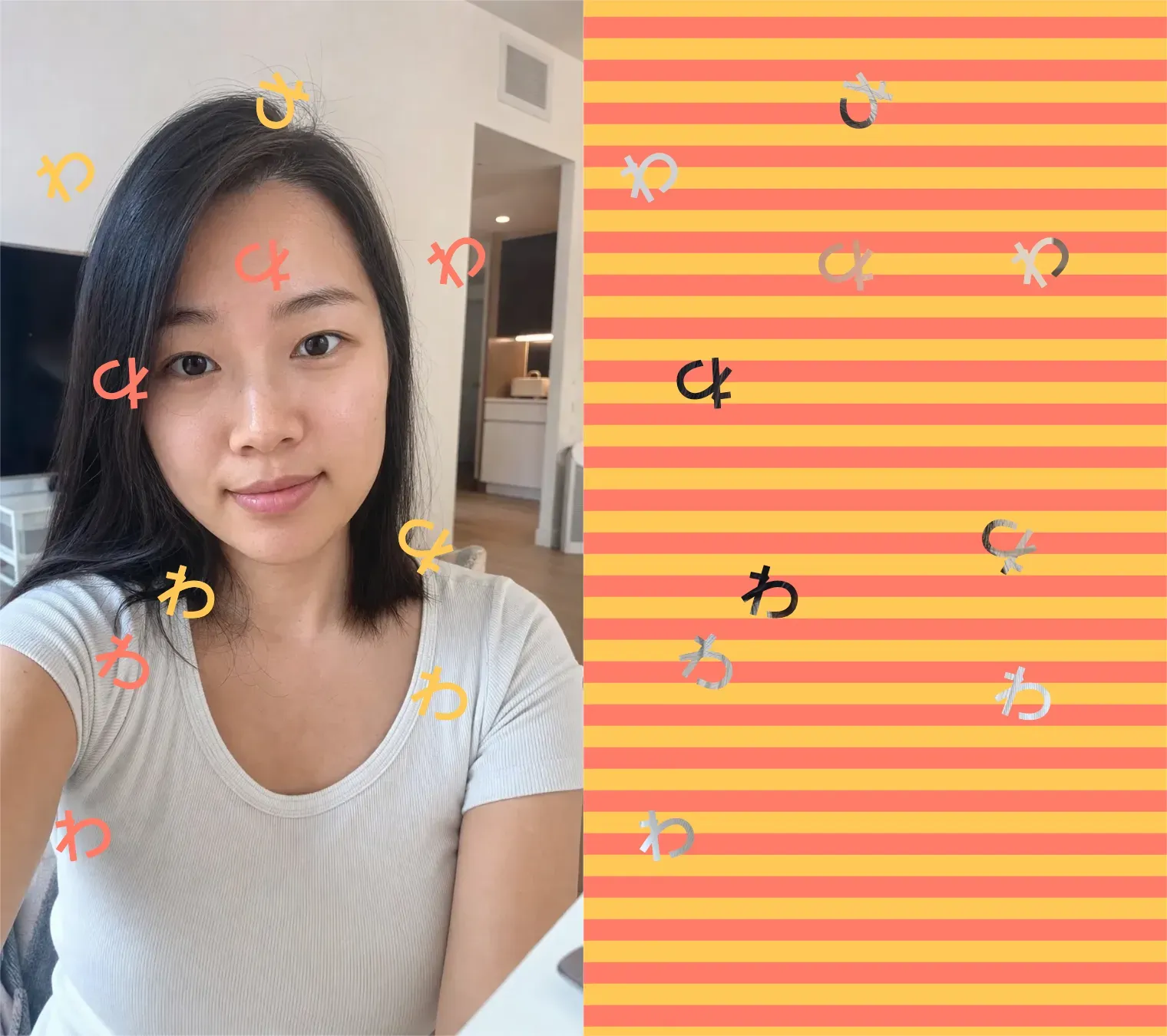
The Doooot Image Generator is an AI photo editing tool that adds dot-style decorations to uploaded images using structured prompt templates. It’s designed for users who don’t want to learn complex prompt writing but just want to edit images quickly.

How Does the Doooot Prompt Template Work?

How Does the Doooot Prompt Template Work?

The template tells Vidoly what kind of dot effect to generate:

What You Can Modify in the Template

What You Can Modify in the Template

The Doooot template is designed to be very simple—users only need to replace the values after each variable to quickly adjust the result.

Best Photos for Generating Doooot Images

Best Photos for Generating Doooot Images

The Doooot Image Generator works best on clear photos with a distinct subject and enough empty space for dot patterns. Portraits, selfies, pet photos, product shots, fashion photos, and simple lifestyle photos are all great choices.

Why Use a Template Instead of Writing a Full Prompt?

Why Use a Template Instead of Writing a Full Prompt?

Full AI image prompts can be difficult for new users, as they require detailed wording, style control, location instructions, and visual descriptions. Vidoly’s Doooot template eliminates this complexity—users only need to modify:

Use Cases for the Doooot Image Generator

Use Cases for the Doooot Image Generator

1. Social media avatars

Common Limitations

Common Limitations

The placement of dots also depends on the image composition. If you want the subject’s face, product labels, or important details to stay clear, use a simpler input photo and avoid overly dense dot counts.

How to Use the Doooot Image Generator?

1

Upload Your Photo

2

Start with a Doooot Prompt Template

3

Modify the Number of Dots: Choose how many dots you want

4

Modify Dot Color: Select the color of the dots

5

Modify Dot Shape: Choose from circles, stars, drops, hearts, bubbles, or other shapes

6

Generate and Download Your Edited Image

FAQ

What is Vidoly’s Doooot Image Generator?

Vidoly’s Doooot Image Generator is an AI photo editing tool that adds dot-style patterns to uploaded images using simple prompt templates.

What parts of the prompt can I modify?

You can modify the number, color, and stripes—these control the count, color, and shape of the dots respectively.

Do I need to write a full prompt?

No. This tool is built around prompt templates—you only need to replace the editable values.

Can I generate circular dots?

Yes. Select the circular dot generator to get this result.

Can I generate star-shaped dots?

Yes. Select the star dot generator to get this result.

Can I get a drop effect?

Yes. Select the drop dot generator to get this result.

Can I control the exact number of dots?

You can set a target number, such as 15, 30, or 50.

What dot colors can I use?

You can use common color names like off-white, black, pink, blue, gold, red, silver, macaron rainbow, or any descriptive color phrase.

What kind of photo works best?

Photos with a clear subject and simple background usually work best. Portraits, selfies, product shots, pet photos, and fashion photos are all great choices.

Can I use this tool for social media images?

Yes. It’s perfect for avatars, Instagram posts, TikTok covers, YouTube thumbnails, wallpapers, and creator derivative works.

Is this different from regular filters?

Yes. Regular filters usually apply a single fixed effect, while the Doooot Image Generator lets you customize the number, color, and shape of dots via prompt templates.

Can I generate multiple versions?

Yes. Keep the uploaded photo the same and modify only one variable each time—like dot color or shape—to quickly generate different versions.

À lire aussi