Qu'est-ce que l'essayage d'équipement sportif par IA ?
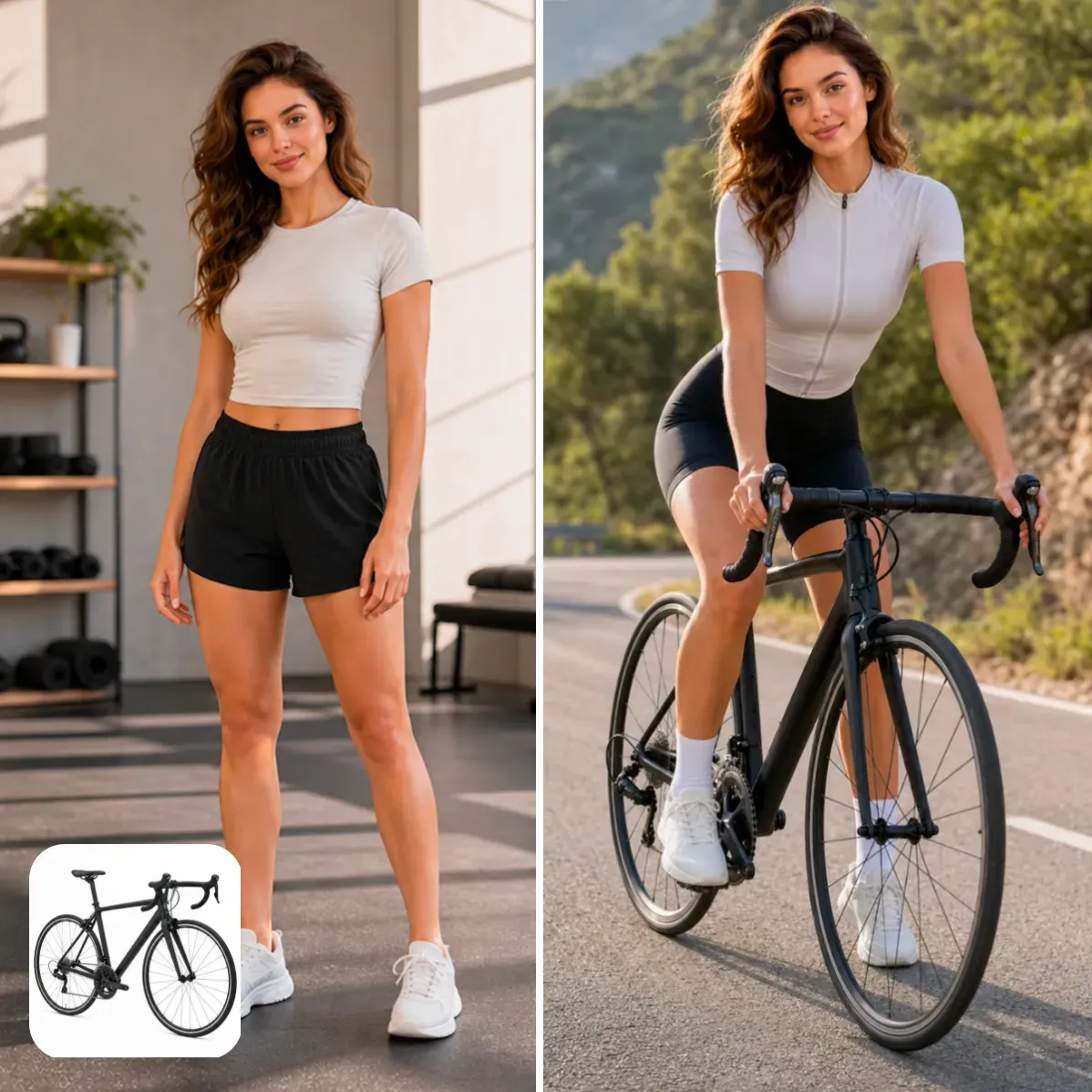
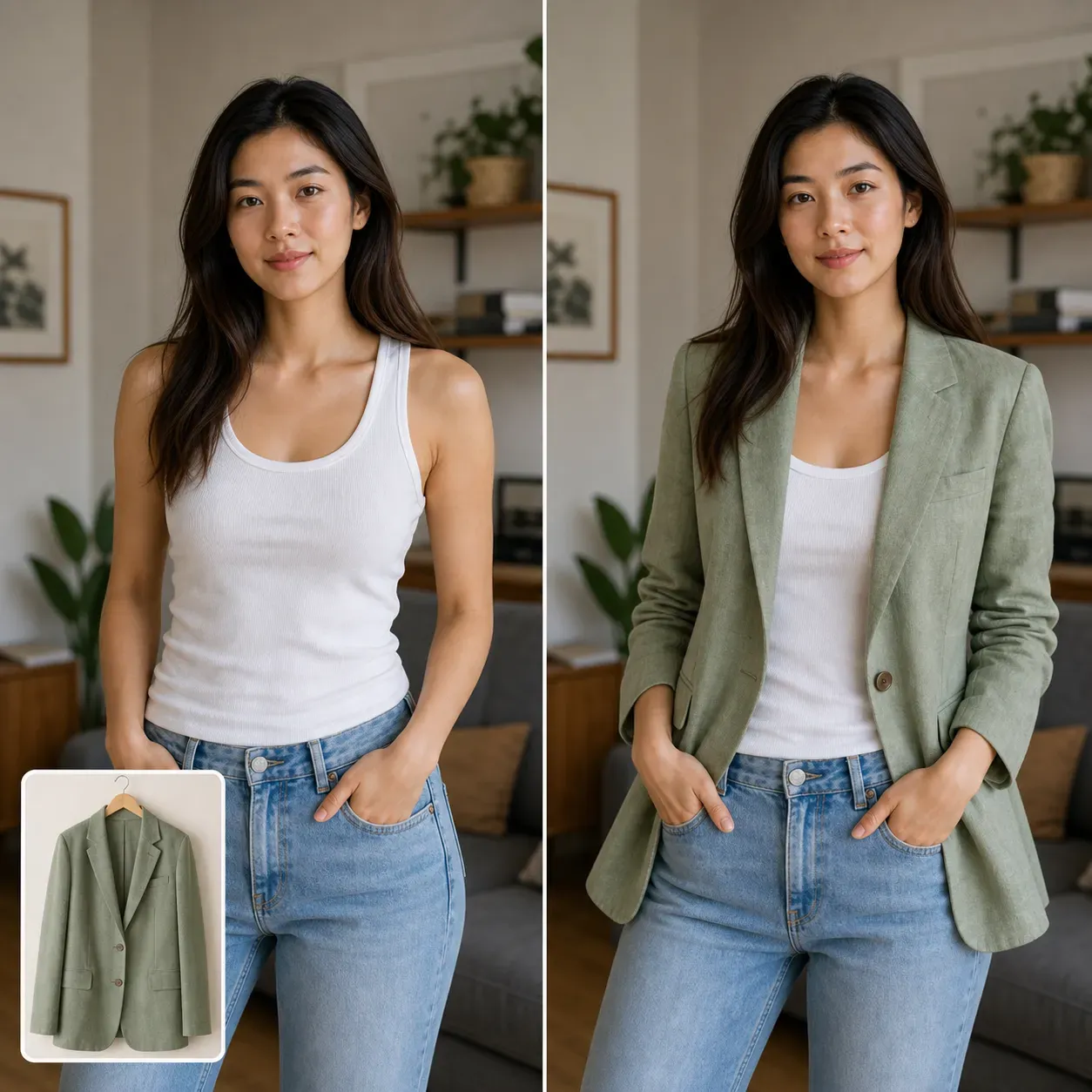
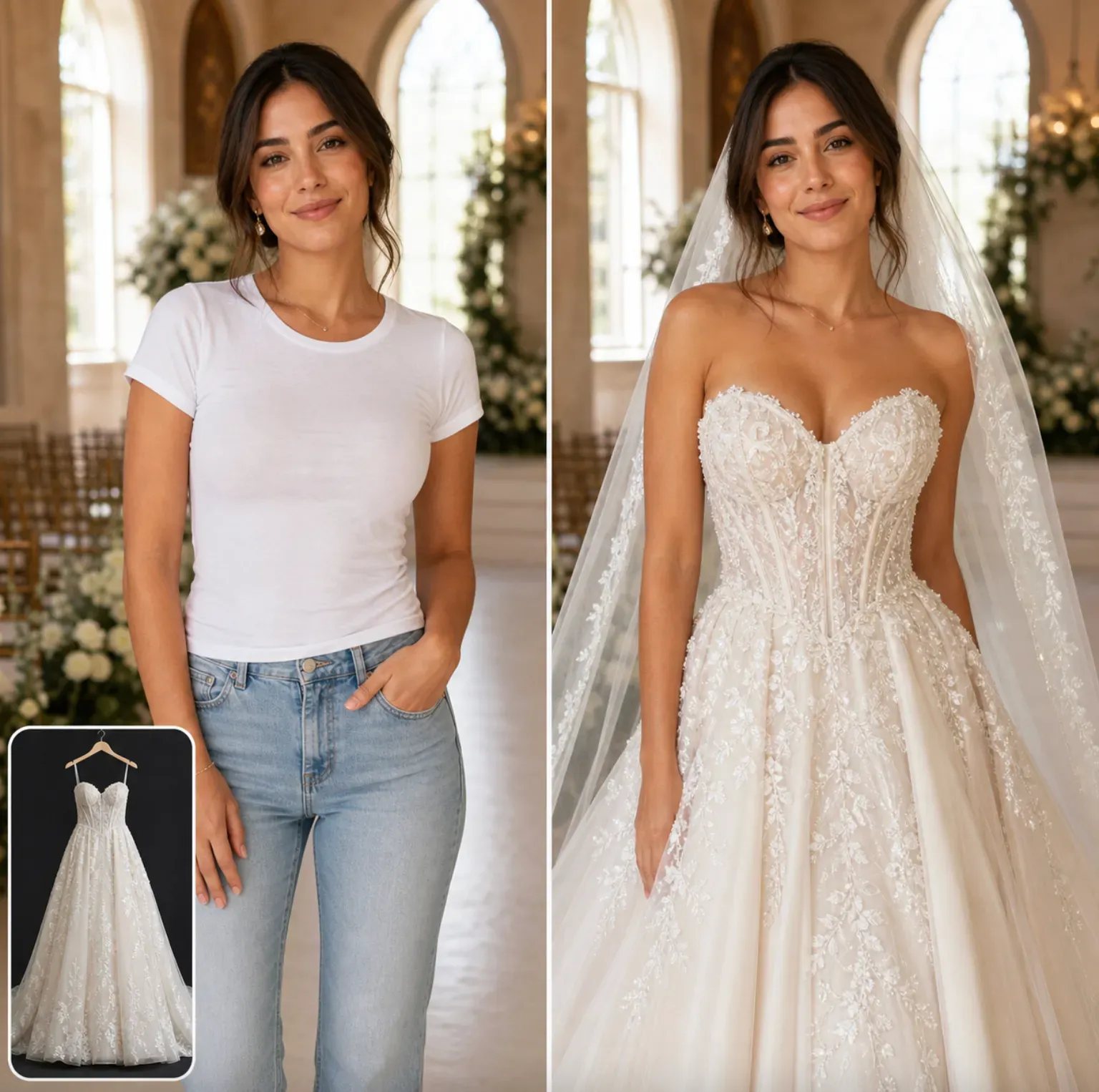
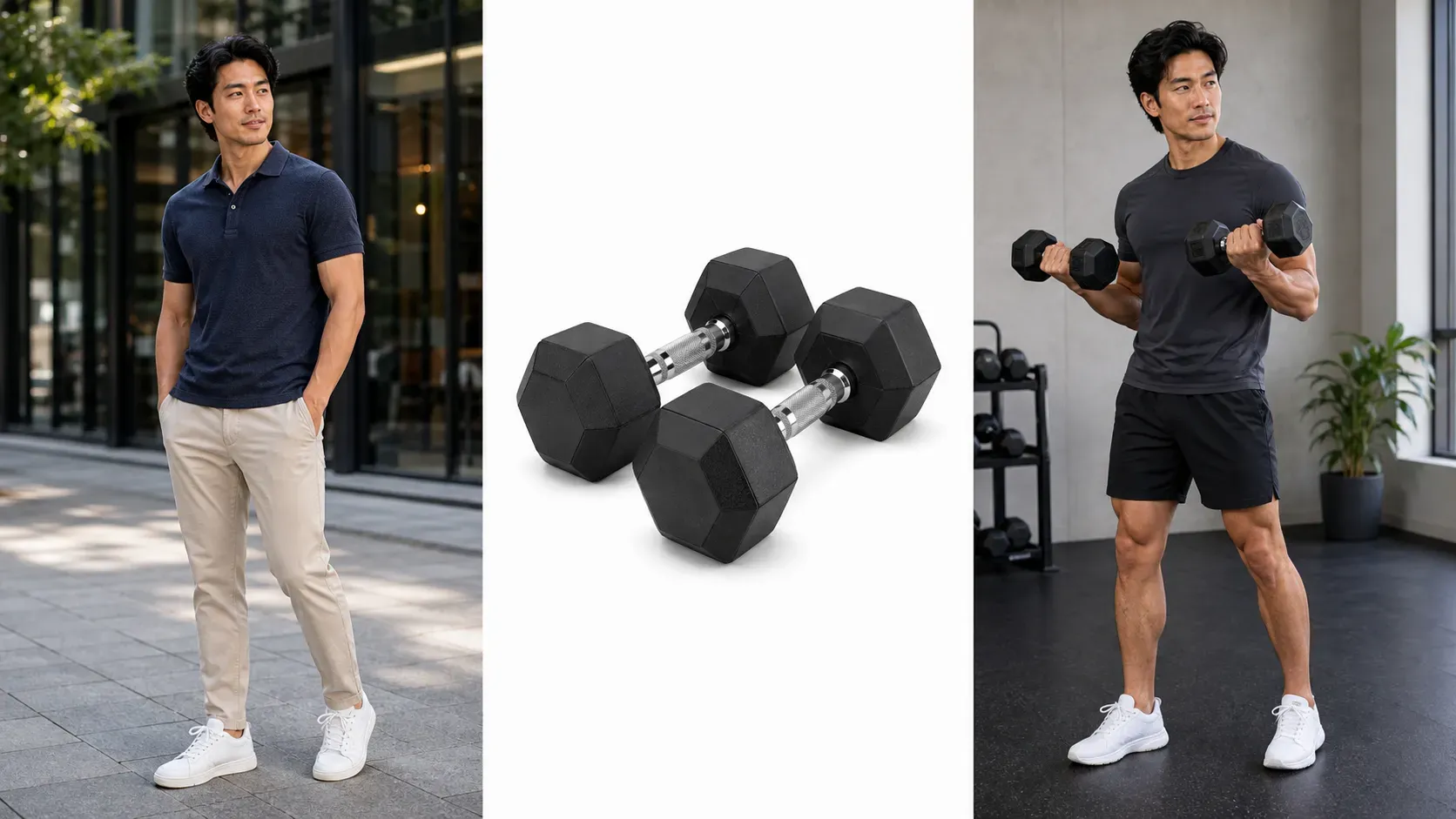
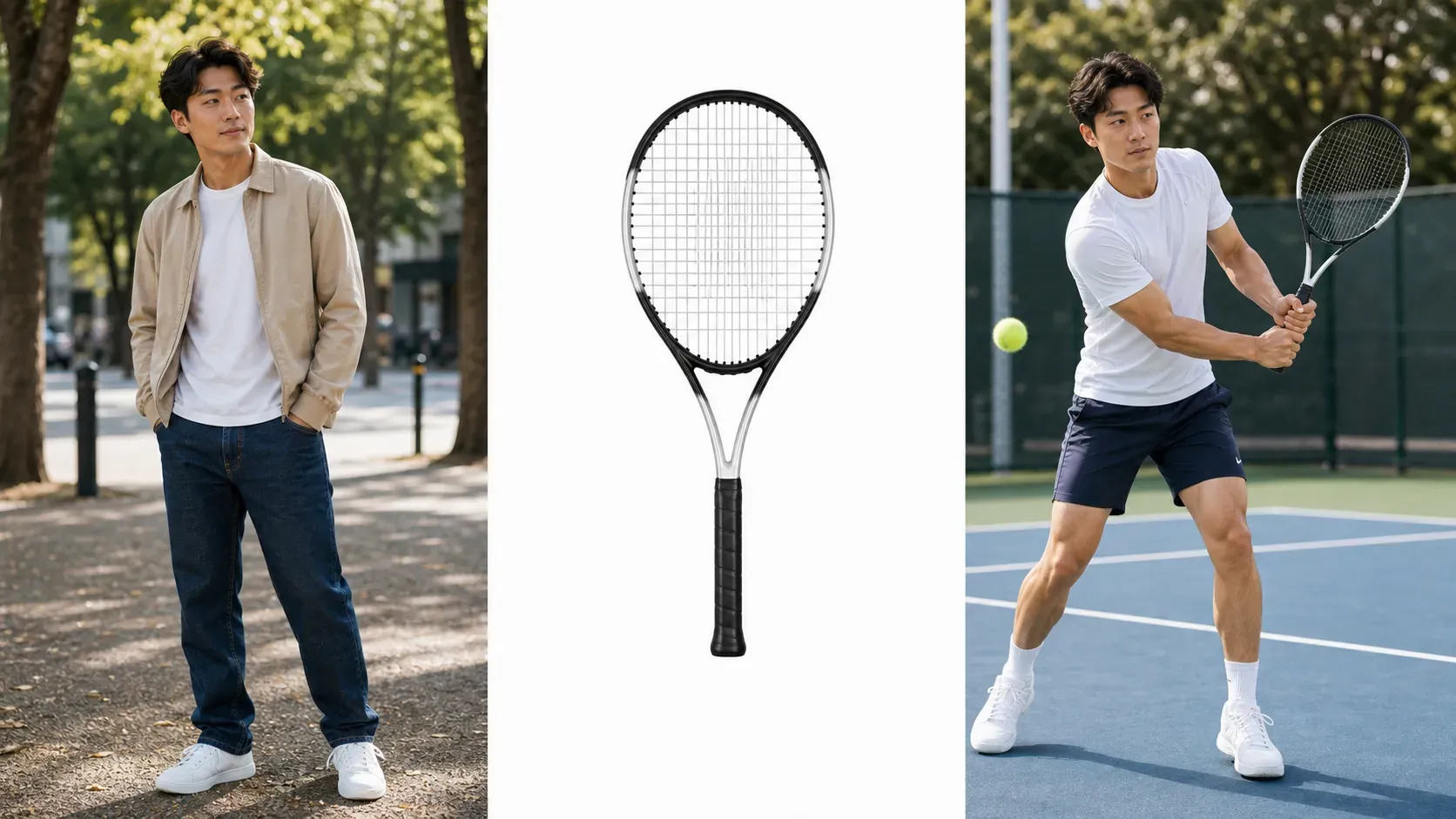
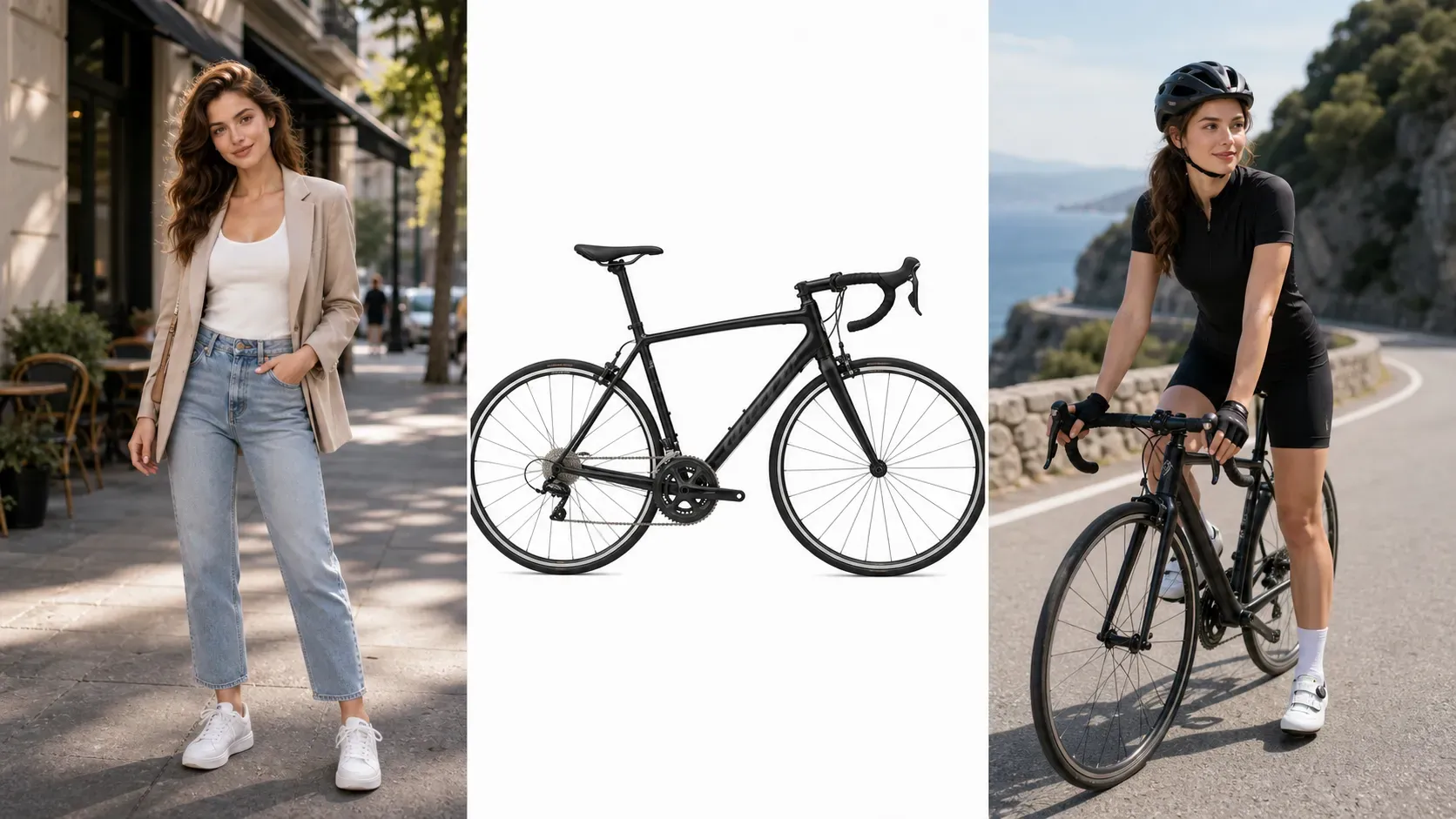
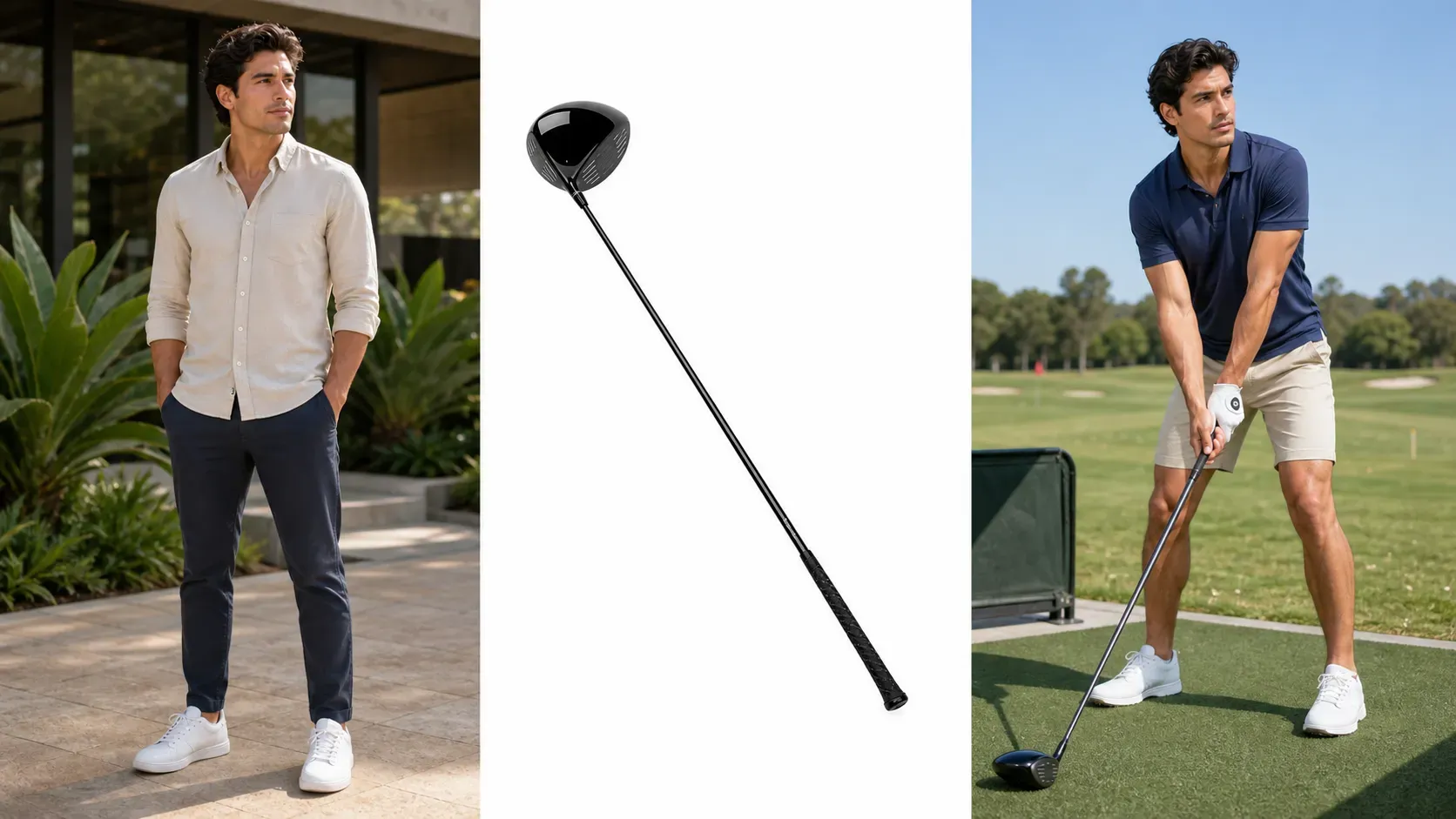
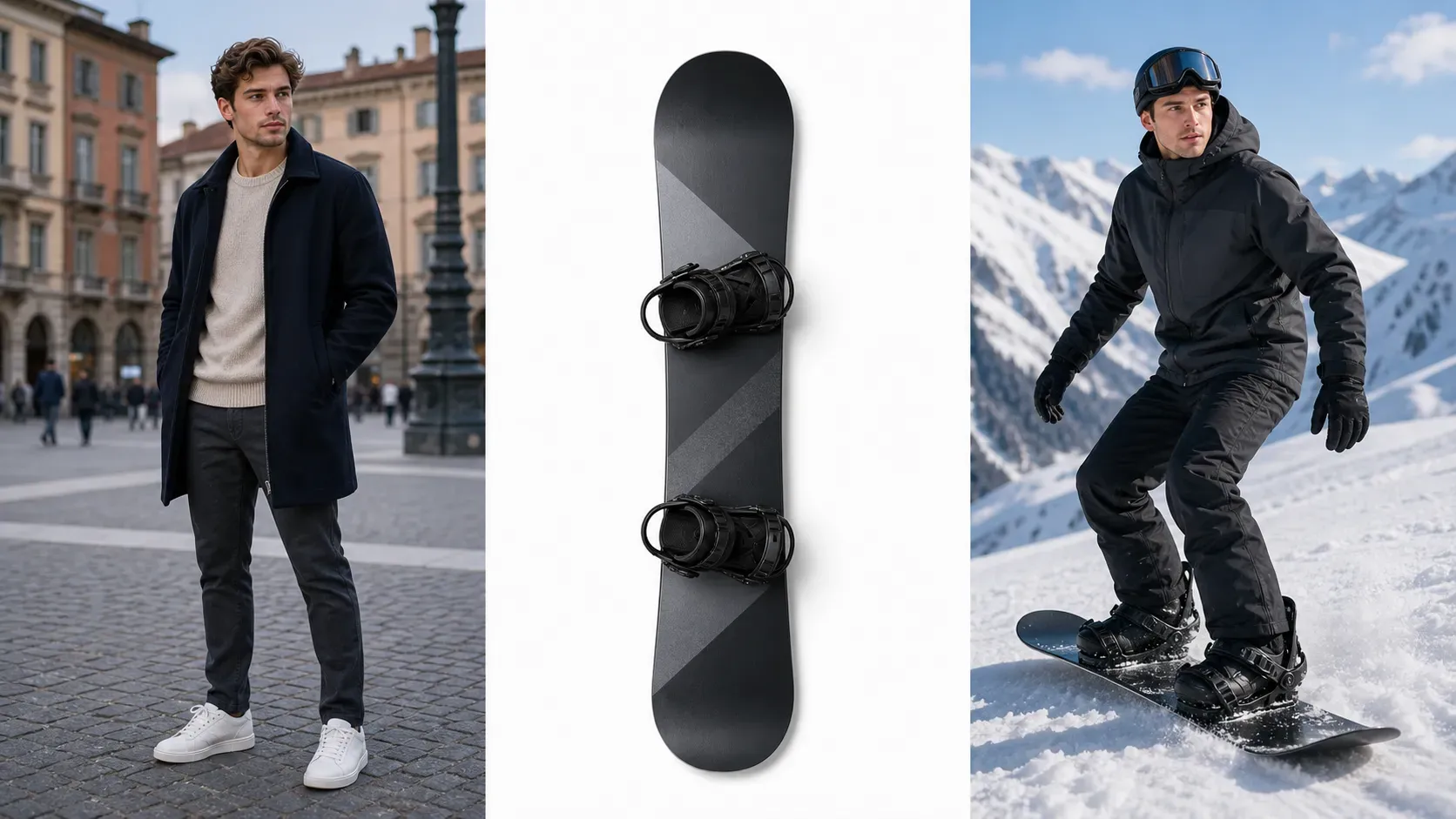
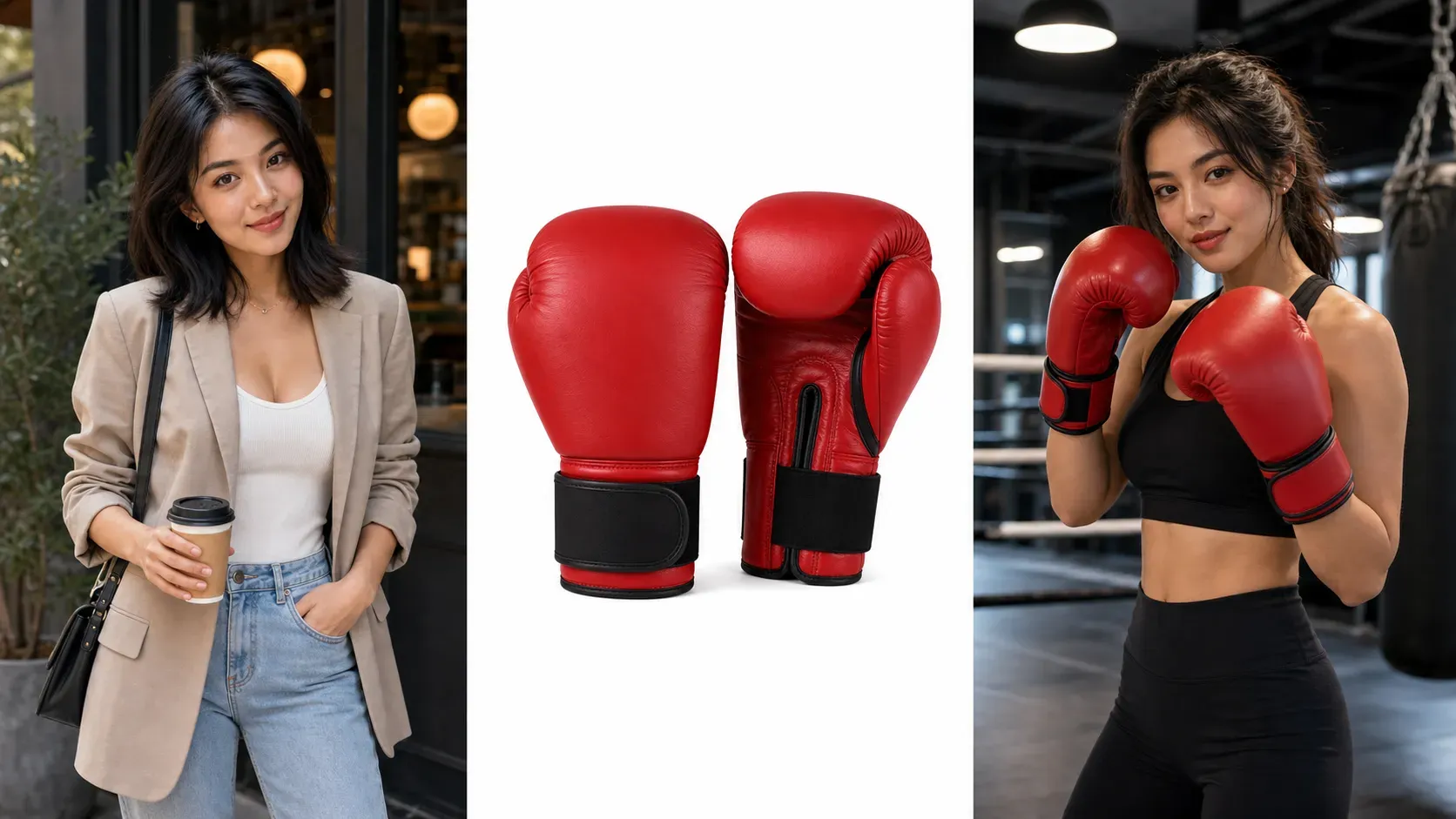
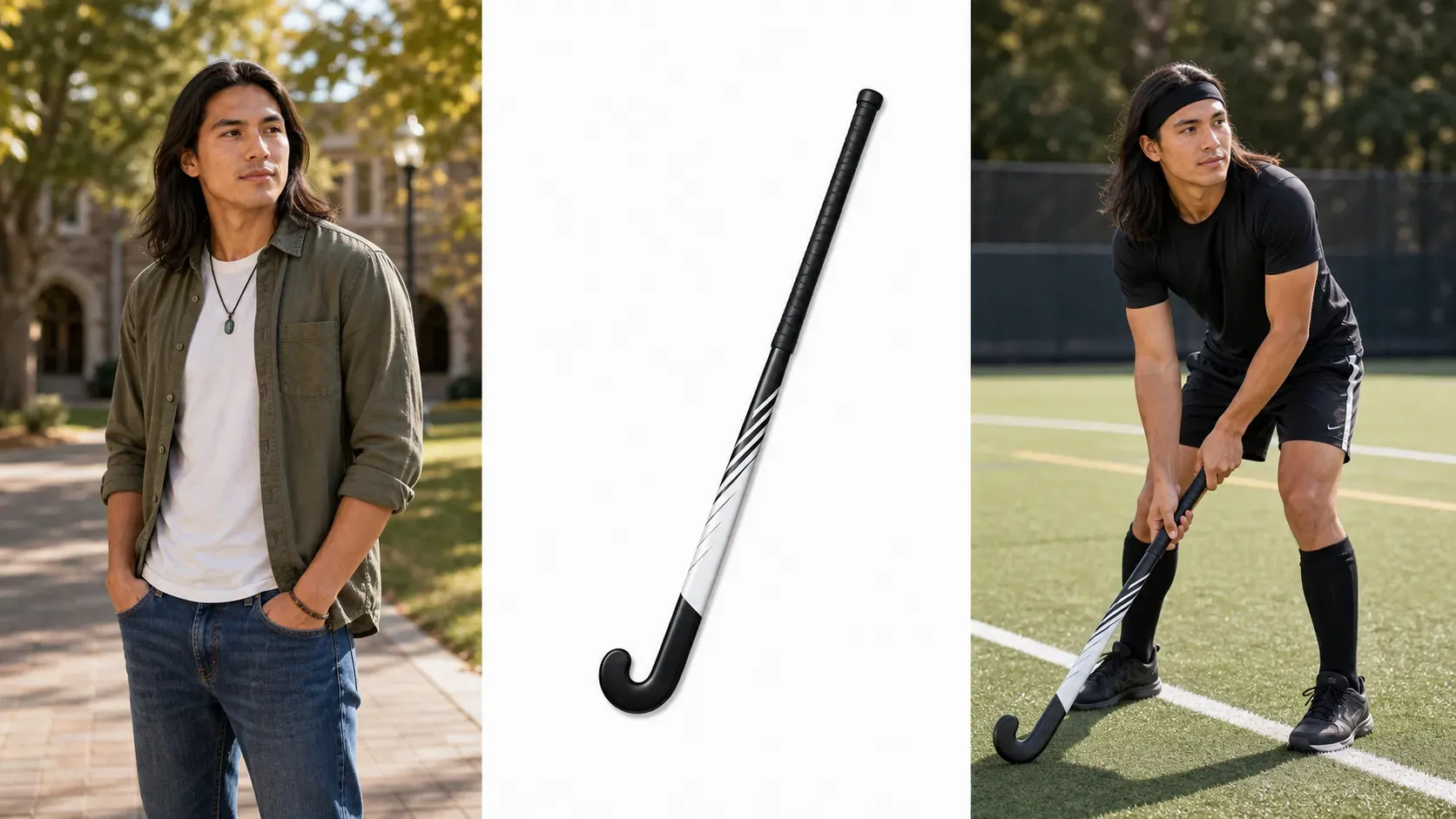
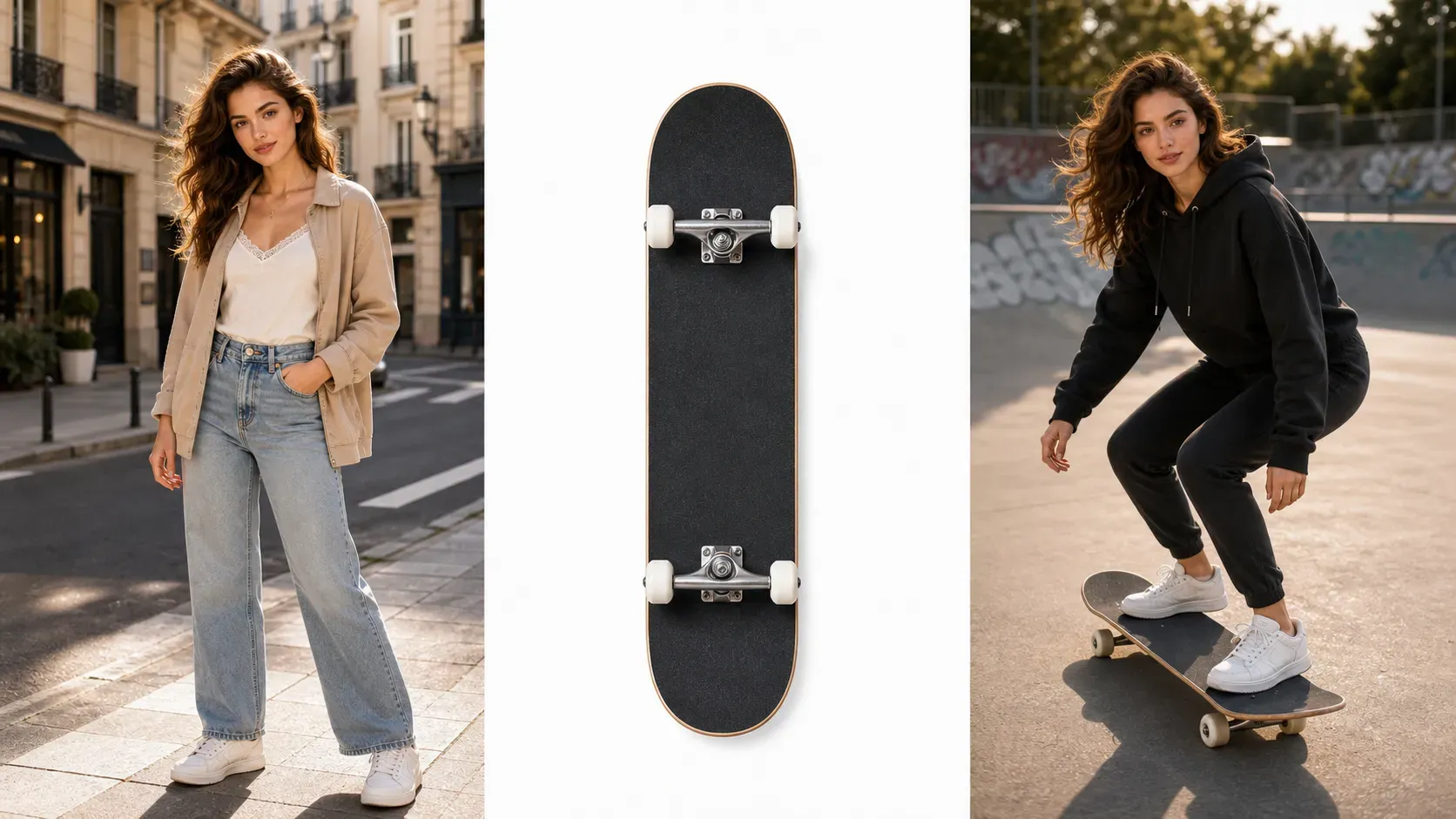
L'essayage d'équipement sportif par IA est un processus d'image de Vidoly qui ajoute du matériel sportif aux portraits. Les utilisateurs peuvent générer des aperçus montrant à quoi ressemblent les raquettes, les vélos, les clubs de golf, les gants de boxe, les skateboards, les casques ou autres équipements sportifs dans des photos décontractées ou des scénarios d'utilisation de produits.
Puis-je télécharger à la fois une photo portrait et une image de produit sportif ?
Oui. Le processus idéal consiste à télécharger une photo portrait nette et une image d'équipement propre, puis à décrire l'interaction entre la personne et l'équipement via un prompt. Cela fournit à l'IA plus de références visuelles que des prompts textuels seuls.
Cet outil est-il adapté aux raquettes de tennis, aux raquettes de badminton et aux pagaies de paddle ?
Oui. Les raquettes et produits similaires sont des domaines où cet outil excelle : ils bénéficient d'une forte reconnaissance visuelle et sont souvent tenus dans des photos sportives. Pour de meilleurs résultats, décrivez les positions des mains, les angles du produit et les styles de scénario (décontracté, compétitif, studio ou extérieur).
Puis-je générer des photos d'essayage de vélo ou de cyclisme décontracté ?
Oui, mais le vélo doit disposer d'un espace suffisant dans la photo originale. Les plans complets ou les scènes décontractées en extérieur fonctionnent généralement mieux que les selfies serrés.
Les vendeurs Amazon peuvent-ils utiliser ces images d'essayage sportif ?
Les vendeurs Amazon peuvent utiliser des images d'essayage sportif générées par IA pour des brouillons de campagnes, des visualisations d'histoires de produits, des publications sur les réseaux sociaux et des tests créatifs. Avant d'utiliser les images comme éléments finis de la fiche produit, vérifiez l'exactitude du produit, la visibilité des logos, les proportions du produit et les exigences d'images d'Amazon.
Les boutiques Shopify peuvent-elles l'utiliser pour la promotion de produits ?
Oui. Les boutiques Shopify et DTC peuvent utiliser des visuels d'essayage sportif pour les pages de collections, les campagnes de lancement, les e-mails, les campagnes payantes sur les réseaux sociaux et les briefs d'influenceurs. Cette fonctionnalité est particulièrement utile pour ajouter des contextes lifestyle aux images de produits standard.
Quel type de photo est le mieux adapté pour montrer du matériel sportif tenu à la main ?
Utilisez une photo où les mains et les bras sont visibles. Si la personne adopte déjà une posture sportive, l'alignement est généralement plus facile. Évitez les photos où les mains sont coupées.
L'IA peut-elle conserver l'arrière-plan et les vêtements d'origine inchangés ?
Le prompt doit explicitement demander de conserver le visage, les vêtements, la morphologie, l'arrière-plan et l'éclairage. Des ajustements mineurs peuvent toutefois encore être effectués par l'IA, vérifiez donc l'image finale avant de l'utiliser pour du contenu commercial ou public.
S'agit-il d'un outil précis d'essayage ou de mesure de produit ?
Non. Les images d'essayage de matériel sportif sont des aperçus créatifs, pas des mesures précises, des contrôles de sécurité, des outils de taille ou des éléments de certification produit. Elles aident les utilisateurs à évaluer l'orientation visuelle et la créativité du contenu.
Quels produits sportifs sont difficiles à essayer avec l'IA ?
Les produits extrêmement fins, réfléchissants, transparents ou de structure complexe sont difficiles. Exemples : cadres de vélo détaillés, cannes à pêche, fûts de club de golf, cordes de raquette, fixations de ski et équipements avec de petits logos. Ces produits peuvent nécessiter des images de référence plus claires et une vérification manuelle.
Les influenceurs peuvent-ils l'utiliser pour du contenu de marketing d'affiliation ?
Oui. Les influenceurs peuvent créer des visuels de recommandation de matériel, des concepts avant/après produit, des posts sur le style de vie sportif et des brouillons de campagnes de marketing d'affiliation. Les images aident à illustrer comment les produits s'intègrent dans des scénarios quotidiens, de séance d'entraînement, de voyage en extérieur ou d'entraînement.
En quoi cela diffère-t-il de l'essayage virtuel de vêtements ?
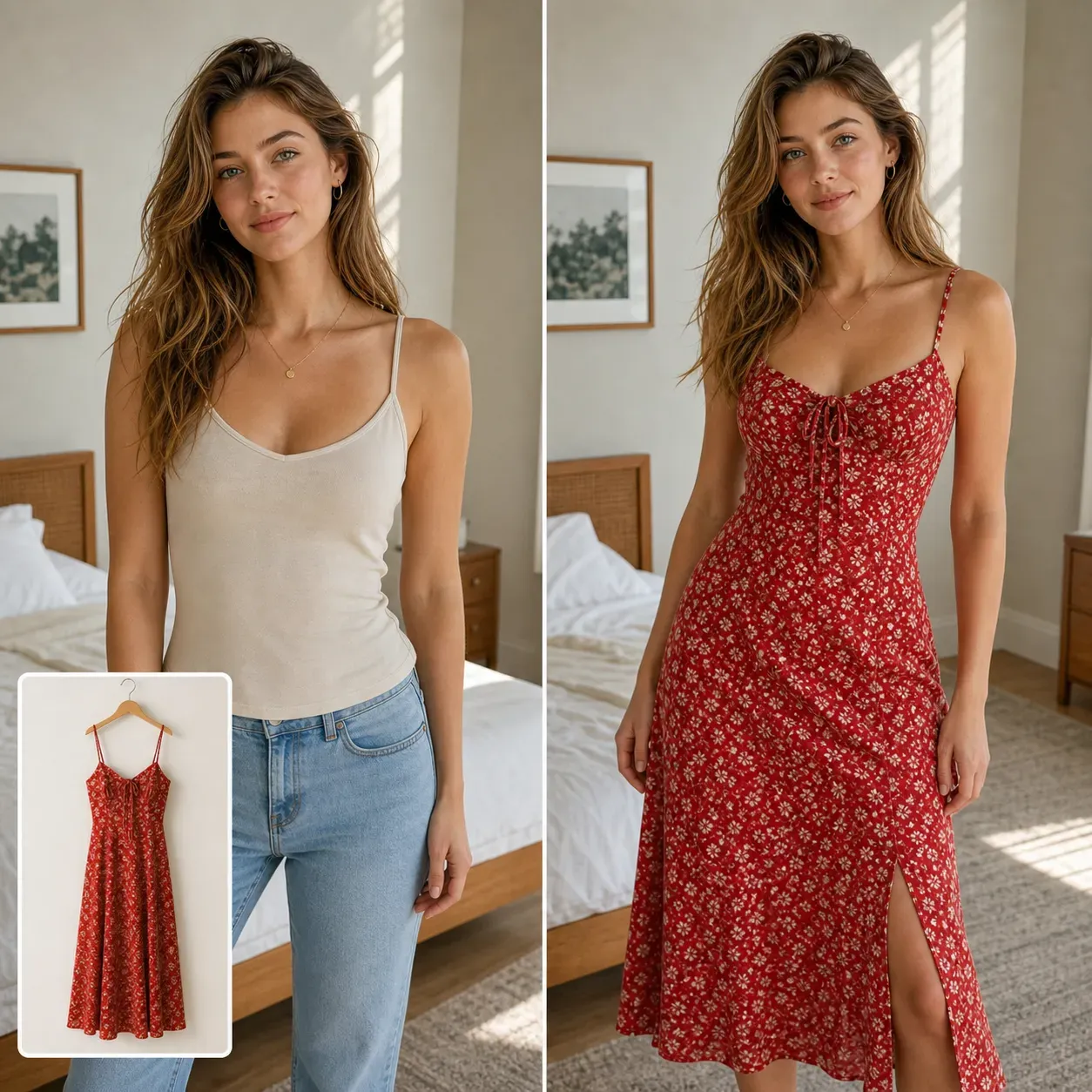
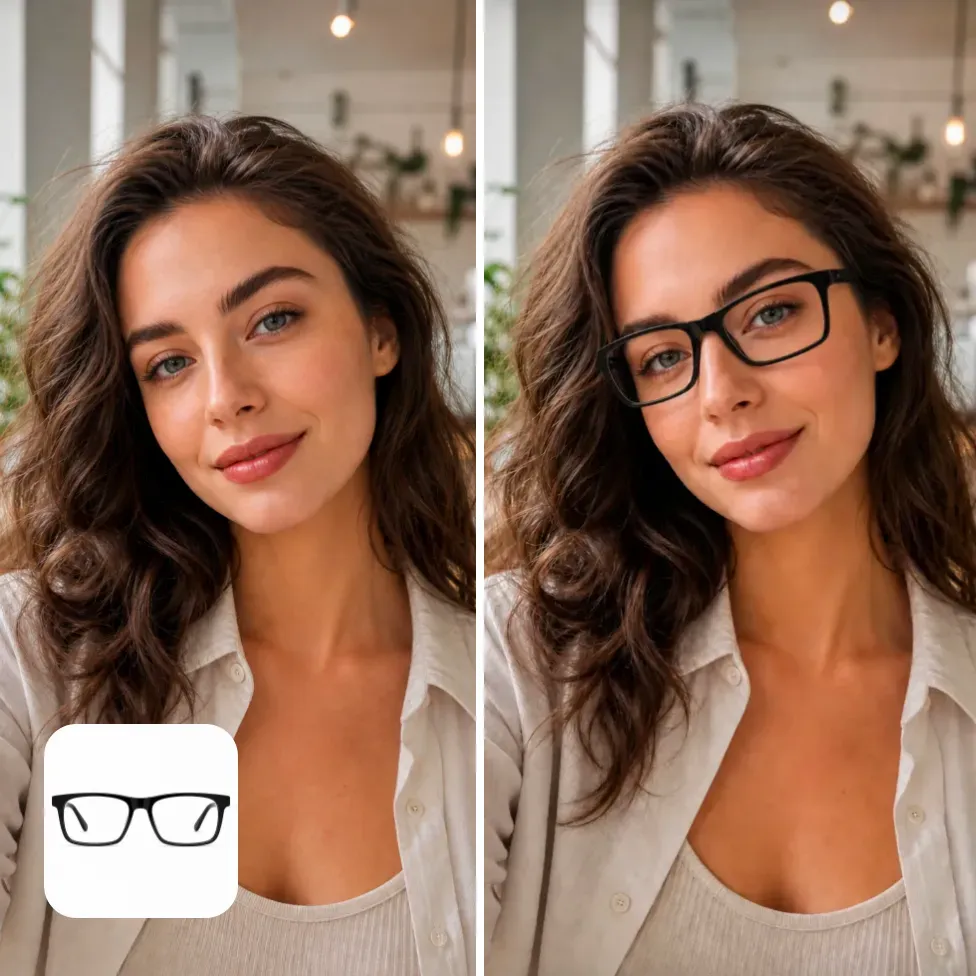
L'essayage virtuel de vêtements se concentre sur les vêtements, les tissus, l'ajustement corporel et le style. L'essayage d'équipements sportifs se concentre sur l'équipement physique, les positions des mains, les interactions posturales, les proportions du produit et les scénarios sportifs. Les deux prennent en charge les flux de travail du commerce électronique et des créateurs, mais leur complexité d'édition diffère.