Essayage de lunettes à IA

Essayage de lunettes à IA

Importer une image
photo_camera

Upload Person Image

photo_camera

Upload Glasses Image

Prompt
49/2000
Licence commerciale incluse
Plus dans

AI Glasses Virtual Try-On

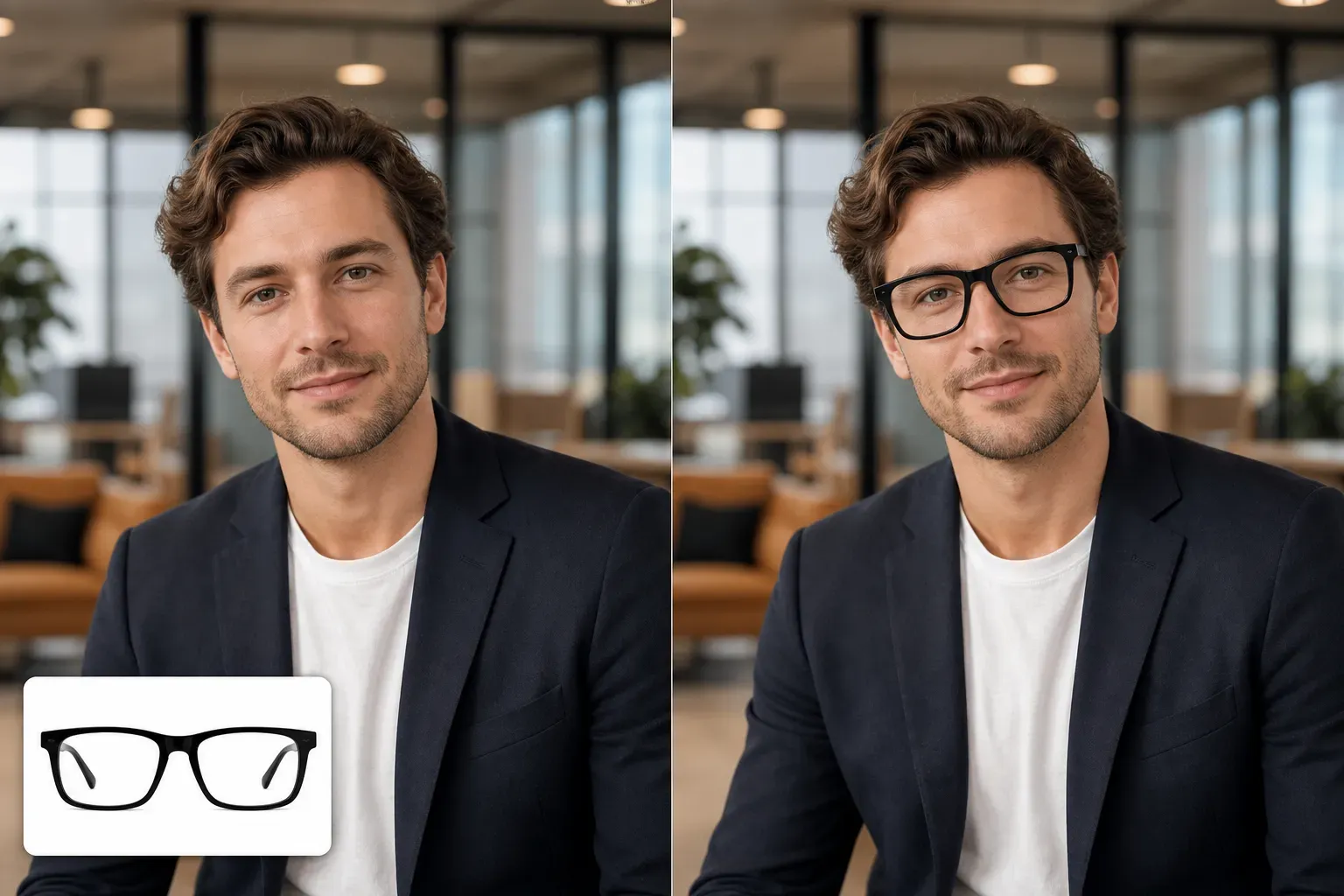
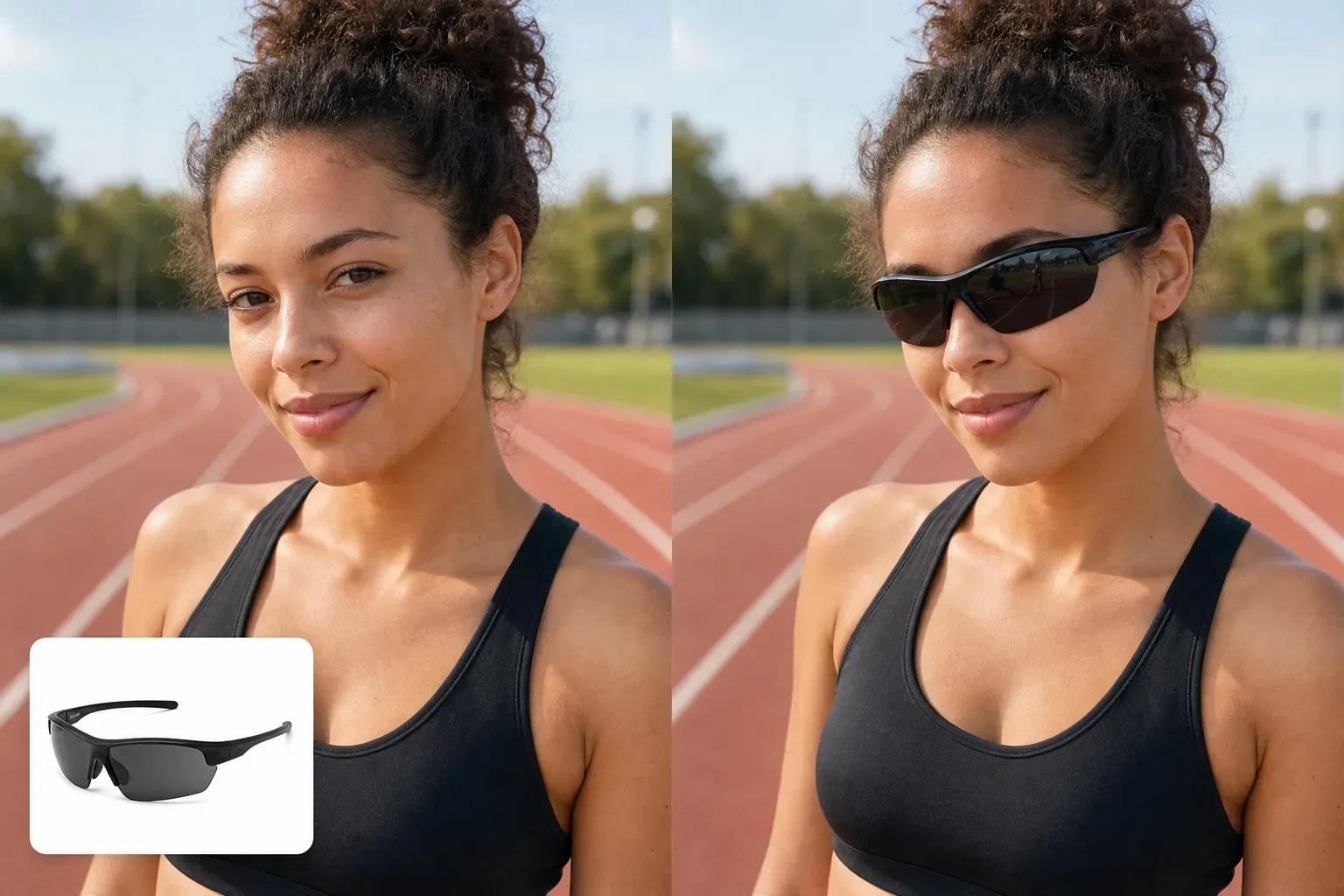
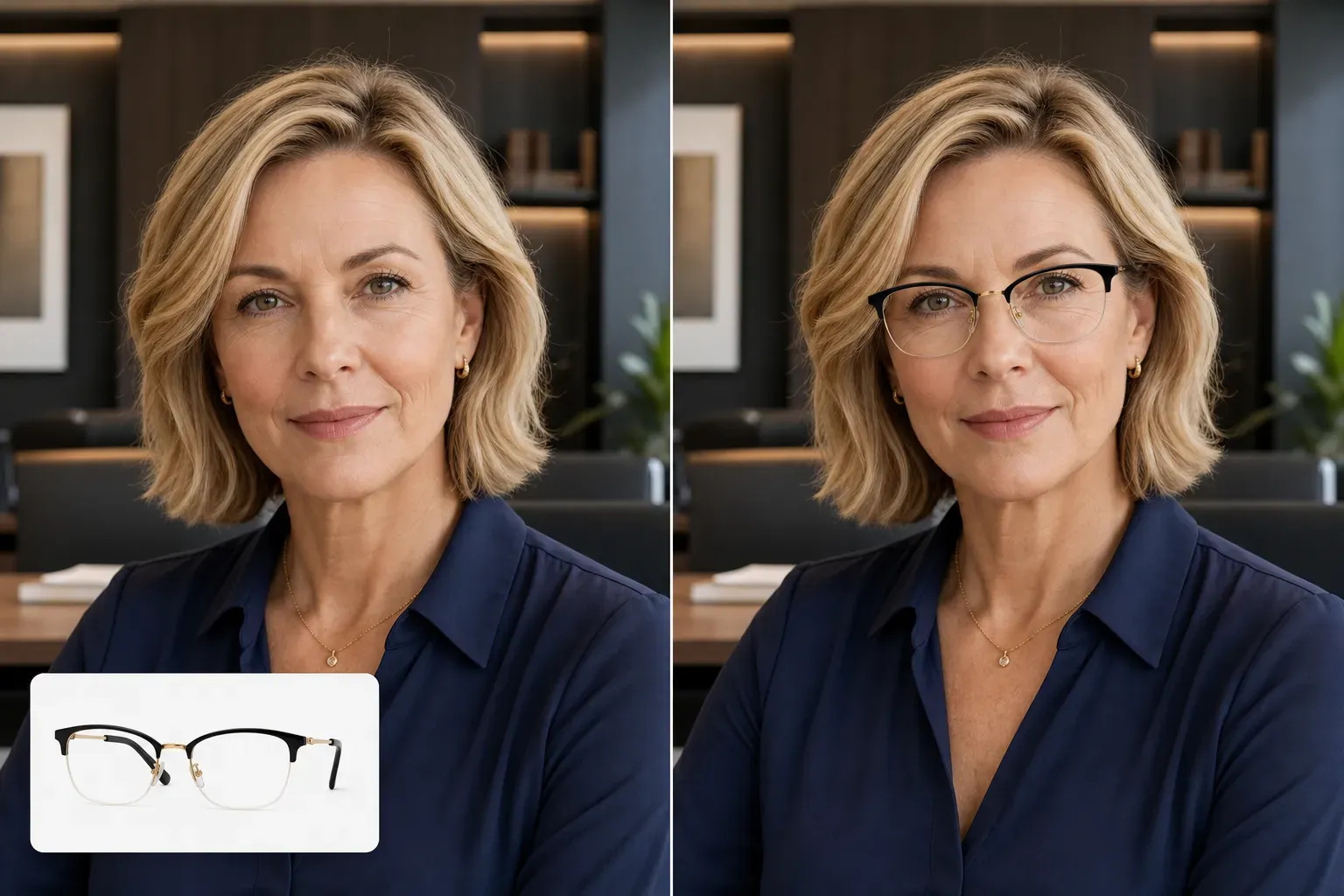
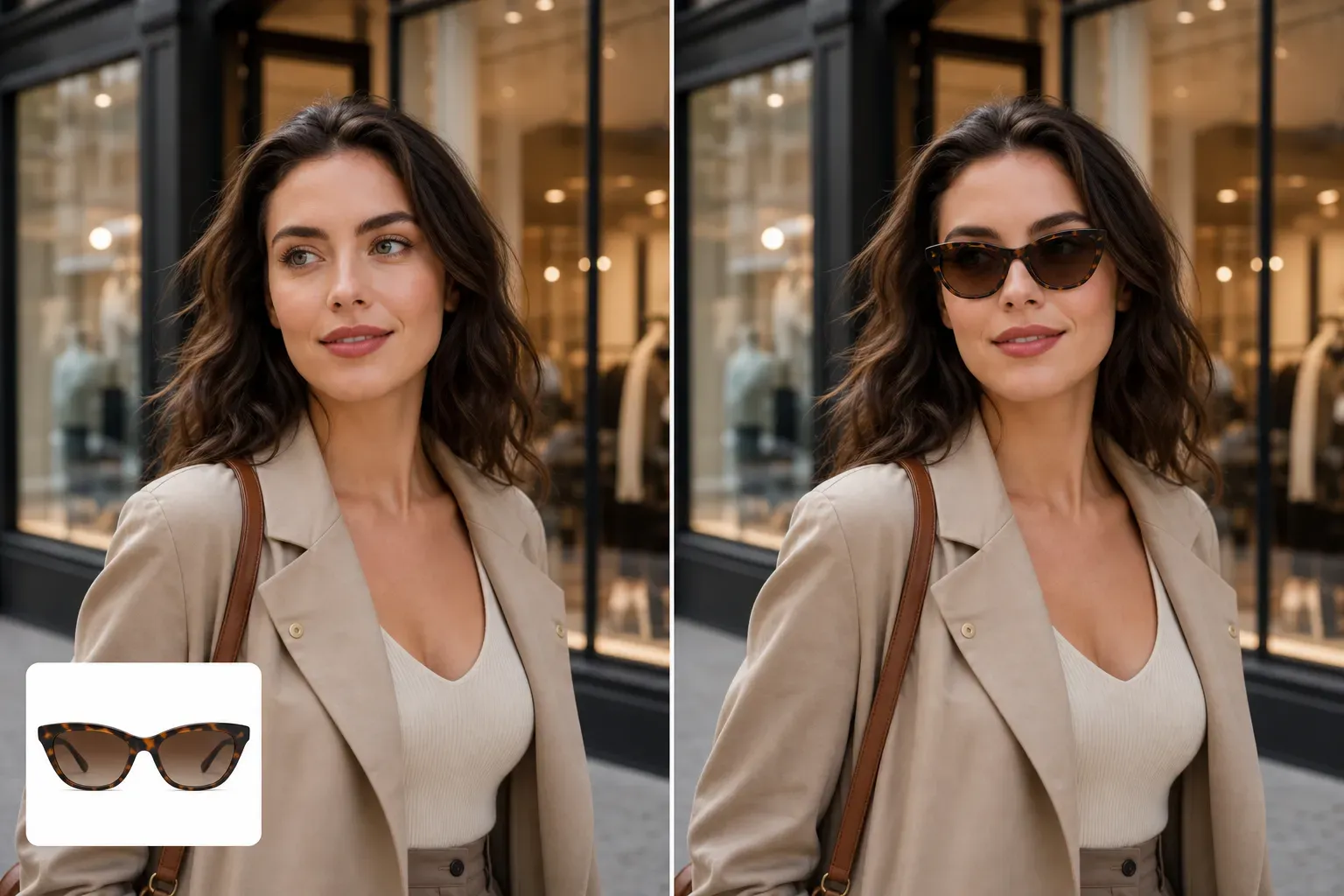
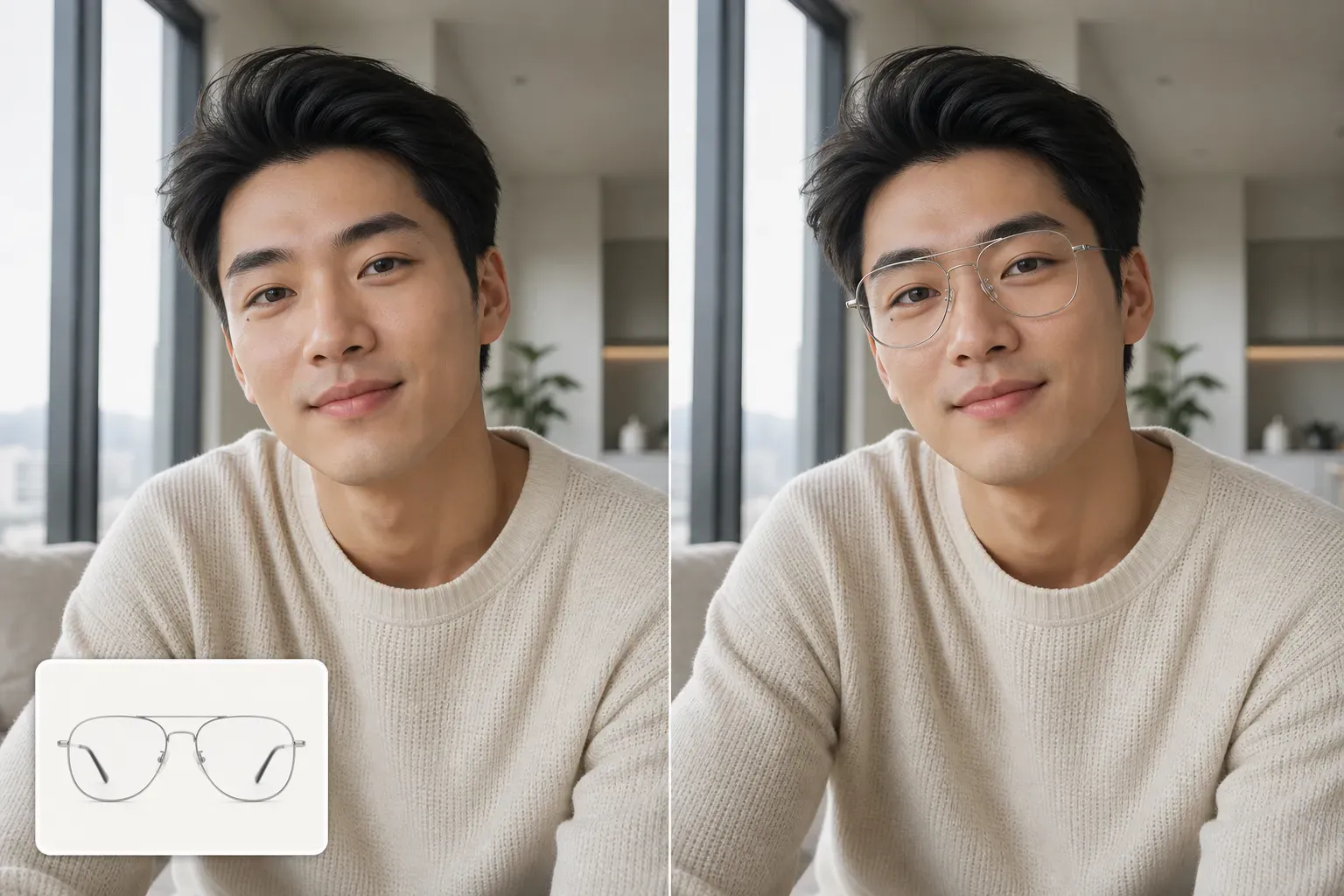
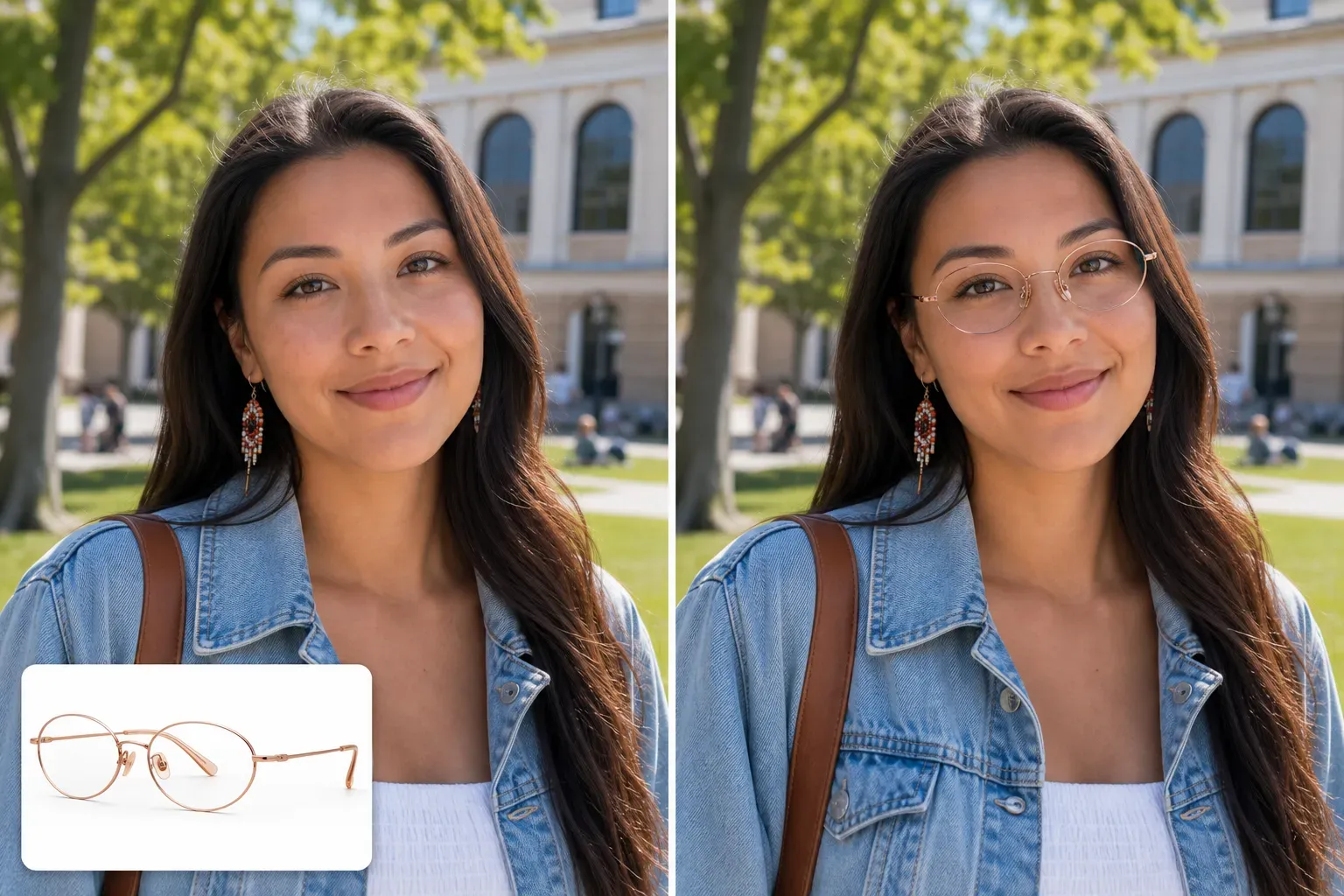
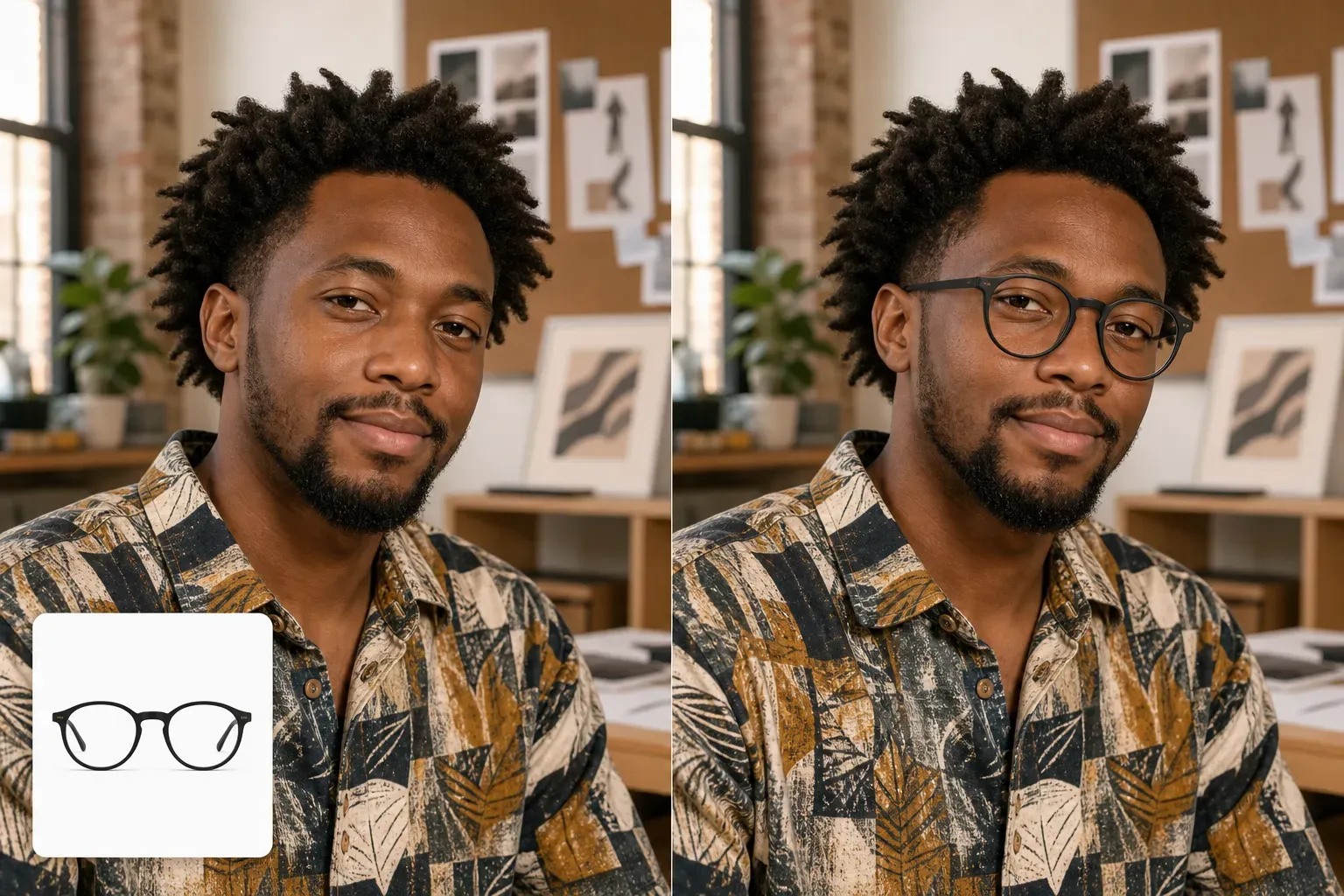
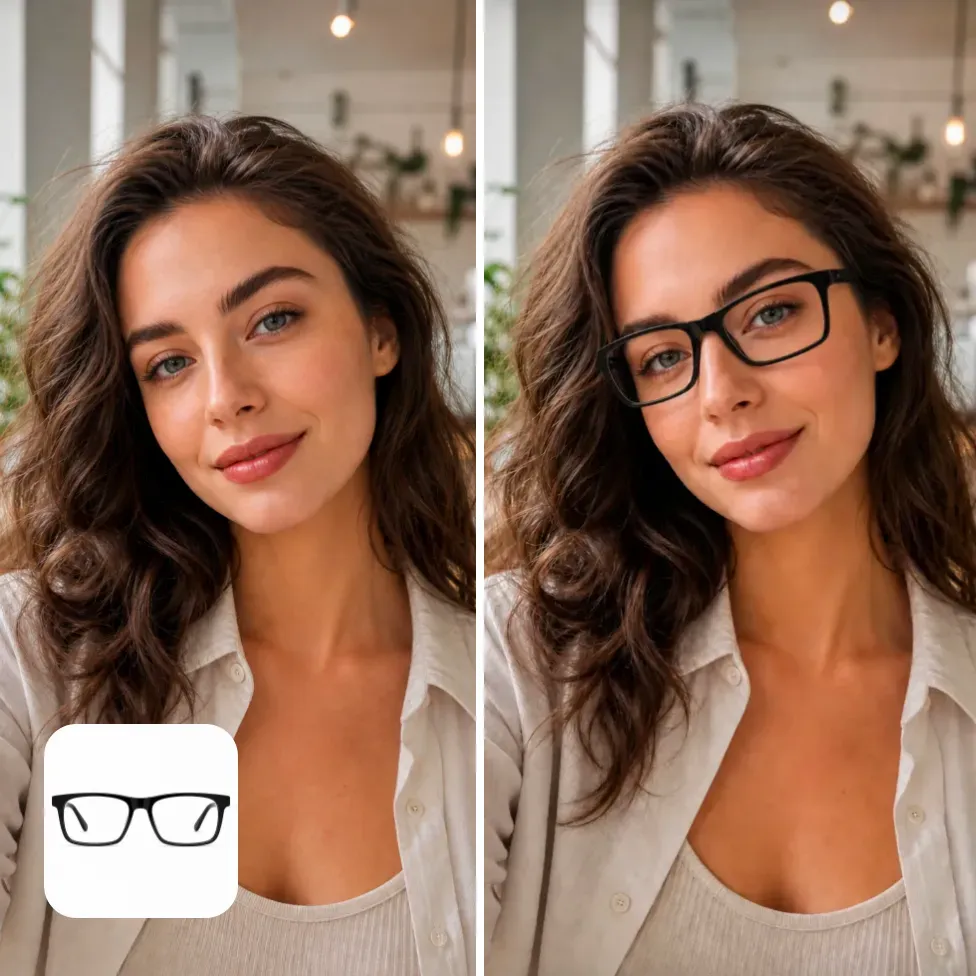
Vidoly AI’s virtual glasses try-on feature allows users to upload a portrait photo to see how glasses, sunglasses, fashion frames, or tinted lenses look on their face. Instead of guessing from product images alone, users can generate AI-powered try-on previews for personal style decisions, influencer content creation, e-commerce product promotion, and social media posts.

Upload Photo to Try On Glasses
What is AI Glasses Virtual Try-On?

What is AI Glasses Virtual Try-On?

AI glasses virtual try-on is an image processing workflow that overlays glasses or sunglasses onto a portrait photo. The AI uses the uploaded image as a facial reference to generate glasses effects that match the desired frame, color, lens effect, and portrait composition.

Try On Glasses, Sunglasses, and Fashion Frames Online

Try On Glasses, Sunglasses, and Fashion Frames Online

With Vidoly AI’s glasses virtual try-on, users can generate different glasses effects on the same uploaded portrait. Common options include black rectangular glasses, round metal frames, clear acetate frames, oversized sunglasses, retro aviators, cat-eye styles, rimless glasses, tinted lenses, and minimalist fashion frames.

Best Photos for AI Glasses Try-On

Best Photos for AI Glasses Try-On

Clear front-facing portraits usually work best. The entire face must be visible, eyes unobstructed, and lighting even enough for the AI to place glasses naturally. Selfies, profile photos, influencer portraits, e-commerce model images, and clean everyday photos all work.

For Influencers and Social Media Creators

For Influencers and Social Media Creators

Glasses are not just functional—they can completely change the vibe of a portrait. Creators can test smart, casual, retro, luxury, playful, or street-style glasses effects via Vidoly before posting. This is especially useful for Instagram carousel posts, TikTok covers, Pinterest pins, profile updates, and affiliate product recommendations.

For E-Commerce Glasses Sellers and Product Promotion

For E-Commerce Glasses Sellers and Product Promotion

Glasses sellers, Shopify store owners, Amazon sellers, and DTC brands can use virtual glasses try-on previews to enrich product stories. Simple frame product images often feel abstract, but portrait-style try-on images help buyers better imagine real-world use cases.

Difference Between Virtual Glasses Try-On and Manual Image Editing

Difference Between Virtual Glasses Try-On and Manual Image Editing

Manual editing is suitable for scenarios where designers need precise frame positioning, accurate product geometry, and detailed retouching. It is better for final promotional materials with strict brand control.

Limitations of AI Glasses Virtual Try-On

Limitations of AI Glasses Virtual Try-On

AI-generated glasses previews are only visual references, not accurate real-world glasses fit results. The results may differ from actual frame size, lens thickness, nose bridge fit, temple length, or pupillary distance. Users should view the output as a creative preview, not a guarantee of medical or retail measurements.

如何使用Vidoly AI眼镜虚拟试戴?

1

Upload Portrait Photo

Choose a clear selfie, model photo, profile picture, or creator portrait, ensuring the face and eyes are visible.

2

Select or Edit Glasses Prompt

Choose glasses type, frame color, lens type, and style vibe. Prompts should be specific, for example, "round gold frames," "black rectangular glasses," or "oversized brown sunglasses."

3

Generate Try-On Image

Vidoly will generate an AI image placing the desired glasses frame on the uploaded portrait.

4

Compare Different Effects

Generate multiple versions, compare frame shapes, colors, and lens types, then select the best visual result.

5

Download or Publish Result

Use the image for social media, style testing, ad drafts, e-commerce content, or creator-led product posts.

FAQ

What is Vidoly AI Glasses Virtual Try-On?

Vidoly AI Glasses Virtual Try-On is an AI image tool that helps users upload a portrait photo and generate previews of different glasses or sunglasses styles on their face. It is designed for style testing, social content creation, e-commerce visual materials, and creative glasses previews.

Can I try on glasses on a photo online?

Yes. You can upload a portrait photo and generate an image with glasses, sunglasses, or fashion frames via a glasses try-on prompt. Clear front-facing photos usually produce the most practical visual results.

Can Vidoly AI Glasses Virtual Try-On generate sunglasses previews?

Yes. You can describe sunglasses styles, such as aviator sunglasses, oversized black sunglasses, brown gradient lenses, sports sunglasses, or retro tinted lenses. Prompts should include frame shape, lens color, and overall portrait vibe.

Are glasses try-on results perfectly fitting for real life?

No. The image is an AI-generated visual preview, not a result of actual glasses fitting, prescription measurement, or size measurement. It helps users compare different styles but cannot replace professional glasses fitting or real product measurements.

What kind of photo is best for glasses virtual try-on?

Use a clear portrait with visible eyes, good lighting, and low blur. Front-facing or slightly angled facial photos work better than extreme side views. Avoid photos where the eye area is blocked by hair, shadows, hands, or existing glasses.

Can influencers use glasses virtual try-on for content creation?

Yes. Influencers can generate multiple glasses effects for Instagram posts, TikTok covers, Pinterest pins, affiliate recommendations, and product stories. This feature is especially useful when creators want to test multiple visual directions without shooting separately for each frame.

Can e-commerce sellers use AI glasses try-on images?

E-commerce sellers can use AI glasses try-on images for advertising.

Can I...

Yes. You can add details such as "glossy black frames," "gold metal frames," "clear acetate frames," "brown tortoiseshell frames," "clear lenses," "blue lenses," or "dark sunglasses lenses." More specific prompts usually generate more controllable results.

Is Vidoly AI Glasses Virtual Try-On free?

Vidoly AI offers a free plan with monthly free credits for users. Users can use the free credits to test glasses try-on prompts and generate preview images.

Can I use the generated image as a profile photo?

Yes. Many users use glasses try-on images for profile updates, social media posts, style testing, or creator content. Before posting, check the final image to ensure the glasses are aligned and eye and facial details look natural.

Why might glasses look misaligned?

Misalignment can occur if the uploaded face is too tilted, the image is blurry, eyes are blocked, or the prompt requests a very complex frame. Try using a clearer portrait, simpler frame shape, and more direct prompt.

How is this different from clothing virtual try-on?

Clothing virtual try-on focuses on garments, body posture, fabric, and outfit styling. Glasses virtual try-on focuses on the face, eyes, frame shape, lens style, and how glasses change the portrait’s vibe. Both support fashion and e-commerce content but meet different user needs.