
Explore 40 Glasses and Sunglasses Styles With Vidoly AI
 By Marvin/1 min read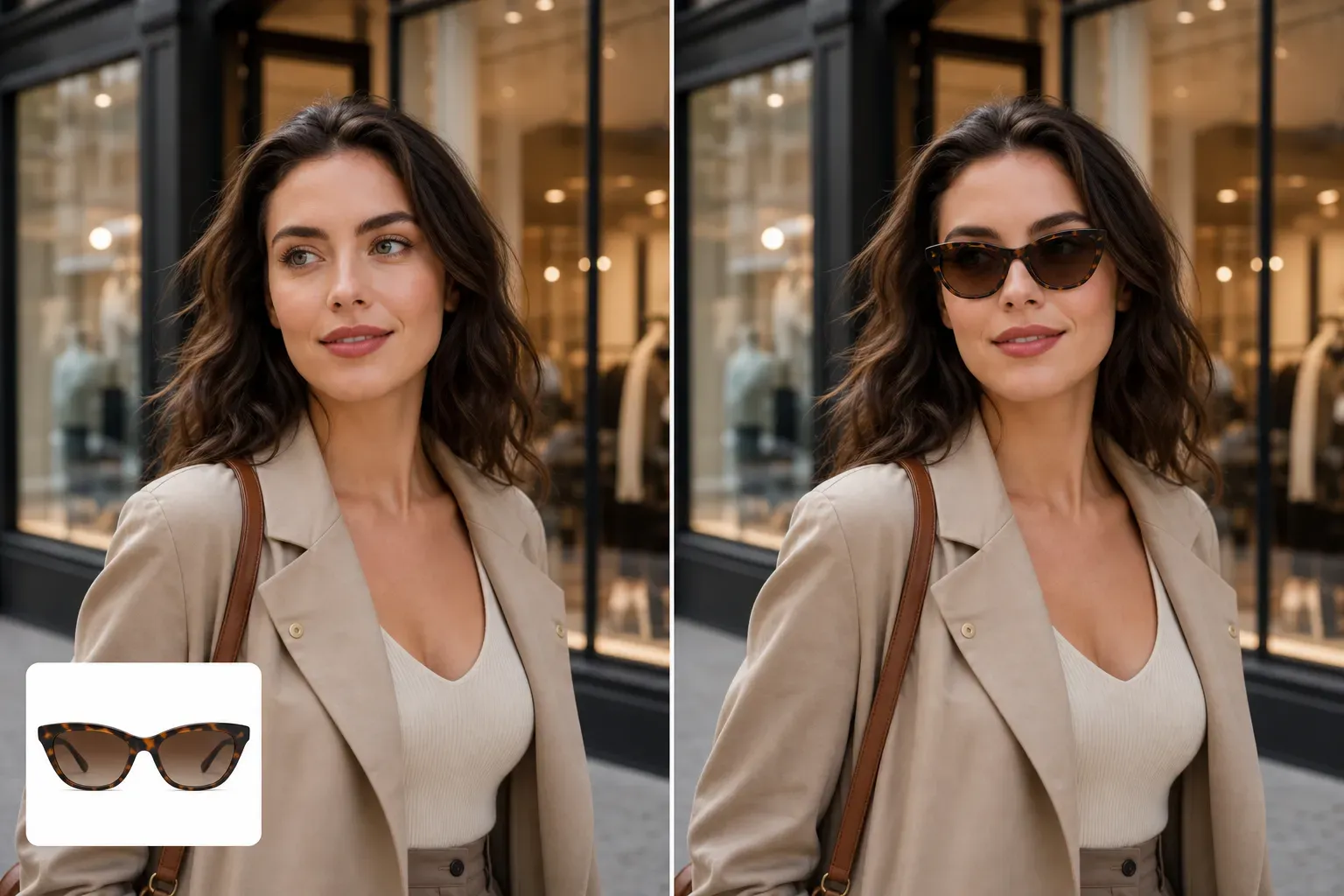
Choosing glasses is visual. A frame can make a selfie feel softer, sharper, more professional, more playful, or more ready for a sunny vacation. This gallery gives you 40 clean glasses images you can save and upload into Vidoly AI Glasses Try On to test different looks on your own photo.
The first 20 images are everyday optical glasses. The next 20 images are sunglasses. Each image is an independent 1:1 product-style asset, so you can download one style at a time and use it as the glasses reference when creating your virtual try-on result.
How To Use These Glasses Images
A good try-on image usually works best with a clear front-facing or slightly angled portrait. Avoid heavy shadows over the eyes, extreme side profiles, or photos where hair covers the face too much.
20 Everyday Optical Glasses Styles
These frames are useful for profile photos, professional portraits, lifestyle selfies, creator headshots, and ecommerce model previews. Try a thin metal frame for a clean look, acetate frames for stronger personality, and rimless glasses for a lighter result.
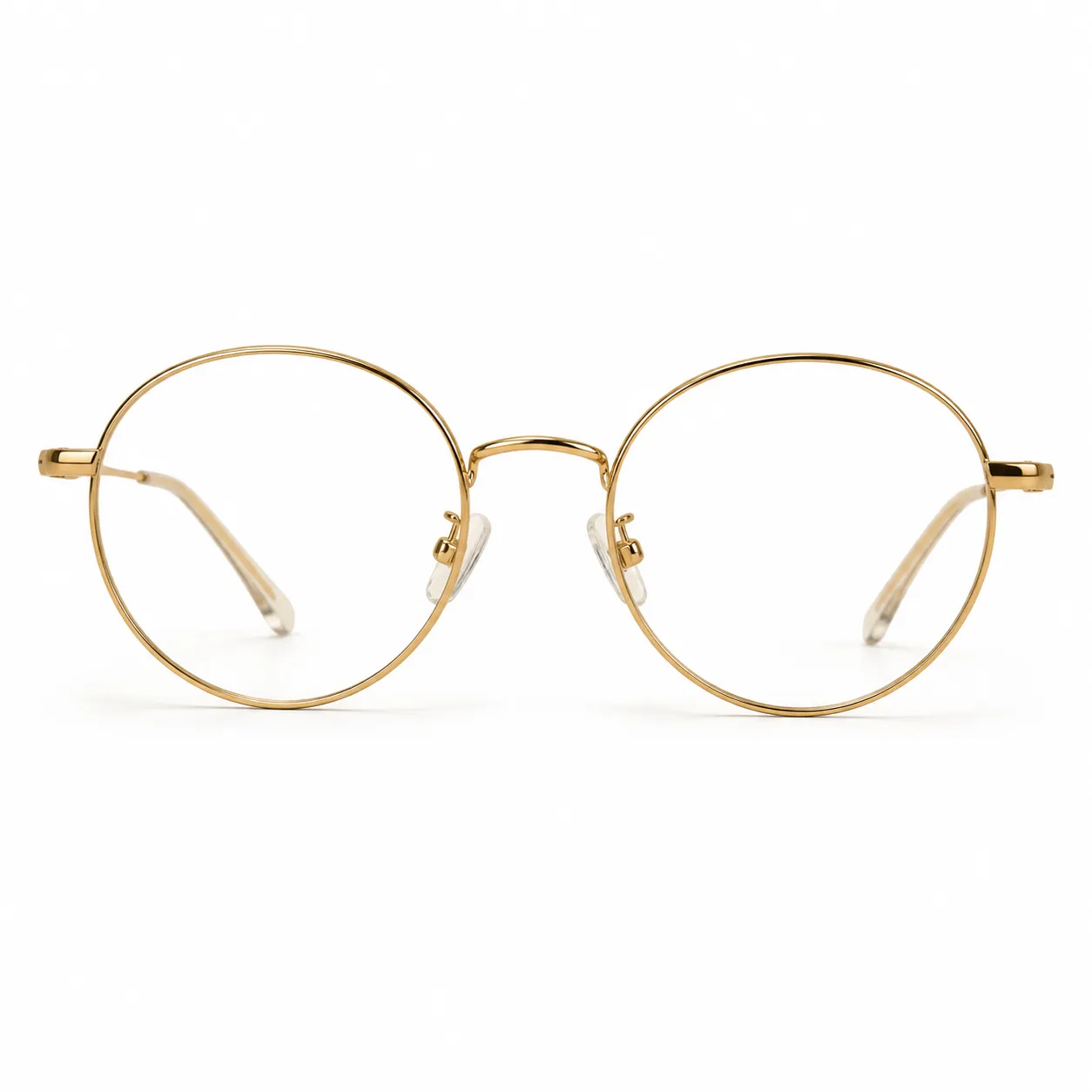 Thin Round Gold Optical Glasses |
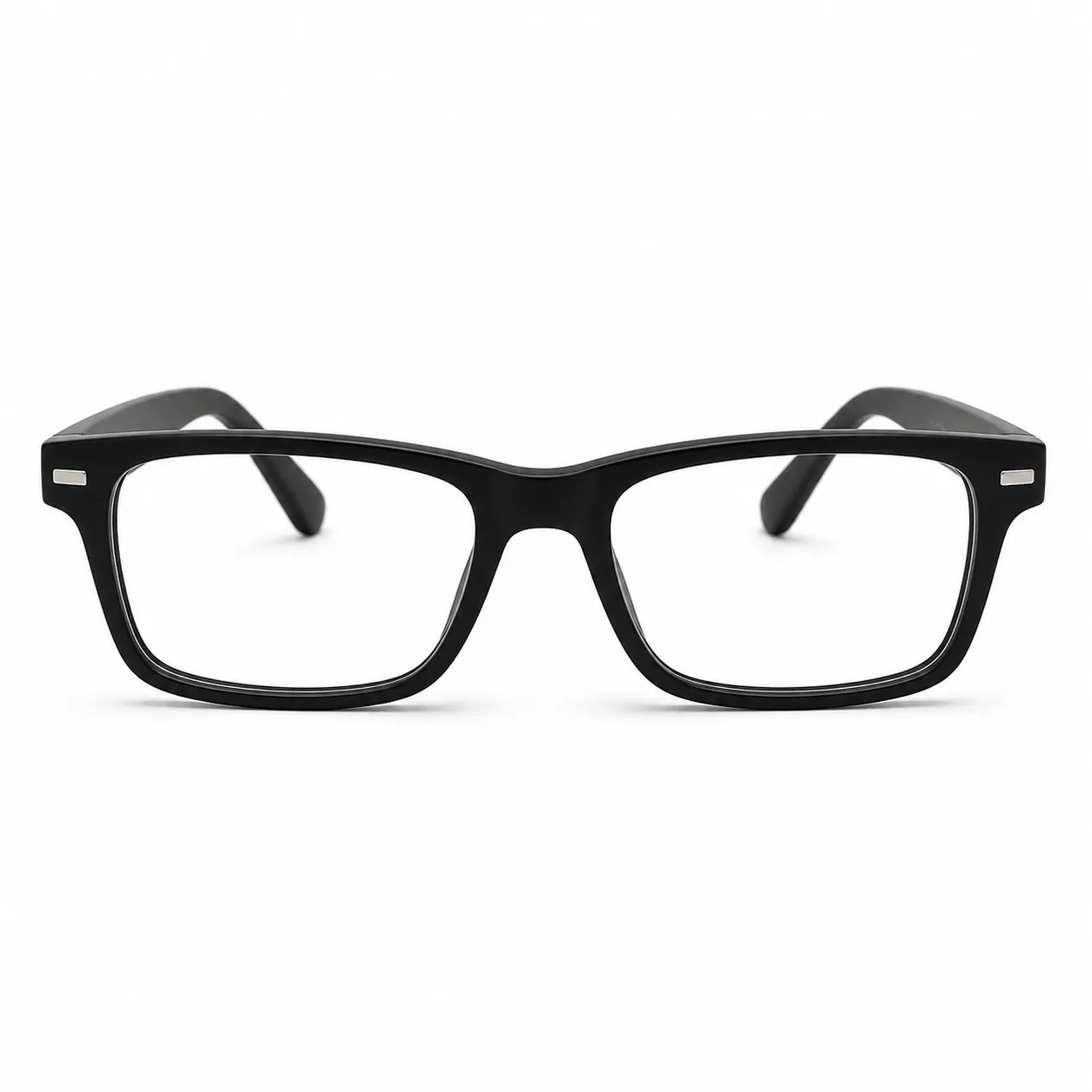 Bold Black Rectangular Optical Glasses |
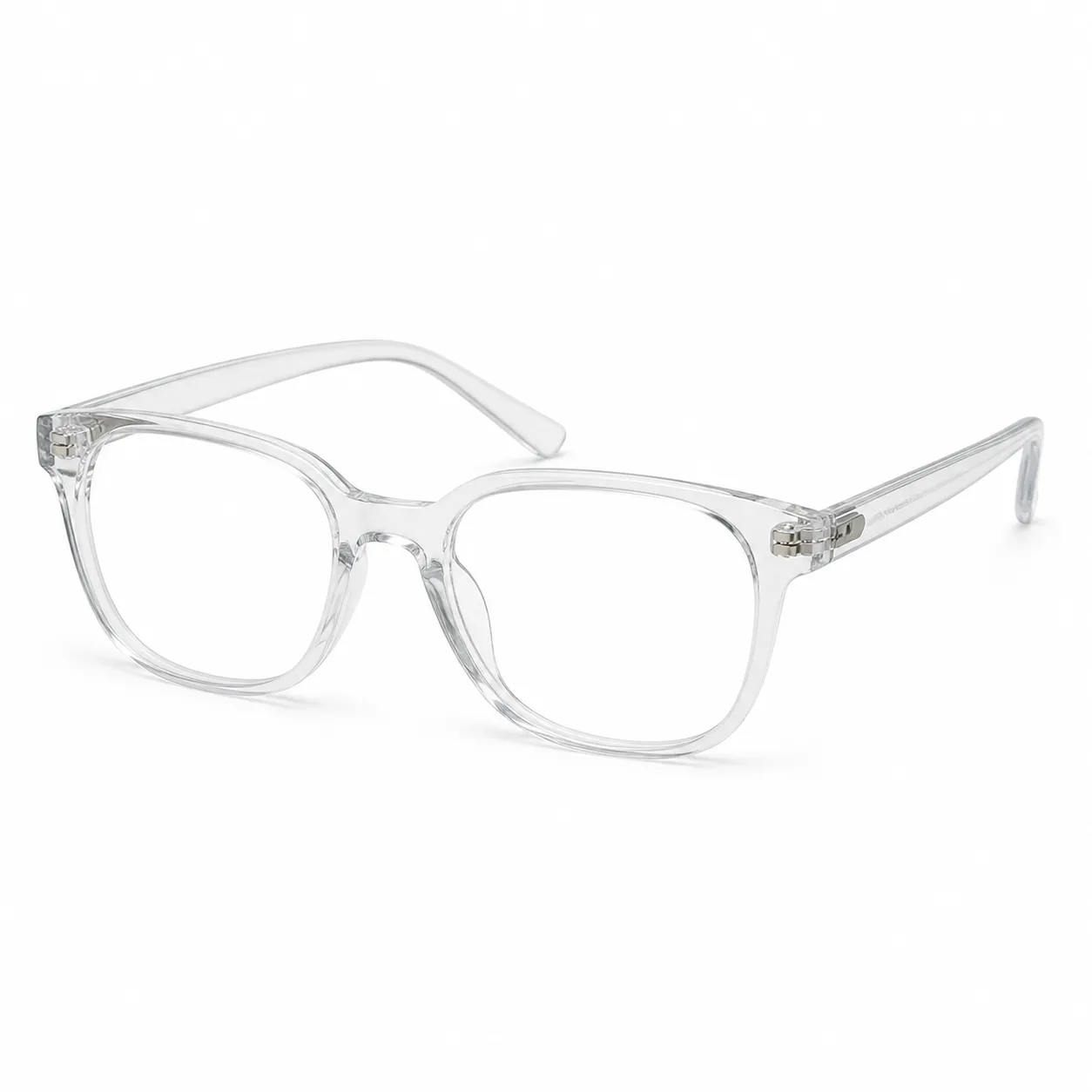 Transparent Crystal Acetate Optical Glasses |
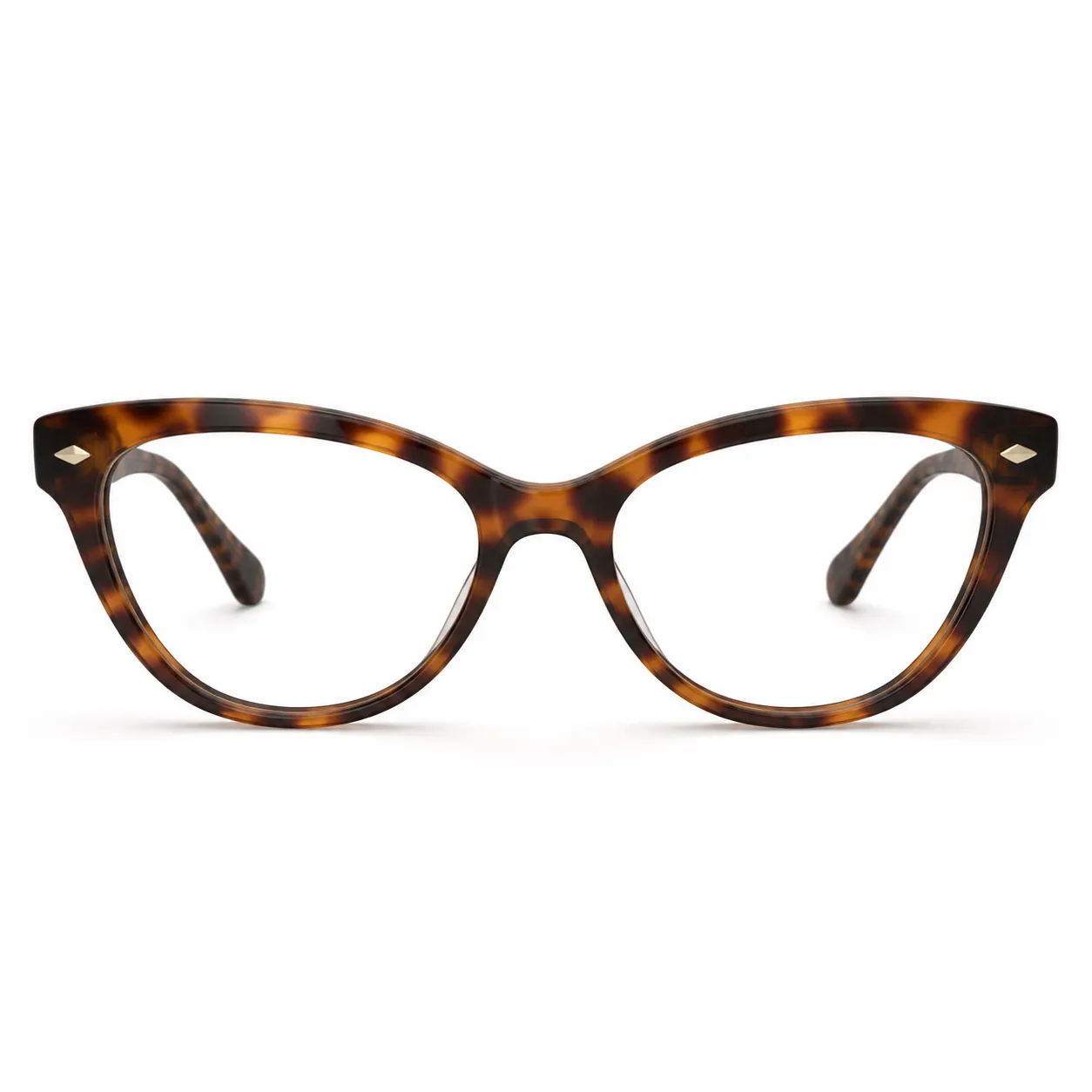 Tortoise Cat-Eye Optical Glasses |
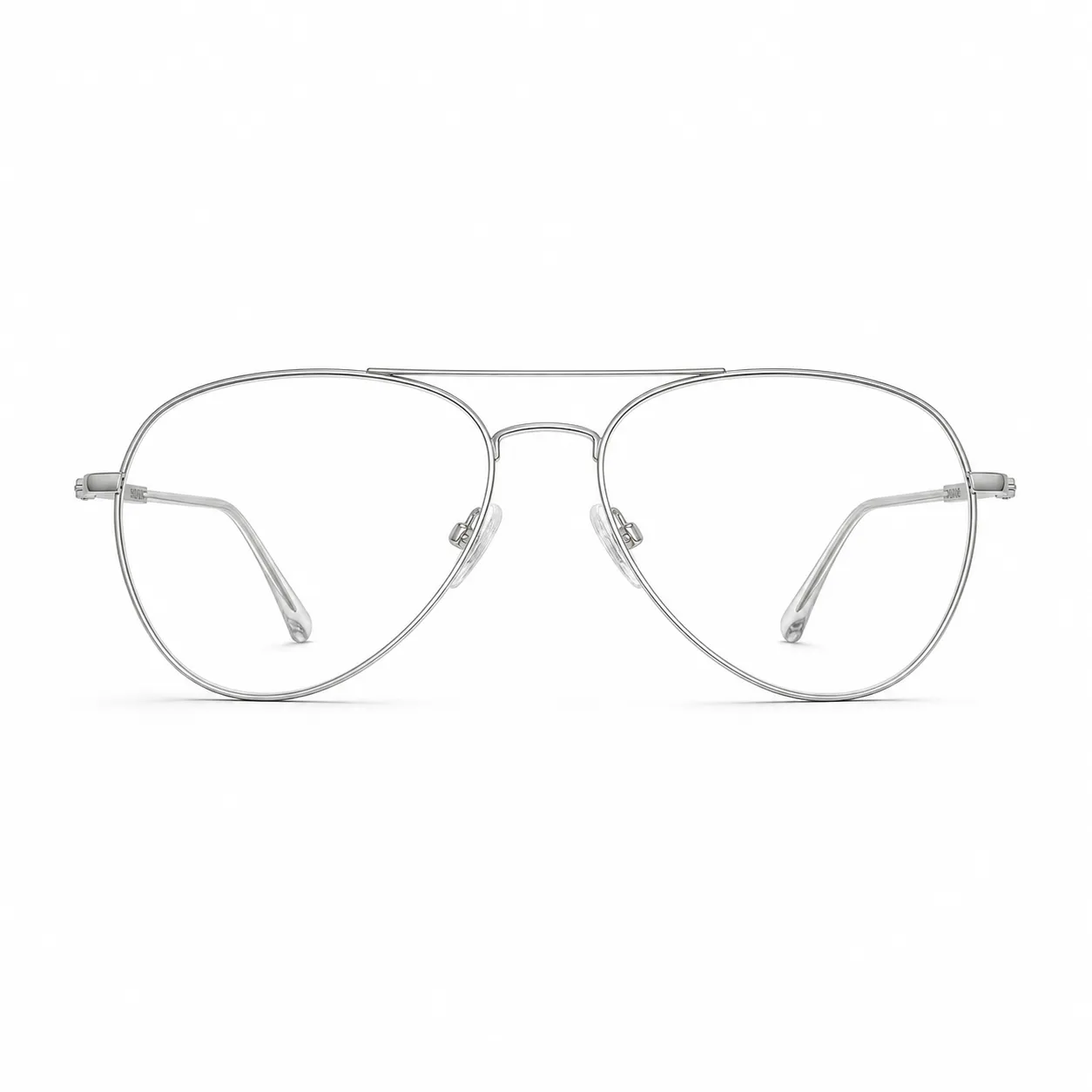 Silver Aviator Optical Glasses |
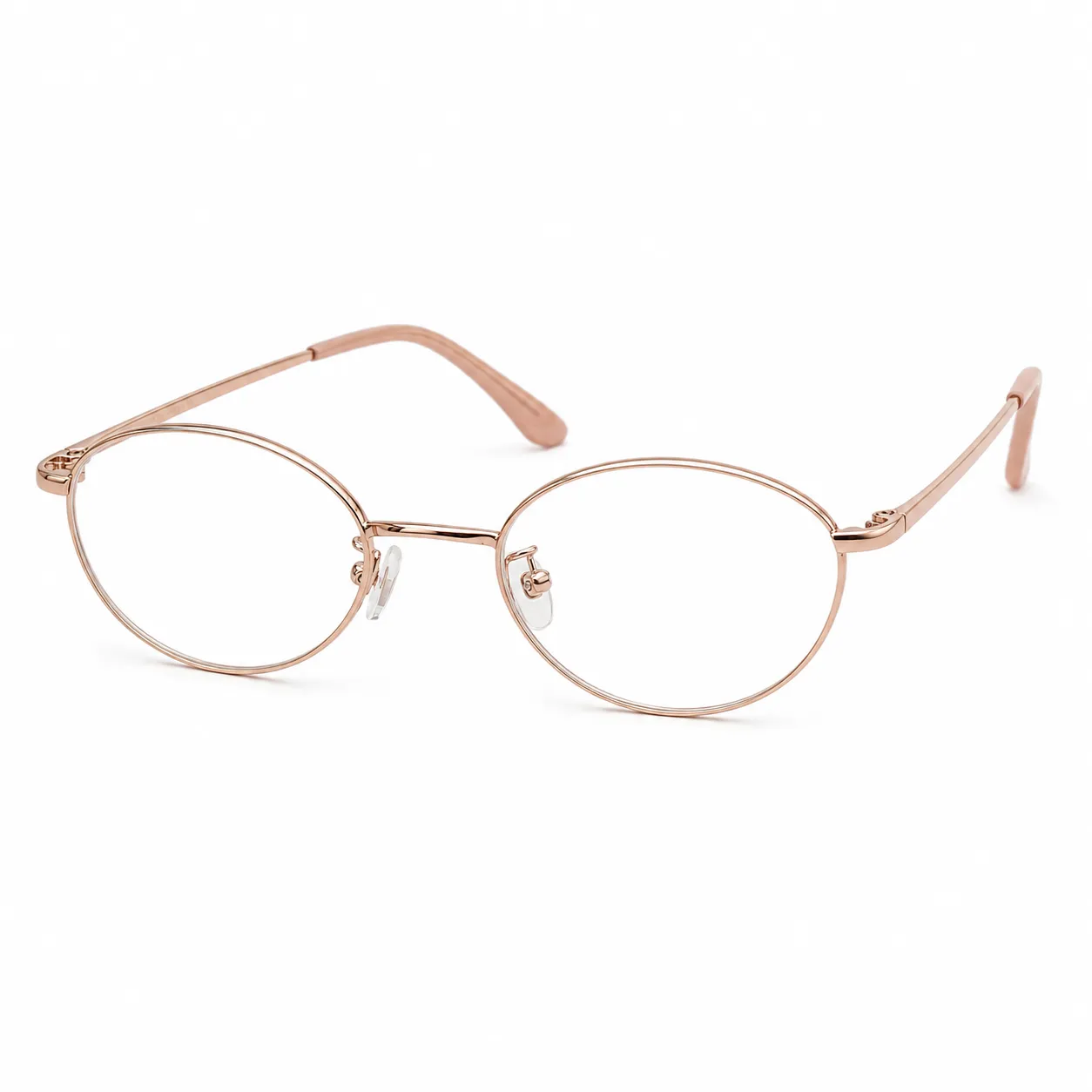 Rose Gold Oval Optical Glasses |
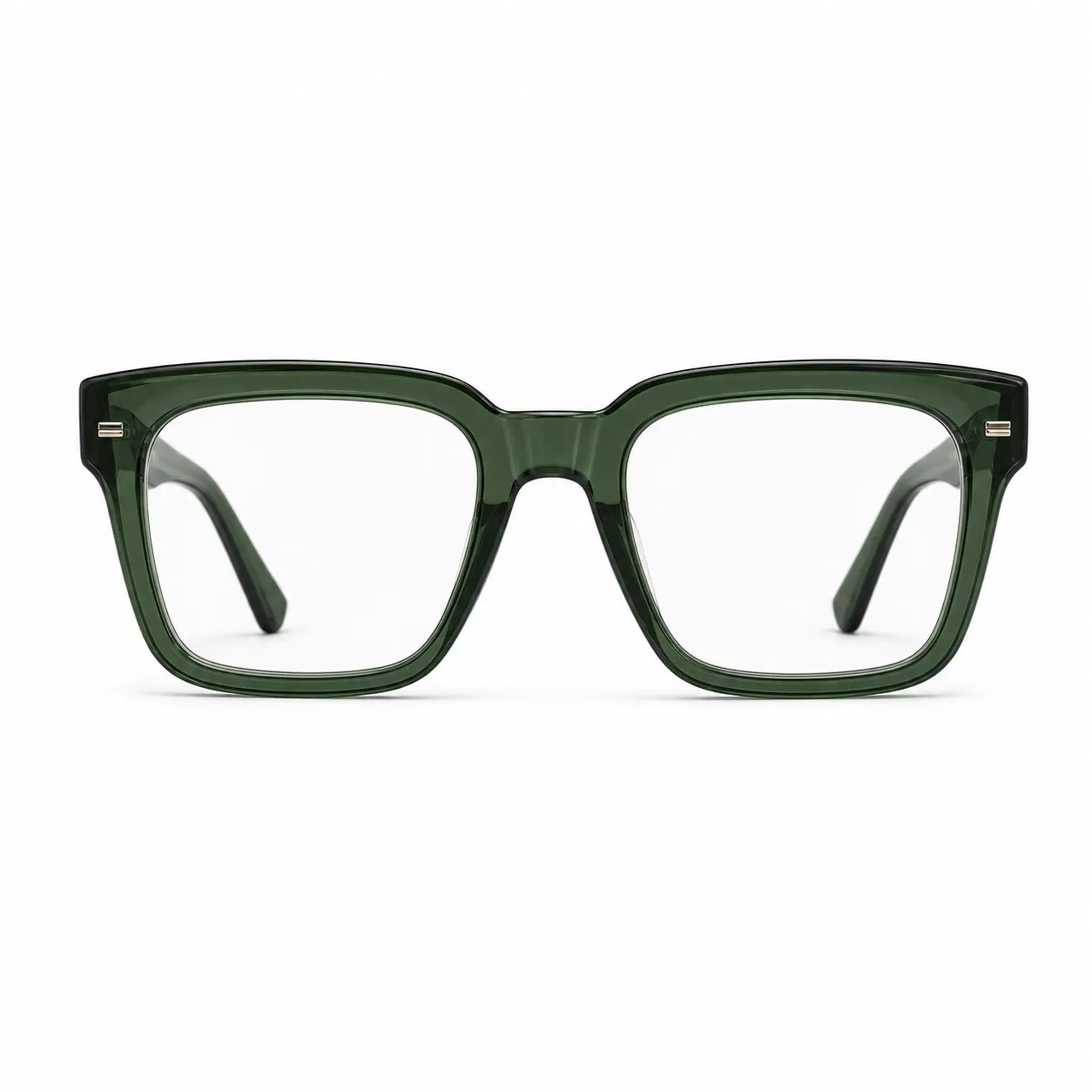 Green Translucent Square Optical Glasses |
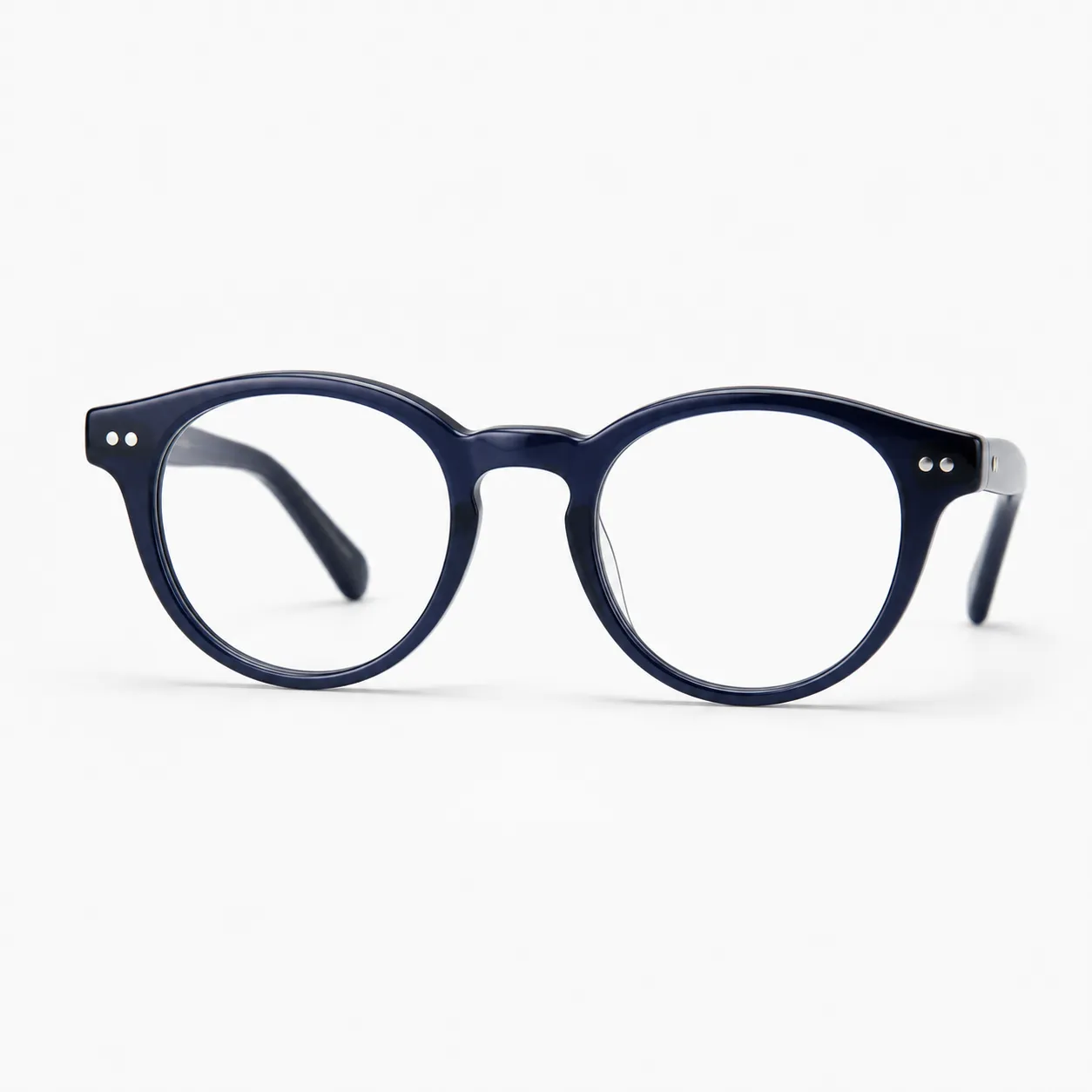 Navy Round Acetate Optical Glasses |
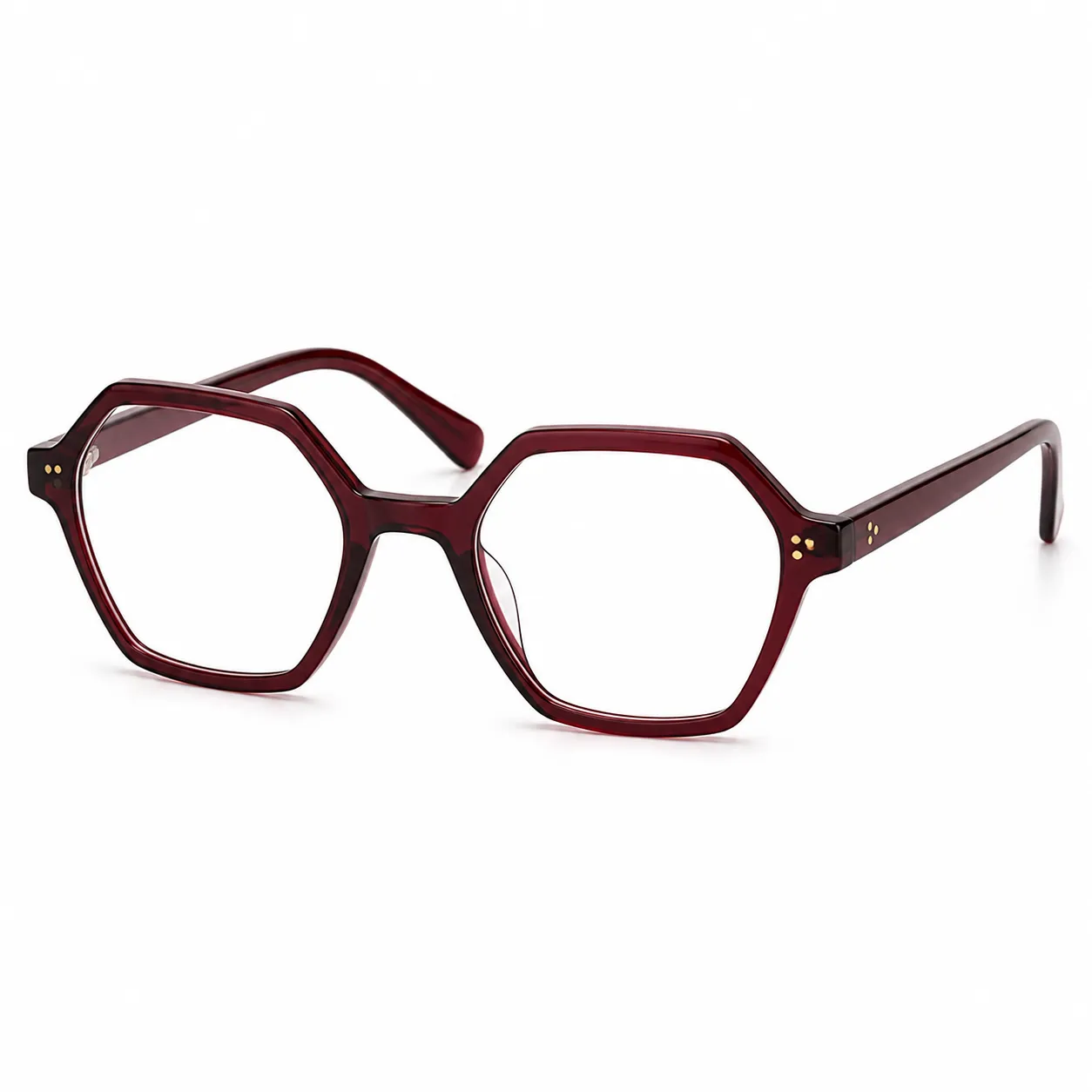 Burgundy Hexagon Optical Glasses |
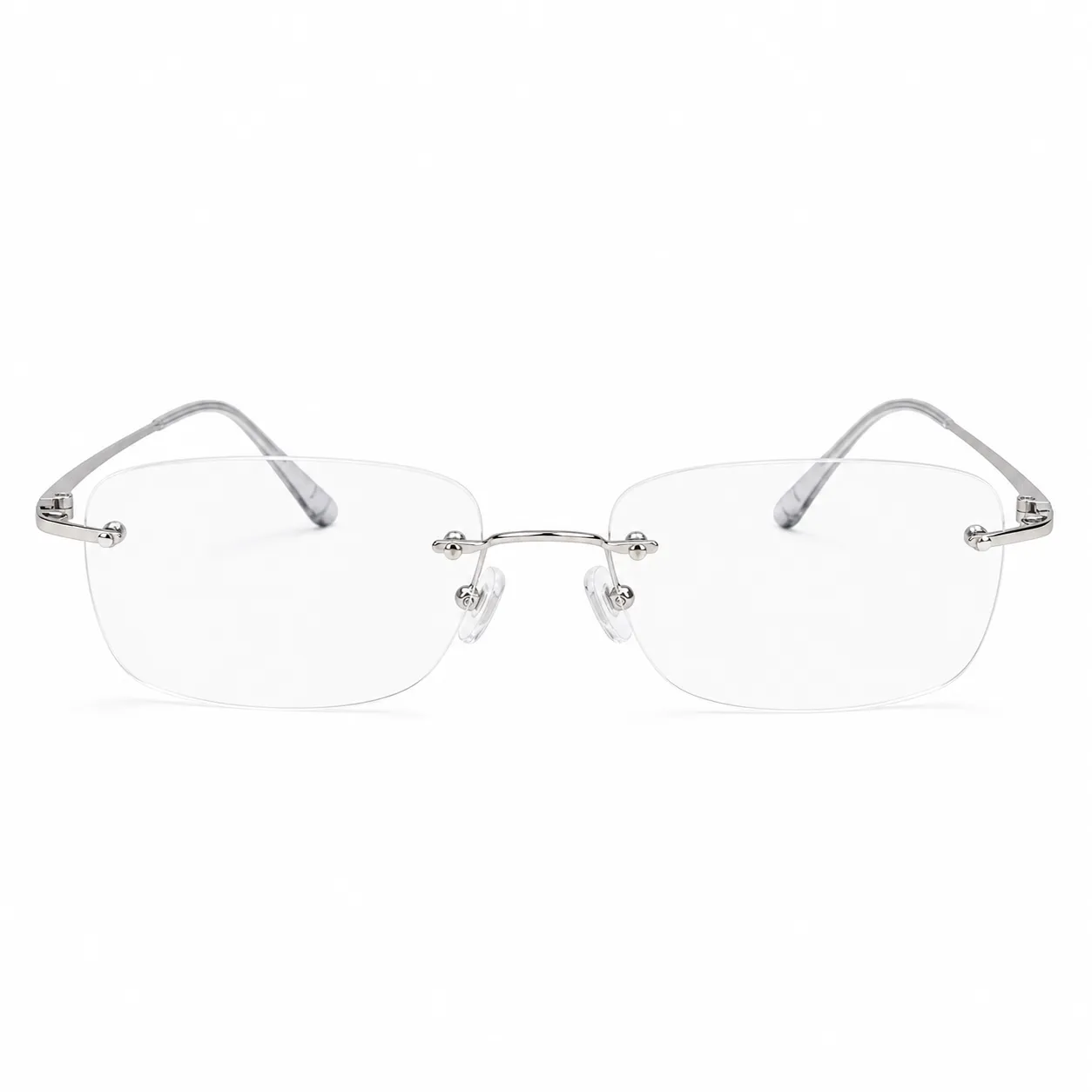 Minimalist Rimless Optical Glasses |
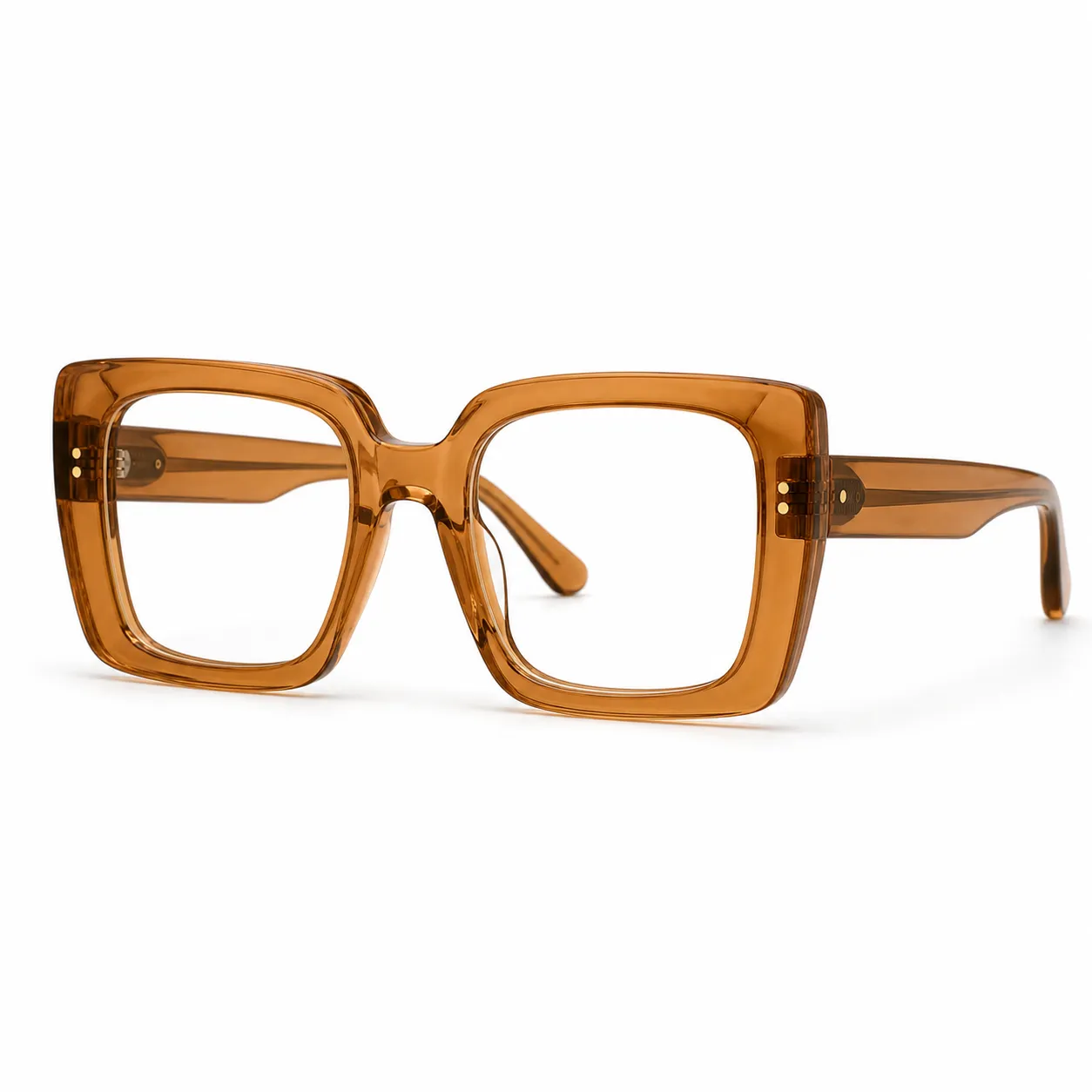 Caramel Oversized Square Optical Glasses |
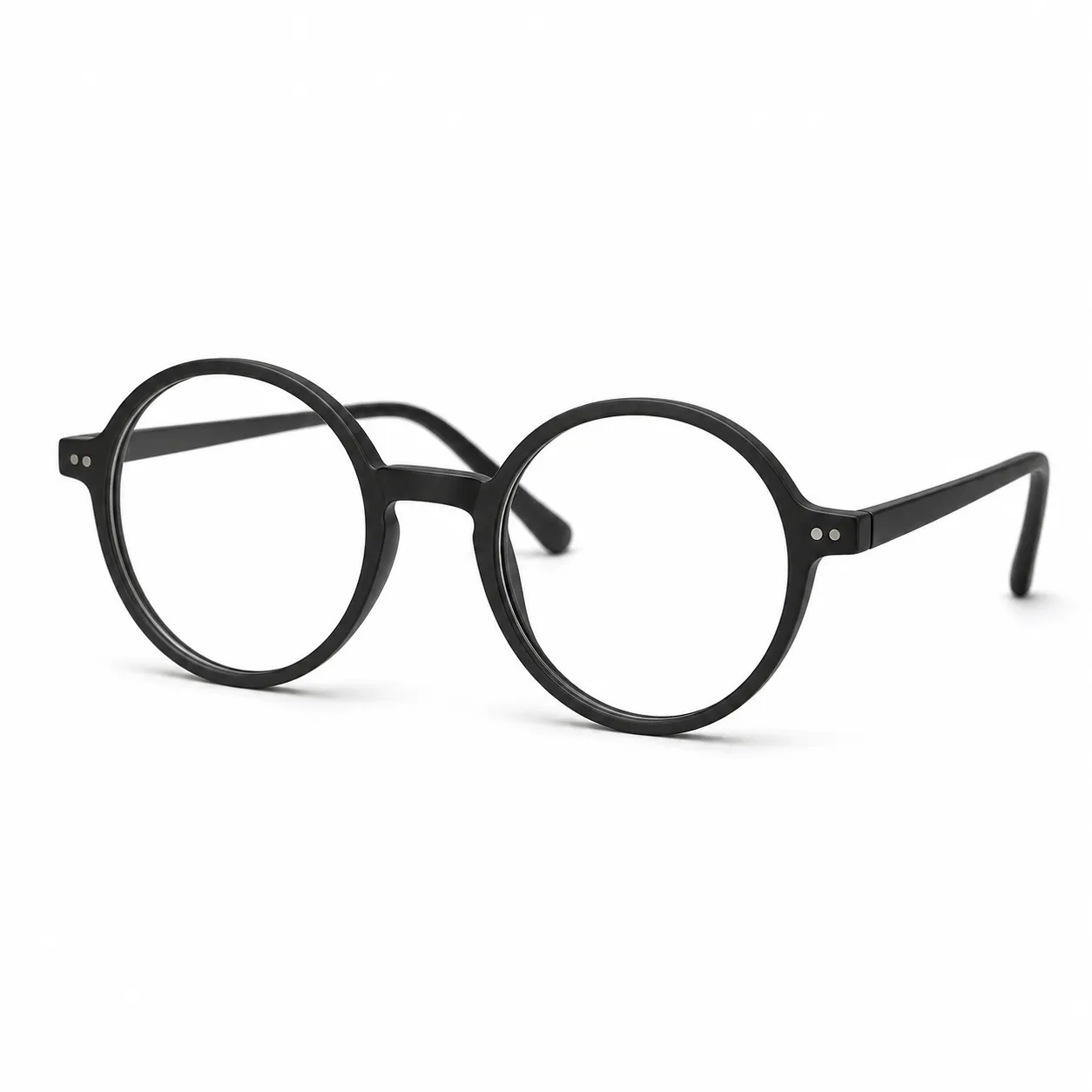 Matte Black Round Optical Glasses |
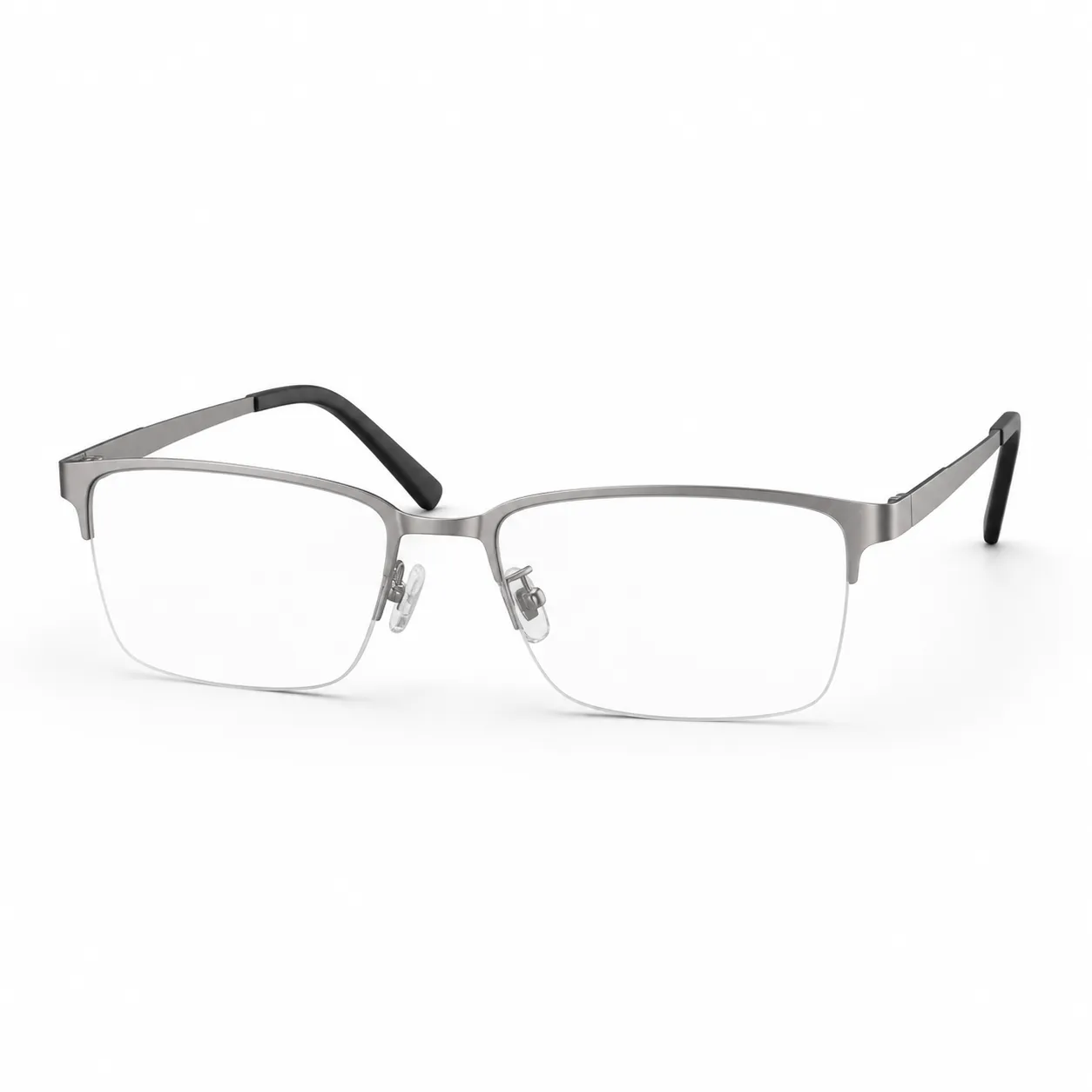 Titanium Half-Rim Optical Glasses |
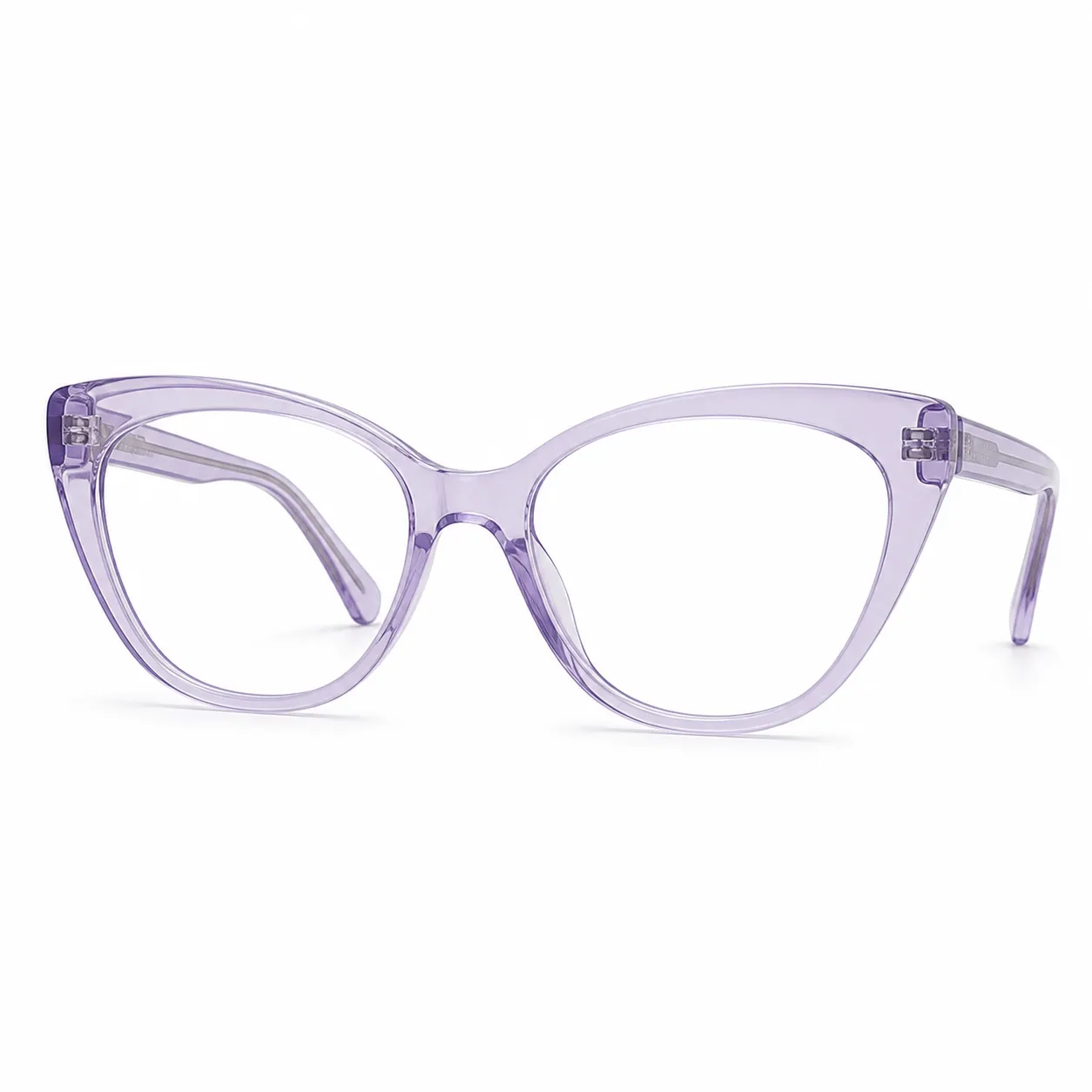 Lavender Cat-Eye Optical Glasses |
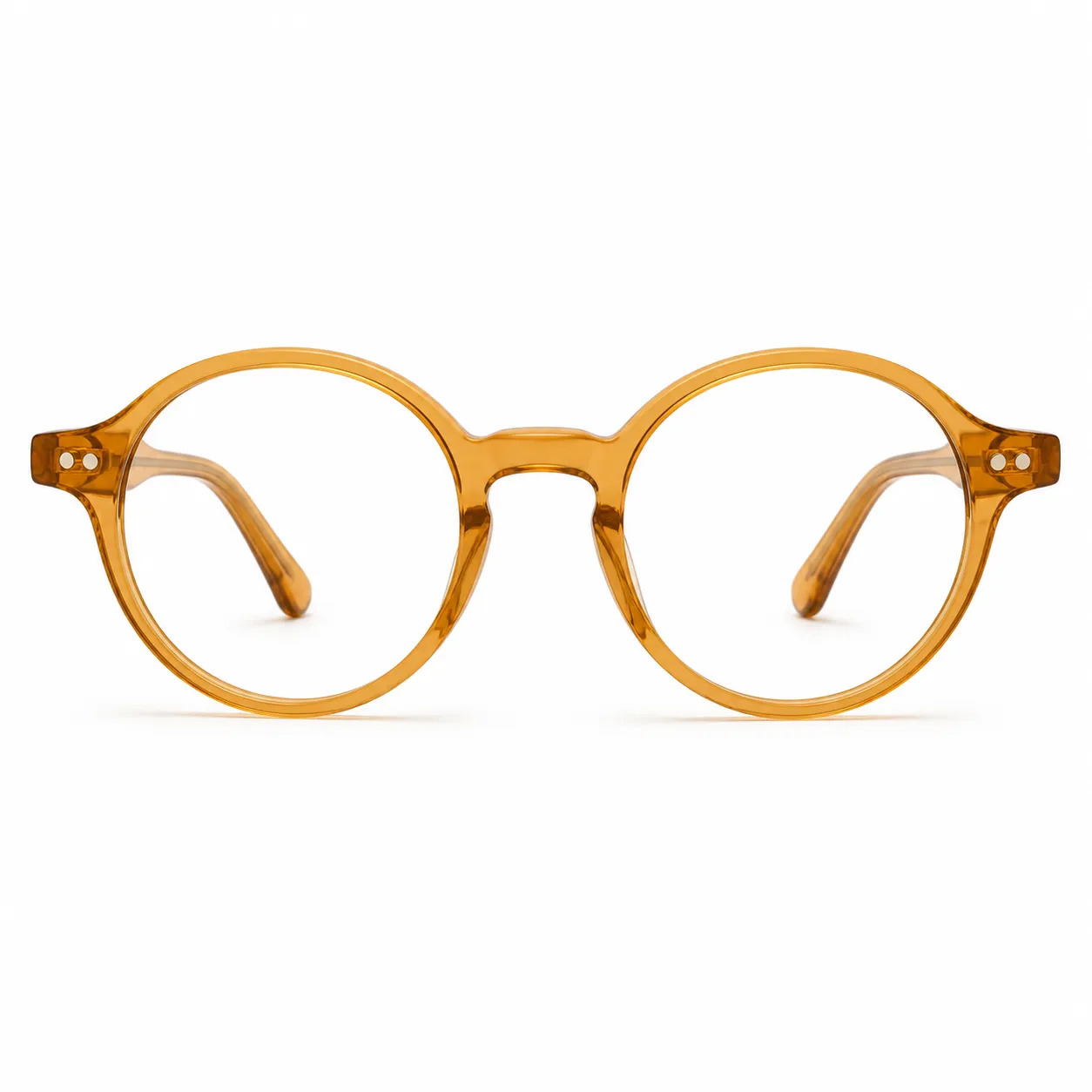 Honey Amber Round Optical Glasses |
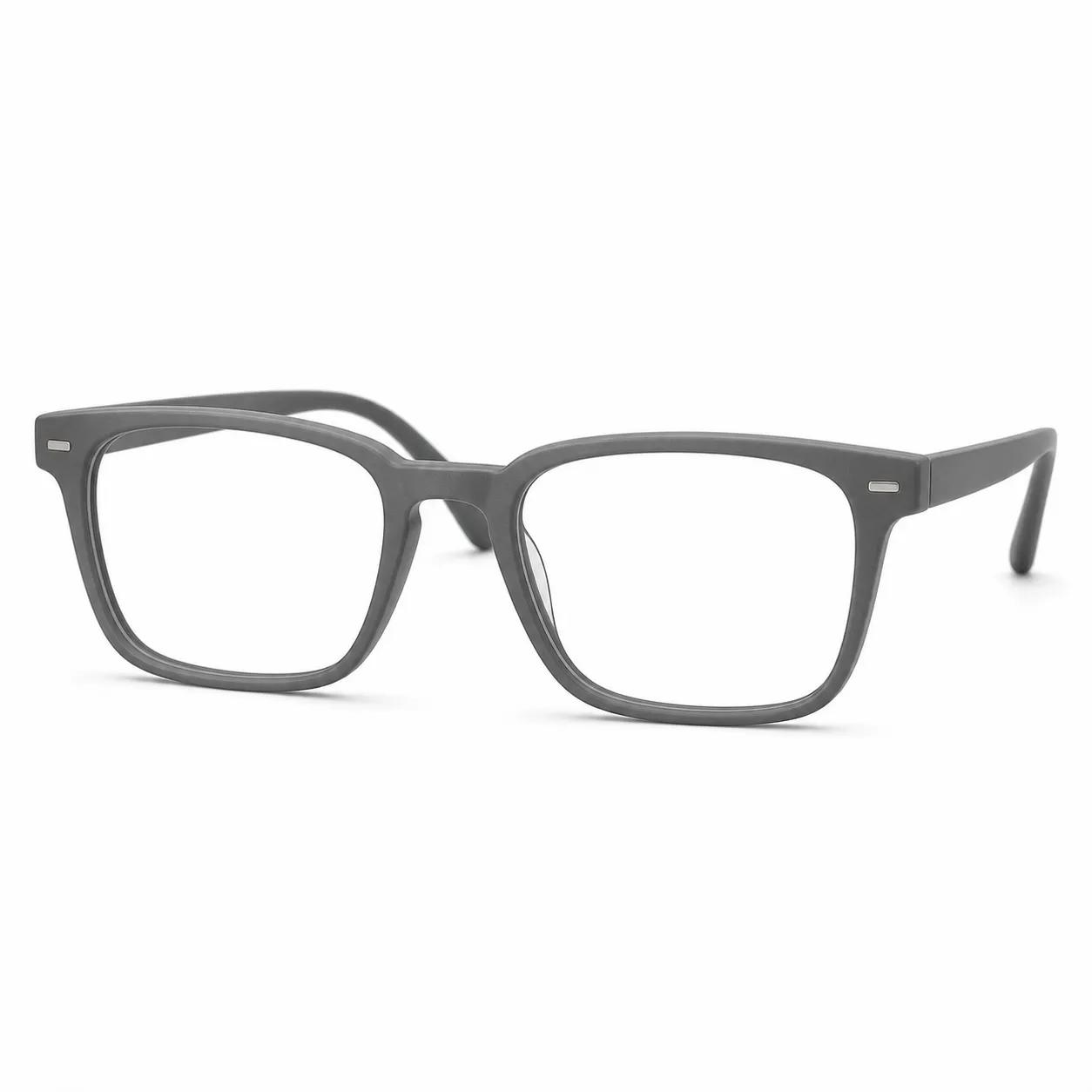 Matte Gray Square Optical Glasses |
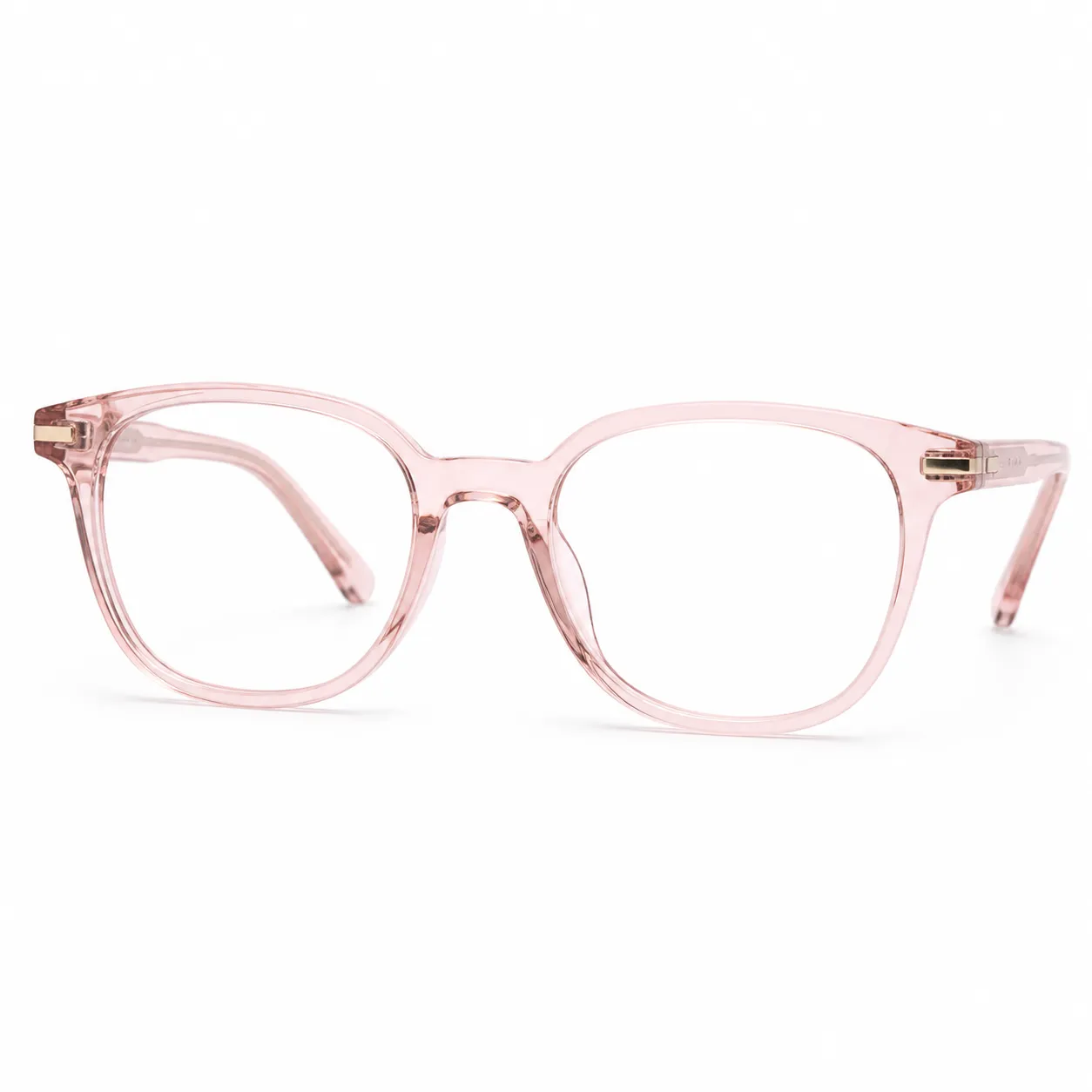 Clear Pink Rounded Square Optical Glasses |
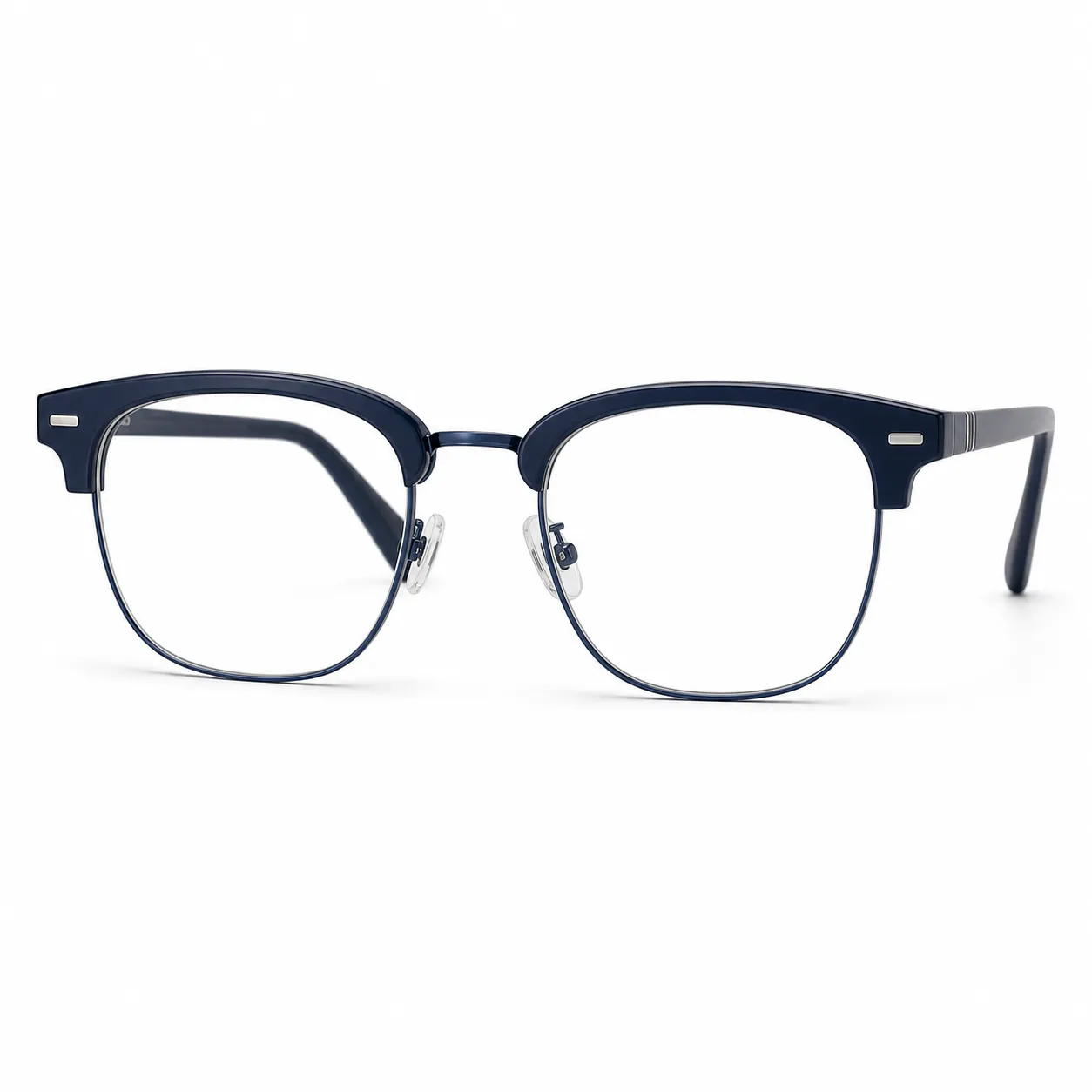 Blue Metal Browline Optical Glasses |
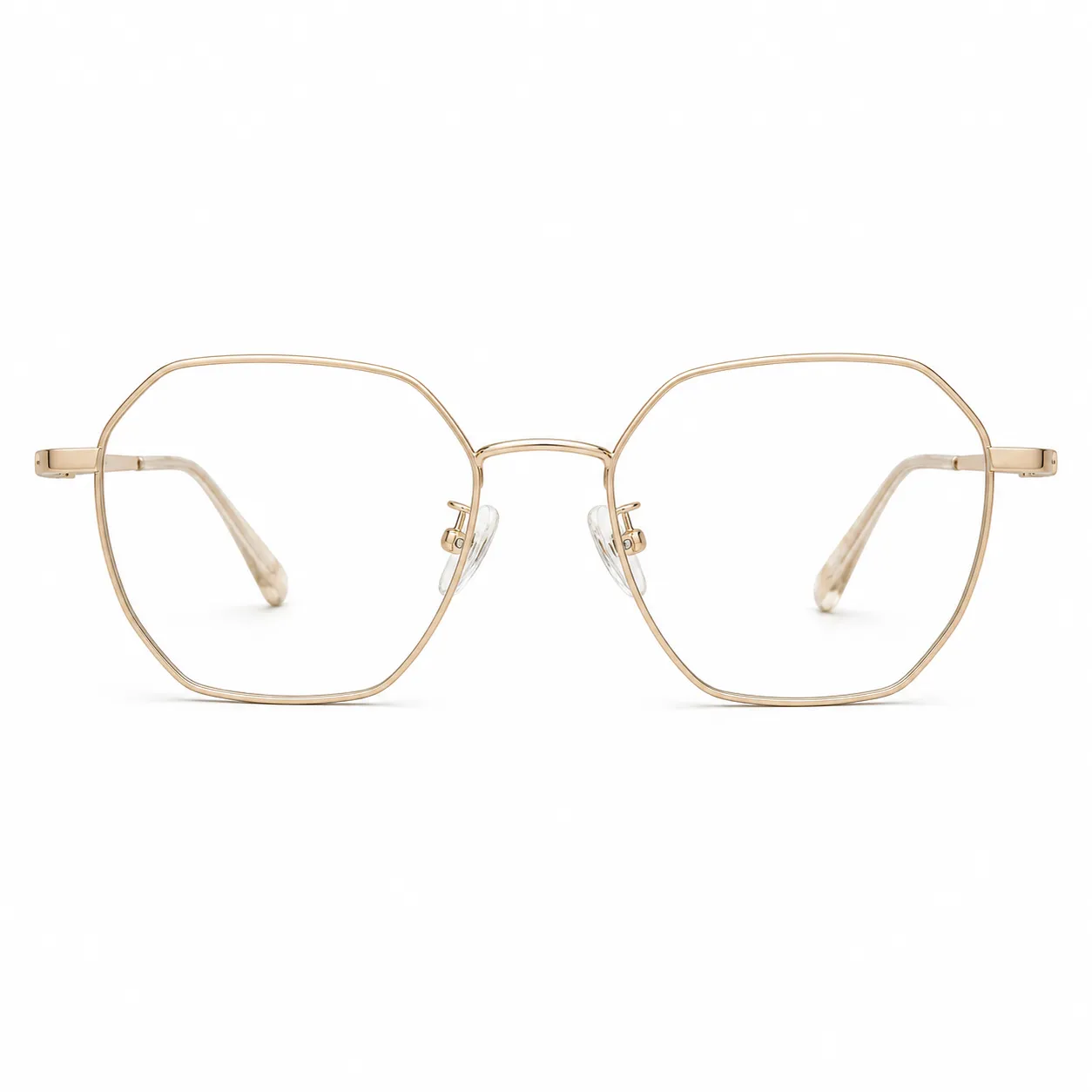 Champagne Gold Polygon Optical Glasses |
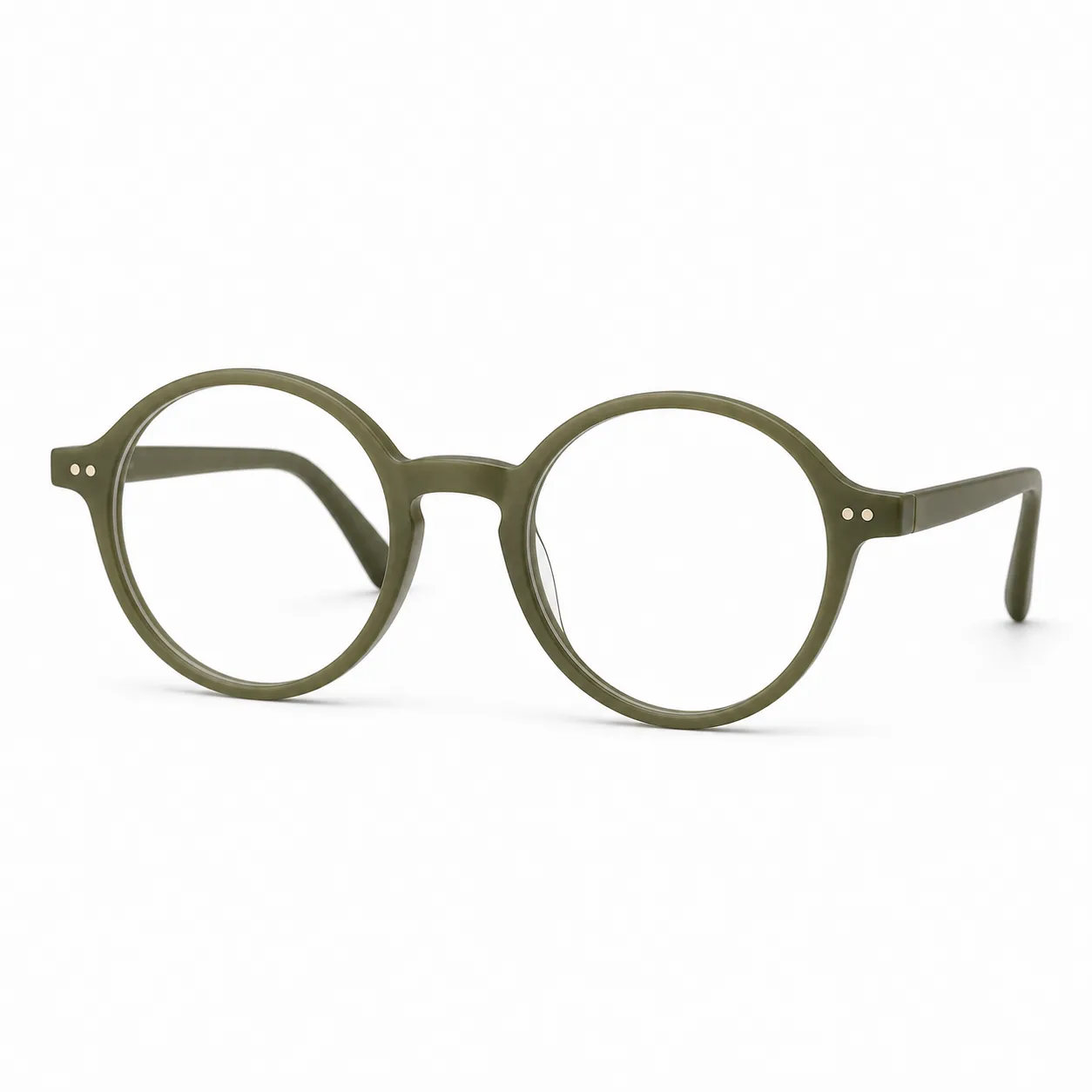 Olive Green Round Optical Glasses |
20 Sunglasses Styles For Summer, Travel, And Social Posts
Sunglasses change the mood faster than almost any accessory. Use black frames for a classic creator look, gradient lenses for lifestyle photos, shield sunglasses for sporty content, and colorful frames when you want a post to feel more expressive.
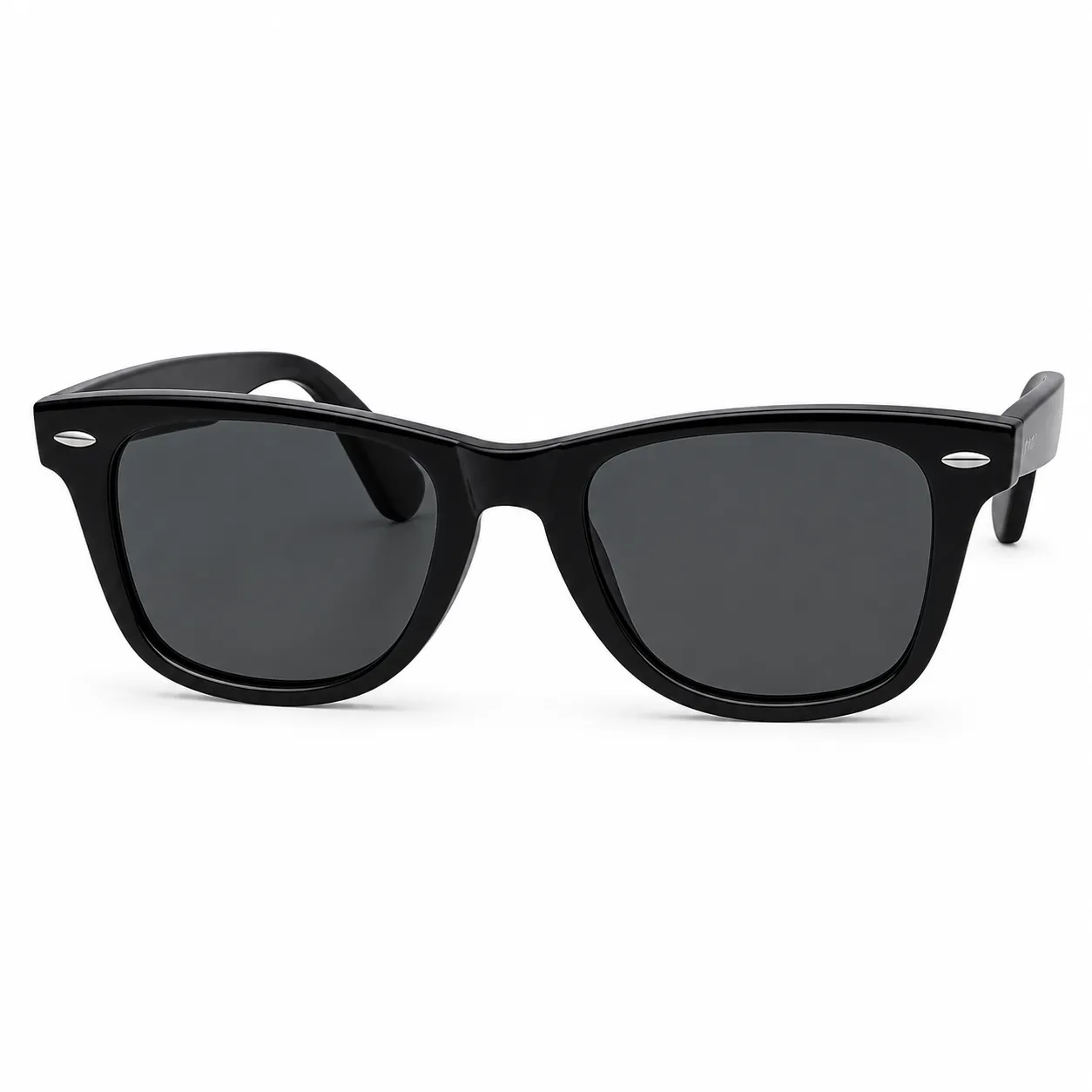 Classic Black Wayfarer Sunglasses |
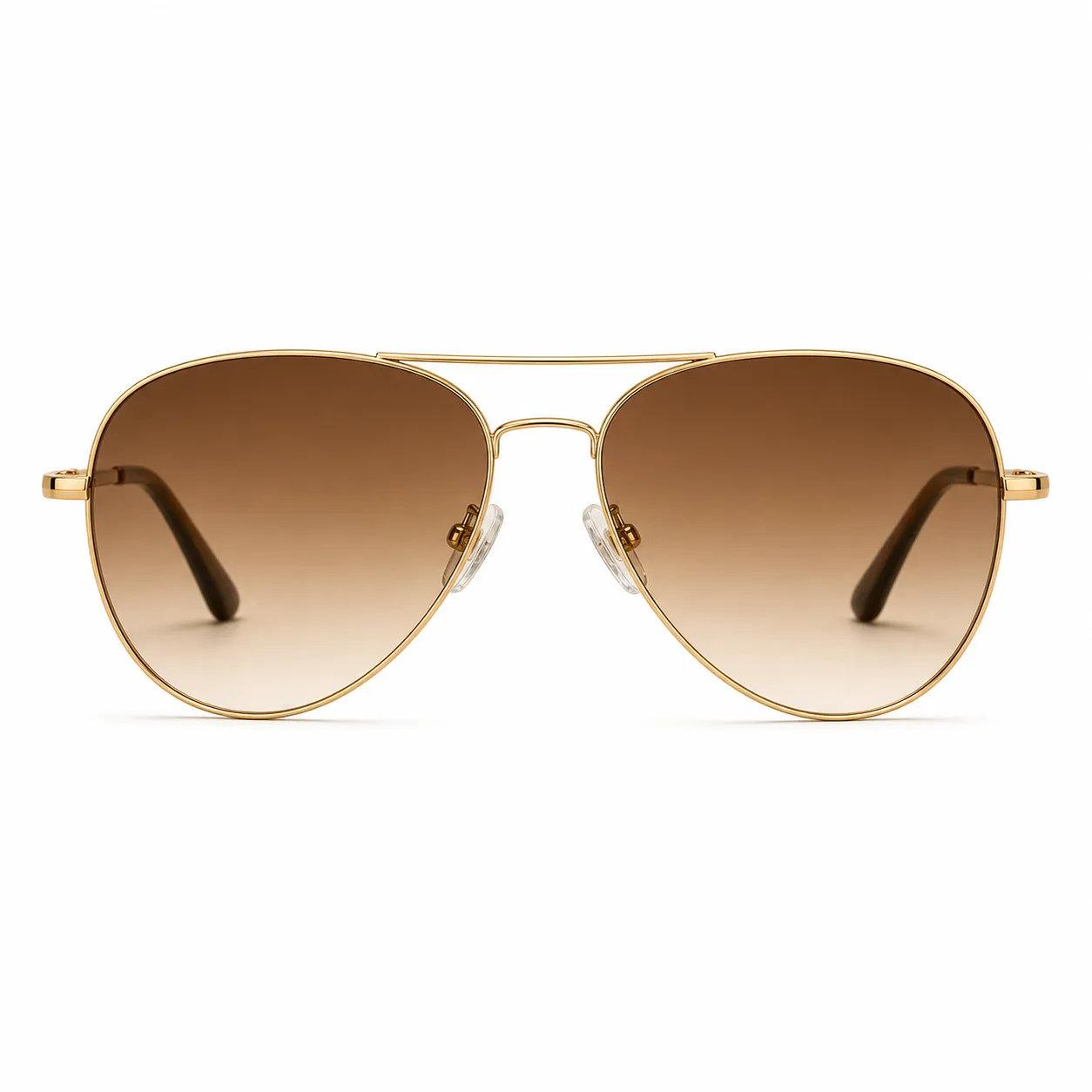 Gold Aviator Sunglasses |
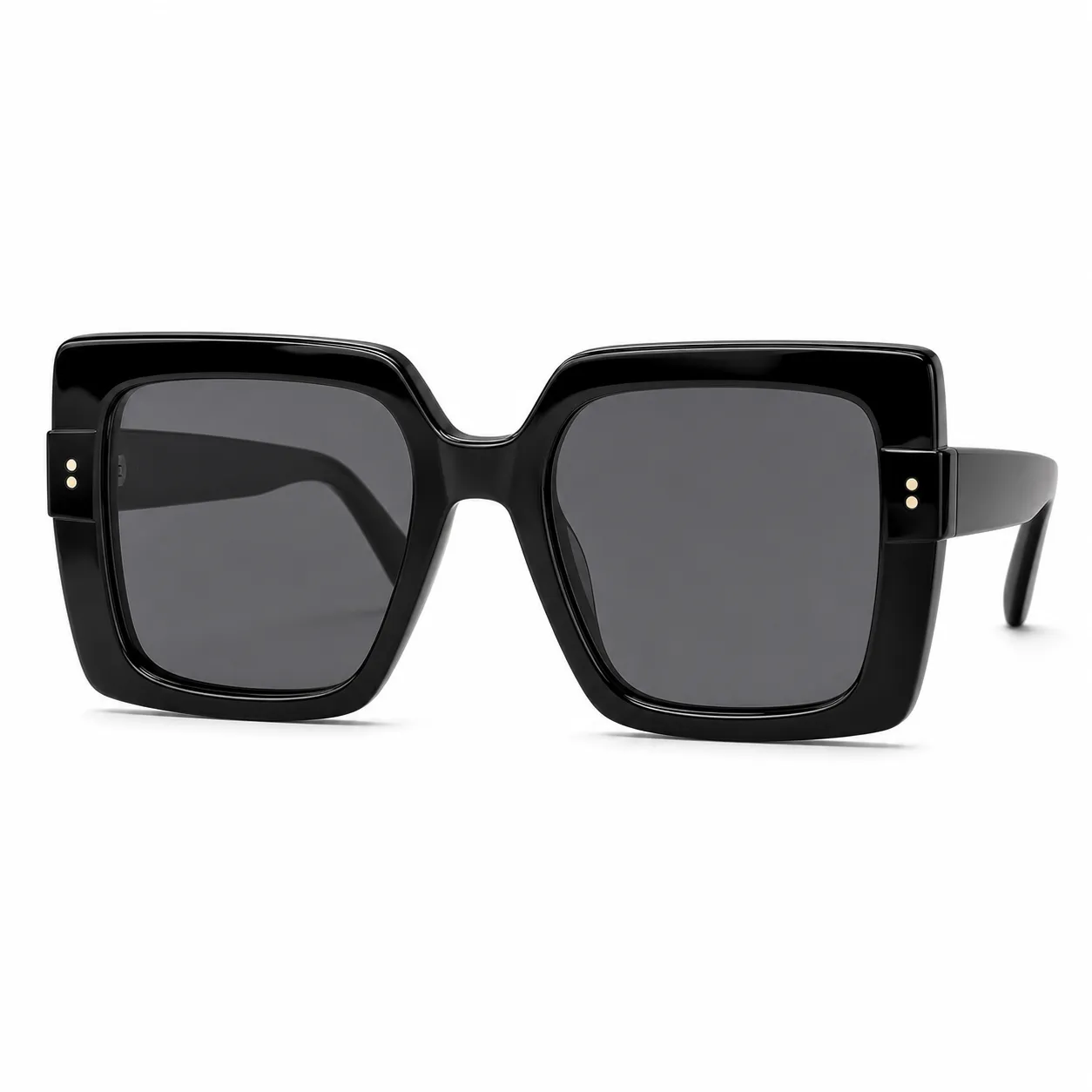 Oversized Black Square Sunglasses |
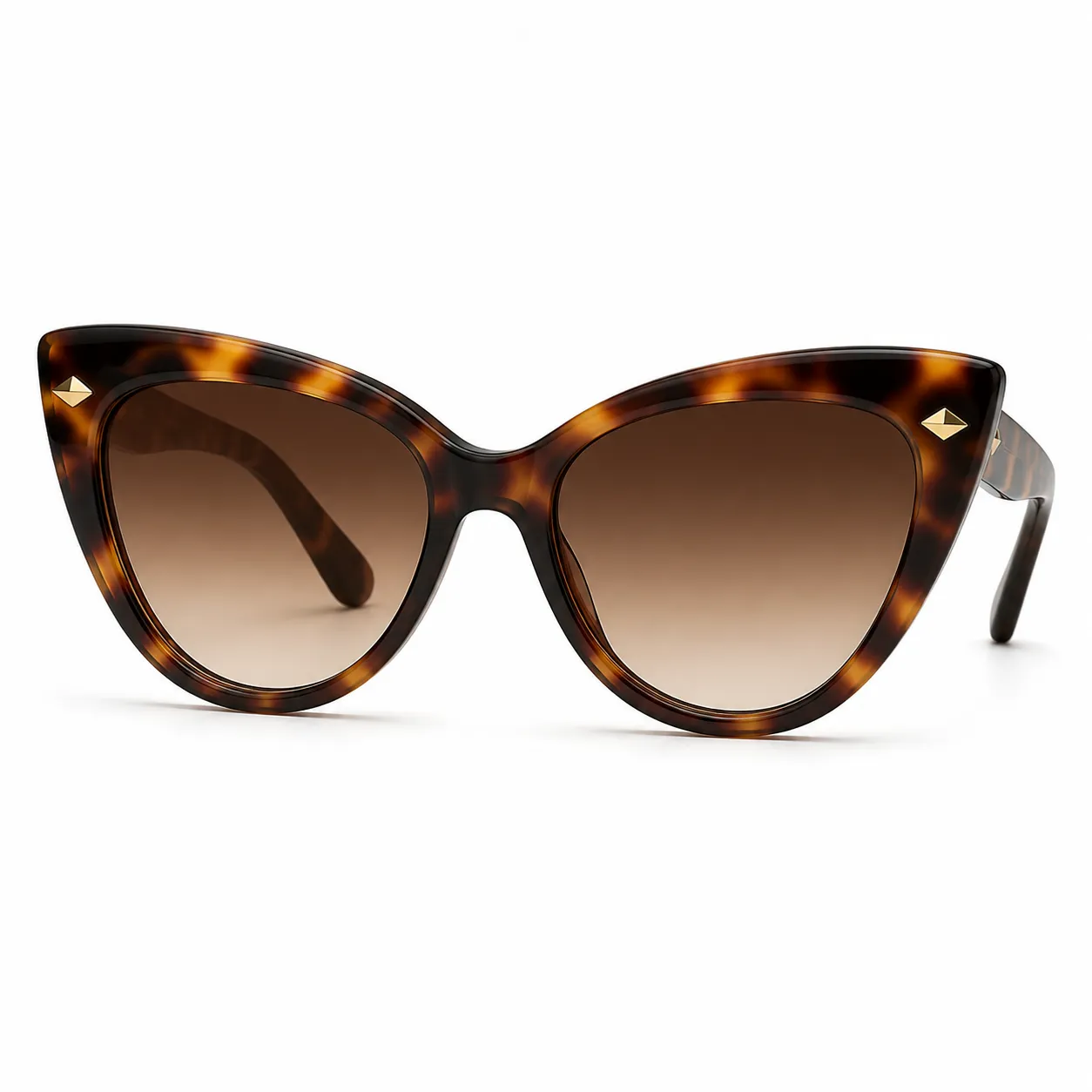 Tortoise Cat-Eye Sunglasses |
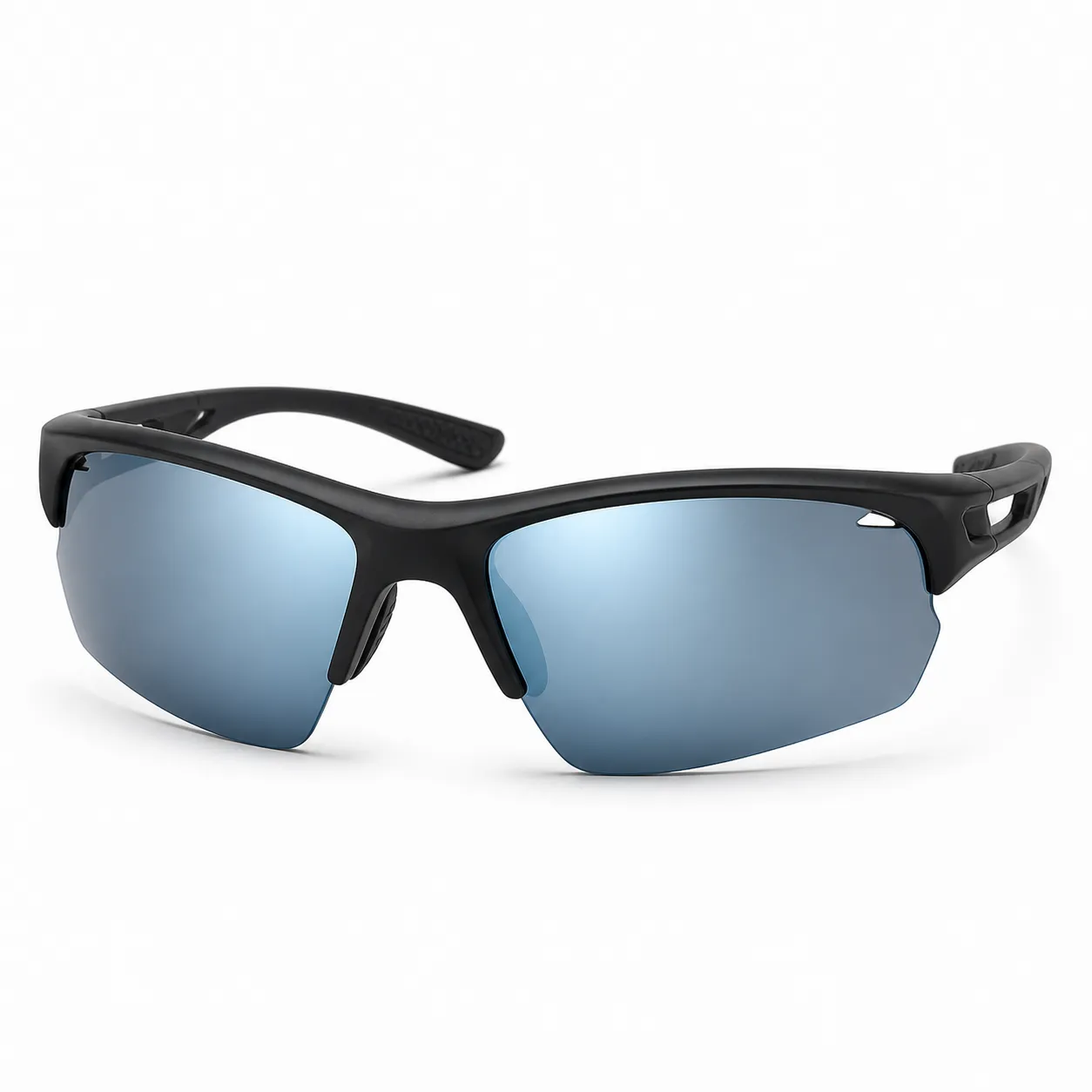 Sport Wraparound Sunglasses |
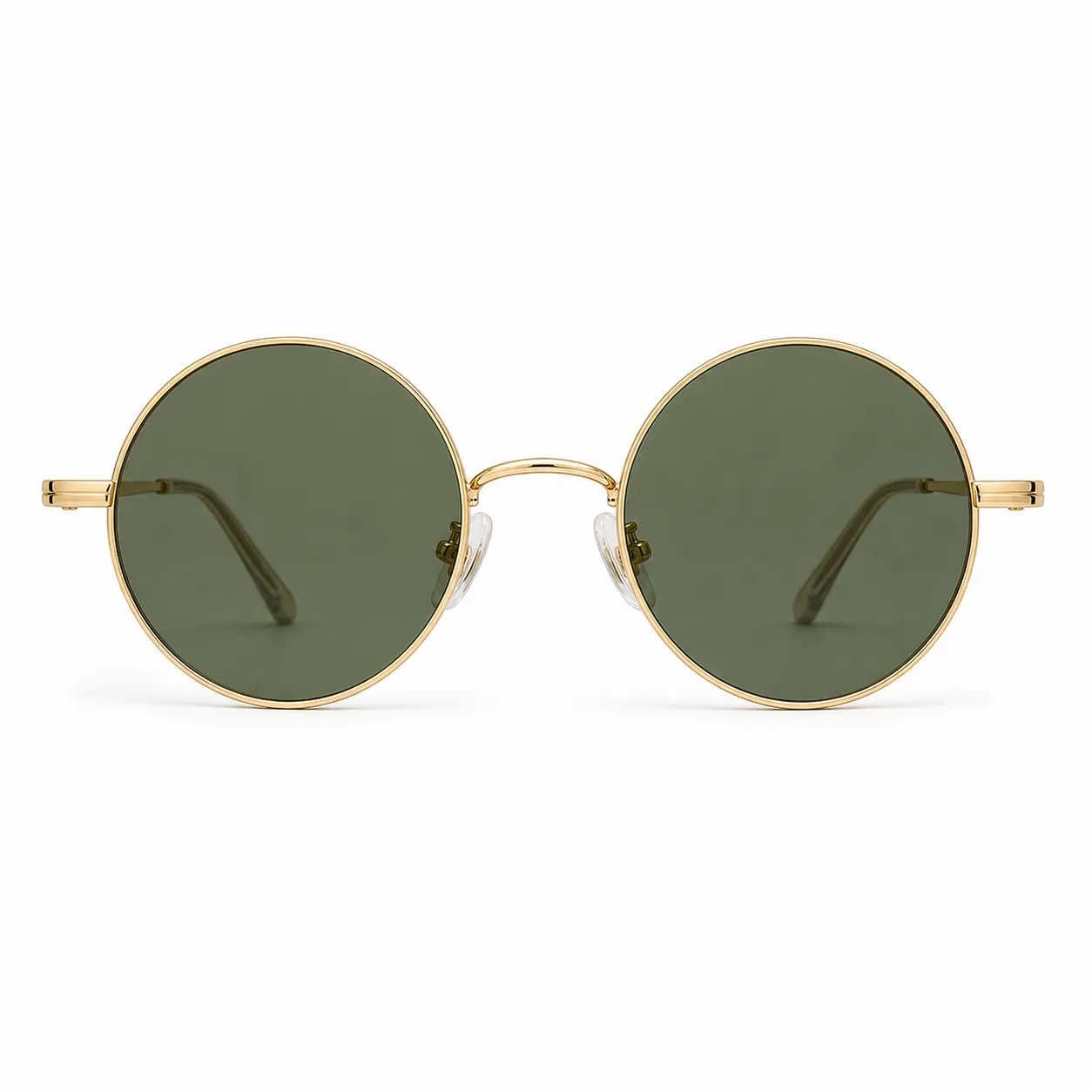 Gold Round Vintage Sunglasses |
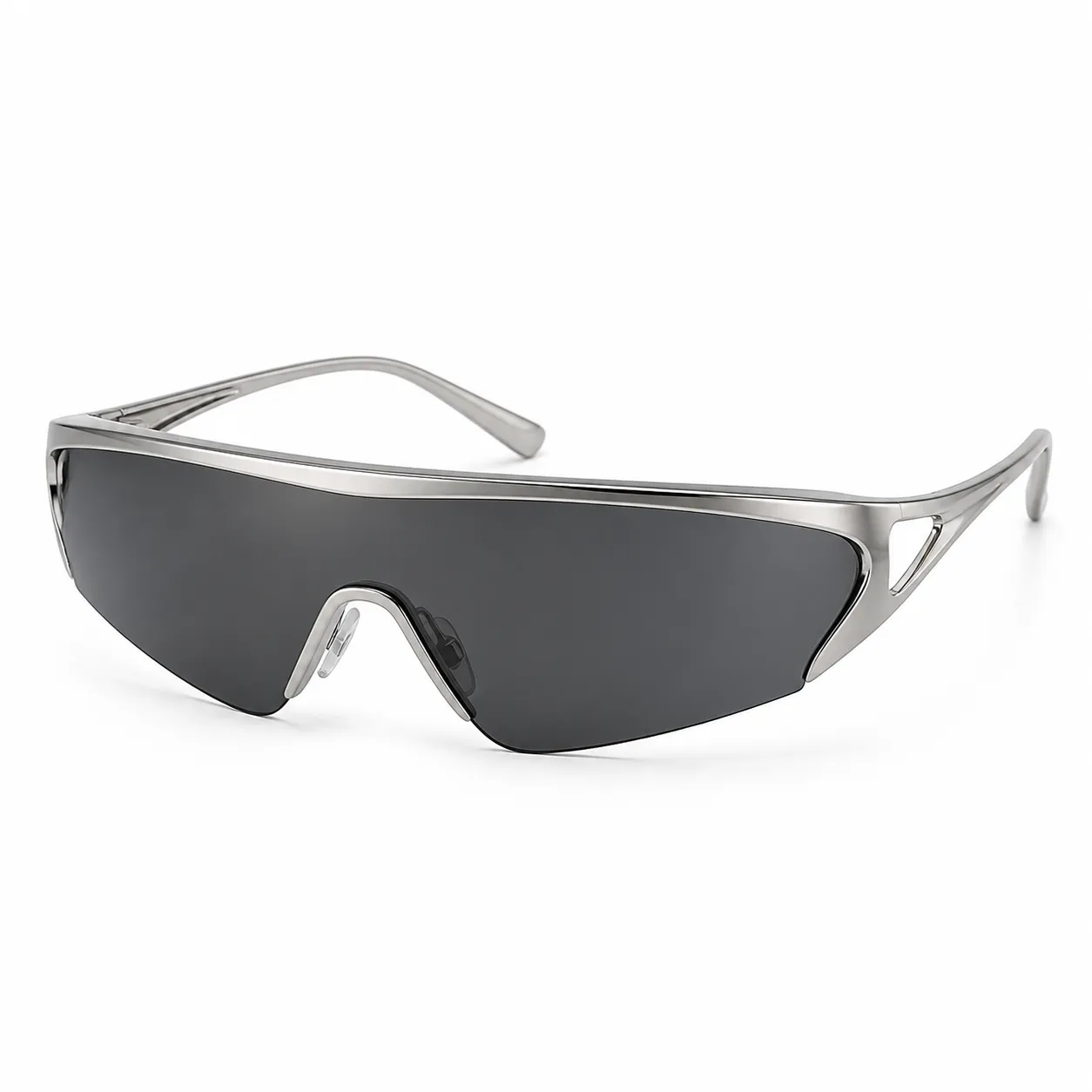 Futuristic Shield Sunglasses |
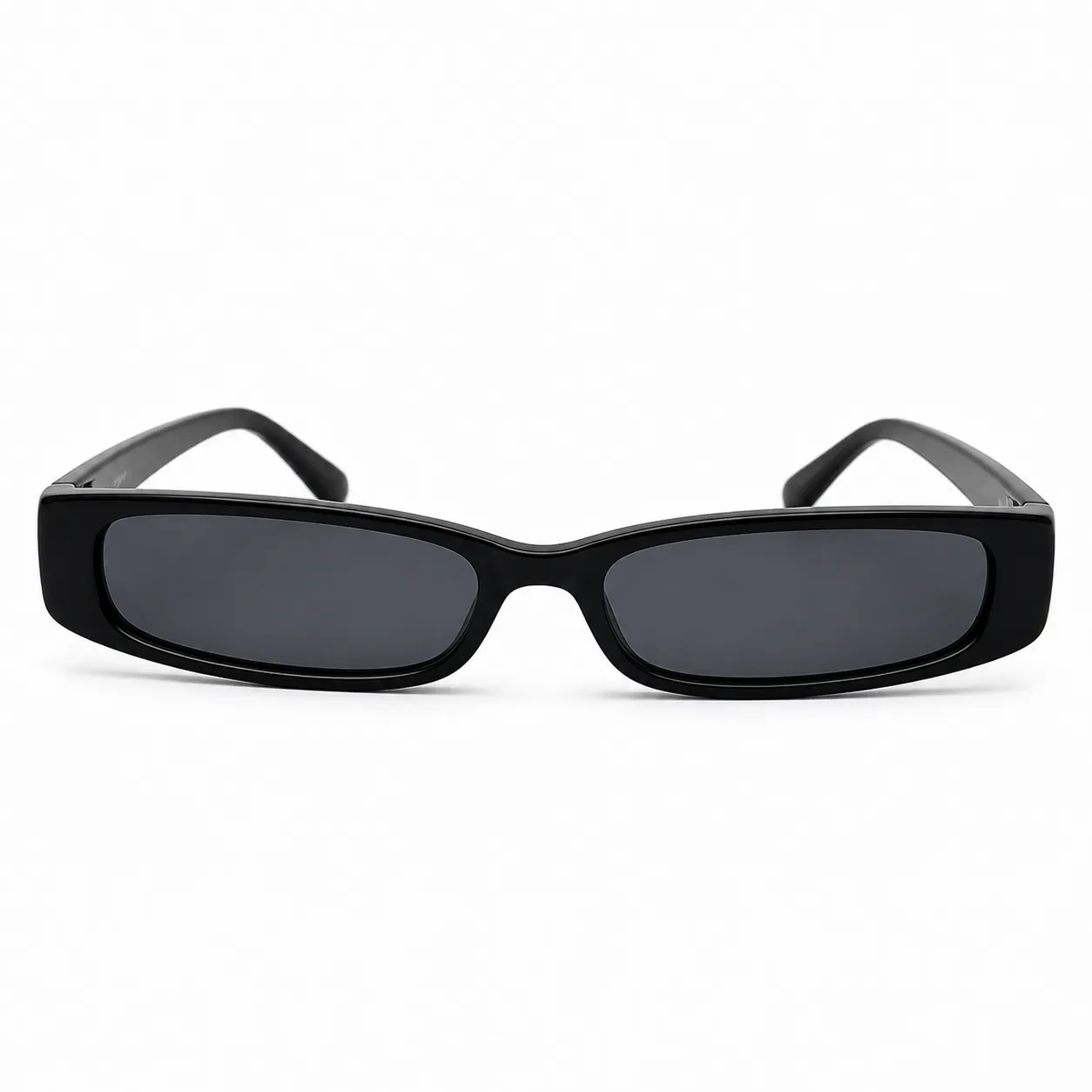 Slim Y2K Rectangular Sunglasses |
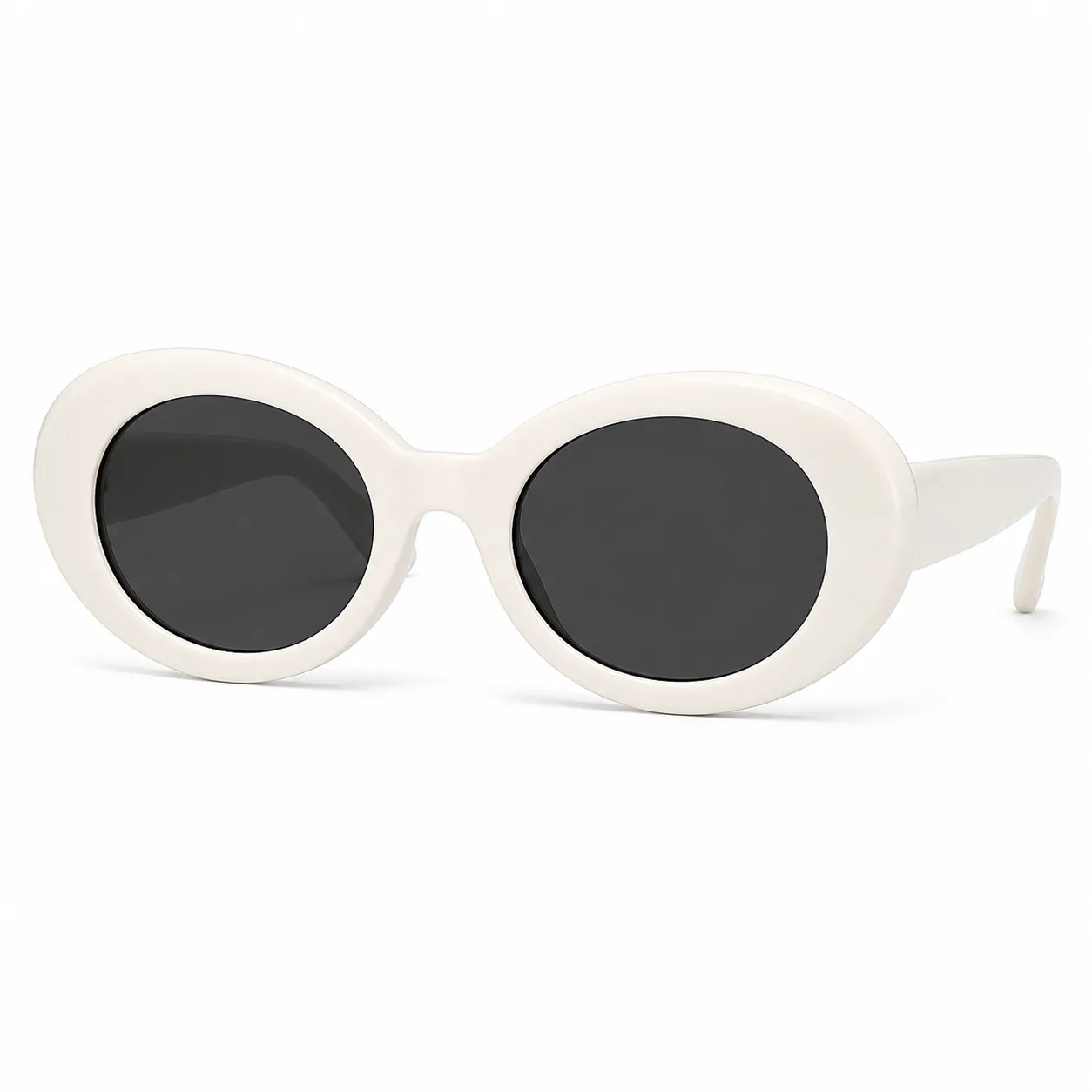 White Chunky Oval Sunglasses |
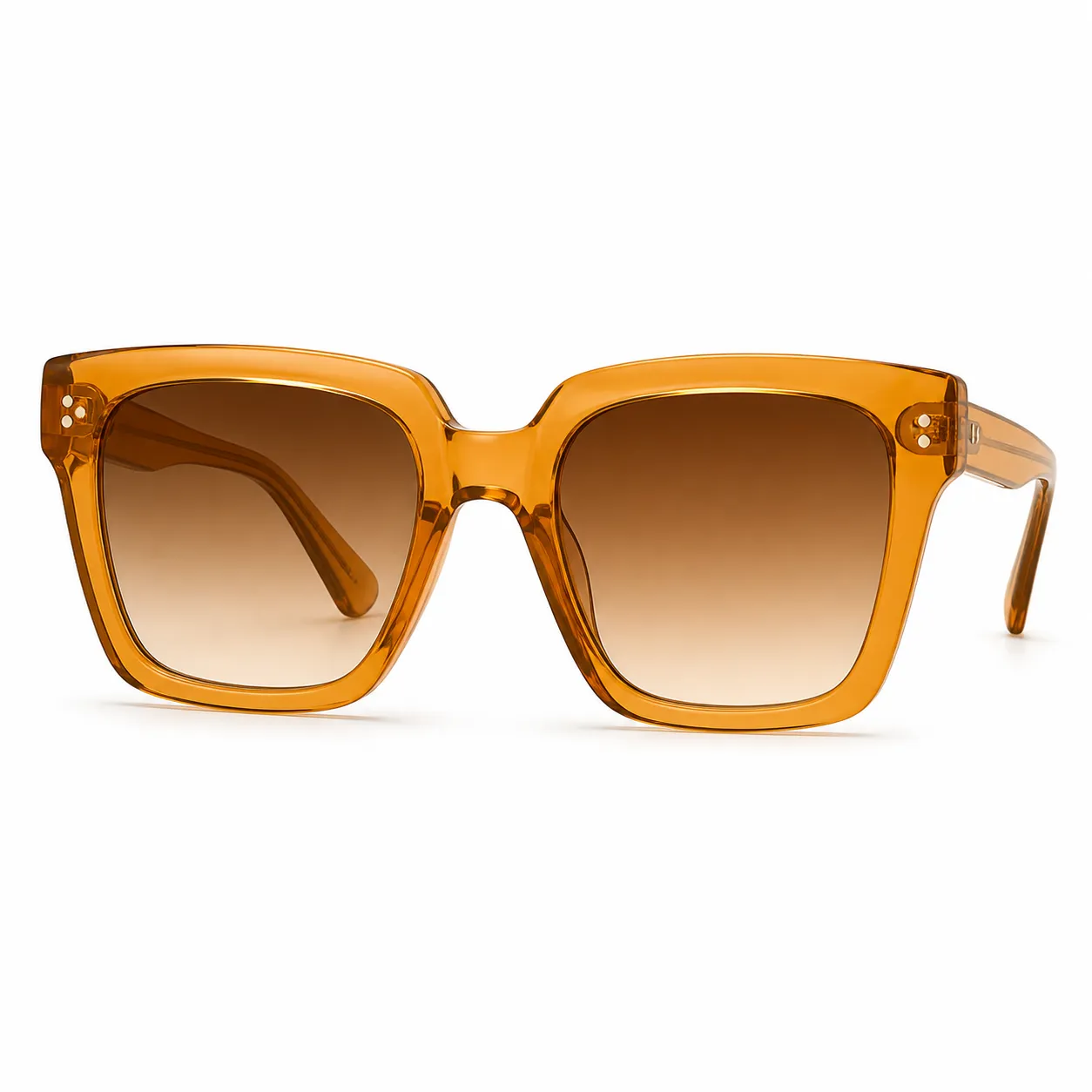 Transparent Amber Square Sunglasses |
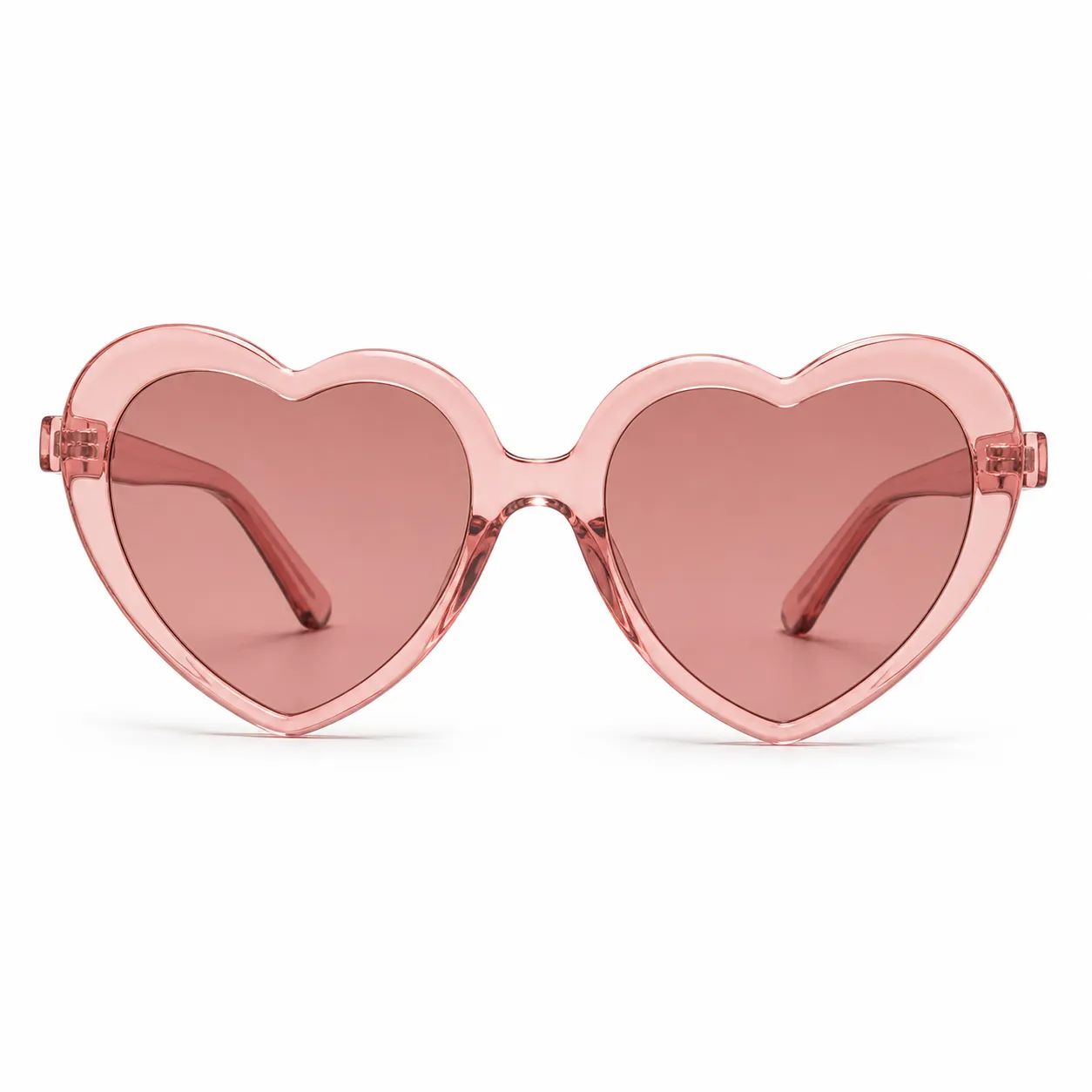 Rose Heart-Shaped Sunglasses |
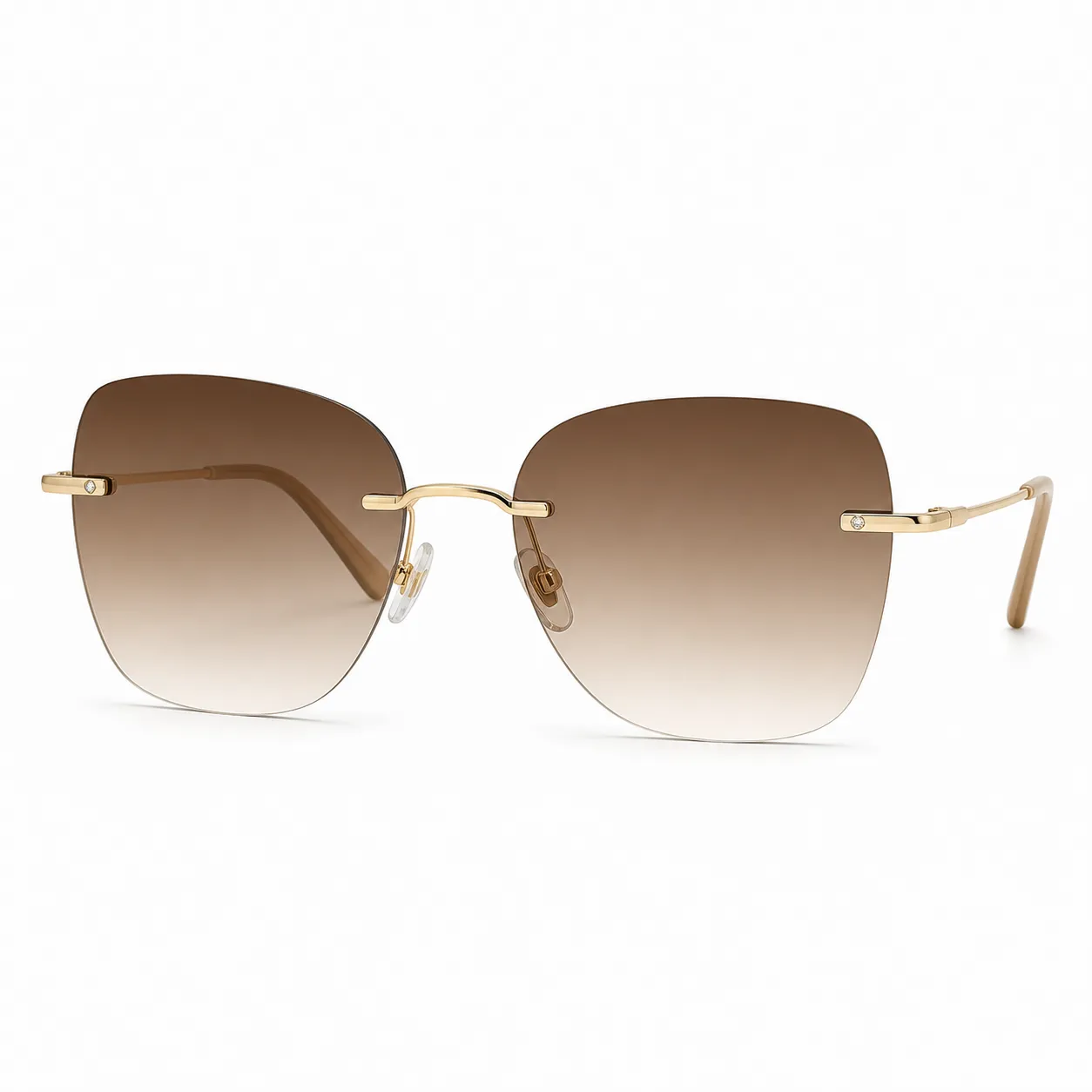 Luxury Rimless Sunglasses |
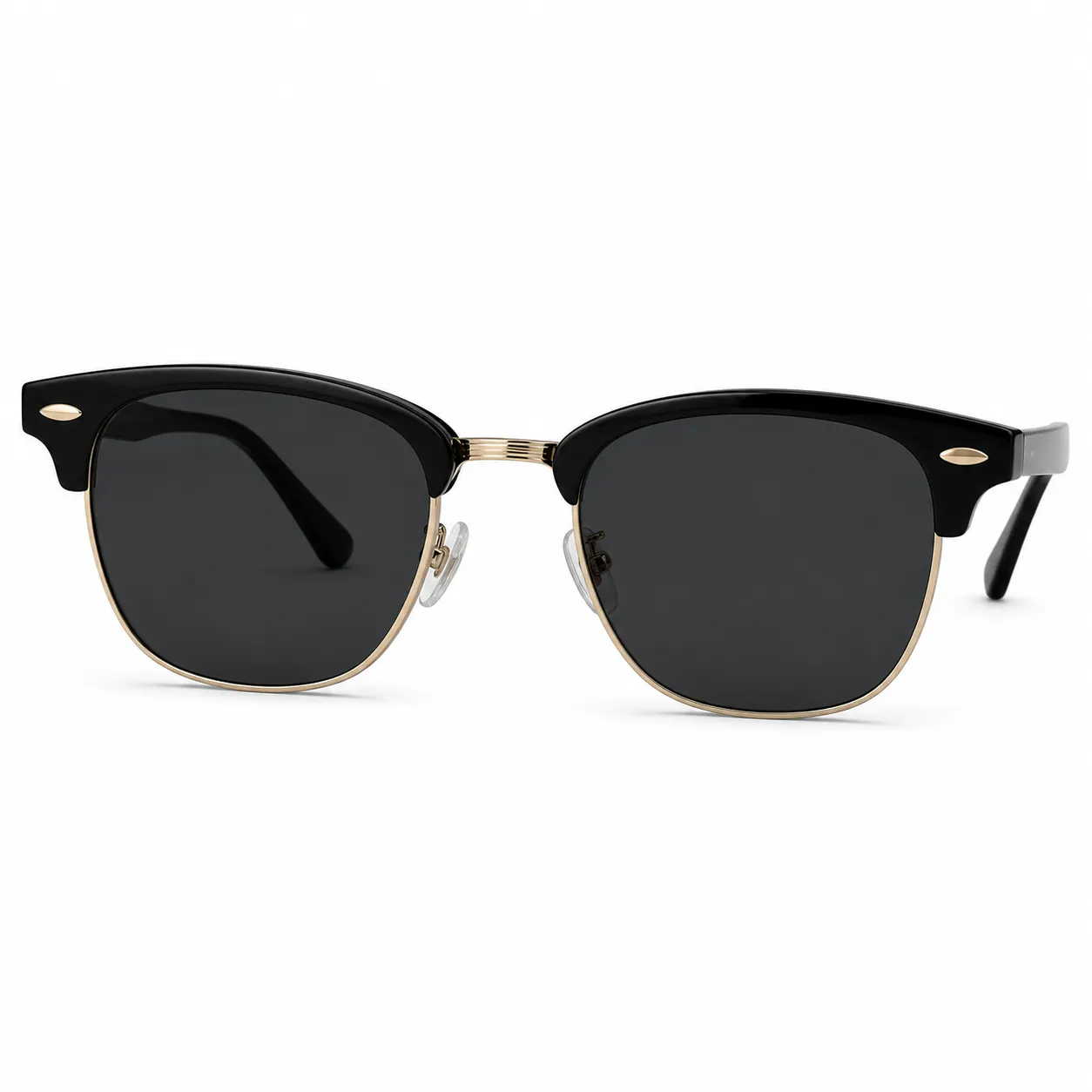 Black Browline Sunglasses |
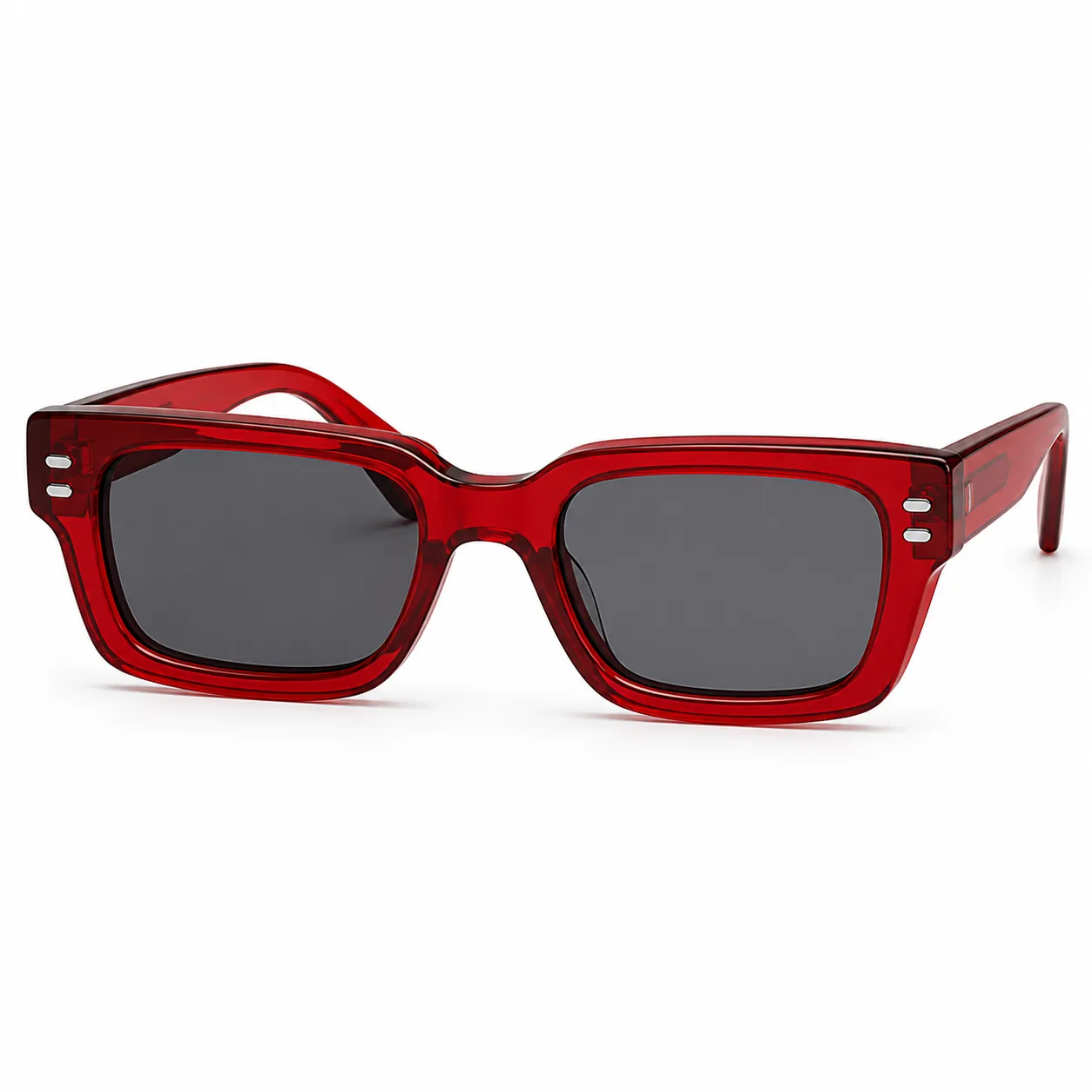 Red Translucent Rectangular Sunglasses |
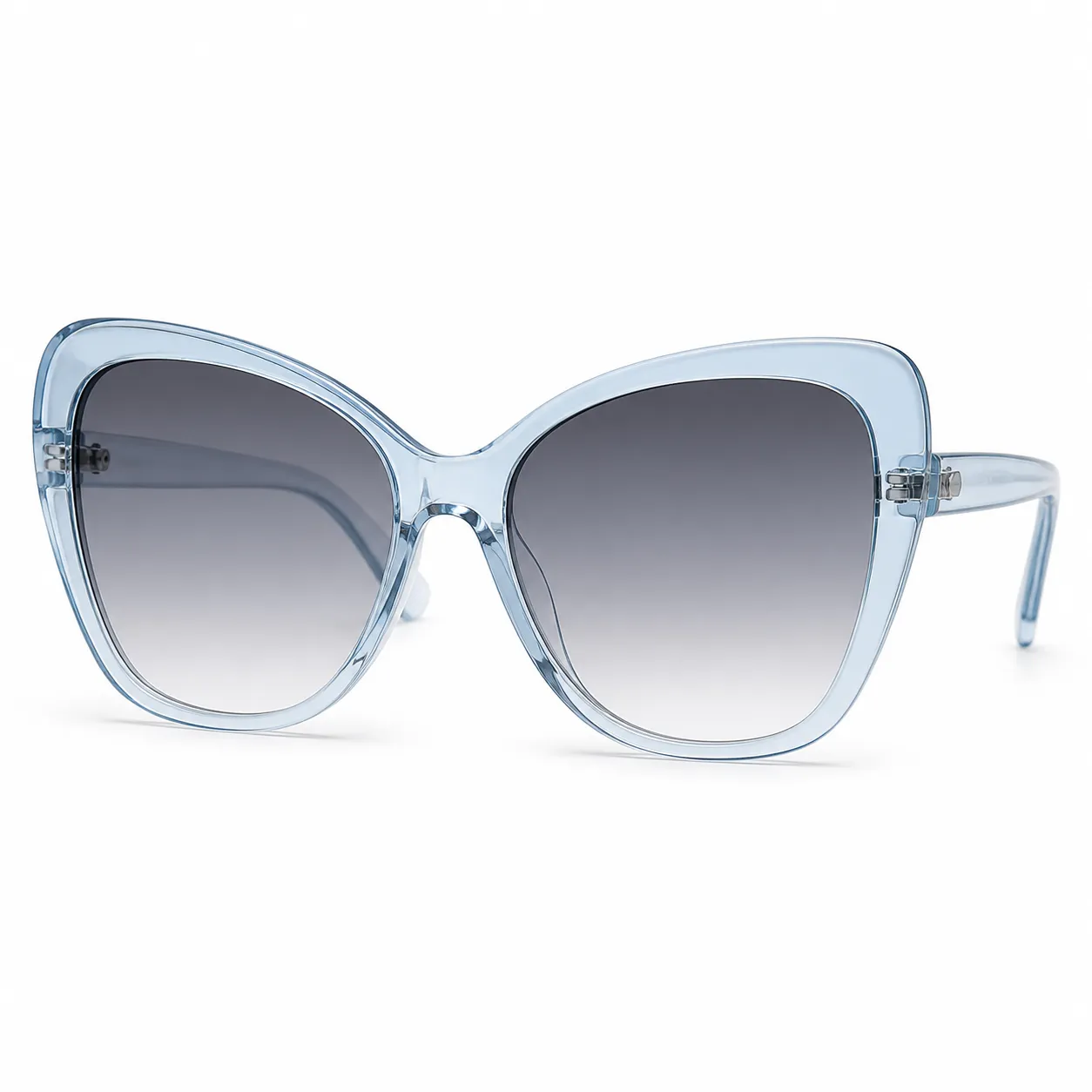 Blue Butterfly Sunglasses |
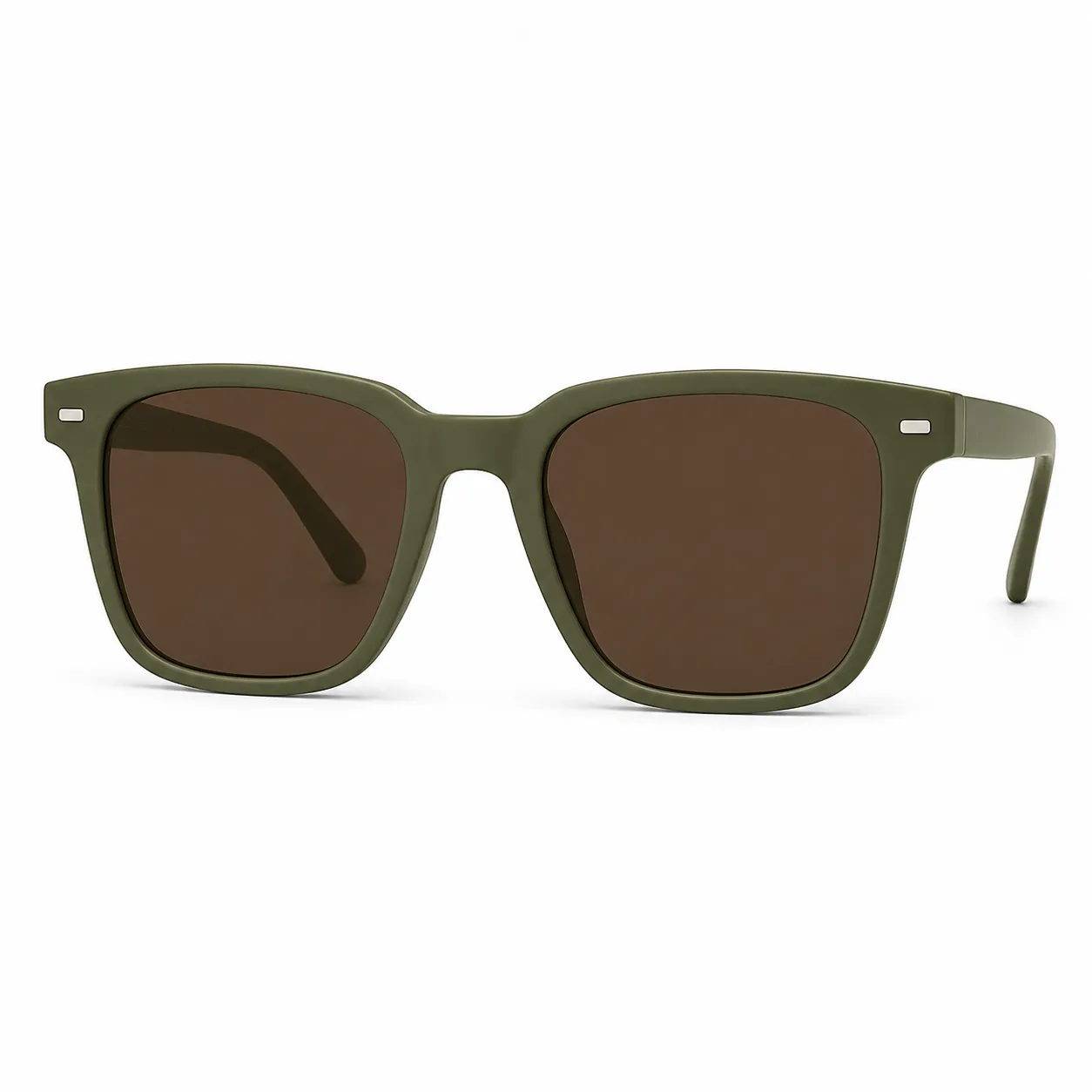 Olive Square Sunglasses |
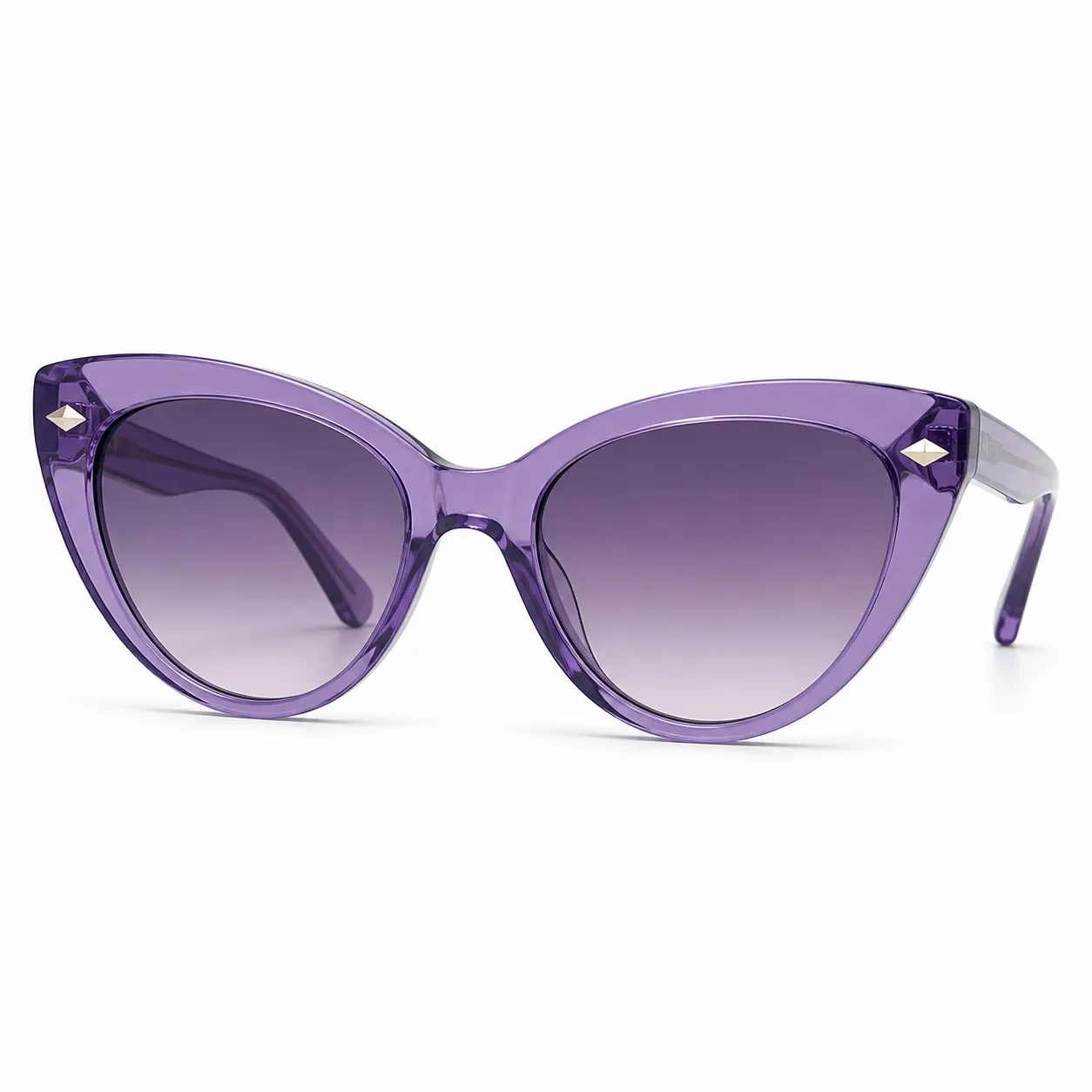 Purple Cat-Eye Sunglasses |
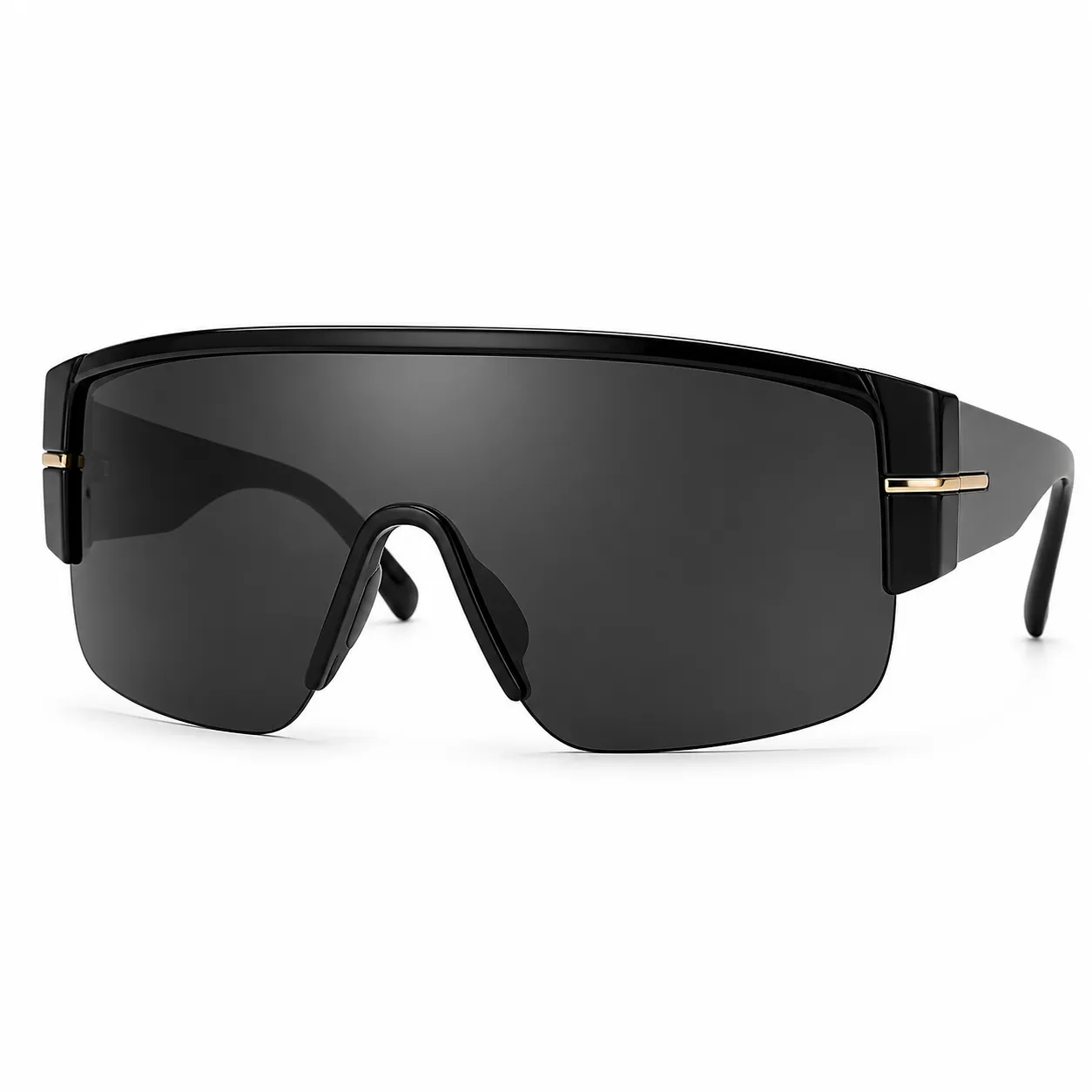 Black Shield Visor Sunglasses |
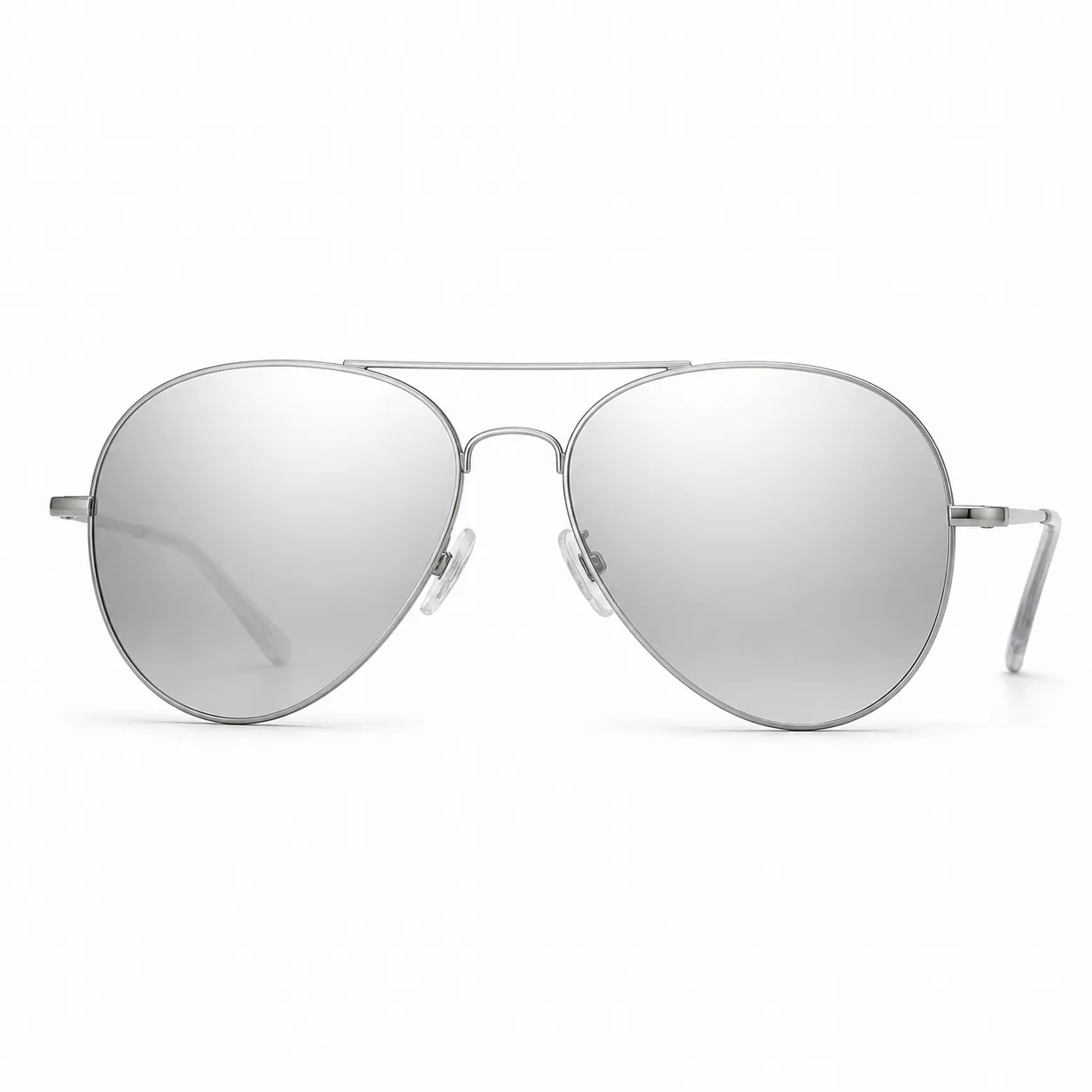 Silver Pilot Sunglasses |
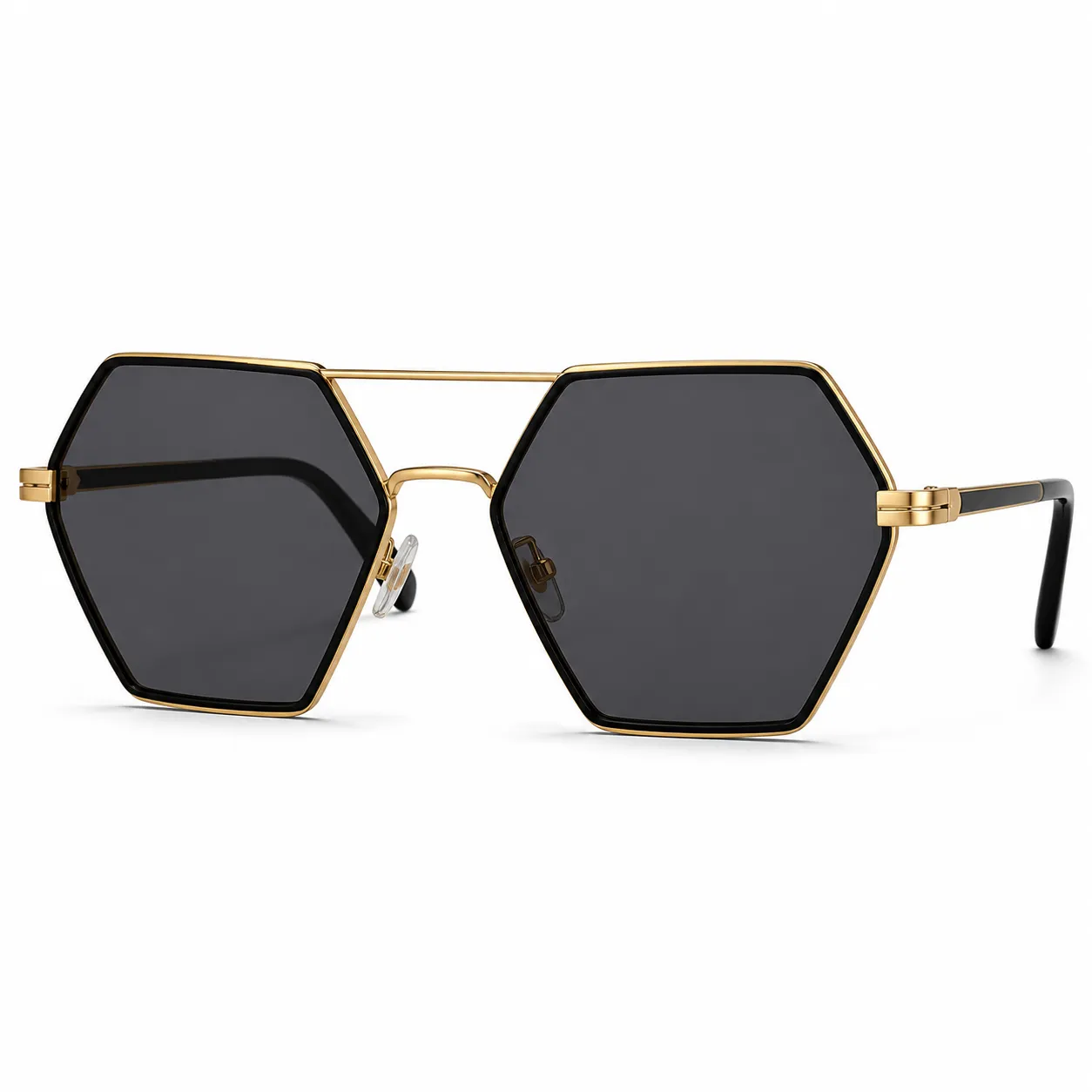 Black Gold Hexagon Sunglasses |
No Complex Prompt Needed
Vidoly is designed around ready-to-use AI templates, so you do not need to write a long editing prompt or describe every detail by hand. For AI Glasses Try On, the workflow is simple: upload your portrait, upload one glasses image from this gallery, and generate the result with the built-in try-on template.
- Choose and save one glasses or sunglasses image from this blog.
- Open Vidoly AI Glasses Try On.
- Upload your own portrait photo.
- Upload the glasses image as the reference style.
- Click generate and let Vidoly create the try-on photo automatically.
The template handles the practical details for you, including placing the glasses on the face, matching the eye position, keeping the original portrait natural, and preserving the background as much as possible. That makes the tool easier for casual users, creators, and ecommerce teams who want fast visual previews without prompt engineering.
Which Glasses Style Should You Try First?
If you want a professional look, start with thin round gold glasses, titanium half-rim glasses, or minimalist rimless glasses. If you want a fashion-forward look, try cat-eye frames, transparent acetate frames, or oversized square frames. For social content, sunglasses usually create a stronger first impression, especially aviators, shield sunglasses, and colorful rectangular frames.
This workflow is useful for creators, ecommerce sellers, eyewear brands, stylists, and anyone who wants to preview a look before buying. Instead of guessing from a product photo alone, you can quickly generate a realistic visual direction using your own face.
More To Know
Vidoly is built for fast visual creation from templates and simple prompts. You can use AI Glasses Try On to test eyewear styles, then continue with AI Virtual Try On, AI Clothes Changer, or product image tools for ecommerce and creator content.
Start from one saved glasses image, upload your portrait, and generate a try-on preview that feels close to a real lifestyle photo.