AI Glasses Try On

AI Glasses Try On

TECHNICAL SPECS

SECTION

AI Virtual Try On

MODULE

image_to_image_pro

SKILL ID

virtual_glasses_try_on

Upload Image
photo_camera

Upload Person Image

photo_camera

Upload Glasses Image

TEMPLATE PROMPT
49/2000
Commercial usage license included
MORE IN AI Virtual Try On
#ai_virtual_try_on

AI Glasses Virtual Try-On

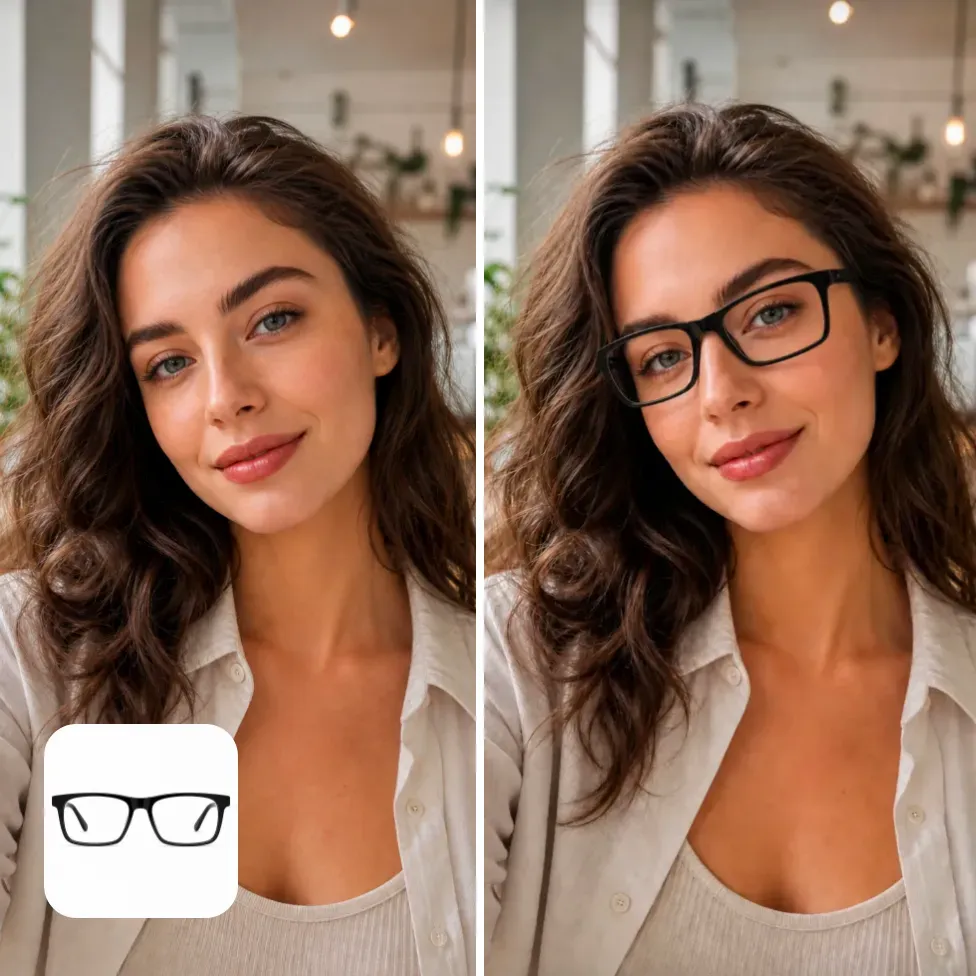
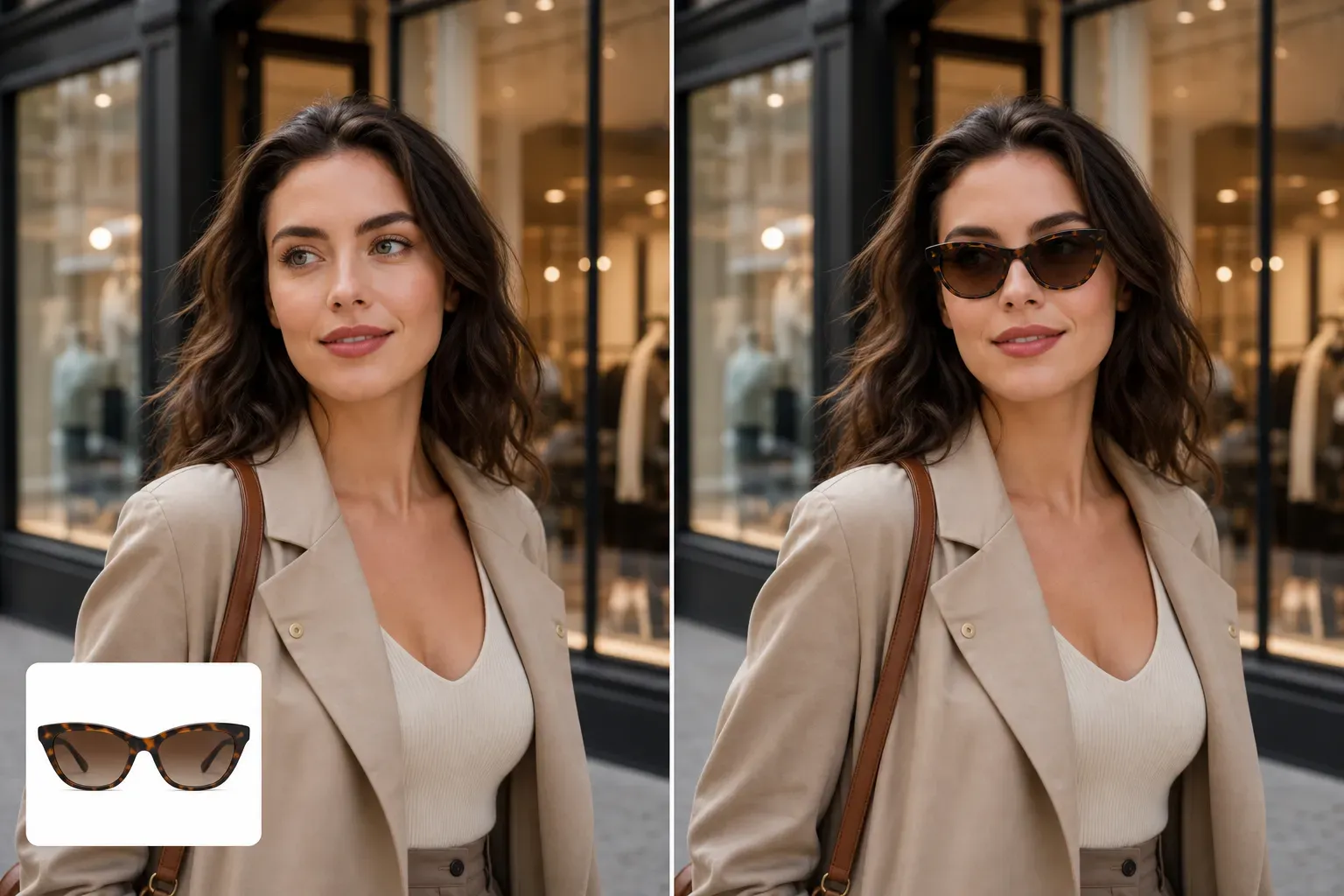
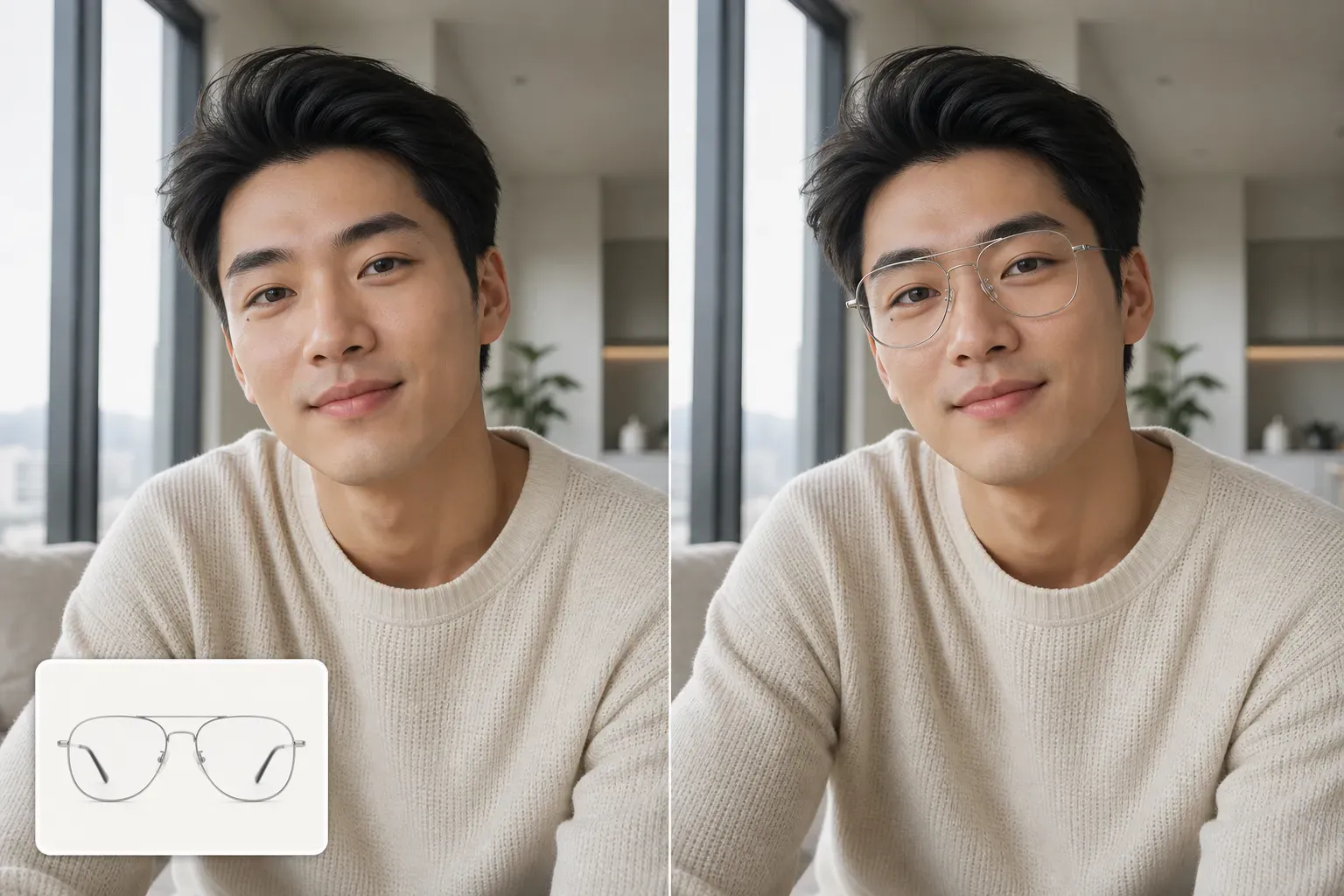
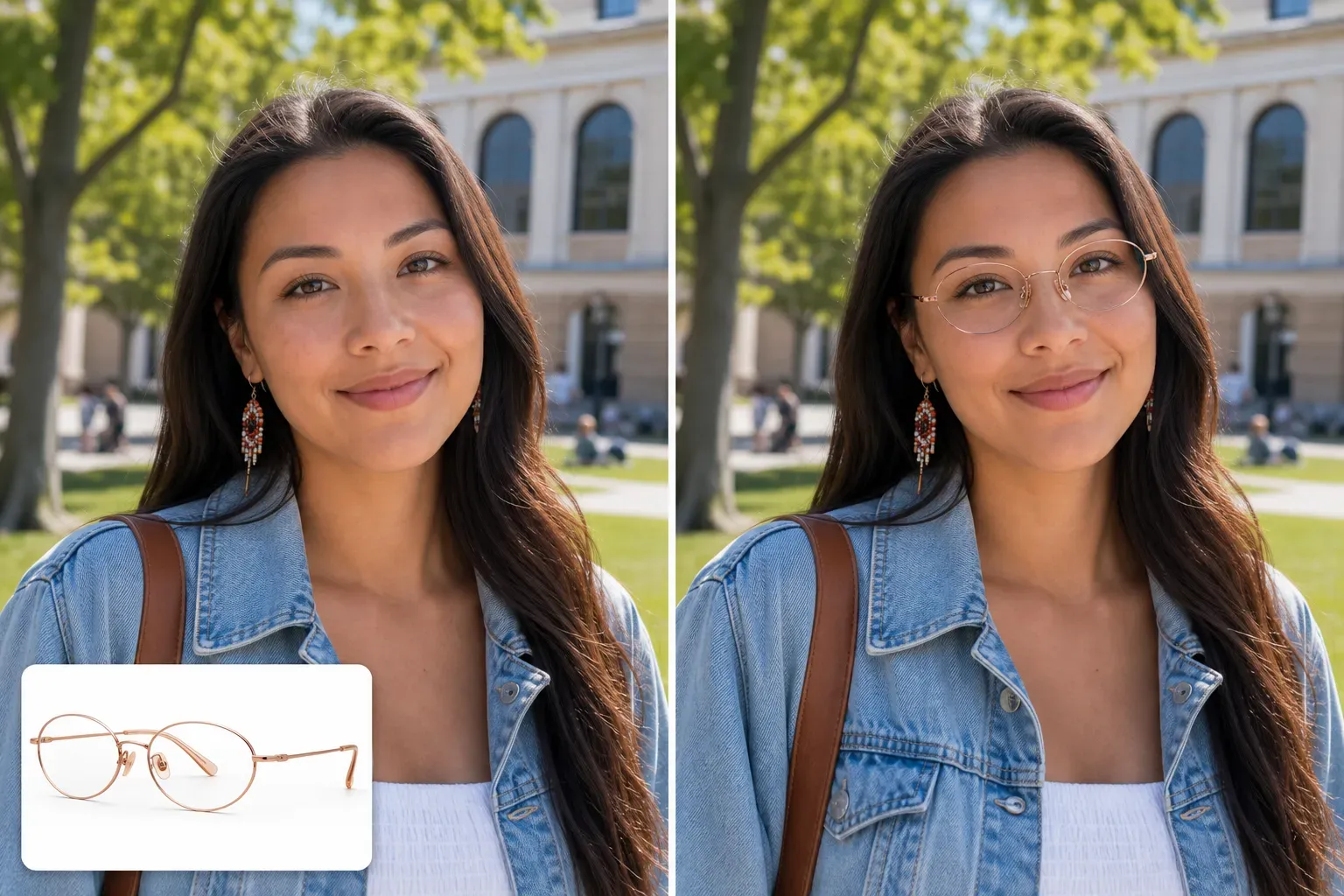
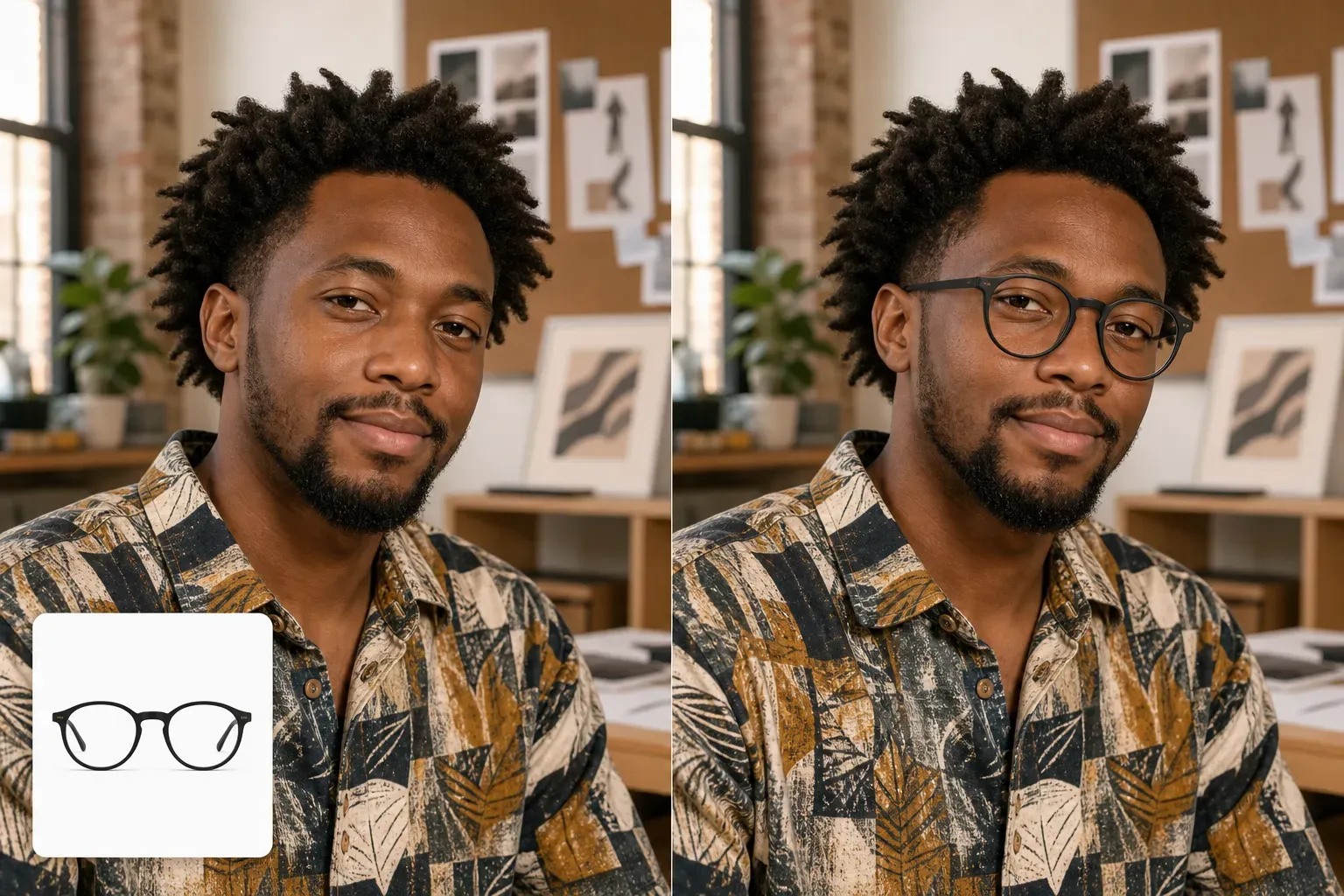
Vidoly AI Glasses Virtual Try-On helps users upload a portrait photo and preview how eyeglasses, sunglasses, fashion frames, or tinted lenses could look on their face. Instead of guessing from a product image alone, users can create AI-generated try-on visuals for personal style decisions, influencer content, ecommerce product promotion, and social media posts. This tool is designed for visual preview and creative content creation. Users can describe the glasses style, frame color, lens type, and overall mood in a simple prompt, then generate a portrait-style image that shows the selected eyewear on the uploaded face. Vidoly focuses on template-based AI image workflows, so users do not need to write complex prompts from scratch. Start with a ready-made glasses try-on template, change a few fields, and generate a new visual for profile photos, style tests, product posts, or campaign assets.

Try Glasses On Photo
What Is AI Glasses Virtual Try-On?

What Is AI Glasses Virtual Try-On?

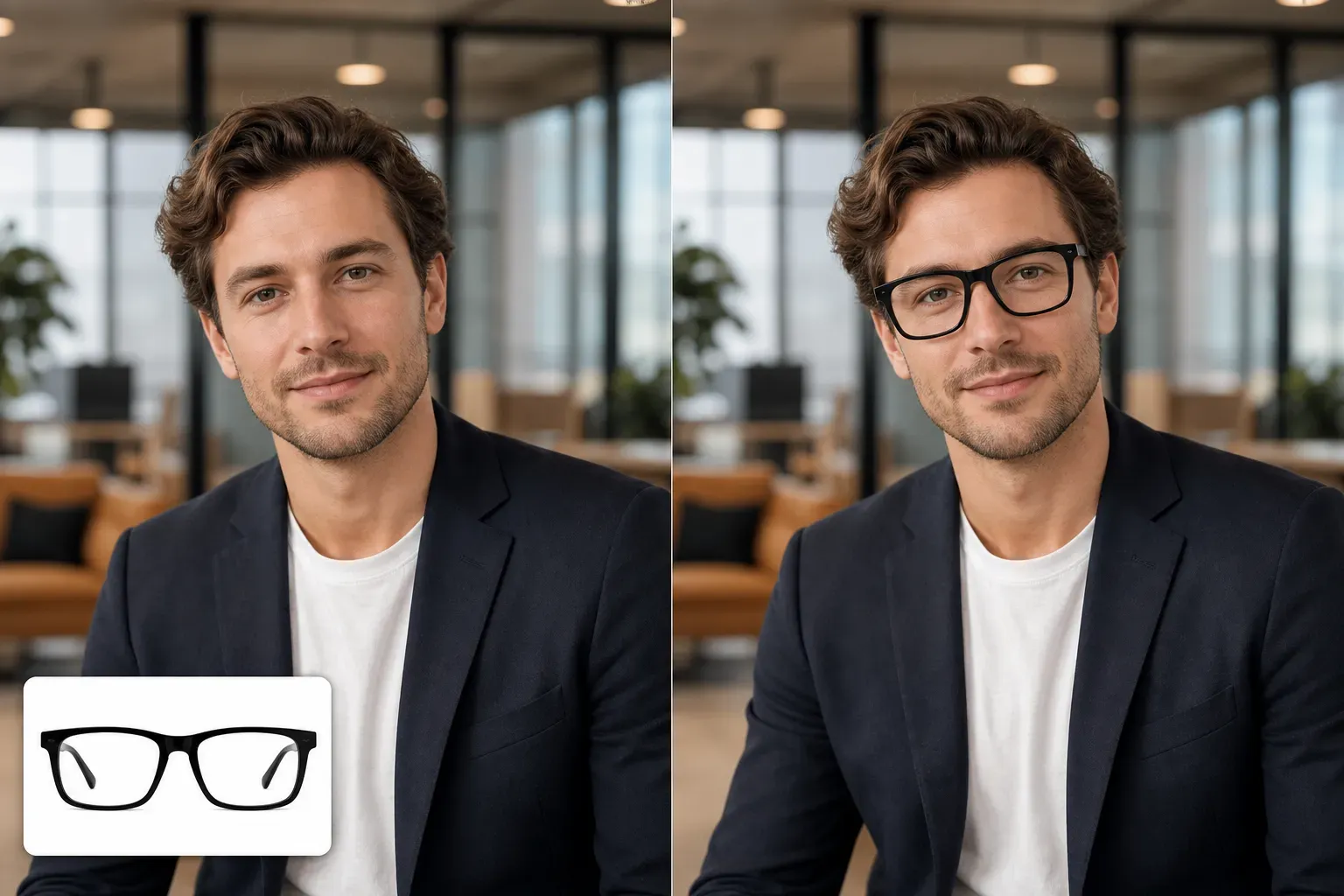
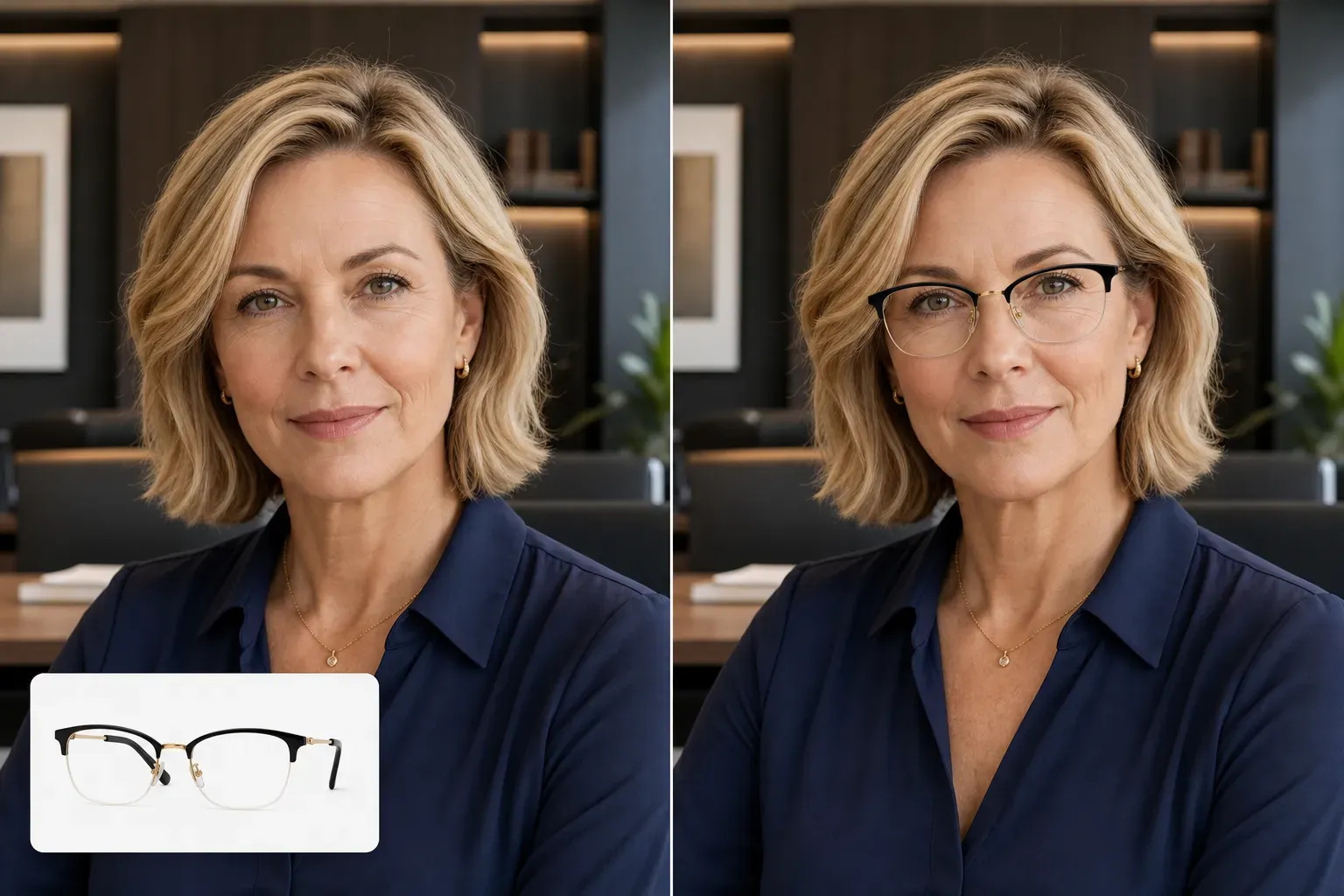
AI Glasses Virtual Try-On is an image editing workflow that places glasses or sunglasses onto a portrait photo. The AI uses the uploaded image as the face reference, then generates eyewear that matches the requested frame style, color, lens look, and portrait composition. It is useful when users want to test a visual direction before buying glasses, creating fashion content, preparing an affiliate post, or showing how a pair of frames might look in a lifestyle image. The output is an AI-generated preview, not an optical measurement or medical fitting result.

Try Eyeglasses, Sunglasses, and Fashion Frames Online

Try Eyeglasses, Sunglasses, and Fashion Frames Online

With Vidoly AI Glasses Virtual Try-On, users can create different eyewear looks from one uploaded portrait. Common options include black rectangular glasses, round metal frames, clear acetate frames, oversized sunglasses, vintage aviators, cat-eye glasses, rimless glasses, tinted lenses, and minimalist fashion frames. This makes the page useful for several search intents: users who want to try glasses on a photo, creators who need eyewear content for social media, and ecommerce sellers who want lifestyle-style visuals around eyewear products.

Best Photos for AI Glasses Try-On

Best Photos for AI Glasses Try-On

A clear front-facing portrait usually gives the best result. The face should be visible, the eyes should not be covered, and the lighting should be even enough for the AI to place the glasses naturally. Selfies, profile photos, influencer portraits, ecommerce model photos, and clean lifestyle images all work well. Avoid heavy motion blur, extreme side angles, strong shadows across the eyes, existing glasses that hide the face shape, or filters that distort facial structure. If the original image is clean, the generated glasses preview is more likely to look aligned and usable.

For Influencers and Social Media Creators

For Influencers and Social Media Creators

Glasses are not just functional products; they change the tone of a portrait. A creator can use Vidoly to test smart, casual, retro, luxury, playful, or streetwear-inspired eyewear looks before posting. This is useful for Instagram carousels, TikTok covers, Pinterest pins, profile refreshes, and affiliate product recommendations. Instead of arranging a new photoshoot for every frame style, creators can upload one strong portrait and generate several glasses try-on variations. The result can help them decide which style fits a campaign, a product story, or a personal brand direction.

For Eyewear Ecommerce and Product Promotion

For Eyewear Ecommerce and Product Promotion

Eyewear sellers, Shopify store owners, Amazon sellers, and DTC brands can use glasses virtual try-on visuals to support product storytelling. A simple product image of frames often feels abstract. A portrait-style try-on image makes it easier for shoppers to imagine the product in use. Vidoly can support campaign drafts, social ads, influencer briefs, product collection visuals, and landing page examples. For final marketplace listings, sellers should still review image accuracy, frame shape, logo visibility, and platform rules before publishing.

Glasses Virtual Try-On vs Manual Photo Editing

Glasses Virtual Try-On vs Manual Photo Editing

Manual editing can work when a designer needs exact frame placement, exact product geometry, and production-level retouching. It is better for final advertising assets that require strict brand control. AI glasses virtual try-on is better for fast visual exploration, social content, style testing, campaign drafts, and prompt-based variation. Users can create several eyewear looks quickly, then choose the strongest direction for a post, product story, or ecommerce test.

Limitations of AI Glasses Virtual Try-On

Limitations of AI Glasses Virtual Try-On

AI-generated glasses previews are visual references, not exact optical fittings. The result may not match real-world frame size, lens prescription, bridge fit, temple length, or pupillary distance. Users should treat the output as a creative preview rather than a medical or retail sizing guarantee. Results can also be weaker when the face is turned too far sideways, the eyes are hidden, the image is blurry, or the prompt asks for very specific branded frames. For commercial use, review the generated image for product accuracy, trademark issues, and platform requirements.

How to Use Vidoly AI Glasses Virtual Try-On?

1

Upload a portrait photo.

Choose a clear selfie, model photo, profile image, or creator portrait where the face and eyes are visible.

2

Choose or edit a glasses prompt.

Select the glasses type, frame color, lens type, and style mood. Keep the prompt specific, such as round gold frames, black rectangular eyeglasses, or oversized brown sunglasses.

3

Generate the try-on image.

Vidoly creates an AI image that places the requested eyewear style onto the uploaded portrait.

4

Compare variations.

Generate several versions to compare frame shapes, colors, and lens styles before choosing the strongest visual.

5

Download or publish the result.

Use the image for social media, style testing, campaign drafts, ecommerce content, or creator-led product posts.

FAQs

What is Vidoly AI Glasses Virtual Try-On?

Vidoly AI Glasses Virtual Try-On is an AI image tool that helps users upload a portrait photo and generate a preview of different glasses or sunglasses styles on that face. It is designed for style testing, social content, ecommerce visuals, and creative eyewear previews.

Can I try glasses on a photo online?

Yes. You can upload a portrait photo and use a glasses try-on prompt to generate an image with eyeglasses, sunglasses, or fashion frames. A clear front-facing photo usually produces the most usable visual result.

Can Vidoly AI Glasses Virtual Try-On create sunglasses previews?

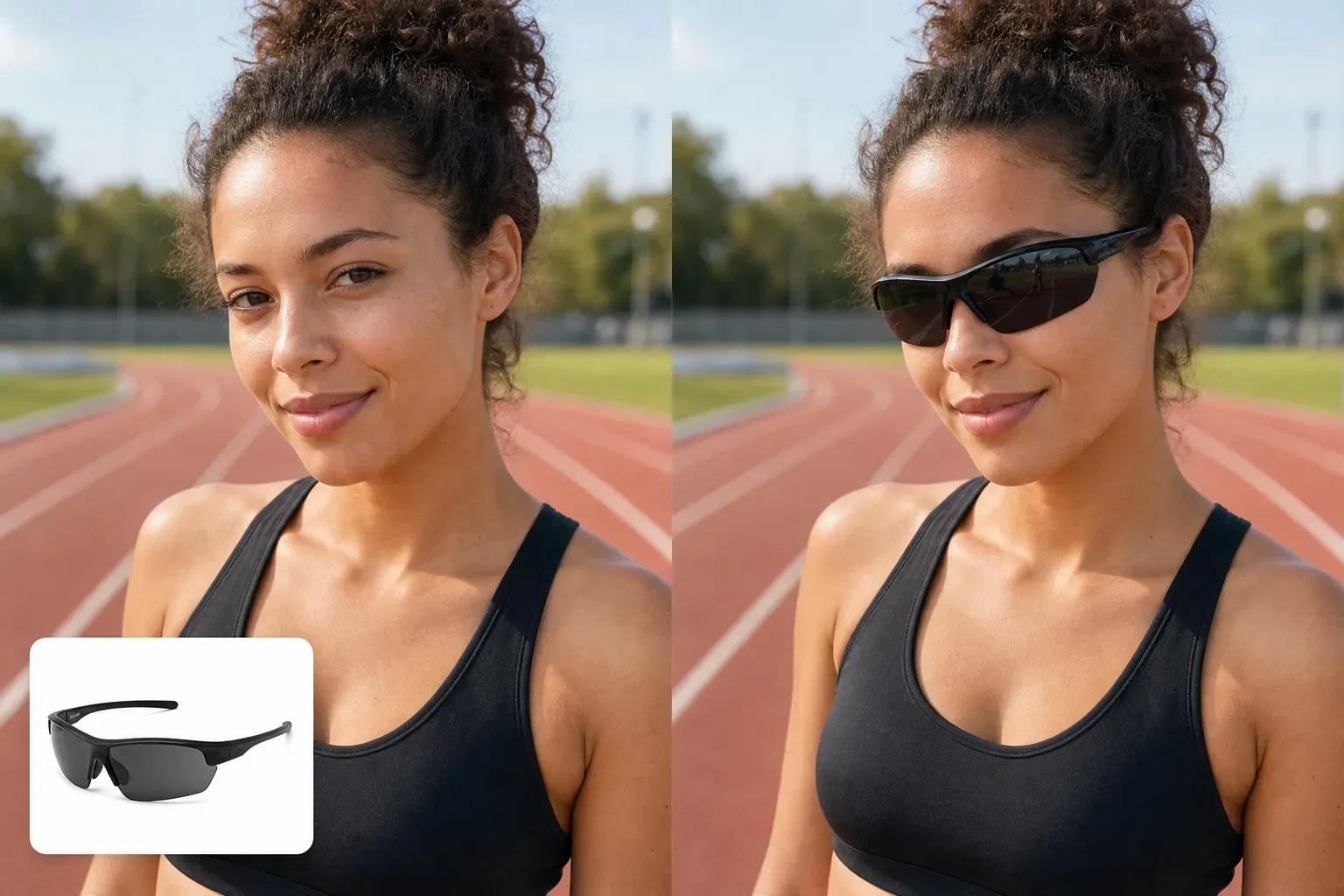
Yes. You can describe sunglasses styles such as aviator sunglasses, oversized black sunglasses, brown gradient lenses, sporty sunglasses, or retro tinted lenses. The prompt should include frame shape, lens color, and the mood of the portrait.

Is the glasses try-on result an exact real-world fit?

No. The image is a visual AI preview, not an optical fitting, prescription tool, or measurement system. It can help users compare styles, but it should not replace professional eyewear fitting or real product measurements.

What kind of photo works best for glasses virtual try-on?

Use a clear portrait with visible eyes, good lighting, and minimal blur. A straight or slightly angled face works better than an extreme side profile. Avoid photos where hair, shadows, hands, or existing eyewear cover the eye area.

Can influencers use glasses virtual try-on for content?

Yes. Influencers can generate eyewear variations for Instagram posts, TikTok covers, Pinterest pins, affiliate recommendations, and product storytelling. It is useful when a creator wants to test several visual directions without planning a new photoshoot for every frame.

Can ecommerce sellers use AI glasses try-on images?

Ecommerce sellers can use AI glasses try-on images for campaign drafts, social posts, product story visuals, and creative testing. Before using images in paid ads or marketplace listings, sellers should review frame accuracy, brand rules, and platform image requirements.

Can I control the frame color and lens style?

Yes. You can include details such as glossy black frame, gold metal frame, transparent acetate frame, brown tortoiseshell frame, clear lenses, blue-tinted lenses, or dark sunglasses lenses. More specific prompts usually create more controlled results.

Is Vidoly AI Glasses Virtual Try-On free?

Vidoly AI offers free plan, and each month users receive free credits. Users can start with free credits to test glasses try-on prompts and generate preview images.

Can I use the generated image as a profile photo?

Yes. Many users can use glasses try-on images for profile refreshes, social media posts, style tests, or creator content. Review the final image before publishing to make sure the glasses alignment, eyes, and facial details look natural.

Why might the glasses look misaligned?

Misalignment can happen when the uploaded face is turned too far, the image is blurry, the eyes are hidden, or the prompt requests a very complex frame. Try a clearer portrait, simpler frame shape, and more direct prompt.

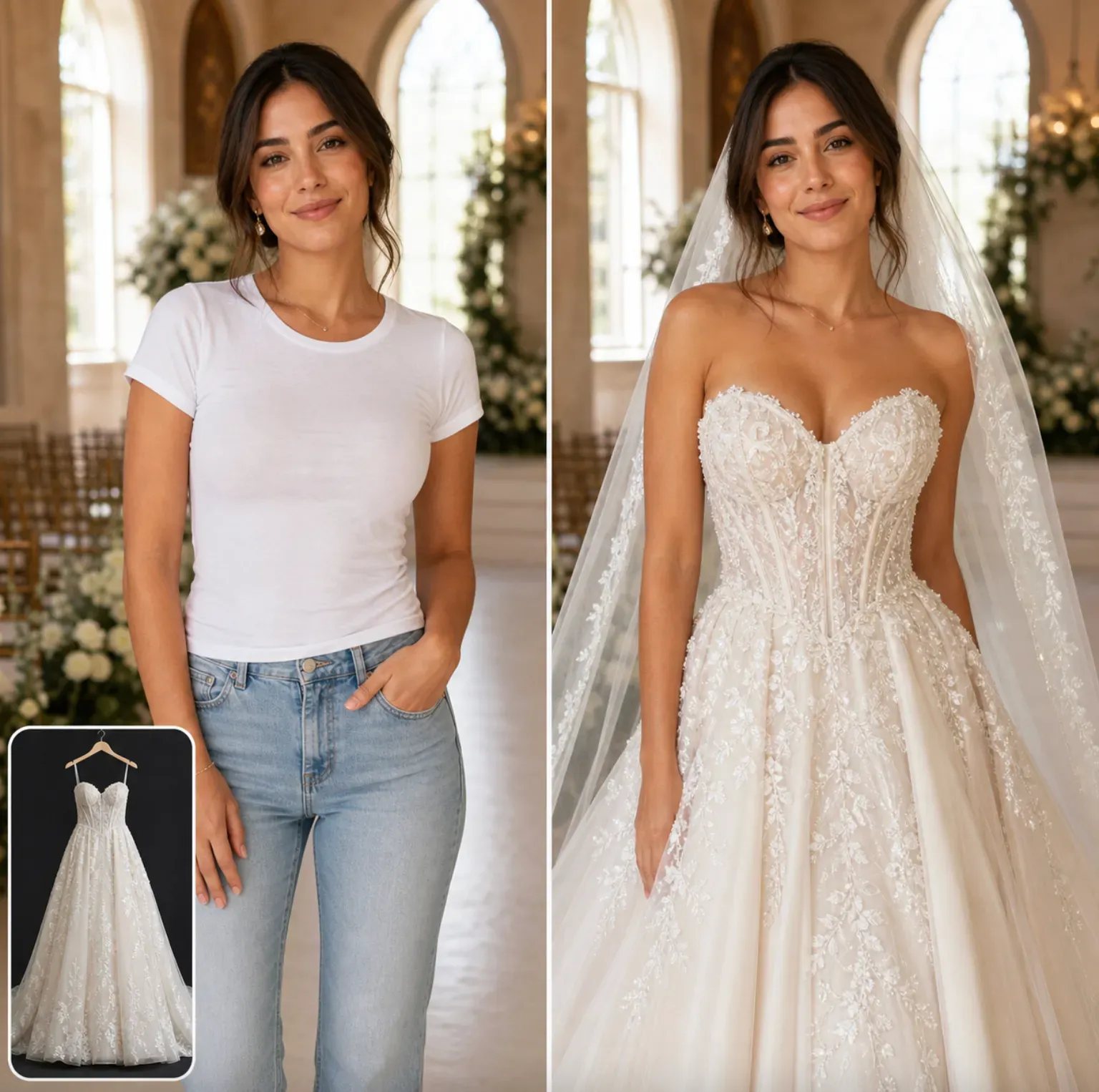
How is this different from clothing virtual try-on?

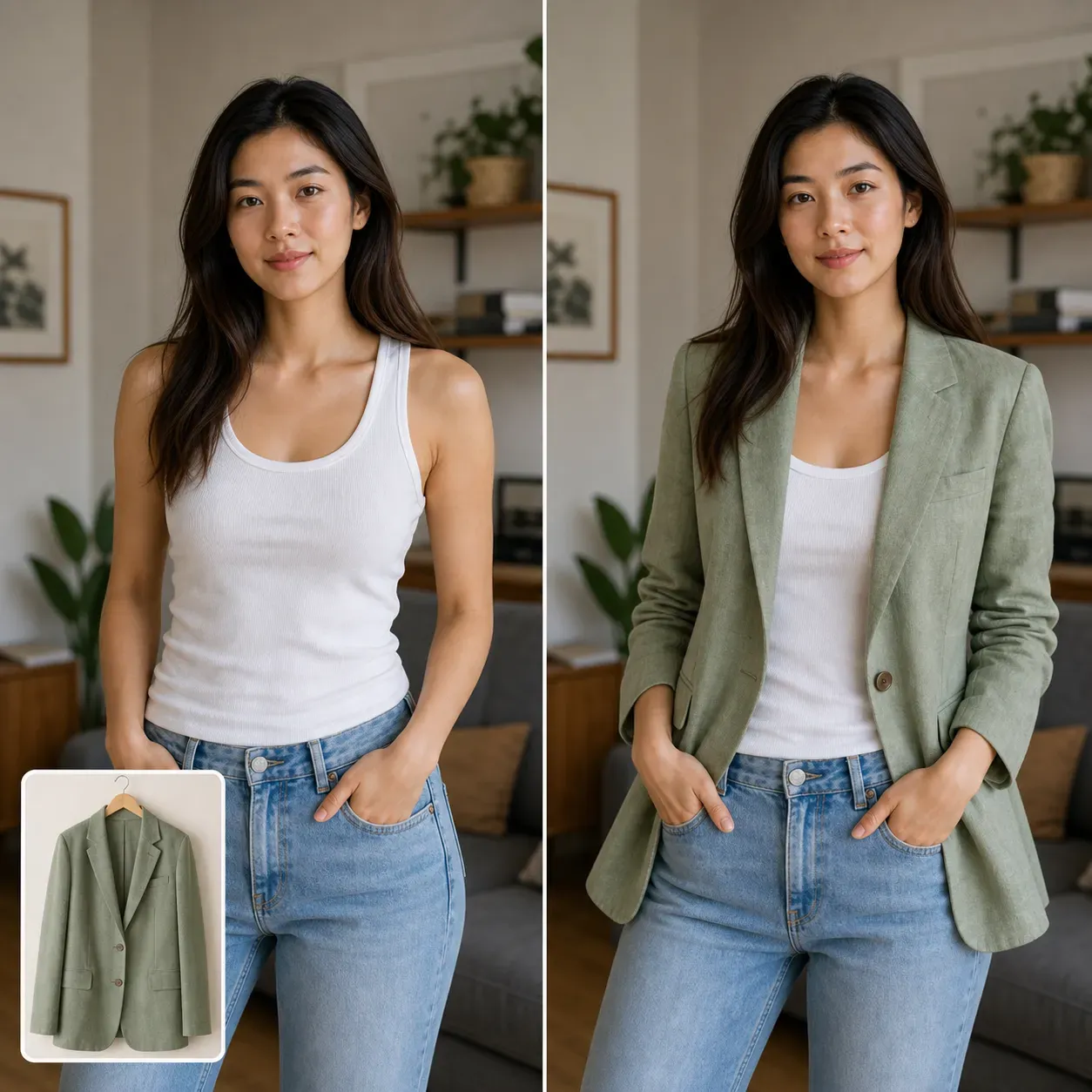
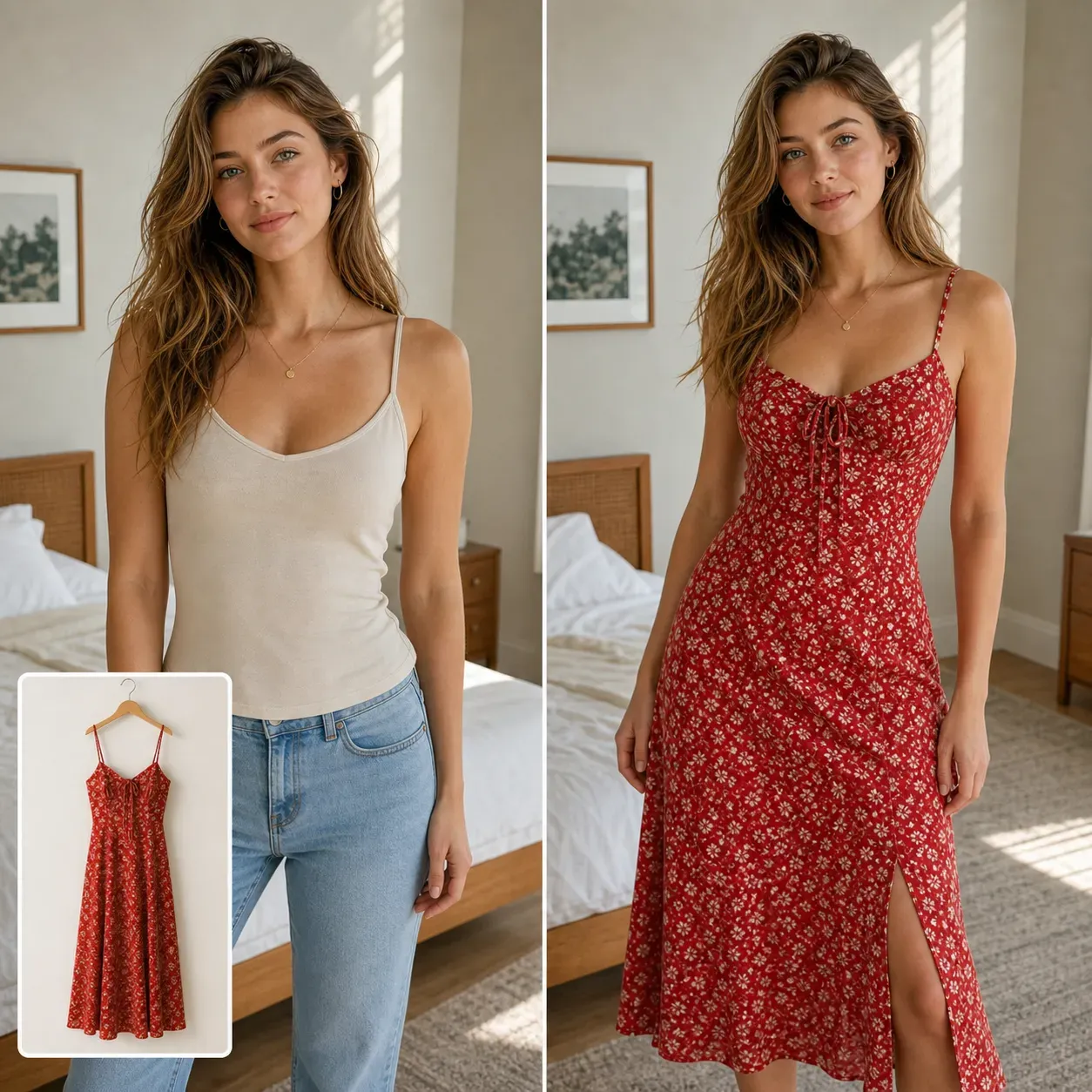
Clothing virtual try-on focuses on apparel, body pose, fabric, and outfit styling. Glasses virtual try-on focuses on the face, eyes, frame shape, lens style, and how eyewear changes the tone of a portrait. Both can support fashion and ecommerce content, but they answer different user needs.