AI Dress Try On

AI Dress Try On

TECHNICAL SPECS

SECTION

AI Virtual Try On

MODULE

image_to_image_pro

SKILL ID

ai_clothes_try_on

Upload Image
photo_camera

Upload Person Image

photo_camera

Upload Dress Image

TEMPLATE PROMPT
Commercial usage license included
MORE IN AI Virtual Try On
#ai_virtual_try_on

Try a Specific Dress on Your Photo

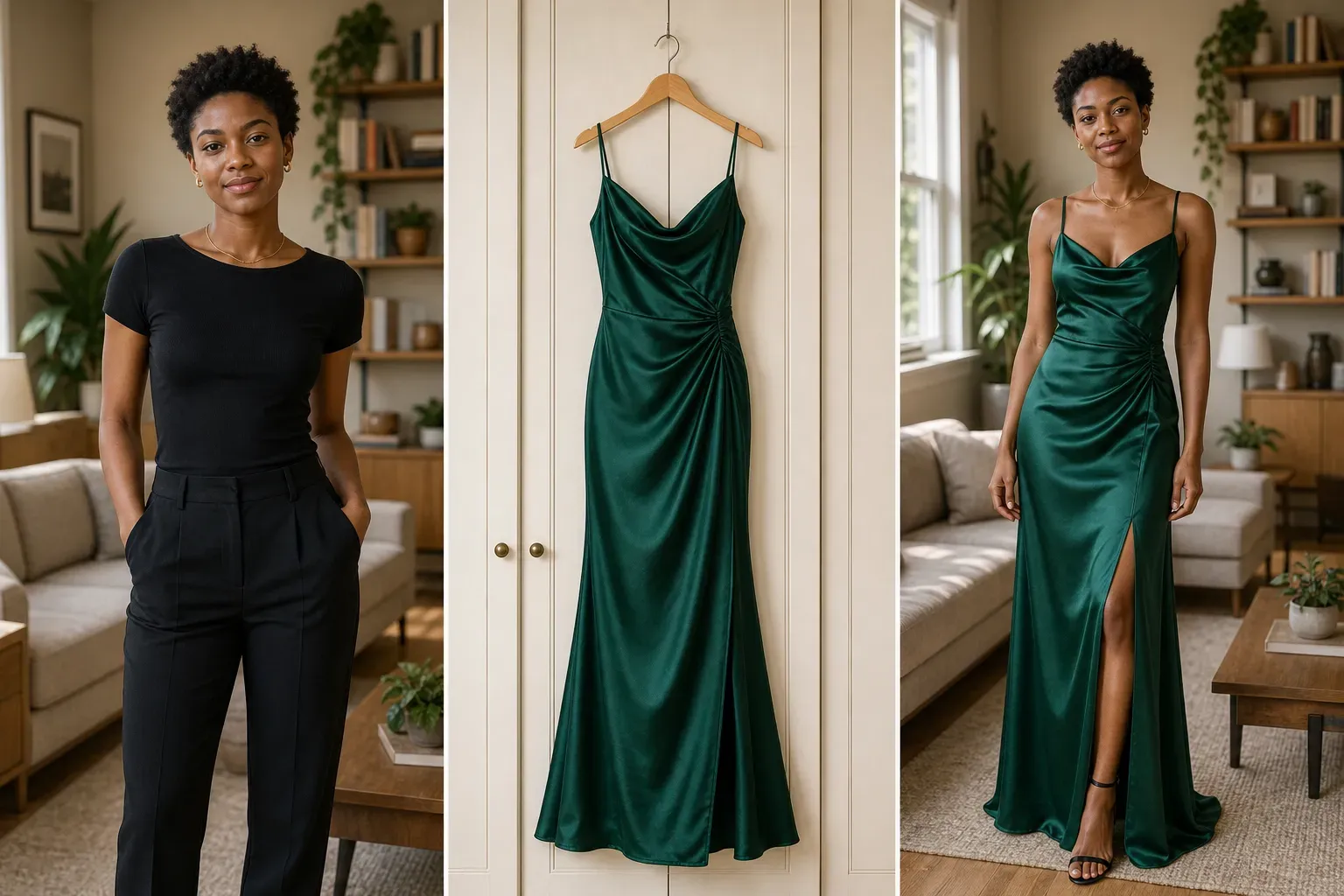
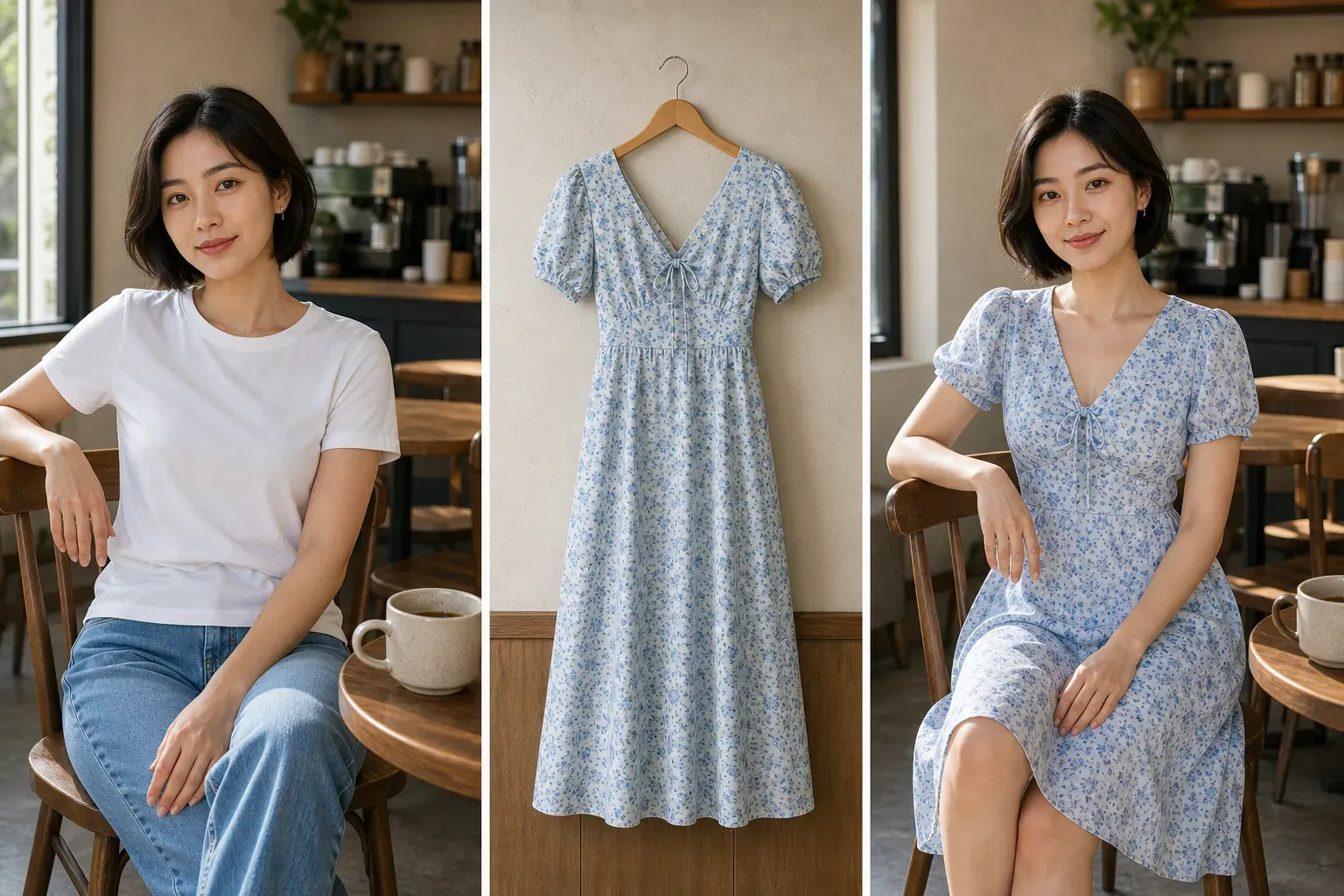
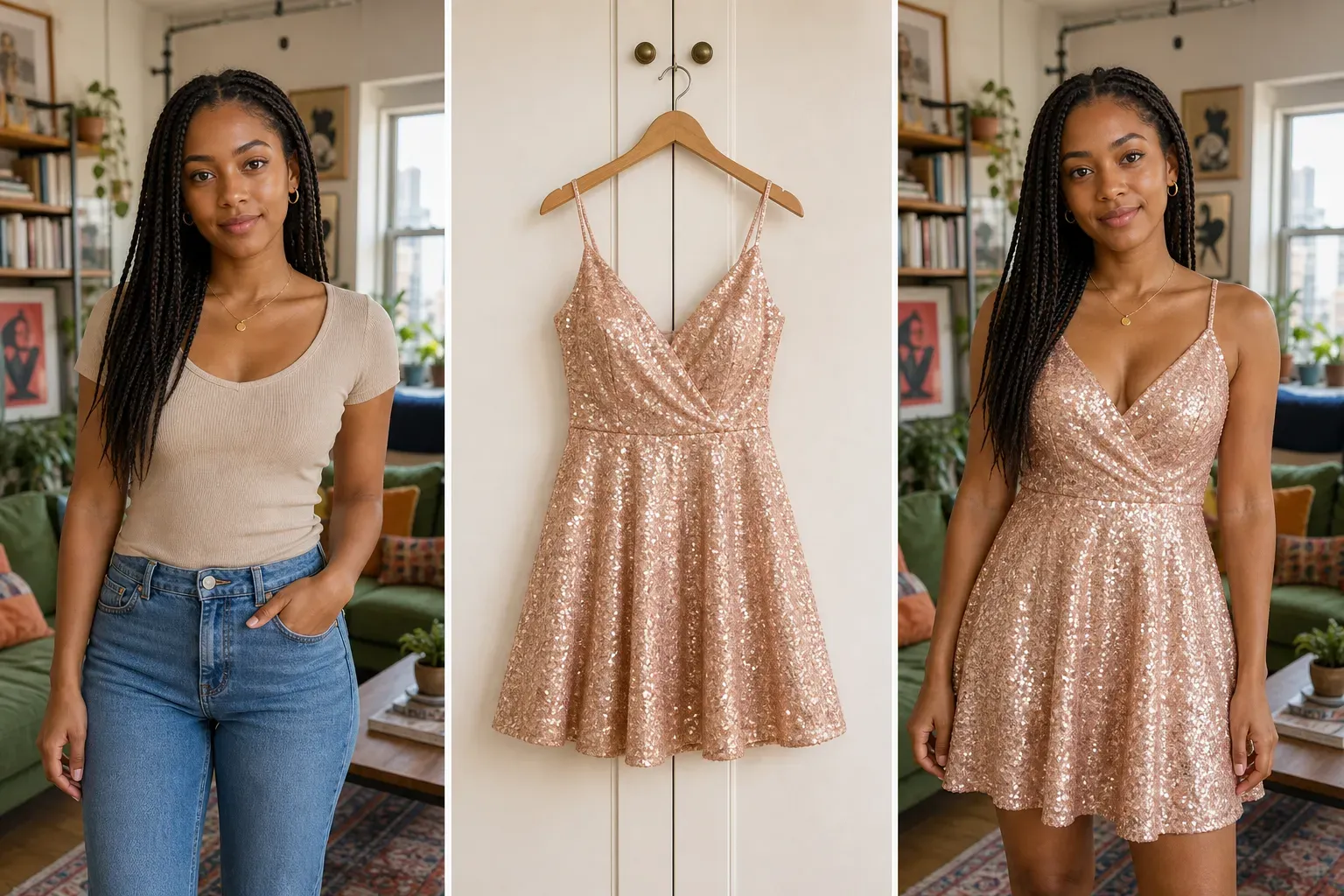
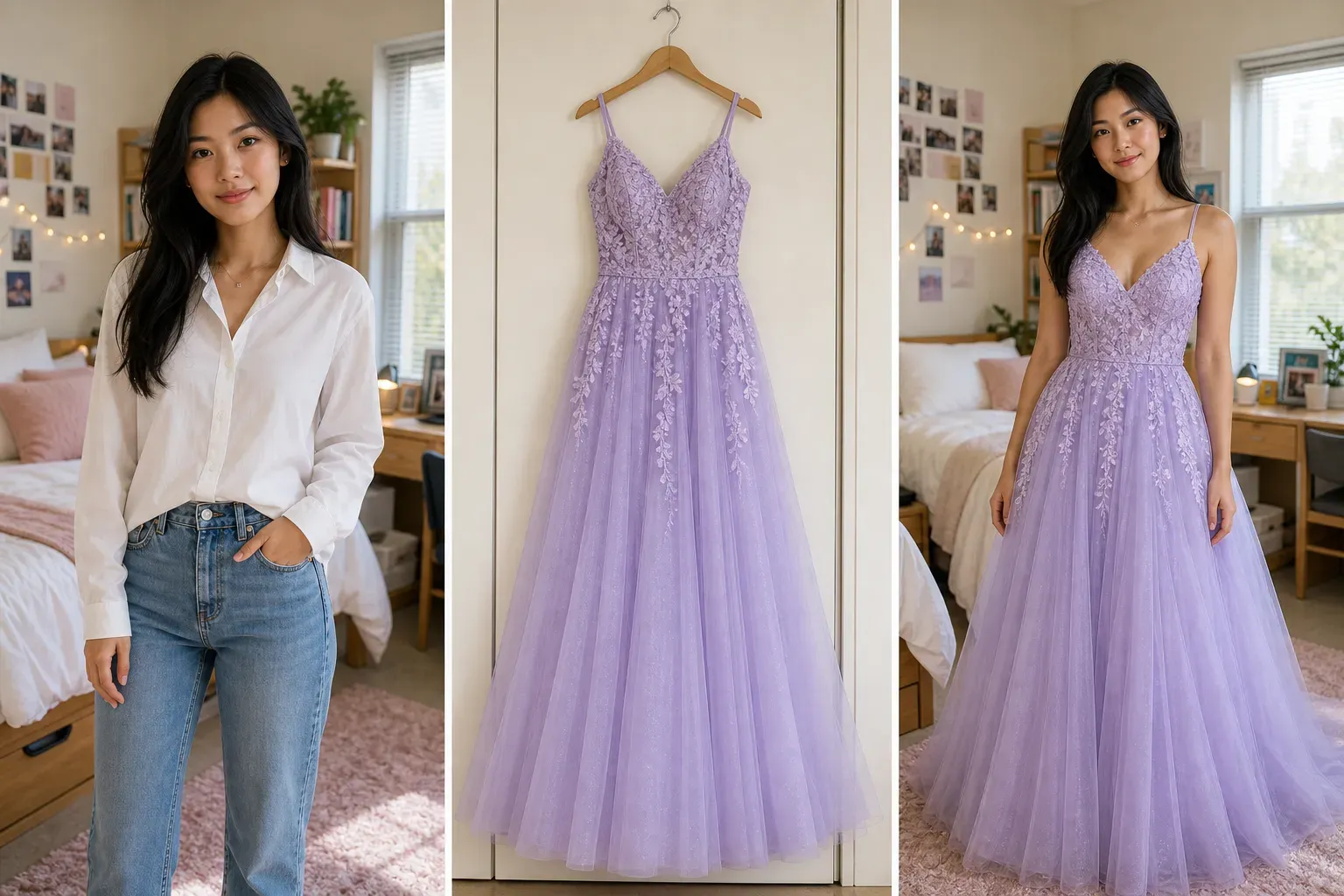
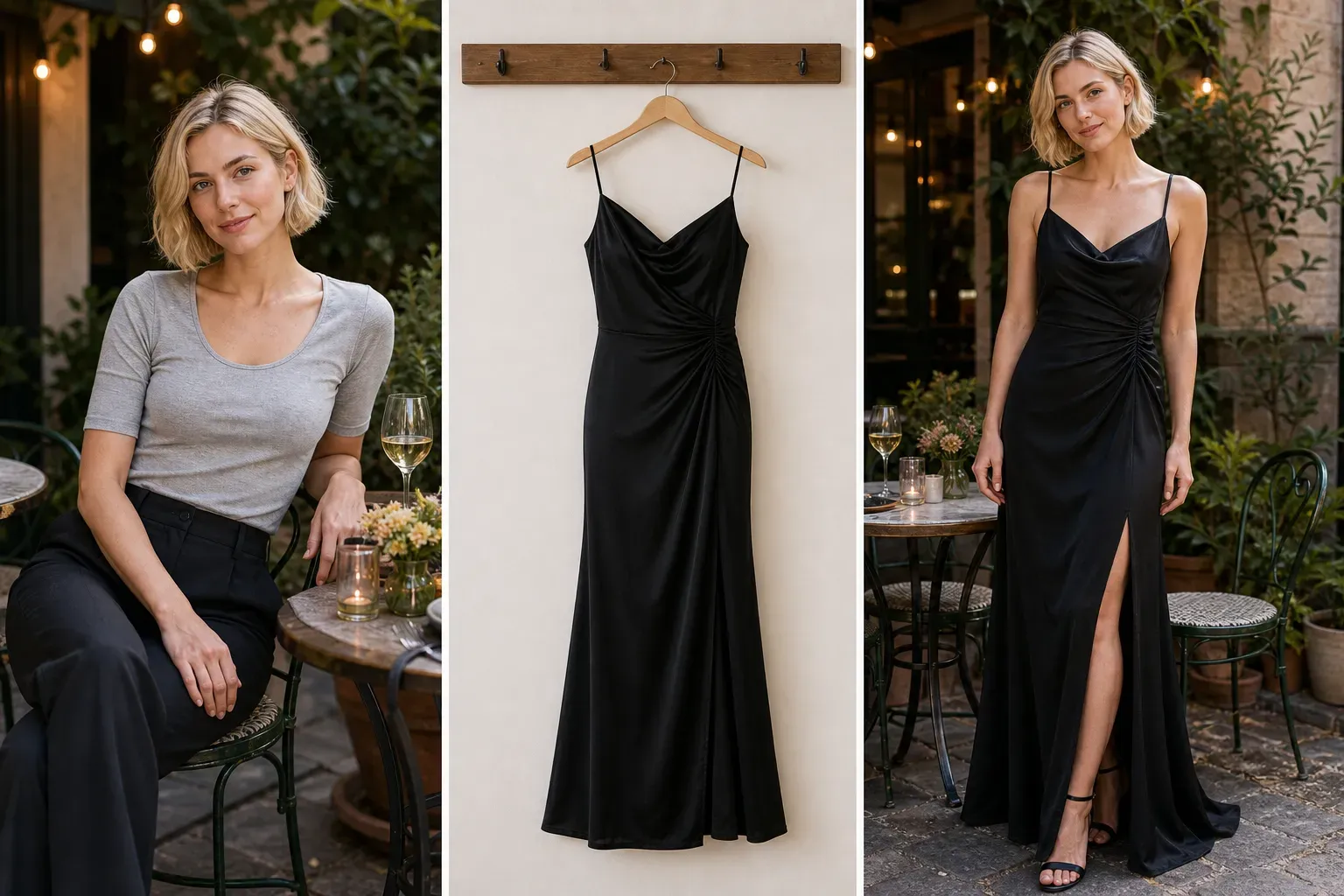
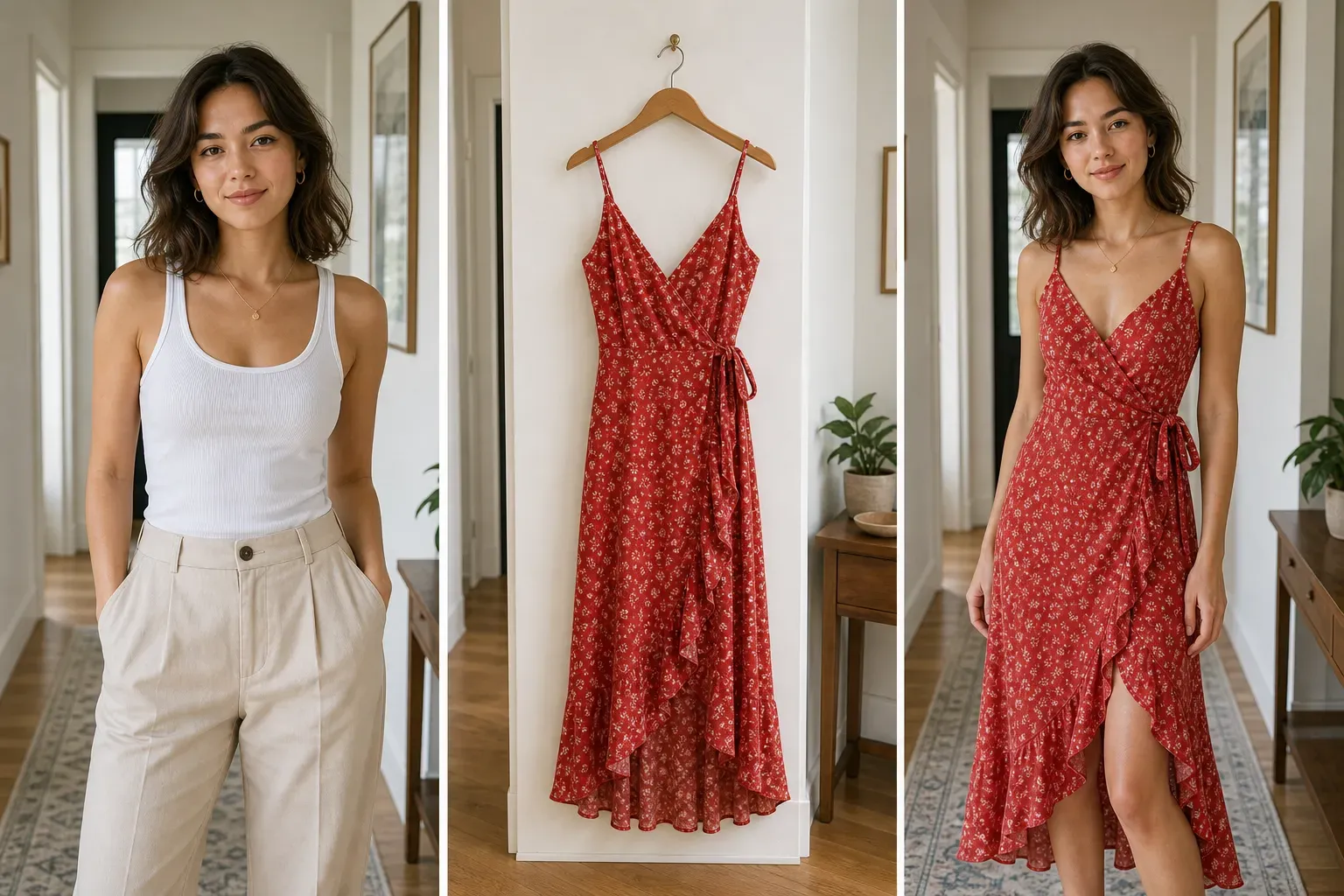
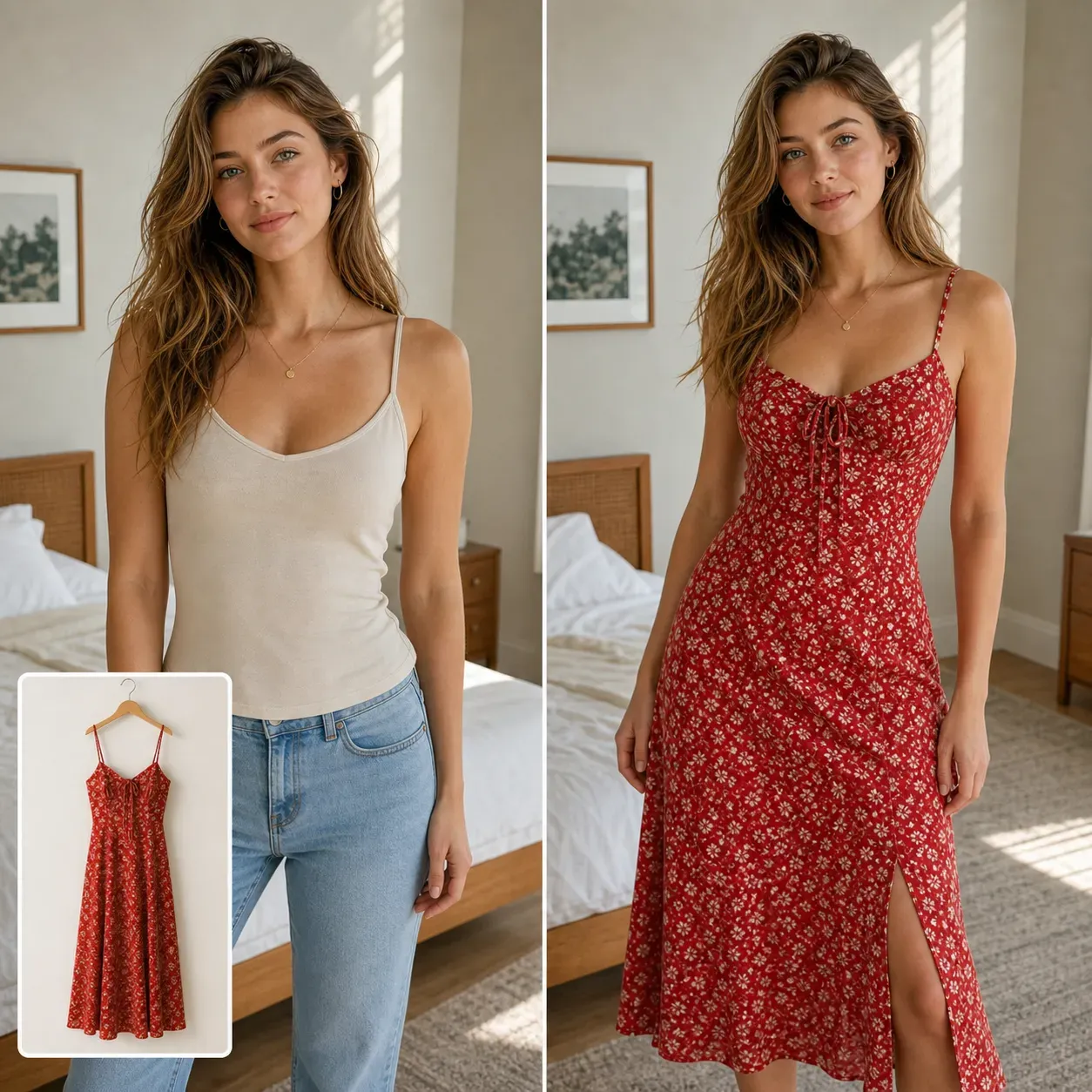
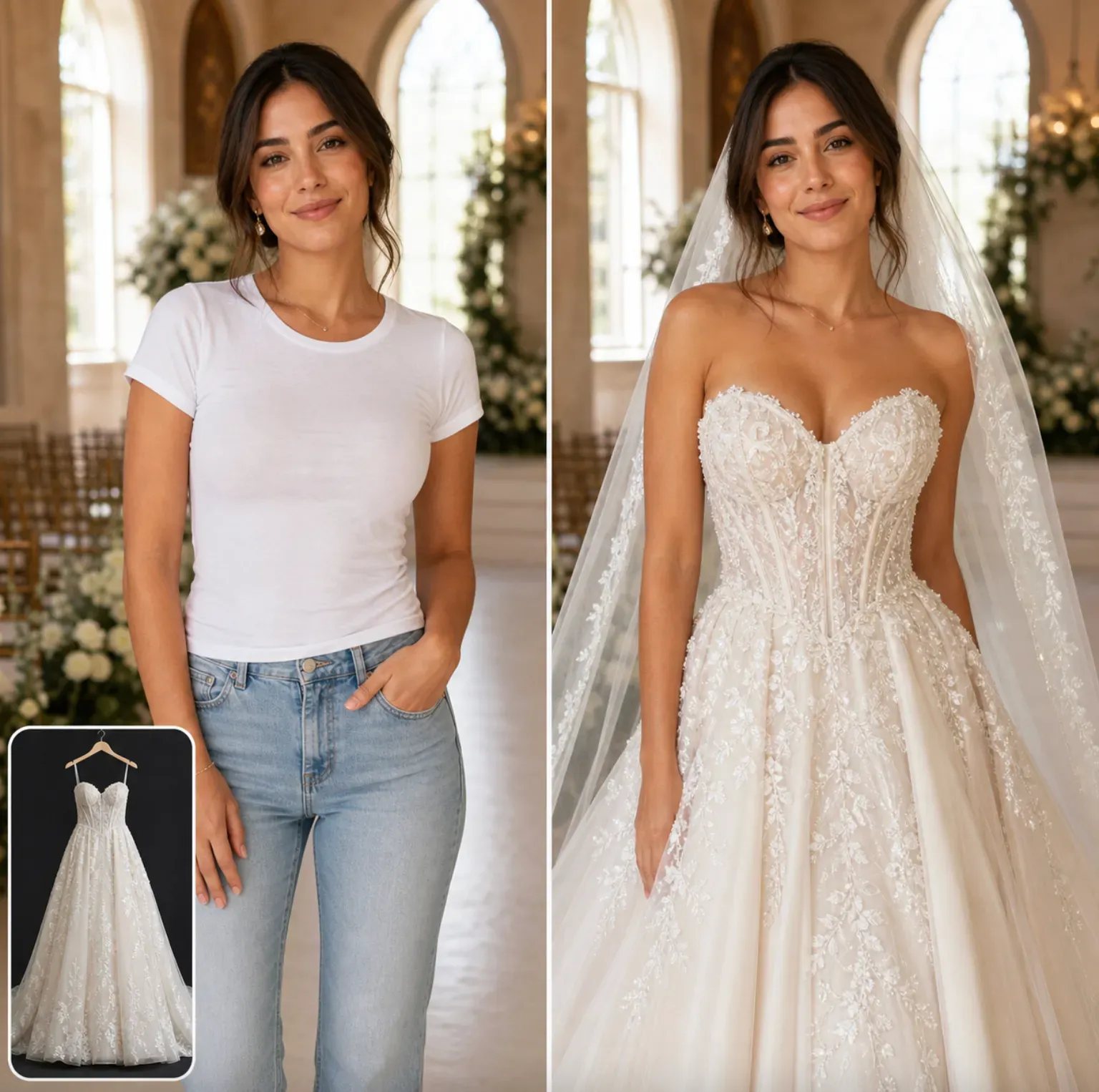
AI Dress Try On is designed for users who already have a dress image and want to see how it may look on a real person. Instead of generating a random outfit from text, it uses your uploaded dress reference, such as a casual dress, evening gown, prom dress, party dress, bridesmaid dress, or wedding dress. This is useful for shoppers, fashion creators, dress boutiques, ecommerce sellers, stylists, and content creators who need a visual dress preview before a purchase, photoshoot, campaign, or listing update.

Try a Specific Dress on Your Photo

AI Dress Try On is designed for users who already have a dress image and want to see how it may look on a real person. Instead of generating a random outfit from text, it uses your uploaded dress reference, such as a casual dress, evening gown, prom dress, party dress, bridesmaid dress, or wedding dress. This is useful for shoppers, fashion creators, dress boutiques, ecommerce sellers, stylists, and content creators who need a visual dress preview before a purchase, photoshoot, campaign, or listing update.

How AI Dress Try On Works?

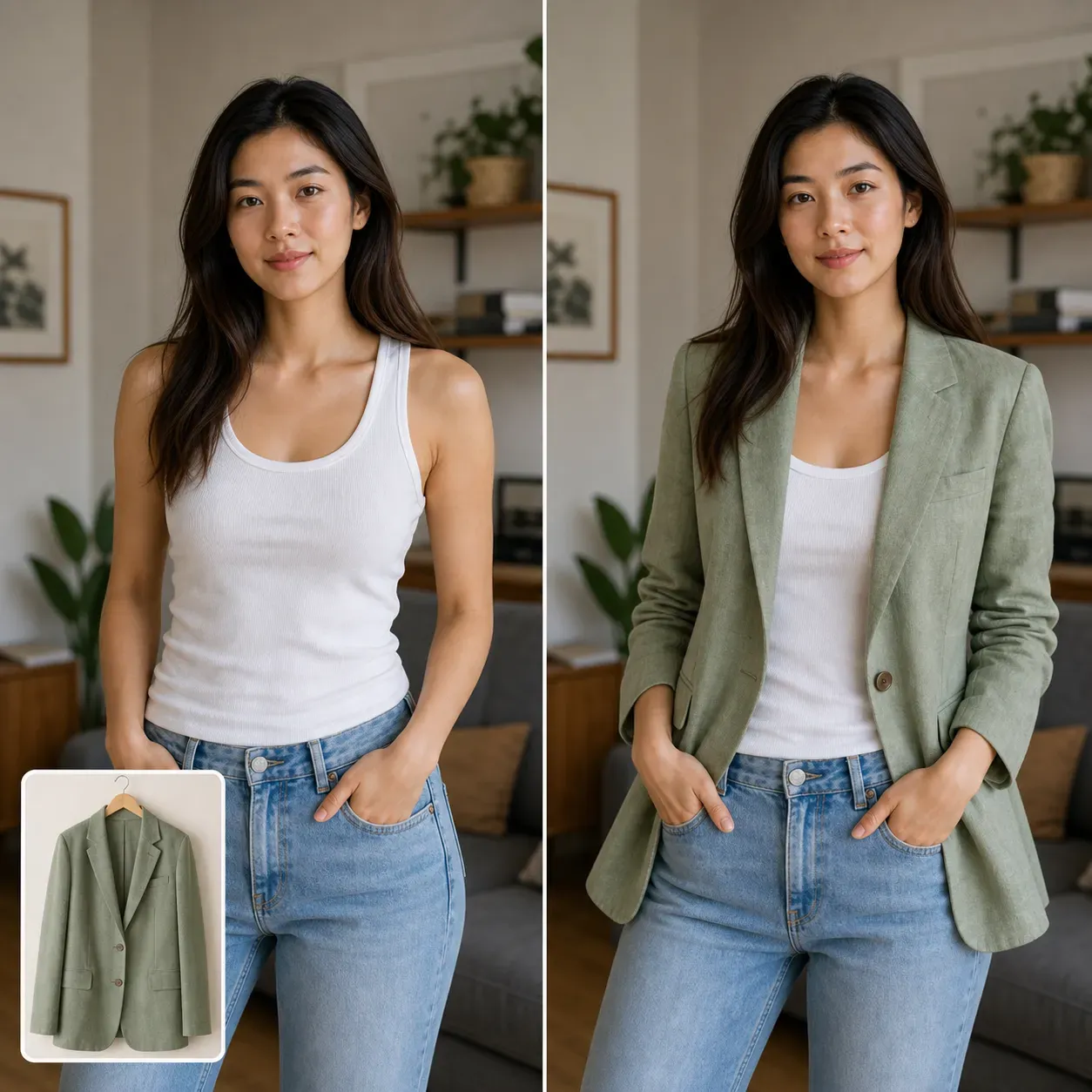
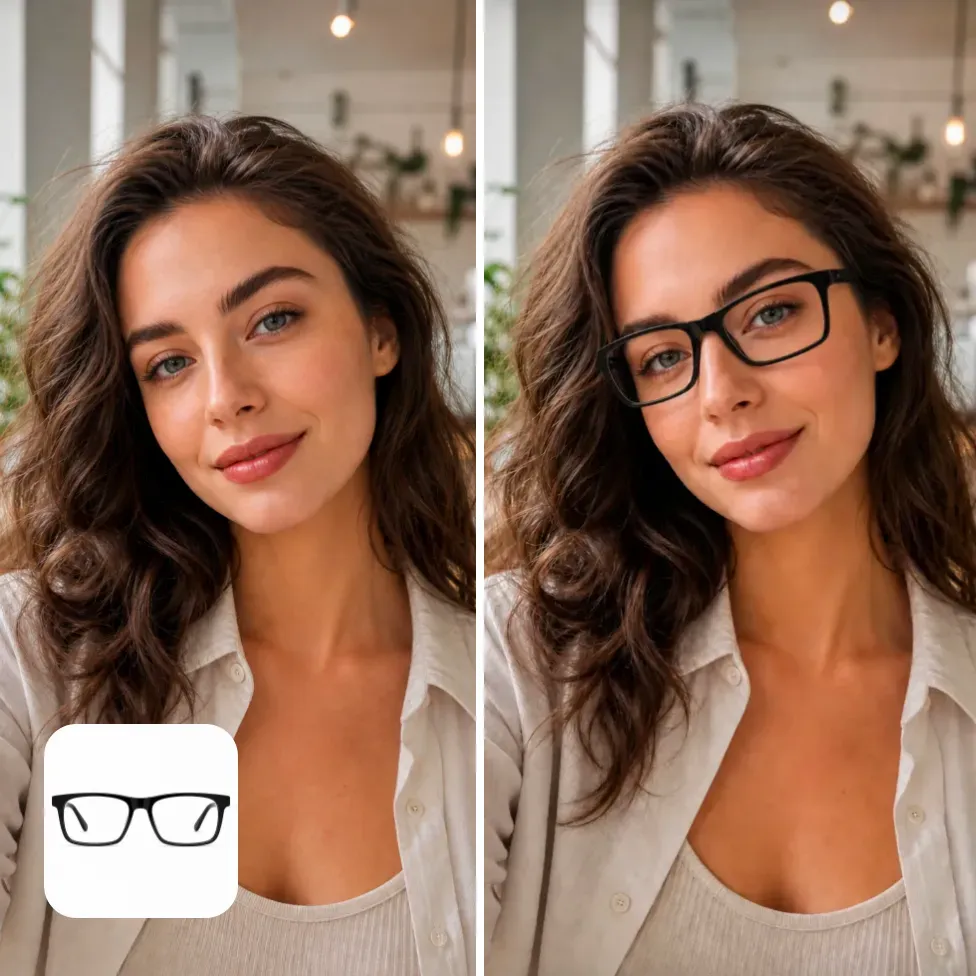
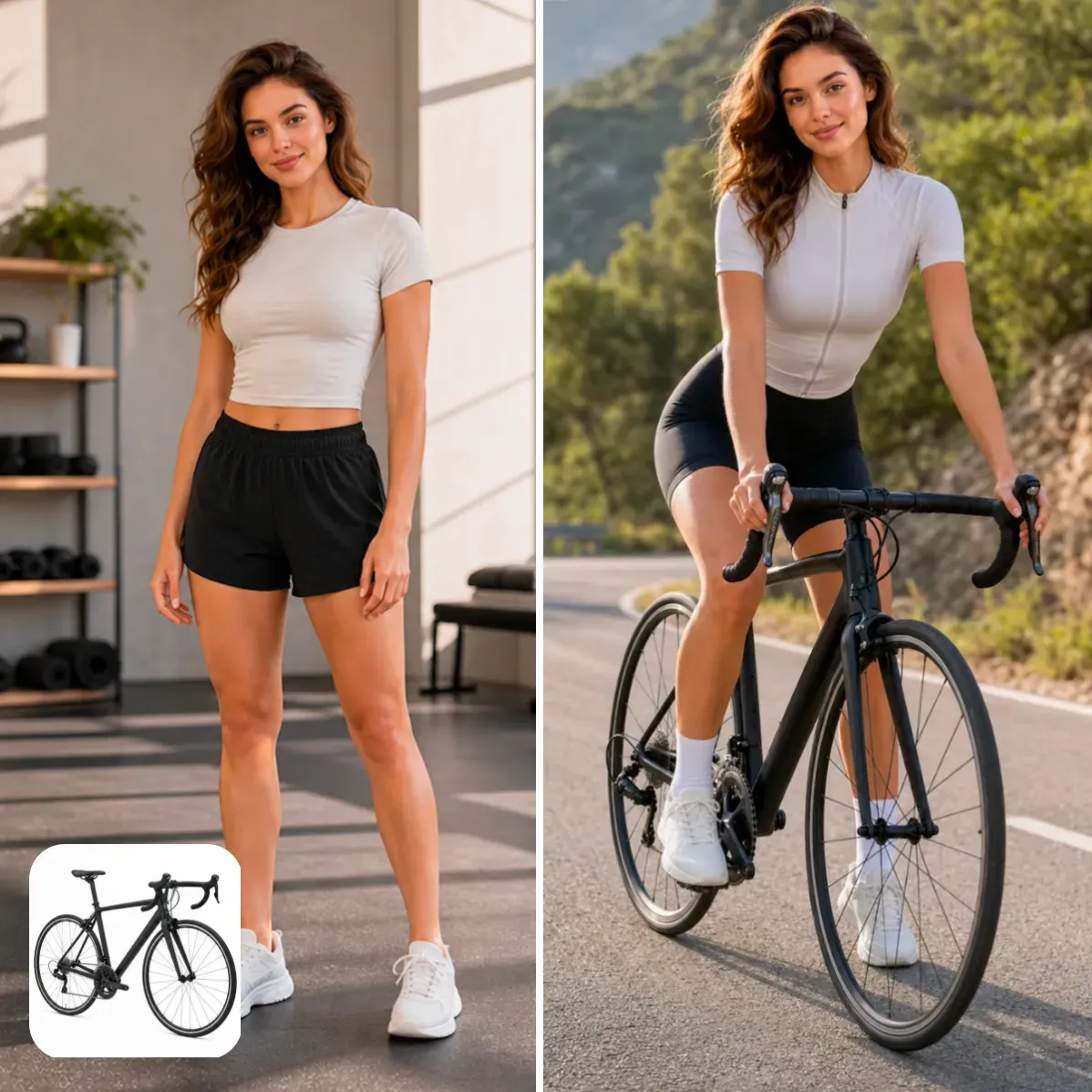
Vidoly analyzes both the person photo and the dress reference image. The AI identifies the person’s body area, shoulders, arms, waistline, legs, pose, and visible clothing boundaries. It then reads the dress reference, including neckline, sleeve type, waist shape, skirt length, color, pattern, fabric texture, and silhouette. The generated result aims to place the selected dress onto the person naturally while preserving the original face, body posture, lighting direction, and overall photo composition.

What Dresses Can You Try On?

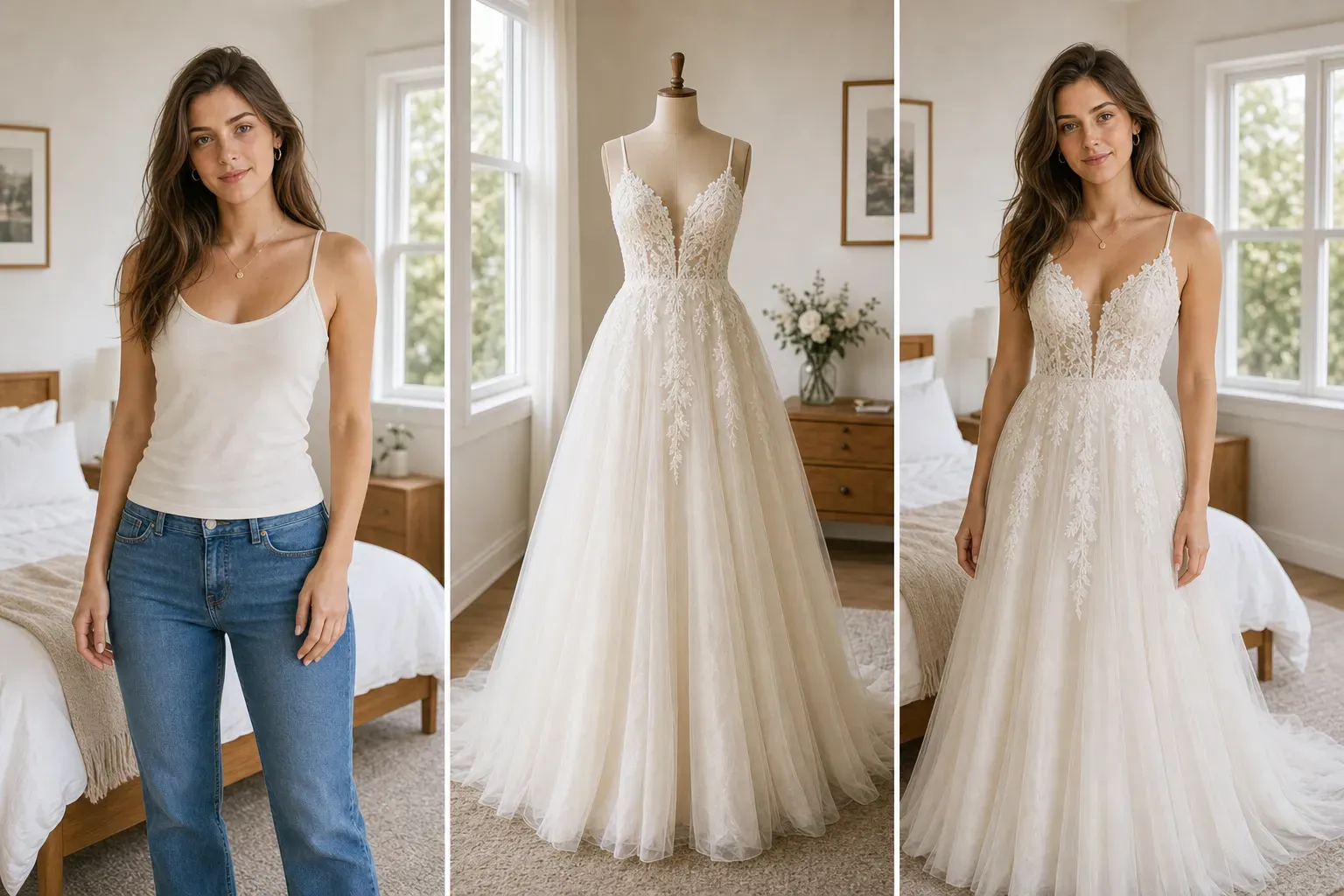
1. Casual Dress Try On Use a casual dress reference to preview everyday outfits, summer dresses, knit dresses, shirt dresses, slip dresses, and simple daywear looks. 2. Evening Gown Try On Upload an evening gown to test formal styling, satin dresses, velvet gowns, floor-length silhouettes, and elegant event looks. 3. Party Dress Try On Preview cocktail dresses, mini dresses, sparkly dresses, clubwear, birthday outfits, and statement party looks. 4. Prom Dress Try On Try prom dress ideas before choosing a color, neckline, skirt volume, or full-length silhouette. 5. Wedding Dress Try On Use a wedding dress reference to preview bridal silhouettes, lace bodices, tulle skirts, satin gowns, off-shoulder designs, and veil-friendly styling.

AI Dress Try On vs AI Clothes Changer

AI Dress Try On uses a specific dress reference image. For example, you can upload a person photo and a product image of a red floral dress, black evening gown, white bridal dress, or satin prom dress. AI Clothes Changer usually creates a new outfit from a text prompt, such as “make this person wear a pink dress” or “change the outfit to a wedding gown.” AI Dress Try On = try on a specific dress image. AI Clothes Changer = generate a dress style from text.

Best Use Cases for AI Dress Try On

1. Online Dress Shopping Shoppers can preview whether a dress color, neckline, length, or silhouette suits their body shape and personal style before buying. The result is a visual reference, not a guaranteed size or tailoring simulation. 2. Dress Boutique Product Preview Boutiques can test how a dress product photo may look on different model images. This helps create early listing concepts, campaign mockups, and social content ideas. 3. Wedding and Event Planning Users can compare bridal gowns, bridesmaid dresses, prom dresses, party dresses, and formalwear ideas before making a real appointment or purchase decision. 4. Fashion Creator Content Creators can generate dress try-on visuals for style videos, outfit comparison posts, fashion mood boards, and social media campaigns. 5. Ecommerce Listing Expansion Sellers with limited model photos can preview one dress across different models or test multiple dresses on one model before producing final ecommerce images.

What Photos Work Best?

Use a clear full-body or half-body person photo where the torso, waist, hips, and legs are visible. Dress try-on usually needs more body area than shirt try-on because skirt length, waistline, hem shape, and pose matter. For the dress reference, use a clean image where the full dress shape is visible. Product photos, mannequin photos, and model-worn dress images can work. Avoid folded dresses, cluttered backgrounds, cropped hems, low-resolution images, or photos where the dress is partly hidden.

Common Limitations

AI Dress Try On creates a visual preview, not an exact size, tailoring, or fabric simulation. It may not perfectly reproduce lace, sheer fabric, sequins, embroidery, tiny buttons, complex patterns, reflective satin, or exact hem movement. Results may be weaker when the person’s arms cover the dress area, the body is cropped, the pose is unusual, or the dress reference does not show the full garment. For ecommerce, ads, or paid campaigns, manually review dress color, neckline, print details, logo marks, and silhouette accuracy before publishing.

How To Use AI Dress Try On?

1

Upload a person photo

Choose a clear half-body or full-body image where the dress area is visible.

2

Upload a dress reference

Add the casual dress, evening gown, prom dress, party dress, or wedding dress you want to try on.

3

Generate the dress try-on preview

Vidoly applies the selected dress to the person while preserving face, pose, body shape, and photo composition.

4

Review the dress details

Check neckline, sleeves, waistline, skirt length, color, fabric texture, and pattern.

5

Download the image

Save the result for shopping comparison, fashion planning, social content, or ecommerce preview.

FAQs

What is AI Dress Try On?

AI Dress Try On is a virtual try-on tool that places a specific dress reference image onto a person in a photo. It usually uses two inputs: a person image and a dress image.

Is AI Dress Try On different from AI Clothes Try On?

Yes. AI Clothes Try On covers many clothing types, while AI Dress Try On focuses specifically on dresses, gowns, formalwear, party dresses, and bridal dress previews.

Can I upload a dress product photo?

Yes. A clean product photo can be used as the dress reference. The dress should be well-lit, unfolded, and visible from neckline to hem.

Can I try on a wedding dress?

Yes. You can use a wedding dress reference image to create a bridal try-on preview. The result is useful for visual comparison but does not replace a real fitting appointment.

Does it work for prom dresses and evening gowns?

Yes. It can preview prom dresses, evening gowns, cocktail dresses, party dresses, and other formal dresses when the reference image clearly shows the silhouette.

What person photo works best?

A clear full-body or half-body photo works best. Dress try-on needs visible shoulders, waist, hips, and legs to align the dress naturally.

Can it show exact dress size or fit?

No. The result is a visual preview, not an exact measurement or tailoring simulation. It can help compare style and silhouette, but it cannot guarantee real-world fit.

Will it preserve my face and body pose?

The tool is designed to keep the person’s face, identity, pose, body shape, and general composition while changing the clothing area.

Can it preserve lace, sequins, and embroidery?

It can attempt to preserve visible dress details, but lace, sequins, embroidery, sheer fabric, and dense patterns should be checked manually after generation.

Why does the dress sometimes look distorted?

Distortion can happen when the person photo is cropped, the dress reference is folded, the pose is unusual, or the garment image is low- resolution. Use a clear full-dress reference and a visible full-body person photo for better results.

Can ecommerce sellers use AI Dress Try On?

Yes. Ecommerce sellers can use it for dress listing concepts, model previews, and campaign mockups. For final commercial use, review garment accuracy, image rights, brand assets, and marketplace requirements.

Can I use the result in ads or social posts?

You can use the result if your person photo, dress reference, brand assets, and platform terms allow it. Always check rights before using generated images in paid ads, ecommerce listings, or public campaigns.