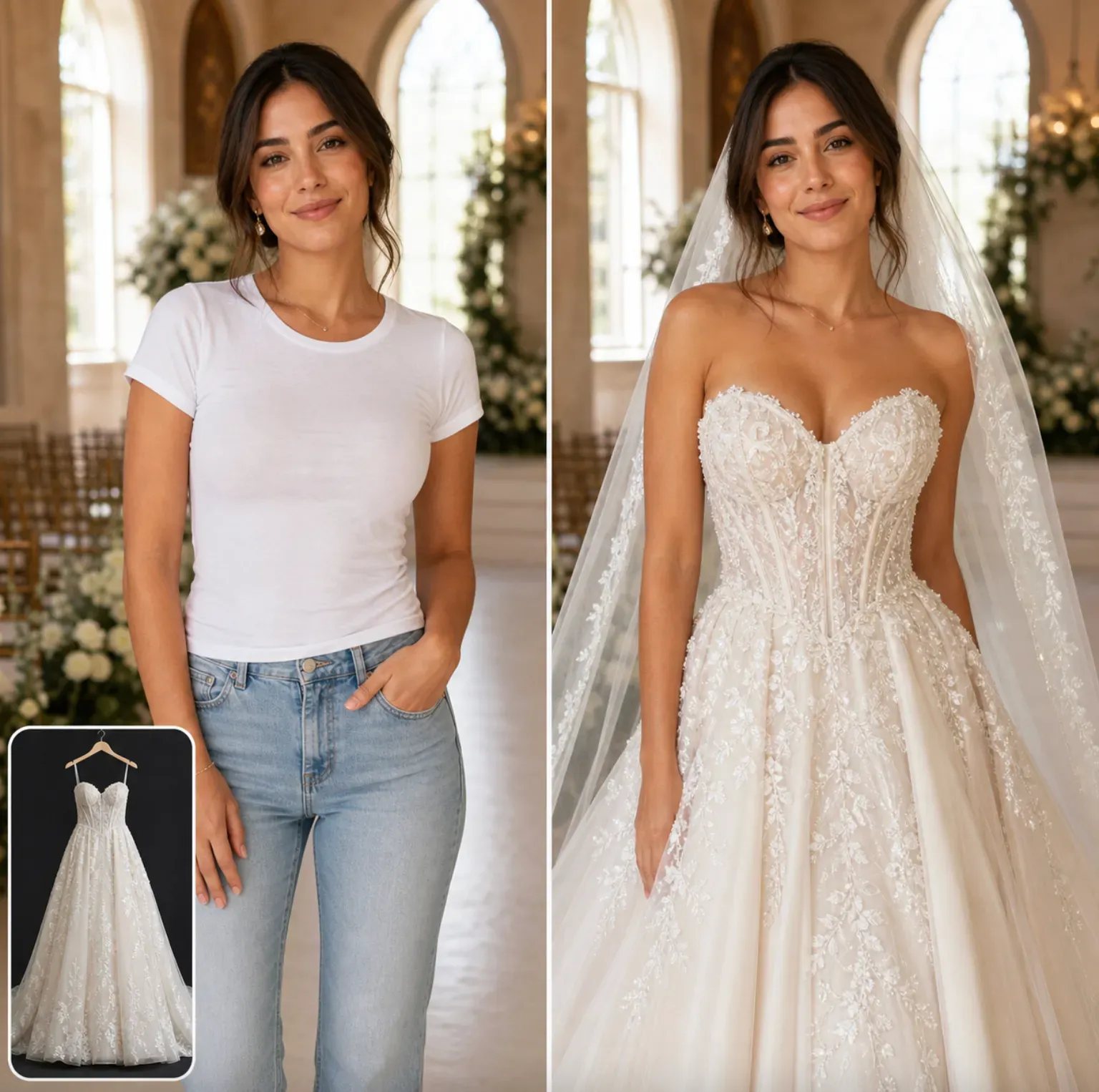
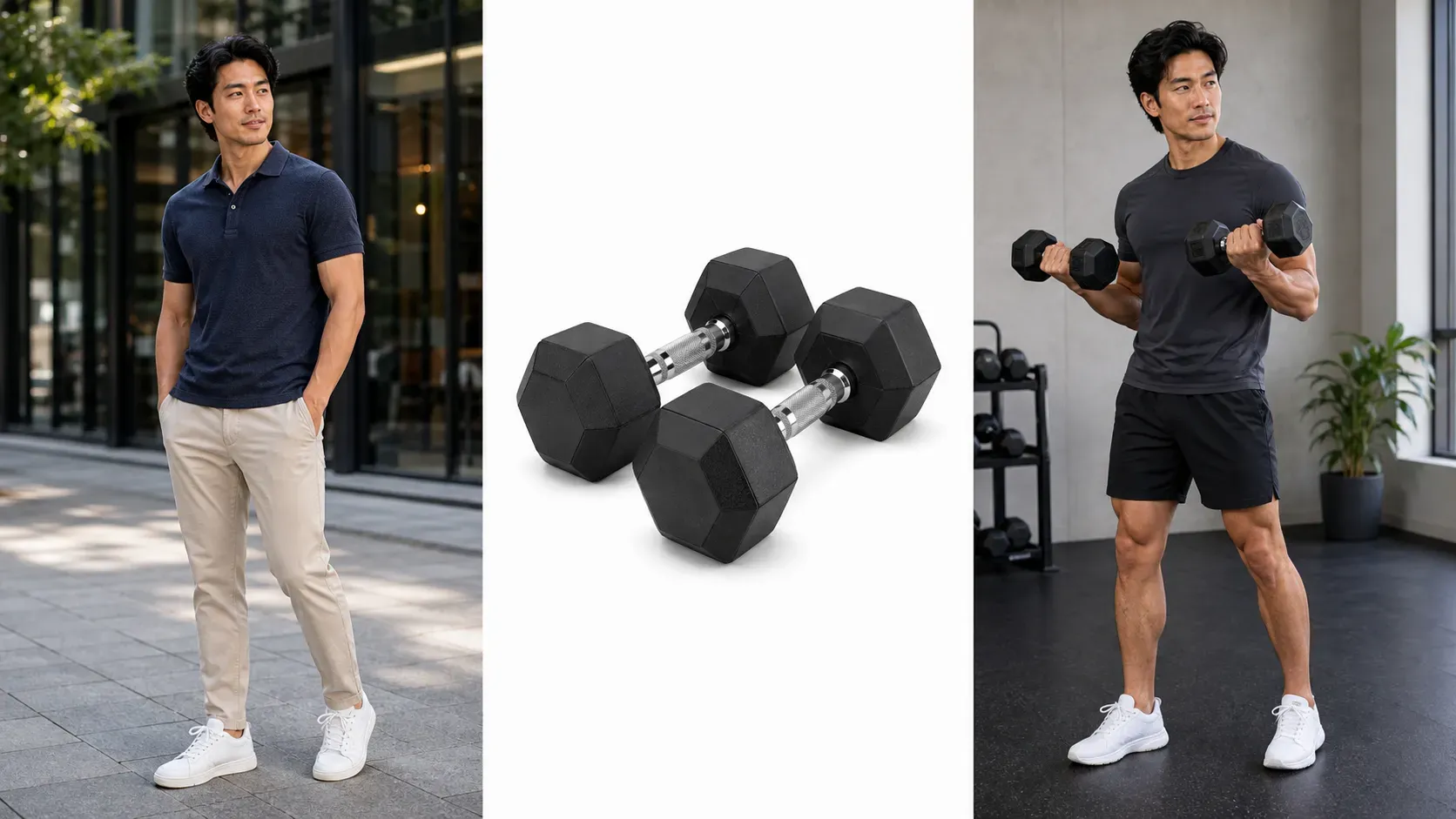
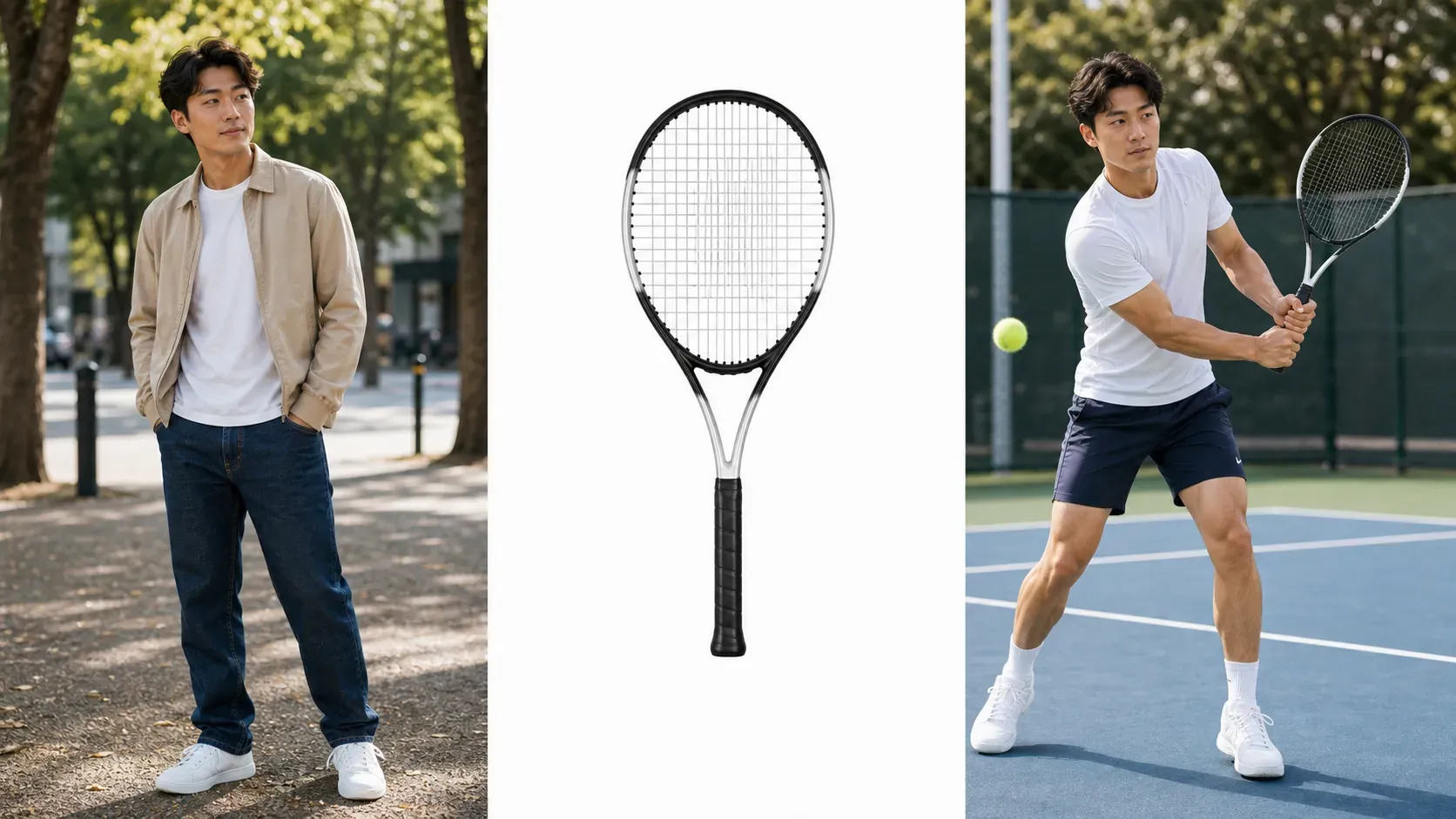
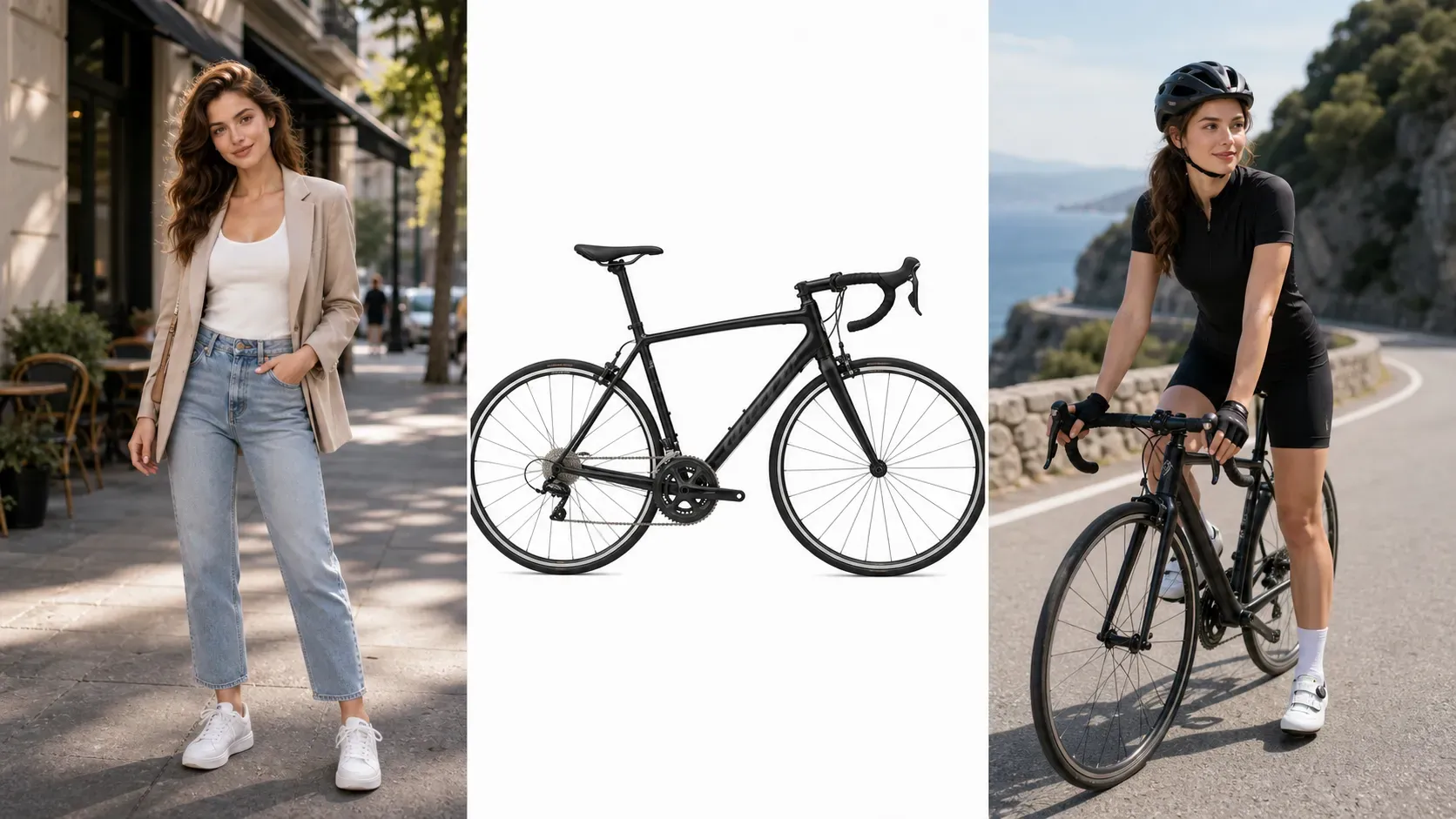
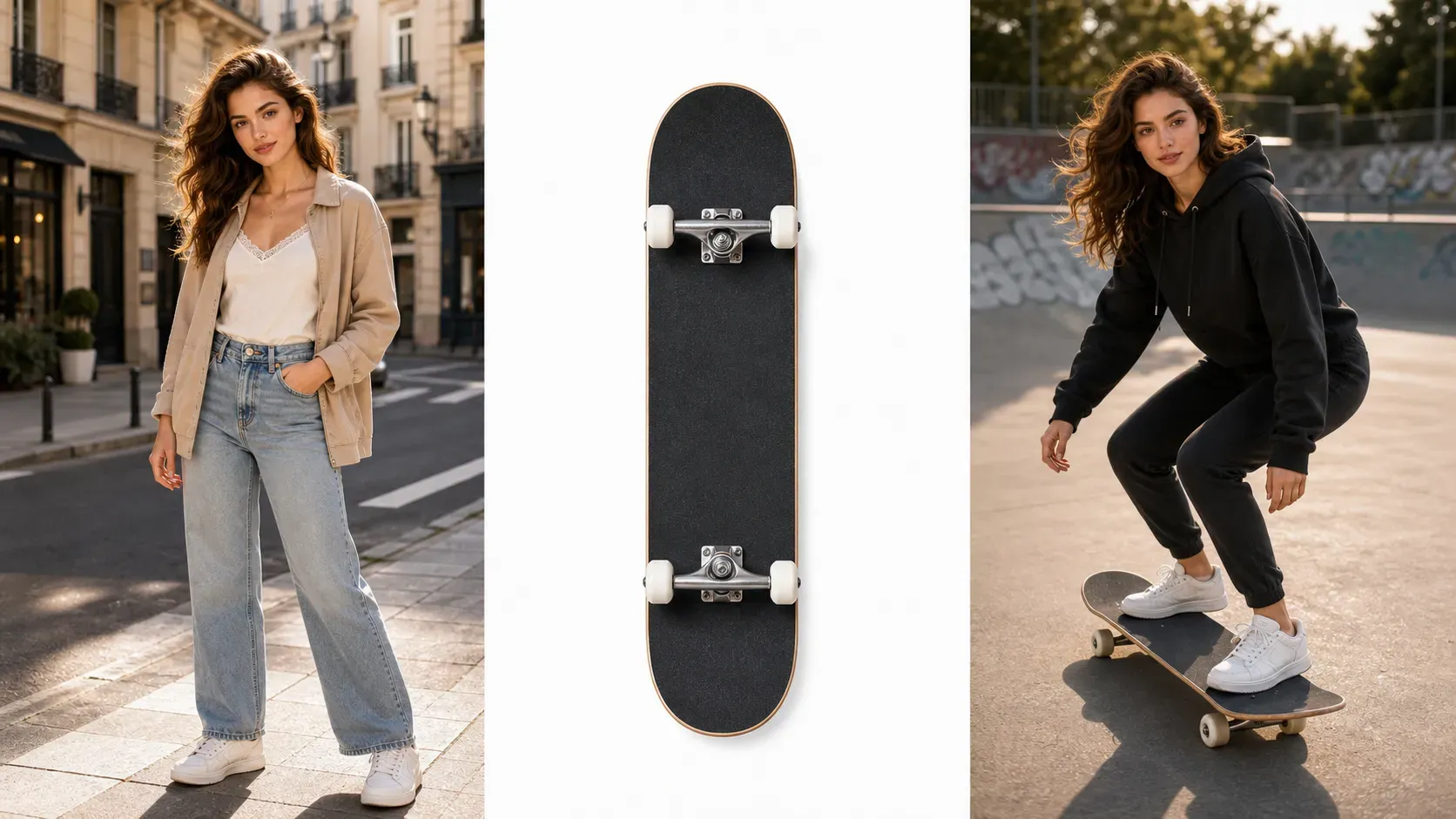
AI Sports Equipment Try On

AI Sports Equipment Try On

TECHNICAL SPECS

SECTION

AI Virtual Try On

MODULE

image_to_image_pro

SKILL ID

ai_sports_equipment_try_on

Upload Image
photo_camera

Upload Person Image

photo_camera

Upload Sports Equipment Image

TEMPLATE PROMPT
57/2000
Commercial usage license included
MORE IN AI Virtual Try On
#ai_virtual_try_on

AI Sports Equipment Try On

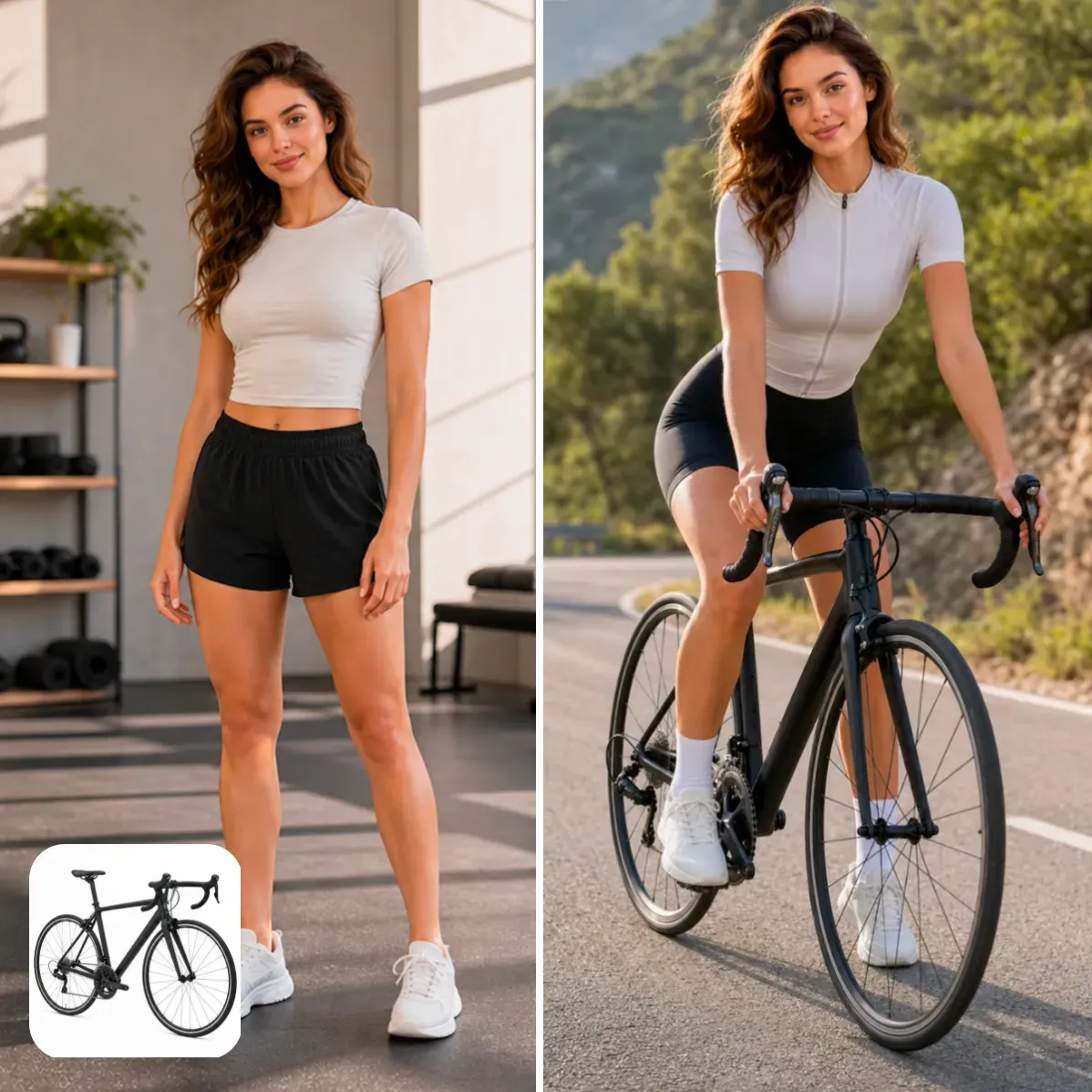
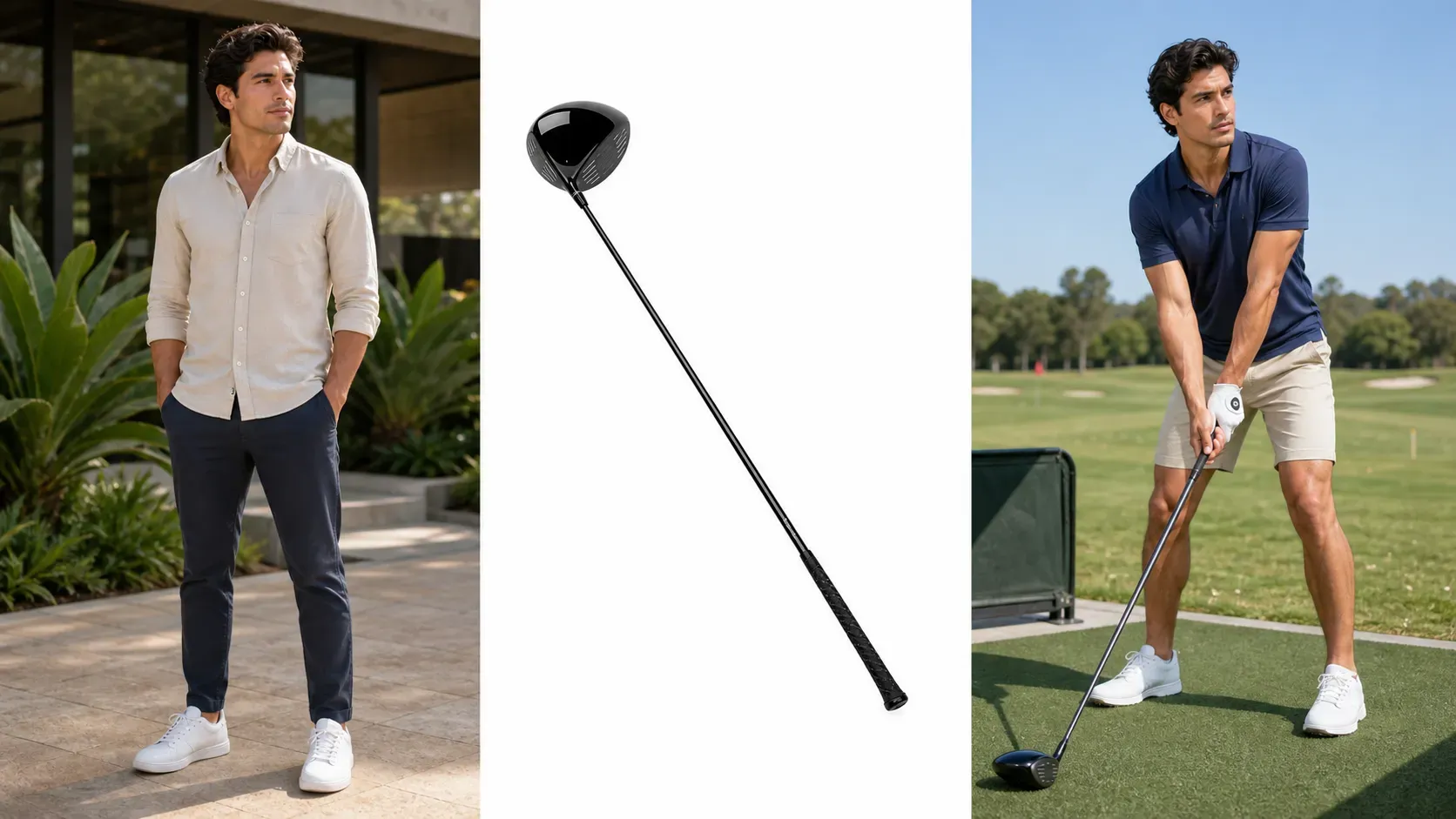
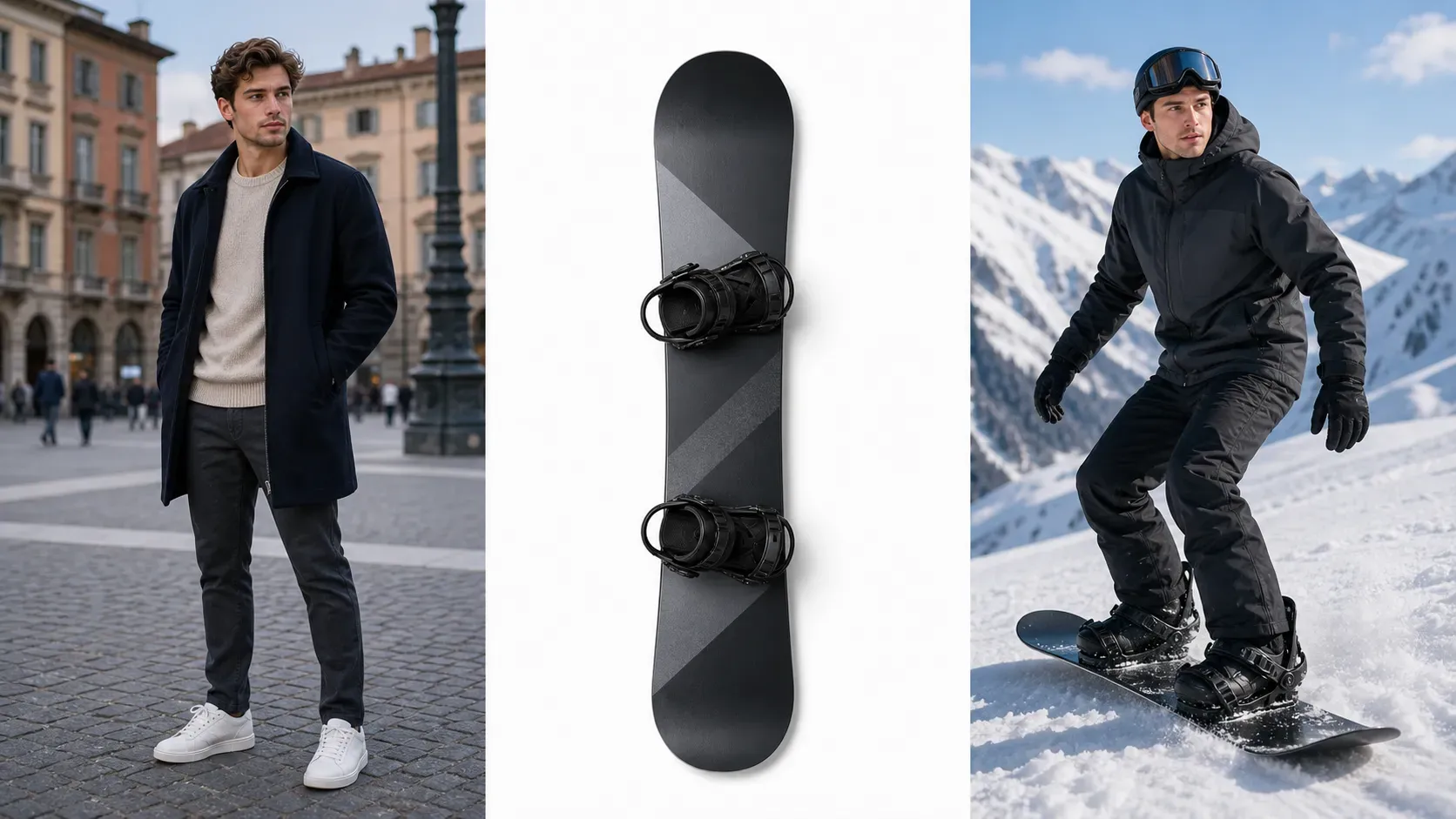
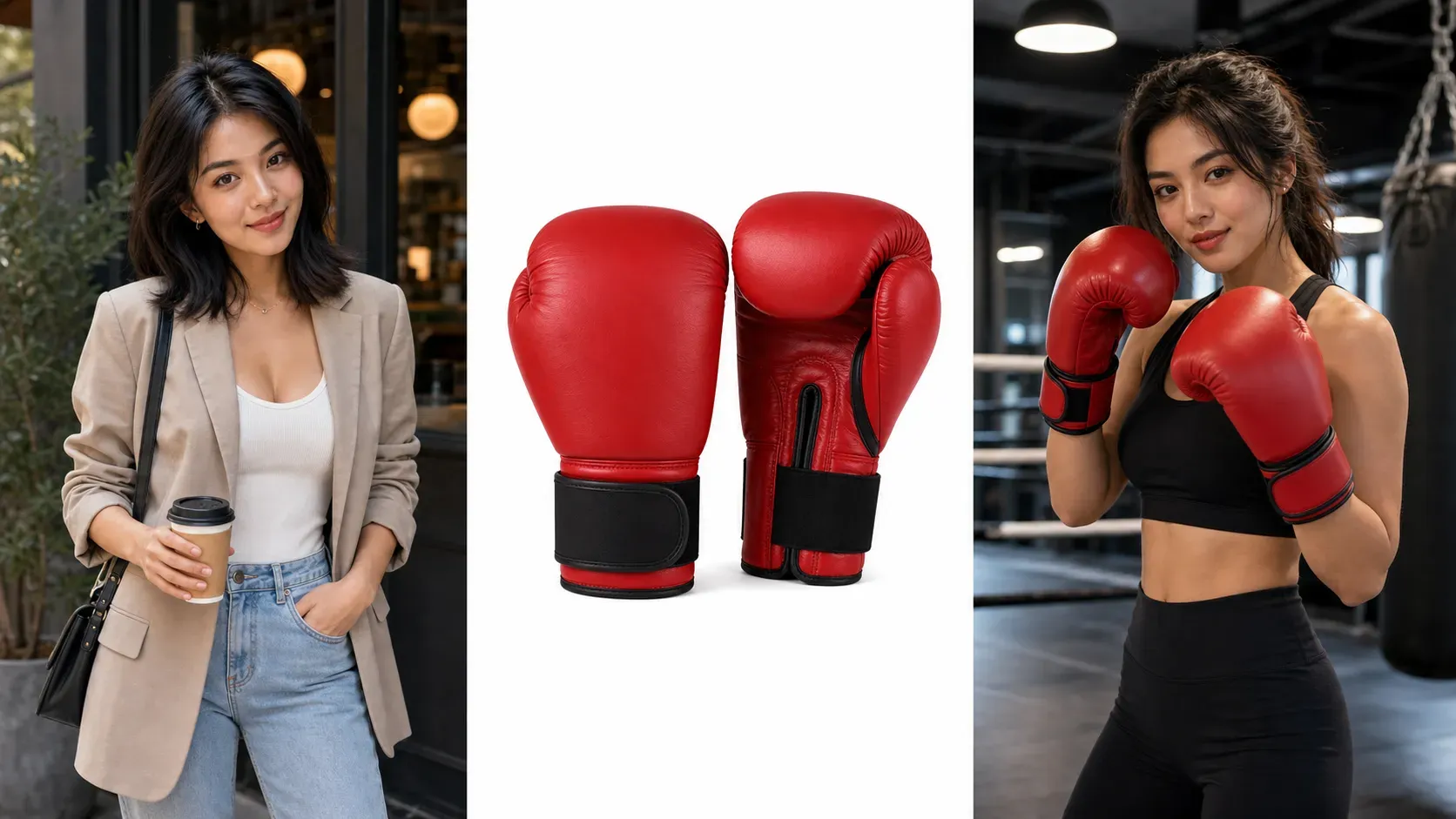
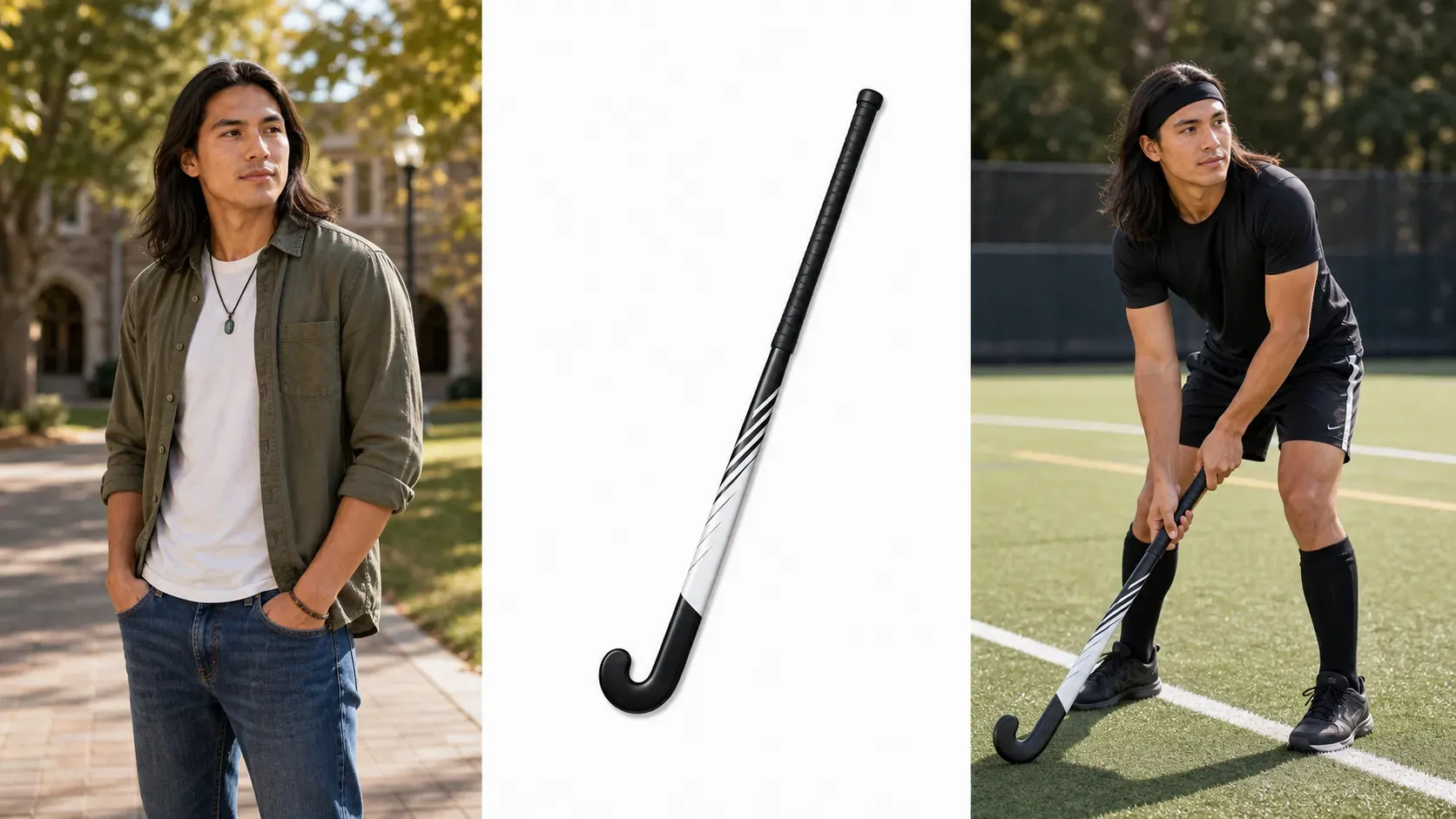
Vidoly AI Sports Equipment Try On helps users upload a portrait or lifestyle photo, add a sports equipment reference image, and generate a realistic preview of the person holding, wearing, riding, or using that equipment. It is built for sports creators, ecommerce operators, Amazon sellers, Shopify stores, and social media teams that need sports product visuals without arranging a new photoshoot for every item. Users can try tennis rackets, pickleball paddles, badminton rackets, bicycles, golf clubs, baseball bats, boxing gloves, helmets, ski boards, skateboards, yoga mats, and other sports accessories. Vidoly templates make the workflow simple: upload the person photo, upload or describe the equipment, adjust a few prompt fields, then generate a platform-ready sports visual.

Explore Sports Equipment Try On

What This Sports Try-On Tool Does

AI Sports Equipment Try On is an image editing workflow for placing sports gear into a user photo. The uploaded person photo provides the pose, face, body, clothing, background, and lighting. The equipment image or prompt provides the product style. The generated result shows how the gear could look in the person's hands, on the body, near the body, or in an action scene. This is useful when a creator wants to test a sports content idea, a store wants product-in-use visuals, or a seller wants campaign drafts before producing final marketplace images. The output is a visual preview, not a guarantee of exact size, safety fit, product geometry, or real-world sports performance.

Core Features for Sports Product and Creator Visuals

Core Features for Sports Product and Creator Visuals

1. Upload Person and Equipment Images Use a model photo, selfie, influencer photo, product image, or clean equipment cutout as the input for the try-on scene. 2. Generate Holding, Riding, or Wearing Effects Create previews where the person holds a racket, rides a bike, wears boxing gloves, carries a board, or poses with sports gear. 3. Template-Based Prompt Control Change only the equipment type, color, angle, usage scene, and content format instead of writing a long prompt from scratch. 4. Social Media Ready Output Create sports lifestyle visuals for Instagram, TikTok covers, YouTube thumbnails, Pinterest pins, and creator campaign posts. 5. Ecommerce Campaign Drafts Help Amazon, Shopify, and DTC sellers turn plain sports product photos into product-in-use concepts and ad creative drafts. 6. Multiple Equipment Variations Compare different sports products on the same person photo, such as two racket colors, three bike styles, or several golf clubs.

Sports Equipment You Can Try On or Place Into Photos

Sports Equipment You Can Try On or Place Into Photos

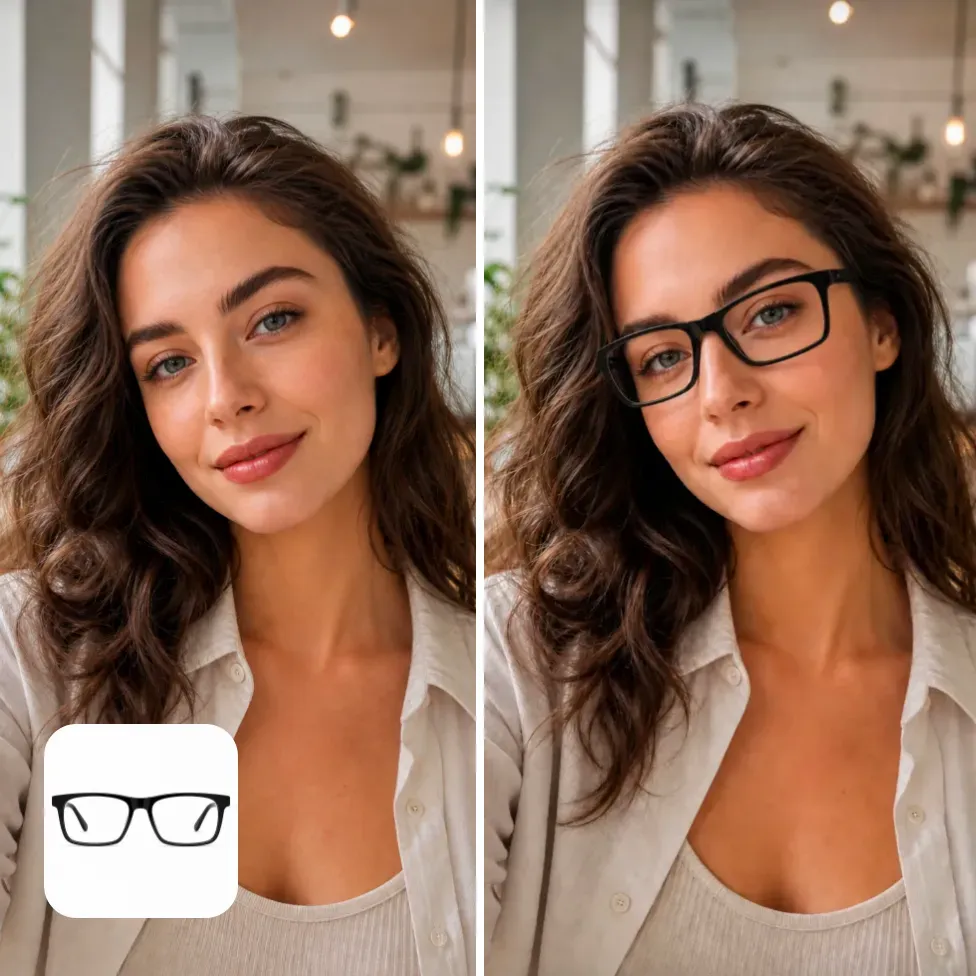
Vidoly can support many sports visuals as long as the prompt clearly explains the equipment, pose, and scene. For ecommerce, use a clean product image or a simple product reference. For creator content, use a portrait or lifestyle photo with enough room around the hands, body, or background. 1. Rackets and paddles: tennis rackets, badminton rackets, squash rackets, pickleball paddles, table tennis paddles. 2. Cycling gear: road bikes, mountain bikes, helmets, cycling glasses, water bottles, jerseys, gloves. 3. Golf equipment: golf clubs, putters, drivers, golf bags, gloves, visors, training accessories. 4. Baseball and softball gear: bats, gloves, helmets, catcher gear, training nets, batting accessories. 5. Boxing and fitness gear: boxing gloves, hand wraps, resistance bands, dumbbells, kettlebells, yoga mats. 6. Outdoor and board sports: skateboards, surfboards, snowboards, skis, helmets, knee pads, hiking poles.

How AI Sports Equipment Try On Works

How AI Sports Equipment Try On Works

The workflow starts by understanding the uploaded person photo and the sports equipment reference. The AI is designed to preserve the important identity and scene details, including face, outfit, pose, background, skin tone, and lighting direction, while adding the requested sports equipment into a believable position. For handheld products such as rackets, bats, golf clubs, and paddles, the prompt should describe hand placement and product angle. For larger products such as bicycles, skateboards, surfboards, or skis, the prompt should describe whether the person is riding, standing beside, carrying, or posing with the equipment. This helps the generated image avoid vague placement.

Best Photos and Product Images for Better Results

Best Photos and Product Images for Better Results

A clear lifestyle photo usually works best. The person should be visible from the waist up or full body, with hands, arms, and surrounding space not heavily cropped. If the equipment needs to be held, the hands should be visible. If the equipment is large, such as a bicycle or surfboard, the photo should have enough empty space around the person. For product references, use images with a clean background, visible shape, and minimal distortion. Avoid tiny product images, heavy shadows, extreme angles, watermarks, or product photos where the equipment is partially hidden. For commercial visuals, compare the generated result with the original product before publishing.

Designed for Influencers, Amazon Sellers, and Shopify Stores

Designed for Influencers, Amazon Sellers, and Shopify Stores

1. Influencers and Coaches Create sports lifestyle posts, gear recommendation visuals, workout covers, and affiliate content without reshooting every product. 2. Amazon Sellers Draft product-in-use images for rackets, gloves, training gear, boards, and accessories before preparing final listing assets. 3. Shopify and DTC Brands Generate campaign concepts, collection banners, social ads, and product story visuals for sports equipment launches. 4. Sports Clubs and Studios Create visual ideas for classes, membership campaigns, event posters, and seasonal sports promotions. 5. Marketplace Operators Test which product category image looks more clickable before investing in model photography or final retouching. 6. Everyday Sports Fans Preview how a bike, racket, golf club, boxing glove, or ski setup could look in a personal photo before sharing online.

Sports Try-On vs Manual Product Photoshoots

Sports Try-On vs Manual Product Photoshoots

A real photoshoot is still better for final catalog photography, exact product geometry, safety-critical product display, strict brand campaigns, and marketplace images that require verified product accuracy. Manual design and retouching also give stronger control when the final asset must match a precise layout. AI sports equipment try-on is better for early creative testing, social content, influencer previews, ad concept drafts, and fast product storytelling. A practical workflow is to use Vidoly to generate several visual directions, then choose the strongest one for a final shoot, listing image, ad test, or creator brief.

Common Limitations of Sports Equipment Try-On

Common Limitations of Sports Equipment Try-On

AI-generated sports try-on images are visual previews. Results may be weaker when hands are hidden, the body is cropped, the product has complex geometry, or the prompt asks for intense action that does not match the original pose. Long thin objects such as golf clubs, fishing rods, bike frames, and racket strings may need extra review. For ecommerce and paid ads, users should check product shape, logo accuracy, grip placement, shadows, perspective, and platform rules. Do not use AI previews as safety instructions, product certification images, or exact fit measurements.

How to Use Vidoly AI Sports Equipment Try On?

1

Upload a person photo.

Choose a clear portrait, model photo, sports pose, or lifestyle image.

2

Add equipment input.

Upload a product image or describe the sports item in the prompt template.

3

Choose the interaction.

Set whether the person should hold, wear, ride, carry, stand beside, or use the gear.

4

Generate variations.

Compare equipment colors, product angles, poses, and scene styles.

5

Review and publish.

Check product accuracy, body alignment, hands, shadows, and platform requirements before use.

FAQs

What is AI Sports Equipment Try On?

AI Sports Equipment Try On is a Vidoly image workflow that places sports equipment into a person photo. Users can preview how a racket, bike, golf club, boxing glove, board, helmet, or other sports item could look in a lifestyle or product-use image.

Can I upload both a person photo and a sports product image?

Yes. The ideal workflow is to upload a clear person photo and a clean equipment image, then use a prompt to describe how the person should interact with the gear. This gives the AI stronger visual references than a text-only prompt.

Can this work for tennis rackets, badminton rackets, and pickleball paddles?

Yes. Rackets and paddles are strong use cases because they are visually recognizable and commonly held in sports photos. For better results, describe the hand placement, product angle, and whether the scene should look casual, competitive, studio, or outdoor.

Can I create bicycle try-on or bike lifestyle images?

Yes, but bicycles need enough room in the original image. A full-body photo or an outdoor lifestyle scene usually works better than a tight selfie. Describe whether the person is riding the bike, standing beside it, or holding it.

Can Amazon sellers use these sports try-on images?

Amazon sellers can use AI sports try-on images for campaign drafts, product story visuals, social posts, and creative testing. Before using any image as a final listing asset, review product accuracy, logo visibility, product proportions, and Amazon image requirements.

Can Shopify stores use this for product promotion?

Yes. Shopify and DTC stores can use sports try-on visuals for collection pages, launch campaigns, emails, paid social concepts, and influencer briefs. It is especially useful when a plain product photo needs a lifestyle context.

What photo works best for handheld sports equipment?

Use a photo where the hands and arms are visible. If the person is already in a sports pose, the result is usually easier to align. Avoid photos where the hands are cropped, hidden in pockets, blurred, or blocked by another object.

Can the AI keep the original background and outfit unchanged?

The prompt should explicitly ask to keep the face, outfit, body shape, background, and lighting unchanged. AI may still make small changes, so review the final image before using it in commercial or public-facing content.

Is this an exact product fitting or measurement tool?

No. Sports equipment try-on images are creative previews, not exact measurements, safety checks, sizing tools, or product certification visuals. They help users evaluate visual direction and content ideas.

What sports products are difficult for AI try-on?

Very thin, reflective, transparent, or complex products can be harder. Examples include detailed bike frames, fishing rods, golf club shafts, racket strings, ski bindings, and gear with small logos. These products may need clearer reference images and manual review.

Can influencers use this for affiliate content?

Yes. Influencers can create gear recommendation visuals, before-and-after product concepts, sports lifestyle posts, and affiliate campaign drafts. The image can help explain how a product fits a routine, workout, outdoor trip, or training story.

How is this different from clothing virtual try-on?

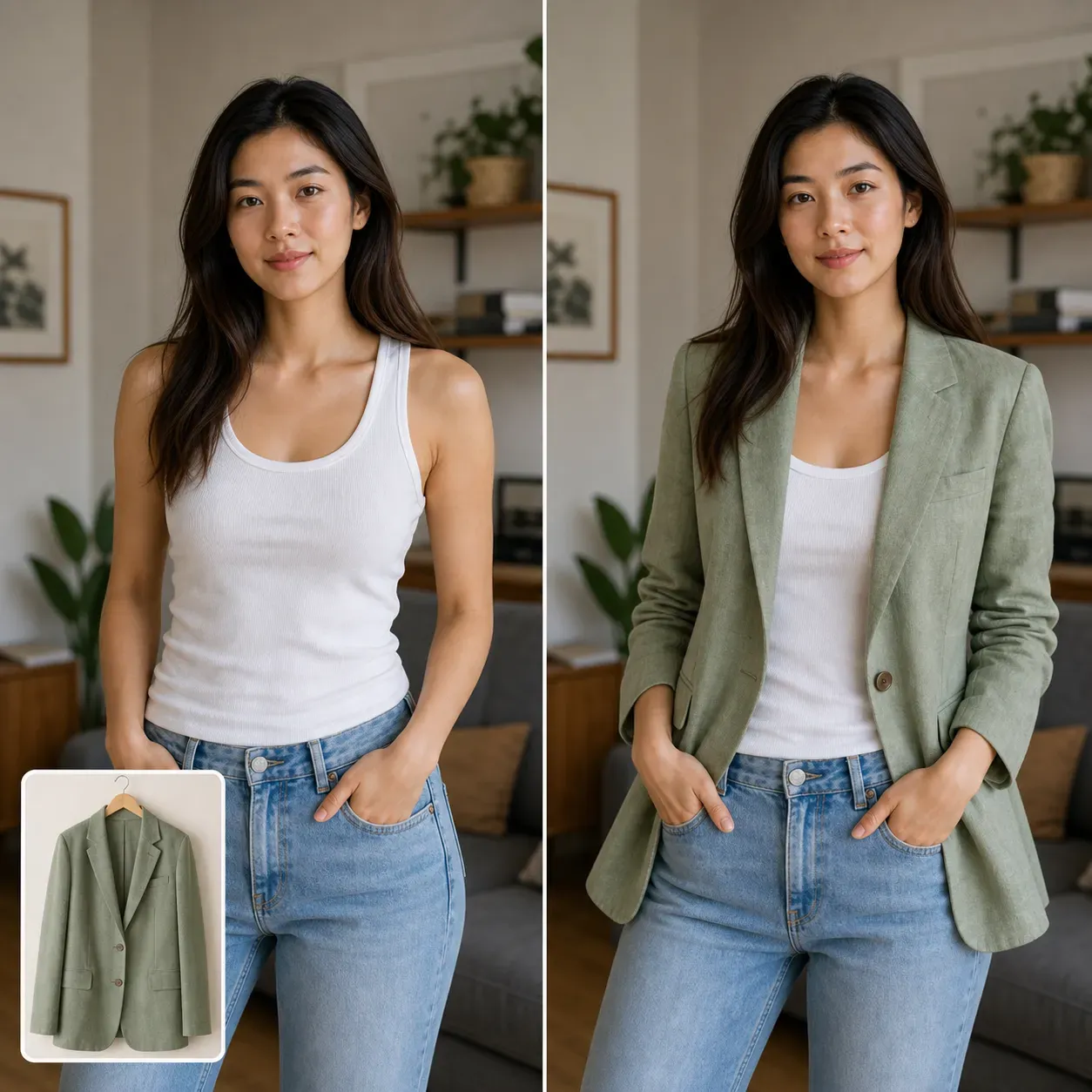
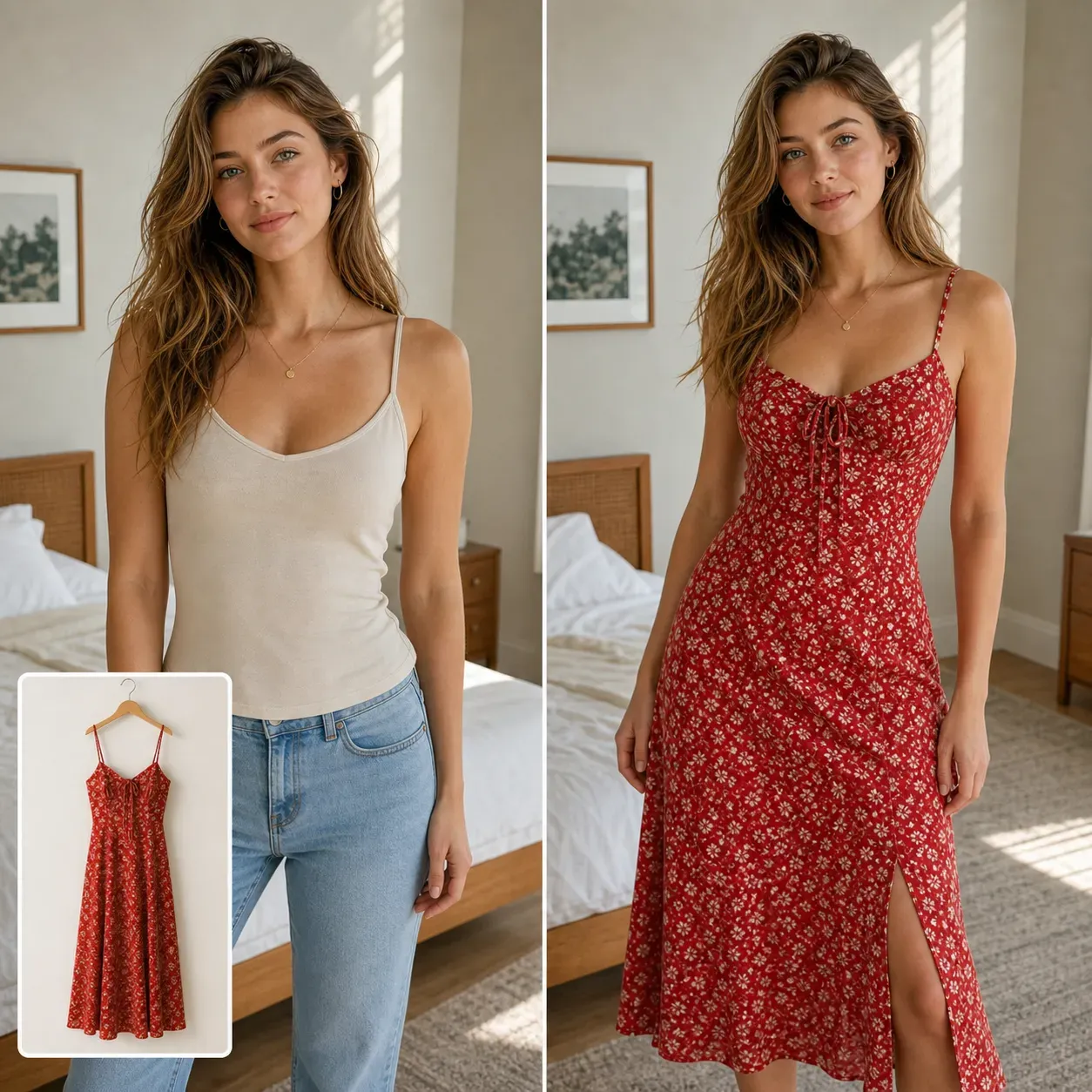
Clothing virtual try-on focuses on garments, fabric, body fit, and outfit styling. Sports equipment try-on focuses on physical objects, hand placement, pose interaction, product scale, and sports context. Both can support ecommerce and creator workflows, but the editing challenge is different.