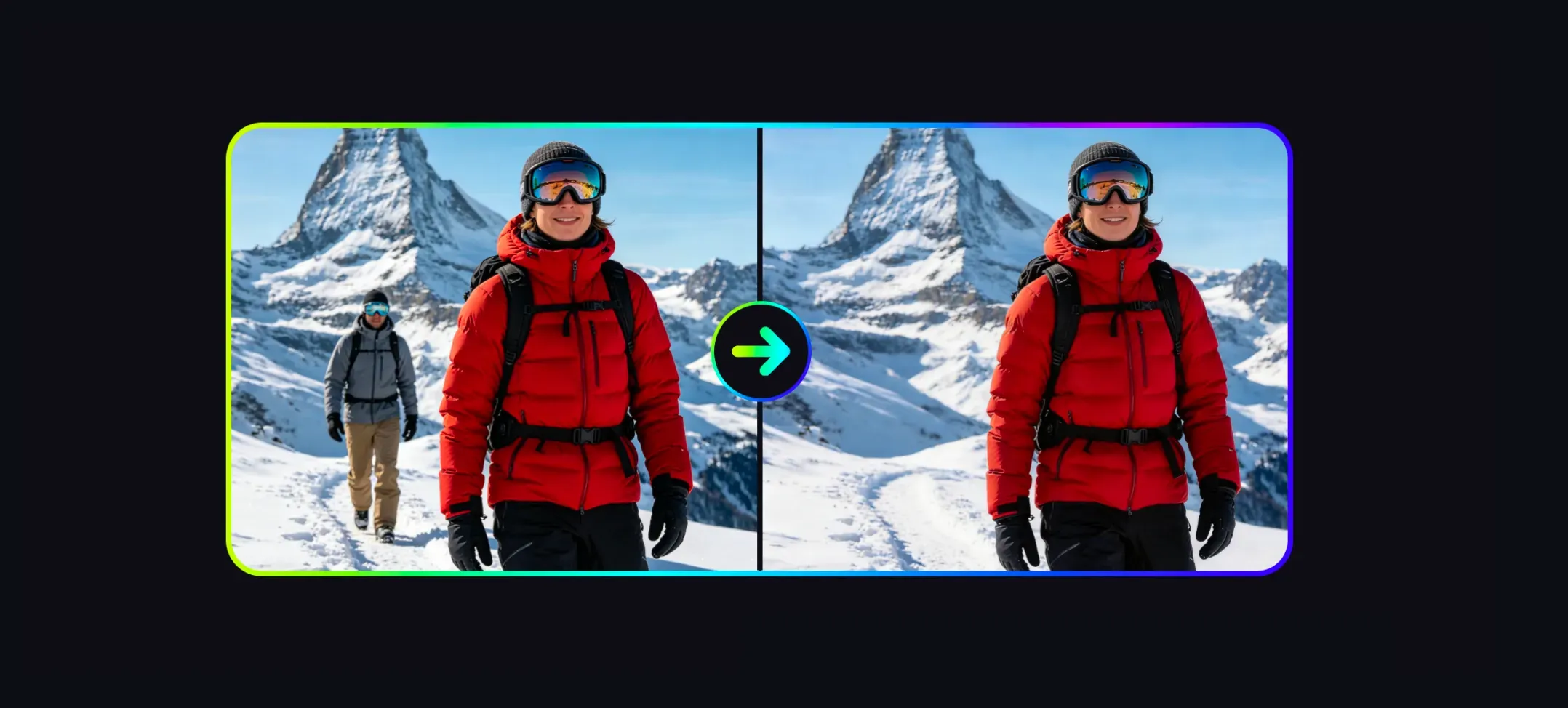
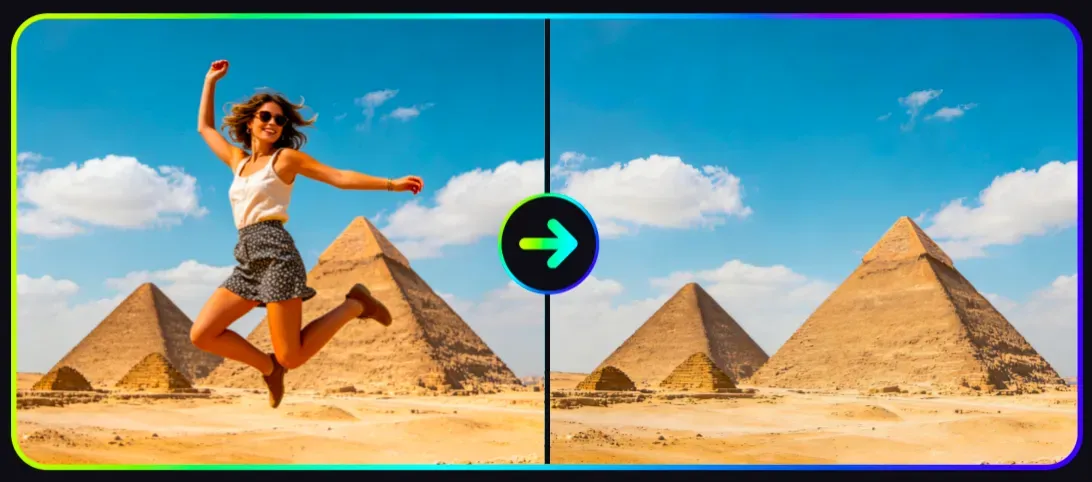
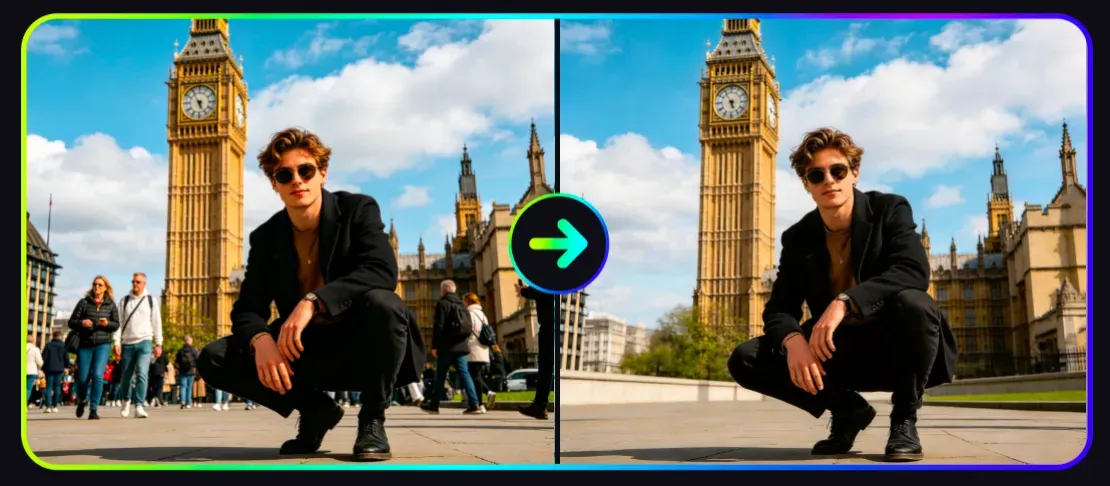
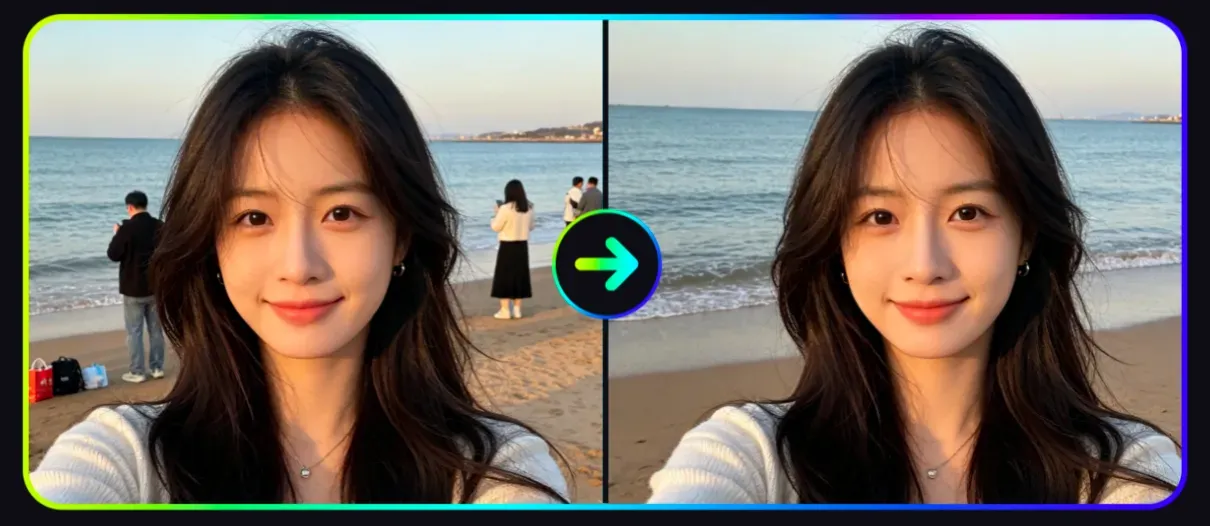
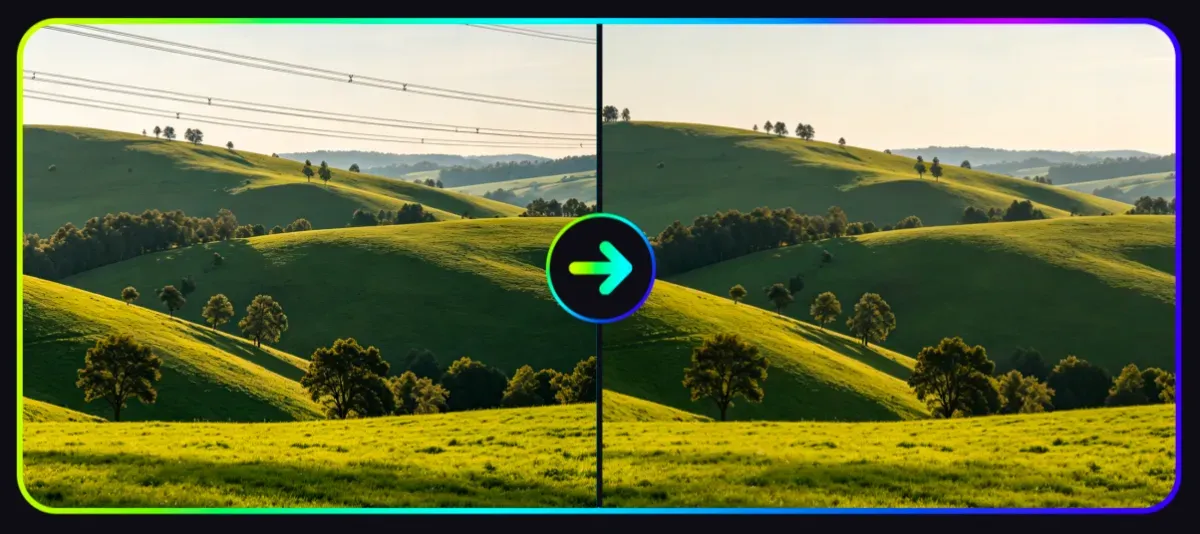
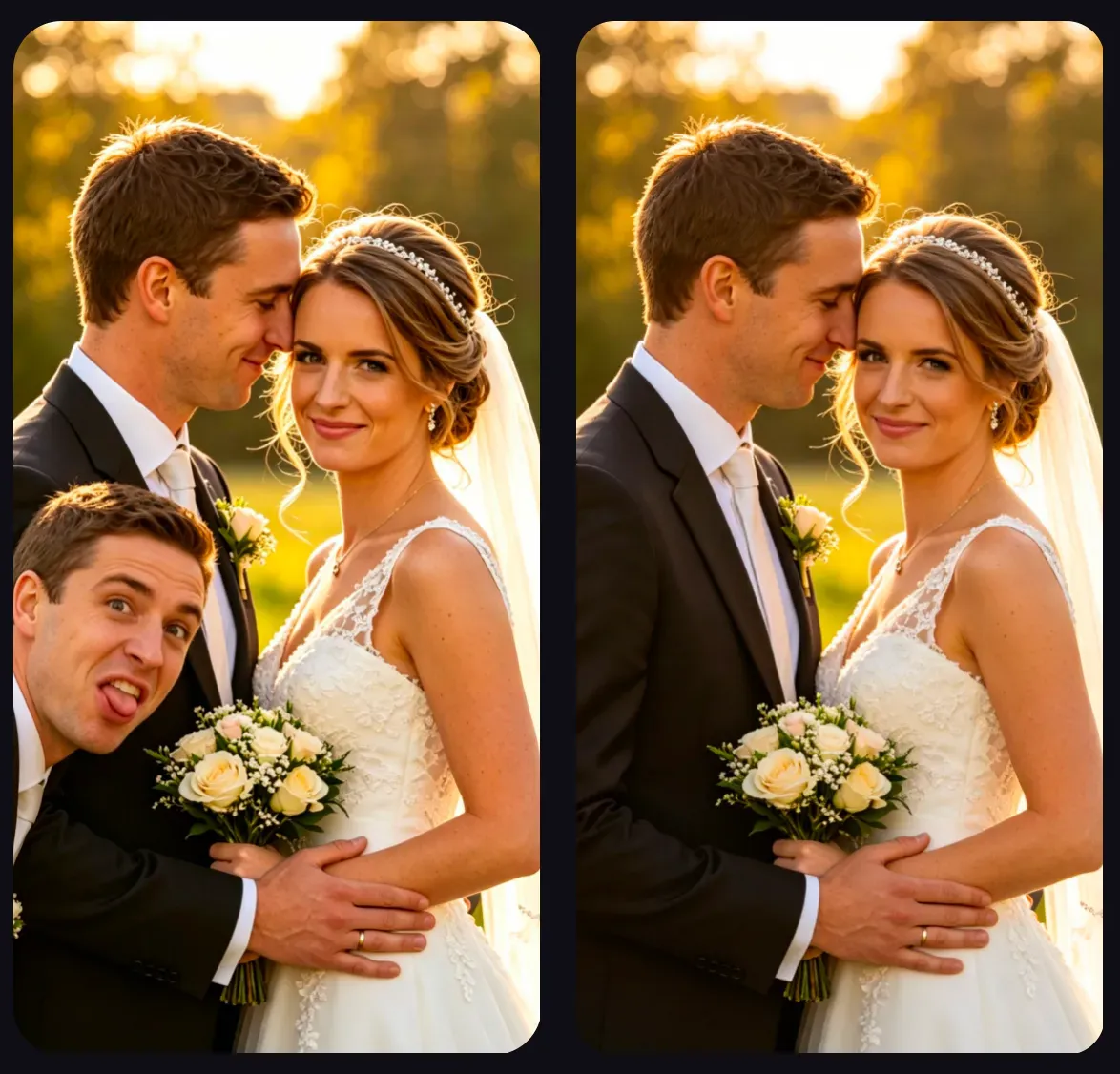
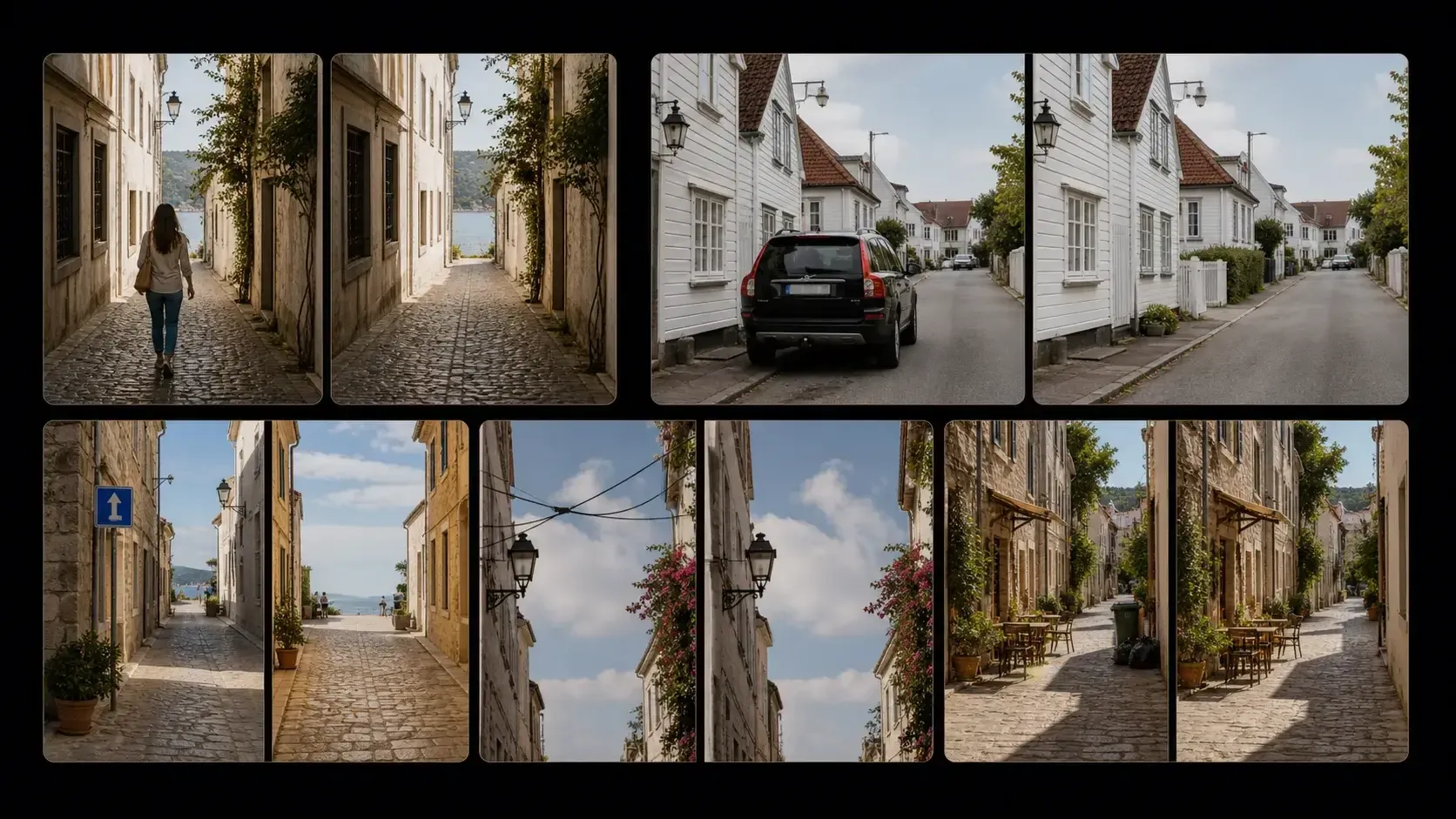
Can AI Remove People from Photos?
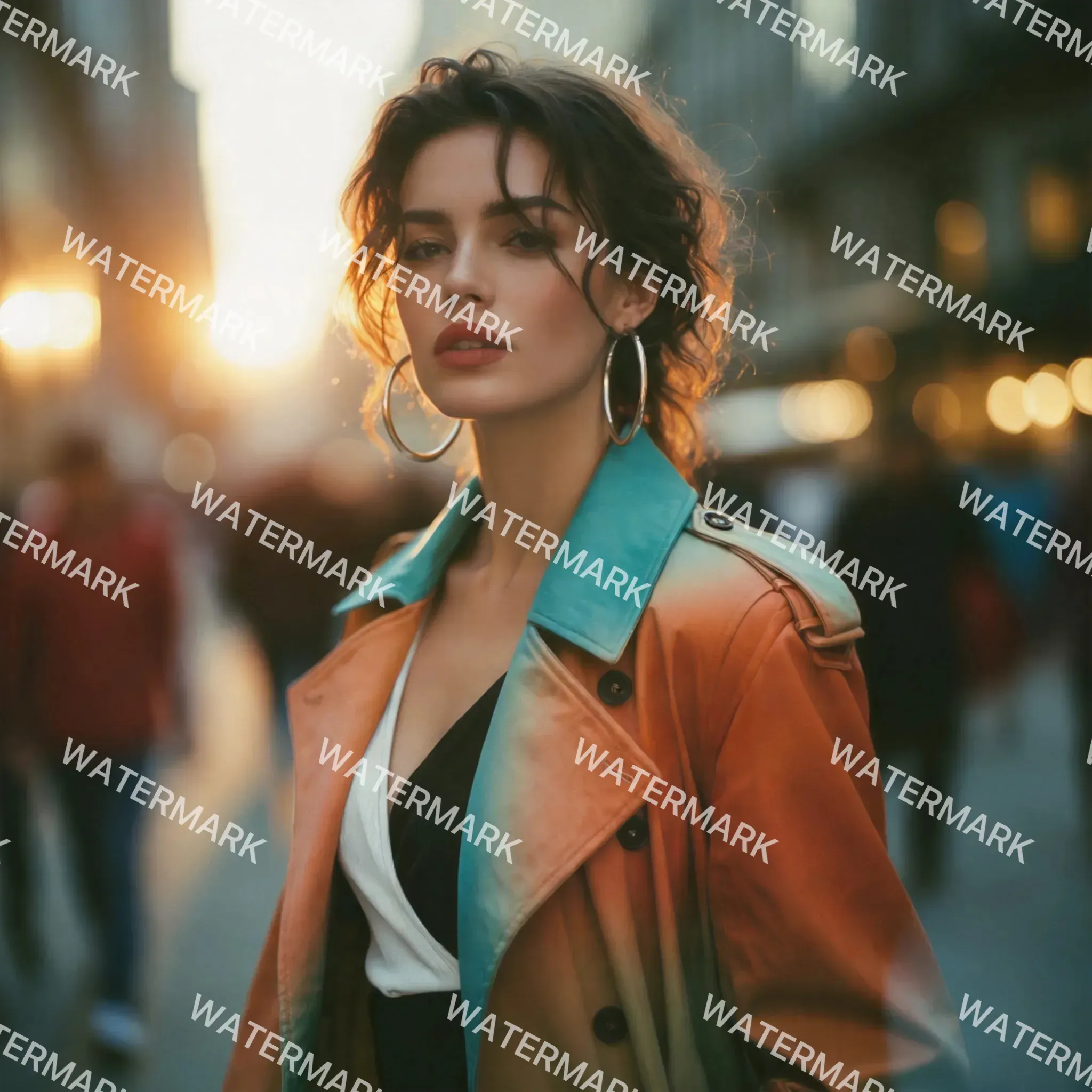
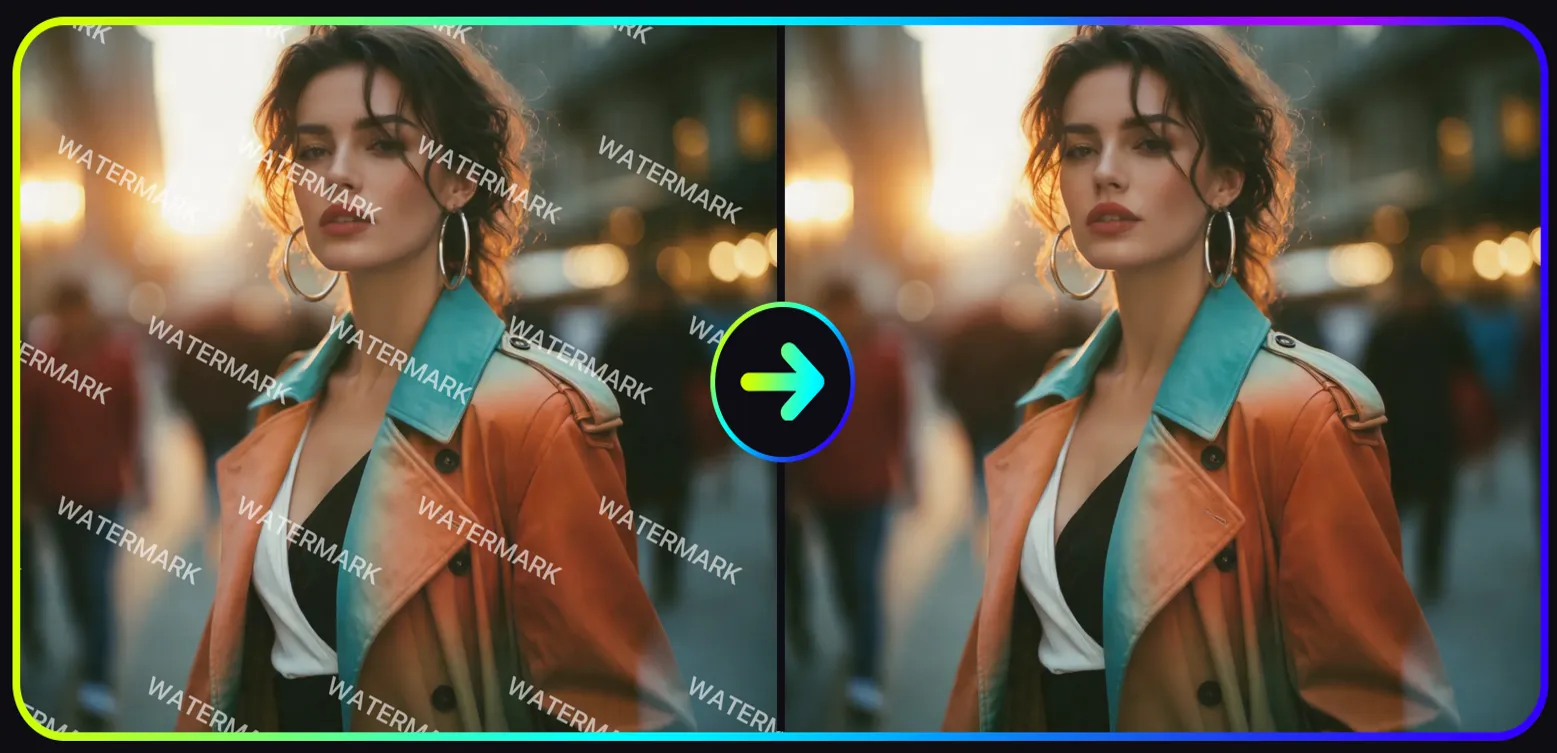
AI can reconstruct the covered background through image restoration, removing partially visible watermarks, logos, text overlays, and corner marks. The effect is usually better when the watermark is small, the background is not too complex, and the paint covers the full watermark edge. Users may only remove watermarks from images they own, have editing authorization for, or that are allowed to be modified by relevant platform rules.
Can AI Remove Text from Images?
Yes. AI can remove subtitles, marks, labels, and text overlays by reconstructing the surrounding area of the image. Small text on complex textures may require additional review.
Can AI Remove Watermarks from Photos?
AI can remove visible watermarks from images, but users may only edit images they own or have authorization to modify. Do not remove copyright marks, creator signatures, or ownership statements from unauthorized images.
Can AI Remove Logos or Brand Marks from Images?
AI can remove logos, stickers, labels, and brand marks from many images, but use caution for commercial use. Review permissions, trademark rights, product accuracy, and platform rules before publishing.
Why Do Removed Areas Sometimes Look Blurry?
Blurriness usually
What photos work best for AI object removal?
Clear, high-resolution photos with good lighting and enough visible background detail work best. Simple backgrounds such as sky, walls, grass, floors, beaches, and studio backdrops are easier to reconstruct.
Can I use AI Object Remover for product photos?
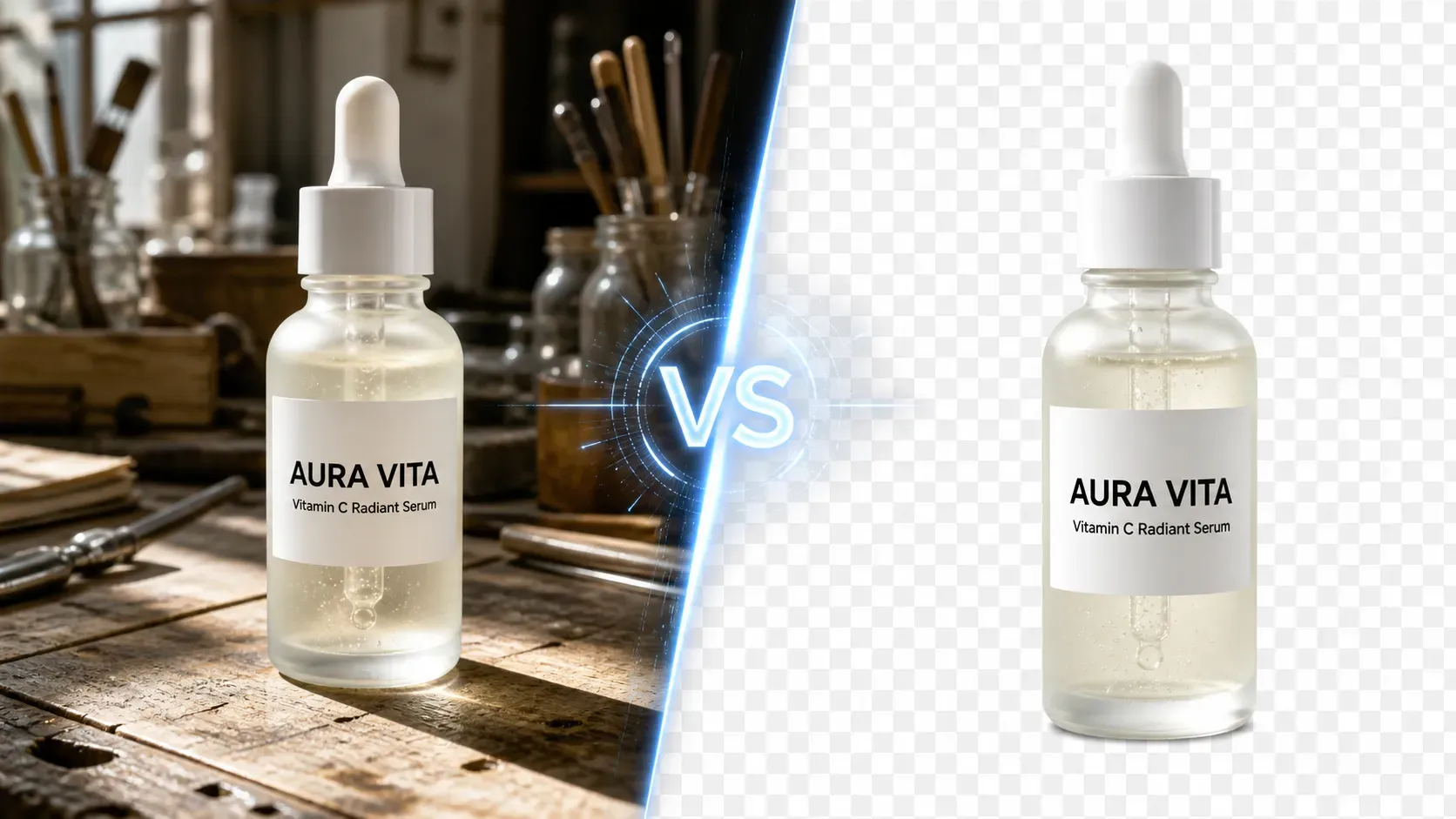
Yes. Ecommerce sellers can remove props, clutter, cables, dust, labels, or small background distractions. Always check product shape, packaging, labels, and shadows before using the image on product pages or ads.
Is AI Object Remover better than Photoshop?
AI is faster for quick cleanup and everyday edits. Photoshop gives more control for professional retouching, complex backgrounds, print assets, and client-facing final images.
Can AI remove objects from complex backgrounds?
It can work on many complex scenes, but results vary. Crowds, reflections, patterned surfaces, architecture lines, transparent objects, and overlapping subjects are harder than simple backgrounds.
Can I use the edited image commercially?
You can use AI-cleaned images for creative drafts, social posts, ecommerce visuals, and marketing mockups if you have the right to use the original image. Before paid use, check licensing, trademarks, image quality, and whether the edit misrepresents the original content.
Is AI object removal free to use?
Vidoly AI provides free credits for users to try AI object removal online. Additional usage, premium features, or higher-resolution exports may require a paid plan.
How do I remove a Kling, Jimeng, or Gemini watermark more cleanly?
Use the dedicated watermark removal workflow and upload the image with the mark clearly visible. Results are usually better when the watermark is small, separated from important subject details, and placed over a background with enough surrounding texture for AI reconstruction.
Does Vidoly require manual brushing to remove objects?
No. Vidoly AI Remover is designed around a one-click removal and replacement workflow. Users choose the removal task, upload an image, and let the AI detect the unwanted element and reconstruct the background automatically.