






Suppresseur de filigrane

Suppresseur de filigrane

Importer une image
photo_camera

Importer une image

Prompt
24/2000
Licence commerciale incluse
Plus dans
Remove watermarks from images with AI

Remove watermarks from images with AI

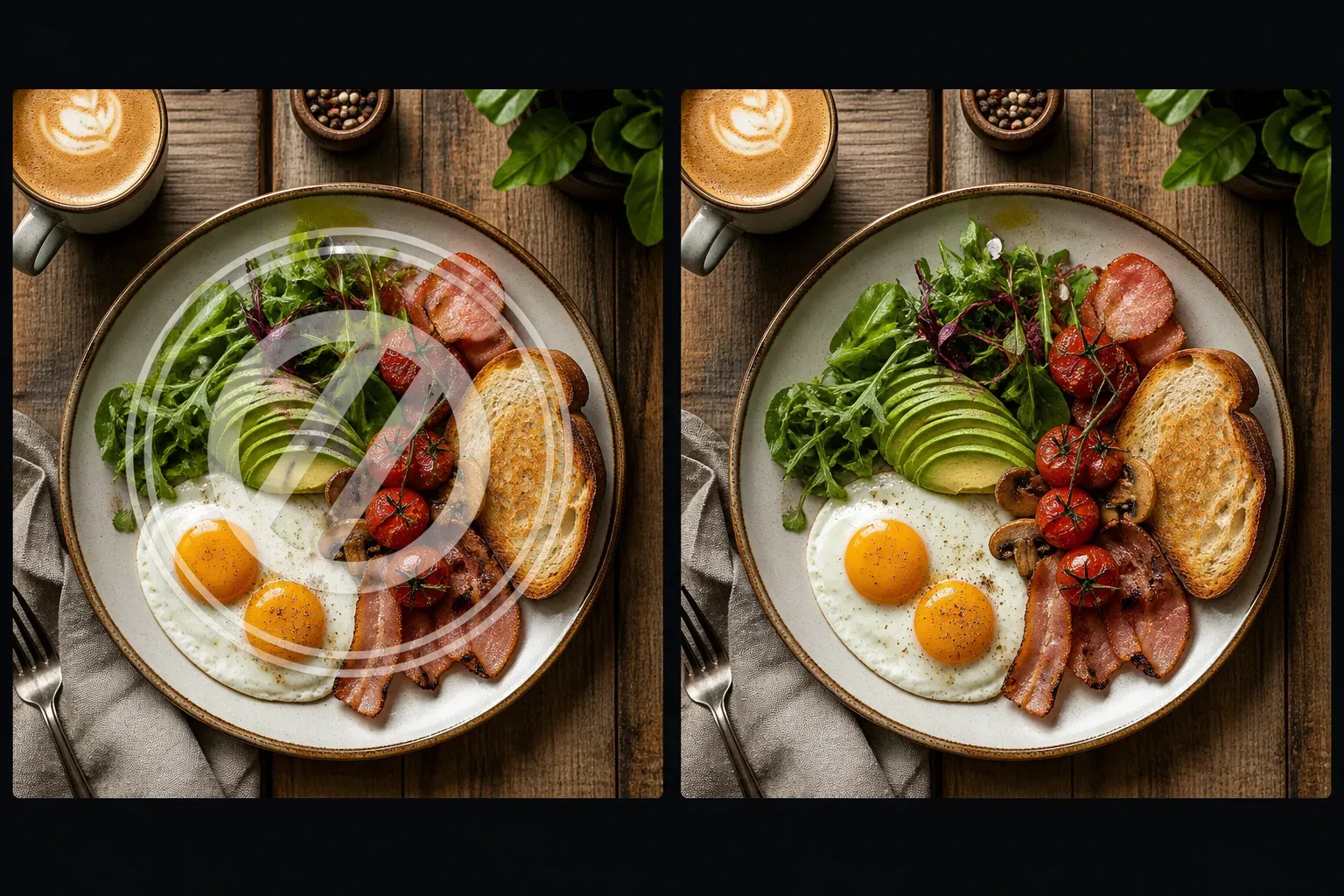
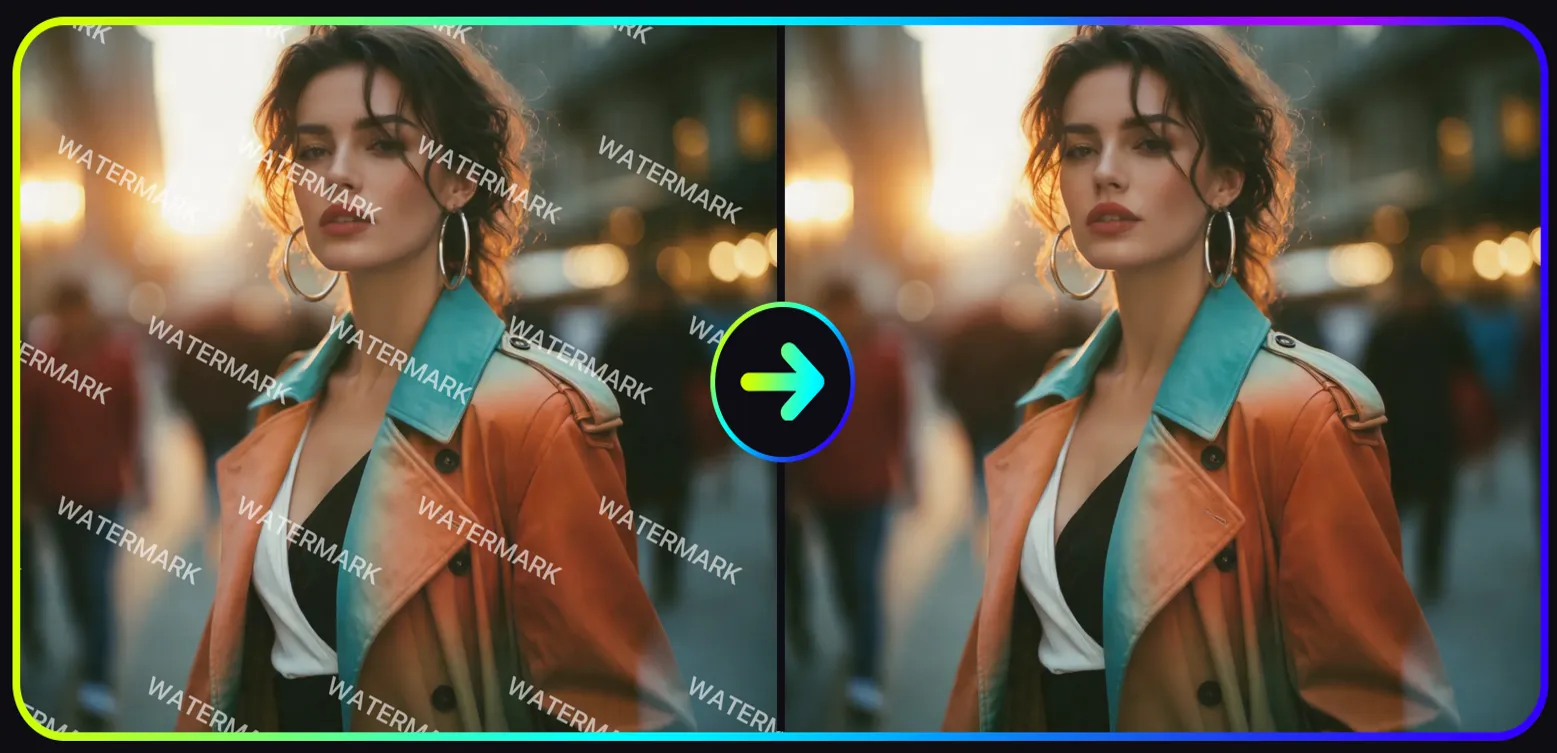
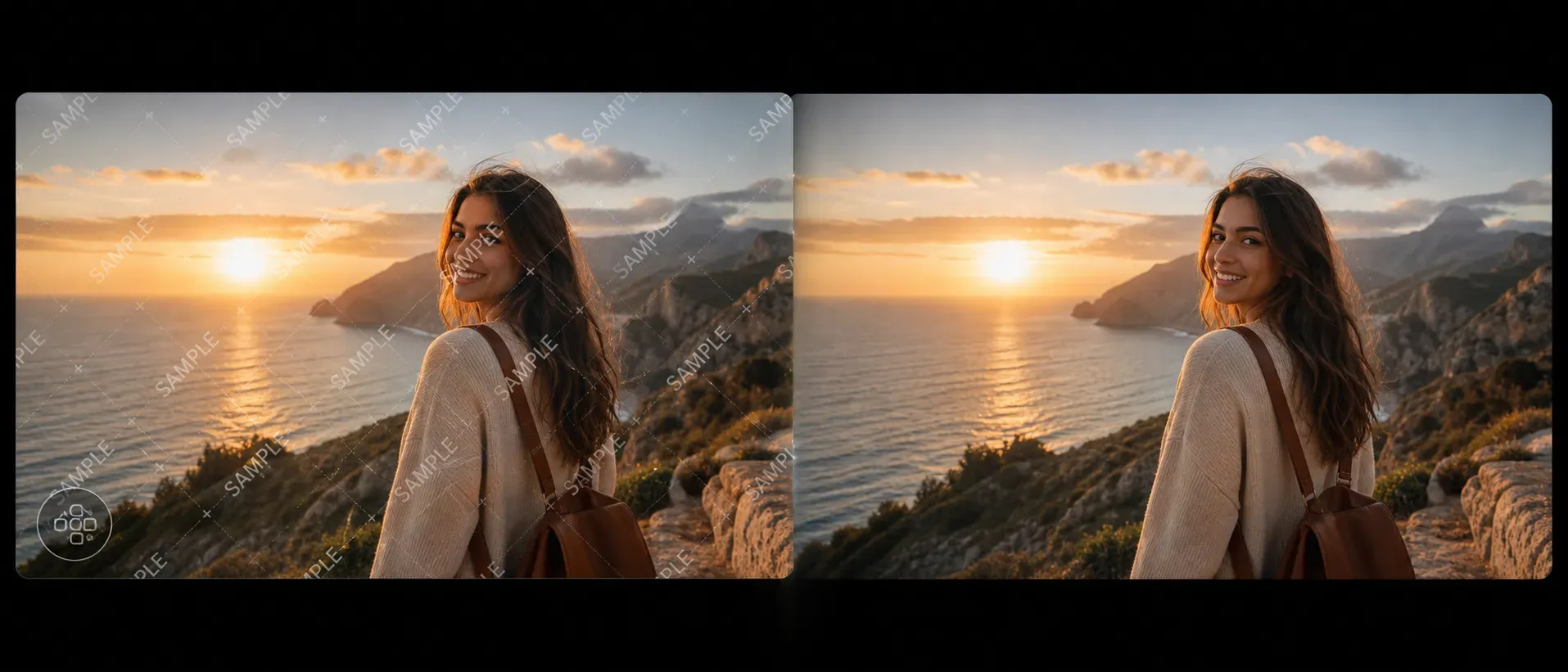
Vidoly AI Watermark Remover is a tool specifically developed to eliminate visible identifiers in images, including text watermarks, logo overlays, date stamps, corner marks, and semi-transparent image watermarks. The AI analyzes the areas surrounding the watermark and reconstructs background textures, color transitions, shadows, and object edges using image inpainting technology. If you want to get clear images without manually using clone stamps, retouching brushes, or professional image editing software, this tool is perfect for you.

Remove Watermark Now
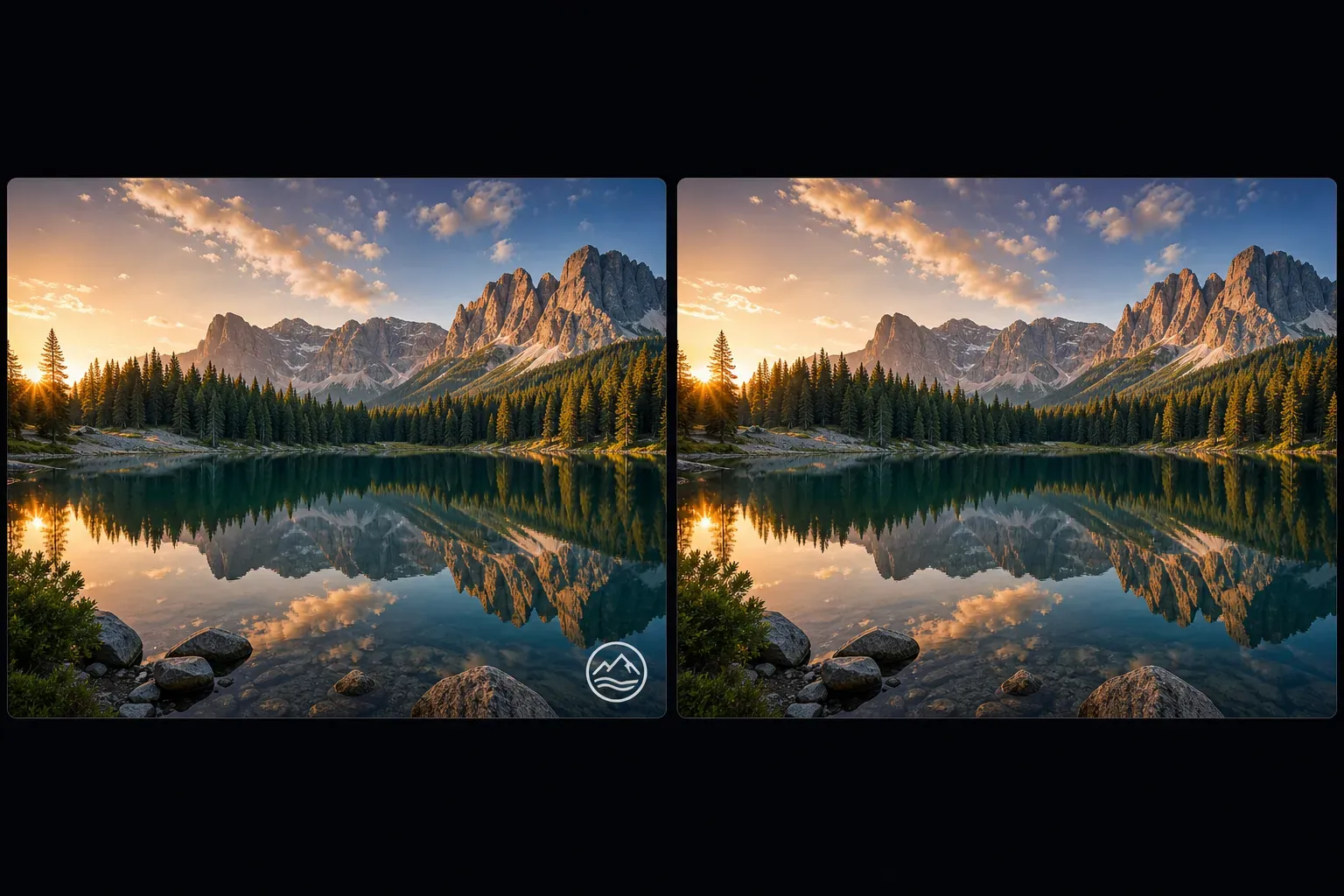
How does the AI watermark remover work?

How does the AI watermark remover work?

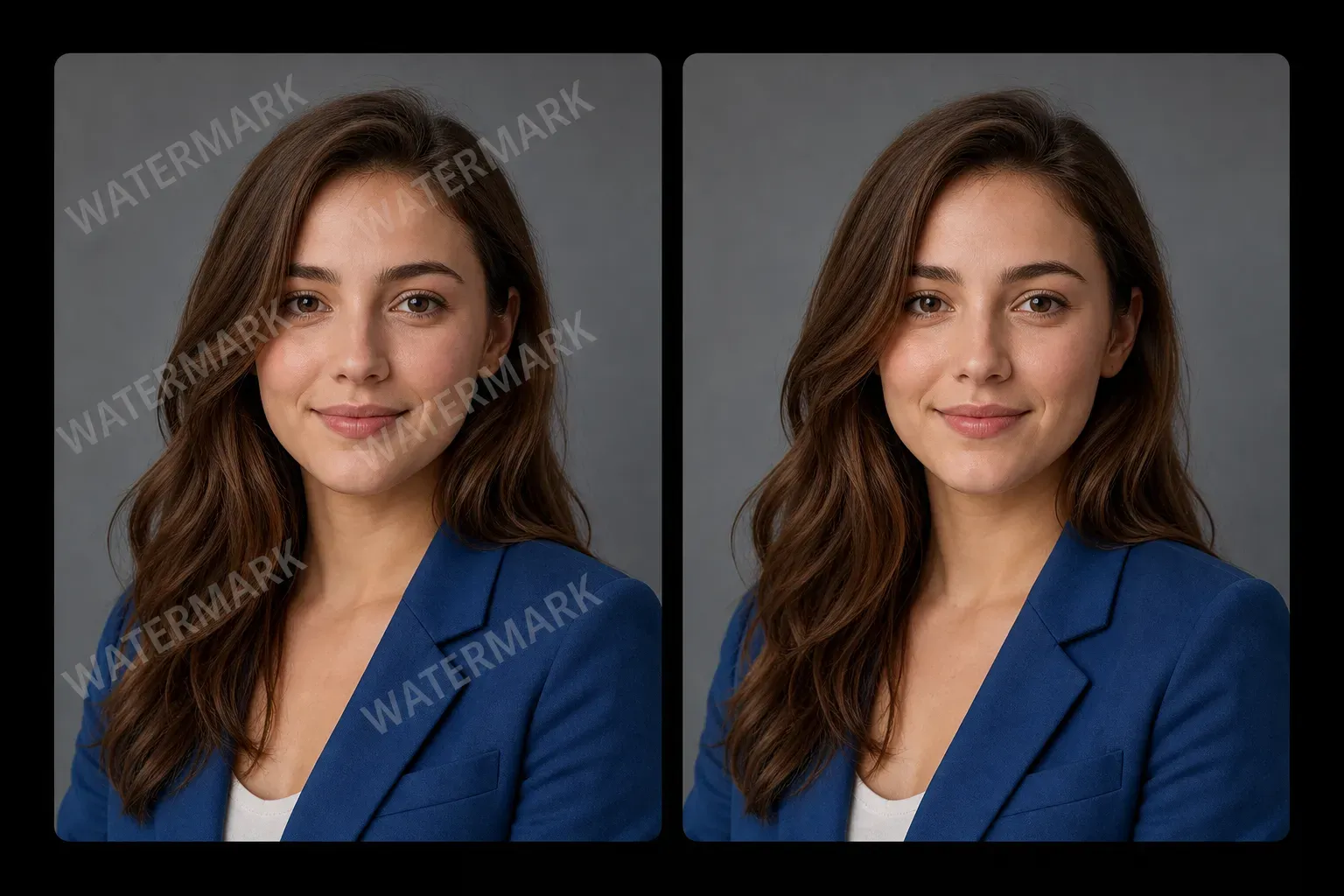
Vidoly AI Watermark Remover uses image segmentation and inpainting technology: first, it identifies the selected watermark area, then reconstructs the content beneath that area. The model estimates missing pixels from adjacent textures, colors, shadows, and object edges. For simple backgrounds such as skies, walls, fabrics, desktops, or blurred areas, the AI can reconstruct the covered parts using the rich context of the surrounding image, resulting in a relatively clean final output.

What types of watermarks can the AI remove?

What types of watermarks can the AI remove?

This tool can remove various common watermark types, including text watermarks, logo watermarks, date stamps, transparent overlays, corner marks, center stamps, social media identifiers, and repeated image patterns. The result depends on the watermark’s size, transparency, position, and the details of the image beneath it. Small watermarks on simple backgrounds are generally easier to remove than large watermarks covering faces, hands, product labels, or complex patterns.

Best image types for watermark removal

Best image types for watermark removal

AI watermark removal works best when the watermark is medium to small in size, and there is enough visual information in the surrounding area for reconstruction. Photos with simple backgrounds, repeating textures, shallow depth of field, skies, walls, grass, fabrics, or flat product surfaces are easier to retouch. Low-resolution images, heavily compressed images, strong noise, and watermarks covering important details will reduce the accuracy of the retouch.

Common limitations of AI watermark removal

Common limitations of AI watermark removal

The AI may encounter difficulties if the watermark covers faces, hands, product labels, fine text, delicate clothing, reflective areas, or complex backgrounds. Repeated full-screen watermarks and large, opaque center stamps may result in blurry, distorted, or incorrectly reconstructed outputs. For best results, use the clearest original image and check the retouched area before publishing or printing.

Use AI watermark remover responsibly

Use AI watermark remover responsibly

Only remove watermarks from images you own the copyright to, shot yourself, have permission for, or are authorized to edit. Watermarks typically represent copyright, ownership, usage restrictions, or licensing terms for stock images. The AI watermark remover is suitable for cleaning self-exported images, removing accidental overlays, restoring internal assets, or editing authorized content – do not use it to tamper with ownership or circumvent licensing rules.

Difference between AI watermark remover and regular object removal tools

Difference between AI watermark remover and regular object removal tools

Regular AI object removal tools can remove people, identifiers, clutter, wires, and other distracting elements from images. The AI watermark remover, however, is specifically designed for identifiers overlaid on images, such as logos, text, transparent stamps, and date marks. This page is for users seeking watermark cleaning services, while the regular AI object removal tools page covers a broader range of image cleaning tasks.

How to use Vidoly AI Watermark Remover

1

Upload image

Select a photo containing a watermark, logo, date stamp, or other unwanted image identifiers.

2

Select watermark area

Mark the watermark area as precisely as possible, including the full text, logo, or overlay, so the AI knows which area to reconstruct.

3

Let the AI reconstruct the background

The AI analyzes surrounding colors, edges, lighting conditions, and textures, then fills the selected area with reconstructed image details.

4

Check the retouched image

Verify that the retouched area looks natural. Large watermarks or complex backgrounds may require re-editing or using a clearer original image.

5

Download result

Save the edited image for authorized personal, design, e-commerce, social media, or internal creative uses.

FAQ

What is an AI watermark remover?

An AI watermark remover is an image editing tool that can remove visible watermarks, logos, text overlays, and date stamps from photos. It uses AI image inpainting technology to reconstruct the areas covered by identifiers.

Can the AI remove text watermarks from photos?

Yes. If there is enough surrounding detail in the covered area for reconstruction, the AI can remove many text watermarks. Small text on simple backgrounds usually works better than large text covering faces, products, or fine patterns.

Can the AI remove logo watermarks?

Yes. If the logo watermark is not too large and does not cover complex details, it can usually be removed. Transparent corner marks are generally easier to handle than opaque center logos.

Is the AI effective for transparent watermarks?

It works for semi-transparent watermarks – but the result depends on transparency, size, and background complexity. Repeated transparent patterns covering the entire image are difficult to clean thoroughly.

Can I remove date stamps from photos?

Yes. Removing date stamps is a common application of AI watermark removal. It usually works better if the date stamp is on a simple background with no fine details, such as the ground, wall, sky, grass, or fabric.

Why does the retouched area look blurry?

Blurriness occurs when the AI does not have enough surrounding information to reconstruct the hidden area. This is common with large watermarks, low-resolution images, faces, hands, reflective surfaces, and fine textures.

What is the difference between AI object removal tools and AI watermark removers?

Yes. AI object removal tools are used to remove general distracting elements like people, identifiers, wires, clutter, and objects. AI watermark removers, however, are specifically for overlaid identifiers such as logos, text stamps, date stamps, and image watermarks.

What kind of images work best for watermark removal?

High-resolution images with small to medium-sized watermarks work best. Simple backgrounds, repeating textures, and sufficient lighting provide more information for the AI to enable accurate reconstruction.

Can I remove watermarks from stock images?

You can only remove watermarks from stock images if you have the right to edit or use that stock image. Watermarks typically represent licensing restrictions, and removing them without permission may violate copyright or platform terms.

Can I use retouched images for commercial purposes?

You can only use retouched images for commercial purposes if you own the image or have the correct license and permissions. Always verify rights, model releases, product usage rules, and platform policies before commercial use.

Can the AI remove watermarks from product photos?

Yes, provided the product photo belongs to you or you have editing authorization. It works better if the watermark does not cover product labels, brand details, packaging text, or important textures.

Can I remove multiple watermarks from one image?

Yes. You can remove multiple watermark areas, but repeated full-image watermarks may be more difficult to handle. Clean one area at a time and check the result before processing the next area.

À lire aussi