Tools

Seedance 2.0 Fast

0/2000
10s
5s15s

What is Seedance 2.0 Fast?

Seedance 2.0 Fast is designed for creators who need more than casual video generation. It supports production-style workflows where teams may need to create multiple short clips, test different scenes, keep a consistent story direction, and move faster from prompt to usable video output. Because it is positioned as a premium model, Seedance 2.0 Fast costs more credits than standard video generation. It is best used when speed, visual stability, and production efficiency matter, especially for short dramas, serialized content, campaign videos, and commercial creative testing.

Create with Seedance 2.0 Fast


How Seedance 2.0 Fast Works

How Seedance 2.0 Fast Works

Seedance 2.0 Fast interprets a user's prompt, scene direction, subject description, and optional reference inputs to generate video clips with motion, composition, and visual style. For production use, creators should describe the scene clearly: character, action, camera movement, setting, mood, duration, and intended use. The model is designed for faster video generation workflows, but creators should still review motion details, facial consistency, hands, object movement, subtitles, logos, and scene continuity before publishing or using the output in commercial campaigns.

What Can You Create with Seedance 2.0 Fast?

What Can You Create with Seedance 2.0 Fast?

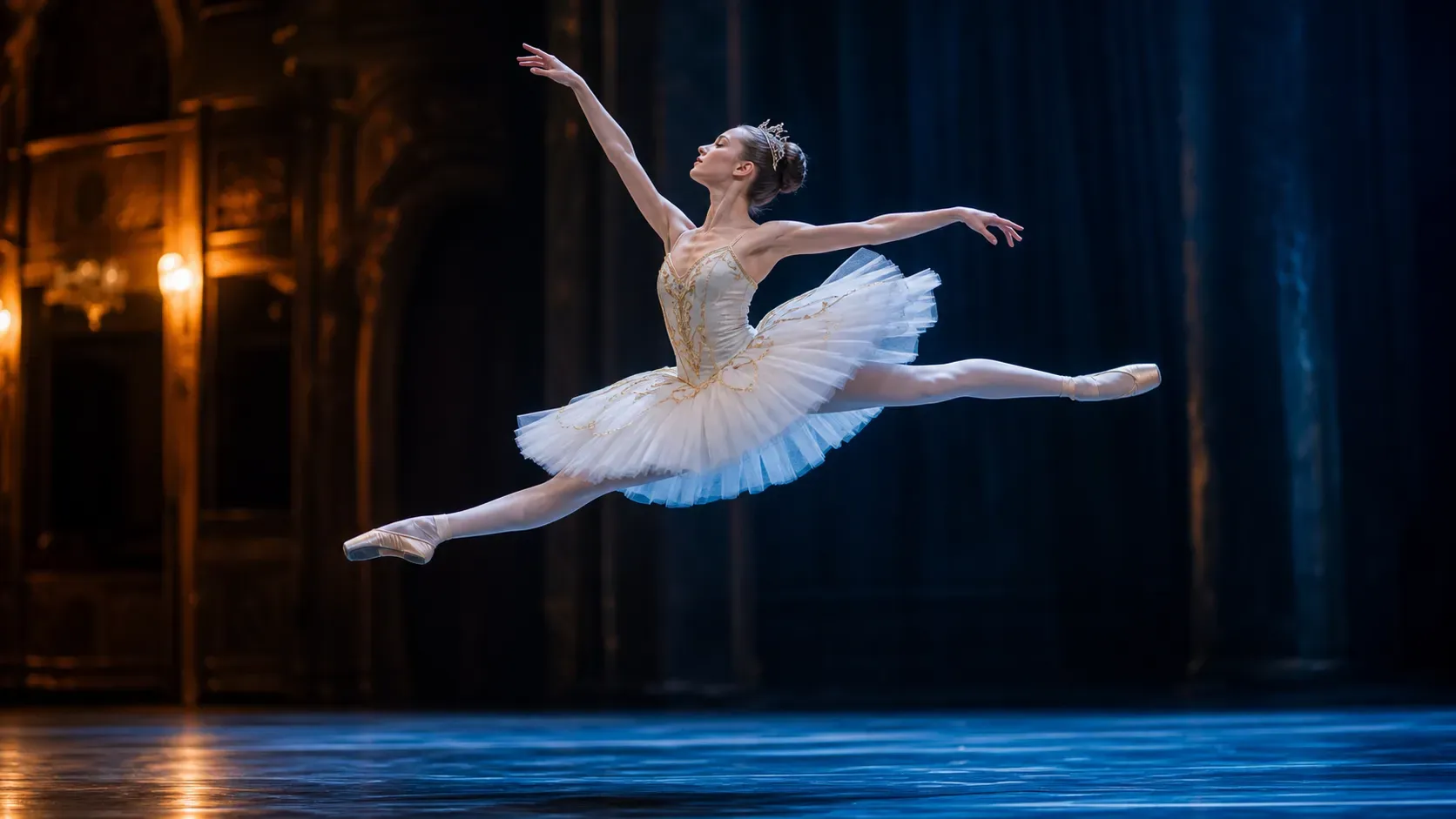
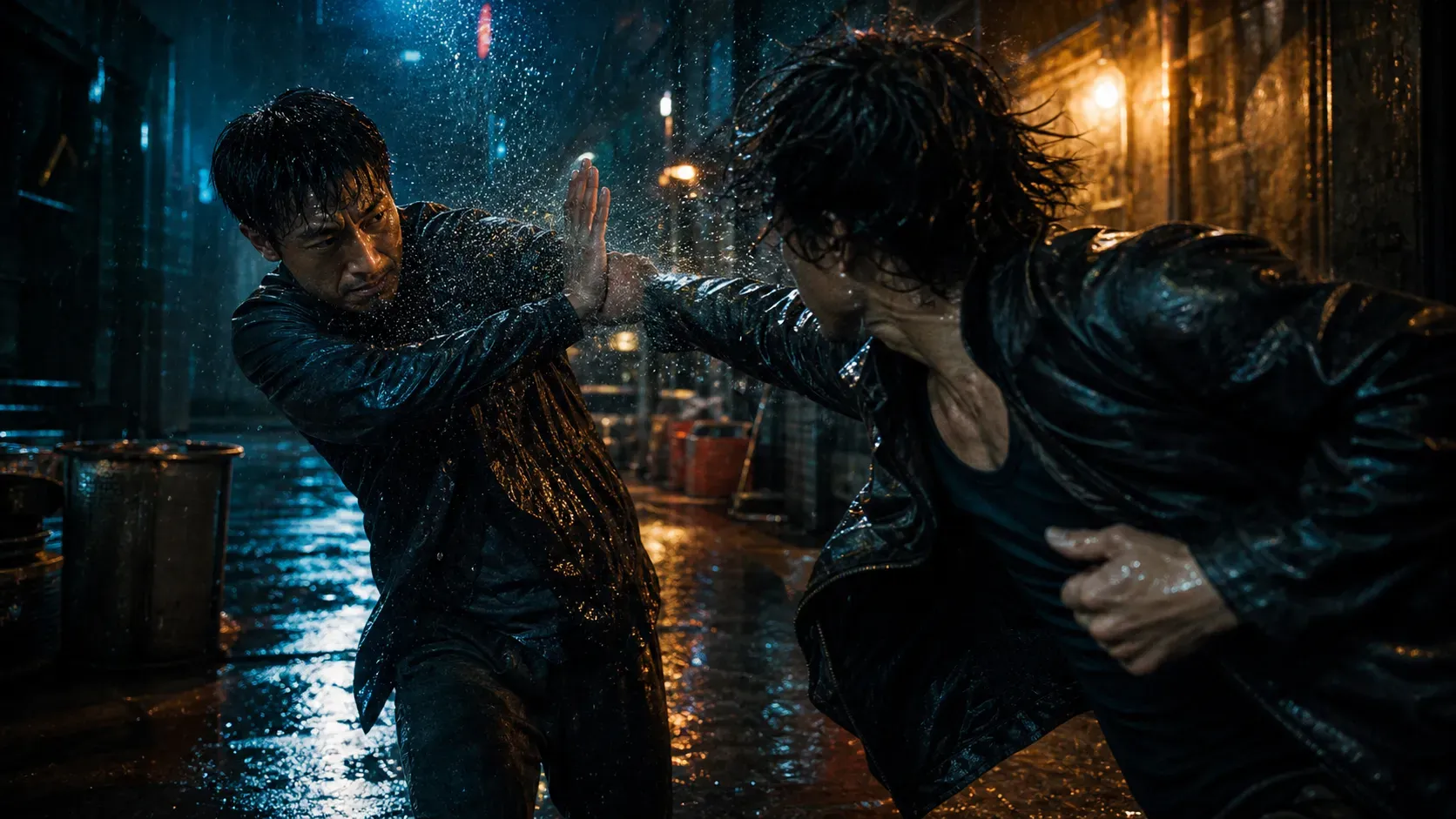
Short drama scenes Episodic story clips Character-driven video content Commercial product videos Branded social clips Creator campaign assets Marketing video concepts AI-generated scene variations Product storytelling videos High-volume short-form video drafts

Best Prompt Guidance

Best Prompt Guidance

For stronger Seedance 2.0 Fast results, write prompts with clear production details: Character + action + setting + camera movement + visual style + mood + output purpose Example: Create a cinematic short drama scene of a young founder walking through a neon-lit office at night, looking determined, slow tracking shot, realistic lighting, emotional tone, suitable for a vertical social video campaign. Avoid vague prompts like "make a cool video." For episodic content, keep character descriptions, setting, costume, and mood consistent across prompts.

Seedance 2.0 Fast vs Standard Video Models

Seedance 2.0 Fast vs Standard Video Models

Standard video models are better for casual experiments, low-cost drafts, and simple social clips. Seedance 2.0 Fast is better for creators who need faster output and a more production-oriented workflow for short dramas, commercial videos, and recurring content formats. The recommended workflow is to use standard models for rough ideation, then use Seedance 2.0 Fast when a scene needs better speed, stronger visual direction, or repeatable output for a real publishing schedule.

Limitations

Limitations

Seedance 2.0 Fast can improve production speed, but AI video still requires review. Complex hands, fast movement, exact text, logos, product labels, long dialogue continuity, and multi-scene character consistency may need additional refinement. For commercial use, creators should review licensing terms, brand usage, platform rules, and final visual accuracy before publishing or using generated videos in paid campaigns.

Audience Scenarios

Audience Scenarios

1. Short Drama Teams: Teams producing serialized short videos need repeatable scenes and faster generation. Seedance 2.0 Fast helps them create scene drafts and variations for episodic storytelling. 2. Professional Creators: Creators publishing frequently need more output in less time. Seedance 2.0 Fast supports faster production for social clips, character scenes, and campaign videos. 3. Marketing Teams: Teams creating ads or product stories can use Seedance 2.0 Fast to test visual concepts before moving into final production or paid media. 4. Ecommerce and Product Brands: Brands can create product-led video concepts, lifestyle clips, and campaign drafts without starting every idea from a full shoot. 5. Studios and Creative Teams: Studios exploring AI-assisted workflows can use Seedance 2.0 Fast for storyboarding, scene testing, and high-volume concept generation.

How To Use Seedance 2.0 Fast?

1

Choose Seedance 2.0 Fast

2

Write a detailed scene prompt

3

Add reference images or character details

4

Generate and compare video variations

5

Review the final clip before publishing

FAQs

What is Seedance 2.0 Fast?

Seedance 2.0 Fast is a premium AI video generation model in Vidoly for creators who need faster, more production-oriented video output. It is designed for short dramas, episodic scenes, branded clips, and commercial video workflows.

Who should use Seedance 2.0 Fast?

It is best for professional creators, short drama teams, marketing teams, studios, and high-volume content producers who need to create multiple videos for campaigns, episodes, or recurring content formats.

Why does Seedance 2.0 Fast cost more credits?

Seedance 2.0 Fast is positioned as a higher-tier video model for more demanding production needs. The higher credit cost reflects its premium workflow positioning for faster rendering and professional video creation.

Is Seedance 2.0 Fast included in the Free plan?

No. Seedance 2.0 Fast should be positioned as a paid-plan feature. Free users can try Vidoly's basic generation workflows, but this premium video model is reserved for upgraded plans.

Can Seedance 2.0 Fast be used for short dramas?

Yes. It is especially suitable for short drama scenes, serialized storytelling, character-driven clips, and episodic content workflows where creators need to produce multiple scenes efficiently.

Can I use Seedance 2.0 Fast for commercial videos?

It can support commercial video workflows when the user's plan includes the right usage terms. Creators should still review brand, platform, and licensing requirements before using generated videos in paid campaigns.

What prompts work best with Seedance 2.0 Fast?

Use prompts that include character, action, setting, camera movement, mood, visual style, and output purpose. Clear production direction usually works better than short, vague prompts.

Does Seedance 2.0 Fast guarantee perfect video consistency?

No. AI video can still have issues with hands, fast motion, exact text, logos, or multi-scene continuity. Professional users should review and refine outputs before publishing.

How is Seedance 2.0 Fast different from standard video generation?

Standard models are useful for casual drafts and lower-cost testing. Seedance 2.0 Fast is better for professional workflows that need faster output and stronger support for repeated video creation.

Is Seedance 2.0 Fast good for marketing teams?

Yes. Marketing teams can use it to create campaign concepts, product storytelling videos, social clips, and branded creative drafts before final production or media testing.