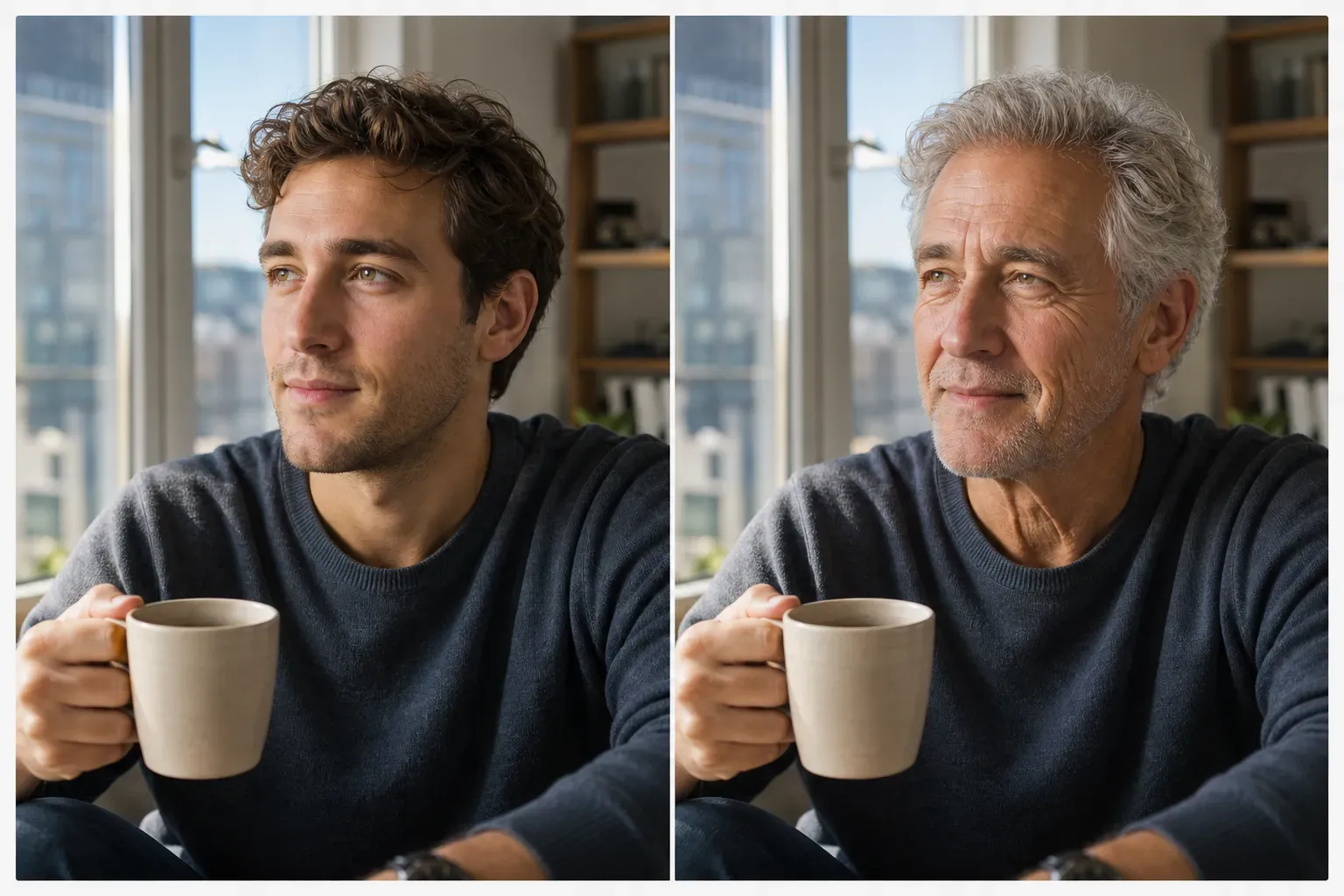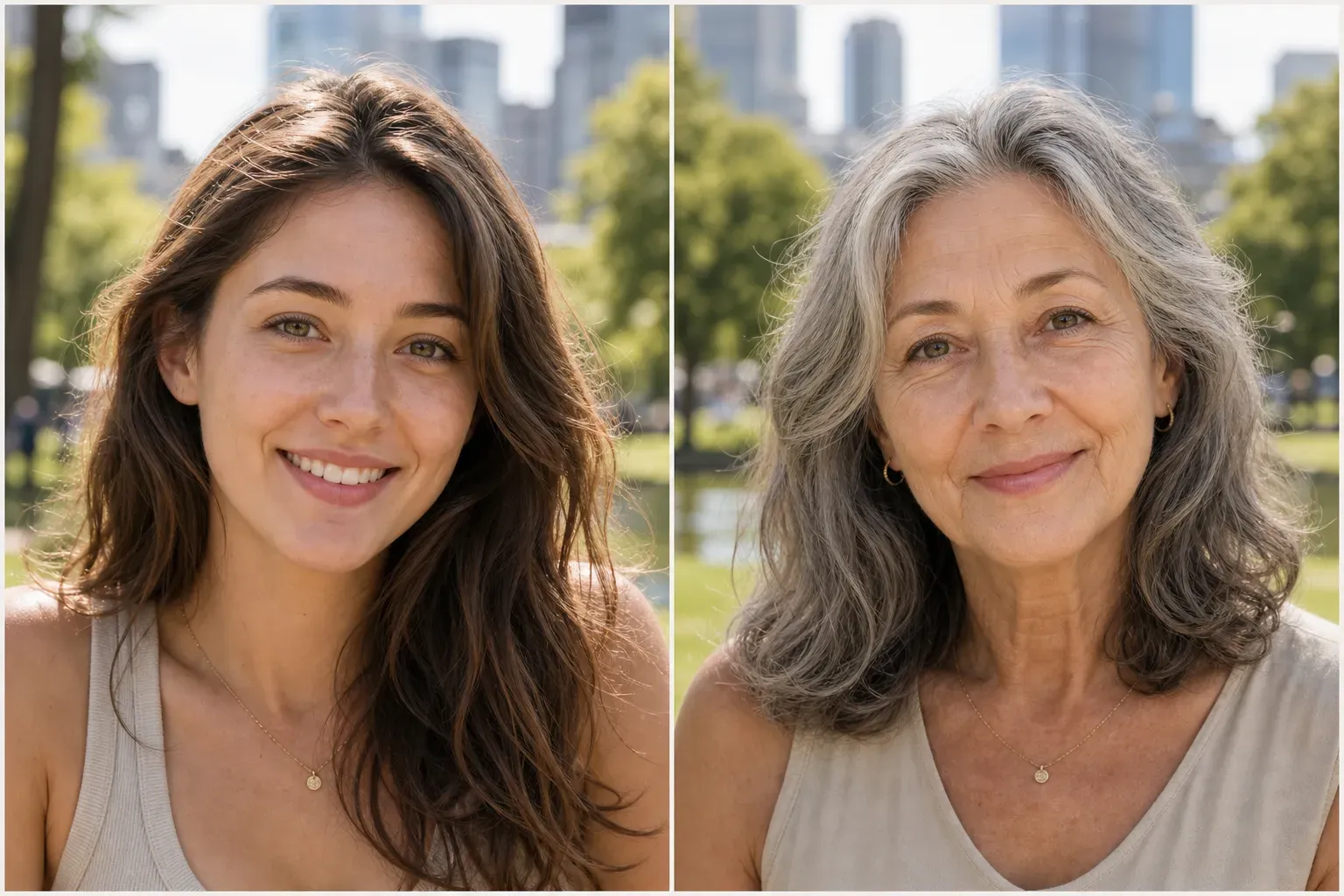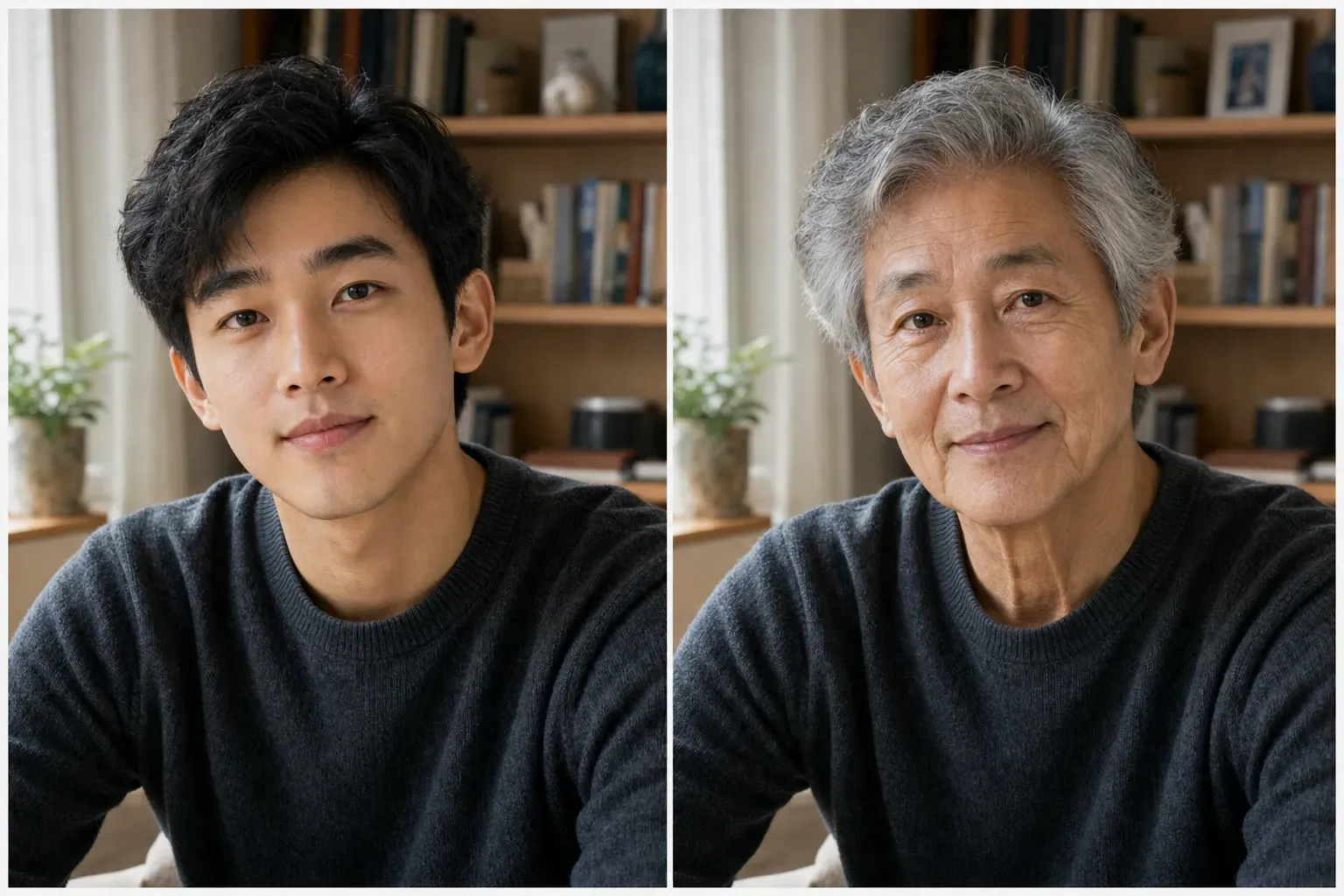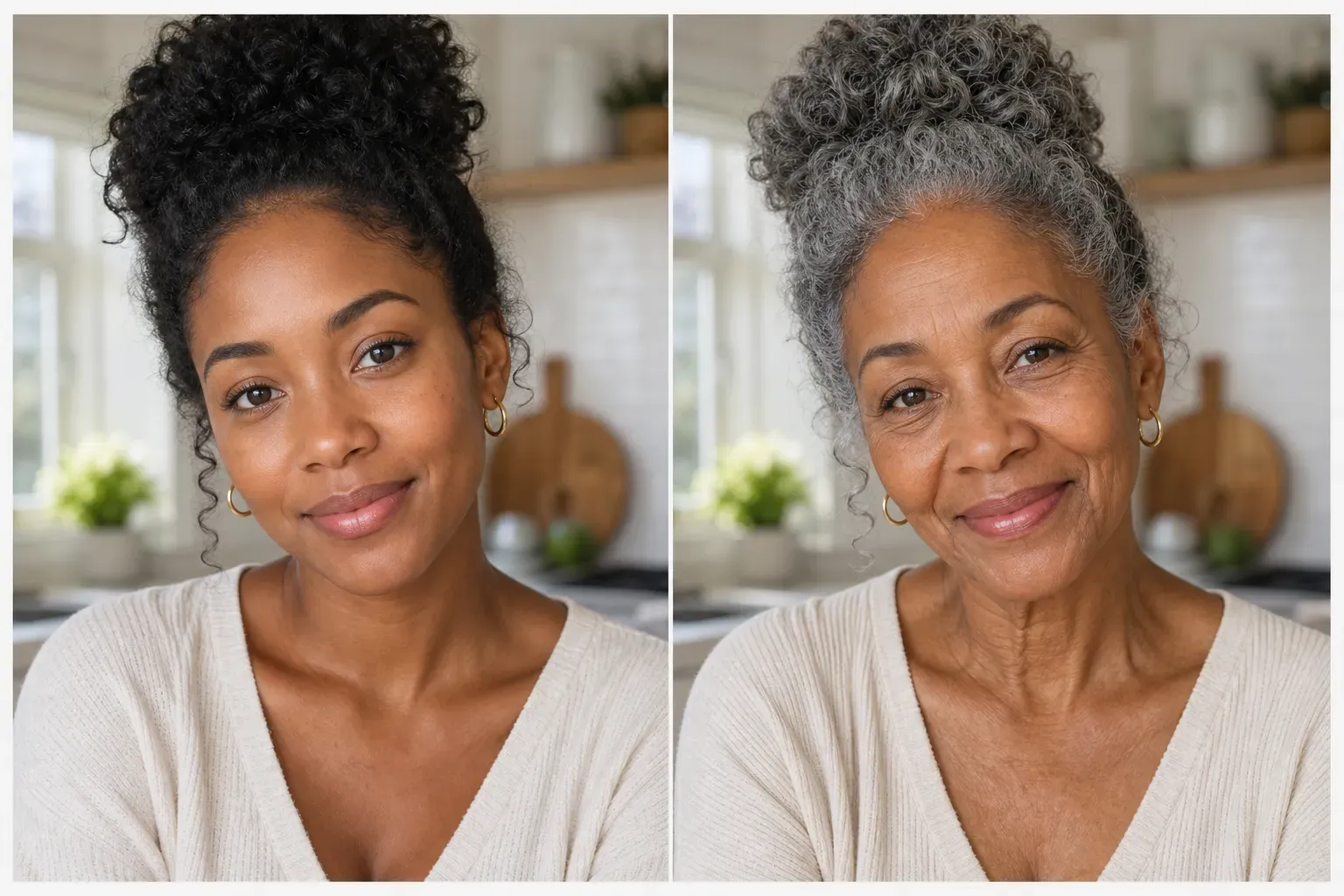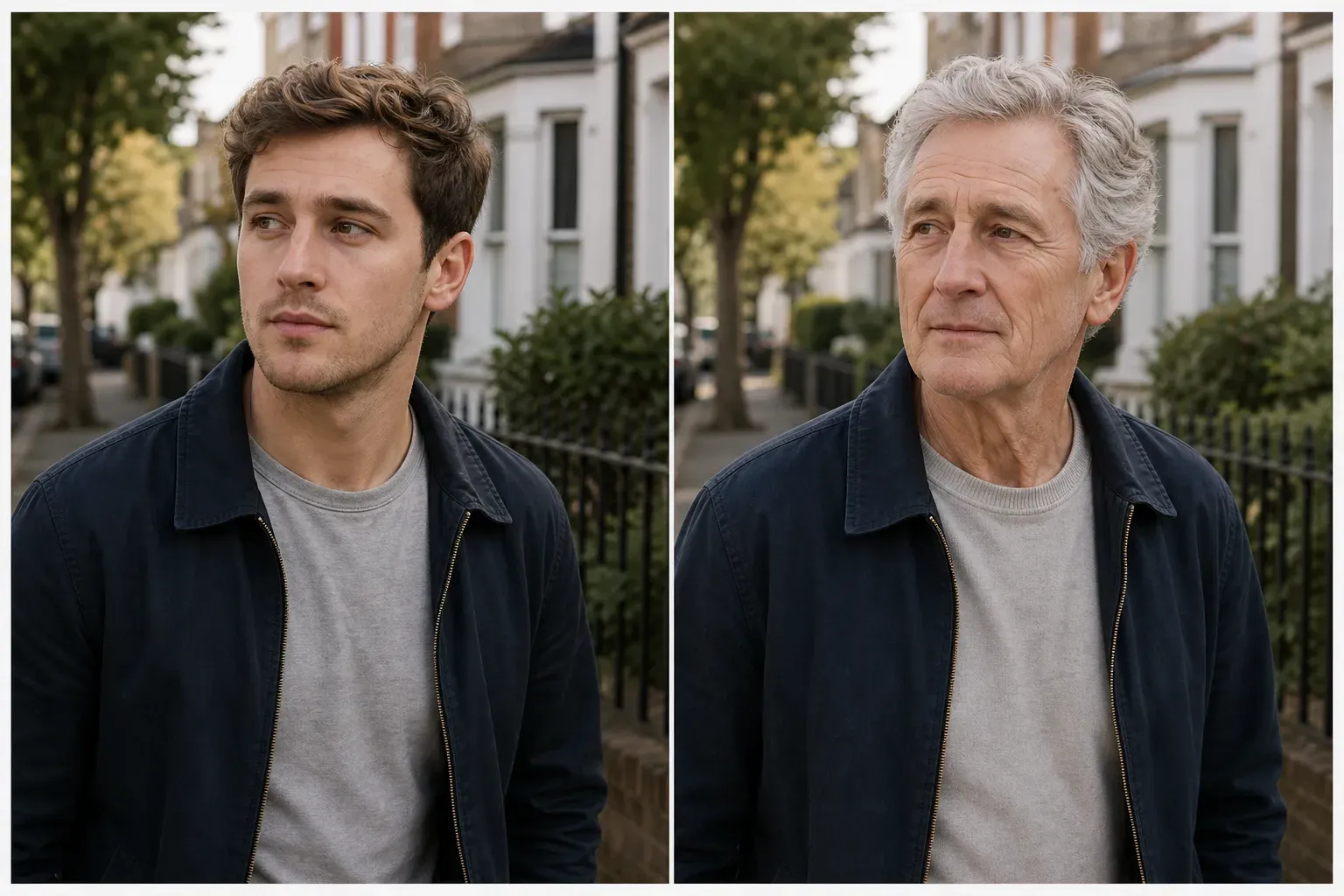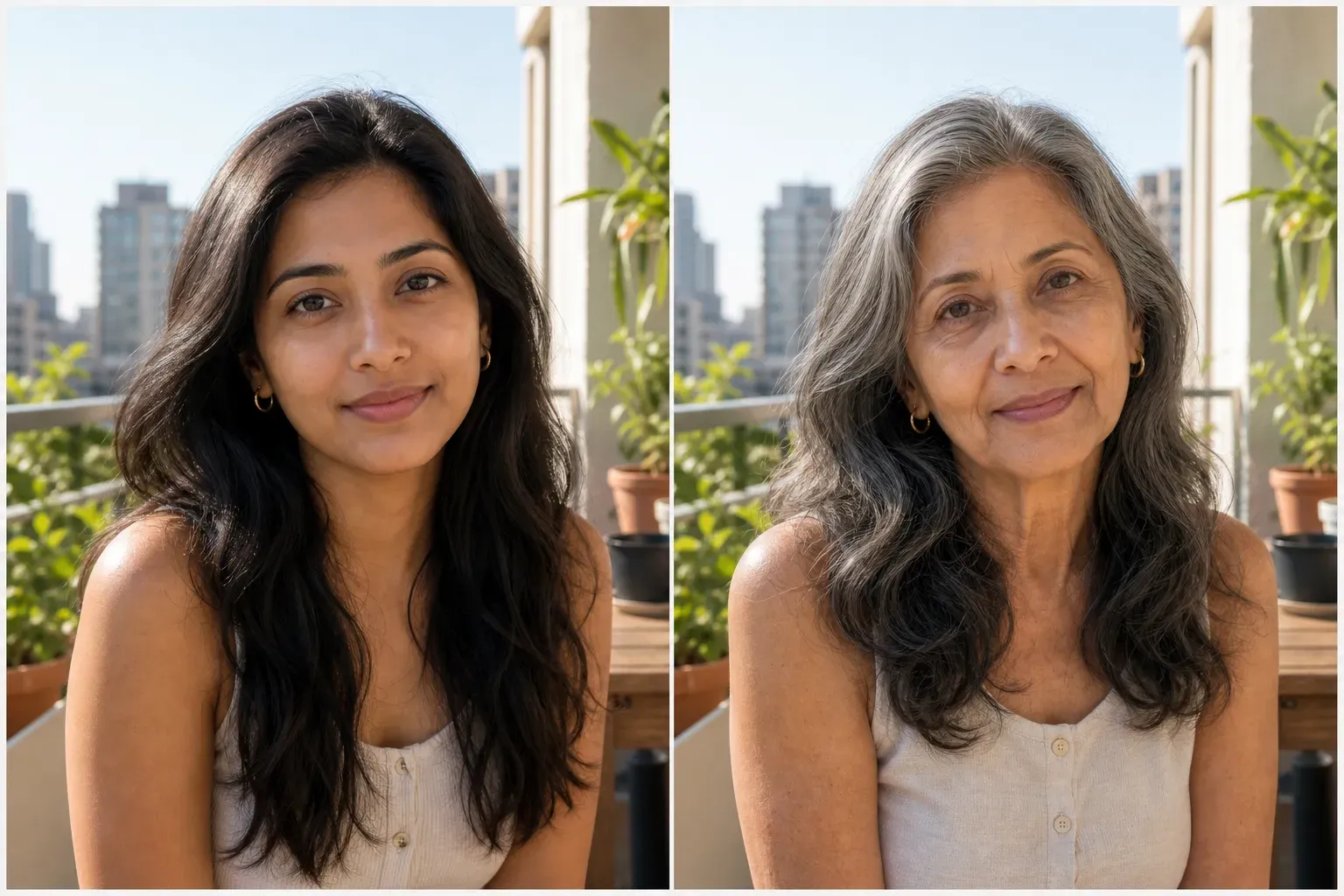
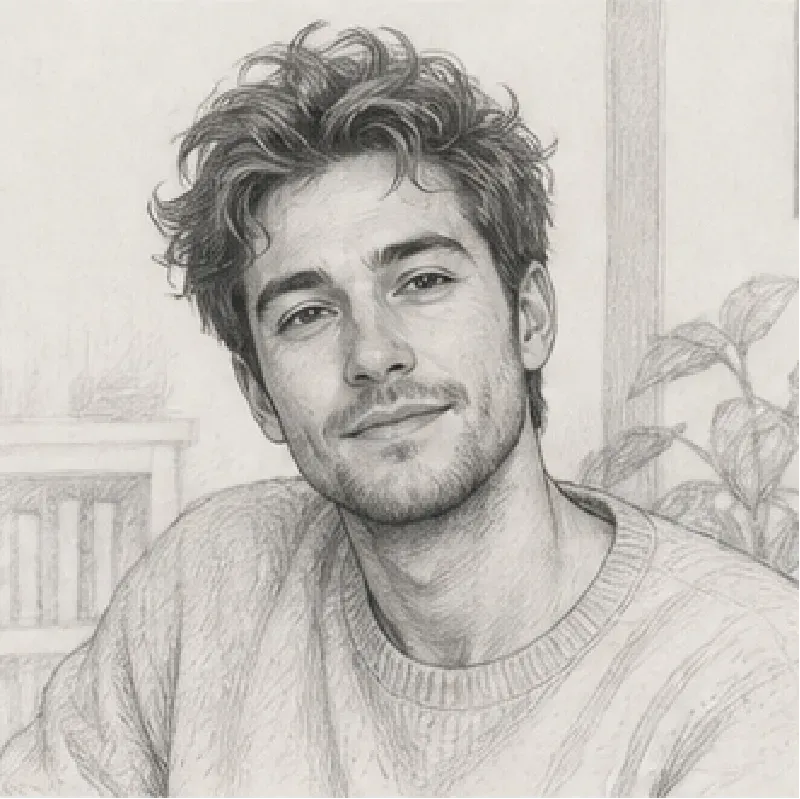
AI Age Progression Generator lets users transform a portrait into an older or younger version of the same person. The AI analyzes visible facial structure, skin texture, hair, expression, and lighting, then generates an age-adjusted portrait while keeping the person recognizable. This tool is designed for fun, social media trends, profile experiments, creative storytelling, and before/after concepts. It does not predict real aging, health, identity, or biological outcomes.
AI Age Progression Generator
SECTION
AI Fun Prediction Generator
MODULE
image_to_image
SKILL ID
age_progression_generator
Upload Image

Vidoly AI Age Progression Generator is an online image tool that creates an imagined older or younger portrait from an uploaded face photo. It can make someone look older, create a future-self image, or generate a younger-looking version for creative entertainment. The result is an AI-generated visual interpretation, not a real prediction of how someone will age.

AI Age Progression uses face detection, portrait feature analysis, age transformation, and image generation. It reads visible facial cues such as face shape, eyes, nose, lips, jawline, hair, skin tone, expression, and lighting. Then it applies age-related visual changes, such as wrinkles, skin texture, facial maturity, hair color changes, and subtle volume shifts. The AI works best when the original photo has a clear face, natural lighting, and minimal filters.

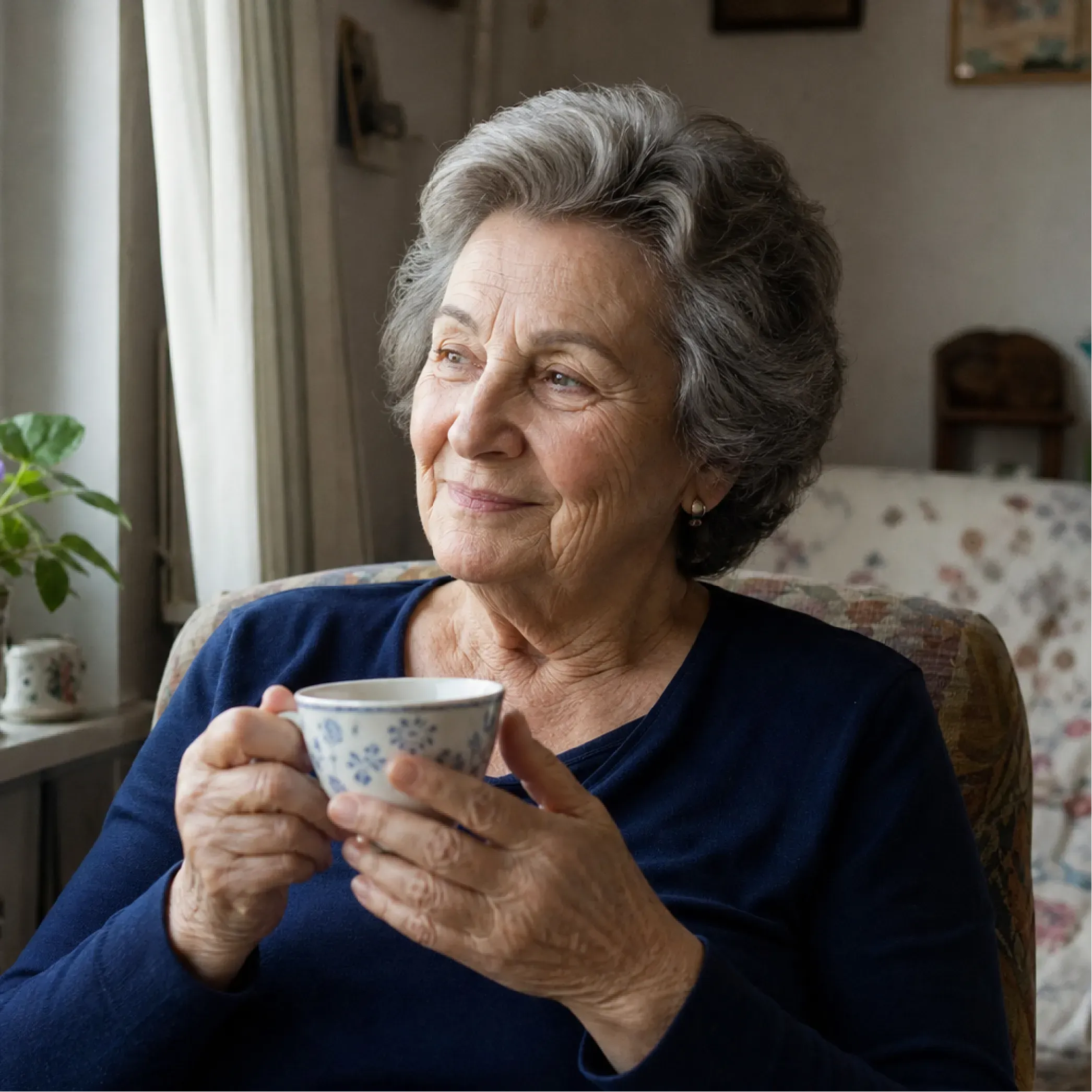
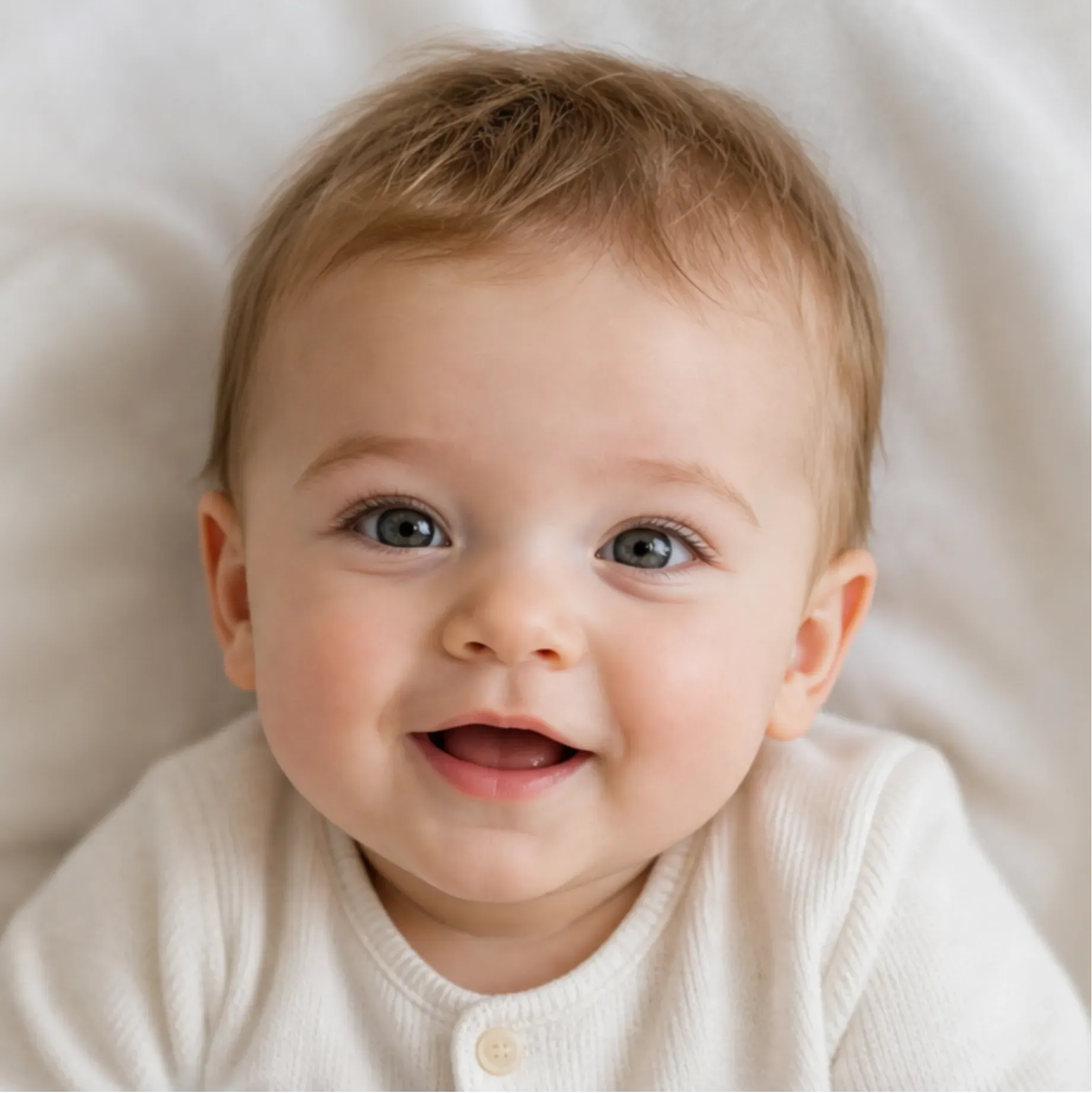
You can generate an older version of yourself, a younger version, a senior portrait, a future-self image, or a playful age transformation for social media. The tool is useful for users joining aging filter trends, creators making transformation content, or anyone curious about how an AI might imagine different life stages. Common outputs include old face portraits, younger face edits, future profile images, timeline-style visuals, and before/after age comparisons.

The best photos are clear, front-facing portraits with good lighting. Use images where the face is visible, sharp, and not covered by sunglasses, masks, hair, strong shadows, or heavy filters. A neutral expression usually produces more natural age progression than exaggerated expressions. Low-resolution selfies, side profiles, group photos, beauty-filtered images, and heavily edited photos may create less realistic results.
Manual age progression requires photo editing skills, skin retouching, wrinkle painting, hair color adjustment, facial reshaping, and texture blending. AI Age Progression automates this process by detecting facial traits and generating an age-adjusted portrait in seconds. Manual editing gives more control for professional projects, but AI is faster for entertainment, social media, creative previews, and quick before/after experiments.
AI Age Progression cannot predict exactly how a real person will age. Real aging depends on genetics, lifestyle, health, environment, skincare, stress, and many other factors that cannot be calculated from one photo. Results may also vary when the uploaded image has poor lighting, blocked facial features, strong makeup, filters, or unusual angles. The generated image should be treated as a creative portrait, not as a medical, identity, biometric, or scientific prediction.
How To Use Vidoly AI Age Progression Generator?
Upload a Clear Portrait
Choose a front-facing photo where the face is sharp, visible, and well lit.
Let AI Generate the Age-Progressed Image
The AI analyzes the face and creates an age-adjusted portrait while keeping recognizable features.
Review and Regenerate
Check whether the result looks natural. Try another photo or regenerate if the face, hair, or skin texture looks unrealistic.
FAQs
What is an AI Age Progression Generator?
An AI Age Progression Generator is an online tool that creates an older or younger version of a person from an uploaded portrait. It generates a creative age-transformed image for entertainment, not a real prediction.
Can AI predict what I will look like in the future?
No. AI cannot accurately predict your real future appearance from one photo. It can only create an imagined future-self image based on visible facial features and common aging patterns.
Can I make myself look older with AI?
Yes. Upload a clear portrait and choose an older age style or future-self option. The AI can add realistic aging details such as wrinkles, mature facial texture, and gray or thinner hair.
Can I make myself look younger?
Yes. AI age regression can create a younger-looking version by softening facial texture, reducing age marks, and adjusting the portrait toward a younger appearance. Results depend on the input photo quality.
What photo should I upload?
Use a sharp, front-facing portrait with natural lighting. Avoid sunglasses, masks, strong filters, blurry selfies, side angles, or photos where the face is partly covered.
Why does the result not look like me?
The result may drift if the input photo is low quality, heavily filtered, angled, or poorly lit. AI may also change facial details when it applies age effects, so using a clearer portrait usually improves identity consistency.
Is AI Age Progression accurate?
It can look realistic, but it is not scientifically accurate. Real aging depends on genetics, lifestyle, health, environment, and time, which cannot be predicted from an uploaded image alone.
Can I use this for social media trends?
Yes. AI aging and future-self images are commonly used for social media posts, trend videos, profile experiments, and entertainment content.
Does it work on children’s photos?
It may generate an imagined older version from a child’s photo, but results should be treated carefully and only as entertainment. Avoid presenting the image as a real prediction of the child’s future appearance.
Can I choose a target age?
If the tool supports age options, you can choose a target age range such as older adult, senior, younger adult, or childlike version. If no target age is selected, the AI will generate a general age transformation.
Why do AI aging filters sometimes look unrealistic?
Unrealistic results usually happen when the face is blurry, angled, filtered, overexposed, covered, or too small in the image. Strong makeup and unusual expressions can also make age transformation less natural.