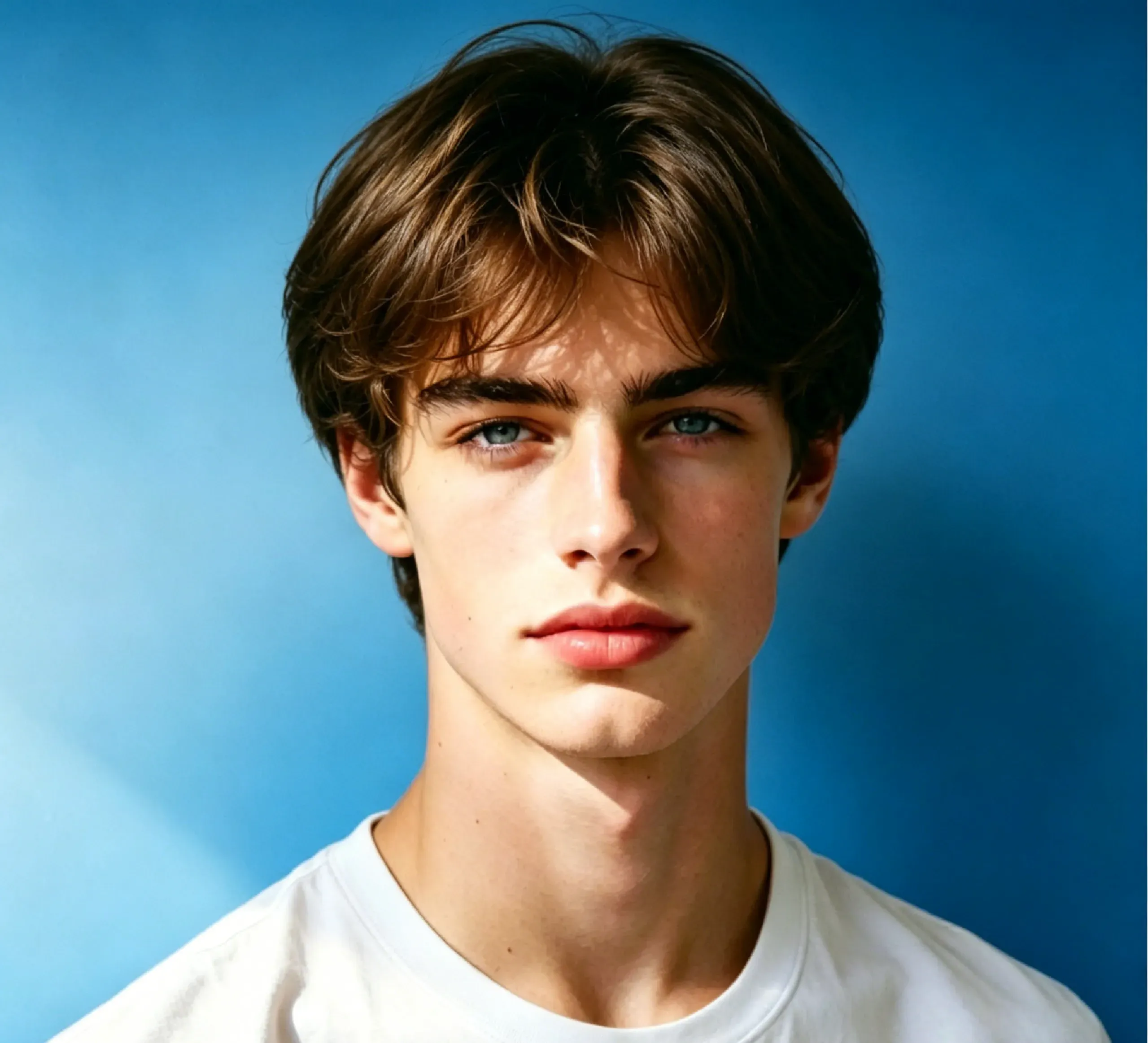
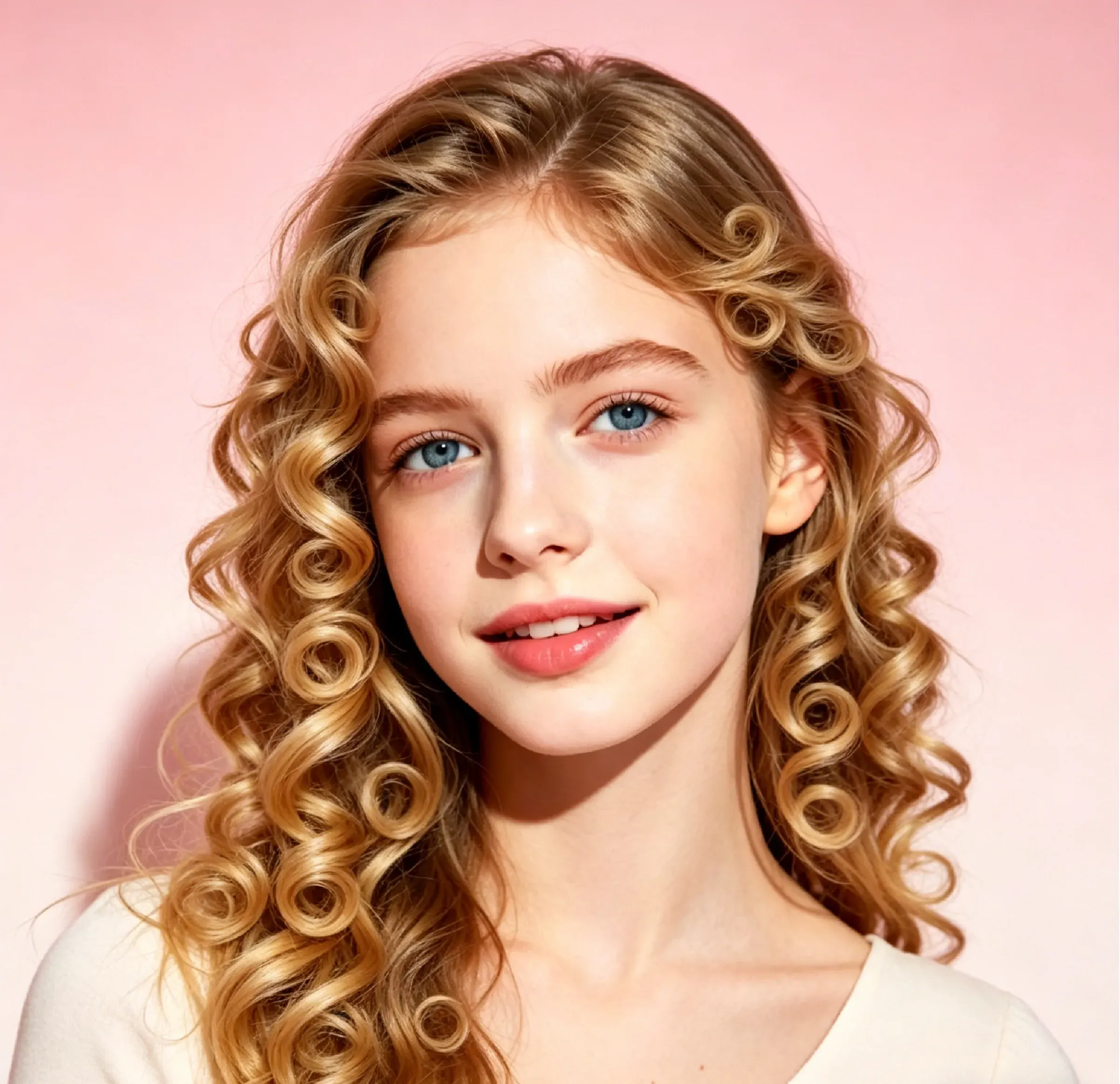
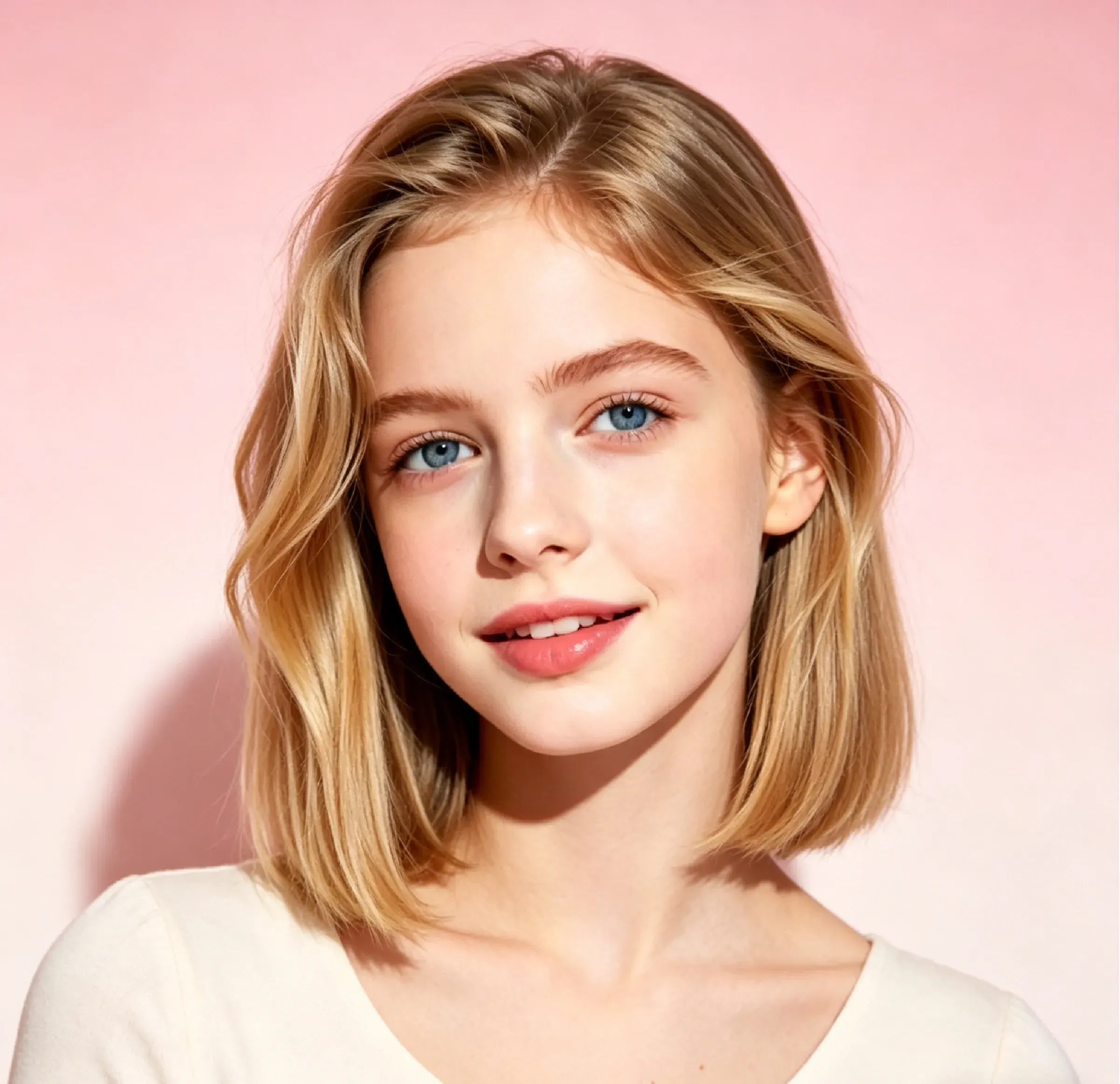
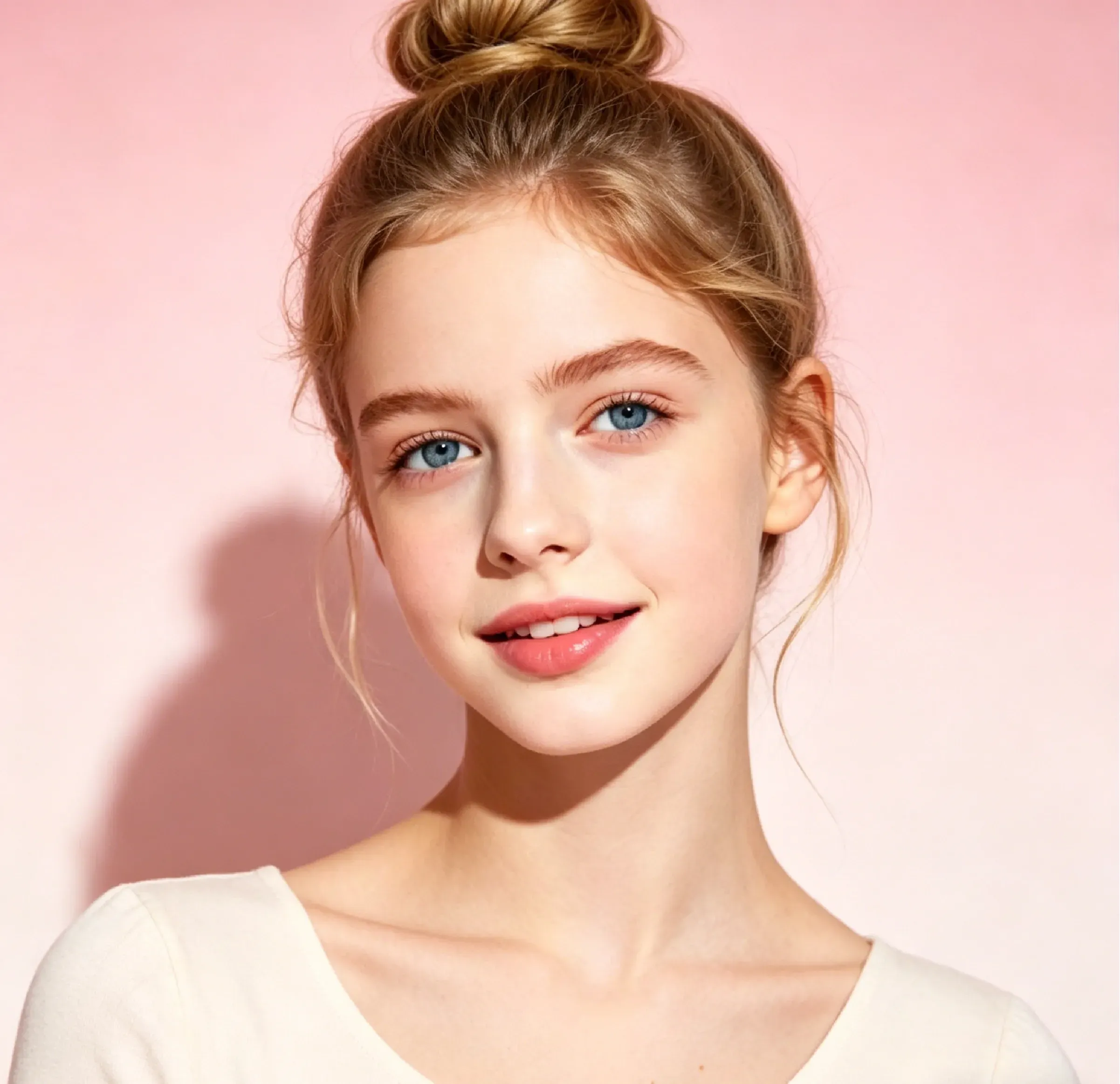
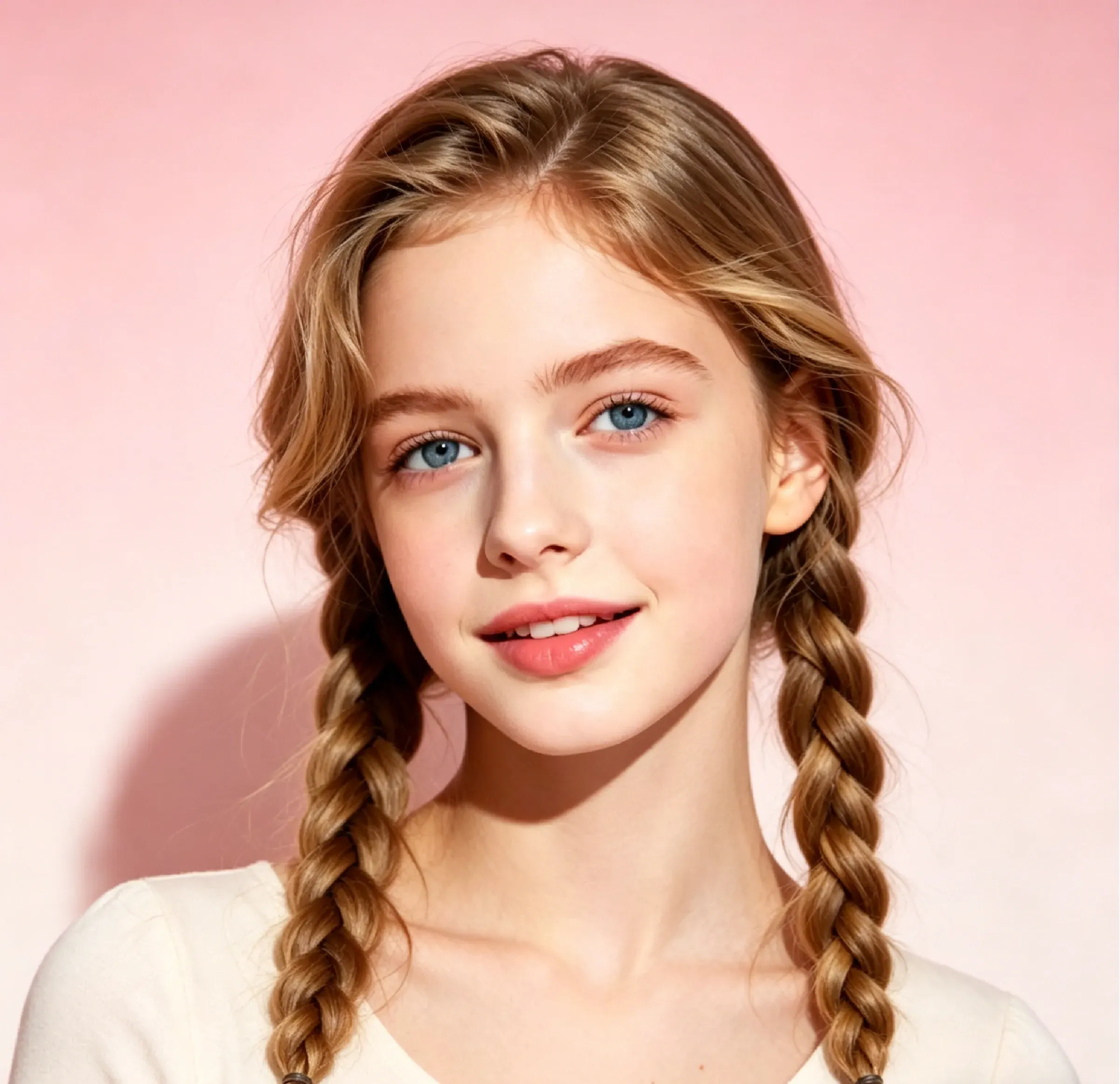
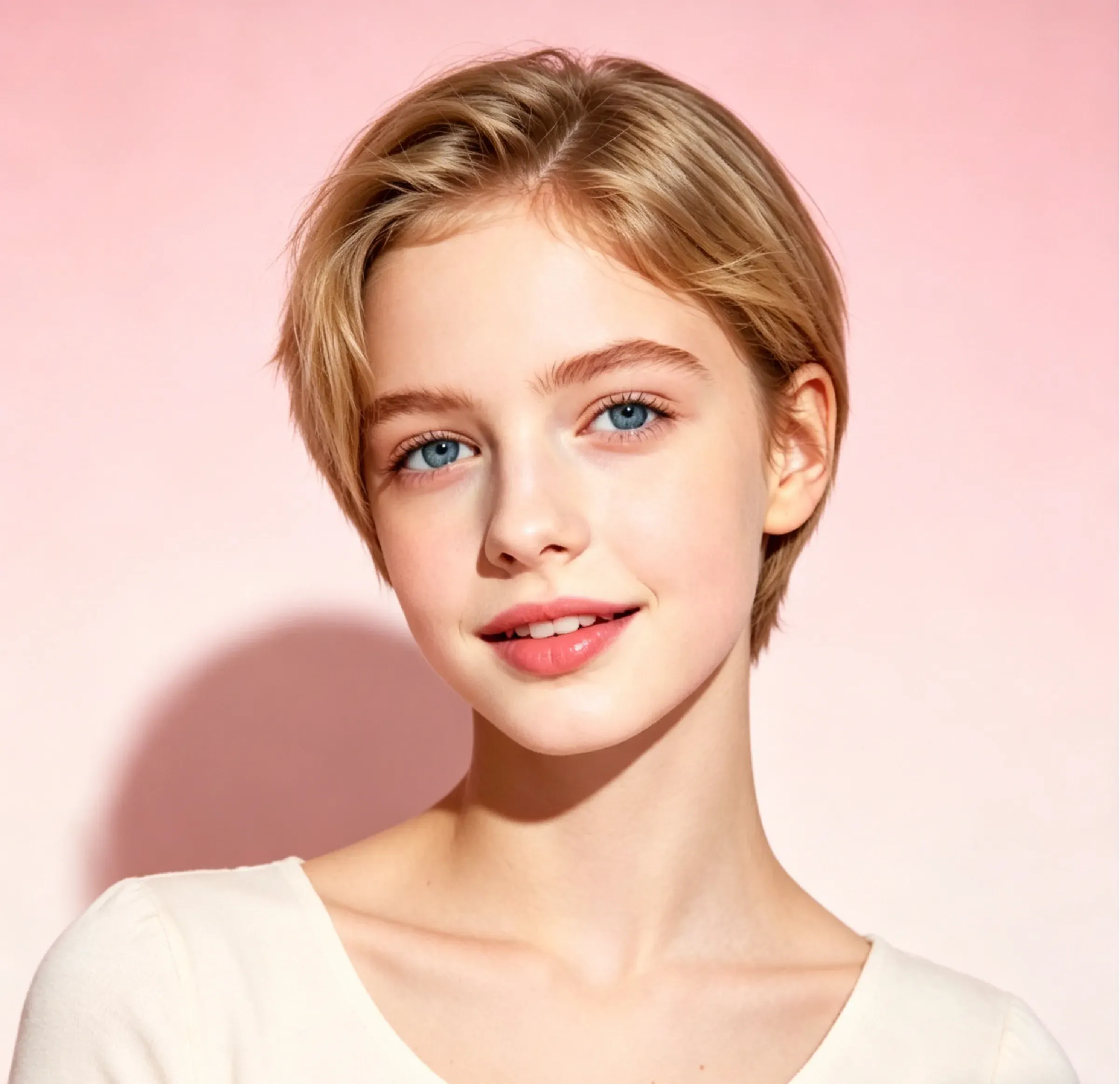
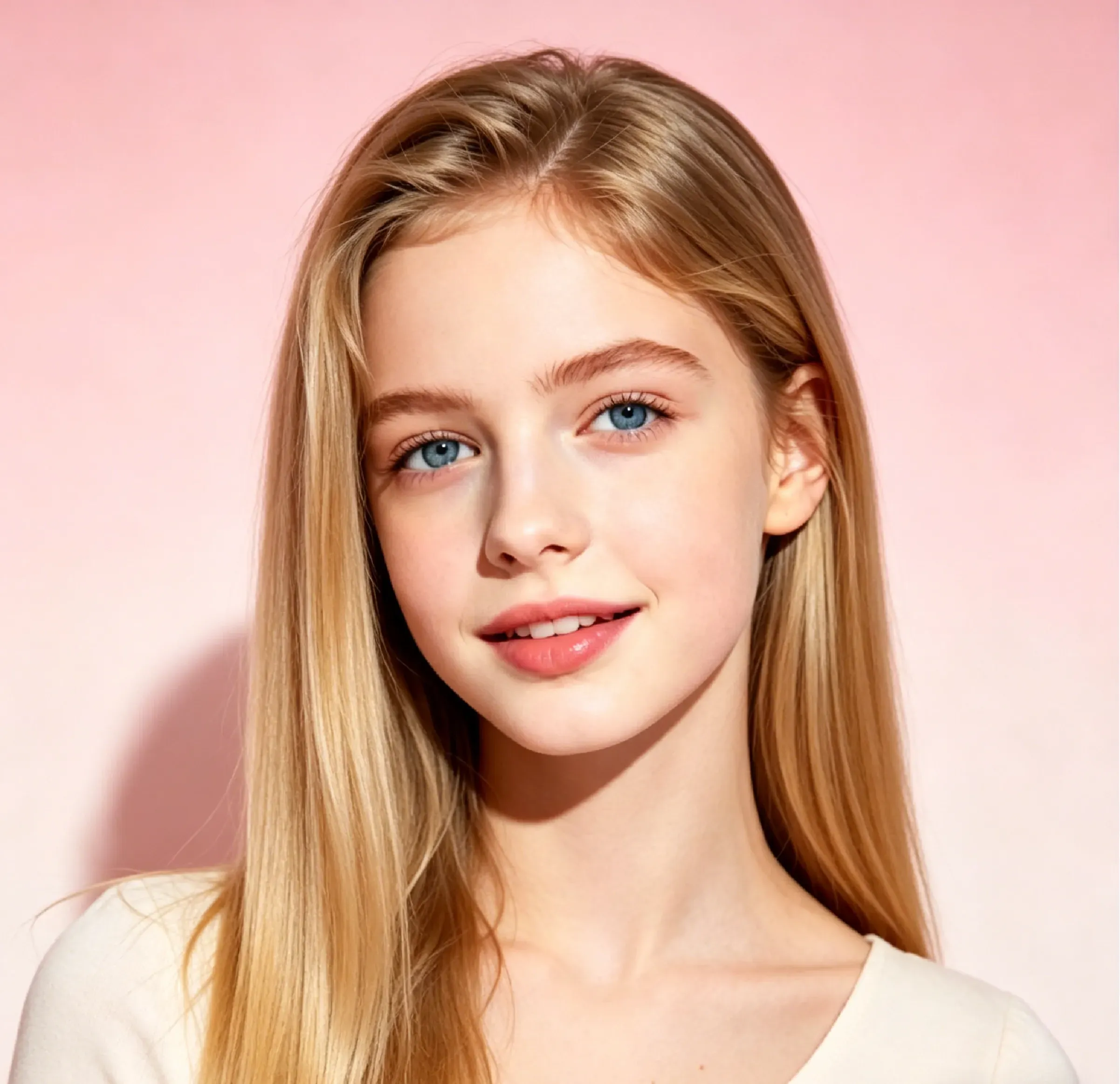
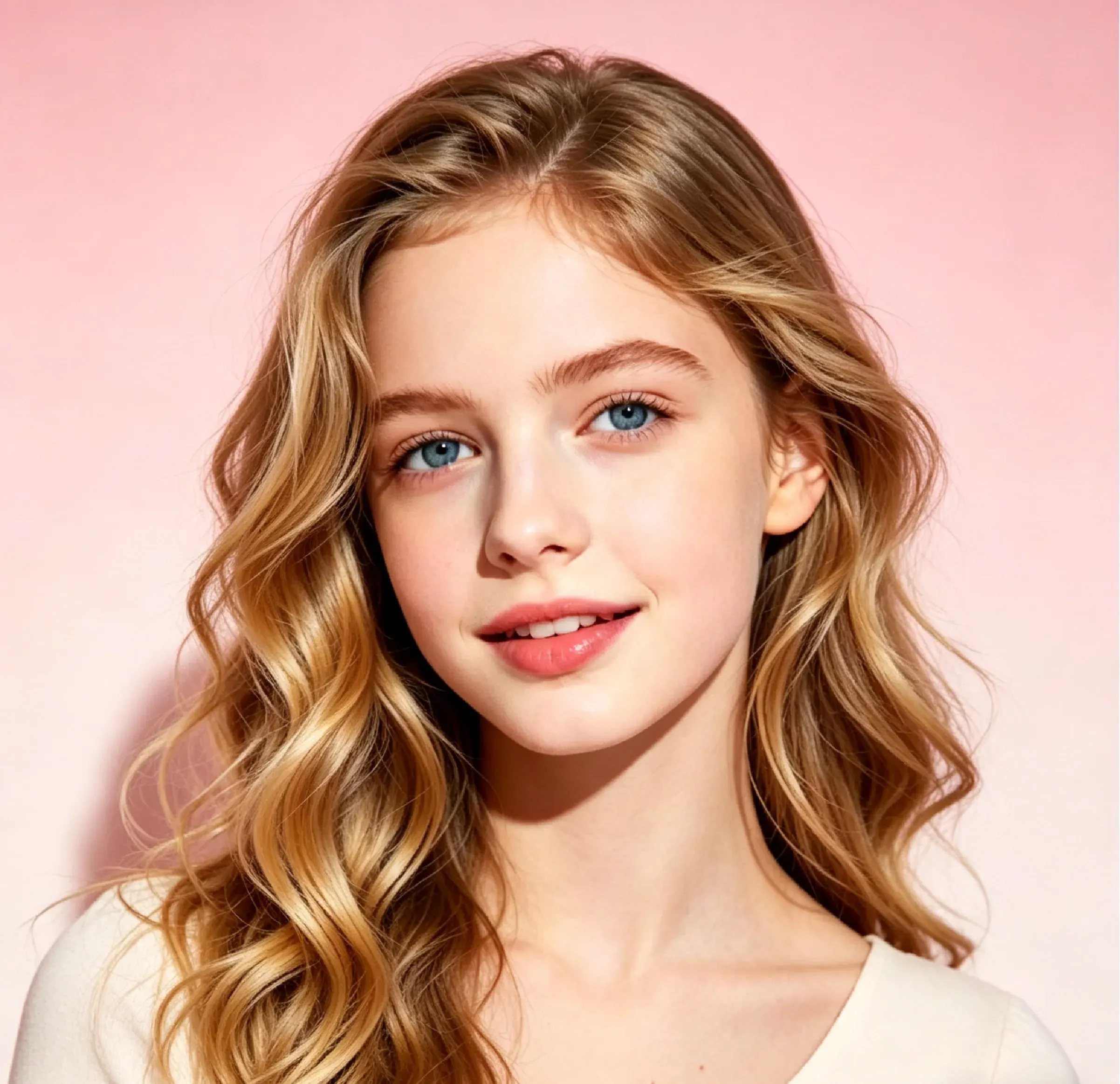
Soft Bowl Hair Style

Soft Bowl Hair Style

TECHNICAL SPECS

SECTION

AI Hair Style Changer

MODULE

image_to_image

SKILL ID

ai_hair_style_changer

Upload Image
photo_camera

Upload Image

TEMPLATE PROMPT
44/2000
Commercial usage license included
MORE IN AI Hair Style Changer
#ai_hair_style_changer
Preview New Hairstyles on Your Photo with AI

Preview New Hairstyles on Your Photo with AI

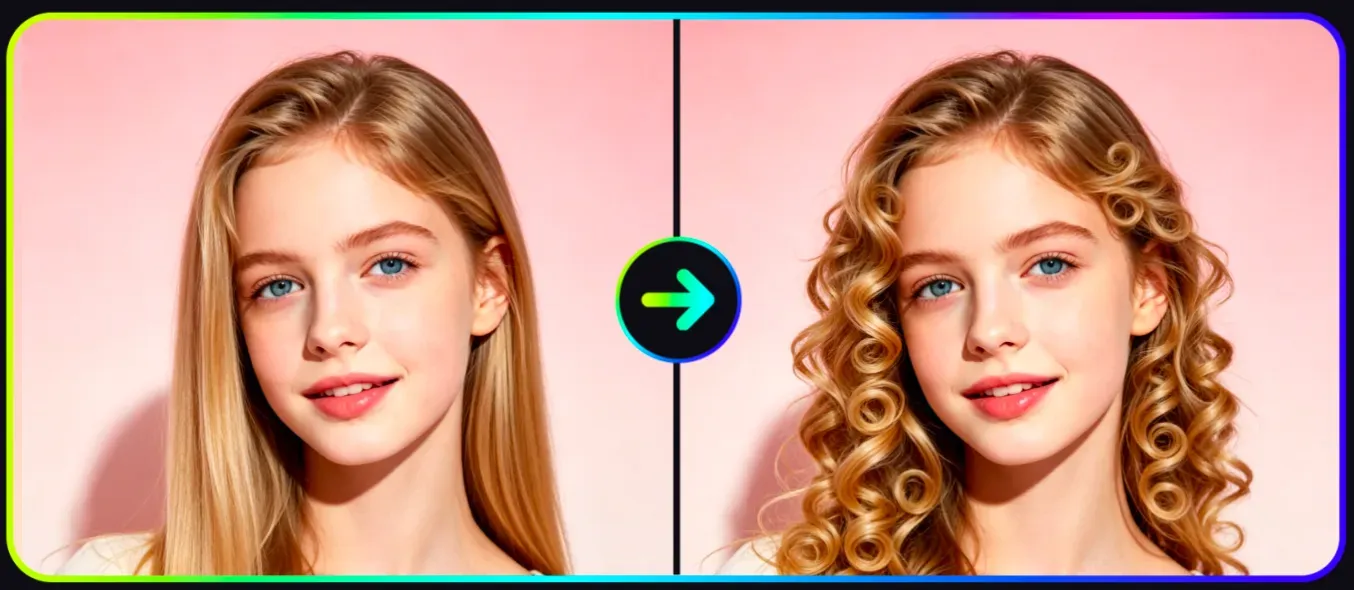
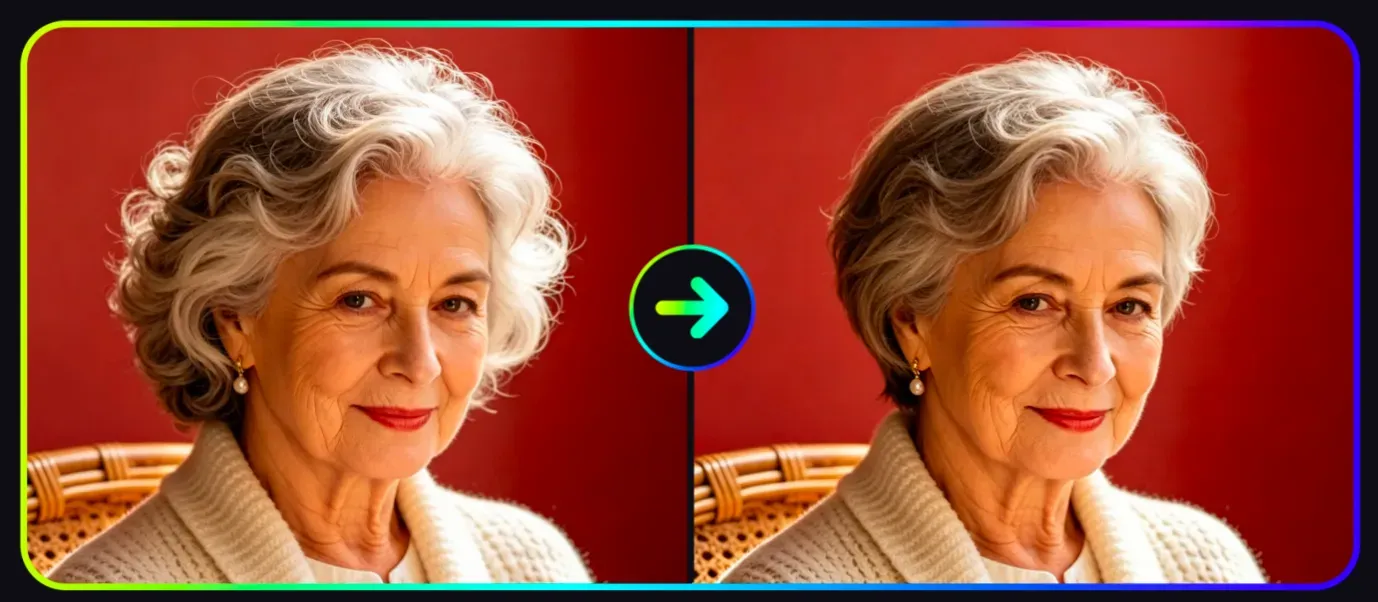
Vidoly AI Hair Style Changer helps users preview different hairstyles from a portrait photo. The tool can apply short cuts, long hair, curls, waves, bangs, bob styles, braids, fades, and other haircut looks while keeping the face and overall portrait recognizable. It is useful for haircut planning, virtual makeovers, beauty content, salon consultation, social sharing, and anyone who wants to compare hairstyle ideas before making a real change.

Try New Hairstyles Free Now
How Does an AI Hair Style Changer Work?

How Does an AI Hair Style Changer Work?

AI hair style changers use portrait detection, hair region analysis, and style transfer to apply a new hairstyle to a photo. The AI analyzes the face, head position, hair outline, lighting, and visible hair area before generating a new look that matches the selected style. Advanced hairstyle previews try to preserve facial identity, skin tone, lighting direction, and portrait composition while changing hair shape, length, volume, or texture.

What Hairstyles Can You Try with Vidoly AI?

What Hairstyles Can You Try with Vidoly AI?

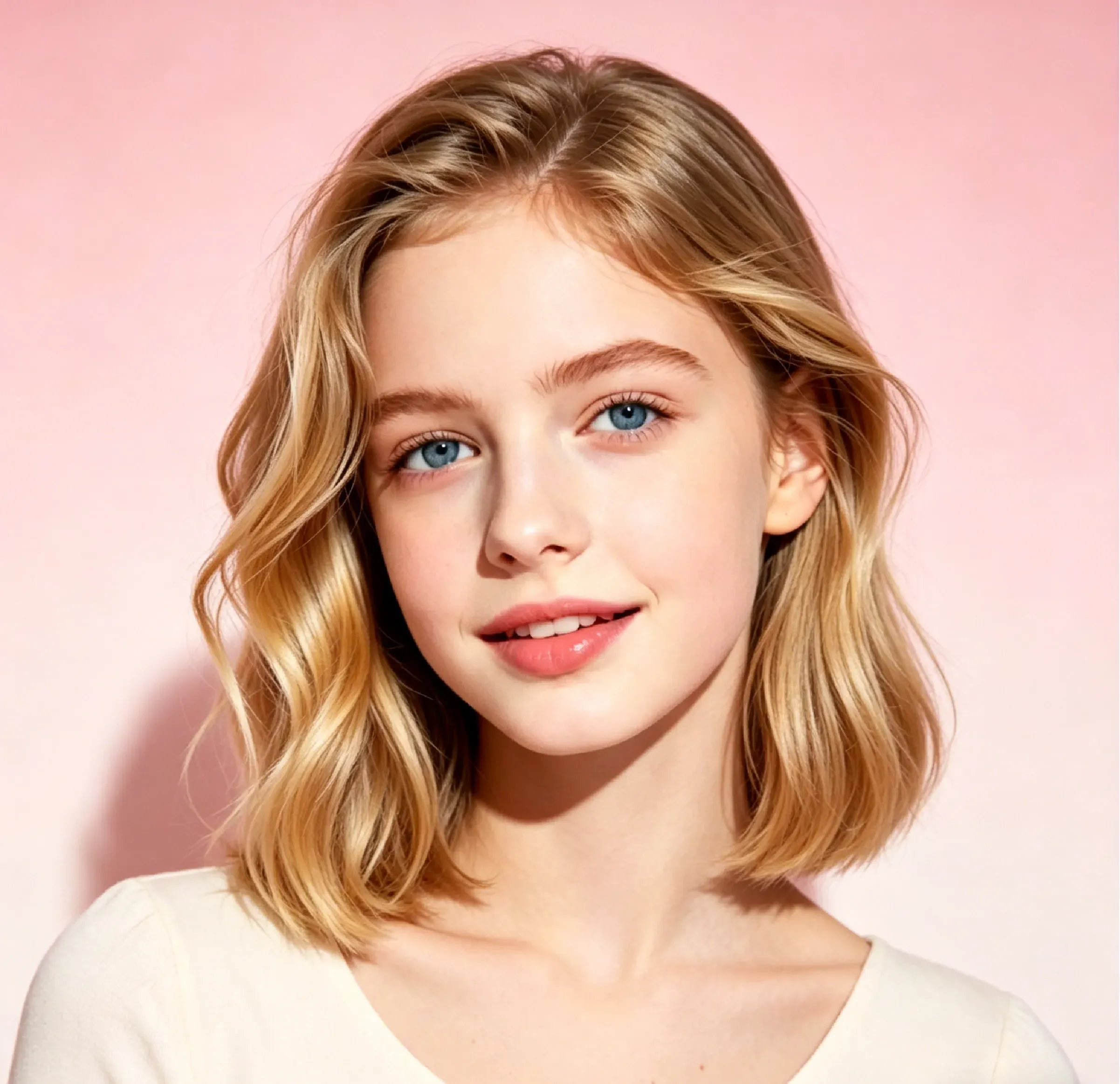
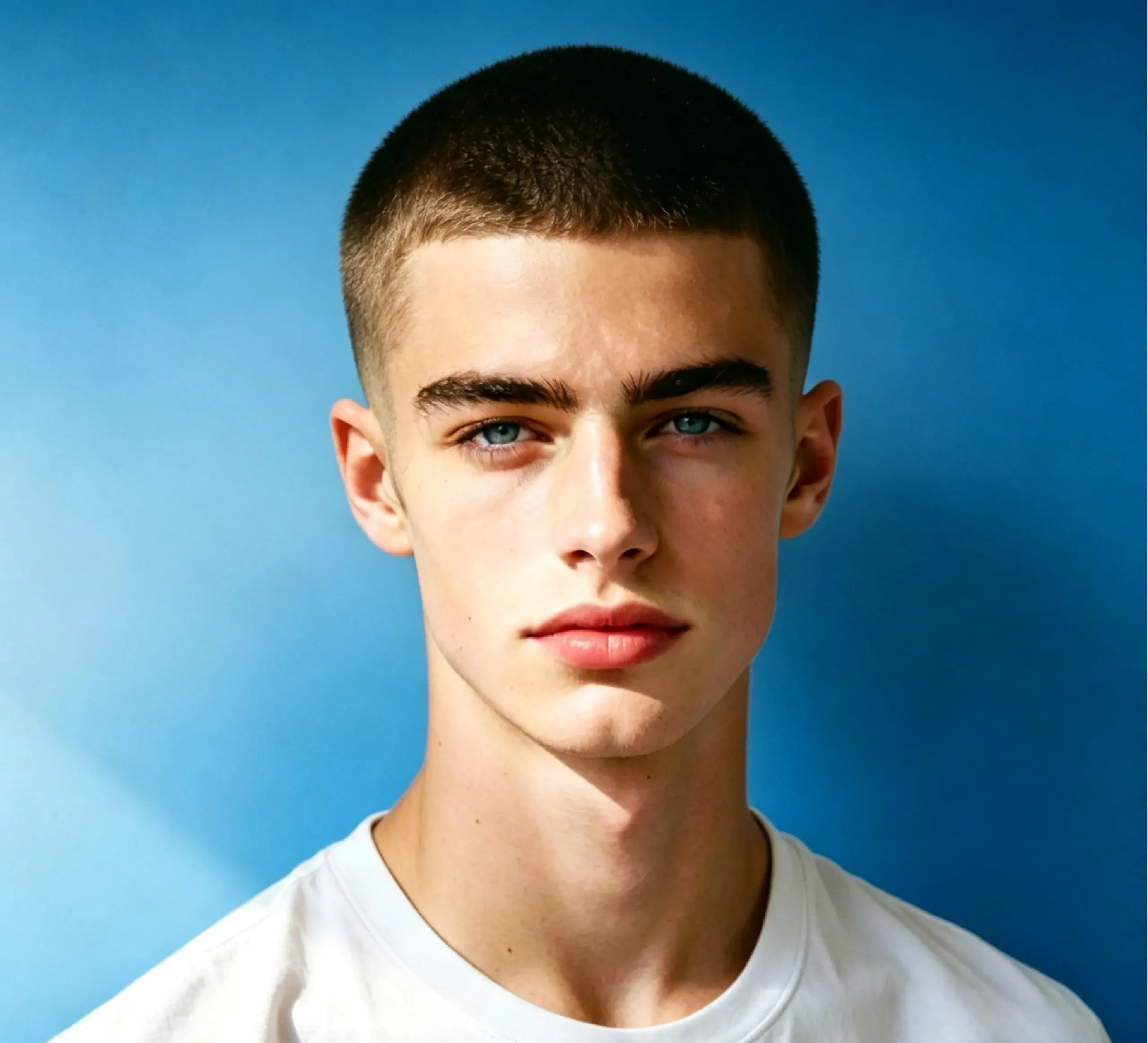
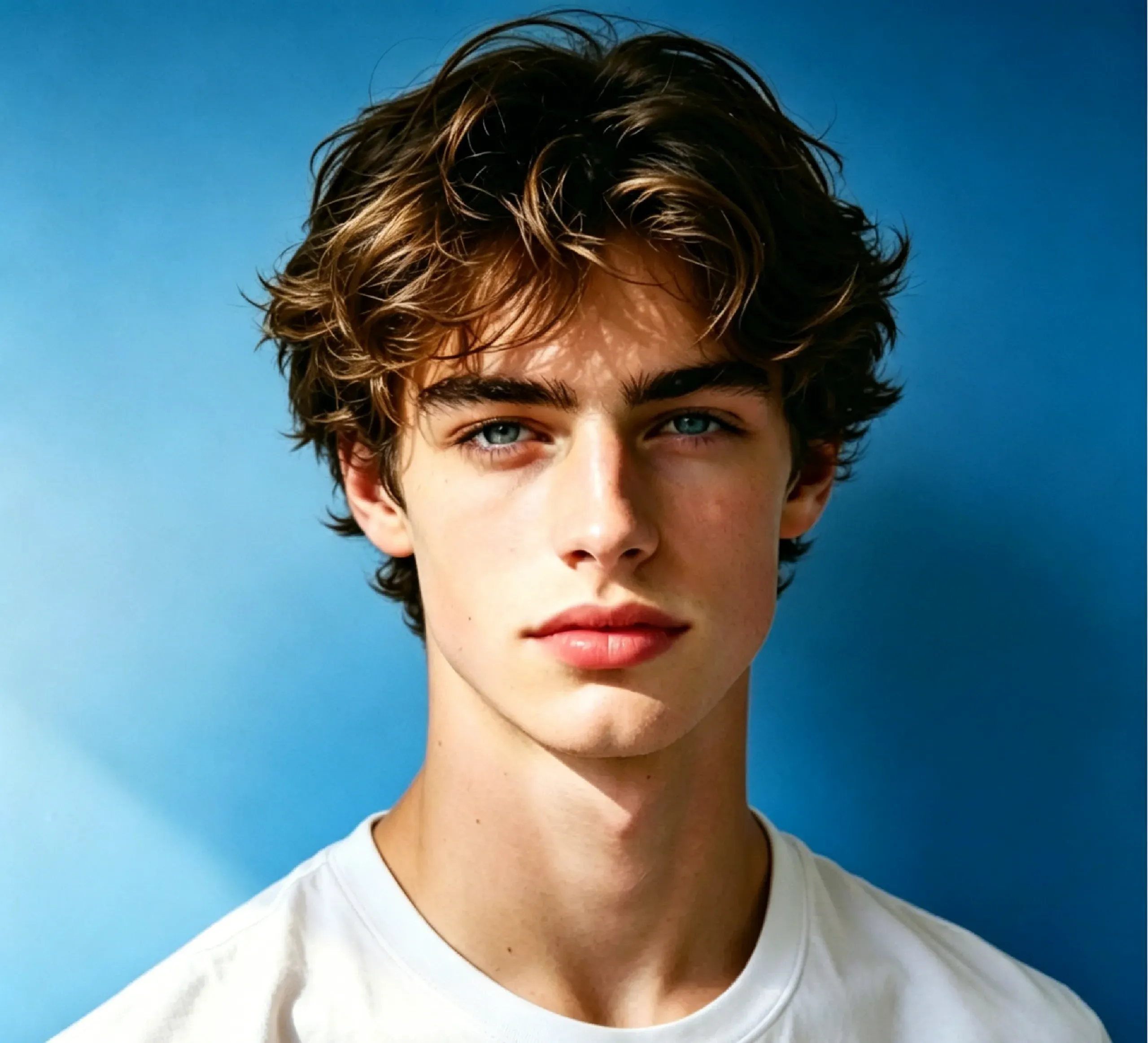
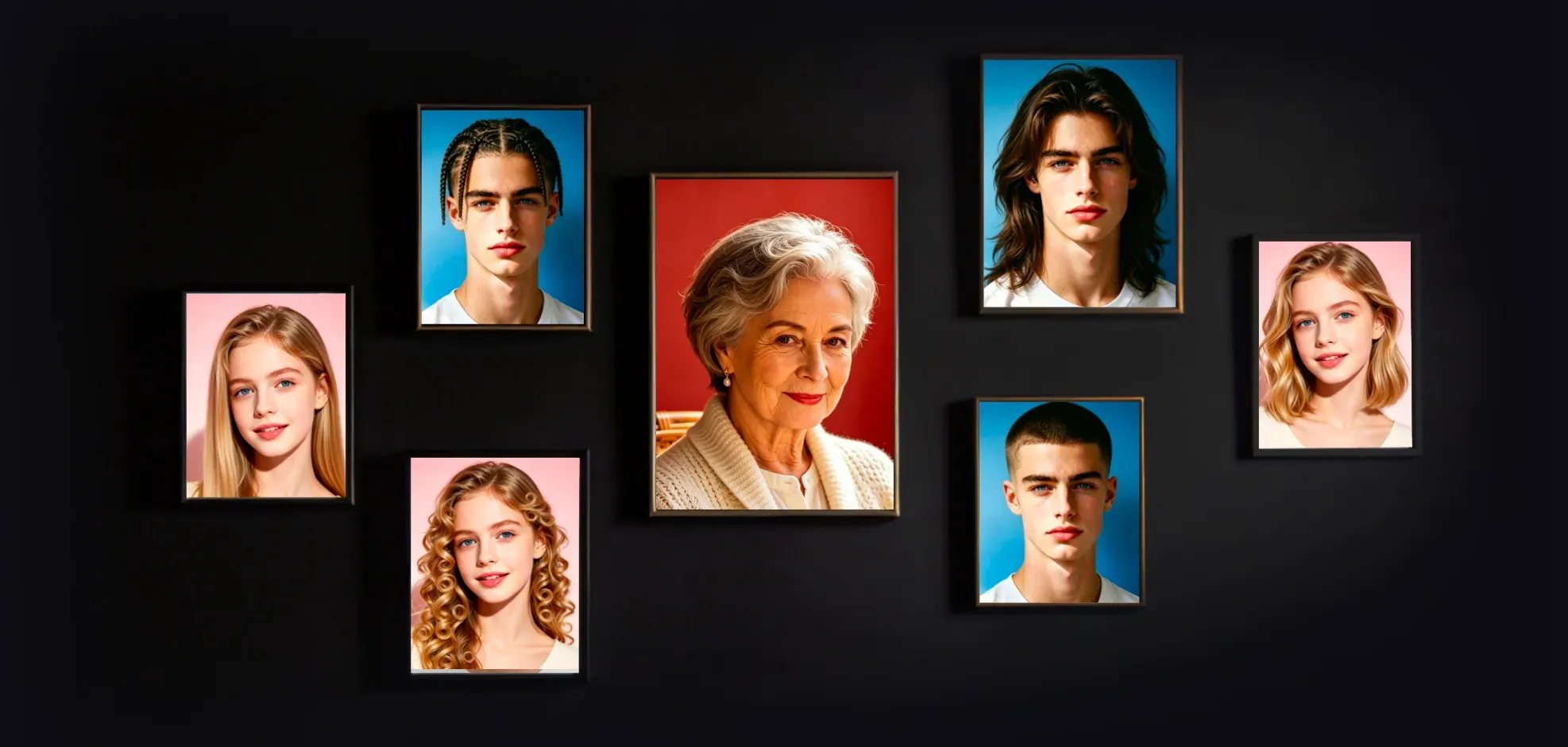
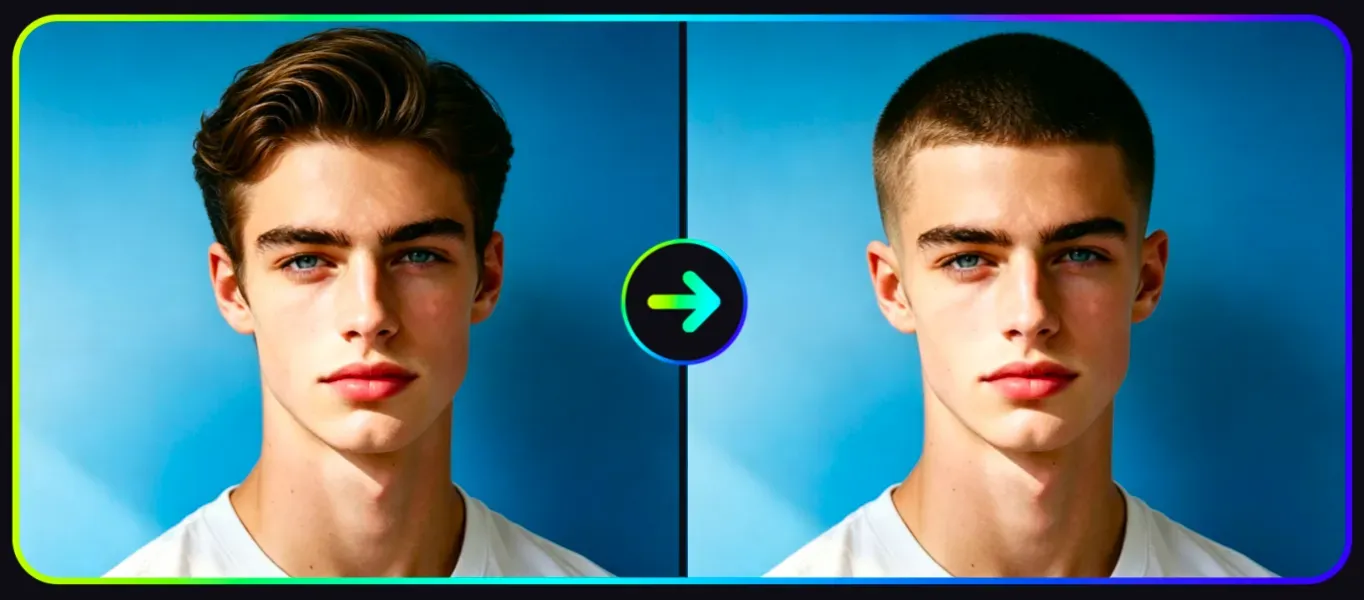
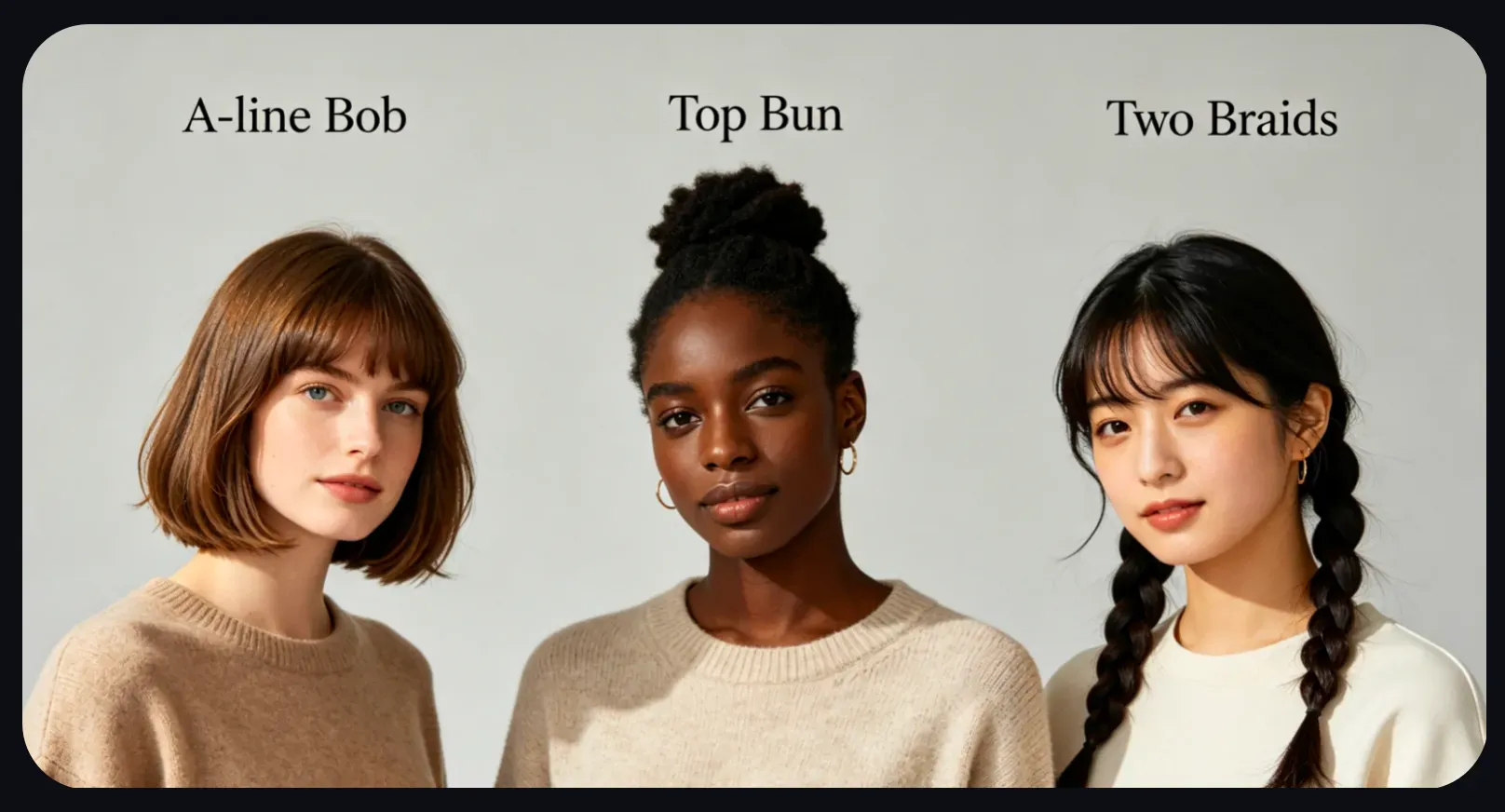
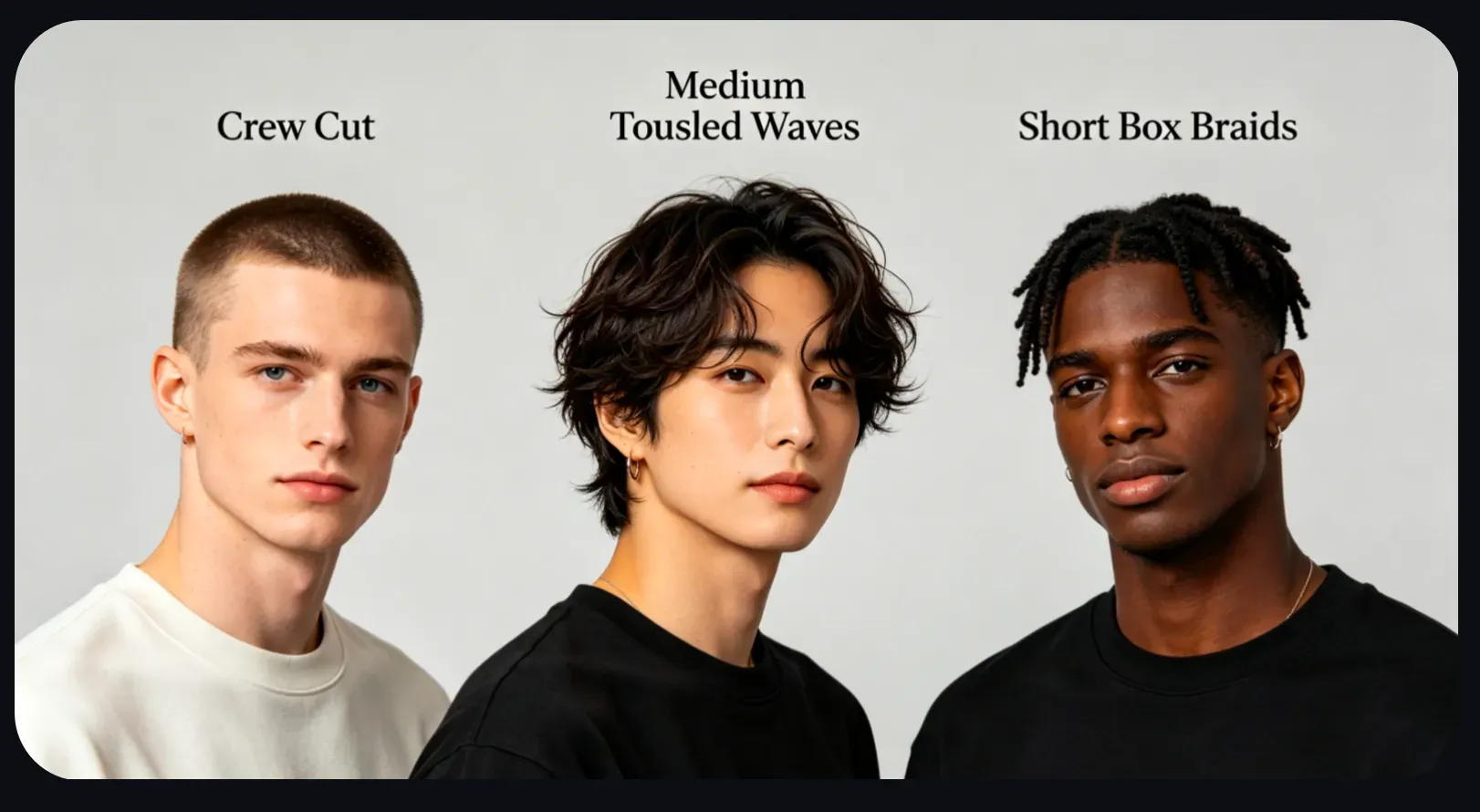
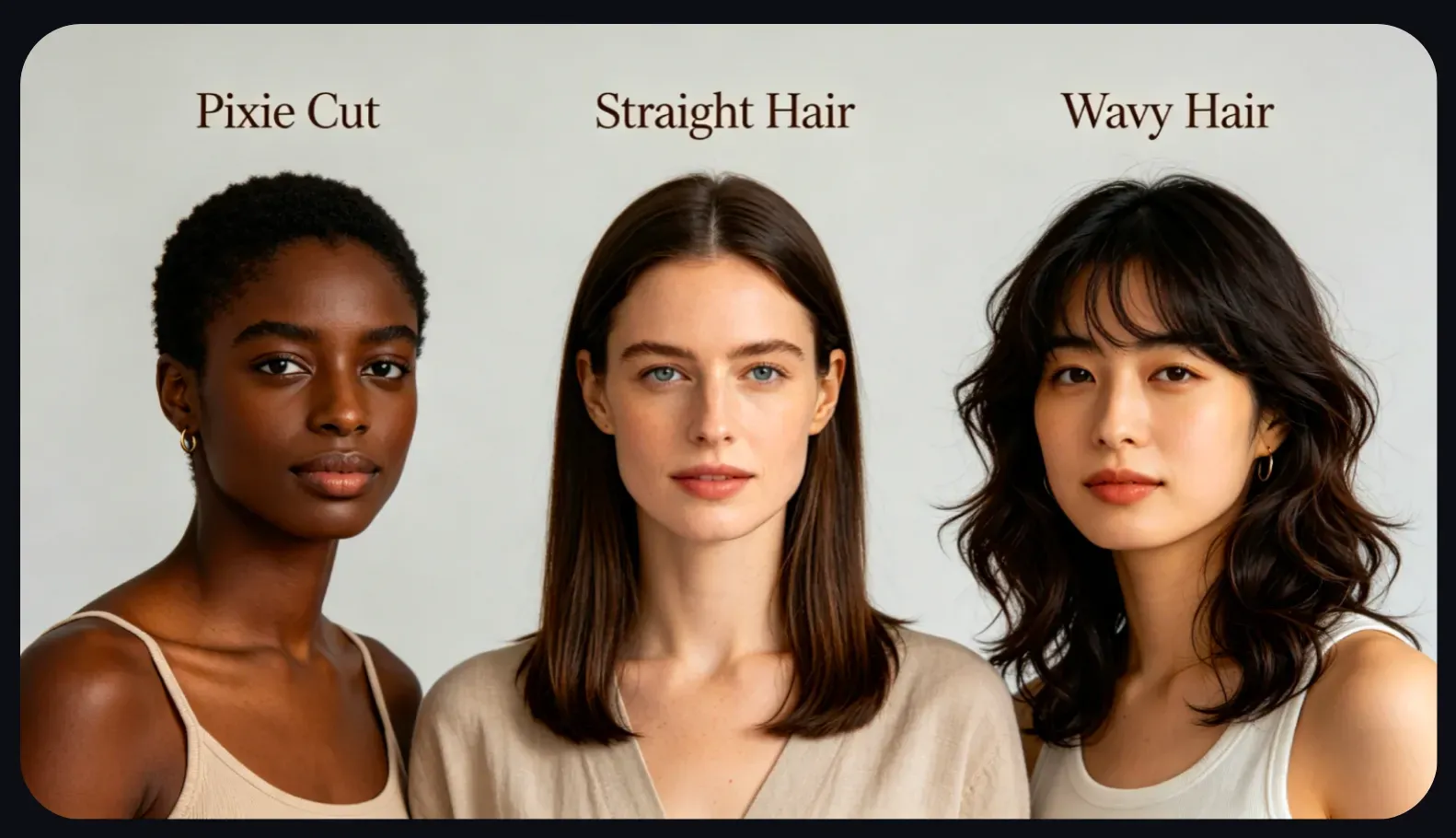
Vidoly AI Hair Style Changer lets users preview many hairstyle types, including spiral perm, A-line bob, top bun, two braids, pixie cut, straight hair, wavy hair, medium bob, crew cut, medium tousled waves, short box braids, messy tapered fade, soft bowl cut, Ivy League haircut, long hair, and buzz cut. These options help users compare classic, modern, short, long, curly, straight, braided, and salon-inspired looks from one photo.

What Photos Work Best for AI Hairstyle Changes?

What Photos Work Best for AI Hairstyle Changes?

AI hairstyle previews usually work best with clear portrait photos where the face and current hair are visible. Front-facing or slightly angled photos, good lighting, minimal motion blur, and uncluttered backgrounds can improve the result. Photos with hats, heavy shadows, covered hairlines, extreme side angles, or hair blending into the background may produce less accurate hairstyle changes.

AI Hair Style Changer vs Manual Photo Editing

AI Hair Style Changer vs Manual Photo Editing

AI hair style changers are faster than manual editing because users do not need to cut out hair, paint new strands, adjust shadows, or blend a hairstyle manually in Photoshop. Manual retouching gives professionals more control, especially for precise hair edges and commercial beauty edits. AI hairstyle tools are better for quick previews, haircut planning, social content, and testing different looks before a real styling decision.

What Are the Limitations of AI Hairstyle Previews?

What Are the Limitations of AI Hairstyle Previews?

AI hairstyle previews may be less accurate when the uploaded photo has low resolution, poor lighting, motion blur, covered hair, complex accessories, or an unclear face angle. Very dramatic changes, such as turning very short hair into long layered hair or adding complex braids, may require several attempts. The result should be treated as a visual preview, not a guaranteed salon outcome.

Popular Uses for AI Hair Style Changer

Popular Uses for AI Hair Style Changer

People use AI hairstyle changers before haircuts, salon appointments, cosplay styling, profile photo updates, beauty content creation, and social media makeover posts. A user can compare pixie cuts, bob cuts, bangs, waves, braids, fades, and long hair looks before deciding which style feels most natural for their face shape and personal style.

How To Use Vidoly AI Hair Style Changer?

1

Choose the Hairstyle You Want to Try

Select a hairstyle such as bob, pixie, straight hair, wavy hair, curls, braids, crew cut, buzz cut, long hair, or bangs.

2

Upload a Clear Portrait Photo

Use a portrait where your face and hair are clearly visible. Good lighting and a clean background usually help the AI create a more realistic preview.

3

Let AI Apply the New Hairstyle

Vidoly AI analyzes your portrait and applies the selected hairstyle while keeping the face and overall image composition recognizable.

4

Compare Different Hairstyle Options

Generate several styles to compare short, long, curly, straight, braided, or layered looks. Check which style best matches your face shape and desired appearance.

5

Download or Share the Result

Download your favorite hairstyle preview for inspiration, social media, beauty content, or salon planning.

FAQs

What is Vidoly AI Hair Style Changer?

Vidoly AI Hair Style Changer is an online tool that lets users preview different hairstyles on a portrait photo. It can help test short hair, long hair, curls, waves, bangs, bob cuts, braids, fades, and other haircut ideas before making a real change.

How does AI Hair Style Changer work?

The tool analyzes your portrait, detects the face and hair area, and applies the selected hairstyle using AI image generation. It tries to preserve your facial identity, lighting, and portrait structure while changing the hair shape or style.

What photos work best with AI Hair Style Changer?

Clear front-facing portraits usually work best. Good lighting, visible hair edges, minimal blur, and an uncluttered background can help the AI generate more realistic hairstyle previews.

Can I try both short and long hairstyles?

Yes, you can preview short styles such as pixie cuts, bob cuts, crew cuts, and buzz cuts, as well as longer styles such as long hair, waves, curls, and layered looks. Very dramatic length changes may need more than one generation.

Can I try bangs, curls, waves, or braids?

Yes, AI hairstyle tools can preview bangs, curly hair, wavy hair, two braids, short box braids, and other textured styles. Results are usually stronger when your face and current hairline are clearly visible.

Is AI Hair Style Changer useful before getting a haircut?

Yes, many users try hairstyle previews before visiting a salon or barber. It helps compare different haircut ideas visually before committing to a real cut or styling session.

Does AI Hair Style Changer work for different face shapes?

It can help test how different hairstyles may look on different face shapes, but results are still visual previews. For a real haircut, a stylist can give better advice based on hair texture, face shape, hair density, and maintenance needs.

Why do some hairstyle previews look less realistic?

Results may look less realistic when the photo is blurry, dark, heavily filtered, or has hair covered by hats, hands, accessories, or shadows. Complex hairstyles and extreme angle changes can also reduce accuracy.

Do I need Photoshop or photo editing skills?

No. AI Hair Style Changer applies hairstyle previews automatically, so users do not need manual masking, hair painting, or advanced retouching skills.

Can I use AI Hair Style Changer for social media?

Yes, it is useful for makeover posts, hairstyle comparisons, beauty inspiration, profile photo ideas, cosplay planning, and shareable transformation content.

Is AI Hair Style Changer the same as AI Hair Color Changer?

No. AI Hair Style Changer focuses on changing the hairstyle shape, length, volume, or texture, such as bob, pixie, curls, waves, or braids. <a href="https://www.vidoly.ai/hair-color-changer">AI Hair Color Changer</a> focuses on changing hair color, such as blonde, black, red, brown, silver, or pastel shades.

Is Vidoly AI Hair Style Changer free?

Vidoly AI offers free credits for users to try AI hairstyle previews online. Additional usage, premium models, or higher-resolution exports may depend on the selected plan.

Can men use AI Hair Style Changer?

Yes. Men can use AI Hair Style Changer to preview buzz cuts, crew cuts, fades, Ivy League cuts, long hair, messy tapered styles, soft bowl cuts, or medium tousled waves. Clear photos with visible hairlines and good lighting usually create better results.

Can AI Hair Style Changer help choose hairstyles for different face shapes?

Yes. AI Hair Style Changer can help compare how bob cuts, bangs, pixie cuts, waves, long hair, fades, or braids may look with different face shapes. For a real haircut, a stylist can still give better advice based on face shape, hair density, hairline, and maintenance needs.

Does AI Hair Style Changer work with different hair textures?

AI Hair Style Changer can preview styles on straight, wavy, curly, and textured hair, but results depend on photo clarity and visible hair edges. Highly detailed curls, coils, braids, or layered textures may need several generations for a more natural preview.