Expand Image With Freestyle

Expand Image With Freestyle

TECHNICAL SPECS

SECTION

AI Image Expander

MODULE

image_to_image

SKILL ID

ai_outpainting_studio_bts

Upload Image
photo_camera

Upload Image

TEMPLATE PROMPT
57/2000
Commercial usage license included
MORE IN AI Image Expander
#ai_image_expander
Expand Images Beyond the Original Frame

Expand Images Beyond the Original Frame

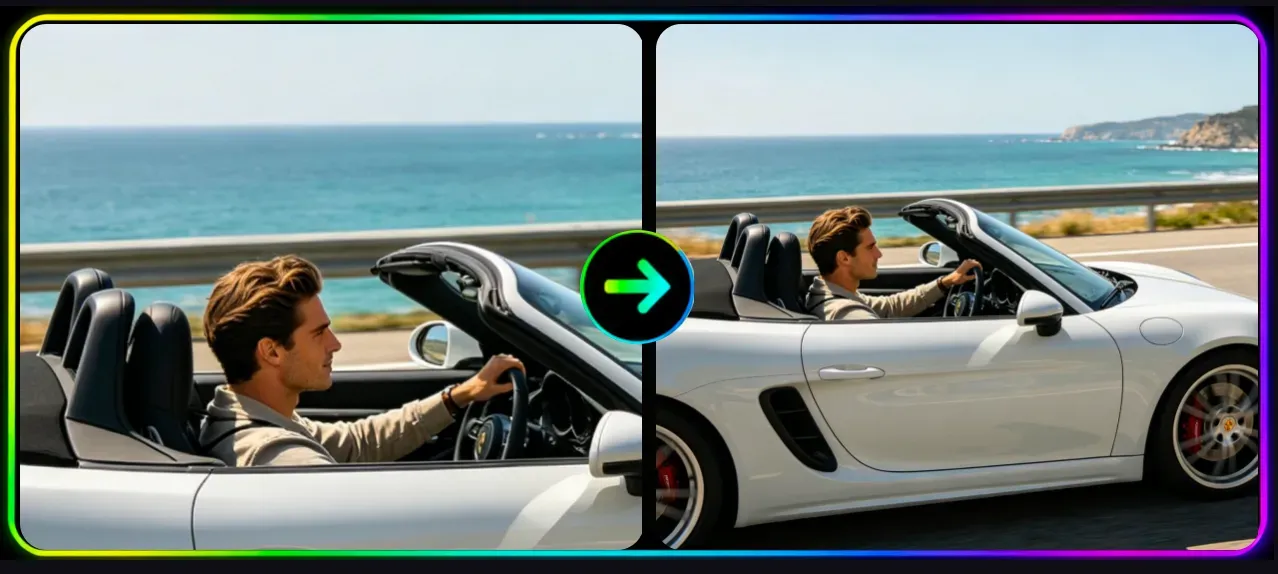
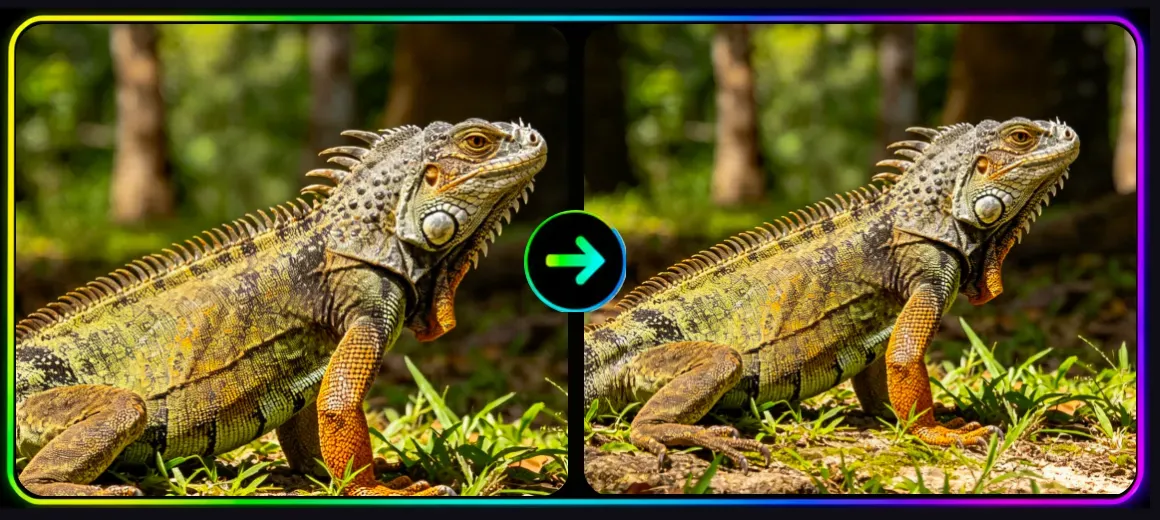
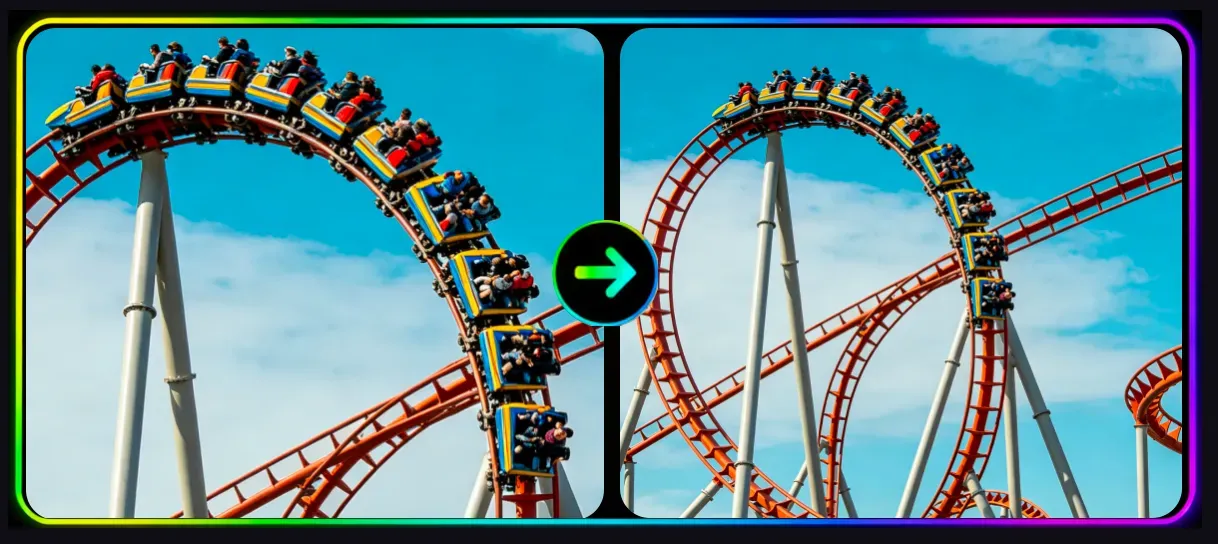
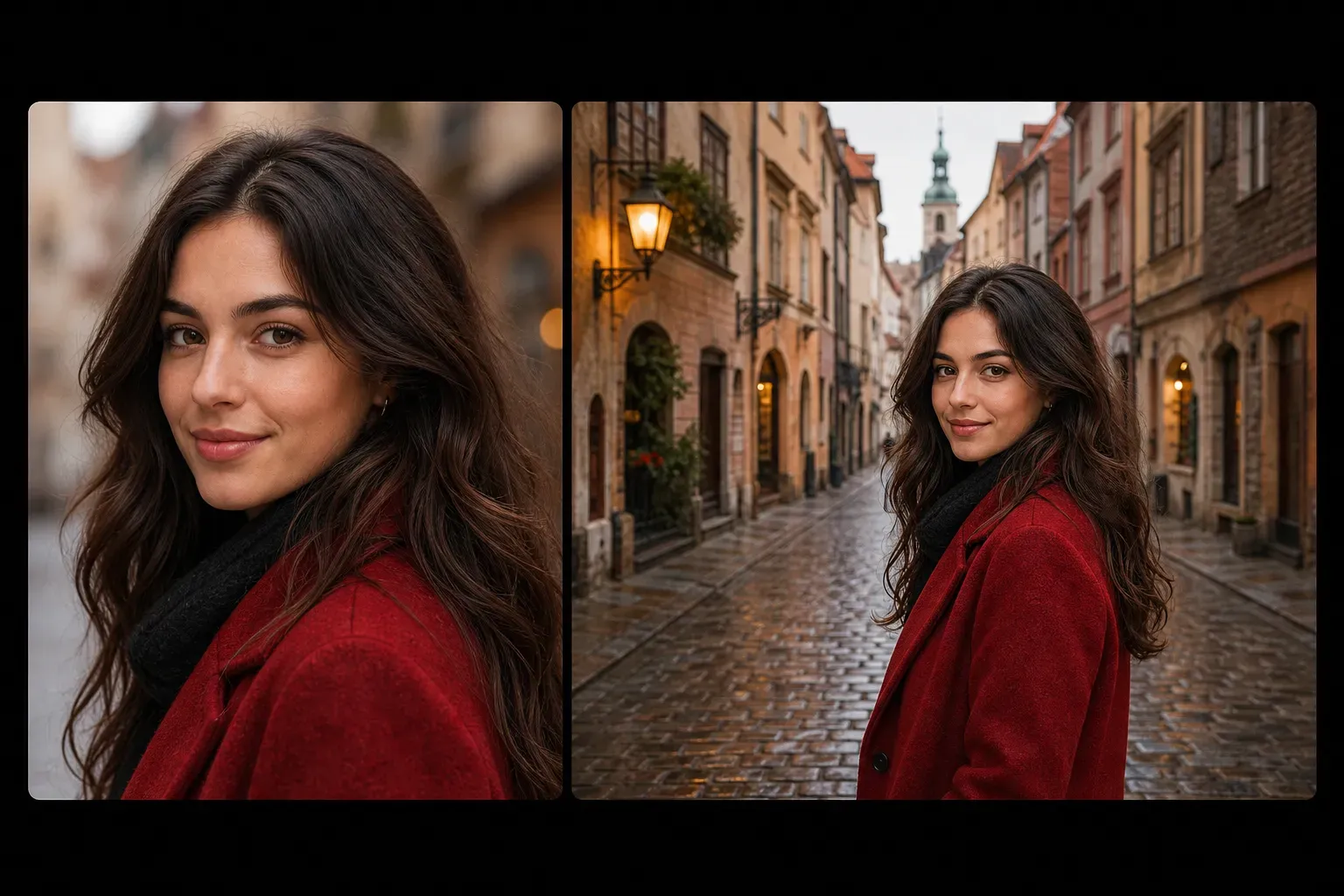

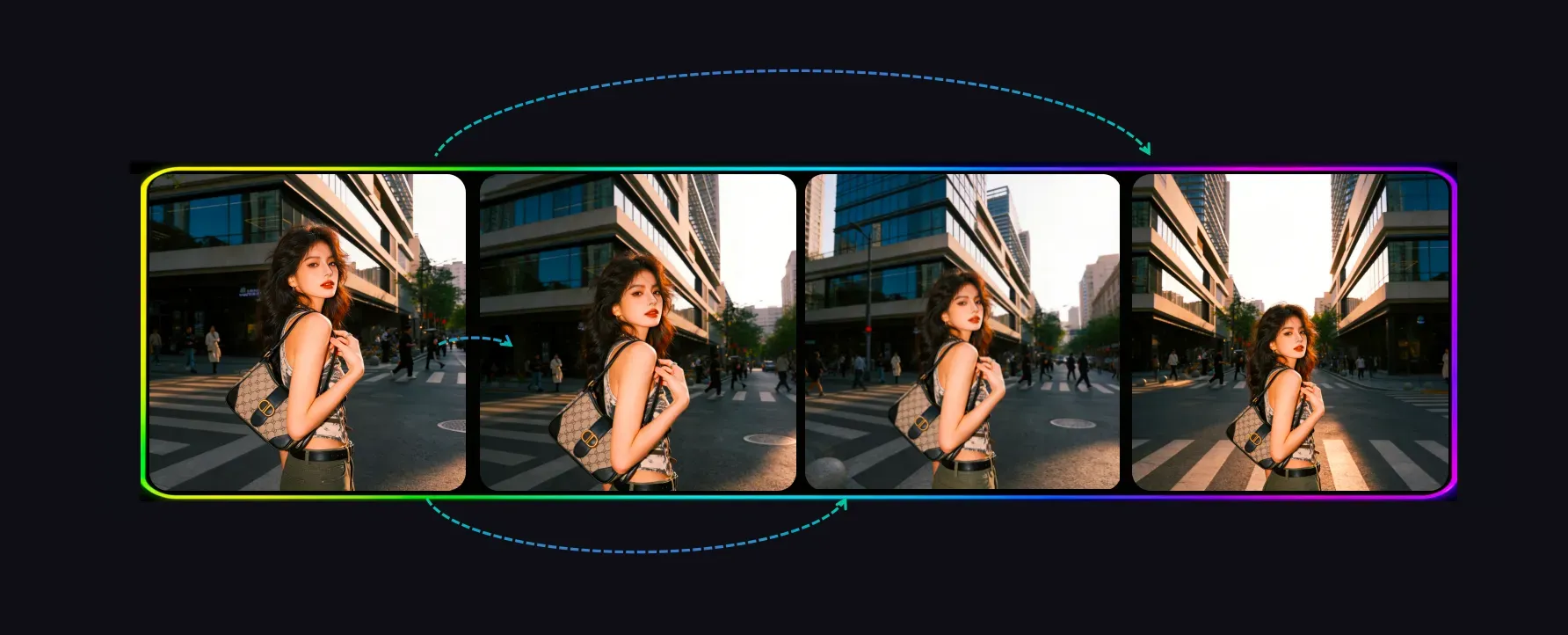
Vidoly AI Image Expander helps users enlarge a photo canvas by generating new visual content outside the original image. Instead of simply resizing, stretching, or cropping, the AI analyzes the image composition, background texture, lighting direction, object edges, and perspective, then creates matching extended areas. It is useful for social media posts, website banners, ecommerce visuals, portraits, wallpapers, ads, and creative design layouts.

Expand Your Image
How Does AI Image Expander Work?

How Does AI Image Expander Work?

AI Image Expander uses outpainting to generate new image areas around the original photo. The AI studies the existing frame, including background patterns, colors, shadows, depth, and object boundaries, then predicts what should naturally continue beyond the image edges. This makes it different from normal resizing, which only changes image dimensions without creating new scene content.

Expand Images for Any Aspect Ratio

Expand Images for Any Aspect Ratio

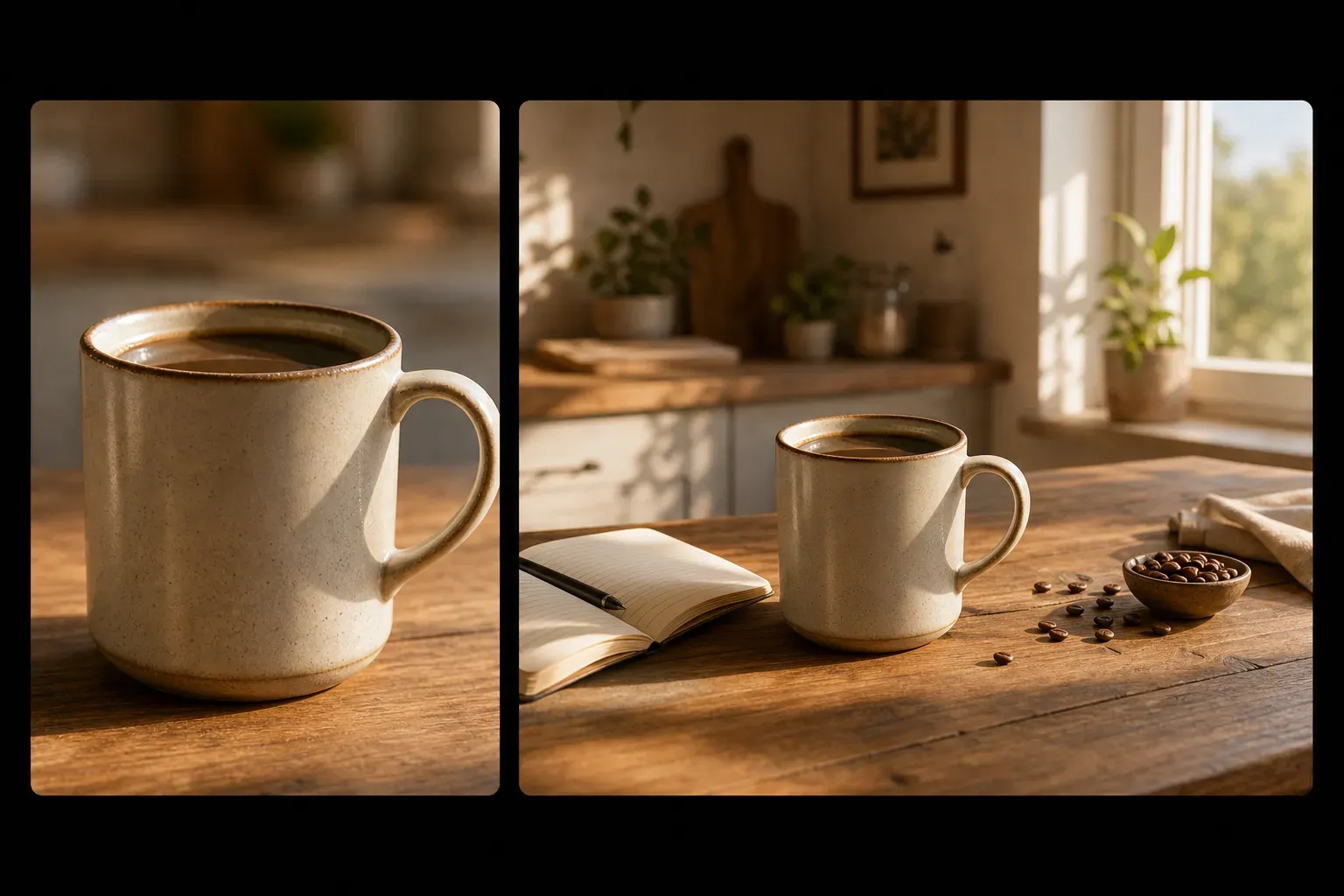
AI image expansion is useful when an image does not fit the format you need. A square image can become a wide banner, a vertical portrait can be adapted for a horizontal layout, and a tight crop can gain more space around the subject. This helps creators prepare images for Instagram, TikTok covers, YouTube thumbnails, website hero banners, ecommerce layouts, and presentation slides.

Turn Cropped Photos into Wider Scenes

Turn Cropped Photos into Wider Scenes

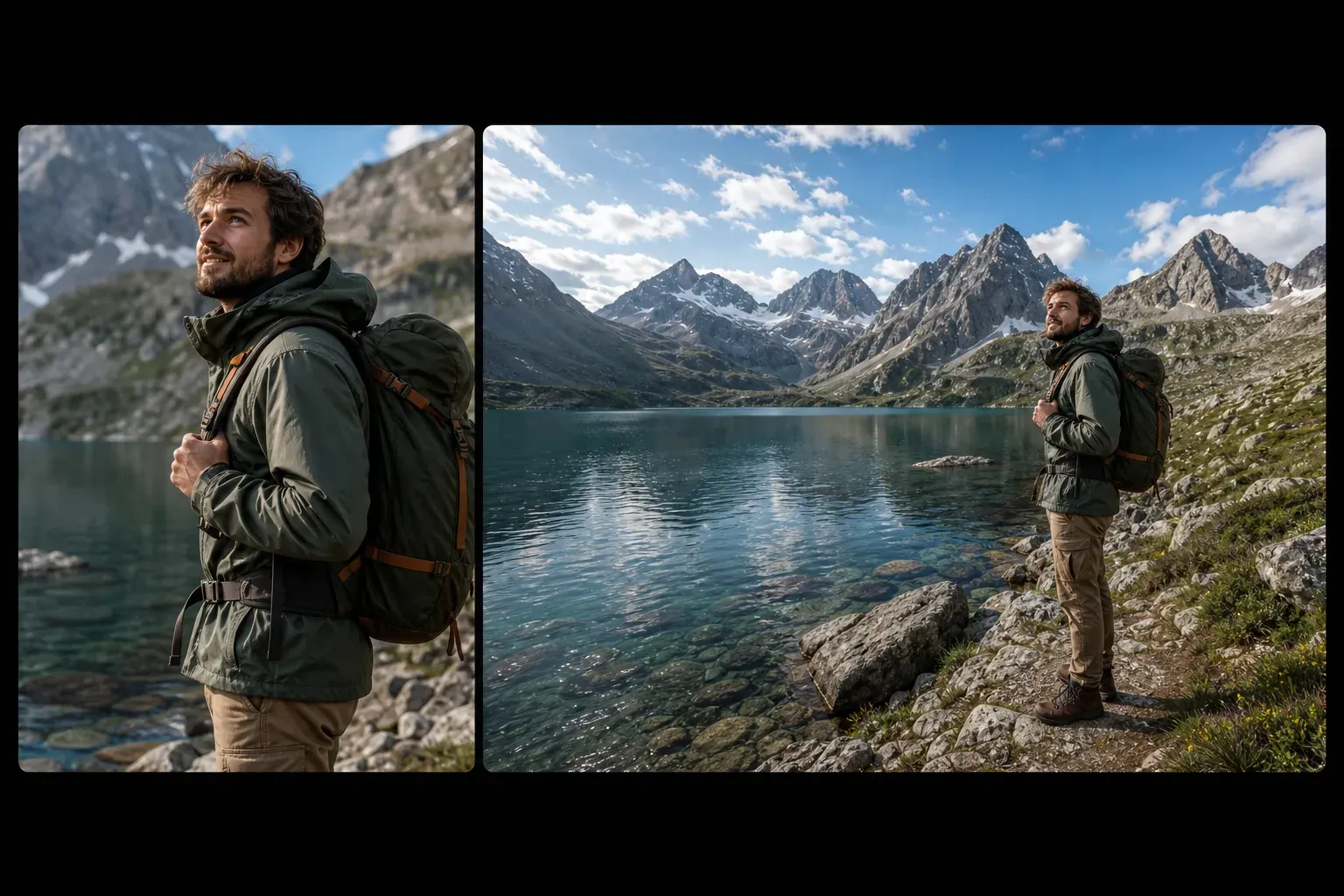
If a photo feels too tightly cropped, AI outpainting can add missing visual space around the subject. Portraits can gain more background, product photos can gain cleaner layout room, and travel photos can become wider scenic images. The best results come from images where the background has enough visible pattern, lighting, and perspective for the AI to continue naturally.

Add Space for Text, Layouts, and Marketing Designs

Add Space for Text, Layouts, and Marketing Designs

Designers often need extra empty space around a subject for headlines, buttons, product copy, or ad layouts. AI Image Expander can extend the background without stretching the subject, making it easier to create banners, social posts, landing page visuals, posters, and campaign creatives. This is especially useful when the original photo is visually strong but too narrow for the final design.

AI Image Expander vs Resize, Crop, and Photoshop

AI Image Expander vs Resize, Crop, and Photoshop

Cropping removes image content, resizing can distort the image, and manual editing takes time. AI Image Expander creates new image content outside the original frame, which makes it better for adapting images to new aspect ratios. Manual Photoshop editing still gives more control for complex commercial retouching, but AI expansion is faster for everyday layout, social media, and creative resizing needs.

Common Limitations of AI Image Expansion

Common Limitations of AI Image Expansion

AI expansion may struggle when the image edge contains faces, hands, text, logos, product labels, complex architecture, reflections, or detailed patterns. Large expansions can also create unrealistic objects or inconsistent perspective. For best results, expand gradually, use clear source images, and review generated edges before using the final image in commercial designs.

How To Use Vidoly AI Image Expander?

1

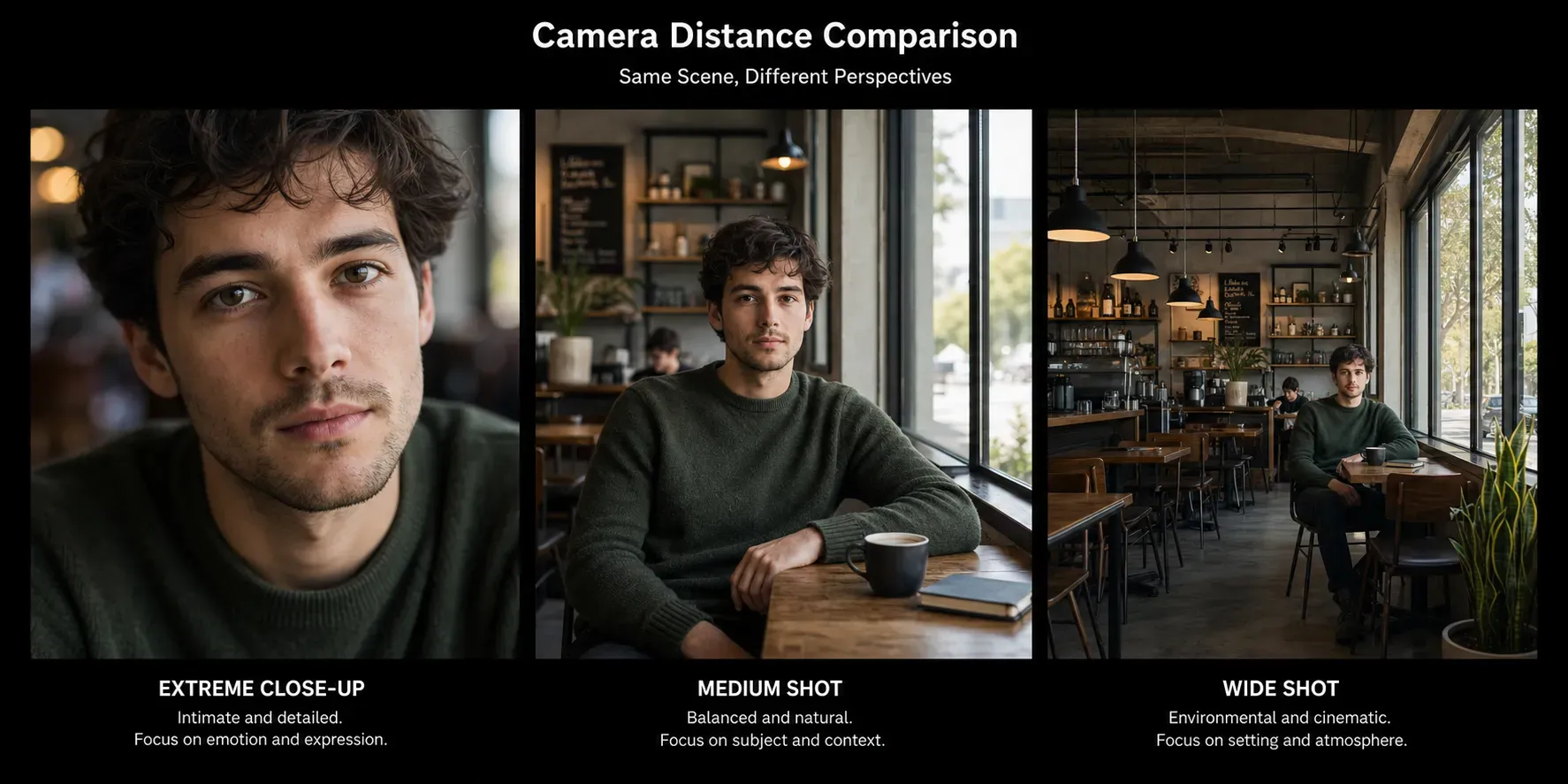
Choose a Shot Distance or Expansion Style

Select the framing style you want, such as a closer crop, a medium shot feel, or a wider zoomed-out composition, and let the AI generate new surrounding content.

2

Upload the Image You Want to Expand

Start by uploading the photo you want to enlarge beyond its original crop.

3

Review and Download the Expanded Result

Check the new composition, confirm the expanded area looks natural, and download the final image for design, social media, or marketing use.

FAQs

What is Vidoly AI Image Expander?

Vidoly AI Image Expander is a tool that extends an image beyond its original borders. It uses AI outpainting to generate new background and scene details around the existing photo.

What is AI outpainting?

AI outpainting is the process of generating new image content outside the original frame. It is commonly used to uncrop images, extend backgrounds, and adapt photos to wider or taller aspect ratios.

Is AI Image Expander different from resizing?

Yes. Resizing changes the size of the existing image and may stretch or compress it. AI Image Expander creates new visual content around the image, so the original subject can stay intact while the canvas becomes larger.

Can I uncrop a photo with AI?

Yes. AI Image Expander can help uncrop photos by adding missing visual space around the original frame. It works best when the image has clear background patterns, lighting, and perspective.

Can I expand a portrait photo?

Yes. Portraits can be expanded to add more background around the person. Results are usually better when the face and body are not cut off at the image edge.

Can I expand product images?

Yes. Product photos can be expanded for ecommerce banners, ads, and product layouts. Be careful with product labels, logos, packaging text, and exact product edges because AI may alter fine details.

Can I use it for social media resizing?

Yes. AI Image Expander is useful for adapting images to different platform formats, including square posts, vertical covers, horizontal banners, and thumbnail layouts.

What images work best for AI expansion?

Images with clear backgrounds, natural lighting, visible scene context, and simple edge areas usually work best. Landscapes, portraits with background space, product photos on simple surfaces, and lifestyle images are strong inputs.

Why does the expanded area look strange?

Artifacts can appear when the AI has too little context or when the image edge contains complex details. Hands, faces, text, logos, buildings, reflections, and repeated patterns are common weak areas.

Is AI Image Expander better than Photoshop?

AI Image Expander is faster for quick outpainting and aspect-ratio adaptation. Photoshop or manual editing may be better when you need precise control, brand accuracy, or detailed commercial retouching.