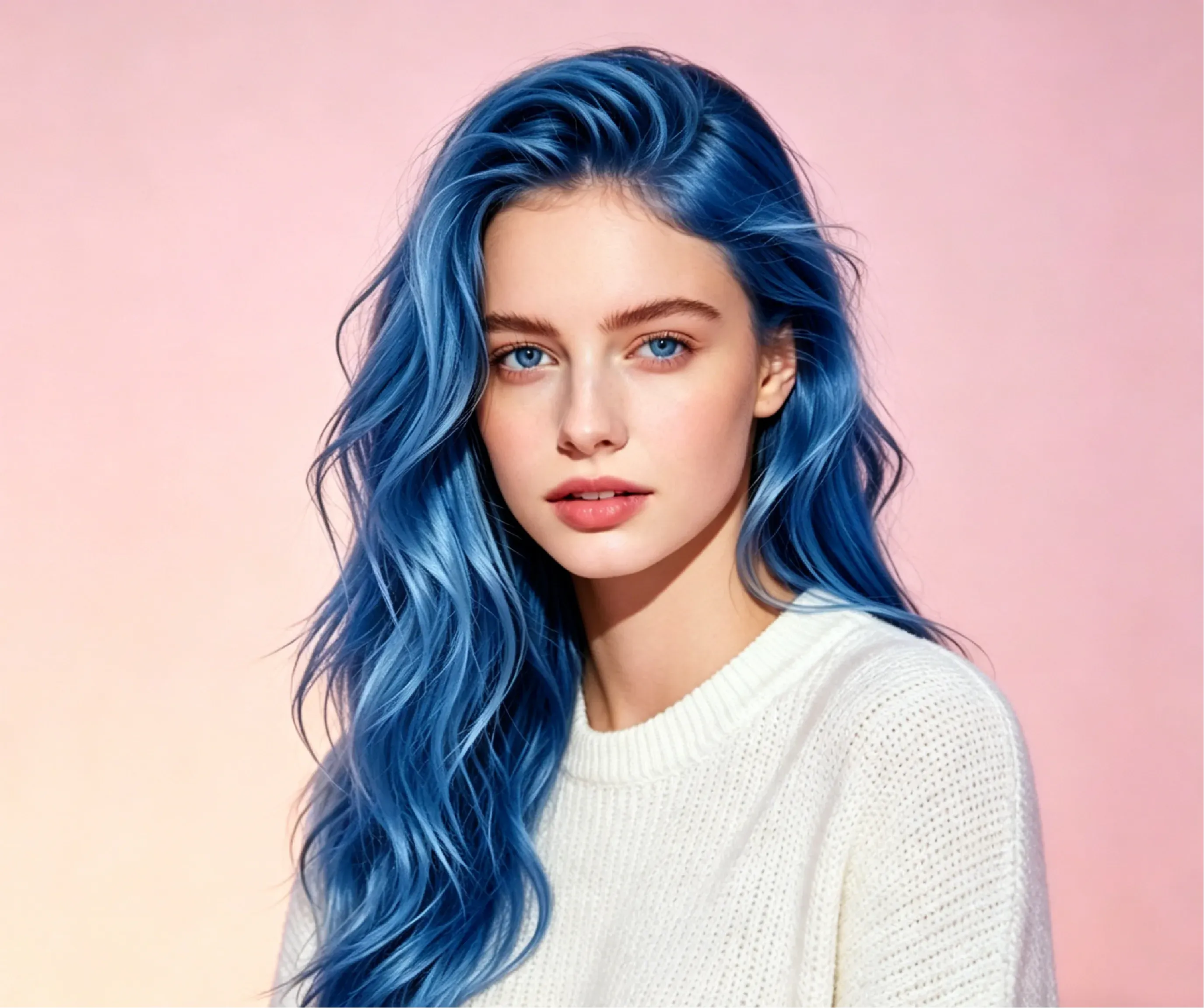
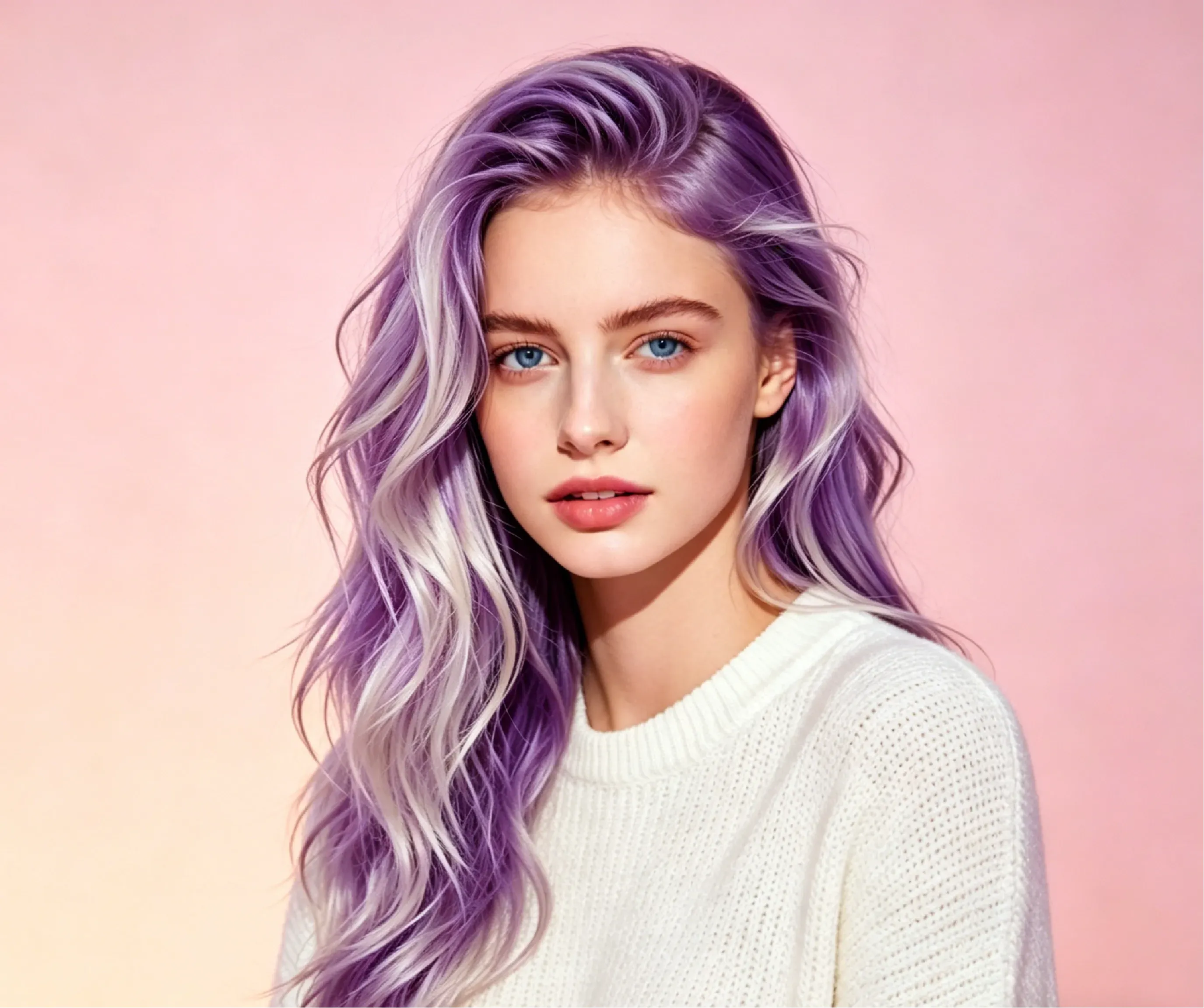
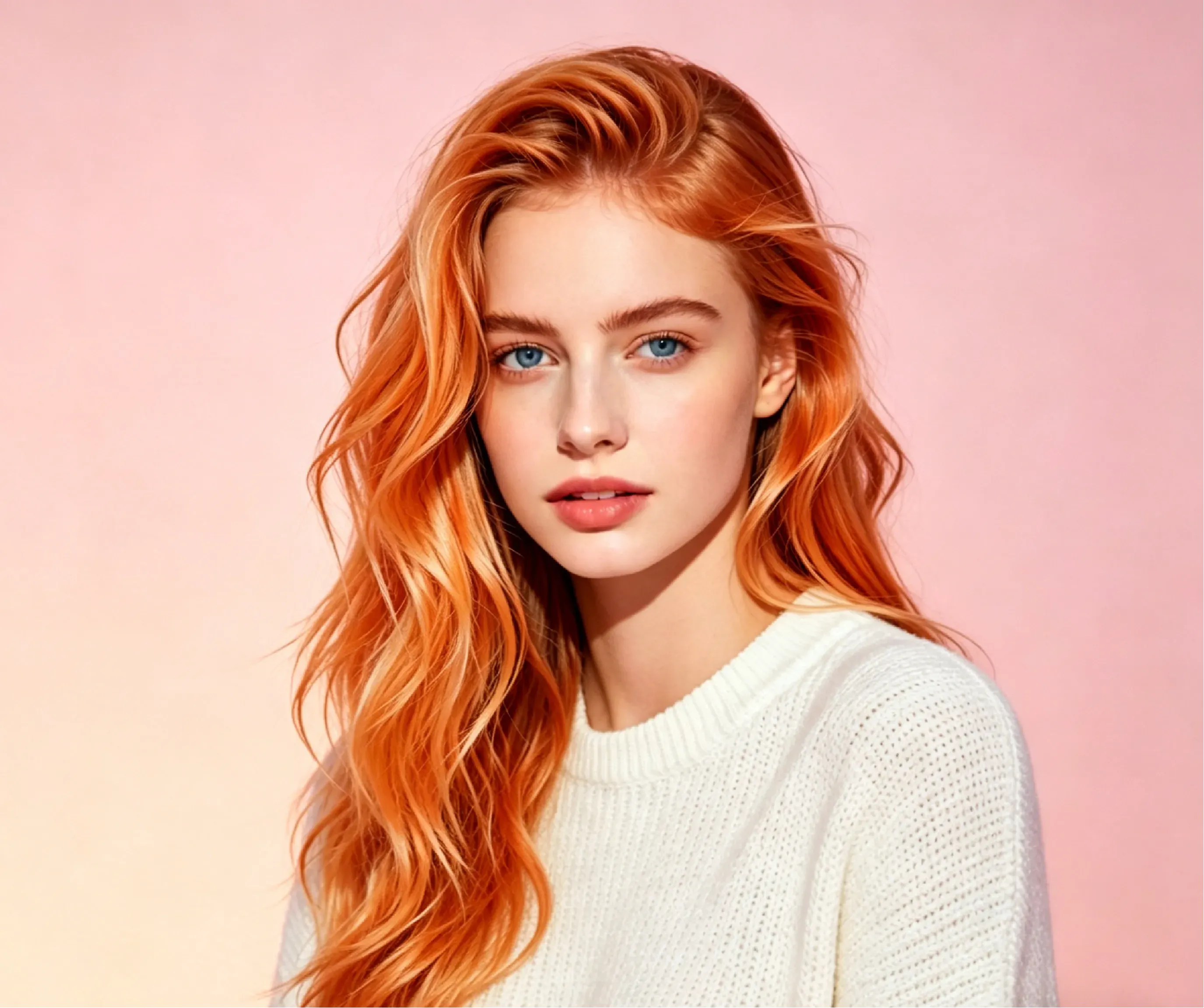
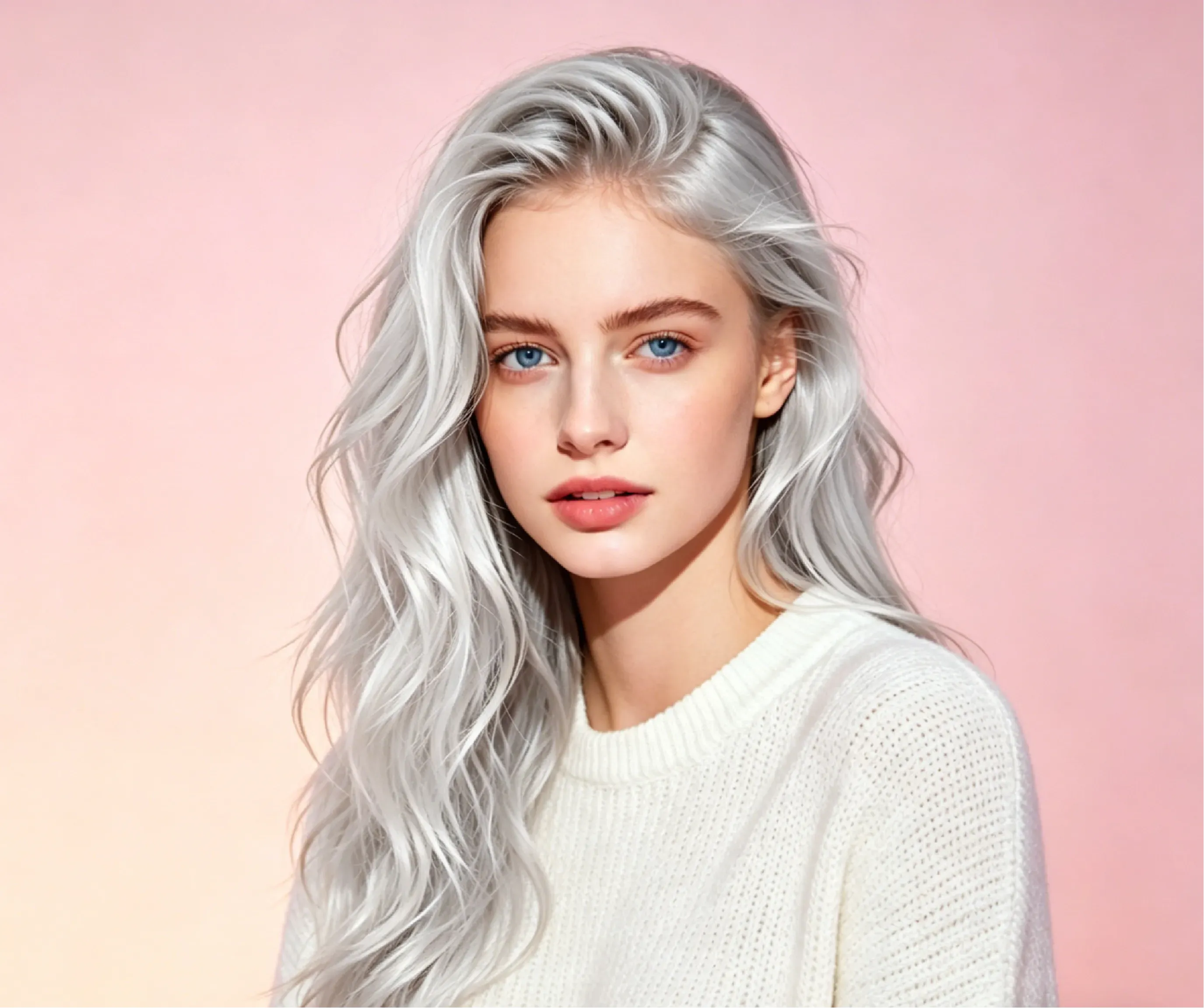
Can a salon stylist replicate the hair color generated by Vidoly AI?
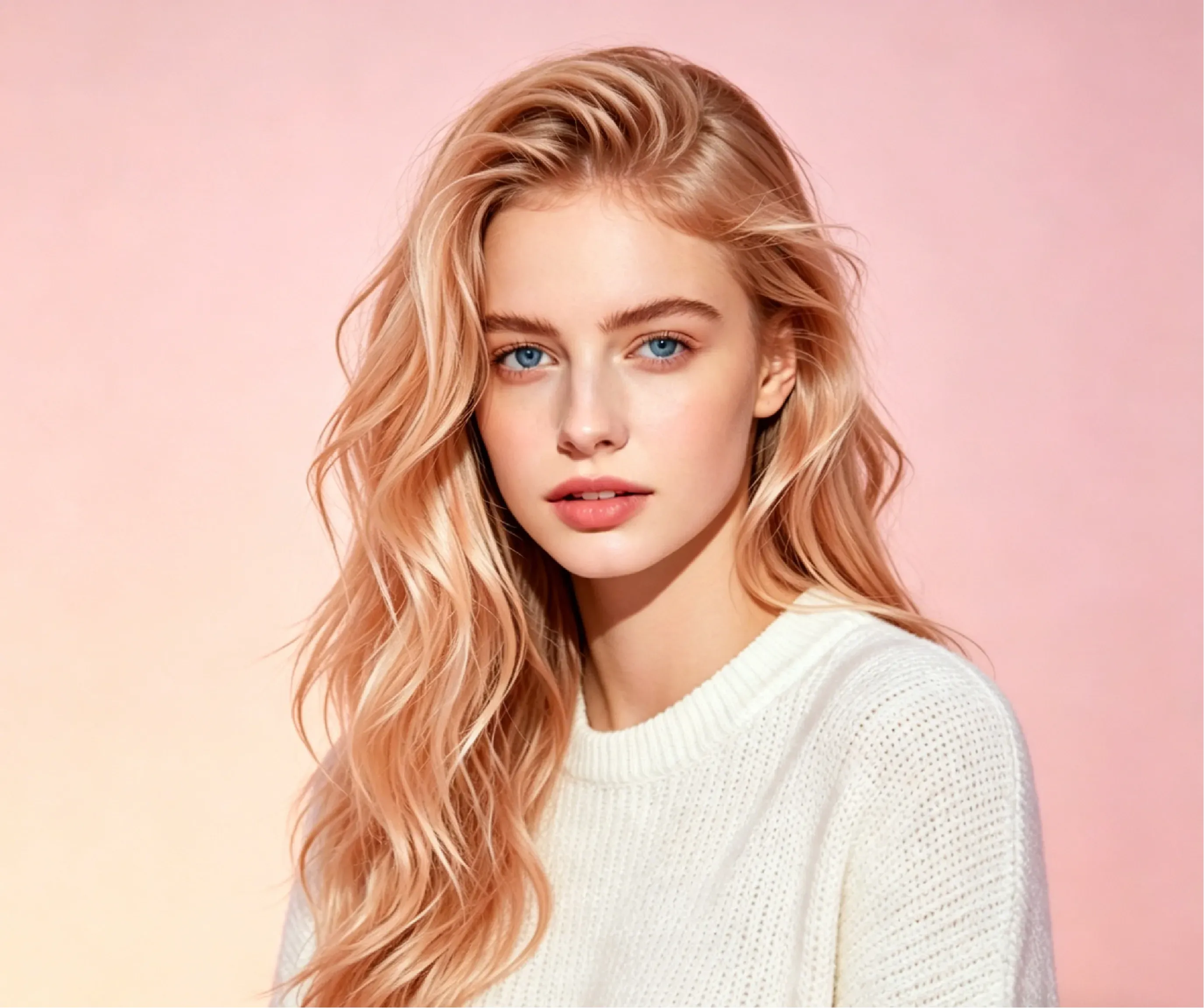
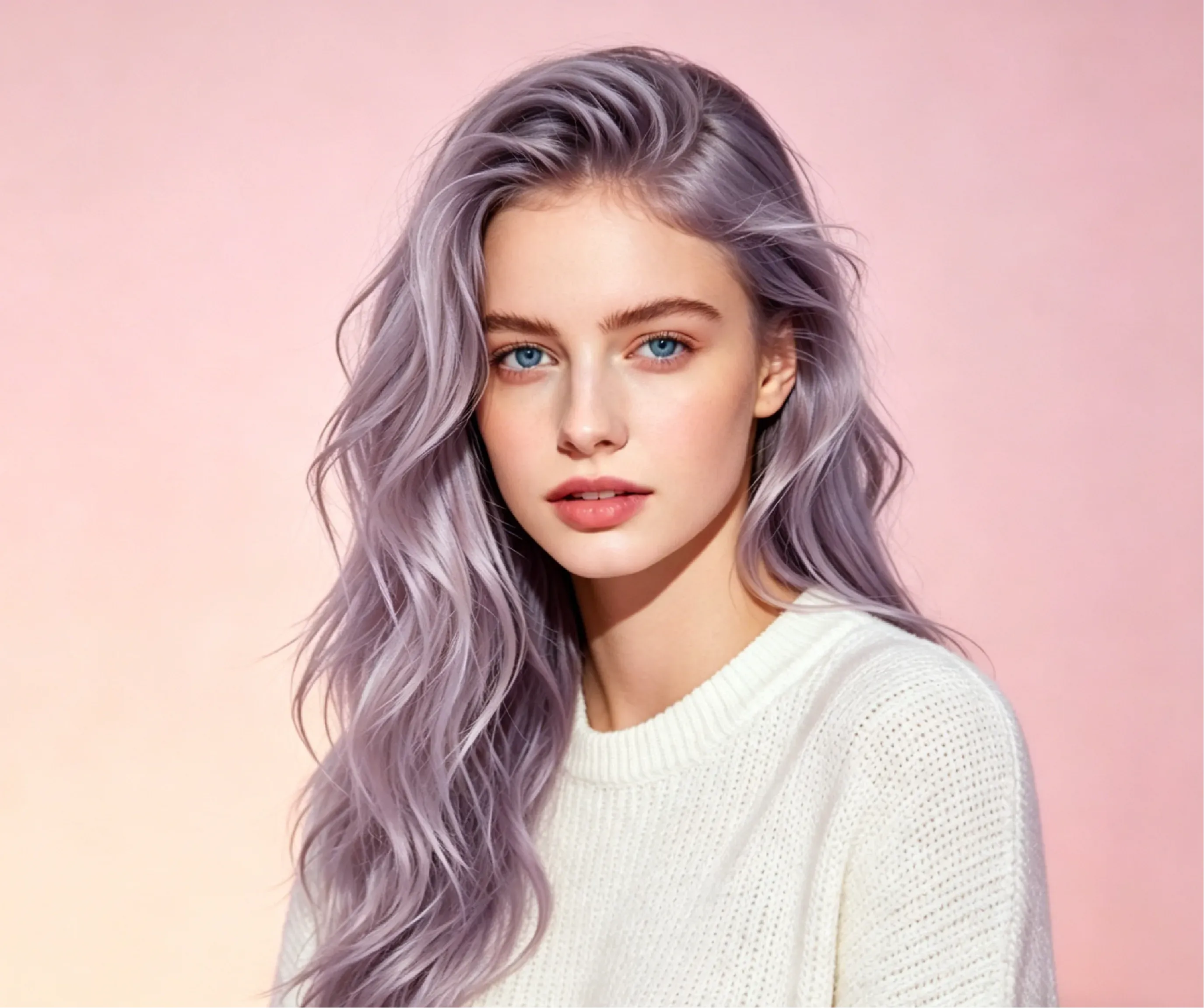
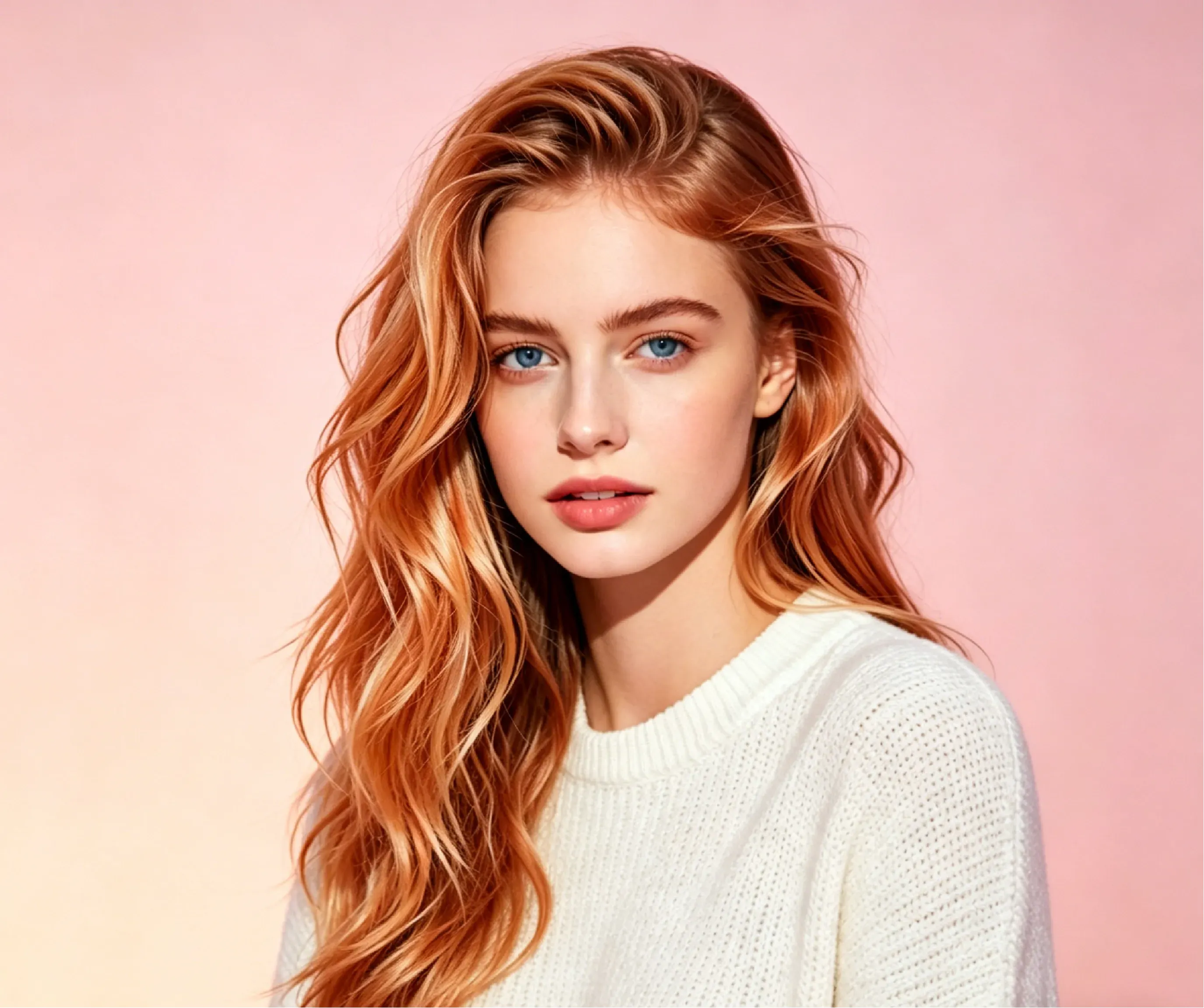
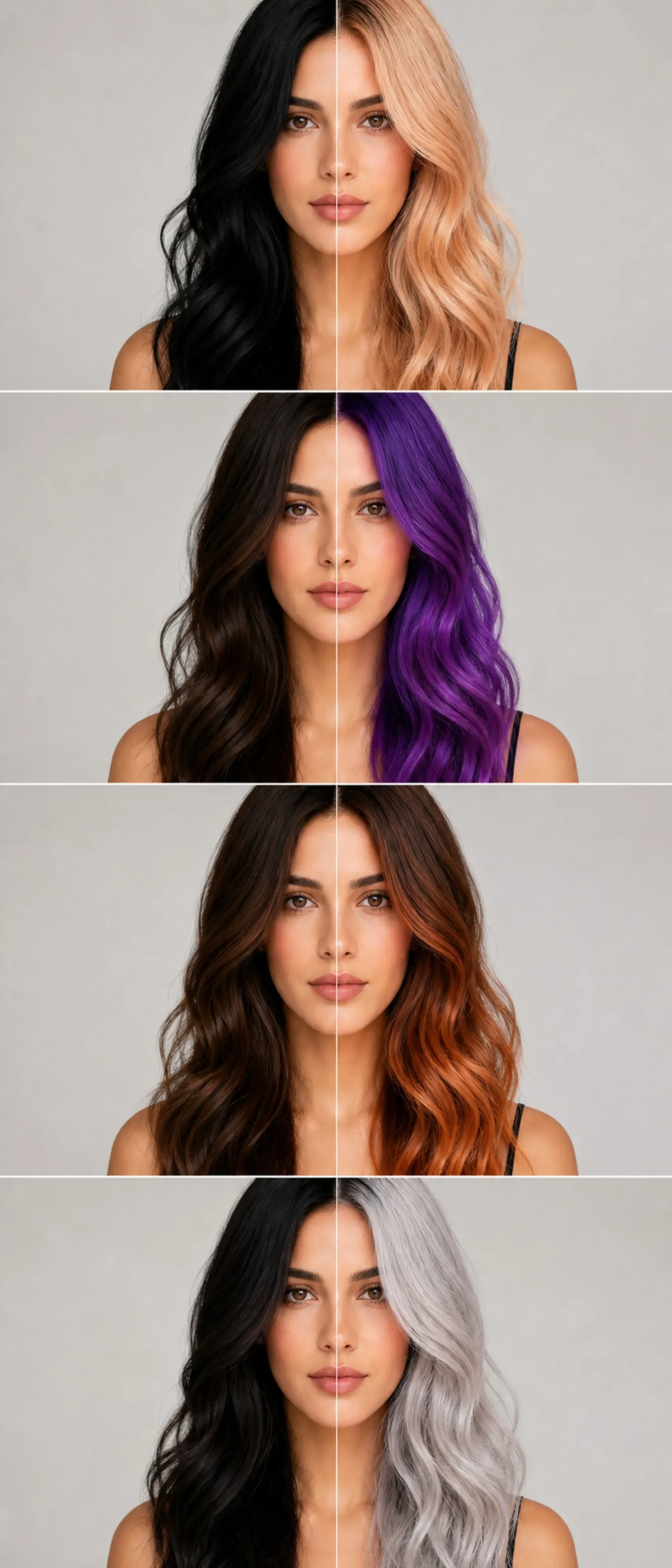
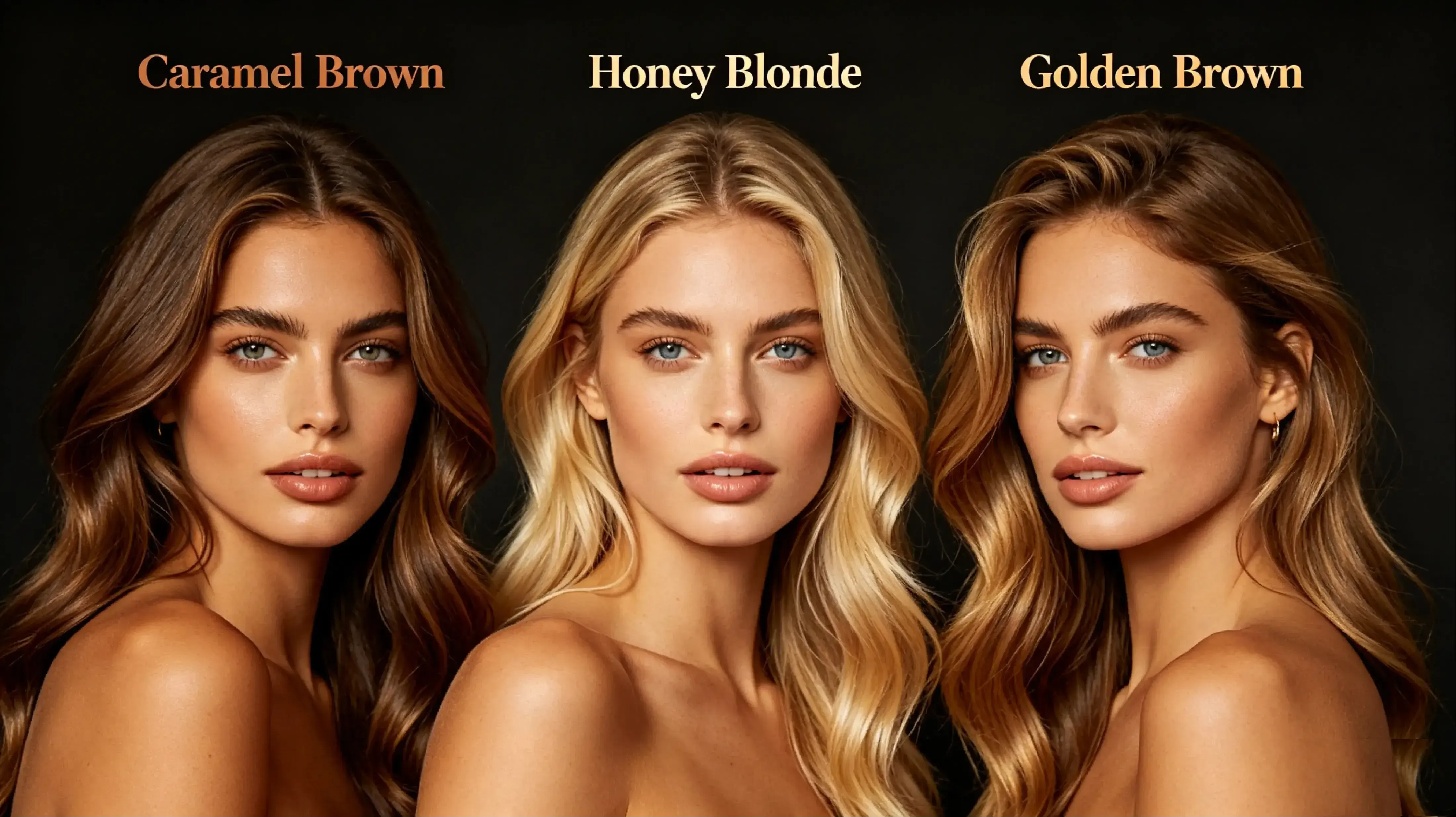
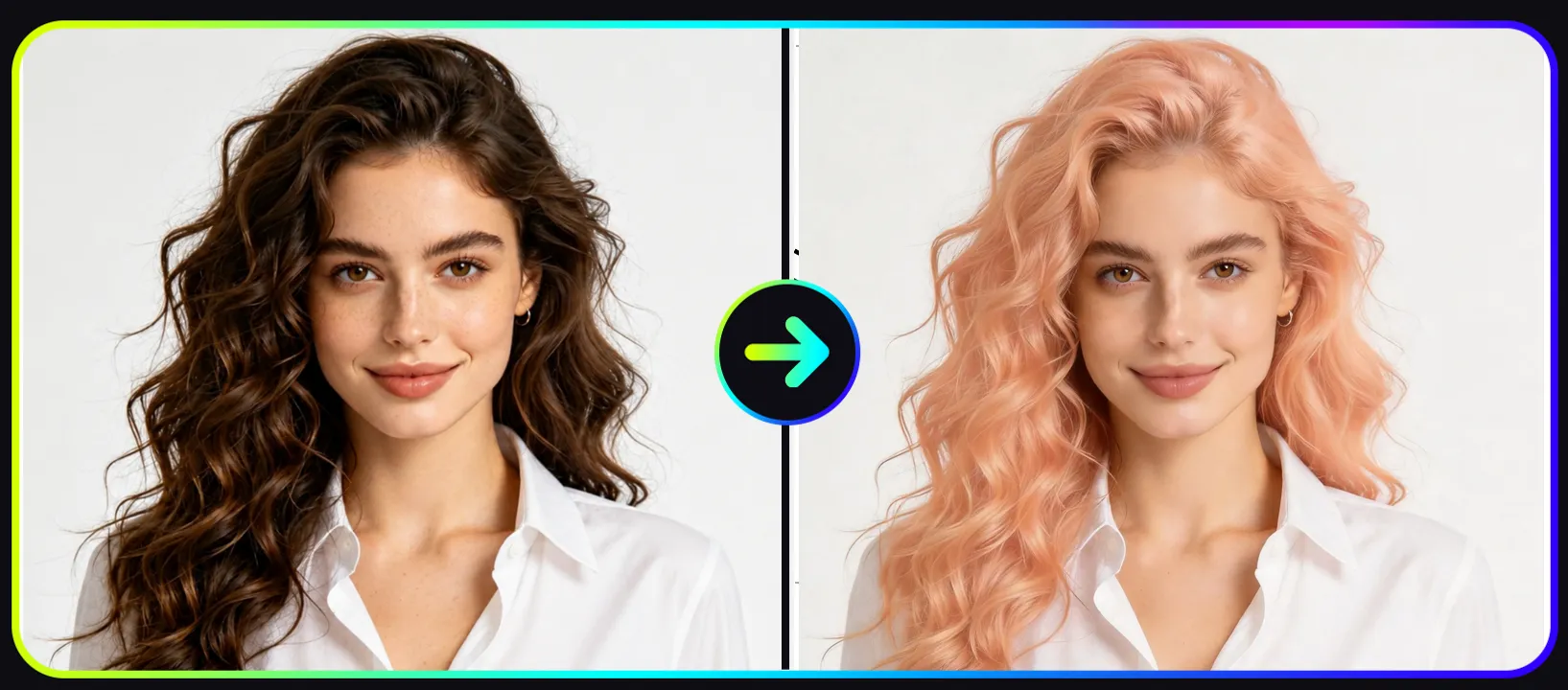
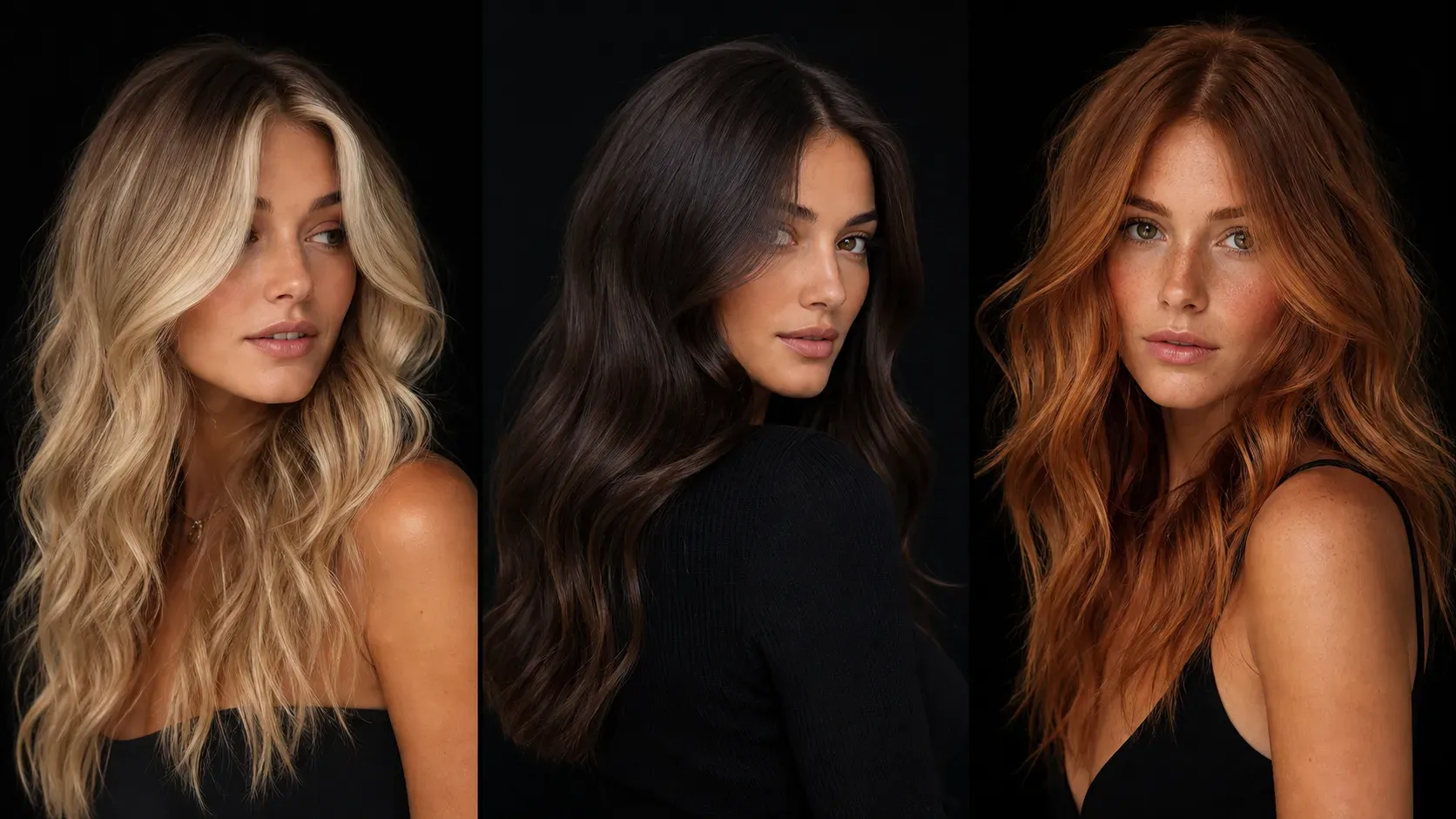
Vidoly AI Hair Color Changer can be used as a visual reference for a salon consultation, especially when comparing blonde, copper, red, silver, balayage, highlights, or fantasy color ideas. However, the final salon result depends on your natural base color, hair condition, previous dye history, bleaching process, and stylist technique. Treat the AI image as a direction and mood reference, not a guaranteed dye formula.
Why does an AI hair color preview look different from real salon dye?
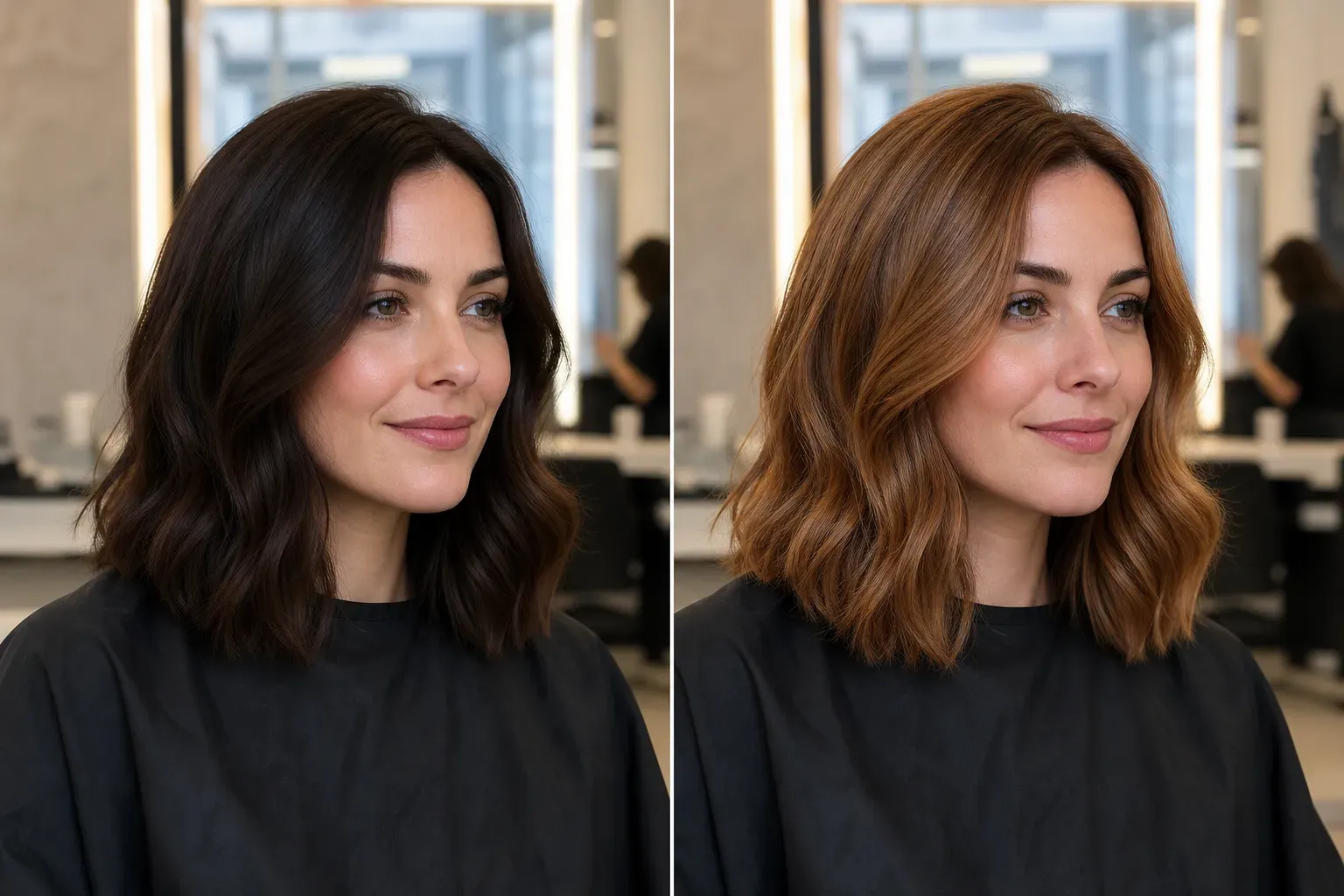
AI changes the color inside an image, while real dye reacts with your actual hair pigment, porosity, texture, and lighting. Dark hair may need bleaching before pastel, silver, or platinum shades can appear in real life. Use the preview to compare visual options, then ask a stylist whether the color is realistic for your hair type.
Can Vidoly handle dark roots, highlights, balayage, or ombré hair?
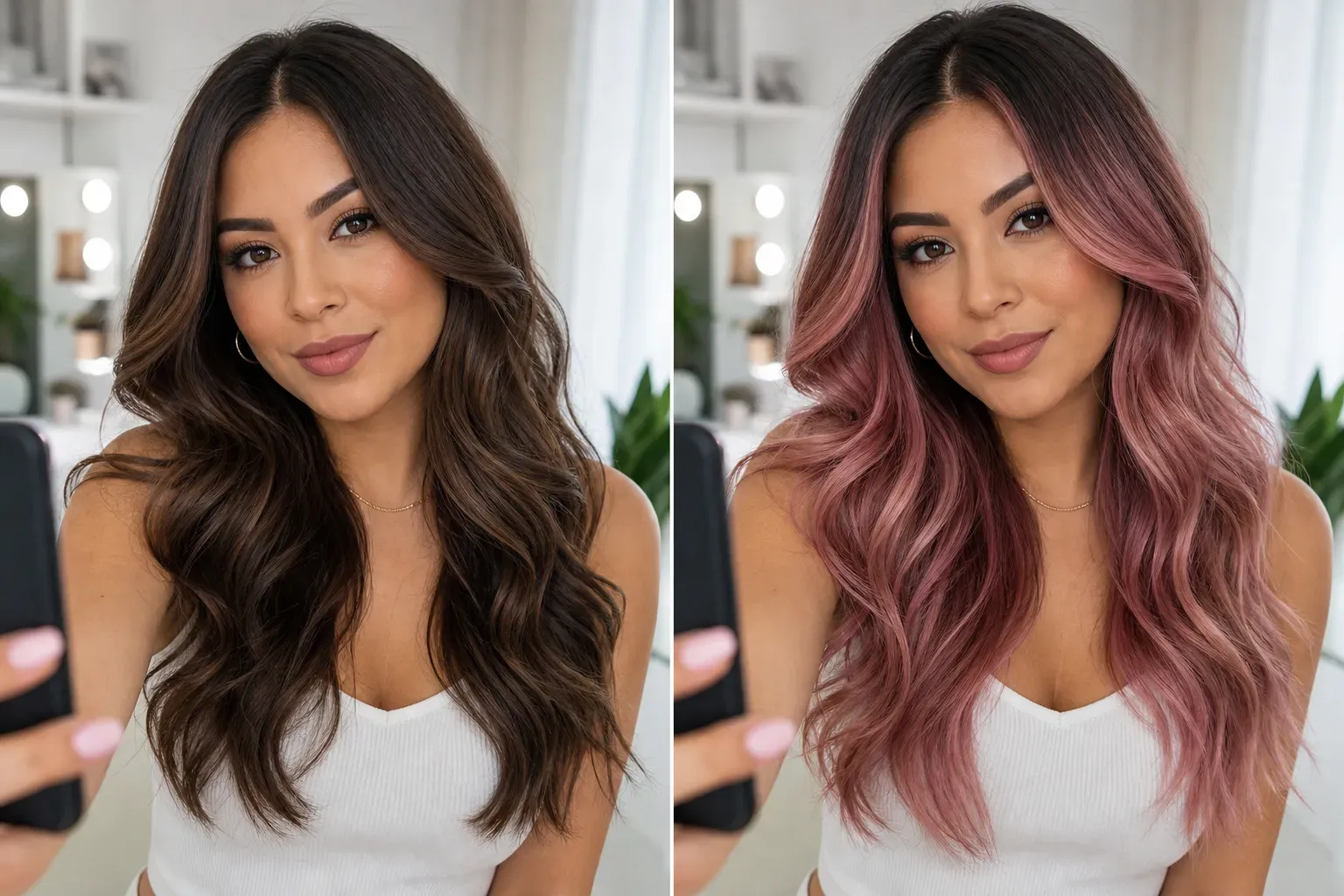
Vidoly works best when the hair area is clearly visible and well lit. For multi-tone hair, the AI aims to preserve existing shadows, roots, highlights, and gradient placement while applying the new shade. If you want a rooted blonde, soft balayage, or ombré effect, review the result around the roots and ends before using it as a reference.
Does the AI work on black or very dark hair?
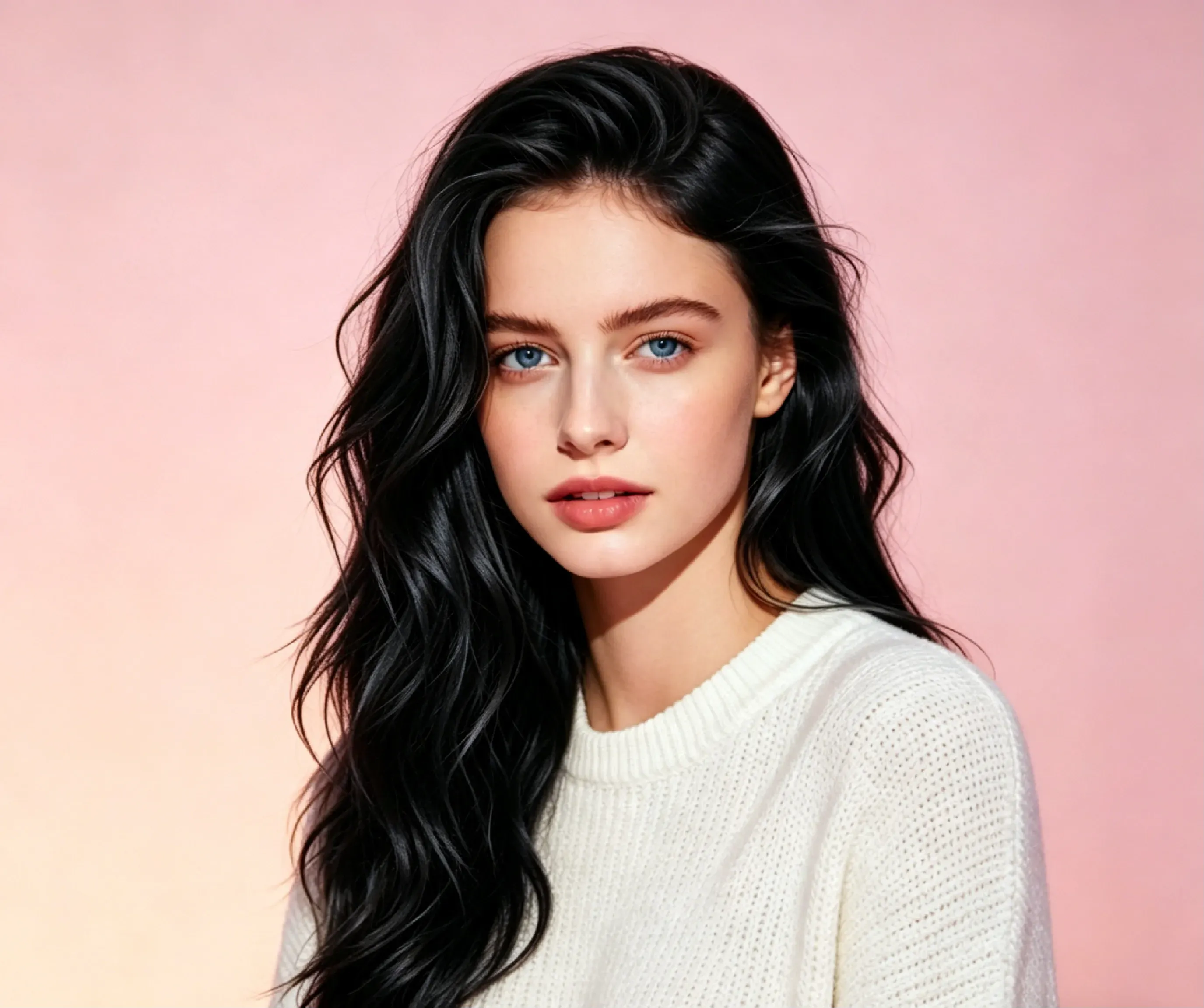
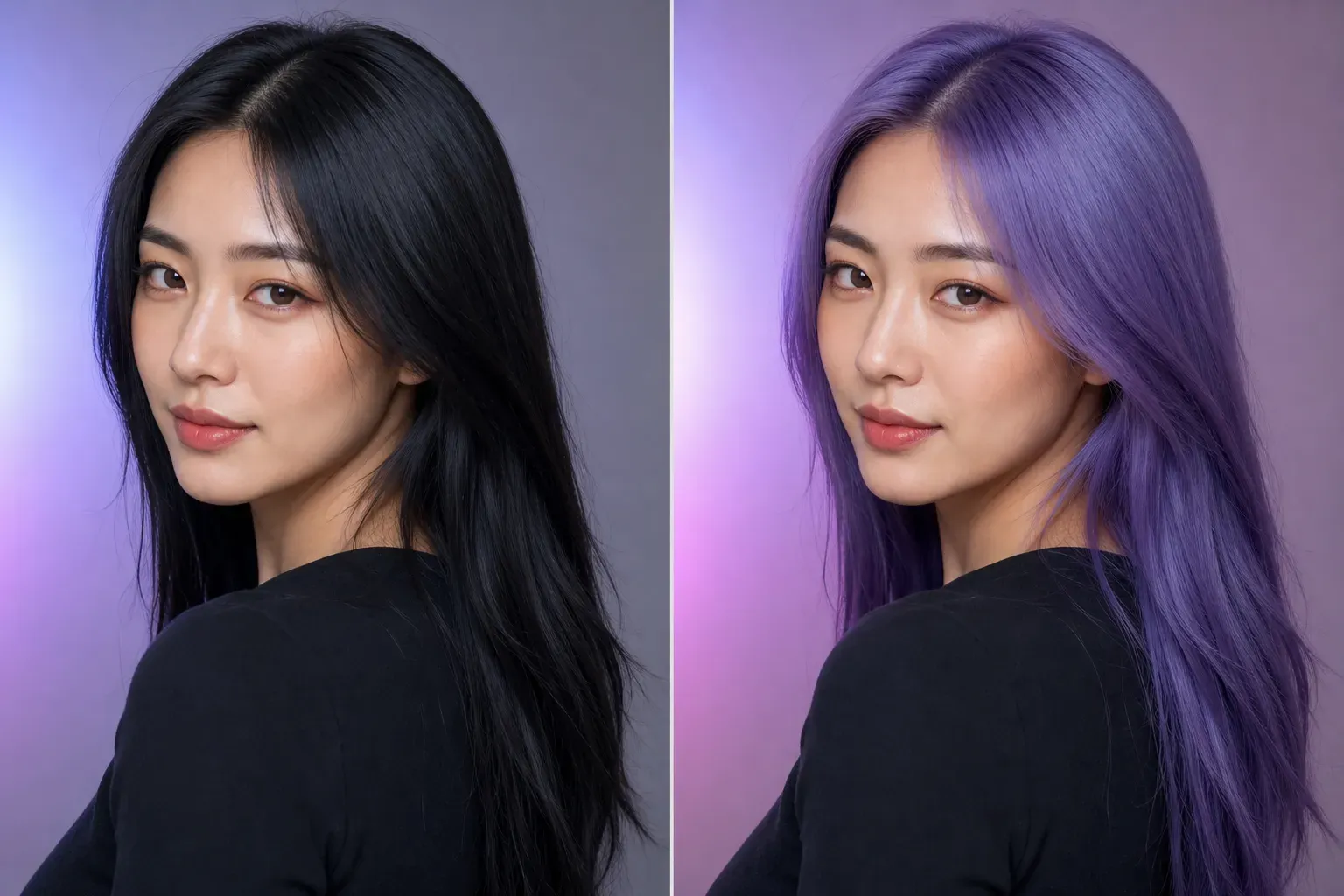
Yes, you can preview lighter colors on black or dark brown hair, including blonde, copper, red, purple, silver, and pastel tones. The preview may look more dramatic than a real salon result because real dark hair often needs bleaching to reach light shades. For realistic planning, generate several options and compare warm, cool, and natural tones.
Will the AI preserve curls, waves, and hair texture?
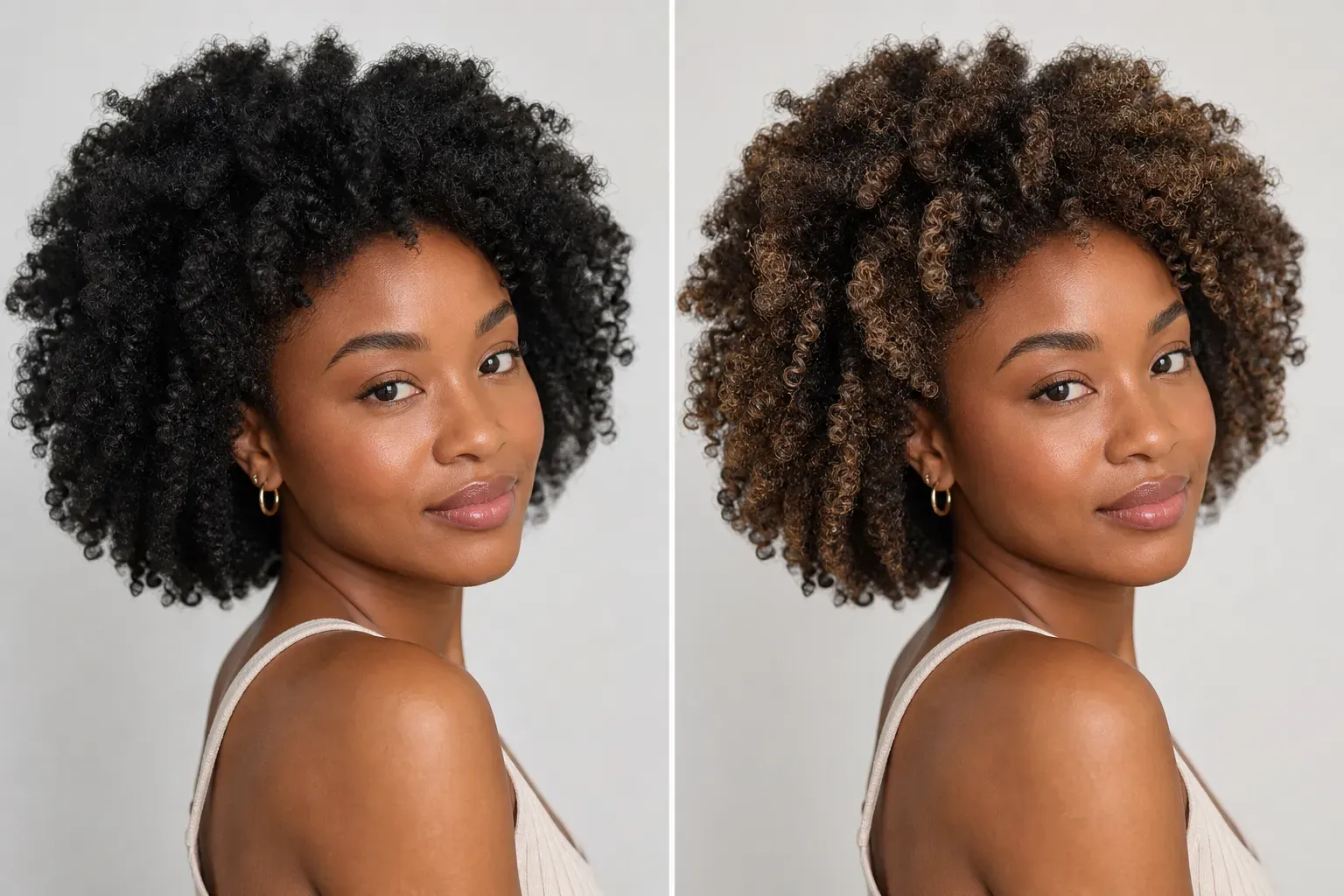
Vidoly is designed to keep visible hair shape, volume, highlights, shadows, curls, waves, and strand direction while changing the color. Results are usually better when the hair is not heavily blurred, hidden by hats, or blended into a dark background. Curly and coily hair previews should be checked carefully around overlapping curls and fine edges.
Can I use the generated hair color image for social media?
Yes, you can use the generated preview for profile photos, makeover posts, beauty content, cosplay planning, thumbnails, and style comparisons. Before posting, check the hairline, face edges, roots, and any areas where the new color may have touched the skin, clothing, or background.
Can I try fantasy hair colors like pink, blue, purple, or silver?
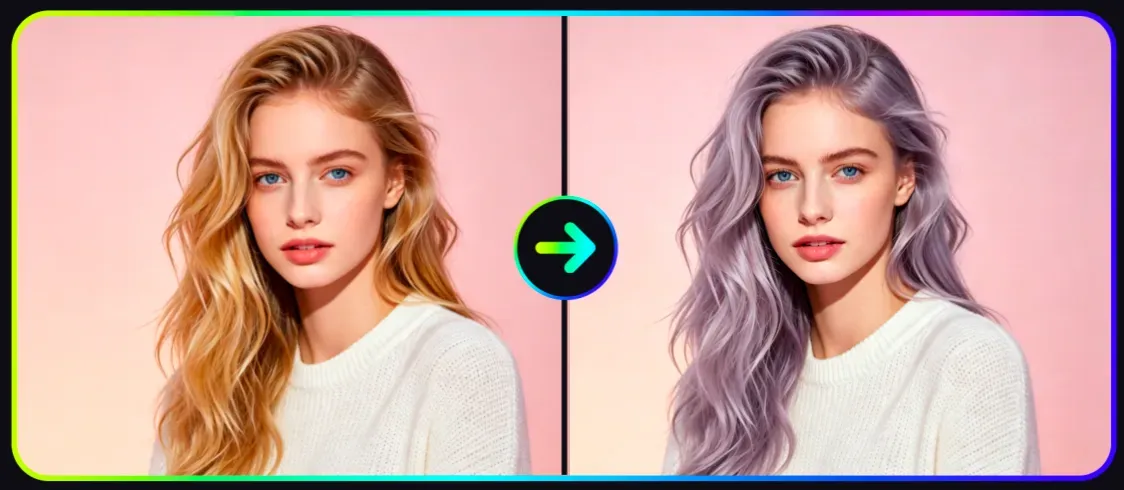
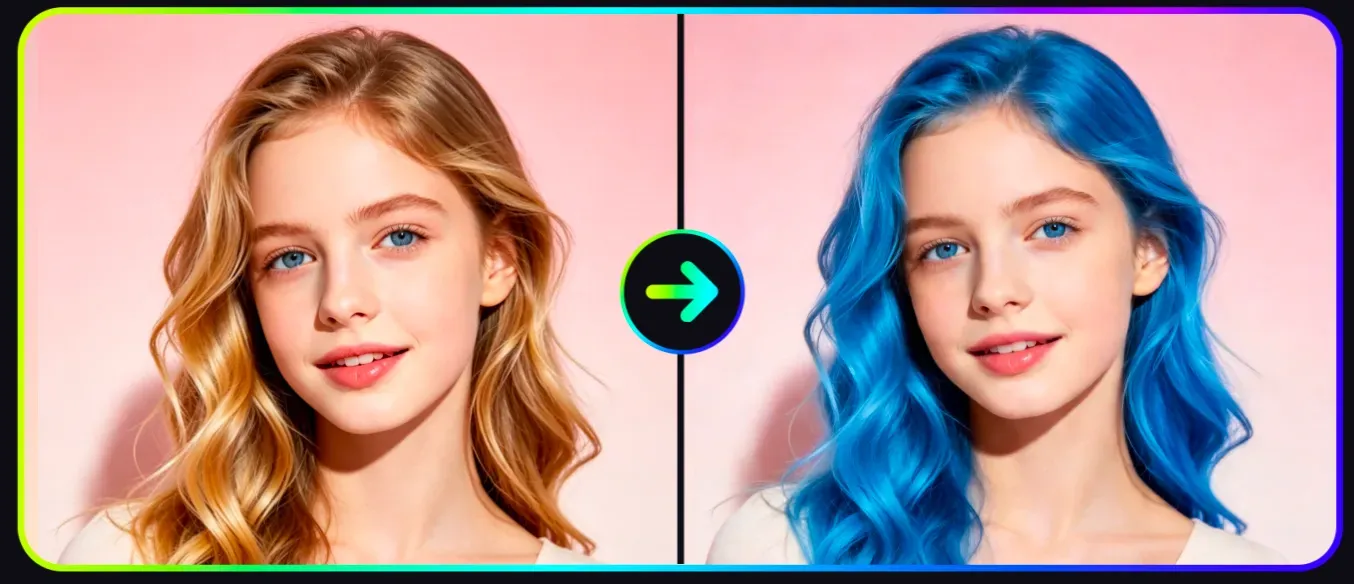
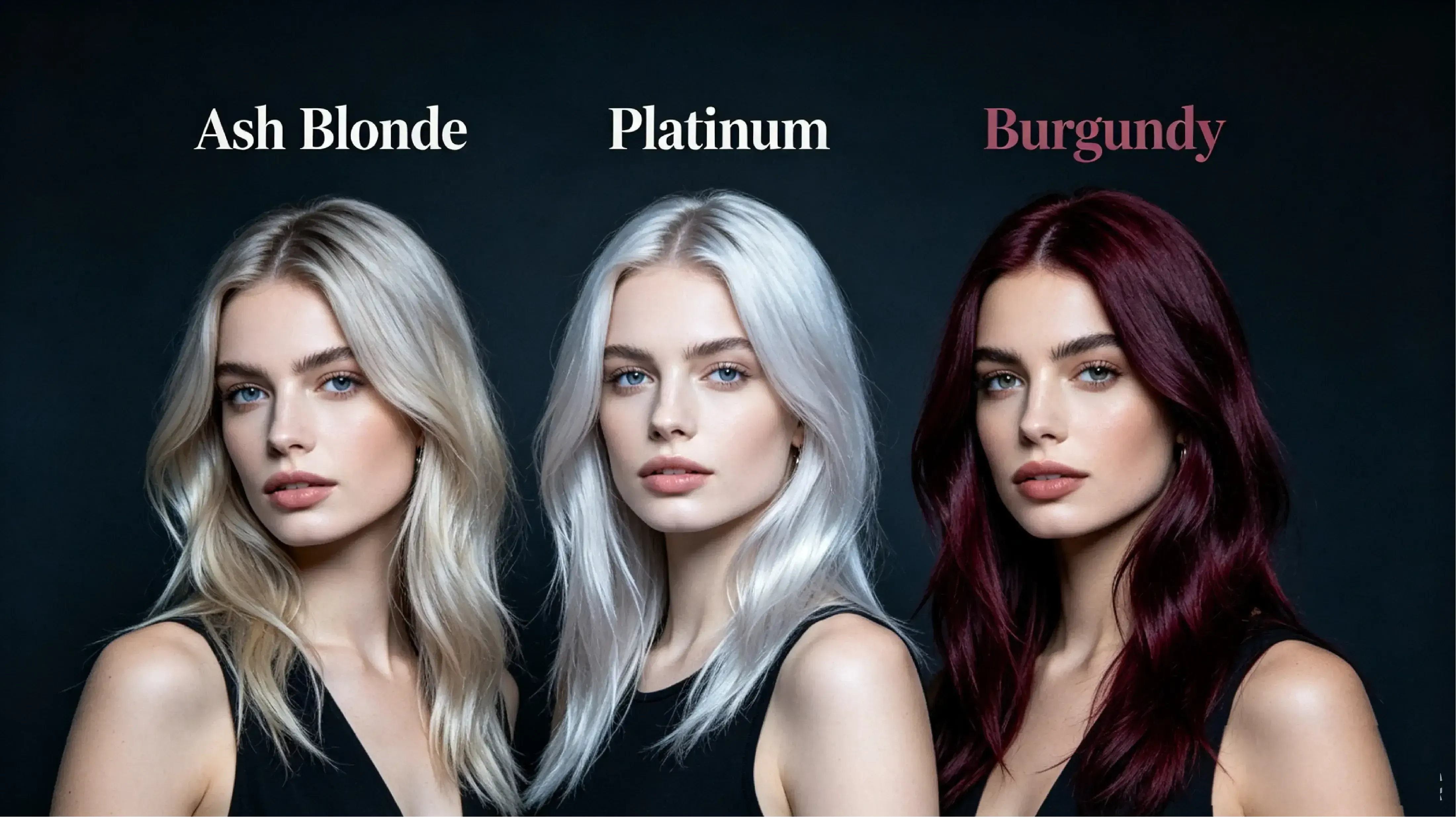
Yes. Vidoly can preview natural shades and fantasy hair colors, including pastel pink, lavender, neon purple, blue, silver gray, platinum, and split-color looks. Fantasy shades are useful for cosplay, music visuals, festival styling, and social content, but real-world dye results may require bleaching or color correction.
What kind of photo gives the best AI hair color result?
Use a clear portrait where the hair is visible, well lit, and separated from the background. Avoid photos with heavy shadows, motion blur, hats, extreme filters, messy backgrounds, or hair covering too much of the face. Front-facing or three-quarter portraits usually work better than distant full-body photos.
Can men use the AI hair color changer?
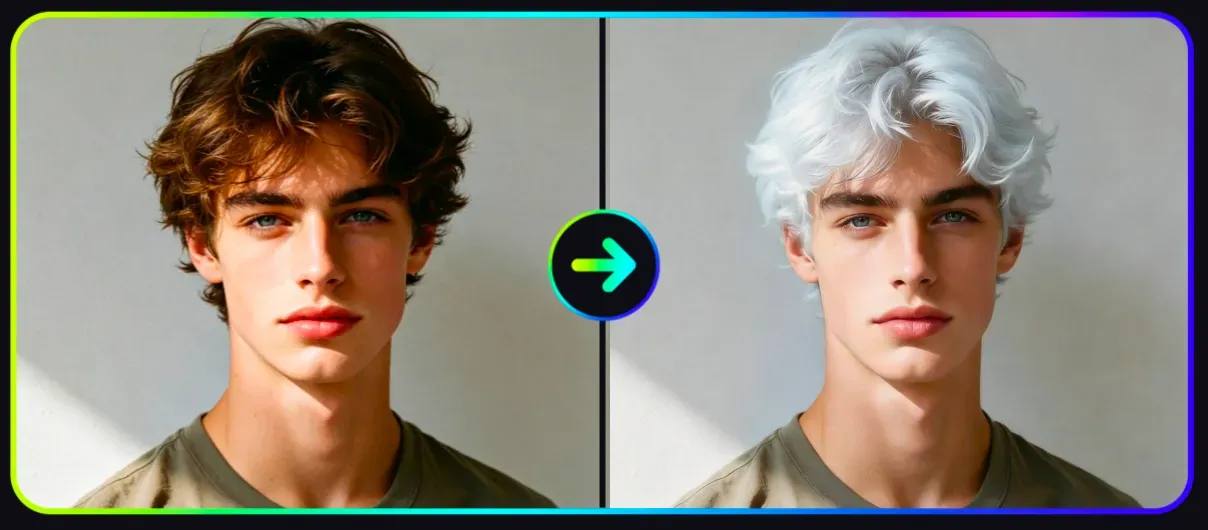
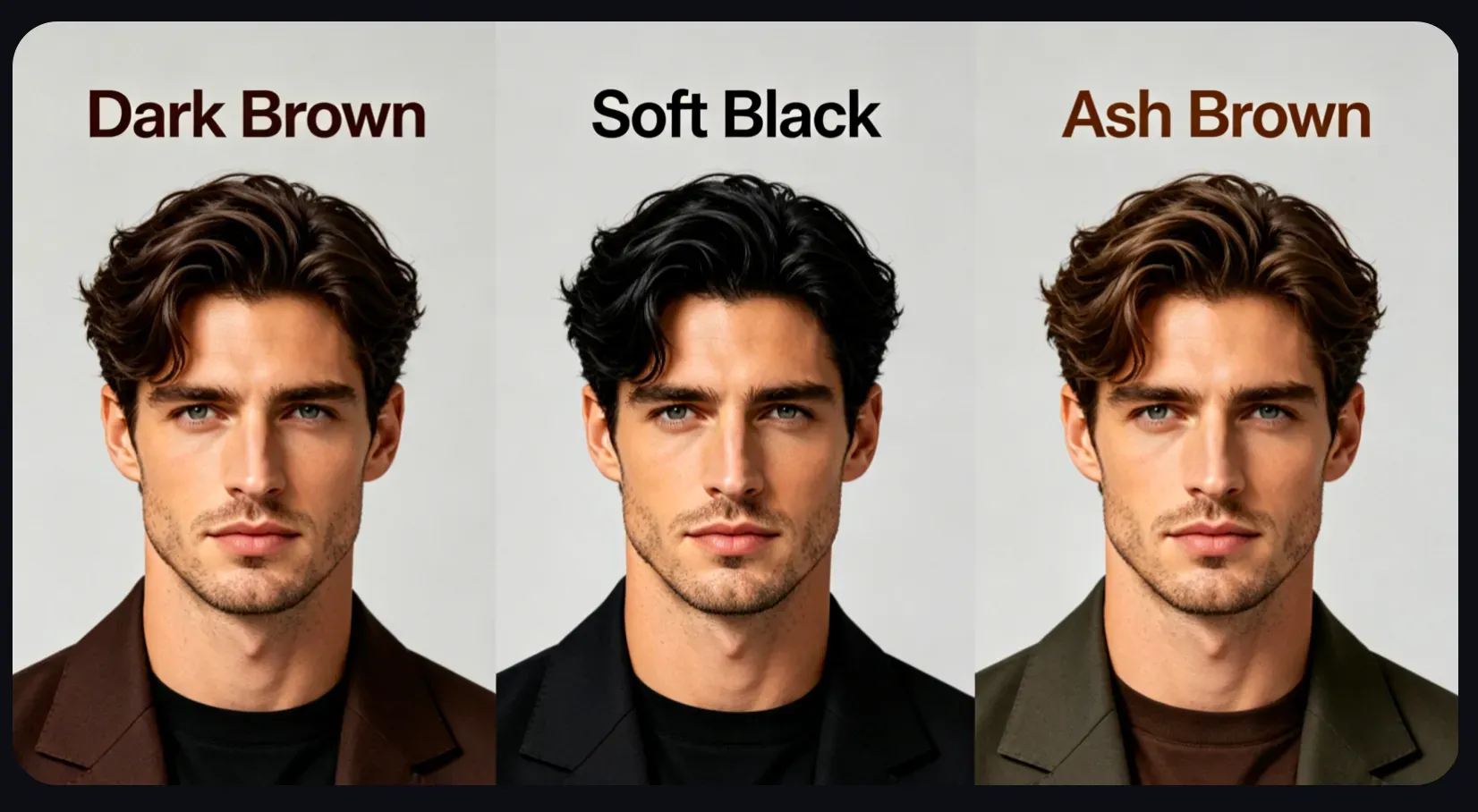
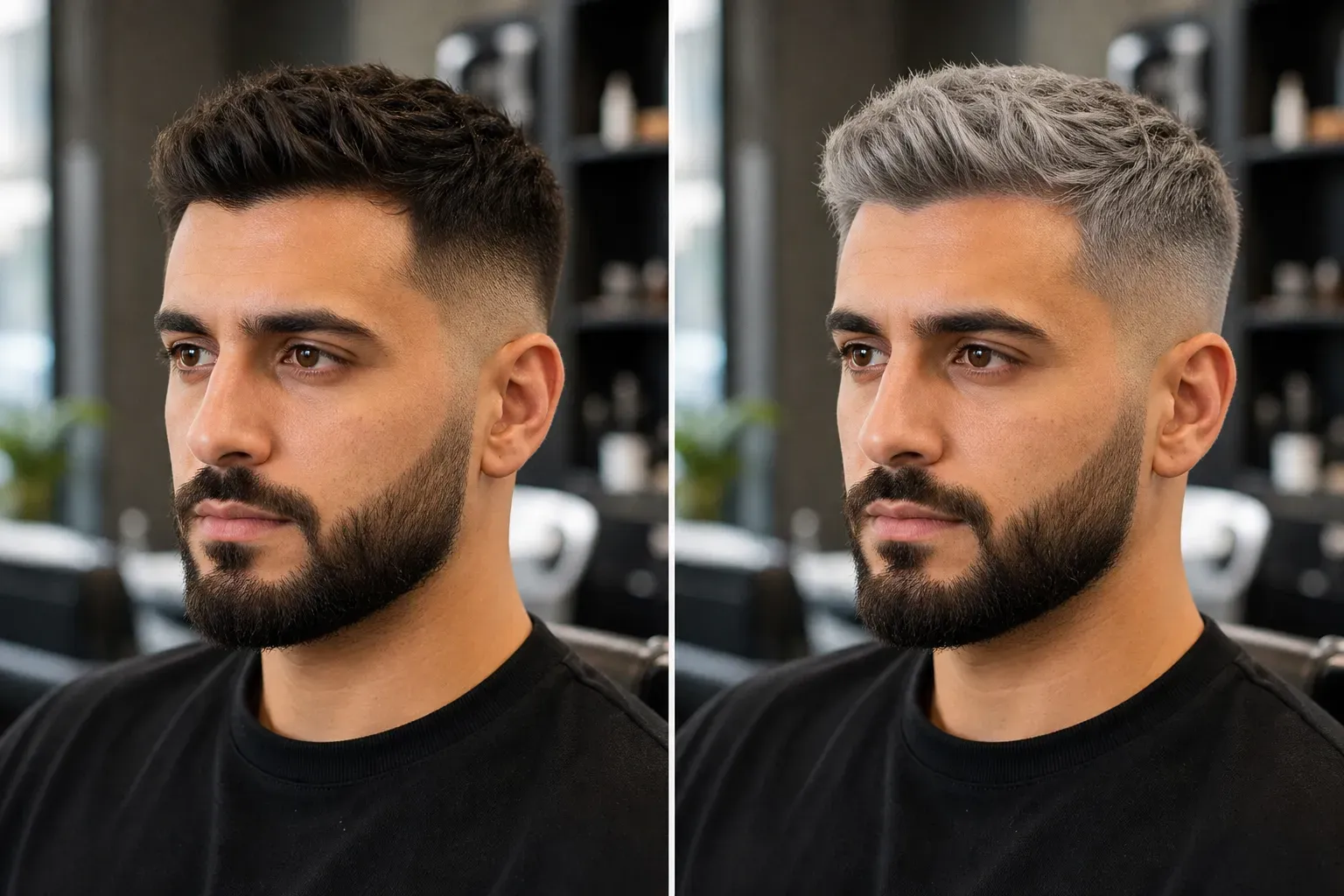
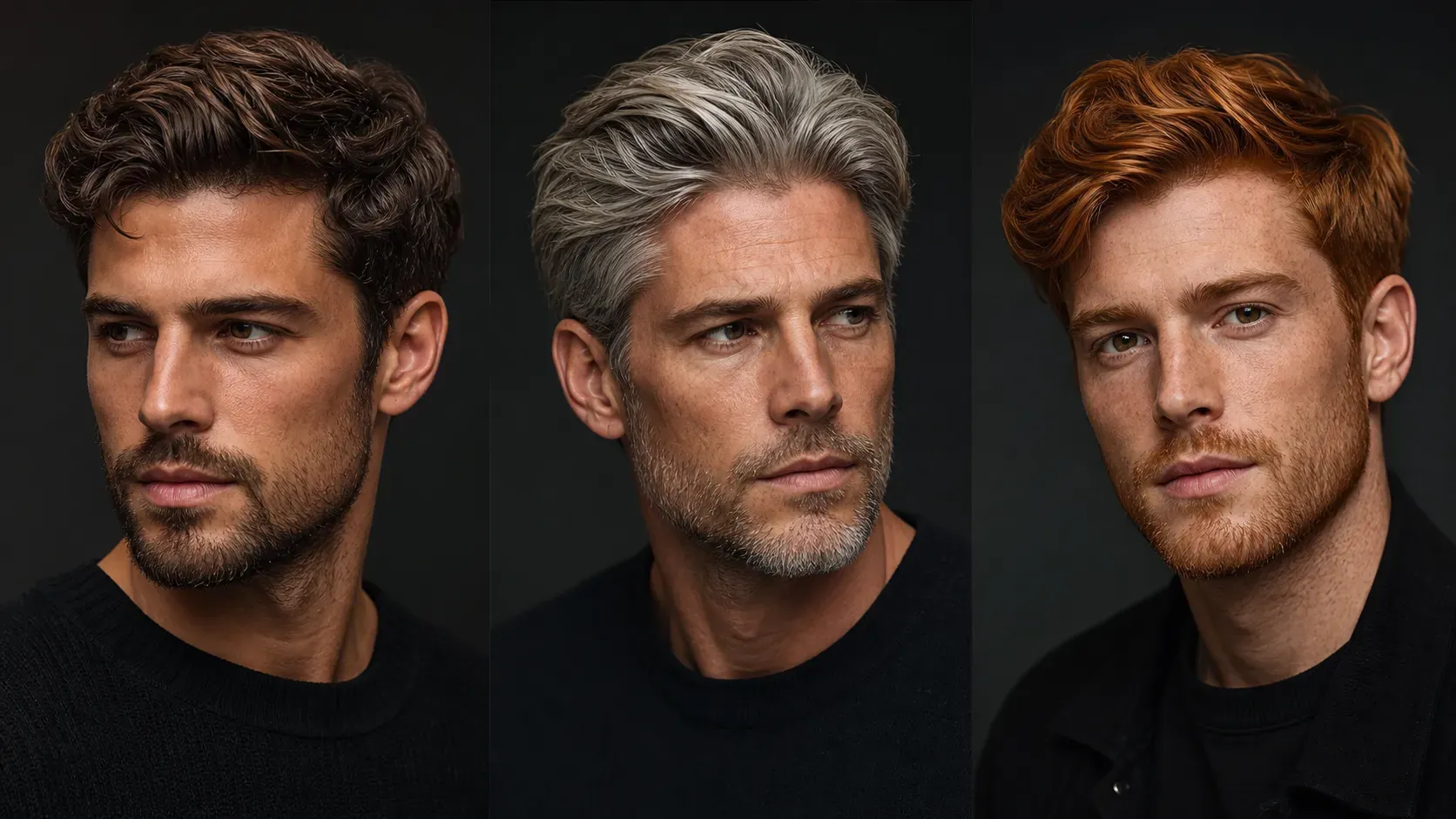
Yes. Men can preview black, brown, ash gray, silver, platinum blonde, copper, burgundy, blue black, or subtle highlight ideas. For short hair, fades, textured crops, curls, and beards, check the hairline and side edges carefully because small hair areas leave less visual detail for the AI to preserve.
Is the AI hair color result suitable for a logo, ad, or paid campaign?
It can be used for creative direction, beauty mockups, social visuals, and campaign concepts, but you should review the final image before commercial use. Check resolution, facial consistency, color accuracy, license terms, and whether the image includes any unintended artifacts. For professional ads or printed materials, manual retouching may still be needed.
Can I use the generated hair color image for ads, client previews, or commercial projects?
Vidoly AI Hair Color Changer can be used for creative direction, beauty content drafts, social media campaigns, salon consultation previews, cosplay planning, and client mood boards. Before using the image in paid ads, product pages, or professional campaigns, review the final result for hairline accuracy, face consistency, image resolution, visible artifacts, and platform license terms. For print, brand campaigns, or client-facing deliverables, a designer or retoucher should still check the image before publishing.