Photo To Oil Painting

Photo To Oil Painting

TECHNICAL SPECS

SECTION

AI Art Generator

MODULE

image_to_image

SKILL ID

abstract_soul_palette_knife

Upload Image
photo_camera

Upload Image

TEMPLATE PROMPT
665/2000
Commercial usage license included
MORE IN AI Art Generator
#ai_art_generator
Convert Photos into Oil Painting AI Art

Convert Photos into Oil Painting AI Art

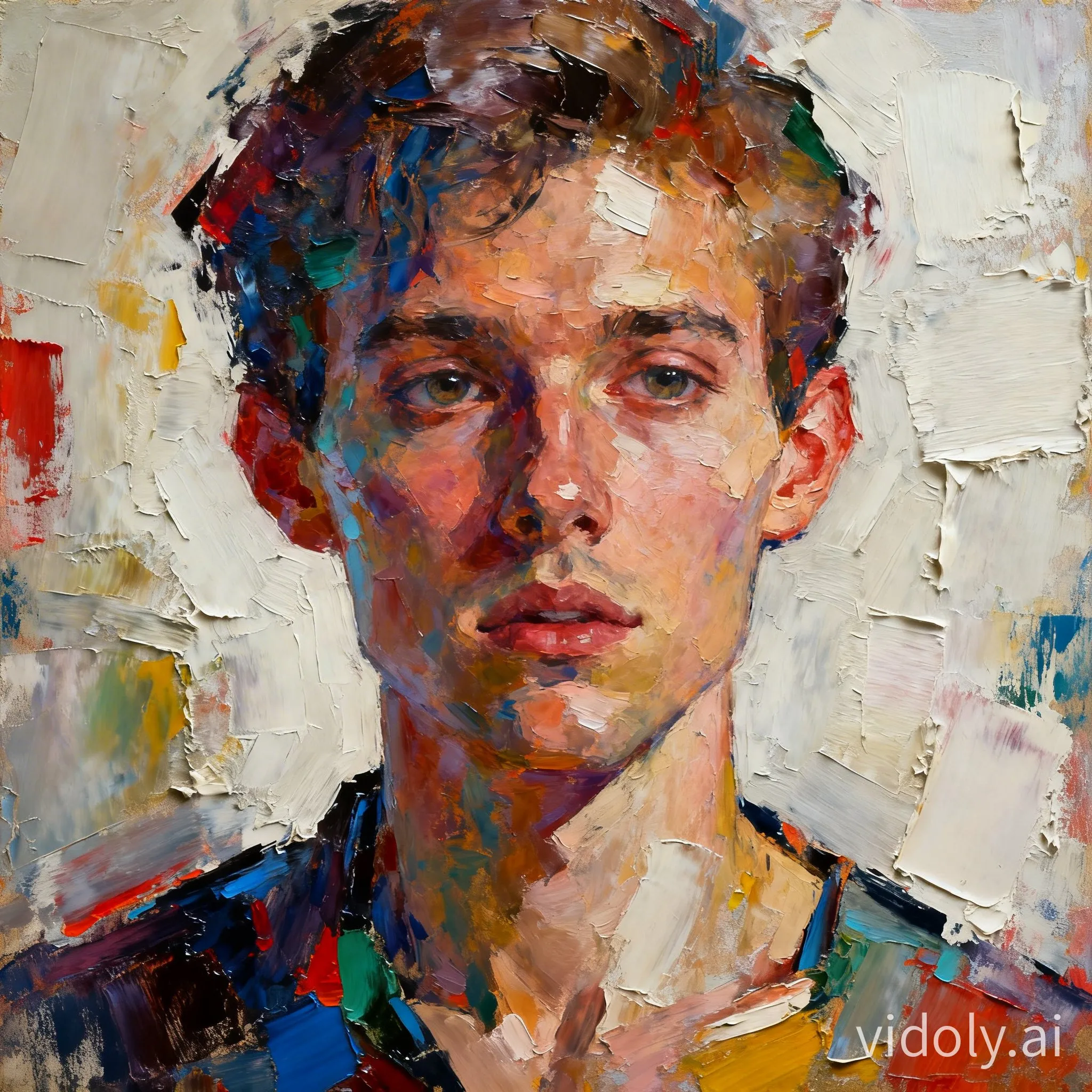
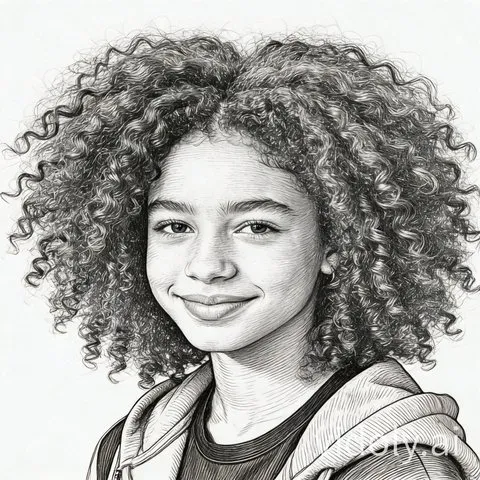
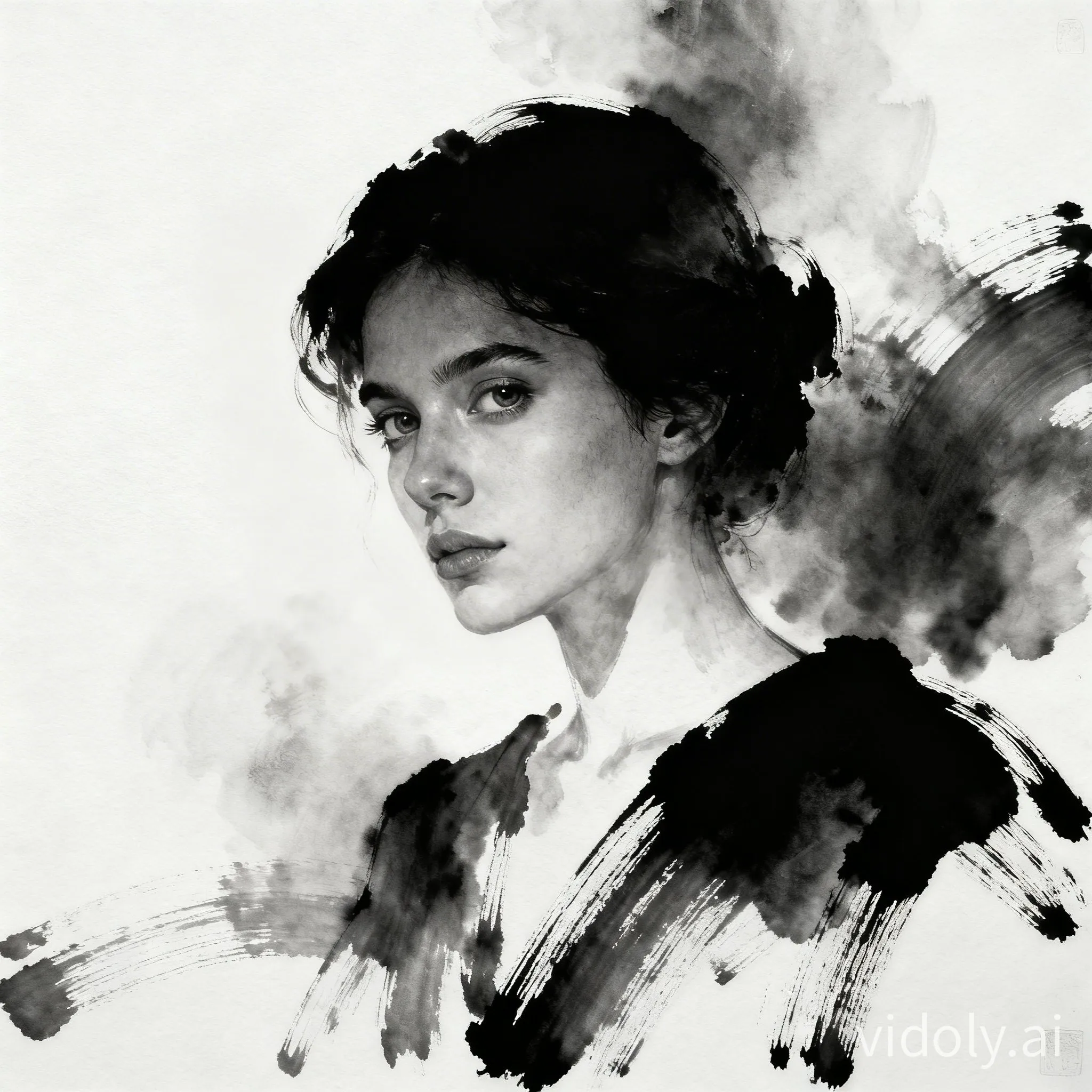
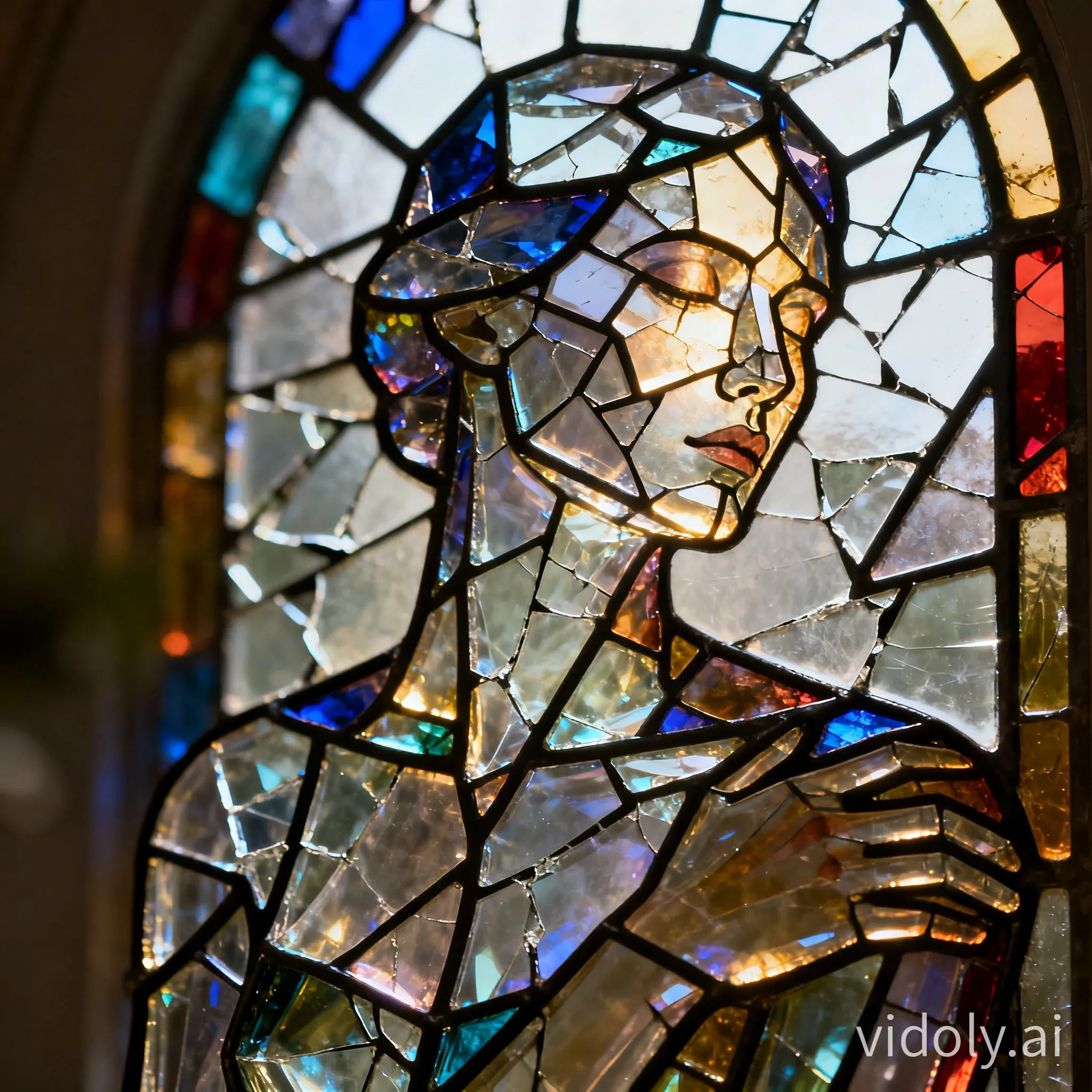
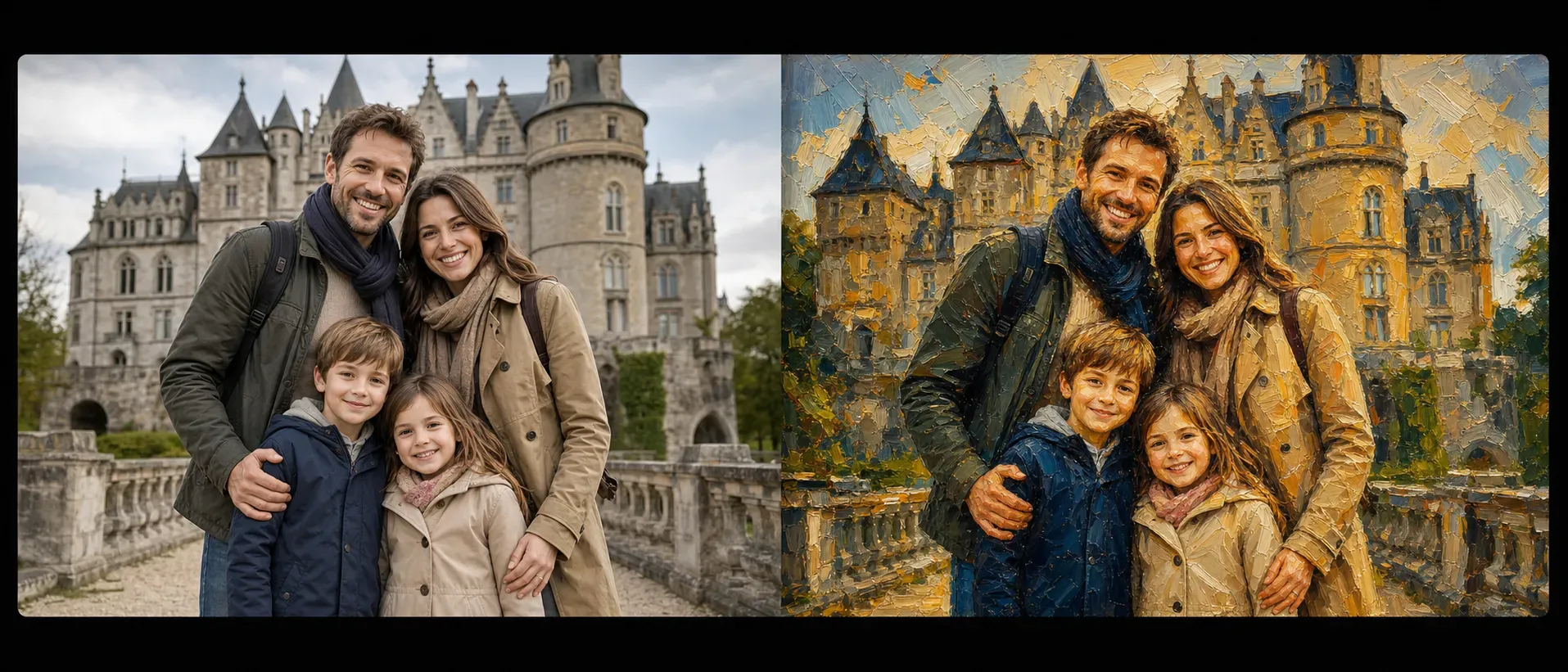
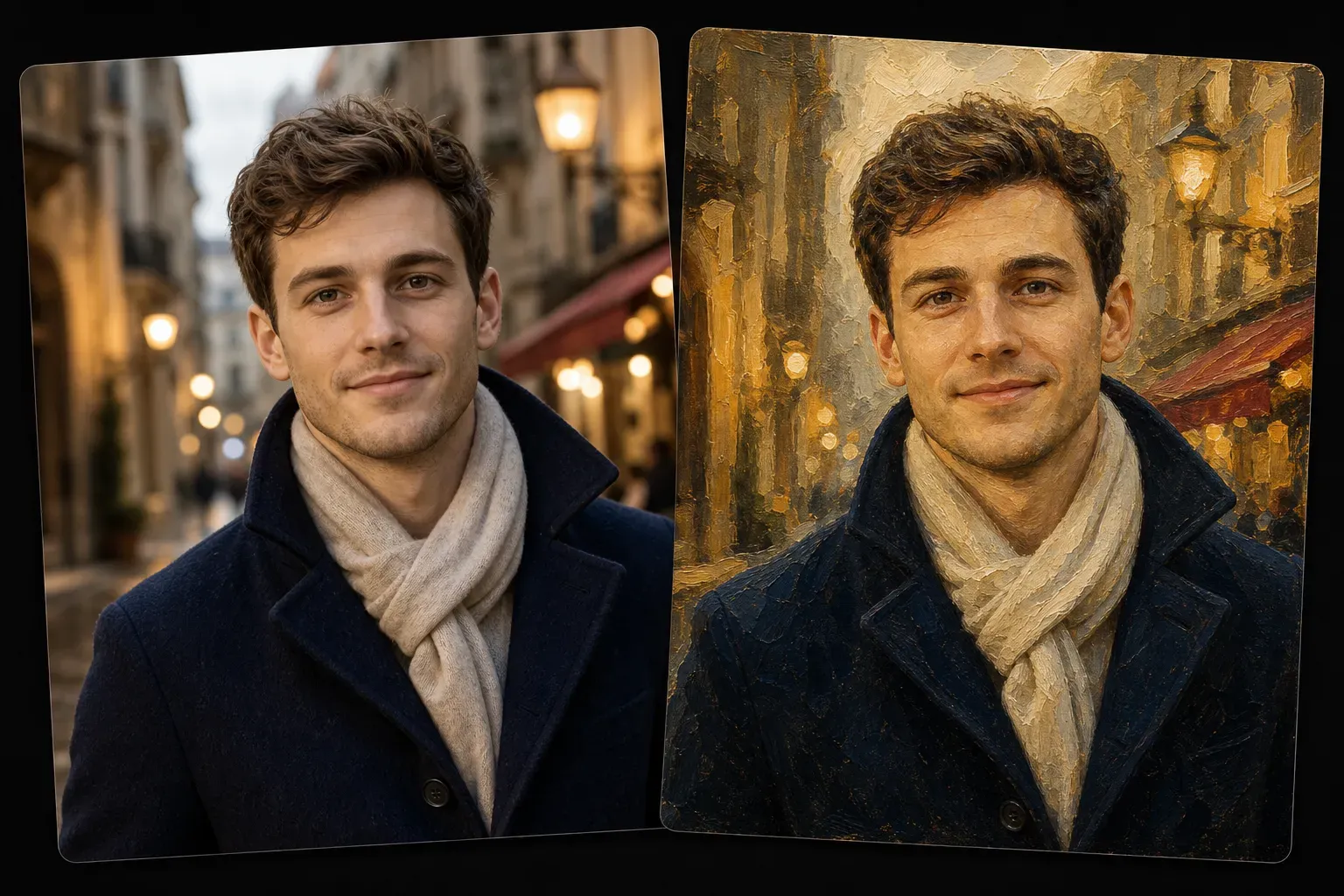
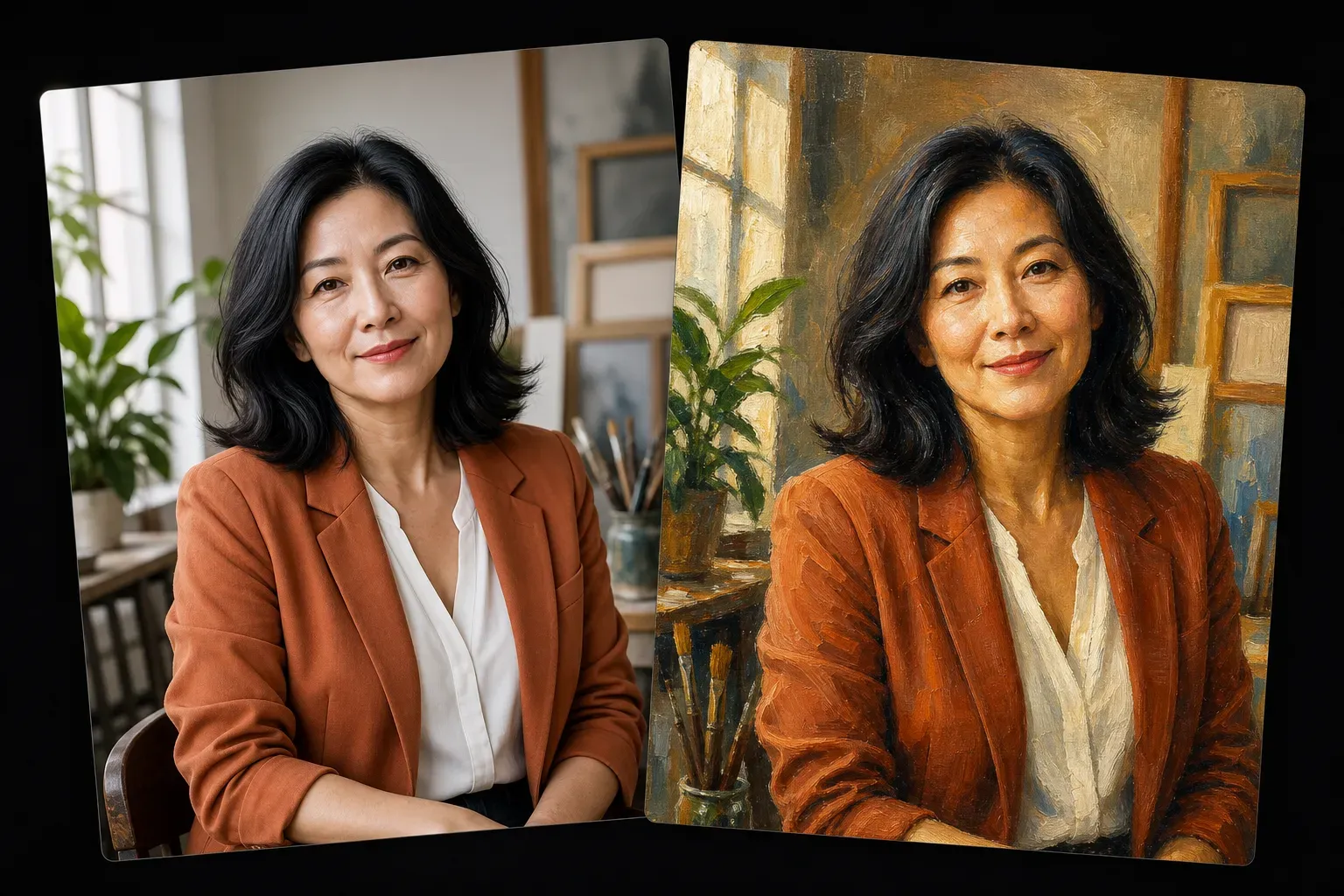
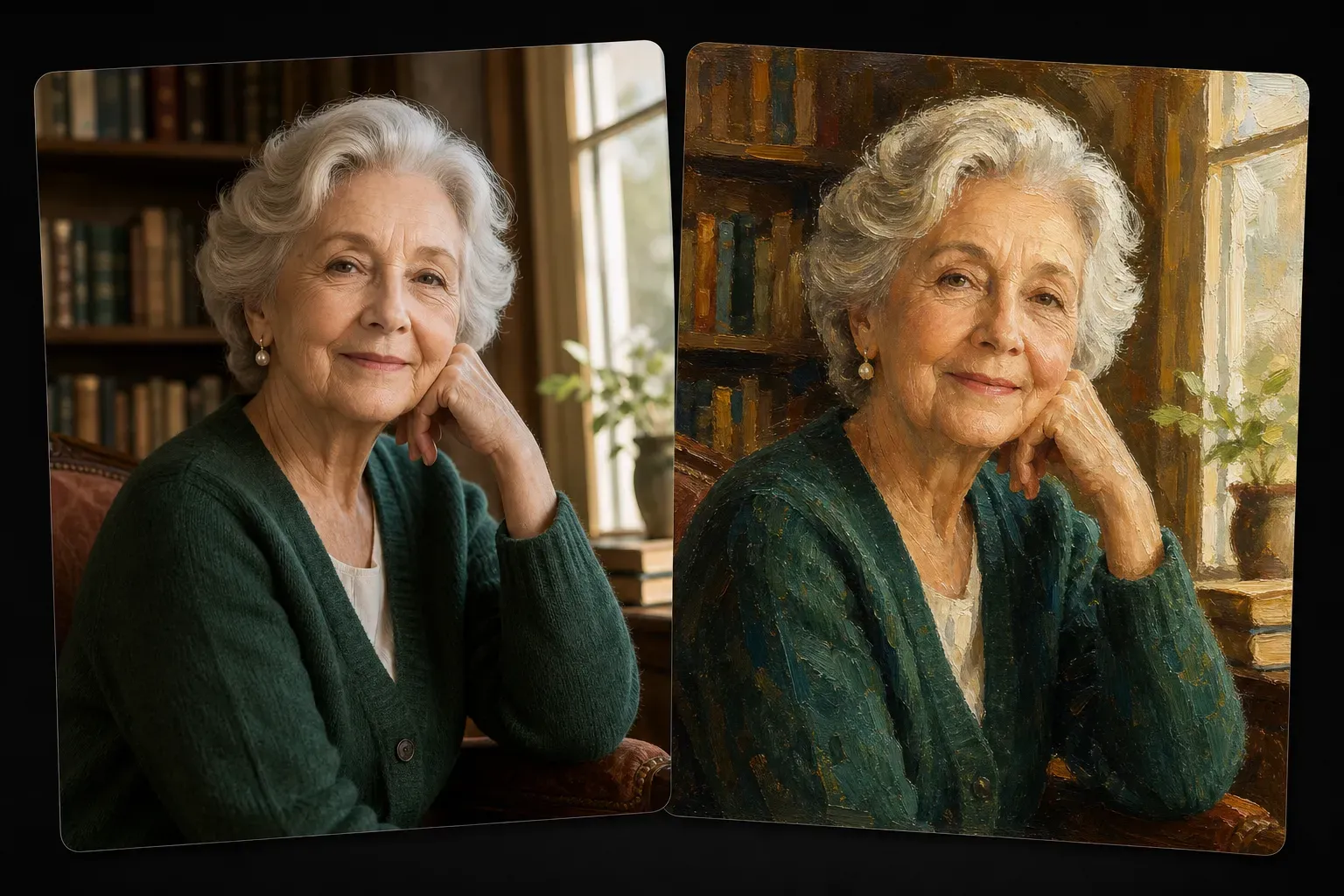
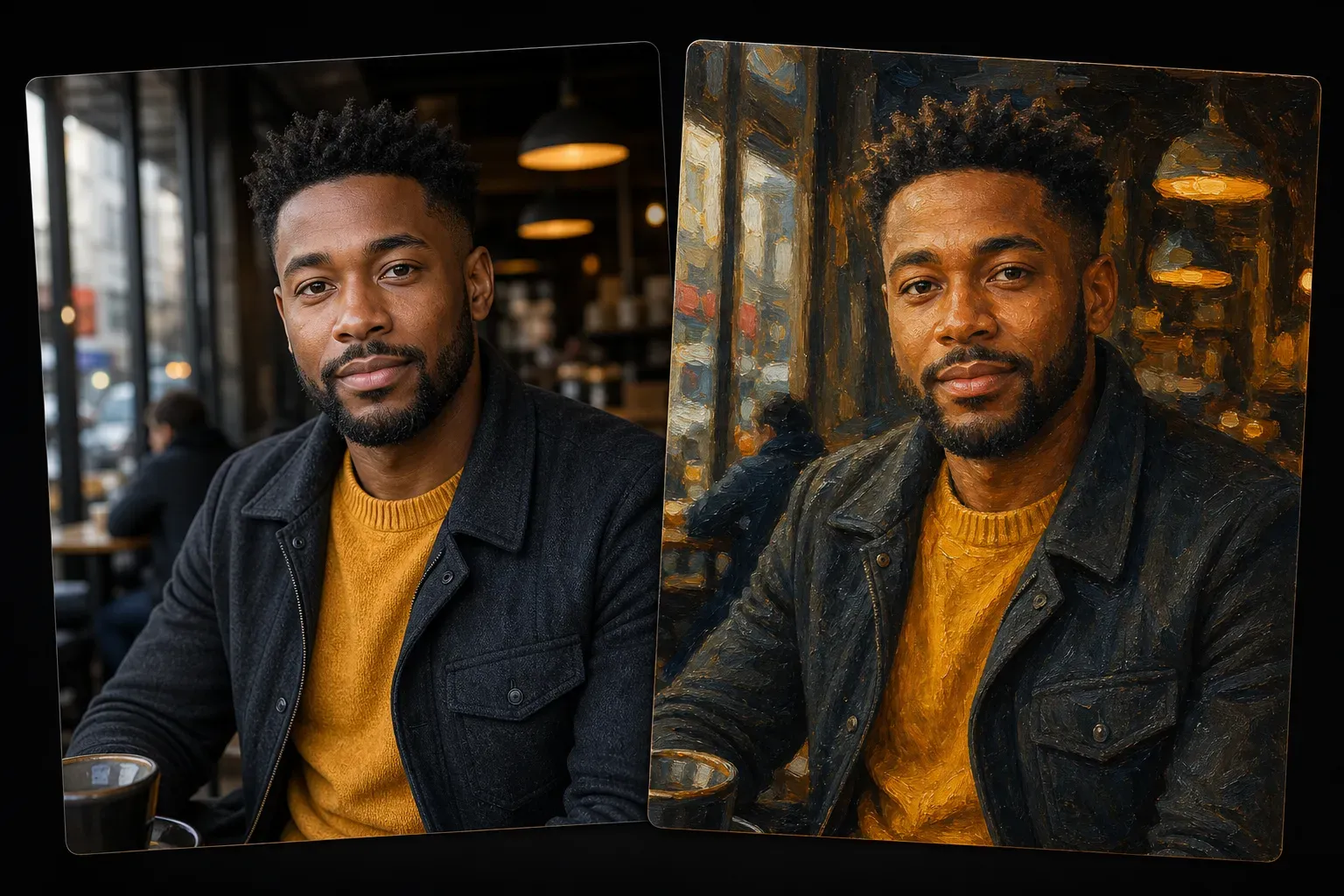
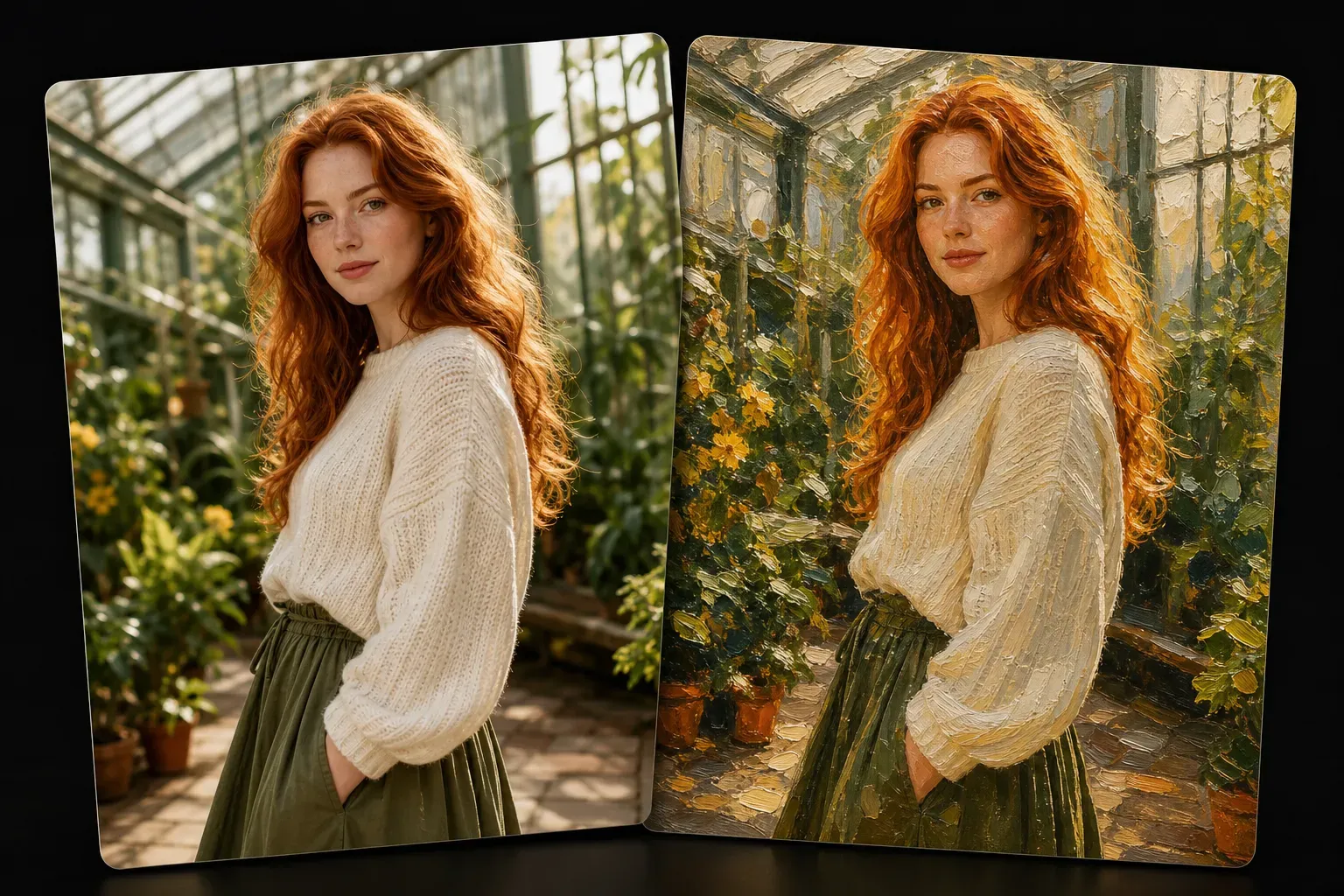
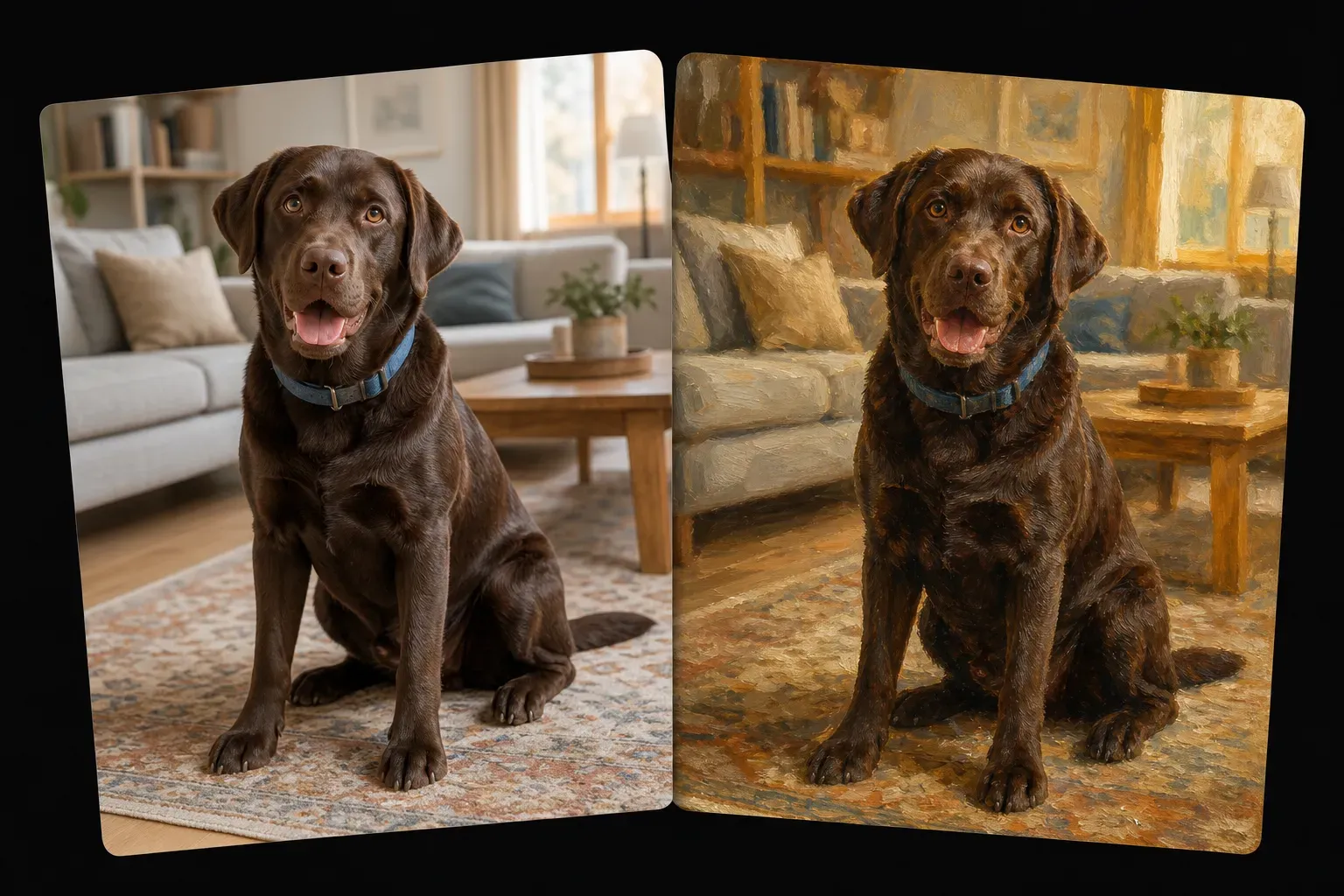
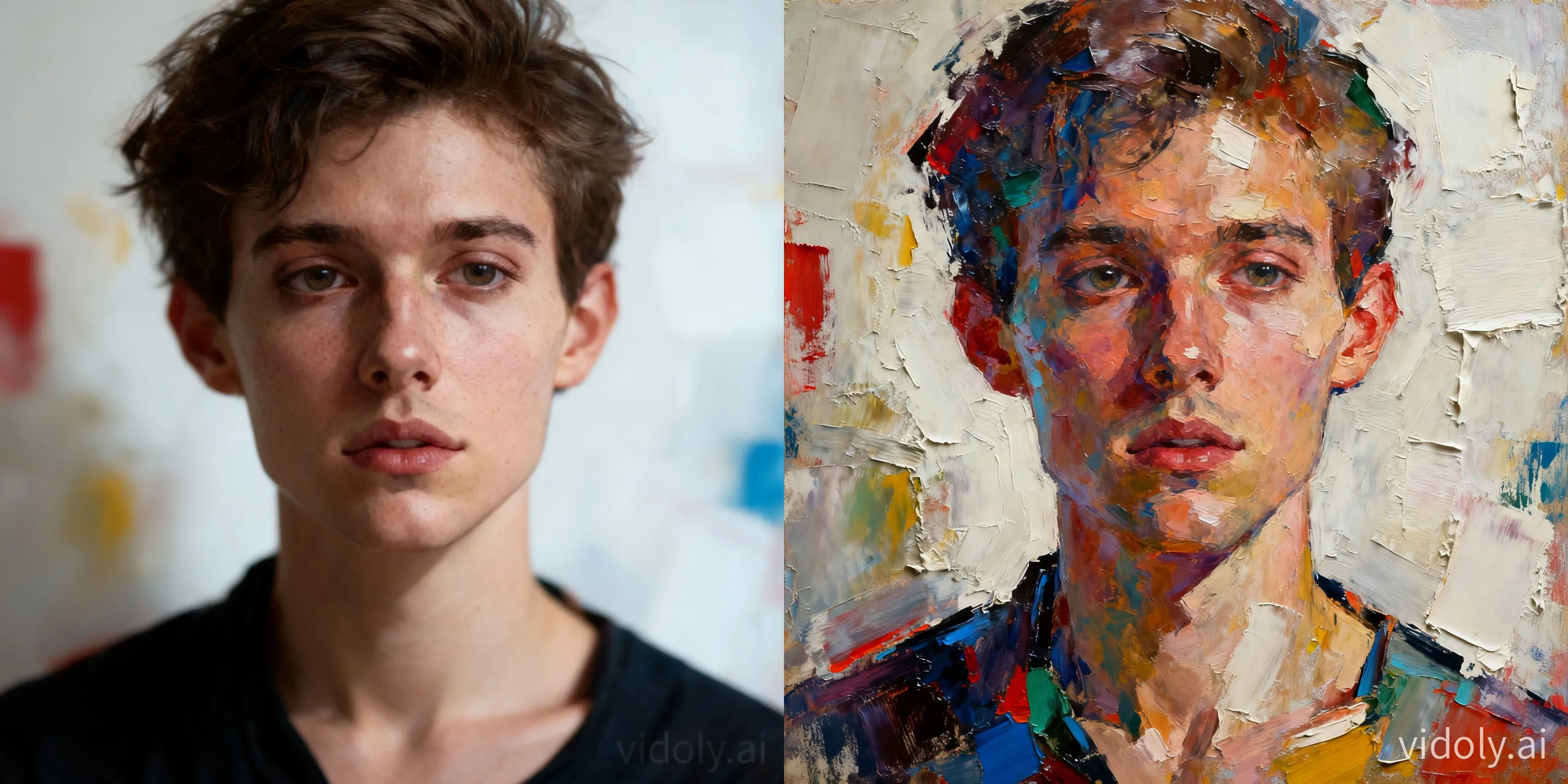
Vidoly Photo to Oil Painting AI Art Generator lets users transform uploaded images into oil painting-style artwork. The AI analyzes the subject, lighting, color palette, facial features, background depth, and object edges, then recreates the photo with painterly brush strokes, canvas-like texture, and traditional oil-painting color blending. It is useful for portraits, family photos, pets, landscapes, travel photos, and personal artwork concepts.

Create an Oil Painting
How Does Photo to Oil Painting AI Art Generator Work?

How Does Photo to Oil Painting AI Art Generator Work?

The tool converts a photo into an oil painting-style image by detecting the main subject, background regions, color relationships, lighting, and visual depth. Instead of applying a simple blur or color filter, the AI reconstructs the photo with painterly brush texture, softened edges, layered shading, and canvas-like surface detail. This helps the result look closer to a digital oil painting than a normal edited photo.

What Photos Work Best for AI Oil Painting Conversion?

What Photos Work Best for AI Oil Painting Conversion?

Clear photos with visible subjects, natural lighting, and balanced color usually produce stronger oil painting results. Portraits should show the face clearly, pet photos should include visible eyes and fur texture, and landscapes should have enough depth between foreground and background. Blurry, very dark, overexposed, or heavily compressed images may reduce the quality of brush detail and facial preservation.

Turn Portraits and Family Photos into Oil Painting Art

Turn Portraits and Family Photos into Oil Painting Art

Portraits and family photos are common use cases for AI oil painting generation because the style adds warmth, depth, and a hand-painted feel. The AI can preserve faces, clothing, poses, and room details while replacing photographic sharpness with painterly color blending and textured brush strokes. This works well for profile art, keepsake images, gift concepts, and printable wall-art drafts.

Create Pet Oil Paintings from Photos

Create Pet Oil Paintings from Photos

Pet photos can become painterly portraits with stronger fur texture, expressive eyes, and soft background depth. Dogs, cats, horses, and other pets usually work best when the animal is clearly framed and facing the camera. Busy backgrounds, motion blur, or dark fur in low light may make the final painting less detailed.

Photo to Oil Painting AI vs Basic Photo Filters

Photo to Oil Painting AI vs Basic Photo Filters

A basic filter usually changes color, contrast, or sharpness across the whole image. A photo-to-oil-painting AI tool goes further by reinterpreting the photo with painterly edges, brush patterns, color blending, and canvas-like texture. Filters are useful for quick styling, while AI oil painting conversion is better when users want the photo to look like an artwork rather than a processed photograph.

Common Limitations of AI Oil Painting Results

Common Limitations of AI Oil Painting Results

AI oil painting conversion may simplify small details such as jewelry, hair strands, glasses, fingers, text, patterns, or complex backgrounds. Faces may look less accurate if the source image is blurry, low- resolution, or taken from an extreme angle. For the best result, use a clear image with one main subject and avoid photos where important details are too small.

How To Use Vidoly Photo to Oil Painting AI Generator

1

Upload Your Photo

Choose a portrait, pet image, family photo, landscape, product image, or travel picture with clear lighting and visible details.

2

Choose an Oil Painting Style

Select a painterly look such as classic oil portrait, textured canvas painting, soft brush painting, dramatic color painting, or vintage-style oil art.

3

Generate the AI Oil Painting

Let the AI analyze the subject, light, color, depth, and texture, then recreate the photo as oil painting-style artwork.

4

Review the Result

Check whether faces, important objects, brush texture, and background details look natural. Try another source image or style if the output feels too flat or distorted.

5

Download the Artwork

Save the generated oil painting image for social media, gift concepts, printable art, profile visuals, mood boards, or creative references.

FAQs

What is a Photo to Oil Painting AI Art Generator?

A Photo to Oil Painting AI Art Generator converts an uploaded photo into oil painting-style artwork. It recreates the image with painterly brush strokes, canvas texture, softened edges, and oil-painting color blending.

Can I turn a portrait photo into an oil painting?

Yes. Portraits are one of the best use cases because the AI can preserve facial structure, expression, clothing, and lighting while adding painterly texture. Clear front-facing or three-quarter portraits usually work better than blurry or low-light selfies.

Does it work for family photos?

Yes. Family photos can be converted into oil painting-style images, especially when everyone is clearly visible. Large group photos with small faces may lose some facial detail, so closer family portraits usually produce better results.

Can I make pet oil paintings from photos?

Yes. Dogs, cats, horses, and other pets can be converted into oil painting-style portraits. Use a clear image where the pet’s eyes, face, and fur outline are visible.

Is this different from an oil painting filter?

Yes. A basic filter usually changes color and texture on top of the original image. AI oil painting conversion can reinterpret the photo with painterly brush strokes, canvas grain, softened transitions, and artwork-like depth.

What kind of photos create the best oil painting results?

Photos with clear subjects, balanced lighting, visible facial or object details, and good resolution work best. Avoid heavy blur, very dark lighting, overexposure, and crowded backgrounds when possible.

Can I convert landscape photos into oil paintings?

Yes. Landscapes, city streets, mountains, beaches, gardens, and travel photos can work well. Photos with foreground-background depth, strong lighting, and visible natural textures often create more painterly results.

Why does my AI oil painting look distorted?

Distortion can happen when the source image is low-resolution, blurry, compressed, or visually complex. Faces, hands, glasses, small text, and patterned clothing are common areas where AI may simplify or alter details.

Can I use the result as printable wall art?

You can use AI oil painting results as wall-art concepts or personal prints if the output resolution is suitable. For large prints, use the clearest source image possible and check details before printing.

Is AI oil painting better than hiring an artist?

AI is faster for quick artwork concepts, profile images, social visuals, and personal experiments. A human artist is better for custom style direction, exact likeness, emotional interpretation, and commissioned artwork with revisions.

Can I use old family photos?

Yes, but old photos may need enough clarity for the AI to recognize faces, clothing, and background. Scratches, blur, low contrast, and faded colors may affect how accurately the oil painting version preserves details.

Can I create a vintage oil painting look?

Yes. A vintage oil painting style works well with portraits, family photos, pets, and classical interior scenes. Warm lighting, soft shadows, and simple backgrounds usually help create a more traditional painterly result.

Related Reading