Photo To Sketch

Photo To Sketch

TECHNICAL SPECS

SECTION

AI Art Generator

MODULE

image_to_image

SKILL ID

ai_sketch_generator

Upload Image
photo_camera

Upload Image

TEMPLATE PROMPT
678/2000
Commercial usage license included
MORE IN AI Art Generator
#ai_art_generator
Convert Any Photo into Sketch AI Art

Convert Any Photo into Sketch AI Art

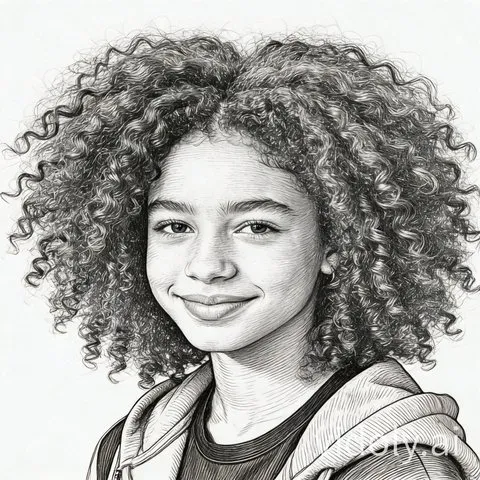
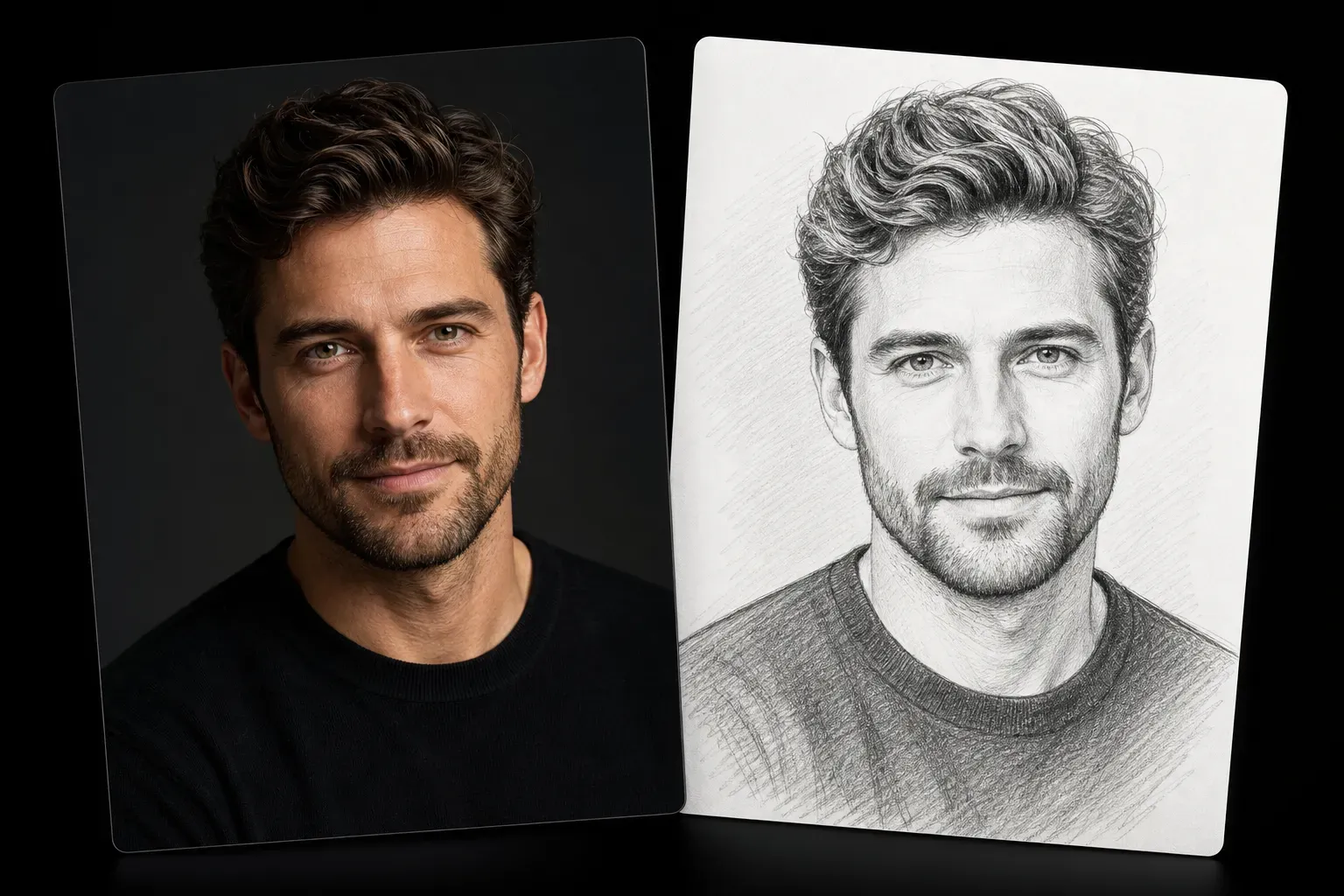
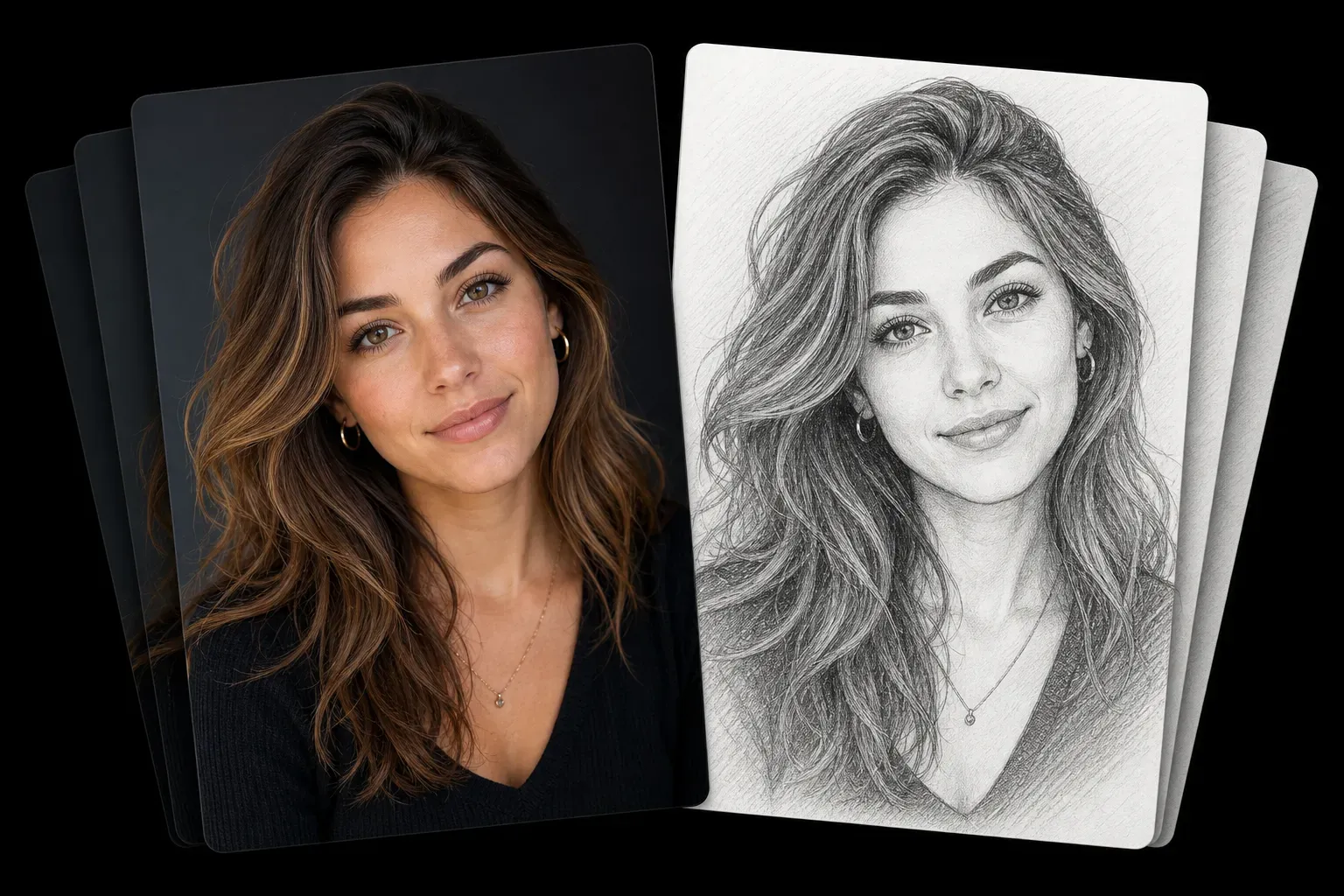
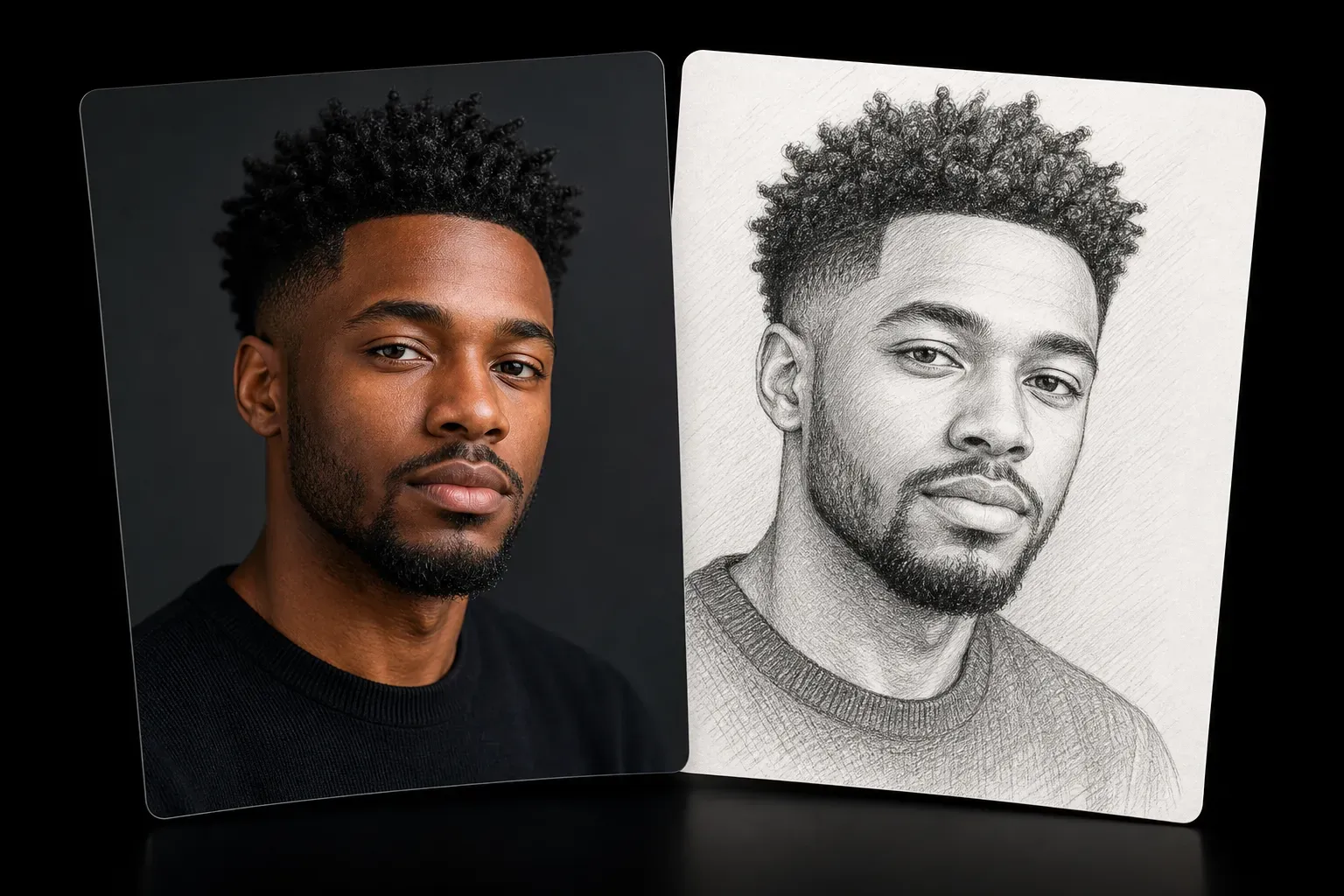
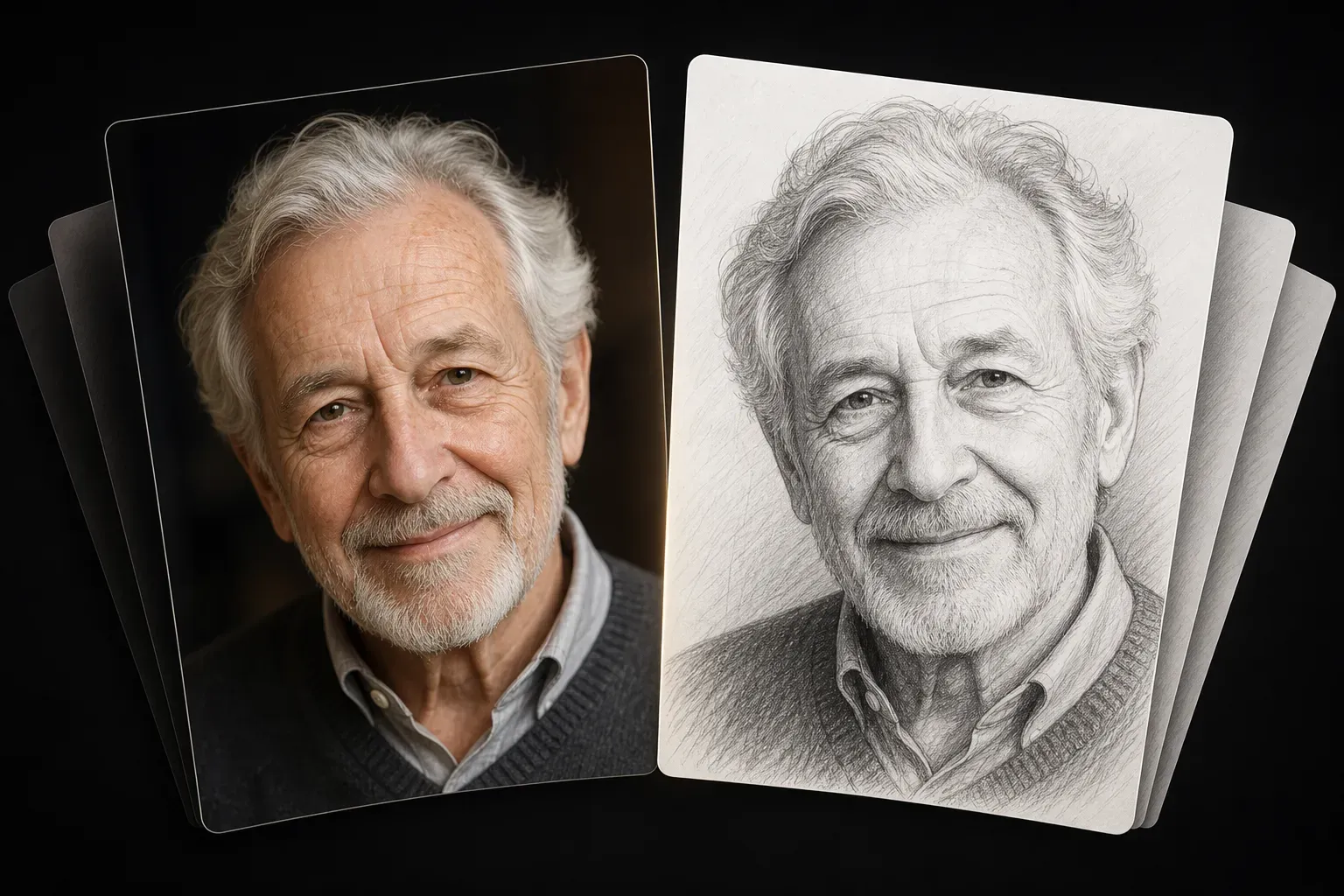
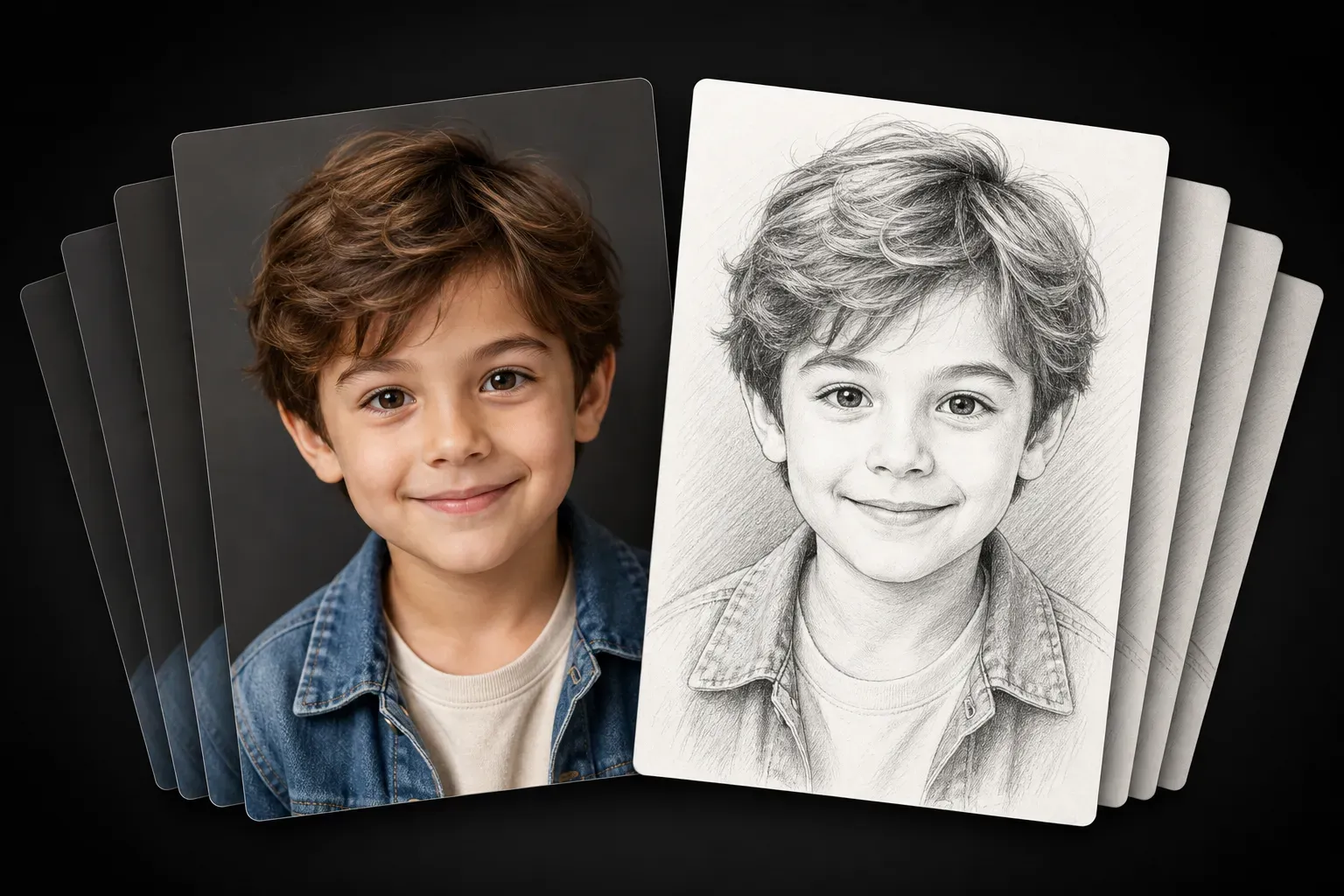
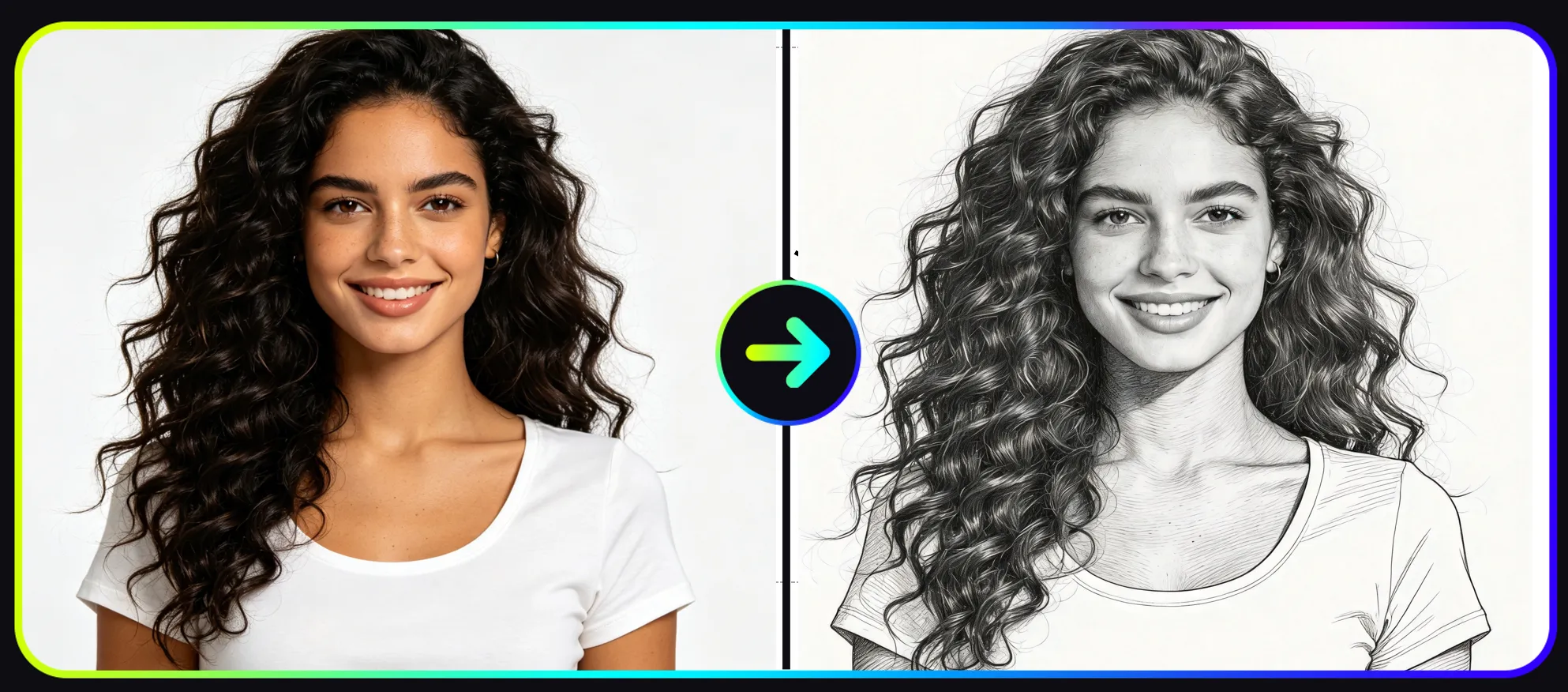
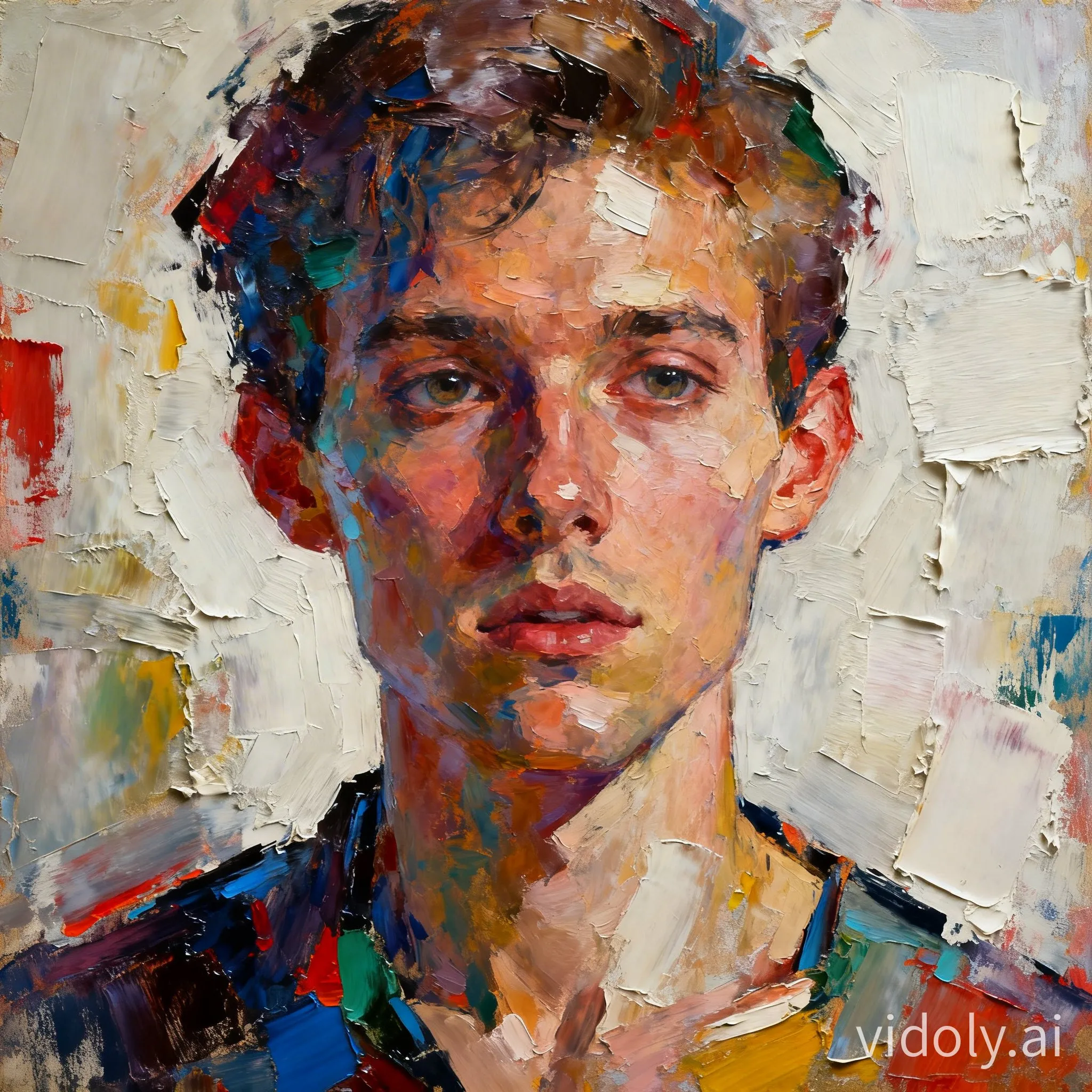
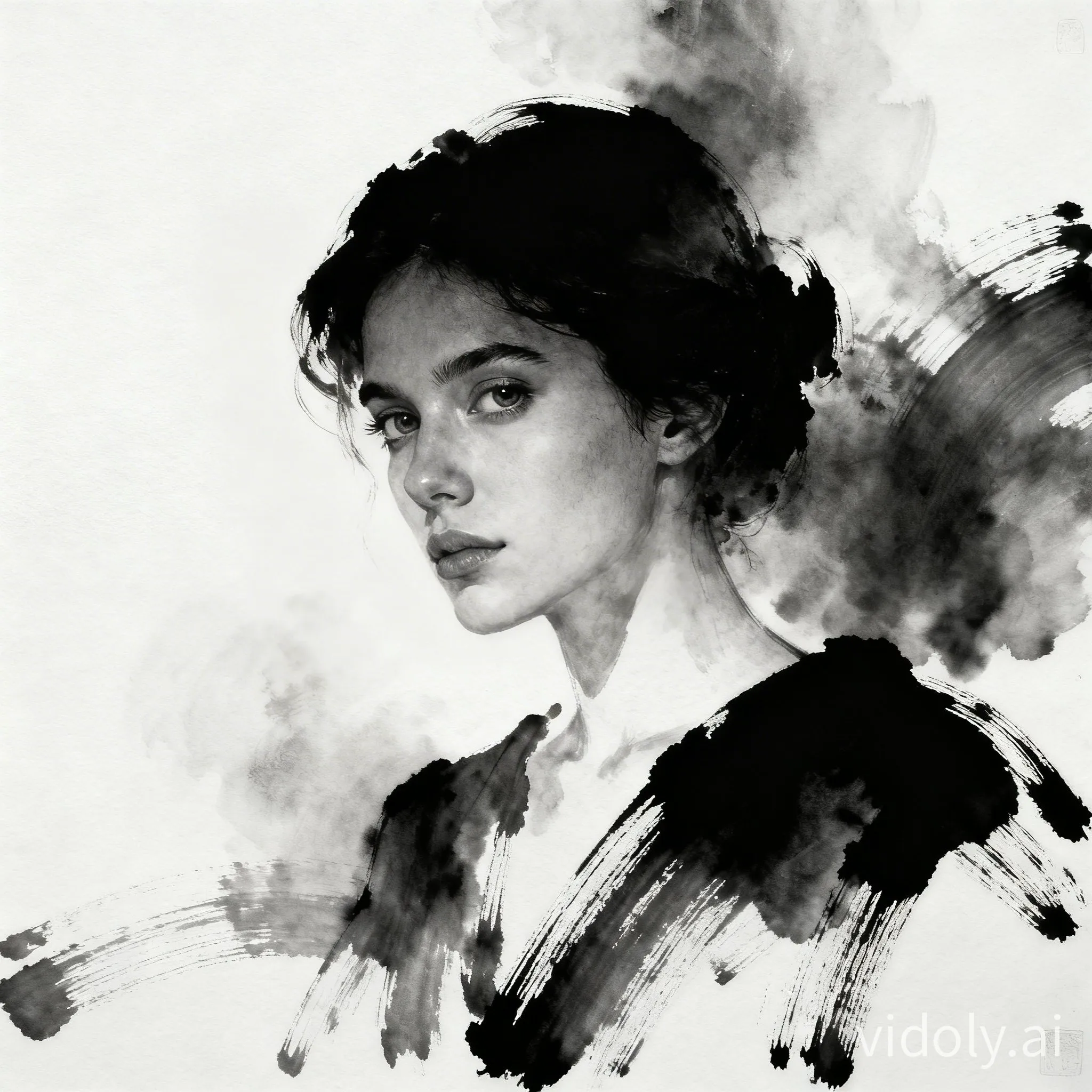
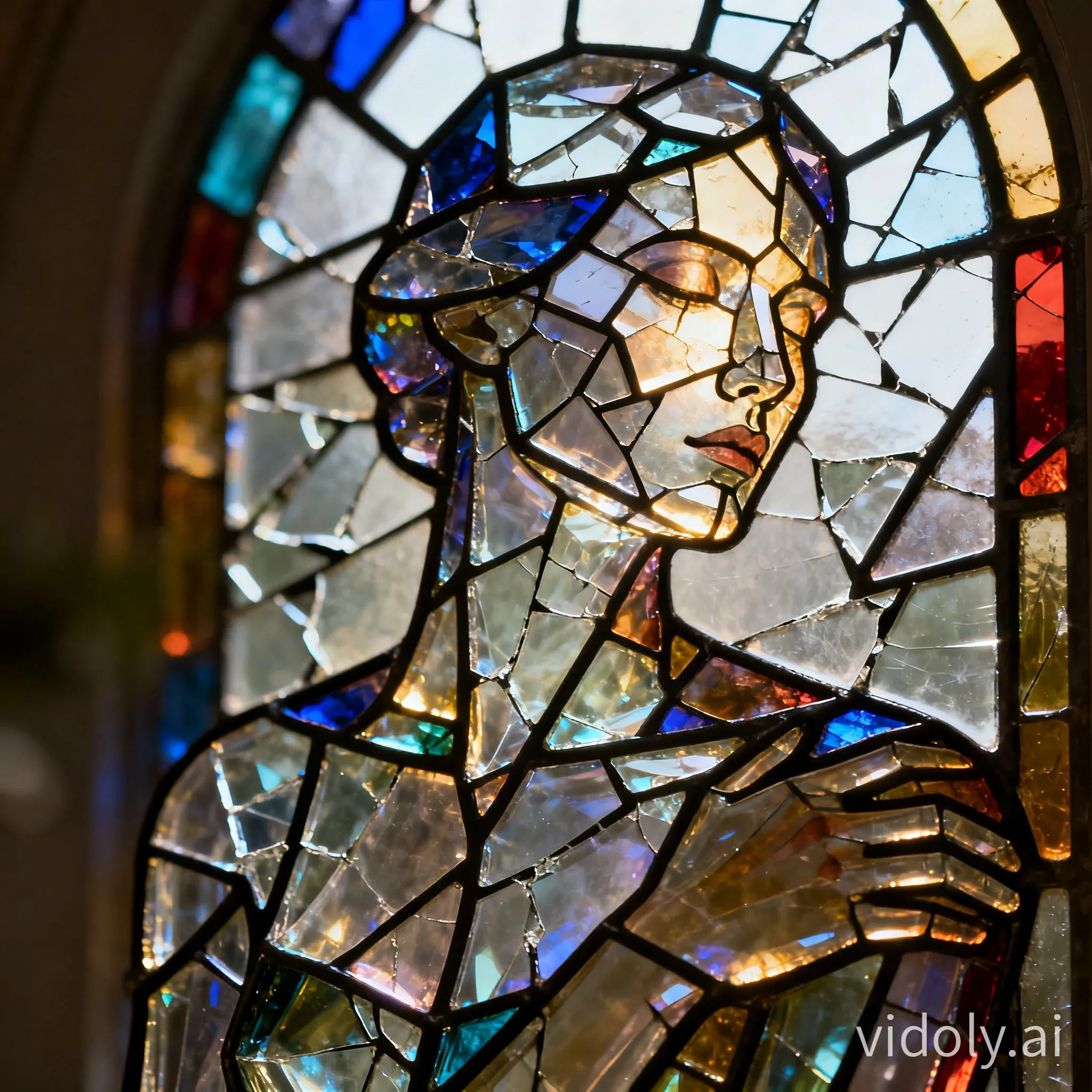
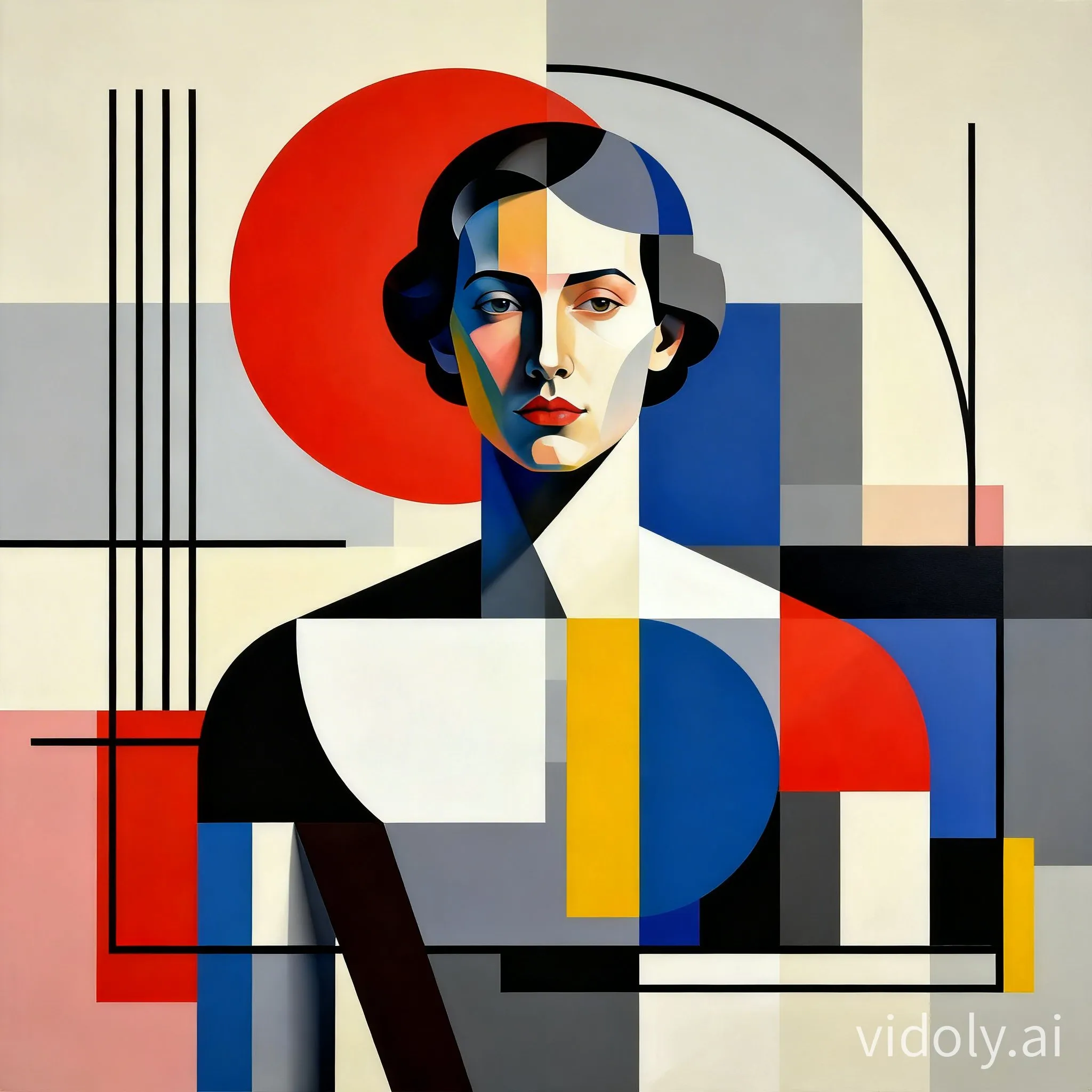
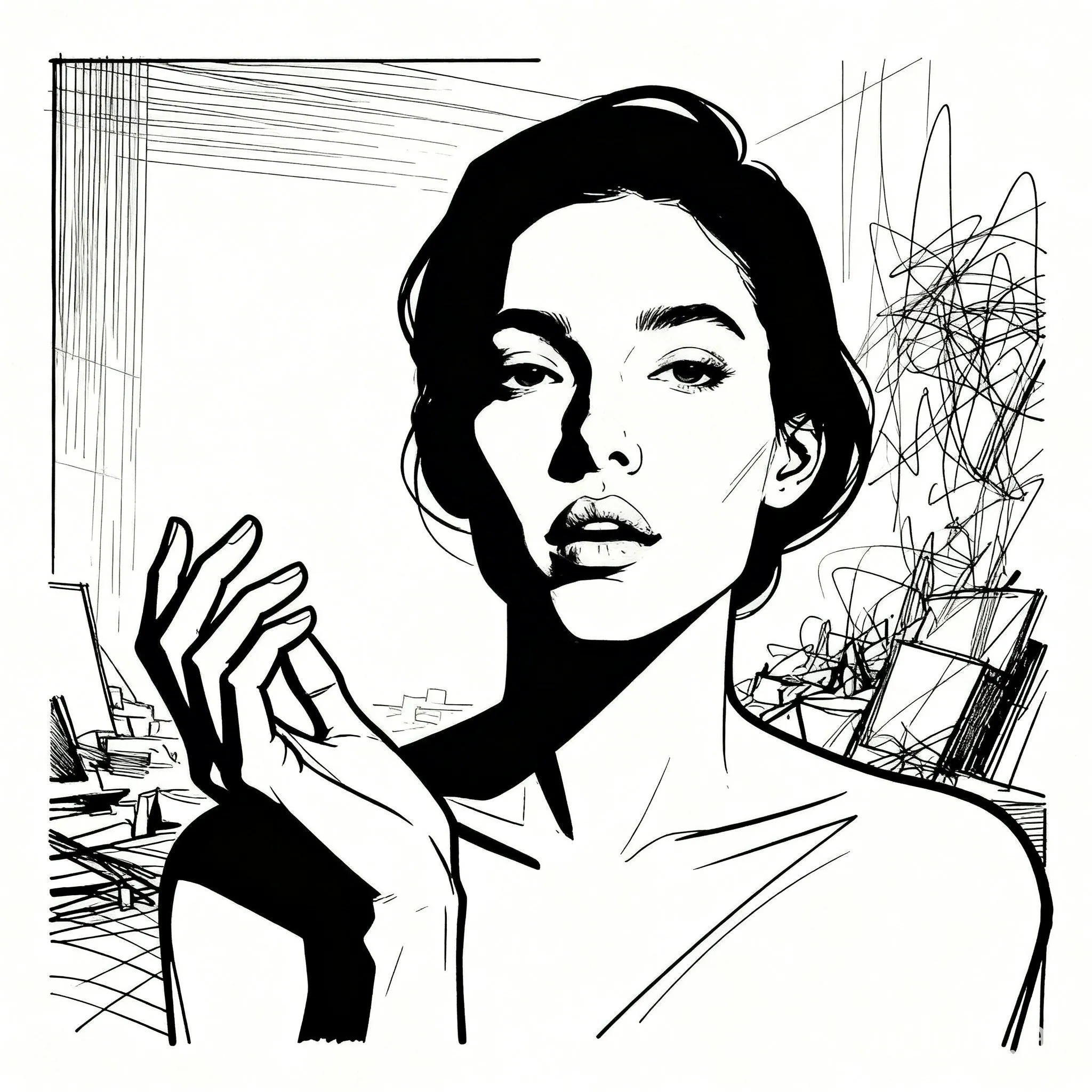
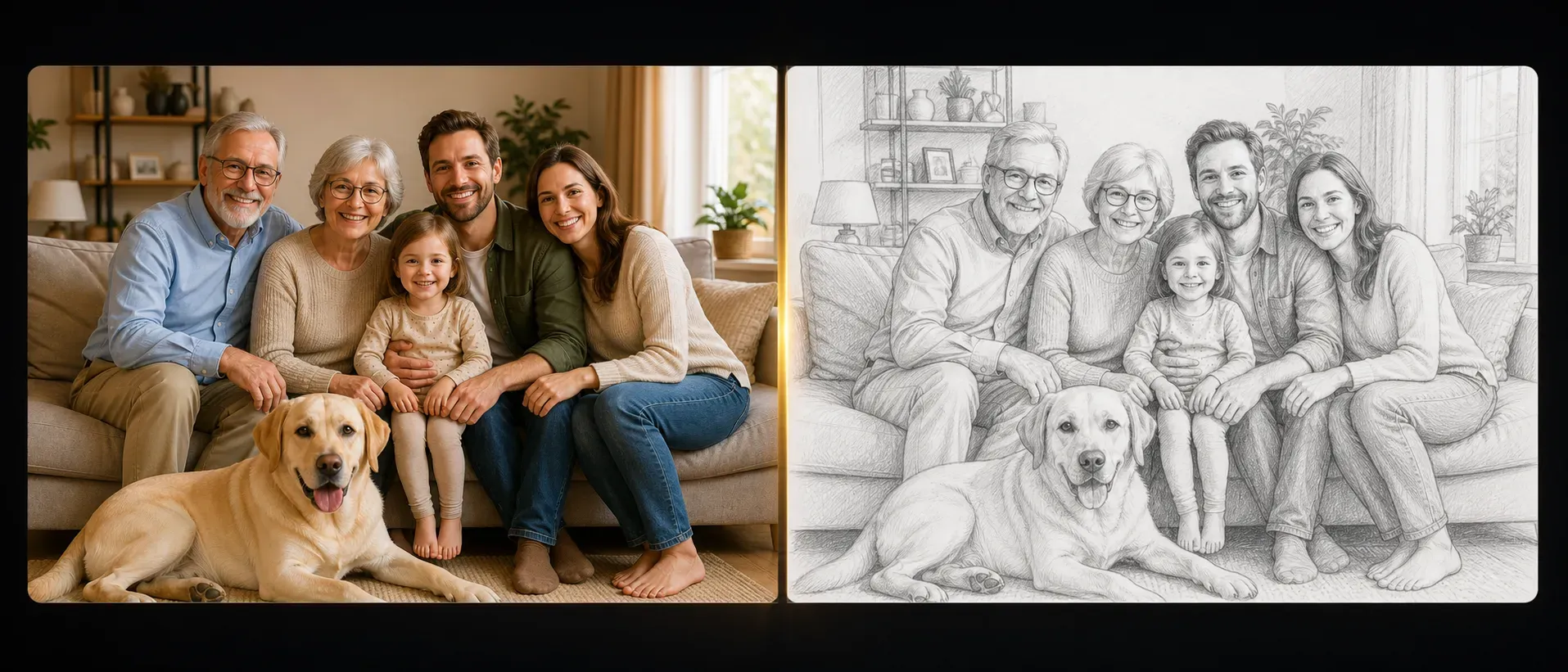
Photo to Sketch AI Art Generator lets users transform an uploaded image into a sketch-style artwork. The AI detects the main subject, facial features, object outlines, background shapes, contrast, and lighting, then redraws the image with pencil, ink, line-art, or hand-drawn sketch effects. It is useful for portraits, pets, product photos, travel pictures, architecture shots, and creative reference images.

Generate a Sketch from Photo
How Does Photo to Sketch AI Art Generator Work?

How Does Photo to Sketch AI Art Generator Work?

The tool uses AI image analysis to identify subject boundaries, edge structure, shadows, texture, and contrast in the uploaded photo. Instead of simply lowering saturation, it reconstructs the image as a sketch-like artwork by emphasizing contours, facial details, object lines, and tonal shading. This helps the final result look closer to a drawn illustration than a basic black-and-white filter.

What Photos Work Best for AI Sketch Conversion?

What Photos Work Best for AI Sketch Conversion?

Clear photos with visible subjects, good lighting, and strong edges usually produce the best sketch results. Portraits should show the face clearly, pet photos should avoid heavy blur, and product images should have defined outlines. Low-resolution images, dark photos, overexposed faces, or crowded backgrounds can reduce the clarity of the final line work.

Create Pencil Sketch, Line Art, and Ink Drawing Effects

Create Pencil Sketch, Line Art, and Ink Drawing Effects

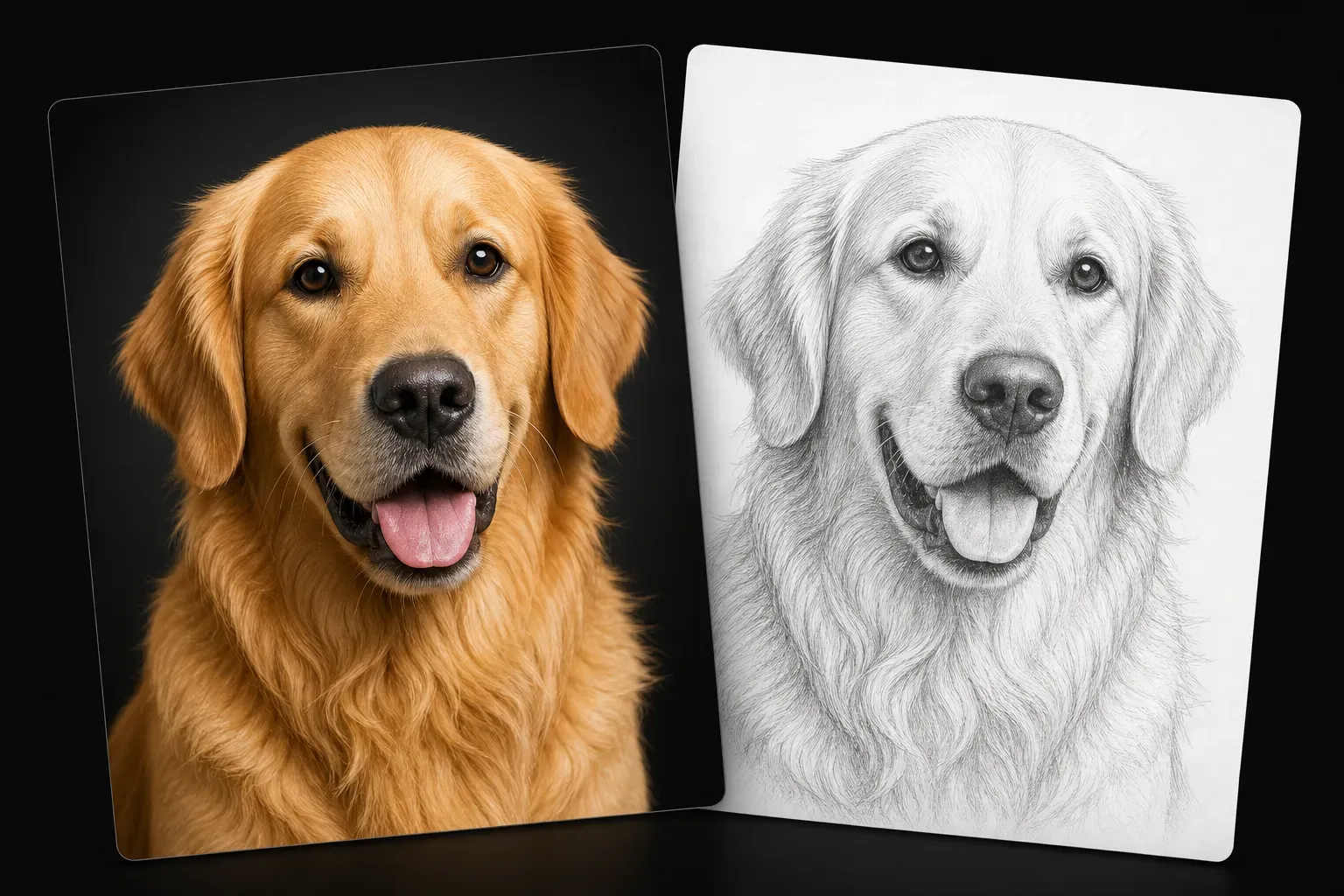
Photo to Sketch AI Art Generator can support different sketch-style outputs, including soft pencil shading, clean line art, ink illustration, black-and-white drawing, and concept-art style outlines. Pencil-style results work well for portraits and pets, while line art is useful for icons, tattoos, craft references, coloring pages, and design drafts.

Photo to Sketch AI vs Manual Drawing

Photo to Sketch AI vs Manual Drawing

Manual sketching gives an artist full control over anatomy, style, and interpretation, but it takes time and drawing skill. An AI photo to sketch generator is faster for creating draft artwork, social visuals, reference drawings, or personal portraits from existing photos. For highly stylized commissions or exact hand-drawn detail, manual illustration may still be better; for quick sketch conversion, AI is more practical.

Popular Uses for Photo to Sketch AI Art

Popular Uses for Photo to Sketch AI Art

Users can turn selfies into profile sketches, convert pet photos into keepsake drawings, create printable portrait art, generate social media illustrations, make product concept references, or prepare line-art inspiration for tattoo and craft projects. The tool is also useful for creators who need quick visual drafts before refining an idea in design software.

Common Limitations of AI Photo to Sketch Results

Common Limitations of AI Photo to Sketch Results

AI sketch conversion may lose small details if the original image is blurry, compressed, too dark, or visually crowded. Hair strands, glasses, jewelry, hands, and complex backgrounds can sometimes be simplified. For best results, use a clear photo with one main subject and enough contrast between the subject and the background.

How To Use Vidoly Photo to Sketch AI Generator?

1

Upload Your Photo

Choose a portrait, pet image, product photo, landscape, or object image with visible details and clear lighting.

2

Select a Sketch Style

Choose the sketch look you want, such as pencil sketch, line drawing, ink art, black-and-white drawing, or illustration-style sketch.

3

Generate the AI Sketch

Let the AI analyze the photo’s edges, shadows, facial details, object shapes, and textures to create a sketch-style result.

4

Review and Refine

Check whether the subject outline, shading, and important details are clear. Try another photo or style if the result is too flat or overly simplified.

5

Download the Sketch Artwork

Save the final sketch for profile images, prints, social posts, design references, craft projects, or personal art collections.

FAQs

What is a Photo to Sketch AI Art Generator?

A Photo to Sketch AI Art Generator is a tool that turns an uploaded photo into sketch-style artwork. It analyzes the photo’s subject, edges, contrast, and shadows, then recreates the image as a pencil sketch, line drawing, ink illustration, or black-and-white art result.

Can I turn a selfie into a pencil sketch?

Yes. Selfies and portraits are common inputs for photo-to-sketch generation. For better results, use a clear face photo with good lighting, visible eyes, and minimal motion blur.

Does the tool work for pet photos?

Yes. Pet photos can be converted into sketch-style drawings, especially when the animal’s face, fur outline, and eyes are clear. Very dark fur or busy backgrounds may make fine line details harder to preserve.

Can I use it for product photos?

Yes. Product images with clean outlines and simple backgrounds can become sketch-style concept visuals or design references. Complex reflections, transparent objects, and heavy shadows may need a cleaner source photo.

Is AI sketch conversion the same as a black-and-white filter?

No. A black-and-white filter mainly removes color, while AI sketch conversion tries to redraw the image using lines, contours, shading, and texture patterns. The result should look more like an illustration than a grayscale photo.

Can I create line art from a photo?

Yes. A photo-to-sketch tool can create line-art style results when the subject has clear boundaries and enough contrast. Line art works well for portraits, objects, pets, icons, coloring pages, and tattoo references.

Why does my AI sketch lose facial details?

Facial details may be lost when the source photo is small, blurry, too dark, or taken from a difficult angle. Glasses, shadows, hair over the face, and low contrast can also make eyes, lips, and facial contours less defined.

Is AI better than drawing a sketch manually?

AI is better for fast conversion, drafts, social visuals, and users who do not draw manually. A human artist is better when you need intentional exaggeration, precise style control, emotional interpretation, or a commissioned artwork with custom revisions.

Can I use the generated sketch for social media?

Yes. AI sketch results are useful for profile pictures, story posts, thumbnails, mood boards, and visual experiments. If you use a photo of another person, make sure you have permission to edit or publish it.

Can I convert landscape photos into sketch art?

Yes. Landscapes, buildings, streets, and travel photos can be converted into sketch-style artwork. Images with strong architectural lines, trees, mountains, or skyline shapes usually work better than flat scenes with little contrast.

Can I make tattoo-style sketch references from photos?

Yes. Clean line-art outputs can be used as rough tattoo references or design inspiration. For an actual tattoo, a tattoo artist should still refine the design for placement, line weight, skin readability, and long-term clarity.

Related Reading