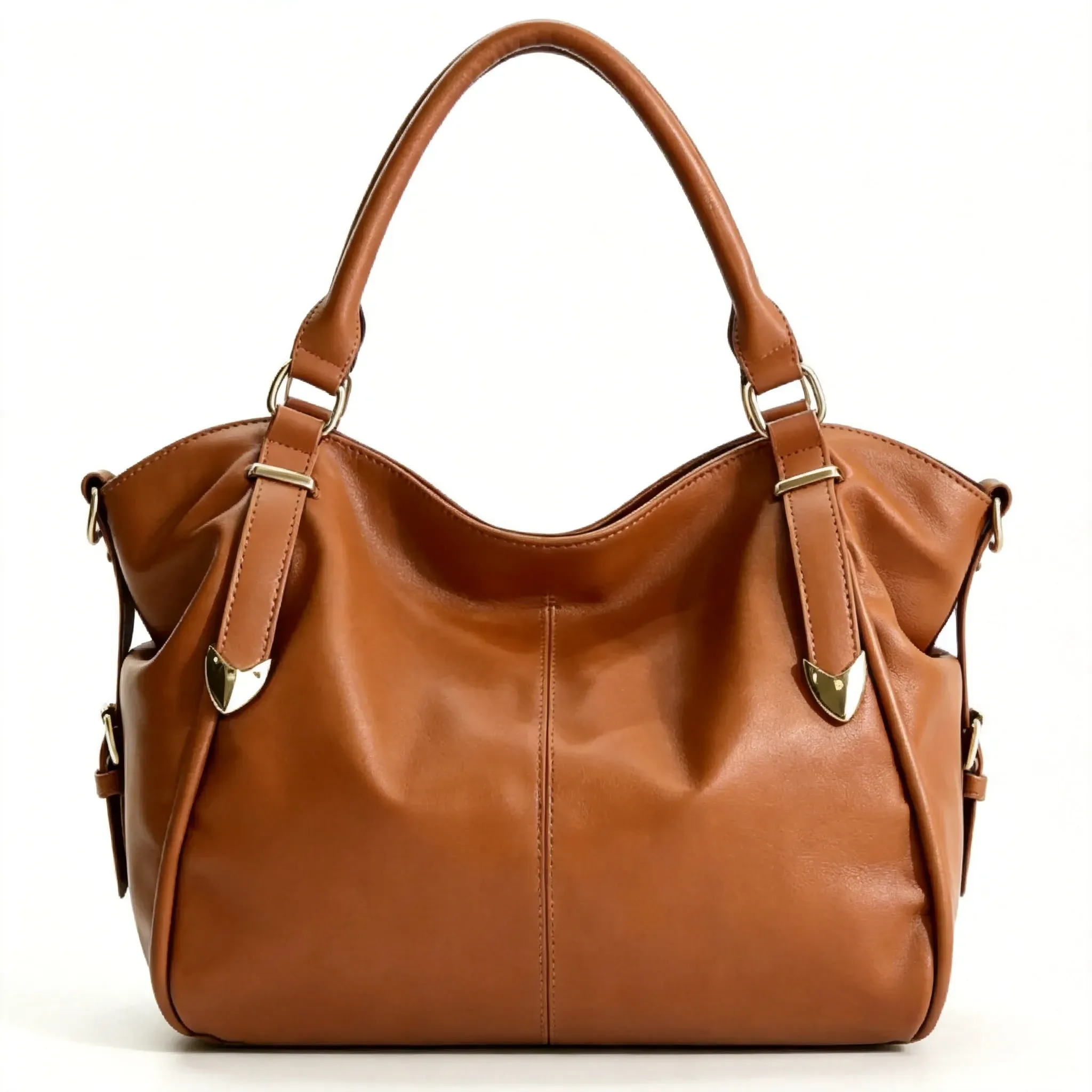
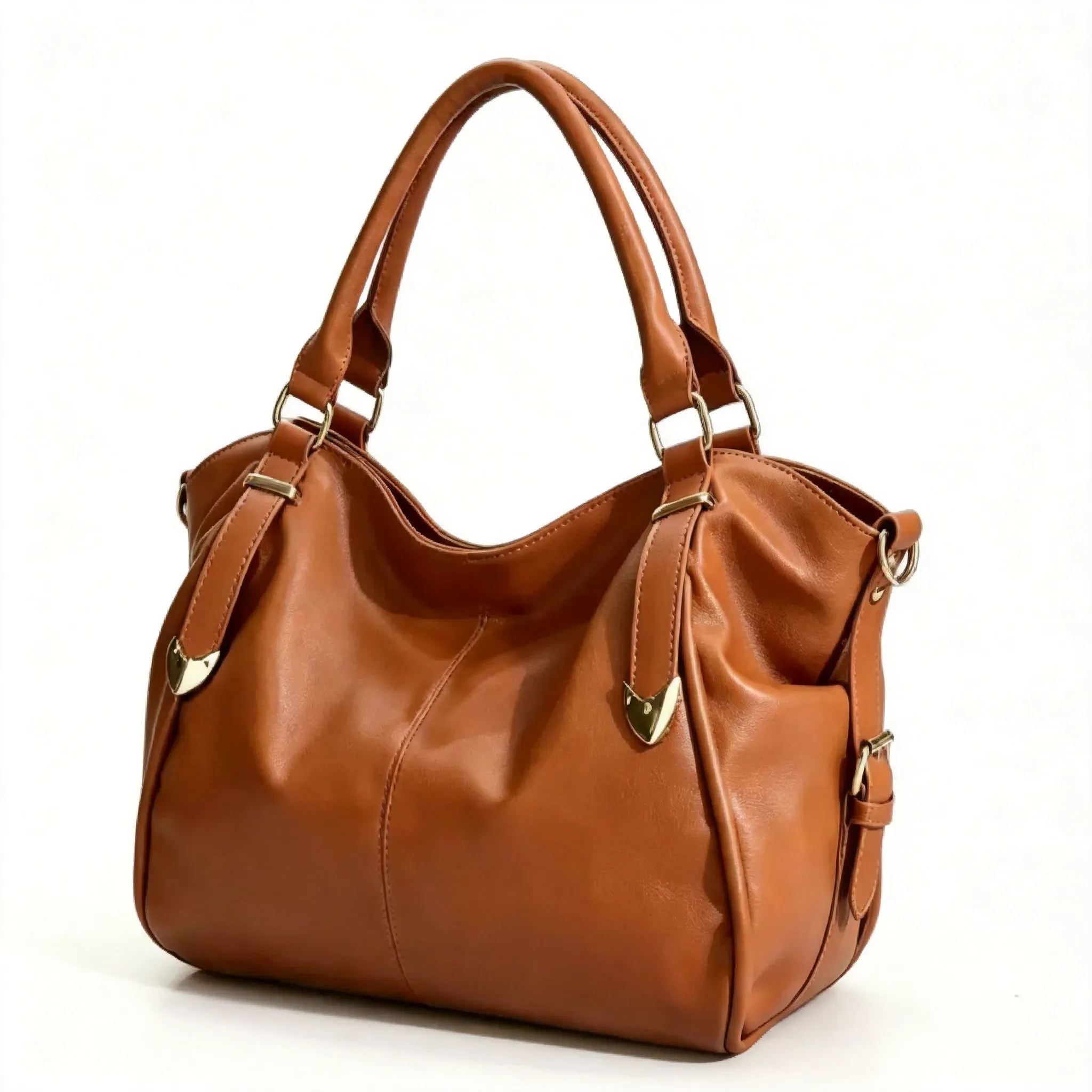
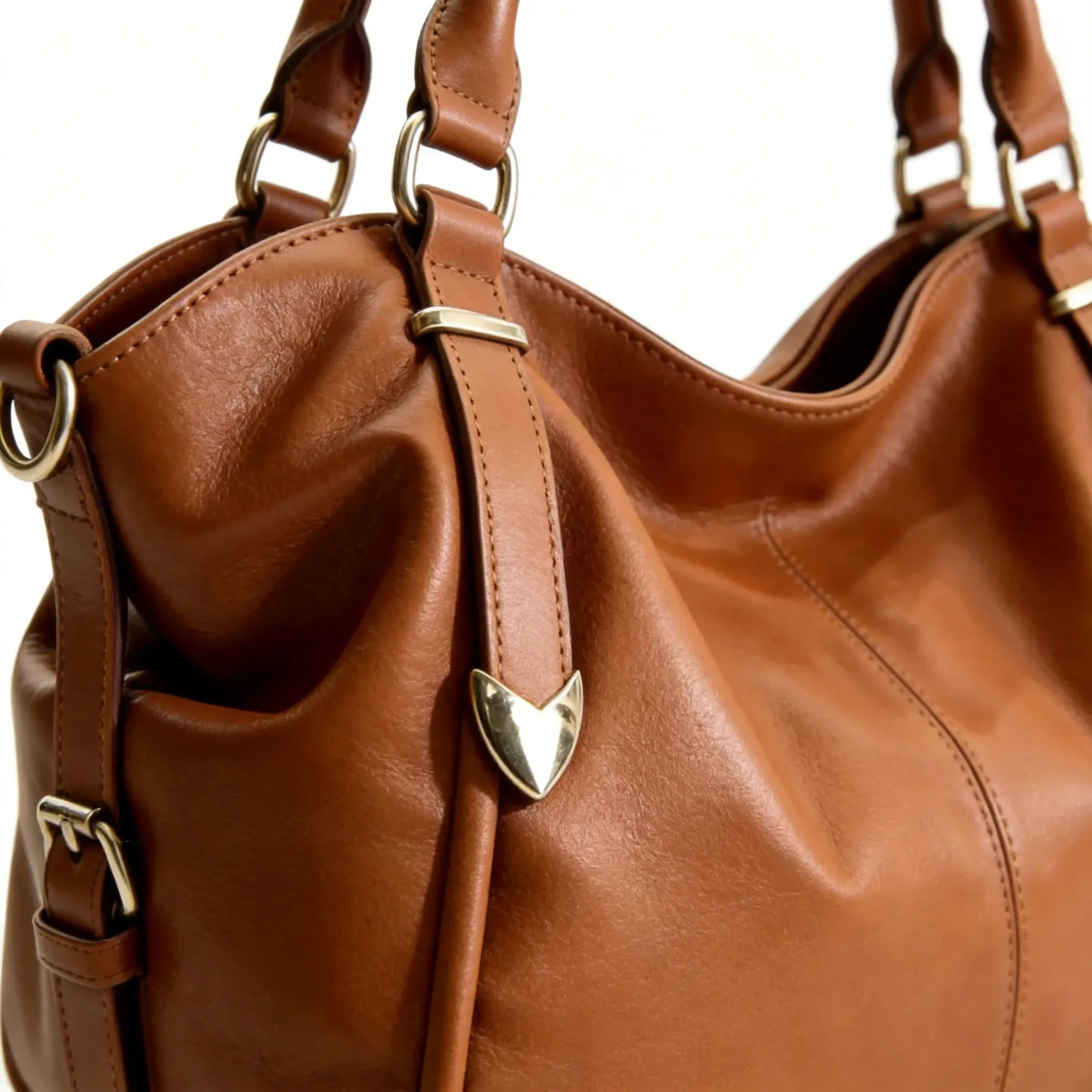
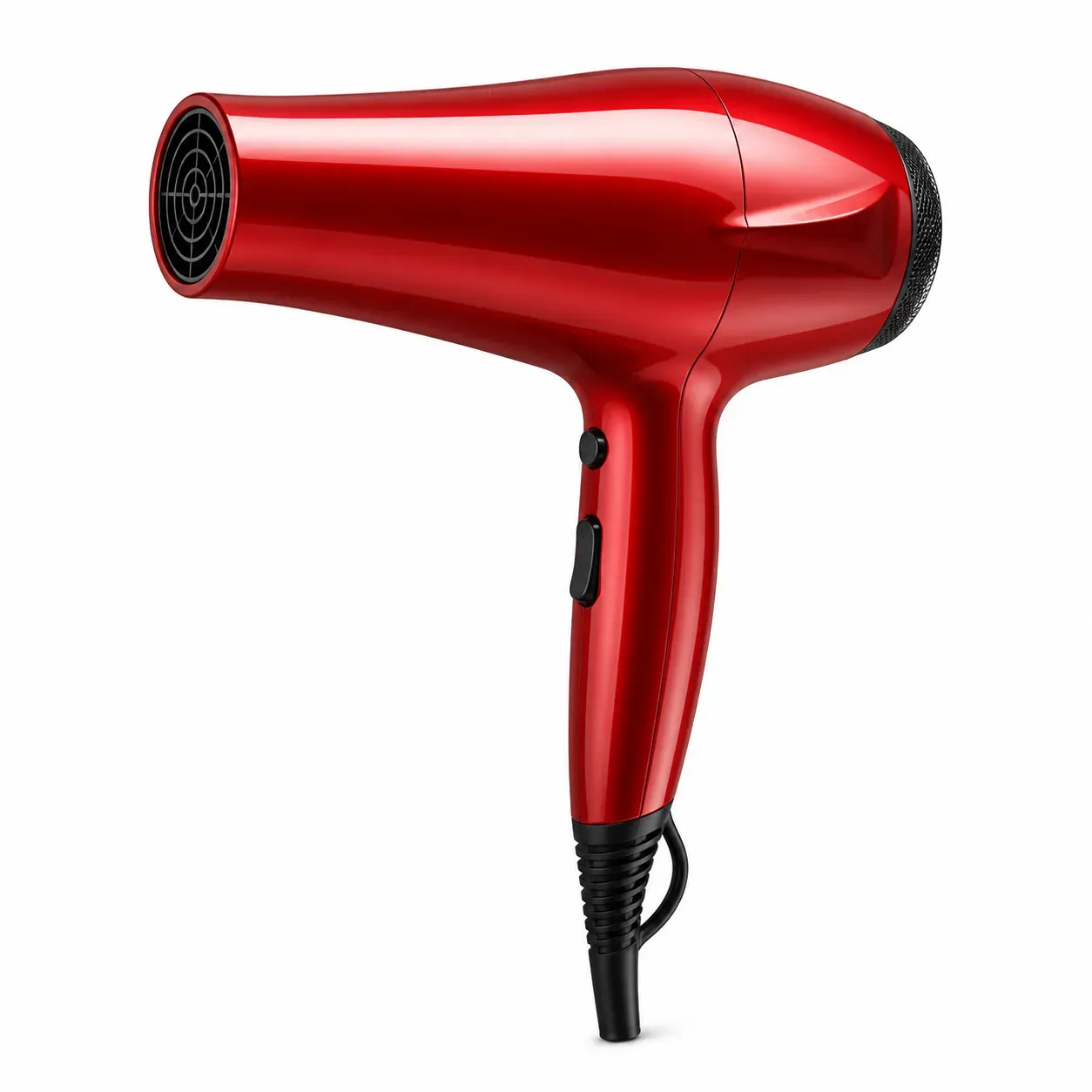
Amazon Product Image Front View

Amazon Product Image Front View

TECHNICAL SPECS

SECTION

Amazon Product Image Generator

MODULE

image_to_image

SKILL ID

amazon_image_front_look

Upload Image
photo_camera

Upload Image

TEMPLATE PROMPT
Commercial usage license included
MORE IN Amazon Product Image Generator
#amazon_product_image_generator

Amazon Product Image Generator for Main Images, Lifestyle Photos, and Listing Visuals

Vidoly Amazon Product Image Generator helps sellers turn product photos into Amazon-ready listing visuals, including white-background main images, lifestyle scenes, ad creatives, and A+ content drafts. Upload a clear product photo, choose the image type you need, and generate product visuals while reviewing product shape, label accuracy, color, and Amazon category rules before publishing.

Generate Amazon Product Images
Create Different Amazon Listing Images from One Product Photo

Create Different Amazon Listing Images from One Product Photo

A strong Amazon listing usually needs more than one product image. Sellers often need a clean main image, a white-background version, lifestyle product scenes, feature-focused images, seasonal campaign visuals, and ad creatives. Vidoly helps generate these image types from uploaded product photos so sellers can test more listing directions before spending time on a full photoshoot. This workflow is useful for Amazon sellers, FBA brands, private label operators, ecommerce agencies, Shopify sellers, product marketers, and small teams that need more product visuals for launches, listing refreshes, ads, and storefront campaigns.

Pure White Main Image Generator: Built Around Amazon-Style Listing Standards

Pure White Main Image Generator: Built Around Amazon-Style Listing Standards

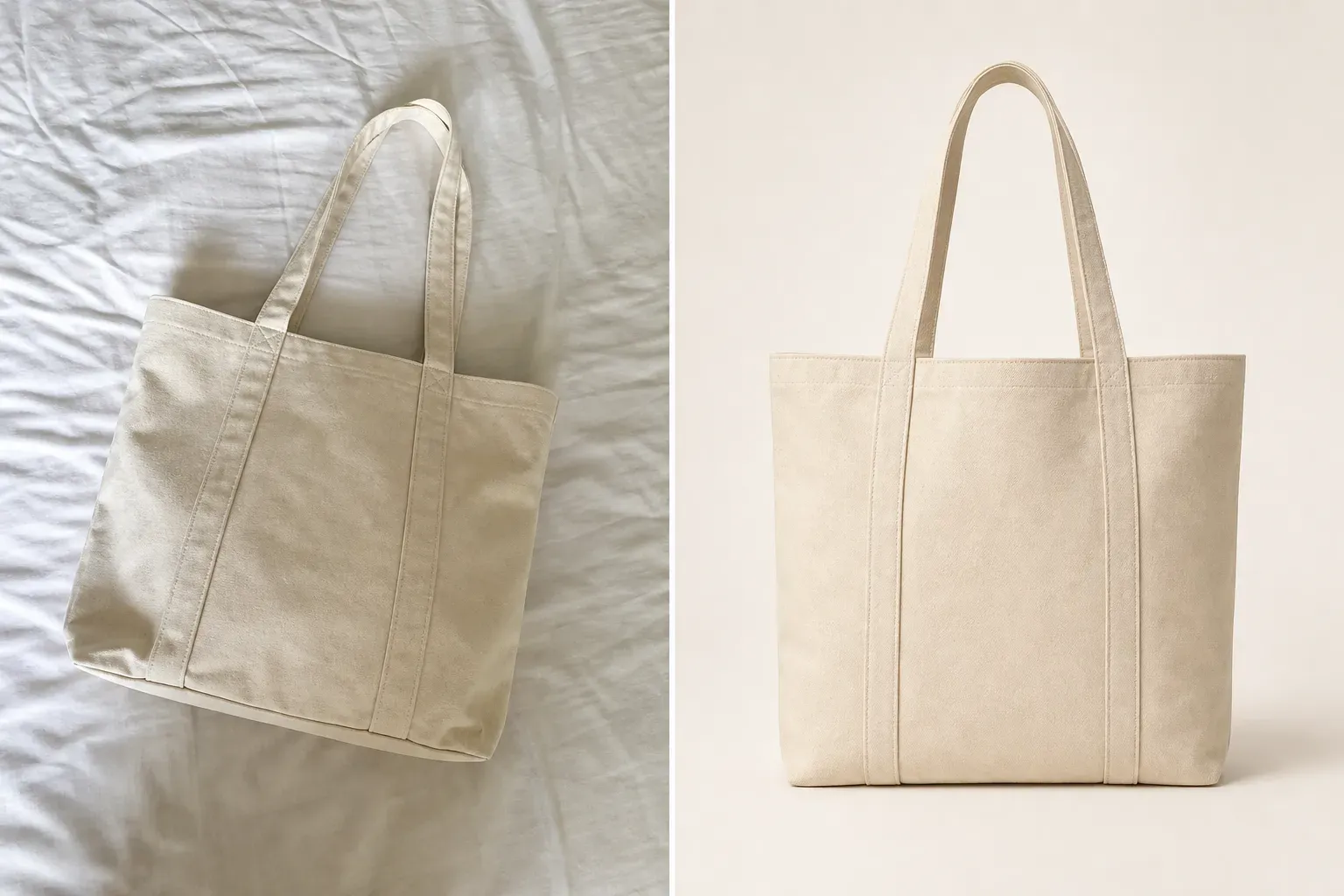
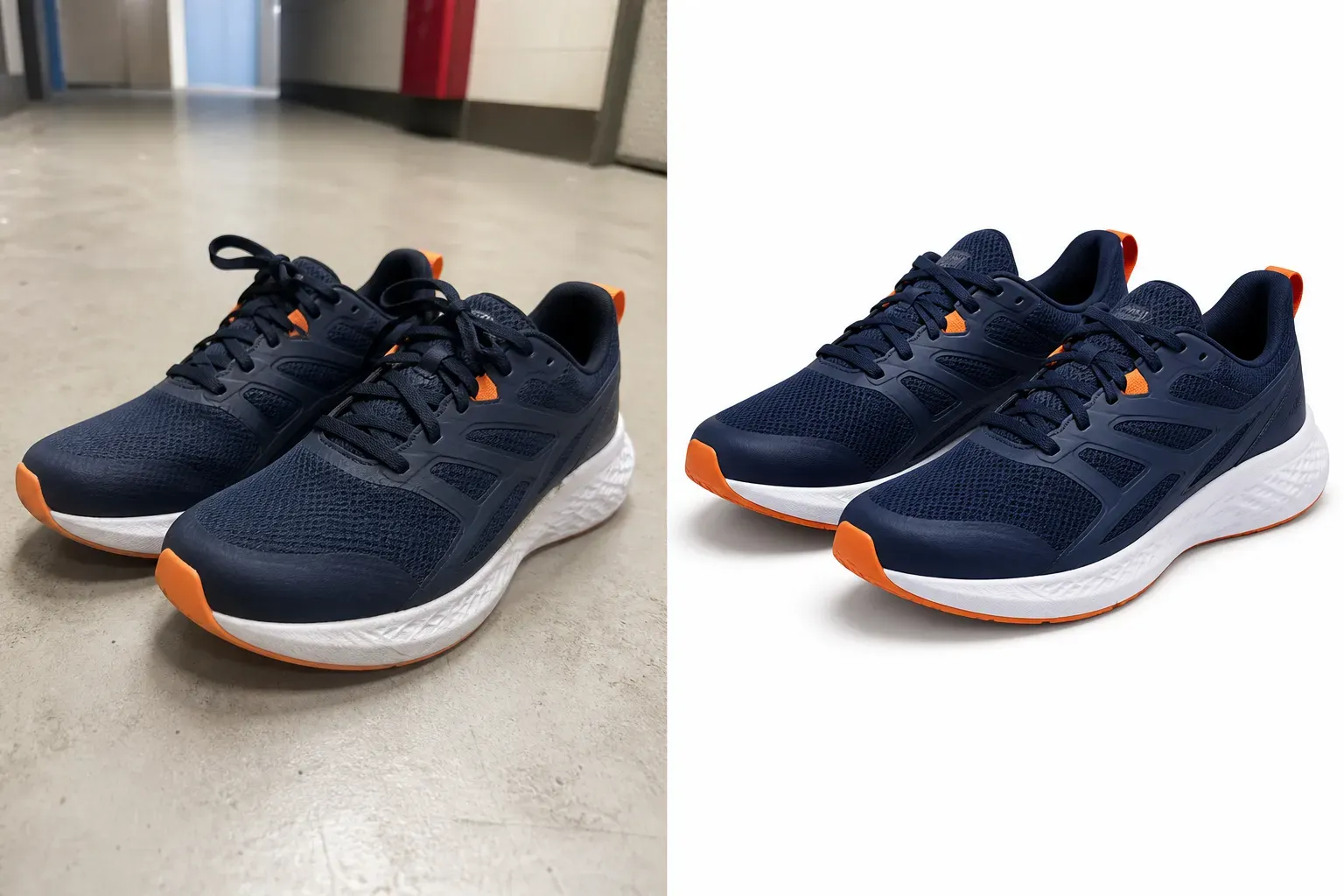
Amazon main images usually need a clean product-first presentation, with no extra props, watermarks, badges, text overlays, or distracting background elements. For many categories, a pure white background and clear product framing are the safest starting point for main image preparation. Vidoly helps generate Amazon-style main images by focusing on three practical image checks: 1. RGB 255,255,255 White Background For white-background product images, the output should use a visually pure white background instead of off-white, gray, or textured surfaces. This helps the product look cleaner in Amazon search results and product galleries. 2. 85% Product Frame Guidance A strong main image should make the product large enough to be easy to recognize. Vidoly can help center and scale the product so it fills most of the image frame while keeping the full item visible and avoiding awkward cropping. 3. No Props, Text, or Visual Clutter Main images should keep attention on the product itself. Avoid lifestyle props, decorative objects, text overlays, rating badges, discount labels, or watermarks in the primary listing image unless your category rules explicitly allow them. Before uploading, sellers should still review Amazon’s current image requirements and category-specific rules, because final approval depends on Amazon’s platform policies and manual or automated review.

Pro-Level Lifestyle Scenes for Amazon Product Categories

Pro-Level Lifestyle Scenes for Amazon Product Categories

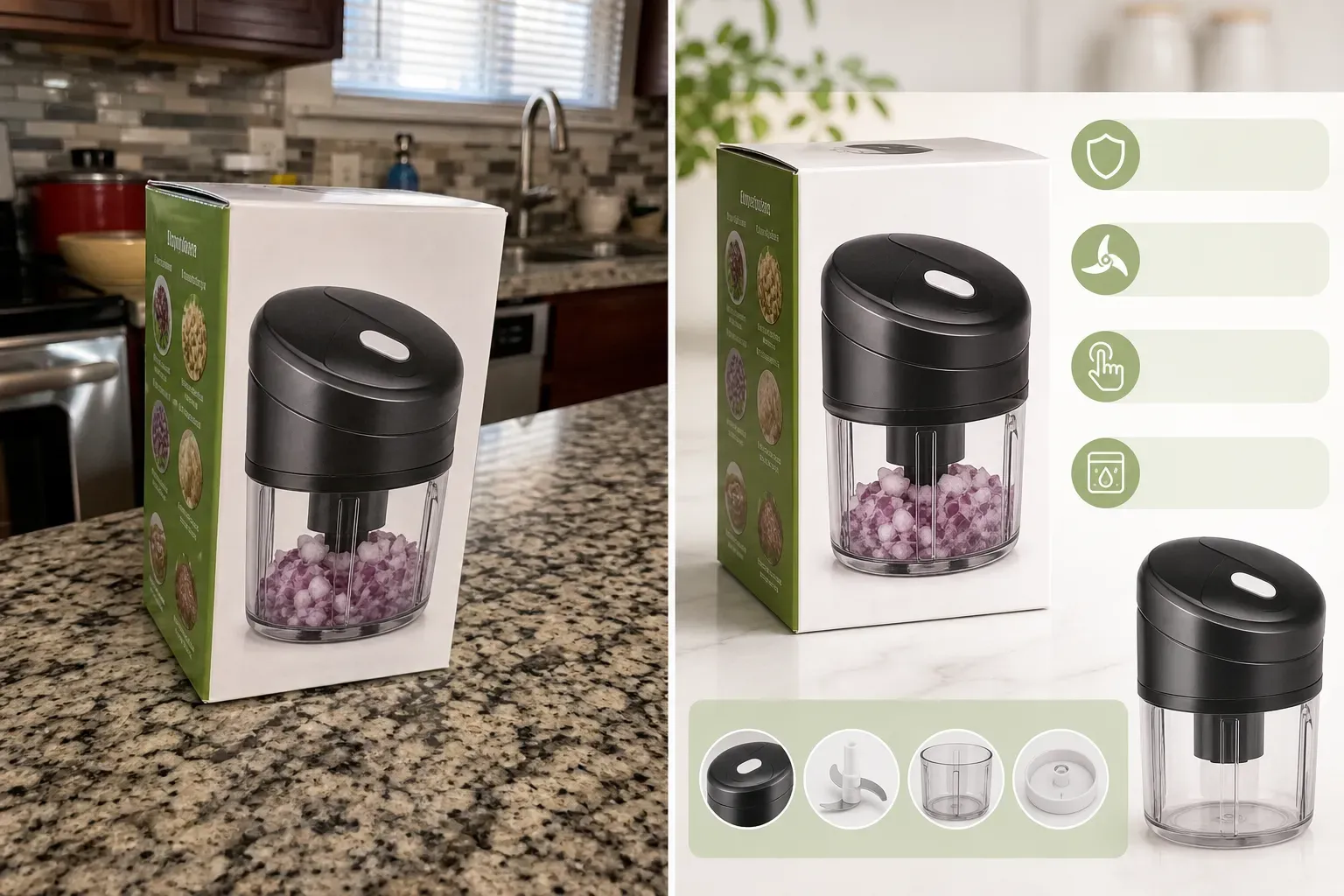
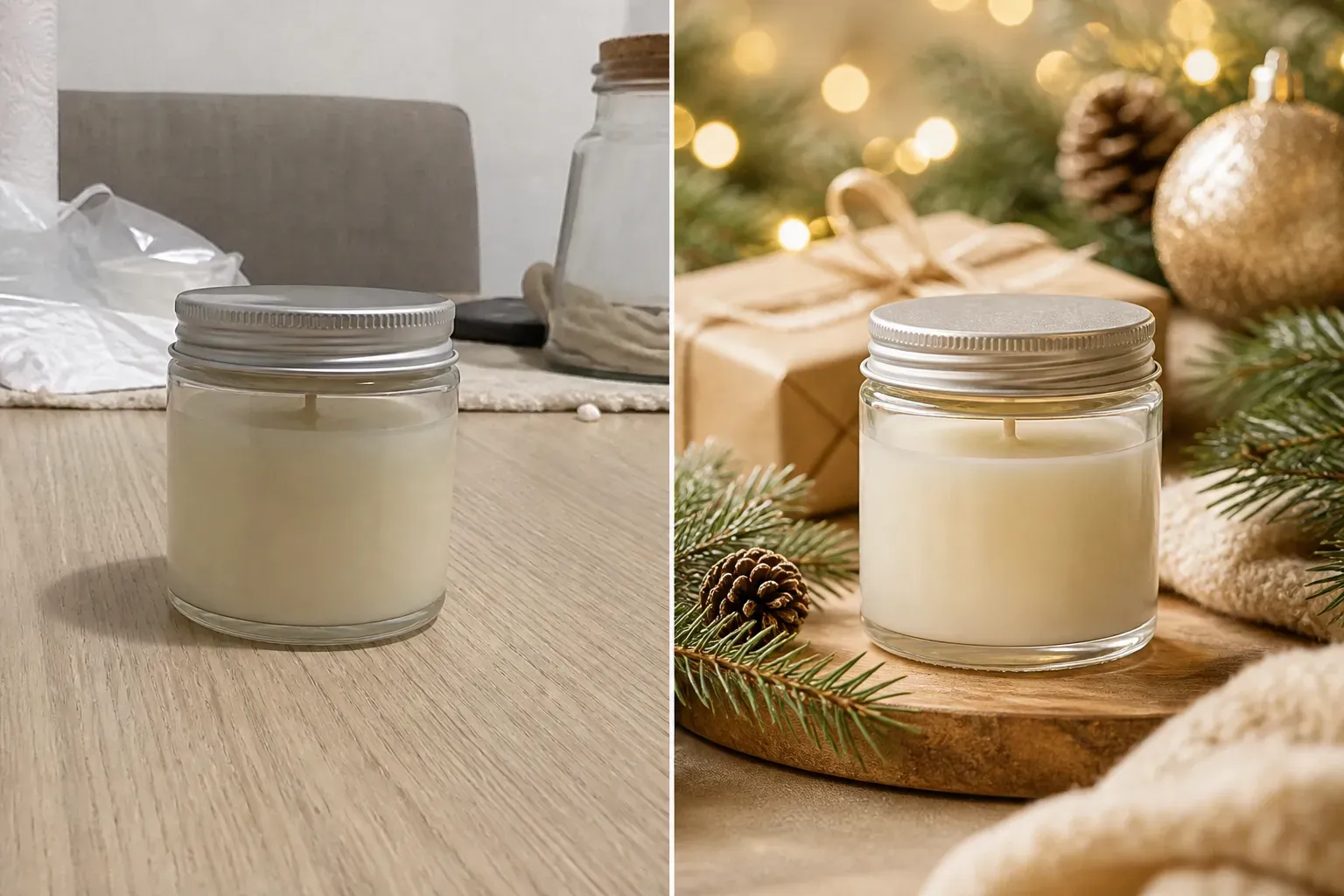
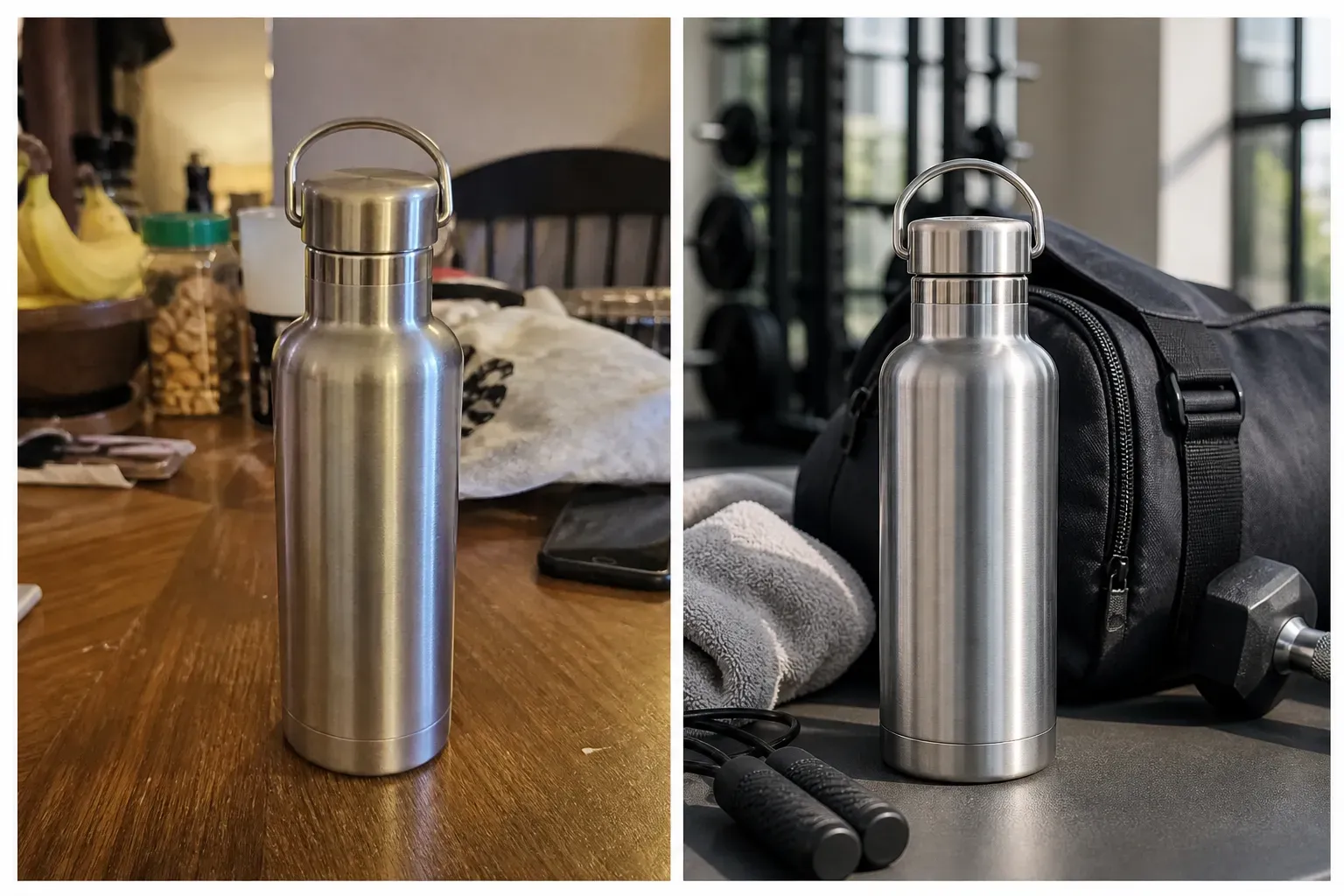
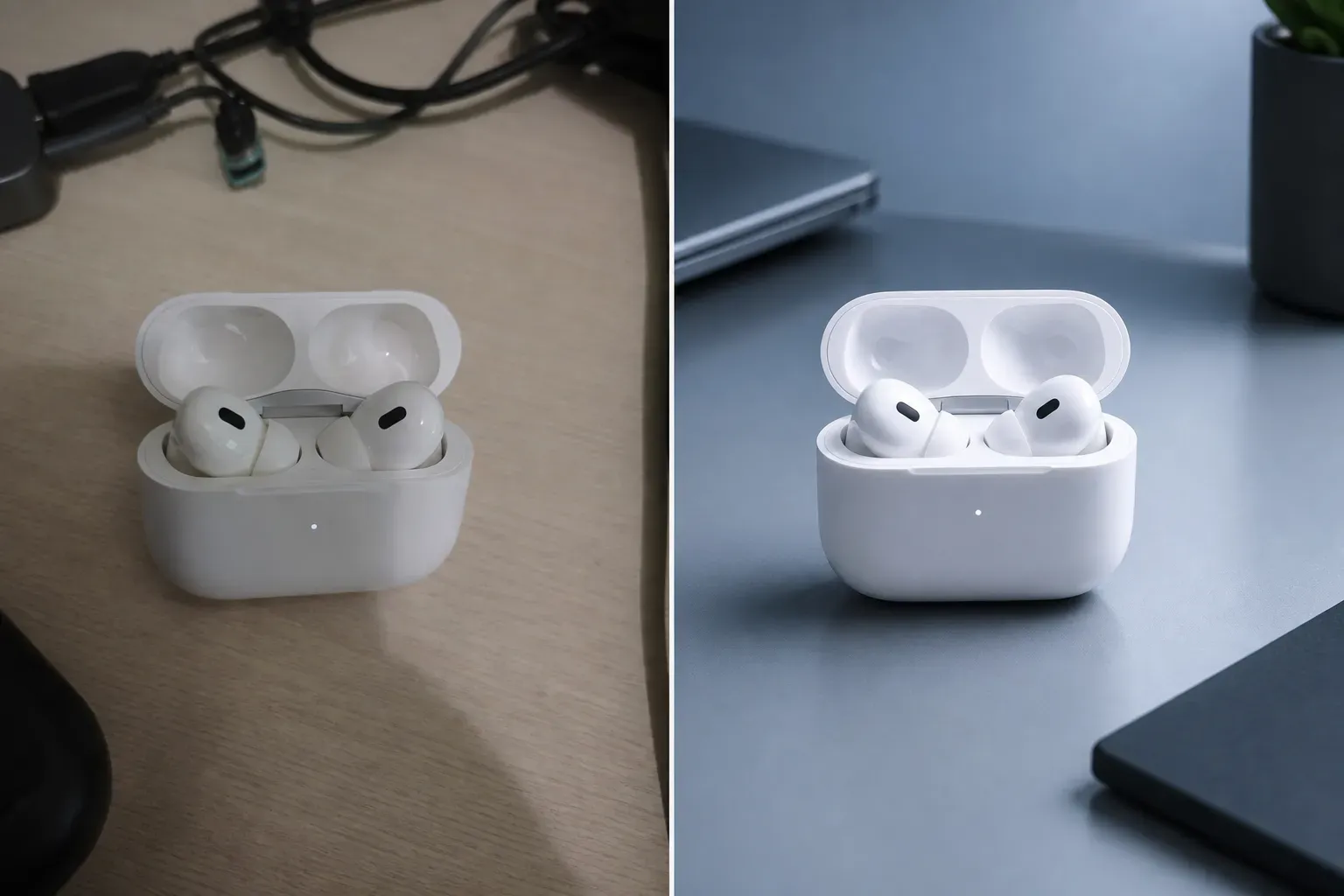
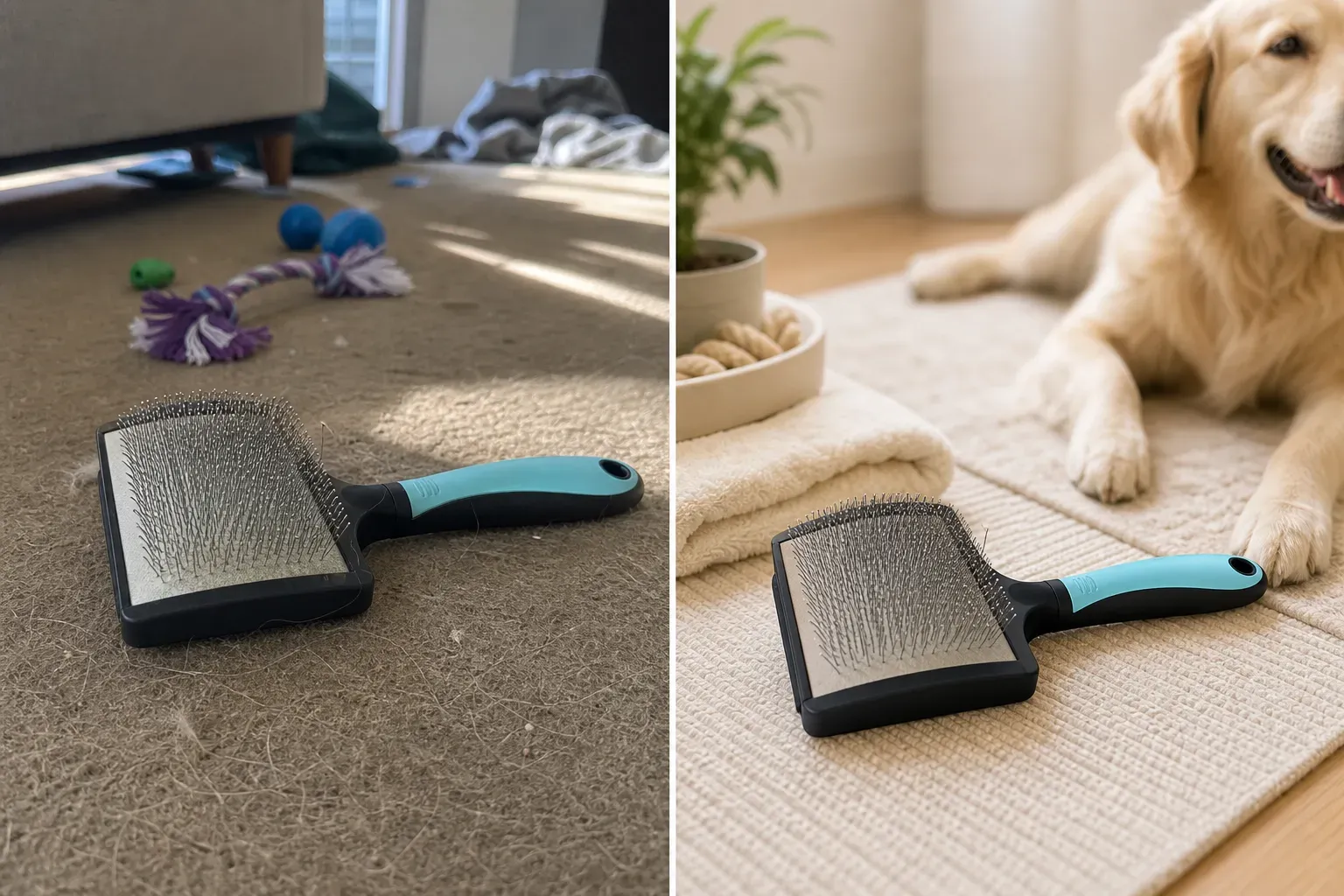
A strong lifestyle image should not use a random background. It should answer a buyer’s visual question: where the product is used, who it is for, what scale it has, and what feeling the product creates. Vidoly can help sellers generate contextual product scenes for different Amazon categories by combining product type, setting, lighting, props, and buyer intent. 1. Supplements / Gym Products Standard prompt idea: A protein bottle on a gym table. Advanced lifestyle prompt: Product placed next to a sleek shaker bottle, natural sunlight hitting a yoga mat background, modern boutique fitness studio blur, realistic scale, clean wellness aesthetic. 2. Cosmetics / Beauty Products Standard prompt idea: A cream bottle on a counter. Advanced lifestyle prompt: Product standing on a luxury wet travertine stone block, subtle water droplets around the base, soft spa lighting, neutral beige beauty aesthetic, shallow depth of field. 3. Kitchen & Dining Products Standard prompt idea: A coffee mug on a kitchen island. Advanced lifestyle prompt: Product placed on a premium white marble kitchen countertop, warm morning light through windows, soft background blur, gentle steam in the scene, clean home lifestyle mood. 4. Pet Products Standard prompt idea: A pet brush on the floor. Advanced lifestyle prompt: Product placed on a neat living room rug beside a calm pet-care setup, warm daylight, clean home environment, soft background blur, realistic product scale. 5. Home Decor / Candles Standard prompt idea: A candle on a table. Advanced lifestyle prompt: Product placed on a styled wooden side table, cozy living room background, warm ambient light, soft fabric texture, premium home decor atmosphere. 6. Electronics / Accessories Standard prompt idea: Earbuds on a desk. Advanced lifestyle prompt: Product placed on a minimalist work desk with laptop edge, soft blue-gray lighting, clean cable-free setup, realistic plastic reflections, modern tech lifestyle scene.

Best Product Photos to Upload

Best Product Photos to Upload

Use a sharp, well-lit product photo where the full item is visible. The product should not be cropped, hidden by hands, covered by props, or blended into a similar-colored background. Clean front-facing packaging shots, bottles, boxes, accessories, candles, bags, shoes, home goods, pet products, and small electronics usually work well. Transparent bottles, glass, jewelry, reflective metal, complex straps, fur, fine textures, and small label text need extra review.

Amazon Product Image Generator vs Manual Editing

Amazon Product Image Generator vs Manual Editing

Manual editing is useful when you need exact control over masks, shadows, label cleanup, product retouching, and compliance-sensitive design. AI generation is faster for creating multiple visual directions, such as white-background versions, lifestyle scenes, seasonal ad concepts, and listing image variations. The best workflow is to use AI for fast image generation and creative testing, then manually review or refine the final asset before uploading it to Amazon. This is especially important for regulated categories, product claims, package labels, medical products, supplements, children’s products, and any image that must match the real product exactly.

Popular Uses for Amazon Sellers and Ecommerce Teams

Popular Uses for Amazon Sellers and Ecommerce Teams

FBA and Private Label Sellers Create product image variations for new listings, launch tests, catalog refreshes, and main image cleanup. This helps sellers compare different visual directions before deciding which image to upload. Ecommerce Agencies Generate product visuals for multiple clients, including white-background images, lifestyle mockups, ad concepts, and storefront banners. Agencies can use AI images as creative drafts before final client review. Small Brands Without a Full Photoshoot Budget Turn a basic product photo into several listing-ready concepts, such as a clean product image, a home scene, a gift scene, or a campaign visual. Amazon Ads and Storefront Campaigns Create seasonal visuals for Sponsored Brands, product launch ads, storefront hero images, social posts, and promotional campaigns. A+ Content and Feature Image Planning Generate visual concepts for feature blocks, comparison graphics, ingredient callouts, product scale images, and benefit-focused layouts. Exact copy and icons should be checked manually before publishing.

Common Limitations of AI Product Images

Common Limitations of AI Product Images

AI may slightly alter product edges, labels, reflections, shadows, colors, proportions, or packaging details. This is more likely when the uploaded image is blurry, low-resolution, heavily cropped, reflective, transparent, or visually complex. AI can also struggle with exact small text, legal claims, ingredient lists, certification marks, measurement lines, and brand logos. If the image will be used on Amazon, in ads, or in paid ecommerce campaigns, review it carefully against the real product and Amazon’s current category- specific image requirements.

How To Use Amazon Product Image Generator?

1

Upload a Clear Product Photo

Start with a sharp image where the product shape, edges, label, packaging, and color are visible.

2

Choose the Listing Image Type

Select whether you need a main image, white-background image, lifestyle scene, ad creative, storefront visual, or A+ content draft.

3

Describe the Scene or Output

For lifestyle images, describe the setting, such as bathroom shelf, kitchen counter, home office, outdoor travel, holiday gift scene, studio setup, or premium product display.

4

Generate and Review Product Accuracy

Check the generated image for product shape, color, logo placement, label text, reflections, shadows, scale, and packaging details.

5

Download for Listings, Ads, or Storefronts

Use the image as a listing asset, ad concept, storefront visual, or creative draft after reviewing Amazon’s current image requirements and your category rules.

FAQs

What is Vidoly Amazon Product Image Generator?

Vidoly Amazon Product Image Generator is an AI tool that helps sellers create product visuals for Amazon listings, including main images, white- background images, lifestyle scenes, ad creatives, and A+ content drafts.

Can I use AI-generated product images on Amazon?

You can use AI-generated images as part of your Amazon creative workflow, but final uploads should be reviewed against Amazon’s current image requirements and category-specific rules. Check product accuracy, misleading scenes, label text, claims, and required disclosures before publishing.

Does this create Amazon main images?

Yes. You can generate clean product-focused visuals for main image preparation. For main images, keep the product clearly visible, centered, and usually on a simple or white background.

Can it create white-background product photos?

Yes. The AI can help remove the original background and place the product on a white or simple background. Review the final image for clean edges, accurate shadows, correct color, and preserved packaging details.

Can I create Amazon lifestyle product images?

Yes. You can generate lifestyle scenes that show the product in use, such as a bathroom counter, kitchen setup, desk scene, outdoor activity, gift scene, or home decor layout.

Can I make A+ Content images with this tool?

Yes. You can use it to create A+ content concepts, feature visuals, comparison scenes, and benefit-focused image drafts. Exact text, icons, certifications, claims, and compliance-sensitive details should be added or verified manually.

Will the AI preserve my product label and logo?

The AI can try to preserve visible labels and logos, but exact text accuracy may vary. Always inspect brand marks, ingredient lists, legal claims, measurement marks, and small packaging text before using the image in a live listing.

What product photos work best?

Clear, high-resolution product photos with visible edges, accurate color, and stable lighting work best. Avoid blurry images, cropped products, heavy reflections, harsh shadows, and backgrounds that blend into the product.

Does it work for glass, jewelry, or reflective products?

It can help with these products, but they need extra review. Glass, clear plastic, jewelry, metallic packaging, and glossy surfaces may cause edge errors, reflection changes, or unrealistic shadows.

Does this guarantee Amazon approval?

No. No AI product image tool can guarantee Amazon approval because final approval depends on Amazon’s current image requirements, category rules, product accuracy, packaging visibility, trademark rights, and automated or manual review. Vidoly can help reduce photoshoot workload by generating Amazon-style main images, white-background images, lifestyle scenes, and A+ content drafts from product photos. However, sellers should always inspect the final export before uploading. Check that the product shape, color, packaging, logo, FDA disclaimers, supplement facts, ingredient text, warning labels, certification marks, and legal claims remain accurate and legible. For products with important small text, use a clean main image for the product overview, then use Macro View or secondary listing images to show close-up details. Critical text is often better displayed in a dedicated secondary image or A+ content block rather than forced into one crowded main image.

Can I use the generated images commercially?

You can use generated images commercially if you own the product photo, have the right to use the product assets, and the final image accurately represents the product. Avoid misleading edits, unauthorized logos, false claims, or changes that alter the real product.

Why does my generated product look slightly different?

AI may change small visual details when it rebuilds a product image, especially with reflective packaging, transparent bottles, glossy labels, metallic surfaces, curved containers, tiny text, or low-resolution source photos. The model may slightly adjust shadows, edges, reflections, color, label spacing, or product proportions while creating a cleaner background or new lifestyle scene. This is why the final image should be reviewed like a production asset, not just a creative preview. Compare the generated result with the real product photo and check every detail that affects buyer trust or compliance: brand logo, packaging shape, ingredient list, FDA or safety disclaimer, warning label, net weight, usage claims, certification marks, and any trademarked design elements. If exact text readability matters, do not rely on a wide lifestyle image alone. Generate a Macro View image or a dedicated A+ content visual that isolates the label, texture, ingredient area, or key packaging detail. This gives shoppers a clearer view while reducing the risk of misleading or unreadable product information.

What should I do if my Amazon main image gets rejected?

If rejected, check two things: First, ensure you used Vidoly's RGB 255,255,255 White Background Mode instead of a light gray backdrop. Second, ensure no text or packaging logos on your product violate local regulatory claims (like unapproved FDA claims). Vidoly helps you instantly regenerate clean backdrops and isolate the product, but you should always cross-verify your packaging labels against Amazon's category-specific policies before re-submitting.