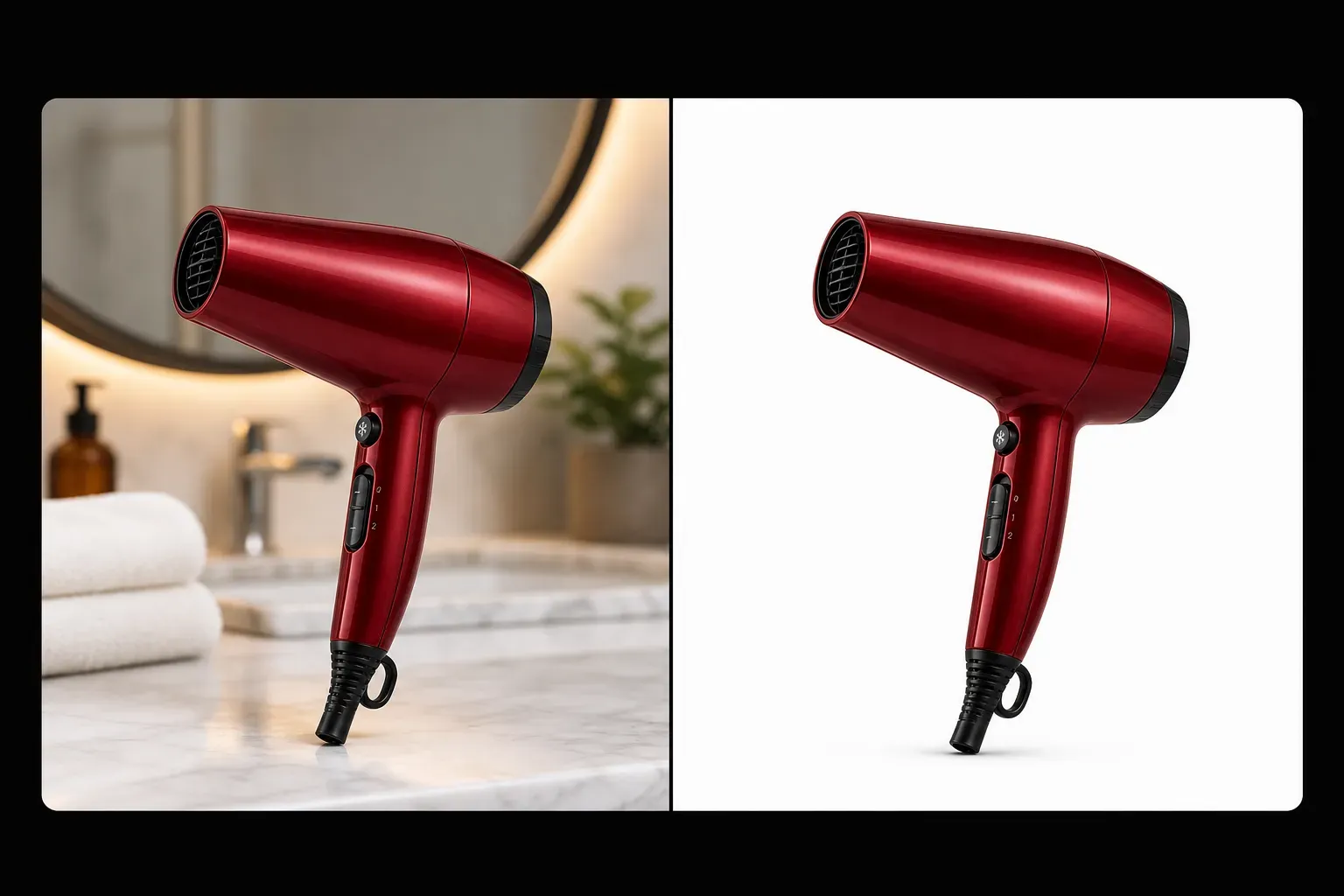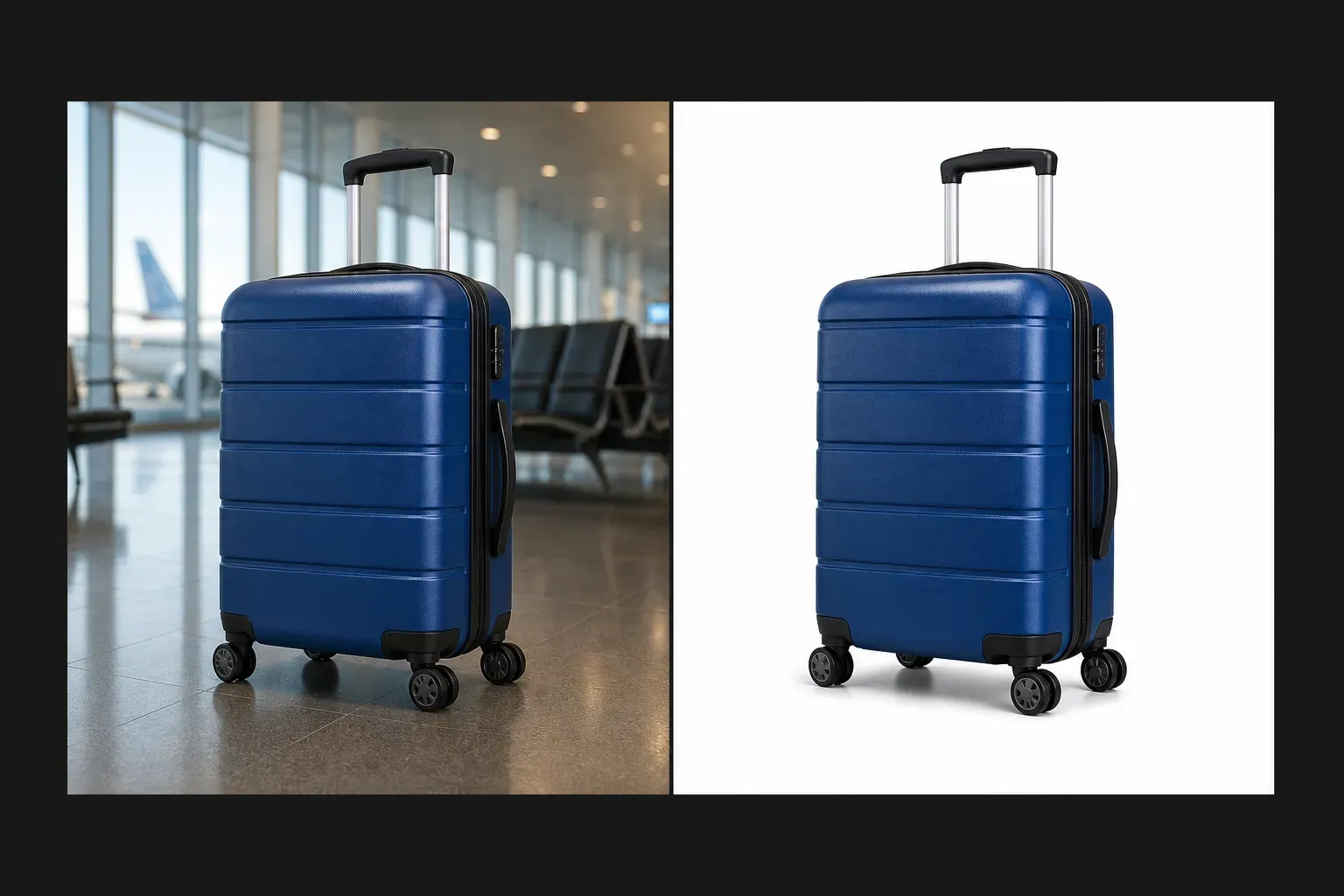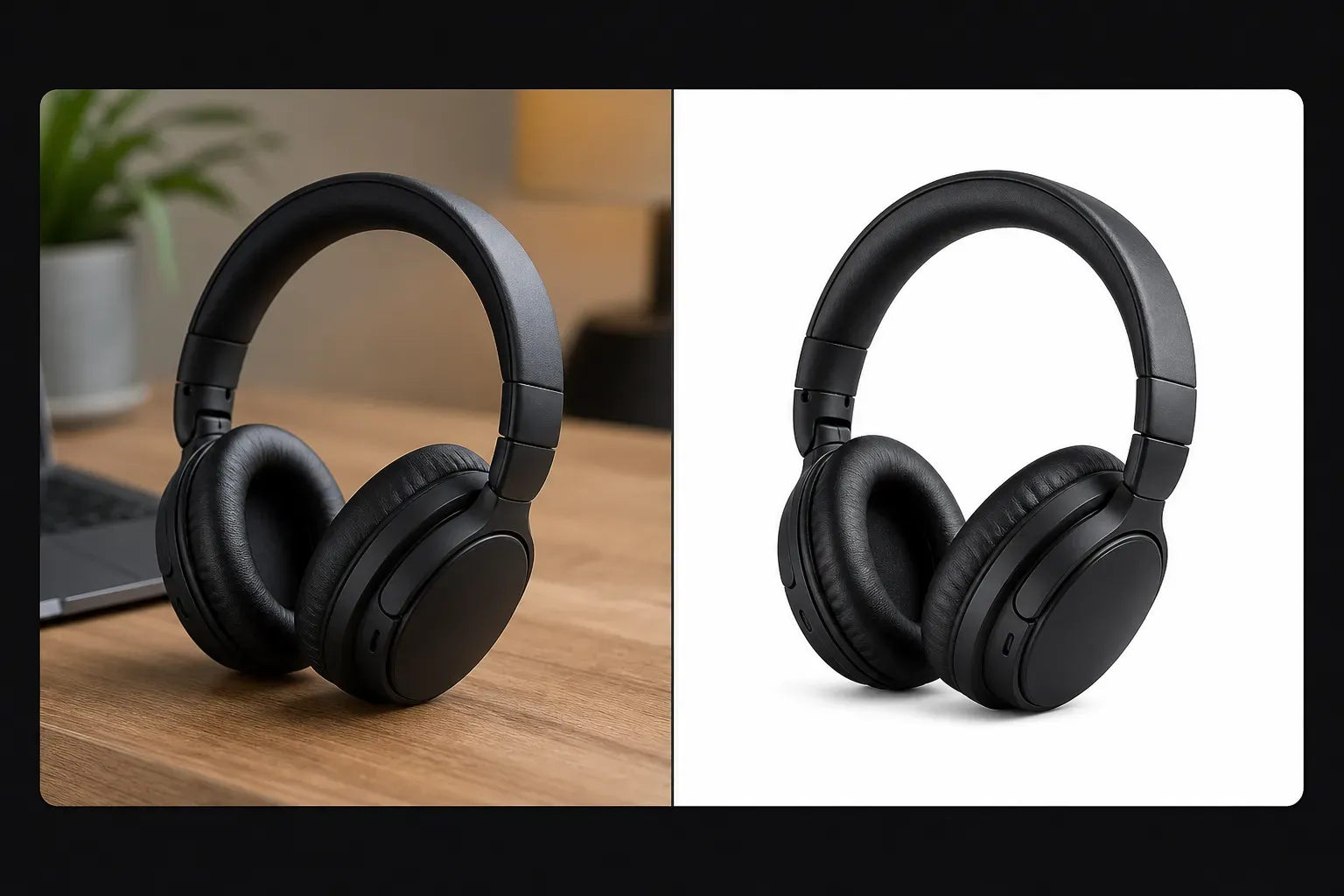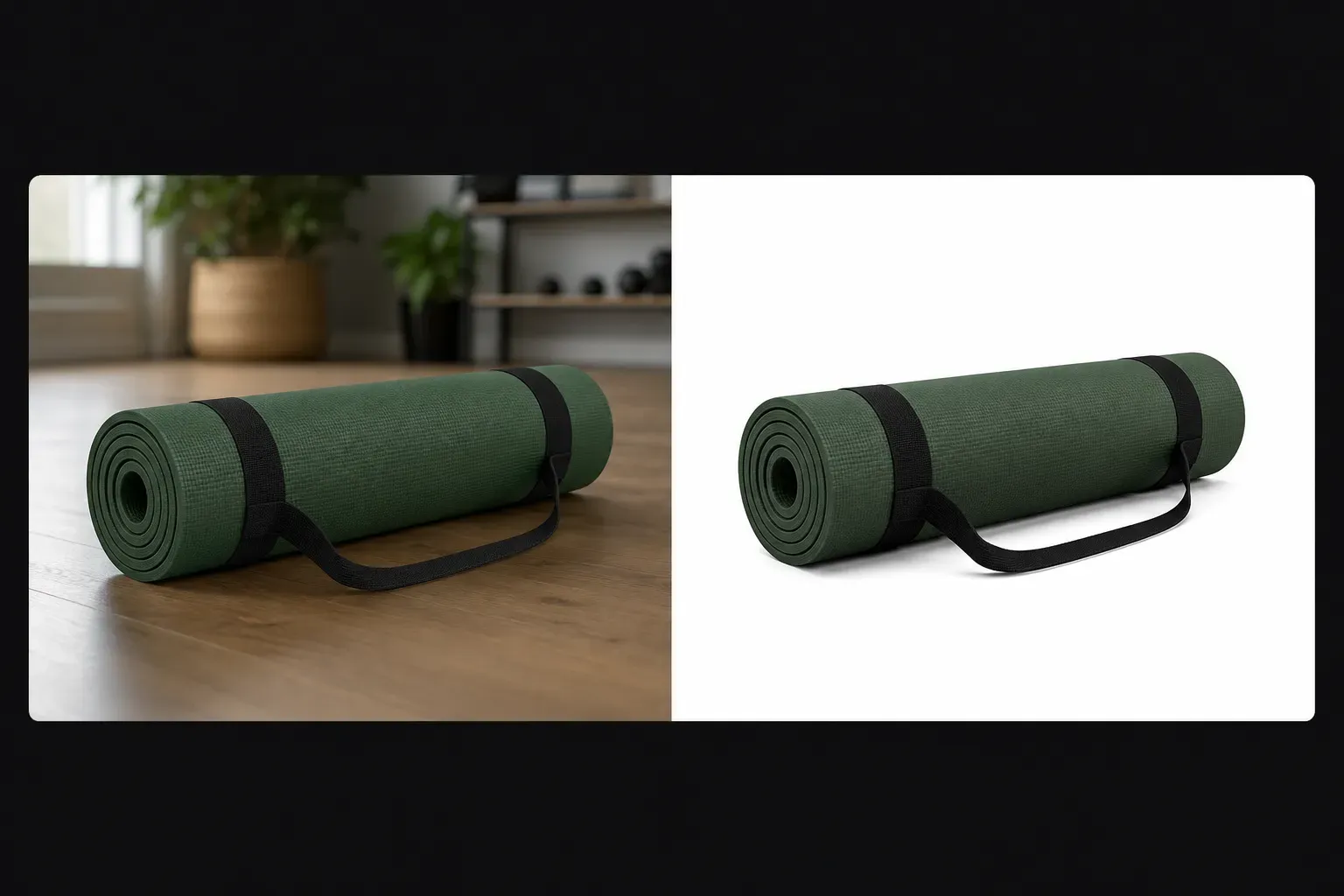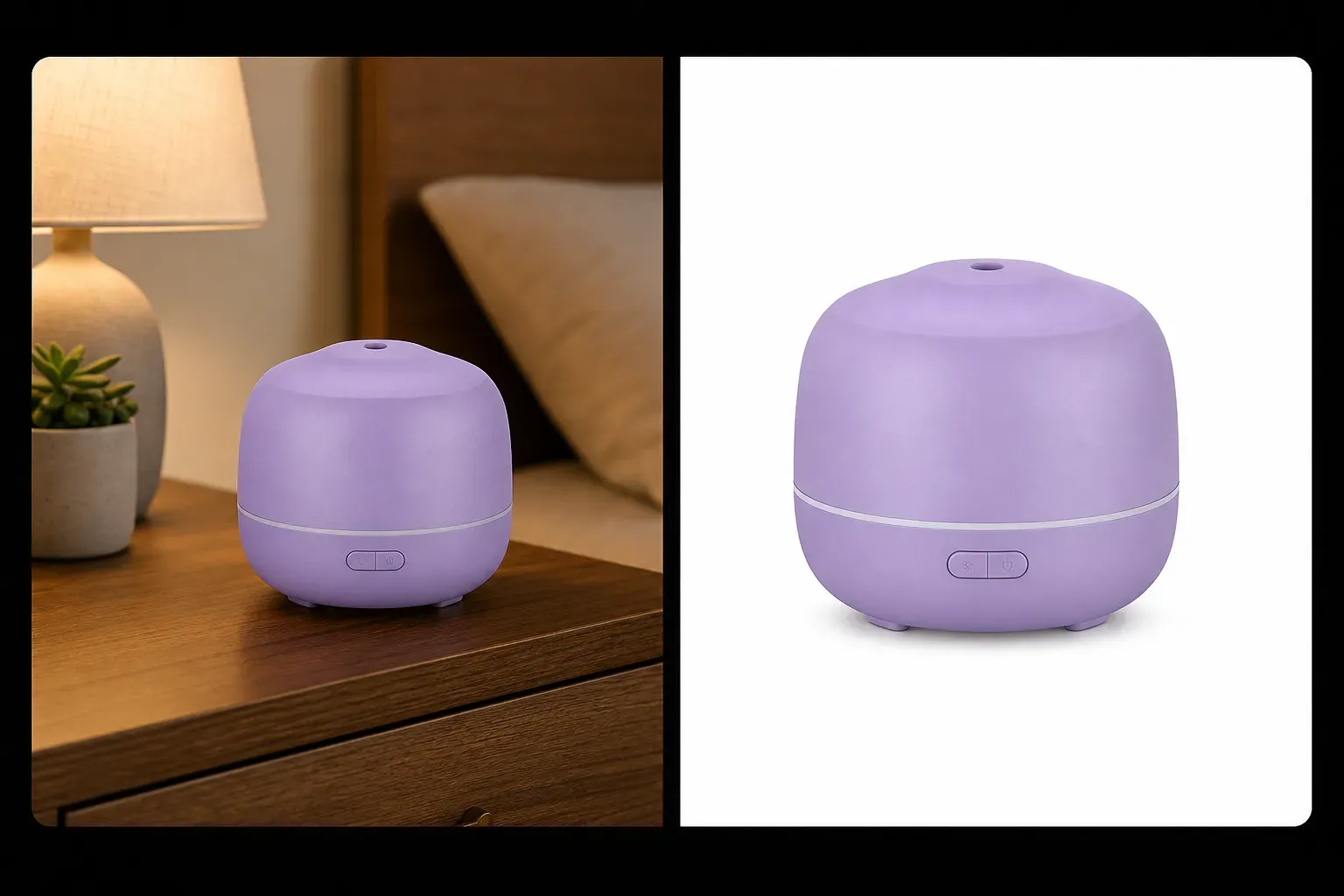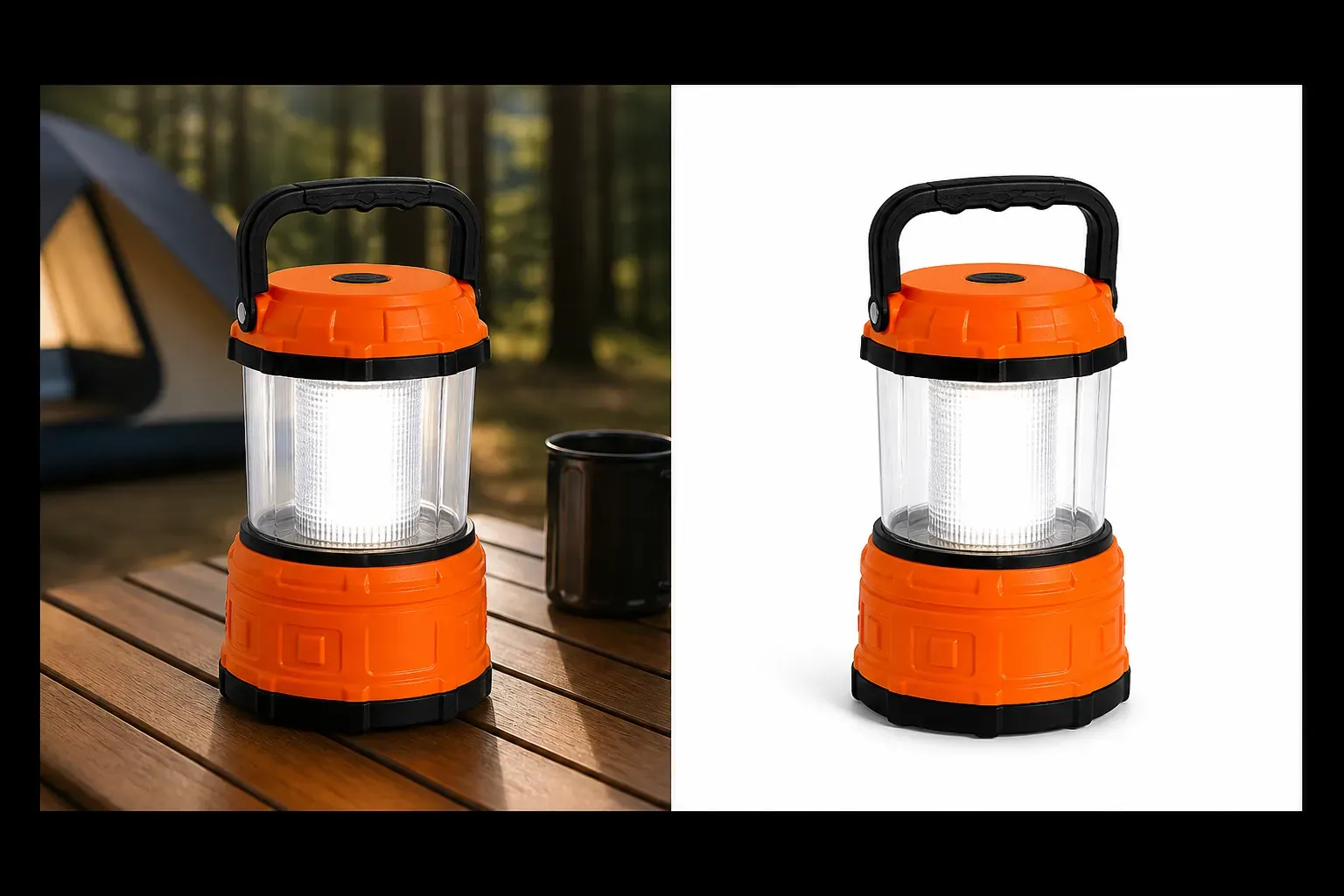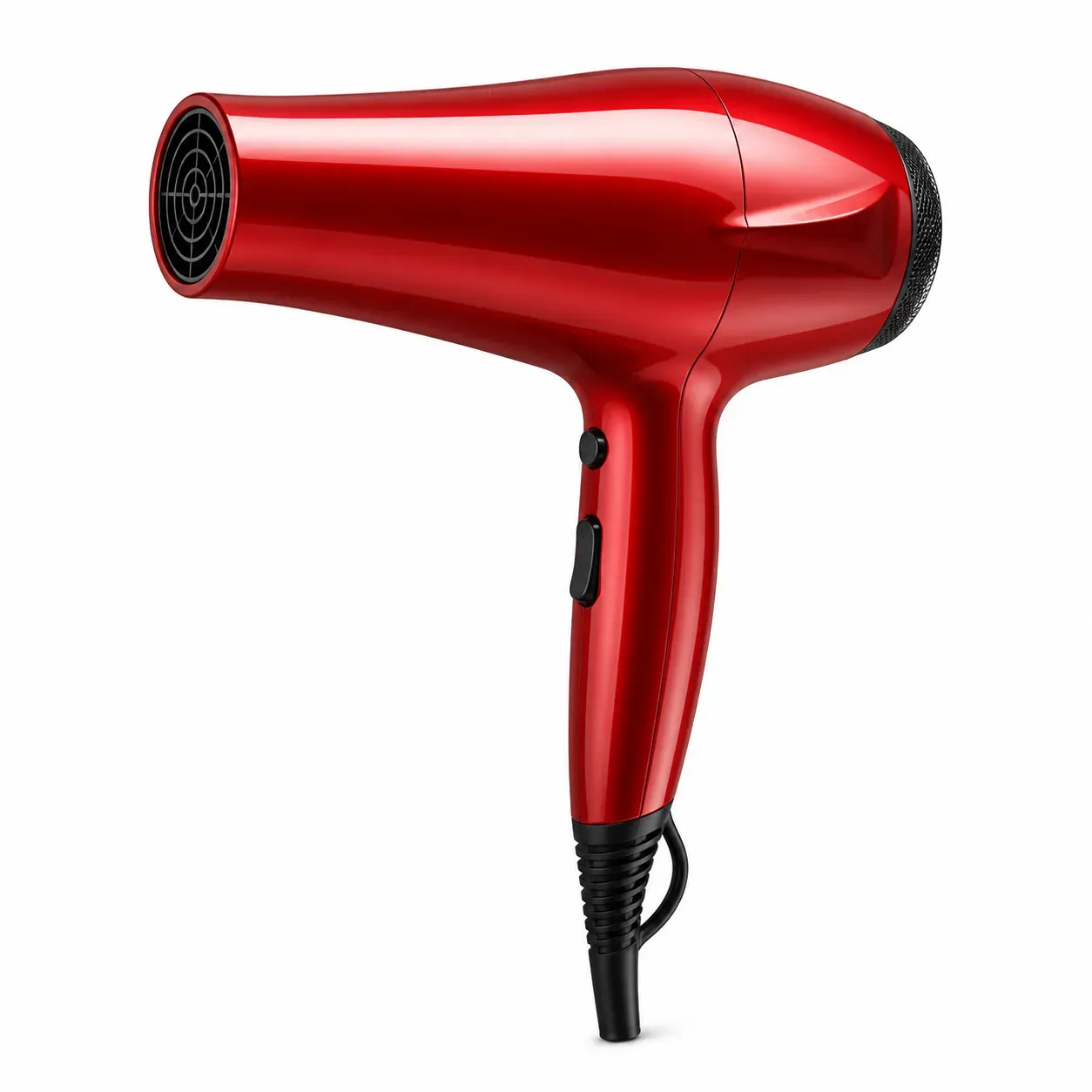
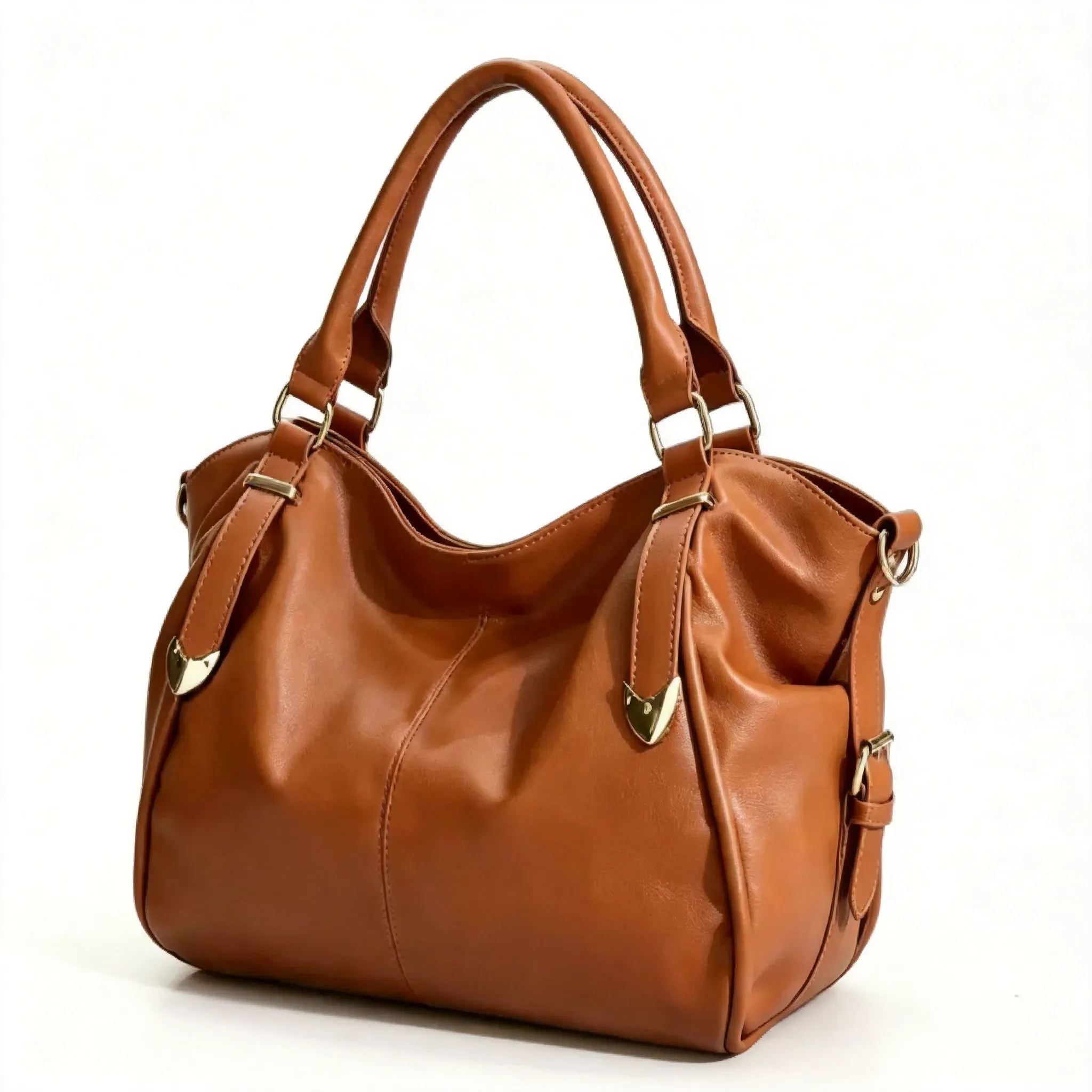
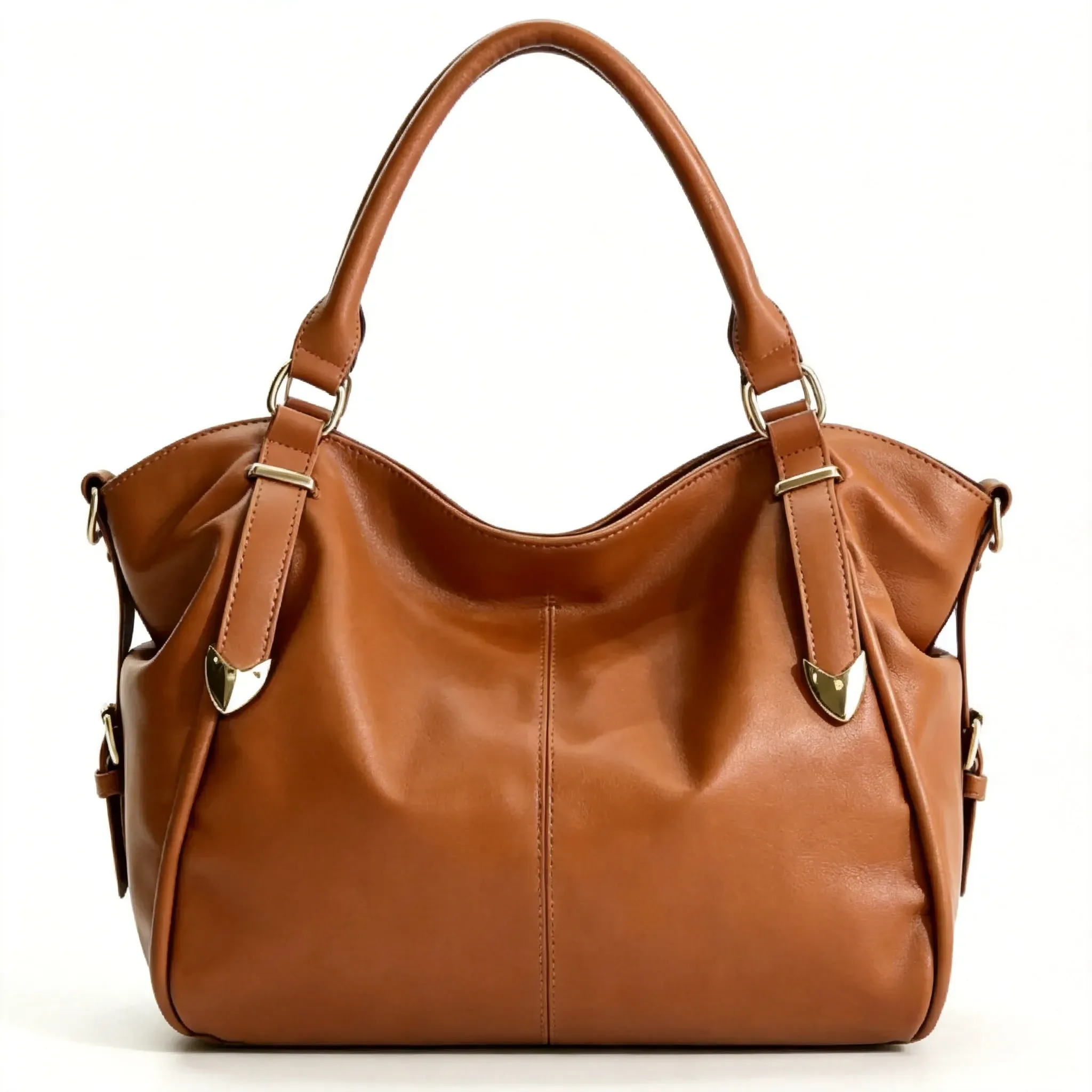
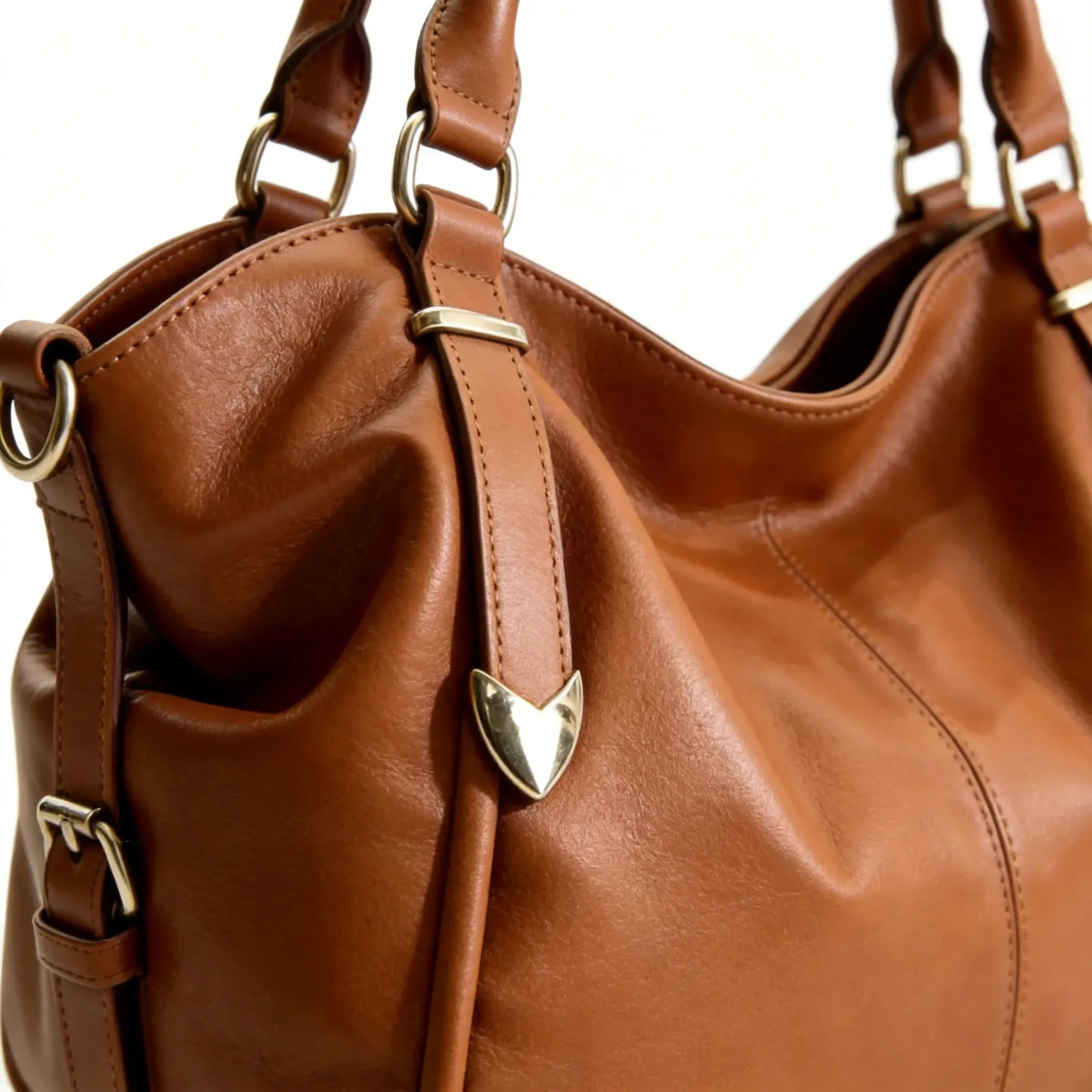

Vidoly Amazon White Background Image Generator is designed for sellers who need clean product images on a white or simple background. The AI identifies the product, removes the original background, keeps the product shape visible, and generates a white-background result suitable for marketplace presentation. It is especially useful for product launches, catalog cleanup, listing refreshes, and preparing product photos for Amazon-style image requirements.
Create White Background Image
Amazon White Background Image Generator
SECTION
Amazon Product Image Generator
MODULE
image_to_image
SKILL ID
amazon_main_image_generator
Reference Image

Amazon White Background Image Generator helps convert product photos into clean white-background images. It removes visual distractions behind the product and keeps the item centered, clear, and easy to recognize. This is useful for sellers who need product-only visuals for Amazon listings, ecommerce catalogs, and marketplace uploads.

A cluttered background can distract shoppers from the product. AI background removal helps separate the product from the original scene and replace the background with white or clean negative space. This makes the product easier to scan in search results, product pages, and catalog grids.

Good white-background product images need clean edges and accurate product shape. The AI should preserve packaging outlines, handles, straps, transparent parts, fabric texture, and product details while removing the background. A subtle natural shadow can help the item look grounded without adding clutter.

White-background images are designed to show the product clearly with minimal distractions. Lifestyle product images show the item in use, such as skincare in a bathroom, shoes outdoors, or a mug on a desk. Both are useful for ecommerce, but this tool focuses on clean white-background product photos for product-first presentation.

The best inputs are clear product photos with visible edges, stable lighting, and minimal blur. Products should not be cropped, hidden behind hands, or blended into a similarly colored background. Items with transparent packaging, reflective surfaces, fine jewelry, glass, fur, or complex straps may need extra review after AI processing.

AI may struggle with transparent bottles, reflective metal, glass, shadows, fine hair-like textures, small accessories, or products photographed against a similar background color. It may also soften edges or alter small label details if the source image is low-resolution. Always review product shape, label accuracy, color, and edges before using the final image in a listing.
How To Use Amazon White Background Image Generator
Upload Your Product Photo
Choose a clear product image where the item shape, edges, color, label, and packaging are visible.
Generate a White Background
Let the AI remove the original background and place the product on a white or clean background.
Review Edges and Product Details
Check product outlines, transparent areas, reflections, labels, packaging text, and small accessories.
Choose a Square Output if Needed
Use a 1:1 square image when preparing product visuals for Amazon-style marketplace presentation.
Download the Product Image
Save the white-background result for Amazon listings, ecommerce catalogs, Shopify pages, ads, or internal product assets.
FAQs
Is this different from Amazon Main Image Generator?
Yes. Amazon White Background Image Generator focuses on background cleanup and white-background output. Amazon Main Image Generator focuses more broadly on preparing the primary listing image, including framing, centering, product visibility, and listing presentation.
Can AI remove the background from product photos?
Yes. AI can detect the product, separate it from the original background, and place it on a white or simple background. Results depend on product edges, lighting, contrast, and image quality.
Should Amazon product photos have a white background?
White backgrounds are commonly used for Amazon-style main product images because they keep the focus on the item. Sellers should always check Amazon’s current image requirements and category-specific rules before uploading.
What product photos work best?
Clear, high-resolution photos with visible edges, accurate color, and stable lighting work best. Avoid blurry images, cropped products, heavy shadows, and backgrounds that blend into the product.
Can it handle transparent products?
It can help with transparent products, but glass, clear plastic, and reflective packaging need careful review. Edges and reflections may be harder for AI to preserve accurately.
Will the AI preserve product labels?
AI can preserve visible labels, but exact text accuracy may vary. Always inspect brand marks, packaging text, ingredients, claims, and small printed details before using the final image.
Can I use white-background images for Shopify or other marketplaces?
Yes. White-background product photos are useful for Shopify, Amazon, Etsy, Walmart Marketplace, product catalogs, and ecommerce ads.
Can AI fix a cluttered product photo?
AI can remove or replace the background, but it may not fully fix a poor source photo. Use the clearest original image possible for better product shape and edge accuracy.
Does this guarantee Amazon approval?
No. The tool helps create cleaner white-background product images, but Amazon approval depends on current platform rules, category requirements, and final manual review.
Can I use the generated image commercially?
You can use the image commercially if you own the product photo and the generated result accurately represents the item. Avoid edits that change product size, shape, label, color, or claims.
What should I check before uploading?
Review the product outline, color, label, reflections, shadows, packaging details, and image format. Make sure the final image does not misrepresent the product.