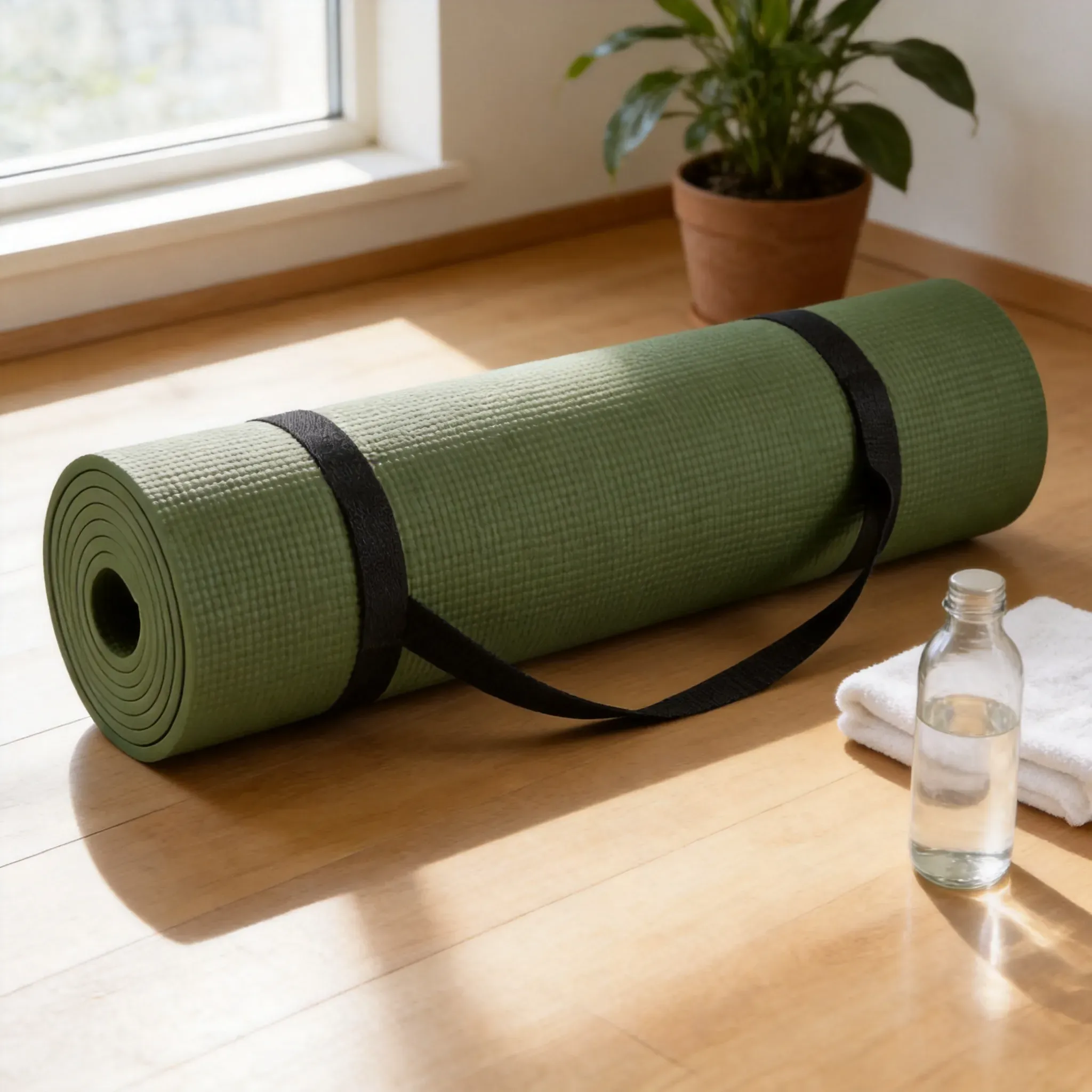
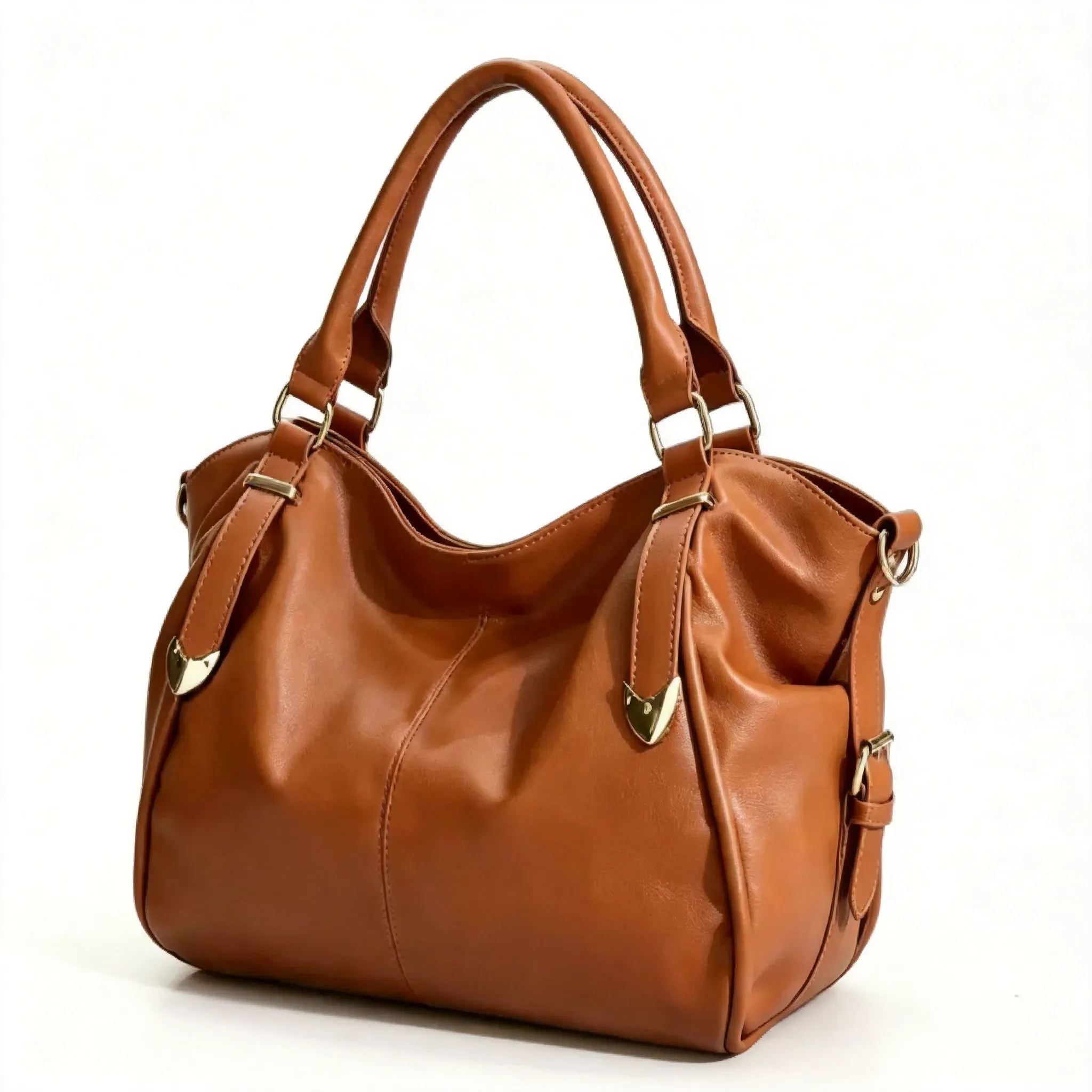
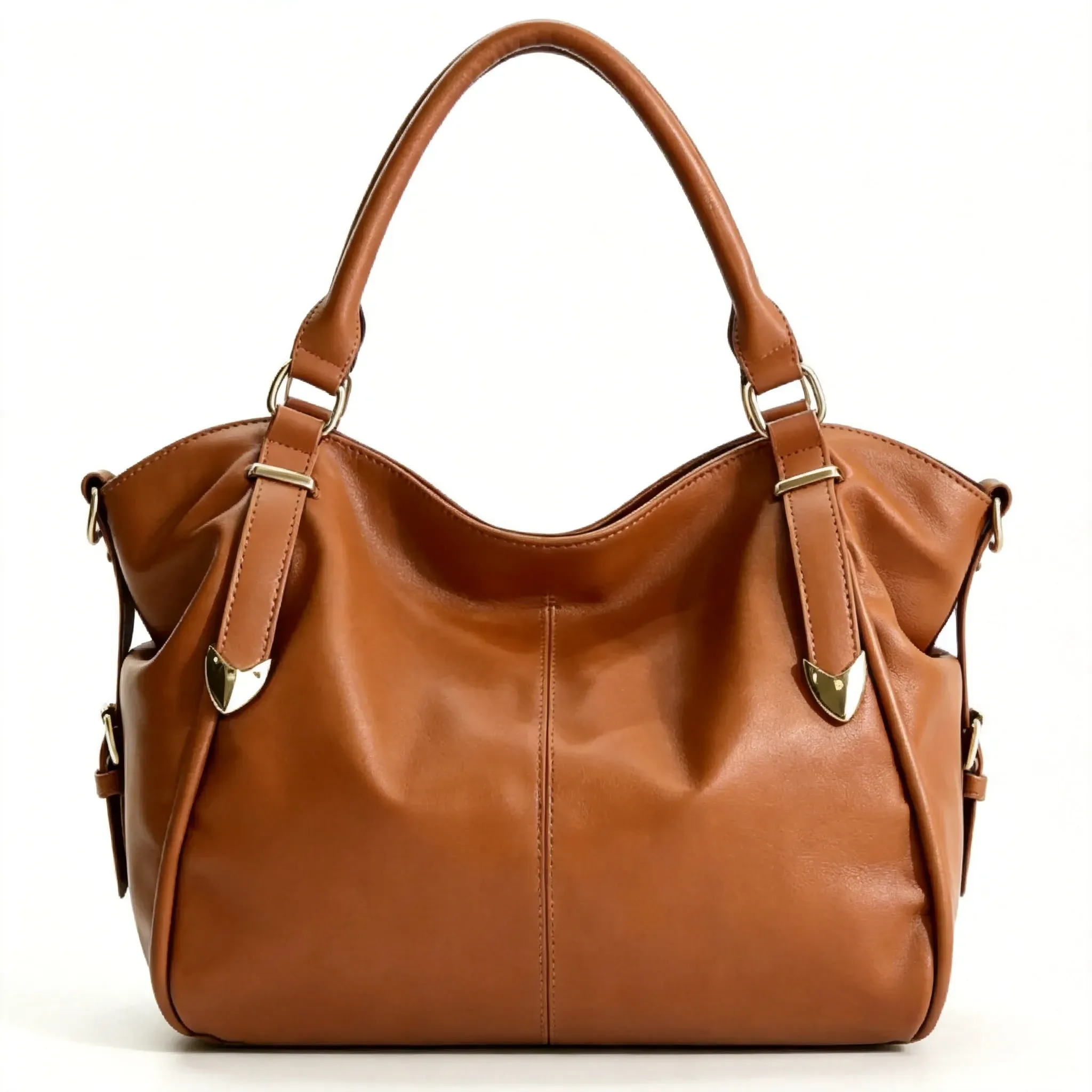
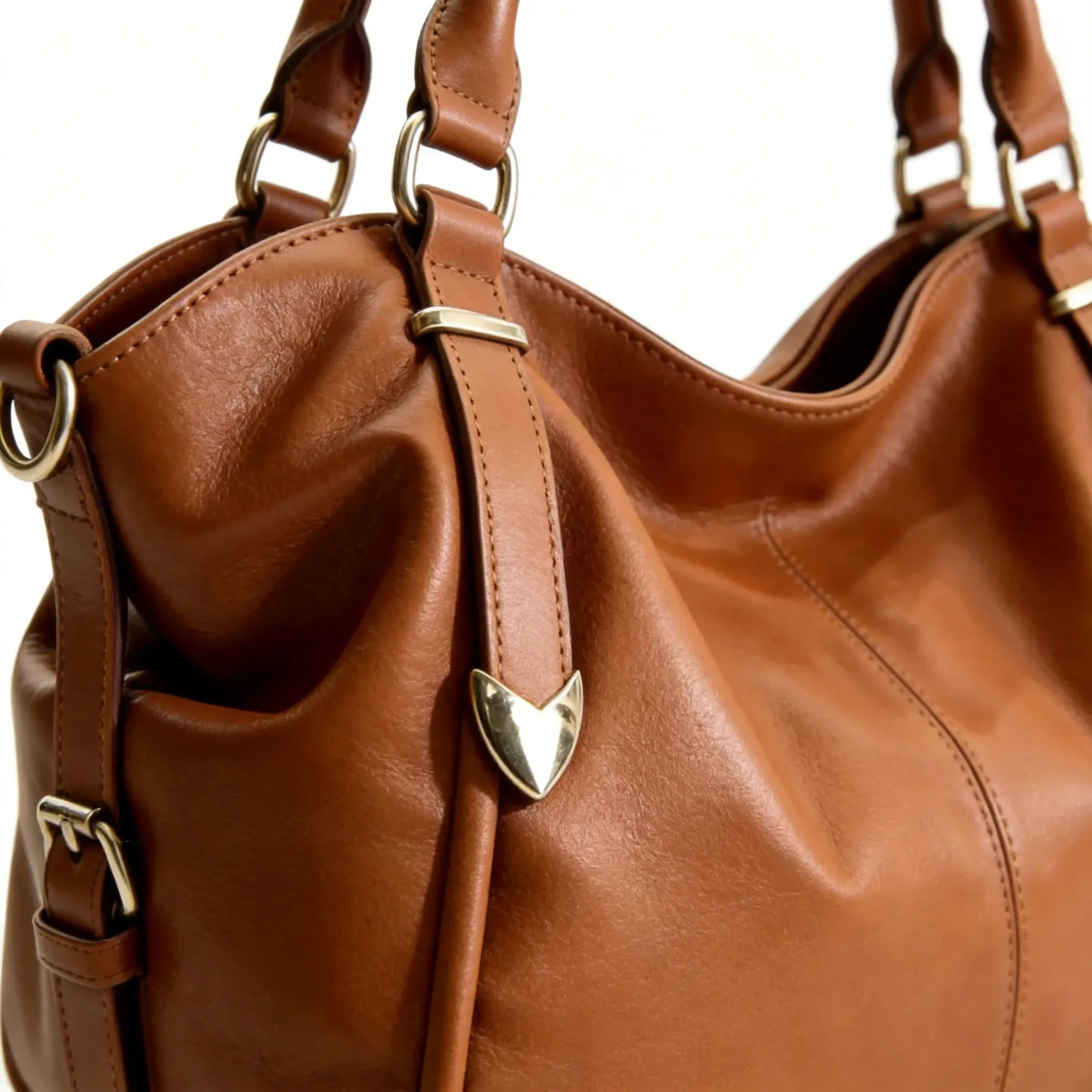
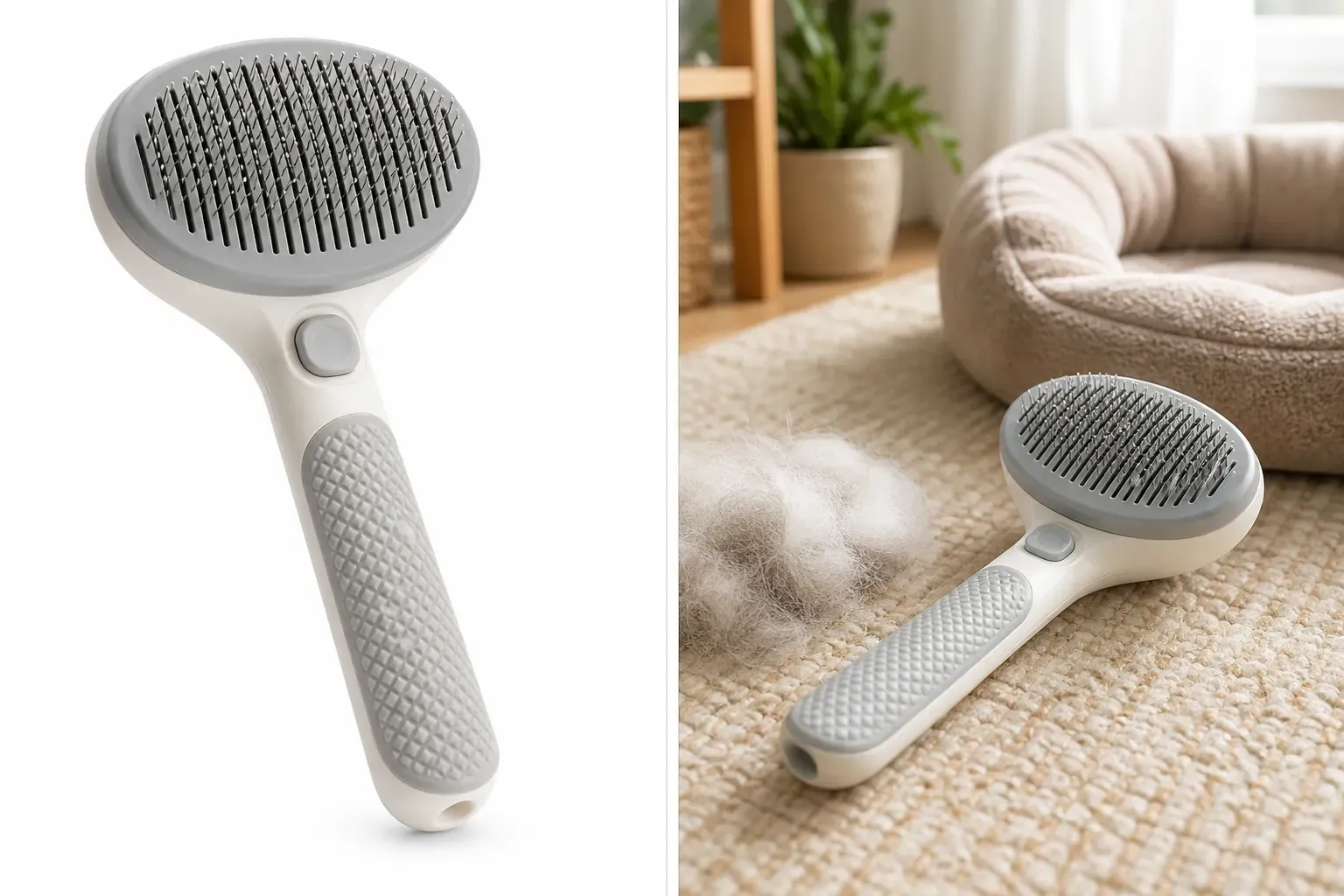
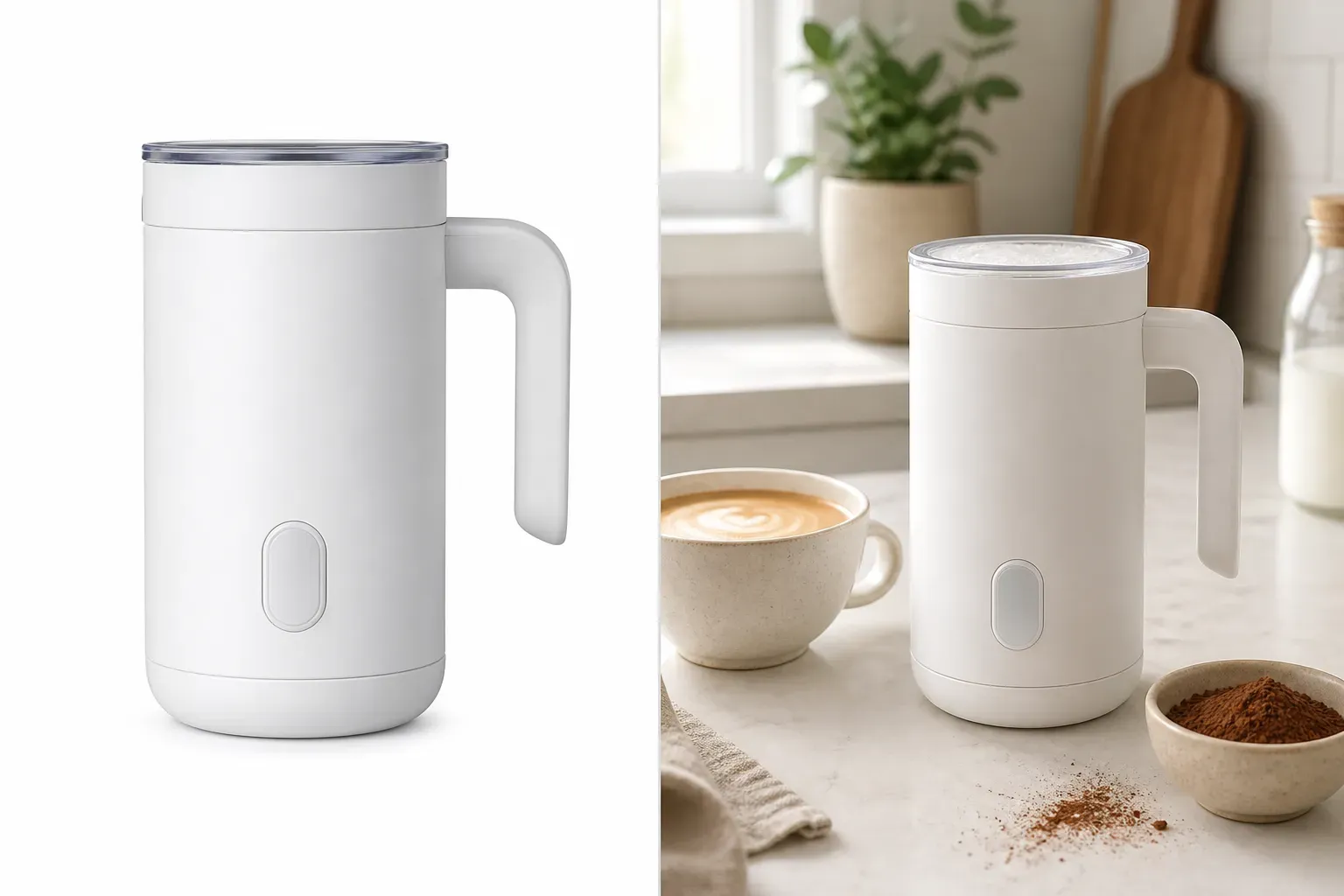
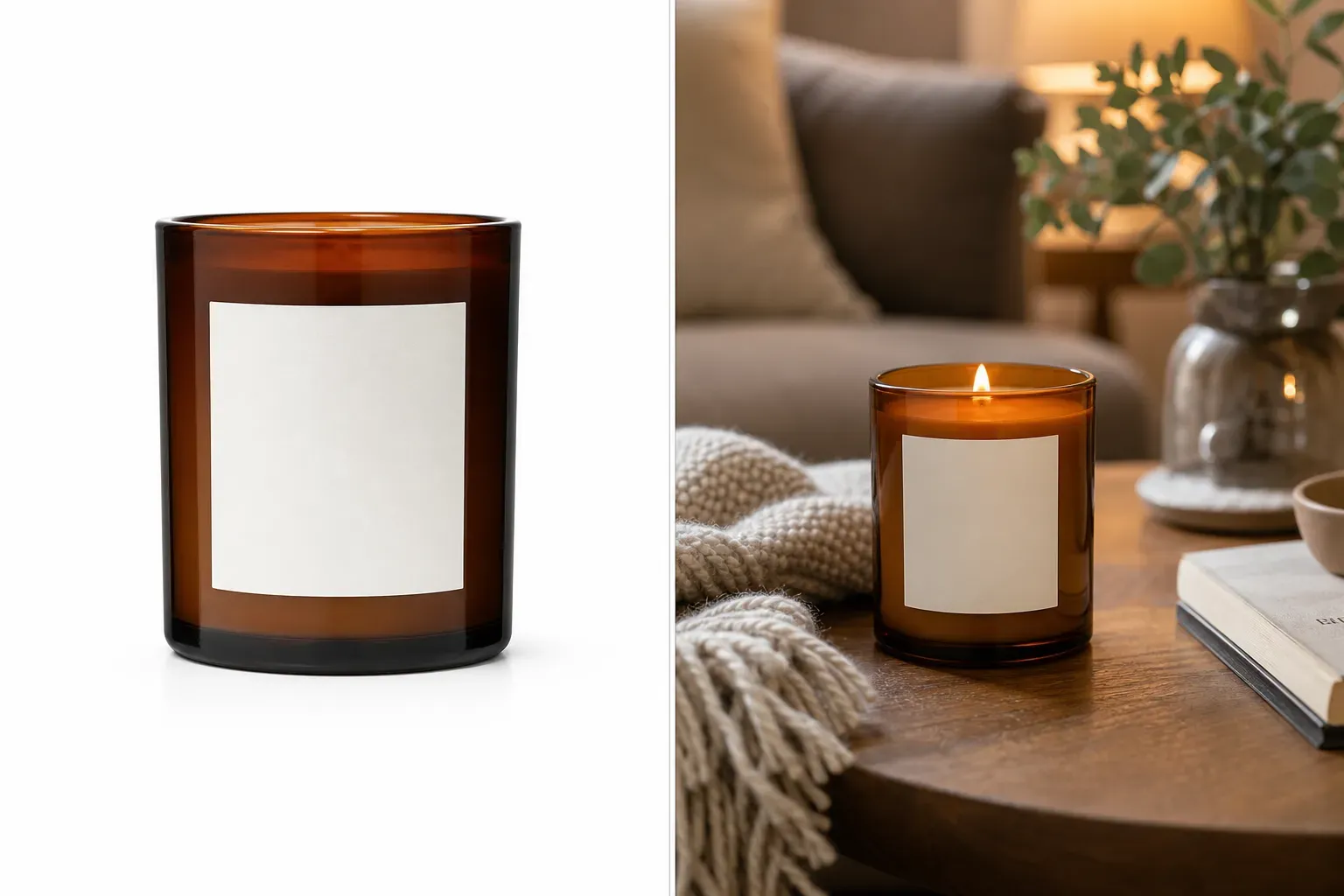
Amazon Lifestyle Product Image Generator

Amazon Lifestyle Product Image Generator

TECHNICAL SPECS

SECTION

Amazon Product Image Generator

MODULE

image_to_image

SKILL ID

amazon_lifestyle_product_image_generator

Upload Image
photo_camera

Upload Image

TEMPLATE PROMPT
Commercial usage license included
MORE IN Amazon Product Image Generator
#amazon_product_image_generator

Generate Lifestyle Product Images for Amazon Listings and Ecommerce Campaigns

Vidoly Amazon lifestyle product images help shoppers understand scale, use case, mood, and real-world context. Vidoly AI analyzes the uploaded product, preserves key visual details such as shape, packaging, color, and logo placement, then generates a scene around it based on your prompt. Sellers can create kitchen scenes, bathroom setups, desk layouts, outdoor use cases, gift scenes, home decor shots, and social media-style product visuals without arranging a full photoshoot.

Create Lifestyle Product Images
What Is an Amazon Lifestyle Product Image Generator?

What Is an Amazon Lifestyle Product Image Generator?

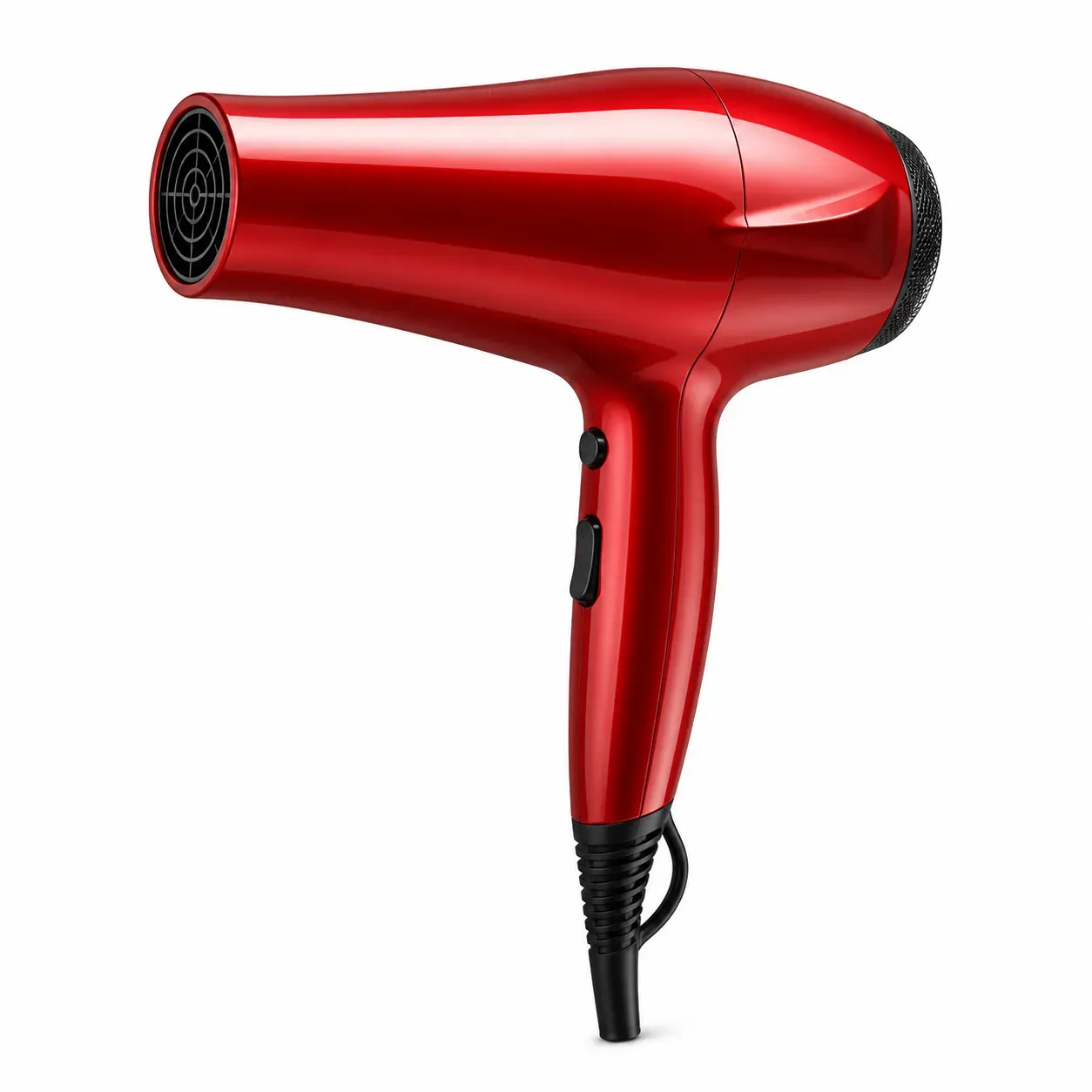
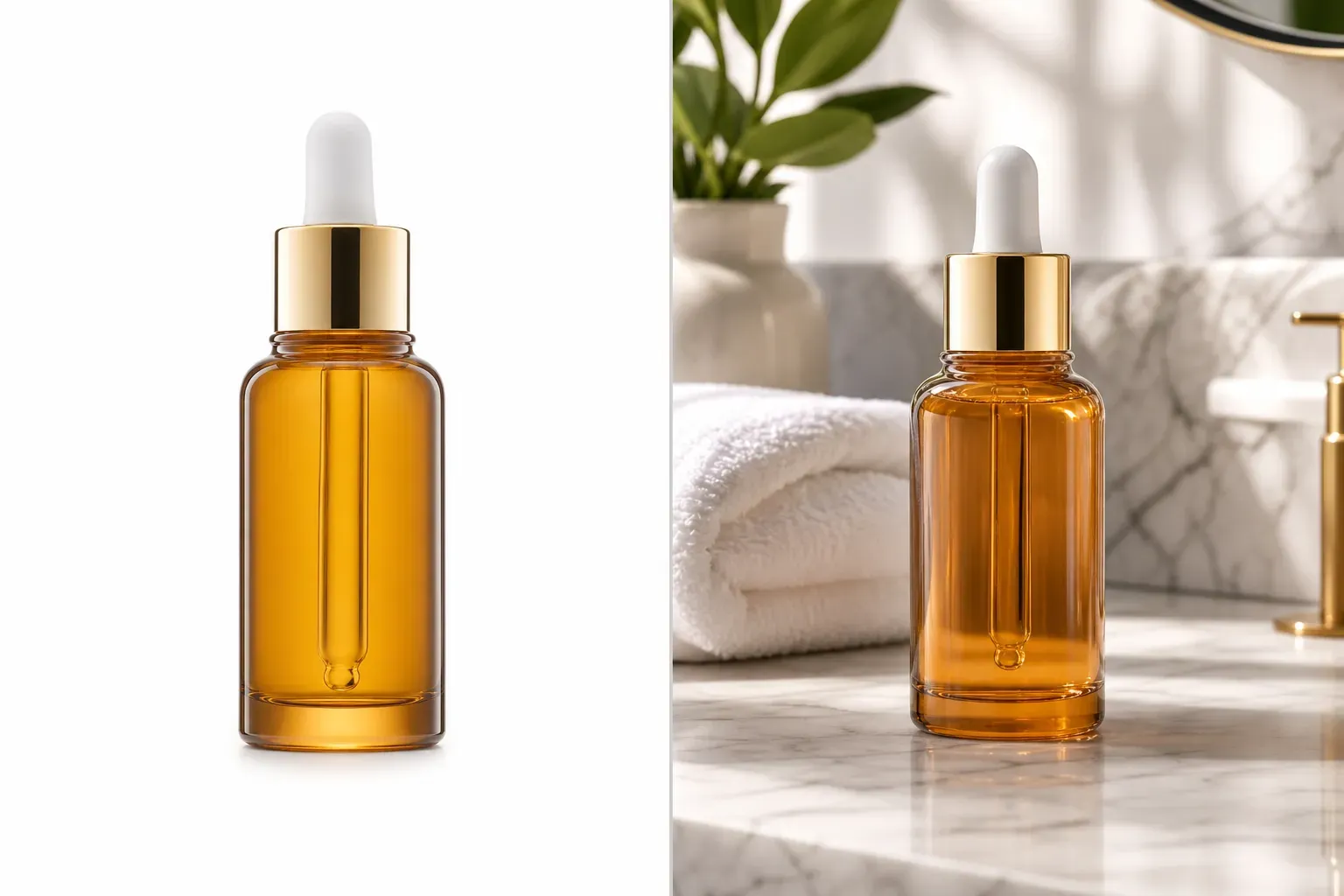
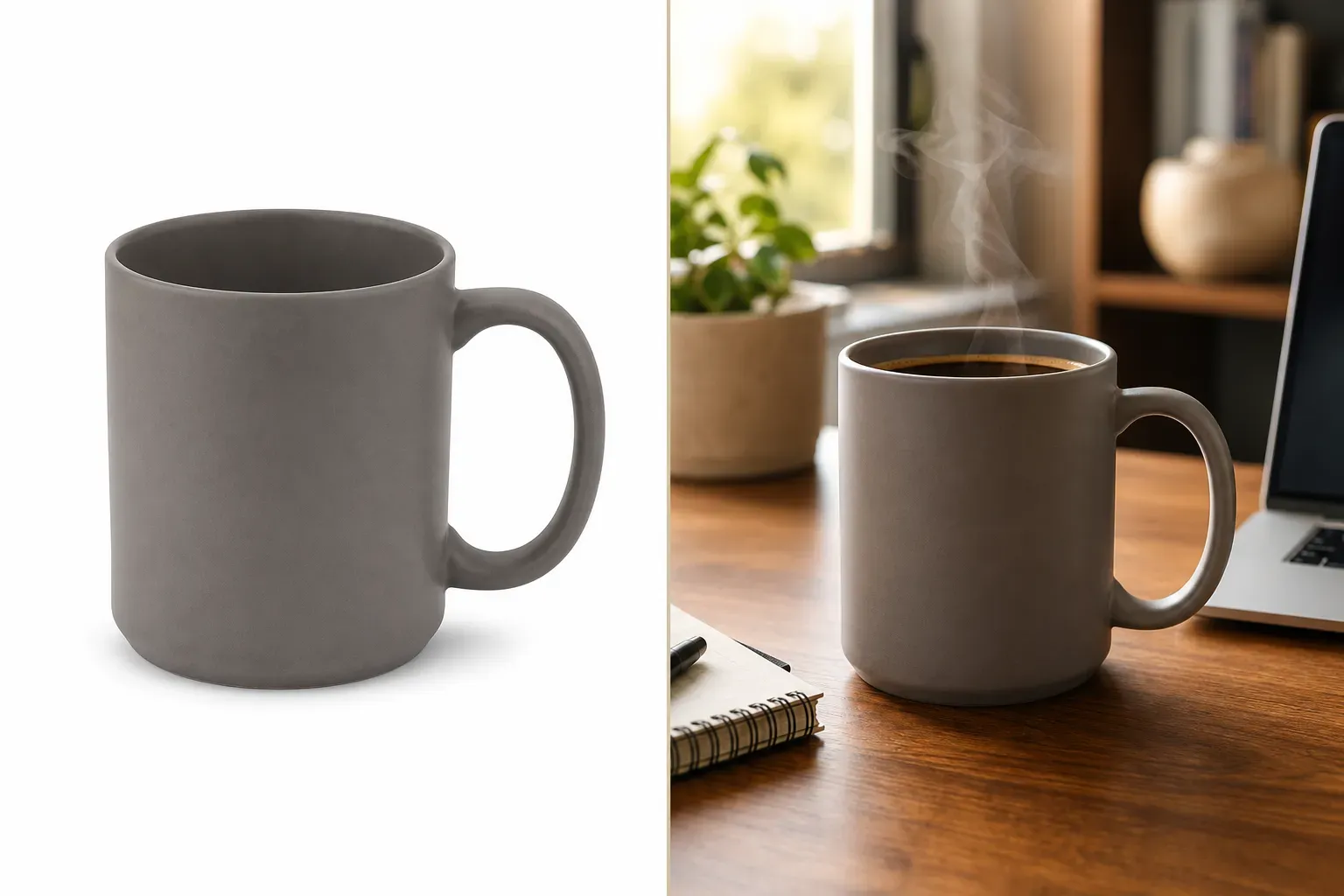
Vidoly Amazon Lifestyle Product Image Generator creates contextual product photos that show an item being used or displayed in a realistic environment. Unlike a plain white-background image, a lifestyle image can place skincare on a bathroom counter, coffee mugs on a desk, pet products in a home setting, or fitness gear in an active scene. These images are useful for secondary listing images, A+ content concepts, storefront visuals, social posts, and ad creatives.

Turn Plain Product Photos into Realistic In-Use Scenes

Turn Plain Product Photos into Realistic In-Use Scenes

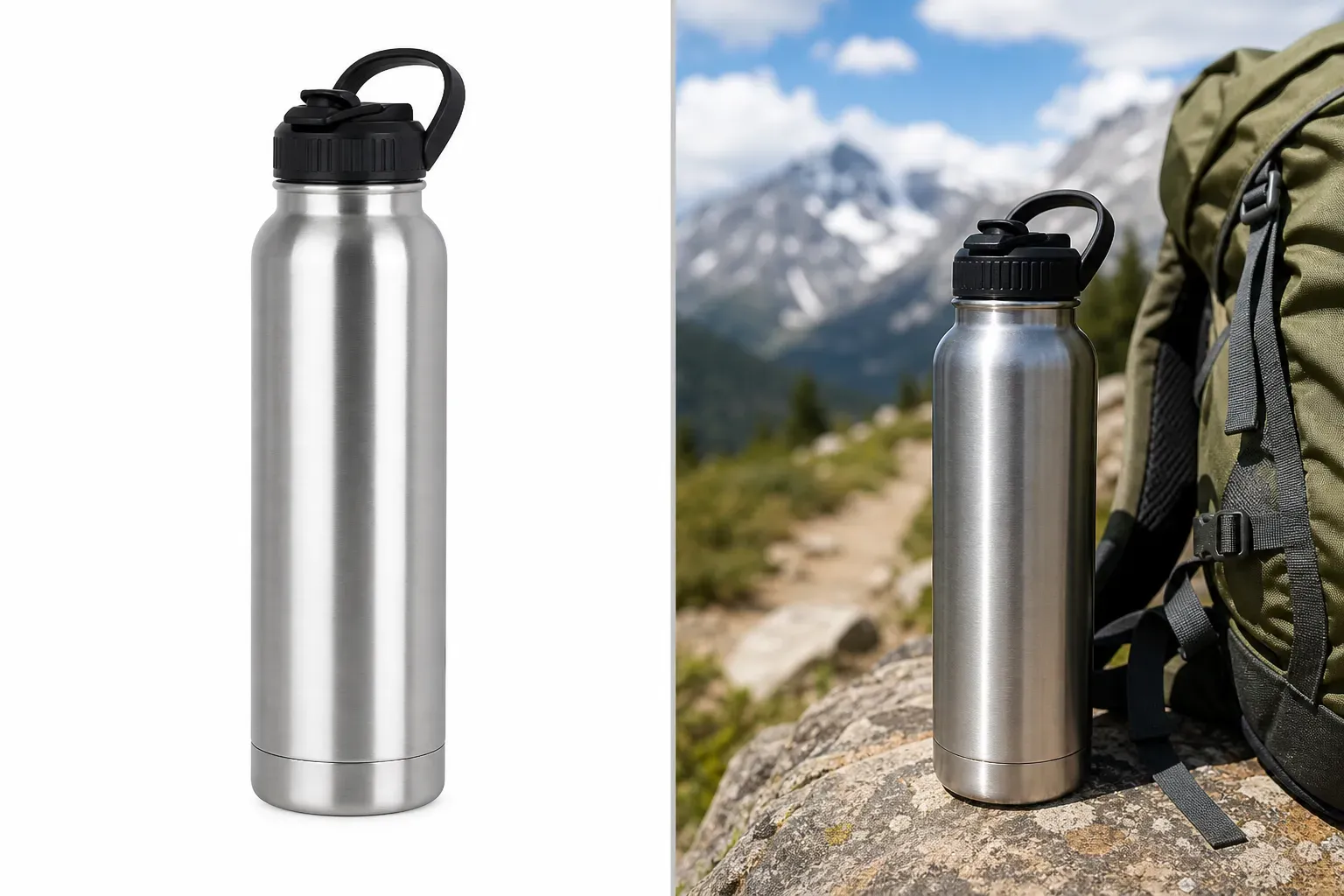
Upload a clear product photo and describe the setting you want. The AI can generate a new background, adjust lighting, build scene composition, and place the product into a lifestyle context. This helps brands quickly test different creative directions, such as “minimal kitchen counter,” “holiday gift scene,” “modern home office,” “outdoor camping setup,” or “luxury bathroom shelf.”

Create Product Images for Different Buyer Scenarios

Create Product Images for Different Buyer Scenarios

Lifestyle images work best when they answer a buyer’s visual question. A backpack can be shown during travel, a candle can appear in a cozy living room, a supplement bottle can sit in a wellness routine setup, and a phone case can be shown in daily carry use. By matching the scene to the buyer’s intent, sellers can make product benefits easier to understand without relying only on text.

Best Product Photos to Upload

Best Product Photos to Upload

For stronger AI results, use a high-resolution product photo with visible edges, accurate color, and minimal obstruction. Front-facing product images, packaging shots, bottles, boxes, accessories, home goods, apparel items, and small electronics usually work well. Avoid blurry images, harsh shadows, cropped labels, reflective glare, or photos where the product shape is hard to separate from the background.

Amazon Lifestyle Images vs Main Product Images

Amazon Lifestyle Images vs Main Product Images

Amazon main images usually focus on a clear product presentation, often with a simple or white background depending on the category. Lifestyle images serve a different purpose: they show the product in context, explain use cases, and support brand storytelling. Sellers should use lifestyle images as supporting visuals and always review Amazon’s current category rules before uploading final listing assets.

Use AI Lifestyle Product Photos for Ads and Storefronts

Use AI Lifestyle Product Photos for Ads and Storefronts

The same AI-generated lifestyle image can support multiple ecommerce channels. Sellers can adapt scenes for Amazon listing galleries, Amazon storefront banners, product launch ads, Shopify pages, social media posts, seasonal campaigns, and creative testing. This makes the tool useful for small sellers, brand teams, agencies, and ecommerce operators who need more product visuals without scheduling repeated photoshoots.

How To Use Vidoly Amazon Lifestyle Product Image Generator

1

Upload a Product Photo

Choose a clear image where the product shape, color, packaging, and important details are visible.

2

Describe the Lifestyle Scene

Enter a prompt such as “modern kitchen counter,” “cozy bedroom gift setup,” “outdoor hiking scene,” or “premium bathroom shelf.”

3

Let AI Generate the Product Scene

Vidoly AI creates a new lifestyle composition around the uploaded product while trying to preserve the product’s core appearance.

4

Review Product Accuracy

Check the generated image for logo placement, label text, packaging shape, color accuracy, and any visual details that must remain true to the real product.

5

Export for Ecommerce Use

Download the image and adapt it for listing galleries, ad creatives, storefront visuals, social media posts, or campaign mockups.

FAQs

What is an Amazon lifestyle product image?

An Amazon lifestyle product image shows a product in a real-world context, such as a home, office, bathroom, kitchen, travel scene, or outdoor setting. It helps shoppers understand how the product looks in use, not just how it appears on a plain background.

Can I use AI-generated lifestyle images on Amazon?

You can use AI-generated images as part of your creative workflow, but final uploads should be reviewed against Amazon’s current image policies and category requirements. Pay special attention to product accuracy, misleading scenes, medical claims, label text, and any required disclosure rules.

Is this tool for Amazon main images?

This page focuses on lifestyle product images, which are usually supporting images rather than the primary main image. For main listing images, sellers often need a cleaner product-focused visual and should follow Amazon’s current category- specific requirements.

What product types work best?

The tool works well for packaged goods, skincare, supplements, home decor, kitchen items, accessories, candles, pet products, small electronics, apparel details, and giftable products. Products with clear edges and recognizable packaging usually generate better results.

Can the AI keep my product label accurate?

The AI can try to preserve visible product details, but text, logos, ingredient lists, and legal claims should always be checked manually. If exact label accuracy is required, use the generated image as a creative draft and verify the final asset before publishing.

What prompts should I use?

Use prompts that describe the buyer scenario, setting, lighting, and mood. For example: “premium skincare bottle on a marble bathroom counter with soft morning light” is stronger than “make it beautiful.”

Can I create seasonal Amazon product images?

Yes. You can generate scenes for Christmas, Valentine’s Day, summer travel, back-to-school, Black Friday, Mother’s Day, or other seasonal campaigns. Seasonal lifestyle images are useful for ads, storefront banners, and promotional content.

Does this replace product photography?

It can reduce the need for concept shoots and creative testing, but it does not fully replace professional photography when exact product accuracy, legal compliance, model releases, or final catalog precision is required. Use it to generate scalable creative options, then review the result carefully.

Can I show people using my product?

You can prompt for people, hands, home scenes, fitness scenes, or model-style lifestyle images when appropriate. Review the result for realistic product scale, natural interaction, and whether the image could mislead shoppers.

What image quality gives the best result?

Use a sharp, well-lit product image with the full item visible. Avoid low-resolution screenshots, cropped packaging, heavy shadows, strong reflections, and backgrounds that blend into the product edges.

Can agencies use this for multiple clients?

Yes. Agencies can use the tool to quickly create lifestyle directions, campaign mockups, listing image variations, and ad concepts for different ecommerce brands. Each final image should still be checked for product accuracy and platform compliance.

Why does my generated product look slightly different?

AI generation may alter edges, labels, reflections, shadows, or product proportions when building a new scene. This is more likely with low-quality input images, complex packaging, transparent materials, or small text.